Customer Ratings & Reviews



- Model:
- B11B252201
- SKU:
- 10840447
Rating by feature
- Value
Rating 4.5 out of 5 stars
- Quality
Rating 4.5 out of 5 stars
- Ease of Use
Rating 4.5 out of 5 stars
Customers are saying
Customers enjoy the WorkForce ES-50 Mobile Color Sheetfed Document Scanner for its ease of use, scan quality, and compact size. Many find that it gets the job done, and appreciate its lightweight design. However, some customers have expressed concerns regarding the software, connectivity, compatibility, and paper handling.
This summary was generated by AI based on customer reviews.
- Pros mentioned:Scan quality, Size

A great tool for the road warrior's arsenal
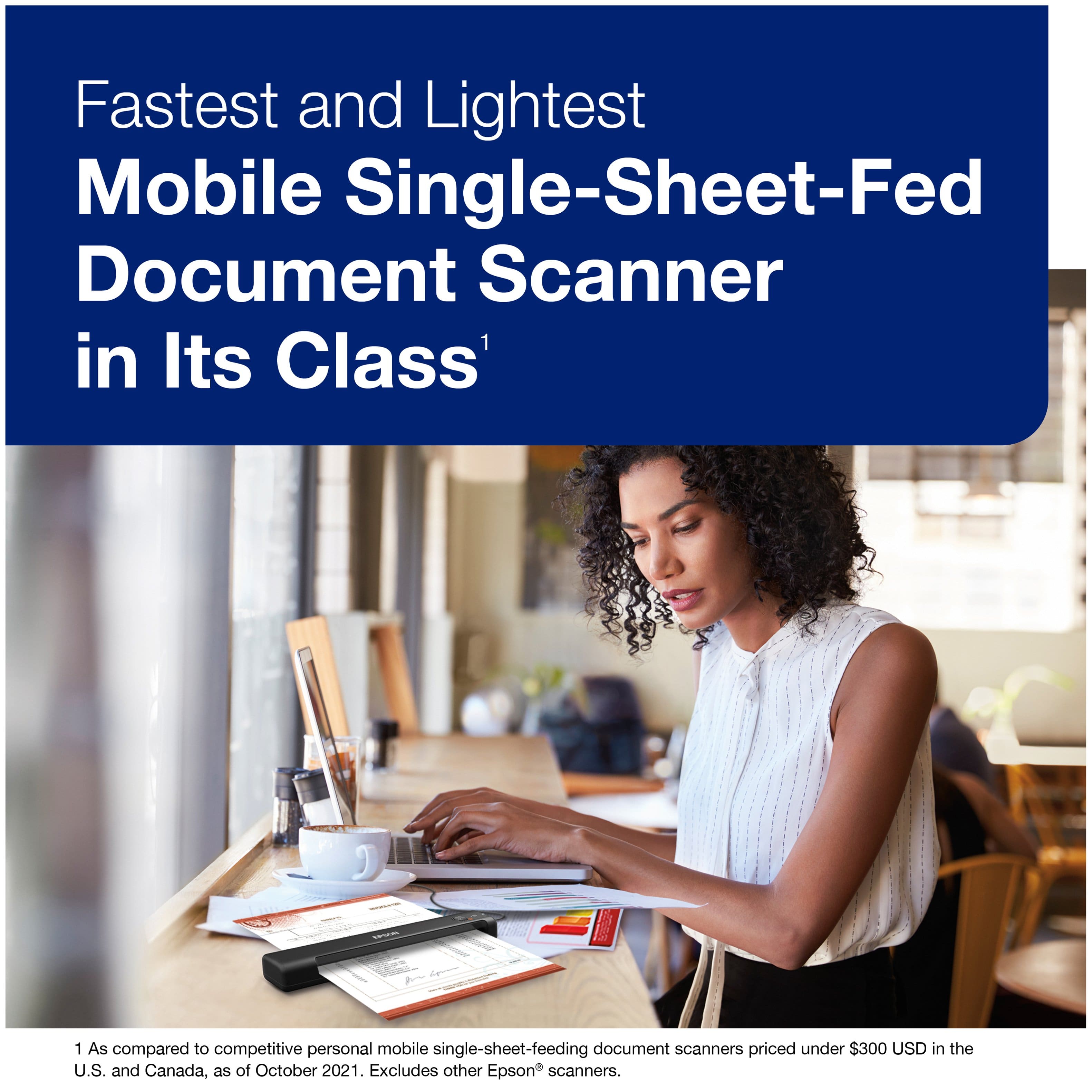
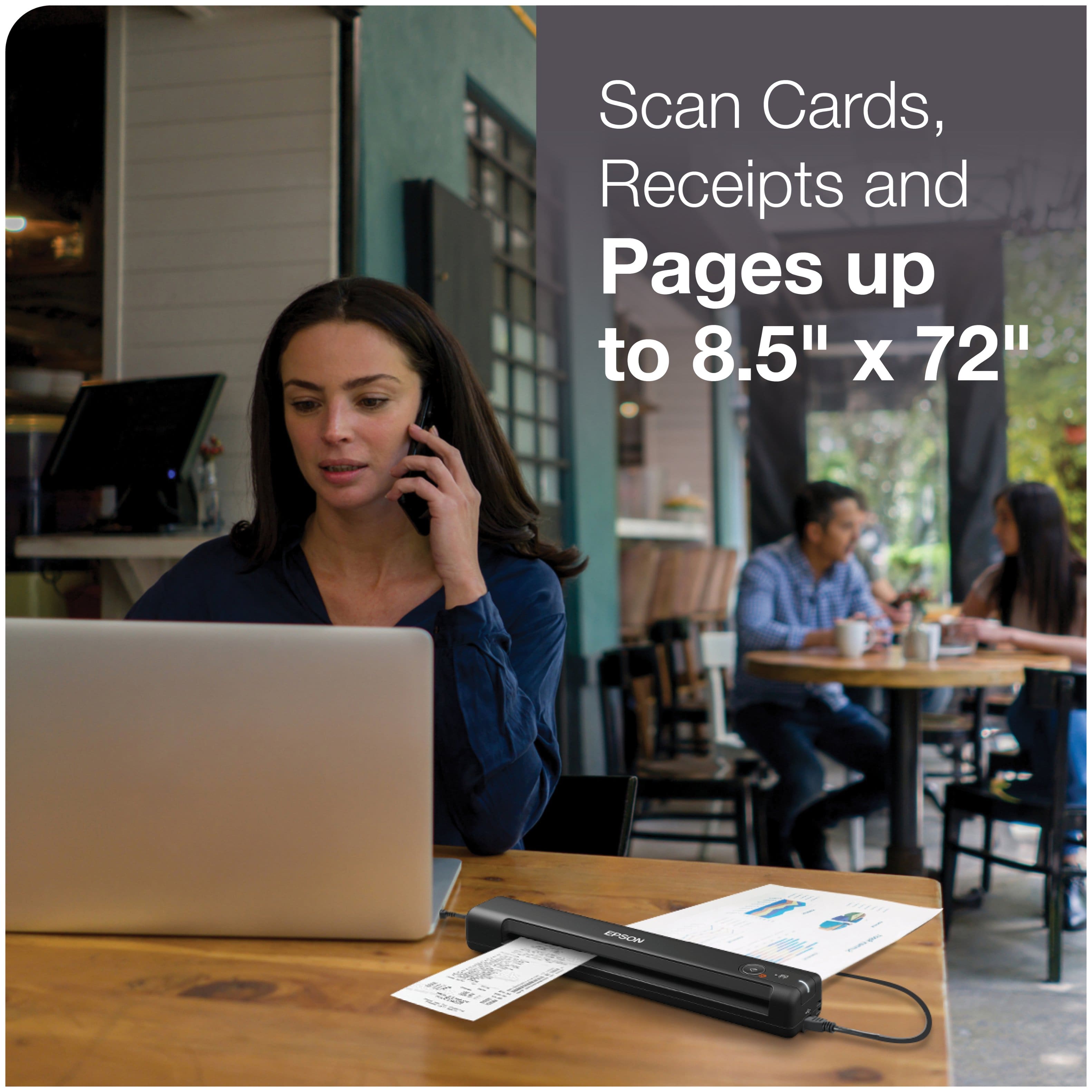
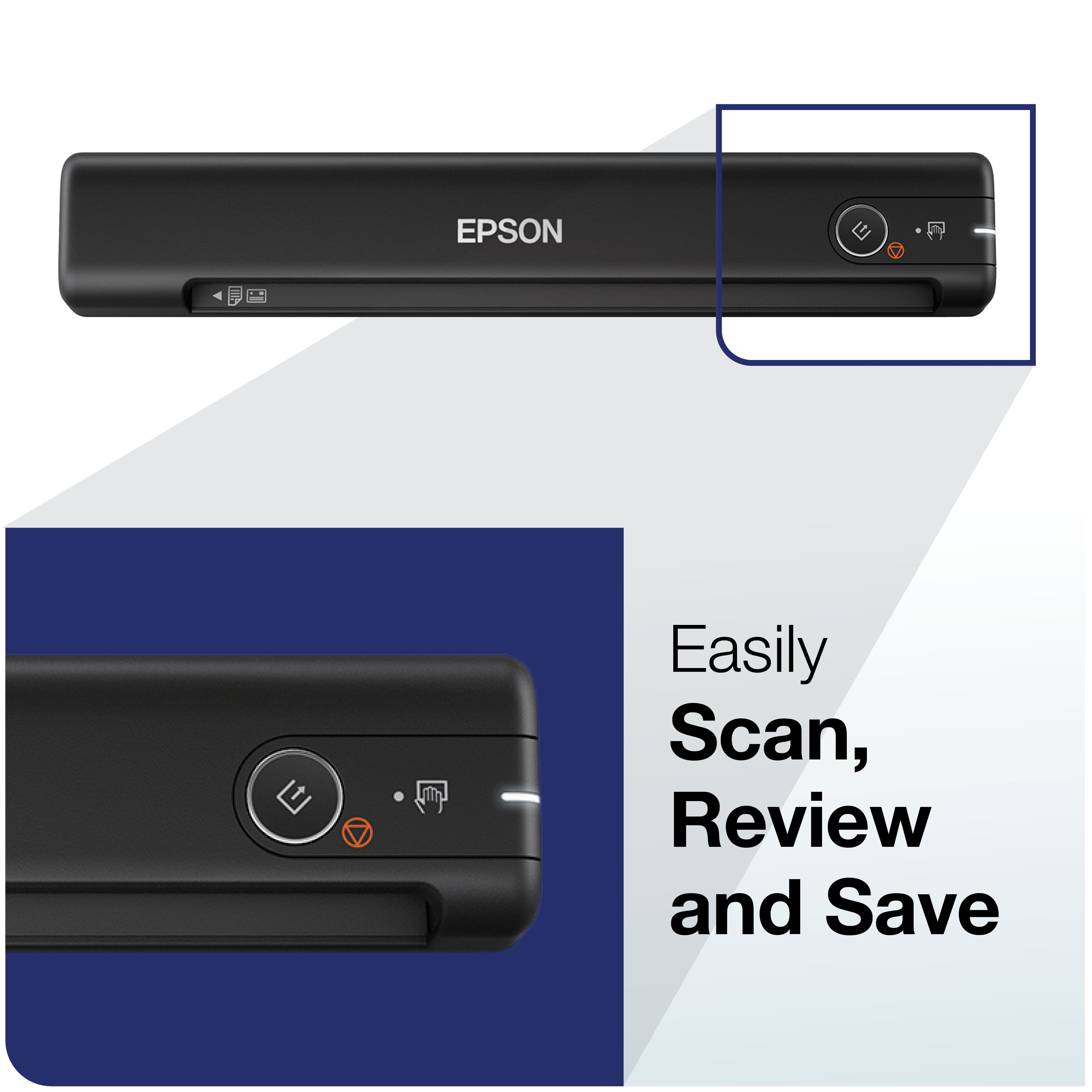
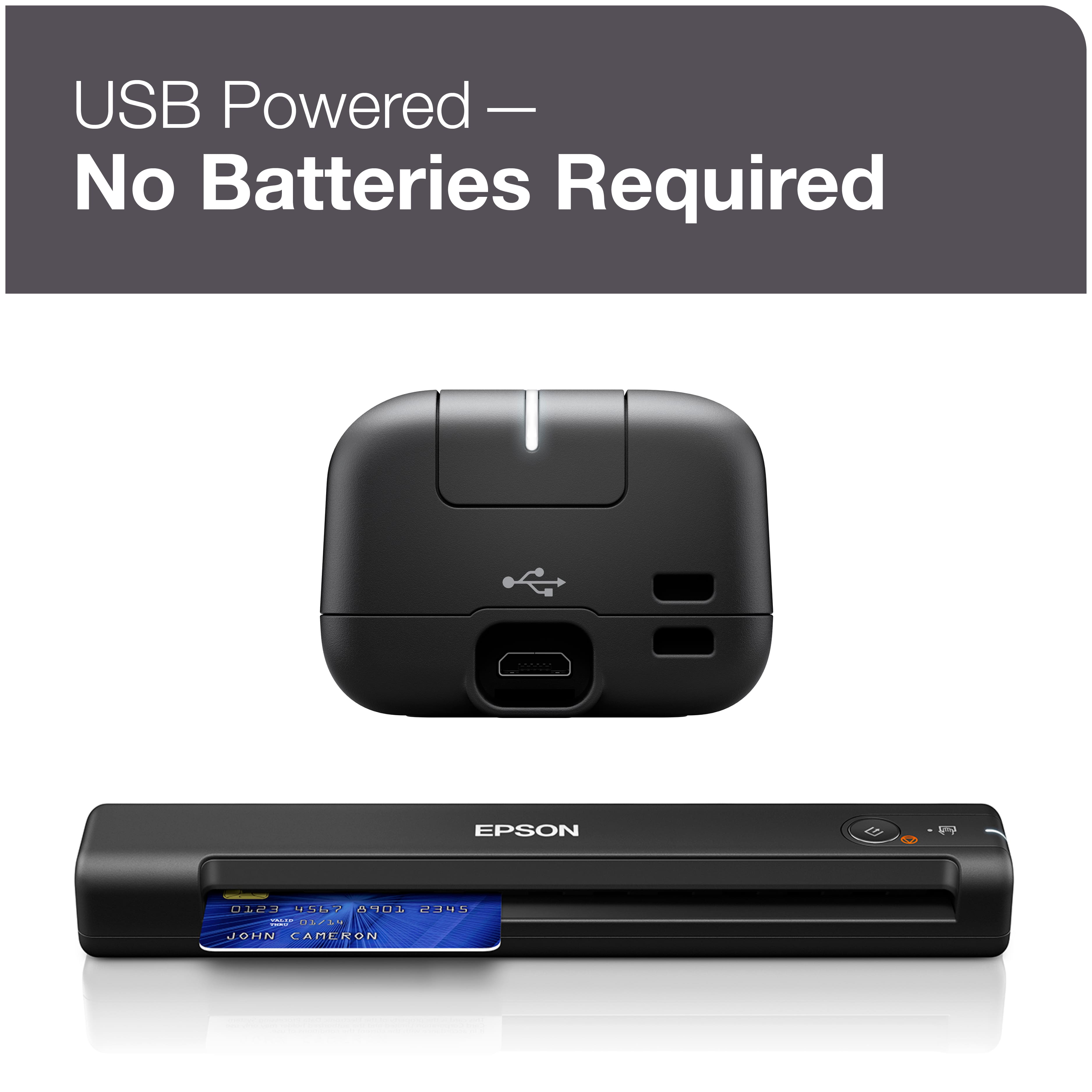
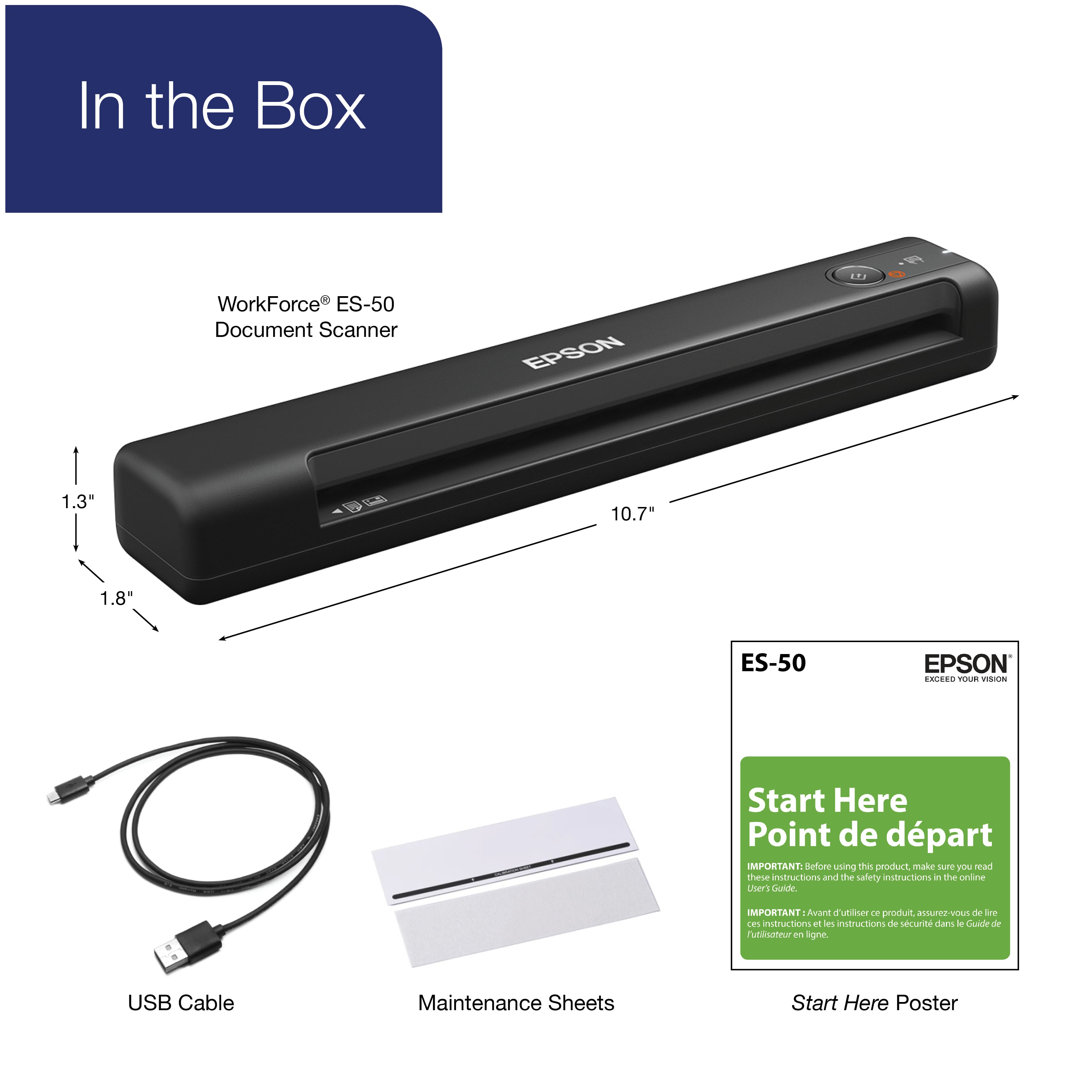
|Posted .This reviewer received promo considerations or sweepstakes entry for writing a review.When I first saw the line of Epson portable scanners, I passed them by, since I have one of those all-in-one printers that also does scanning. Since I have that, I don’t need a portable scanner, right? Once I thought about that, I decided to give the ES-50 a try, to see if it was worth having. The first thing I noticed was how small and light this thing is. It’s a little more than an inch wide and about 10 inches long. In case you weren’t sure, this is a sheet-fed scanner, designed to feed pages up to about 8.5 inches wide, with no limit on the length of the pages. The ES-50 does not have its own power supply, nor does it run on batteries. Instead, it runs off of power from the USB port, making it truly portable. It’s a very simple device to use, and has only one button. When you first connect it to your computer, you are prompted to download the driver/software package from Epson’s website. Navigating printer manufacturer’s websites isn’t always easy, but Epson makes this step very straightforward, so you’ll have the software installed and running in no time. I wanted to get started right away, so I loaded a sheet and hit the scan button. It moves through the device pretty quickly (5.5 seconds per page) and then you see a preview in the software. I was disappointed in the resolution before I realized that I needed to set the resolution in the software. I changed it to 600 dpi, but then I was not allowed to scan anything, and got a cryptic error message. After a bit of trial and error, I realized that all resolutions are not available for all paper sizes. By default, the software is set to automatically sense the paper type, but you can’t use the higher resolutions unless you specifically choose a paper size, such as letter. With that done, I got much more readable scans. The software offers a few nice touches, like automatically removing hole punches, or straightening out the scan for you. These are definitely helpful. There’s even a setting to allow you to feed one page after another automatically, which is very useful when you’re scanning in a lot of pages. Using auto-feed mode is the portable substitute for being able to load a stack of pages in a flat-bed scanner and let it feed in automatically. Granted, you probably wouldn’t want to feed in hundreds of pages this way, but it’s not really designed for that use case anyway. The Epson ES-50 is a great on-the-go solution for getting documents into your computer. On a road trip, this device would make it easy to scan and upload documents that you received during the day, and relieves you from having to keep up with all that paper. It also allows you to scan in receipts and plastic cards (credit card sized) in case you need to do that. It’s quite a versatile machine for its size, and at this price point. Now that I have it, I can imagine getting quite a lot of use out of it. Just having it handy will ensure that it’s used more than my printer’s scanner in the basement. If you need to digitize documents on a regular basis, especially while traveling, this is a good tool to have in your toolkit.
I would recommend this to a friend Not as described
||Posted .This reviewer received promo considerations or sweepstakes entry for writing a review.Says it can connect to Android/ChromeOs by downloading system app, but it failed. I returned it, and tried another of the same, but newer version, but nothing worked, so I returned it as well. Not even the Google Guy could connect it to my Chromebook.
No, I would not recommend this to a friendBrand response from Epson
Posted .Hi Kauaigirl247, we apologize that you are having issues with your scanner. Your Epson ES-50 includes free technical support for the life of your product. Our Epson Support Team would be happy to help and can be reached at (562) 276-4382; Hours: Monday – Friday, 6am – 8pm PT; Saturday, 7am – 4pm PT. Sincerely, Leo – The Epson Team.

- Pros mentioned:Ease of use
Scanner
Posted .This reviewer received promo considerations or sweepstakes entry for writing a review.These are pretty much plug and play, after downloading "Epson" program. Quick and easy to use. Did I say portable too.
I would recommend this to a friend Two Thumbs Down
||Posted .This reviewer received promo considerations or sweepstakes entry for writing a review.Wish I could return it. It does not work and has pixelated images. I never write reviews but the product is terrible. Best Buy is an amazing company and I am surprised they would offer a subpar product.
No, I would not recommend this to a friendBrand response from Epson
Posted .Hello CAT777, we're so sorry to hear about the trouble that you've encountered with the Epson ES-50. Your business is important to us, and we're here to help. Epson provides useful information in the FAQs at www.epson.com/s/SPT_B11B252201#faq-8796127275084 to help address most problems with scanned image quality. You can also contact Epson Support directly at 1-800-241-5794 between 7 am - 4 pm (PT), Monday - Friday. Kind Regards, Bobby - The Epson Team.
- Pros mentioned:Size, Speed
Great lightweight device that scans FAST
Posted .This reviewer received promo considerations or sweepstakes entry for writing a review.Wow.. this thing scans fast. I think what I like the best is that its tiny and very light weight. Completely makes traveling with the unit a breeze. LOVE that. Previously I've had to take to photos from my phone to 'capture' a document that I needed, but with this, it fits in my laptop bag, light weight, and does the job very well. From out of the box to scanning a document took literally 5 mins. Ran into no issues or problems getting started and I can't recall when that happened last. The one thing I would say is it probably would be 'easier' to have the wireless option, which i believe is the ES-60w? but then again there is something very nice with plug and play and not worrying about another SSID to connect to. All in all i'm pleased and think this device now has earned a spot in my daily laptop bag. I wouldn't think twice about it. Just do it. This is a review for the Epson WorkForce ES-50 Portable Document Scanner that I received free of charge to do a beta test and review.
I would recommend this to a friend ES-50
||Posted . Owned for 1 week when reviewed.This reviewer received promo considerations or sweepstakes entry for writing a review.I had to return this item twice because it would only scan once and not recognize the scanner as being available once it was disconnected
No, I would not recommend this to a friendBrand response from Epson
Posted .Hello ASUS, we're sorry about your disappointing experience with the ES-50 scanner. Epson considers all feedback to improve the performance and quality of our products. Please contact our support team directly at (562) 276-4382 between 7 am - 4 pm (PT), Monday - Friday if you need assistance.
Sincerely, Sam - The Epson Team
Frustrating
||Posted . Owned for 3 weeks when reviewed.This reviewer received promo considerations or sweepstakes entry for writing a review.This has been THE MOST frustrating piece. I would not recommend it to my worst enemy. If all you want to do is pictures, then it is for you. If you want it for documents.....DO NOT BUY!
No, I would not recommend this to a friendBrand response from Epson
Posted .Hi Yyyy, we apologize that you are having issues with your scanner.
Here's a link to our user's guide which will show how to use the scanner for document scanning.
https://files.support.epson.com/docid/cpd5/cpd56105.pdf
Please call if you are having trouble scanning documents.
Our Epson Support Team would be happy to help and can be reached at (562) 276-4382; Hours: Monday – Friday, 6am – 8pm PT; Saturday, 7am – 4pm PT. Sincerely, Leo – The Epson Team.
Don’t like
||Posted . Owned for 2 months when reviewed.This reviewer received promo considerations or sweepstakes entry for writing a review.Couldn’t use it on the first open and install. Not as user friendly for the basic job asked.
No, I would not recommend this to a friendBrand response from Epson
Posted .Hello Eddie, we apologize for your disappointing experience with the ES-50 scanner. Epson considers all feedback to improve the performance and quality of our products. Epson also provides helpful information on FAQs and self-help tools on the product support web page at https://epson.com/Support/Scanners/ES-Series/Epson-WorkForce-ES-50/s/SPT_B11B252201#questions. Your scanner also includes a 1-year Limited Warranty plus free lifetime technical support. Please get in touch with our support team at (562) 276-4382 between 7 am - 4 pm (PT), Monday - Friday, if you need further assistance.
Sincerely, Sam - The Epson Team
- Pros mentioned:Ease of use, Scan qualityCons mentioned:Connectivity
Nice small scanner
Posted .This reviewer received promo considerations or sweepstakes entry for writing a review.I have found this scanner very portable, light weight and small. It easily will fit in my laptop bag and that is a plus. I have found that the installation of the scanner is as it states in the directions, easy t install. I have found this scanner is a good at scanning my documents, and using it with most all of my computers. It is fairly fast and does a complete job. The only wish, that it would have a wi-fi built in. Since it is corded, I am a little concerned with the cord not work after time, and it would be nice to have a longer cord. But, all in all , it is a great little portable scanner, And, it is nice that it is compatible with all my computers in our business. This is a review for the Epson WorkForce ES-50 Portable Document Scanner that I received free of charge to do a beta test and review
I would recommend this to a friend Too Sensitive
||Posted . Owned for 3 weeks when reviewed.This reviewer received promo considerations or sweepstakes entry for writing a review.Too sensitive to input and recognize it. It only works with flat paper.
No, I would not recommend this to a friendBrand response from Epson
Posted .Hello mj11771, we appreciate your feedback on the ES-50 scanner. Epson considers all feedback to improve the performance and quality of our products. Epson also provides helpful information on FAQs and self-help tools on the product support web page at https://epson.com/Support/Scanners/ES-Series/Epson-WorkForce-ES-50/s/SPT_B11B252201#questions. Your scanner also includes a 1-year Limited Warranty plus free lifetime technical support. Please get in touch with our support team at (562) 276-4382 between 7 am - 4 pm (PT), Monday - Friday, if you need further assistance.
Sincerely, Sam - The Epson Team
- Pros mentioned:Ease of use, Scan quality, Size
Quick and Efficient + Portable!
Posted .This reviewer received promo considerations or sweepstakes entry for writing a review.I have had this device for about a month now and I have used it to start breaking down my insane pile of paper in my office. It is so FAST and EASY to use. Plug it in, download the drive from the link, and push a button. Easy as 1.2.3. Initially I was worried that this scanner would be able to handle what I was going to throw at it, but it did with flying colors. The images pop up on the computer and allow you to decide where they go, or send them to the cloud. Such a convenient scanner and takes up minimal space anywhere you put it. You can even take it on the go! Its a great product. This is a review for the Epson WorkForce ES-50 Portable Document Scanner that I received free of charge to do a beta test and review.
I would recommend this to a friend Doesn't work - returning the item
||Posted .This reviewer received promo considerations or sweepstakes entry for writing a review.Seems easy enough but it doesn't scan anything. Hit the button as directed and nothing happens. Returning to the store.
No, I would not recommend this to a friendBrand response from Epson
Posted .Dear Valued Customer, we apologize for the disappointing experience that you had encountered with the ES-50 scanner. Epson takes into consideration all feedback to improve the performance and quality of our products. If we can help you with anything else, our support team can be reached by phone at (562) 276-4382 or by email at https://epson.custhelp.com/app/ask/p_model_name/Epson%20WorkForce%20ES-50; Hours: Monday - Friday, 7 am - 4 pm PT. Hopefully, we can assist you with a future product. Sincerely, Bobby D. - The Epson Team.
- Pros mentioned:Size, Speed
Very efficient
Posted .This reviewer received promo considerations or sweepstakes entry for writing a review.Light weight, compact and fast! Reasonable price. A great value.
I would recommend this to a friend - Pros mentioned:Ease of use, Scan quality, Size
Great portable scanner!
Posted .This reviewer received promo considerations or sweepstakes entry for writing a review.I have been using this portable document scanner for a few weeks now and I am really enjoying it. It's easy to set up and I haven't had any issues. I like that it can plug right into my laptop using the USB cord that comes with the scanner. This scanner is super small and light weight but it does the job right. Setting up the software on my laptop to use this scanner took less then 10 minutes. This scanner can scan documents, business cards, and I.Ds. I have scanned all since using this scanner and it works perfectly. I am more then pleased! This is a review for the Epson WorkForce ES-50 Portable Document Scanner that I received free of charge to do a beta test and review.
I would recommend this to a friend Returned
||Posted .This reviewer received promo considerations or sweepstakes entry for writing a review.Didn't work had to return the item so all my review will based upon that.
No, I would not recommend this to a friendBrand response from Epson
Posted .Hi OculusChristmas, we're sorry to hear about your trouble with the ES-50 scanner. Epson considers all feedback to improve the performance and quality of our products. We'll forward this information to the appropriate department for review. If we can help you with anything else, our support team can be reached by phone at (562) 276-4382; Hours: Monday - Friday, 7 am - 4 pm PT. Hopefully, we can assist you with a future product.
Sincerely, Sam - The Epson Team.
Bummed Out it didn't work
||Posted . Owned for 1 month when reviewed.This reviewer received promo considerations or sweepstakes entry for writing a review.This did not work on my ASUS Chrome Book Laptop and the associate advised it would. Bummed out it didn't work
No, I would not recommend this to a friendBrand response from Epson
Posted .Hello Thomas, we apologize for the disappointing experience that you had encountered with your purchase of the WorkForce ES-50 scanner. Epson takes into consideration all feedback to improve the performance and quality of our products. We'll forward this information to the relevant product team for review. If we can help you with anything else, our support team can be reached by phone at (562) 276-4382 or by email at https://epson.custhelp.com/app/ask/p_model_name/Epson%20WorkForce%20ES-50; Hours: Monday - Friday, 7 am - 4 pm PT. Kind Regards, Bobby D. - The Epson Team.
- Pros mentioned:Ease of use, Scan quality
Easy to use great for any business
Posted .This reviewer received promo considerations or sweepstakes entry for writing a review.This portable document scanner is a great product. It was easy to set up and install. Doesn’t take up much space and portable made it so much easier to go to clients location. The set up was super fast and easy to use. I was able to create searchable PDF files. Insurance cards, ID cards, and Social security cards all scanned perfectly no grainy image and no jamming. The light weight design and portability makes it simple and easy to go to clients or from cubicle to cubicle. A must have for any business!This is a review for Epson workforce ES-50 portable document scanner that I received free of charge to do a beta test and review.
I would recommend this to a friend office
||Posted . Owned for 3 weeks when reviewed.This reviewer received promo considerations or sweepstakes entry for writing a review.it was not quite what I was looking for, wish it came with an extra port
No, I would not recommend this to a friendBrand response from Epson
Posted .Hello Eric, we're sorry to hear that you were not completely satisfied with the Epson ES-50 scanner. Your feedback is important to us, and we'll forward this information to the relevant departments to help improve our future products. Additionally, your scanner is backed by a 1-year Limited Warranty and includes free lifetime tech support. If we can help you with anything else, our support team can be reached by phone at (562) 276-4382; Hours: Monday - Friday, 7 am - 4 pm PT. Sincerely, Sam - The Epson Team.
- Pros mentioned:Ease of use, Scan quality
Awesome Scanner - Easy to use and install!
Posted .This reviewer received promo considerations or sweepstakes entry for writing a review.Pros: easy to use, works well, easy installation, light-weight, portable, 600dpi quality, fast, easy-to-use software, full color scan. Cons: short cord The Epson ES-50 is really nice! It’s easy to install, use, and works well. The Epson ES-50 is really nice and it’s very easy to install. The instructions are clear and easy to understand. All you have to do is plug it into the computer, let it automatically install the drivers and then visit Epson’s website as described for downloading Drivers and Utilities. When I first visited nothing showed up and I was about to search for them, it took about 60 seconds for them to pop up. Then you just follow the instructions on the screen and it walks you through the rest of the installation. Then it checks to make sure the scanner is working, which you actually insert something to scan and then it’s finished. Finally, after that I had one more update which was firmware. This failed initially for no particular reason but I was easily able to retry and it had zero issues on the second attempt. The Epson ES-50 is easy to use. Once fully installed and you’re ready to scan on your own all you do is insert whatever you want to scan and it makes a little noise and grabs the paper, you hit the button, and it automatically scans and then pops up the scanned image to the Epson SmartScanner, which automatically comes up on the computer. Then just follow the instructions on the screen to decide if you want to make changes or if you want to save and where and what to save it to, send it, or print it out. The scanned images are really nice, they are fully colored, detailed, and a quality 600dpi. This scanner scans things extremely fast too. The unit itself is very light-weight and easily portable. The only thing I don’t like is that it has a short cord and it’s definitely not a deal-breaker. Overall, I am super happy with the EPSON ES-50. It’s easy to use, light-weight, portable, works well, scans fast, and provides a really great scan and an easy interface to follow. I would absolutely recommend it! This is a review for the Epson WorkForce ES-50 Portable Document Scanner that I received free of charge to do a beta test and review
I would recommend this to a friend - Pros mentioned:Ease of use, Overall performance
Scan using ES 50
Posted .This reviewer received promo considerations or sweepstakes entry for writing a review.works very well. Since I travel a lot . It works well from any mobile spot
I would recommend this to a friend