Customer Ratings & Reviews



- Model:
- B11B252201
- SKU:
- 6319724
Rating by feature
- Value
Rating 4.5 out of 5 stars
- Quality
Rating 4.5 out of 5 stars
- Ease of Use
Rating 4.5 out of 5 stars
Customers are saying
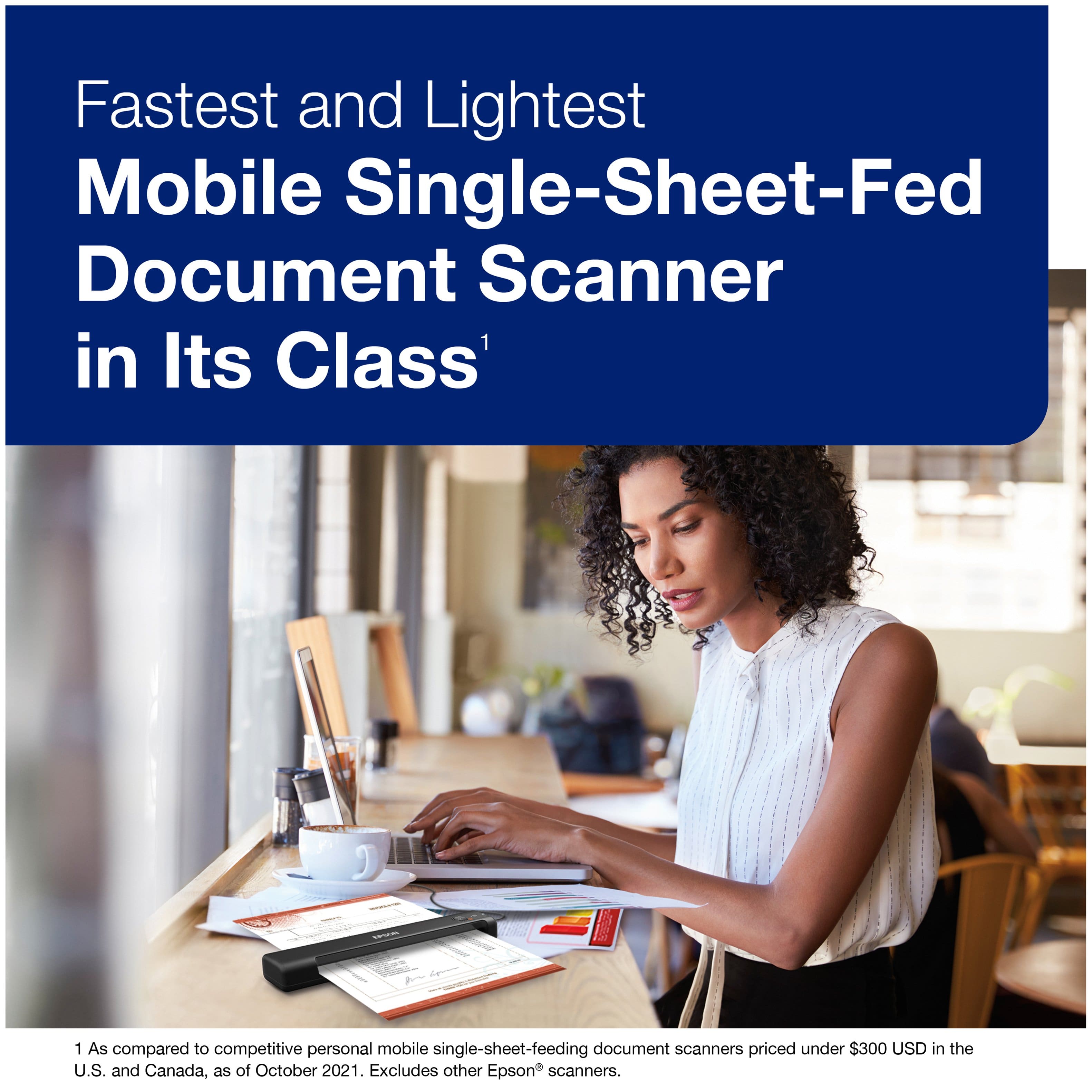
Customers have good things to say about the product's ease of use, excellent scan quality, and compact size. Its overall performance, speed, light weight, and value are also frequently praised. However, some users have reported issues with the software, connectivity, compatibility, and paper handling.
This summary was generated by AI based on customer reviews.
- Pros mentioned:Ease of use, Scan quality
Epson ES-50
||Posted . Owned for 1 month when reviewed.This reviewer received promo considerations or sweepstakes entry for writing a review.This is a gem. Price is reasonable and easy to use. It scans so clear that it’s better than the original. It only scans one side but it’s still a good buy.
I would recommend this to a friend - Pros mentioned:Ease of use, Scan quality
Fed scanner
||Posted . Owned for more than 2 years when reviewed.This reviewer received promo considerations or sweepstakes entry for writing a review.Good price. Quality product. Good scan results. Flexible for travel purposes and ease of use. Compact.
I would recommend this to a friend - Pros mentioned:Ease of use, Scan quality, Size
Easy to use!
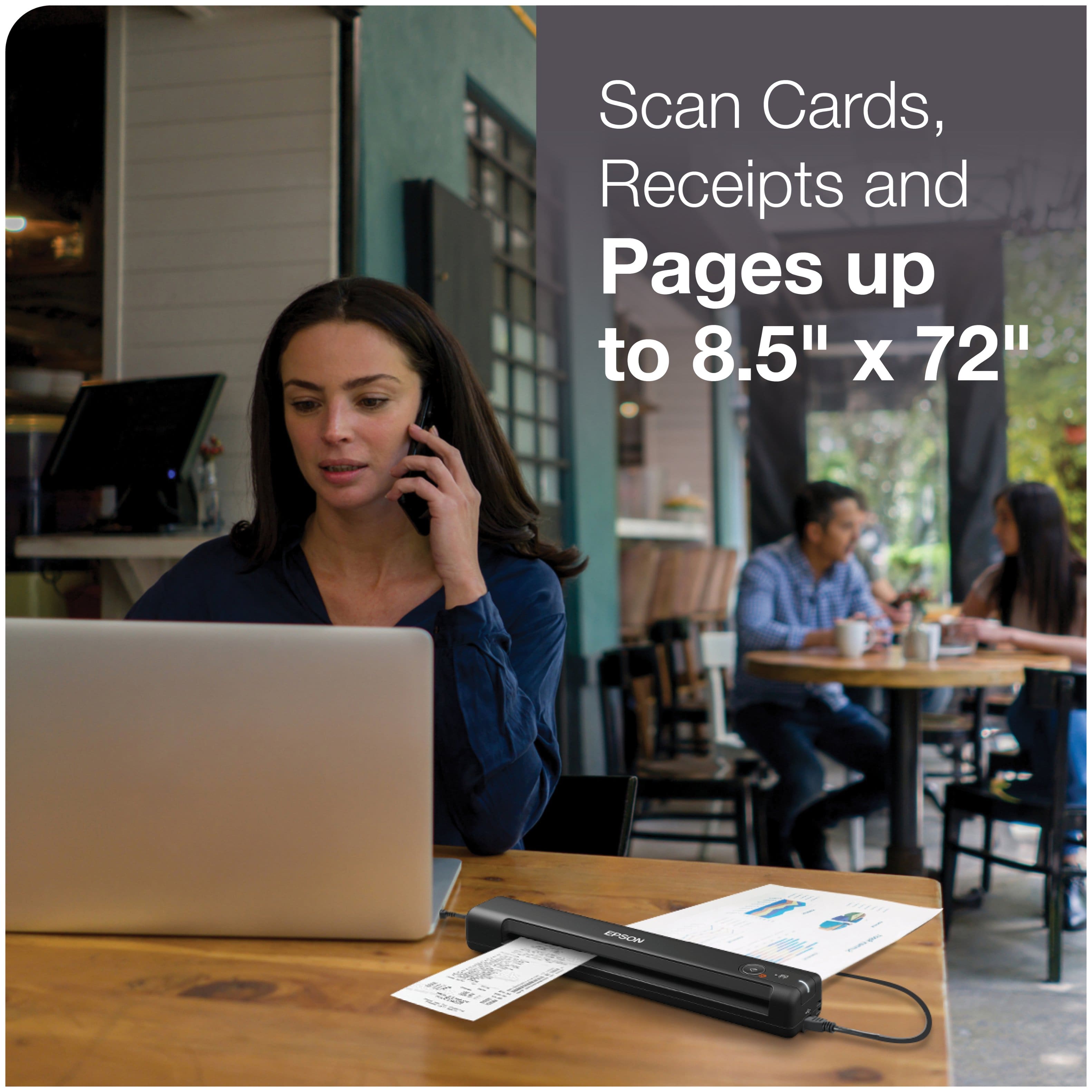
||Posted . Owned for 1 month when reviewed.This reviewer received promo considerations or sweepstakes entry for writing a review.This tiny scanner isn't much bigger than a ruler, and is very easy to set up and use. Perfect for storing your receipts all in one folder on your computer. Also, it doesn't matter how long your receipt is- it will scan the entire thing!
I would recommend this to a friend - Pros mentioned:Ease of use, Scan quality
Easy to use, light to carry
||Posted . Owned for 4 months when reviewed.This reviewer received promo considerations or sweepstakes entry for writing a review.I like working with it. Easy to use, very light to move next to your laptop, and good quality. Make sure to install the driver’s most recent version. I use it to scan documents and I’m really happy with it. Might not the ideal scanner for designing and art purposes. As long as you need a scanner to take care of your paperwork, and limited on budget, you should buy this!
I would recommend this to a friend - Pros mentioned:Ease of use, Overall performance, Speed
Great scanner
||Posted . Owned for 3 weeks when reviewed.This reviewer received promo considerations or sweepstakes entry for writing a review.This is an excellent scanner. Easy to use, quick and portable.
I would recommend this to a friend - Pros mentioned:Ease of use, Scan qualityCons mentioned:Paper handling
Great little scanner with great software
||Posted . Owned for 2 weeks when reviewed.This reviewer received promo considerations or sweepstakes entry for writing a review.It's a great Scanner. Very easy to use. The ScanSmart software is very good. Simple and straight forward. I own a Brother DS-920DW too. Epson's software is much better. Only drawback is sometimes papers turn a little when going in, so scan is not perfectly horizontal. But you can rotate it to exact position once scanned. Otherwise it's a very good Scanner. Great for documents, receipts, photos etc. Highly recommend for light duty stuff.
I would recommend this to a friend - Pros mentioned:Ease of use, Overall performance
GREAT SCANNER
||Posted . Owned for 10 months when reviewed.This reviewer received promo considerations or sweepstakes entry for writing a review.This is a dynamic hand held scanner. I take it with me to numerous workshops, seminars any place scanning is required......it's AWESOME.
I would recommend this to a friend - Pros mentioned:Ease of use, Scan quality
Epson ES-50
||Posted . Owned for 3 weeks when reviewed.This reviewer received promo considerations or sweepstakes entry for writing a review.Had to replace a scanner I had for a long time as the software was outdated & it was unusable. This Epson ES-50 is very easy to set up & use. It even has several scanning options besides to the computer its attached to. For example, I can scan something to Google Drive if I want it in my phone. The price is very good. I think it actually cost than the scanner I replaced.
I would recommend this to a friend - Pros mentioned:Overall performance
It works!
||Posted . Owned for 3 weeks when reviewed.This reviewer received promo considerations or sweepstakes entry for writing a review.I am so pleased with this scanner, primarily because it was simple to set up and it works. I've had so many scanners attached to desktop printers that were complicated and sometimes worked that I bought a laser printer without a scanner. I do, however, occasionally need a scanner, and this one fits my simple needs.
I would recommend this to a friend - Pros mentioned:Ease of use, Size, Speed
Easy to use, accurate, and fast!
||Posted . Owned for 1 month when reviewed.This reviewer received promo considerations or sweepstakes entry for writing a review.I am very happy with the Epson ES-50 scanner. This compact little scanner is amazing -- easy to use, accurate, and fast. The scanning software is intuitive. This scanner is a huge improvement over the old bulky flatbed scanner that I had been using for years.
I would recommend this to a friend Helpful little powerhouse of a scanner
||Posted . Owned for 2 months when reviewed.This reviewer received promo considerations or sweepstakes entry for writing a review.This is very useful and the software for it can automatically classify the types of receipts, etc, scanned. You do have to go online to find the software - it won't automatically search for it.
I would recommend this to a friend- Pros mentioned:Ease of use, Scan quality, Size
Great portable scanner
||Posted . Owned for 3 weeks when reviewed.This reviewer received promo considerations or sweepstakes entry for writing a review.Excellent product. The quality of the scans in color or black and white is super. The size is very compact but still the software makes scanning multiple pages very simple. I recommend getting a carrying case to go with the scanner if you will use it on trips.
I would recommend this to a friend - Pros mentioned:Overall performance, Size
Works like a charm!
||Posted . Owned for 3 weeks when reviewed.This reviewer received promo considerations or sweepstakes entry for writing a review.This little scanner works like a charm! I opted for this model since I did not need portability. Since it doesn't use a non-replaceable rechargeable battery, it should last me many years...fingers crossed. I was able to access a 90-day trial of the accounting version of the software. The models twice this much include it already which it seems that's what you're paying for. I was glad to have it for my current project but won't need it for long term. The software may not correctly pull the correct info off of your receipt on the first try but after you change it in the database, it quickly learned and did it correctly on subsequent receipts from the same vendor. I had no problems with setting it up. It quickly recognized my wifi and I have not had any connection issues. It has worked seamlessly with full size sheets and long thermal receipts. I even accidentally passed through two stapled papers and it did not jam. I don't recommend doing that purposefully though. I love the small size for storage since it's not something I need on my desk constantly nor did I require a sheet feeder for my usage. I am very happy with my purchase!
I would recommend this to a friend - Pros mentioned:Scan quality, Size
Great scanner for Business Travel
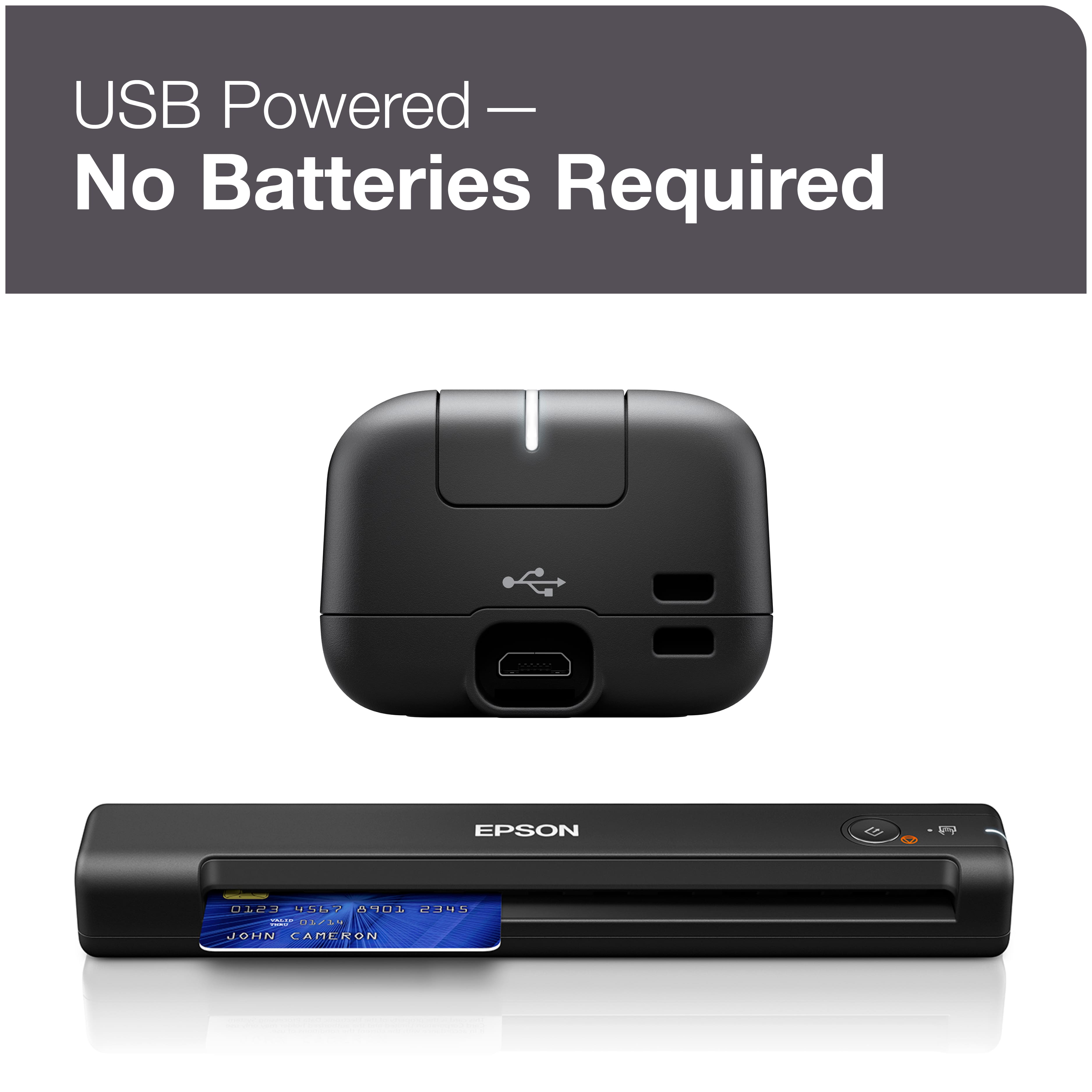
||Posted . Owned for 4 months when reviewed.This reviewer received promo considerations or sweepstakes entry for writing a review.I purchased this scanner to take with me on business trips, so I could scan all my receipts daily while still out instead of trying to do it from my home scanner once I returned to complete expense reports. This way I would not have to worry about losing a receipt or spending time trying to figure out what a receipt was weeks later, I can scan it that day and name the file so I know what it is when I submit an expense report. I have had it for four months now, and it has worked perfectly for this. It is small and fits in my laptop case and takes up almost no additional room. It does not need a second power source, it runs off the USB cable from the laptop. It's software actually does a pretty good job of naming the files for me, if it sees that it is a receipt for gas it will name it "fuel" and read the date on the receipt the add that to the file name, I was really happy and surprised by that. It has held up really well, at this point it has traveled with me to ten different states and five countries and has been knocked around in the laptop case, but still works perfectly. It's scan quality is great for how small it is, I can get better quality full color scans from my flatbed scanner at home of course, but this does great for submitting receipts and scanning documents that need to be emailed to the home office while out.
I would recommend this to a friend - Pros mentioned:SpeedCons mentioned:Paper handling
Two sided original problem and FIX!
||Posted . Owned for 1 month when reviewed.This reviewer received promo considerations or sweepstakes entry for writing a review.Two-sided original alert!! ----AND FIX!! If you used thinner paper as your original, your scan may contain a bunch of black spots or if you are saving to word be many places may be unreadable. When I called Epson, we easily determined that the problem was not with the scanner (which had scanned over 500 pages of heavier paper almost perfectly, but the problem was with this new batch of originals. However, they recommended no fix. If you have this problem, here is the fix. In Epson Scan Smart, go to settings in upper right hand corner. You can do many things here but here is the key. Click on scan settings, then Advanced settings. If text enhancement is highlighted, change to remove background. Scans then came out with no problem. BUT if you may get a message "scan image to large to save to Word". Then save as PDF, open Microsoft Word(I have 365) and you can open the PDF file as a word document. I love this portable scanner. It is so fast. I have put over 50 pages into one batch of scans, saved to Microsoft Word with no problem at all. And if we hadn't been so cheap in some of the paper we bought years ago, I would not have had any difficulty.
I would recommend this to a friend - Pros mentioned:Ease of useCons mentioned:Software
Good scanner, complicated software
||Posted . Owned for 3 weeks when reviewed.This reviewer received promo considerations or sweepstakes entry for writing a review.The scanner itself is good—lightweight, easy to use. I returned it because the software to use it was ridiculously complicated. Download this only laptop. Doesn’t format as something sensible like a pdf. It was some format I didn’t tecognize. So I had to convert it, halfway the the process I had to repeat because I couldn’t find the files on my computer. Very frustrating. If you are really smart about software and file types, it might work well for you. For me, I just want something that will format to a pdf
No, I would not recommend this to a friendBrand response from Epson
Posted .Hi AustinUser, thank you for taking the time to post a review on your Epson ES-50. We are sorry that you were not completely satisfied with your scanner. We will send your feedback to the product management team. Regards, Dylan. – The Epson Team.

- Pros mentioned:Ease of use, Scan quality, Size
Great mobile scanner for small office
||Posted . Owned for 7 months when reviewed.This reviewer received promo considerations or sweepstakes entry for writing a review.Needed a simple scanner but not one with a fax option. The Epson-ES -50 sheet-fed document scanner fit all my needs: ease, small, and scans quickly. After downloading the epson app on my computer and following the set-up, this scanner was ready to use. That’s all! It is a well-used device for my small-sized office needs.
I would recommend this to a friend - Pros mentioned:Ease of use
Lightweight and Easy to use scanner
||Posted . Owned for 3 weeks when reviewed.This reviewer received promo considerations or sweepstakes entry for writing a review.I found ES-50 a compact document scanner ideal for scanning receipts, ID cards, and single-page documents on the go. It’s was really lightweight and very easy to use. I was able to setup with my macbook in few mins out of box.
I would recommend this to a friend - Pros mentioned:Size
Awesome scanner
Posted .This reviewer received promo considerations or sweepstakes entry for writing a review.This is an awesome scanner. It is very compact and portable. You can carry it wherever you go. It is very convenient for me because I have little ones running around. I can easily put it up where they can’t get to it. This scanner scans with a breeze. I can easily hook it up to WiFi and it gets the job done. Also the battery life is awesome. This is a review for the Epson WorkForce ES-50 Portable Document Scanner that I received free of charge to do a beta test and review.”
I would recommend this to a friend - Pros mentioned:Ease of use, Speed
Awesome little scanner!
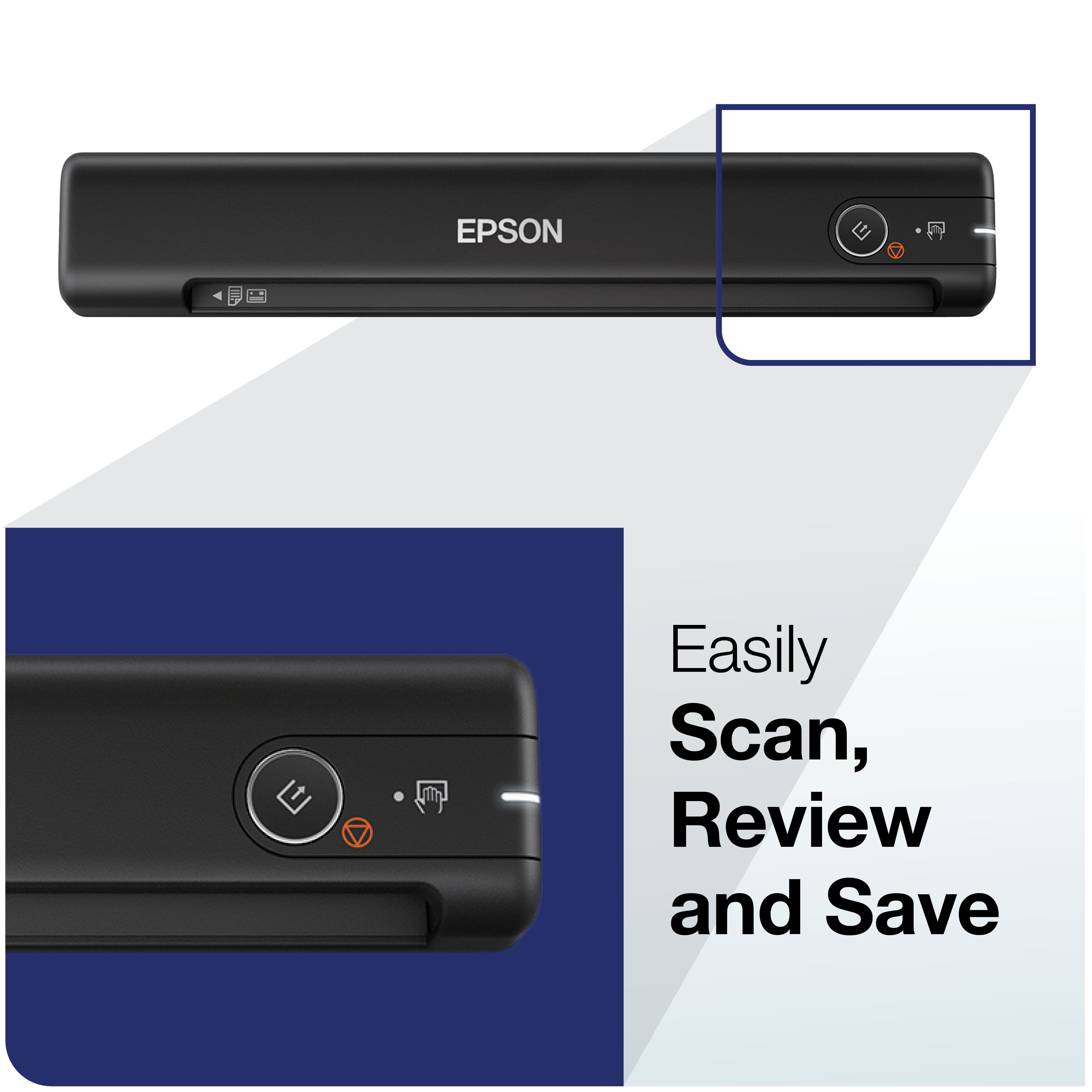
||Posted . Owned for 3 weeks when reviewed.This reviewer received promo considerations or sweepstakes entry for writing a review.This lightweight portable scanner is awesome! Just plug it in the USB port on your device and push the button on the scanner and the document/receipt/card appears on your device screen to be named and saved in the program of your choice. My son keeps stealing it to scan stuff so we may need two. At first I thought it would only scan and save one page at a time, but if you just keep feeding pages in one after the other, they all go into one document. Stack feeding doesn't work on this small device, but truthfully, my full-sized scanner doesn't do that without jamming either, so I can't complain. You can adjust the document length (up to 72 inches) through the scanner program. Now I don't have to wait until I get to the office to use the big scanner. I can scan from my home office or on the go. Worth the money and no batteries to replace.
I would recommend this to a friend