Customer Ratings & Reviews



- Model:
- B11B252201
- SKU:
- 6319724
Rating by feature
- Value
Rating 4.5 out of 5 stars
- Quality
Rating 4.5 out of 5 stars
- Ease of Use
Rating 4.5 out of 5 stars
Customers are saying
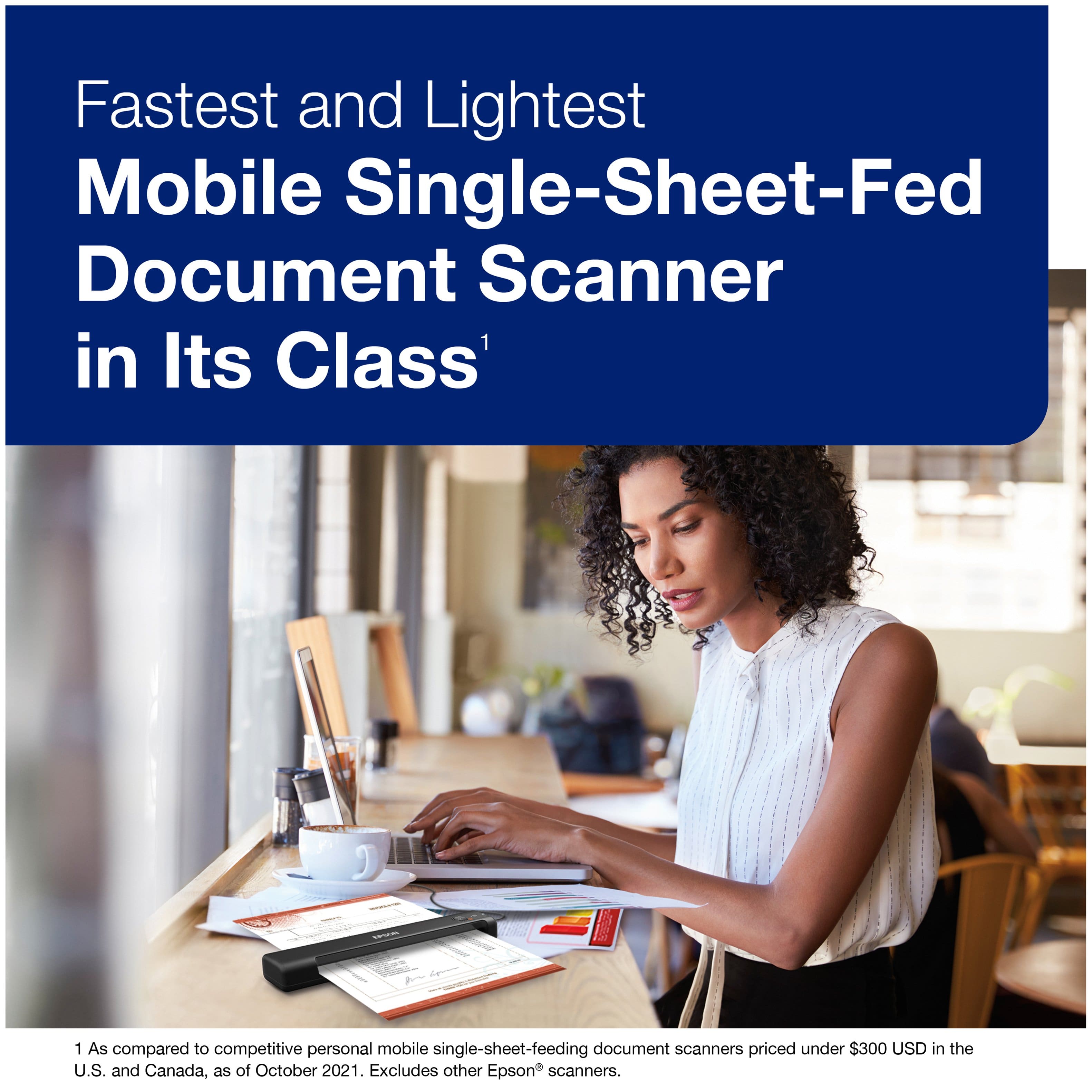
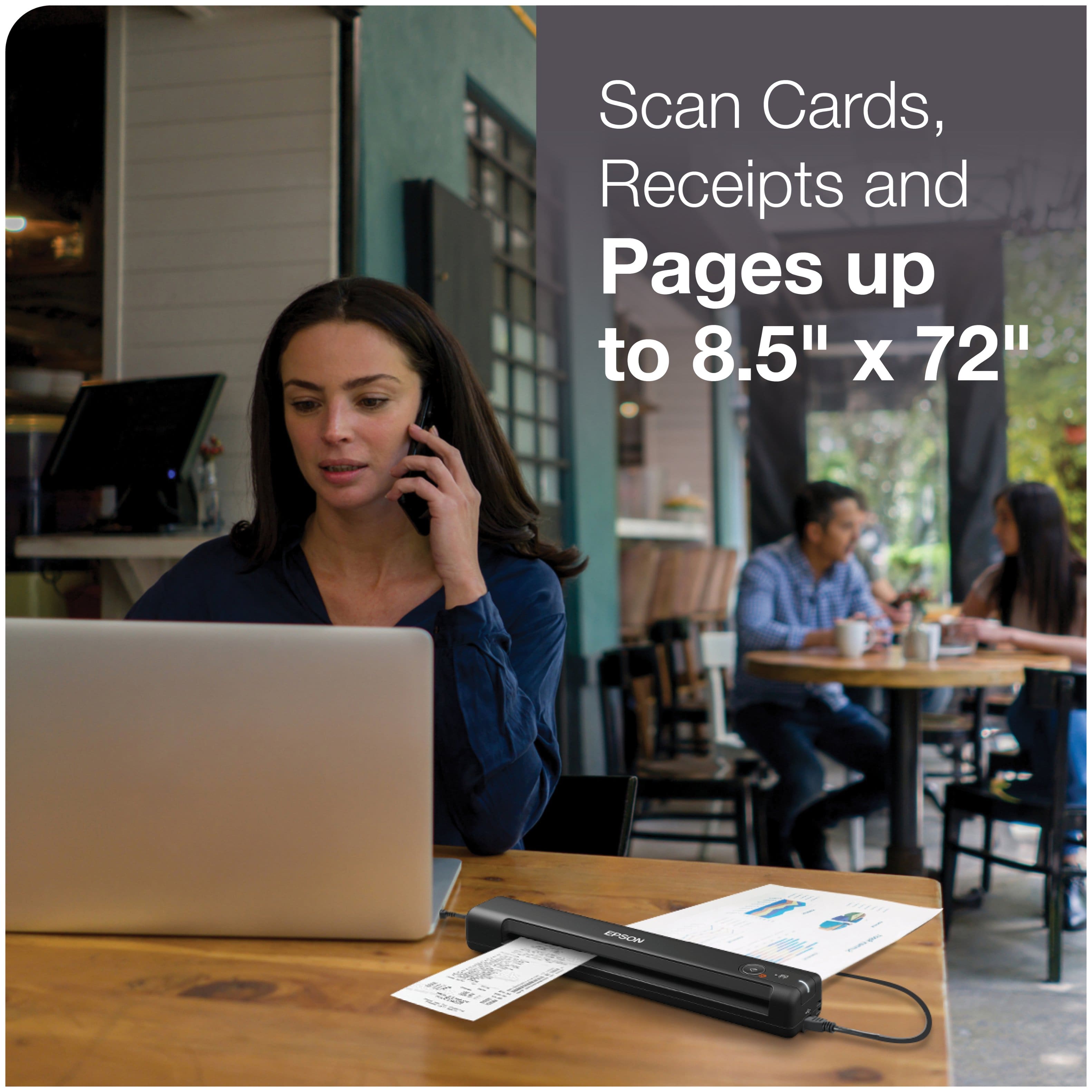
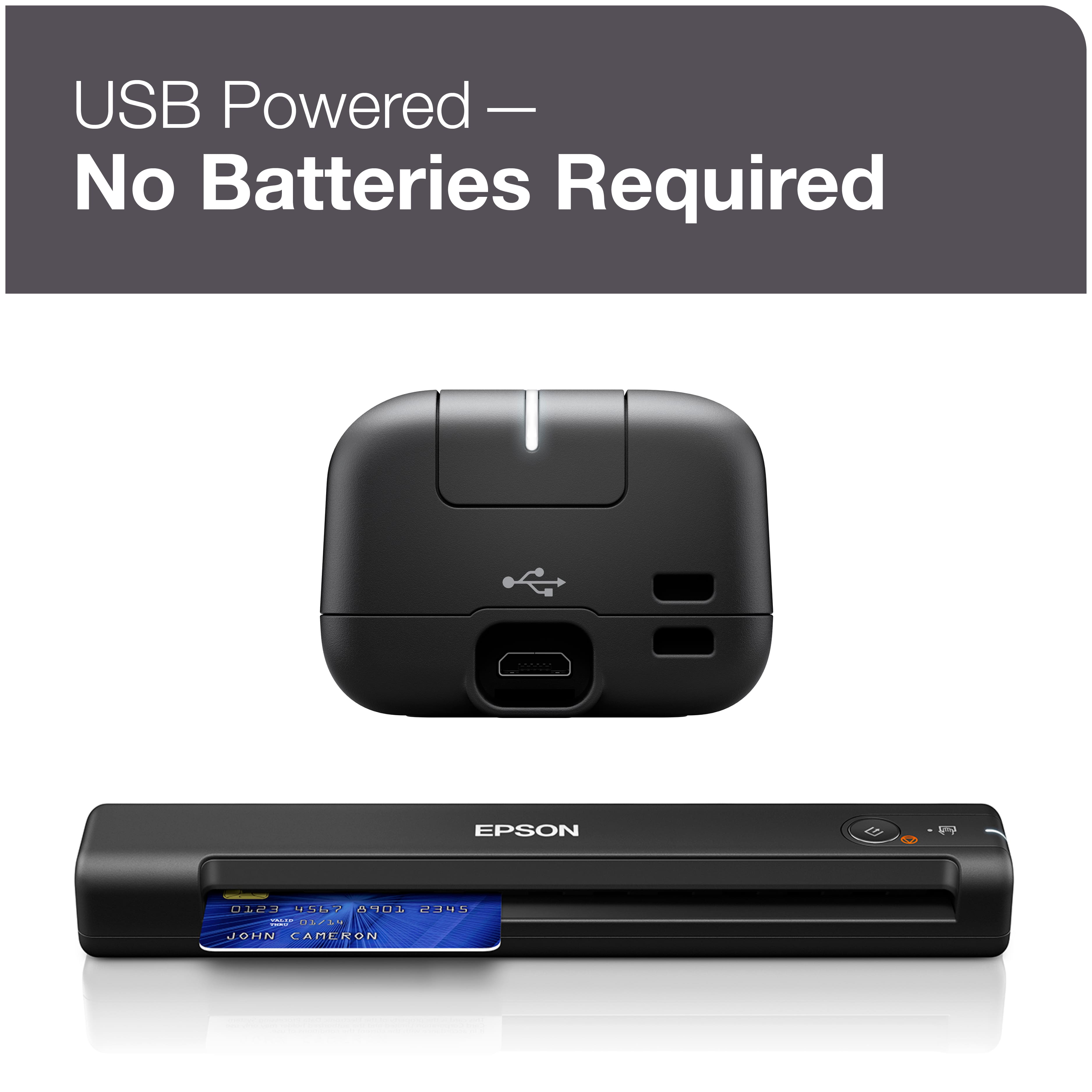
Customers enjoy the WorkForce ES-50 Mobile Color Sheetfed Document Scanner for its ease of use, scan quality, and compact size. Many find that it gets the job done, and appreciate its lightweight design. However, some customers have expressed concerns regarding the software, connectivity, compatibility, and paper handling.
This summary was generated by AI based on customer reviews.
- Pros mentioned:Ease of use
i like it
Posted .This reviewer received promo considerations or sweepstakes entry for writing a review.easy to use, compact to carry on, easy to set up, i like it
I would recommend this to a friend Color to black and white.
Posted .This reviewer received promo considerations or sweepstakes entry for writing a review.I was tired of having paper copies of my lesson plans everywhere so I scanned and made all of my work digital. The wireless capability allowed me to go around my room or work whenever I had an instance without worrying about being attached to my computer. IT allowed me to get my scanning done while monitoring my class. As an art teacher some of my examples aren't typical sizes and this portable scanner worked well in the various paper sizes. The auto detect was great in that it recognized both my black and white documents AND my colored photos. The set up had my images all going to the same place immediately which was also super helpful.
I would recommend this to a friend- Pros mentioned:Size
Love my Scanner
Posted .This reviewer received promo considerations or sweepstakes entry for writing a review.I'm loving my scanner - it's small and doesn't take too much space from my desk. I'm reducing all the paper that
I would recommend this to a friend - Pros mentioned:Overall performance
Austin
Posted .This reviewer received promo considerations or sweepstakes entry for writing a review.It’s a great product that I would highly recommends
I would recommend this to a friend Scanner to allow for cards for insurance.
Posted .This reviewer received promo considerations or sweepstakes entry for writing a review.It does not do 2 sides which is a bummer but otherwise it works pretty well for saving printer top scanning and desk space. We got if for the purpose of scanning insurance cards - is there one out there that does do BOTH SIDES at once??
I would recommend this to a friend- Pros mentioned:Ease of use
scanner that works
Posted .This reviewer received promo considerations or sweepstakes entry for writing a review.by far the most convenient and best portable scanner. just download the driver and you're set to go.
I would recommend this to a friend Good basic scanner
Posted .This reviewer received promo considerations or sweepstakes entry for writing a review.Good basic scanner. I only use it to scan document I need to keep (e.g., 1099s). It's a bit slow starting up and can only copy one side, but what do you want for what it cost? You also have to be careful to make sure it loads properly or you get to scan it again. It's great you get to see the result before you save it.
I would recommend this to a friend- Pros mentioned:Scan quality
Epson ES-50scanner
Posted .This reviewer received promo considerations or sweepstakes entry for writing a review.WORKS LIKE A CHARM. Installation was no problem. Fast and good images.
I would recommend this to a friend - Pros mentioned:Overall performance
Very useful
Posted .This reviewer received promo considerations or sweepstakes entry for writing a review.Very useful product................................
I would recommend this to a friend If ur a cdl driver works with transflow
Posted .This reviewer received promo considerations or sweepstakes entry for writing a review.I have it as a back up but when updated will work with transflow
I would recommend this to a friend- Cons mentioned:Connectivity
HORRIBLE!!!
Posted .This reviewer received promo considerations or sweepstakes entry for writing a review.The worst scanner without a doubt! Set it up and installed programs exactly as instructed and the cord had to be situated just right. I thought it was the cord so I ordered another one and it's the same issue. Complete garbage and definitely not worth the price.
No, I would not recommend this to a friendBrand response from Epson
Posted .Hi KandyW, we apologize that you are having issues with your scanner. Your Epson WorForce ES-50 has a one-year warranty and includes free technical support for the life of your product. Our Epson Support Team would be happy to help and can be reached at (562) 276-4382; Hours: Monday – Friday, 7 a.m. to 4 p.m. (PT). Sincerely, Joseph – The Epson Team.

- Pros mentioned:Ease of use
Piece of junk
Posted .This reviewer received promo considerations or sweepstakes entry for writing a review.Purchased in December 2021 and have scanned maybe three dozen documents and photos. Initially worked great and easy to use, but a few days ago, I started getting an error that the 'scanner isn't connected' even though it's physically connected via the USB cord and the popup box appears in the lower right corner of the screen indicating the Epson scanner is connected. After waiting several minutes, it eventually scanned. However, today, this happened over and over again. Tried unplugging, re-plugging, connecting to WiFi, waiting several minutes, etc. Continued to get the same error message after messing with it for over an hour. It's now in the trash.
No, I would not recommend this to a friend Don’t waste your money!
Posted .This reviewer received promo considerations or sweepstakes entry for writing a review.If I could give this zero stars I would. The quality of the scan is poor quality. Further it does not copy lighter colors or lead pencil. I went to return it within 20 days and did not receive a refund. This item is terrible.
No, I would not recommend this to a friendBrand response from Epson
Posted .Hi AngieS, we apologize that you are having issues with your scanner. Your Epson ES-50 includes free technical support for the life of your product. Our Epson Support Team would be happy to help and can be reached at (562) 276-4382; Hours: Monday – Friday, 7 a.m. to 4 p.m. (PT). Sincerely, Joseph – The Epson Team.
Great when it works
Posted .This reviewer received promo considerations or sweepstakes entry for writing a review.This little scanner is awesome when it works. However anytime I login/logout of my computer it seems to lose a connection. Usually the only way I can get it back is by restarting my computer. I've tried several fixes online, re downloaded software 20 times, but still the same result. it's a shame too because it works great when connected.
No, I would not recommend this to a friendBrand response from Epson
Posted .Hi Bp1112, we're sorry to hear that you were having connection issues with your WF ES-50. The issue is likely caused by a Microsoft Windows power saving feature that basically turns off USB ports when they aren’t active. This is the reason why you have to restart your computer. Please disable the USB selective suspend setting on your computer also try running the program as admin. If you need assistance with the procedure or if the issue persists, please contact our Epson Support Team at (562) 276-4382; Hours: Monday – Friday, 6am – 8pm PT; Saturday, 7am – 4pm PT. Sincerely, Matt – The Epson Team.