Customer Ratings & Reviews
- Model:
- B11B258201
- SKU:
- 10841439
Rating by feature
- Value
Rating 4.5 out of 5 stars
- Quality
Rating 4.7 out of 5 stars
- Ease of Use
Rating 4.6 out of 5 stars
to a friend
Nice
||Posted . Owned for 1 month when reviewed.This reviewer received promo considerations or sweepstakes entry for writing a review.To advanced for me. Im not that computer smart and i will look into a smaller one.
I would recommend this to a friendGreat
||Posted . Owned for less than 1 week when reviewed.This reviewer received promo considerations or sweepstakes entry for writing a review.Works great !!!!!!!!!!!!!!!!!!!!!!!!!!!!!!!!!!!!!!
I would recommend this to a friendExcellent High Speed Scanner
||Posted . Owned for 3 weeks when reviewed.This reviewer received promo considerations or sweepstakes entry for writing a review.This scanner is a lifesaver for my business. I returned another scanner in favor of the Epson ES-580W.
I would recommend this to a friendPiece of (Expletive Deleted)
||Posted . Owned for 1 year when reviewed.This reviewer received promo considerations or sweepstakes entry for writing a review.Bought this piece of garbage overpriced paper-weight over one year ago in order to quickly scan multiple documents instead of having to do them one at a time from a printer scanner. Installed the software, configured this scanner, and scanned documents one day. The next day I had to delete and reinstall all software to get it to scan documents again. After that it would NEVER work from the unit's touch screen no matter what I did, or what Epson "support" said to do. Now EVERY use requires that the software be deleted from my PC, reinstalled, configure the scanner, scan what I need, then forget about using it for anything other than a paper-weight until the next time I need to scan several documents. Best Buy would not exchange it after their insanely short return window, and Epson's out of country tech "support" has no solutions! Avoid this high priced piece of garbage!
No, I would not recommend this to a friendWhere's my wireless pc destination?
||Posted . Owned for 1 month when reviewed.This reviewer received promo considerations or sweepstakes entry for writing a review.Works great but the setup was a little funky. When adding pc's to store as destinations it kept deleting them by itself, finally had to USB cable to connect.
I would recommend this to a friendGreat product!
||Posted . Owned for 3 weeks when reviewed.This reviewer received promo considerations or sweepstakes entry for writing a review.Great product! I had a ton of papers to scan and this made it so much easier!
I would recommend this to a friendGreat desktop scanner
||Posted . Owned for 1 month when reviewed.This reviewer received promo considerations or sweepstakes entry for writing a review.Love the many features that allows you to scan many diffrent size papers and the sort funciton
I would recommend this to a friendScanner
||Posted . Owned for 3 weeks when reviewed.This reviewer received promo considerations or sweepstakes entry for writing a review.Good scanner, mac setup was not easy, wireless setup failed multiple times.
No, I would not recommend this to a friendgood buy
||Posted . Owned for 2 months when reviewed.This reviewer received promo considerations or sweepstakes entry for writing a review.Would definitely buy again, very good product, held up well!
I would recommend this to a friendBest scanner in price range!
||Posted . Owned for 1 month when reviewed.This reviewer received promo considerations or sweepstakes entry for writing a review.Excellent scanner and got it on sale! Epson scanners are your best bang for the buck.
I would recommend this to a friendGreat Scanner
||Posted . Owned for 1 week when reviewed.This reviewer received promo considerations or sweepstakes entry for writing a review.This works great! Fast connection, multiple page feed and makes my job run smoothly.
I would recommend this to a friendGreat product
||Posted . Owned for 11 months when reviewed.This reviewer received promo considerations or sweepstakes entry for writing a review.I like this scanner a lot. It is top of the line in my opinion.
I would recommend this to a friendDon't get in a hurry with this scanner
||Posted . Owned for 10 months when reviewed.This reviewer received promo considerations or sweepstakes entry for writing a review.I love this scanner when it's working. But it has to be turned off and back on multiple times a week to function properly.
I would recommend this to a friendWorkhorse
||Posted . Owned for 3 weeks when reviewed.This reviewer received promo considerations or sweepstakes entry for writing a review.Love that i can scan 100 pages at a time and is definitely worth the price.
I would recommend this to a friendWorks great.
||Posted . Owned for 3 weeks when reviewed.This reviewer received promo considerations or sweepstakes entry for writing a review.Works great and connects easily via wireless network.
I would recommend this to a friendNot worth the money asking
||Posted . Owned for more than 2 years when reviewed.This reviewer received promo considerations or sweepstakes entry for writing a review.When I first got this it worked pretty good. Once I changed computers then all the problems started. It keeps giving me errors about the connection—I have erased and redownloaded the file, and still it just sits on my desk. Too much money to be spending for it to clunk out this way.
No, I would not recommend this to a friendBrand response from Epson
Posted .Hi Franks, we thank you for your feedback and apologize for the disappointing experience you’re having with your Epson WorkForce ES-580W. We’ll be sure to share the information with our product teams. If you have any other concerns about the product, we’d be happy to help. You can call Epson Support at (562) 276-4382 between 7am – 4pm (PT), Monday – Friday. Sincerely, Tony. – The Epson Team

Reliable portable scanner
||Posted . Owned for 1 month when reviewed.This reviewer received promo considerations or sweepstakes entry for writing a review.Excellent scanner. Not the fastest, but very, very good.
I would recommend this to a friendGreat
||Posted . Owned for 1 month when reviewed.This reviewer received promo considerations or sweepstakes entry for writing a review.Love this product would recommend to anyone who needs one
I would recommend this to a friend
A Solid Addition to Any WorkForce
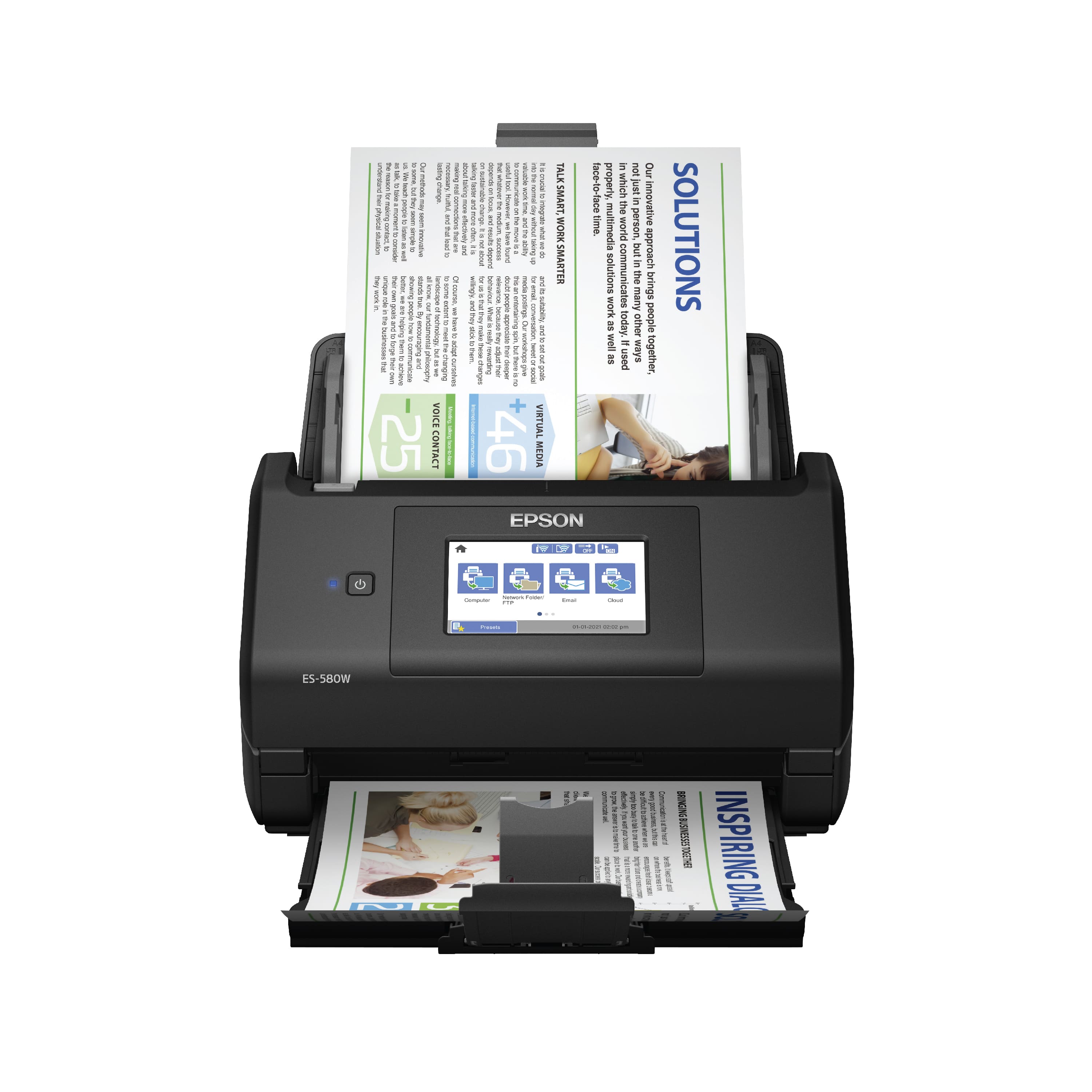
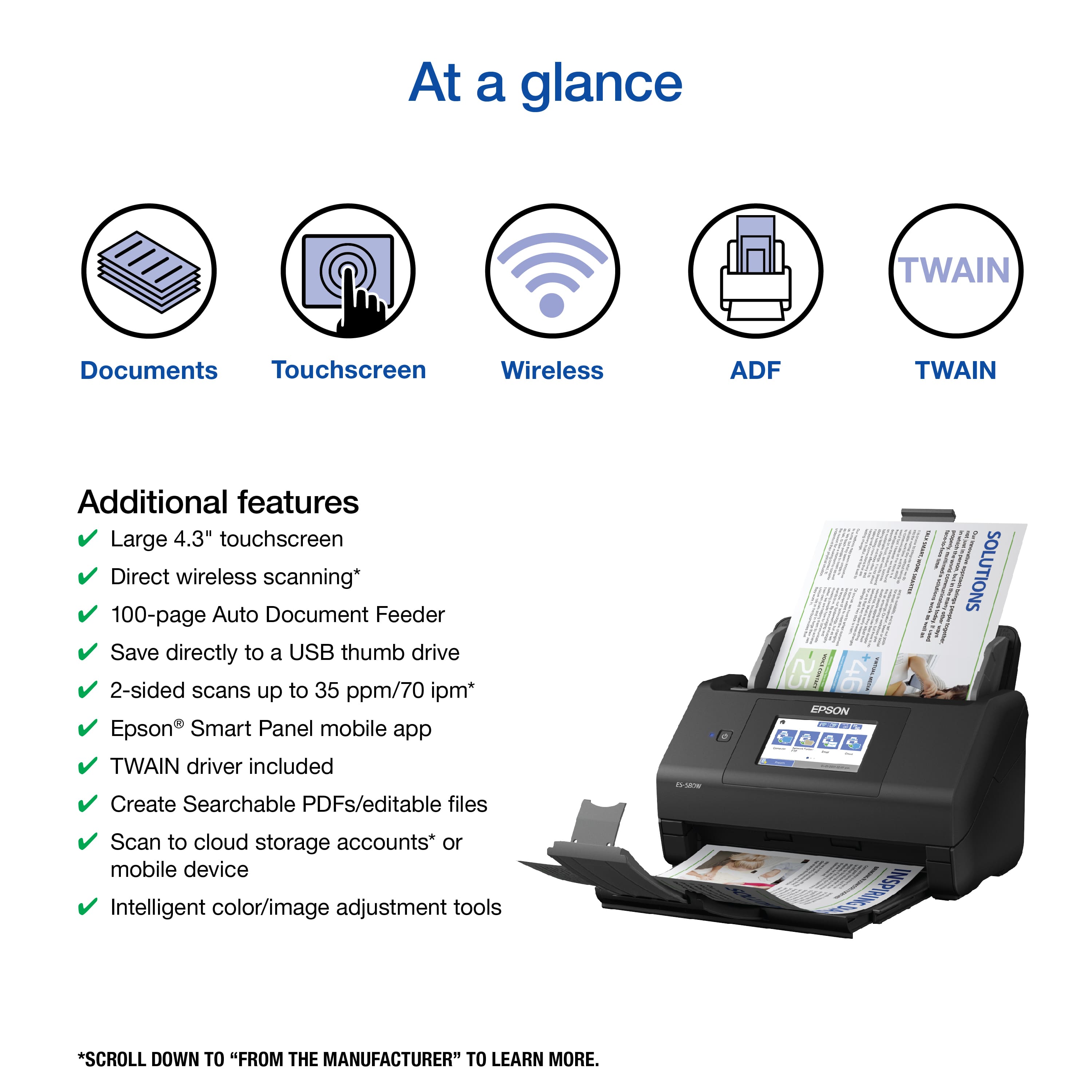
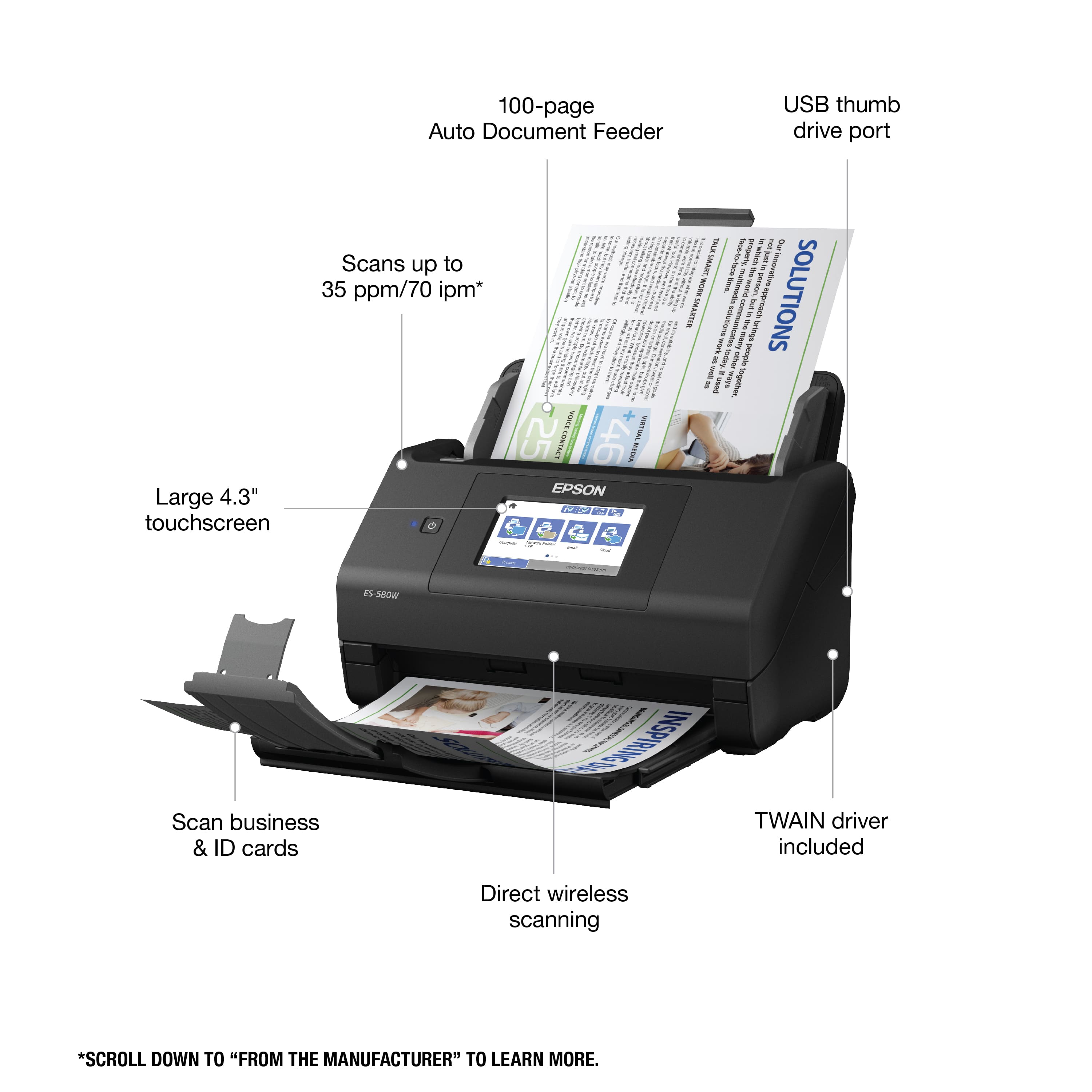
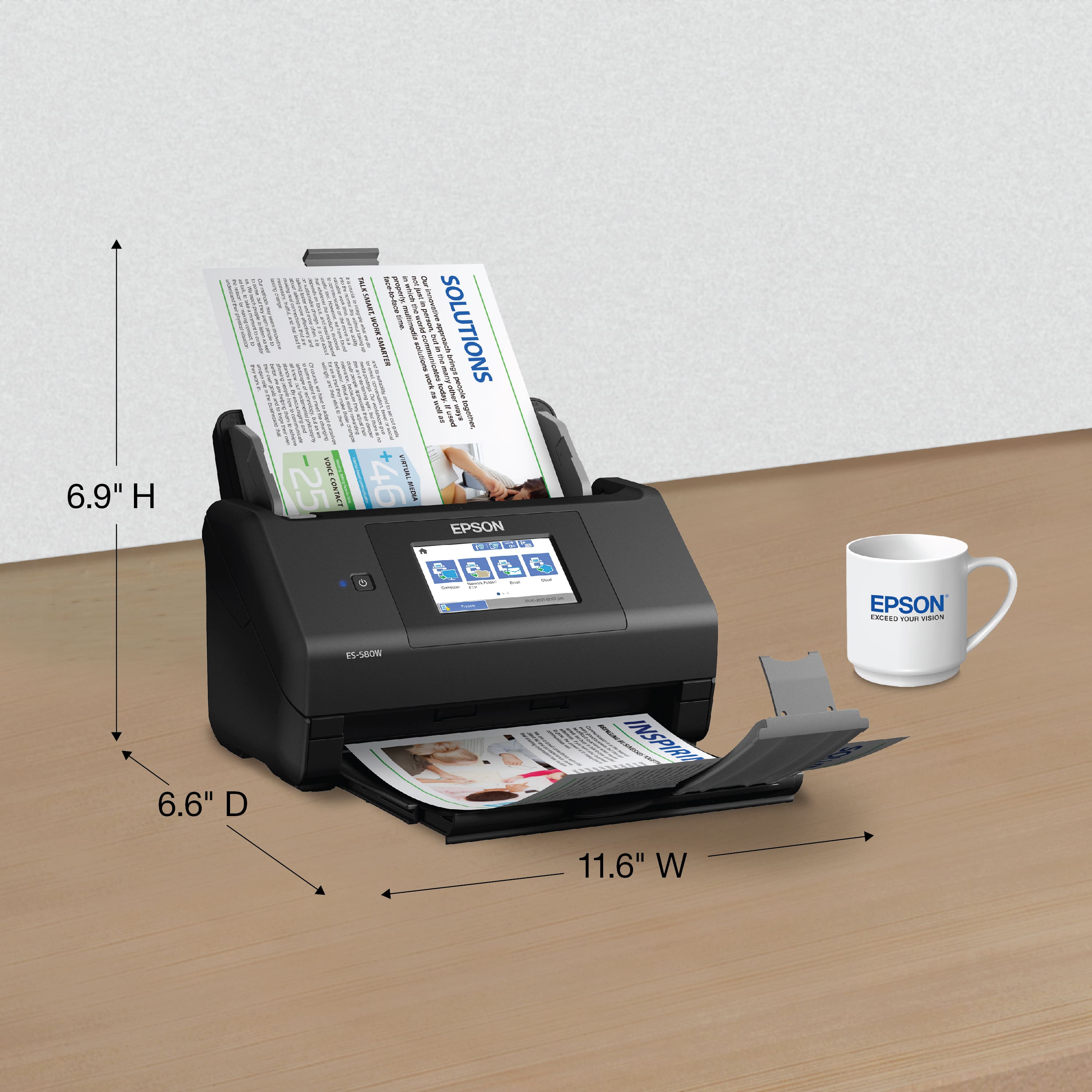
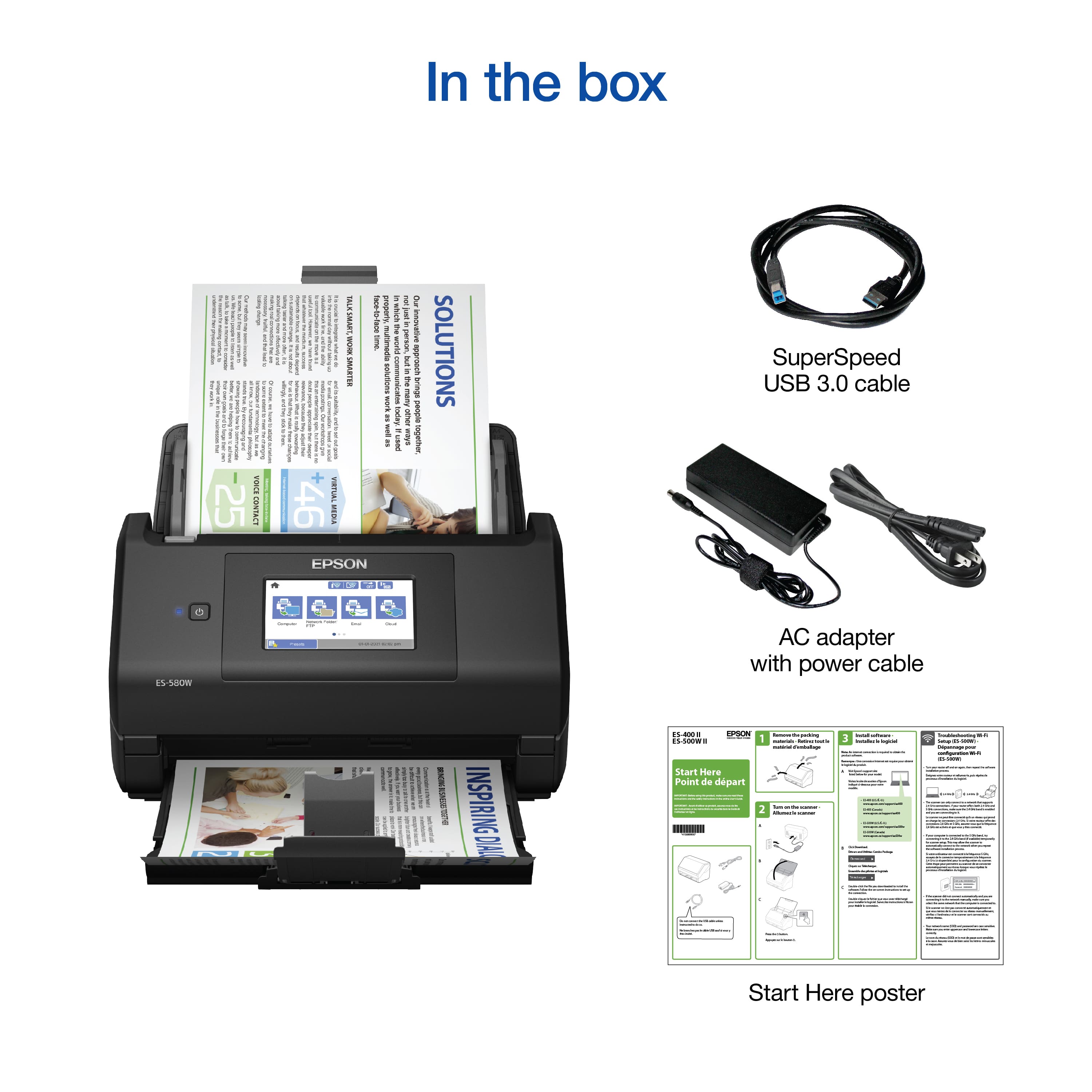
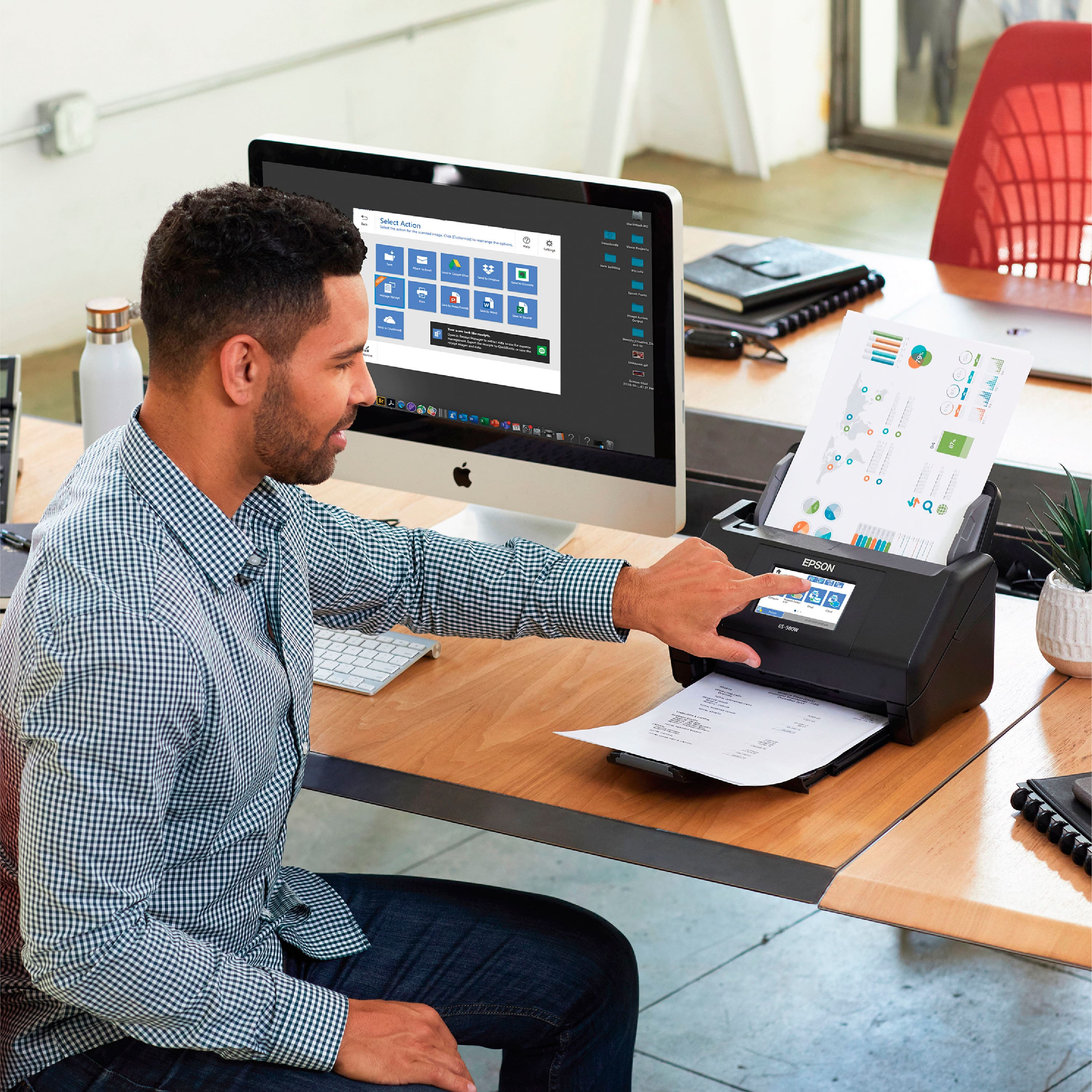
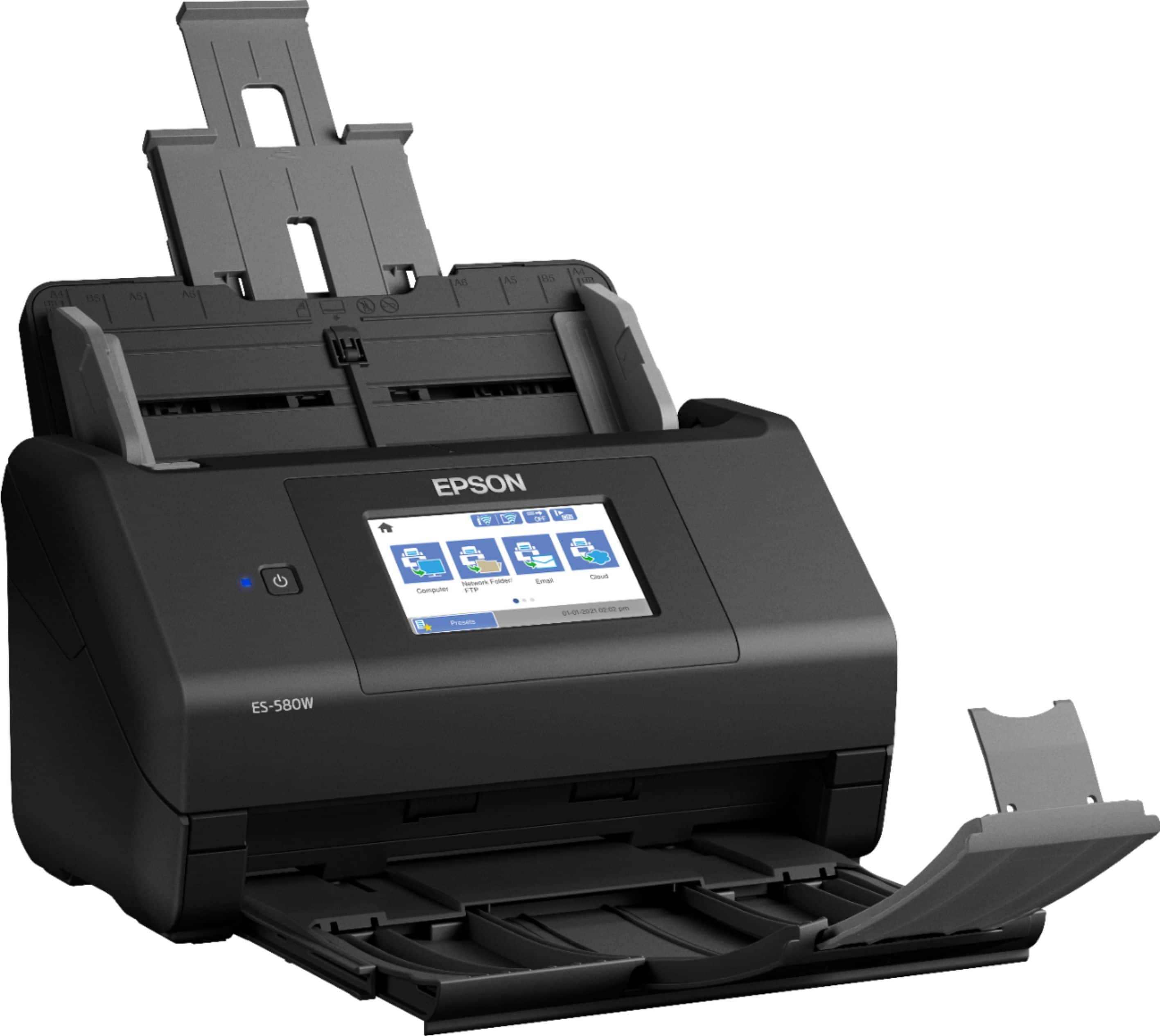
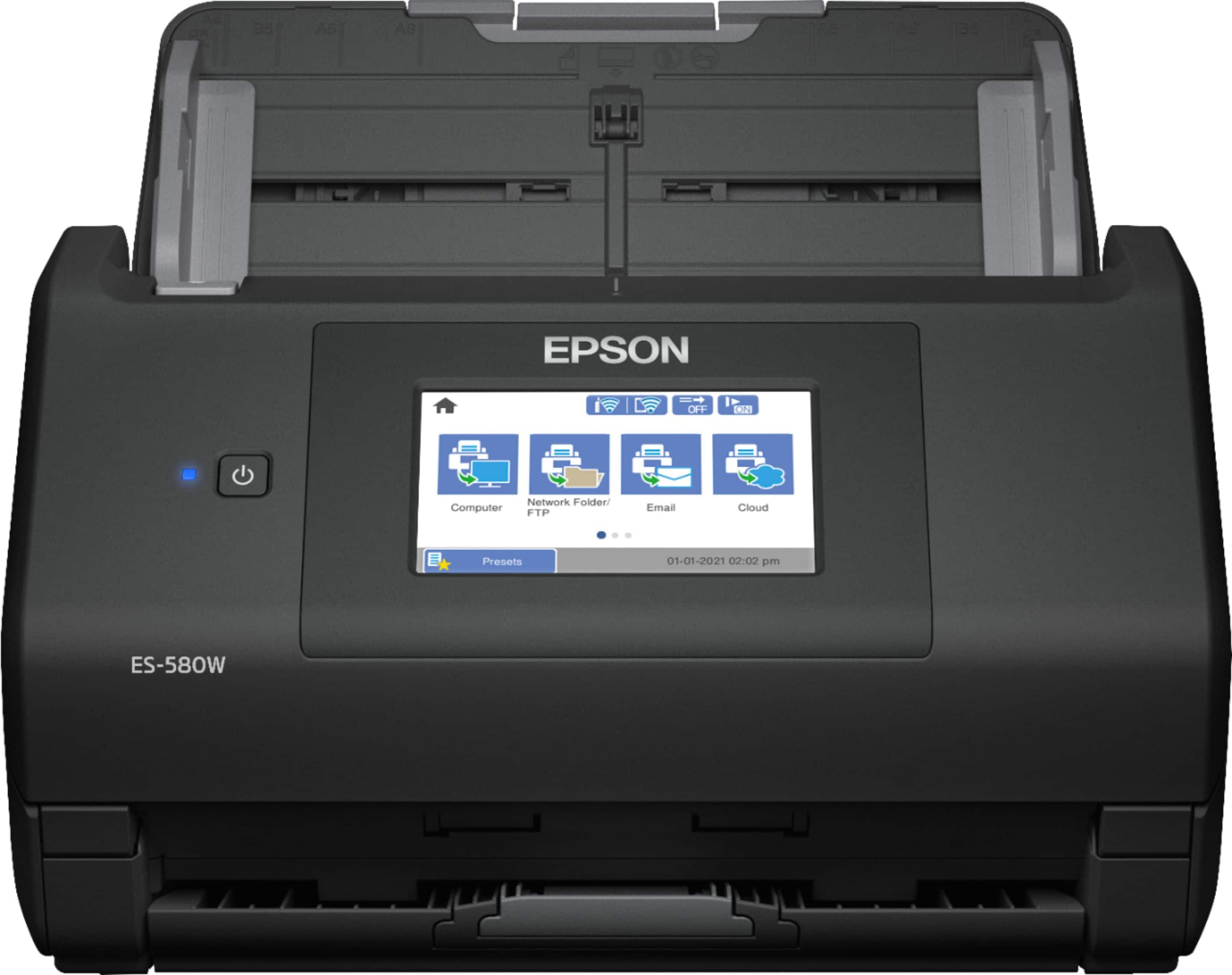
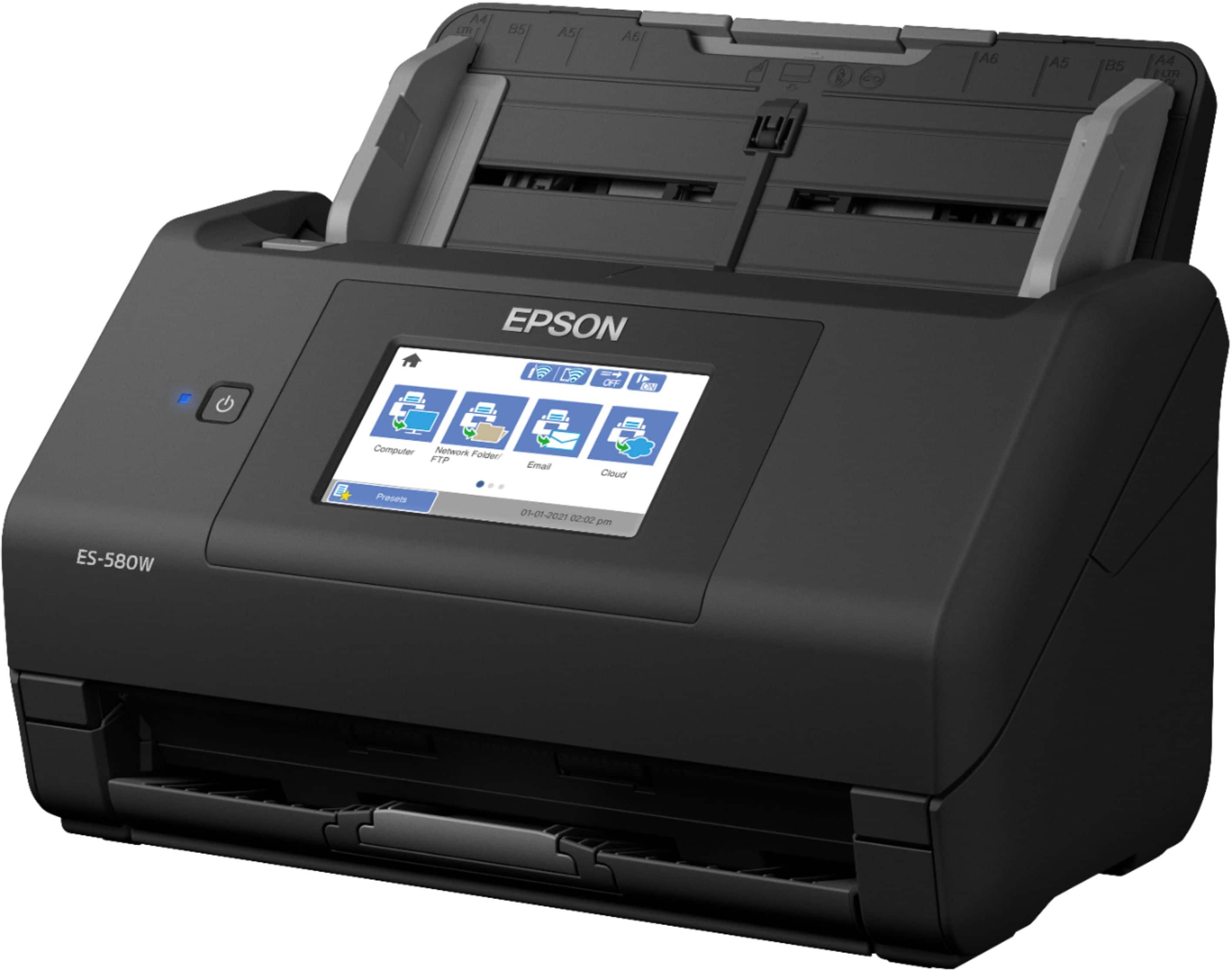
|Posted .This reviewer received promo considerations or sweepstakes entry for writing a review.The EPSON WorkForce ES-580W is streamlined from unboxing to set-up to use. Overall, I am impressed with the quality and efficiency of use with this scanner. I truly wish the WorkForce ES-580W was apart of my workforce a few years ago. I had the delight of working a registration job a few years back and for a year and a half, I used a clunkier less savvy version of the ES-580W. I do not remember the model, but this is an absolute dream. Basically, going from a rundown rusted car to a luxurious sports car. The ES-580W is a sheik black with an easily noticeable power button, and a well-lit touch screen. Having a touch screen, that is easy to control on a desktop scanner is splendid and the use does not simply stop there. To start, the WorkForce ES-580W is fast to unbox. The parts of in a few various bags and there is a quick guide to removing the scanner. With a pull of a bag, the scanner is out of the Styrofoam without having to fight it. There is tape in place for shipment (easily removed), and with a simple cord connection and addition to the back paper holder the product is ready for setup. Be aware small Styrofoam balls may get all over the place, so just a heads up. Some quick details of the device. The dimensions measure 11.7”x 8.3” x 8.5”. It is compatible with Windows 7, 8, and 10 and Mac OS X 10.11 and greater. The connectivity options include the 3.0 USB or Wireless. I am still in awe of the setup. There is a quick “start here” document. Step one being remove the materials, two being turn on the scanner, and three being to go to the EPSON website. So an internet connection is required to download the drivers necessary for use of the scanner. After going to the website and downloading the software package the process is seamless. Without setting up any WiFi on the scanner itself, the computer can search for the device and allow it to connect wirelessly (there is a SS USB hookup if preferred. Then during the process, you have the option to add on optional programs that may be useful. A few notable options include: Scanner utility – Turn a scanned image into a searchable PDF file, ScanSmart – Scan document, save, or send from the scanner screen, and Presto! BizCard – Scan, edit, and organize business card contacts. The ability to turn a scanned image into a searchable PDF file is the option of greatest importance to myself, and I am thrilled to have that worked into the product. Overall, the setup continues with ease. There will likely be a firmware update to the scanner and after that point, you are good to go. A quick side, device registration may be initiated during the setup process and is a quick process asking for your typical information. Less than 15-20 minutes out of the box, you are ready for scanner use. To scan a document, the process may be initiated quickly through the touchscreen or through the SmartScan application on the computer (there is also an option to scan from a mobile device through iOS or Android). The largest features that I noticed (an UPGRADE to my previous experience) is that this scanner is a color scanner… that can duel-sided scan at once. With a QUICK scan through the machine, both sides of the document are able to be captured. A normal sized sheet of paper can be double-side scanned within 2 seconds. Absolutely marvelous. The document holder for scanning can easily hold 75 sheets or more of paper, being able to clear out a pile of 35 pages within a minute. If dual-sided? Crazy throughput. This device is fast and efficient producing CLEAR and CRISP images. This is incredible for personal office use or to become apart of a large WORKFORCE. I have been able to scan in images of my signature and the capture is flawless looking like a live pen on the screen. Overall, this is a Wireless COLOR Document Scanner that can be employed for personal or business use. I wish that I would have had a similar scanner during my job that required considerable scanning of documents, as this would have allowed my job to run smoother and efficiently. It is splendid having this become apart of my personal workspace and I image I will be using this for years to come.
I would recommend this to a friendWHERE are all the real reviews??
||Posted .This reviewer received promo considerations or sweepstakes entry for writing a review.These reviews can't be real. I scanned one document and instantly knew I'd be returning it. Besides it being crooked, the words are blurry. What is the point in scanning things in if they are blurry when you pull up the pdf. I'm pretty frustrated. Just this morning, I returned the Epson Rapid Receipt 600w because it was scanning them in crooked. I thought... "Huh... for $300, these should be scanning in straight." So I returned it and bought the Epson Workforce 580W. Now, it scans crooked AND you can hardly see what was scanned. I wondered if my computer screen was going blurry so I printed off what I had just scanned and compared it to what I sent through the scanner. It is clearly blurry. Can someone PLEASE send me a reply or message of a good scanner? I have over 10,000 documents to scan and I'd like to be able to see them clearly after I've scanned them. And sheesh! for $300, I want them straight. There's got to be a good scanner out there. The set up was easy and I thought this would be a great scanner. Epson is clearly lacking in their scanning department. I am beyond frustrated because I have to go back to Best Buy AGAIN to return this junk. GRRRRRR......
No, I would not recommend this to a friendBrand response from Epson
Posted .Hi Carol, we're sorry to hear about your disappointing experience with the ES-580W scanner. Epson considers all feedback to improve the performance and quality of our products. Epson also offers helpful information, including FAQs and self-help tools, on the product support web page at https://epson.com/Support/Scanners/ES-Series/Epson-WorkForce-ES-580W/s/SPT_B11B258201#questions. Your scanner includes a 1-year Limited Warranty and free lifetime technical support. If you need any assistance, our Epson Support Team would be happy to help you and can be reached at (562) 276-4382; Hours: Monday - Friday, 7 am - 4 pm PT; Sincerely, Sam - The Epson Team.