Customer Ratings & Reviews
- Model:
- B11B258201
- SKU:
- 6442937
Rating by feature
- Value
Rating 4.5 out of 5 stars
- Quality
Rating 4.7 out of 5 stars
- Ease of Use
Rating 4.6 out of 5 stars
Customers are saying
Customers frequently mention the WorkForce ES-580W Wireless Duplex Touchscreen Desktop Document Scanner's impressive scan speed and ease of use. The overall performance and touchscreen are also well-received. However, some customers have expressed concerns regarding the price, occasional jamming, and paper handling.
This summary was generated by AI based on customer reviews.
- Pros mentioned:Scan speed
Love it
||Posted . Owned for 1 month when reviewed.This reviewer received promo considerations or sweepstakes entry for writing a review.Excellent scanner, very efficient and fast. Highly recommended.
I would recommend this to a friend - Pros mentioned:Ease of use
Epson scanner
||Posted . Owned for 3 weeks when reviewed.This reviewer received promo considerations or sweepstakes entry for writing a review.Excellent scanner, easy to set up and easy to use..small footprint
I would recommend this to a friend - Pros mentioned:Overall performance
Love it!!
||Posted . Owned for 1 week when reviewed.This reviewer received promo considerations or sweepstakes entry for writing a review.This product works very well! I would definitely recommend it.
I would recommend this to a friend - Pros mentioned:Overall performance
Perfect scanner
||Posted . Owned for 3 weeks when reviewed.This reviewer received promo considerations or sweepstakes entry for writing a review.It is perfect. I love it. Makes my job so much easier.
I would recommend this to a friend - Pros mentioned:Ease of use
Point and scan
||Posted . Owned for 2 months when reviewed.This reviewer received promo considerations or sweepstakes entry for writing a review.So amazing - this is so excellent for walk up scanning
I would recommend this to a friend Great Scanner
||Posted .This reviewer received promo considerations or sweepstakes entry for writing a review.This scanner is a beast. I was kind of reluctant because I usually use brother scanners. But decided to try the Epson because of the price and it could scan up to 100 pages at once. And when I tell you it did the job, it did. I am so glad I picked this scanner.
I would recommend this to a friend- Pros mentioned:Ease of use
Amazing little gadget
||Posted . Owned for less than 1 week when reviewed.This reviewer received promo considerations or sweepstakes entry for writing a review.I LOVE my scanner. It is amazing and works wonders for me
I would recommend this to a friend - Pros mentioned:Scan speed
Scanner
||Posted . Owned for 1 month when reviewed.This reviewer received promo considerations or sweepstakes entry for writing a review.This is the best scanner I have purchased it super fast.
I would recommend this to a friend - Pros mentioned:Overall performance, Scan speed, Size

A Scanner That Does it All !
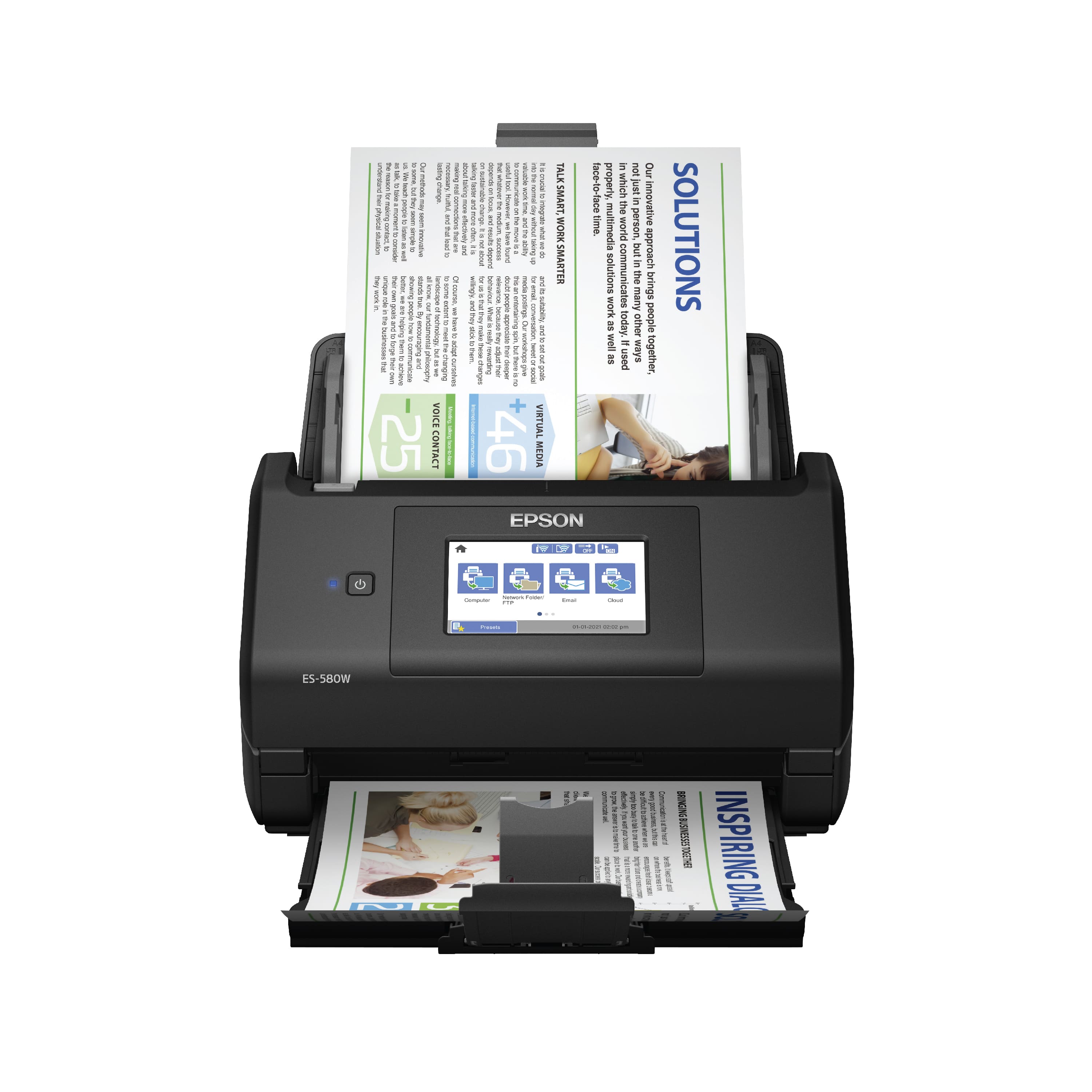
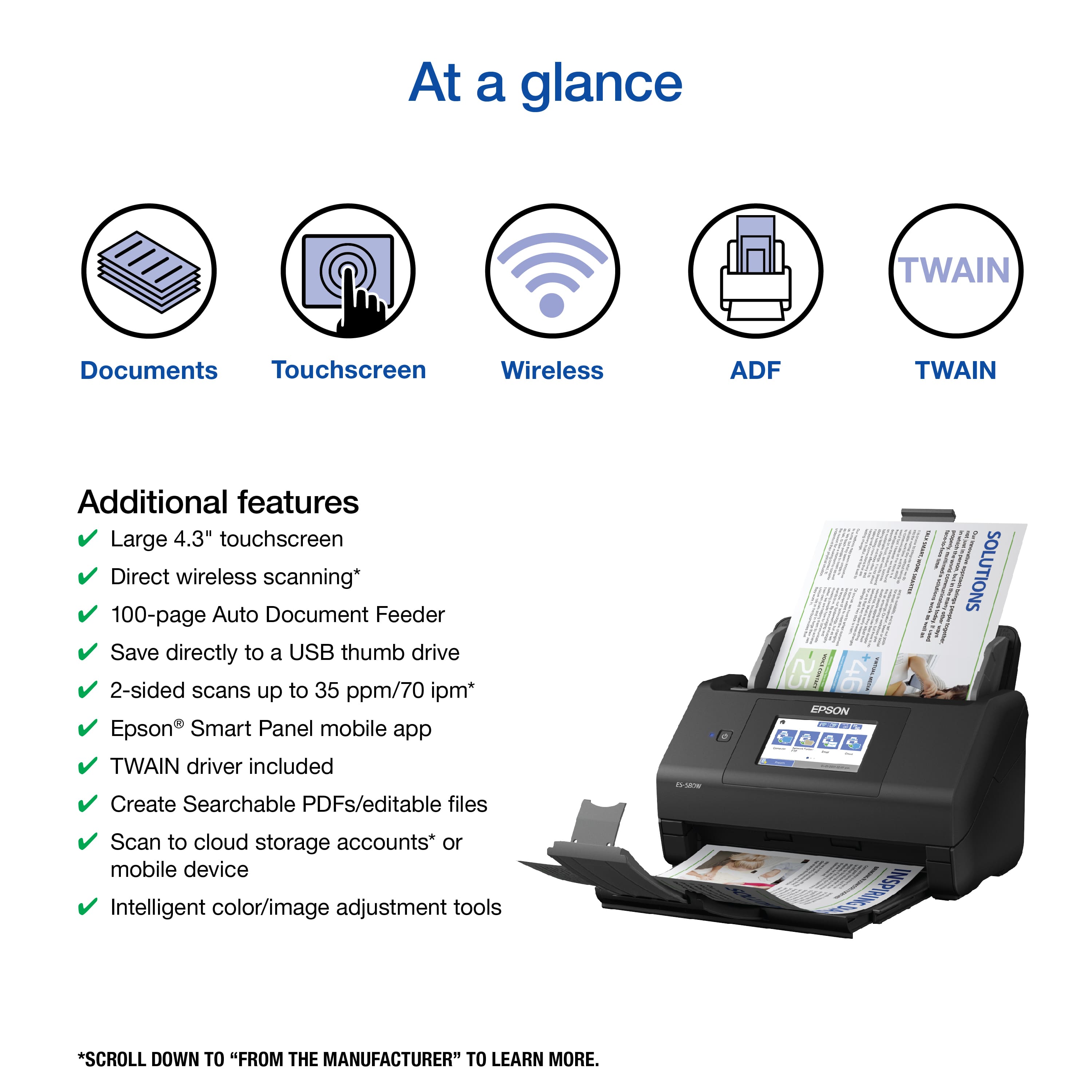
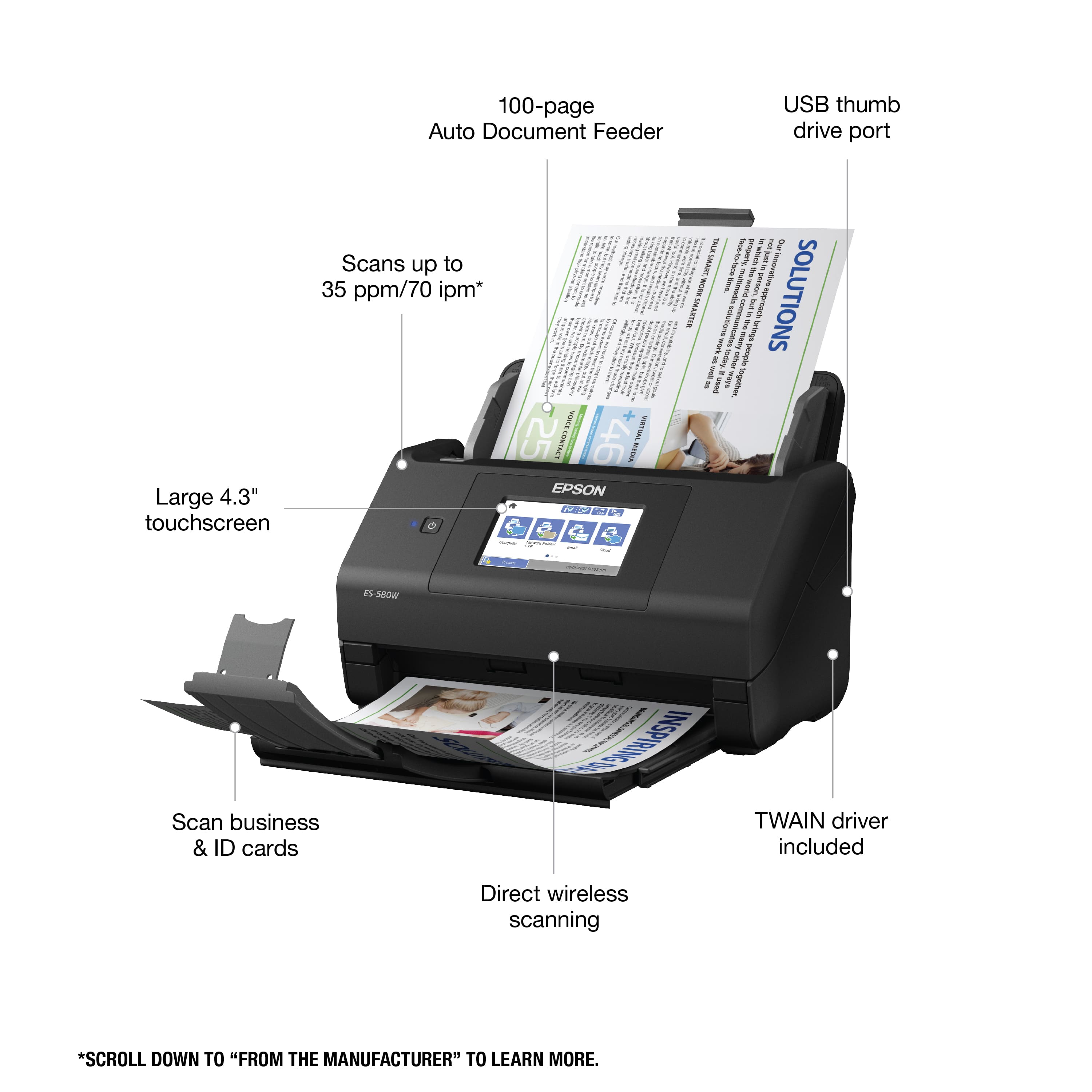
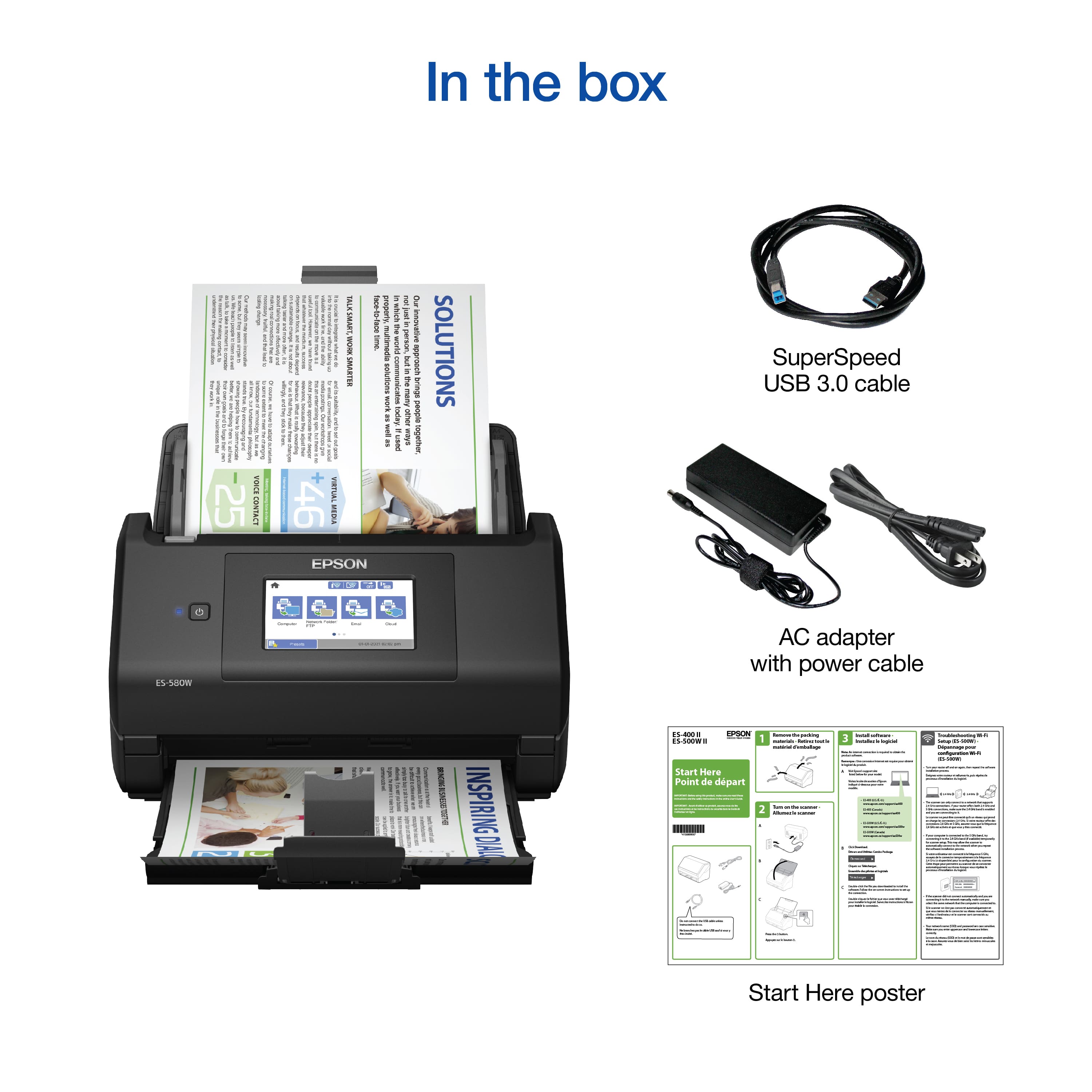
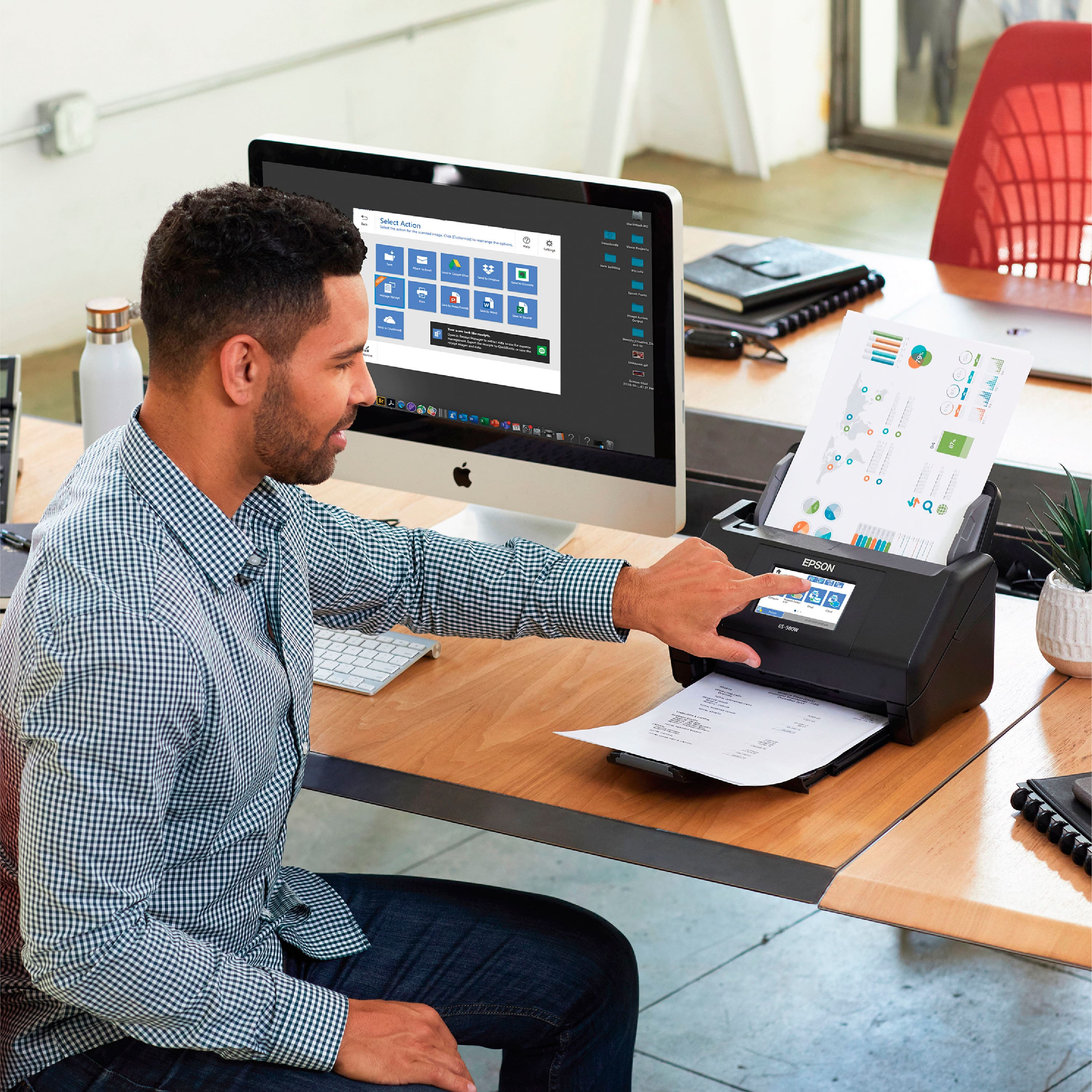
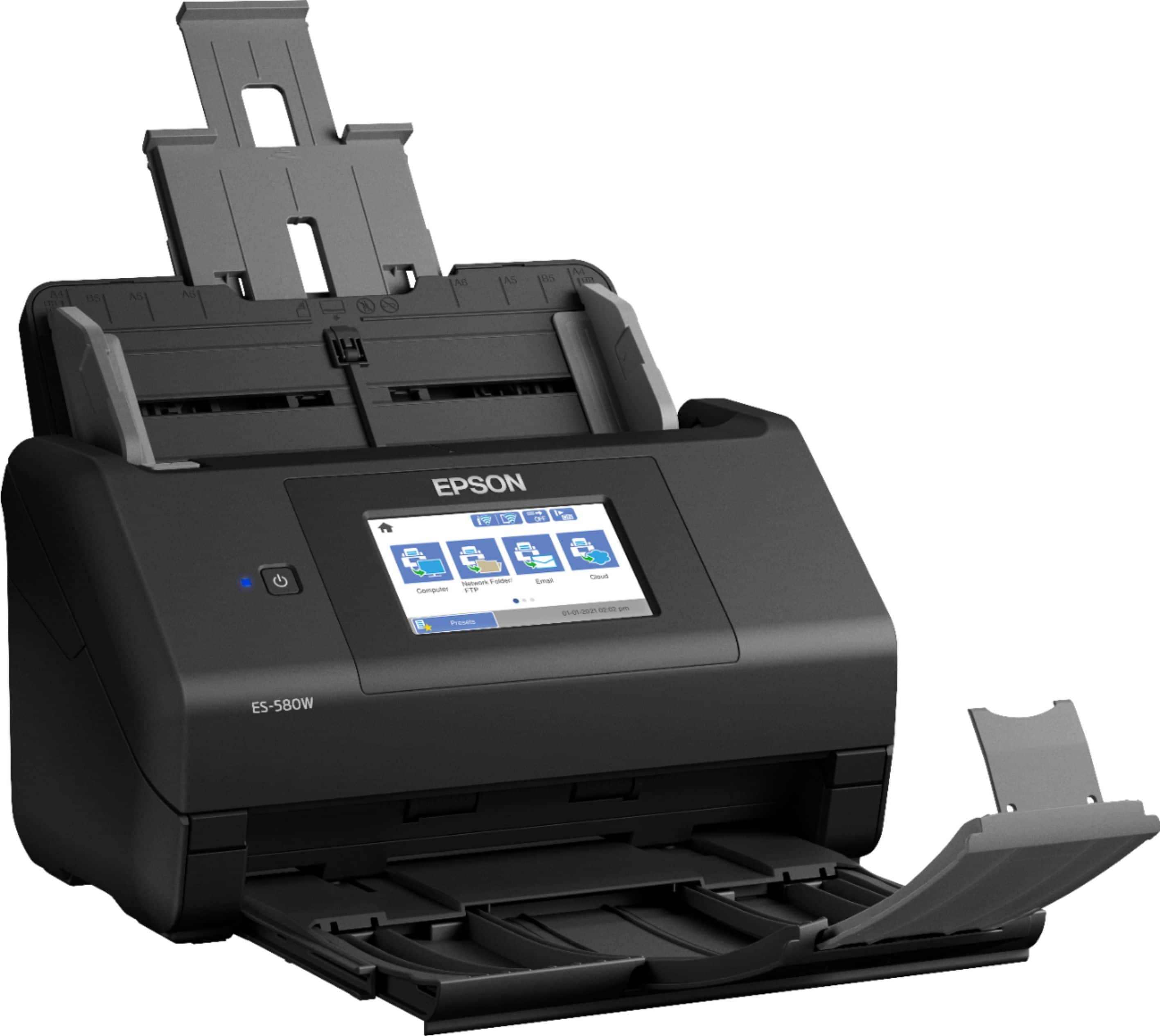
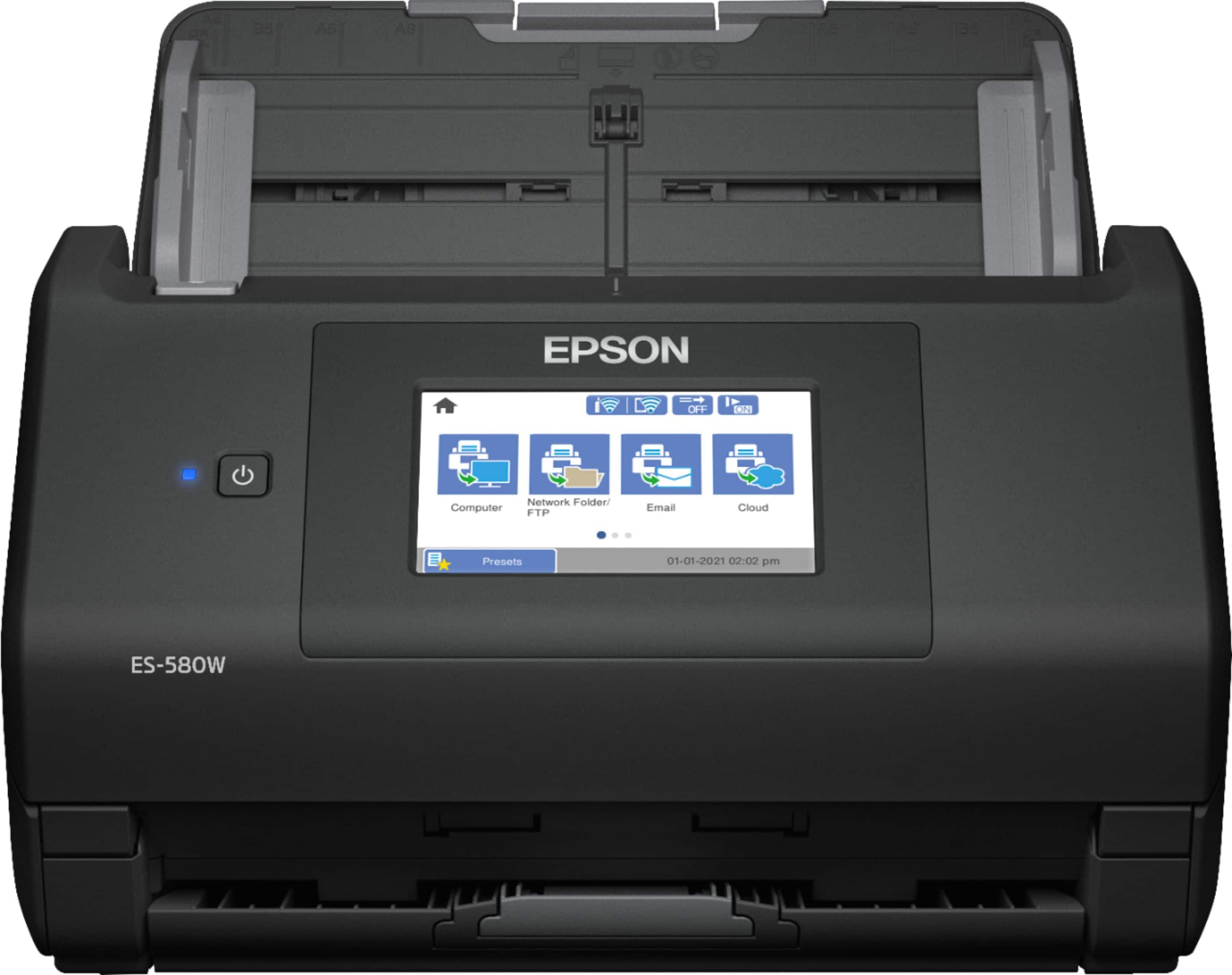
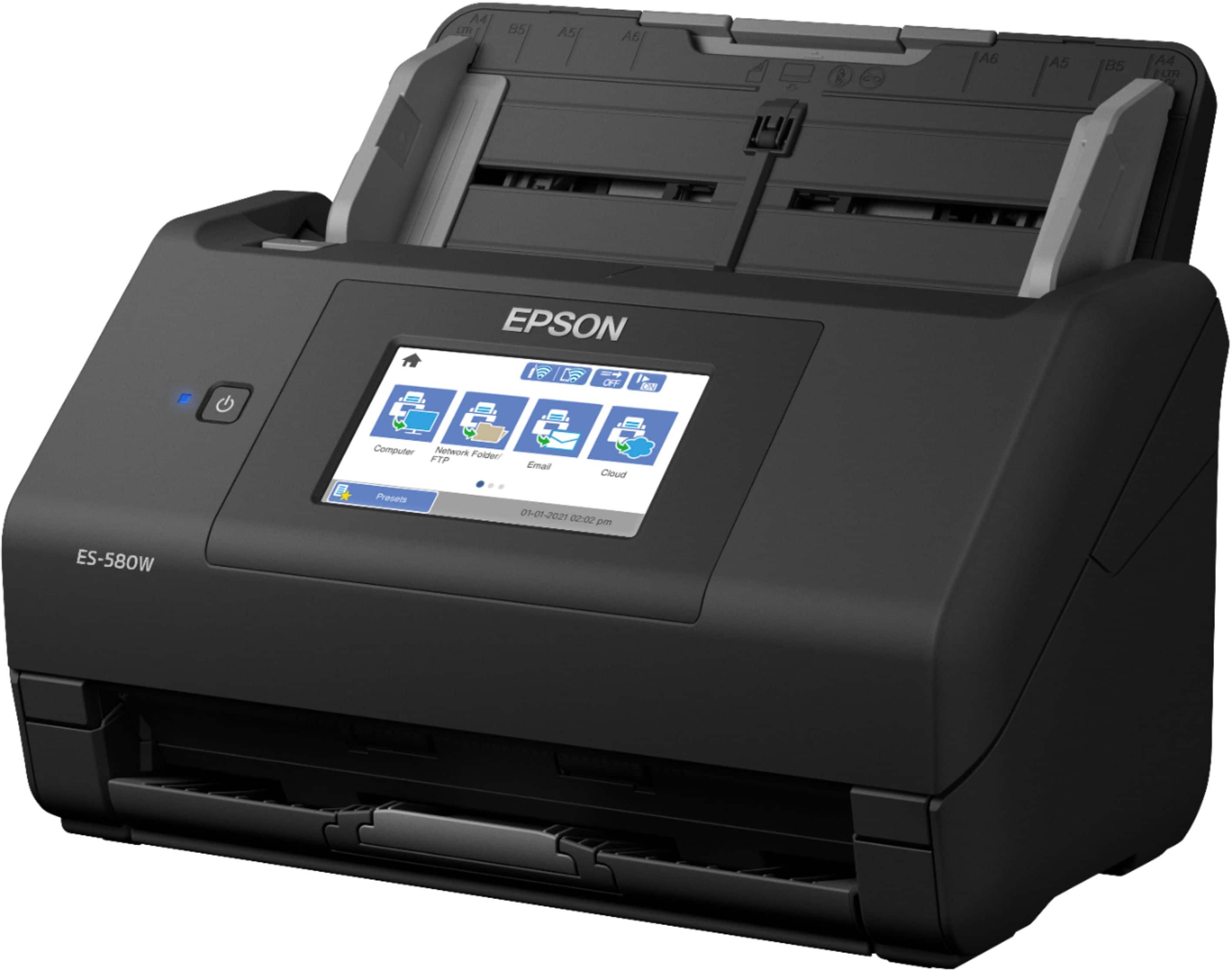
|Posted .This reviewer received promo considerations or sweepstakes entry for writing a review.Epson ES 580W This scanner is amazing! From unpacking to scanning in less than 20 minutes! Setup is quick and easy. It will even find your wireless setting from your computer. My first scan was done and I never had to use the USB cable. I only used the USB cable to perform a firmware update. It is a compact device that fits and looks good in your office. And don’t forget you can scan to your tablet or your phone when you download the software. Scans are extremely fast with numerous options for color/BW, DPI, and where to send the scan. It will interface with your Email, your network drive, FTP server, Drop Box, and One Drive are examples. The software allows you to check/uncheck those services you don’t use to de-clutter your experience. Even a 1200 dpi color document will scan (both sides) in less than 5 seconds! You can set up “Presets” for your various scanning jobs. With those you can set where it should save, the Dpi, the Color or BW settings etc. It will be there next time for you. I found you will likely need a preset for each of your jobs with different DPI settings, color, or grayscale options. The ability to save a file to a USB drive is handy. However the USB jack in on the back of the unit. I would have preferred to have it upfront for convenience. The Touch screen is great. You can use it and never need your PC. All functions can be done via the screen. I also like how the scan button indicates if you are scanning in Color or Black and White. Network sharing will require a username and password along with a preset button or contact. It scans business cards very well (both sides). The input tray can handle that size and they feed through easily. Credit cards, ID’s, and laminated cards will jam unless you turn off DFDS. I did not try scanning photos but I am confident it can handle those as well, but maybe on slow scan speed. I like how it will “auto” straighten most documents. That feature seems to work well. I am looking forward to using this scanner more in the coming weeks. I know it will replace my old multifunction scanner that is so much slower and sometimes jams. This machine for being as fast as it is really doesn’t seem to jam. Epson seems to have packed numerous features into this machine while making it reliable. It’s simple enough for the small home office, yet packs the speed and versatility to work as a scan center for a small to midsized business office. I would definitely recommend it for just about anyone.
I would recommend this to a friend - Pros mentioned:Overall performance
Scanner
||Posted . Owned for 1 month when reviewed.This reviewer received promo considerations or sweepstakes entry for writing a review.Good practical scanner at a price that is affordable for a small office.
I would recommend this to a friend Good Machine
||Posted . Owned for 3 weeks when reviewed.This reviewer received promo considerations or sweepstakes entry for writing a review.The machine is very good processing the work. The set up instructions are frustrating but can be completed and the downloading and setting up the App could be made easier.
I would recommend this to a friend- Pros mentioned:Scan speed
Nice duplex scanner
||Posted . Owned for 1 month when reviewed.This reviewer received promo considerations or sweepstakes entry for writing a review.Good fast page scanner with duplexing. Easily scans different size and thickness documents.
I would recommend this to a friend Great but not sleek
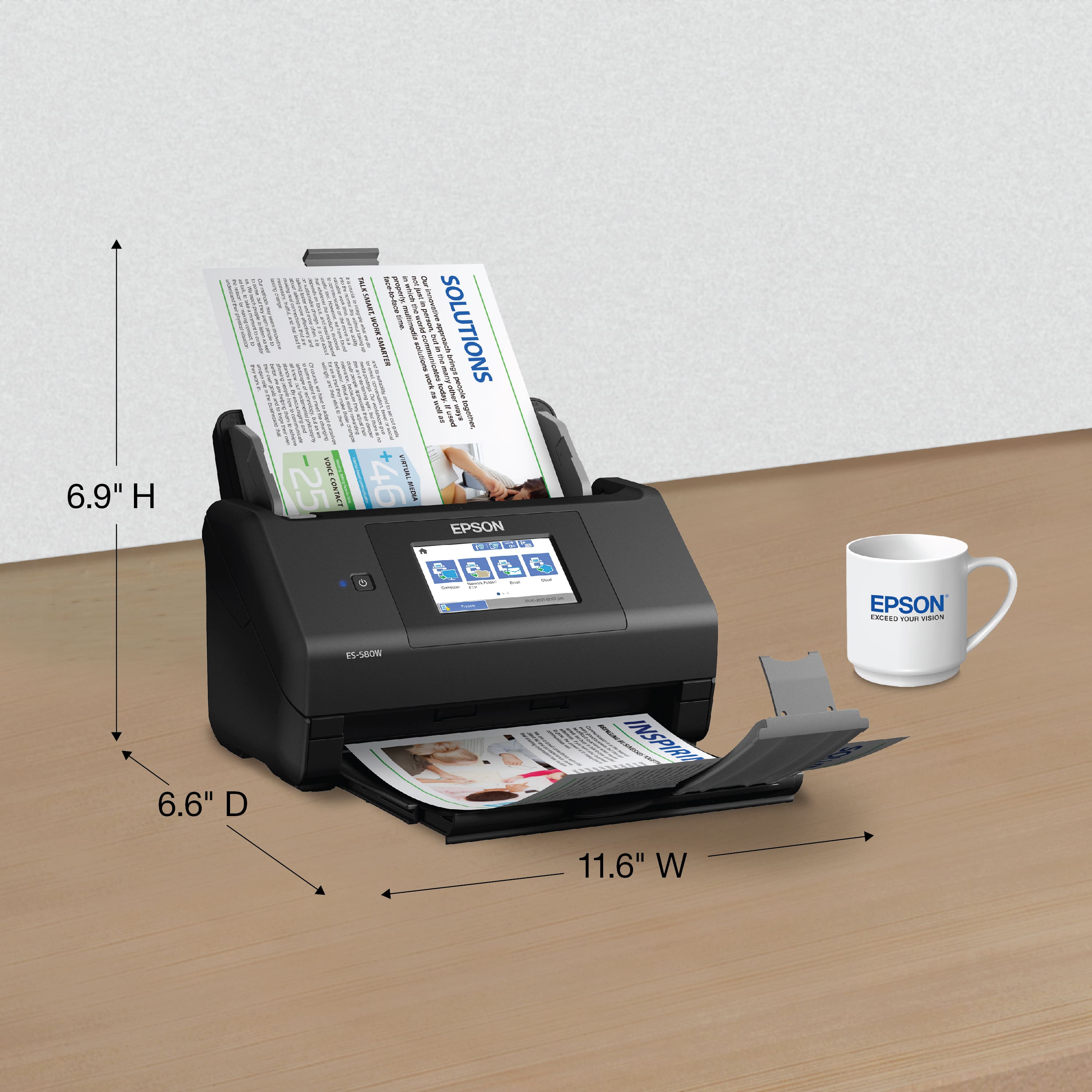
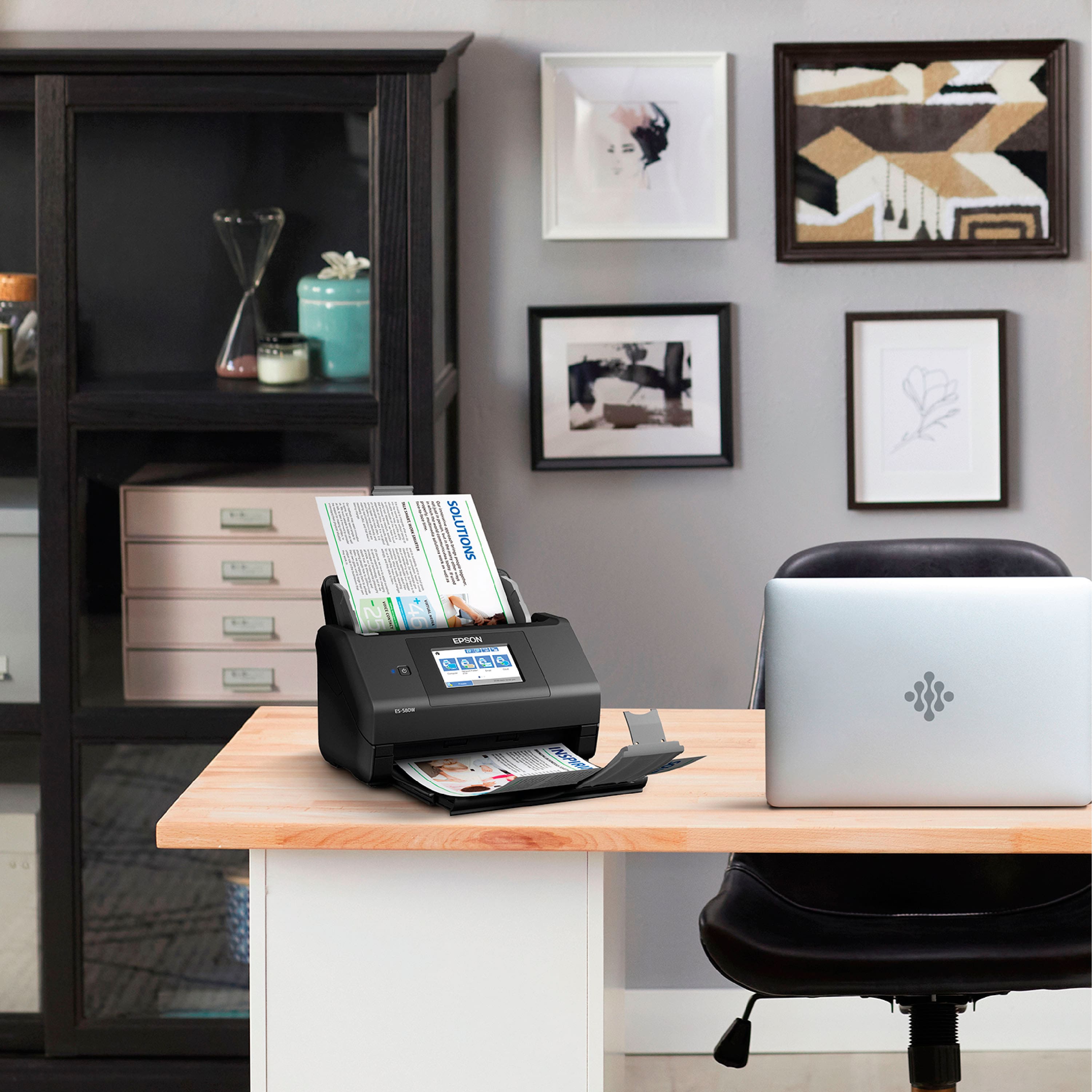
||Posted . Owned for 3 weeks when reviewed.This reviewer received promo considerations or sweepstakes entry for writing a review.It works really well though it’s taller than other scanners about the same size. So if tight desk areas are an issue that’s something to look at.
I would recommend this to a friend- Pros mentioned:Ease of useCons mentioned:Price
Epson multi page scanner
||Posted . Owned for 3 weeks when reviewed.This reviewer received promo considerations or sweepstakes entry for writing a review.Worked flawlessly. Easy to set up. A bit pricey but it saved time and hassle
I would recommend this to a friend Scanning made fun
||Posted . Owned for 1 month when reviewed.This reviewer received promo considerations or sweepstakes entry for writing a review.I am very satisfied with my scanner. No job too small or too big for this scanner. And it's wireless or you can attach a memory stick to download your scan.
I would recommend this to a friendMs Gina
||Posted . Owned for 1 month when reviewed.This reviewer received promo considerations or sweepstakes entry for writing a review.I Love my scanner and I use it everyday in my work!
I would recommend this to a friend- Pros mentioned:Size
easy to use
||Posted . Owned for 2 months when reviewed.This reviewer received promo considerations or sweepstakes entry for writing a review.it's small not taking alot of space it's good for people with less techy
No, I would not recommend this to a friend Epsom Scanner
||Posted . Owned for 3 weeks when reviewed.This reviewer received promo considerations or sweepstakes entry for writing a review.Decent scanner but the quality can be a bit better. The item is a bit technical to have it scanned directly sent to your computer,email,phone. If you’re not computer savvy for set up, even with guide how to set up, this is a problem. I’m not tech savvy so I’m currently using it wired to my computer.
No, I would not recommend this to a friendNot great
||Posted . Owned for 3 weeks when reviewed.This reviewer received promo considerations or sweepstakes entry for writing a review.The last scanner we purchased was the same brand but a little cheaper. It broke and we spent a little extra on this one hoping it would work better. It is not any faster or better quality. We have problems with the scans feeding into the machine. I will be looking for a better replacement in another brand.
No, I would not recommend this to a friendBrand response from Epson
Posted .Hi Dan S, we apologize that you are having issues with your scanner. Your Epson ES-580W includes free technical support for the life of your product. Our Epson Support Team would be happy to help and can be reached at (562) 276-4382; Hours: Monday – Friday, 7 a.m. to 4 p.m. (PT). Sincerely, Joseph – The Epson Team

- Pros mentioned:Ease of use
Owner
||Posted . Owned for 1 month when reviewed.This reviewer received promo considerations or sweepstakes entry for writing a review.It is very easy to use and handles multiple sizes of paper at once!
I would recommend this to a friend