Customer Ratings & Reviews
- Model:
- 0G06052
- SKU:
- 6253718
Rating by feature
- Value
Rating 4.5 out of 5 stars
- Quality
Rating 4.8 out of 5 stars
- Ease of Use
Rating 4.9 out of 5 stars
Customers are saying
Customers find value in the G-DRIVE Mobile R-Series 500GB External USB 3.1 Gen 2 Portable SSD's compact and portable design, praising its small size and durability. Users consistently highlight the drive's reliable performance and speed. There were no reported negative customer experiences.
This summary was generated by AI based on customer reviews.
Good for a Mac computer
||Posted .This reviewer received promo considerations or sweepstakes entry for writing a review.If you want to use this for a Windows computer you have to reformat it using disk management. If you don’t do this the computer won’t recognize it. A Mac would recognize it immediately.
No, I would not recommend this to a friendStill not sure, give me a week.
||Posted . Owned for 1 month when reviewed.This reviewer received promo considerations or sweepstakes entry for writing a review.It’s a Christmas gift, it arrived fast with no issues to packaging. So far so good, will be wrapping for Christmas soon
I would recommend this to a friend- Pros mentioned:Speed

Great external SSD drive
|Posted .This reviewer received promo considerations or sweepstakes entry for writing a review.Love this external SSD drive. There are a couple small things that I will say. First being that you will need to format if running a Windows OS. Not a big deal and easy to do. But still. Also, cords are super small. I would have like to see longer cords so you could plug in and have room to set where ever you would like instead of having to keep it right next to where you plug it in. The cords are like 6” which is not much. Be nice if longer like 2’ and maybe a Velcro style tie wrap so you could coil up the cord etc. But outside of those. It’s a lot faster then your 7200 rpm hdd. I have no problems running games off it using just my old 2.0 USB port. (Even better when in a 3.1). It has 2 cords. One for the regular USB port and one for the new usb c. Price is up there but worth it. At least for this and the 1Tb. The 2Tb is more then double the 1Tb so better to get 2, 1Tb ones. Overall recommend this.
I would recommend this to a friend - Pros mentioned:Portability, Size, Speed
FAST, VERY FAST and SUPER FAST storage!
|Posted .This reviewer received promo considerations or sweepstakes entry for writing a review.The G-DRIVE Mobile SSD R-Series 500GB is very compact and very fast. The drive is easy on the eyes and fits in a pocket. It is a great way to back up on the road. Do I like it? Yes! I am going to buy at least one more from Best Buy, Michigan Avenue, Chicago.
I would recommend this to a friend - Pros mentioned:Speed
Solid Performance
|Posted .This reviewer received promo considerations or sweepstakes entry for writing a review.The G Drive Mobile SSD R Series 500GB is my first experience with a portable external hard-drive. I have in the past used "another" major external hard drive product which gave me many years of trouble-free service. I used to back up my Mac computer with the "other" device and the external hard drive (even when new) always saved data at what I call a snails pace. Enter the G Drive Mobile DDS R Series product. To sum up the performance and speed of this device, I would have to say "BLAZING FAST"! No comparison. Solid state hard drives win every time. I backed up nearly 12,000 photographs and then went onto backing up nearly 50 GB of data in the blink of an eye. SATA drives move over as you have now met your match. Out of the box the G Drive mobile SSD is not ready to back up a Windows platformed computer. You will have to format the device prior to your first backup and you will need to download the G Technology Format Wizard. For those consumers that are not computer literate, the download for the format wizard is easy and is a no brainer, so be sure to visit the manufacturers web page to download the correct application. If you are a Mac computer owner, no formatting is needed. The G Drive claims that the product is rugged, but I have no way of home testing it. The product is backed by a 5 year limited warranty which seems very generous. This product is on my recommended list.
I would recommend this to a friend Blazing Fast and Solid! Perfect Archive Drive.
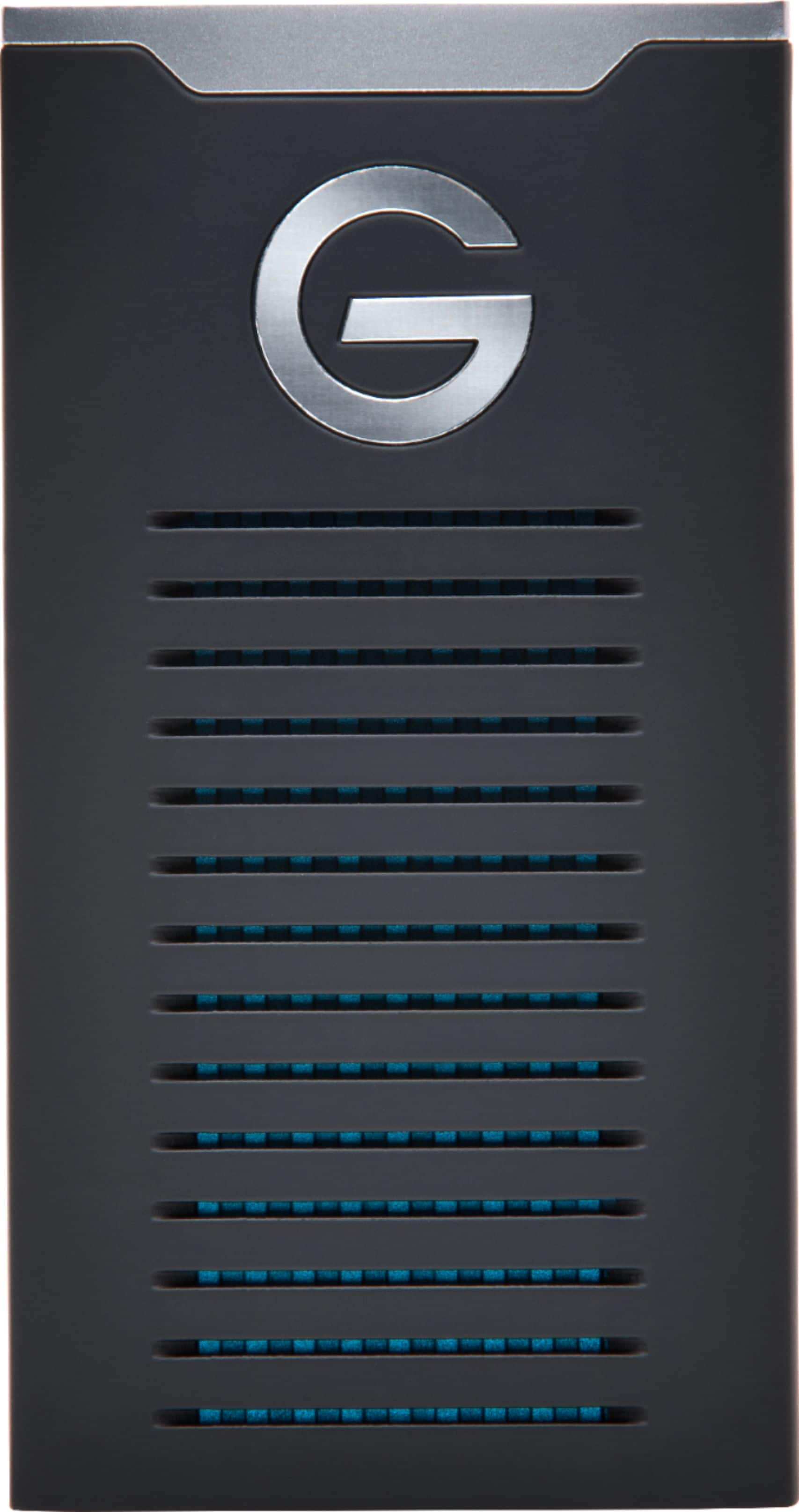
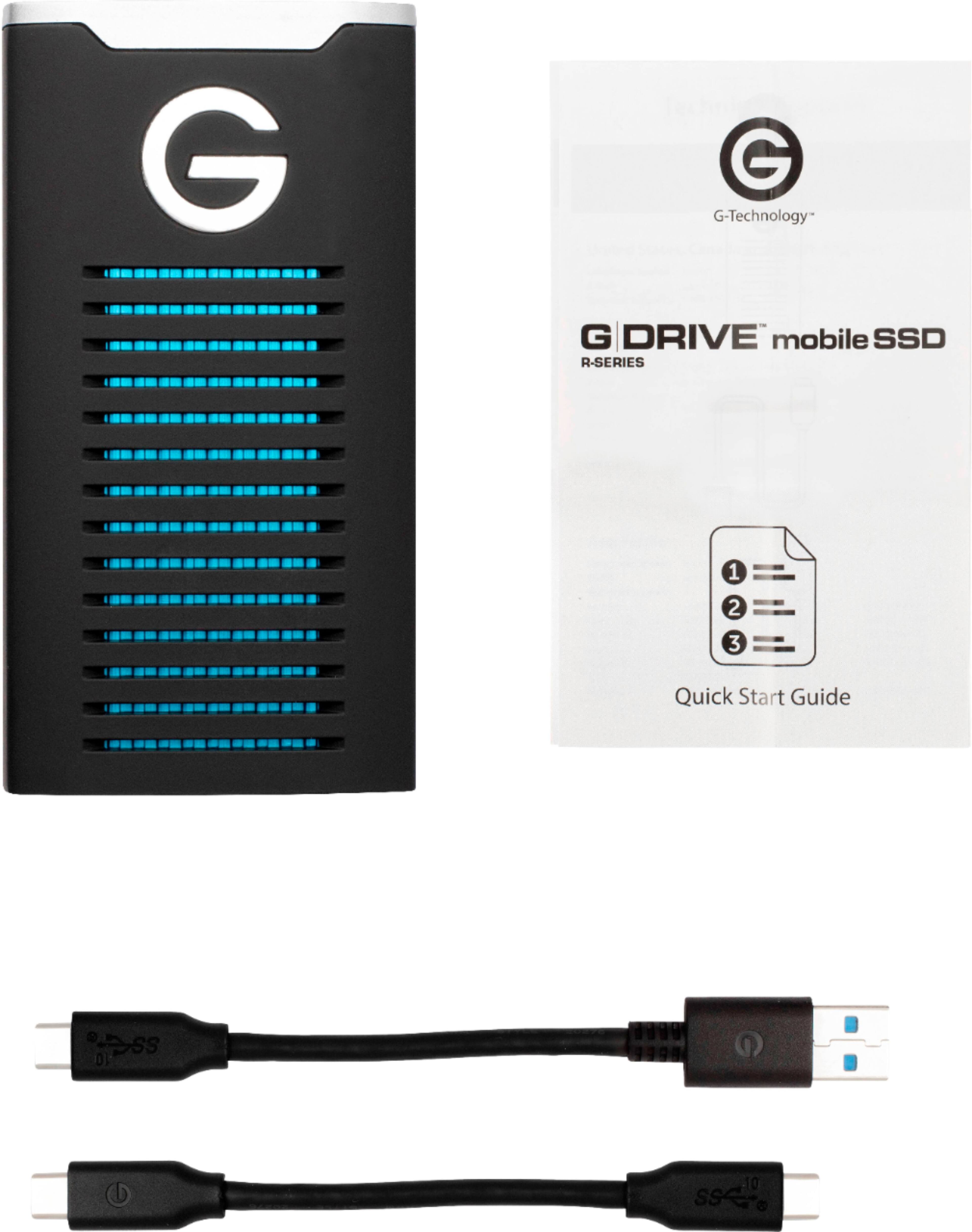
|Posted .This reviewer received promo considerations or sweepstakes entry for writing a review.I am a fanatic about backing up my digital files. I have done so since the beginning with tons of floppy drives, moving on to Zip drives, archival DVDs, and as they have been advancing, portable hard drives. I recognized early on that with our increasingly digital world, I needed (as do most people), a way to hold everything 'just in case'. I also witnessed a colleague lose ALL of his Master's degree work, including his thesis, and I've never seen a man so broken before or since. He was wicked smart when it came to math, but stupid when it came to computers. I have a huge amount of digital files both for my personal items (iTunes music, movies, RAW photo files, important document scans, etc.), as well as for my work files. I'm a teacher and unlike many my age who have two or three (or in one case ten) filing cabinets full of documents and stuff, I have everything digital. I have high-def multimedia files so I don't have to try streaming them over unreliable wi-fi in the school (kids are all using up the bandwidth sharing Instagram pictures of themselves in class, like, we know, you're in class). I recently purchased the SanDisk Extreme Portable drive for use with my work files because it is fast, light, and easy to take around. I got the G-Drive for my home archive. BTW in case you didn't know, SanDisk (whom I've always loved their stuff) and G-Technology (same) are both owned by Western Digital now and these are part of the 'stable' of products. (Sorry, not sorry, for the detour into the why and what of data management.) Now as to the G-Drive itself, it is awesome. It is freakishly fast and nice and solid. It comes with all the cords you could need for connecting it to your computer and it does it's job incredibly well. I had kind of hoped that in the pictures I saw online, that the blue you could see between the slats on the drive were indicator lights to show how full the drive was but really you are just looking through the case to see the heatsink around the memory core. Bummer, but it still looks nice. The one thing I have to say about these new drives and the incredible speed we get now is that you now have the ability to do a final backup in the case of an emergency in little to no time. I used to have a schedule for making quarterly rolling back-ups but I was able to do my most recent backup in a couple of minutes! This gives me the peace of mind to know that if I perhaps missed a backup or know that I had recently added a bunch of files that I would want, that I could get them in record time after popping this thing out of the safe. One thing you will notice from the other reviews here is that this G-Technology drive is formatted for Macs right out of the box. G-Drives have been a staple in the Mac world for years (they make my Thunderbolt Time Machine drive). It is not very hard to reformat the drive using their software and you can even use it on both a Windows and Mac if you reformat it to the exFAT format. That being said, you do lose quite a bit of speed from this drive by not using it in a native Windows or Mac format (NTFS or APFS/HFS+, respectively). This is my backup drive for my home computer which is an iMac so it is in APFS; the SanDisk is for my work computer which is a Windows 10 Laptop so it is in NTFS. I use USB thumb drives in exFAT format (which IMHO all USB thumb drives should be formatted in), for transferring files between the two if needed. OK, so this 'review' hopefully was more about convincing you that you need this, but if you are reading this, you probably already know that. I didn't spend much time on the actual drive because it does what it is supposed to incredibly well, period. It does nothing super fancy but I don't need or want that out of an external drive. Like I said earlier, I have always loved G-Technology and SanDisk drives and this drive (and my recent SanDisk purchase) have only reinforced that feeling. If you need a portable external drive, you can not go wrong with this G-Drive.
I would recommend this to a friendWill not connect
||Posted .This reviewer received promo considerations or sweepstakes entry for writing a review.This thing will not connect to my computer even though it’s powered. Aggravating
No, I would not recommend this to a friend- Pros mentioned:Portability
Needs to be partitioned first for PC
|Posted .This reviewer received promo considerations or sweepstakes entry for writing a review.With sd cards getting huge capacities, why does anyone bother carrying around an external drive anymore, let alone a sold state one that has a fraction of the capacity? Because of the write speeds. Using CrystalDiskMark, I clocked my write speeds on this at over 400MBps. That sort of speed is necessary for installing programs to an external drive (because my tablet pc has limited storage) and still expect it to perform properly. The size of this thing is a real plus, since previously I was using an old full sized SSD in a cheapo enclosure. I did have to take away one star. Out of the box it wasn't recognized by my PC. The USB sound played, which meant that my computer was recognizing it, but no drives were mounted. Opening up Disk Management showed no drive letter, so I deleted the partitions and created a brand new volume. I guess it was preformatted for Macs, but since I know how to use a real computer it was easy enough for me to fix. I can just imagine the queue of angry, less tech-savvy customers unable to use their new external SSD, and all the returns processed despite nothing being wrong with the hardware itself (other than being preformatted for MacOS). Because of that, I can't really recommend to anyone not familiar with initializing disks and creating partitions, because it's way too easy to wipe the wrong drive in Disk Management. Otherwise it's an excellent portable drive, and I love that it comes with both USB type A and type C cords, both short enough to not get tangled in my bag.
No, I would not recommend this to a friend Dry slow
||Posted . Owned for 2 weeks when reviewed.This reviewer received promo considerations or sweepstakes entry for writing a review.Not worth it. I bought this to use with my Xbox one as an external hard drive. This performed slower than my older external hdd.
No, I would not recommend this to a friend- Pros mentioned:Speed
Fast and small with connection flexibility
|Posted .This reviewer received promo considerations or sweepstakes entry for writing a review.As the many other reviews noted, this is formatted for MacOS out of the box, so if you are planning to use it with Windows, keep in mind the need to reformat it. I hooked the drive up to my 2015 Macbook Pro (which has USB 3.0, but not USB-C) and was able to experience the fast speeds for data transfers that others here have mentioned. I don't have the means to measure and report numbers, but all I can tell is that it is super fast. So for me that's probably one of the most important considerations. I highly recommend this drive and wouldn't hesitate to buy it again if I needed another.
I would recommend this to a friend - Pros mentioned:Size, Speed
awesome, rugged, fast
Posted .This reviewer received promo considerations or sweepstakes entry for writing a review.super fast, has both older style USB for my current mac and for future proofing, the new style USB cable included for future mac transferrence which will need to happen someday. very rugged, i will only get rugged drives from now on after poor experiences w/ other SSD drives, meaning: total failure and loss of data. what good is the warranty, you can't just ship your drive with critical work files on it back to the manufacturer. time is money and security is paramount. not just the drive is rugged, the connector is rugged...that is often times what goes bad. uses a lot of power though, listed as 900milliamps (that is almost 1 amp, you know) so if you leave it connected to your laptop it will drain the battery faster. that is a minor inconvenience for such a fast, small, and rugged drive. this seems to be the logical replacement for the orange lacie SSD rugged drives which were excellent but large and heavyish. i was hesitant to go USB vs thunderbolt due to prior bad experiences w/ USB for these things, but it was the only choice, couldnt find any more good old style thunderbolt ssd drives, i guess they are going obsolete. this product is on the apple store also, so it seems to have apple approval of some sort which is good. i have had trouble w/ older samsung SSD drives not working on newer mac OS updates.
I would recommend this to a friend Pocket Sized and Super-Fast
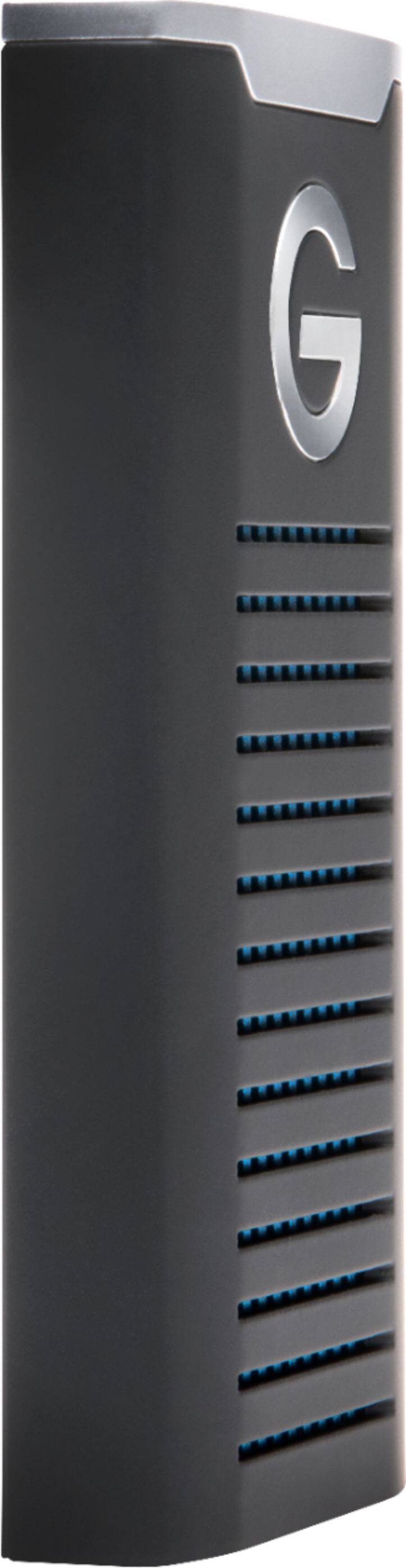
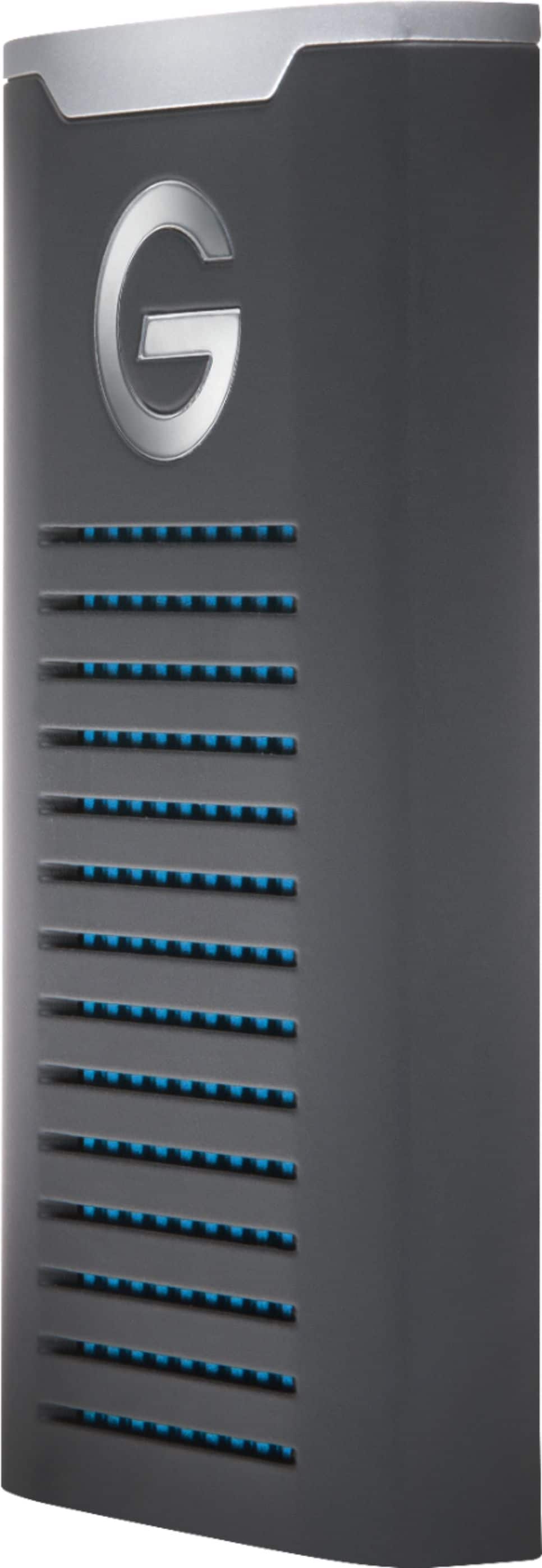
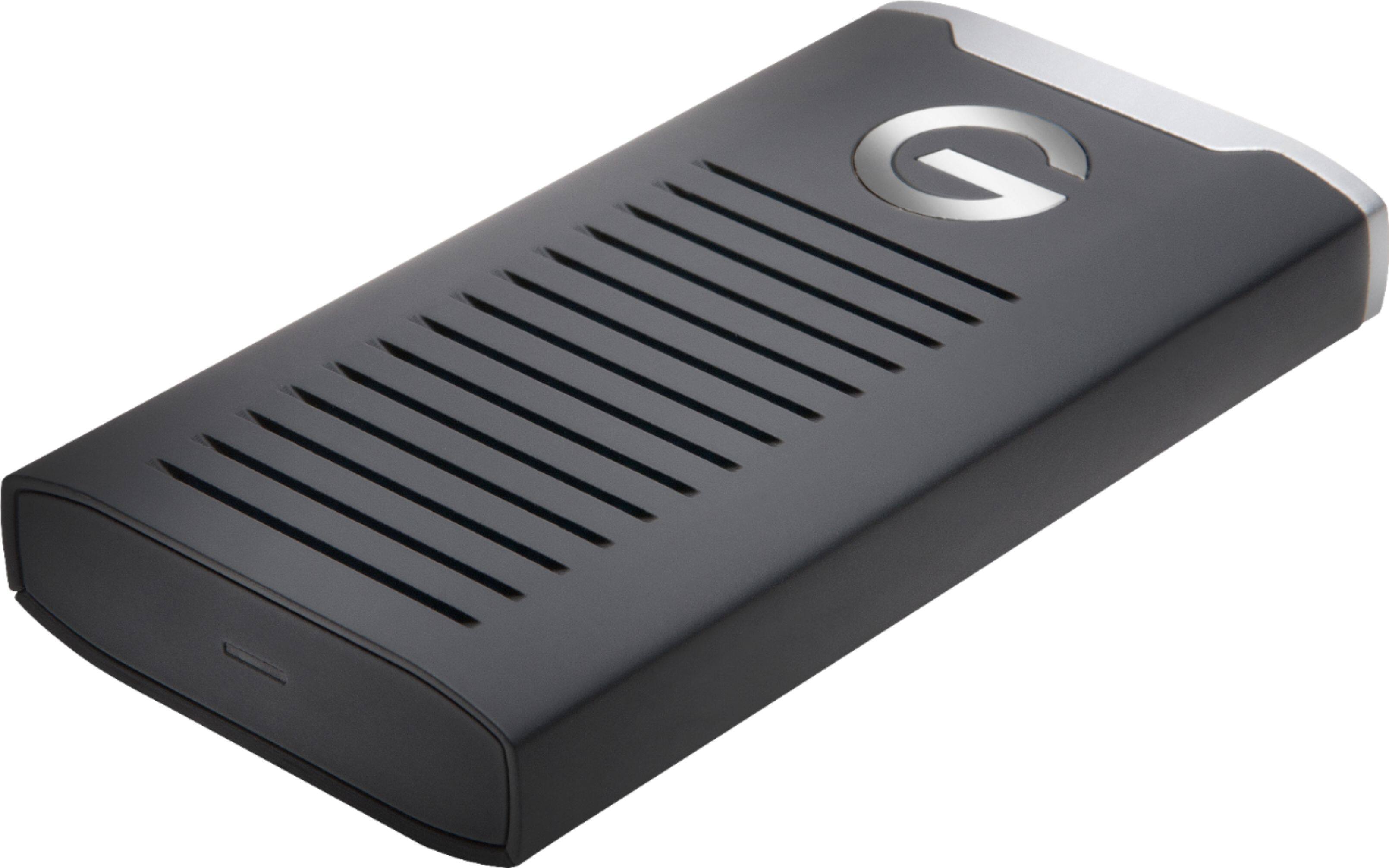
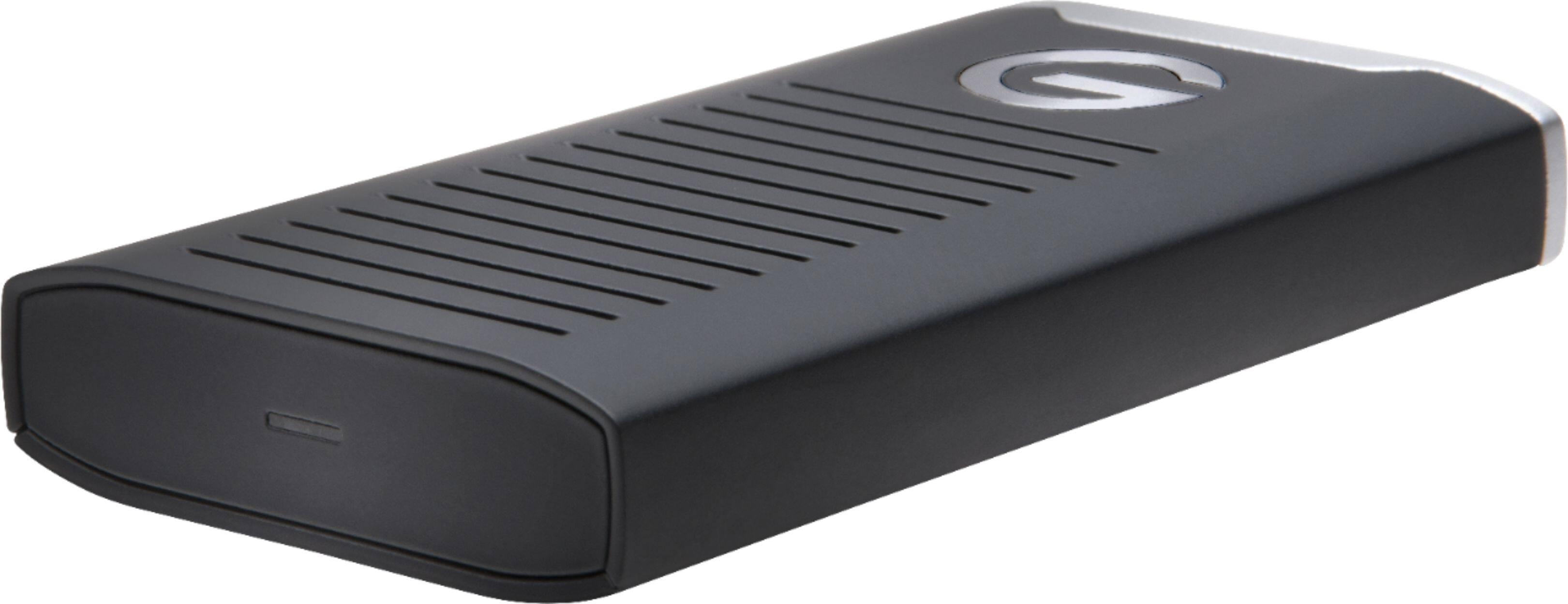
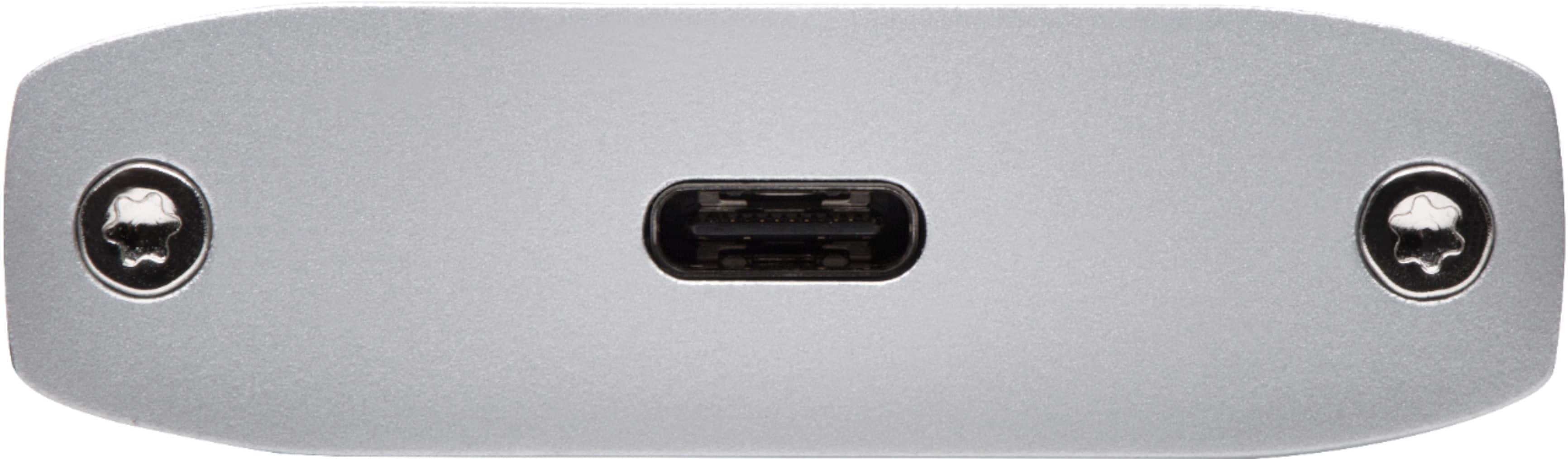
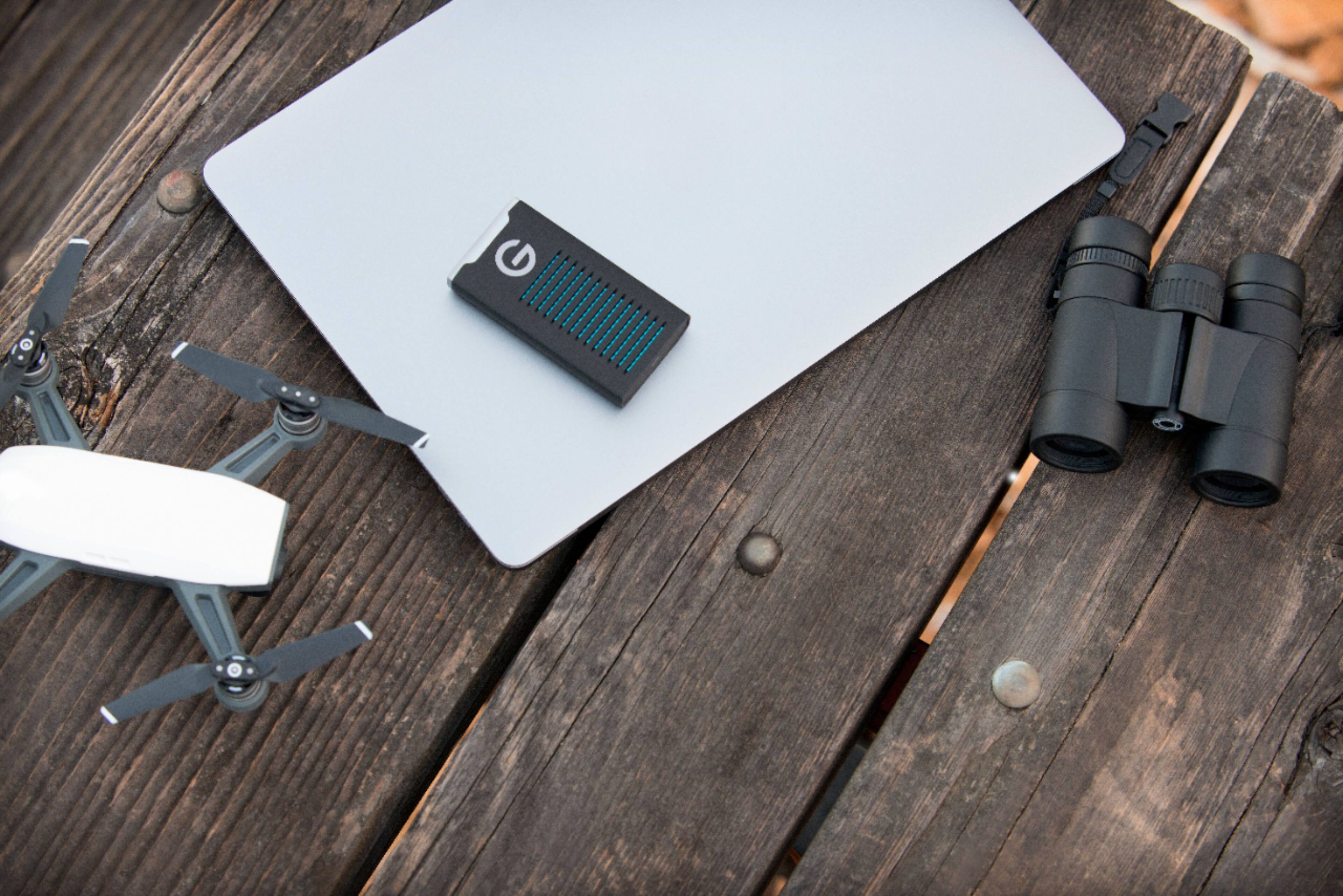
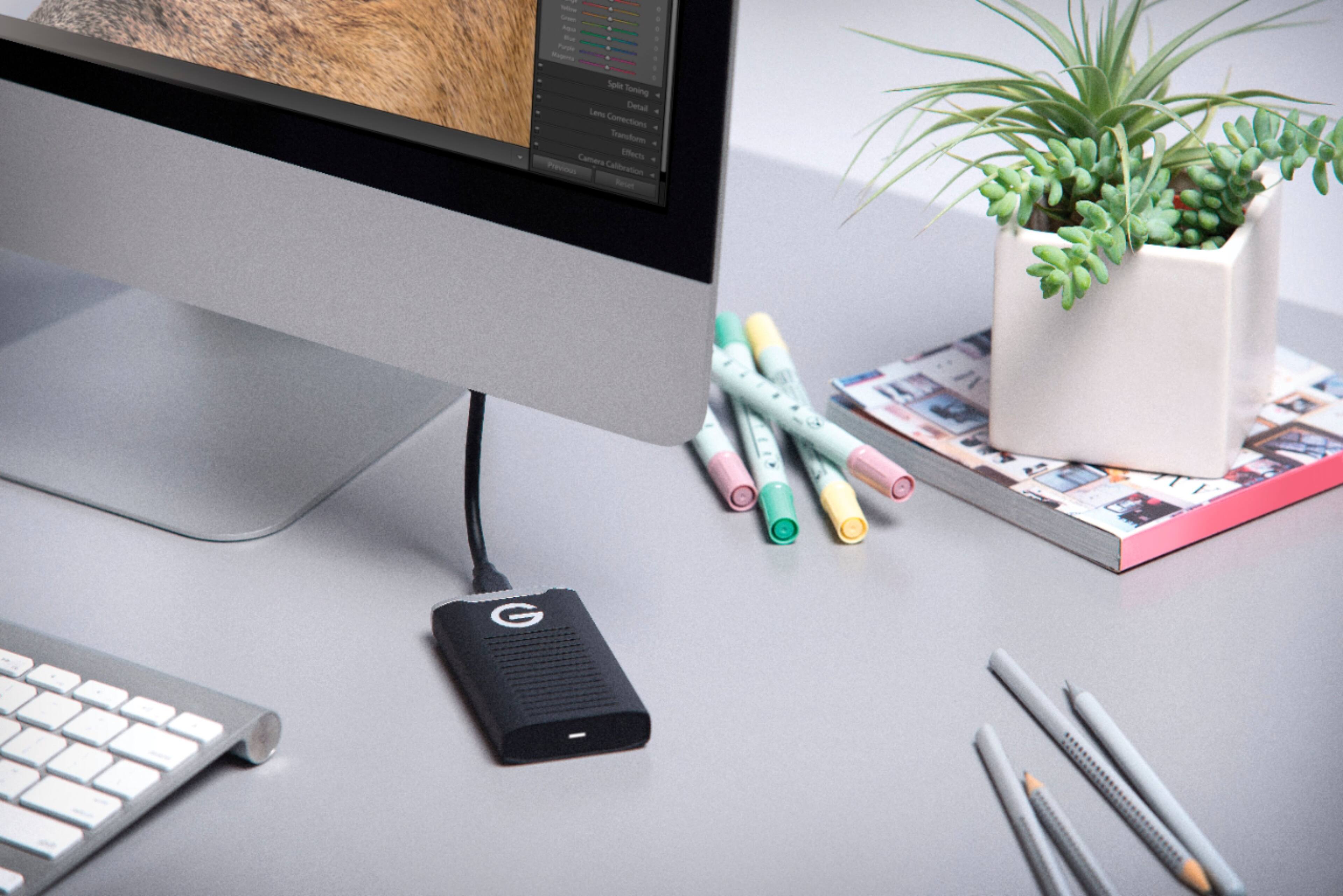
|Posted .This reviewer received promo considerations or sweepstakes entry for writing a review.The G-Drive was a lot smaller than what I was expecting. About the size of a credit card and about the thickness of a pack of gum, it’s not your standard size for a 2.5” SSD. Pros -It has a rugged design that looks like it will hold up well against drops, bumps, and floating around in a backpack laptop bag. -It’s fast. I only have a USB 3.1 Gen 1, but it was able to max out the interface speeds using synthetic benchmark to get 439MB/s Reads and 424MB/s writes. -USB Type C for modern compatibility. Having 1 cable interface that works with everything is more convenient. -Comes with both USB A to C and USB C to C in the box so combability shouldn’t be a concern if your machine doesn’t have an USB type C port. Cables feel sturdy and well made. -Aesthetically, this device separates itself from the competition. The hints of blue in the vents really stands out, the G logo on the front is subtle and non-intrusive, and the two bolts next to the port lets you know this isn’t held together by clips and glue. Cons -The included cables are very short, only about 5” long. If you’re using a small stand for the laptop like I do, the shorter cables kind of dangle off to the side. I have a few USB C cables laying around that are longer, and it works just fine. -I had to re-format the drive when I first connected it. This wasn’t a big issue for me as I typically format them to exFAT to be the most compatible. I believe it was NFTS and windows was having an issue reading it. After formatting, working great. Final Thoughts If you’re constantly transferring files from one PC to another, looking for fast storage, or want something to store Xbox and PS4 games on, this one will do the job just as well as the competition and seems like it’ll weather the elements doing so.
I would recommend this to a friend- Pros mentioned:Overall performance, Size, Speed
Ultra portable and fast
Posted .This reviewer received promo considerations or sweepstakes entry for writing a review.This drive is ultra small for an external drive and the USB-C connection provides super fast data transfer speeds. The drive is rugged and will allow you to carry your files anywhere in confidence. The smaller drive space, and a slightly higher price, is worth it for the quality of this unit.
I would recommend this to a friend Sucks
||Posted . Owned for 7 months when reviewed.This reviewer received promo considerations or sweepstakes entry for writing a review.Cant get it to work on phone or labtop. It is not recognized on either.
No, I would not recommend this to a friend- Pros mentioned:Portability
Awesome Drive
Posted .This reviewer received promo considerations or sweepstakes entry for writing a review.I looked at many drives and also have a few other brands of drives as well but what sold me on this drive was the 5 year warranty. Having said this be mindful that the drive wll be replaced if it fails during this time but the files stored on it will be lost. My suggestion is to have more than one backup. This drive is rugged and waterproof. I have used G Technology for along time without any issues. I have a MacBook Pro and this drive is configured for MACS. This drive is very pocketable. This drive comes with two cords but they are short. Some other drives come with a USB C cord and an adapter for USB. I guess it’s a mater of preference but the adapter is more likely to get lost. I highly recommend this drive even though it is a little pricier. My local Best Buy had it for 139 dollars. I really think most drives you buy will be reliable. Again, the 5 year warranty is 2 more years thank the others. Good luck !
I would recommend this to a friend Designed for the Mac! (But works with a PC.)
|Posted .This reviewer received promo considerations or sweepstakes entry for writing a review.Review for G-Technology - G-DRIVE Mobile SSD R-Series 500GB External USB 3.1 Gen 2 Portable Solid State Drive - Black/Silver This little SSD arrives formatted for use by a Mac. So many reviewers here feel this is some kind of failure. Nine out of ten hard drives are formatted initially for Windows and need to be reformatted for use on a Mac. Well, this is the other way around! That said, this SSD is a marvel. It’s compact, fast (!), and ready to go to back up video, photos, or any large files quickly over its USB-C connection. It’s rugged and meant to be well-travelled. The outside is cushioned and is specified to withstand falls, dust, and moisture. Although not “waterproof,” it is designed to be used outdoors, so it's perfect for video shoots where extra storage or backup is needed. The included cables are indeed short — about 5” — but are perfect for connecting to a MacBook. Best of all, it’s solid state storage (the SS in SSD), so it has no moving parts to break or wear out. This makes it ideal for backup of mission-critical files.
I would recommend this to a friend- Pros mentioned:Size
Fast, Rugged Portable SSD
|Posted .This reviewer received promo considerations or sweepstakes entry for writing a review.I have been using this as an external drive on my PS4 Pro for a few weeks now….and so far, so good. The drive is lightweight and compact enough to carry in your pocket. It is rugged and very well built. The read/write speed of the drive is lightning fast. I have had no issues thus far, and would recommend this portable SSD to anyone.
I would recommend this to a friend Perfect
|Posted .This reviewer received promo considerations or sweepstakes entry for writing a review.It's well built, very small,& light weight, easy to carry in a front pocket, and crazy fast. USB C makes for fast transfers. I transferred my entire photo library (over 15.000 photos and around 200 short videos) to the drive as a back up and couldn't be happier. This is a must buy as the solid state is a much more reliable and fast way to back up or transfer your important memories. I wish it were a full terabyte but so far the 500 has been enough for most everything I require.
I would recommend this to a friend- Pros mentioned:Speed
Excellent, well built high speed drive.
Posted .This reviewer received promo considerations or sweepstakes entry for writing a review.Excellent, well built high speed drive. I use this drive as my primary back-up drive.
I would recommend this to a friend Disappointed
Posted .This reviewer received promo considerations or sweepstakes entry for writing a review.I went in to buy a 2nd Sandisk 500 gb external USB drive. When buying the first drive, I had initially wanted a 1tb but our store told me that they stock nothing over 500gb so I went with the smaller. Today I saw the display for the new G-Tech drives, read the description and decided to try it. It claimed to be a bit faster and ruggedized. When I get it home I plug it in and my computer tells me it is setting it up. When the setup notification window vanishes, the drive does not show up. I tried it on 2 other computers with the same result. After searching the net for a while I discover that these come formatted for Macs. These drives are kept in a locked case in the store making it impossible to read the box. Upon examining the box, I find in small print on the side that it works with Mac or PC, PC requires format. I probably couldn't have read that small print in the store anyway. I follow the instructions online to repartition and format the disk and indeed my computers recognize the drive. After spending quite a bit of time figuring out and resolving the initial problem I begin the task I originally set out to do, copy and transfer files from other computers. I first copied a 70 gb file of photos. The drive ran very slow. It seemed to stay around 27 MB/s through most of the transfer topping out at 40 and slowing to 0 at times. It performed at the same speeds reading or writing while transferring video, document and music files. This is not what one expects when paying a premium for an SSD. After completing my transfers I got out my Sandisk drive and started writing some of the same files to it. All of the files transferred at sustained rates between 150 MB/s and 200 MB/s. This drive so far has been a frustrating and disappointing experience.
No, I would not recommend this to a friend