Customer Ratings & Reviews

- Model:
- 010-01862-01
- SKU:
- 6089611
to a friend
Customers are saying
Customers admire the Speak with Amazon Alexa for its GPS capabilities, ease of use, and sound quality, finding the Alexa functionality a convenient addition. However, some users express concerns regarding the small screen size and limitations in the navigation system, suggesting improvements could enhance the overall user experience.
This summary was generated by AI based on customer reviews.
- Cons mentioned:Screen size

Good Device with some app quirks
|Posted .This reviewer received promo considerations or sweepstakes entry for writing a review.The Garmin Speak is a solid device once it is updated. The Speak app must be downloaded and running to work properly for setup and daily use. I like the hardware and they give you more than enough cable to mount the Speak anywhere. I mounted mine hidden behind the black area above the rearview mirror. Next I ran the cable under the hood liner, down the door seal and under the dash. It only pops out the charger and 4 inches of cable to the cigarettes lighter port. I have already ordered a separate cigarette lighter port that I will hardwire in so I can completely hide the power source for a clean install. The Speak works fine for the most part, the internal speaker could be a little louder but it is not my main conplaint. I would have liked Garmin to utilize the entire face area for a screen. The Speak is small and round, but the screen is rectangle and half of the face area. Doesn't make sense to not utilize the entire face area, this could have been used for notifications and more. Now, the app, this is where my main complaint starts. You must have your radio set to Bluetooth input at all time to hear audio from the Speak. I think this is a horrible idea, I want to use other radio features, not use the Speak for the radio all the time. The app needs the option to have media separate through Bluetooth. Garmin has made the Phone separate to choose use the Speak's speaker, but the Media and Speak audio out is under the same choice. This is a huge downer in my opinion. I want to have the daily Nav, News and Weather come through the Speak's internal speaker. The phone and media must be able to to go through the radio's speakers seperate. This will allow me to use the device and switch to the Bluetooth media when I want. Other than the app quirk that is a must fix for true daily use, I would like to see a optional cable that is a USB cable end on the other side that I can then utilize the USB port instead of the cigarrete lighter port. If you get a good price on the Speak, it is a worthy device, but until they fix the issues, it ius not worth the $149 in my eyes. I woulld recommend the Speak for daily use, I hope Garmin sees this and considers the changes to the app and software.
I would recommend this to a friend - Pros mentioned:Ease of useCons mentioned:Navigation
Great extension for your Amazon Echo Home
Posted .This reviewer received promo considerations or sweepstakes entry for writing a review.It's a great addition in your car, easily moveable from one car to the next. Set up was easy using the app. It works seemlessly with my home Echo and will lower and raise my Nest thermostat with a simple command. So, if you want an extension of your Amazon echo in your car, it's a great product. On the negative side, I will say the navigation is not the latest and needs to be updated. I would not buy it as a navigation device, if it's your only option in your car. I also would not buy it if you do not have Amazon Echo set up in your house.
I would recommend this to a friend - Cons mentioned:Connectivity, Power source
Good idea in theory
|Posted .This reviewer received promo considerations or sweepstakes entry for writing a review.I love Garmin GPS’s. I still use my Garmin GPS in conjunction with my iPhone when traveling cross country. This device is small and cute and looked really cool. At home I have an Amazon Echo and an Echo Dot. When I saw this Garmin Speak, I thought it was it would be the best of both worlds. It’s not! I’m still trying to figure out it’s reason for being. It has to be connected by Bluetooth to my phone all the time and plugged in with a long wire around my windshield into the cigarette lighter jack. It can give directions, play music, control my lights at home and play all my Alexa skills. Guess what, so can my phone using various Alexa based apps. It was a good idea but not implemented well enough. If it got it’s info from the cloud and was rechargable like the regular Garmin GPS, it would be a great product. So is it really necessary? I really don’t think so.
No, I would not recommend this to a friendBrand response from GarminProductExpert
Posted .We appreciate your review of Garmin Speak. We are always working to add more features and skills to Garmin Speak to improve the product; we will take your feedback into consideration. If you have any further questions or suggestions, please reach out to us at [email protected].

Junk
||Posted .This reviewer received promo considerations or sweepstakes entry for writing a review.Has to be connected to Amazon app on phone. Useless if not. Display small hard to figure functions. Will stick with GPS or Google maps from now on
No, I would not recommend this to a friendBrand response from GarminProductExpert
Posted .We appreciate your review of Garmin Speak. I'm sorry to hear about your frustration. We are always working to add more features and skills to Garmin Speak to improve the product. we will take your feedback into consideration. If you have any further questions or suggestions, please reach out to us at [email protected].
Returned
||Posted .This reviewer received promo considerations or sweepstakes entry for writing a review.The unit is super hard to use. Gets into way and too much wire! If you need this find an alternative device.
No, I would not recommend this to a friendNot worth it
||Posted .This reviewer received promo considerations or sweepstakes entry for writing a review.its not an impressive product, I really don't prefer to buy such item again.
No, I would not recommend this to a friendBrand response from GarminProductExpert
Posted .Thank you for your review. If you have questions or additional feedback we would love to hear from you. Our contact information, including telephone number and hours of operation, can be found on at: https://support.garmin.com/en-US/
Not very efficient
||Posted .This reviewer received promo considerations or sweepstakes entry for writing a review.This product was not very helpful and I was better utilizing my cell phone
No, I would not recommend this to a friendProblems connecting to cell phone
||Posted .This reviewer received promo considerations or sweepstakes entry for writing a review.I just had to many problems connecting to apps. I personally did not it.
No, I would not recommend this to a friendBrand response from GarminProductExpert
Posted .We have released several updates for the Speak recently. Please ensure that the Speak app, speak device and your smartphone are all using current software, this will resolve most connectivity issues. This Support article also provides additional details about troubleshooting connection issues: https://support.garmin.com/faqSearch/en-US/faq/content/0cGSil1tgu8TdraSbanPLA
Not a good buy
||Posted . Owned for 1 year when reviewed.This reviewer received promo considerations or sweepstakes entry for writing a review.Had to return it since it didn’t perform like I thought
No, I would not recommend this to a friend- Pros mentioned:Ease of use, Sound quality
Meet My New Assistant!
|Posted .This reviewer received promo considerations or sweepstakes entry for writing a review.I love this device! The set up was very easy. After downloading the app, “Garmin Speak” in addition to “Amazon Alexa” I was set to go after a few updates. I like the following about the device: *How small and compact the device is. I was able to stick it in area of my front window that does not distort my view while driving. *I love how Alexa provides me with weather, playlist of songs, news, along with the basic information that I need on a daily basis to keep me abreast of my day. *The audio voice speaks well with great clarity. *The device plugs into my cigarette lighter firmly as this is welcomed because in the past I have purchased cell phone chargers that didn’t stick well after insertion. Overall, I am quite pleased with this product and its performance. I am thrilled that I have a reliable system both in home and car!
I would recommend this to a friend Alexa + GPS = Awesome
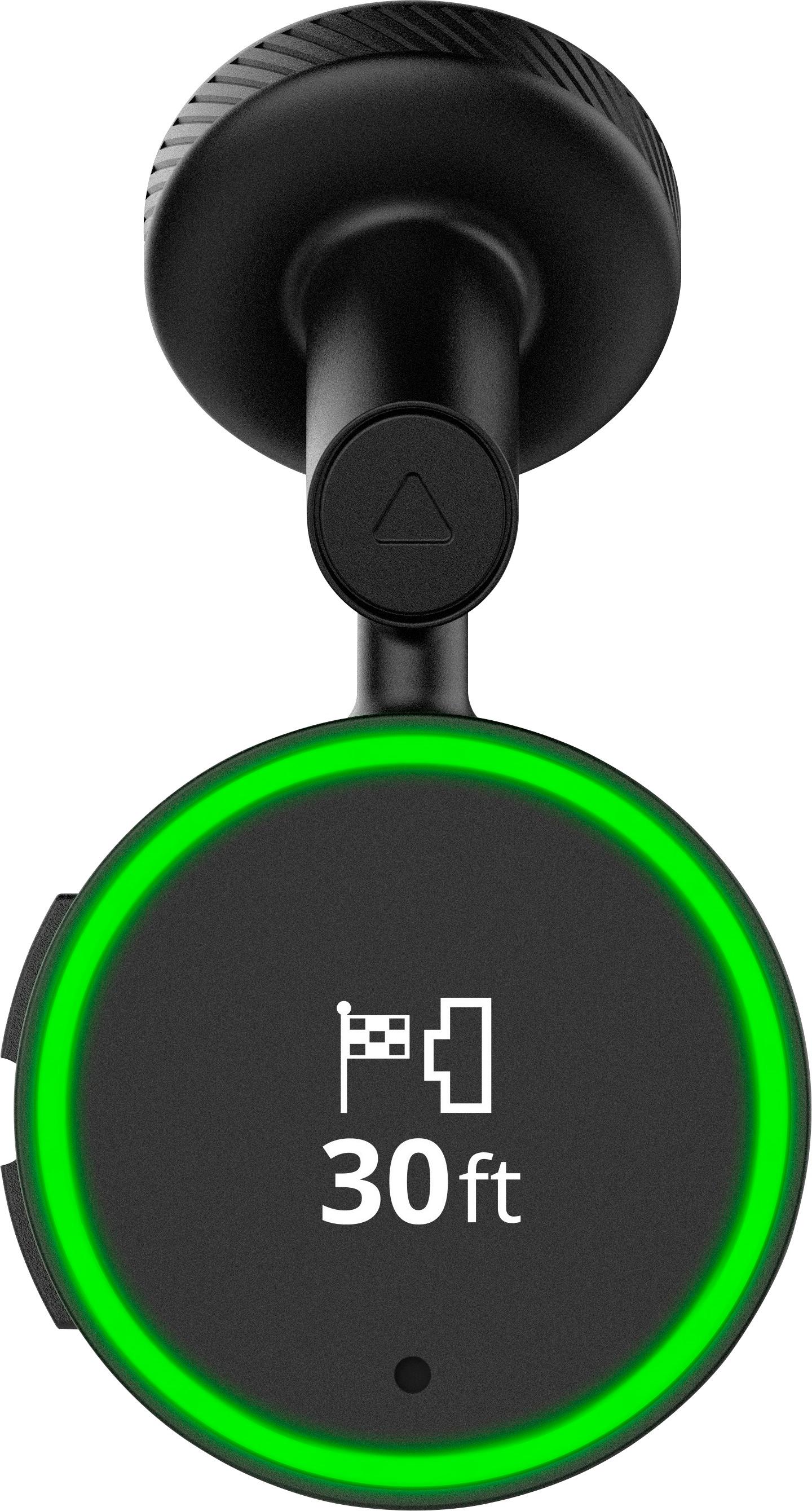
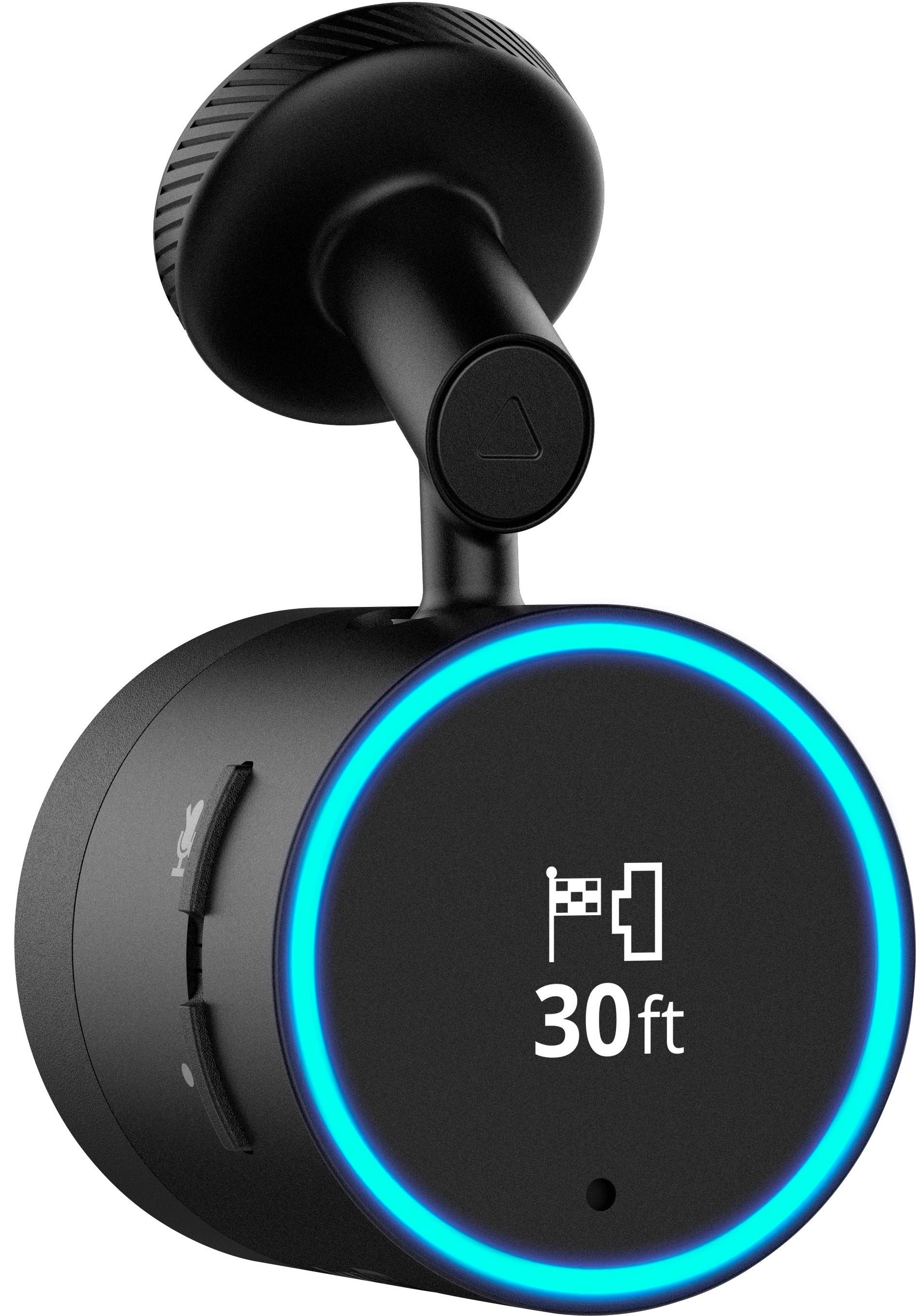
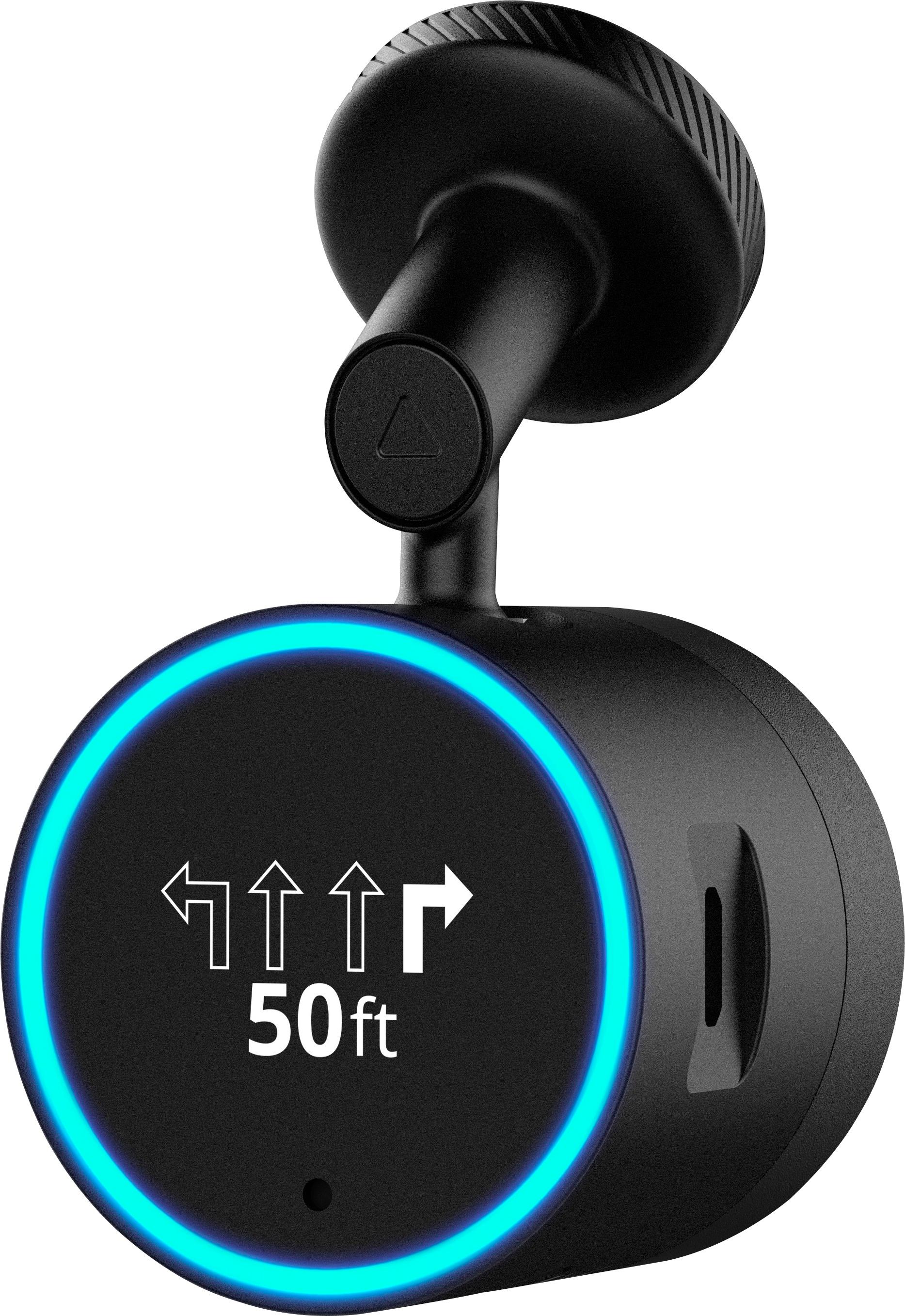
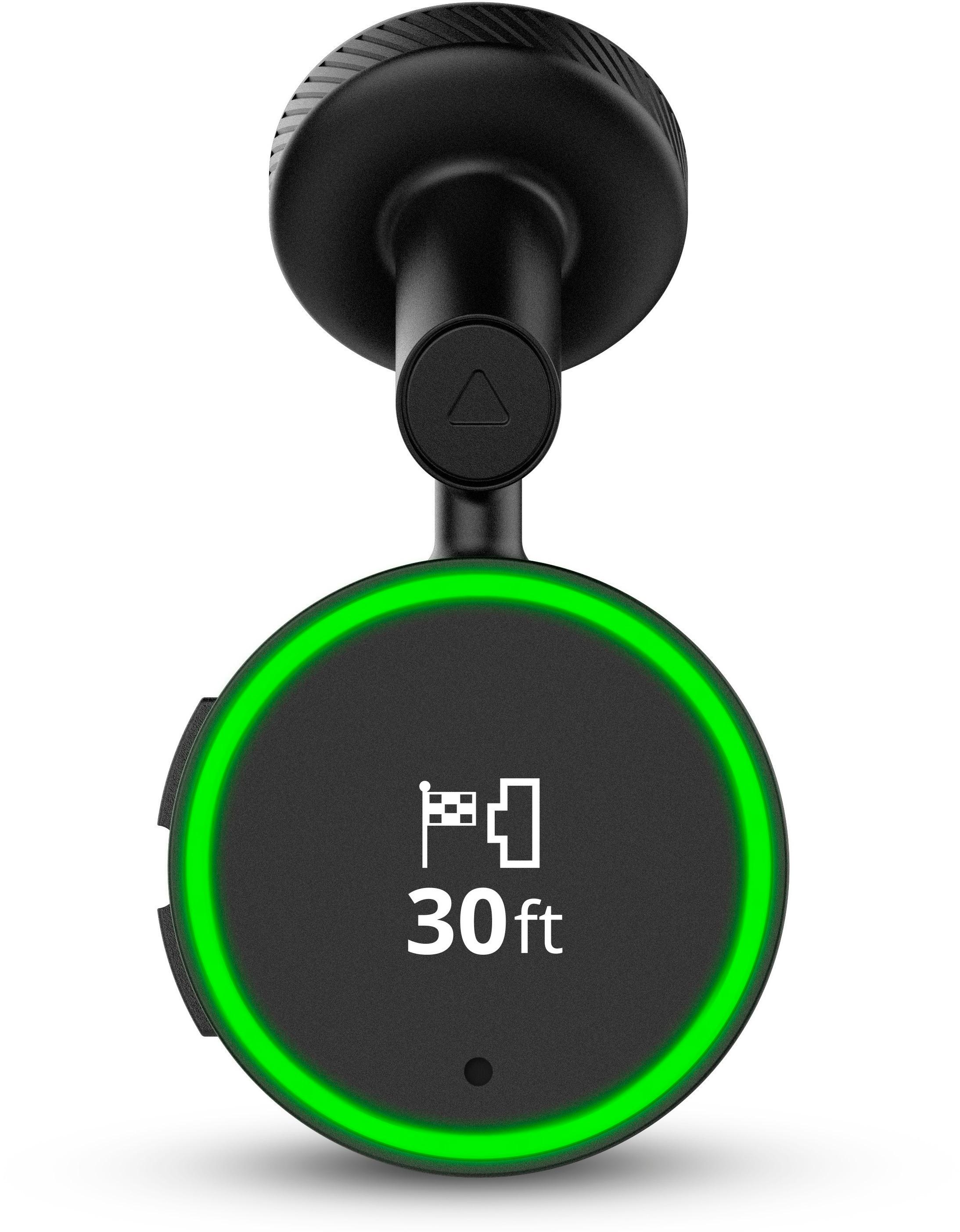
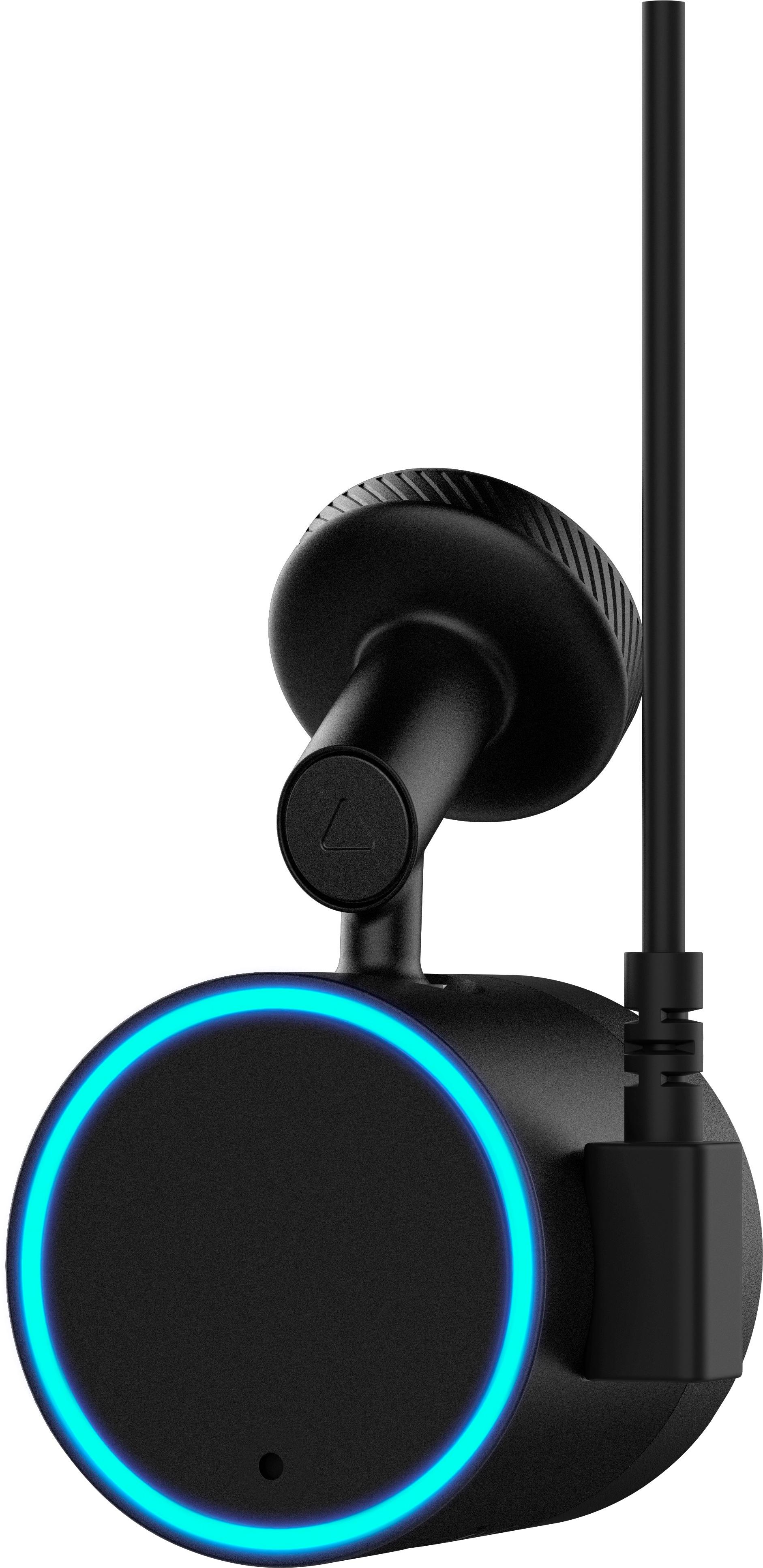
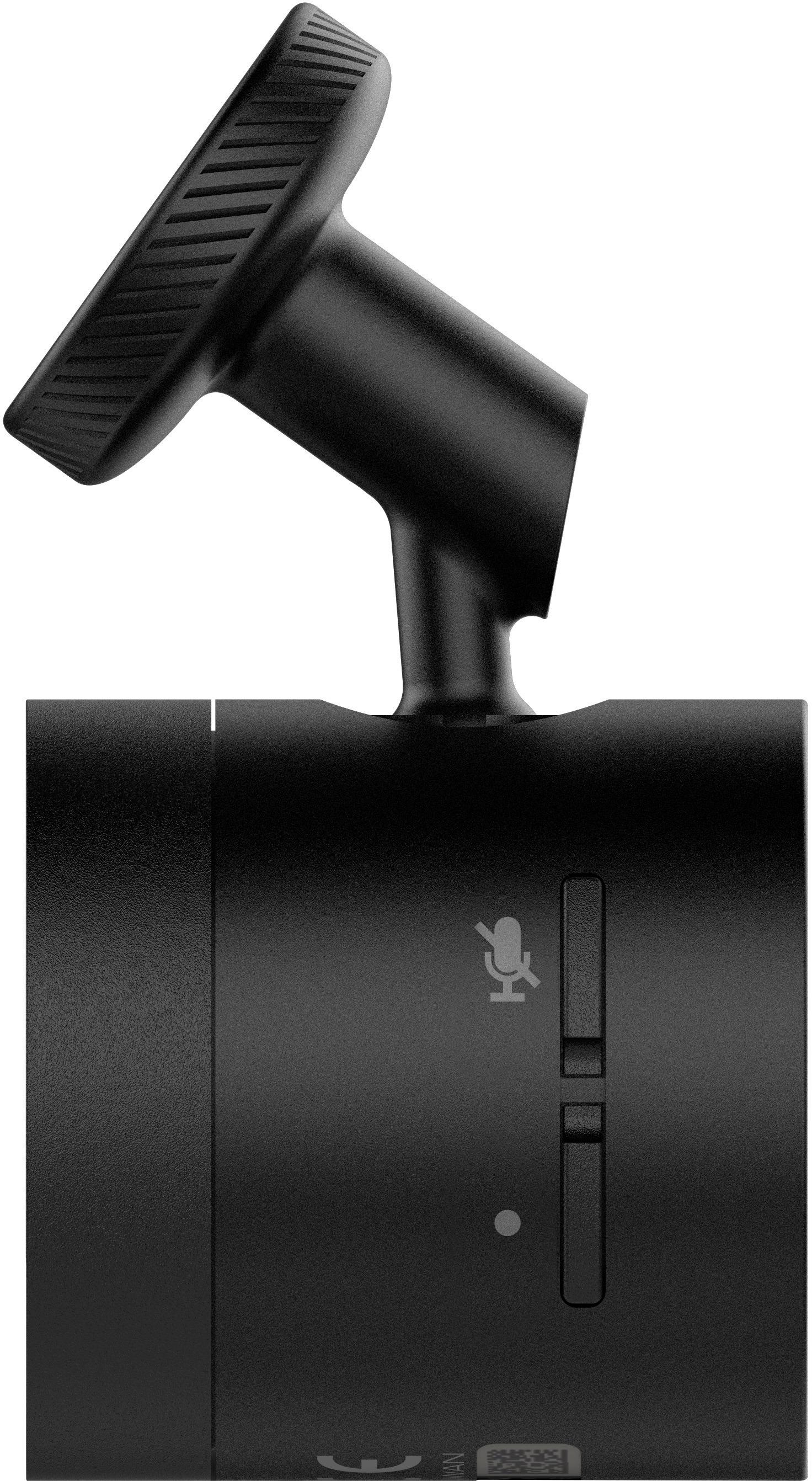
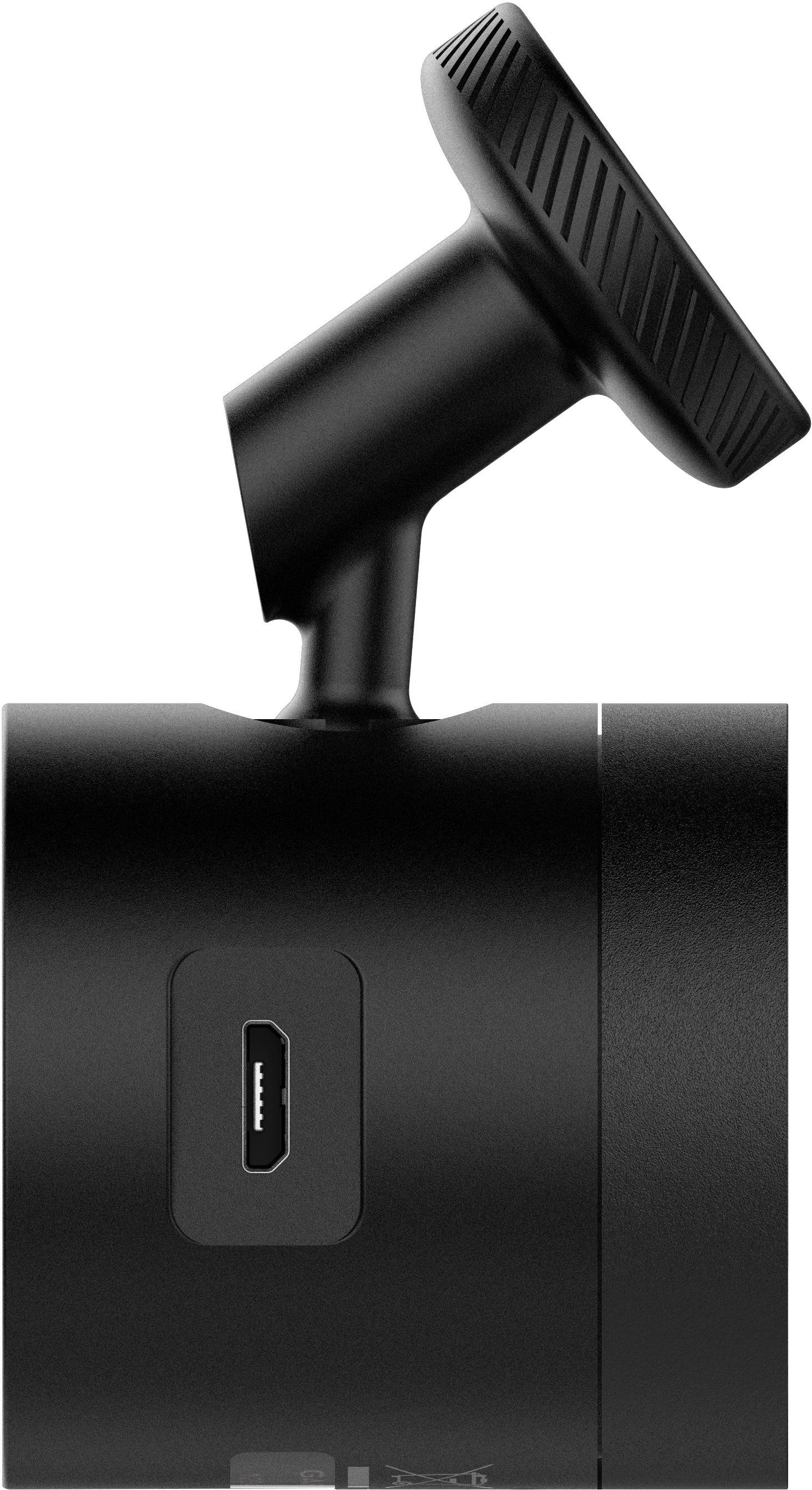
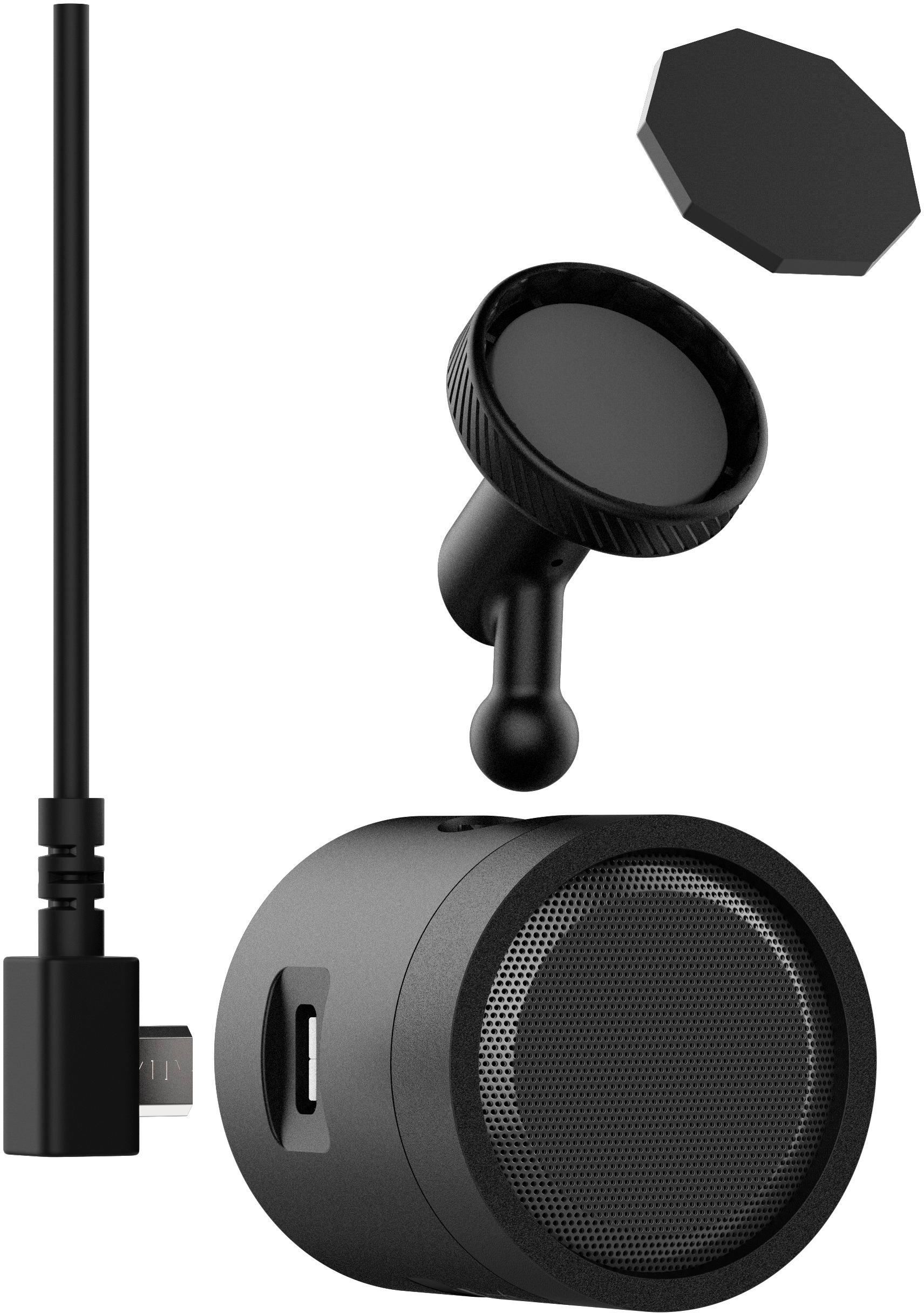
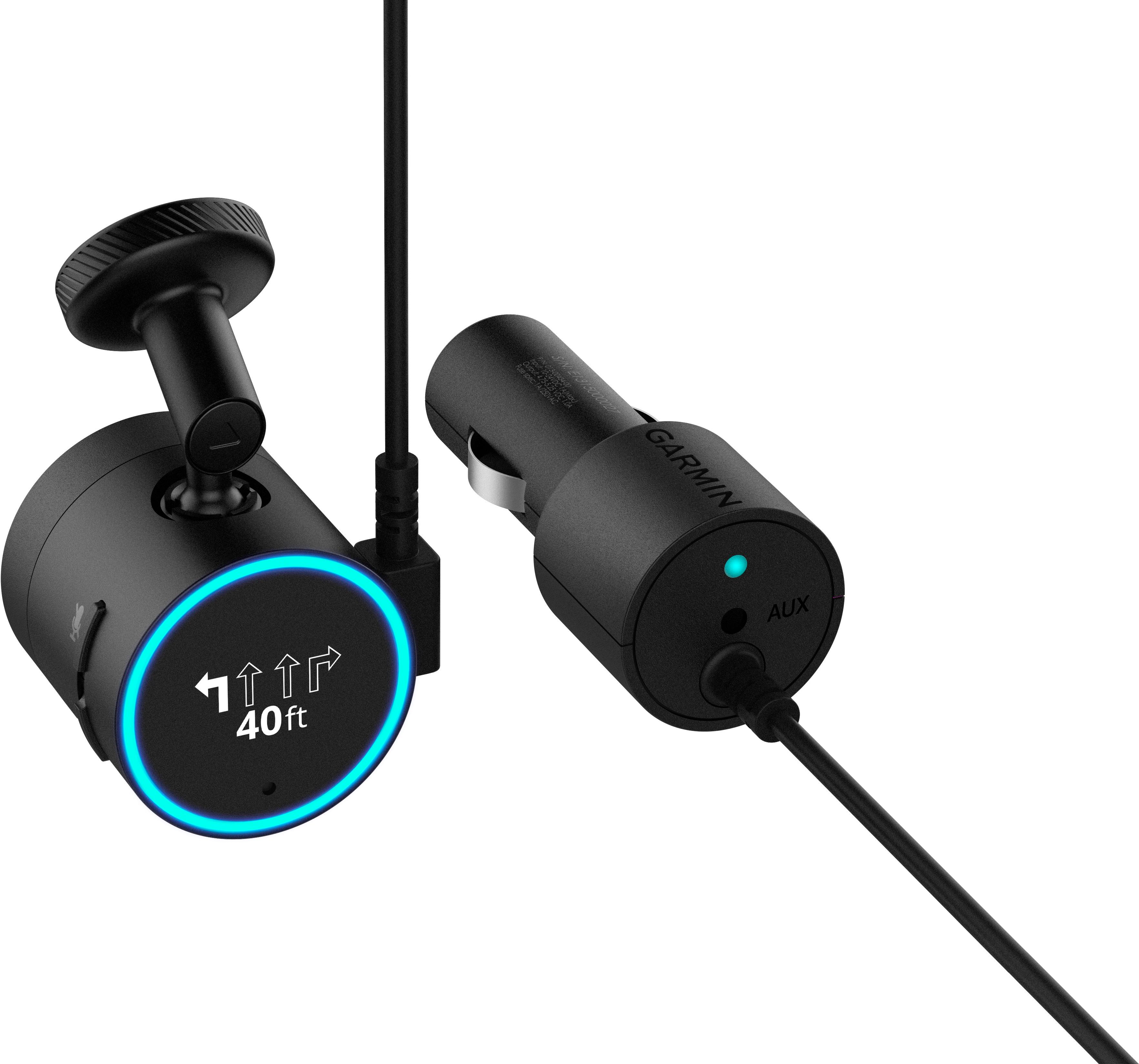
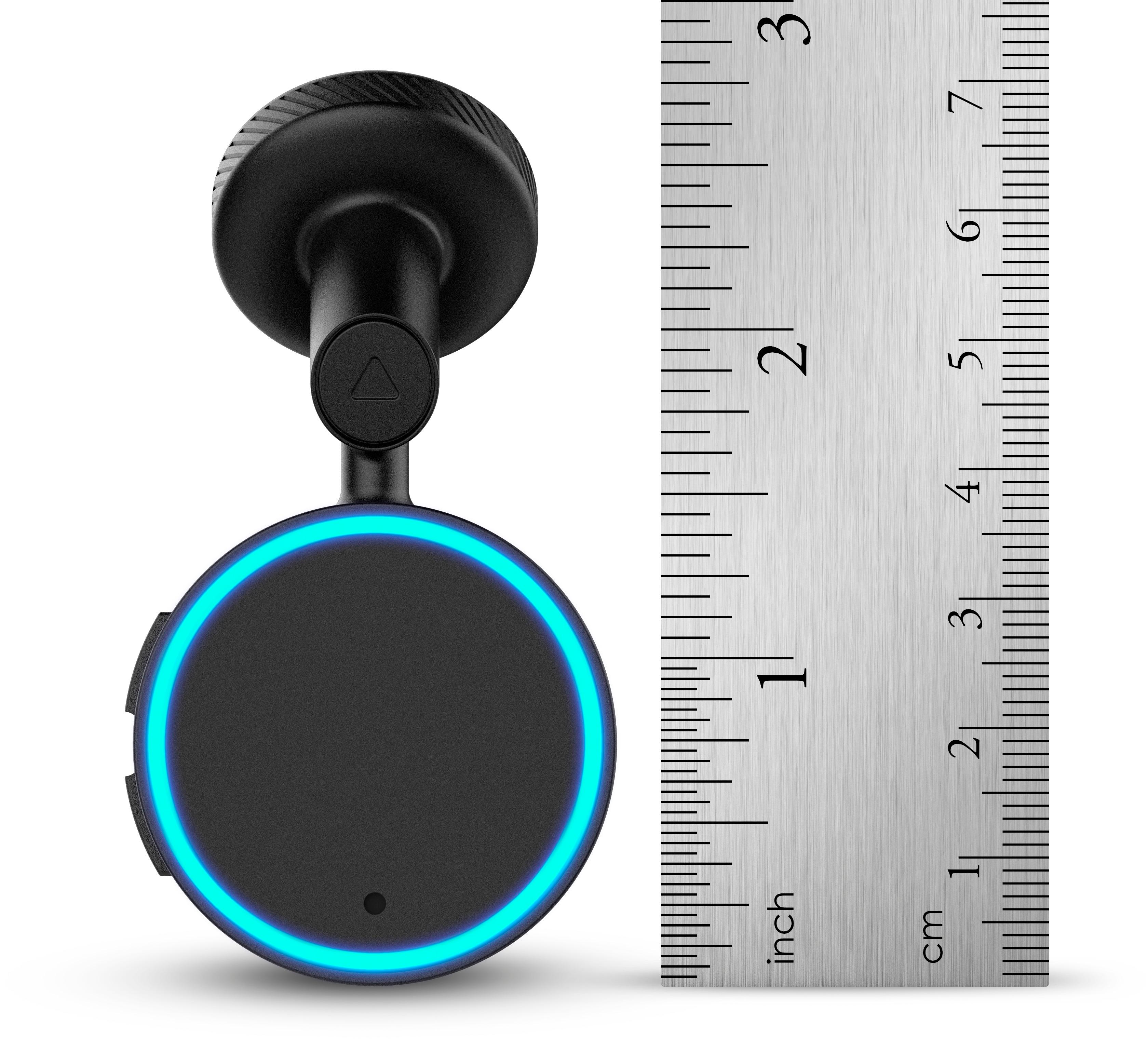
|Posted .This reviewer received promo considerations or sweepstakes entry for writing a review.The Garmin Speak is an interesting product from Garmin. It combines Garmin’s strengths of navigation with Amazon’s Alexa technology to provide a voice driven navigation experience. First of all, I’m a huge fan of Alexa. My interest in this product was less for day to day navigation needs and much more about brining Alexa, and it’s existing integrations. Alexa in the car is a game changer, and while some manufacturers are bringing it to their cars, Garmin can add it right now though this tiny little device. And when I say tiny, it really is quite small. It’s only around 1” in diameter with a similar length. The included power cord is long enough to pretty much run anywhere. I mounted mine with the included sticky pad beside the rear view mirror and had feet of power cord to spare even after running it in the headliner and down the a-pillar and across the dash. Other than a spare sticky pad, and some included documentation, that’s pretty much all that’s in the box. You have the choice of running audio either using auxiliary or use your phone’s Bluetooth audio. Since my car doesn’t have an auxiliary I use the Bluetooth capability. That’s not much of a disadvantage due to the fact the device relies on Bluetooth from your phone to have a data connection. Once you start your car, it takes about 10-15 seconds for the device to be ready. You need to use the Garmin Speak app to connect up initially, and the device may need to update its software (which could take a minute or two) during next startup, but generally this process is pretty smooth. Once started up it announces itself via a tone and a message. The message is displayed on the small round 1” OLED screen. This screen has a decent resolution and great contrast. Due to the white on black - even in bright light, this screen is quite visible. This screen provides basic messages, but is primarily used for the Garmin navigation feature. As with almost any Alexa device, it has an array of LEDs forming a ring around the outside of the screen that provides visual feedback of when the device is listening and is also leveraged for navigation. The Alexa functionality works wonderfully (for the most part). If you are a prolific Alexa user, you will instantly appreciate the access to Amazon music via voice, home automation, and many other apps that is part of the ecosystem. I can’t emphasize how huge this is. Being able to turn on my outdoor garage lights as I approach home is a feature that’s hard to appreciate until you use it. Asking for jokes or my son’s favorite song is just as seamless as at home. If you follow the recommended mounting procedure the device does a great job,even in a somewhat noisy car. What’s most surprising is how well this device works given it must pipe its data through my cell phone. The fluidity and seamlessness are pretty incredible. As for the Garmin navigation feature, it’s quite good once you get a route. It makes great use of both the screen and the LED array. You get voice prompts in decent natural language, lane guidance using the screen, and distance to turn via the LED ring, which turns fully green starting from the bottom up to the top as the turn is approached. These touches make for a smooth experience and bring most of what a full GPS can give you. Another benefit of being connected is re-routing when traffic jams occur. I had this happen when heading home from an event. I arrived home 15 minutes earlier than my wife leaving from the same event. However, there are some rough edges. Probably the worst is getting guidance started. First of all you need to have Alexa ‘ask Garmin’ to utilize the navigation feature. That in and of itself isn’t horrible, but it surfaces essentially only a POI search. While POIs are important for a GPS, I find my usage scenarios to be more address specific. To put an address in the GPS, you need to use the Garmin Speak app, and type in the address. If you’re searching for a POI, you might get some crazy suggestions depending on what the Garmin’s POI search could find. For instance I could not find my workplace, even though I work at a Fortune 500 company. Searching for a chain restaurant in a city might return locations closer to you geographically, but not the one you’re heading for. The rough edges carry over to the Alexa functionality as well. More than once I’ve been prompted about a poor data connection - however only in poor cell coverage areas. The worst rough edge for me seems to be related to issues with audio apps on the iPhone. If I ask Alexa to play music 95% of the time the device prompts me to ‘open the Speak app’ as another app has control of audio. This occurs even when the Speak app is the running app. On the nit picky side, sometimes the Alexa voice feedback doesn’t seem quite as timed as on a native device. All in all, as a first generation effort, this product does a great job. I’m sure software issues will be figured out over time, however some of these may be platform related to mobile devices. A dedicated connection for data would be ideal, but probably expensive, unless we could get Amazon to convince carriers to have lifetime data like they do for their kindle e-readers. Either case, it works extremely well given how it has to work data wise. The Garmin navigation is quite good once you’re locked in, but it would be nice to be able to speak an address instead of having to manually enter it. If you can live with some of the rough edges, Alexa in the car is an amazing experience.
I would recommend this to a friend- Pros mentioned:GpsCons mentioned:Battery life
Nothing special - Stick with your smartphone
|Posted .This reviewer received promo considerations or sweepstakes entry for writing a review.The Garmin Speak seems like a cool product until you actually put it into use. Ill start right off with saying this product doesn't do anything your phone can't already do. It gets even sillier when you realize the fact that you actually need your phone for the Speak to function. On top of that, Garmin recommends you stick the Speak to your windshield and then attempt to hide the power cable in your vehicles trim. For me this is a nope. In 2017, we shouldn't have to be hiding cables for something that could easily have had a battery. If you are willing to live with these issues the Garmin Speak functions quite well and works as intended. You connect it to your phone via Bluetooth and then use the Speak App to get things going. I used mine through my trucks Bluetooth and was able to get the voice prompts to come through my speakers which was very nice. It auto-silences the music and will tell you were to go. It definitely makes navigating safer since you only have to glance at the device which tells you how many feet until your next turn, or you could just go by the voice prompts. Either way works well. With today's smart phones being capable of doing everything the Speak does- I don't recommend this product. I would either get a full on navigation unit or just use your phone. The Speak seems to be trying to fix a problem that doesn't really exist and I think you will find yourself throwing this one in the glove box after a few weeks.
No, I would not recommend this to a friendBrand response from GarminProductExpert
Posted .We appreciate your review of Garmin Speak. I’m happy to hear that you’ve been pleased with the functionality of the device. We are always working to add more features and skills to Garmin Speak to improve the product; we will take your feedback into consideration. If you have any further questions or suggestions, please reach out to us at [email protected].
- Pros mentioned:Ease of use
Love My Garmin Speak with Amazon Alexa
|Posted .This reviewer received promo considerations or sweepstakes entry for writing a review.At first I was intimidated by all I had read and extensive instructions when investigating this online. I can tell you quite honestly it was so simple that I had it up and running within minutes. I applied it to the windshiled as instructed and it holds really well with the magnet and I installed it on a cold day and I wondered how well it would hold...it is on there solid. I just downloaded Garmin Speak app and it was self explanatory. What I found the hardest was hiding the cable safely away, but no big deal. After taking it for a ride, in no time I was turning my lights on and off in the house with my daughter home making sure it worked and how fast. There is a very slight delay, but surprisingly fast considering it is being done mobile...about the same as using my cell phone for calls with the car system. The navigation is great if you don't mind listening to directions instead of looking at a screen, which I find more safe driving because you aren't tempted to look at the screen as you would with regular navigation systems. If you are driving alone, you can use Alexa for entertainment or to keep your passengers entertained as well. You just can't have a lot of background noise or (as in the house) Alexa can't understand you. I just love my Garmin Speak with Amazon Alexa and had been entertaining the thought of having Alexa in my car for sometime and here it is!
I would recommend this to a friend Great for Alexa... Not So Great for Navigation
|Posted .This reviewer received promo considerations or sweepstakes entry for writing a review.My older Jeep Wrangler does not have a fancy touch screen or navigation system. I don't want to spend hundreds of dollars to upgrade the radio, so I was excited to add some basic "smart" functionalities with the Garmin Speak. After a long weekend road trip, here are my thoughts: OVERVIEW: - The device is a smaller version of an Echo Dot -- maybe the size of a couple of quarters. The display is basically text-only with some small graphics shown. The included power cable is long enough to allow you to place the Speak anywhere on your windshield. - Once powered on, you'll have to pair the Speak with your phone via Bluetooth. From there, you can pair the device with your car's Bluetooth or use an AUX connection for audio. If you have neither, there is a tiny speaker that is good enough for providing basic voice directions. - Setup is done through the Garmin Speak app. You'll need an Amazon account as well, and you'll need to enable the Garmin skill in your Amazon Alexa account. PROS: - If you're a heavy user of an Amazon Echo or other Alexa-enabled device, then you'll have no problem controlling the Garmin Speak. The device has almost all of the same basic features as an Echo, including Amazon Music, Spotify, Nest Thermostat control, shopping lists, etc. I used most of these features during a recent holiday road trip and they worked flawlessly (as long as my phone had a decent cellular signal). - The microphone does a great job of understanding my voice, even on noisy roads. - The Speak gives simple and clear turn-by-turn directions and uses easy-to-see icons to provide lane guidance and distance until next turn. You can easily program home, work, and school addresses as navigation shortcuts. - I love the compact size of the Speak. Even in the center of my windshield, I don't find it overly bothersome. This will, of course, vary by car. - The OLED display is crisp and clear. It's perfectly visible during the day and is not overly bright at night. CONS: - The Speak is also a navigation device. Garmin's GPS units are typically easy to use, but the Speak has a rather steep learning curve. It works, but it's awkward, at best. You have to tell Alexa to "Ask Garmin" to navigate somewhere. Also, if you miss the confirmation screen, the Speak might take you to the wrong location. Say you want to go to a certain Best Buy, but the Speak automatically defaults to the closest Best Buy. In these cases, you'll have to use the Garmin Speak app on your phone to make sure you're navigating to the correct place. Simply put: outside of your saved addresses, I wouldn't feel comfortable starting navigation without first checking the Garmin app. - The device relies on your phone's GPS and cellular connections, so if you lose either of those, the Speak is basically useless. - The setup experience is rather clunky, requiring two different apps, a connection to your phone, and a connection to your car. It's manageable, but I fear that less tech-savvy users will struggle with setup. OVERALL: If you love Alexa and love the idea of having Alexa in your car, the Garmin Speak might be a great addition for you. Just don't expect it to be a full-fledged navigation system. This is unquestionably more of a mini Echo than a mini Garmin. For my purposes, that's just fine. Recommended!
I would recommend this to a friend- Cons mentioned:Screen size
Excellent Product!
|Posted .This reviewer received promo considerations or sweepstakes entry for writing a review.I have read lots of reviews and opinions on this Garmin Speak device and decided to see if this item was really good or bad. My car already has built in navigation so I wasn't necessarily looking for that capability but having Amazon Echo (Alexa) access in my car was intriguing. I made the order and received a pretty small box in the mail. I thought it would be at least Echo Dot sized, but I was wrong. This thing is SMALL. It comes with the power cord, installation items and quick start guide. I downloaded the Garmin app and powered it up. It should be noted that you need to have a good installation plan because wherever you originally place it is where it's going to stay. No put up and relocate later here, it's semi-permanent. I placed the Speak right below the rearview mirror and routing the power cable was a little tedious but I managed it. .Back to the app. It installed no issues and it found the speak right away. I got everything set up and linked it to my Amazon account. Alexa functioned just as a full sized Echo or Echo Dot would. This was just excellent having Alexa access in my car! Now I get the weather and my flash briefing while I'm on my way to work instead of waiting and listening to it at home before going to work. Now, on to the navigation side. You can use the app or you can voice control it. You have to activate Alexa first, by asking something like, "Alexa, tell Garmin to give me directions to....". That initially seemed like an unnecessary step, but in practice really didn't bother me that much. I had paired the Speak with my car's Bluetooth so all directions and other information came right over my car's speakers. You can use it stand-alone with the little speaker in the Speak but I highly recommend using Bluetooth if you can. The navigation was pretty spot on, and there is a smallish display on the Speak that gives basic info and can give minor lane guidance. It just seemed to work well for me. I know others have found issues with the Speak and specifically the Nav side but I had no issues with any of it's functions. The mere fact that I now have Alexa in my car is astounding! I have heard of others who worked a solution to have an Echo Dot in their vehicle, but this device literally kills two birds with one stone. The Navigation side was really good but the Echo implementation to me was excellent. Especially if you have a vehicle with no built in navigation system. It's so small you'll hardly no it is there. Highly recommended! Good Shopping!
I would recommend this to a friend Ok, but small screen and must hide power cables
|Posted .This reviewer received promo considerations or sweepstakes entry for writing a review.Well built device that basically acts like a tiny, mobile Echo Dot Clear, if small, OLED screen with an LED status ring. Supports a wide range of Alexa features, including news reports, audio streaming, smart home control and more. The wired power means you’ll need to hide cables, no battery. Also it is a bit complex in regard to the multi-stage hardware, software and service configuration which leads a user experience that requires you to ask Alexa to, “Ask Garmin” for directions. Overall Garmin has done its best to make setup as simple as possible but you are hooking up three pieces of hardware to two different software services. In addition would have been nice to have touchscreen to increase ease of use and confidence. Also it is basically black and white in regard to directions.
I would recommend this to a friend- Cons mentioned:Connectivity
Needs some work
|Posted .This reviewer received promo considerations or sweepstakes entry for writing a review.The first thing I will say is the concept of having Alexa in the car with you is actually kind of nice. But the implementation here needs a little work. The Bluetooth connection seems to be a little flaky at times if you are using it for audio to your car. The device would disconnect and then reconnect and randomly start playing music even though I had it stopped before. I feel if your going to use the device you almost have to use an audio cable and plug into the AUX jack on your car. In Garmin's defense they do say you might have a better experience with the device that way but I feel like they should include an audio cable if they know the product will work better that way. As far as the operation of Alexa, it works OK but not quite as good as say a home device. I am going to guess that that is because of the extra noise you get in a car from the road but I did find myself having to repeat commands more often then I would with my home Alexa enabled devices. The display on the device is also somewhat under utilized I feel. It is only every really used for direction arrows but it would be nice if you could have it display the current speed limit, or heading. Or if you could have Alexa abilities utilize it. It is small but I think there is a lot of wasted potential in its use. This may be something that can be implemented with new abilities and a software update but I don't know. As the device is still fairly new there is not many skills designed to work around it specifically so maybe in the future there will be more. Unfortunately its shortcomings and novelty leave me wondering just why the device exist in the first place. It's nice to have Alexa in the car, but since its just utilizing the phone app I could have used that without the Garmin Speak. I think until they implement some new skills that utilize the display other than navigation, this one is a wait and see kind of device.
No, I would not recommend this to a friendBrand response from GarminProductExpert
Posted .We appreciate your review of Garmin Speak. I'm sorry you are disappointed by the limitations with Garmin Speak. We are always working to add more features and skills to Garmin Speak to improve the product; we will take your feedback into consideration. If you have any further questions or suggestions, please reach out to us at [email protected].
- Pros mentioned:Gps
Best of Both Worlds!
Posted .This reviewer received promo considerations or sweepstakes entry for writing a review.Finally I can bring my sweet and sassy Alexa with me in my car! No more wasting my phone battery because this girl is fully loaded with GPS and will take me where ever I want to go! Setup was very simple, though I had to update the software to the latest version and now everything works as it should. Everyone on my Christmas list will be getting a Garmin Speak this year!
I would recommend this to a friend Simple interface that’s reception dependent
|Posted .This reviewer received promo considerations or sweepstakes entry for writing a review.I like the idea of having Alexa work in the car. But she only works based on the strength of your cellular data. That’s fine, except when you are asking her to give you directions via Garmin. This is not a deal breaker for me, it was just an inconvenience on a few occasions. I absolutely love how small this is and I wish here was a way to mount it to my motorcycle! It’s as simple as it gets. It reminds me of the onstar navigation system when it started out with GM. When connected with Bluetooth in the car it works well. I mounted it by my rear view mirror and it makes it easier to run the wire and keep my eyes on the road. I think this is an excellent first attempt to integrate a personal helper into a gps system and it’s pretty decent. Apple and google have not even attempted this yet and as with this you get all that amazon has to offer. It’s a fun and useful gadget. I highly recommend it and it’s priced right.
I would recommend this to a friend- Cons mentioned:Screen size
Needs Improvement Badly
|Posted .This reviewer received promo considerations or sweepstakes entry for writing a review.I got this product because of Garmin's reputation. I own another Garmin Product and it works great. This GPS, however, needs improvement badly. It is very easy to set up and that's great. But I wish the cable was easier to hide. For my first trip, I decided to go to a store close to my home. I followed the directions on how to ask for guidance. It turns out once of the sources it uses is Yelp and the address Yelp had was wrong. Also, as far as I know there's no way to stop the route guidance once it starts unless you tell it to take you somewhere else. Finally, I believe the screen needs to be a bit bigger. Sometimes the directions are hard to see, at least for me.
No, I would not recommend this to a friendBrand response from GarminProductExpert
Posted .Thank you for your review of Garmin Speak. I’m sorry to hear about your disappointment with the device. To stop navigating a route you can say phrases like these: Alexa, ask Garmin to stop the route or Alexa, ask Garmin to stop navigating. If you have any questions or suggestions, please reach out to us at [email protected].