Customer Ratings & Reviews
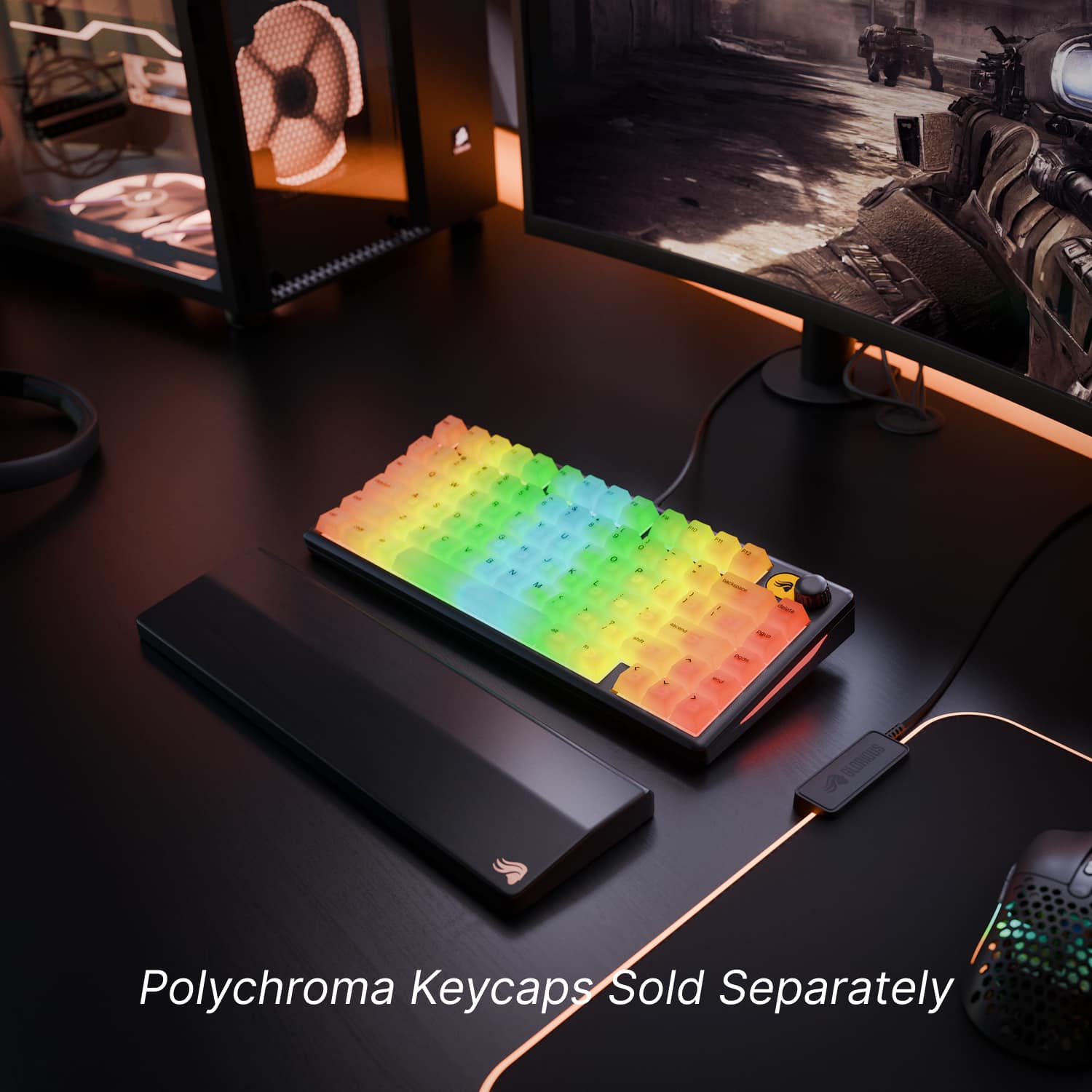
![Sure, here is the corrected and grouped text from the image:
- Top Row: `esc F1 F2 F3 F4 F5 F6 F7 F8 F9 F10 F11 F12`
- Second Row: `1 2 3 4 5 6 7 8 9 0 - = backspace delete`
- Third Row: `tab Q W E R T Y U I O P [ ] \ pgup`
- Fourth Row: `caps lock A S D F G H J K L ; ' ascend pgdn`
- Fifth Row: `shift Z X C V B N M , . / shift end`
- Sixth Row: `ctrl win alt spacebar alt fn`
Additional Labels:
- `backspace`
- `delete`
- `pgup`
- `ascend`
- `pgdn`
- `end`
- `fn`](https://pisces.bbystatic.com/image2/BestBuy_US/images/products/dd50b8da-cc30-485a-8b30-fadda75c08a8.jpg)

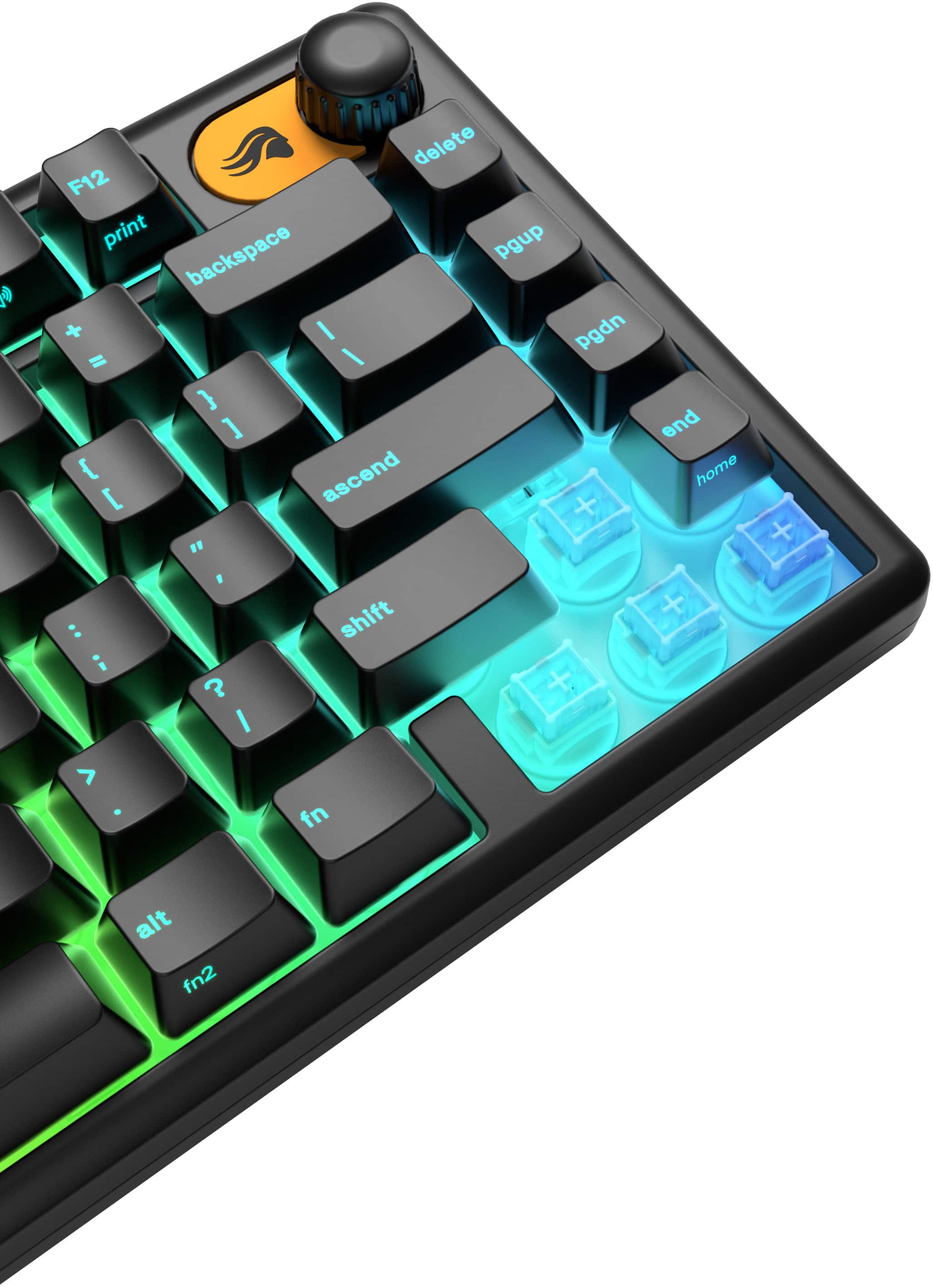
![F8 - ( o : i ? / Durable Wear-Resistant Keycaps No shine, no fade—just crisp RGB legends that last. F10 F11 a F12 0 C - - print + - P backspace { [ } ] delete I I I ascend pgup shift pgdn < end V A 9 home + Q S GMBK](https://pisces.bbystatic.com/image2/BestBuy_US/images/products/b435e46c-7c3c-47b9-8317-f5af192ac878.jpg)

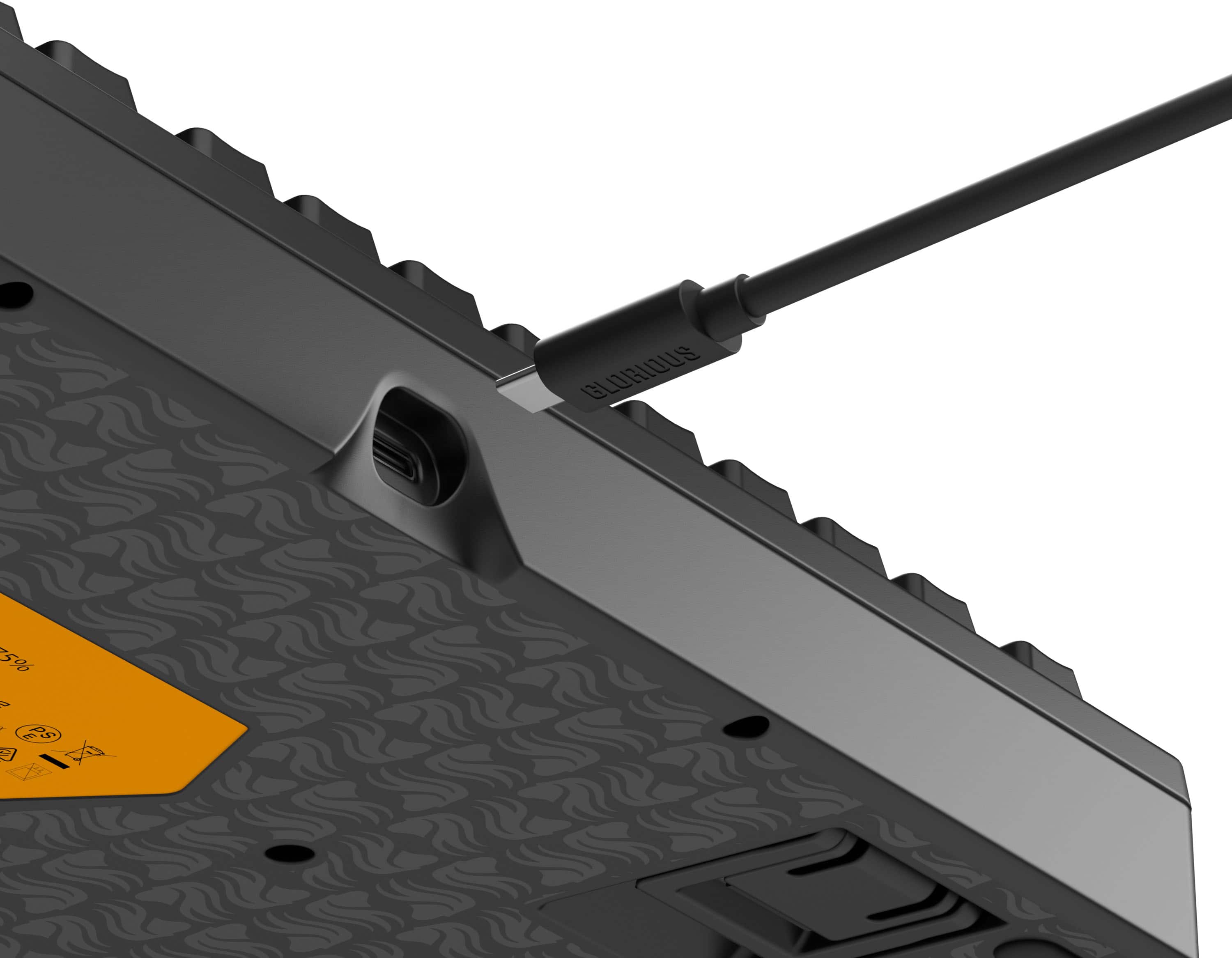
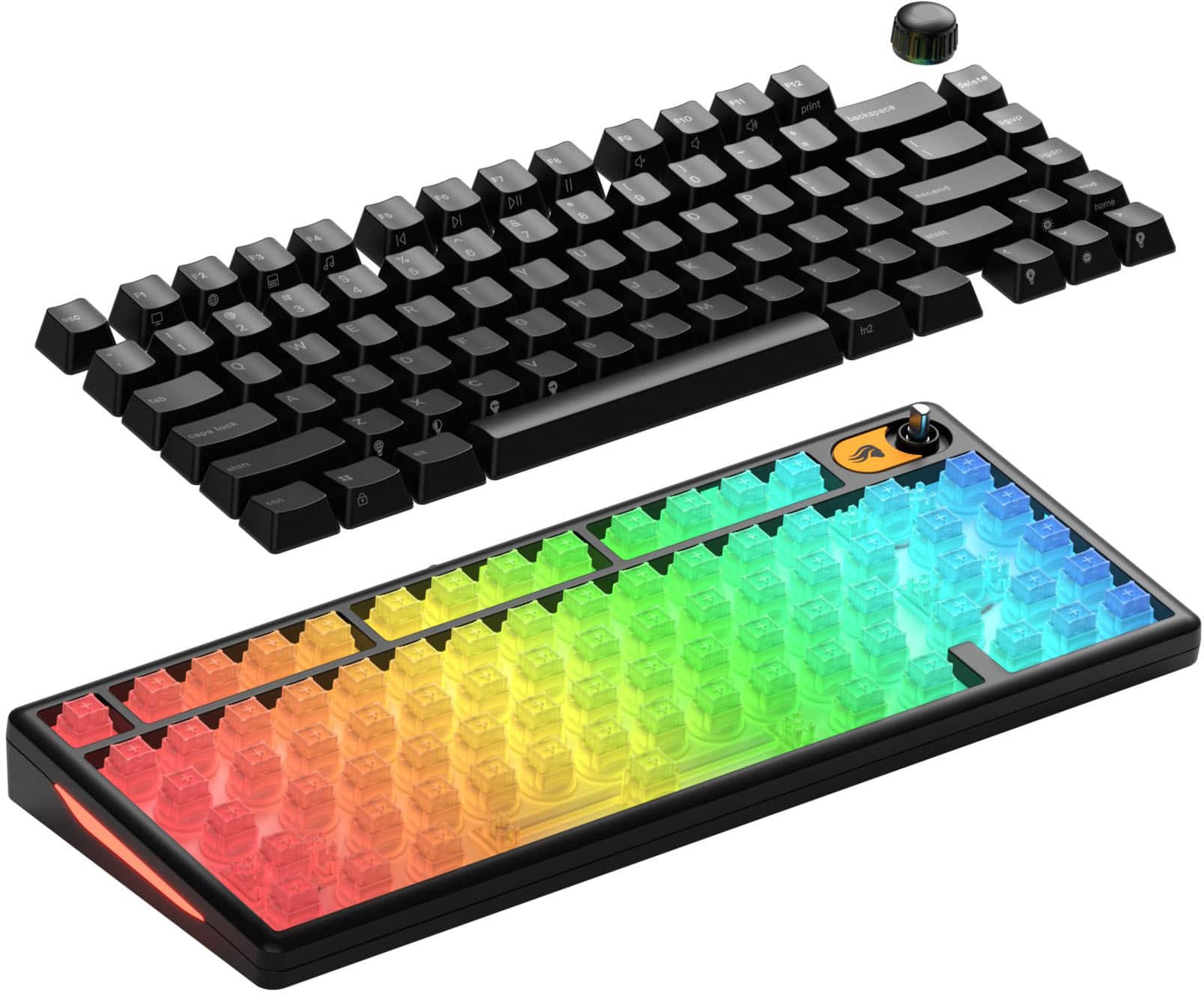

- Model:
- GLO-GMBK75-BLK-US
- SKU:
- 6636034
Rating by feature
- Value
Rating 4.7 out of 5 stars
- Quality
Rating 4.6 out of 5 stars
- Ease of Use
Rating 4.8 out of 5 stars
Customers are saying
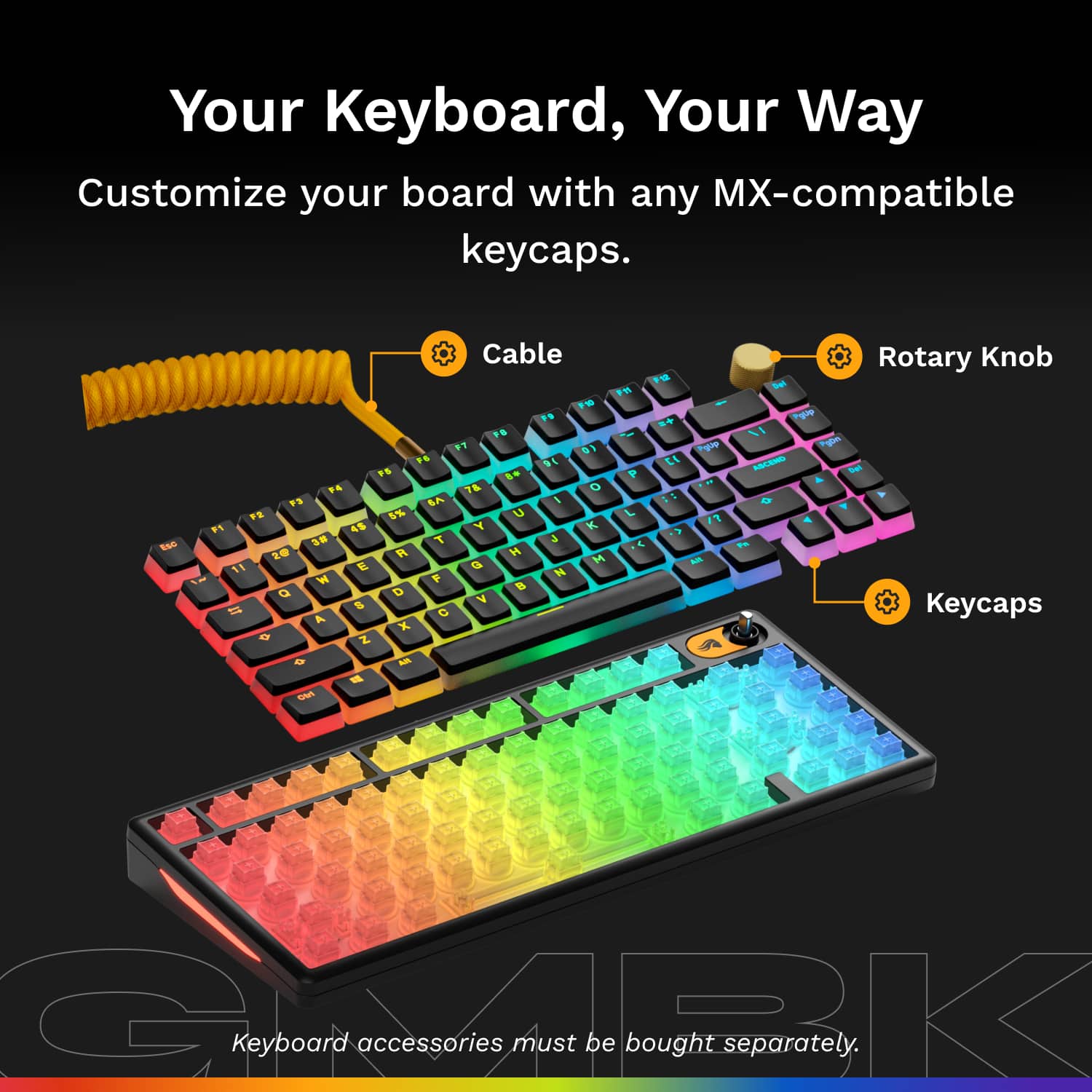
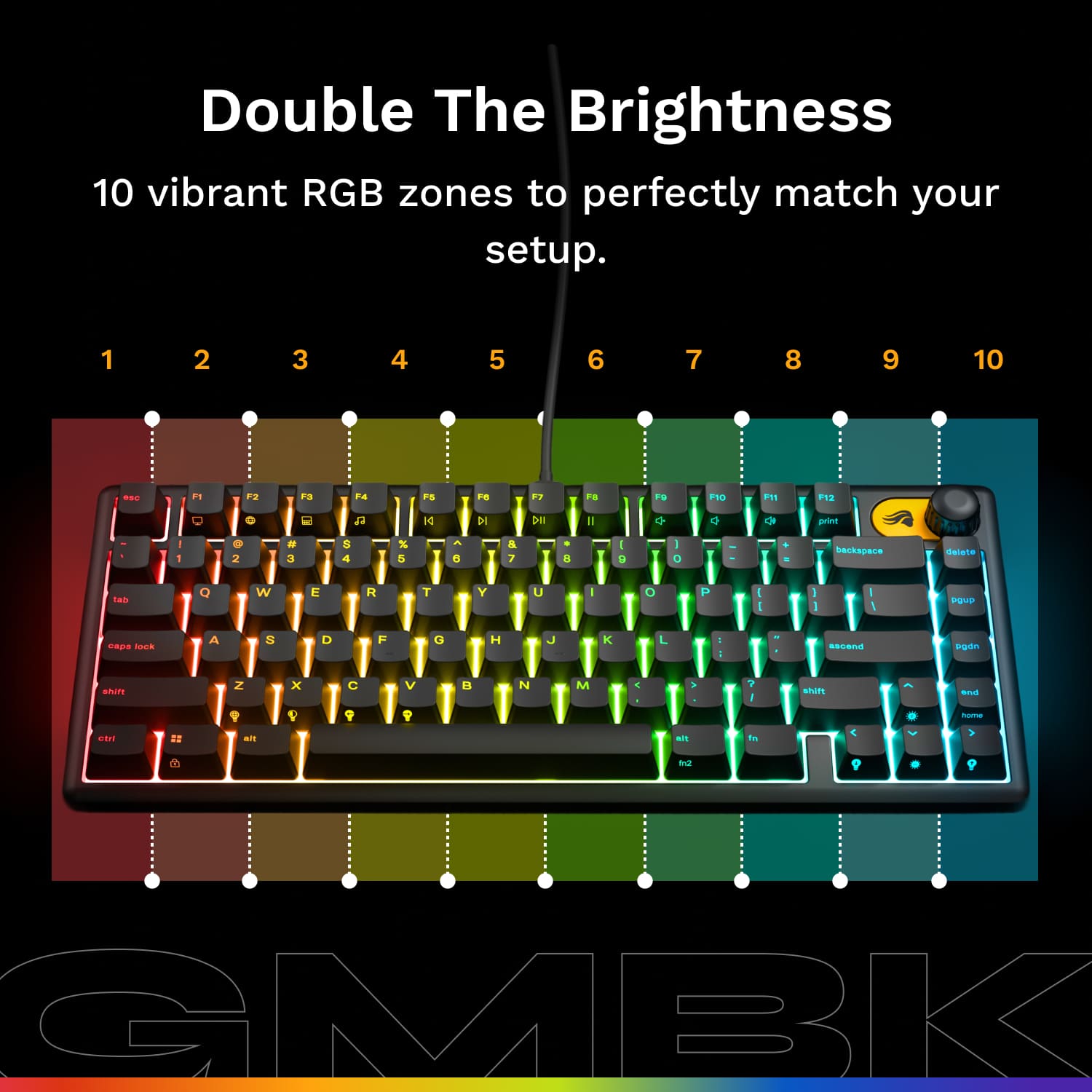
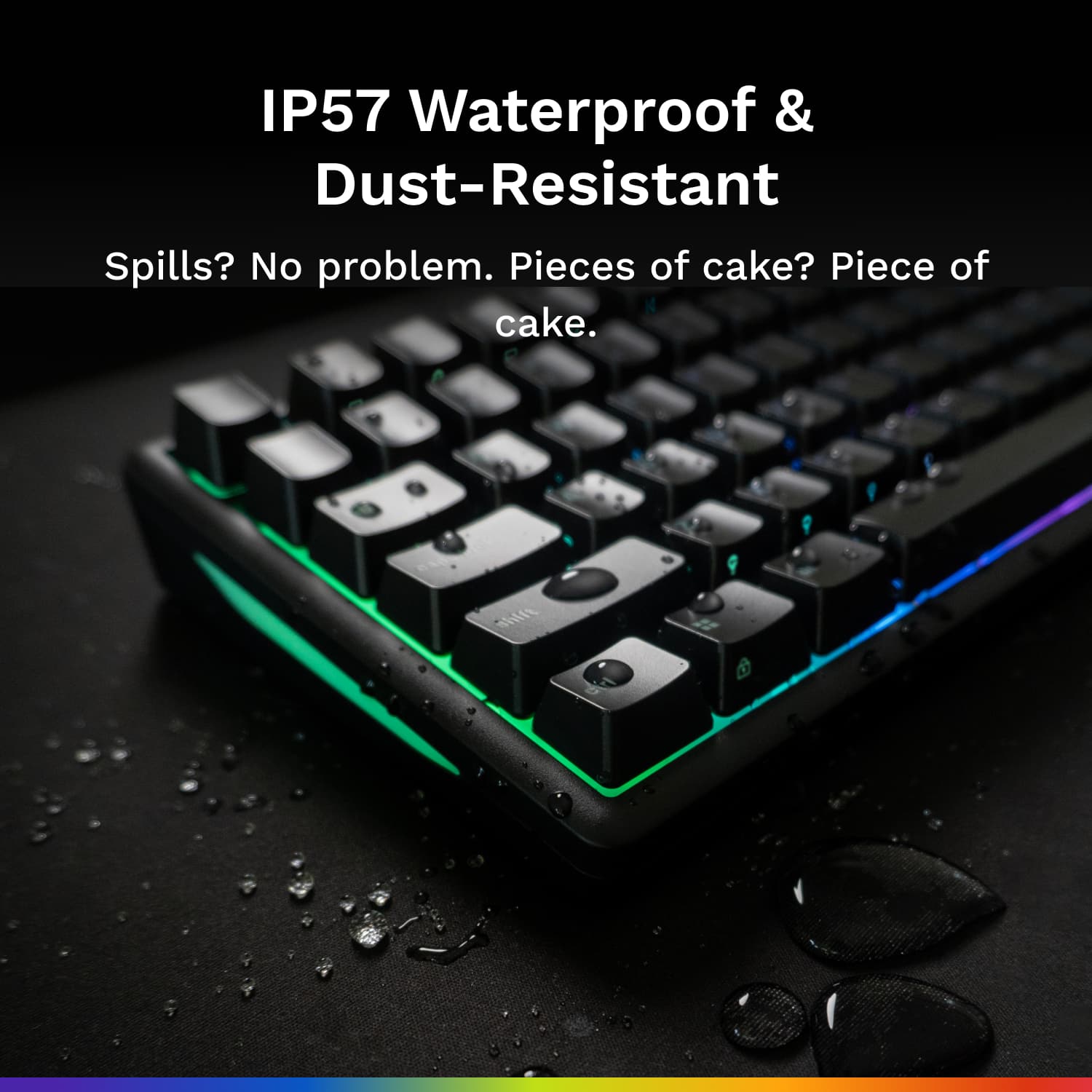
Customers admire the sturdy build quality and responsive key feel of this keyboard, which many users find both reliable and satisfying to use. The device is frequently praised for its compact size, making it an ideal choice for smaller workspaces, while the customizable RGB lighting adds a nice aesthetic touch. Additionally, users appreciate the quiet typing experience, convenient USB-C connectivity, and the added peace of mind provided by its water-resistant design.
This summary was generated by AI based on customer reviews.
Great product
||Posted . Owned for 1 week when reviewed.This reviewer received promo considerations or sweepstakes entry for writing a review.Absolutely love. I would definitely recommend this product. Reasonably priced as well, and my kids love it.
I would recommend this to a friendGreat Keyboard
||Posted . Owned for 1 month when reviewed.This reviewer received promo considerations or sweepstakes entry for writing a review.Great keyboard. It was exactly what we wanted and at a great price.
I would recommend this to a friendKeyboard
||Posted . Owned for 2 weeks when reviewed.This reviewer received promo considerations or sweepstakes entry for writing a review.Great! The keyboard is really nice. it’s small, has satisfying key sounds, and lets you change the keyboard color and keys.
I would recommend this to a friendGood keyboard
||Posted . Owned for 2 months when reviewed.This reviewer received promo considerations or sweepstakes entry for writing a review.I love the keyboard and sound especially for the price
I would recommend this to a friendWorks like a charm.
||Posted . Owned for 3 weeks when reviewed.This reviewer received promo considerations or sweepstakes entry for writing a review.Works beautifully, the switches feel perfect, responsive, and the RGB is fully customizable
I would recommend this to a friendGood Keyboard
||Posted . Owned for 1 week when reviewed.This reviewer received promo considerations or sweepstakes entry for writing a review.This keyboard is one of the best that i have seen in this price range
I would recommend this to a friendMy light up keyboard
||Posted . Owned for 1 month when reviewed.This reviewer received promo considerations or sweepstakes entry for writing a review.It's a great keyboard very user friendly especially for small hands
I would recommend this to a friendSmooth keys!
||Posted . Owned for 3 weeks when reviewed.This reviewer received promo considerations or sweepstakes entry for writing a review.Great upgrade from what I had previously. Very smooth keys and hang up either.
I would recommend this to a friendGlorious forever
||Posted . Owned for 3 weeks when reviewed.This reviewer received promo considerations or sweepstakes entry for writing a review.Always a big fan of glorious products. This was a gift and he loves.
I would recommend this to a friendGreat budget gaming keyboard.
||Posted . Owned for 2 months when reviewed.This reviewer received promo considerations or sweepstakes entry for writing a review.Budget friendly for rad lads. love this keyboard broski.
I would recommend this to a friendGreat budget keyboard!
||Posted . Owned for 3 weeks when reviewed.This reviewer received promo considerations or sweepstakes entry for writing a review.Really good keyboard for the price! No real things to complain about!
I would recommend this to a friendperfecct
||Posted . Owned for 1 month when reviewed.This reviewer received promo considerations or sweepstakes entry for writing a review.typing on this keyboard as i write this review and i like it allot !
I would recommend this to a friendAccessory for Gaming
||Posted .This reviewer received promo considerations or sweepstakes entry for writing a review.Great gift for a gamer! Our teen gamer loves this keyboard!
I would recommend this to a friendVery good
||Posted . Owned for 2 weeks when reviewed.This reviewer received promo considerations or sweepstakes entry for writing a review.Very nice membrane keyboard! Great looks for the price
I would recommend this to a friendgood keyboard
||Posted . Owned for 1 month when reviewed.This reviewer received promo considerations or sweepstakes entry for writing a review.Easy keyboard to use and for the price this is amazing deal
I would recommend this to a friendGood keyboard
||Posted . Owned for 1 week when reviewed.This reviewer received promo considerations or sweepstakes entry for writing a review.Works great and is compatible with my computer. Looks cool
I would recommend this to a friendKeyboard
||Posted . Owned for 2 weeks when reviewed.This reviewer received promo considerations or sweepstakes entry for writing a review.Its been almost a week and im having no issues, as on yet.
I would recommend this to a friendLight up keyboard
||Posted . Owned for 2 weeks when reviewed.This reviewer received promo considerations or sweepstakes entry for writing a review.I like the sound of the keys and brightness of the lights.
I would recommend this to a friendGood keyboard
||Posted . Owned for 3 weeks when reviewed.This reviewer received promo considerations or sweepstakes entry for writing a review.Brought this item for my nephew, so far no issues.
I would recommend this to a friendsound and feeling
||Posted . Owned for 3 weeks when reviewed.This reviewer received promo considerations or sweepstakes entry for writing a review.keyboard sounded terrible and felt like the keys were sticky and hard
No, I would not recommend this to a friendBrand response from Glorious Product Expert
Posted .Hey there,
sorry to hear about the issues with the GMBK, that's definitely not the experience that we want you to have - the keys should definitely feel smooth, not sticky or hard, when being pressed. If you haven't already, please consider submitting a support ticket with us, so that we can assist you further: https://contact.gorgias.help/en-US/forms/k77oyz80.