Customer Ratings & Reviews
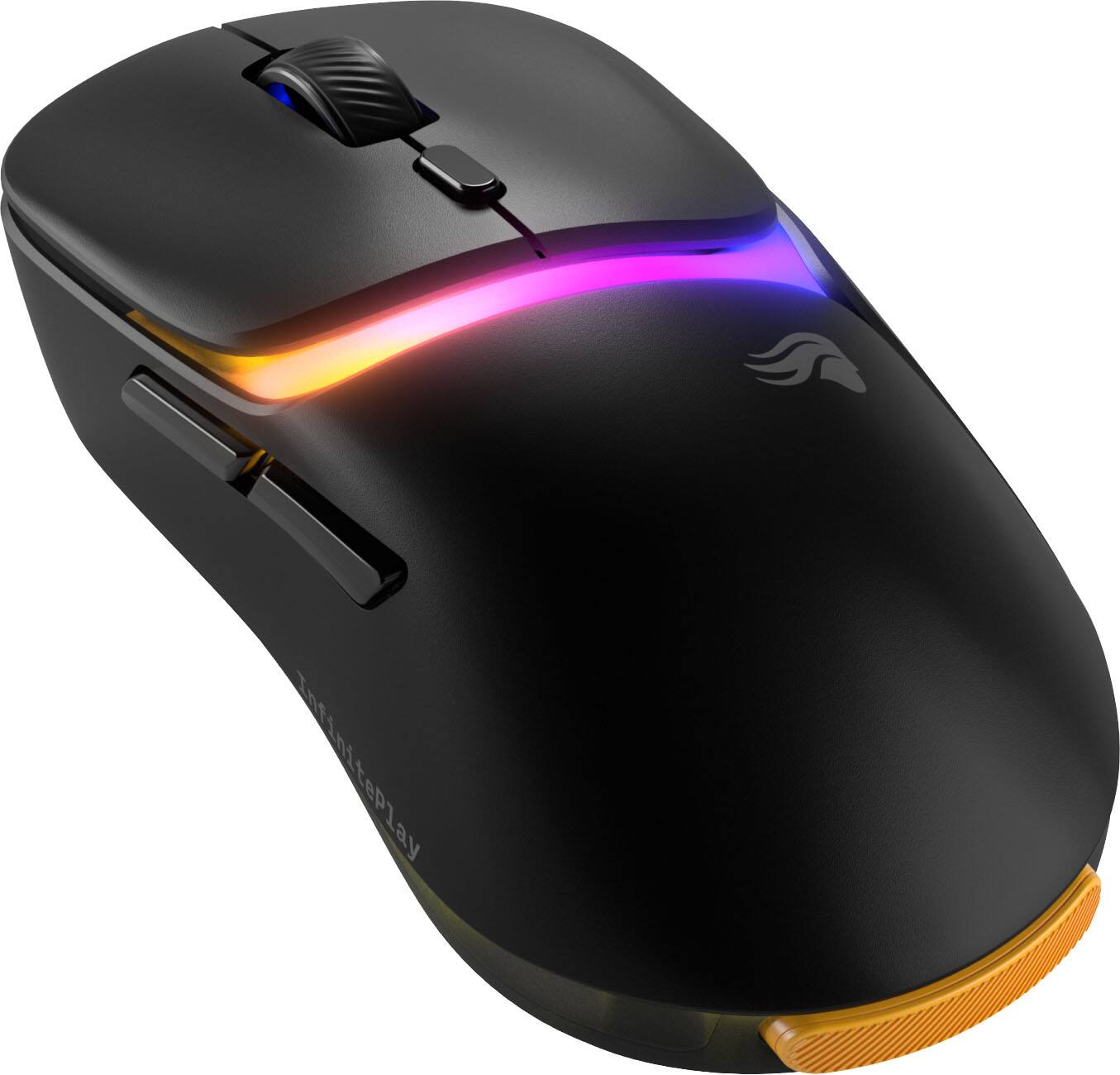
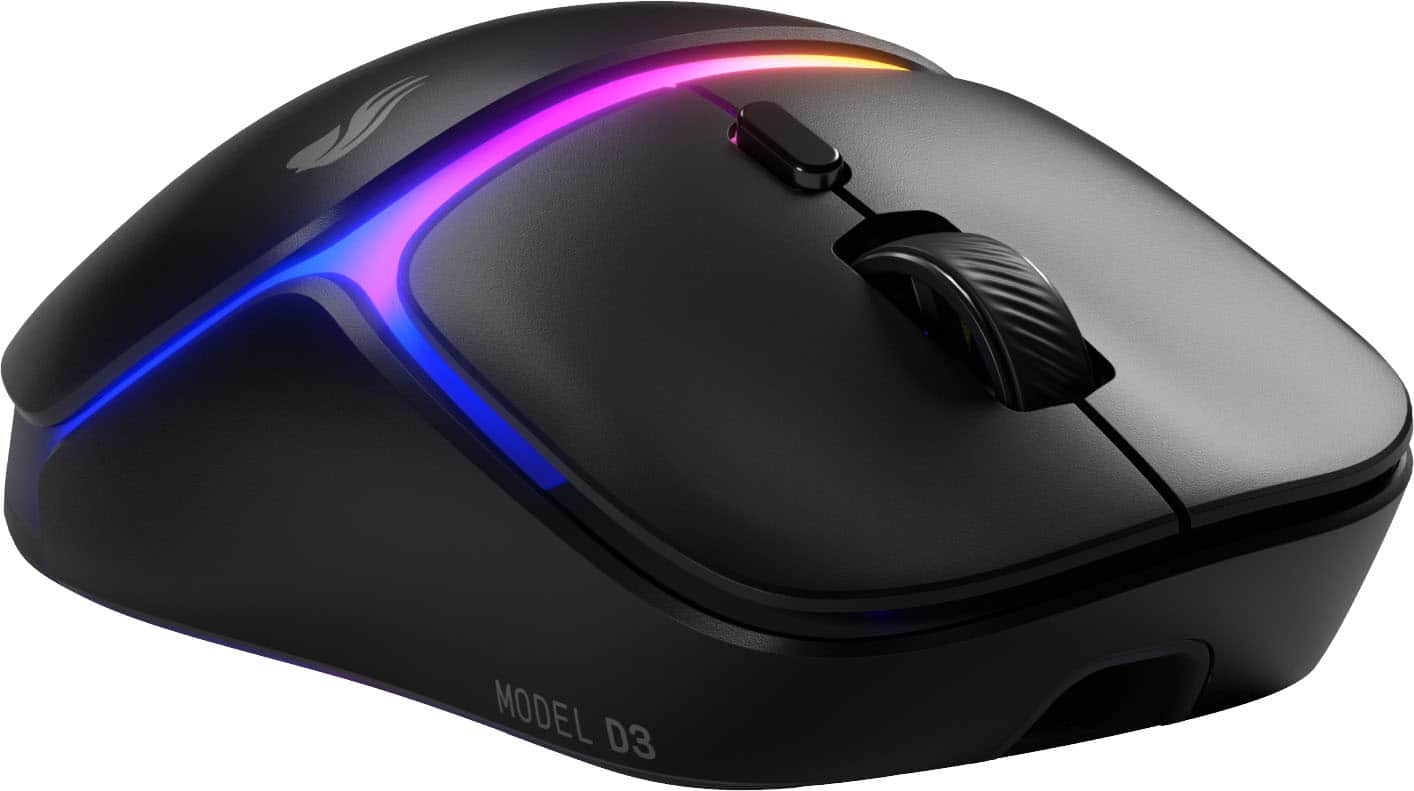
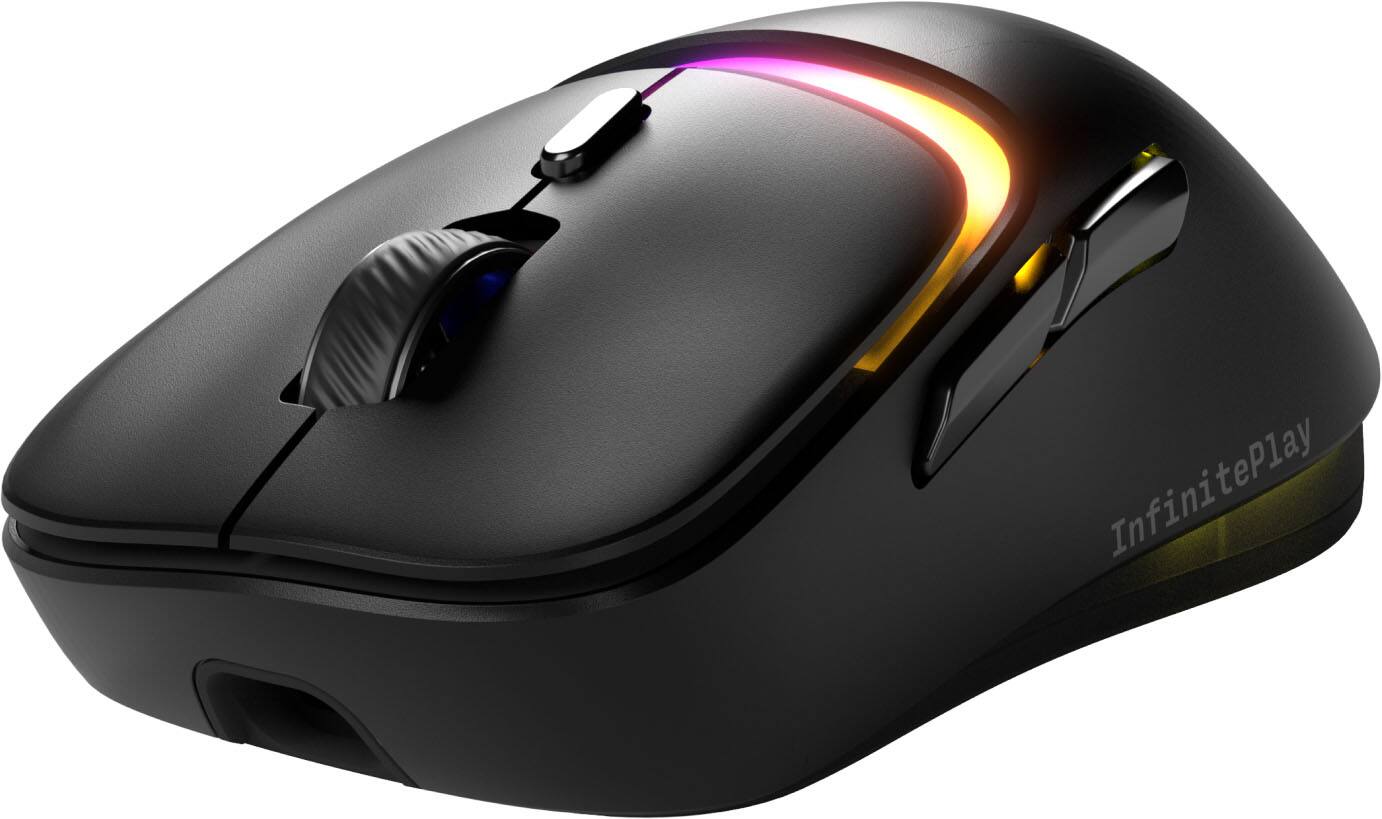
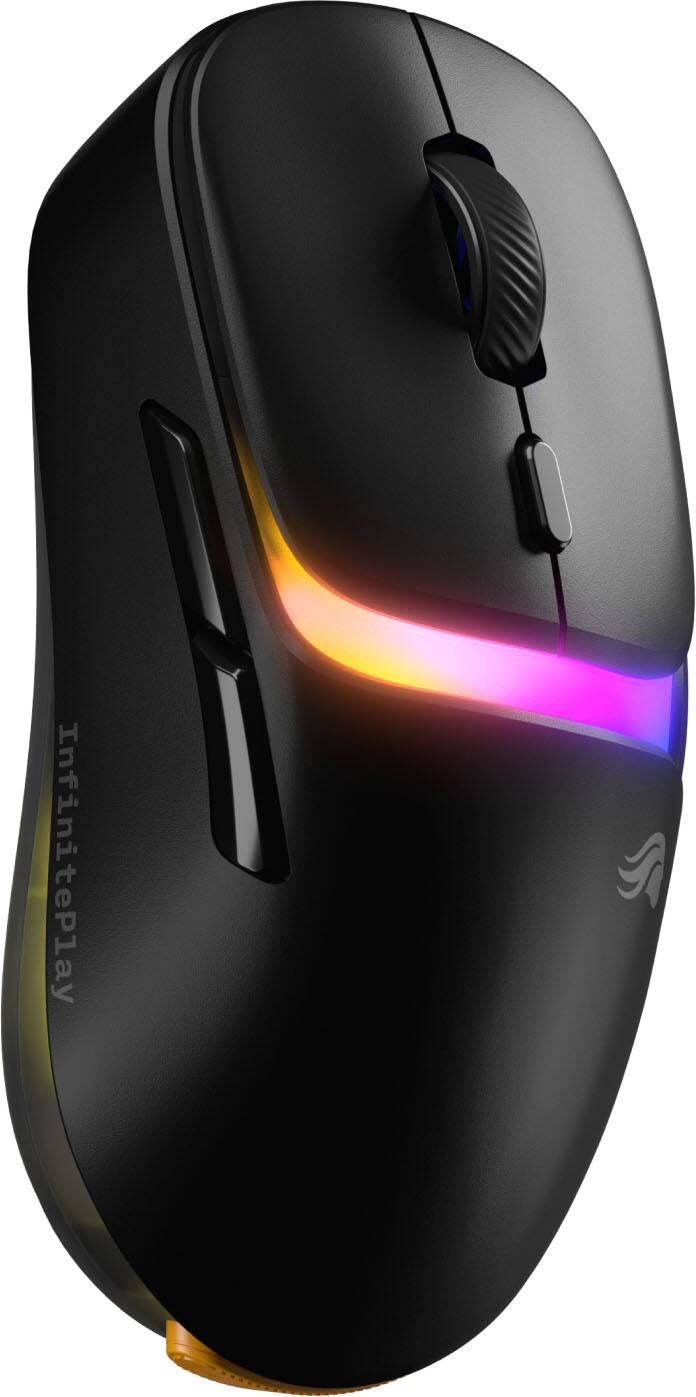
- Model:
- GLO-D3-WL-BLK
- SKU:
- 6636038
Rating by feature
- Value
Rating 4.4 out of 5 stars
- Quality
Rating 4.7 out of 5 stars
- Ease of Use
Rating 4.6 out of 5 stars
Customers are saying
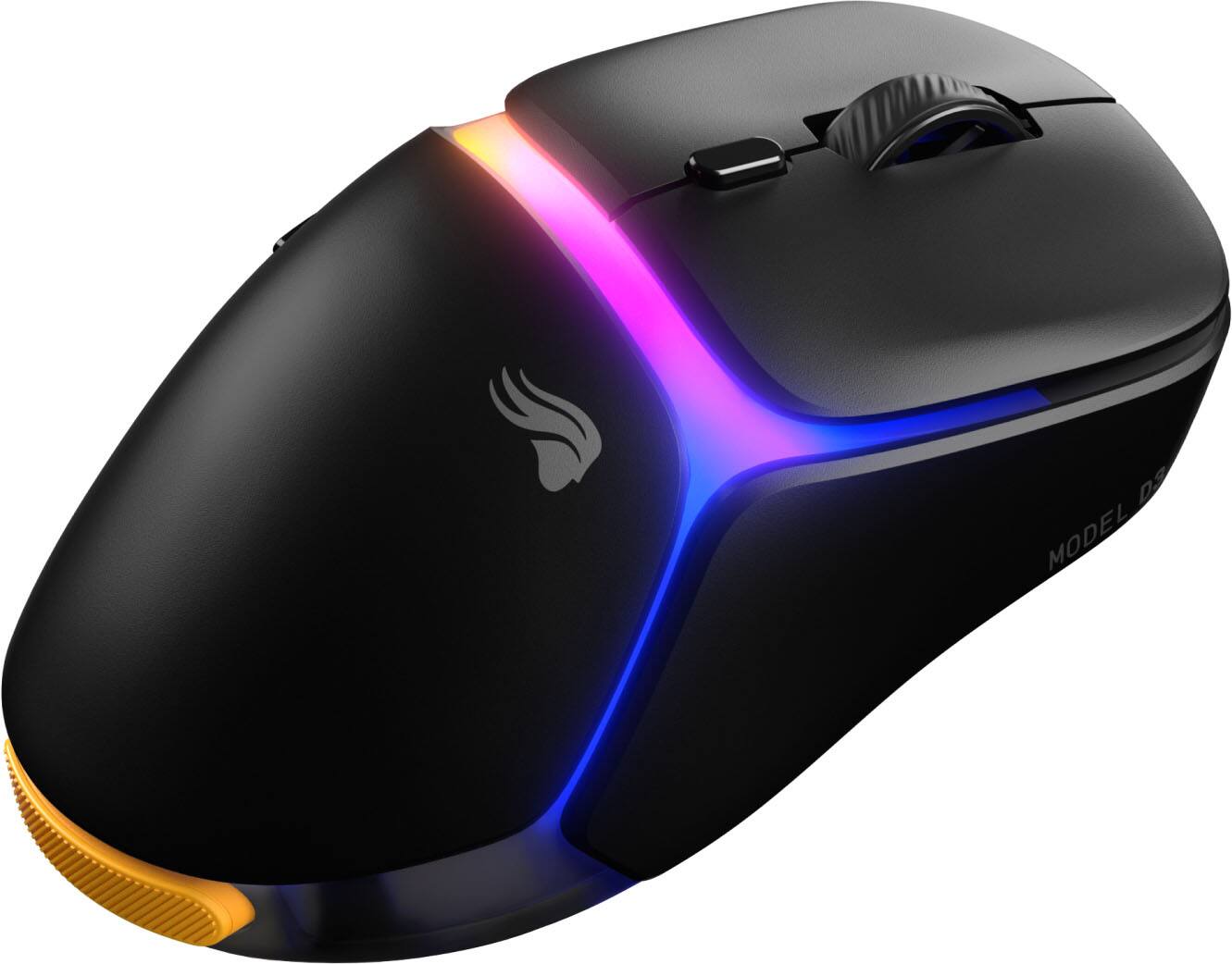
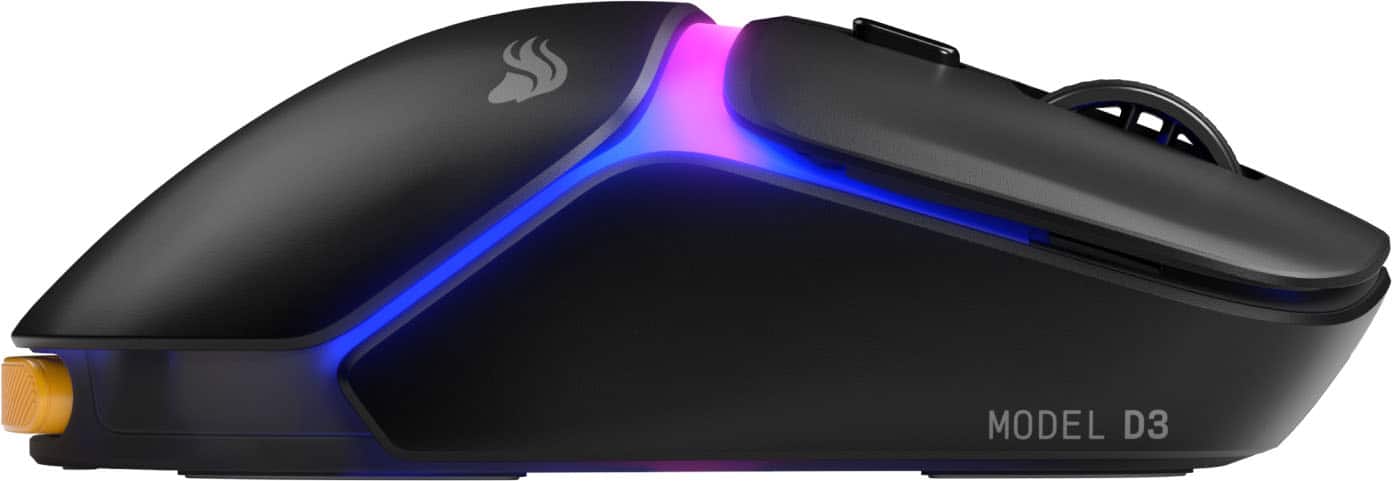
Customers consistently note the Model D3 Lightweight Wireless Optical Gaming Mouse's impressive battery life and very light weight. Many appreciate its smooth performance and good build quality. While most find the ergonomics suitable, some feel the mouse size could be improved.
This summary was generated by AI based on customer reviews.
- Pros mentioned:Battery life, Build quality, Ergonomics
It’s Not Just Glorious — It’s GLORIOUS!
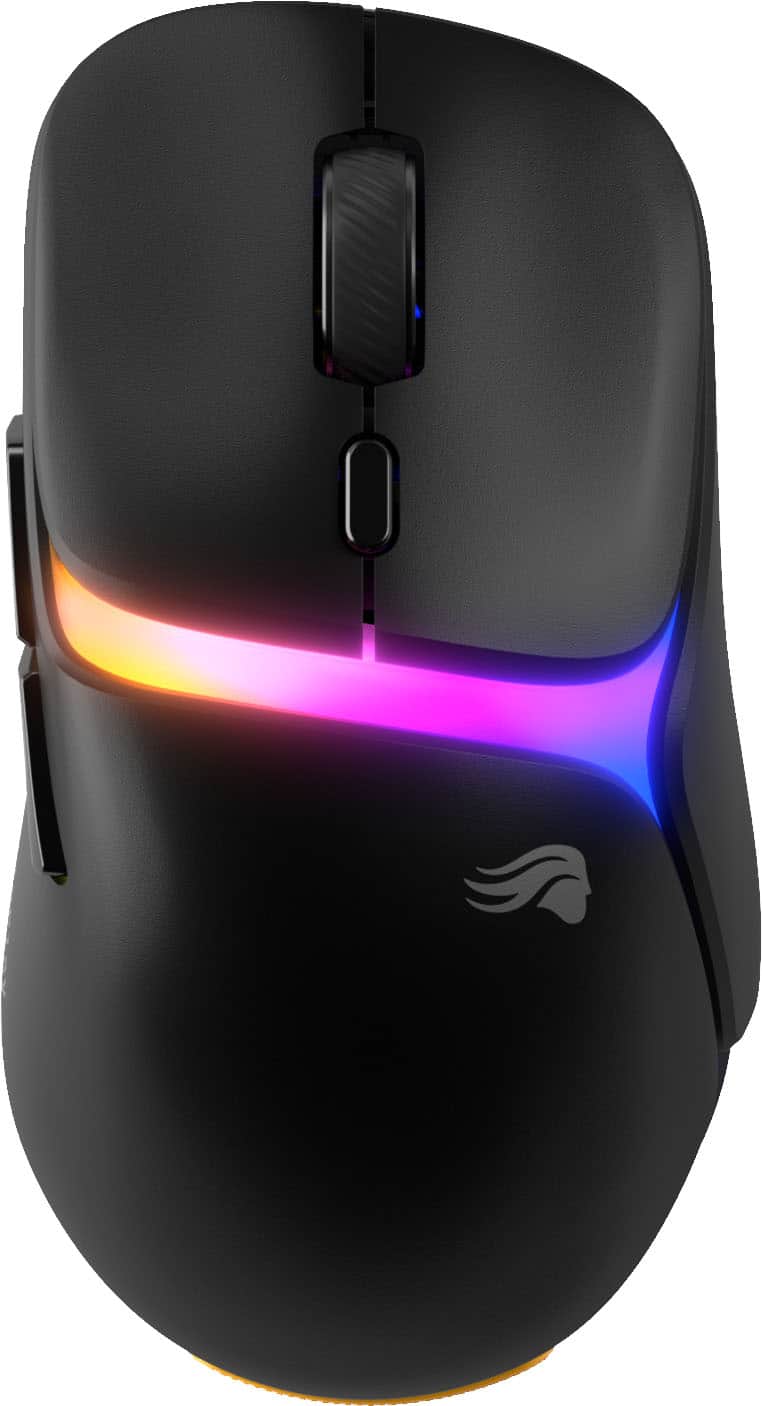
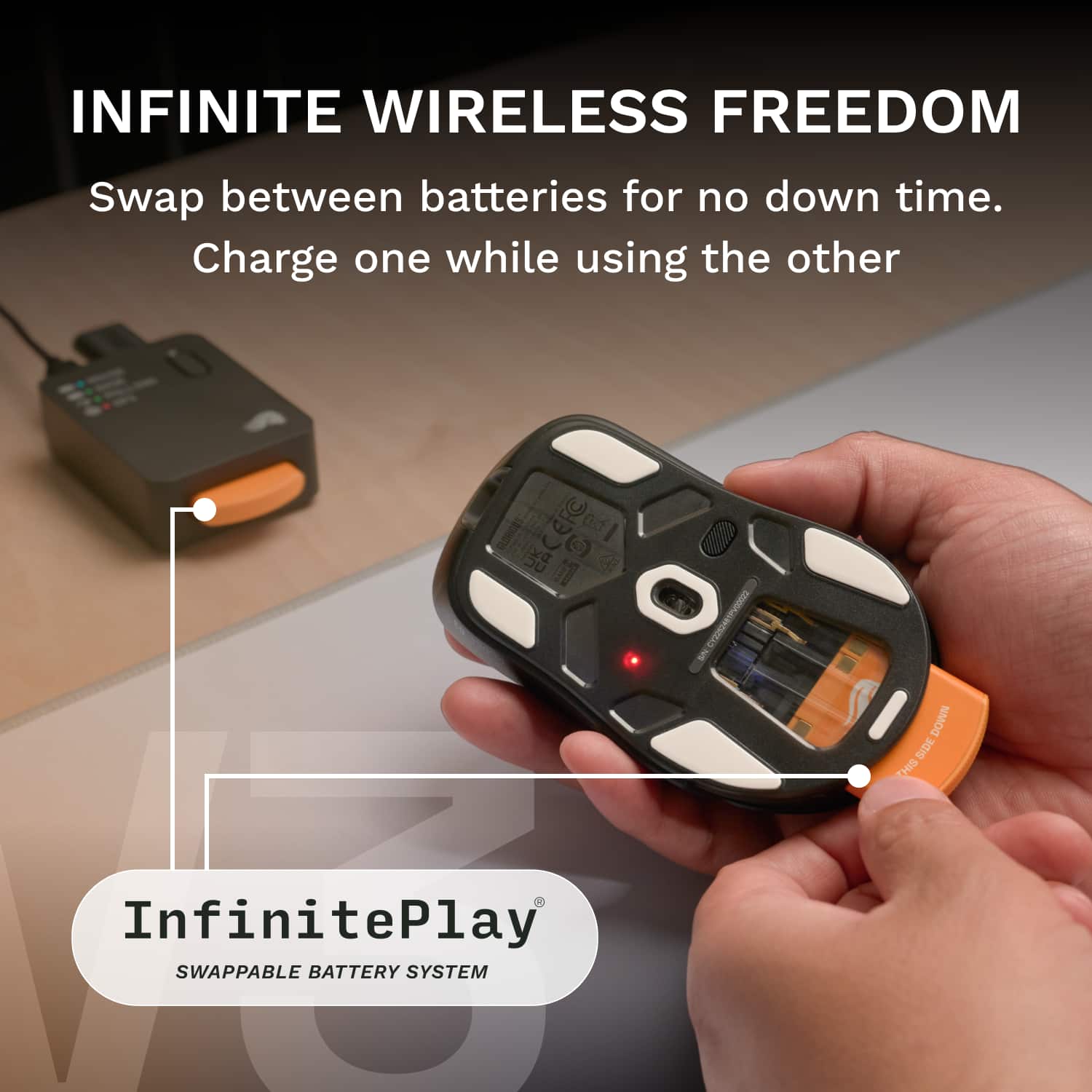
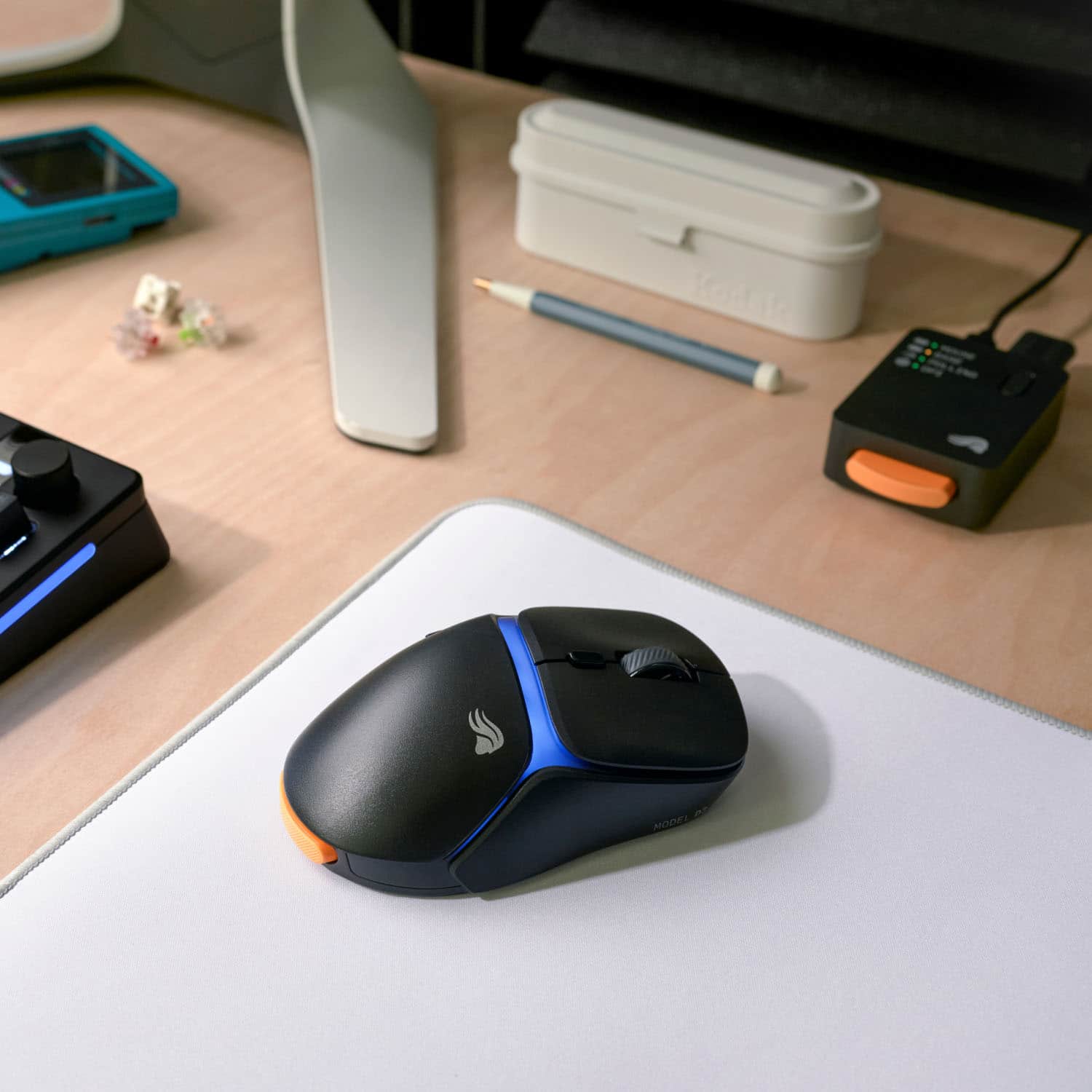
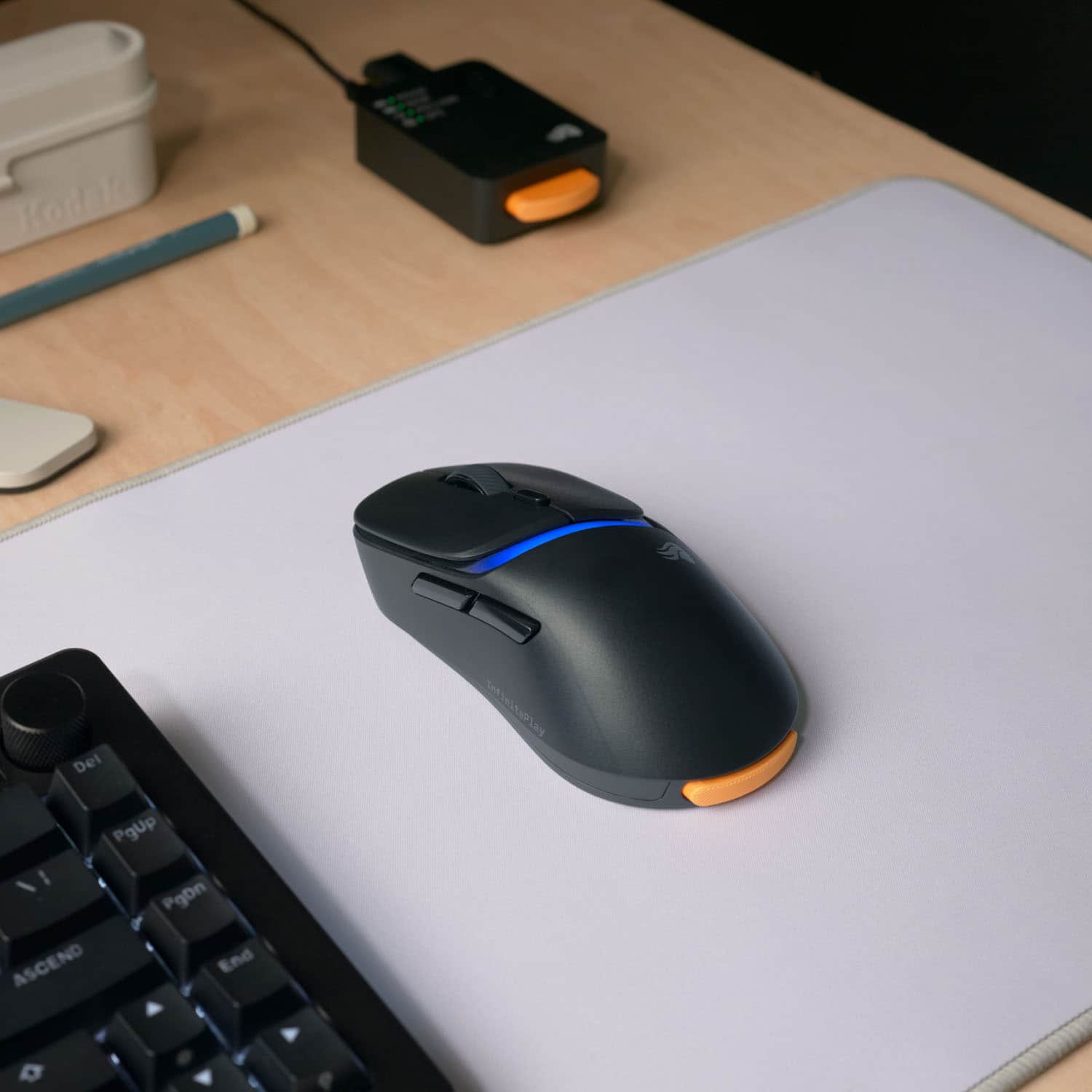
||Posted . Owned for 2 weeks when reviewed.This reviewer received promo considerations or sweepstakes entry for writing a review.The Glorious Model D Wireless (V3) is exactly what its name promises — glorious. What first caught my attention was the Infinite Play System with its two swappable batteries. The idea that I can charge one battery while playing wirelessly with the other feels almost futuristic. No more frantic mid-match cable scrambles or battery anxiety — just smooth, endless gameplay. The design? Absolutely stunning. The matte finish gives the mouse a premium, silky feel, and the way the RGB lighting diffuses through that finish is pure art. The colors shimmer and shift like liquid jewels — or as my son perfectly put it, “like lava flowing through the mouse.” It’s mesmerizing on my desk, day or night. Performance-wise, this mouse is a rocket. Crazy fast, ultra-light (only 69 grams / 2.5 oz), and incredibly precise. I have small hands, and the ergonomic shape feels custom-made for me — no fatigue, even after long gaming sessions or full workdays. The scroll wheel glides smoothly, with zero sticking, and the CORE software was quick to install and intuitive to use. Pairing it with my setup took just seconds. I also love the two programmable buttons and the ability to save up to three profiles — perfect for switching between gaming, design work, and everyday browsing. Whether I’m getting trounced at Stumble Guys by my 7-year-old niece or endlessly revising spreadsheets, the Glorious Model D V3 delivers flawless comfort, speed, and style. In short: This isn’t just a gaming mouse — it’s a masterpiece in motion.
I would recommend this to a friend - Pros mentioned:Battery life, Weight
Smooth like buttah!
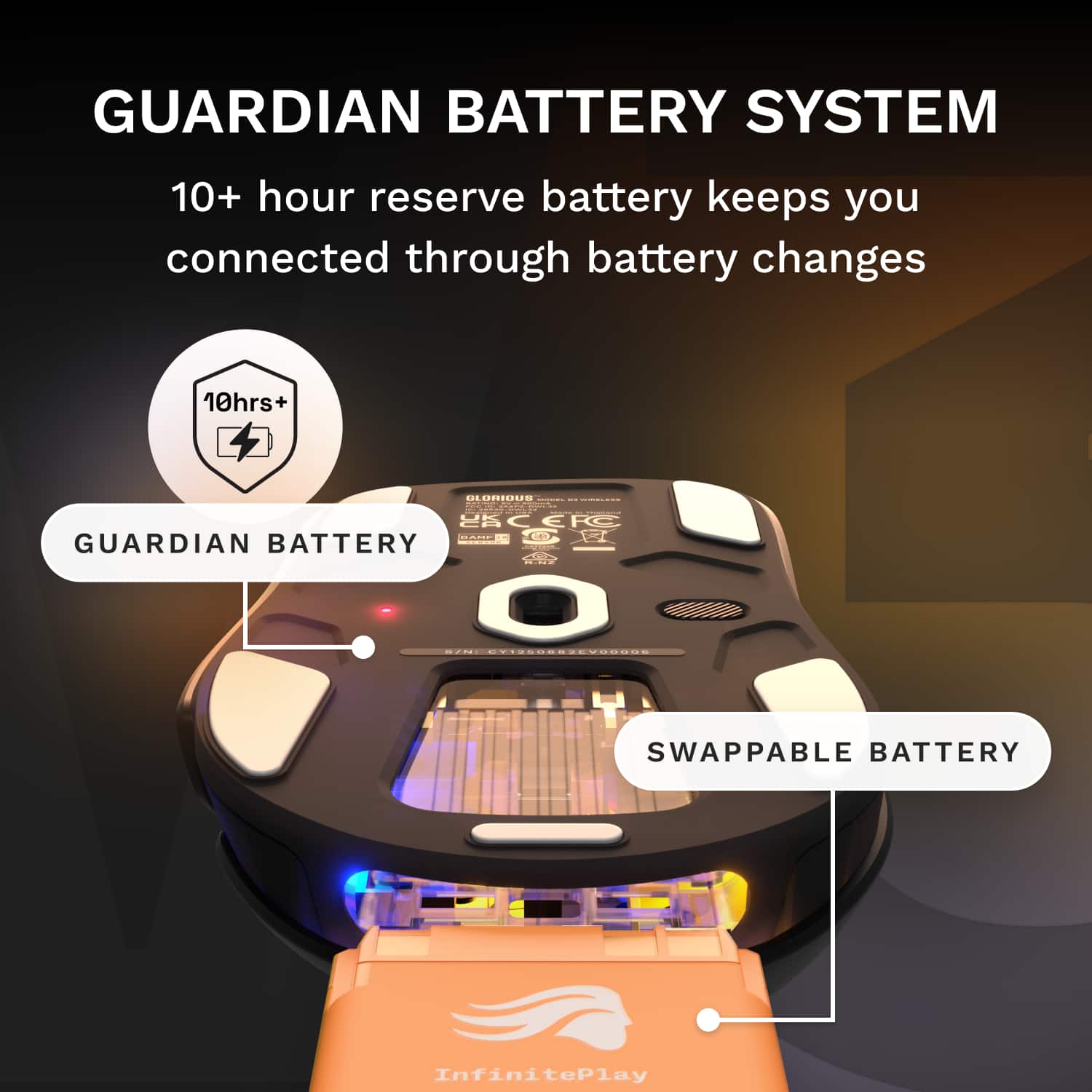
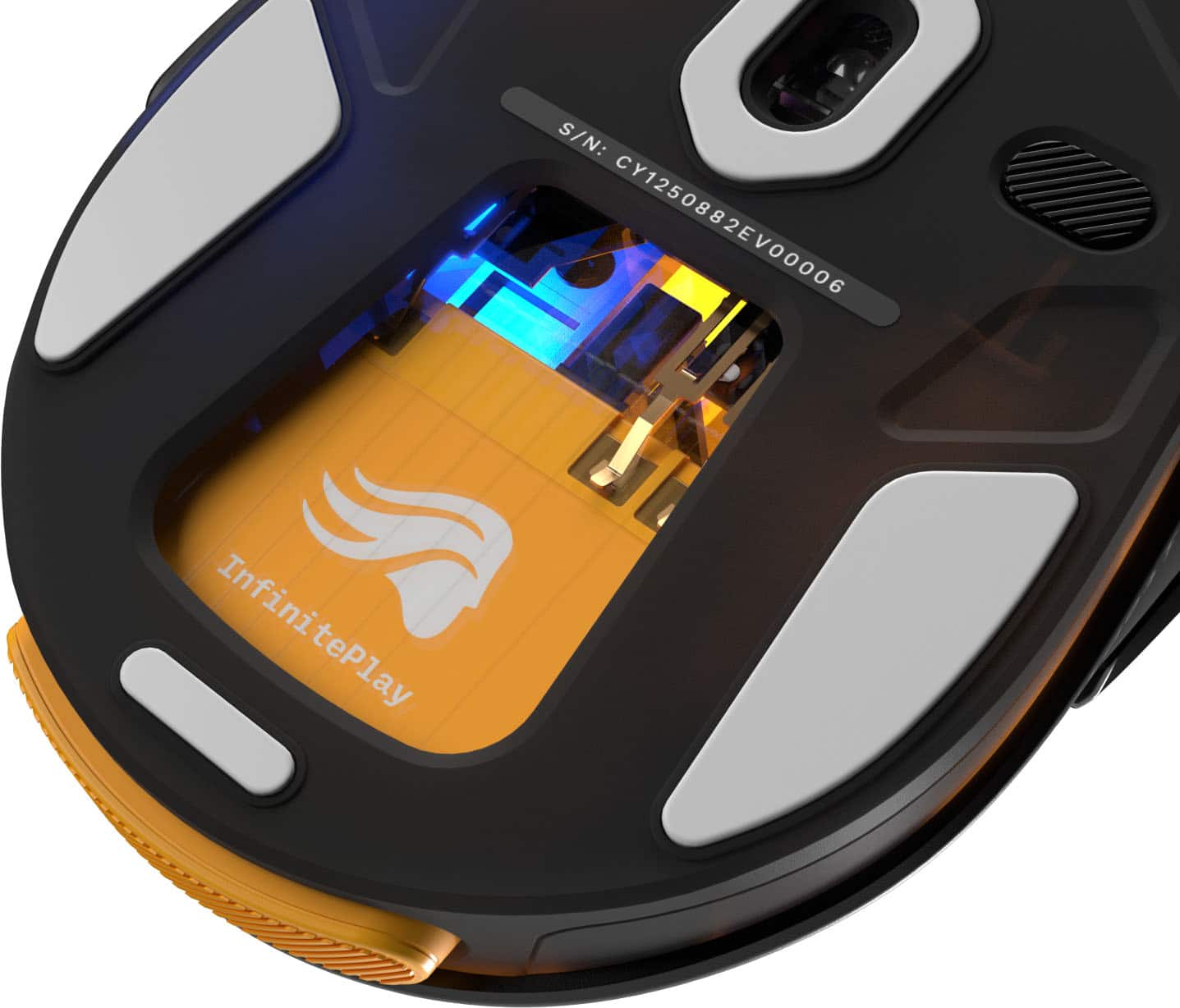
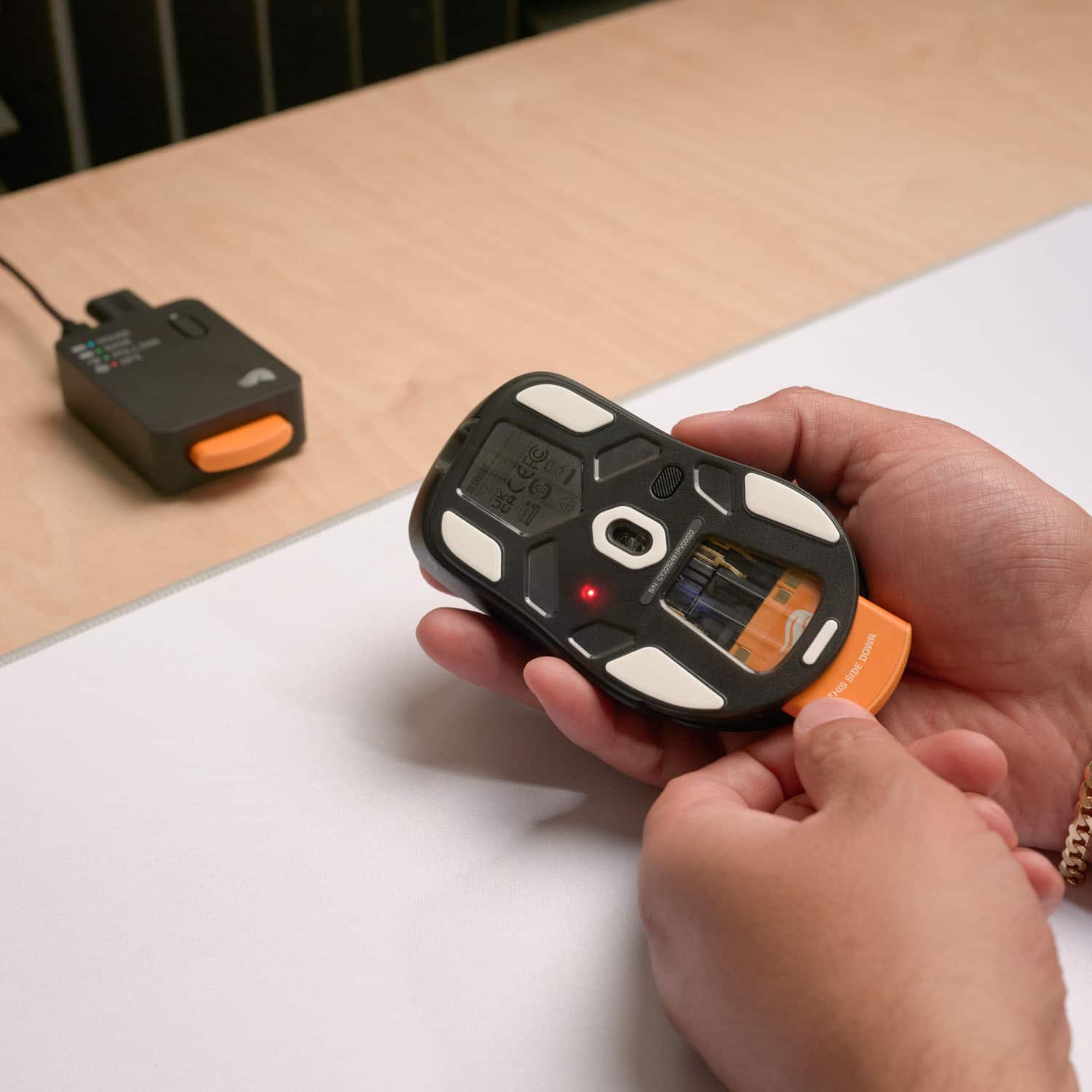
||Posted . Owned for 1 week when reviewed.This reviewer received promo considerations or sweepstakes entry for writing a review.I love this mouse! I upgraded from the Glorious model D wireless, not that there was anything wrong with it, I just heard the V3 was smooth, and it is! Glorious V3 mouse has Infinite Play which is said to allow you to continually play wirelessly without worrying about the battery. It comes with two external batteries that you can easily switch between when one starts to fade. As you can see in the first image below, the mouse lights will turn red to prompt you to switch batteries. There is a third battery inside that gives you enough power to keep going while you change them out. Besides being lightweight (69 g/2.5 oz), it is precise. Whether I'm gaming or working, the V3 delivers consistent and accurate results every time. The customizable buttons and adjustable DPI settings add to its versatility, allowing me to tailor it to my needs. I also own the GMMK3. The software has been updated; the bugs are fixed! It really makes the purchase worth it … wish it was programmed to fix my typos! I bought two and I plan to upgrade my other two at work. The performance and comfort are simply unmatched. Overall, the Glorious V3 with Infinite Play is a game-changer, literally. My gaming is better! It is comfortable and durable to provide excellent user experience. I highly recommend it for all computer users. Enjoy!
No, I would not recommend this to a friend - Pros mentioned:Battery life, Weight
a glorious wfh mouse
||Posted . Owned for 1 week when reviewed.This reviewer received promo considerations or sweepstakes entry for writing a review.loving how light this mouse is, especially compared to others I've owned in the past. works great with my MacBook and pc. the software is super user friendly and fun to play around with all the customizations and colors. the battery packs are awesome and hold a long charge even when left on overnight. would be cool if glorious had other wireless products using the same swappable batteries. overall super functional for me working at home and happy with my glorious purchase
I would recommend this to a friend Lovely for Both Gaming and Productivity
||Posted . Owned for 3 weeks when reviewed.This reviewer received promo considerations or sweepstakes entry for writing a review.I'm a gamer, AND I work from home. This means that I spend a LOT of time at my computer every day. I want my setup to feel cozy and cute, but also work well! Sometimes, it's hard to find products that both LOOK nice, and FEEL nice, and it looks like Glorious is working hard to meet me in that sweet spot. You know I've been all up in that software (Glorious Core), clicking every button, and changing every setting to see what they all do! I really wanted this one in white, but my local store didn't have one in stock, so I settled on black. At least it has SUPER CUTE lighting modes, so that I can basically change its colors whenever I want. (OMG, you guys, they have a lighting mode that is called "Fairies" that literally gives off fairy lights in a forest vibes so hardcore, and I can't get enough of it!!!) I have used their Core software in the past for my various Glorious keyboards and their V2 mice, and this newest version is leaps and bounds above where it used to be! Plus, the 3rd gen mice have a new, updated UI in the software, too, and it looks very polished, and is much more intuitive and easy to use. I have really small hands, but I actually love the D 3 Wireless because it fills up more of my hand, and is actually somehow more comfortable to me than the Model O 3 Wireless (I tried both!). Maybe it's because I'm right-handed, and this is a molded mouse made for right-handed people? Idk what the reasoning is, but it keeps me going back to either their D models or their I models. A 3rd gen version of the Model I Wireless is hopefully in our future! (I haven't heard word of such a thing, yet, but a girl can DREAM!) As for the Infinite Play battery packs - love, love, love! I typically use Bluetooth, but have been trying out their new dock with the 2.4Ghz dongle, too. You can use the dock without having any dongle attached to it, but you have to have the D 3 Wireless mouse dongle plugged into the dock to get the dock customizations to show up in the software. It has a button on it that is set to change the mouse's DPI by default, but you can re-program the button to anything you want (well, technically, any keybinding option they have available) in the software. I hate having to scramble to find the cable to plug a mouse in (wire-hater, here, lol) when the battery is low. I keep the dock plugged in all the time (and the cable all rolled up so nicely) so that it's always got a battery on lock for me to swap immediately. Genius! I also greatly appreciate cable management included with my purchase! The D 3 Wireless has a cable for updates and charging if you are really hard-up for a battery (anyone else's cat love to shove loose items off your desk??), and has a lovely rubber stretchy piece attached that makes it super easy to notch the cable tie over a rubber nub and you know it's not gonna come loose...even with a determined cat trying to play with your peripherals. XD I have even done some minimal battery testing, and found that the battery life is pretty consistent with what Glorious' offical specs are when the mouse is set to the same settings. I looked it up and their official battery determination is with the LED lighting off, and the Polling Rate at the default of 1000. I'm an LED girlie, though, so I do typically have it on, which means I do get less than the max efficiency, and I'm okay with that. I typically don't have to change it out even once a day - it's closer to every 2 or 3 days. I left the removable battery completely out yesterday to see how long it would last, and it shocked me to see that it lasted most of my workday on just the internal "Guardian" battery. They were not kidding that it is a wonderful backup if, say, SOMEONE unplugged the base and forgot to plug it back in, and didn't have a replaceable battery with a charge! XD That was cool! Anyway, this mouse is meeting all my expectations, and then some! The fairy lighting mode is soooo pretty, and I change it every once in awhile ('cause FOMO, obvs!) and always end up back with it - it lends a magical fantasy aura to my gaming setup! So far, I've matched it with the Digital Times/Matrix 2/Matrix 3 lighting modes on my GMMK 3 keyboard - they all have similar vibes, and I LOOOOVEE IT!
I would recommend this to a friend- Pros mentioned:Battery life, Build quality, Ergonomics

Glorious Model D3 - Perfect Wireless
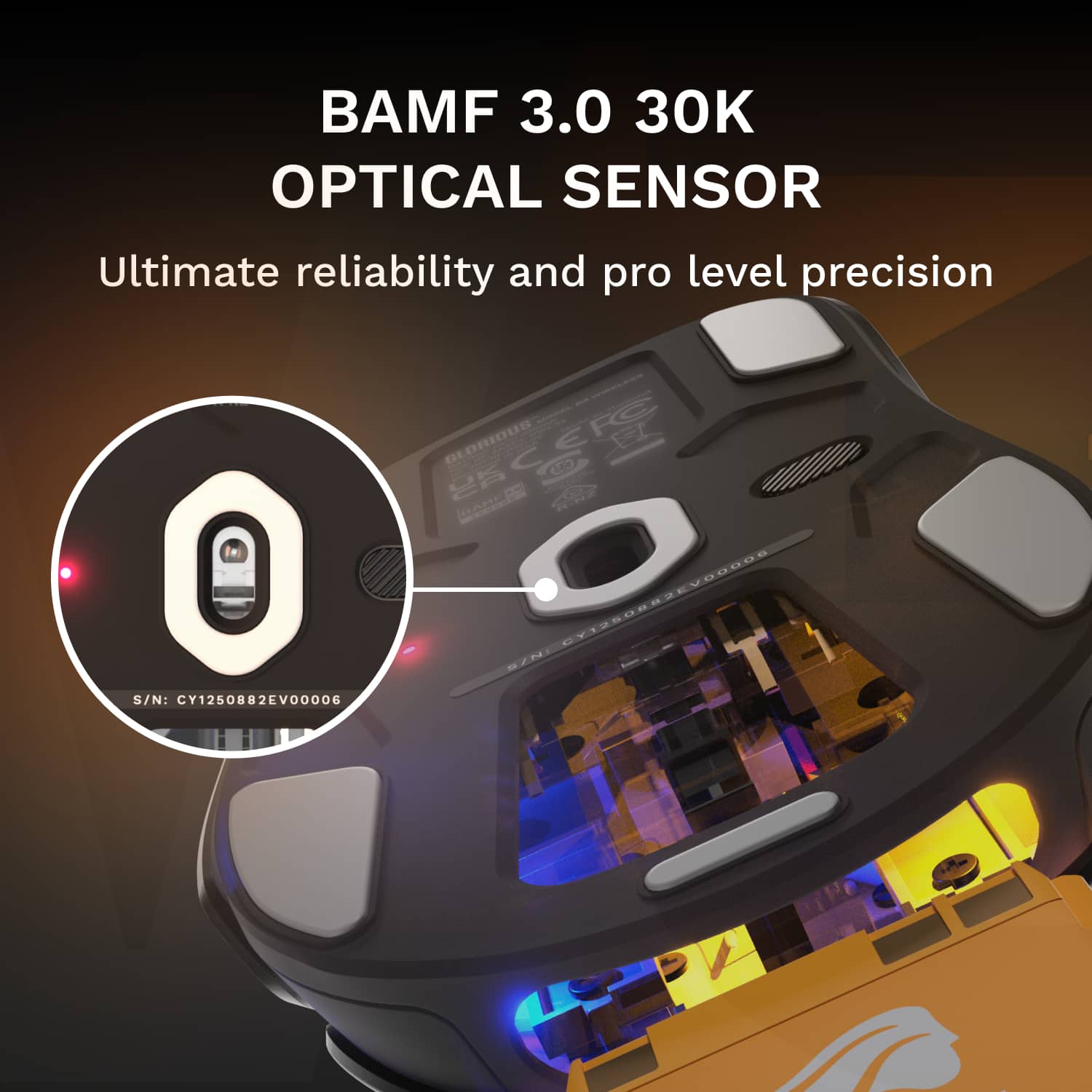
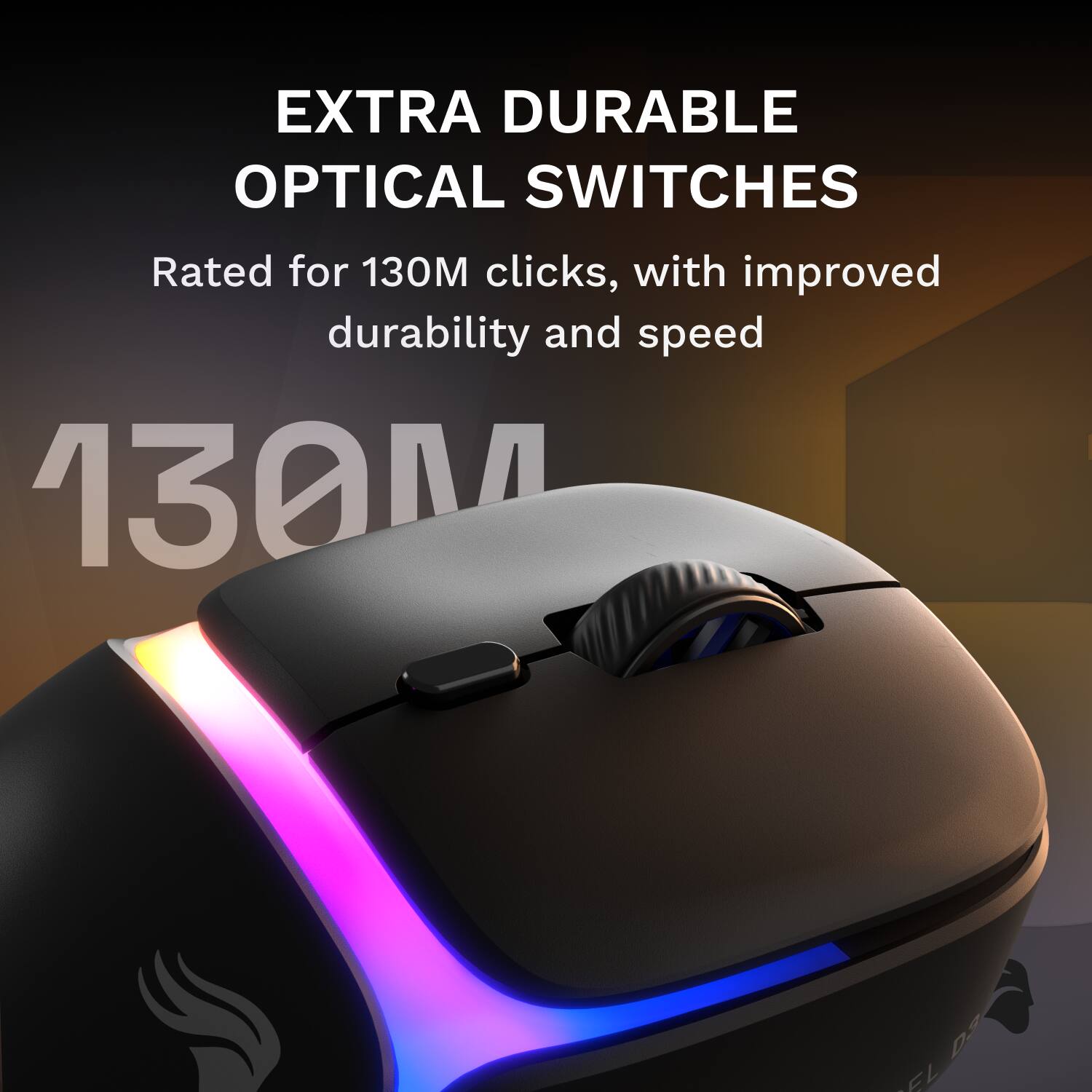
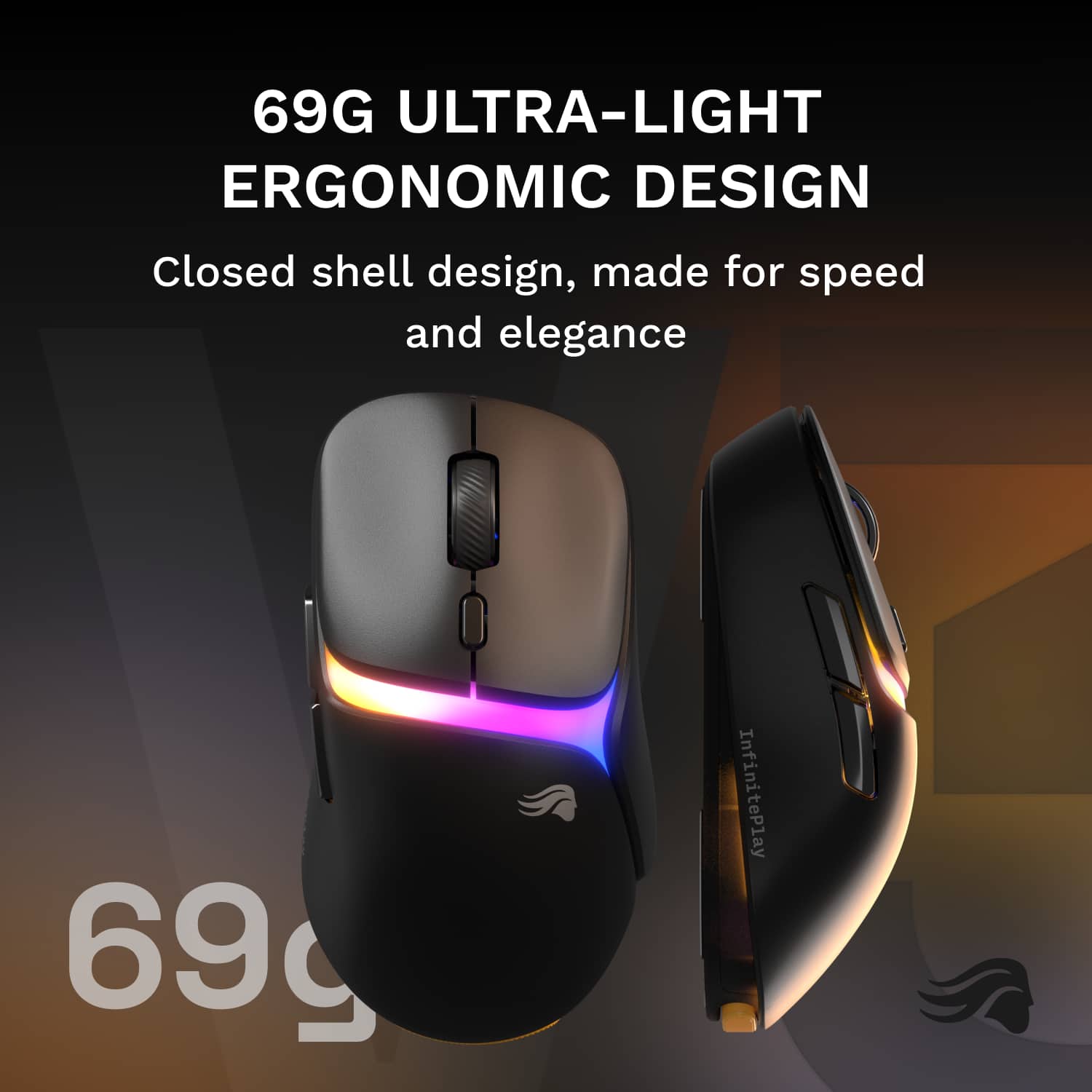
|Posted .This reviewer received promo considerations or sweepstakes entry for writing a review.Gaming mice in 2025 are relentlessly pursuing a reduction in weight which translates well in marathon gaming sessions. To date, one slight issue with wireless mice has been running out of battery. The Glorious Model D3 aims to solve that problem by introducing a lightweight swappable battery that can be replaced in seconds. Years back, I was introduced to the Model O that started the weight race and I've always been a fan. I even have Glorious GMMK 3 Pro HE75 Wireless Keyboard to pair with it. Glorious attempts to solve the battery issue with the wireless mouse while still keeping the overall weight relatively low. They have shifted from the honeycomb design that defined the brand, to a closed shell design to enhance the build quality and durability. Tip: Make sure you update your Glorious Core Software or you might have problems recognizing the mouse. Also update the firmware in the mouse. It will only take about 5 or 6 minutes to complete both updates (if necessary.) *Design, Build, and Unboxing* The Glorious Model D3 is equipped with optical switches rated for 130 million clicks, an optical sensor for up to 30,000 DP and 750 IPS tracking speed. The max acceleration is 50g. It offers up to 8000 Hz wireless polling rate (1000 wired) which provides lower latency input, but drains the battery faster at higher rates. It weighs in at 69 grams which feels light but is by no means the most lightweight mouse. It's got a medium size mouse build. There are 2 swappable battery backs so you can charge one while the other is in your mouse. While swapping battery packs the internal battery (rated at 10 hours of use) takes over to keep you gaming without a glitch. There's a strip for led lighting across the middle of the mouse. There are a total of 6 buttons that can all be programmed. The build quality feels sturdy even though it's lightweight. I have a right-handed palm grip and the D3 feels great in my hand. The feet are 100% PTFE. *Spec & Features* InfinitePlay Swappable Battery System - This allows you to hot swap batteries in the middle of a game Battery Life - Up to 71 hours (less with higher polling rate settings) BAMF 3.0 Sensor - Maximum DPI of 30,000 and Polling rate of 8,000 130M Optical Switches - Will prevent issues often found with other inferior mechanical switches Connectivity - 2.4GHz Wireless, USB-C wired Charging Base Station - Charges the spare battery, will house the wireless receiver, and also indicate battery level *Software* Glorious Core offers 3 onboard profiles you can save (I use different ones based on the type of game I'm playing.) There is a section where you setup your preferred light on the LED strip. You can customize DPI and polling, along with keybinding. There are also basic displays for the mouse and guardian batteries. The software is simple and intuitive. *Performance* In gaming, the Glorious Model D3 is a great performer. It flies across my mousepad while gaming. The ergonomics are good and the shape feels comfortable during long sessions. I play FPS, RTS, Fighting, and adventure games. Tracking feels good, clicks are solid and responsive. The side buttons' placement is perfect for my hands and the clicks are solid. Everything during my gaming sessions just feels solid and sturdy like premium build quality. The hot swappable battery works great. It takes a simple press forward and the battery ejects on both the mouse and the base station. The mouse LED will switch to a different color to indicate the charge level of the internal battery that temporarily takes over. Then you can push the new battery in (there's good feedback when the battery in inserted into place). The battery swap system is engineered and designed well. I had a couple of tracking issues early on, but once I switched to my gaming mouse pad I realized it wasn't the mouse causing the problem. *Pros* * InfinitePlay swappable battery system is well done * Ergonomics are comfortable * Crisp, satisfying clicks from optical switches * Charging Base station is practical and well designed * Build is sturdy and balanced *Cons* * Swappable battery system might be overkill for casual gamers * Slightly heaver than some of the lightweight competition * Took me a minute to figure out the wireless dongle in the base station vs the PC The build quality, optical switches, and swappable batteries make this an excellent mouse for competitive gamers and casual gamers that want a wireless mouse without having to worry about the battery running too low. The ergonomics and build quality make this a well rounded lightweight gaming mouse. It's creative and delivers great performance. I recommend it.
I would recommend this to a friend - Pros mentioned:Ergonomics
Almost perfect, just needs a few items redesigned
|Posted .This reviewer received promo considerations or sweepstakes entry for writing a review.Build Quality: The build quality is decent, however, it does feel like it is made of cheaper plastic, especially for a mouse at this price point. It really needs to be made at nicer feeling plastic that doesn’t make it feel cheap. Other than that, it is a good feeling mouse in your hand. Connections: The mouse is 2.4MHz wireless, and the docking station is usb-c to the computer. Now the connections are not typical and if you don’t get it right, nothing will work. There are also no directions on how to connect everything. You must connect the docking station’s usb-c connection to the computer with the included cable. You must then connect the dongle to the usb-a connection on the docking station. If you connect the dongle directly to the computer, nothing will work. It would have been nice to include something that explains how to connect everything instead of thinking it is broken. Battery: The interchangeable mouse is probably why you bought this. You get a mouse, docking station with built in charger, and two batteries. The batteries are very small, and with that is a small charge. And thank God it has an interchangeable battery. It lasts around a day assuming you use it all day and let it sleep the entire night. You will find that you are swapping the batteries a lot. It only takes around an hour to charge the battery in the docking station. The battery can also be charged in the mouse via a usb-c cable. My final feeling about this is that the swappable battery system works well and is really needed here so you will always have a charged mouse. Feel and Buttons: Other than the plastic feel, it feels nice in your hand, basically like other gaming mice. The wheel feels typical, and the buttons have a more subdue feeling and sound instead of a loud click. I prefer the feel and sound of the buttons on this mouse, but that is personal taste. I wish there were more buttons. In addition to the left and right buttons, you get two other programmable buttons. My previous mouse had three. My keyboard does not have a home button so on my previous mouse, I used one of the buttons as my home button and the other two for next and previous. Now with only two buttons, I still need to use one for the home button and only get a previous button. Those are the two functions I use way more than next, but it would have been nice to have three. If it is not obvious, you can map the buttons to your standard functions as well as to every key on the keyboard. There is a button above the wheel that allows you to configure it to various mouse settings, all your typical ones. By default, it is DPI Stage Up. There is also a small indicator on the bottom of the mouse that changes color depending on the DPI setting, like the DPI indicator on the docking station. Lighting: There is a small light stripe across the middle of the mouse. You can change the pattern of the light through the app, but overall, the light stripe is kind of boring. It would be nice if there was more lighting on it. Docking Station: The docking station obviously has a place to insert the battery for charging. There are also 4 light indicators for charge level of battery in the mouse, charge level of the battery in the docking station, DPI setting, and polling setting. The DPI and polling indicators change color depending on the setting, which is nice to have on the docking station, but you must remember what color represents what setting. There is also a single button on the docking station that you set to use various mouse settings, with a long or short press giving you two. By default, it is used for DPI Stage Up. App: The app is used for changing various settings on the mouse. Now I already have a Glorious keyboard so I already have the app installed. The front page shows all the Glorious devices connected to your computer. It detected my keyboard which has already been used for a while but for some reason the app would not detect the mouse. Not sure why, but after a few restarts of the app and a couple of times removing and plugging in the dongle it finally found it. Haven’t had any problems since. There are a ton of settings for the mouse in the app. One important thing to know is that the settings you change do not take effect until you save them with the save button on the app. This is annoying since you can’t sample the settings live. I really wish it wasn’t like this. First off, you can create up to three profiles to save all your settings too. You can also see the battery level of the batteries in the mouse and docking station. You can set up 6 DPI settings using a slider which is associated with a color. This color matches the colors on the bottom of the mouse and docking station. Here is where you must memorize what DPI settings are what color. The range is 50-30000. You can change the polling rate between 125Hz and 8000Hz separately for wired and wireless. There is a motion sync switch that you can enable which somehow syncs the motion with the polling, but I couldn’t really see what it does, and it is defaulted to off. Lift off distance can be set between 0.7mm to 2mm. You can set the debounce time for all buttons and standby time. The next group of settings is for lighting. Here you can set the lighting to one of a set of pre-created lighting effects as well as set the brightness and speed of the effects. Both works as expected. I didn’t see a way to create your own patterns. You can set what each mouse button does from a typical mouse effect list and any keyboard key. The left, right, and middle button, two side buttons, and the extra top button. Finally, you can set the top button on the docking station to any mouse action. Wow, that is a lot of settings. Final thoughts: While there are a few things that could be improved, overall, this is a great mouse. The plastic feel could feel like better materials, and there should be more side buttons than two, even one more would help. Very important would be some sort of diagram included on how to connect everything. Don’t get it exactly right and nothing works. The star of the show is the battery swap system, and this is great. No more will you have to deal with dead batteries. The batteries they provide last a very short time, but with the ability to swap batteries, who cares. You should be able to change the settings live without having to save them first. And finally, the LED indicators on the top of the docking station are helpful, but you must remember what the colors mean. Overall, a definite recommend.
I would recommend this to a friend - Pros mentioned:Battery life, Sensor performance, Weight
Glorious Gaming with InfinitePlay for the Win
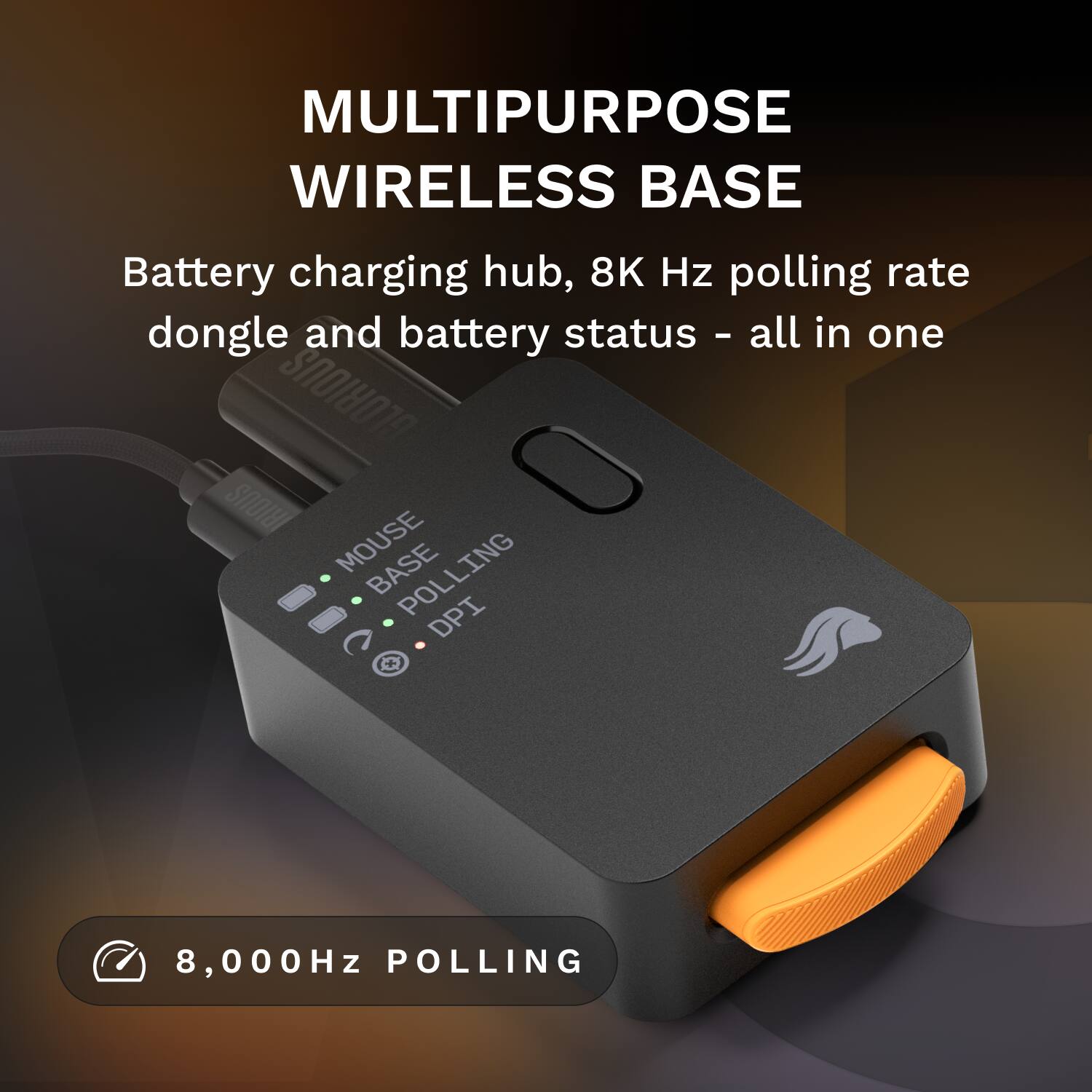
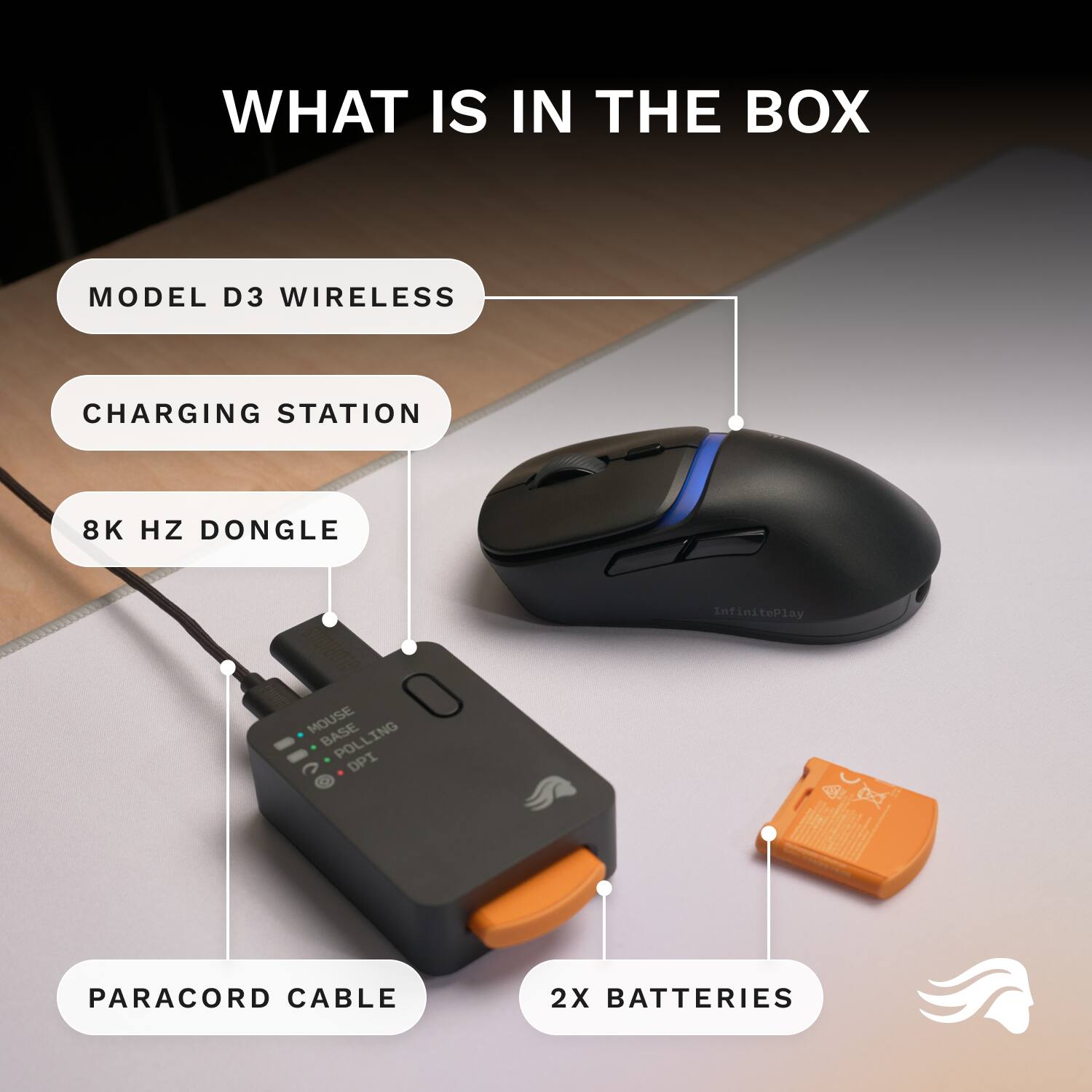
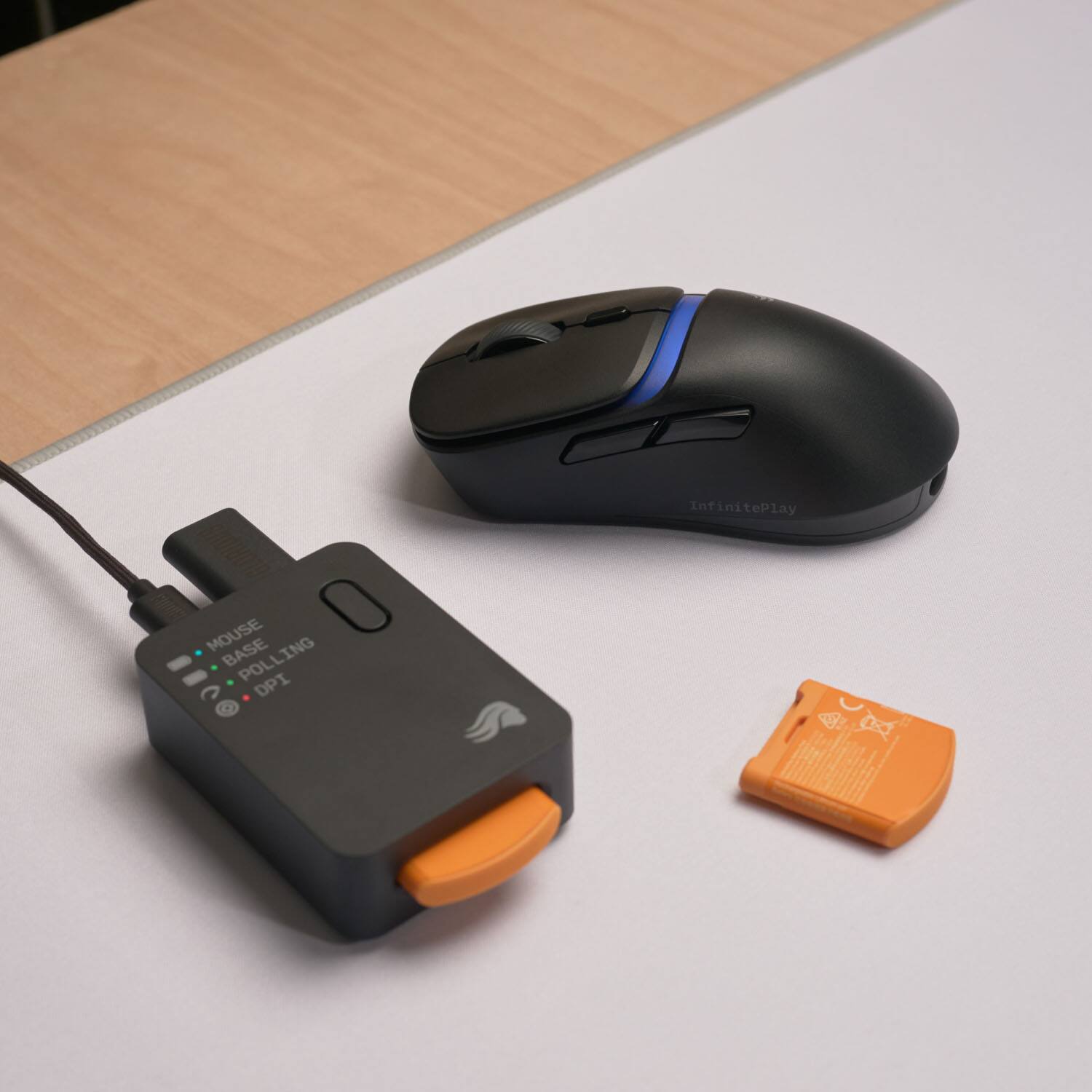
|Posted .This reviewer received promo considerations or sweepstakes entry for writing a review.I needed a new wireless gaming mouse that was lightweight and highly sensitive, with high polling rate and DPI settings. Glorious Gaming recently launched the new Model D3 Wireless Mouse with everything I was looking for plus swappable batteries for endless use. I had to pick one up! Pros: - Very light weight at only 69 grams. - 2 Swappable batteries plus an onboard 10+hr battery. - Up to 8000Hz Polling Rate and 30K DPI. - Plug & Play! Cons: - Battery Life per charge can be short depending on Polling Rate. Out-of-the-Box: The Glorious Gaming Model D3 Mouse comes with the mouse, 2 Battery cartridges, a charging base, USB Dongle, and USB-A to USB-C braided charging cable. One of the first things I noticed while unboxing the mouse was just how crazy lightweight the Model D3 is, even with the battery pack this mouse feels near weightless in the hand. One of my favorite parts about Glorious Gaming products is that they are all Plug-&-Play, ready to go right out of the box. But like most higher end PC products, they will only benefit from using their included software to customize and manage the settings. In this case, that would be Glorious Core. Charging Base: One of the clever designs Glorious Gaming has made with the swappable batteries, was making the Base serve multiple purposes. Not only does it serve as a charging station for the batteries to ensure you always have a charged battery ready to go, but it also provides a USB-A port for the wireless Dongle to plug in and provides a quick-at-a-glance status for Mouse, Base, Polling, and DPI. The LED labeled Mouse will change colors based on the current installed batteries level while the DPI will change color to indicate the current DPI setting based on what you’ve set in the Glorious Core App. This honestly helped me more than once while I was adjusting the DPI as there’s no indicator on the mouse besides the change in mouse sensitivity. Additionally, the button on the Charging Base is a macro button that can be set to a wide number of options from DPI Lock to opening your favorite application. This additional functionality is a nice addition to the already feature packed mouse. Software: Out of all the accessory Apps out there, I really like the simplicity of Glorious Core. The fact you don’t need to keep it open after saving the settings is a huge benefit as that means one less app running in the background. One of the first tabs I went to was the Mouse Performance tab to update the DPI levels. I’m one of those who always runs crazy high DPI, to the point that I often must warn people before they use my mouse. What I loved was how easy it was to update the levels, having the ability to clearly see the color indicators and type in the DPI setting, then just click save to have it already to go. Additionally, on the Mouse Performance tab is the General Performance sub-tab, which is also just as important with the Polling Rate settings. Having a high Polling Rate can make all the difference when playing competitive games that require high reaction speed, where even the tiniest of latency can cost you the game. But this does come at a cost, the battery life of the mouse will go down the higher the polling rate. If you run it at 8000Hz you will notice quite a bit of a difference in battery life compared to 1000Hz, which is why normally I run it at 2000HZ which is great for normal use while keeping the battery drain to an average level. In-Hand Feel: By far, the Model D3 is the lightest mouse I’ve ever used, at only 69 grams the mouse takes very little effort to move. This helps me reduce the strain on my wrist which in turns helps prevent carpal tunnel. Additionally, the bottom of the mouse has little glides installed that you must remove plastic covers from before use, but these help the mouse glide effortlessly across the surface. The Model D3 really makes it easy to use with little to no discomfort. The whole body of the Model D3 is made of a matte plastic that has a light texture, which helps grip even when you get sweaty. The scroll wheel has a nice rubber material that greatly improves the grip which makes it easy to quickly scroll. I found the grip to be very natural and comfortable, even after using the Model D3 for 12hrs the first day I didn’t have any discomfort in my hand or cramps. The button placement is all very naturally placed, so your fingers can easily find each button without much effort. Performance: Performance wise the Model D3 is perfect. I couldn’t find a single complaint, with a DPI sensitivity up to 30K and the Polling Rate up to 8000K, this mouse can move like it’s part of your hand. Each button is very responsive with a nice crisp click that doesn’t stick, though I’ll see after a couple thousand hours if I have any issues. Battery Life: The battery life will heavily depend what Polling Rate you set and your daily use. With 2000Hz on what you set the Polling Rate to, 8000Hz might only get you 2 days per battery whereas 500Hz might net you 5 days. This will depend on the Polling Rate, the higher you set it the shorter battery life you will have. But with 2 batteries, you can always have one charging while the other is in use. This is critical to the InfinitePlay feature, which works quite well. Though you also never really have to worry about running out of battery mid-game, as the mouse as an internal Guardian battery that provides 10+hrs, in the case where you don't have a charged battery ready you will still have plenty of time to finish that game, or even day on the internal battery. Conclusion: Glorious Gaming is already a go to for many gamers with their amazing Keyboards and other accessories. The Model D3 Wireless Mouse just adds one more reason to go Glorious. The InfinitePlay feature with swappable batteries really does give you the ability to play forever. Not to mention the high DPI and Polling Rates that just make this mouse one of my favorite wireless mouses available. Solid recommendation for anyone looking for the best mouse around.
I would recommend this to a friend - Pros mentioned:Battery life, Build quality, Sensor performanceCons mentioned:Mouse size
Extremely Customizable Mouse
|Posted .This reviewer received promo considerations or sweepstakes entry for writing a review.I was really excited to get the Glorious Model D3 mouse as I use a Glorious keyboard on my gaming desktop. I really appreciate the function of the keyboard with its extreme tuning capabilities and wanted to see that extended to a mouse. The D3 did not disappoint. This mouse is crafted for those that want to tune the mouse to exactly how you want it. That said, it isn't the perfect mouse. Pros - Extremely customizable control - Hot swap batteries - Base Station Cons - Terrible battery life - Software has some flaws Build quality of the mouse is great, as is expected from Glorious. Its a more rugged feeling plastic than you'll find on other lightweight mice, which leads to it feeling like a normal gaming mouse, not an ultralight (so don't be confused, its not that light relatively). The battery looks a little goofy sticking out of the back of the mouse, but it doesn't get in the way. Its rather bulky in size which I personally don't like, but its really going to depend on your hand size and how you hold your mouse. The buttons on the mouse are all programmable, with the top button being a DPI switch. The base station looking like a little brick and has a single button on it that can be programmed to what you need. Battery life as stated is pretty bad. I get about a days use out of a single battery before I have to swap. Swapping typically results in 0 downtime as the mouse holds a residual charge that should keep it going while you swap. That said, if the battery does die, then the mouse will turn off. This results in you having to turn the mouse over and hold down the button on the bottom in order to get it going again. I wish it simply turned on when it had power. Though the swappable battery does let you get right back into the game, the short battery life means you're going to be swapping pretty frequently, which means it can happen at really inopportune times. The software is great for the most part. The Core software seems to have a bug where once a battery swap happens, it stops tracking battery life for some reason. A minor issue, but one hopefully that can get resolved. Software is where this mouse truly shines though. It allows your to customize just about everything, to include mouse button attenuation which is wild to me. It allows you to swap between 1khz and 8khz modes (I stayed a way from 8k though as the battery life was already bad and it is causes CPU overhead). It has 6 programmable DPI stages that are easily swapped on the fly with the mouse button. The sensor is 30k DPI and it seems to track very well. There is a motion sync feature that works to normalize mouse movement that, while neat drains battery life even faster. There are simply too many features in there to talk about in a review, but there are a lot. Really love what they did with it on the customization front. Overall, a very good mouse that I wish they could fix the battery life with. While yes, it does have a swappable battery that lets you keep going, going from a mouse that can go a week without charging to one that has to have the battery swapped daily is obnoxious due to how it can interfere with gaming. And while I personally don't like the slightly bigger size of this mouse, I'm sure it won't be an issue for those with larger hands or those that palm grip their mouse.
I would recommend this to a friend - Pros mentioned:Battery life, Build quality, Ergonomics
Unlimited Runtime with Hot-Swappable Batteries!
|Posted .This reviewer received promo considerations or sweepstakes entry for writing a review.The Glorious Model D3 is a purpose-built performance monster who a pairs ultra-low weight with a hot-swappable battery system designed for uninterrupted gaming marathons. If you value consistent performance without tethering, the D3 is your kind of mouse. Build and Feel: The D3 is a right-handed model weighing in at just under 70 grams - which makes it feel ridiculously light in your hand. The shell is also ridiculously rigid with zero flex and the plastic used holds up well against fingerprints. Unfortunately, the over-all feel of the plastic is not exactly my cup of tea. Don't get me wrong, I appreciate a super lightweight mouse as much as the next gamer, but sometimes they come across feeling cheap. Does this subtract from performance? No, it doesn't, but it doesn't exactly scream premium. I personally wouldn't mind giving up some of those weight savings for a premium feel. Runtime: Runtime is rated for up to 71 hours but the hot-swappable battery makes this point irrelevant. As long as you have one of the two batteries charged at all times, you basically have limitless run time. The D3 even has a battery on board so the mouse doesn't turn off when you swap the battery. This is a brilliant concept and it works flawlessly. Final thoughts: If you're in the market for a top-tier gaming mouse with low-latency and zero downtime, the D3 is the way to go. The ergonomics of the D3 are also perfect for my hand. I'm typically a medium glove size and the only issue I have is that my thumb having to extend a but further than I would like to use the front most side button. Other than that, the Glorious Model D3 is my new daily driver and one of the best gaming mice I own.
I would recommend this to a friend - Pros mentioned:Battery life, Build quality, Weight
Lightweight and Comfortable Gaming Mouse
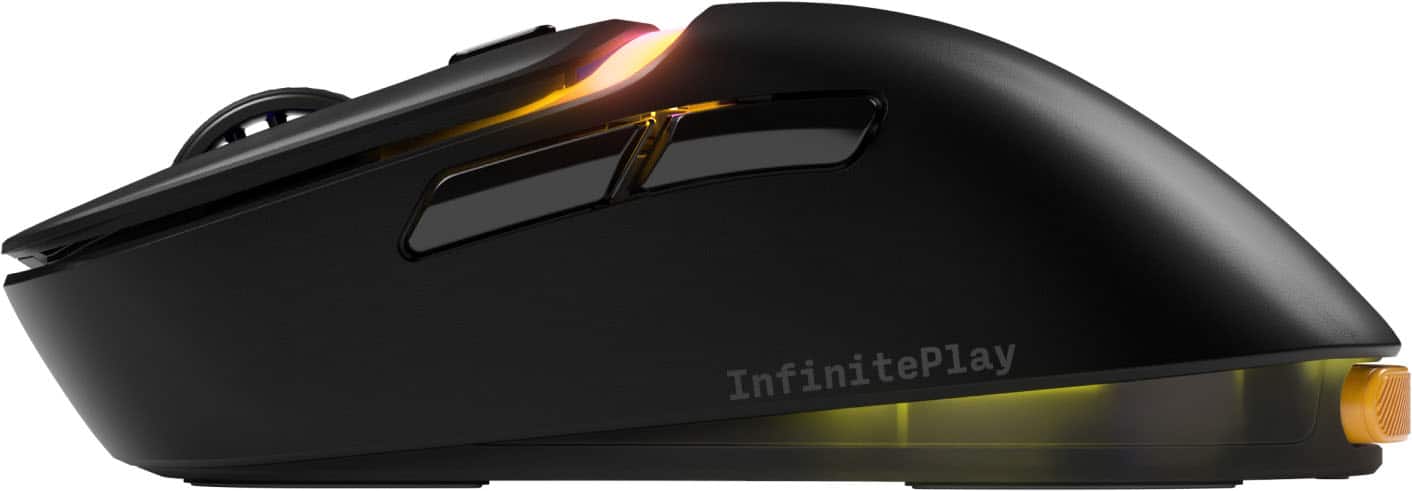
|Posted .This reviewer received promo considerations or sweepstakes entry for writing a review.The D3 mouse is super light and very comfortable for gaming. The swappable battery system where you always have a fresh, fully charged battery at the ready is a great concept that’s implemented well here. The box includes the mouse, 2 batteries, charging station, USB dongle, and a 6ft USB cable. The D3 mouse is the ergonomic version and is made for right-handed use. It’s got the standard left/right click and scroll wheel, along with forward/back buttons on the side and a button for switching the DPI setting near the scroll wheel. I was immediately struck by how light this is compared to my much used and much loved Logitech G703. It almost feels like a dummy model. The build quality is good - the plastic used doesn’t feel quite as soft as my G703, but it feels good on my hand and seems to resist fingerprints pretty well. The overall shape fits my hand well and I had no trouble getting to any of the buttons except the DPI switch which I really won’t need much anyway. The buttons and the scroll wheel all feel good and have nice actuation on the clicks, though it’s a little louder than the G703. I also noticed a very faint sort of spring reverberation sound on the left click, but I really have to be listening for it to notice. The charging station includes an additional USB-A port that the dongle can be connected to, so with charging and wireless connectivity you’re only using up a single USB port, which is great. The charging station has 4 indicator lights that show: - Mouse battery charge level - Base battery charge level - Polling rate - DPI These are all represented by different color LEDs. The battery charge levels ranges from red to yellow to green, which is pretty self explanatory. The polling rate and DPI LEDs are a little more opaque and I had to refer to the documentation to get a summary of what those are. The D3 mouse uses the Glorious Core software, which is okay. I’ve used it in the past for their GMMK 3 Pro keyboard and was not particularly impressed with it, but that was an early revision of this current version and while I’d still not call it the best, it’s definitely improved. You can set up a few different profiles, change the DPI values and polling rates, and set different LED lighting effects. These changes do not happen in real time and must be saved to the mouse for them to become effective. The upside of this is there isn’t any reason to run the software at all unless you need to make changes or update the firmware, so it’s one less thing running in the background. I used the D3 mouse primarily via the 2.4 GHz USB dongle, but it can be used wired or via Bluetooth. I did note that the polling rate for a wired connection was limited to 1000Hz where wireless can go up to 8000Hz, but the mouse defaults to 1000Hz on wireless anyway and I honestly did not really notice a difference between 1000Hz and 8000Hz. The connection was solid and I didn’t notice any dropouts or interruptions at all while using the mouse, though I did have my dongle positioned almost directly in front of me in the charging station where I could easily access the battery, so that’s just about the ideal wireless scenario there. The battery swap system is probably the main reason you’d be considering this particular mouse and it works great. It’s a spring-loaded setup where you simply push the battery in and it pops out and it works this way on both the mouse and the charging station. While the battery is removed from the mouse the LED turns red but the mouse actually still functions normally while this swap is happening. Once the new battery is inserted the mouse continues to work as it had - no restart, stutter, or any kind of interruption. It’s very well executed and the whole process of exchanging the battery only takes a few seconds. I haven’t been able to run a battery fully down yet, though Glorious’ website indicates up to 71 hours via 2.4 GHz (with the LED disabled). This is a fine number, but it almost doesn’t even matter since there will always be a fully charged battery ready to go. Overall I think Glorious did a great job on this. It’s lightweight, comfortable, has a solid connection, and really does have essentially infinite battery life.
I would recommend this to a friend - Pros mentioned:Battery life, Ergonomics, Weight
Great performing and innovating mouse.
|Posted .This reviewer received promo considerations or sweepstakes entry for writing a review.The Model D3 is ergonomic for my medium-sized hands and can be used with a claw, fingertip, or palm grip. The side buttons are easily reachable with the thumb, and the scroll wheel feels satisfying to use. The PTFE feet make the mouse easy to glide around and feel natural. This mouse is quite light at 69g and can be effortlessly picked up during a game. The buttons have a satisfying click to them without being overly loud. The front buttons feel nice. With a polling of 8k and an adjustable DPI up to 30K (wirelessly), moving the pointer across an ultrawide screen felt quick and responsive. I played some twitch first-person games with no hiccups. Point-and-click games where I continuously clicked felt great. The mouse can be connected via traditional USB-A cord (included), 2.4Ghz dongle, or Bluetooth. Connections can be swapped through a button on the underside. These features may seem typical of almost any other gaming mouse. However, the hub/control system and the battery swapping make the Model D3 anything but typical. The hub is connected via USB-A and is used to connect the 2.4Ghz dongle and power up the extra battery that is included. The other battery is inserted on the mouse. When the reported 71 hours (through Bluetooth) battery is used up, the RGB on the mouse blinks red. When this happens simply swap the battery. The cool thing is that the mouse retains enough power to avoid disconnections when swapping batteries. I see this being a great benefit for those who travel a lot and forget to charge the mouse or replace regular batteries. The hub displays LED lights that represent battery levels, DPI, and polling. Finally, there is a button that changes DPIs. I highly recommend downloading the Glorious Core software to complement the mouse functionality. There, I can update the firmware, adjust the RGB lighting, remap the buttons (on hub and mouse), and change many more options. I certainly appreciate a company that pushes creativity and innovation. While the asking price may seem a bit too high for some, looking at other high-end mice out there, it is not that far off (believe it or not). As for me, this mouse will become my everyday driver for the foreseeable future.
I would recommend this to a friend - Pros mentioned:Battery life, WeightCons mentioned:Mouse size
Abosolutely a Must have
|Posted .This reviewer received promo considerations or sweepstakes entry for writing a review.Short and sweet, buy this mouse if you are a gamer. Well, even if you are not. I absoluteluy love this mouse for it's functionality. This my first Glorious product and to be perfectly honest, I haven't heard much about the company but if they can make such, imo, an innovative product, I bet they can do some cool things with other things. The design of the mouse and I mean the size, is relative to the user. It felt very comfortable in my hands and moved smoothly. All the controls, especially the button had a great tactile feel, and buttons where in a natural position for me. The weight of the mouse was nice in my hands and actually did help improve my gaming. The texture of the mouse is good, nothing to really mention. I do have to mention though, my daughter, although she really liked the mouse as well, did say that it was a tad to large for her hands. She felt that it slightly hindered her use at first but thinks that with some use, she could get accostomed to it. The really cool part of this mouse and the reason I love it so much is the swappable battery. Using a wireless mouse and having the battery die is a pain most gamers know about. The Glorious mouse comes with 2 batteries and a base that plugs into your computer. One of the battery is held in the base to charge as you are using the other one in the mouse. The base itself has indicators for mouse power, polling and dpi. Battery life is very good with hours of gaming without needing to swap it out. But when you do need to swap it, that is super easy and quick and the mouse doesn't even lose power when you remove the battery. This mouse is worth every penny. Go get one!
I would recommend this to a friend - Pros mentioned:Battery life, Weight
Lightweight and precise
|Posted .This reviewer received promo considerations or sweepstakes entry for writing a review.I've been able to try out a few gaming mouse and this one has probably been the lightest one I've used so far. I know some people prefer heavier mice but if you prefer the lightweight option, this is one to check out. With any gaming mouse, you get the usual RGB and precise DPI adjustments you can make to them. This one is no different. With the downloadable software, you can make these adjustments as needed. Probably the most notable feature on this mouse is the swappable batteries. Unlike most mice, you have a little hub where you connect the dongle and power supply into. This can be easily mounted somewhere out of sight if needed. Along with the connections, there is a slot for the secondary battery to charge. The rear of the mouse is where you plug in the battery. Having used wired/wireless mice, this is a pretty nice little feature to have. You can have your mouse always wireless without needing to charge it through the cable. While it may not seem like a ground breaking feature, I find this quite convenient and allows for uninterrupted usage whether it be for gaming or normal use.
I would recommend this to a friend - Pros mentioned:Battery life, Build quality, Sensor performance
O3 Wireless Mouse Review
||Posted .This reviewer received promo considerations or sweepstakes entry for writing a review.Amazing quality build and great performance. Long battery life for each swap. Light weight.
I would recommend this to a friend Lightweight, Wireless, and Seriously Impressive!
|Posted .This reviewer received promo considerations or sweepstakes entry for writing a review.If you’ve ever held a gaming mouse and thought, “This could be better,” the Glorious Model D3 might just be the answer. It’s not just another peripheral—it’s a statement. From the moment you crack open the box, it’s clear this mouse was built with care, precision, and a deep understanding of what gamers actually need. Design That Just Feels Right Let’s start with the basics: this thing is light. Like, 69 grams light. But it doesn’t feel flimsy—in fact, it’s surprisingly solid. The shape is sculpted to fit a variety of grip styles, whether you’re a palm-resting strategist or a claw-gripping twitch shooter. It’s ergonomic without being over-engineered, and it stays comfortable even during marathon sessions. Precision Where It Counts Under the hood, the Model D3 packs an optical sensor that goes up to a wild 30,000 DPI. That’s more than most of us will ever need, but it’s nice to know it’s there. Movements feel fast and accurate, and the six-button layout (including two thumb buttons) hits that sweet spot between functionality and simplicity. No clutter—just control. Battery Magic with InfinitePlay Here’s where things get clever. Instead of the usual “charge it overnight and hope for the best” routine, Glorious introduces the InfinitePlay system. You get a hub that charges swappable battery packs and doubles as a home for your USB dongle and Type-C cable. It’s tidy, efficient, and genuinely useful. Plug, Play, and Game Anywhere Whether you’re team Bluetooth or prefer the low-latency 2.4 GHz RF connection, the Model D3 has you covered. It works seamlessly across Windows, Mac, and Linux, and switching between wired and wireless is smooth and painless. No fiddling, no drama—just plug in and go. Customization That Feels Personal The companion app is where the mouse really comes alive. You can tweak everything from button assignments to RGB lighting, which isn’t just for show—it actually gives you visual cues for battery life and connection status. Want your setup to glow in sync? Done. Prefer a subtle pulse of color? Easy. Built for Real-World Use Whether you’re gaming on a pristine mousepad or a sketchy desk surface, the Model D3 tracks like a champ. It’s surprisingly adaptable, and the build quality backs it up. Despite its featherweight frame, it feels durable—like it can handle the heat of competition without breaking a sweat. Final Thoughts: Worth Every Penny? If you’re serious about gaming—or just want a mouse that feels premium without being pretentious—the Glorious Model D3 is a solid investment. It’s not the cheapest option out there, but the feature set, build quality, and thoughtful design more than justify the price.
I would recommend this to a friendA Great Mouse With Small Flaws
|Posted .This reviewer received promo considerations or sweepstakes entry for writing a review.So I’ve been using the Glorious Model D3 Wireless for about a week or two now and ngl it’s been a solid upgrade from what I had before. The thing’s super light, smooth, and honestly just feels fast. I play a lot of shooters and it’s been really consistent, no lag or weird tracking issues at all. The swappable battery setup is easily the coolest part. It comes with 2 batteries, so when one dies I just pop in the other and keep going, no cables, no waiting around. That part is awesome. The problem though is the battery life ain’t that great… I’m swapping every 8–10 hours or so, which gets kinda annoying. I wish they lasted longer between charges cause the whole swapping thing gets old quick. I've noticed the little dock indicator glows red for low battery pretty early, however the battery will still last for quite a bit longer once its "low." Another thing, I gotta say the plastic feels a bit cheap, like it’s not gonna break or anything but it doesn’t have that premium feel or texture I expected for the price point. It’s crazy light, which is nice for gaming, but it does kinda make it feel like a toy sometimes. Clicks feel super snappy though, and the sensor’s crazy good. Though I initially didn't like the amount of pressure it took to click, I've either gotten used to it or i've "worn it in" enough. I’ve never had any delay or skips, even when I lift the mouse mid-fight (which happens a lot lol). The shape fits my hand perfect too (large size hands), and I can play long sessions with no pain. RGB looks clean, not overdone, and the dock is honestly a nice touch. Glorious software is pretty decent and customizable. You can ramp it up to 8000 polling rate if you want, though I found that unnecessary. And ofc you do all the RGB custiomization you want. Overall, it’s still a really solid mouse, super smooth, great tracking, and I never have to plug it in which I love. Just wish the materials felt a little more premium and the batteries lasted longer before I gotta swap ‘em again. A very solid entry into the high-end mouse space.
I would recommend this to a friend- Pros mentioned:Battery life
True Wireless Mouse
||Posted .This reviewer received promo considerations or sweepstakes entry for writing a review.So I am one of those people that would have a wireless mouse, forget to charge it and therefore just keep it plugged in all the time (so what is the point of being wireless, right?). With this mouse, I genuinely don't even think about charging. I just swap the battery when it is convenient and good to go. It is pretty freeing actually and now I don't think I could go back! A few other points: * Extremely comfortable * Software easy to use * RGB lights are nice and aren't too much * The bottom see through portion is pretty cool on the battery - no practical value but a nice touch * The lights on the base station are really helpful - I didn't think I would use them much but I find myself changing DPIs more often now as it is easy to switch and see the change (not guess and test)
I would recommend this to a friend - Pros mentioned:Battery life, Ergonomics, Sensor performance
Awesome!!
||Posted . Owned for 1 month when reviewed.This reviewer received promo considerations or sweepstakes entry for writing a review.Absolutely love this mouse, fits perfect in the hand the battery stays charged for a crazy long time and I don’t have the usual stutter like I had with the previous glorious mice. Awesome product!!
I would recommend this to a friend - Pros mentioned:Build quality, Sensor performance
Good overall ergo
||Posted . Owned for 2 months when reviewed.This reviewer received promo considerations or sweepstakes entry for writing a review.Solid mouse overall. Build quality is probably the most impressive part of it. Would be better if they managed to get the weight down a little bit more. Opticals switches feel pretty average. Battery swap system is a little bit of a gimmick because of the battery life of each battery is extremely poor. Performance in game is absolutely great in terms of sensor performance.
I would recommend this to a friend - Pros mentioned:Battery life, Build quality
Glorious V3 Mice
||Posted . Owned for 1 week when reviewed.This reviewer received promo considerations or sweepstakes entry for writing a review.I really enjoy using this mouse. The mouse is a good size, but I have somewhat small hands, so I added grip tape to the sides for better control. The build quality is sleek and solid, and the battery life has been great I haven’t needed to recharge it since I first got it. I also appreciate the adjustable DPI, color, and macro settings and the Glorious software for customizing them.
I would recommend this to a friend