Customer Ratings & Reviews



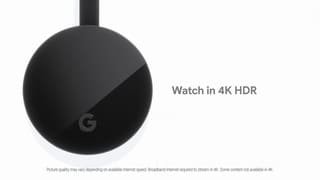

- Model:
- GA00439-US
- SKU:
- 6288362
Rating by feature
- Value
Rating 4.6 out of 5 stars
- Quality
Rating 4.7 out of 5 stars
- Ease of Use
Rating 4.6 out of 5 stars
Customers are saying
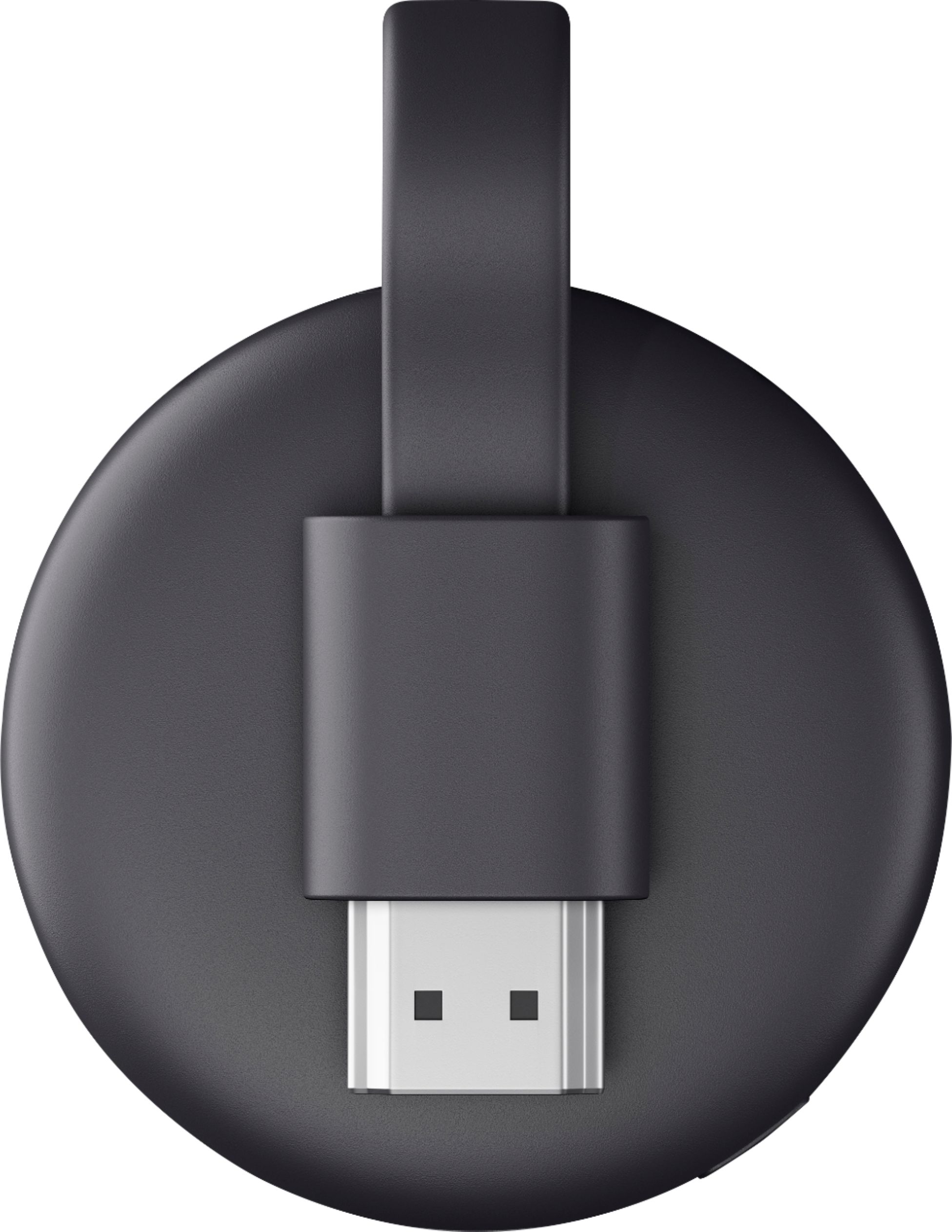
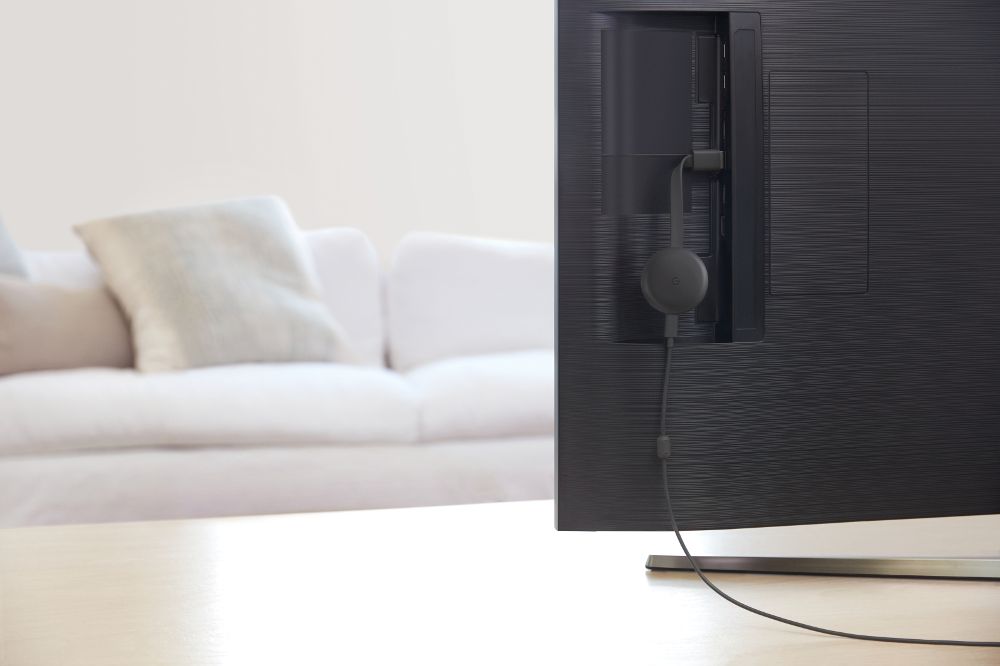
Customers are impressed with the Chromecast's ease of use, streaming capabilities, and picture quality. Many appreciate its affordability and the ability to transform a standard TV into a smart TV. However, some users experienced connectivity issues, and the lack of a physical remote control was a common point of feedback. The small size and generally positive performance were also frequently noted.
This summary was generated by AI based on customer reviews.
Google Chromecast is easy to cast shows to your TV
||Posted . Owned for 1 month when reviewed.This reviewer received promo considerations or sweepstakes entry for writing a review.This is the second Chromecast I have purchased. I bought one for myself and then decided it would be the perfect Father's Day gift for my husband. I find the Chromecast is better for casting shows to my TV than my Smart TV apps which seem to freeze all the time. The Google Chromecast works perfectly!
I would recommend this to a friendAlmost perfect
||Posted . Owned for 9 months when reviewed.This reviewer received promo considerations or sweepstakes entry for writing a review.Freezes sometimes but it works like a charm and a really useful product
I would recommend this to a friend- Pros mentioned:Ease of use
Great quality and receive quickly
||Posted . Owned for 1 month when reviewed.This reviewer received promo considerations or sweepstakes entry for writing a review.I have no complaints the chromecast works smoothly and receipts the phone great.
I would recommend this to a friend - Pros mentioned:Ease of use
Great accessory for your tv
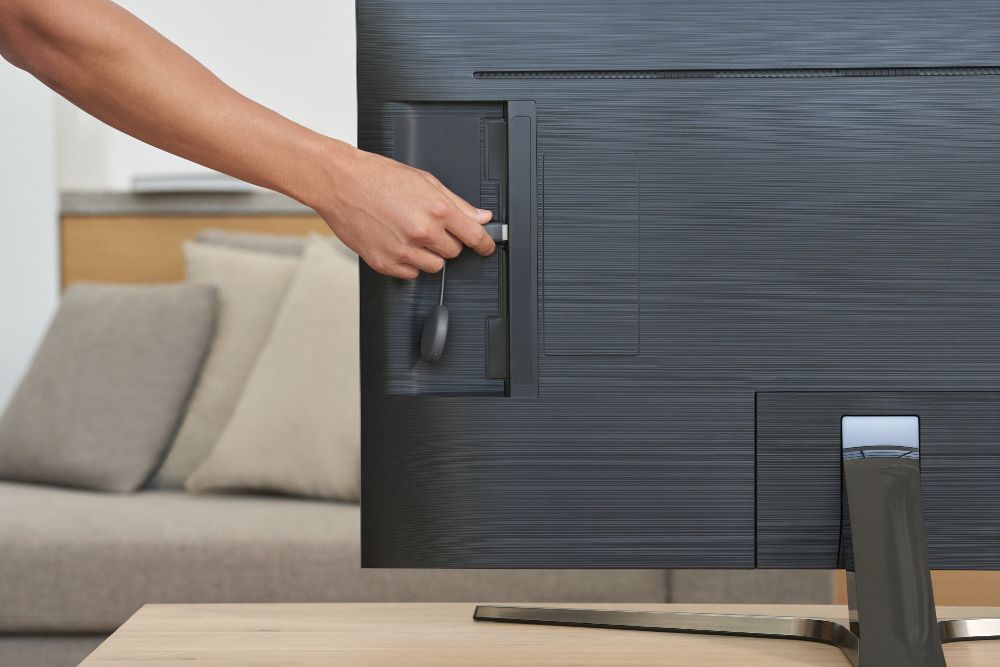
||Posted . Owned for 3 weeks when reviewed.This reviewer received promo considerations or sweepstakes entry for writing a review.Installation can be a little hard, but once installed it's easy to stream to your tv
I would recommend this to a friend - Pros mentioned:Ease of use
Always liked the chromecast
||Posted .This reviewer received promo considerations or sweepstakes entry for writing a review.Comcast is a great way to stream my Netflix and my games off my phone the whole family loves it!
I would recommend this to a friend - Pros mentioned:Ease of use
Working great as described
||Posted . Owned for 2 weeks when reviewed.This reviewer received promo considerations or sweepstakes entry for writing a review.Working great as described, hassle free installation.
I would recommend this to a friend - Pros mentioned:Streaming
great to use for streaming
||Posted . Owned for 7 months when reviewed.This reviewer received promo considerations or sweepstakes entry for writing a review.I bought this and have enjoyed the quality of streaming for my You tube t.v.
I would recommend this to a friend - Pros mentioned:Compatibility
Must buy
||Posted . Owned for 8 months when reviewed.This reviewer received promo considerations or sweepstakes entry for writing a review.Great will soon buy another for my other television.
I would recommend this to a friend - Cons mentioned:Connectivity
Works well except for occasional disconnections
||Posted . Owned for 1 month when reviewed.This reviewer received promo considerations or sweepstakes entry for writing a review.Works well except for occasional disconnections which needs restart of the tv
I would recommend this to a friendBrand response from Google Team
Posted .Hi Thejas,
Thanks for taking the time to provide us with your feedback. We understand the frustration around the disconnections and want to help you out.
Disconnecting the cast and reconnecting may help re-establish a stronger Wi-Fi connection. We also recommend checking the bandwidth availability of your network. Low bandwidth availability may limit or prevent your Chromecast to stream.
If you'd like to take a look at the issue, please feel free to contact us here: https://support.google.com/chromecast/contactflow
- Pros mentioned:Ease of use
Great price
||Posted . Owned for 2 weeks when reviewed.This reviewer received promo considerations or sweepstakes entry for writing a review.I needed this to stream to my dumb TV. Works great and it was very simple to setup.
I would recommend this to a friend - Pros mentioned:Streaming
good unit
||Posted .This reviewer received promo considerations or sweepstakes entry for writing a review.this streaming media player is good for not smart tv so you can stream, overall this is great
I would recommend this to a friend - Pros mentioned:Ease of use
Chromecast
||Posted . Owned for 1 month when reviewed.This reviewer received promo considerations or sweepstakes entry for writing a review.Very good for streaming. It’s basically like the fire stick, in a way.
I would recommend this to a friend - Pros mentioned:Ease of use
Best 30 bucks I’ve spent
||Posted . Owned for 1 month when reviewed.This reviewer received promo considerations or sweepstakes entry for writing a review.They are great love this Chromecast easy to set up and connect
I would recommend this to a friend - Cons mentioned:Connectivity
Good product
||Posted . Owned for 6 months when reviewed.This reviewer received promo considerations or sweepstakes entry for writing a review.This was an overall good product aside from occasionally not connecting
I would recommend this to a friend - Pros mentioned:Streaming
Well proven technology
||Posted .This reviewer received promo considerations or sweepstakes entry for writing a review.It works as it should. Reliable streaming using a mobile as a controller
I would recommend this to a friend Works with Oculus Quest
||Posted . Owned for 8 months when reviewed.This reviewer received promo considerations or sweepstakes entry for writing a review.A good solution for casting screens from other devices. My reason for purchasing a Chromecast was to be able cast my Oculus Quest to an old big screen TV so others can see what I am seeing. Makes VR more fun when you can share your experience with others. I could stop laughing seeing my friends panicking when attempting to walk on a virtual plank.
I would recommend this to a friend- Pros mentioned:Ease of use
It's a great streaming player
||Posted . Owned for 3 weeks when reviewed.This reviewer received promo considerations or sweepstakes entry for writing a review.it's easy to use and set up. I was watching Netflix on it with no problems.
I would recommend this to a friend Stop Using ARCHAIC Remote Controls
||Posted . Owned for 8 months when reviewed.This reviewer received promo considerations or sweepstakes entry for writing a review.With this device, I was finally able to drag my family away from the abysmally slow built-in streaming apps on our aging "smart" TV. Pull up your desired content on your phone and with two extra clicks you're all set! Couldn't be happier with this device.
I would recommend this to a friend- Pros mentioned:Ease of use
Nice media streaming
||Posted .This reviewer received promo considerations or sweepstakes entry for writing a review.The product works as expected. Simple to download and stream to your TV's and other devices.
I would recommend this to a friend - Cons mentioned:Connectivity
Does what I need it to
||Posted . Owned for 1 month when reviewed.This reviewer received promo considerations or sweepstakes entry for writing a review.Bought this to cast my new oculus to the tv for everyone to see. Works for what I bought it for with no problems. Pretty annoying that it’s difficult to change WiFi if moved to a new location. Having to factory reset everyone is annoying and time consuming.
I would recommend this to a friendBrand response from Google Team
Posted .Hi Trenton, thanks for sharing your feedback. We apologize if you had to do a factory reset on your Chromecast everytime you want to move it to a different location.
Here are the steps that you can use to change the Wi-Fi network on your Chromecast:
- Make sure your mobile device or tablet is connected to the same Wi-Fi as your Chromecast device.
- Open the Google Home app Google Home app.
- Tap your device.
- At the top right corner, tap Settings and then Wi-Fi and then Forget and then Forget network.
- You’ll be taken back to your home screen.
- Follow the steps to set up your Chromecast on a new network.
Please note that these steps are only applicable if your Chromecast is connected to an existing Wi-Fi network but you'd like to connect it to a new one. Otherwise, you need to do a factory reset if your Chromecast isn’t connected to any network.
Your patronage and satisfaction are what drives us to keep working on improving our products and services. If you need help, our support team is always available. Feel free to contact us anytime using this link: https://support.google.com/chromecast/gethelp