Customer Ratings & Reviews

- Model:
- GA00400-US
- SKU:
- 6306368
Rating by feature
- Value
Rating 3.9 out of 5 stars
- Quality
Rating 4.3 out of 5 stars
- Ease of Use
Rating 4.3 out of 5 stars
Customers are saying
Customers often highlight the keyboard's excellent typing experience, praising its quality, ease of use, and lightweight design. Many appreciate the integrated stand and strong magnets for secure attachment. However, some users express concerns about the keyboard's stability, particularly when used on a lap, and find the price to be relatively high.
This summary was generated by AI based on customer reviews.
Fantastic deal
||Posted . Owned for 1 month when reviewed.This reviewer received promo considerations or sweepstakes entry for writing a review.Great price from Best Buy - cheapest by far from any other vendor
I would recommend this to a friend- Pros mentioned:Keyboard quality, Magnets, Weight

Keyboard and Case
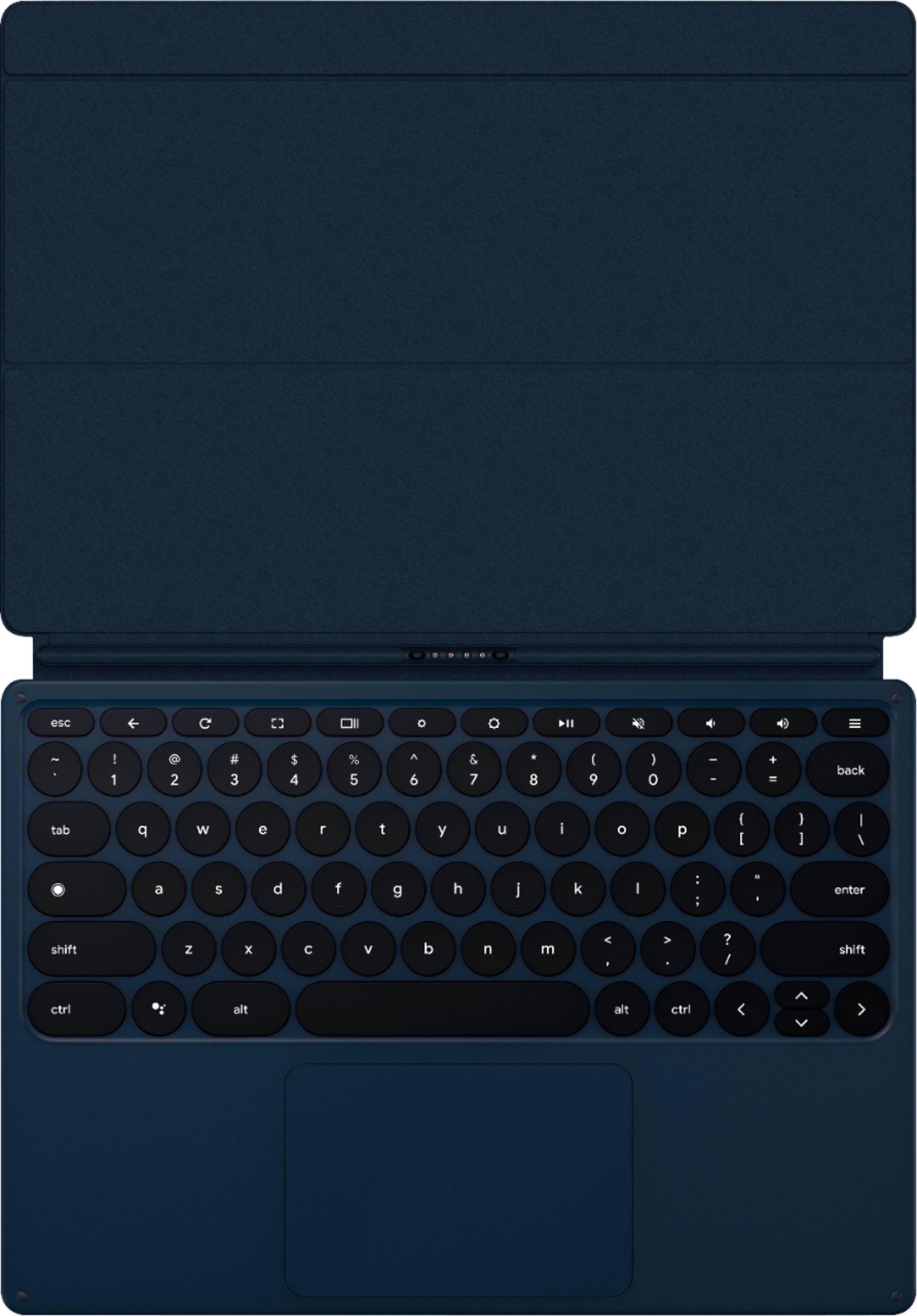
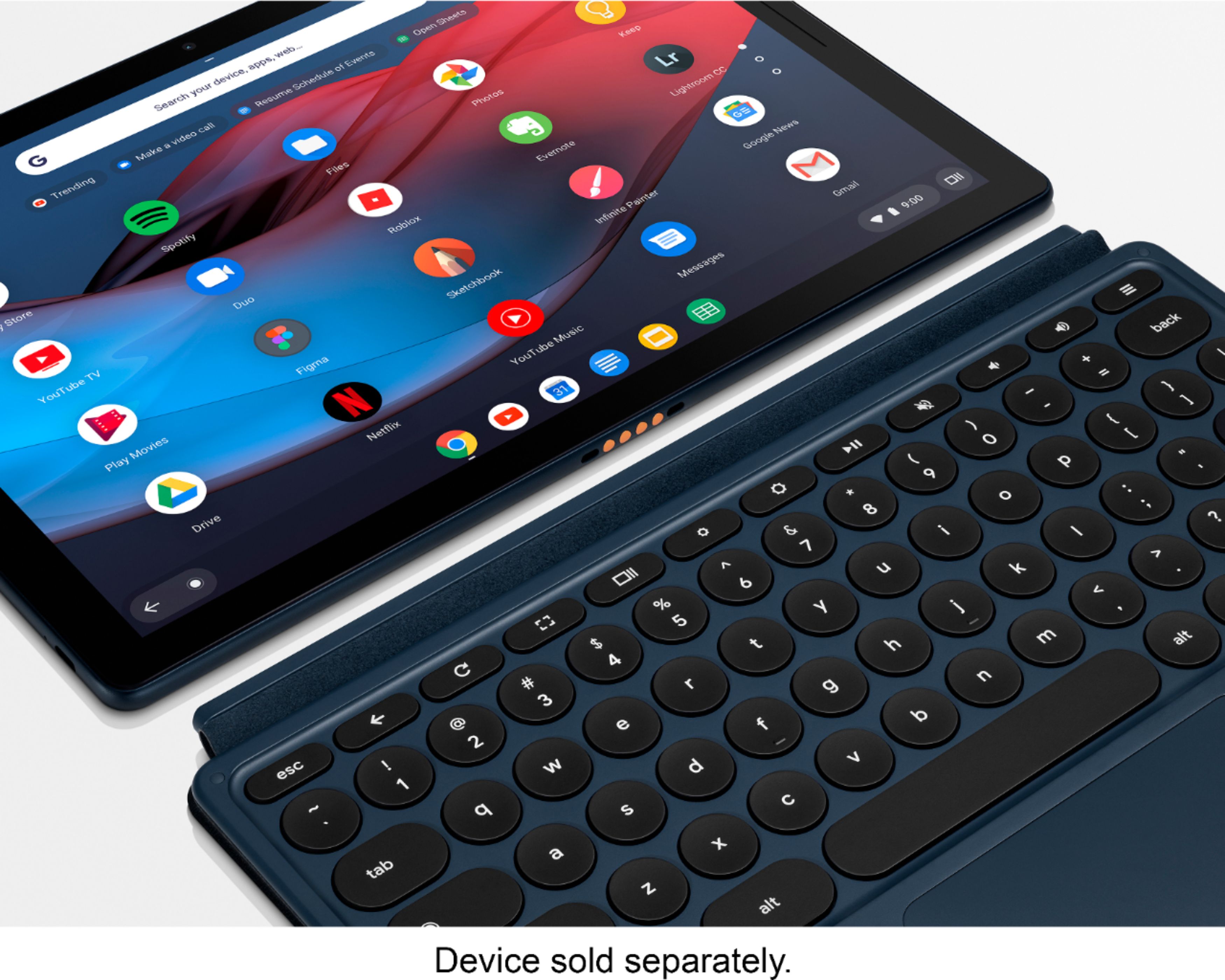
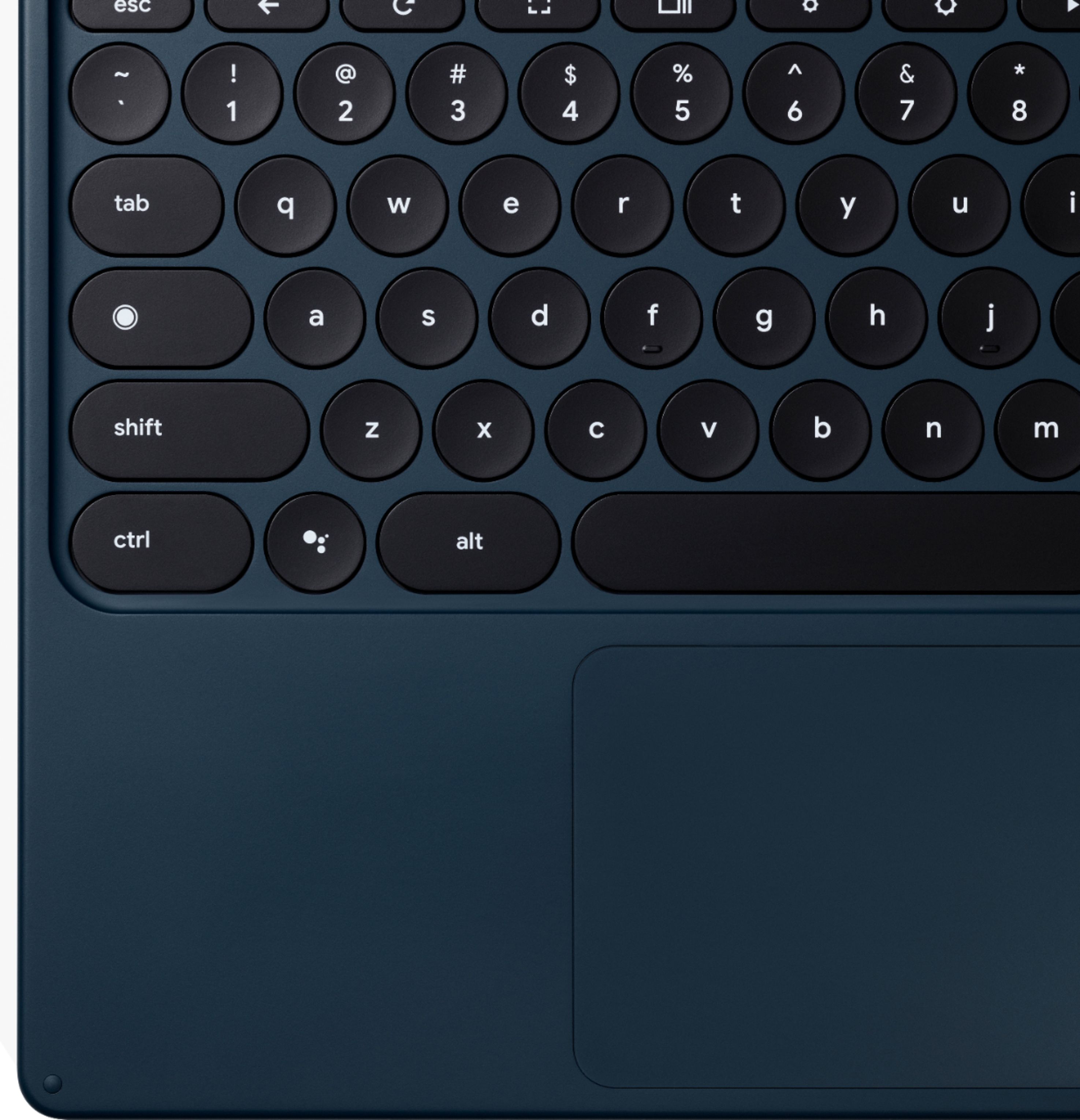
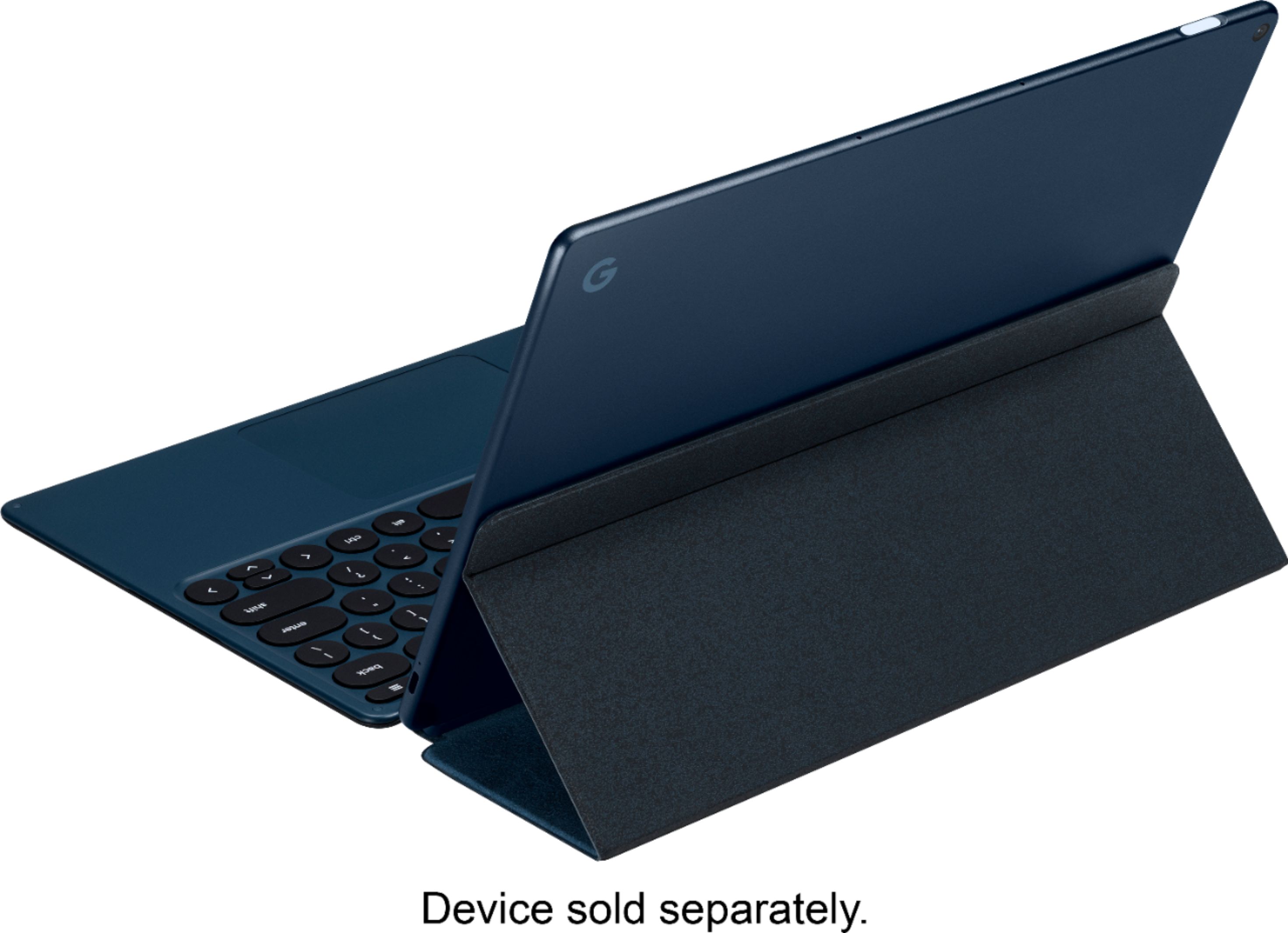
|Posted .This reviewer received promo considerations or sweepstakes entry for writing a review.The Slate docks well to this keyboard thanks to the strong magnets. The keys are round (Google theme) and spaced well. They have an adequate travel with soft clicking sound (depends how fast you are typing). Backlight is not the strongest but just enough to reset to the keys places (I almost don't look to the keyboard when typing). It has all Chrome OS dedicated keys and works very fine with Slate. No lags no Communication Loss. The track pad is kind of large and sensitive. Works very well. It also has a real click in it. Kind of loud but I use the quick double tap usually. It works very well. The Keyboard works also as a case protecting the Slate. Making it more safe to carry and to work with. No battery to add to the keyboard. it works directly from the Slate. It is very light and has very low profile that won't add any bulkiness to the Slate (when docked). I think if you get Slate, you should get a keyboard with it. This one is made by Google. It is well designed to work with Slate. I'd recommend getting it before checking other available in the market.
I would recommend this to a friend Ok Keyboard
||Posted . Owned for 1 month when reviewed.This reviewer received promo considerations or sweepstakes entry for writing a review.Keyboard is just ok. I hate that you can’t use it on the lap
No, I would not recommend this to a friend- Cons mentioned:Stability
Broke after 6 months of gentle use
||Posted .This reviewer received promo considerations or sweepstakes entry for writing a review.Broke after 6 months of use (seems common). Google would only refund if we returned both the keyboard and table (which works fine). I recommend avoiding this poorly engineered product.
No, I would not recommend this to a friendBrand response from Google Team
Posted .Hi BillyBob, thanks for the time sharing your feedback on the Pixel Slate Keyboard. We're sorry to hear that it broke in such a short time. We can see how the experience was less than ideal for you. We want to know more about what happened with the keyboard so we can find a resolution for it. Even though you may have already contacted our support team, we're hoping you will give us another opportunity to help you improve your experience. Please contact us again by visiting this link: https://support.google.com/pixelbook/gethelp

Bad keys
||Posted . Owned for 1 year when reviewed.This reviewer received promo considerations or sweepstakes entry for writing a review.It was a good product for a little while, but the keyboard just stopped working for no reason. Plus now I feel it was too expensive to have such a short warranty.
No, I would not recommend this to a friendGood idea, poor execution
||Posted . Owned for 1 month when reviewed.This reviewer received promo considerations or sweepstakes entry for writing a review.I like the keyboard, but the way it attaches is weird. Lose fit means it is hard to use with tablet. Feels cheap as is slides around. Not really what I was hoping for as the tablet is amazing!
No, I would not recommend this to a friend- Pros mentioned:Keyboard qualityCons mentioned:Stability
Love a lot about it, but it's a little awkward
|Posted .This reviewer received promo considerations or sweepstakes entry for writing a review.The Pixel Keyboard is kind of a mixed bag. I LOVE the coloration. I LOVE, LOVE, LOVE the round keys. I LOVE how thin the keyboard is. I LOVE the key travel. I LOVE the “soft touch” coating to the keyboard and lid. I LOVE the dedicated Assistant button. I LOVE the touchpad. That being said, it’s not perfect. This keyboard is absolutely AWFUL on one’s lap. There is no stability whatsoever. The typing angle can’t be adjusted. The keyboard sits flat on the table, and that’s it. I would love to have been able to lift up the keyboard to type at a proper angle. The magnetic connection is rock solid . . . except for when it’s not. I found that the keyboard detaches from the tablet rather easily when the “lid” is “shut.” I’m rather ambivalent on the whole adjustable angle thing. It works, but I found it to be rather clunky and hard to get “just right.” Would I recommend this keyboard? . . . Maybe. This keyboard is stylish and functional, but at the same time, its design is somewhat impractical. If you’re just looking for a keyboard to keep on your desk when you want to do some serious typing on your Slate, then this option would work quite well for you. If you’re looking for something that will work well on the go, then you should probably keep looking.
I would recommend this to a friend - Pros mentioned:Keyboard quality
Awesome keyboard w/ a potential deal breaker
|Posted .This reviewer received promo considerations or sweepstakes entry for writing a review.Let me start with the positives trust me there’s plenty of that. The typing experience is amazing. At first glance, I expected the worse cramp keyboard with typing errors due to the small circular keys. As soon as I started typing my credentials for the first time setting up my Pixel Slate I was left surprised on how good the keys were especially with travel distance. You still get a full-size keyboard experience without the number pad along with all the Chrome hotkeys. It may just be me but the keys have the right amount of travel distance with satisfactory feedback. I quickly adjusted to the circular keys without any impact to my WPM. I still average my usual 60 WPM with the keyboard case. The backlight is bright enough to easily see the keys at night. If you find them too bright you can adjust the brightness level (by holding the alt button and pressing the screen brightness button). You can also just adjust it all the way down to turn off the backlight. The keys have this soft rubber feeling that makes it a comfort to type on. The trackpad surprisingly is slightly bigger than the one found in my gaming keyboard. The surface is very smooth with a hint of that soft rubber you get from the keys. The whole trackpad acts as a single click button. So tapping the trackpad with 2 fingers acts like the right mouse button. Gestures work very well scrolling web pages or documents with 2 fingers and sliding 2 fingers to the left to go back to the previous web page on Chrome browser. But it ain’t all perfect let me tell you why. Once you start typing with it on your lap, things start to go downhill. Problem is the palm rest area which is fine on a hard surface like a table. On your lap, most of the time one side of my palm will be fully rested on the palm area so what ends up happening is the keyboard starts to flex that affects the trackpad. Any time you get some flex in the keyboard case you end up with the following symptoms. The trackpad will click somewhere on the page which ends up all the suddenly typing from the previous sentence causing you to spend time fixing it and returning to the previous spot where you left off. There will be times when you start to see text highlighting or unable to click on stuff. It’s hard to avoid this without typing on an uncomfortable position having to hold your palms slightly above the rest area without resting them on the palm area. While doing this review I experience this a couple of times with just having the keyboard resting on my legs while sitting up my bed. None of this occurs on a hard surface like a table. So if you’re the type of person that constantly travels and pulls out their laptop to work on while waiting to board your flight you might want to consider the other keyboard for the Pixel Slate. It also doesn’t help since the screen is held in place by the case so you get a lot of wobbles when typing like this. The G Type Keyboard would be more suitable for that type of person since the typing experience would more of laptop type and the screen won’t be wobbling when you’re tying either. The outside has this soft rubber grippy material that keeps the PIxel Slate stationary on a solid surface. So far I haven’t seen any issues with everyday used. The Pixel Slate is held on by strong magnets. One of my favorite features of the keyboard case is the tilt system. The back of the folio case attached to the back of the Pixel Slate slides easily to provide a wide variety of viewing angles in tablet mode. It also works to put in tablet mode to consume content similar to the 2in1 systems. No matter what angle your prefer it stays locked in place. So far with my usage, I have not experienced any issues with it sliding out of place. The keyboard is power by the Pixel Slate via the pogo pins. As a folio case, for the most part, it succeeds but I still wouldn’t trust it to provide any drop protection for your Pixel Slate. The top part tends to slide all over the place that causes your device to slip out potentially end up hitting the floor causing some damage if you're not careful on holding it tight. I would consider getting a tablet sleeve with some drop protection that can hold the Pixel Slate with the keyboard case when traveling with your device. Overall, I like this keyboard and for the most part, Google has done a great job except for using it on your lap. For some, this will be a deal-breaker since it affects usage that can quickly turn into a frustrating experience. If most of your usage will be on a hard surface you won’t be disappointed but on your lap, you should consider the alternative keyboard offer for the Pixel Slate. My recommendation is going to be based on your usage type. When it's on a hard surface it clicks on all cylinders but on a lap, it misfires badly. Even though I gave it a 3-star rating is not that is bad is just your experience will vary based on the usage. If it wasn't for that issue without a doubt it would have been a perfect rating.
I would recommend this to a friend Flimsy
||Posted . Owned for 3 weeks when reviewed.This reviewer received promo considerations or sweepstakes entry for writing a review.If you use this on a table it is ok. I do do love that it is backlit, but that is about it. Way too flimsy to use on your lap and when it is closed the tablet moves around.
No, I would not recommend this to a friend- Pros mentioned:Keyboard quality
Must have for the Slate
|Posted .This reviewer received promo considerations or sweepstakes entry for writing a review.If you want to do more than minimal text input to your Slate, this is a must-have. It attaches quickly and securely to the special connector at the bottom of the Slate, and it pairs instantly. There is no set up involved other than taking it out of the box. The keys are responsive and easy to type on, and are pretty comparable to most chicklet-style keyboards. The magnetic flap in the back stays securely connected and is infinitely adjustable (although there are a couple of places where it seems like there are predetermined optimal angles). The only downside is that the keyboard side does not magnetically close when you fold it up. It fully covers the screen, but the fit is a bit loose and it won't stay perfectly aligned. It doesn't leave any marks on the screen from sliding around like that, but it still bothers me.
I would recommend this to a friend - Pros mentioned:Magnets, Weight
Yep, it's a keyboard...
|Posted .This reviewer received promo considerations or sweepstakes entry for writing a review.So it's a wafer thin keyboard and cover all in one. It's soft to the touch and adds little to no weight to the device. It definitely is a layer of protection for the screen which is nice. I like how they provide the kickstand functionality in this keyboard vs the tablet itself. It has multiple settings for elevation which is good. The magnets inside make it stay put which is also really good. I'd say my biggest gripe is that the keys are kinda small in that they are shallow and don't have a lot of depth/play to them. So getting that tactile feedback I am used to on a keyboard simply isn't there. It definitely works well, but not my preferred input method. I will say that it is not at all well suited for a lap as it has no bottom heft to it so the device will tend to topple over on your lap as a result.
I would recommend this to a friend - Pros mentioned:Keyboard qualityCons mentioned:Price
A perfect addition to the Pixel Slate Tablet
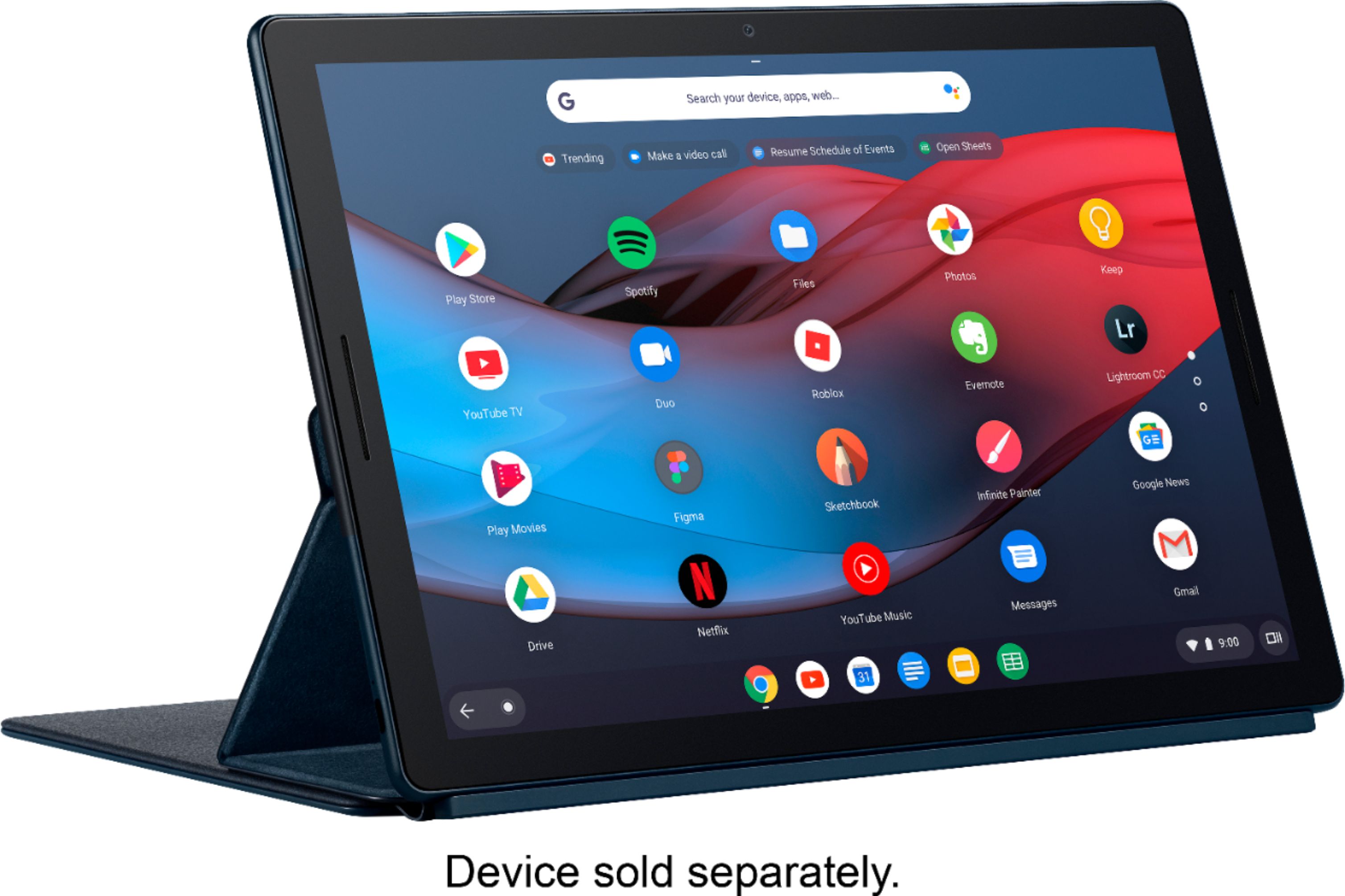
|Posted .This reviewer received promo considerations or sweepstakes entry for writing a review.There’s a lot to like with the Pixel Slate tablet and keyboard. While the Slate tablet is typically sold without a keyboard or pen, I have both accessories. Once the keyboard was connected to the Slate (the keyboard comes with powerful magnets that connect to the underside of the tablet), the Slate immediately initiated a software update for the keyboard. Not too long after, the update was done. Only speaking for myself, I like the feel of the keyboard. One side of it folds into a stand while the other side is a keyboard and protective cover for the display. The keyboard keys have a bit of a bounce when pressed, which is not a criticism but an observation. The bounciness is primarily felt when the tablet and keyboard are sitting on my lap. On a table, I didn’t feel any bounce at all. The keyboard’s layout has exactly the features I’d expect for one of this size and includes a fairly large track pad should you prefer that instead of a mouse or pen or touch screen. If you use Google Assistant like I do, you’ll like the fact that the keyboard has a dedicated Assistant button built in. Just tap the button and the Assistant starts up. There’s a second key on the keyboard (and one on the Slate’s display) that looks like a Dot. This key, when pressed, displays a Google search command window and the last five apps you’ve run. Swipe up on a displayed chevron (^) and it’ll show all the apps currently installed on the unit. Or, you can hold this Dot button down a second or two longer to have the Google Assistant window appear. The cost of this keyboard is rather pricy, and I wasn’t sure if it was worth the expense. But using the Slate with and without the keyboard confirmed the value of the keyboard to me. I don’t mind display-based keyboards, I just happen to prefer keyboards with physical keys on it and not having to deal with fingerprints all over the display. Using a pen to tap letters on a screen is an obvious short-term solution, but not a long-term solution for me. As such, the keyboard wins in my book! I’m happy with the keyboard and would recommend it to anyone considering the purchase of a Pixel Slate Tablet.
I would recommend this to a friend Horrible customer experience by Google
||Posted .This reviewer received promo considerations or sweepstakes entry for writing a review.I’ve owned this product for less than one year with light to moderate use. I have been chatting with Google because the keyboard would no longer respond. They are not wiling to help and are taking days before they respond to inquiries. I will never purchase another Google Product.
No, I would not recommend this to a friendBrand response from Google Team
Posted .Hi Liux, thanks for sharing your feedback with us. We're sorry to hear that you had a difficult experience with getting the right support for your concerns about the Pixel Slate Keyboard. Even though you may have already contacted our support team, we're hoping you will give us another opportunity to help you with the issue to improve your experience. Please feel free to reach out to us here: https://support.google.com/pixelbook/gethelp
- Pros mentioned:Keyboard quality, Stand
Must Have for Pixel Slate
|Posted .This reviewer received promo considerations or sweepstakes entry for writing a review.The keyboard is a must have companion for the Pixel Slate. It connects very securely at the connection point and the magnet on the back holds tight. You slide the cover on the back that has the magnet up and down to change the angle of the tablet. It’s simple, and I like it far better than the hinge type stands on some computers. I understand a hinge’s usefulness. If you don’t have the keyboard, it’s a built in stand. But without the hinge, the tablet looks much sleeker and it’s one less thing to break or loosen over time. The keyboard also acts as a protective cover. When closed, the magnet cover on the back covers the entire back and keyboard connect magnetically to the front of the Pixel Slate. Typing on it is also great and saves the entire screen for what you’re doing rather than blocking part for the on screen keyboard. I do have a few complaints. Even though it holds magnetically to the front of the slate, those magnets are not as strong as the one on the back. So the keyboard side slides when it’s closed. It’s also has a lot of give if you’re not typing on a solid surface, like a table. If you have it on your lap, it bends just a little as you type, especially in the middle. Neither of those things would make me say it’s not worth it. I still consider it a must have. But I worry about the wear over time, especially from the give while typing. But still a must have.
I would recommend this to a friend - Pros mentioned:Keyboard qualityCons mentioned:Hinge
I want to love it but..
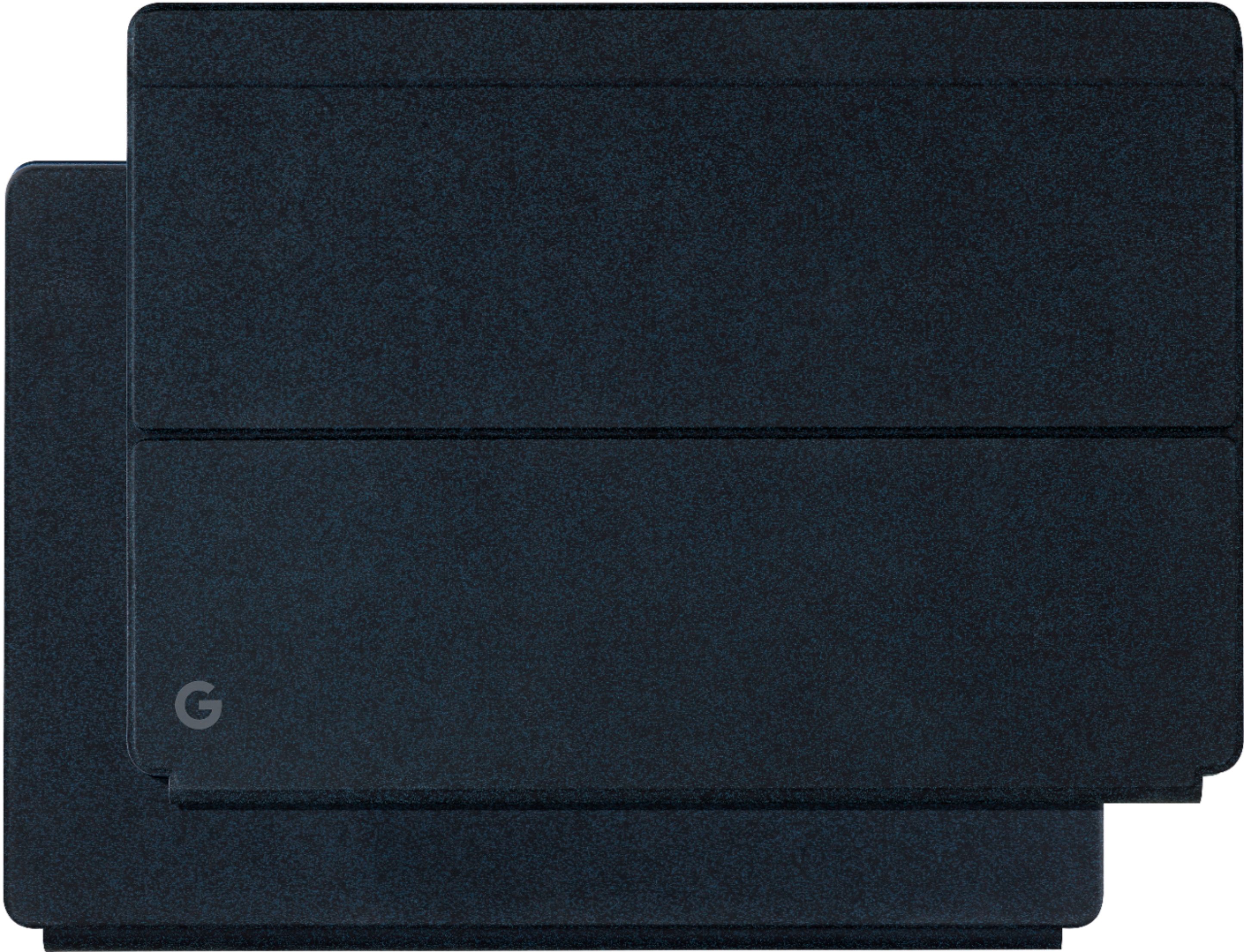
|Posted .This reviewer received promo considerations or sweepstakes entry for writing a review.Le Sigh... where to begin. So I really want to love the Pixel Slate Keyboard. It is sleek, has a handsome modern design. I love the Midnight blue color and the round backlit keys are well designed. It's not a crazy change from a regular keyboard and it has all the keys you need. The keys are very responsive and tactile and have very good travel. I could type on it all day. The major issue with it is that the hinge that connects it to the pixel slate is very ummm flappy. it has virtually no support and with the magnet back that stretches past your knees. It ends up feeling really awkward to type with on your lap. It really is best used on a table or desk. I suppose it is fine for most people who are going to sit at a desk or coffee table and type away. But i prefer to have my "laptop" on my lap when working. The other issue with it is that the material on the outer cover gets stained and scratched quite easily. Mine already has a small stain from the sweat off a drink and it has two small scratches from putting it in and out of my backpack. Lastly when you close the whole folio, the magnetic back doesnt stay put. The tablet will slide off with a little force when it is closed. Sadly this is probably your only option for having a keyboard for the pixel slate, and I think Google could have designed something much better than this. I do love the magnetic pin connection and the fact that there is no need to charge it. But it does not make for a great laptop / chromebook replacement.
No, I would not recommend this to a friend - Pros mentioned:Ease of use, Keyboard quality
Nice portable keyboard, perfect for the Slate
|Posted .This reviewer received promo considerations or sweepstakes entry for writing a review.I really like this keyboard for a bunch of reasons. I've used all sorts of tablet keyboards over the years, and this one does a few things very well. It has a positive connection to the tablet without taking up an input port or bluetooth, and you don't have to worry about charging it. It's really thin and takes up virtually no space while it protects the tablet when you're carrying it. They use a really clever magnet system to allow for multiple reading angles while leaving the "hinge" really pliable. It's easy to fold the cover behind it to use it as a tablet. When the cover is folded back, the keys go inactive. Perfect! The keys are illuminated and you don't have to charge it. I know I repeated that part about charging, but it's really cool! The keys are spaced apart so it's easy to find and place your fingers on the home row with surprisingly little fat-fingering while typing. The touchpad is a nice feature. It's useful for speed even though the tablet has a touch screen. So far no weird driver issues, no problems activating the keyboard.
I would recommend this to a friend - Pros mentioned:Keyboard quality
Turn your tablet into a Chromebook!
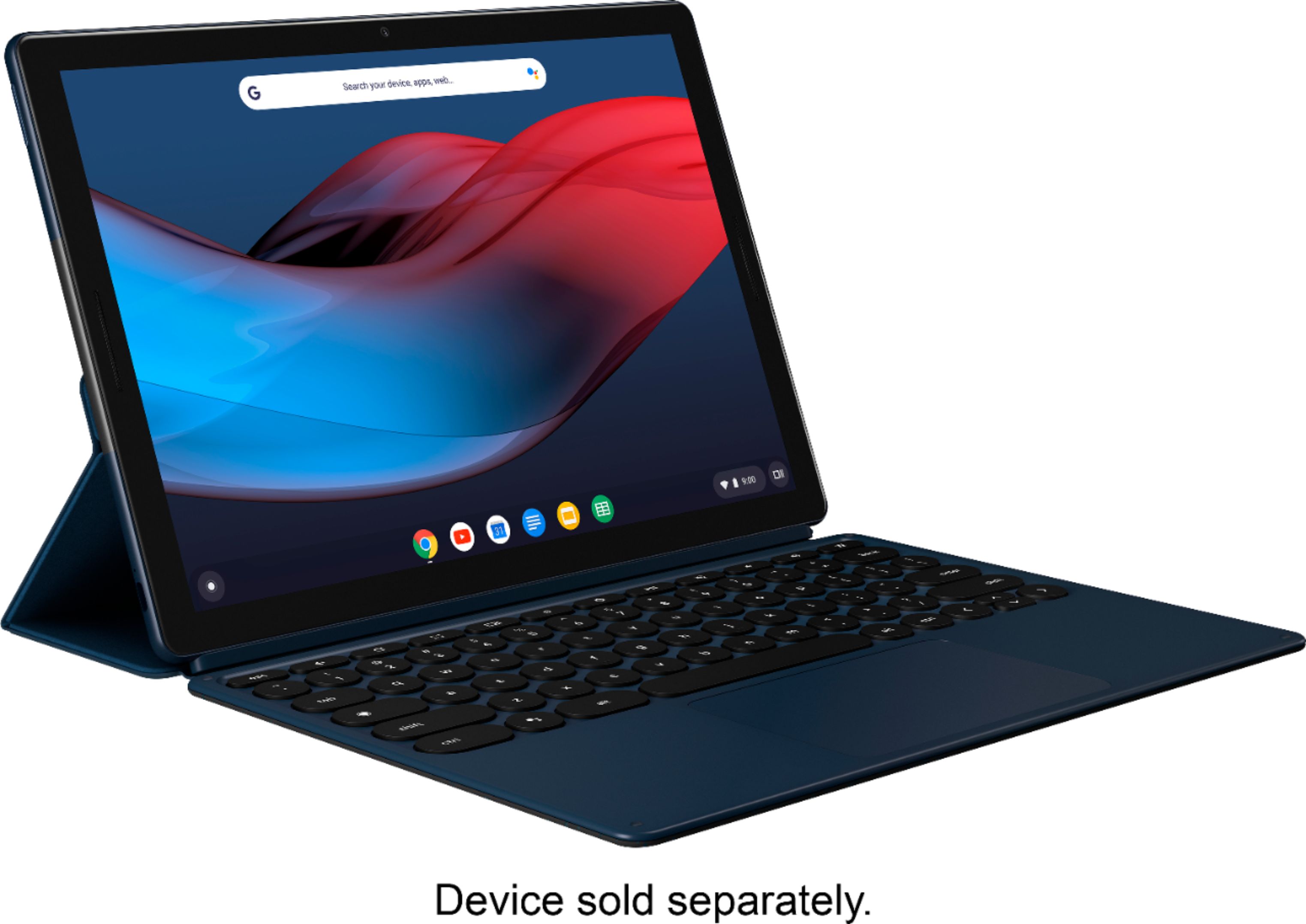
|Posted .This reviewer received promo considerations or sweepstakes entry for writing a review.The Google keyboard for the Pixel Slate really does convert the Slate into a laptop with just a click. The Pixel slate attaches to the keyboard with magnets that pull the keyboard and tablet together in just the right spot along the metallic points on the middle edge of the Slate. It’s really easy to connect and disconnect and holds well. Just like that your Chrome OS tablet now has all the functionality of a Chromebook. It works extremely well on a flat surface, and is almost indistinguishable from a traditional laptop keyboard. The keys have a comfortable feel to them and my hands rest easily on the surface. I like the appearance with the rounded back-lit keys and very slim profile. The keyboard does work on your lap but not very well, a pillow or flat surface on your lap helps. On your lap, the keyboard feels flimsy and a little floppy, it doesn’t feel cheap, just thin and not easy to balance with the sliding cover holding the screen up. So thin that you can accidentally click the point pad from the back of the keyboard by mistake by putting too much weight on one side or the other. The cover and keyboard together don’t really add any damage protection to your Slate. The Slate will very easily come separated from the keyboard case if it falls or is swung quickly. Overall I’m happy with the Google keyboard for the Pixel Slate and am happy that I have it. Although it doesn’t work the best on your lap, on a flat surface is really shines and truly converts your Pixel Slate into a Chromebook.
I would recommend this to a friend - Pros mentioned:Keyboard quality
Spacious and lightweight
|Posted .This reviewer received promo considerations or sweepstakes entry for writing a review.This is a well designed keyboard cover for the Pixel Slate with some minor quirks that can be overlooked. I really like the spread and travel of the keys as well as having a full touchpad with gesture support. The shortcut keys lessen the need to actually touch the screen, but I'm a bit disappointed in the lack of a keyboard backlight adjustment button. Also the inability to secure the keyboard magnetically to the front of the slate creating both a good typing pitch and secure gripping while having on lap, seems like a bit of an oversight considering competitors. Making space for the touchpad means developing an innovative method to lean the slate without encroaching on frontal real estate. While I like the secure magnetic gripping and the multiple angles, it's a bit tedious to have to demagnetize the whole back side in order to set up the kickstand. The outer suede look grips well in hand and has a premium feel, though depending on how you hold it, the keyboard side slides off the screen; though not to the point of turning it on. I find this a very capable addition to my Pixel Slate, giving me greater usability and security that almost feels like a laptop at times.
I would recommend this to a friend - Pros mentioned:Keyboard quality
A Must Have for your Pixel Slate
|Posted .This reviewer received promo considerations or sweepstakes entry for writing a review.Unfortunately, this is not a cheap keyboard, the others sad part if you really want to make your Pixel Slate shine you need this. This keyboard will make your Slate looks and feel more like a laptop. The Keyboard has actual keys not touch keys, they also light up in the dark, it has a mouse pad and, those round keys can’t go unnoticed, typing on it actually felt really good! This keyboard also acts as a protective cover, that protects the front and back of your slate when closed but, leaving 3 edges vulnerable if dropped on the side. In the center is the snap on connector that attach to your slate, and the magnetic back cover can be position in different angles by just sliding up and down. If you used a Surface pro before this will feel very familiar, once the keyboard is attached the system automatically recognized it and the software adjust accordingly. The magnetic back can also be used to attach your pixel pen if you have one but, I found this to be very awkward. If you have a Pixel Slate this is a must have device, pricey but a must if you want to get the full potential of your device.
I would recommend this to a friend - Pros mentioned:Keyboard quality
Great addition for Slate
|Posted .This reviewer received promo considerations or sweepstakes entry for writing a review.While expensive it is a nice functioning keyboard and is pretty much a must have if you own the Slate. Turns your tablet into a nice Chromebook/laptop. It easily attaches to the Slate using a powerful magnet. It immediately had an update 1st time I connected it. Can be used to adjust viewing angle of the screen by sliding up/down back of tablet. Round keys with nice tactile feel. They are also backlit for easy use and brightness is controlled by alt/brightness keys. Keypad works well and is a nice size. Controls many functions as well such as volume, brightness, etc. Doubles as a protective case for the Slate. For best use it should sit on a fairly flat surface as I found it kind of difficult to use balancing on my legs when sitting. The entire back seems to be a magnet and as such I worry about it coming into contact with any external drives/devices that could be affected by the magnet? I did not test this so maybe I am being a tad paranoid… A tad heavy especially when connected to Slate. This should be included with the Slate especially given the Slates price.
I would recommend this to a friend