Customer Ratings & Reviews


- Model:
- GA05764-US
- SKU:
- 6589931
Rating by feature
- Sound Quality
Rating 4.7 out of 5 stars
- Battery Life
Rating 4.7 out of 5 stars
- Connectivity
Rating 4.8 out of 5 stars
Customers are saying
Customers commend the Pixel Buds Pro 2 for their impressive sound quality, comfortable fit, and long battery life, making them suitable for various activities. The transparency mode, connectivity, and active noise cancellation also receive positive feedback. While the majority of users are satisfied, a few have noted concerns regarding the touch controls and volume during calls. Some customers feel that the conversation detection feature does not always perform as expected.
This summary was generated by AI based on customer reviews.
Works
||Posted . Owned for 2 months when reviewed.This reviewer received promo considerations or sweepstakes entry for writing a review.Works great except one earbud occasionally disconnects.
I would recommend this to a friendBest headphones ever
||Posted . Owned for 5 months when reviewed.This reviewer received promo considerations or sweepstakes entry for writing a review.I love these ear buds perfect if you have a Pixel.
I would recommend this to a friendJust awesome
||Posted . Owned for 3 weeks when reviewed.This reviewer received promo considerations or sweepstakes entry for writing a review.I finally bought these earbuds and I'm glad I did. They're fantastic and work perfectly with my Pixel phone.
I would recommend this to a friendA major upgrade from the previous buds
||Posted . Owned for 2 weeks when reviewed.This reviewer received promo considerations or sweepstakes entry for writing a review.The original Pixel buds were great but after trying these out, it blew my mind how much better they are. My only gripe is the right bud doesn't fit my ear correctly so I have to adjust it at times
I would recommend this to a friendThey’re okay
||Posted . Owned for 1 month when reviewed.This reviewer received promo considerations or sweepstakes entry for writing a review.Not recommended for Apple users in my personal opinion, sound is okay, I don’t like that they kept coming out, I did try to change the ear piece and still it didn’t fit right.
No, I would not recommend this to a friendBrand response from Google Team
Posted .Hey there, Yvas. We’re sorry the Pixel Buds Pro 2 aren’t fitting the best for you. Our recommendation is to try memory foam eartips. If you’re not getting a perfect fit with our silicone eartips, memory foam eartips might be worth a try. Don’t hesitate to reach out to us here: https://support.google.com/googlepixelbuds/gethelp?sjid=1168929876280557452-NC

google earbuds
||Posted .This reviewer received promo considerations or sweepstakes entry for writing a review.the best google wireless earbuds that I have seen.
I would recommend this to a friendGood not great
||Posted . Owned for 1 month when reviewed.This reviewer received promo considerations or sweepstakes entry for writing a review.Good earbuds but not great. The fit at least for me is not as good as the original pro. Noise cancelling seemed better on the original pro as well.
I would recommend this to a friendYou’re almost there Google
||Posted . Owned for 1 month when reviewed.This reviewer received promo considerations or sweepstakes entry for writing a review.Sounded alright but the touch controls were frustrating and I started getting this weird noise after updating
No, I would not recommend this to a friendBrand response from Google Team
Posted .Hey there, Hera. We’re sorry to see you ran into an audio issue on the Pixel Buds Pro 2. A quick reset will normally solve most problems — here’s how:
1. Go to your device’s Bluetooth settings and forget Google Pixel Buds.
2. Plug the charging case into a power source using a USB-C cable.
3. Make sure the Pixel Buds are seated within the charging case and leave the charging case open.
4. Press and hold the pairing button on the back of the case for 30 seconds.
5. When the earbuds status light stops bouncing, let go of the pairing button.
6. Check the earbuds status lights.
If this doesn’t resolve the problem, please reach out to us and we can investigate further: https://support.google.com/googlepixelbuds/gethelp?sjid=1168929876280557452-NC
Decent Earbuds
||Posted . Owned for 2 weeks when reviewed.This reviewer received promo considerations or sweepstakes entry for writing a review.Not as good as Jabra 75t elite earbuds for an active runner/hiker, but suitable
I would recommend this to a friend- Pros mentioned:Sound quality
Coming for a pixel user
||Posted . Owned for 2 weeks when reviewed.This reviewer received promo considerations or sweepstakes entry for writing a review.The sound quality is better than the 1st gen, lip synching issues still present themselves. I wanted these to be my daily drivers, alas they couldnt quite keep up with the new sony flagships.
I would recommend this to a friendBrand response from Google Team
Posted .Hey there, Ryan. Thanks for giving the Pixel Buds Pro 2 a try and we’re sorry they didn’t work for you. We’d appreciate any additional feedback. When you get a chance, here’s that link: https://google.qualtrics.com/jfe/form/SV_2aStd8wsbcLGvwG
- Pros mentioned:Sound quality
Great sound, poor fit
||Posted . Owned for 1 month when reviewed.This reviewer received promo considerations or sweepstakes entry for writing a review.Bought as upgrade from Pixel buds pro, excellent features and sound. Only complaint is how they fit in my ears. Not nearly as good as the first series of the Pro buds.
I would recommend this to a friendBrand response from Google Team
Posted .Thanks for being part of Google fam, StCloud! We’re glad you’re enjoying the upgraded sound and features. That said, we hear you on wanting a more snug fit. Here’s some steps to help:
1. Try different sizes for each ear to find the best fit: ears are unique so your left ear may be different from your right ear.
2. Use the Eartip Seal Check: It can help you check the quality of your eartip seal and get the best possible sound. On Android devices: Open the Google Pixel Buds app then tap Eartip Seal Check.
3. Try memory foam eartips: If you’re not getting a perfect fit with our silicone eartips, memory foam eartips might be worth a try.
Don’t hesitate to reach out to us here: https://support.google.com/googlepixelbuds/gethelp?sjid=1168929876280557452-NC
- Pros mentioned:Sound quality
Short battery life.
||Posted . Owned for 3 weeks when reviewed.This reviewer received promo considerations or sweepstakes entry for writing a review.Good sound and noise cancelling. Pass through sound works well. They don`t lock in like is advertised and have fallen out a couple times. Battery life is short, 6 -7 hrs, with minimum use.
No, I would not recommend this to a friendBrand response from Google Team
Posted .Hey there, Bob62. We’re glad that you're enjoying the Pixel Buds Pro 2 and we hear your concerns on battery life and the need for a more snug fit. Here’s some tips to get the most out of your earbuds.
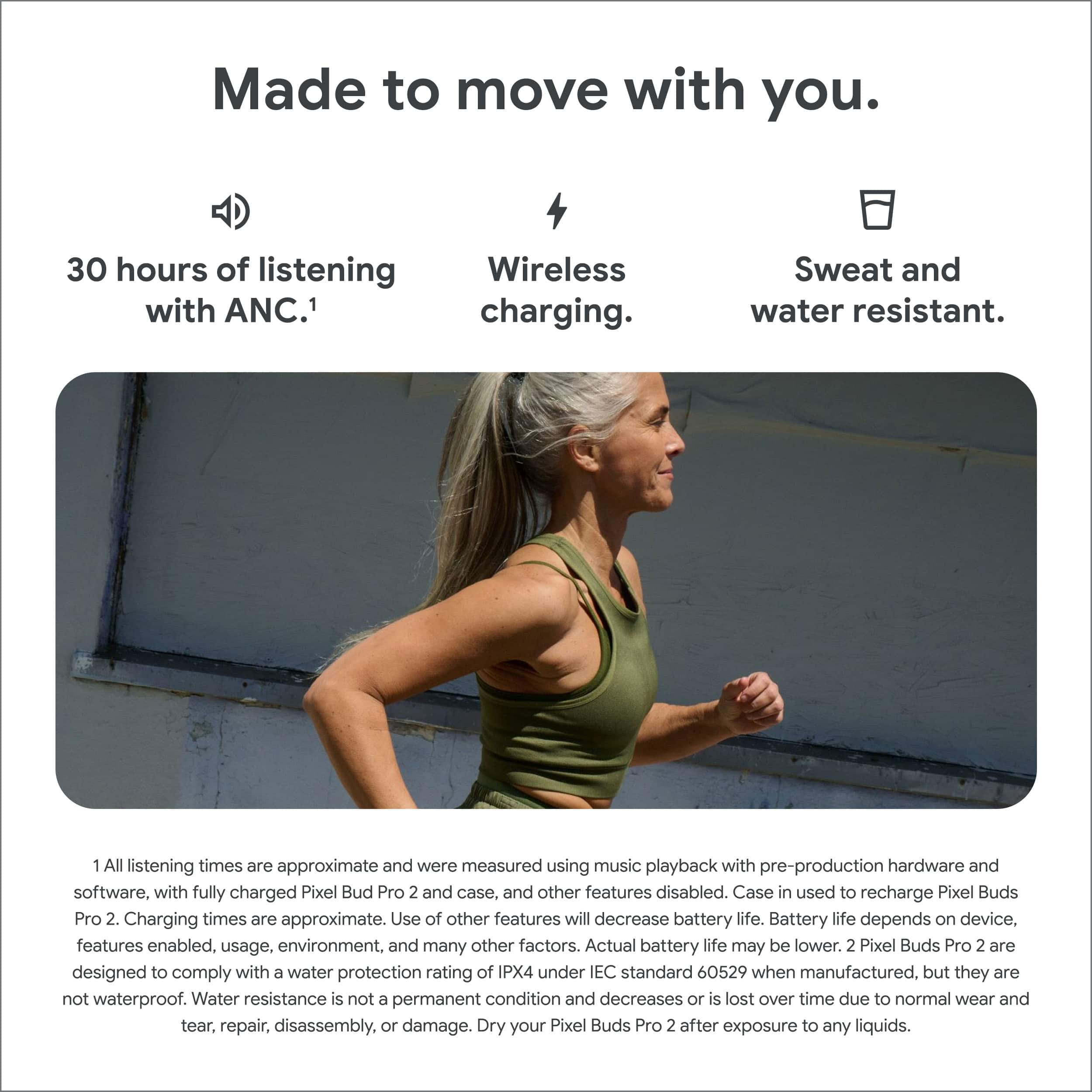
In regards to battery life: you should get 12 hours listening time without ANC and 8 hours listening time with ANC turned on. With a fully charged wireless charging case that increases to 48 hours total listening time and 30 hours with ANC turned on
As for the fit: your Pixel Buds are pre-attached with medium eartips and come with small and large ear tips so that you can improve your fit. A tight seal gives you better sound, noise cancellation, and mic performance. If you are not getting the audio or call quality you expect, try bigger eartips.
If you need more information, here’s an article to check out: https://support.google.com/googlepixelbuds/answer/7573099?hl=en#zippy=%2Cpixel-buds-pro
great buds
||Posted .This reviewer received promo considerations or sweepstakes entry for writing a review.It is great. I just wish it could last a bit longer because I use it everyday on phone calls.
I would recommend this to a friendExcellent earbuds
||Posted . Owned for 3 weeks when reviewed.This reviewer received promo considerations or sweepstakes entry for writing a review.The perfect earbuds for my Pixel. Great sound and fit.
I would recommend this to a friendGoogle Buds - Great
||Posted . Owned for 2 weeks when reviewed.This reviewer received promo considerations or sweepstakes entry for writing a review.Best ear buds I have ever had > Bose, Beats, Sony and AirPods
I would recommend this to a friend
Pretty good
|Posted . Owned for 2 weeks when reviewed.This reviewer received promo considerations or sweepstakes entry for writing a review.[Employee of bestbuy] No complaints. Noise cancellation definitely isn't the best.
I would recommend this to a friendPixel buds
||Posted .This reviewer received promo considerations or sweepstakes entry for writing a review.Works exactly as you'd expect and it was a breeze setting up.
I would recommend this to a friendPixel Buds Pro 2
||Posted . Owned for 3 weeks when reviewed.This reviewer received promo considerations or sweepstakes entry for writing a review.I bought these for my husband and it's his first wireless earbuds. He loves them! Now I don't have to hear his 80's music while he's working out. I Just wish they came with instructions.
I would recommend this to a friendA++
||Posted . Owned for less than 1 week when reviewed.This reviewer received promo considerations or sweepstakes entry for writing a review.What can I say? I'm biased towards Google pixel products. I love the Pixel bud pros, and the Pro 2's aren't just a little upgrade, they're pretty significant with the AI Gemini chip! They probably are the best earbuds I have had, get you some!
I would recommend this to a friendBest Headphones I've owned.
||Posted . Owned for 5 months when reviewed.This reviewer received promo considerations or sweepstakes entry for writing a review.Best headphones I have, and I have a lot of them. Love being able to keep them on and still hear the environment when needed.
I would recommend this to a friend