Customer Ratings & Reviews

- Model:
- GA05760-US
- SKU:
- 6589930
Rating by feature
- Sound Quality
Rating 4.7 out of 5 stars
- Battery Life
Rating 4.7 out of 5 stars
- Connectivity
Rating 4.8 out of 5 stars
to a friend
Customers are saying
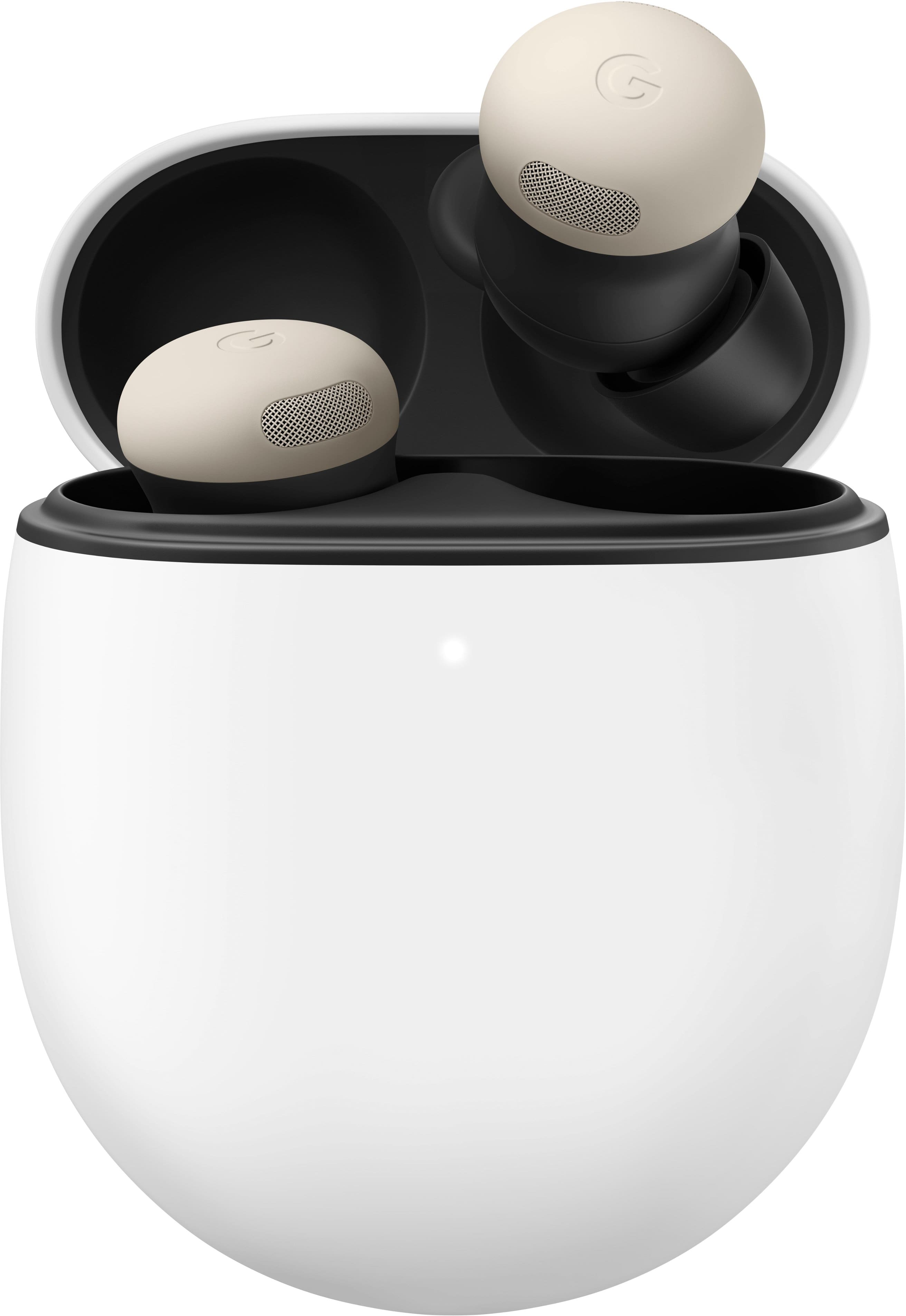
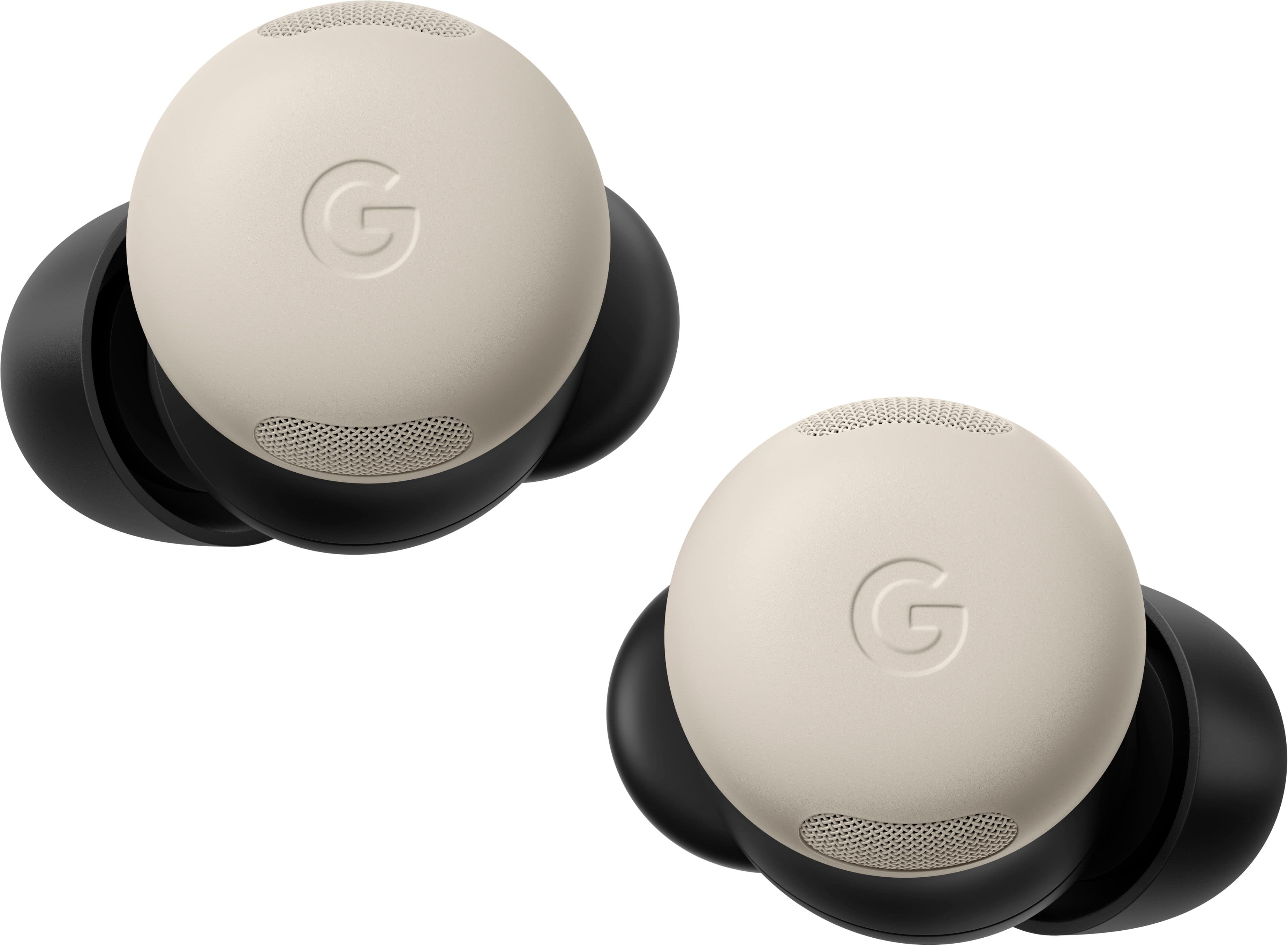
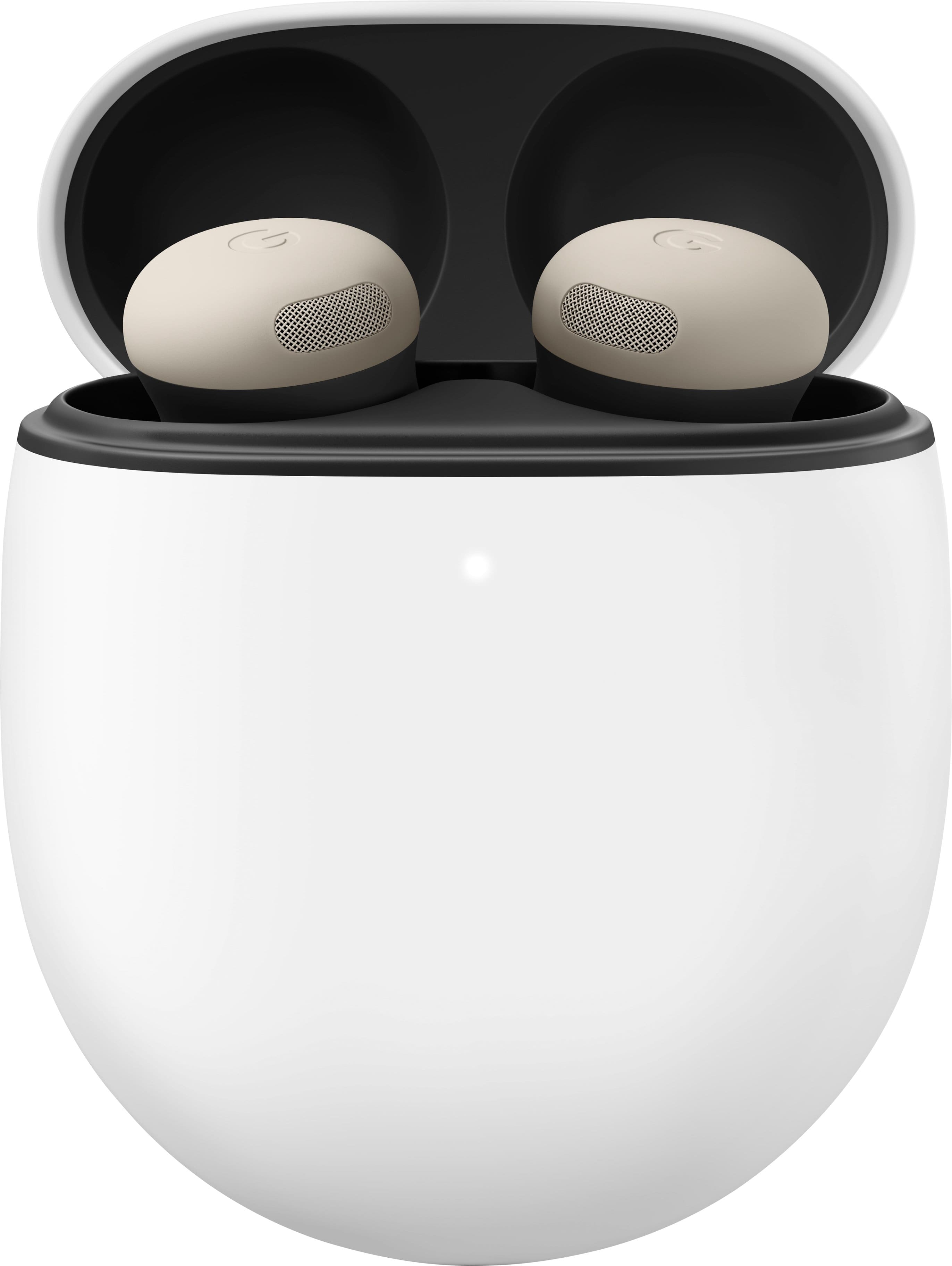
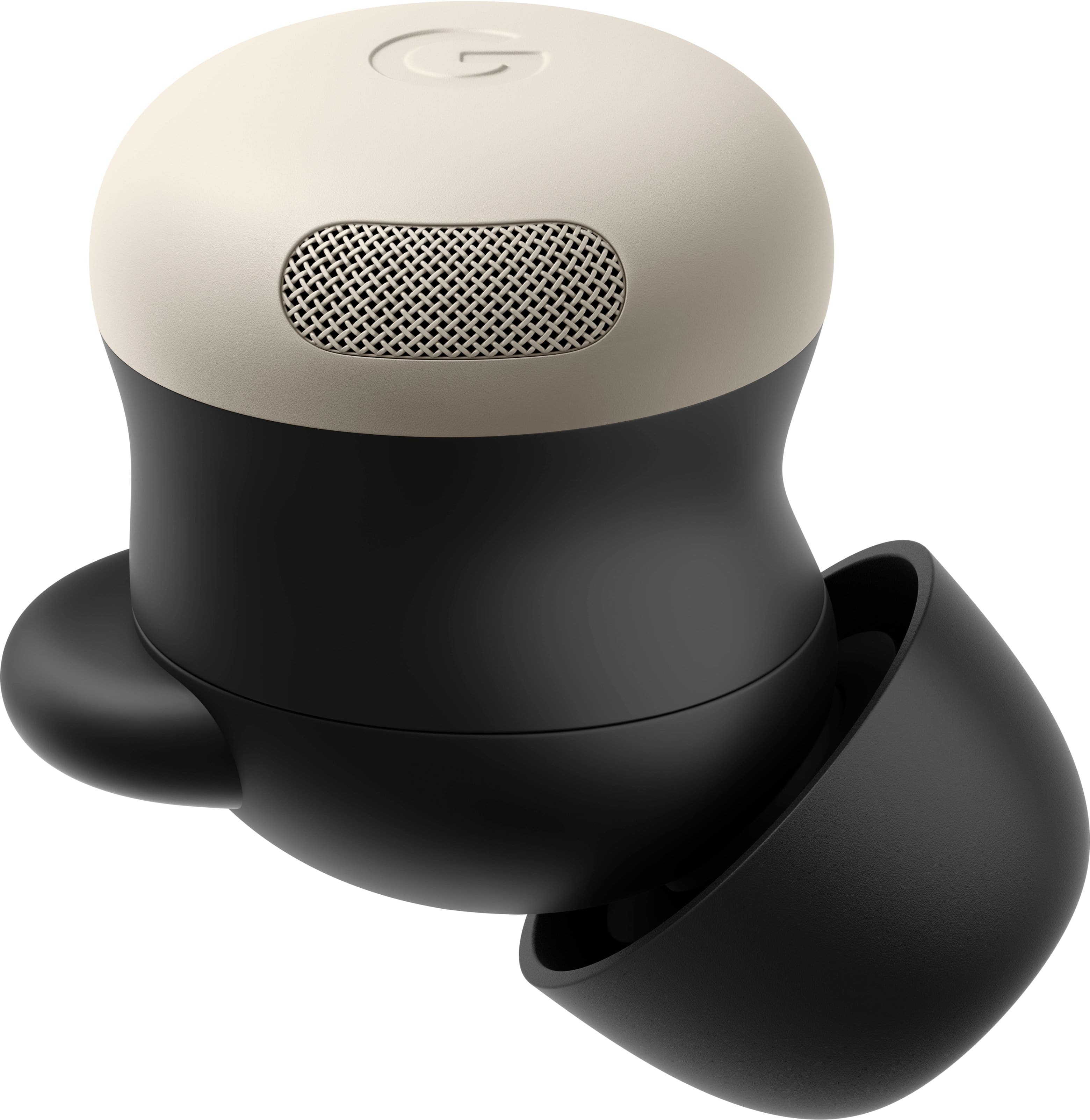
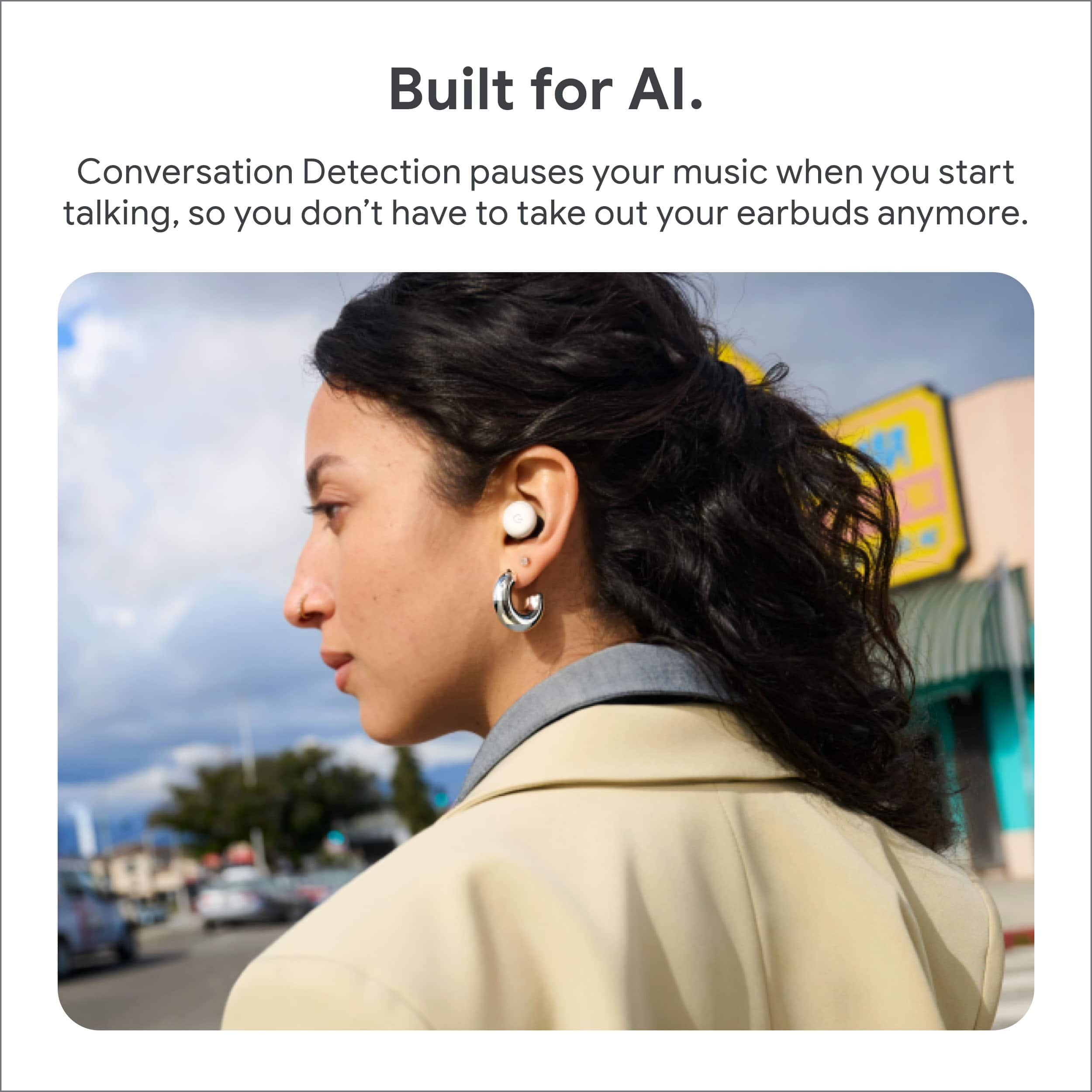
Customers commend the Pixel Buds Pro 2 for their impressive sound quality, comfortable fit, and long battery life, making them suitable for various activities. The transparency mode, connectivity, and active noise cancellation also receive positive feedback. While the majority of users are satisfied, a few have noted concerns regarding the touch controls and volume during calls. Some customers feel that the conversation detection feature does not always perform as expected.
This summary was generated by AI based on customer reviews.
Great tool
||Posted . Owned for 2 weeks when reviewed.This reviewer received promo considerations or sweepstakes entry for writing a review.Compared directly to the beats fit pro, these are superior. Especially for use with a pixel 9
I would recommend this to a friendOkay
||Posted . Owned for 1 week when reviewed.This reviewer received promo considerations or sweepstakes entry for writing a review.Noice cancelling is okay. Transparency is pretty good. Lacks bass. Comfortable as well.
No, I would not recommend this to a friendBrand response from Google Team
Posted .Hi Mario. We at Pixel are thrilled you picked Pixel Buds Pro 2! We know amazing sound is a must-have, so we're sharing this quick tip to help you dial up the bass and truly immerse yourself in your music. Check out this link: https://support.google.com/googlepixelbuds/answer/11439534

A must have part of my daily routine
||Posted . Owned for 2 months when reviewed.This reviewer received promo considerations or sweepstakes entry for writing a review.Love these ear buds. They work seamlessly with my Pixel phone. The active noise canceling is a lifesaver.
I would recommend this to a friendSounds great but lacking
||Posted . Owned for 4 months when reviewed.This reviewer received promo considerations or sweepstakes entry for writing a review.They sounds and work great, but eventually the noise cancelling and transparency mode stopped working. The microphone also doesn't work anymore
I would recommend this to a friendBrand response from Google Team
Posted .Hi there, LiamB. While we’re glad you’re enjoying the sound on the Pixel Buds Pro 2, we hear your concerns regarding issues with active noise cancelling — we get this can be frustrating. Normally, a quick reset can resolve these problems — here’s how:
1. Go to your device’s Bluetooth settings and forget the device.
2. Plug the charging case into a power source using a USB-C cable.
3. Make sure the earbuds are seated within the charging case and leave the charging case open.
4. Press and hold the pairing button on the back of the case for 30 seconds.
5. When the earbuds status light stops bouncing, let go of the pairing button.
6. Check the earbuds status lights.
Don’t hesitate to reach out to us: https://support.google.com/googlepixelbuds/gethelp?sjid=1168929876280557452-NC
Great product
||Posted . Owned for 4 months when reviewed.This reviewer received promo considerations or sweepstakes entry for writing a review.Great product clear sound would recommend for ever use
I would recommend this to a friendBEST PIXEL BUDS
||Posted . Owned for 1 month when reviewed.This reviewer received promo considerations or sweepstakes entry for writing a review.A definite improvement over the last version, works great and seamless with pixel phones. very comfortable.
I would recommend this to a friendBrand response from Google Team
Posted .CDMARTE, thanks so much for this review! We couldn't agree more — the Pixel Buds Pro 2 make a perfect pair with a Pixel phone.
legit
||Posted . Owned for 1 month when reviewed.This reviewer received promo considerations or sweepstakes entry for writing a review.nice upgrade from last model as it holds in the ears better.
I would recommend this to a friendSolid buy
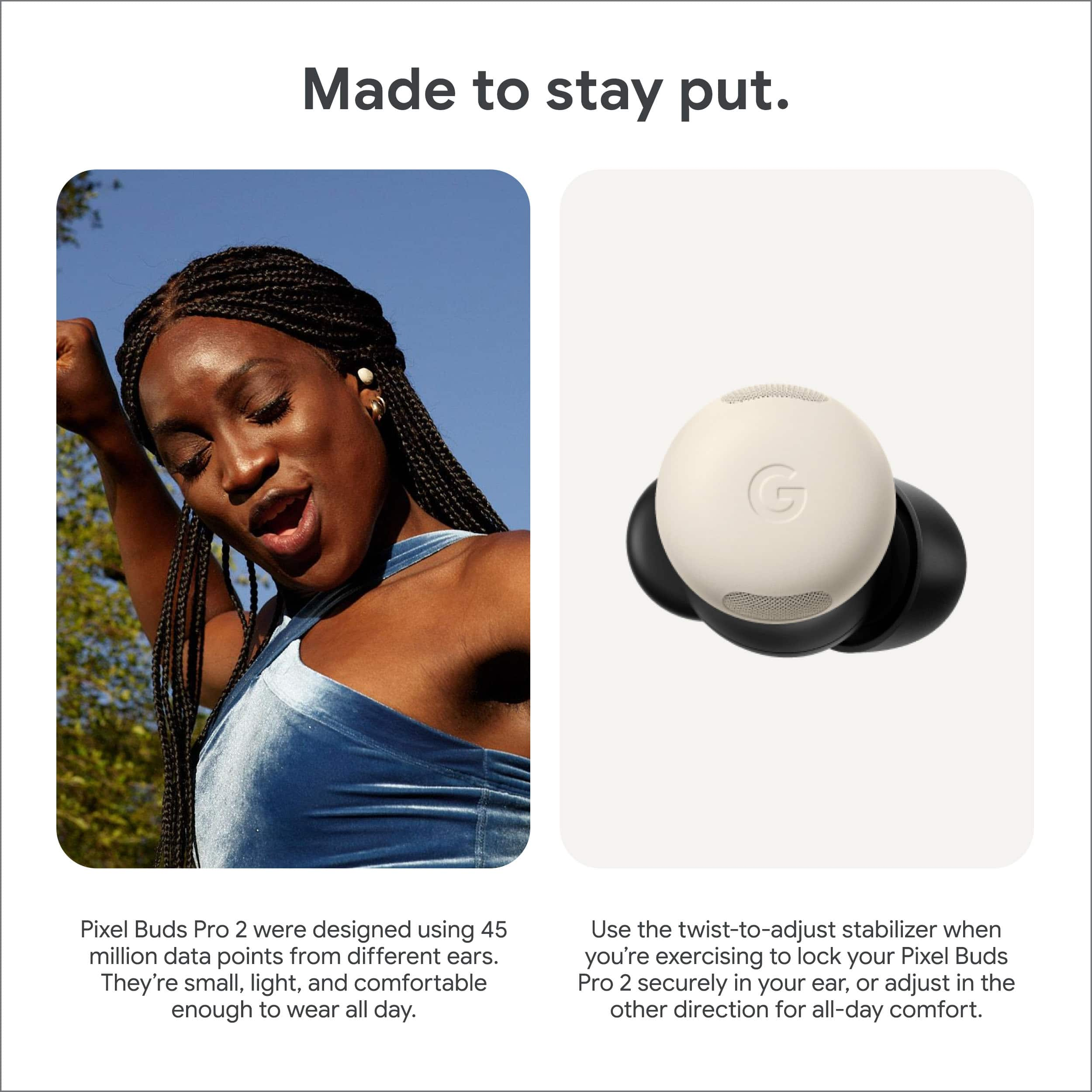
||Posted . Owned for 1 week when reviewed.This reviewer received promo considerations or sweepstakes entry for writing a review.Absolutely love them sound quality is there noise cancellation is pretty good I like the wing tip they added as well
I would recommend this to a friendGood earbuds!
||Posted .This reviewer received promo considerations or sweepstakes entry for writing a review.Good quality for the price. Only thing is I wish the case itself was made to sit upright
I would recommend this to a friendGreat redesign on the Pixel Buds Pro 2!
||Posted . Owned for 1 week when reviewed.This reviewer received promo considerations or sweepstakes entry for writing a review.The new design of the Pro 2s is amazing. Fits in my ear so much better!
I would recommend this to a friendWindows 11 Driver Issues AVOID!
Posted .This reviewer received promo considerations or sweepstakes entry for writing a review.I just want to preface this by saying I had 0 issues with the first edition of Pixel Buds Pro. These, however, are terrible if you want to use them with a Windows 11 PC. If you're on Mac, you probably won't' experience an issue. Check with a reddit search before purchasing. The issue: Windows 11 gives a driver error (image) and this translates to weird behavior by the buds while connected. This includes dropped audio signals, slow connection, being out of sync, and worst of all windows recognizes it as "connected" but the buds won't be listed in the audio output menu. This means audio will continue to play on your default speakers with no way of switching it to your buds. The only workaround I've found is to forget the device completely and re-connect it EVERY SINGLE TIME I USE MY COMPUTER. Whether this is a windows issue or a pixel buds issue, I don't care at this point. The fact remains that the first gens don't have this problem and that's what I'll be sticking to. These are getting returned.
No, I would not recommend this to a friendBrand response from Google Team
Posted .Hey there, Jayteebae. We’re sorry to hear you’re having syncing issues with your Pixel Buds Pro 2 on Windows 11. We’d be happy to investigate and see what might be happening — reach out to us here when you get a moment: https://support.google.com/googlepixelbuds/gethelp?sjid=1168929876280557452-NC
Pixel my life
||Posted . Owned for 1 month when reviewed.This reviewer received promo considerations or sweepstakes entry for writing a review.The work so well. I often use the noise cancelling to walk aroubd in stores and shop.
I would recommend this to a friendBest ear buds ever!
||Posted . Owned for 2 months when reviewed.This reviewer received promo considerations or sweepstakes entry for writing a review.As a die hard Apple guy, I love these. I’m buying a second pair.
I would recommend this to a friendLove it
||Posted . Owned for 1 month when reviewed.This reviewer received promo considerations or sweepstakes entry for writing a review.I have the Pixel buds pro and these are a big upgrade in sound clarity and comfortability. I love it.
I would recommend this to a friendGood but could be better
||Posted .This reviewer received promo considerations or sweepstakes entry for writing a review.4 stars because the audio is laggy while watching videos, seems like it's a common issue I'm using these with my Google pixel 10.
I would recommend this to a friendGreat but needs features returned.
||Posted . Owned for 2 weeks when reviewed.This reviewer received promo considerations or sweepstakes entry for writing a review.Fits well. Great features. Normal assistant spoken notifications no longer supported. FYI.
I would recommend this to a friendBrand response from Google Team
Posted .Hi Yoni, thanks for your review. Your Google Pixel Buds Pro 2 can still help you read your notifications. To manage Google Assistant headphone notifications, you can activate Google Assistant and say "read my notifications". For more information on this process, please visit this link: https://support.google.com/assistant/answer/7515695
If you need more assistance, please contact us at this link: https://support.google.com/googlepixelbuds/gethelp
Best Headphones
||Posted . Owned for 1 week when reviewed.This reviewer received promo considerations or sweepstakes entry for writing a review.Absolutely amazing headphones, the sound quality is phenomenal
I would recommend this to a friend
gets better and better
|Posted . Owned for 2 weeks when reviewed.This reviewer received promo considerations or sweepstakes entry for writing a review.[Employee of bestbuy] great earbuds, noise cancellation is out of this world. Sound quality is amazing
I would recommend this to a friendGood upgrade
||Posted . Owned for 1 month when reviewed.This reviewer received promo considerations or sweepstakes entry for writing a review.Good upgrade from the older pixel buds, no complaints.
I would recommend this to a friendVery decent ear buds
||Posted .This reviewer received promo considerations or sweepstakes entry for writing a review.I would give this 5 stars but the left bud slips out of my ear constantly. I've changed the size of the ear piece but that doesn't help.
I would recommend this to a friend