Customer Ratings & Reviews


- Model:
- GA03201-US
- SKU:
- 11358779
Rating by feature
- Sound Quality
Rating 4.7 out of 5 stars
- Battery Life
Rating 4.7 out of 5 stars
- Connectivity
Rating 4.8 out of 5 stars
- Pros mentioned:Sound quality
love these earbuds!
||Posted . Owned for 3 weeks when reviewed.This reviewer received promo considerations or sweepstakes entry for writing a review.Absolutely love the pixel buds! Great quality and bass! Would buy again
I would recommend this to a friend - Pros mentioned:Sound quality
great
||Posted . Owned for 9 months when reviewed.This reviewer received promo considerations or sweepstakes entry for writing a review.amazing sound and great product at great price point
I would recommend this to a friend - Pros mentioned:Battery life
Great buds
||Posted . Owned for 1 month when reviewed.This reviewer received promo considerations or sweepstakes entry for writing a review.Great buds couldn't ask for better. Amazing battery life.
I would recommend this to a friend - Pros mentioned:Sound quality
Pixel Buds
||Posted . Owned for 3 weeks when reviewed.This reviewer received promo considerations or sweepstakes entry for writing a review.Excellent sound and noise cancelling. They fit well and snugly in my ears.
I would recommend this to a friend Great
||Posted . Owned for 1 year when reviewed.This reviewer received promo considerations or sweepstakes entry for writing a review.Great headphones love the features and will gladly recommend
I would recommend this to a friend- Pros mentioned:Sound quality
Nice earbuds
||Posted . Owned for 2 weeks when reviewed.This reviewer received promo considerations or sweepstakes entry for writing a review.Love it! Effective noise cancellation and crisp sound quality
I would recommend this to a friend - Pros mentioned:Sound quality
Pixel buds
||Posted . Owned for 1 month when reviewed.This reviewer received promo considerations or sweepstakes entry for writing a review.The best headphones I've ever used. I very recommend.
I would recommend this to a friend Great buy
||Posted . Owned for 1 month when reviewed.This reviewer received promo considerations or sweepstakes entry for writing a review.I bought 3 pairs now, I love how good they work, The battery life on my now year and a half old set it down to 5 hrs while activated but they are still working great. I do work in a very dirty environment working construction. This is the only head set that has worked for me.
I would recommend this to a friend- Pros mentioned:Sound quality
Pixel buds pro review
||Posted . Owned for 5 months when reviewed.This reviewer received promo considerations or sweepstakes entry for writing a review.Great quality of sound and easy to use. But was unable to pair with my laptops.
I would recommend this to a friendBrand response from Google Team
Posted .Hi there, NagaPawanKeerthan. Thanks for sharing your feedback with us. We're glad that you like the sound quality and ease of use of the new Pixel Buds Pro. However, we're sorry to hear that you're unable to pair it with your laptop. Here are some recommended steps you can try out that may be helpful with the pairing issue:
- Forget Bluetooth devices on your phone. Go to your device’s Bluetooth settings and forget Google Pixel Buds. On some Android devices, you may need to look for your Google Pixel Buds in the Bluetooth settings menu and add them as a new device.
- Ensure your earbuds are responding. Plug the charging case into a power source using the included USB-A to USB-C cable. Remove the Pixel Buds from the case. Replace one earbud and watch for the earbuds status light to blink when the earbud is inserted into the case. The light will turn orange if the earbud is charging or white if it is fully charged. Replace the other earbud and watch for the earbuds status light to blink. If either earbud is charging, the light will be orange. If both are fully charged the light will be white.
- Reset your Google Pixel Buds. Resetting the Pixel Buds and case will reset all their settings. This includes the name of the device and preferences for enabling and disabling features. You can learn more about how to reset your Pixel buds Pro here: https://support.google.com/googlepixelbuds/answer/9642886
For further help with your concern, you're always welcome to contact our support team using this link: https://support.google.com/googlepixelbuds/gethelp
- Pros mentioned:Battery life
Great sound and very comfy.
||Posted . Owned for 1 month when reviewed.This reviewer received promo considerations or sweepstakes entry for writing a review.Great paired with my pixel phone and watch. Bettery life is crazy.
I would recommend this to a friend - Pros mentioned:Sound quality
Great headphones
||Posted . Owned for 11 months when reviewed.This reviewer received promo considerations or sweepstakes entry for writing a review.Great headphones. I like these much better than the Samsung counterpart
I would recommend this to a friend - Pros mentioned:Sound quality
Pixel buds pro review
||Posted . Owned for 1 month when reviewed.This reviewer received promo considerations or sweepstakes entry for writing a review.Great sound. Google just added EQ customization, so they just got even better.
I would recommend this to a friend - Pros mentioned:Battery life, Connectivity, Sound quality

Great Buds. Excellent Pixel Integration. I like.
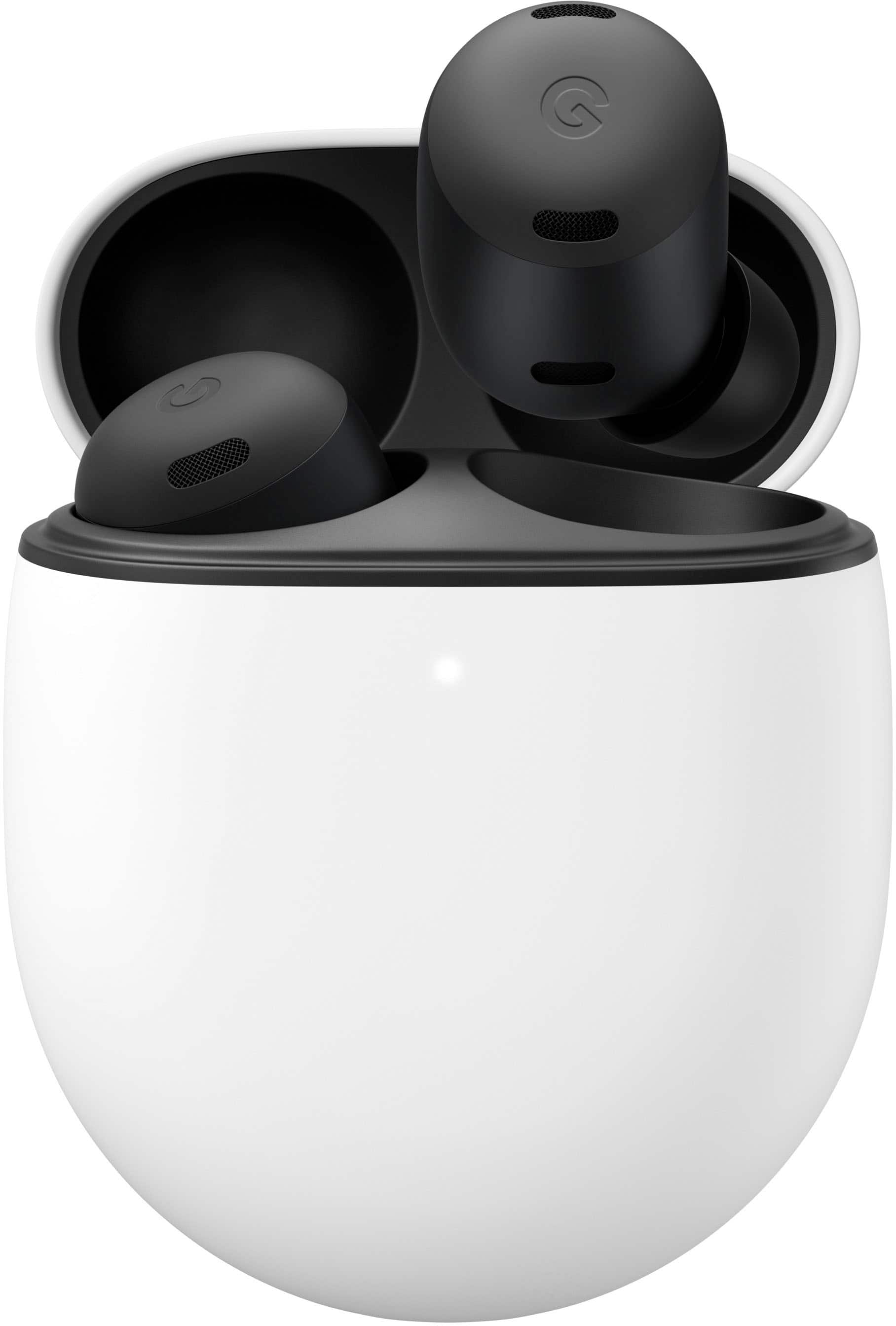
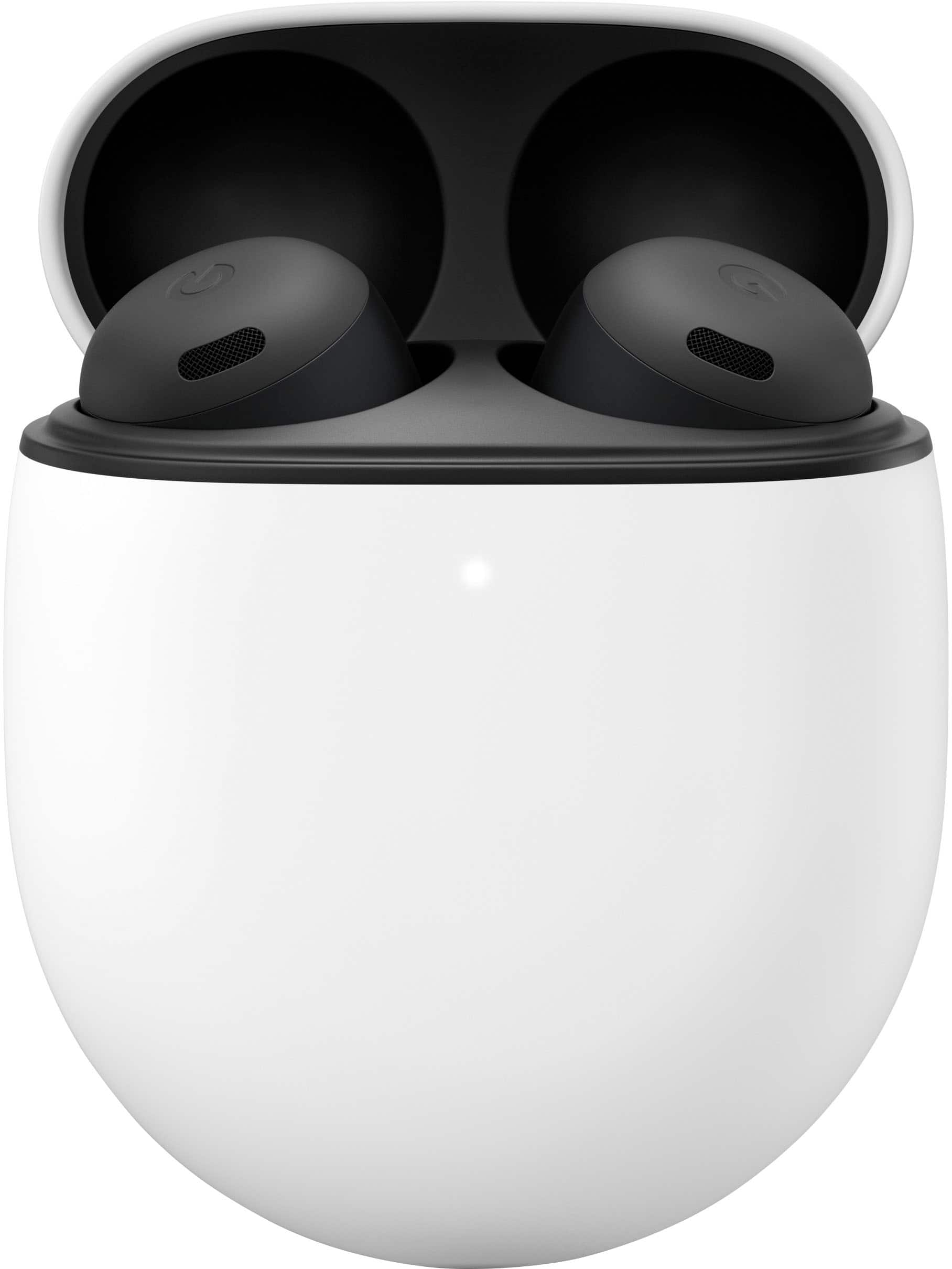
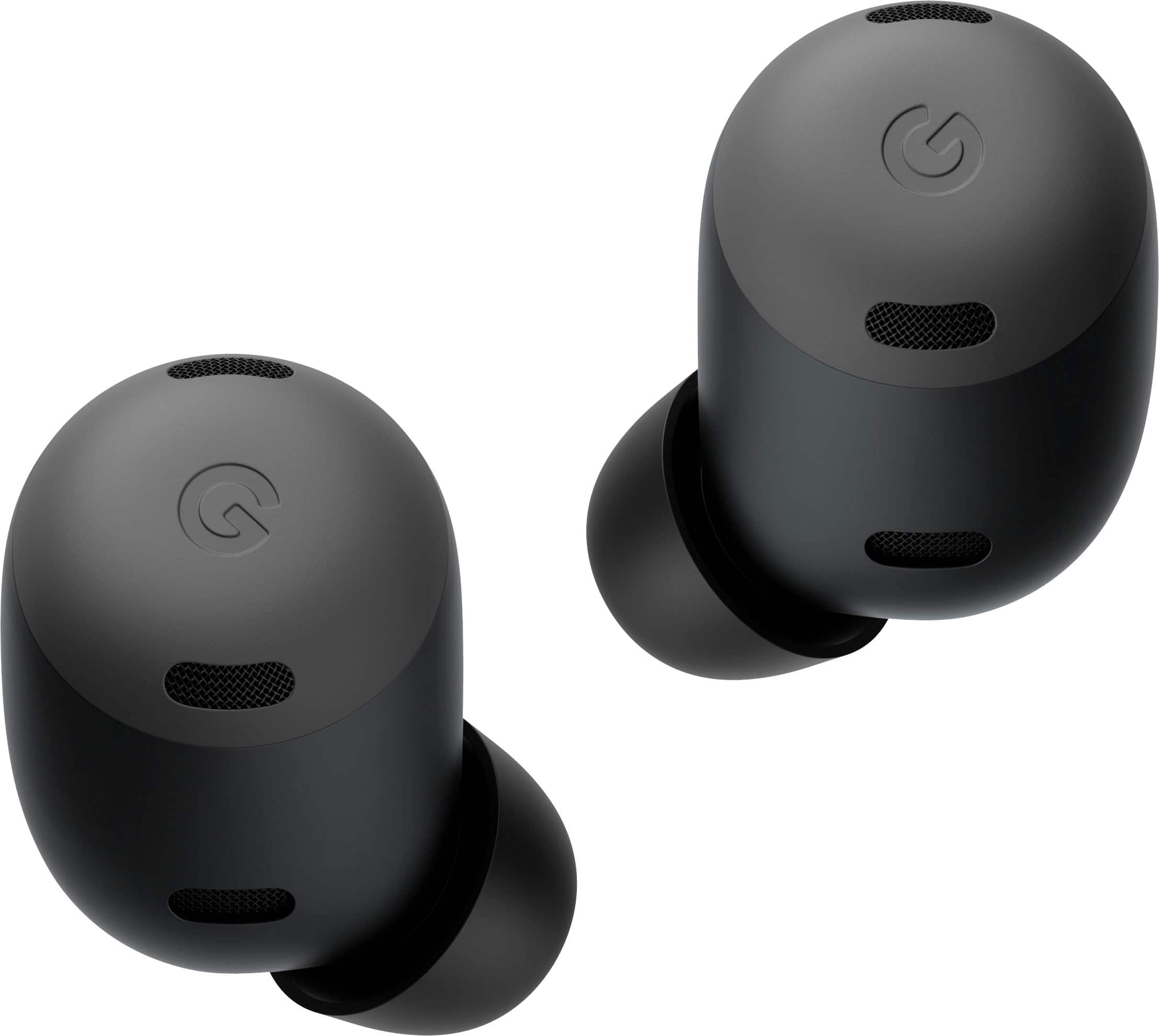
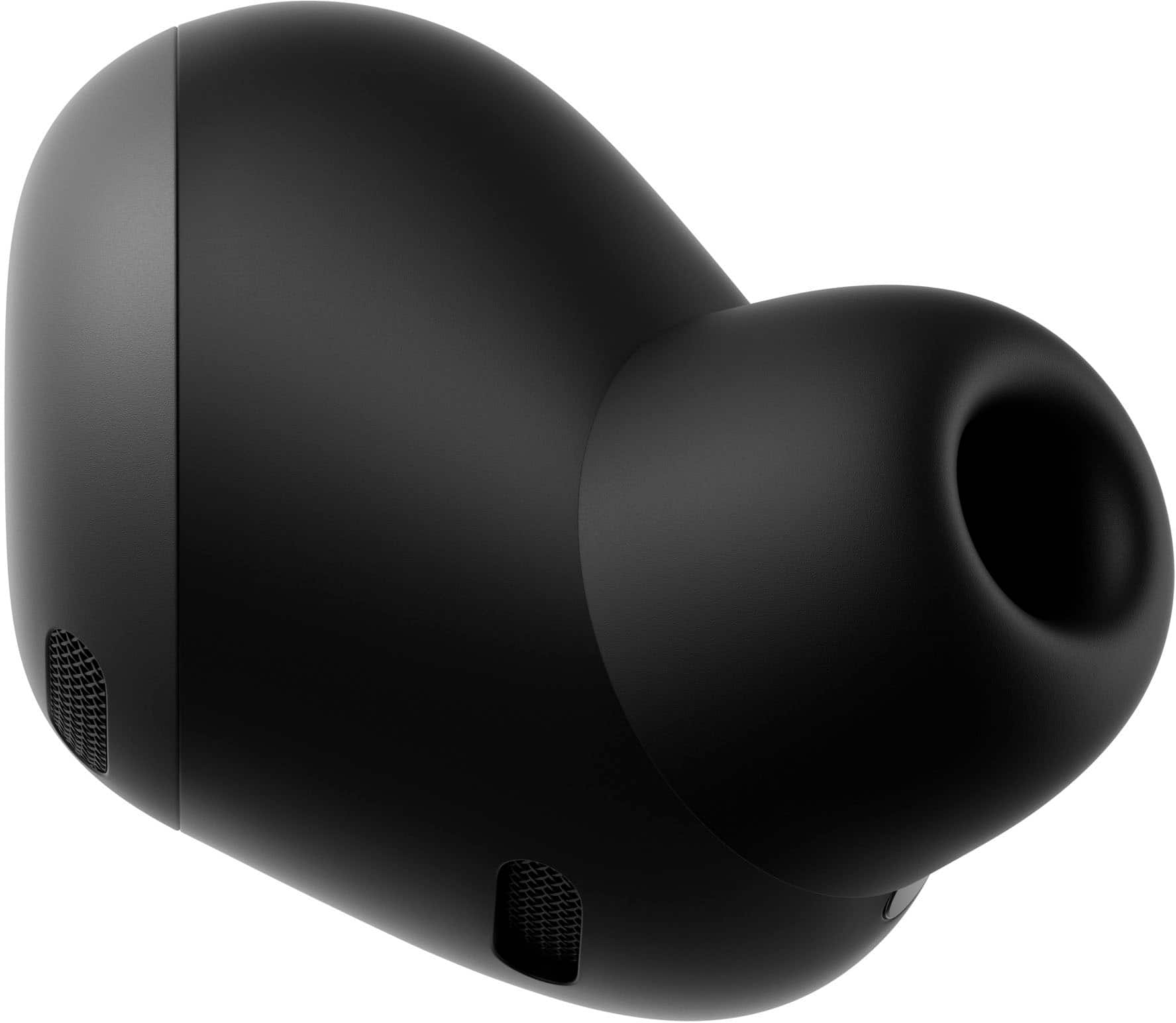
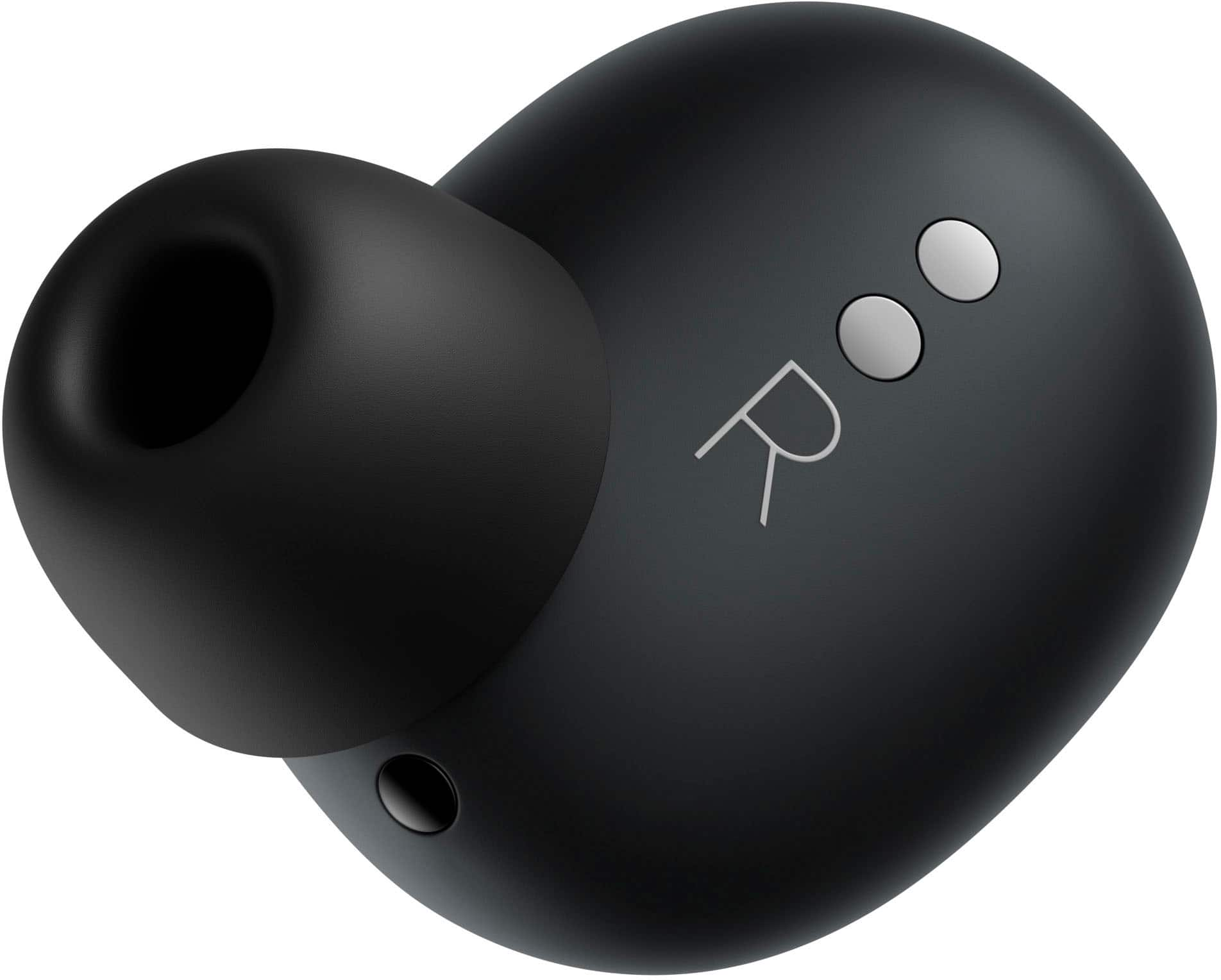
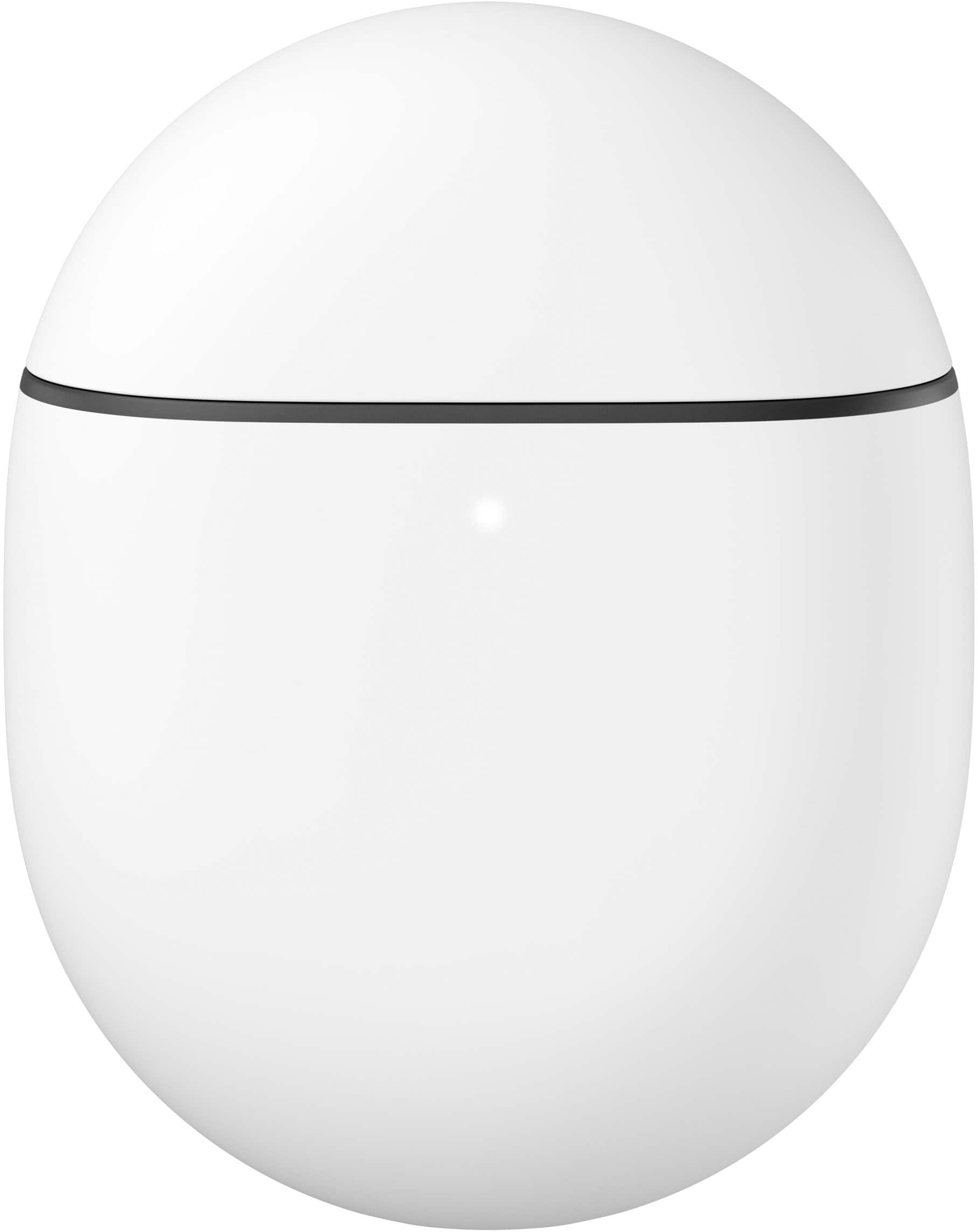
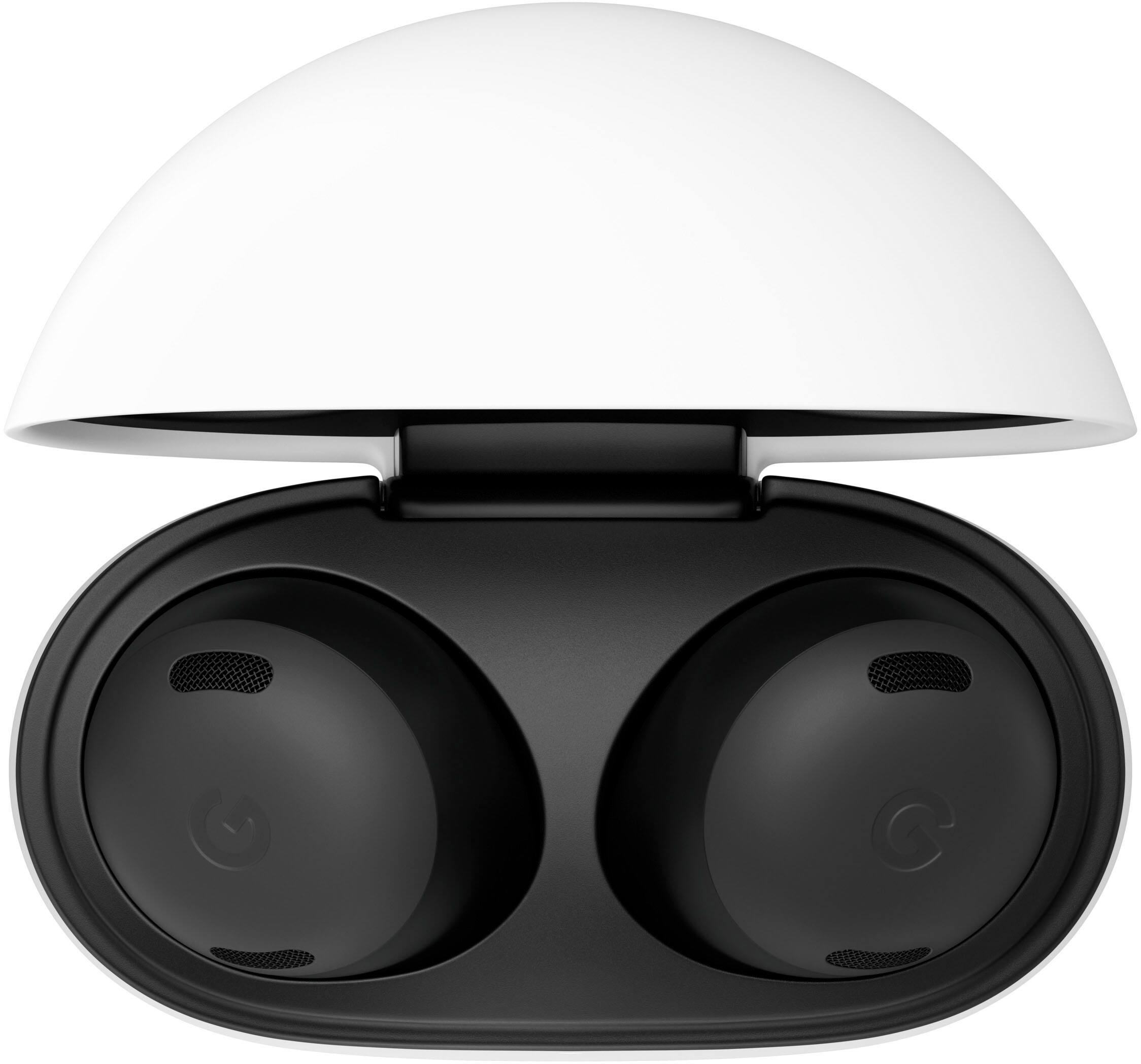
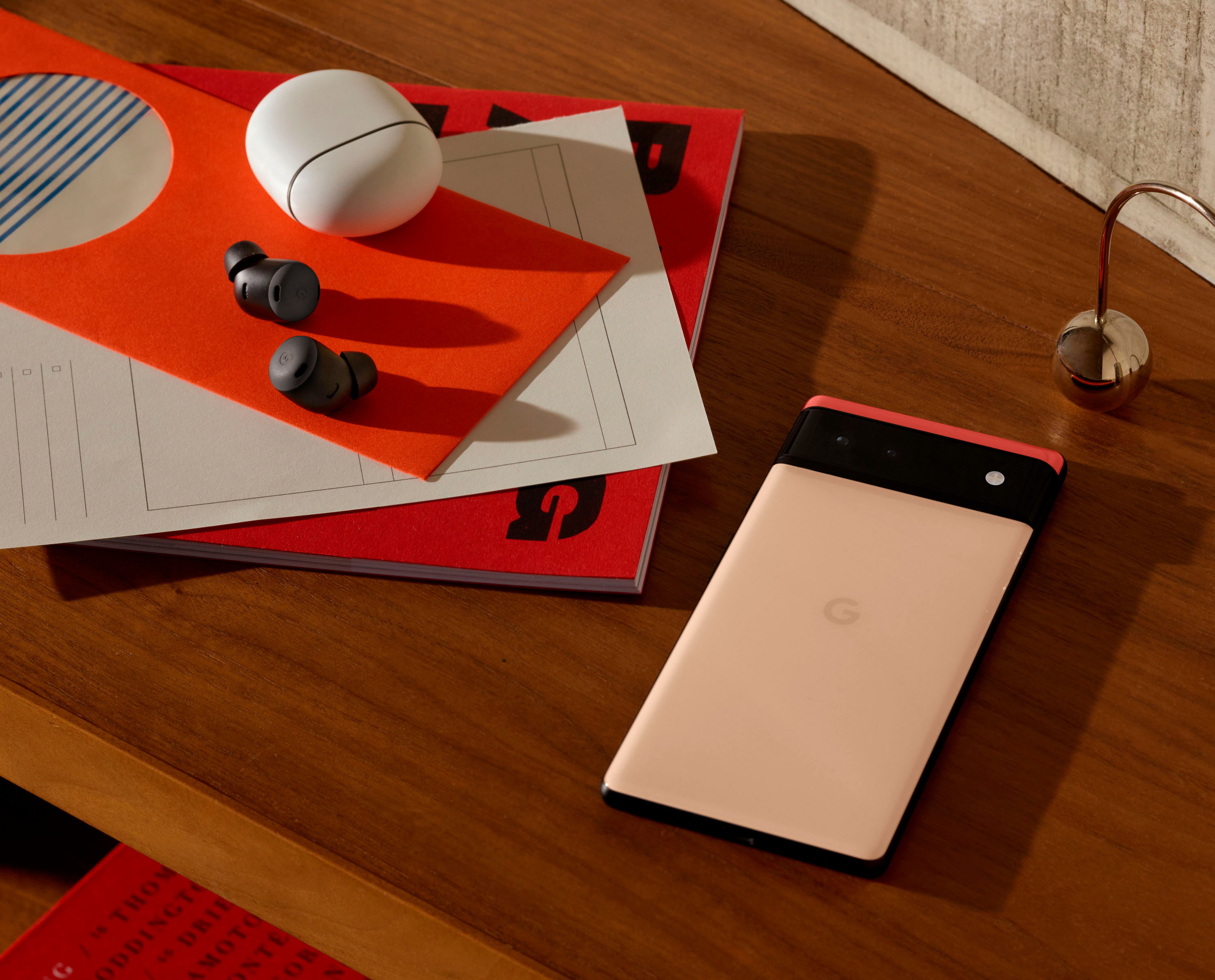
|Posted .This reviewer received promo considerations or sweepstakes entry for writing a review.I don’t even want to think about how many earbuds I have tried over the years, but as an Android user it has been a bit of hit and miss. I haven’t really found a pair to stick, although I have liked what Sony has done. I also used Google’s first PixelBuds offering, but, after a fit that did not really work for me, and not the best experience, they went back. I was intrigued by their more budget offering, the A Series, but just wasn’t compelled enough to make the move. After that somewhat drawn-out background story, I can simply say that I think these are fantastic, and I really like them. The unboxing is typical of most Google products these days. Cardboard, paper, little to no plastic, and about as minimal as you can get. That said, everything is done well, and looks good. I appreciate the effort. No need for more. Other than the buds and case themselves, you get the typical 3 sizes of ear tips (in a rather unique case), some paperwork, and well, that is about it. No power brick, which frankly, I again like, and also no charging cable. Fine by me, but I suppose others may wish it were included. I have cables, too many, I do not need more. Just something to note. As for the build, I really like it. They are “similar” to other PixelBuds (and most earbuds in general), but the shape is a bit more unique, and, thankfully, for me, there is no “wing/fin” in this version. As usual, fit is going to be a personal thing, but these are more comfortable for me and on par if not better than most if not all earbuds I have used. I haven’t found my ears bugging me even after a couple of hours of “mostly” continuous use. Further, they stayed in place. Again, this may depend on your ears. I think most people would find the fit would work for them, given the shape, tip size options, and fit, but you are just going to have to see. It is a roll of the dice. They are quite light, but they do seem solidly built. I think they will hold up over time. There is some water resistance IPX4 (on the case as well IPX@), which is a nice add, but I would lean more towards being careful with these near any water. Lastly, while they look like many in the space, I really like the way they look. The black is plain and muted, and I like that they sit mostly flush with my ears. They don’t stick out. They don’t have stems. Perfect for me. When it comes to the case, it is more of the same. It is a bit of an egg shape (and color), but it is solid, feels good in the hand, and has a great “clicky” feel and sound (if you are into that). It is fairly small, in line with most other brands, and it easily pocketable. Here, again, I think it will hold up over time. The buds are easy to get in and out. There is a charging indicator light on the front, and a pairing button on the back. All in all, no complaints here, and I can’t really ask for more. Connecting the buds for me was an absolute breeze. Now, I am using a Pixel 6 Pro, so I think the experience was somewhat catered to that, but my understanding is it should be very similar on just about any Android phone. For iPhone I do think you are simply required to hit the pairing button on the back of the case. Anyway, all that was required for me was to open the case with the buds inside. There was a little setup process that you are walked through, and after a brief period (and a probable firmware update), you are good to go. Very easy. Once connected, I have not suffered any connection issues. I have not run through every scenario I may see quite yet, but they have been solid. Hands down better than the original PixelBuds. Sound on these is quite good. It is hard to compare across so many brands/models/price points, but these are definitely great for their place in the market, and about a tick or two below some of the more expensive known best sound performers. I would say it is a bit more of a neutral/balanced sound, but at the same time they do deliver solid mids and highs. The bass is good, and clean, but not thumping. Through the software, there is a generic “Volume EQ” that I think does improve the sound. Unfortunately, a more robust EQ as well as Bass Boost are missing in the software for the Pro version at the moment. I think the sound is good as is, but it is a little unfortunate these settings are missing at launch. Google is promising a full 5-band full Equalizer during “Fall 2022” that will make bass boost irrelevant and let you dial in your settings more to your liking. Like I said, a bit of a miss not having this at launch, but it should be a nice add going forward. Further, they are also promising spatial audio during that same timeline. Again, a nice add. One of the main things that differentiates these Pro PixelBuds from previous iterations is the inclusion of Active Noise Cancellation. It performs rather well. It truly does block out the outside world. Again, I can’t say it is best in class, as I have to say Sony has that claim on lock, but they stack well against almost all others. I think a proper fit does wonders here, so make sure to test the ear tips and go through the “seal test” they offer. As for the Transparency Mode, it seems to also work well, but, frankly, I am not sure how much use I will get out of this. We shall see as I go forward. Briefly, I have had no issues using these on calls. It is not something I do a lot, especially in this way, but everything sounded good on my end, and people on the other end said I came through clear, and even somewhat better than in the past. Now, this may be a hit of a hit or miss depending on your phone, but I think in some ways the best part of these buds is how they work with my phone. Again, I am on a Pixel, and I cannot speak to how this all works on another Android phone or iPhone, but the integration is fantastic. This is in conjunction with the absolutely outstanding touch controls on the buds themselves (which should work as well no matter the phone/platform). I have not often used a lot of touch controls, because I have found them finnicky, often not registering, or mistaking a movement, but that is in no way the case here. The controls themselves are somewhat standard, volume, track, etc… but you can also map Google Assistant to one bud, and toggle ANC on the other. Further, the taps, swipes, and holds seemingly all register correctly, and it seems they have a little “leeway” when you do an action. That is, if you are slightly “off” and hit your ear briefly before swiping forward, they sort of get it and still do the correct action. Beyond the physical controls, you can also choose to go hands-free with Google Assistant, using a key word for activation. You can have notifications read. You can use Google Translate. In a lot of ways, I think you get a lot of the advantages one has from being all in with the Apple ecosystem, but with Android and Google. It is a not a bad thing. One last thing along those lines is the “Multipoint” connectivity. It allows you to switch audio between devices rather seamlessly. There is a bit to getting it setup among devices the first time (essentially the same setup as other earbuds that offer it), but once I had it up it worked better than I originally thought it would. All in all, I like it. Lastly, battery life has been outstanding. So far it seems the rated times (for buds and case) hold up, although it will really vary based on how you use them. Do keep in mind that the rated times for ANC are lower than when not in use. Charing (in the case) is via USB-C (and wireless, but it is slow), which is great, and it does include fast charge. 5 minutes in the case gives you 1 hour with ANC. 15 minutes gives you 3 hours with ANC. I didn’t mean to sit down and write a book here, but, ultimately, I really do like these buds. They are my favorite to date. I think for what you get, they are a great buy and value, although they probably? will go on sale every now and again. I think if you are in the Android/Google ecosystem, and even more so a Pixel user, you will be happy with these earbuds. They sound good, look good, and you definitely get a lot of utility and a frictionless user experience. That said, I even think people in the Apple ecosystem would like these buds, given fit, sound, etc…but there are some tradeoffs. You would lose some Apple ease of use benefits, and at the same time you would lose some of the Android ease of use benefits. Just something to keep in mind..
I would recommend this to a friendBrand response from Google Team
Posted .Hi skylog, thanks for sharing the details of your experience with using the Pixel Buds Pro. We appreciate that you like them, but are sorry to learn that some features you highlighted in your review are below your expectations.
We are confident that users are able to tune out their surroundings effectively with ANC, and tune back in with Transparency mode. Active Noise Cancellation with Silent Seal adapts to your unique ear shape, and the earbuds fit in your ear canal to maximize the amount of noise blocked. Rather than using an off-the-shelf solution, Pixel Buds Pro’s Active Noise Cancellation uses an integrated system developed by Google, with a custom processor, custom algorithms, and custom speakers.
You can use Transparency mode for the moments when you don’t want to be fully immersed, like when running or crossing streets. Pixel Buds Pro process a wide range of frequencies with low latency to keep the audio sounding natural and in sync. This custom integration lets sound enter in real time, so you can keep on moving almost as if you weren’t wearing earbuds.
Later this year, we’ll update Pixel Buds Pro to support spatial audio. So when you watch a movie or TV show on compatible Pixel phones, you’ll be right in the middle of the action. The full spatial audio experience is coming later this year and we will have more to share at that time.
Feedback like this helps us better understand our customers’ preferences and needs, and we’ll definitely pass this information along to the right team for future improvements. And if help is needed, please let us know anytime using this link: https://support.google.com/googlepixelbuds/gethelp
- Pros mentioned:Sound quality
Google Pixel Buds Pro
||Posted . Owned for 3 weeks when reviewed.This reviewer received promo considerations or sweepstakes entry for writing a review.Excellent sound and bass. Noise cancelation is top tier.
I would recommend this to a friend - Pros mentioned:Sound quality
Good
||Posted . Owned for 3 weeks when reviewed.This reviewer received promo considerations or sweepstakes entry for writing a review.Great quality sound and noise canceling. Easy pairing to pixel pro 6
I would recommend this to a friend - Pros mentioned:Sound quality
Awesome sound!
||Posted . Owned for 2 weeks when reviewed.This reviewer received promo considerations or sweepstakes entry for writing a review.Sound great. Not quite as good as AirPods pro but very good
I would recommend this to a friendBrand response from Google Team
Posted .Hey there, JohnT. Thanks for choosing Pixel Buds Pro. We're glad to hear that you're having a great experience with the device.If you want to know more about the device, please don't hesitate to reach out to our support team and allow us to find ways we can improve your experience. You can contact us on our Google Help page here: https://support.google.com/googlepixelbuds/gethelp
- Pros mentioned:Sound quality
Awesome
||Posted . Owned for 1 week when reviewed.This reviewer received promo considerations or sweepstakes entry for writing a review.Fits perfectly and great sound. Definitely better than the airpods pro gen 1
I would recommend this to a friend - Pros mentioned:Sound quality
Great
||Posted . Owned for 1 month when reviewed.This reviewer received promo considerations or sweepstakes entry for writing a review.Very user friendly and the sound quality is great.
I would recommend this to a friend - Pros mentioned:Sound quality
Good
||Posted . Owned for 5 months when reviewed.This reviewer received promo considerations or sweepstakes entry for writing a review.Pair well with the google pixels and sound very well.
I would recommend this to a friend - Pros mentioned:Battery life
Excelente
||Posted . Owned for 1 month when reviewed.This reviewer received promo considerations or sweepstakes entry for writing a review.Really good ear buds good battery life, good product for my every day use
I would recommend this to a friend