Customer Ratings & Reviews
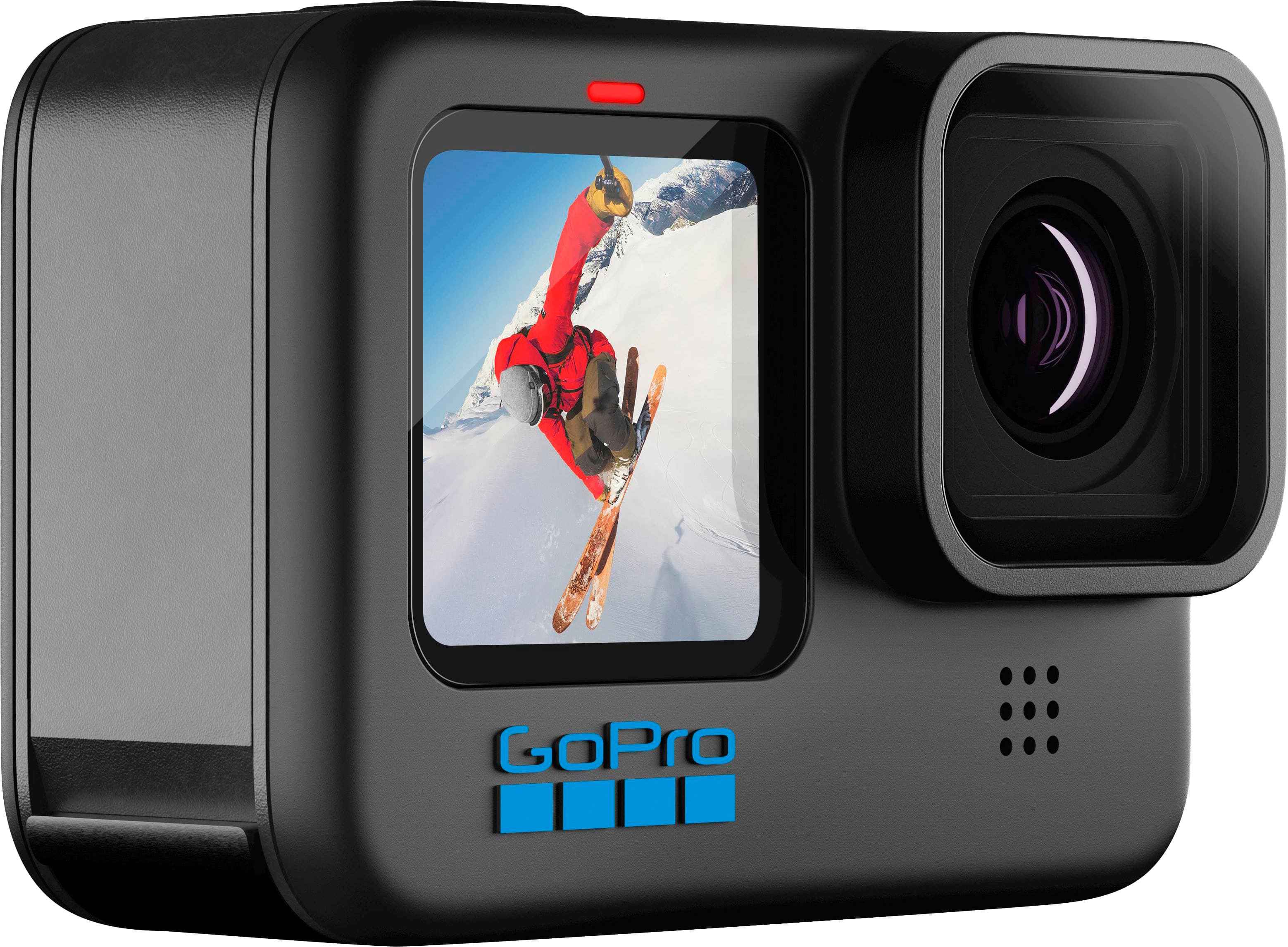
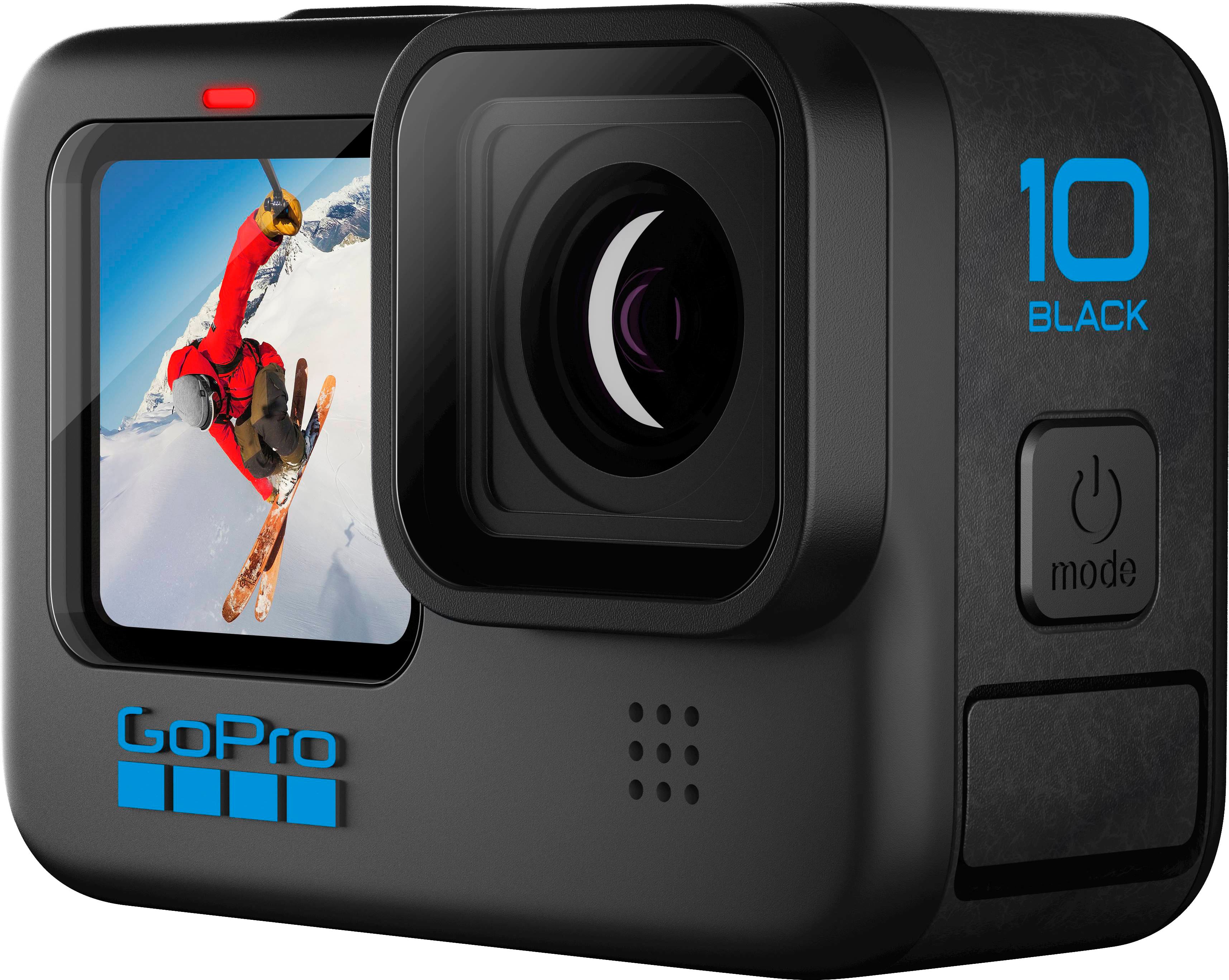
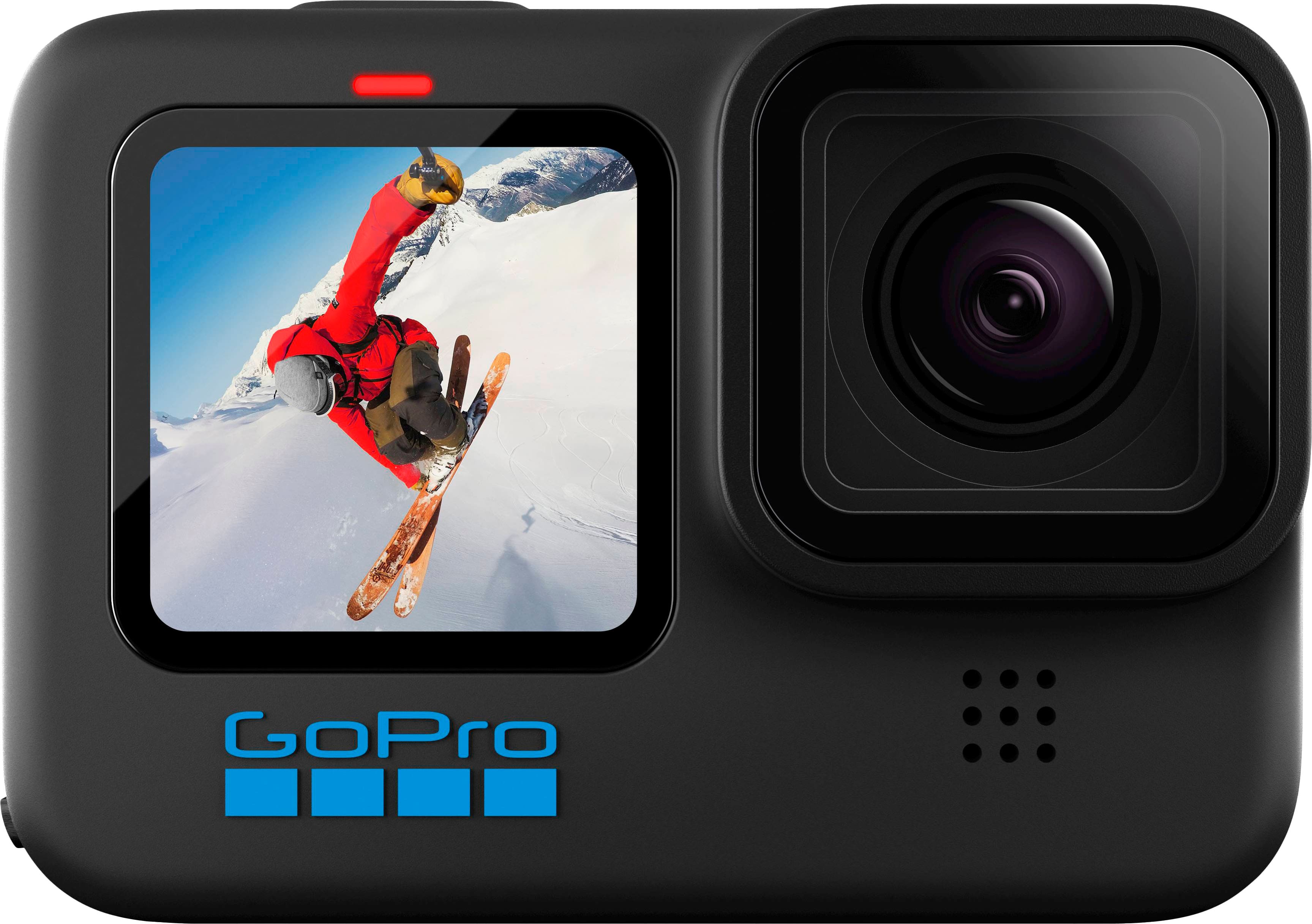
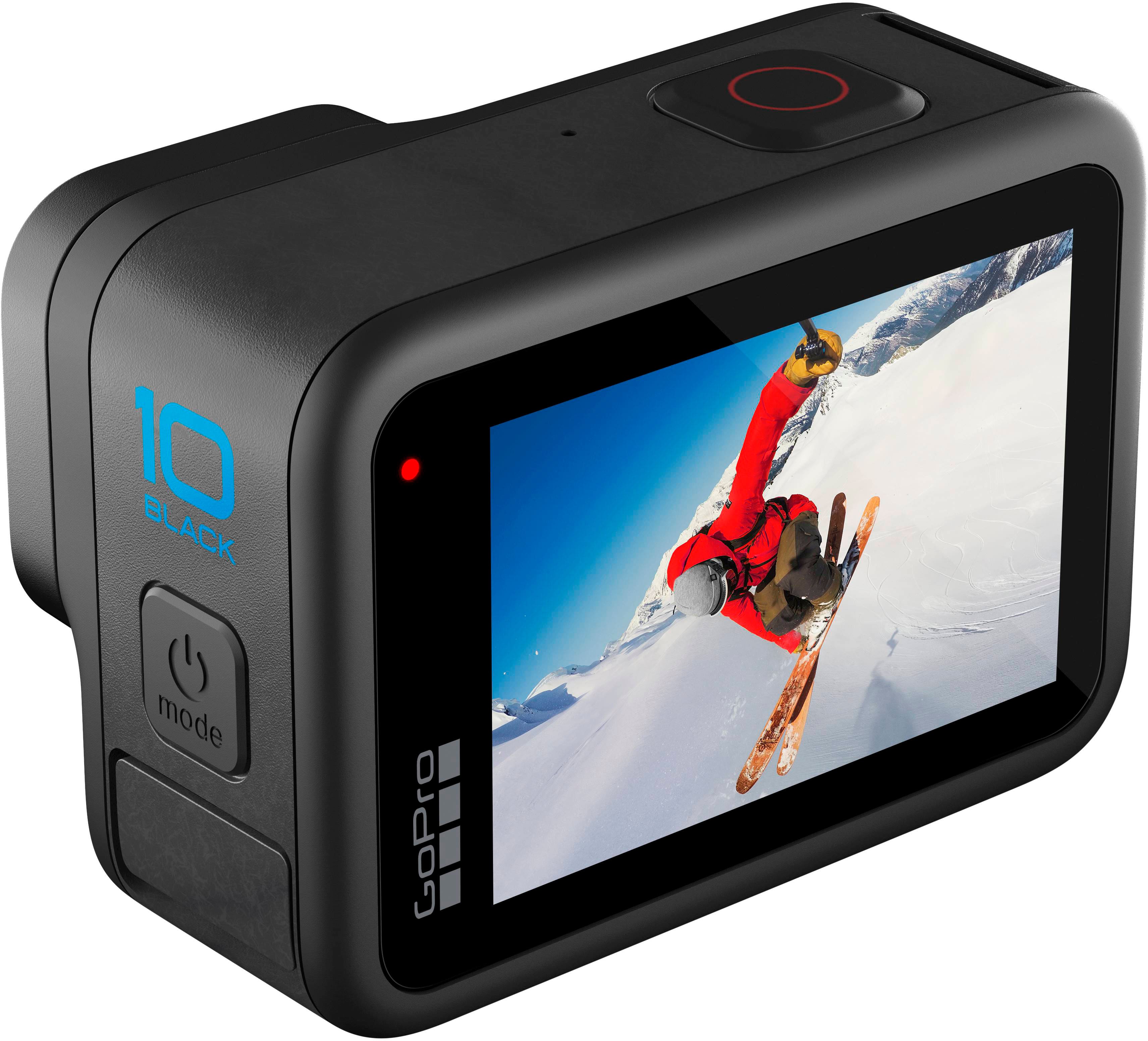









- Model:
- CHDHX-101-CN/CHDHX-101-TH
- SKU:
- 6474501
Rating by feature
- Value
Rating 4.4 out of 5 stars
- Quality
Rating 4.6 out of 5 stars
- Ease of Use
Rating 4.5 out of 5 stars
Customers are saying
Customers enjoy the HERO10 Black Action Camera's high-quality video and ease of use, praising its compact size and impressive stabilization. However, some users point to battery life as a significant drawback, and a few mention challenges with low-light performance and the cost. The camera's waterproof capabilities are also frequently highlighted as a positive feature.
This summary was generated by AI based on customer reviews.
- Pros mentioned:Ease of use, Stabilization, Video quality

The best action cam!
|Posted .This reviewer received promo considerations or sweepstakes entry for writing a review.This is an upgrade for me from my current GoPro 5 that I have enjoyed for years. I have been following the improvements over the years and nothing made me jump to upgrade from my current setup. The GoPro Hero 10 is definitely worth the upgrade! If you have a more recent model, say the 9, then this would be a tough decision given the price. However, if this is your first GoPro or, like me, you have an older one, I highly recommend going to the 10. The stabilization alone has been a major improvement and I'm seeing my dog's life in a whole new way (yes I have the dog harness). I did have to upgrade my microsd card to a V30 to take full advantage of the new 5.3K video and the 4K at 120FPS, but not a big deal considering how inexpensive those have become. The app is simple to use and allows you to control the camera remotely. The camera also makes use of voice commands which is incredibly helpful. The front screen is great for seeing what you're shooting if you happen to be shooting backwards or taking a selfie. Just all around this camera feels premium and high quality and the features and ease of use make it better than anything on the market. If you're looking for an action camera, or thinking of upgrading from an older GoPro model, the Hero 10 takes all of the things that have made GoPro's loved over the years and pushes them to the next level. It is still compatible with all the older mounts so you won't need to upgrade your accessories for the most part. Go get it, you won't be disappointed!
I would recommend this to a friend - Cons mentioned:Battery life
Not a smart purchase!
||Posted . Owned for 3 months when reviewed.This reviewer received promo considerations or sweepstakes entry for writing a review.Camera doesn't hold the charge for long. Also, if you want the app, you need to pay a fee to subscribe.
No, I would not recommend this to a friend Good purchase
||Posted . Owned for 2 weeks when reviewed.This reviewer received promo considerations or sweepstakes entry for writing a review.Vudeo was grainy at firsr but after i tried a few things it worked. Great price and great peoduct. Wouls recommend.
I would recommend this to a friendIt works
||Posted . Owned for 6 months when reviewed.This reviewer received promo considerations or sweepstakes entry for writing a review.The item works. If you know exactly what this is for, it's a great buy. Just do your research.
I would recommend this to a friendDisappointed with GoPro
||Posted . Owned for 1 month when reviewed.This reviewer received promo considerations or sweepstakes entry for writing a review.GoPro does not work. Have to return to GoPro for replacement. Unfortunately, we bought to have on vacation and we will not receive the replacement before we come home. Very disappointed.
No, I would not recommend this to a friendSale
||Posted .This reviewer received promo considerations or sweepstakes entry for writing a review.Got at a good price. Works well. Touch screen works good. Sale price at $350. Not bad
I would recommend this to a friendNot worth the upgrade
||Posted . Owned for 1 week when reviewed.This reviewer received promo considerations or sweepstakes entry for writing a review.Not really worth the upgrage if you have a 9 or 8 just wait fir the hero 11.
No, I would not recommend this to a friendOwner
||Posted . Owned for 3 weeks when reviewed.This reviewer received promo considerations or sweepstakes entry for writing a review.The camera had someone else name in it,drove85 miles to Best Buy your specialist said he reset it,came home found that the password was still there! That’s 85 miles one way! Tried to return it Best Buy said no!
No, I would not recommend this to a friend25 freys under and more.
||Posted . Owned for 6 months when reviewed.This reviewer received promo considerations or sweepstakes entry for writing a review.I used my go pro to snuba diving. Works really well under 25 feet under
I would recommend this to a friendGreat buy
||Posted . Owned for 3 weeks when reviewed.This reviewer received promo considerations or sweepstakes entry for writing a review.My daughter received this for Christmas, and she loves It.
I would recommend this to a friend- Pros mentioned:Ease of use, Video quality
It's amazing
|Posted .This reviewer received promo considerations or sweepstakes entry for writing a review.GoPro - HERO10 Black Action Camera Included- Camera, rechargeable battery, USB-C charging cord, mounting buckle and thumb screw, storage case and manual. **NOT included- a micro SD card but is required to operate. Setup- Everything is neatly packed up in a zippered case which makes it easy to travel and store. I do wish there was a wrist strap on the case if I needed to free up my hands but I really appreciate the nice case. To start, you will need to download the GoPro Quick app. Insert the battery, microSD card and then push the power button that's on the top of the camera. The screen walks you through each step- language, terms and condtions, gps, pairing the bluetooth and it will need to update the GoPro. The update only took a few minutes. I recommend charging the battery immediately so it's ready for you to set up and use. There is a red light to indicate the battery is charging and it will turn off when it's done. It took a few hours to fully charge from an empty battery. Features- The Hero10 has so many awesome features. It's built with durabilty in mind. It's meant to withstand all the elements- rain, snow, mud and water (up to 33' depth).The lens is scratch resistant and can be replaced if needed. There are 3 modes of fillming- standard, activity and cinematic and offers custom settings to create your own presets. There's 14 voice controls if you prefer a hands free mode instead of the touch screen. It will shoot in 5.3K resolution at 60 fps. There's 8x slow motion at 2.7K .You can take pictures from the paused video. It has Hypersmooth stablization and a GP2 prcoessor for. You can connect your Hero10 to your computer and broadcast in 1080HD. This is my first GoPro and I was so excited about trying it. I was able to buy a magnetic swivel clip on clearance and attach it right away to the GoPro. There are a lot of other accessories out there that I will be looking at. We took the Hero10 out around the neighbohood to test it out. The picture quality is amazing. I was really impressed with the crisp colors and picture on the video. Then transferring photos and video from the device is super simple via the Quik app or the USB. I popped open the app and it recognized there were files that needed to be downloaded. It will transfer the files at a touch of a button or you can set up auto upload. There is some basic editing in the app that can be applied to your videos and photos and you can share everything right within the app. I did have some problems getting the GoPro to pair with my daughter's phone after mine. I'm not sure why that isn't working but hopefully we can figure that out. I also have had some minor struggles trying to maneuver through the menu on the screen. There is a learning curve to figure out the options and where to find them. The GoPro Hero10 is a really great impressive camera. I don't have anything to compare it to, but it is small and powerful and so fun. We're going on a trip in a few weeks and it will be really fun to bring along and use.
I would recommend this to a friend Disappointed
||Posted . Owned for 3 months when reviewed.This reviewer received promo considerations or sweepstakes entry for writing a review.Used this item once in the water with a case on and water got inside! Spent over $400 and they won’t even replace it! Item was defective!
No, I would not recommend this to a friendUSELESS
||Posted . Owned for 2 weeks when reviewed.This reviewer received promo considerations or sweepstakes entry for writing a review.Absolutely useless camera. Wont record over 15-20min. I missed my return window by 1 day. Its going in the trash along with all the extra batteries and accessories, thats how garbage this camera is.
No, I would not recommend this to a friendWifi sucks
||Posted . Owned for 3 weeks when reviewed.This reviewer received promo considerations or sweepstakes entry for writing a review.Wifi sucks .its always hard to connect to wifi ...
No, I would not recommend this to a friendDidn’t get no sturgis videos
||Posted .This reviewer received promo considerations or sweepstakes entry for writing a review.Took to sturgis and never got to use it. It overheated within the first 30 min
No, I would not recommend this to a friendFalls short of older version
||Posted .This reviewer received promo considerations or sweepstakes entry for writing a review.I would not recommend if you already have an iPhone.
No, I would not recommend this to a friend- Pros mentioned:Ease of use, Video quality
The essential camera
|Posted .This reviewer received promo considerations or sweepstakes entry for writing a review.I'm sure a lot of people wonder why you need an extra device if you have one of the latest smart phones that take great photos and videos. Once you use a GoPro you will absolutely understand the difference in having a device designed completely around being the most superior camera on the planet. GoPro's have developed a reputation for the ability to deliver high quality video when out and about performing extreme activities. It is a highly durable camera in a waterproof casing and, like earlier models, mounts easily to helmets, bikes, kayaks, surfboards, etc to capture video while you worry about doing instead of filming. I think what is surprising is the level of stabilization and image correction this version, the Hero 10 provides. This is thanks to the GP2 in camera processor. The image is cleaned up and image is corrected for smoother and more stable filming regardless of what you're doing. One of the things that I found great was how easy the camera was to setup. All I had to do was drop the battery and a new SD card in the camera, and scan the included QR code with my phone. There were a couple clear steps to sync the camera to my phone and then upgrade the camera to the latest firmware. I was filming and syncing to the cloud less than 15 minutes from opening it up. The Quik phone app has basic image and video editing abilities. I found these to be slightly better than say Google Photos, and made it really easy to put together highlight reals and other goods. Overall I think you need to upload videos to the cloud and use Adobe to really show the polish In short, your videos and pictures look absolutely gorgeous using this GoPro, regardless of what you're doing and how you're holding/mounting the camera.
I would recommend this to a friend I don't like it, it has many problems, it doesn't
||Posted . Owned for 1 month when reviewed.This reviewer received promo considerations or sweepstakes entry for writing a review.the camera gets hot, sometimes it doesn't turn on I haven't been able to record or take photos.
No, I would not recommend this to a friendBest buy didnt even try the camera
||Posted . Owned for 2 weeks when reviewed.This reviewer received promo considerations or sweepstakes entry for writing a review.Bought as used excellent. Came defective. I was in a trip and couldnt retirn within 15 days
No, I would not recommend this to a friend- Pros mentioned:Size
excellent camera, very versatile
|Posted .This reviewer received promo considerations or sweepstakes entry for writing a review.The GoPro Hero 10 is a fine camera. It has enough features and adjustable settings that it would take a year to try them all. There are multiple image formats in each of three basic imaging modes: still photo, video, and time-lapse. There are then five different video modes, three different still photo modes, and four different time-lapse mode. And the variety of options within each of these continues beyond this. As I say, give me a year or two, and I’ll have had a chance to try them all. Now for the basics. Setup of the camera is mostly straightforward. Like nearly every type of electronics you buy today, with this camera, you are encouraged to download and install an app on your phone to control it. The app allows you to import images and videos to the phone, and then you can do whatever you want with them from there. You can also see on your phone’s screen what the camera lens sees. I’m not 100% sure where this will be useful as it would seem to be something that you would use if the camera were being used for security, but I don’t think anyone will use it that way. The first thing the app does, and there’s a big note right on top of the camera when you first open the box, is tell you to update the camera’s internal software. This is simple to do, but there are two preliminary requirements. First, the battery arrives with no charge on it, so it must be charged before the camera can be used. The supplied USB-C cable connects to a port that is accessed by opening the battery compartment, and this how the camera is charged. You’ll need to provide an AC-adapter if you want to charge the camera from a 120V outlet as none is included in the box. The update can be performed while the camera is charging. Second, you need to supply a microSD card before you can do anything. This is stated on the outside of the box, so make sure you have one on hand. The slot for it is also accessed by opening the battery compartment. I installed a 128 GB card, which should be enough to hold as many images and videos as I’m likely to take before I offload them to my computer. Once the card is installed, the battery charged, and the firmware updated, you’re off and running. There are only two buttons on the camera, a power switch and a shutter switch. Everything else is controlled by tapping and swiping on the touch screen. There are both front and rear screens on the camera, which makes taking selfies convenient, but only the larger, rear screen is a touch screen. This camera is small. It measures only 2.75 by 2 by 1.25 inches, but it’s still comfortable to use, even if you have relatively large hands, as I do. It has a nice heft to it, weighing in at a little over five ounces. The smallness of the camera is one of its selling points as it is designed to be attached to something like your helmet if you’re a biker or skier and want to capture video. It comes with adapters to allow attachment to, among other things, a helmet or bicycle handlebars. The camera has a 23 megapixel sensor for still photos and 5.3K resolution in video mode, so photos and videos capture great detail. Each image taking anywhere from about 4.5 to about 6 MB. My one complaint has nothing to do with the camera but with the available documentation. In short, there isn’t any. Like most electronics nowadays, all there is in the box is a quick setup guide, and the expectation is that the full user manual can be found online at the manufacturer’s website. Not so with this camera. I looked everywhere at the GoPro website and could not find a manual. The best I could do was a manual for the GoPro Hero 9, which is very similar, and which was able to give me the information I needed. But c’mon, if you’re going to offer something for sale, how about a manual to go with it? There are so many configuration options that you need something to tell you what each of the icons and so forth on the various screens mean without having to do it by trial-and-error. Overall, though, this is a minor complaint given that the manual for the 9 is good enough. As I’ve noted, the camera has been a pleasure to use in the few days I’ve owned it, and I look forward to making use of all of its features.
I would recommend this to a friend