Customer Ratings & Reviews





- Model:
- CHDHX-701
- SKU:
- 6283807
Rating by feature
- Value
Rating 4.4 out of 5 stars
- Quality
Rating 4.7 out of 5 stars
- Ease of Use
Rating 4.5 out of 5 stars
Customers are saying
Customers highly value the HERO7 Black 4K Waterproof Action Camera's impressive video and image quality, ease of use, and effective stabilization. Many appreciate its waterproof design and convenient size. However, some users point to shortcomings in battery life and occasional overheating issues. A few also mention that the zoom and low-light performance could be improved.
This summary was generated by AI based on customer reviews.
Great for Adventures
||Posted . Owned for 1 month when reviewed.This reviewer received promo considerations or sweepstakes entry for writing a review.Taking off the battery is very difficult to take off. Battery can easily be damaged.
I would recommend this to a friendNice camera to start with
||Posted . Owned for 1 month when reviewed.This reviewer received promo considerations or sweepstakes entry for writing a review.Its nice to use, the control system from your phone to the camera could be better.
I would recommend this to a friendGreat camera for any use
||Posted . Owned for 1 month when reviewed.This reviewer received promo considerations or sweepstakes entry for writing a review.I can’t wait to use I going of vacation and I want to start using it on the beach
I would recommend this to a friendGood camera
||Posted . Owned for 1 year when reviewed.This reviewer received promo considerations or sweepstakes entry for writing a review.Looks more dark tone white then expected. Worked well. To bad I lost it
I would recommend this to a friendGreat Camera
||Posted .This reviewer received promo considerations or sweepstakes entry for writing a review.This is just what I was looking for as an extra camera. Very happy with the purchase!
I would recommend this to a friendGood
||Posted . Owned for 1.5 years when reviewed.This reviewer received promo considerations or sweepstakes entry for writing a review.Great camera, it does stop working when its in real hot days.
I would recommend this to a friendThe audio is Horrible
||Posted . Owned for 3 weeks when reviewed.This reviewer received promo considerations or sweepstakes entry for writing a review.I like everything this camera has to offer. The audio recording is horrible, I might have one of the Gopro Hero 7 that didn't get a good mic. Any wind ruins your audio of anything. I bought a extra one for work and it is definitely different.
No, I would not recommend this to a friendgreat camera
||Posted . Owned for 1 month when reviewed.This reviewer received promo considerations or sweepstakes entry for writing a review.Great camera, I drop it so many times and still in great shape!
I would recommend this to a friendGreat little camera
||Posted .This reviewer received promo considerations or sweepstakes entry for writing a review.Works great for a small camera would be nice if there was more live stream options
I would recommend this to a friendNice camera
||Posted . Owned for 3 weeks when reviewed.This reviewer received promo considerations or sweepstakes entry for writing a review.Nice but you have to figure out how to use it and that takes time
I would recommend this to a friendGreat outdoor camera, fun to use!
||Posted . Owned for 1 month when reviewed.This reviewer received promo considerations or sweepstakes entry for writing a review.I found this product fun and easy to use. Great to use in the outdoors!
I would recommend this to a friend- Pros mentioned:Stabilization, Video qualityCons mentioned:Battery life

Great Product, Fun to Use
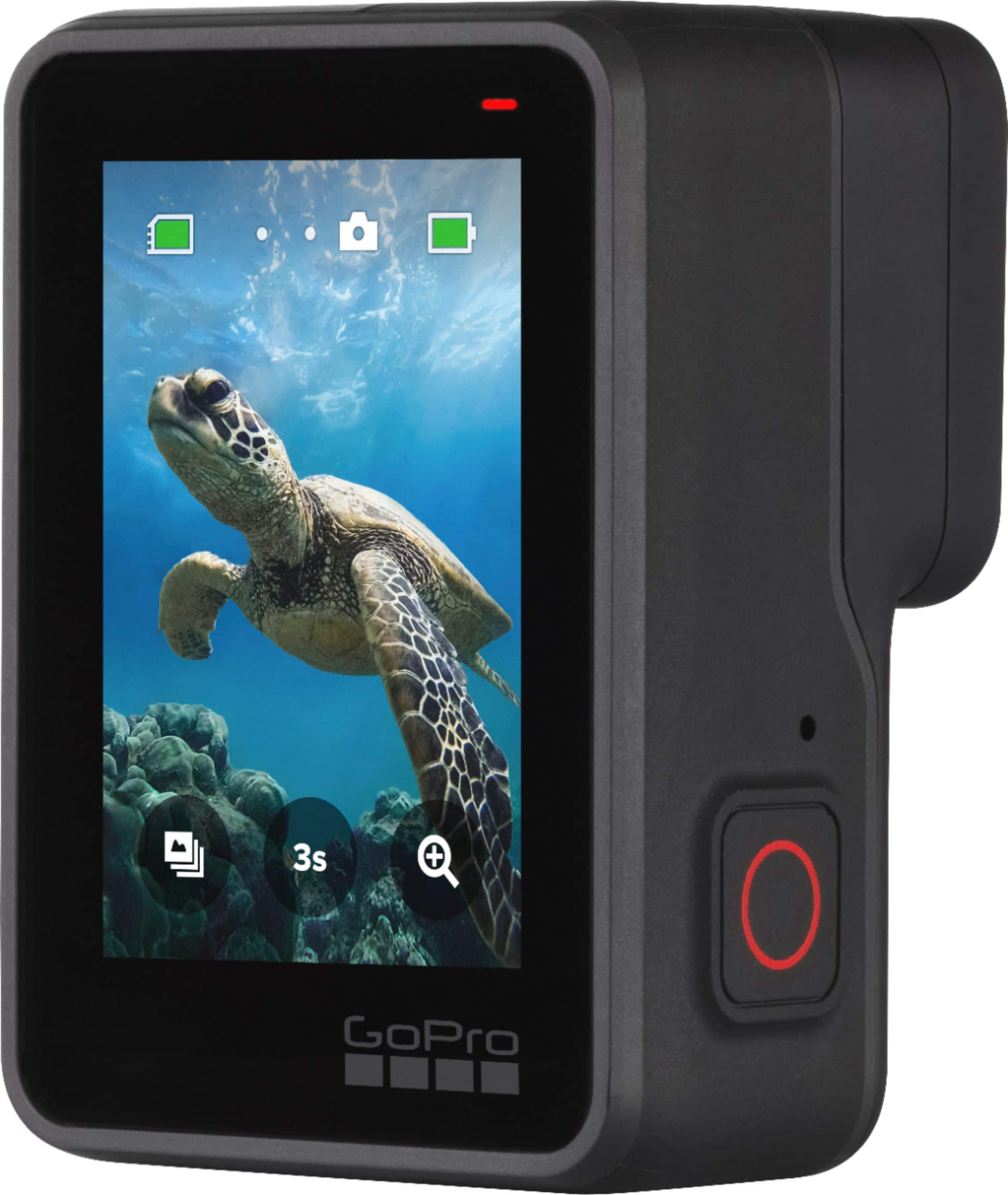
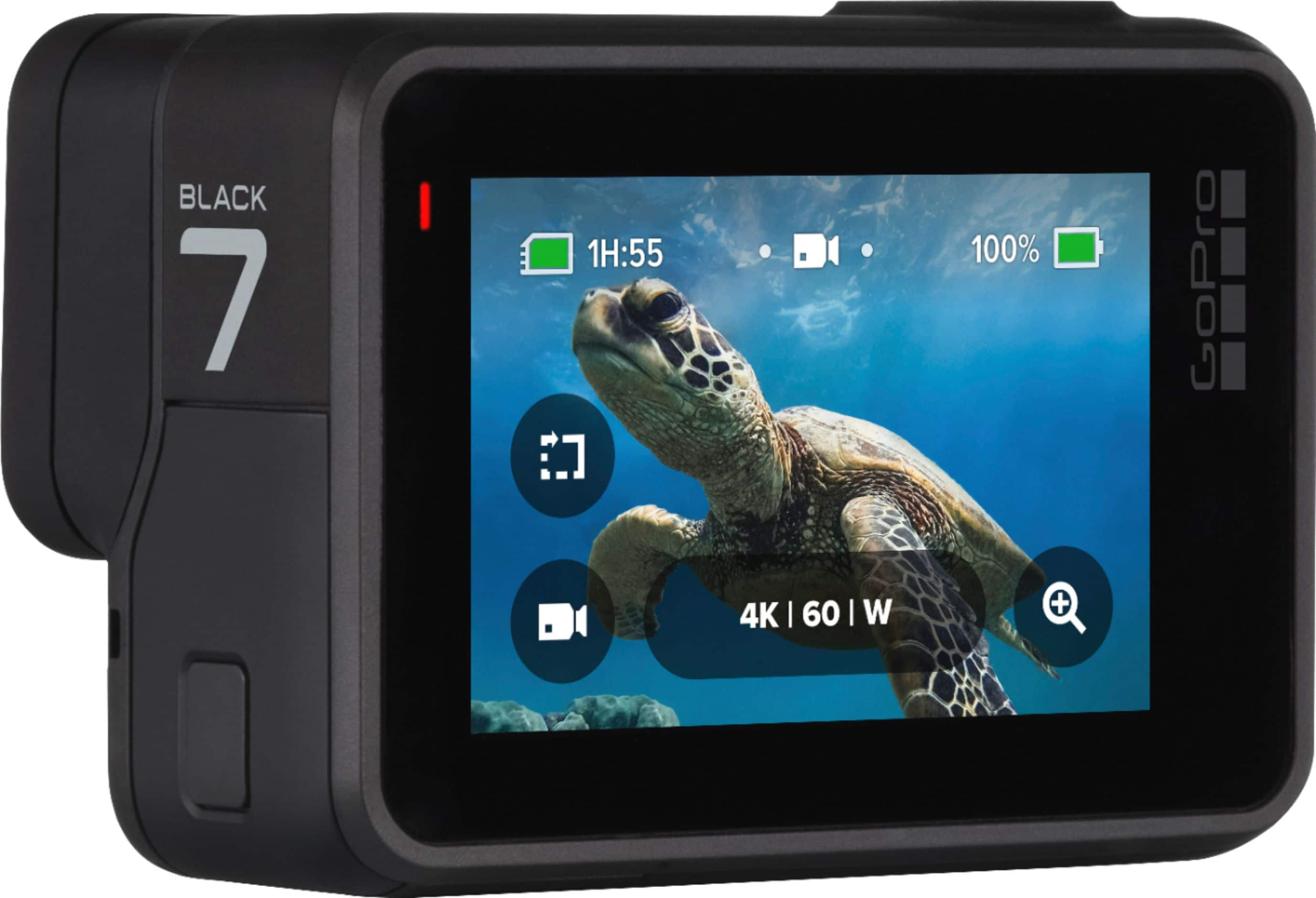
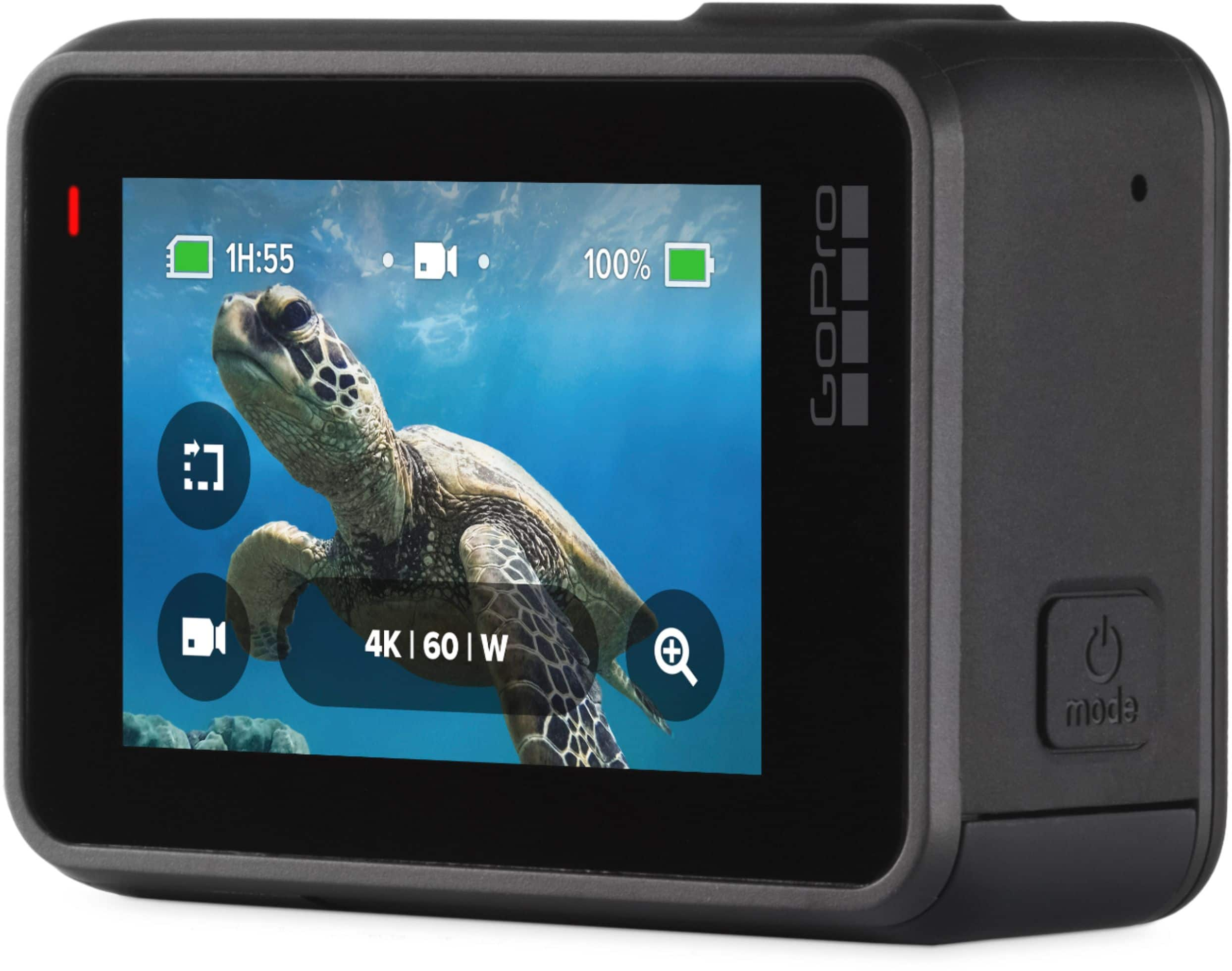
|Posted .This reviewer received promo considerations or sweepstakes entry for writing a review.This is a great product. Prior to setup and using, I had a very hard time getting the GoPro out of its case. It took me quite some time. I had to find a video to show me how. Love the black color. It has touchscreen for menu/settings navigation. It uses a USB-C cable. It takes a micro-SD card; make sure you get a good and compatible card. It takes good video. Not too much motion blur. Hypersmooth Stabilization is a helpful feature, producing a stable video; note – all resolutions are not able to utilize hypersmooth stabilization. You can shoot in 4K and there is also time lapse, referred to as Time Warp. It has voice command, which is a nice feature, but its abilities are questionable at times. It can connect to your phone, allowing you to upload and view; you can also adjust some of your GoPro settings. Battery life is meh; you may want to invest in an extra battery or 2. This is my first GoPro/GoPro-like camera. It is a great little camera that gets the job done.
I would recommend this to a friend Great look
||Posted . Owned for 1 month when reviewed.This reviewer received promo considerations or sweepstakes entry for writing a review.I have been a GoPro fan for years and this limited edition white is awesome
I would recommend this to a friend- Cons mentioned:Battery life
Works ok but battery came bad
||Posted . Owned for 2 weeks when reviewed.This reviewer received promo considerations or sweepstakes entry for writing a review.We haven’t been able to use the camera as intended yet because it cane with a bad battery, it won’t charge. Camera only works when plugged into a wall right now. Need to get a working battery and hope that solves the issue.
No, I would not recommend this to a friend Not impressed
||Posted . Owned for 3 weeks when reviewed.This reviewer received promo considerations or sweepstakes entry for writing a review.Not worth the value. Good product if you have a little extra cash to spend
No, I would not recommend this to a friendGreat camera
||Posted . Owned for 1 month when reviewed.This reviewer received promo considerations or sweepstakes entry for writing a review.Used it on vacation was great. Would recommend. Great camera Water proof
I would recommend this to a friendLove the hero7
||Posted .This reviewer received promo considerations or sweepstakes entry for writing a review.Purchased the gopro hero 7 black for my son. He has enjoyed the product so far
I would recommend this to a friendGreat camara
||Posted . Owned for 1 month when reviewed.This reviewer received promo considerations or sweepstakes entry for writing a review.The camara touch screen is a little confusing. It need a easier system.
I would recommend this to a friend- Pros mentioned:Video qualityCons mentioned:Battery life
Rugged, feature-rich, action video camera
|Posted .This reviewer received promo considerations or sweepstakes entry for writing a review.In the box: • GoPro Hero 7 Black camera • mounting case • 2 adhesive mounting brackets (one flat and one slightly curved) • 1 battery • 1 USB cable • 1 pictorial set of setup instructions • 1 booklet containing product and safety instructions. Remember to unscrew the housing knob all the way and remove the “remove” tab that keeps the housing stable during shipment. Not in the box: • User’s Guide or other instructions explaining the features of the camera, camera settings, menu navigation, pairing with GoPro App, routine care/maintenance, and troubleshooting. • USB wall charger. • Memory card Setup: The battery came partially (i.e. 20%) charged and had to be charged before first use. This took several hours using the USB3 port on my computer. The USB port on the camera is rated at 5V/1.5A port. No User’s Guide was available for the Hero 7 Black on the GoPro Support web site when I received the unit (one has since been added). When connecting to the GoPro smartphone app, think of the Hero 7 Black as a wireless router. To connect your Hero 7 Black to the GoPro app, you must 1) turn the Hero on, 2) disconnect the USB cable, 3) use the WiFi settings on your phone to link with the Hero, and 4) select “add a camera” in the GoPro app. The same steps are done for reconnecting except that you select your Hero from the available devices in Step 4. Select 2.4GHz under “WiFi Band” under preferences if you need more range or if your phone does not support 5.0GHz WiFi. Note: Bluetooth is only for connecting peripherals to your camera, not for connecting your camera to your phone. The Quik software does not recognize the camera when connected from my laptop. Features: Resolution (RES) can be set to 4K, 2.7K, 1440p, 1080p, 960p, and 740p. NTSC frame rates (FR) can be set to 240, 120, 60, 30, and 24 FPS. Field of View (FOV) can be set to SuperView, Wide, and Linear. Aspect Ratio (AR) can be set to 16:9 or 4:3. While there are lots of RES/FR/FOV/AR combinations, not all combinations work together. For example, for RES=4K, FR=60 is only available for FOV=Wide and AR=16:9. To use FOV=SuperWide with RES=4K, you have to drop FR to 30 or 24 FPS and AR=16:9. FPS=240 is only permitted with 1080p (FOV=Wide & AR=16:19), 960p (FOV=Wide & AR=4:3, and 740p (FOV=Wide & AR=16:9). There are two stabilization modes, HyperSmooth and Standard. Both work by cropping the edges of the image beyond the range of the selected AR. HyperSmooth is available with: RES=4K, FR=60, FOV=Wide, & AR=16:9 RES=4K, FR=30 or 24, FOV=Wide or SuperView, & AR=16:9 RES=2.7K, FR=60, 30, or 24, FOV=Linear, Wide, or SuperView, & AR=16:9 RES=2.7K, FR=30 or 24, FOV=Linear or Wide, & AR=4:3 RES=1440p, FR=60, 30, or 24, FOV=Linear or Wide, & AR=4:3 RES=1080p, FR=60, 30, or 24, FOV=Linear, Wide, or SuperView, & AR=16:9 RES=720p, FR=60, FOV=Linear or Wide, & AR=16:9 I’m sure you get the idea. Be sure to read pages 97-99 of the User’s Guide for all RES/FR/FOV/AR settings allowed with HyperSmooth and Standard stabilization. The same is true for “LOWLIGHT” and “PROTUNE” features. Best advice: Before getting frustrated with the RES/FR/FOV/AR/stability setting, read the User’s Guide! Be sure to read pages 42 and 43 of the User’s Guide for advice on the best settings for capturing video of your favorite activities. PROTUNE: Setting “PROTUNE” to on allows you considerable control over the ISO, aperture, effective shutter speed, color, EV compensation, sharpness, audio, and microphone settings. File Format: Files can be saved with High Efficiency Video Coding (HEVC, H.265 and MPEG-H Part 2) or with AVC (H.264 or MPEG-4 Part 10). HEVC files are about half the size of AVC files. AVC files are more likely to be compatible with older video playback systems. HEVC worked fine with my DELL XPS15 (9950) laptop. Voice Commands: You can control your Hero 7 Black with voice commands (if enabled in preferences). It works well in a quiet environment and reasonably well in a somewhat noisy environment. Don’t expect it to work at a concert. Remember to set “Wake on Voice” if you want the camera to turn on with the “GoPro On” command (you will need to reestablish the WiFi connection with the smartphone app after turning off the camera with voice command). General usage: Battery life is short, consider getting a few extra batteries ($19.99/ea) and the dual battery charger ($49.99/ea) if you intend to record for extended periods without access to a computer or USB charger. I strongly recommend enabling PROTUNE and taking control of the camera settings, particularly white balance and color. I preferred the “flag” color setting as the “GoPro” setting tended to be over-saturated. The “auto” setting for white balance tended toward the cool side. White balance settings between 2300K and 6500K can be selected. I suggest setting white balance to “native” if you intend to post-process with full-featured video editing software. The “QuikCapture” is handy for recording on the fly. First, enable “QuikCapture” in preferences. Then you can record by simply pressing the record button. Pressing the record button again stops recording and turns off the camera. Loop mode will record continuously and save the previous number of specified minutes when you stop the recording. This will obviously only last as long as the battery. USB power is recommended when using loop mode. The camera battery will charge while the USB cable is connected to the camera (and a suitable power source), but only when the camera is not recording. USB power is diverted to operate the camera during recording. HyperSmooth image stabilization works well if you can find an acceptable mix of RES/FR/FOV/AR settings to enable its use. GoPro app usage: Live image on the app during recording may not be available at all resolution/FPS settings. A full suite of camera settings is available from the phone app, but not from Quik. The WiFi connection between the app and camera requires disconnection from other WiFi networks. Quik decktop software: Firmware updates are easy with Quik desktop app. Online tutorials are broken in Quik Help menu (using Firefox). A full suite of camera settings is not available from Quik. Playback in Quik is clunky (the same files will playback smoothly in Windows). Pros: This is a VAST improvement over my previous GoPro (HD Hero 1080). Control over exposure and color in PROTUNE mode significantly enhances its utility for capturing high-quality action video. A wide variety of video modes is available. Touch screen operation. Full-featured smartphone app. Cons: The limitations for available RES/FR/FOV/AR/stability/video mode settings can be frustrating and hard to get used to. Battery life is short. Limited features and poor video performance with Quik desktop app. Connecting to the camera using the smartphone app required disconnection from other WiFi networks.
I would recommend this to a friend Great Action Camera
||Posted .This reviewer received promo considerations or sweepstakes entry for writing a review.Works as advertised but the software update limits some of the features.
I would recommend this to a friend