Customer Ratings & Reviews
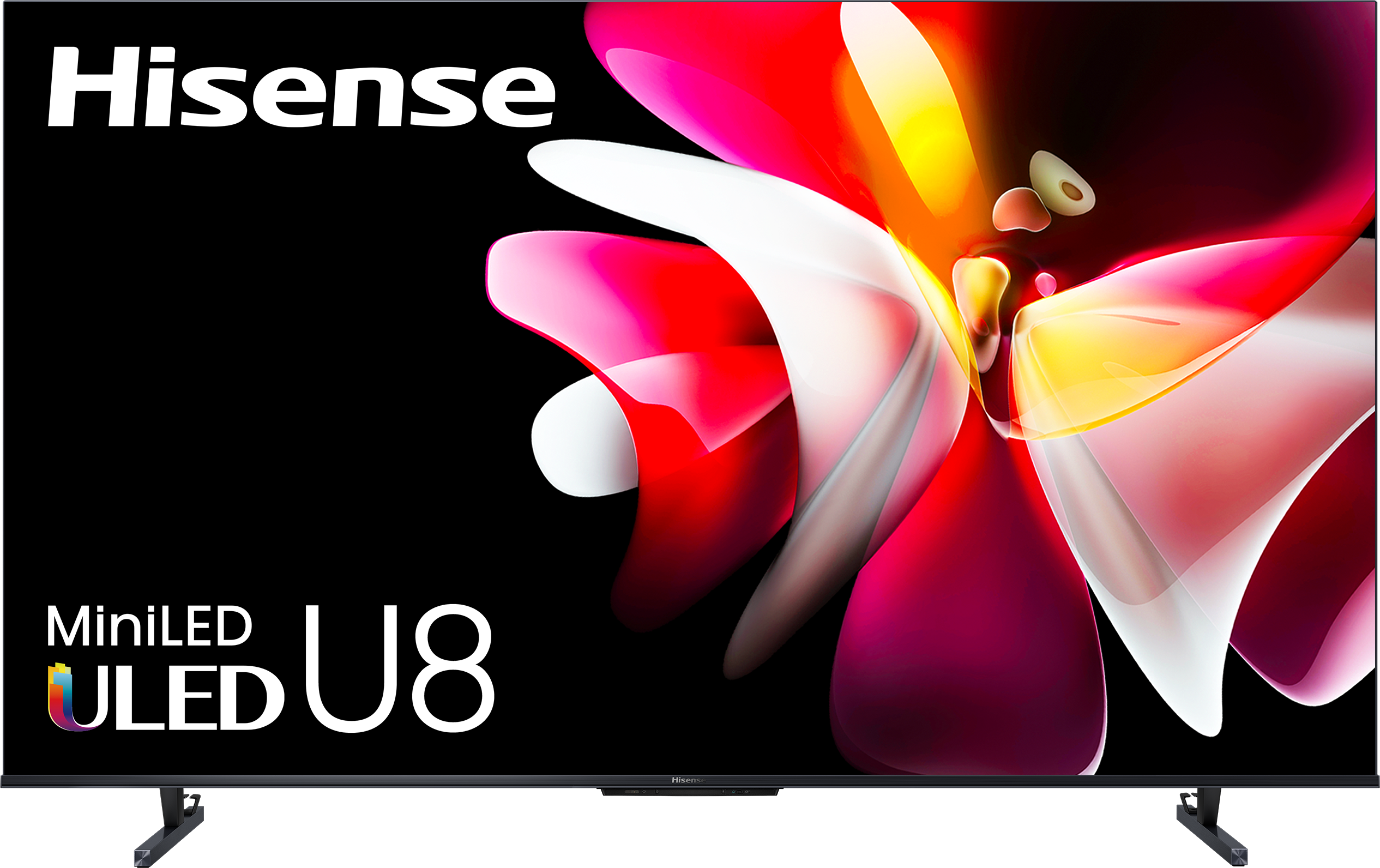
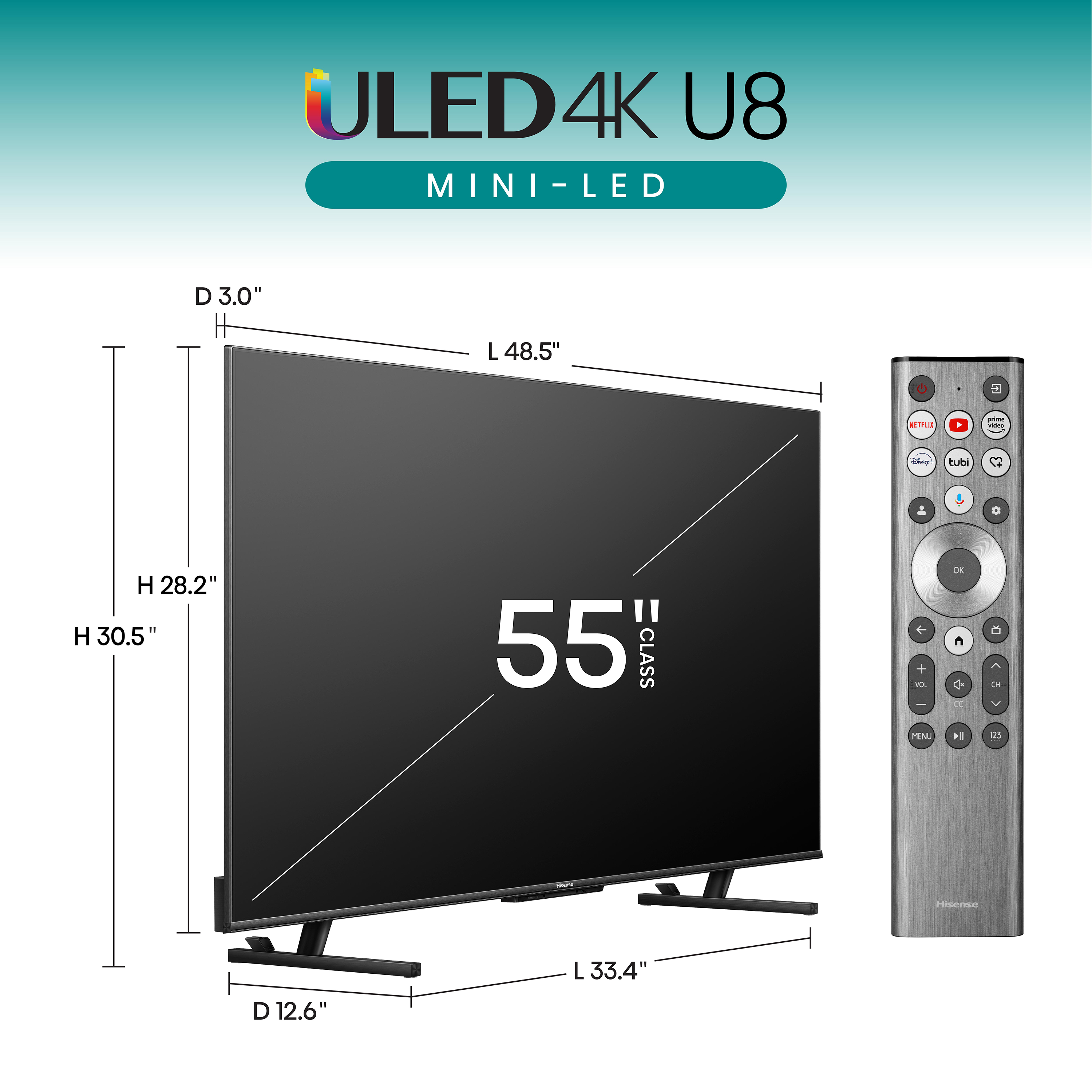
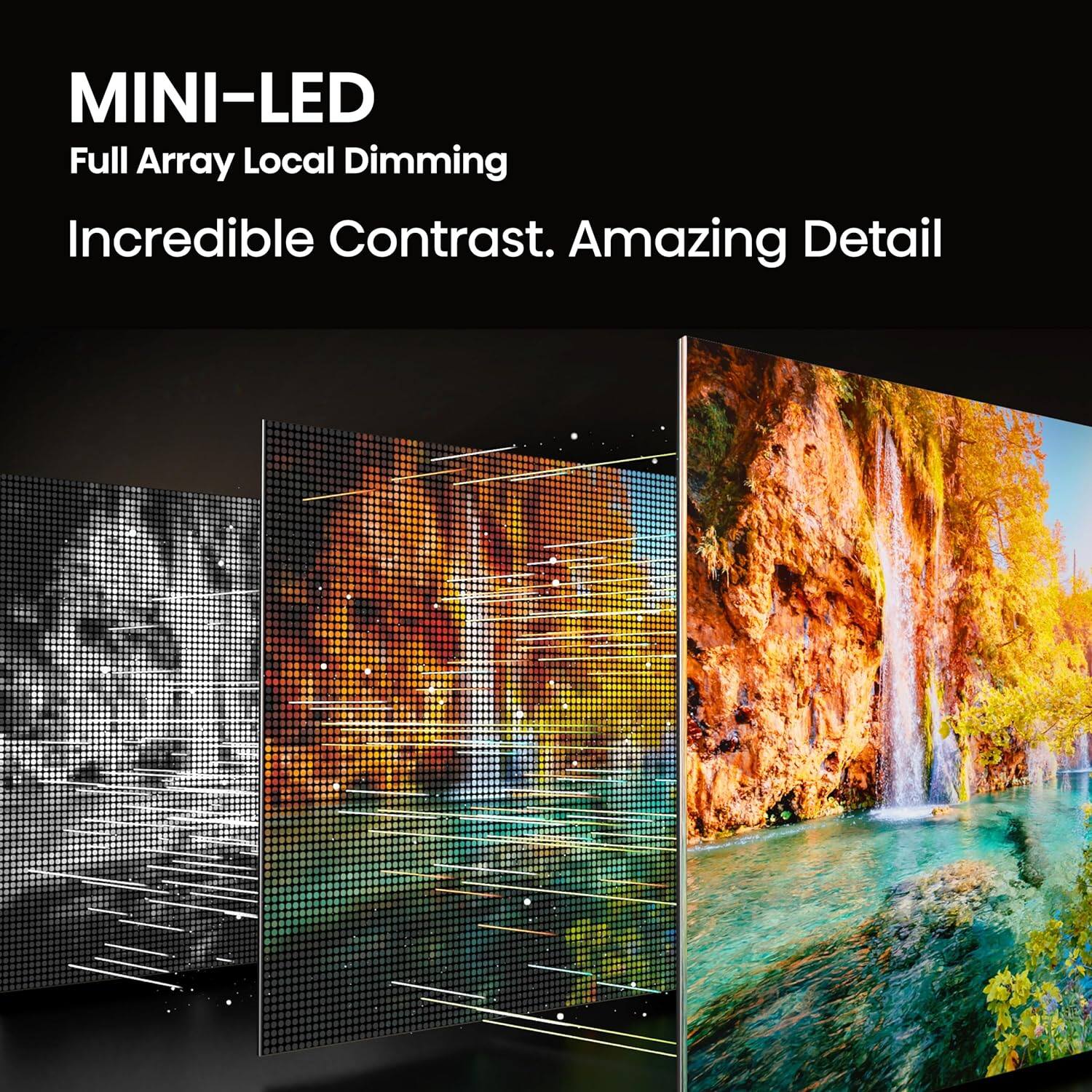


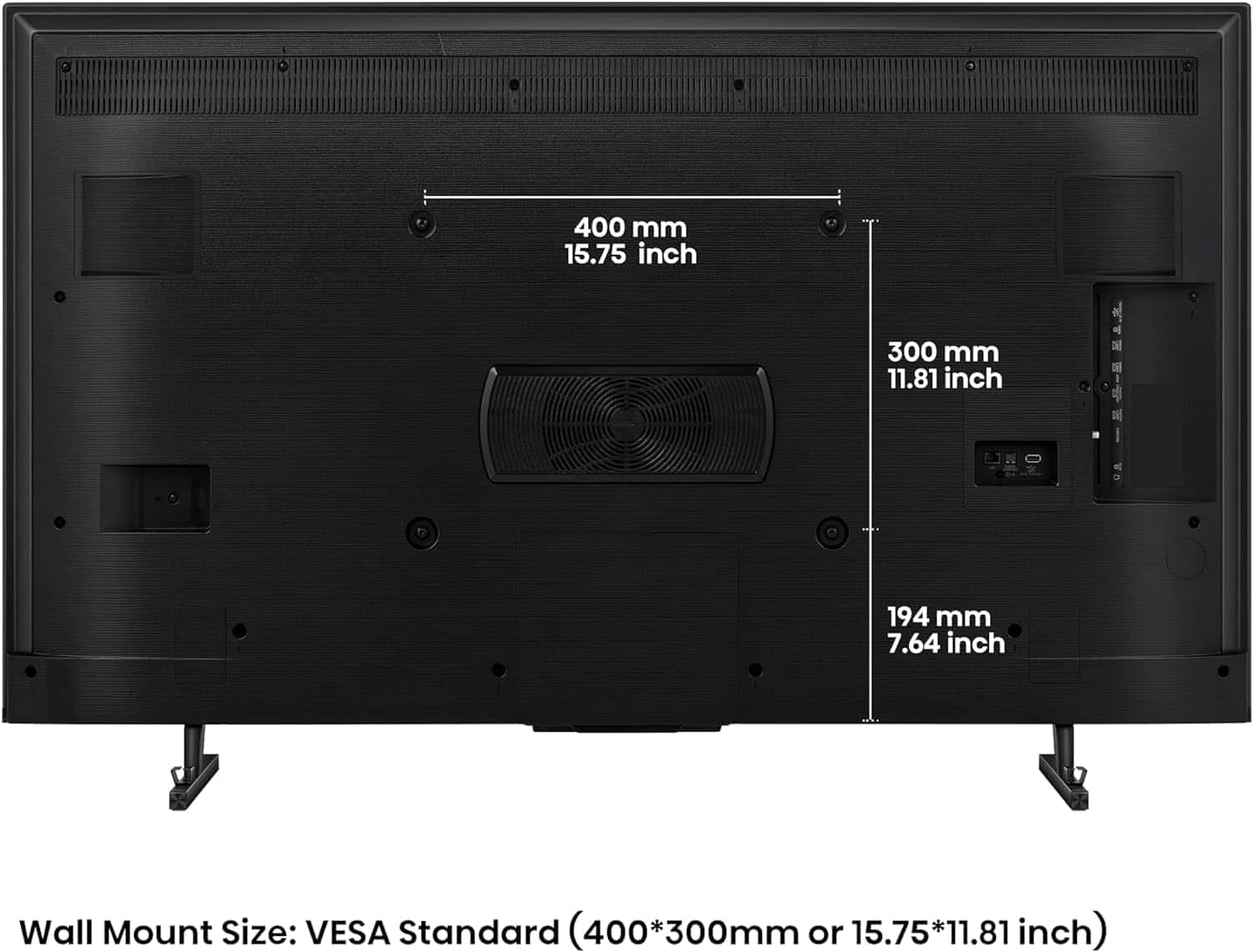
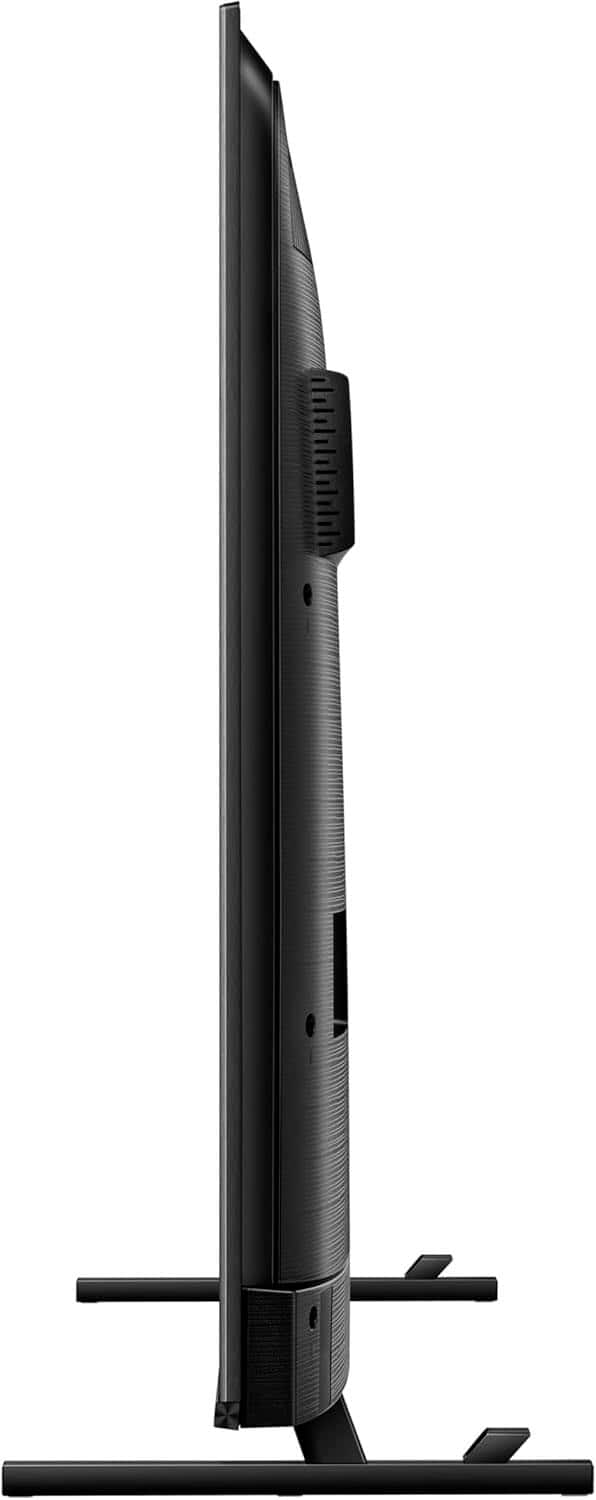
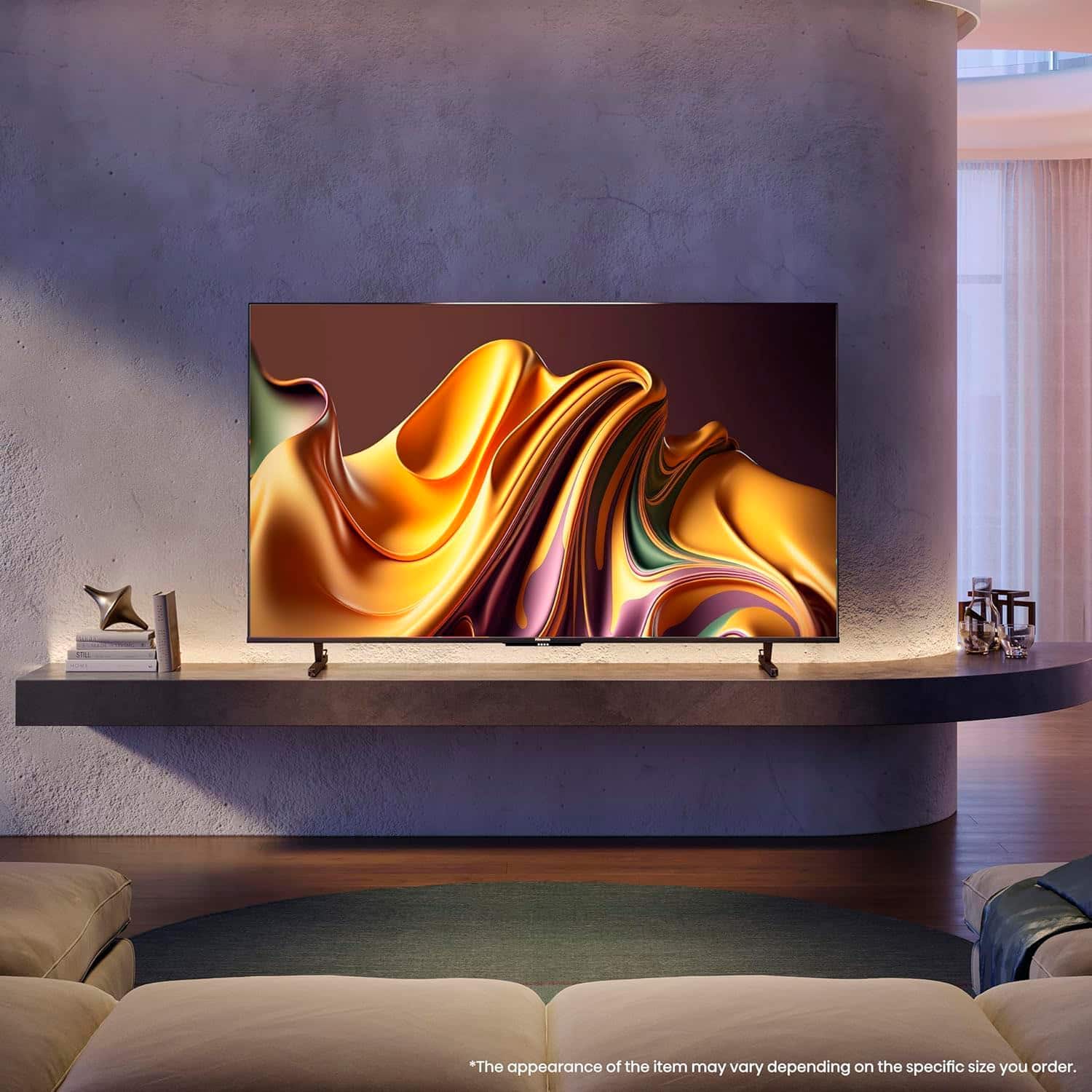

- Model:
- 55U8N
- SKU:
- 6577013
Rating by feature
- Picture Quality
Rating 4.6 out of 5 stars
- Sound Quality
Rating 4.5 out of 5 stars
- Brightness
Rating 4.7 out of 5 stars
Customers are saying
Customers are pleased with the exceptional picture quality, incredible brightness, and solid black levels, noting a good refresh rate and no noticeable blooming. They also appreciate the great value for the price, ease of use, and the innovative remote control. However, some customers have mentioned a narrow viewing angle and a slow user interface.
This summary was generated by AI based on customer reviews.
Garbage
||Posted .This reviewer received promo considerations or sweepstakes entry for writing a review.Remote does not have 'last channel' function, or allow for manual program list. These are features available on much cheaper TVs. Incredibly poorly done. Hisense completely unresponsive.
No, I would not recommend this to a friendBrand response from HisenseProductExpert
Posted .Hello Nick, thank you for choosing the Hisense 55U8N, and for sharing your feedback with us. We are truly sorry to hear about your experience. We encourage you to reach out to our dedicated support team directly at 1-888-935-8880 or via email at Service@Hisense-usa.com so that we can promptly address and resolve the issue for you. Thanks again, Harley with the Hisense Support Team.

This model is not it at all
||Posted . Owned for 1 month when reviewed.This reviewer received promo considerations or sweepstakes entry for writing a review.All old technology until you get to the 65 inch model and then there are other issues that come into play.
No, I would not recommend this to a friendBrand response from HisenseProductExpert
Posted .Hello Hisense Customer, Thank you for review on the Hisense 55U8N, and for sharing your feedback. We're sincerely sorry to hear that this unit failed to wow you. If you require technical assistance please reach out to our dedicated support team directly at 1-888-935-8880 or via email at Service@Hisense-usa.com so that we can promptly address and resolve the issue for you. Thanks again, Harley with the Hisense Support Team.
- Pros mentioned:Brightness, Picture quality

Very nice Google TV
|Posted .This reviewer received promo considerations or sweepstakes entry for writing a review.The Hisense 55" U8 Series Mini-LED 4K QLED Google TV is a very nice TV. The picture quality is great and there isn't much to criticize. Unboxing: The surprisingly heavy TV comes in a large box that is a little unwieldy to open and unbox. Instead of a traditional box that opens along one long edge, once the straps are cut the entire box lifts off of a cardboard "tray" on the bottom. The reason I mention this is because if you aren't careful lifting the box off, the legs (packed on the top) can fall down and potentially damage the TV. So take some care in unboxing. Screen: This TV shines when it comes to the screen quality. It is very bright and clear. I usually have to turn the screen brightness up as far as it will go but with this TV I actually turned it down to about 75%. The mini-LEDs give a very nice black contrast and I did not notice any motion blur while watching live action or movies with a lot of action movement. As a Google TV, it seamlessly integrates with your google account. Personally, I do not want my watch history displayed on the home screen and that can only be disabled by turning on "Apps Only" mode in the TV settings. But that also turns off a lot of other google functions. I wish there was more individual control of google settings in the TV.
I would recommend this to a friend - Pros mentioned:Picture quality, Refresh rate
An extremely well designed UHD TV with Google TV!
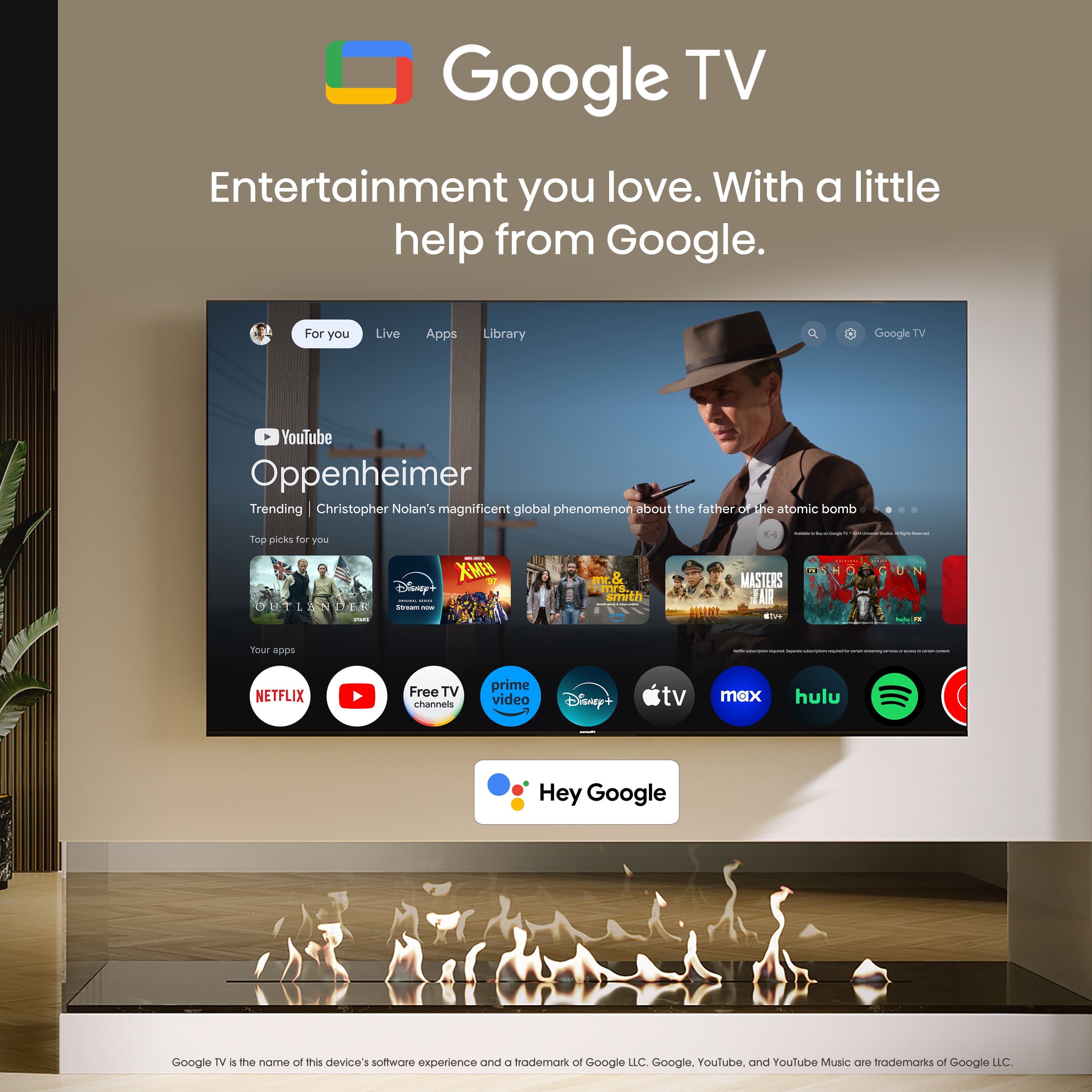
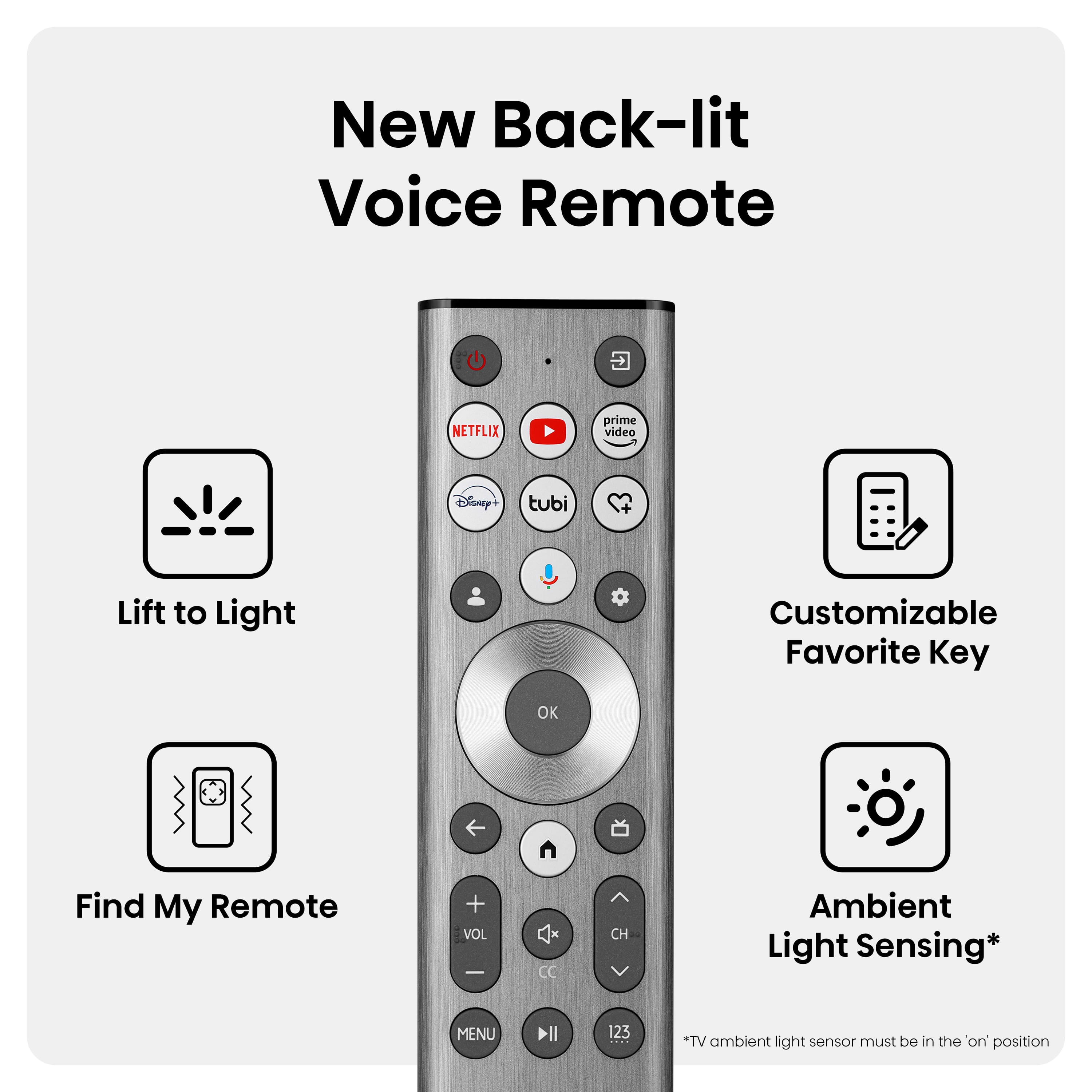
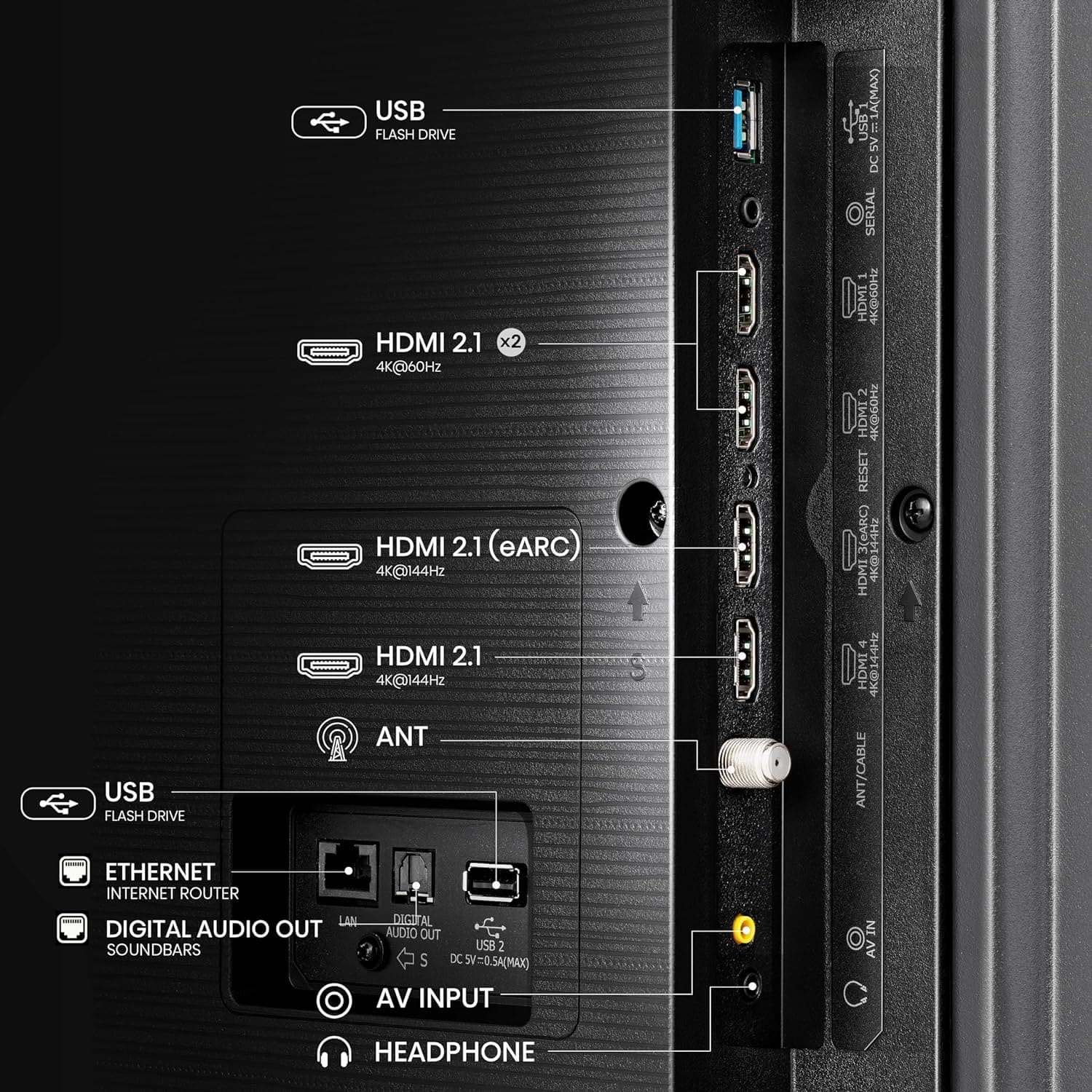
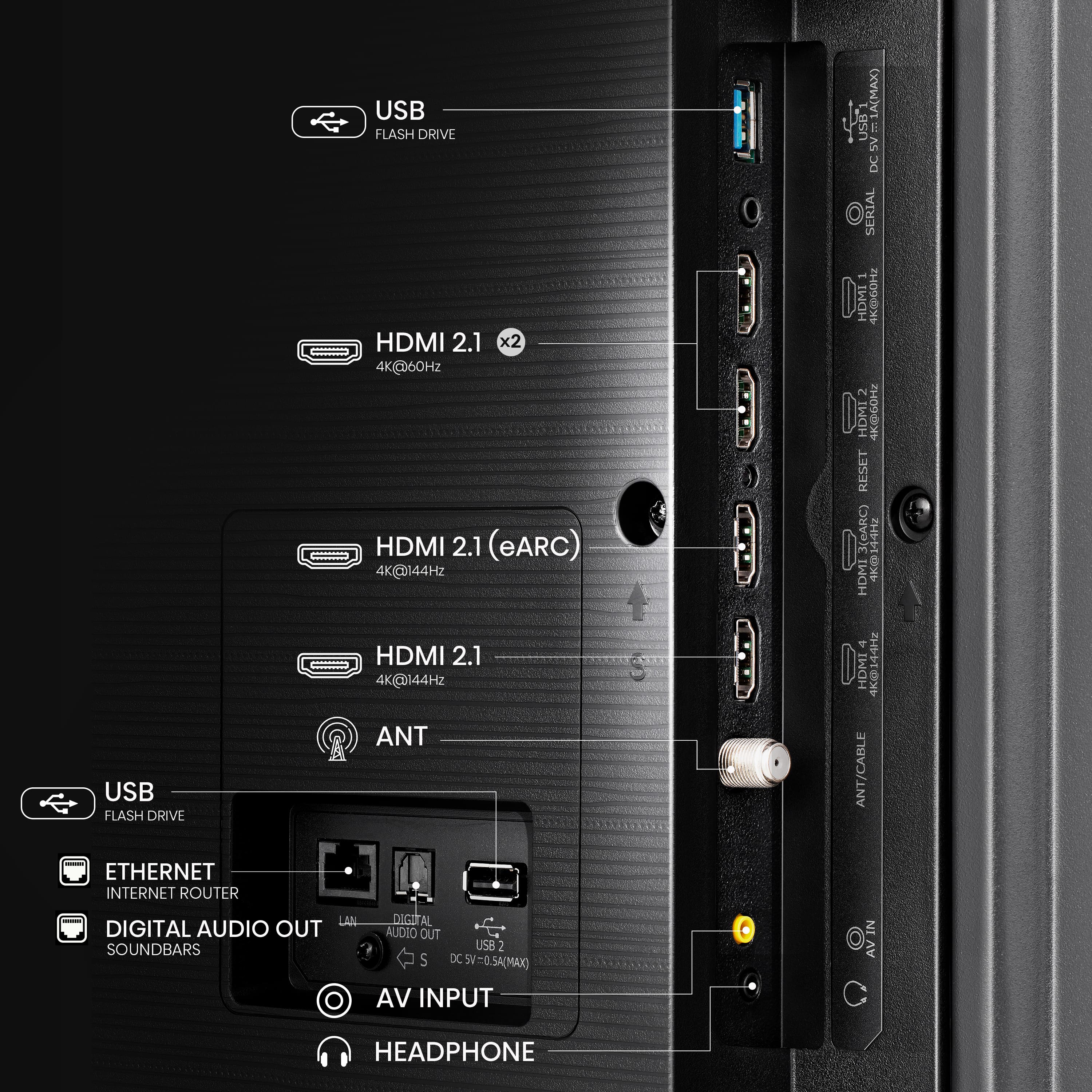
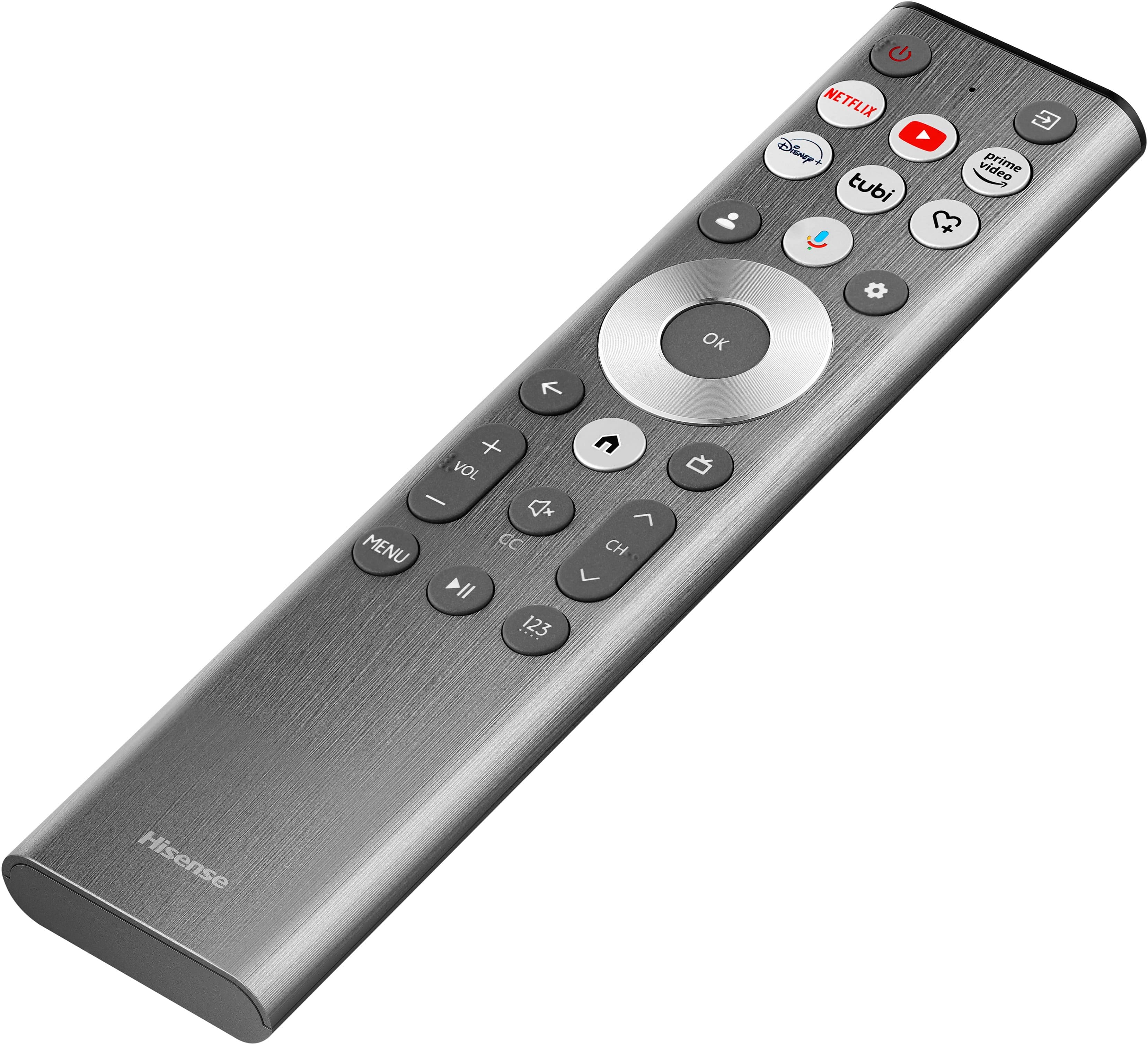
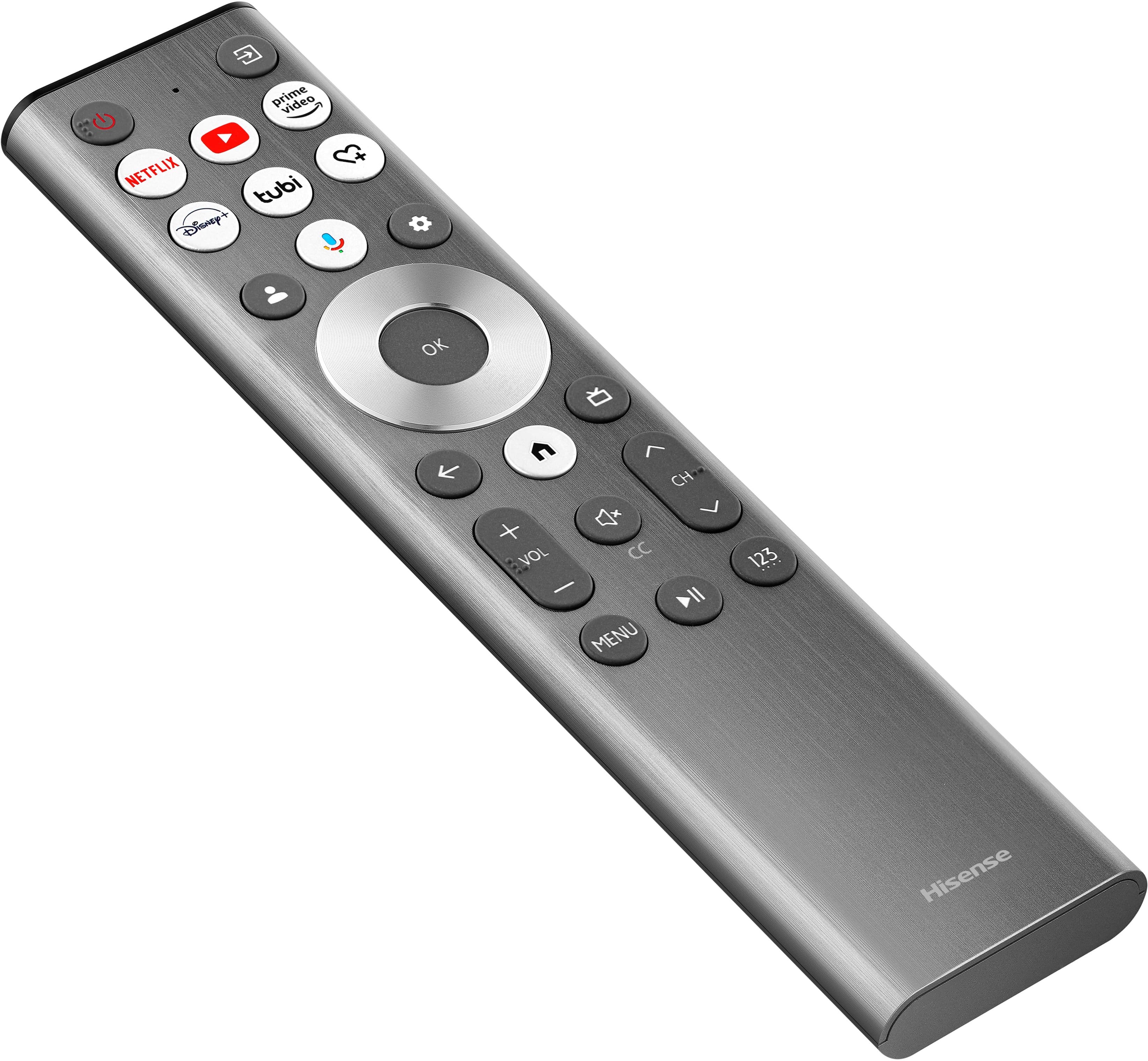
|Posted .This reviewer received promo considerations or sweepstakes entry for writing a review.For quite a while, I would be loyal to a single brand of TV. I had my brand for CRT TVs (yes, dating myself). Then when I moved on to HDTVs, I found and kept getting my favorite brand. But finally, over the last several years, I finally started branching out to different brands with different Smart TV OS'es, and I haven't been disappointed. This time, I decided maybe it was time to try out a Google TV. While I had seen the Hisense brand before, I wasn't completely familiar with it. Now that I have seen that since 2015, they have acquired a couple of well know TV brands, Sharp and Toshiba, which helps explain how good their TV's have become, including this one, the Class U8 Series Mini-LED 4K QLED with Google TV. After having gotten out, put together, setup with my Google account, then everything set up for all my normal TV apps and starting to view different shows on it, I became very impressed with the quality of the display! Everything seems so vibrant, especially when watching 4K shows. Honestly, somehow it seems (to me at least) to provide some depth to the picture where it almost feels like I am watching 3D show, without the glasses. Now, it isn't a fully immersive viewing as a normal 3D capable TV, and it may only be my eyes playing tricks on me, but still, it makes for great watching. The sound is very good as well, especially for built-in speakers. A lot of TVs don't put much into the sound, almost willing you to buy a soundbar or some other improved sound system. It says the built-in audio system is a 50W 2.1.2 multi-channel system, coupled with Dolby Atmos. In the sound settings, it does have an equalizer to adjust as desired, as well as a setting for the built-in subwoofer. While it may not exactly replicate the sounds from a movie theater, it is still very good, enough to produce a great sound. For the HDMI input ports, it has two for 4K @ 60Hz, and two for 4K @144Hz (with one of those being the eARC port (for connecting to a soundbar or a receiver). While 60Hz will be sufficient for most video inputs, the 144Hz ones are definitely a plus for anyone who would want to use this as a gaming display, as long as the video card supports that refresh rate. I tried it out with a fairly new laptop that has a very good video adapter built in, and playing on it was really good. I was getting 144 fps at first, but then, after turning on the AMD FreeSync Premium Pro in the Display > Game Settings menu, and then enabling the G-SYNC on the laptop (which is compatible with the AMD FreeSync), it was actually topping out around 460 fps. Also, one thing I noticed is that once the game started up, the TV automatically started up the gaming mode. Additional ports on the back are a single typical USB 3.x port, antenna/cable, and a 3.5mm headphone port (which I haven't seen much of that lately). Also, the TV does have Bluetooth capabilities, which I welcomed. On other TV's, I've connected portable speakers, and as I do sometimes watch TV later at night with everyone else asleep, I will listen with a set of Bluetooth headphones. Pairing is fairly quick and easy. The Google TV OS is turning into a favorite for men. It has a quick responsiveness and better layout than a couple of the other TV OS'es. One thing I did play around with was figuring out how to rearrange the Your app section, which is just one long continuous line of app. To move the apps around, just go to one, long-press the OK button on the remote, select Move, then it will be in "Move" mode until selecting Done. In the settings, what apps are used for suggesting content can be turned on and off. And with it being Android-based, I went searching to see what other non-streaming apps I normally use, and one of the nice ones I could install, which it actually suggested in the "Apps from my other devices" section, was my favorite file manager app. It works exactly like on my other Android devices, even being able to connect to my cloud storage accounts, local file servers, and more! I just would have liked for Chrome to be available so it could have all my bookmarks synched and available (but is not a huge loss as I probably won't be using a browser on it anyways). Also, if the TV is going to be used by more than one person, it does have the ability to add more than one Google account. This allows for personalization and possibly less fights… One thing that surprised me a little was the size of the remote. Most TVs and streaming sticks I've used have the minimalistic "Less is More" mentality, giving just enough buttons to work through the screen and apps. This one is quite a bit longer with about the same amount of buttons, but still missing the good old number buttons. I felt like it could be about 1.5" shorter and it would be good. One thing in its favor with me that it is a very flat remote, which makes it easier to use while still laying on table (or desk in my case). The TV that is taking the place of had a very pronounced curve on the back, which makes it almost impossible to use without picking it up. And although it is plastic, it has a brushed stainless-steel look to it, which is a nice touch. Also, the remote will detect when you pick it up and turn on the backlighting on the buttons that can be helpful if you don't already have the button locations memorized. Additionally, the TV can be controlled using the Google Home app, by going to Devices, selecting the TV, then Open Remote. This makes it better when needing to type in something on the screen, allowing to use the keyboard on the device. Also from the Home app, it can Cast the device screen to the TV. So, in a short time, I've gone from "Hisense who?" to "Hisense? Very nice!" and would recommend anyone looking for a QLED TV in a nice price range to take a look at this series (of any of the available sizes!).
I would recommend this to a friend Picture quality
||Posted . Owned for 1 week when reviewed.This reviewer received promo considerations or sweepstakes entry for writing a review.Picture quality is not what I was expecting. I thought it would be much better.
No, I would not recommend this to a friendBrand response from HisenseProductExpert
Posted .Hi CarolD, thank you for your interest in the Hisense 55U8N. This TV supports 4K upscaling. However, the upscaling procedure doesn't transform a lower resolution into a higher one; it's more of an approximation. Consequently, an image upscaled to fit the pixel count of a TV screen won't resemble an image originally filmed in 4K. If you have any further questions or concerns, please give us a call at 1-888-935-8880 or email us at Service@Hisense.com. Thanks again, Harley with the Hisense Support Team.
Issue with Google apps not sending out Dolby 5.1.
||Posted . Owned for 3 weeks when reviewed.This reviewer received promo considerations or sweepstakes entry for writing a review.The Google apps do not support Dolby 5.1. Hisense support is terrible. They blame Amazon Prime for lack of Dolby 5.1, but Amazon claims that the app should produce it. I must have spoken to more than a dozen Hisense representatives, and none have helped me resolve this issue. I regret the purchase.
No, I would not recommend this to a friendBrand response from HisenseProductExpert
Posted .Hello Kolya, Thank you for choosing the Hisense 55U8N and for sharing your feedback. This TV supports Dolby Atmos, Dolby Vision, HDR10, HDR10+ and HLG. If you require additional assistance, please reach out to our dedicated support team directly at 1-888-935-8880 or via email at Service@Hisense-usa.com so that we can promptly address and resolve the issue for you. Thanks again, Harley with the Hisense Support Team.
Do not recommend
||Posted . Owned for 3 weeks when reviewed.This reviewer received promo considerations or sweepstakes entry for writing a review.Worked great for 2 weeks exactly and then lines on the lower portion of the screen started to appear causing the screen to be fuzzy, etc. Returned for a full refund
No, I would not recommend this to a friendBrand response from HisenseProductExpert
Posted .Hi LindsayB, Thank you for choosing the Hisense 55U8N and for sharing your feedback with us. We’re truly sorry to hear about the experience you had with your recent purchase, and we completely understand your frustration. While we, as the manufacturer, may not be directly involved in store returns or refunds, we deeply regret that this situation did not meet your expectations. Thank you again for bringing this to our attention, and we hope your future experiences with our products will be more positive.
Review of Hisense 55 in. U8 TV.
||Posted . Owned for 2 weeks when reviewed.This reviewer received promo considerations or sweepstakes entry for writing a review.Picture quality is poor. Colors are washed out, especially if viewed off center. Was recommended by sales associate, but would not buy this TV again.
No, I would not recommend this to a friendBrand response from HisenseProductExpert
Posted .Hi Hisense Customer, thank you for choosing the Hisense 55U8N and for sharing your feedback with us. The 55U8N features a VA panel which, while offering a decent but slightly narrower viewing angle than IPS panels, provides superior contrast and exceptional picture quality, especially for movies. If a wide viewing angle is crucial for your viewing experience, we recommend considering Hisense TVs with IPS panels. You might find models such as the 55R6G, 55A65K, and 55A75N to better suit your needs. If you require additional assistance, please reach out to our dedicated support team directly at 1-888-935-8880 or via email at Service@Hisense-usa.com so that we can promptly address and resolve the issue for you. Thanks again, Harley with the Hisense Support Team.
Sucks
||Posted . Owned for 3 weeks when reviewed.This reviewer received promo considerations or sweepstakes entry for writing a review.Not worth it at all waste of money. Go for a samsung
No, I would not recommend this to a friendBrand response from HisenseProductExpert
Posted .Hello Starflower30, Thank you for review on the Hisense 55U8N, and for sharing your feedback. We're sincerely sorry to hear that this unit failed to wow you. Please be assured that your unit is covered by a two-year manufacturer's warranty. If you require technical assistance, please reach out to our dedicated support team directly at 1-888-935-8880 or via email at Service@Hisense-usa.com so that we can promptly address and resolve the issue for you. Thanks again, Harley with the Hisense Support Team.
- Pros mentioned:Brightness
The best, brightest, TV on the market right now
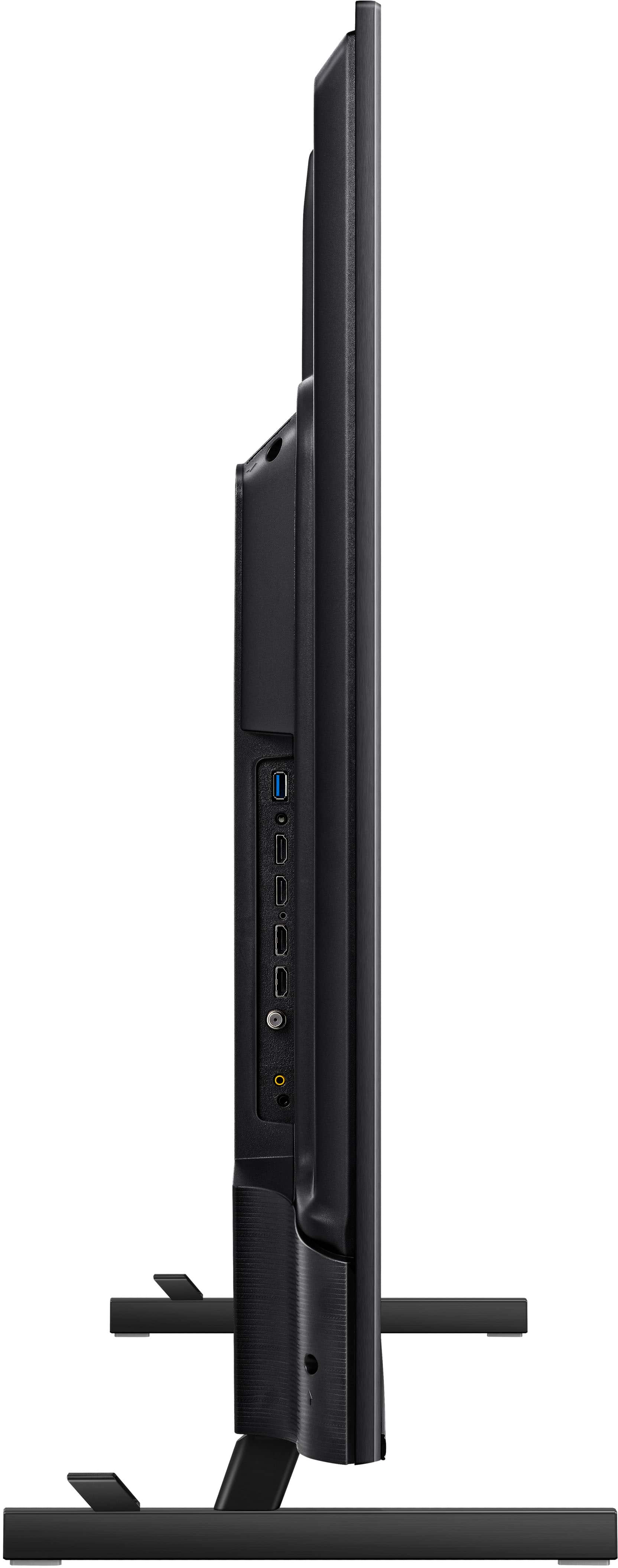
|Posted .This reviewer received promo considerations or sweepstakes entry for writing a review.The Hisense 55U8N is, hands down, the best television at this size right now. There is not anything else that comes close in terms of performance, let alone at this price point. This is a flagship TV with the performance to match, and at a ridiculously affordable price. So what makes it so special. The big thing here is mini-LEDs. This TV has thousands of mini-LEDs providing the backlight. So what does that mean? That means you get far greater contrast on screen at any given time. I don't have the professional grade equipment to test these things myself, but the performance of this TV is very close to what you get to an OLED. There are visible halos around very bright objects when set against very dark backgrounds, but this is an extreme example - and even then you really have to know what you're looking for and be actively looking for it to spot it (and it's still barely noticeable). Simply put, viewing this side by side with my OLED monitor I can barely spot the difference. It's there, the OLED blacks are better, but it's very minor. So great contrast what else? Well those mini-LEDs also allow for unmatched brightness. According to the one review I've found with actual scientific data the U8N achieves 920 nits of brightness (100% of screen) in HD Theater Mode displaying HD content, and 2755 nits of peak brightness at 18% screen. If you're a videophile you know what that means, but in plain English this thing gets bright. Why is that important? Well if you've ever viewed HDR content before you've noticed the vivid highlights and subtle plays of light that the tech is capable of delivering. The issue is that most TVs have pretty poor HDR performance, with OLEDs being the only real game in town when it comes to contrast and accuracy. The problem? OLEDs are too dim and grow dimmer over time, are prone to burn in (it's not a matter of if it's when), and are generally the most expensive TVs you can buy. LED tvs can't match the contrast of OLEDs or the response time, but they get much brighter, do not suffer from burn-in, and do not get dimmer over time. mini-LEDs have started to bridge the gap between these two technologies, and you're just going to have to see it to believe it. I also want to point out that HDR content is mastered at 1000 nits, and this set gets very close to that mark across the whole screen, making it the brightest television set on the market. This allows for images to look much closer to what the filmmakers intended. So that's the big thing out of the way, but what about everything else? It has 4 HDMI inputs (including eARC so really 3 if you have a soundbar connected) a few of which are rated for 144hz vrr gaming, which I can confirm does work. I plugged my gaming laptop in and it worked perfectly out of the box. You do want to set everything to game mode to take advantage of the better latency, though I still prefer customized image settings to everything else. I will definitely be getting a high quality HDMI cable to connect this to my desktop PC. It looks great, windows instantly recognized the display and I was able to enable HDR, 4k, 144hz. The built in speaker is surprisingly good. Like it's not my choice because I always use an external audio device, but still. It's not just serviceable, but good actually. It has actual bass, not mind blowing but compared to every other TV I've ever heard this thing is wild. what else - let's see set up was a breeze. This is a google tv so if you've used one you know what you're in for. I personally don't like the somewhat generic googetv settings menu, there are far too many redundancies, but it gets the job done. The TV itself is fast, apps load quickly and work properly with full 4k, HDR, and Atmos where supported. Still, I prefer to use it as a dumb TV and stream through an external box, which is what I'm doing now. If you want a really clean setup this will handle that very nicely. 20gb of internal storage means you should have plenty of room for all the apps you want. speaking of setup though, there are a lot of options there, and you'll want to make sure that everything you plug into this TV is playing nicely with the TV itself. A quick example, my streaming box that I had connected to it defaults to a setting where it will automatically tune the TV to its' input when powered on, but by default the TV was trying to go to the googleTV home screen when powered on. So my TV would hang for awhile with the power LED flashing on and off until eventually they stopped fighting. I dug through the settings and figured it out (just letting the TV handle this process now) and it works flawlessly, but it's a good example of the nature of CEC controls. This stuff has been around for more than a decade and it's still goofy. Anyway though setup really was easy. I plugged my stuff into the tv, connected my soundbar to eARC and that was that. I didn't have to fuss with anything to get the AV working properly. The TV automatically detects which HDMI mode, which color mode, which display mode, and which audio mode are appropriate for the content and it just ... works. So no matter the source it always looks great. Whatever combination of resolution, dynamic range, and audio it just always works. It's fantastic. I do recommend setting customized display settings for each input (both SDR and HDR) because by default the TV leans heavily on post processing. Some people like this stuff, but I've always hated it. Go to the clarity setting under picture and disable everything, set color to warm 1, and you're good to go. So yeah I looooove this thing. I know Hisense killed it last year with the k variant, and that this specific model was absolutely blowing up CES last year, but I wasn't really ready for just how amazing it thing is. I cannot recommend it strongly enough.
I would recommend this to a friend - Pros mentioned:Picture quality
Wow wow wow!
Posted .This reviewer received promo considerations or sweepstakes entry for writing a review.This tv is an unbelievable value. I got it after watching many reviews and ratings, and it is not disappointed! I watch mainly sports and movies, and some gaming. The colors pop, the clarity is crystal clear, fast action sports and games have zero motion blur, I can watch it in a bright room full of windows, and the viewing angle isn’t too bad (good enough for 4-6 p watching in a typical living room configuration. Oh, and the speakers/subwoofer built in are wayyy beyond most tv’s. You can get by without a soundbar, though even better with one. Highly recommended!
I would recommend this to a friend - Pros mentioned:Brightness
Great, bright set
Posted .This reviewer received promo considerations or sweepstakes entry for writing a review.I've had this TV for over a year now and remain very satisfied. We needed a BRIGHT TV for watching sports in our sun drenched living room and it's been perfect for that. One caveat, though, is that programming with Dolby Vision remains too dark for daytime viewing. But that's something which might be true for ALL sets since the calibration is set by the Dolby format. So do your own homework on that. But, in terms of a set that can display a live football or baseball game beautifully in full-on sunlight, this TV is unmatched. (Note: in the evenings, Dolby Vision content looks great. It's just too dark for daytime viewing). Also, the audio is typically blah. I use external gaming speakers and those work with the TV's remote.
I would recommend this to a friend - Pros mentioned:Picture qualityCons mentioned:Viewing angle
Good So Far
Posted .This reviewer received promo considerations or sweepstakes entry for writing a review.Quality TV at this price point. It is not OLED but it has surprisingly good picture and sound quality. Off angles are the only weak spot but that should be expected with any TV in this class.
I would recommend this to a friend - Pros mentioned:Picture quality
Great picture but starting to break after 2 years
Posted .This reviewer received promo considerations or sweepstakes entry for writing a review.My 55 inch U8H is now 2 years old. It has 4 HDMI ports and port number 4 just died. The picture on port 4 started blinking off for a few seconds a few days ago. Now the picture is always black on port 4. The TV also does not expand the picture from old pillar-boxed DVDs properly to fill the screen. The picture is great, though, once the brightness was adjusted down to match the room.
I would recommend this to a friend - Pros mentioned:Picture quality
Good Value for the $$
Posted .This reviewer received promo considerations or sweepstakes entry for writing a review.Good value for the $$. Speakers lack performance of 65”-75” models. Picture is good. Navigation through Apps is slow in response
I would recommend this to a friend - Pros mentioned:Picture quality
Hisense U8N is a great TV
Posted .This reviewer received promo considerations or sweepstakes entry for writing a review.I've had a lg oled for several years and had an issue with a green spot in the middle of the screen. After living with it I decided to buy a new tv. After a lot of looking I zeroed in on the Hisense 8un model. It took awhile to set up. All I can say is WOW. The picture is very bright with great colors. I highly recommend this unit.
I would recommend this to a friend - Pros mentioned:Picture quality
Good Value
Posted .This reviewer received promo considerations or sweepstakes entry for writing a review.Very good picture with great colors -- good product for the price. Setup is easy. TV speakers are subpar (pretty much all are), but sounds great with a soundbar.
I would recommend this to a friend - Pros mentioned:Picture quality
new tv
Posted .This reviewer received promo considerations or sweepstakes entry for writing a review.so far working like it should.i am happy with purchase.
I would recommend this to a friend Make sure all parts are there with open box deals
Posted .This reviewer received promo considerations or sweepstakes entry for writing a review.I went to purchase this TV in the store since the Best Buy website said 2 were in stock at my location. When I got there to buy it, the salesperson said they were out of stock, but said they had one for sale as "open box". He assured me it had been checked out and worked perfectly. When I got home, there was no remote, power cord or manual. I returned it for a refund.
I would recommend this to a friendBrand response from HisenseProductExpert
Posted .Hi ScottM, Thank you for choosing the Hisense 55U8N and for sharing your feedback with us. We recommend visiting the Encompass website (https://hisense.encompass.com/) to purchase the necessary replacement parts. Encompass is an authorized distributor of Hisense parts and accessories and may have the components you need to complete your unit. Thanks again, Harley with the Hisense Support Team.
55inch u8n dnt got 3000 nits or processing as 65in
Posted .This reviewer received promo considerations or sweepstakes entry for writing a review.Dnt waste ur money like i did on this 55 inch, it only has 672 dimming zones and the 65inch has 1600, so
No, I would not recommend this to a friend