Customer Ratings & Reviews
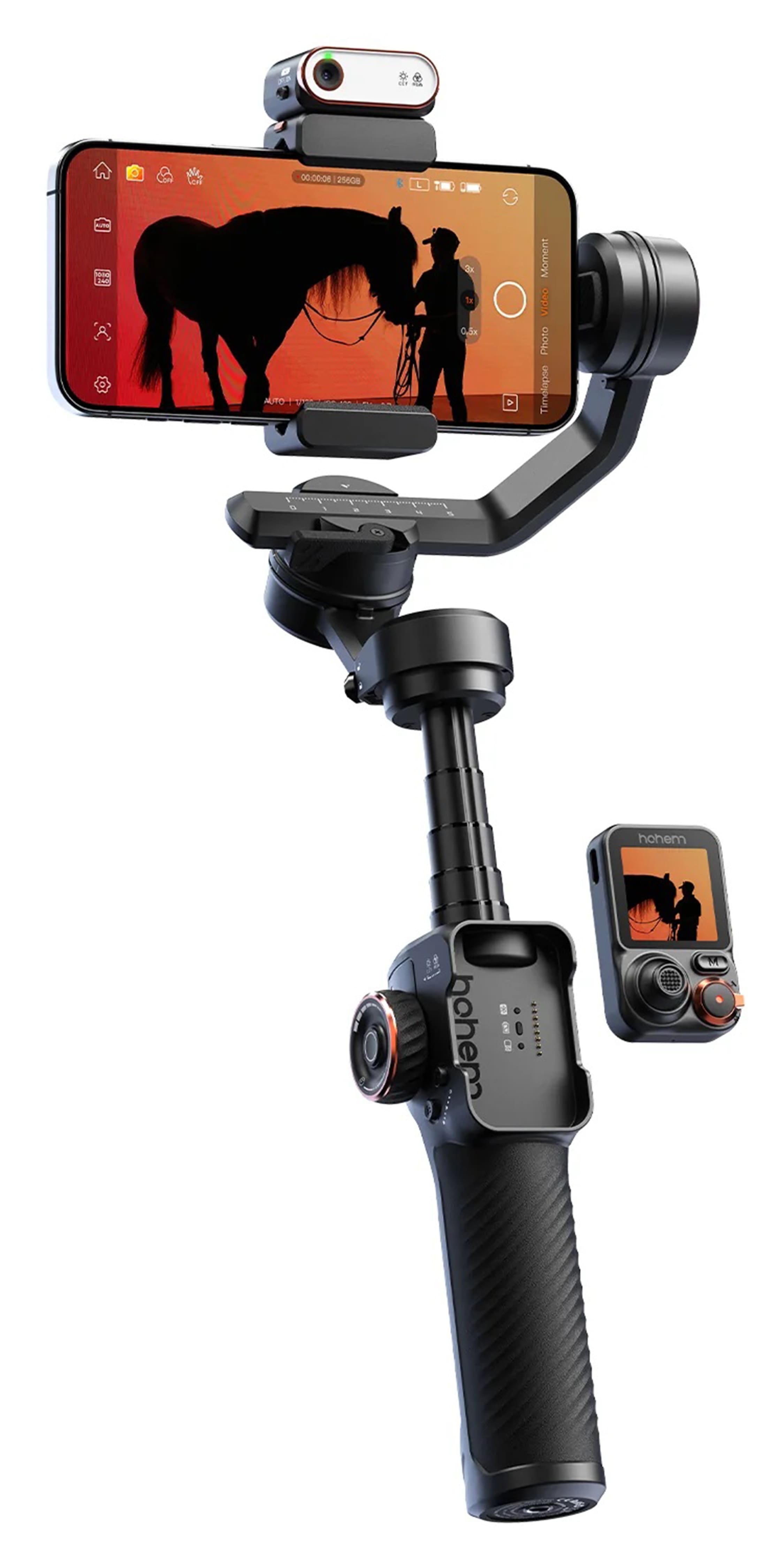
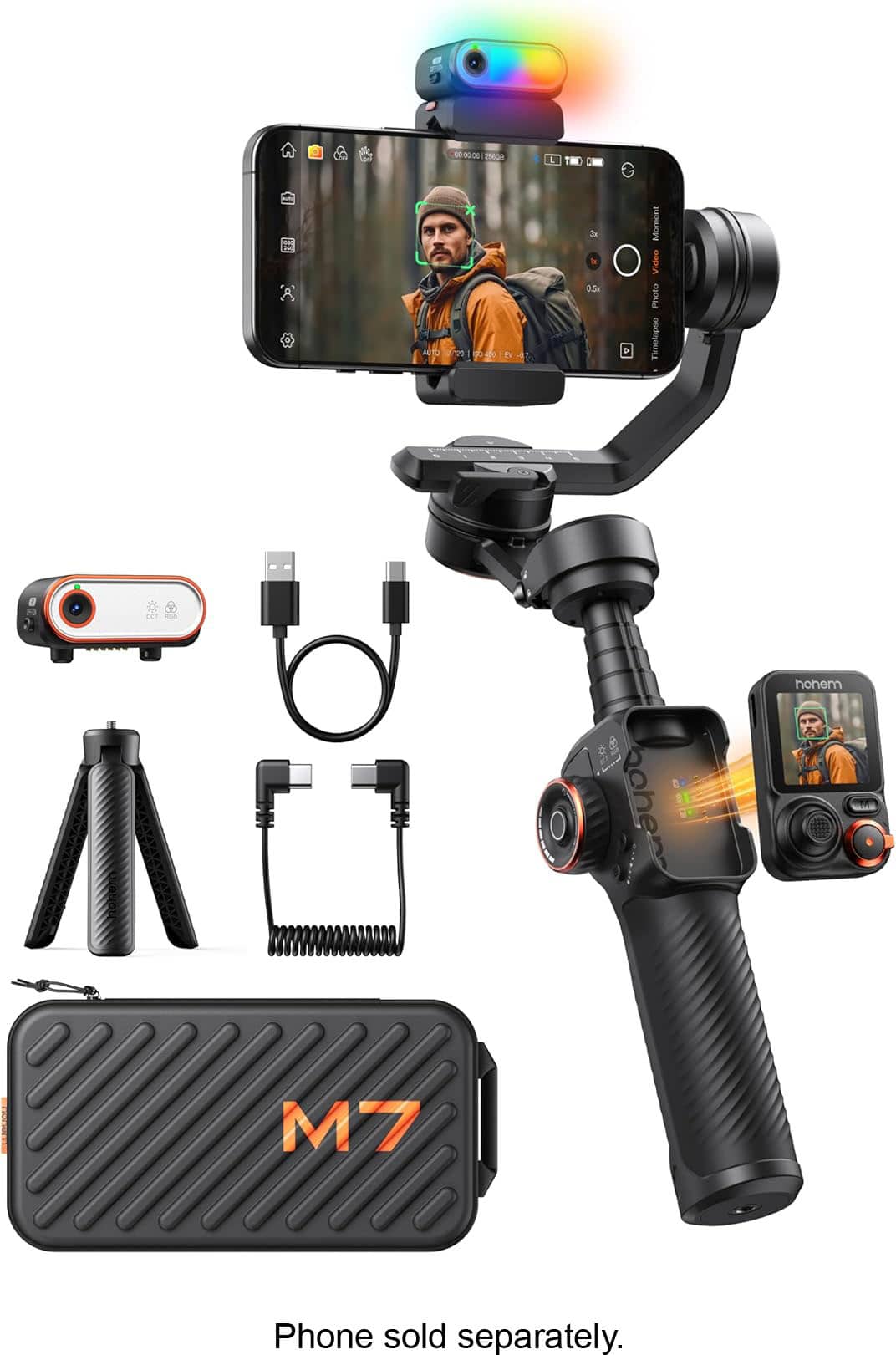
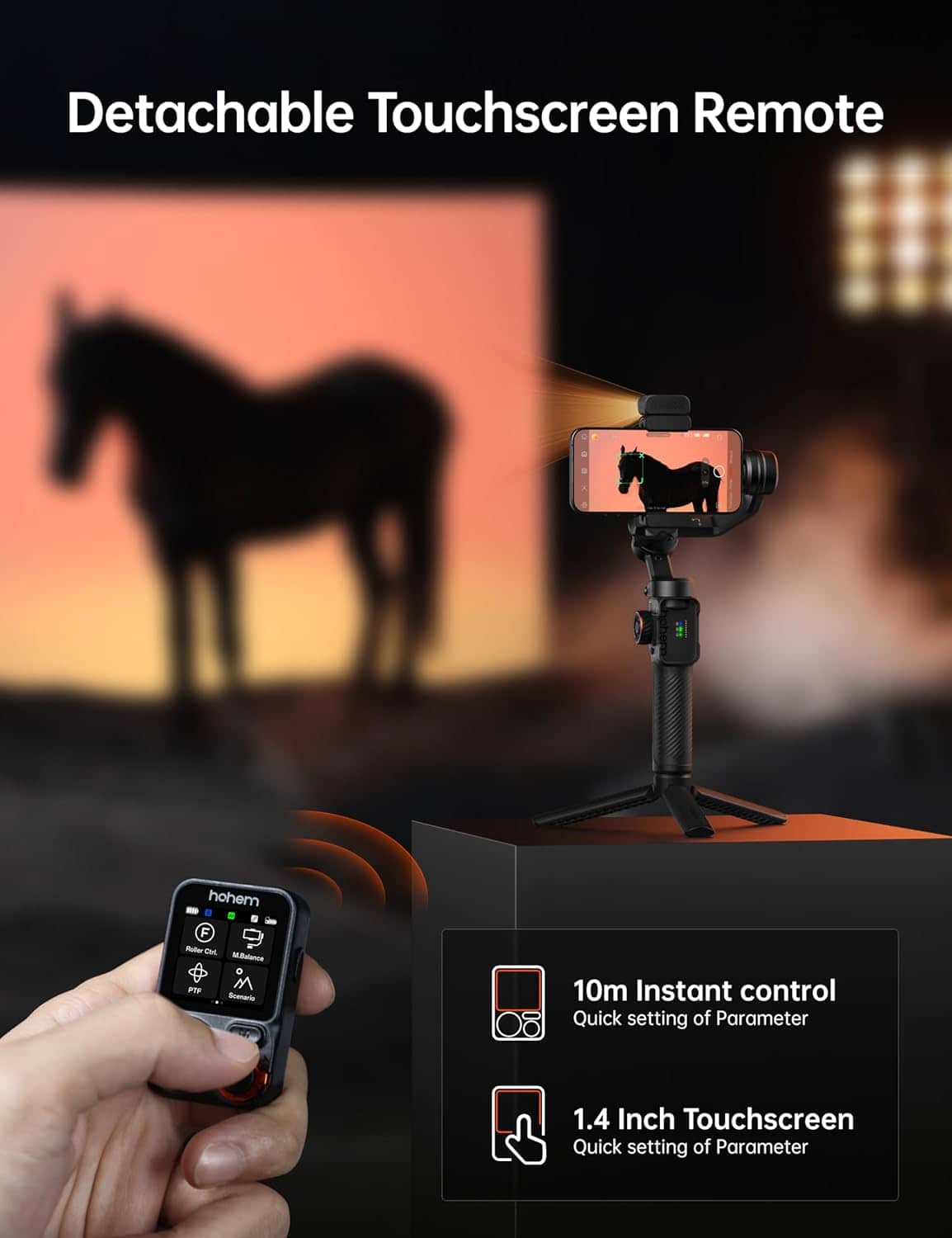
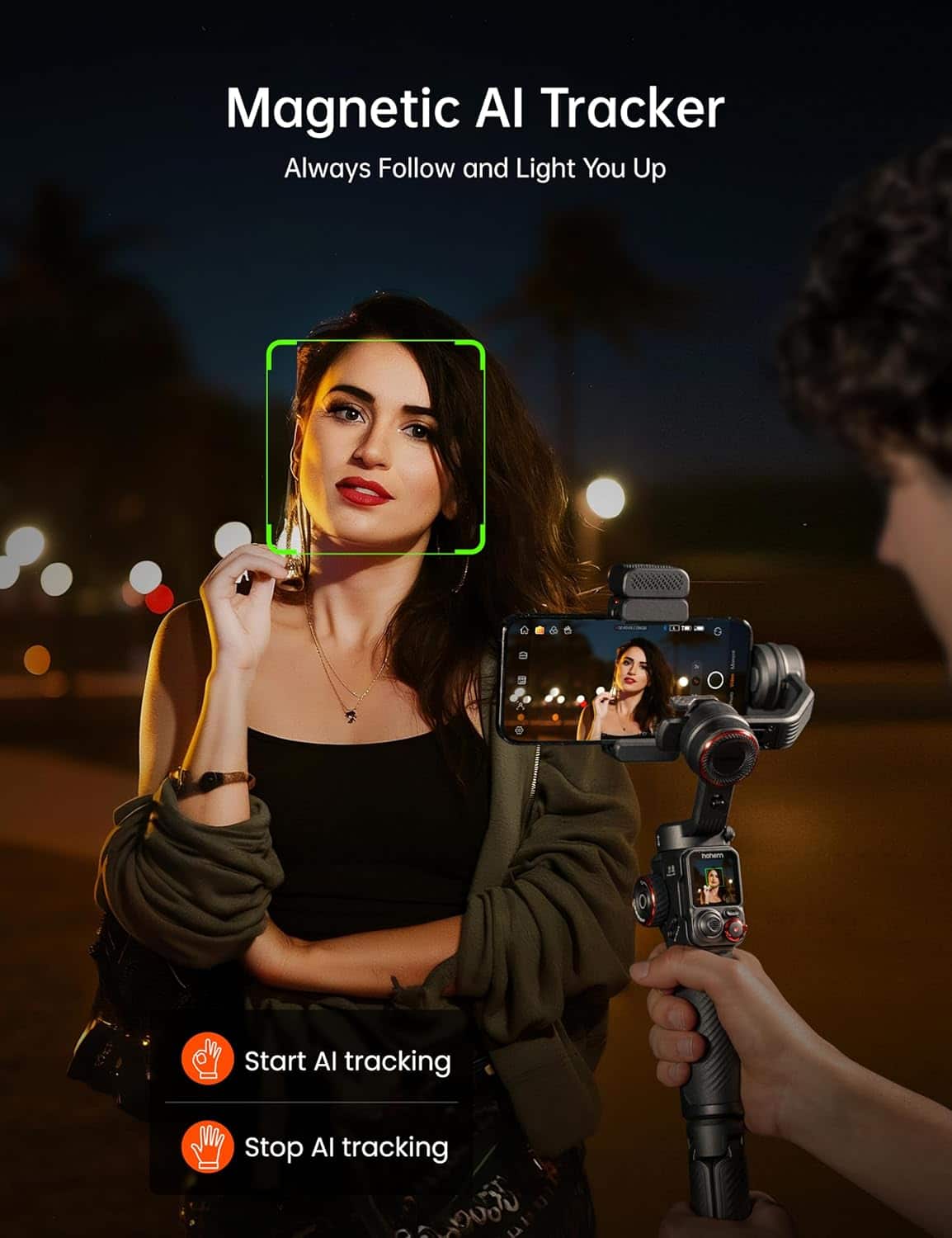
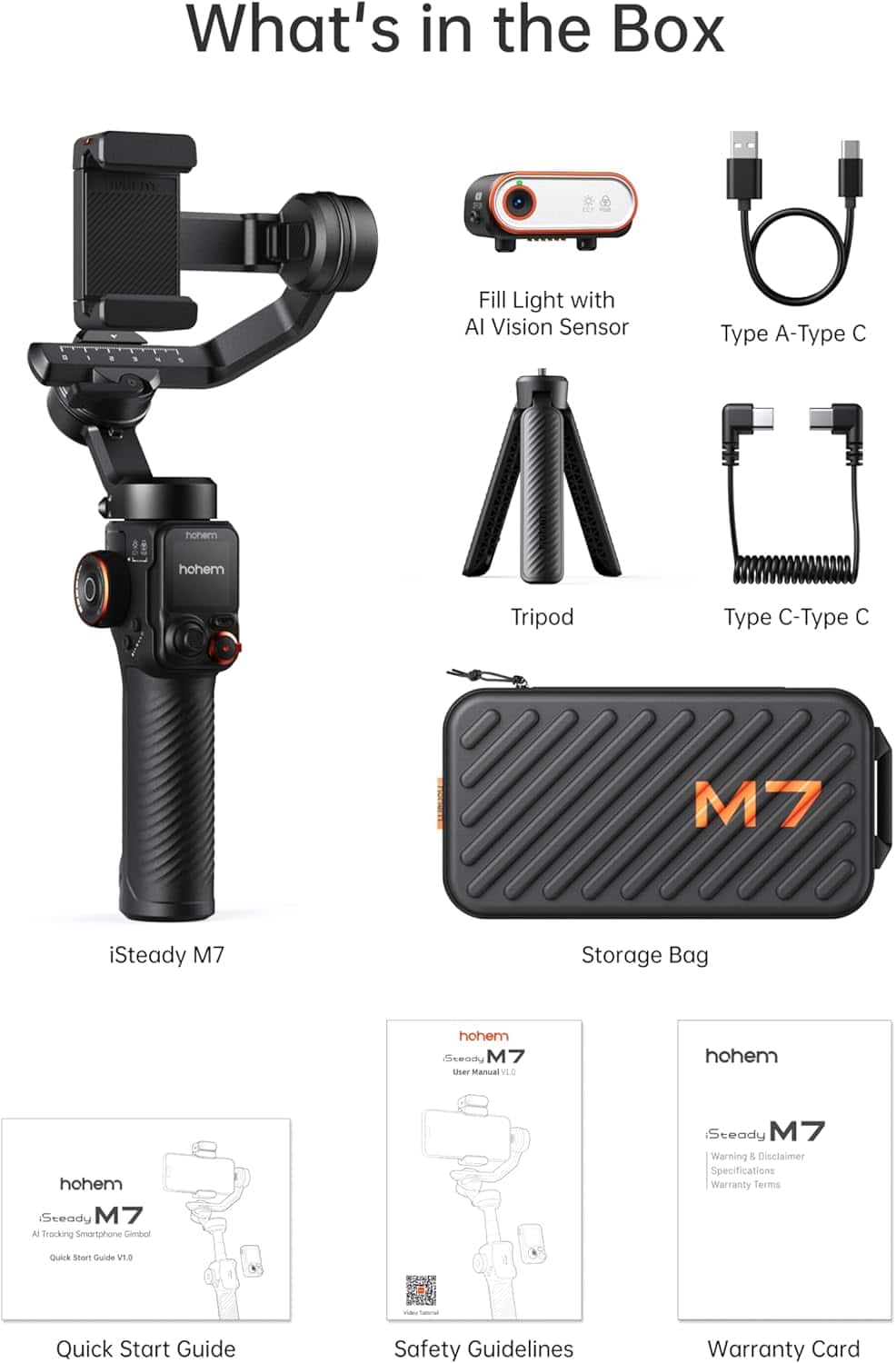
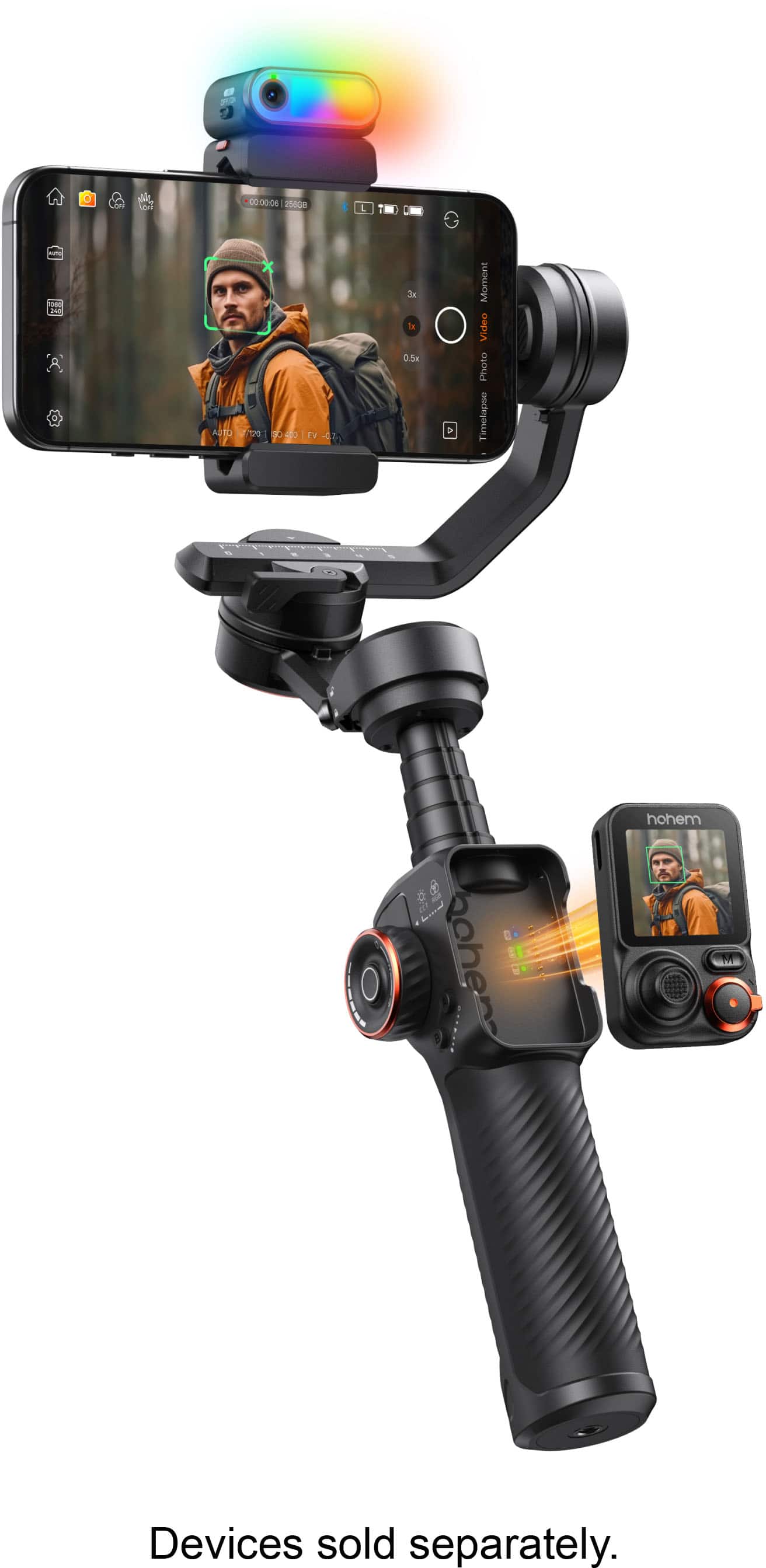
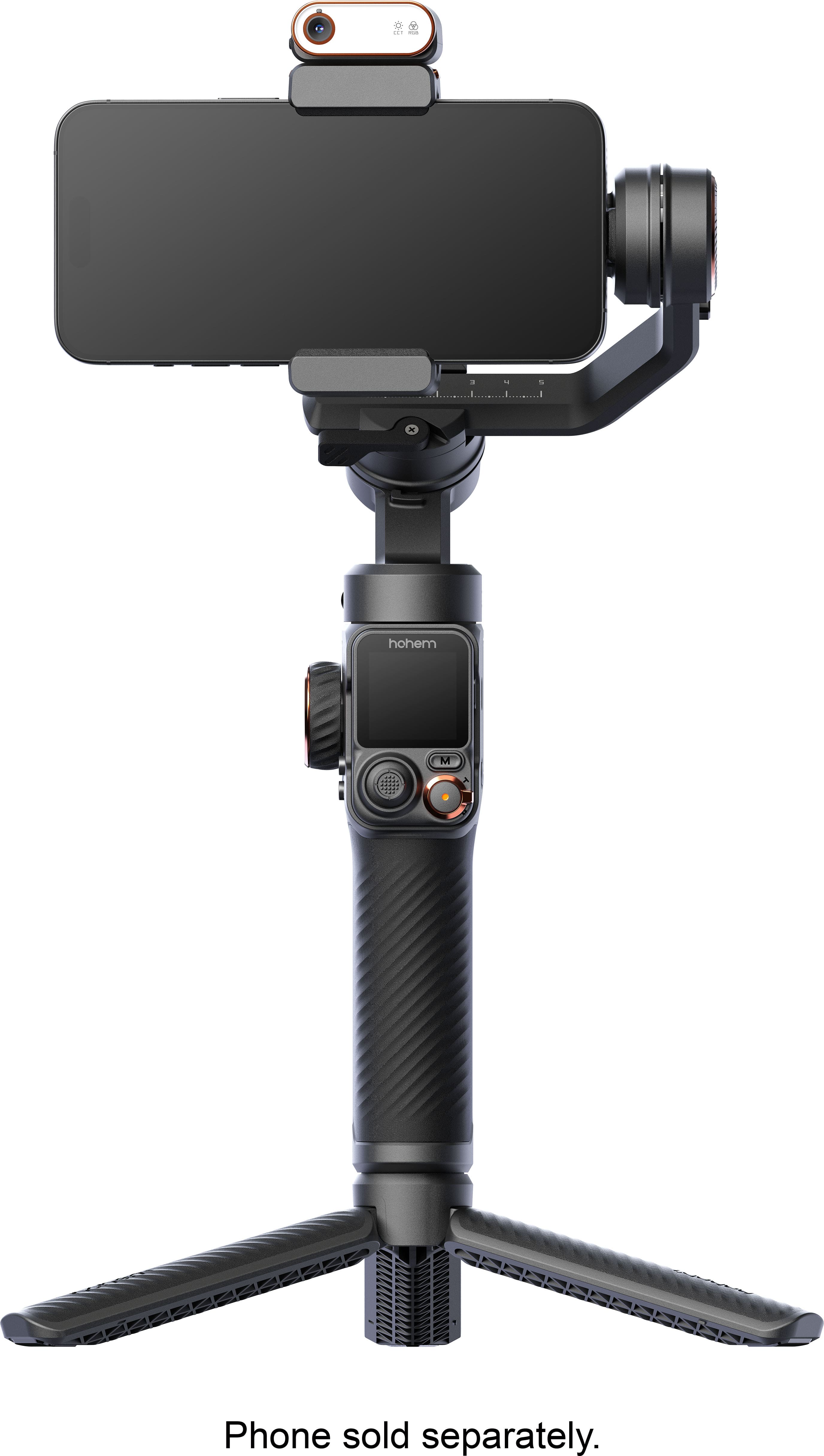
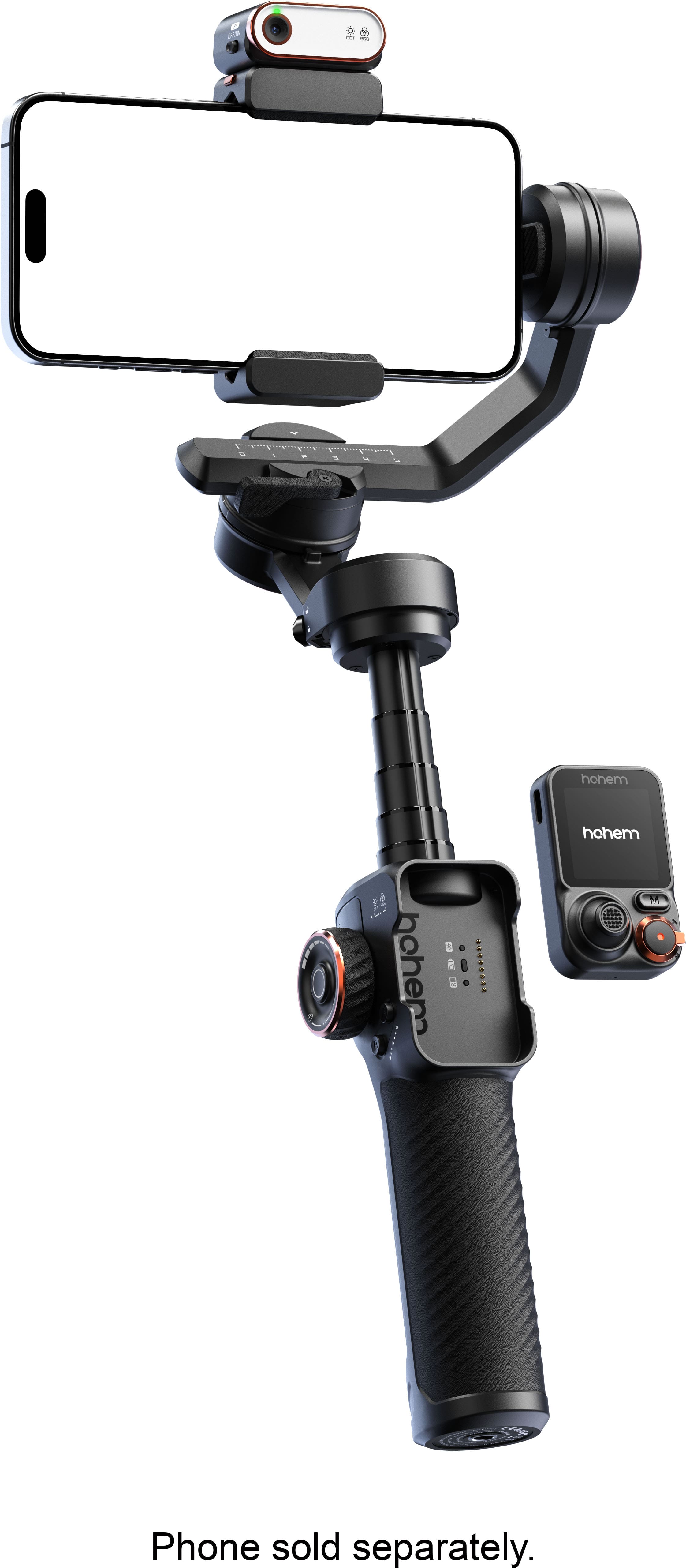

- Model:
- HPG-M7
- SKU:
- 6635301
Rating by feature
- Value
Rating 4.3 out of 5 stars
- Quality
Rating 4.6 out of 5 stars
- Ease of Use
Rating 4.1 out of 5 stars
Customers are saying
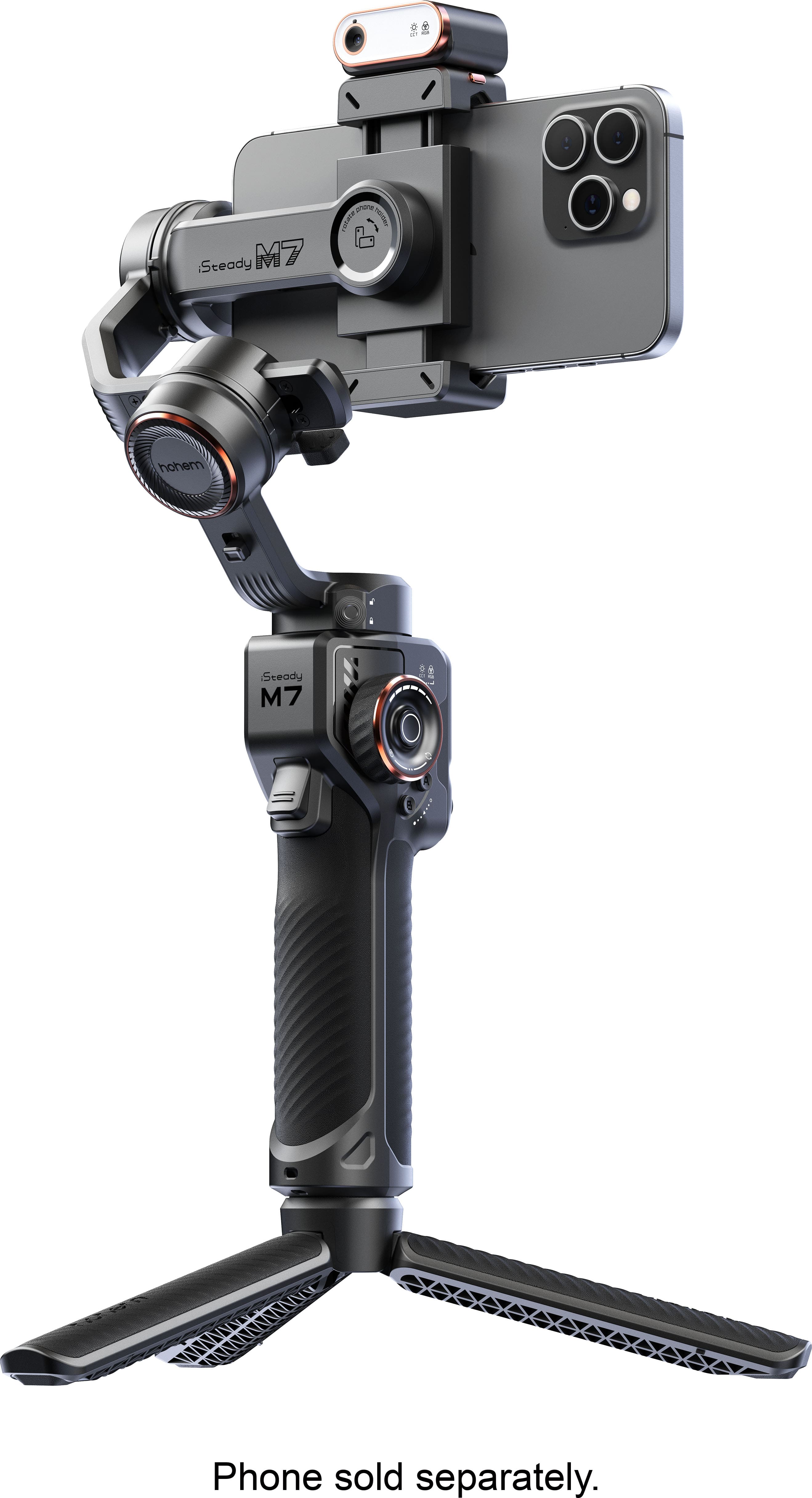
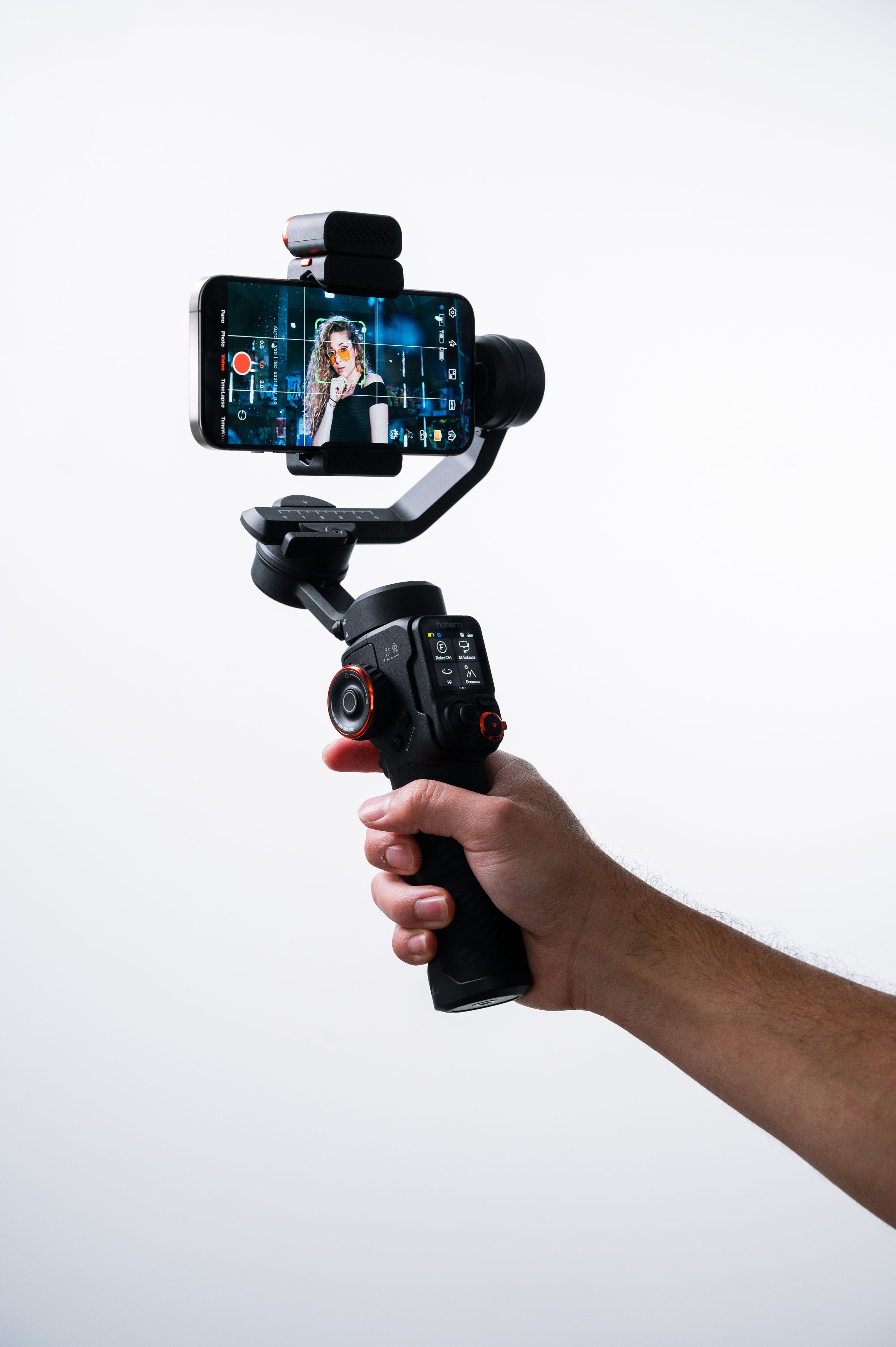
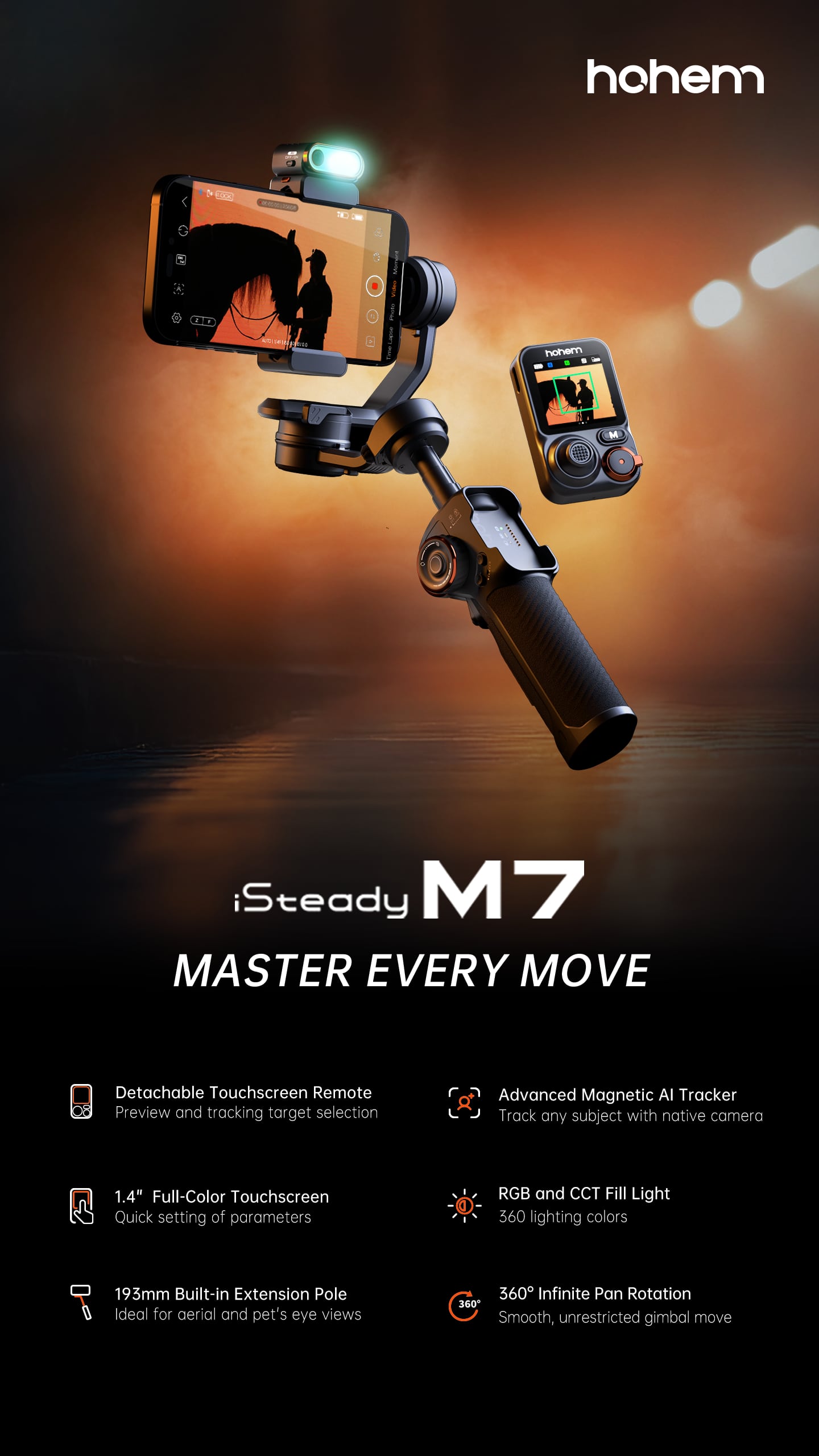
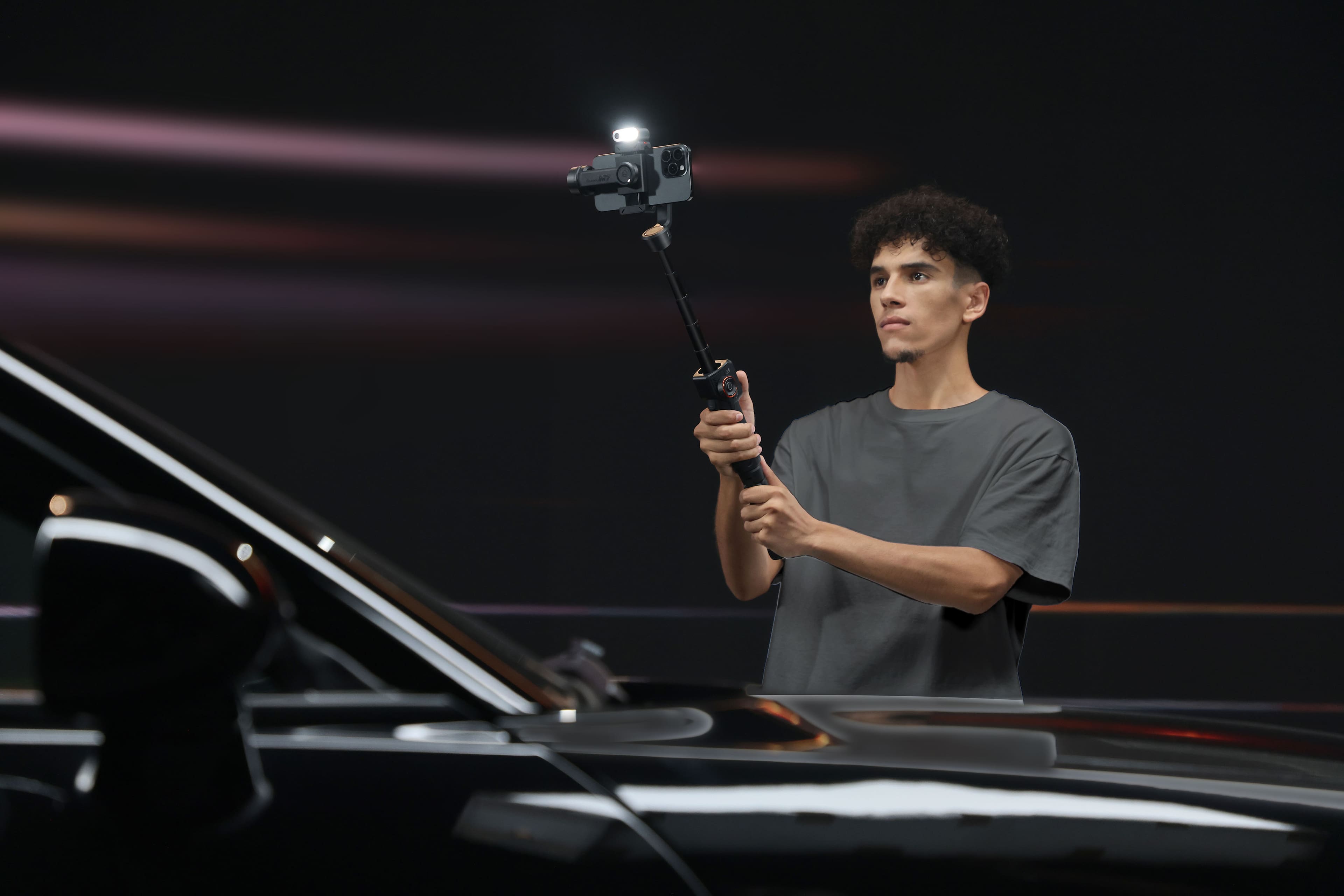
Customers frequently mention the iSteady M7 3-Axis Gimbal Stabilizer's solid build quality, excellent stabilization, and useful remote control. The AI tracking is also a popular feature, along with the impressive battery life and convenient extension pole. However, some users have noted that the tracking performance can be challenging with fast or erratic movements, and the many features may present a learning curve for some.
This summary was generated by AI based on customer reviews.
Great service
||Posted . Owned for 2 weeks when reviewed.This reviewer received promo considerations or sweepstakes entry for writing a review.Regarding both the product and Best Buy services they provided me with the correct information which lead to choosing this product.
I would recommend this to a friend- Pros mentioned:Build quality
well built
||Posted .This reviewer received promo considerations or sweepstakes entry for writing a review.well built have not used yet but looks up to the task
I would recommend this to a friend Amazing!
||Posted . Owned for 1 month when reviewed.This reviewer received promo considerations or sweepstakes entry for writing a review.Perfect toy for creative videos and pictures! Works great, east ti learn.
I would recommend this to a friendGood, but frustrating sometimes
||Posted . Owned for 4 months when reviewed.This reviewer received promo considerations or sweepstakes entry for writing a review.Overall I really like this mount, but there were moments when it would turn off for no apparent reason. Still figuring it out but I like it overall!
I would recommend this to a friendFeels expensive
||Posted . Owned for 3 weeks when reviewed.This reviewer received promo considerations or sweepstakes entry for writing a review.Its amazing how good you feel having this in your hand! Also the build quality is impressive and durable. Can’t wait to take advantage of all its features!
I would recommend this to a friendGreat gift!
||Posted . Owned for 1 month when reviewed.This reviewer received promo considerations or sweepstakes entry for writing a review.Gave this to a “hard to buy for” friend as a gift and he was so excited. It is easy to use and compact for traveling. He said it took a minute to get used to holding it but quickly got the hang of it. I’m looking forward to seeing some of his videos when he returns.
I would recommend this to a friend- Pros mentioned:Ai tracking, Battery life, Build quality

Absolutely amazing!
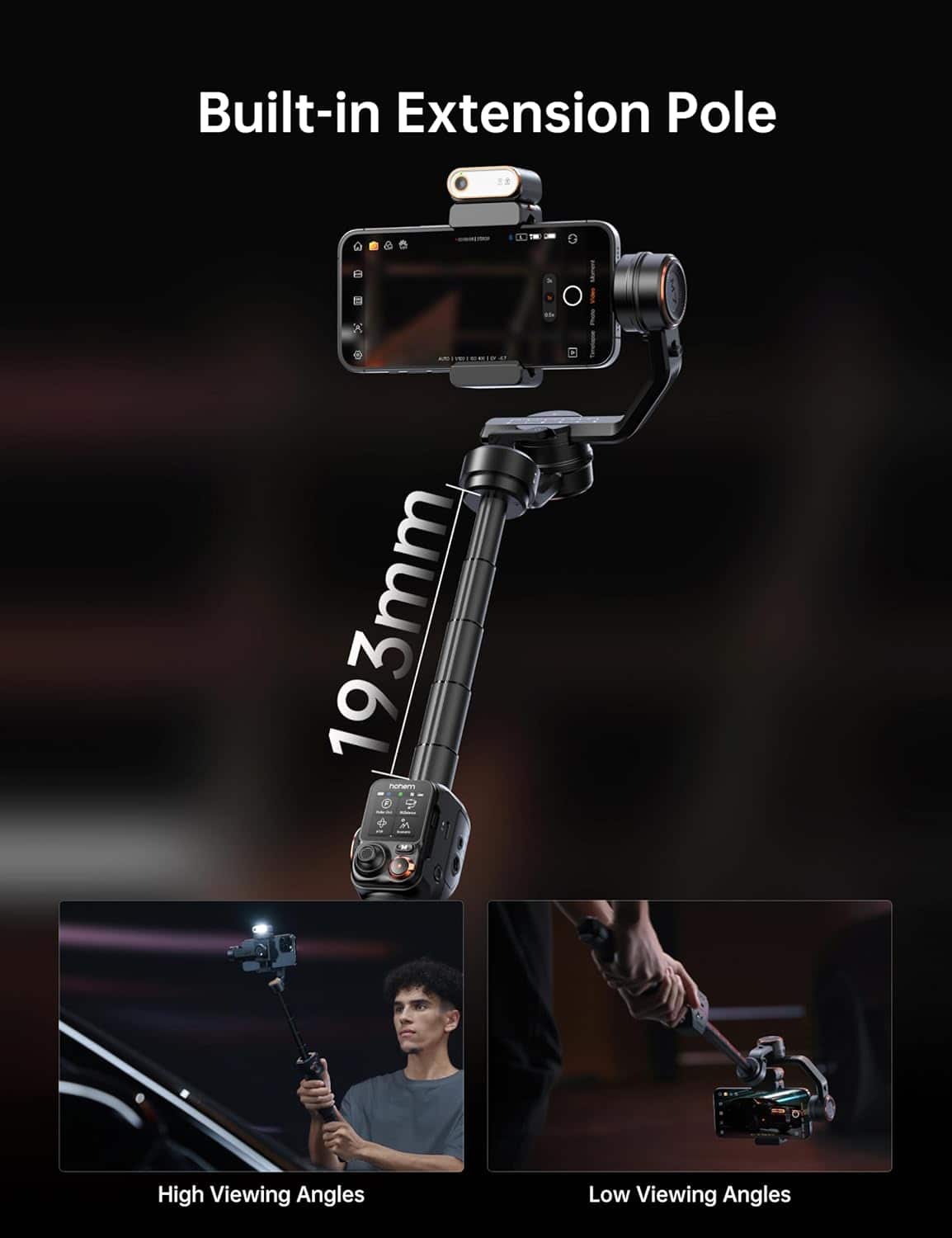
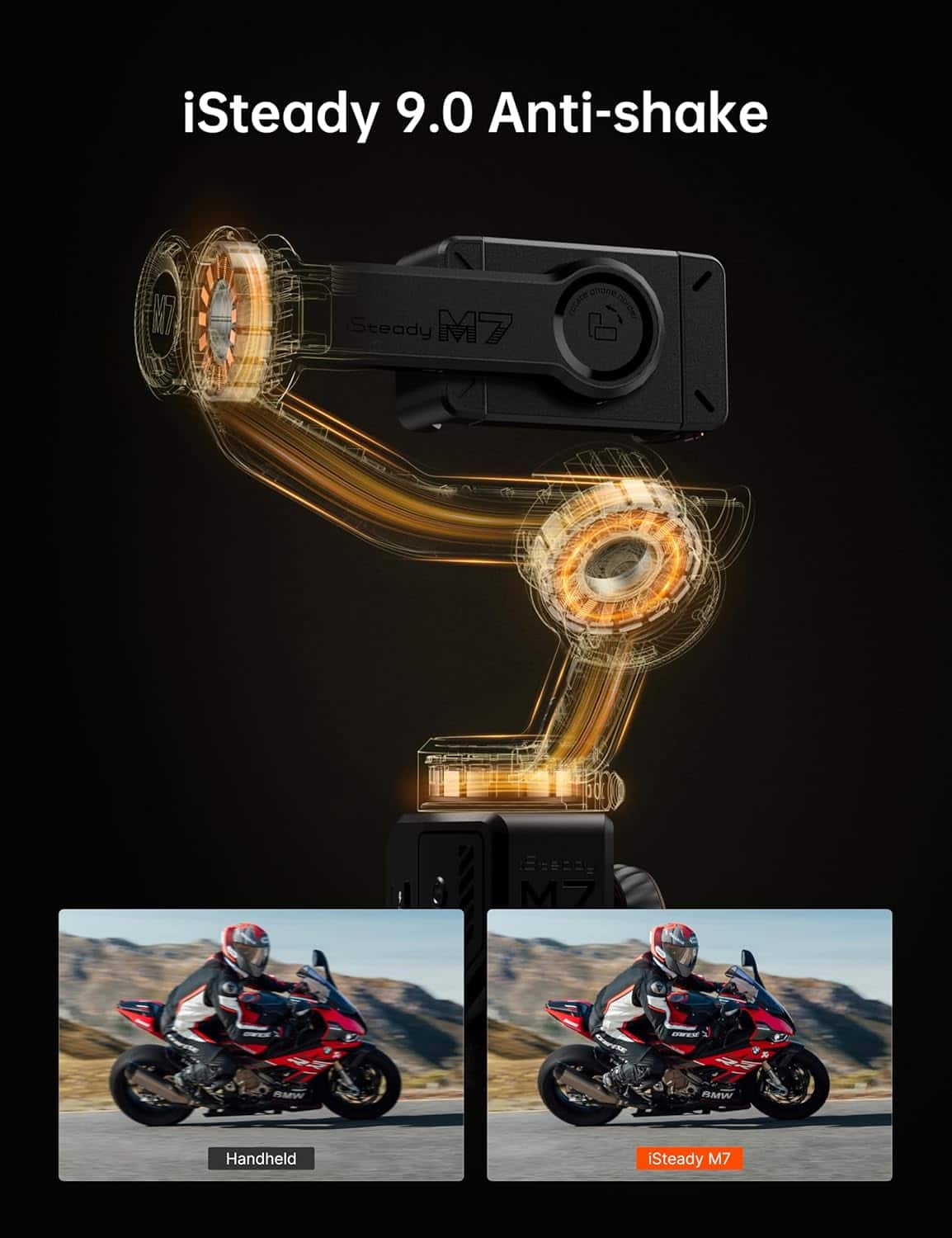
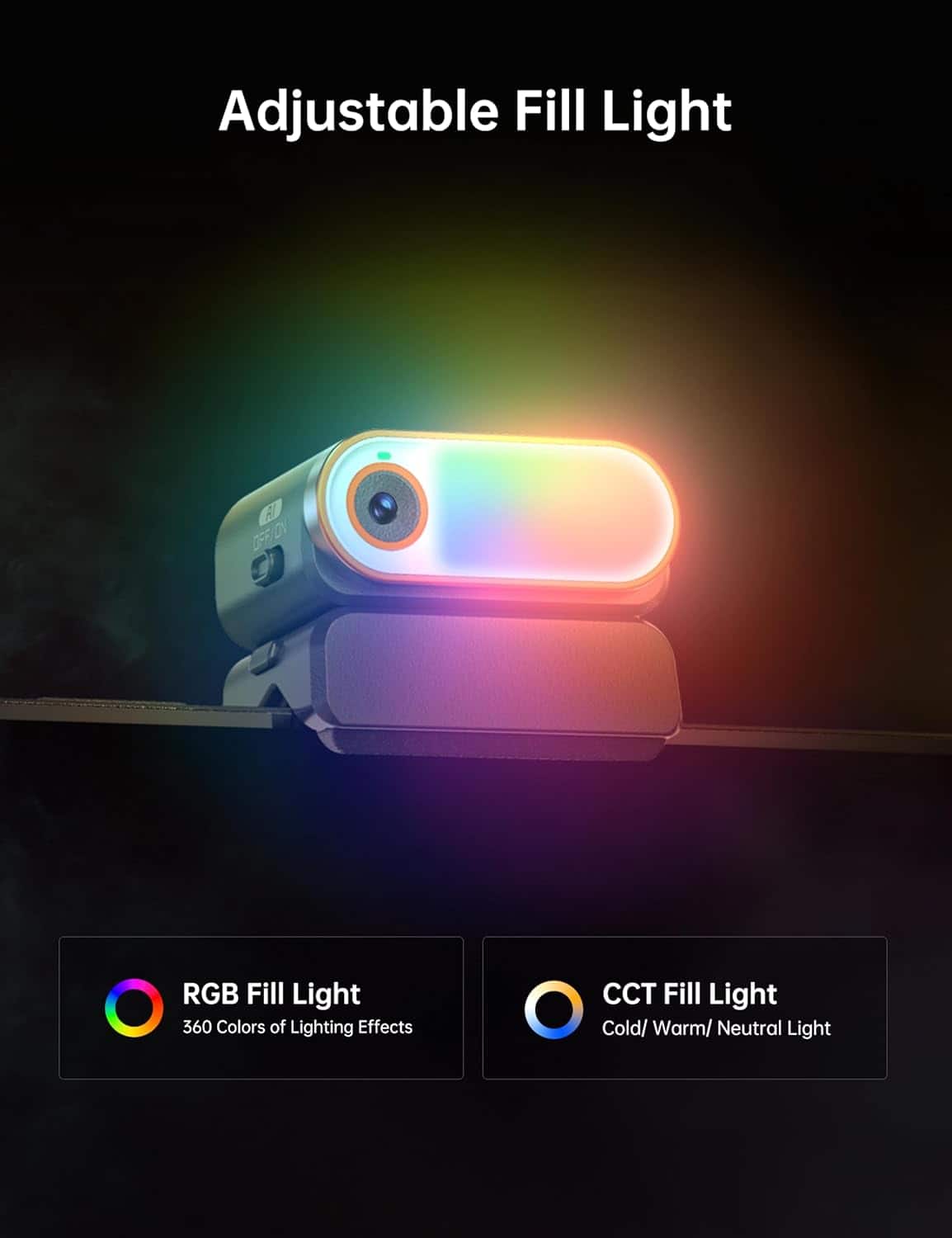
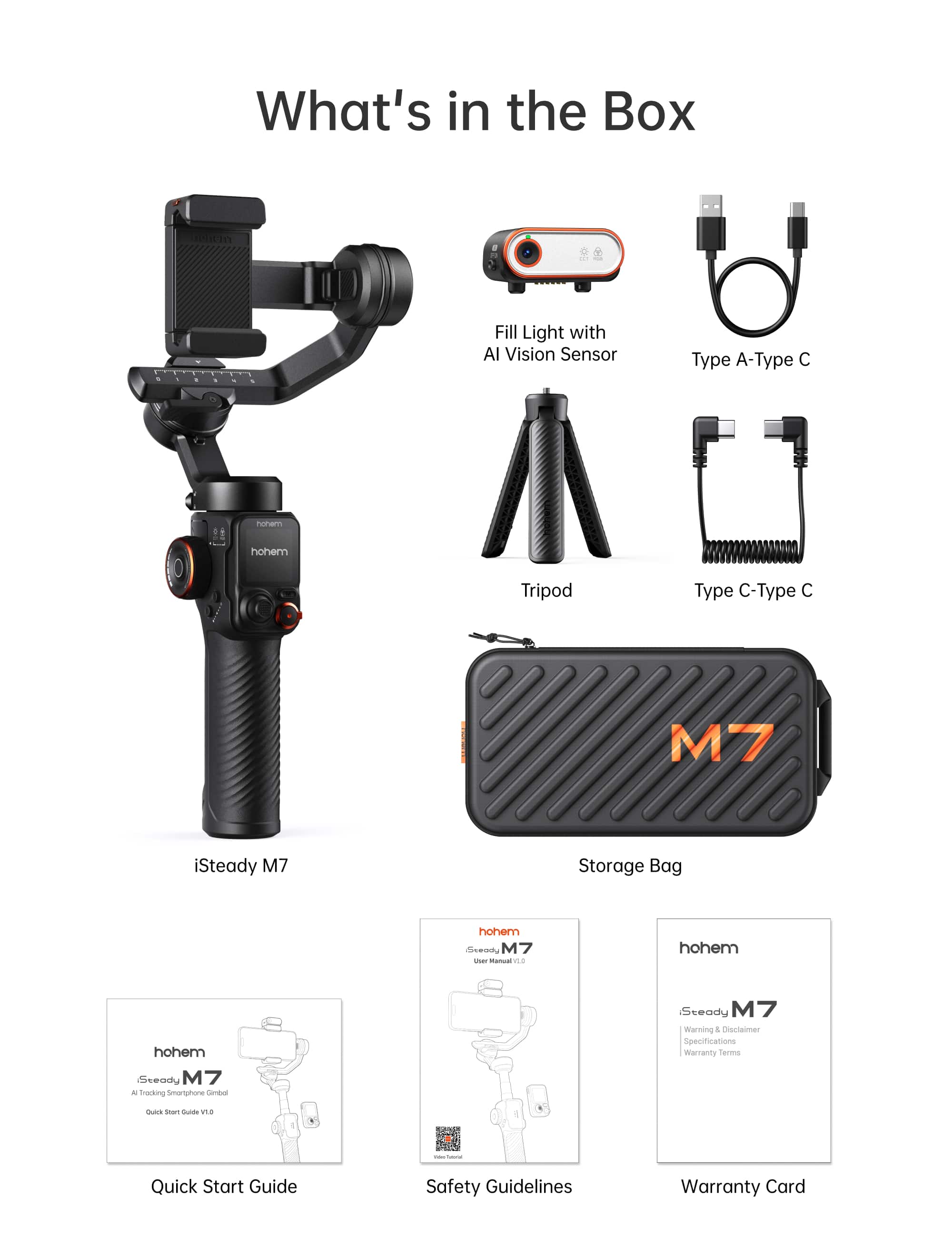
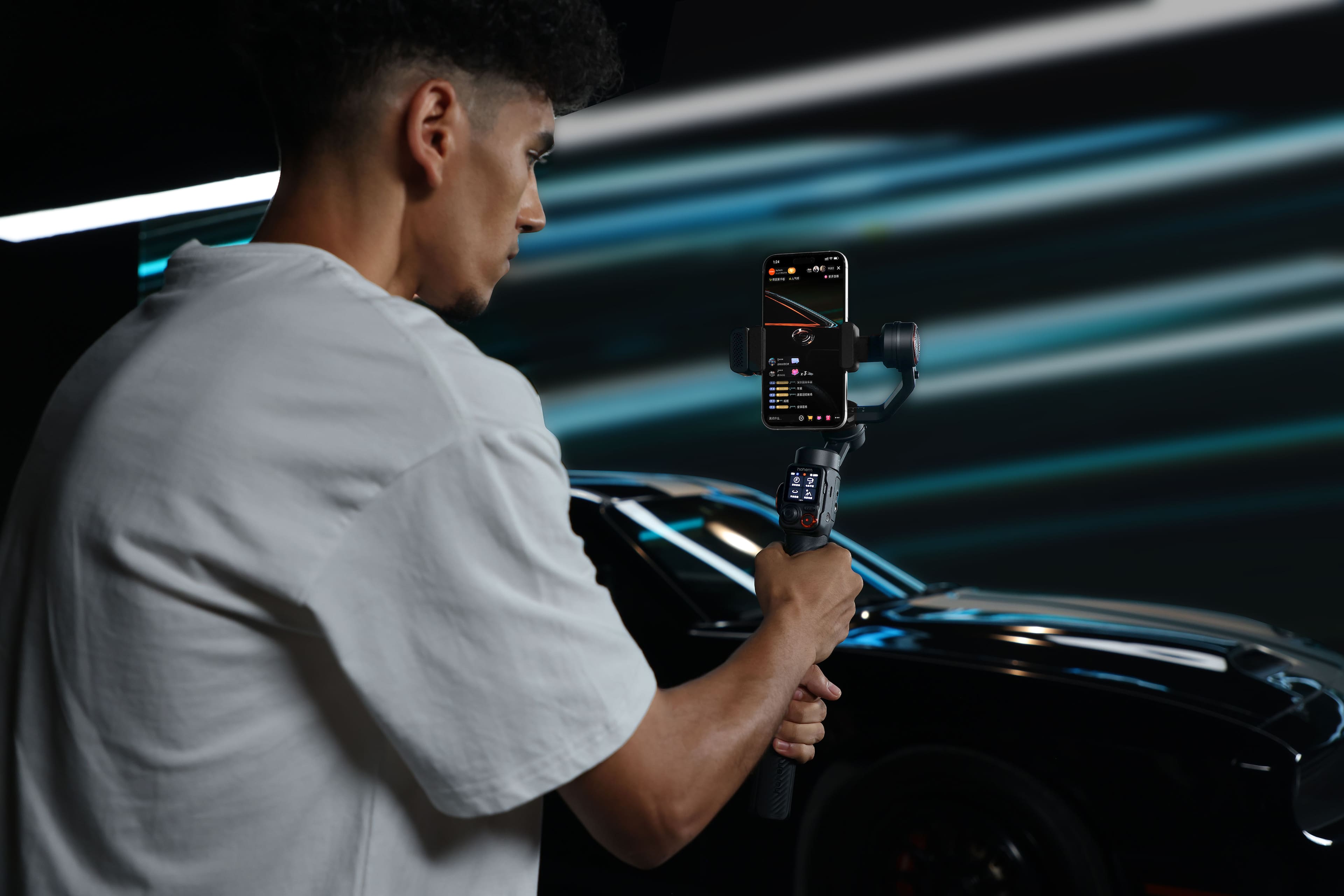
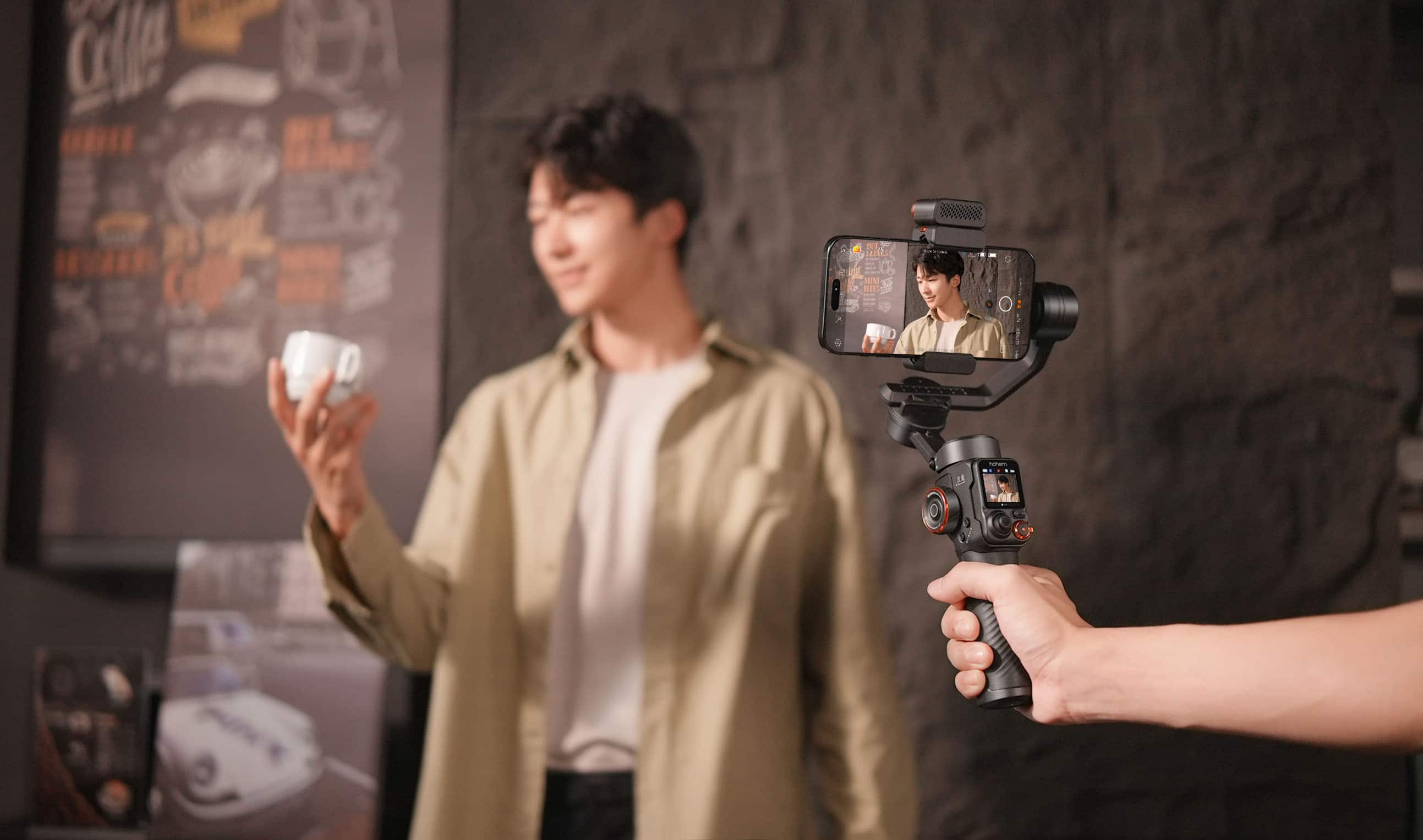
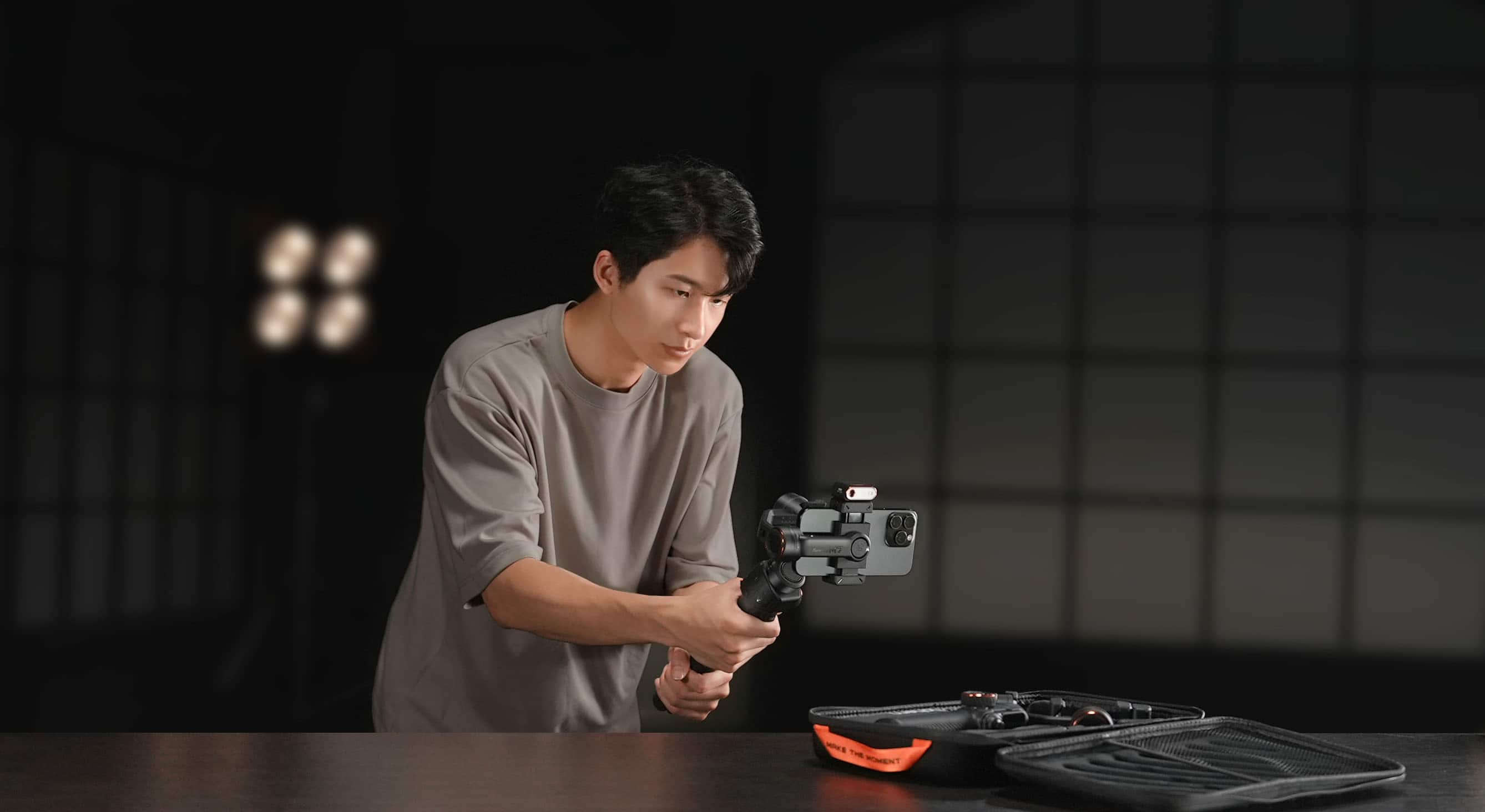
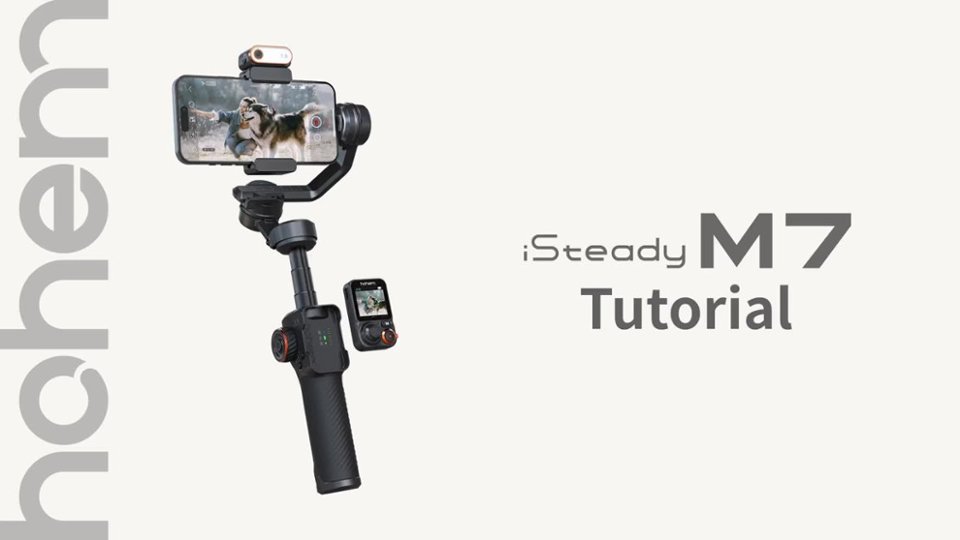
|Posted .This reviewer received promo considerations or sweepstakes entry for writing a review.Let me start by stating that I have never had a gimbal, and I’ve only ever had some very basic/generic tripods for cameras & even my phones. I just recently launched my own YouTube channel for my car (a 2025 Nissan Z), and of course I do have an Instagram account for the car as well. I had gotten a couple of different cheaper tripods to use for making videos where I install parts, do maintenance, wash, etc. my Z. The basic tripods have served their purpose pretty well but I was wanting something more. Enter the Home iSteady M7. It is, as the review title states, ABSOLUTELY AMAZING! Unboxing & First Impressions The iSteady M7 comes with its own case which is a huge plus in my book because I can keep it in there as a travel or take it to set up and record content. When I first started messing with the iSteady M7 I was taken aback by how many different switches, buttons, etc. it had. It was a bit overwhelming at first because as I’ve stated previously, I have only ever had just very basic tripods. That said though the build quality is great. I’ve had cheap tripods, slightly more expensive ones, but nothing nearly as expensive or feature rich as the iSteady M7. The iSteady M7 has a nice weight to it without being overly bulky or too heavy. It strikes a balance between weight & usability which is a must for a product like this. It truly feels premium in my hand, like it was made for my iPhone 14 Pro Max, my Pixel 7 Pro or any other phone I used to play with it & record. Rating: 5/5 Amazing Features The iSteady M7 is definitely not lacking in features. From its Advanced AI Tracking, to its 3-axis stabilization, to the detachable touchscreen remote control, to the extension/selfie pole, to the 360 degree infinite spinning (which makes for some really cool shots!), to the Ultra-wide angle mode, built-in Timelapse (which I believe they call hyperlapse), being able to charge my phone with the iSteady M7, to the Hohem Joy app, this thing is absolutely amazing. With some of my cheaper tripods I had to go to my phone/recording device, hit record, set up my shot, and then go. It’s easy enough to trim the clip/video to take out the setting up of the shot, but I’ve gotten to where I was using a bluetooth shutter device to start/stop recording. With the iSteady M7 I can do that too with the detachable touchscreen remote. What is super cool about the remote is that it has a 1.4’ full color touchscreen which allows for real-time previewing. This has been a real game changer for me as a solo content creator because I was having to just hope I got a good shot, or the right angle when I was using a cheaper tripod setup. Now I can be confident it looks exactly how I want it to look. The built-in lighting is also a great plus for me. I can do warm, cold, or use RGB lighting. I’ve never had a gimbal before and so being able to get a steady shot (without relying on the recording device to try to steady the shot) has been really nice too. My videos have seen an uptick in production value & people who are watching my content have commented on it already (and I’ve only released 3 videos using the iSteady M7 so far!). Rating: 5/5 Video Content Creation As I have stated previously, I am a solo content creator for my car. And as I said above the people who have watched the videos I have made using the iSteady M7 have mentioned that the videos have a higher production value look & feel to them. That said, and while the iSteady M7 has a ton of features I haven’t felt overwhelmed like I first did when I was messing around with it. It it’s fully 2nd nature yet, but it is coming along nicely & I am finding myself reaching for the iSteady M7 instead of going for my previous favorite tripod. I wasn’t sure that would be the case but it absolutely has. So for my video content creation journey the iSteady M7 is an absolute home run! Rating: 5/5 Photo Content Creation So how does the iSteady M7 stack up against my previous tripod which I used like a long selfie stick at times? The iSteady M7 has completely replaced it for video content creation, but what about taking photos? It has fully taken that spot as well. While it isn’t as long as my tripod selfie stick contraption was it still gets the job done for me with no issues what so ever. I even used it to take photos of my twin sons when it was their 21st birthday this past week. I was able to get photos of the two of them together, as individuals, with myself, with their Mimi (my mom), and so on. They had yet to see or use the iSteady M7 and so they each wanted to give it a go. They both loved using it just as much as I have been loving using it. It was too late to get them each one for their birthday but I have added one for each of them onto my Christmas shopping list. Even my elderly mom was able to get the hang of some of the features of the iSteady M7, and she is not a tech person at all anymore. She never really was, but she’s definitely not now that is retired & elderly. But that just shows how easy it is to pick up & use, as well as how wide of an appeal it seemed to have with my family. Anyway, back to the photo content creation. So I took photos of various things from my sons’ 21st birthday, to my car, to our house, to our property, to other family members vehicles, to our pets, and so on. It was more than serviceable and it made it a lot of fun actually. Rating: 5/5 Conclusion In closing the iSteady M7 is everything I never knew I needed in my journey as a content creator. We have some personal watercraft (Kawasaki Jetskis) that I cannot wait to take some videos on with the iSteady M7 next year. I don’t want to get it wet, so that will be something I will have to figure out how to keep from happening, but I’ve got at least 6 months now to figure that out. If you are a content creator (whether photos, videos, or both), or you want to potentially be a content creator, or you just love taking photos and videos, then he iSteady M7 is something you should definitely take a look at purchasing. Buy it, test it out, I am sure you will love it just as much as my family & I love the one we have one. Overall Rating: 20/20
I would recommend this to a friend M7 great
||Posted . Owned for 3 weeks when reviewed.This reviewer received promo considerations or sweepstakes entry for writing a review.I love this thing! I had to swap twice as issues but all around it’s amzing
I would recommend this to a friend- Pros mentioned:Build quality
Nice equipment
||Posted .This reviewer received promo considerations or sweepstakes entry for writing a review.Great device very happy very easy to used Good quality
I would recommend this to a friend Great Gimbal
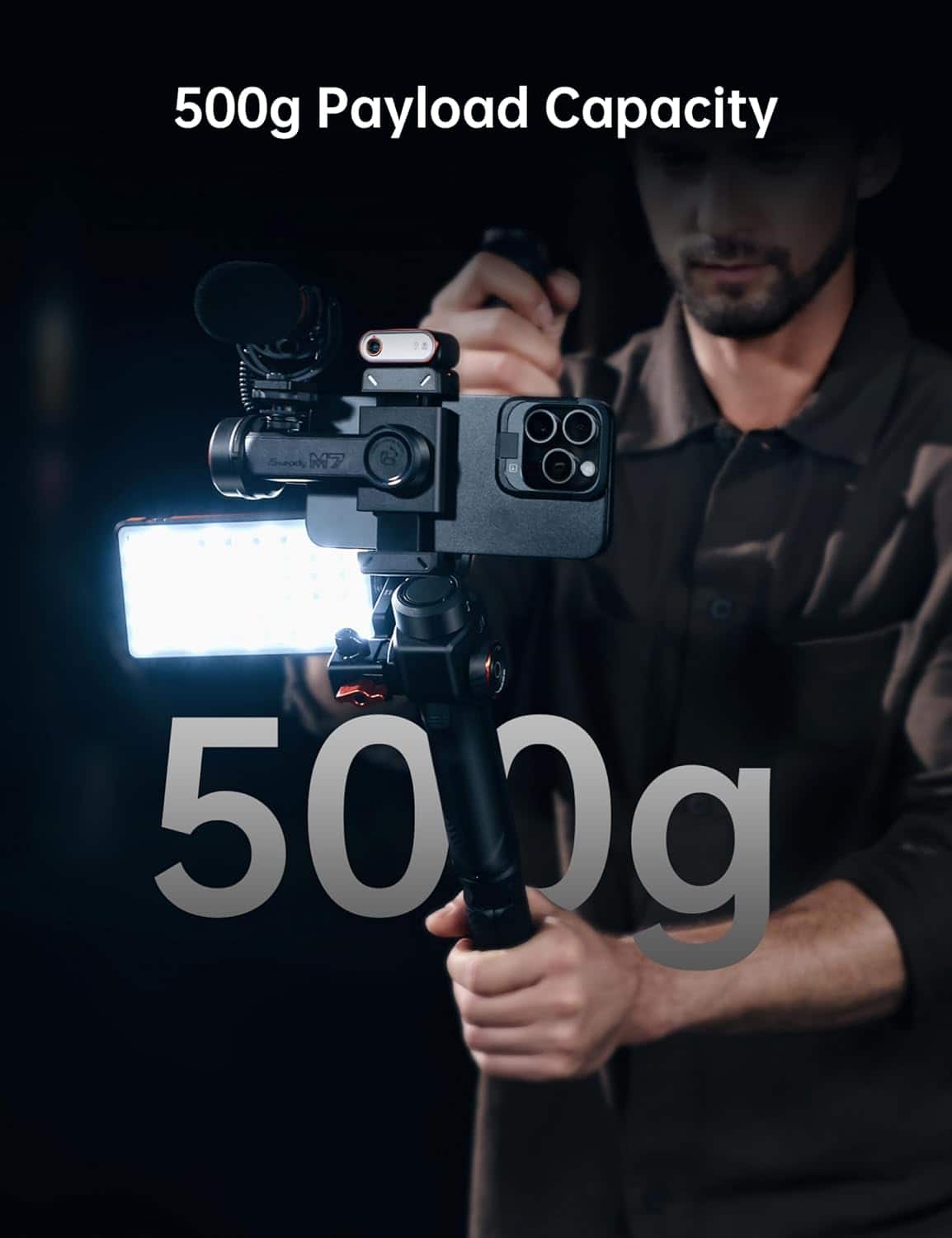
||Posted . Owned for 3 weeks when reviewed.This reviewer received promo considerations or sweepstakes entry for writing a review.Really great Gimbal and handles extra weight pretty well too. Helps to achieve those smooth cinematic looks in video.
I would recommend this to a friendHands Down something to invest in
||Posted . Owned for 1 month when reviewed.This reviewer received promo considerations or sweepstakes entry for writing a review.It’s definitely is a game changer !!! Allows u to have full creative ability and dominate in the streaming era
I would recommend this to a friendTripod
||Posted . Owned for 5 months when reviewed.This reviewer received promo considerations or sweepstakes entry for writing a review.That was so cool and the tracking camera and its mini screen are the best things i like the most
I would recommend this to a friendHighly recommend
||Posted .This reviewer received promo considerations or sweepstakes entry for writing a review.Bought this as a gift at Xmas for my son. Works well with his Pixel phone. Very pleased with its ability to follow the movement of our grandkids improving the memories that will last a lifetime.
I would recommend this to a friendGimbal
||Posted . Owned for 1 month when reviewed.This reviewer received promo considerations or sweepstakes entry for writing a review.It’s a great product once you figure out the settings and how to use it. It takes some finagling but overall pretty good product
I would recommend this to a friendHohem I Steady M7
||Posted . Owned for 1 month when reviewed.This reviewer received promo considerations or sweepstakes entry for writing a review.With a 600 g payload this is the perfect gimbal equipment for my heavy s25 ultra. Highly recommended.
I would recommend this to a friendGreat gimbal for the cost
||Posted . Owned for 1 month when reviewed.This reviewer received promo considerations or sweepstakes entry for writing a review.Good responsiveness, not a full 5 stars only because I wish it worked a little better with my native camera not just the hohem app
I would recommend this to a friendHohem will follow you where ever you go!
||Posted .This reviewer received promo considerations or sweepstakes entry for writing a review.Great tool for recording behind-the-scenes video in our photography studio. We looked at several options, but this, in combination with the latest iPhone, is awesome.
I would recommend this to a friendMr. Franswa
||Posted . Owned for 3 weeks when reviewed.This reviewer received promo considerations or sweepstakes entry for writing a review.Superb . Needs to do some good stuffs, just buy iy
I would recommend this to a friendIn love with my M7
||Posted .This reviewer received promo considerations or sweepstakes entry for writing a review.All I can say is I love love love my M7. It’s a must get if you’re thinking about content creation.
I would recommend this to a friendnice handy gimble with ai feature
||Posted . Owned for 2 weeks when reviewed.This reviewer received promo considerations or sweepstakes entry for writing a review.ez to use for amateur. ai feature is nice for solo shooting
I would recommend this to a friend