Customer Ratings & Reviews
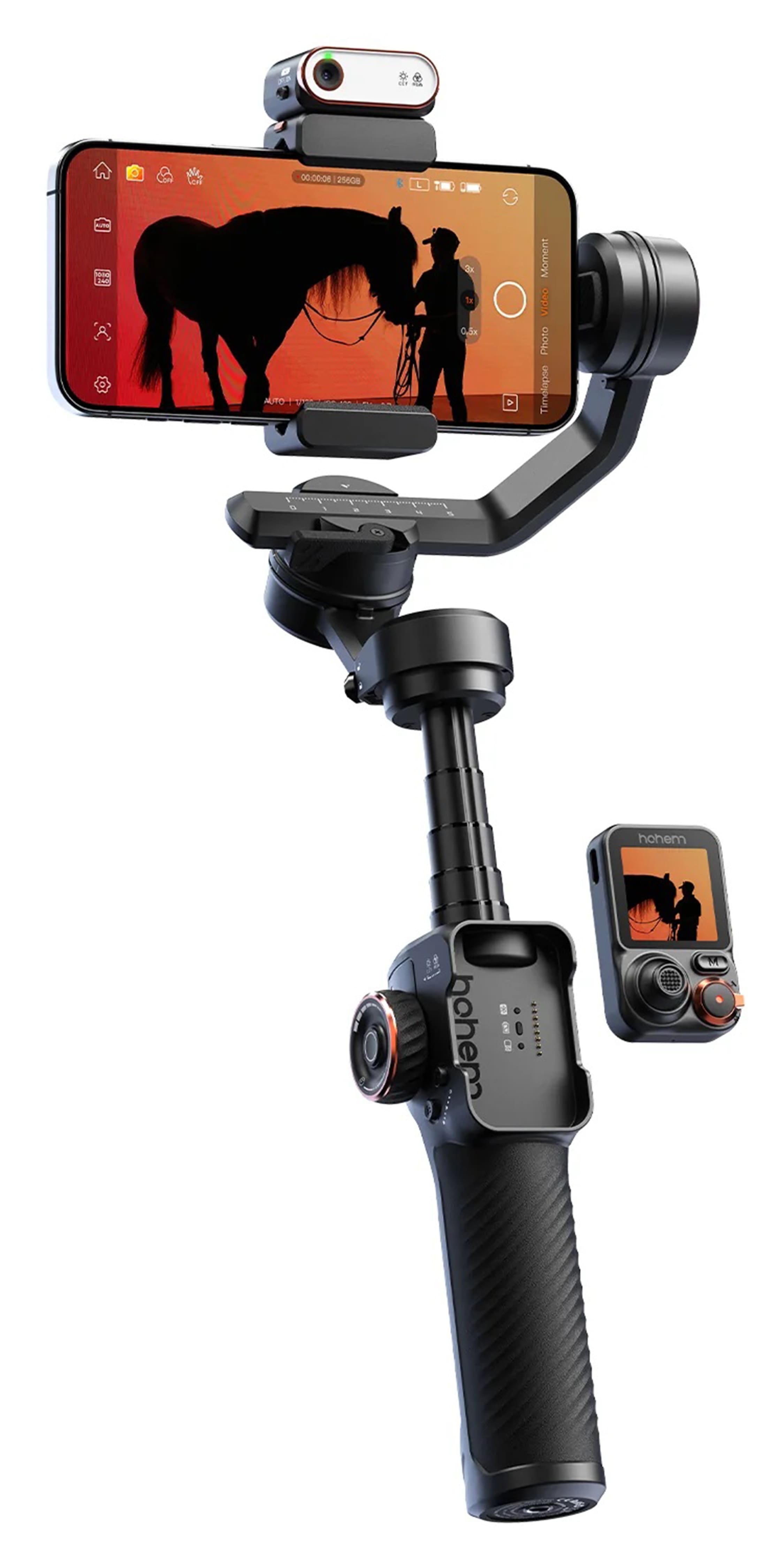
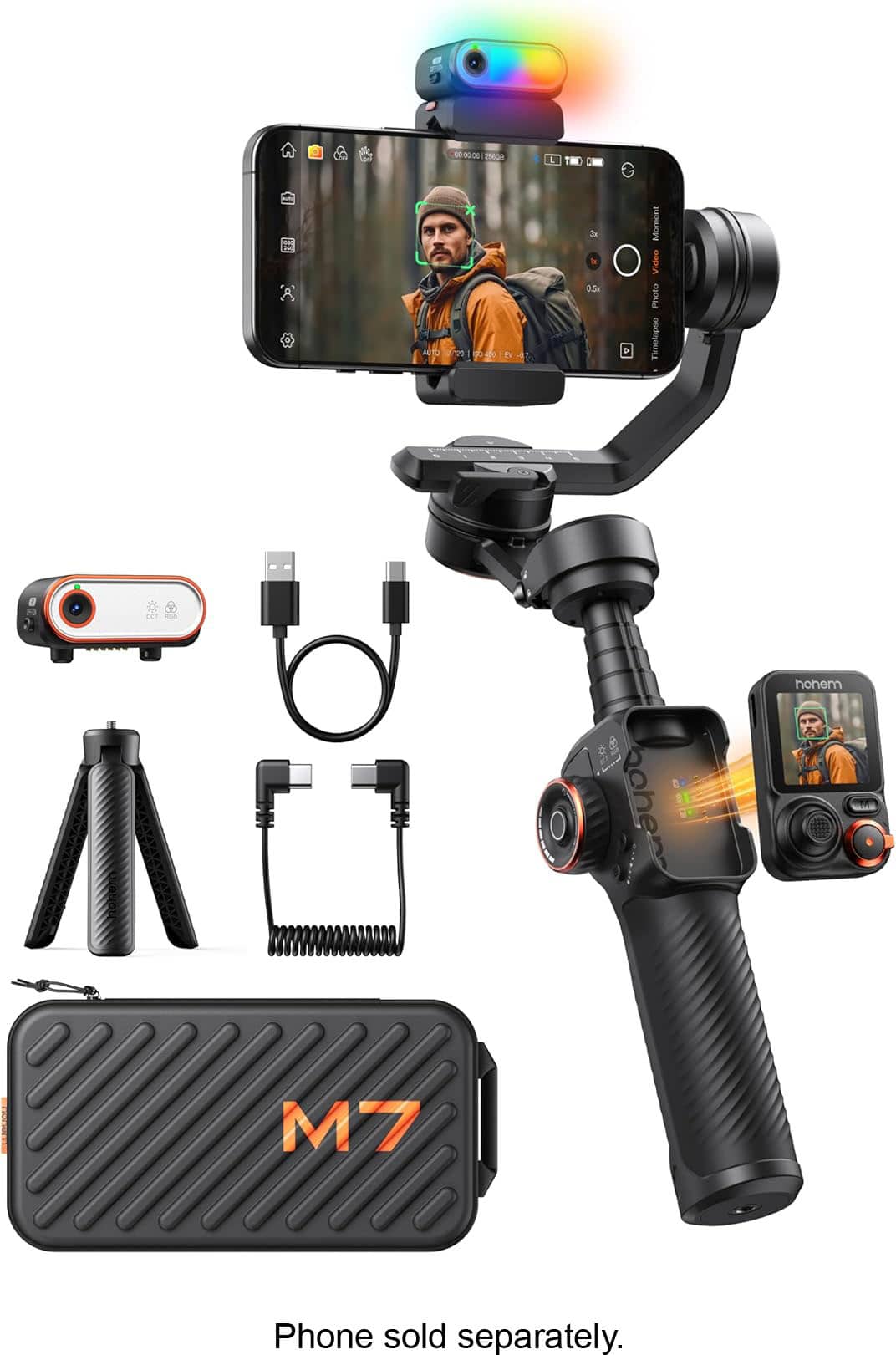
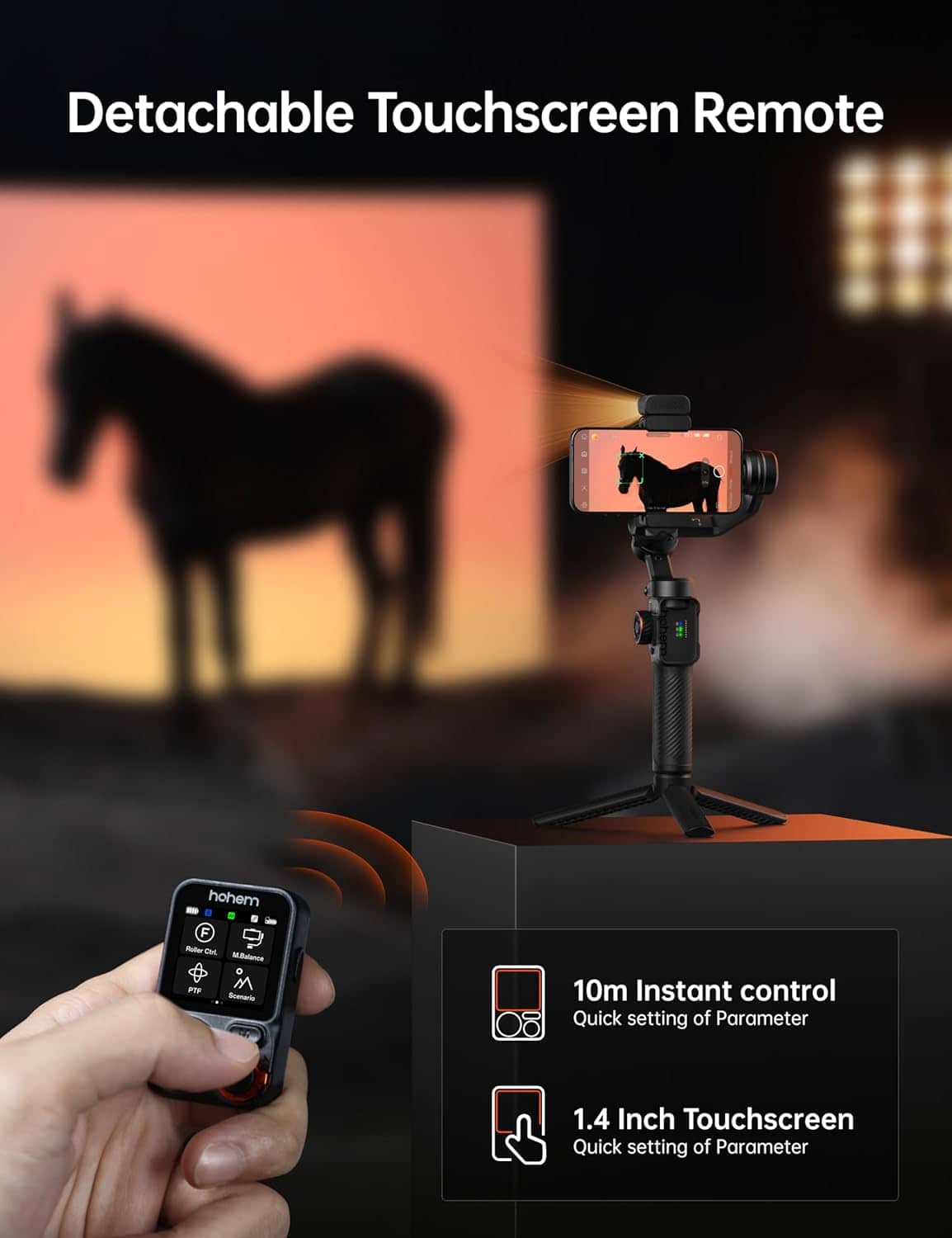
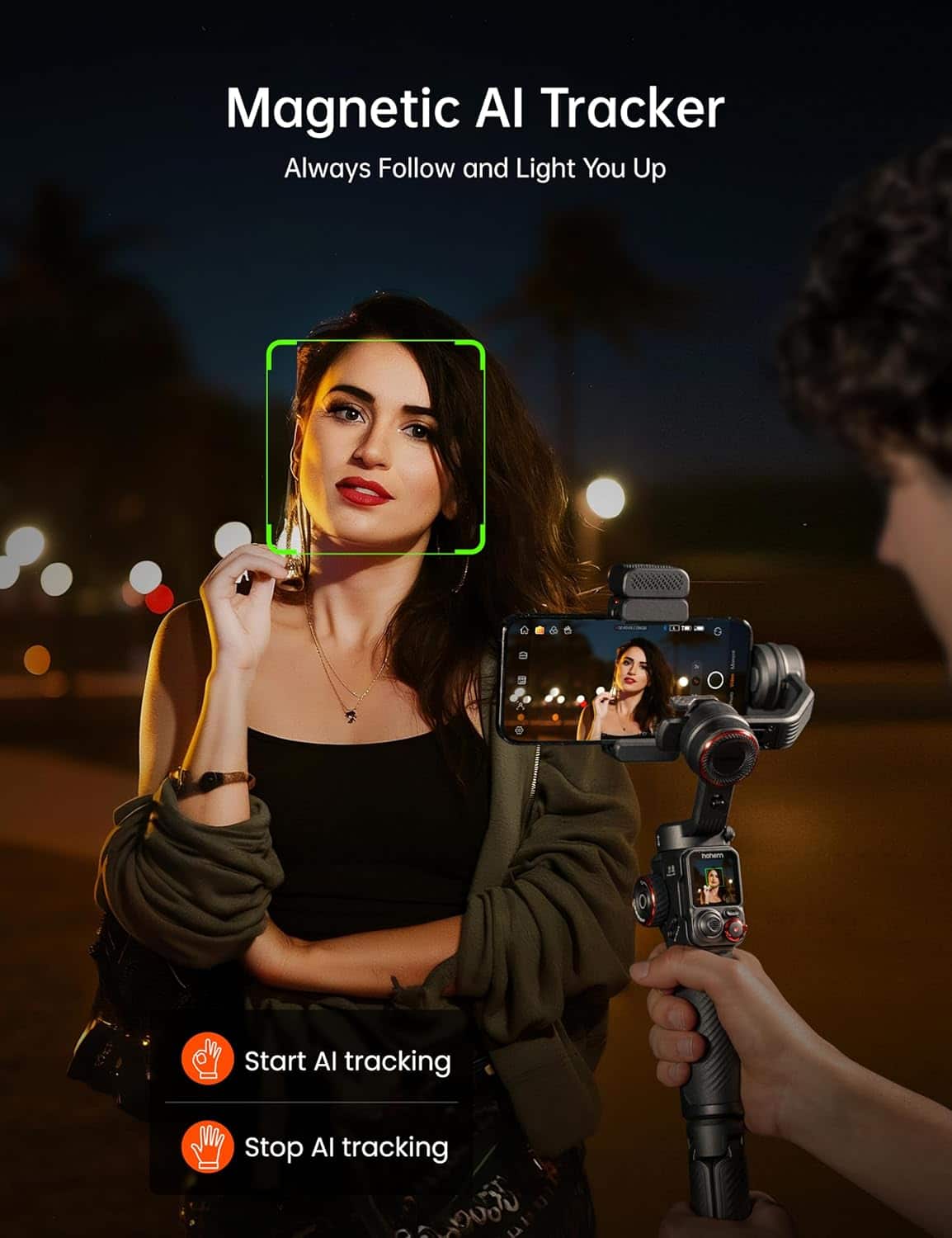

- Model:
- HPG-M7
- SKU:
- 6635301
Rating by feature
- Value
Rating 4.3 out of 5 stars
- Quality
Rating 4.6 out of 5 stars
- Ease of Use
Rating 4.1 out of 5 stars
Customers are saying
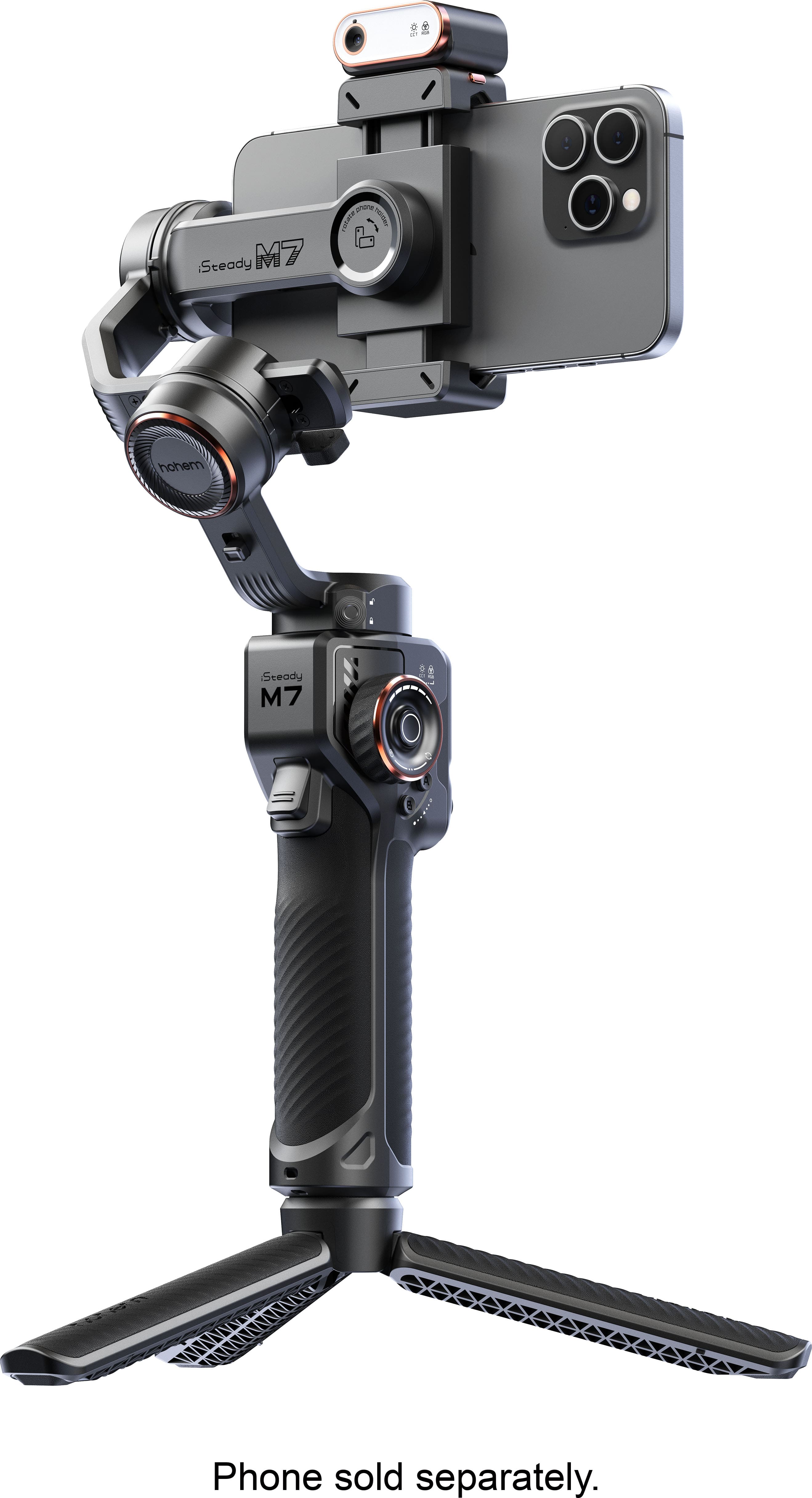
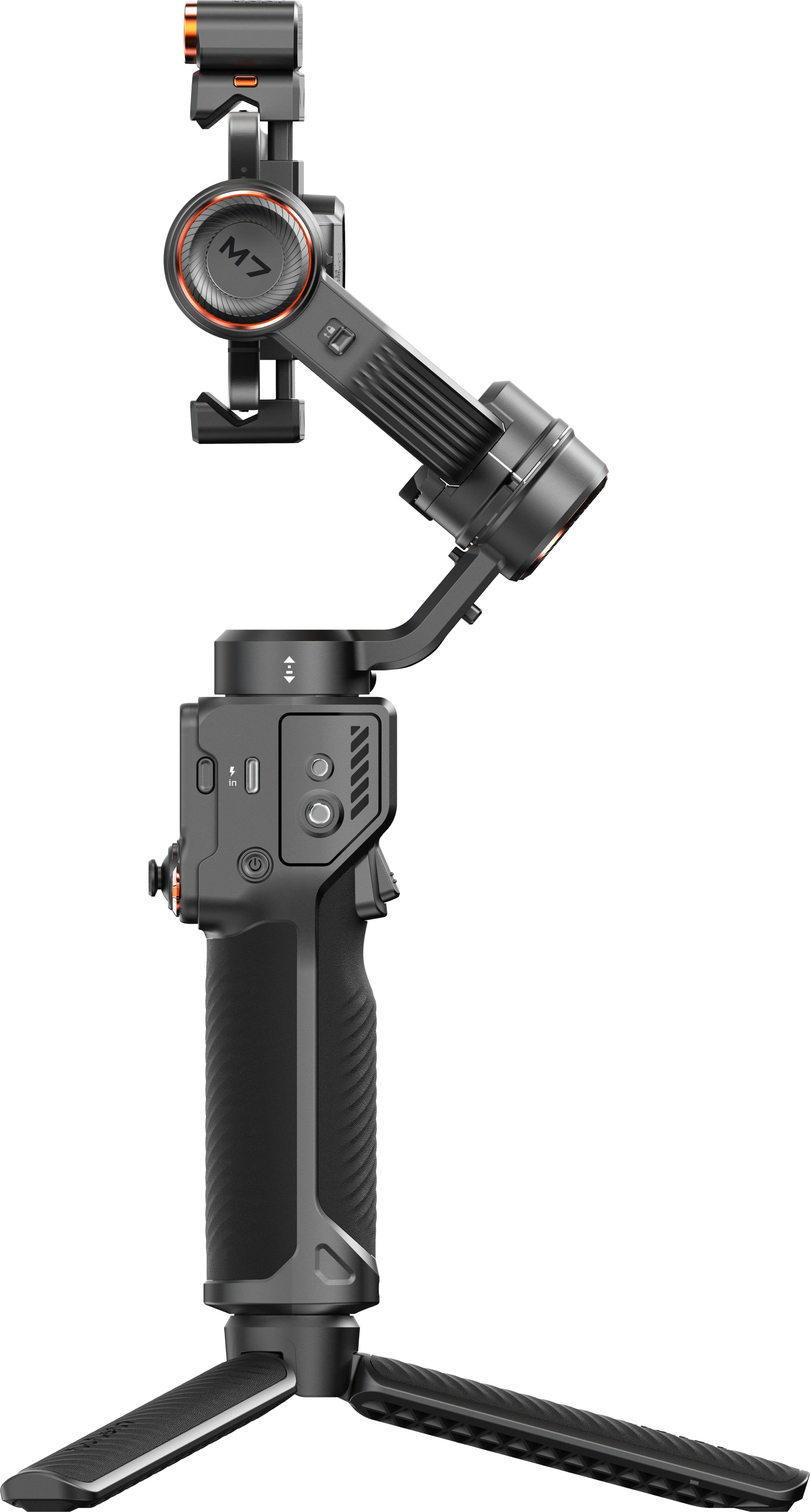
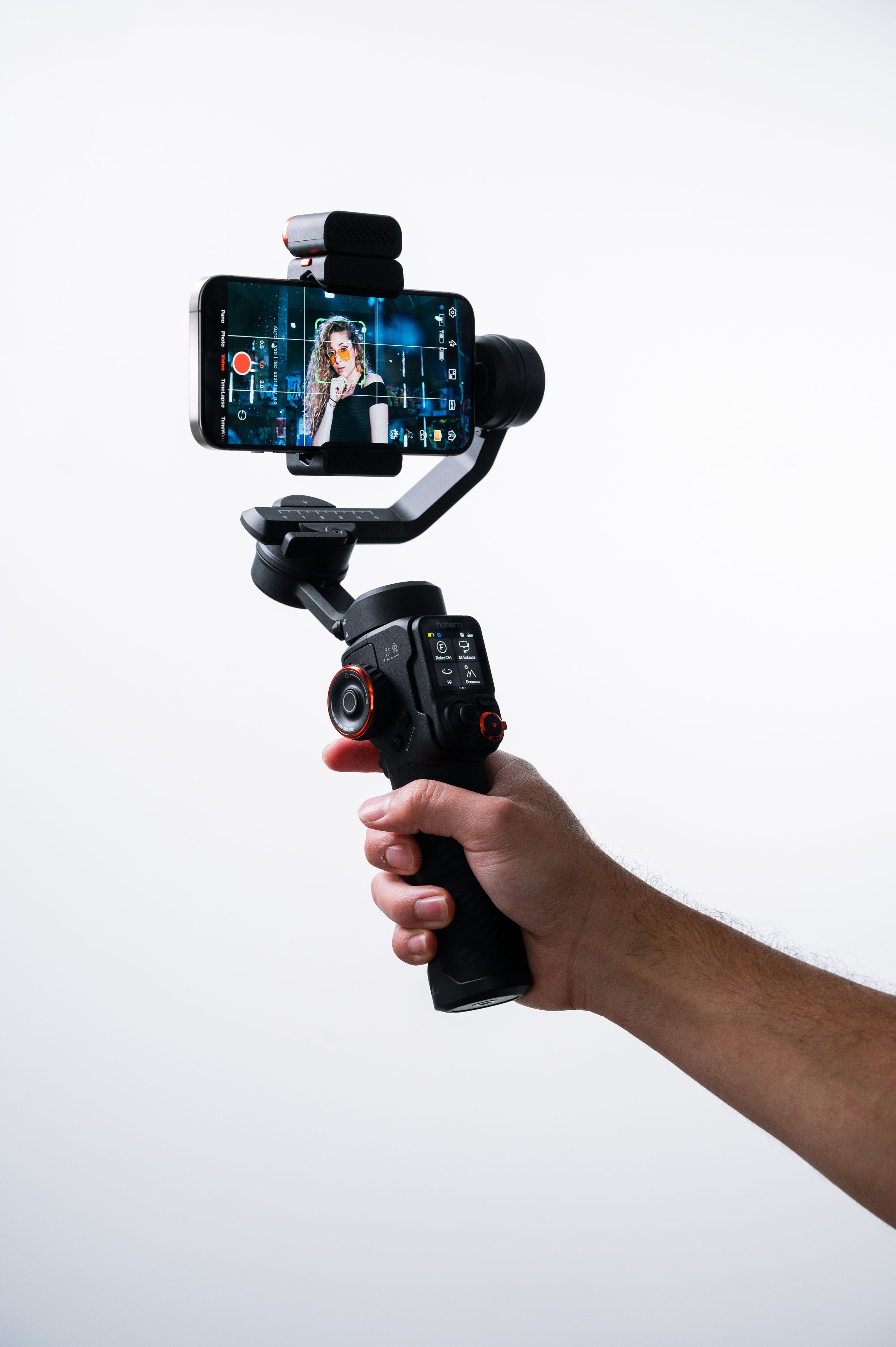
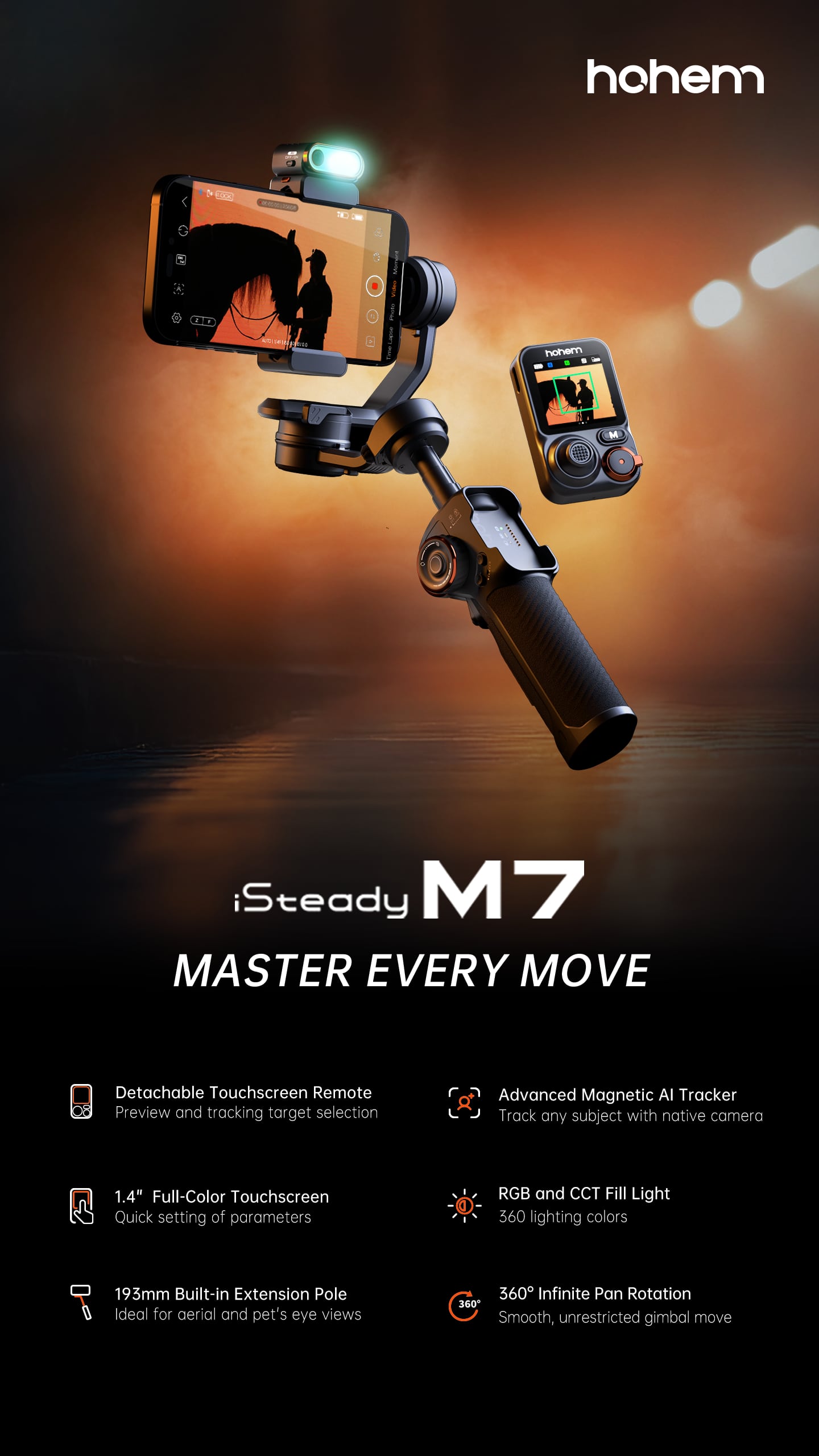
Customers frequently mention the iSteady M7 3-Axis Gimbal Stabilizer's solid build quality, excellent stabilization, and useful remote control. The AI tracking is also a popular feature, along with the impressive battery life and convenient extension pole. However, some users have noted that the tracking performance can be challenging with fast or erratic movements, and the many features may present a learning curve for some.
This summary was generated by AI based on customer reviews.
It is good but not for recording football videos
||Posted . Owned for 1 month when reviewed.This reviewer received promo considerations or sweepstakes entry for writing a review.I bought it to record football videos and it does not follow the ball is lost, so I returned it.
No, I would not recommend this to a friendHappiest
||Posted . Owned for 2 weeks when reviewed.This reviewer received promo considerations or sweepstakes entry for writing a review.She love it easy set up good instructions happyhelp
I would recommend this to a friendLove it
||Posted . Owned for 3 weeks when reviewed.This reviewer received promo considerations or sweepstakes entry for writing a review.Works well with s24 ultra. Even works world and remote is awesome
I would recommend this to a friendI love it
||Posted .This reviewer received promo considerations or sweepstakes entry for writing a review.I love it. I have been using in my job to make a videos.
I would recommend this to a friend- Pros mentioned:Build quality
disappointed
||Posted . Owned for 1 month when reviewed.This reviewer received promo considerations or sweepstakes entry for writing a review.very difficult to use great case seemed to be good quality
No, I would not recommend this to a friend Excellent
||Posted . Owned for 3 weeks when reviewed.This reviewer received promo considerations or sweepstakes entry for writing a review.Excellent product, easy use it’s fenomenal for live take picture
I would recommend this to a friendSteady but not balanced.
||Posted . Owned for 5 months when reviewed.This reviewer received promo considerations or sweepstakes entry for writing a review.I've owned a lot of Smartphone gimbals over the years and this is one of the least reliable I've ever purchased. The problem with this gimbal for me is it's never level. Either the X axis is off and my camera is tilted down or up just enough do ruin a shot or it's rotated on the Y axis. Calibration doesn't seem to do anything. Sure this gimbal comes with some advanced features but it fails at the core of what it's designed to do.
No, I would not recommend this to a friendthe best to record
||Posted . Owned for 3 weeks when reviewed.This reviewer received promo considerations or sweepstakes entry for writing a review.love this product to record dont have to hold the phone any more
I would recommend this to a friendYummy
||Posted .This reviewer received promo considerations or sweepstakes entry for writing a review.This this is so YUMMY!!!! Yummy yummy yummy yummy,
I would recommend this to a friend- Pros mentioned:Build qualityCons mentioned:Learning curve

Feature packed gimbal!
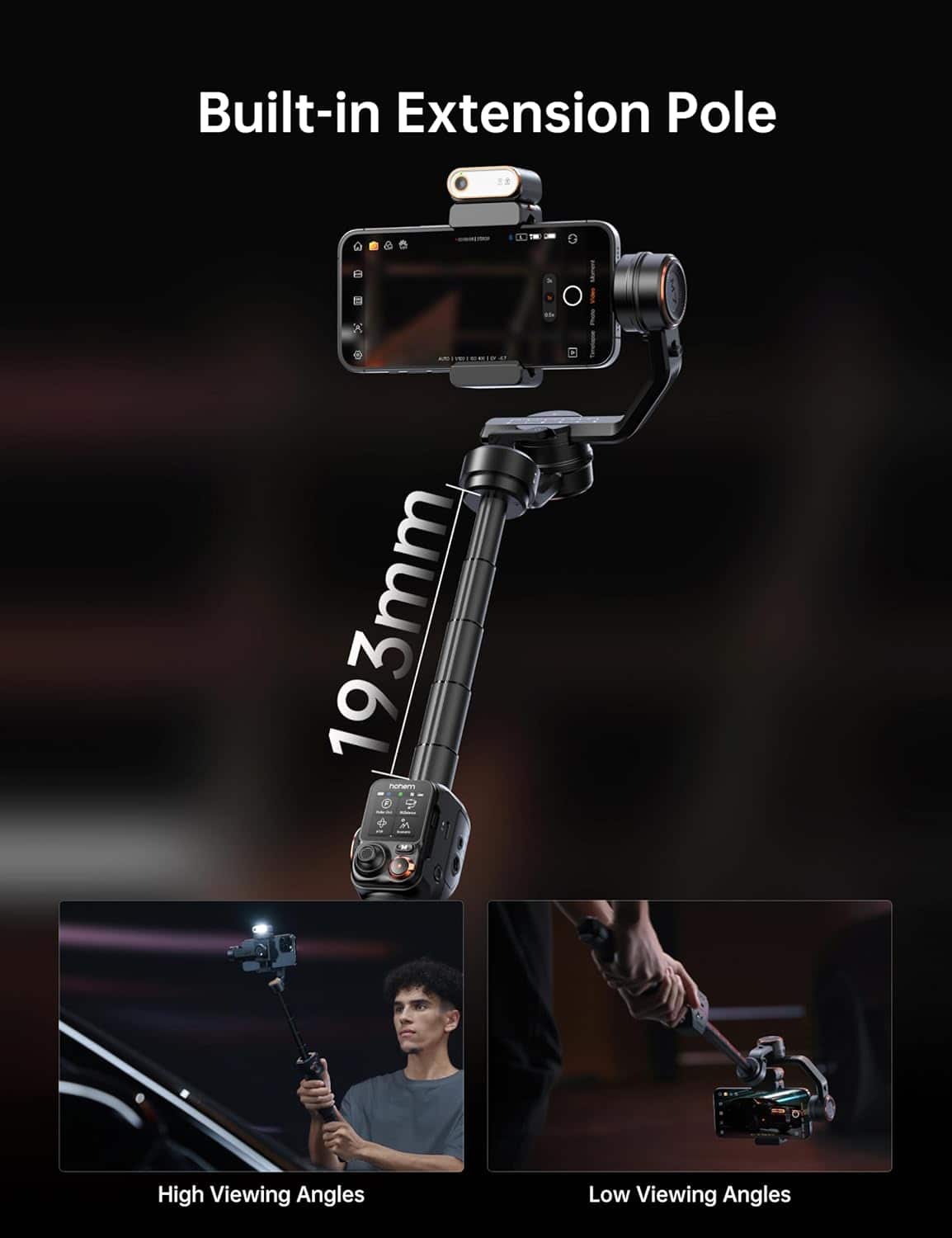
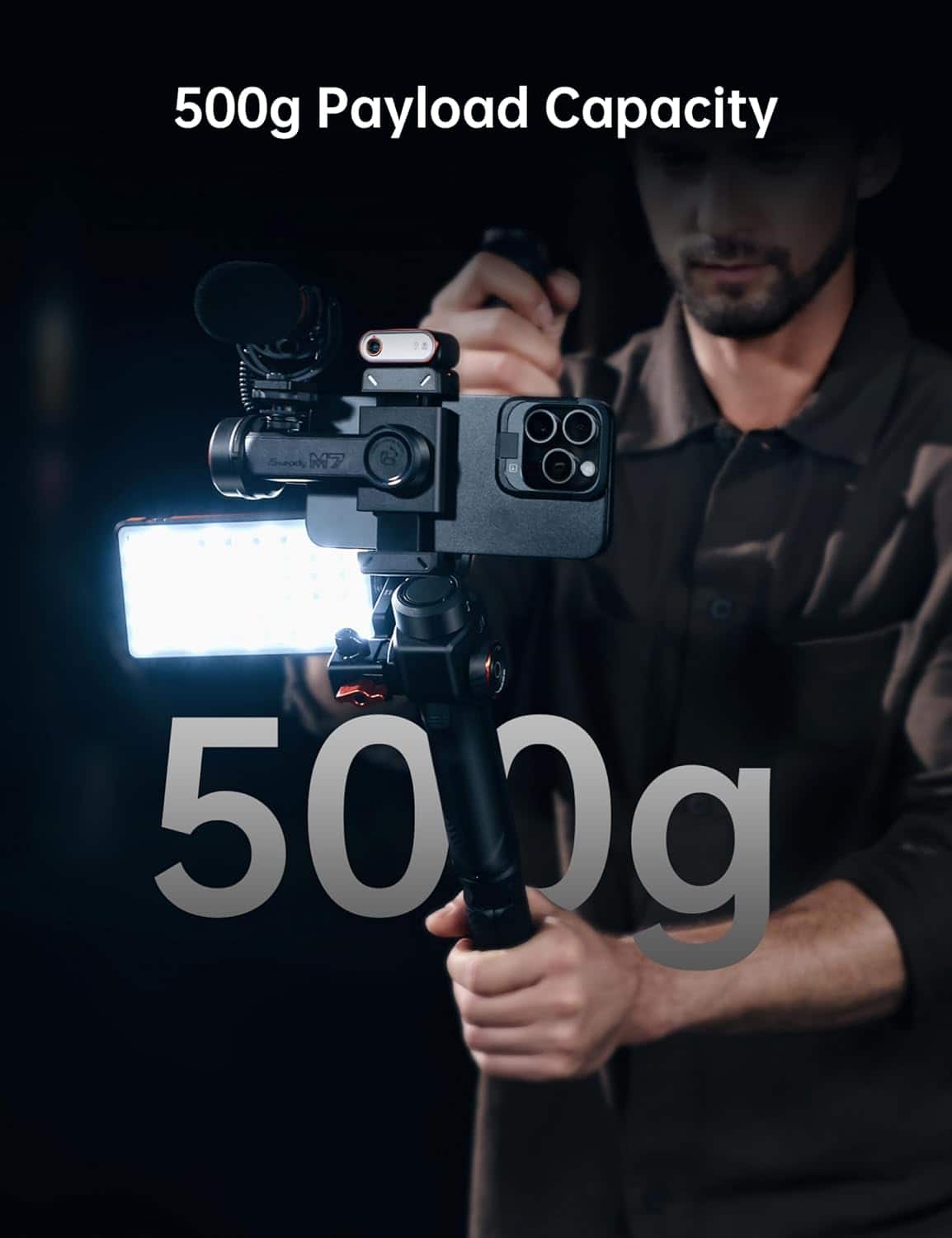
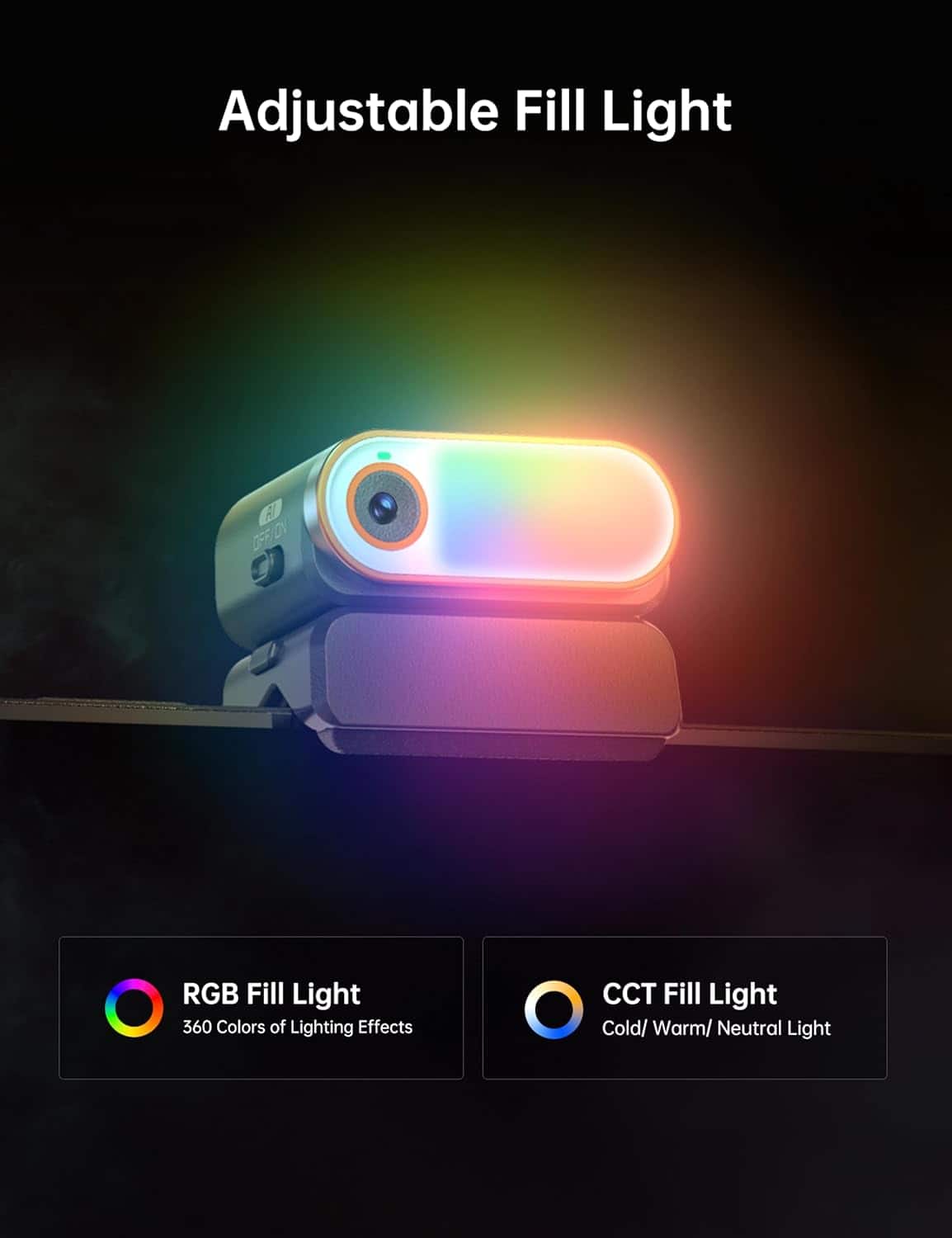
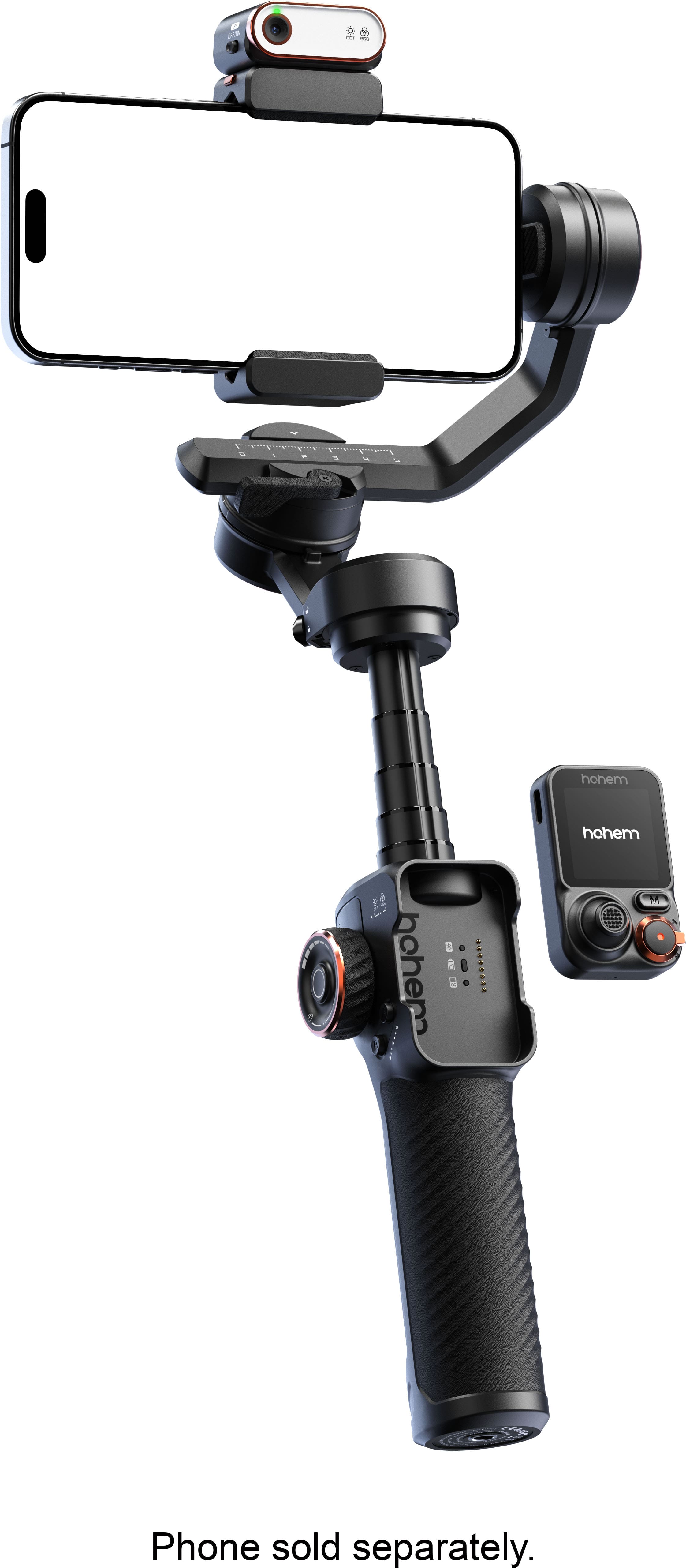
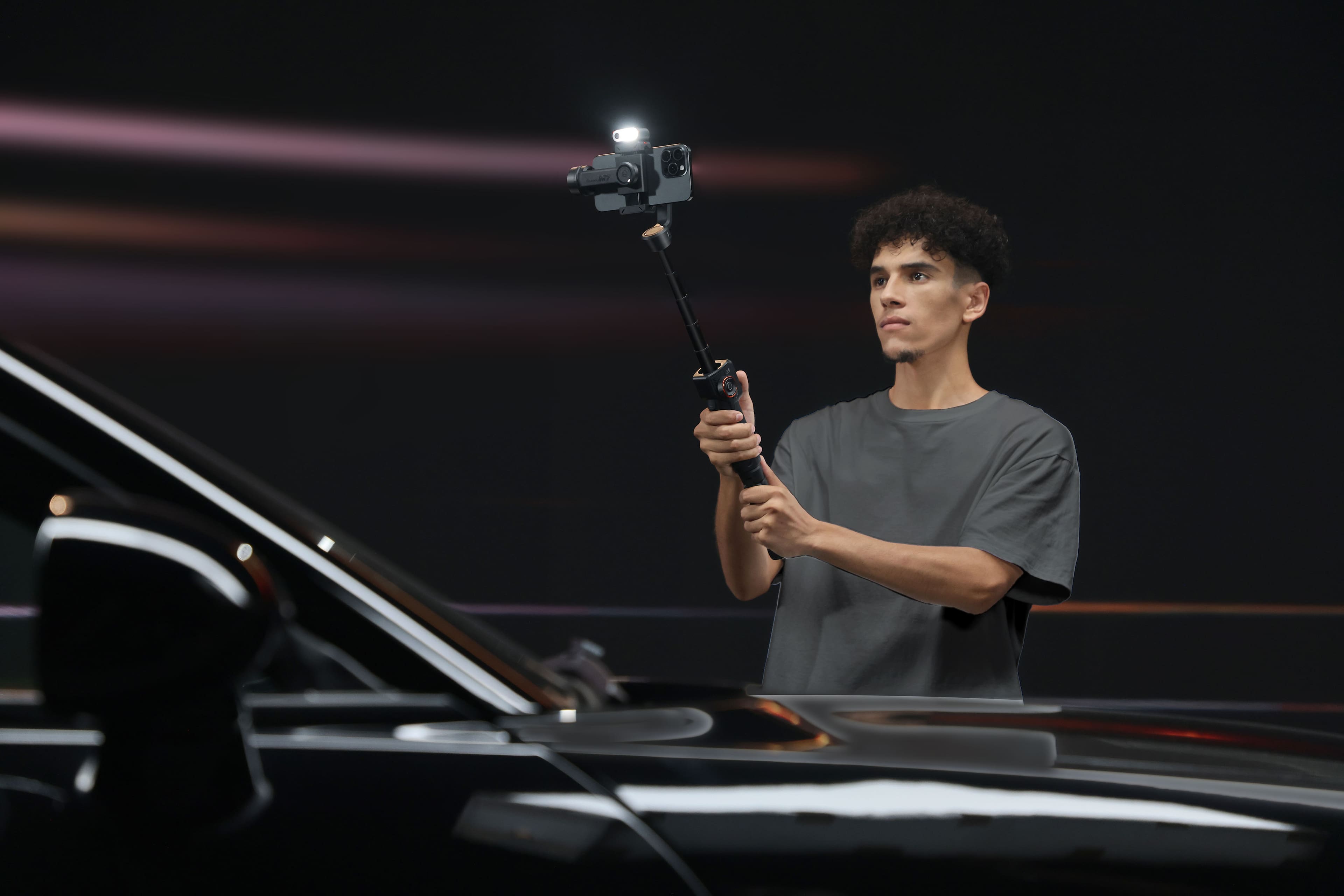
|Posted .This reviewer received promo considerations or sweepstakes entry for writing a review.I am a drone pilot and I have always loved how smooth and cinematic my videos look with the gimbal on my drove camera. So naturally, I wanted to get one for my phone to create great videos from the ground as well! Out of the box you can tell this is a high quality product. Everything has a good solid feel to it and it feels great holding it in your hand. IT can get a little bit heavy if you attach a big smartphone to it, so just beware of that. I did notice my arm getting a little tired at times trying to get certain angles where my arm had to be extended out or up for extended periods of time. While this is a very useful and amazing product, I have found that it comes with a pretty steep learning curve. It’s not that it’s hard to figure out, its just that there are a lot of things to remember like button press combos and things like that to be able to get the phone to move in the directions that you want it to move. If you have previous experience with a gimbal like this, this might be a bit easier for you. But since this was my first one, it definitely took me a while to figure it out. So I would just say, stick with it, and you will get everything down in no time! Getting it set up is fairly easy. There is a companion app that you have to download on your phone, and then you can easily pair the gimbal to your phone. For the gimbal itself, you have to make sure that you unlock the 3 axis points before you use it. I was wondering for the longest time why it wouldn’t move and then I finally figured that out. There are 23 small switches on the gimbal itself that you have to slide to the unlocked position. Once you get connected in the app and get everything unlocked you are ready to go. You have to insert your phone and get it balanced properly. There is a little latch you can unlock and then slide your phone left or right to get it balanced and then you can lock it into place. After that, you are ready to go. This thing has tons of features to help you get the best shots possible. For starters, it has a detachable screen that you can remove and take with you. This is perfect for doing videos of yourself. You can see on the remote screen what your camera is seeing. You can also change any settings you need to as well as start and stop recording. The gimbal also comes with a screw on tripod so you can just set it on the ground or table and very easily film yourself. The last thing that makes it perfect for doing videos of yourself is the tracking feature. You can set on the screen, or do certain hand gestures in front of the camera, and the gimbal will track your movement while filming. You can even use other hand gestures to put yourself in a different part of the frame like if you want to be on the right or left third of the frame. Then the camera will track you while keeping you in that part of the frame that you choose. In my testing, I found that the tracking worked very, well. Not once did it lose me while I was walking around and every time it was able to recognize the hand gestures I used. So, if you do a lot of self-filming by yourself, this is definitely the gimbal that you want! There are also many other features you can use such as only allowing certain axis of the gimbal to work. Like if you only wanted up and down movement, you can lock out the other 2. Or if you only wanted side to side movement, you can lock out the other ones and so on. This gimbal also has a built in extension pole as well that gives you an extra 8 inches of reach which is great for getting high or low shots. The last feature I will mention id that the little box that clips on the top that does the AI tracking also has a small fill light on it. Its not a really bright light, but it can definitely help if you just need to add a little more light to your shot without having to carry another piece of equipment with you. All of that is packed up in a nice rugged carrying case. Its not a true hardshell case, but it has a rigid outer shell that will protect your gimbal. If you do a lot of self-filming, or even just want to add some awesome dynamics to your phone videos, this is definitely the gimbal you want. As I stated, there is a bit of a learning curve, but if you stick with it for a week or 2, you will be an expert user in no time!
I would recommend this to a friend ok tracking, not so stable on move
||Posted . Owned for 2 weeks when reviewed.This reviewer received promo considerations or sweepstakes entry for writing a review.Does the tracking ok, but not stable when moving around and trying to capture a person. It can decide to look into some other direction not intended for.
No, I would not recommend this to a friend- Pros mentioned:Battery life
My perfect phone gimbal.
|Posted .This reviewer received promo considerations or sweepstakes entry for writing a review.As the title says. This is my perfect gimbal. I just got this a little bit ago and have not stopped playing with settings, and making plans on now best to use this in my outdoor filming. Here are my thoughts on the good and bad (not many at all) things about this product. Good: 1. Great battery life. charged when I first got it and it has lasted a long time between recharges. I don't do a lot of fast movements or special tricks. So I am sure that is part of the reason. 2. Light weight. I was surprised by how much this weighs while using it. I think it is barely more than just my tripod I used previously. Super low weight makes it a no brainer when I need do some filming. 3. Extension section. I will admit it does not give you much length overall, but I do like it. If you need to get more space, then I would be afraid of getting shaky video in the process. This gives a nice amount to give slight distance, without seeming like you are losing control of the shot. 4. Interface is well thought out and easy to use. All the items seem to be placed in a logical order and are very easy to get to and out of. Not to mention that it has so many nice tricks (spiral pan, etc) that gives a creator some good effects 5. Controller (both attached and remote) is great and very quick to respond. I have not gone to far away from my rig (more paranoia than anything of theft) and have not had any issues. Since the remote is the actual controller, you get all the options all the time. 6. Side wheel is a god send. I love the way I can use the side wheel to adjust my settings and enhance my capturing of my vids. There are many ways to use this and my fav is turning on the light and adjusting the brightness and color 7. AI light makes this a no brainer on filming in low light areas without washing you out. Being able to change colors, brightness, and front/back placement, makes this a snap to use when needed. It also helps with tracking objects (does a epic job at this) and recovering if it happens to lose sight of you for a split second. 8. Carry case is welcome addition to the set. I wish the other ones I own came with one. Semi ridged construction and nice zippers, make this perfect for packing it away safe and sound. It is molded to the shape of the gimbal, so there is nothing rattling around in transit. 9. All axis lock. This is this the only one I own that has such a solid lock for each axis, to stay firm and not feel like it might break. 10. Auto balance and calibration is quick and easy. Also makes it so much easier to use when you know all things are in sync together. 11. Even when in stand by or powered off, I can still use as a standard selfie stick to continue if power is lost. 12. Fits my iPhone 17 Pro Max (with case) with no issues and makes using the phone a pleasure for filming. I have a adaptor as well to add my action cameras to it. Which is handled just as well as a phone. Bad: 1. Instructions tell you what some buttons are, but not what they do. But with some playing around you will figure it out I am sure. But it would be nice to know before hand in some cases. 2. Have to be careful not to mix some settings. Some will negate another one and not tell you until you are using it and can't figure out why the other setting changed. I wish it would prompt you to this and give you a chance to accept or reject. However, all the bad stuff is more on the user side than the item. So I am happy with this and look forward to telling everyone about it when asked. Highly Recommend to all.
I would recommend this to a friend - Pros mentioned:Ai tracking, Battery life, Remote controlCons mentioned:Learning curve
Great for solo users!!
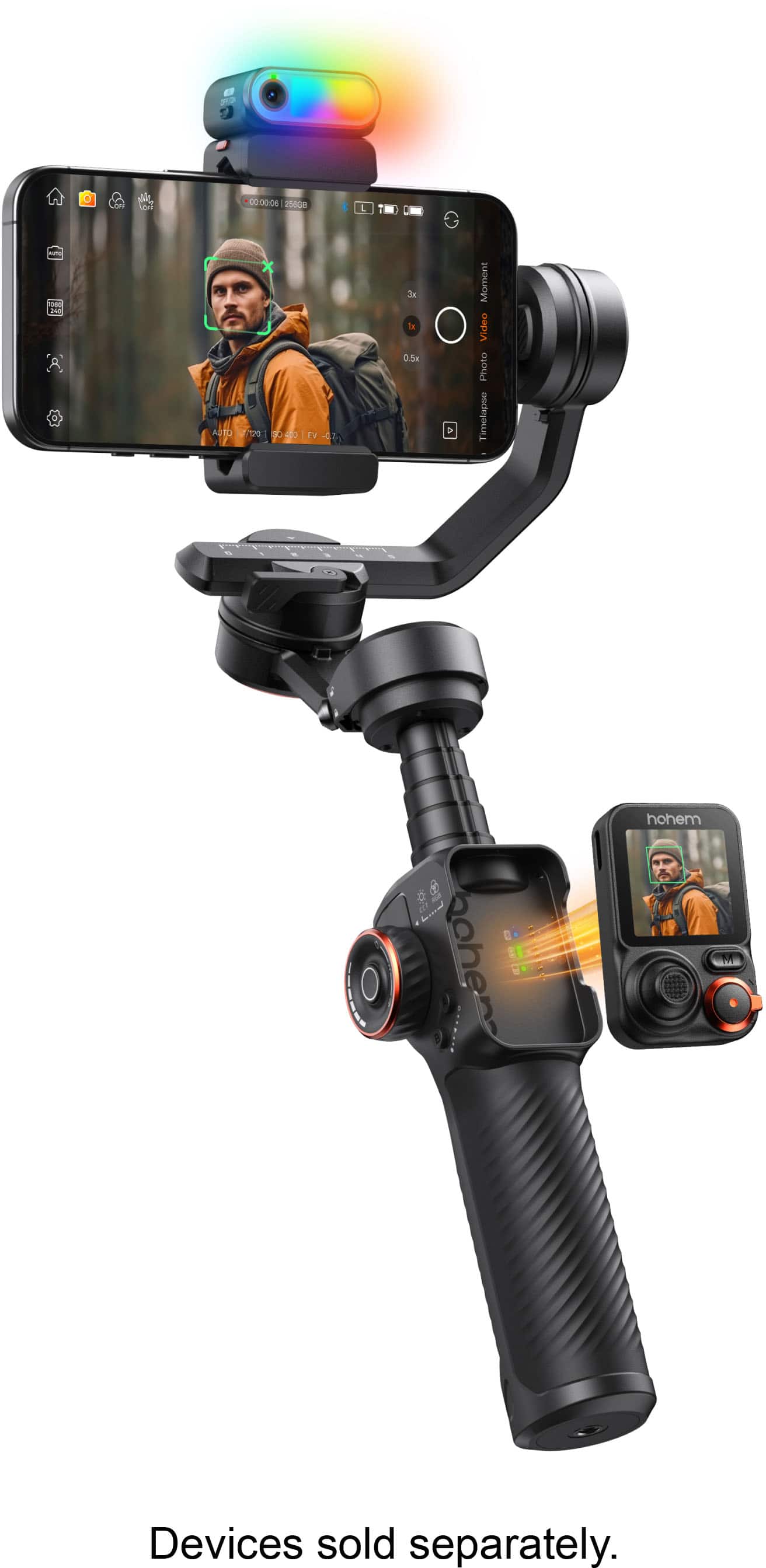
|Posted .This reviewer received promo considerations or sweepstakes entry for writing a review.Bottom Line Up Front The iSteady M7 is a versatile smartphone gimbal built for solo creators and mobile filmmakers, combining advanced on-device AI tracking, a detachable touchscreen remote with real-time preview, integrated RGB/CCT fill light, and a built-in extension pole into a single portable kit. Standout remote features The detachable touchscreen remote is the coolest feature and a genuine game changer for solo vloggers. Double-tap any subject on the remote’s live image to start tracking, double-tap again to stop, and the gimbal will follow the subject smoothly and reliably. The remote also controls tilt and pan away from you, plus phone zoom with selectable speeds (slow, medium, fast). On my iPhone 17 Pro the medium zoom setting moved from 1x to 50x in about 20 seconds, giving precise, cinematic control. The tiny remote feels surprisingly capable for its size and keeps you hands-free while filming. Tracking, camera control, and workflow The upgraded on-device AI tracks people, pets, vehicles, buildings, and more using your phone’s native camera and third-party streaming or video apps. Many camera-like controls are exposed through the interface—ISO, shutter speed, and other DSLR-style settings—so you can fine-tune exposure and look without switching to a different device. Note that only one camera-control app can access the phone camera at a time, so if you normally use a third-party control app such as Blackmagic, you’ll need to choose which app controls the camera. Usability and learning curve There’s a steep learning curve because the M7 packs many modes and button combos into a compact device. Button presses, mode changes, and menu navigation can feel overwhelming initially, but the included video tutorials are clear and the app layout is familiar to anyone who’s used other gimbal apps. Once you practice for a short session you’ll move through setups and shots fluidly. Balancing, build, and creative tools Balancing was easier than other phone gimbals I’ve tried; following the tutorials I had the phone balanced in a few minutes. The robust 3-axis design supports 360° infinite pan and a wide tilt range. The built-in extension pole enables aerial-style framing, overhead sweeps, and pet-eye perspectives. The RGB/CCT fill light gives usable on-board illumination adjustable from the remote, ideal for quick interviews and vlogs, though it won’t replace larger dedicated lights for high-end productions. Battery, extras, and kit A 12-hour battery life covers a full day of shooting and reverse charging provides on-the-go phone backup. The package includes the Advanced AI Tracker with fill light, detachable touchscreen remote, tripod, carrying case, and charging cables—everything you need for mobile shoots out of the box. Pros and Cons - Pros: Reliable on-device AI tracking with double-tap target selection; detachable touchscreen remote with real-time preview and zoom control; built-in RGB/CCT light and extension pole for creative framing; long battery life with reverse charging; easy balancing aided by clear tutorials. - Cons:Small remote screen can feel cramped for complex menus; many features create a steep learning curve; integrated light won’t replace larger studio fixtures; only one camera-control app can control the phone at a time. Verdict For solo creators, vloggers, and mobile filmmakers who want powerful tracking, remote monitoring, and integrated lighting in one portable unit, the iSteady M7 is an outstanding choice. It takes a short learning investment to master its depth, but once you do it delivers smooth, reliable tracking and a level of creative control usually reserved for larger setups.
I would recommend this to a friend Don't waste your money
||Posted . Owned for 2 weeks when reviewed.This reviewer received promo considerations or sweepstakes entry for writing a review.Great features listed, if it worked long enough. Bought this to help steady the phone while making videos and it overheats and shuts down constantly. Definitely regret buying this, ended up being completely useless. If you aren't recording it gives you 30 seconds at most before it shuts itself down, and there are no settings to fix this. Some features didn't work at all.
No, I would not recommend this to a friendHard to use
||Posted . Owned for 2 weeks when reviewed.This reviewer received promo considerations or sweepstakes entry for writing a review.Seems Sturdy but hard to use so it’s a no go for me couldn’t get it to work
No, I would not recommend this to a friend- Pros mentioned:Ai tracking, Build quality
They thought of everything!
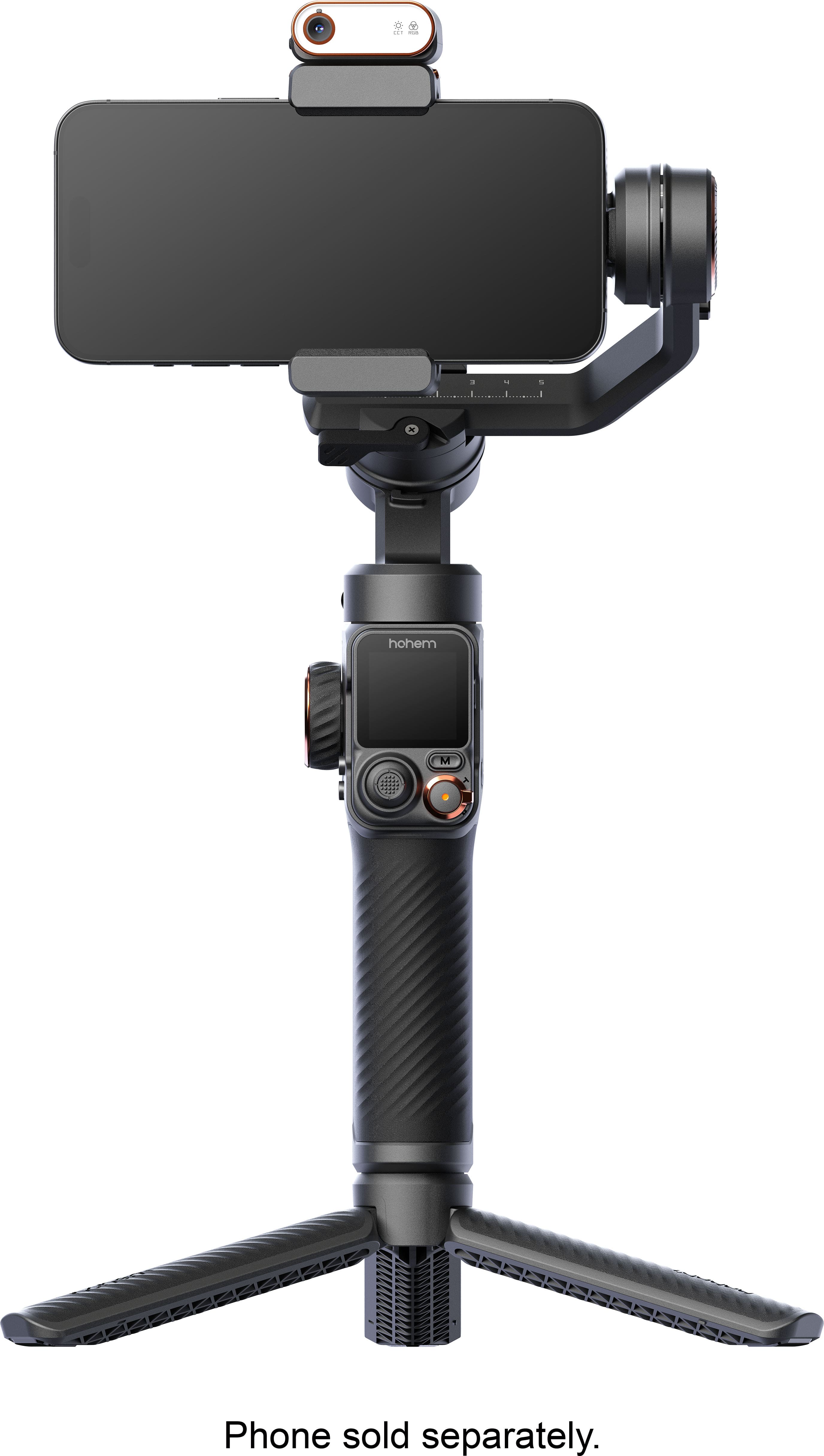
|Posted .This reviewer received promo considerations or sweepstakes entry for writing a review.PROS - Produces super steady video - Built-in wireless controller - AI tracking and gestures - Spotlight with RGB and different colors - Tripod mount and tripod attachment CONS - Occationally gimbal would go a little wonky when holding at weird angles First off, there are a lot of little features and ins and outs to familiarize yourself with. Out of the box it’s easy to get started using the device, but if you want to get the most out of it I highly recommend watching all their tutorial videos. The iSteady comes in a nice molded hardshell case which is plenty sufficient to protect it in a bag and on the go. It has a place for the gimbal, tripod attachment, usb cables, and an extra mesh pouch for any other small accessories. The gimbal itself is light enough to use for 15-30 minutes of shooting at a time, but I could see my arm getting fatigued if I wasn’t able to catch a break. That being said, the M7 does feel well built. The hard plastic is rigid and doesn’t flex at all. It has a rubber coating around the handle and also around the legs of the tripod. I found operating the gimbal very easy to operate. The trigger holds the phone in the same plane and the thumbstick provides easy adjustment to the scene. The control wheel allows easy control of the spot light color temperature and brightness. When using the Hohem camera app you can use the zoom toggle on the remote. The AI tracking allows easy control and activation utilizing hand gestures or by tapping or making selections on the touchscreen. It also allows you to reframe the shot an maintain that through the tracking. Utilizing the A and B buttons you can set waypoints and move between them as well as track slowly along the path. The AI tracking was good at tracking people, but also when I selected other subjects like animals or objects. Selecting objects works well not only when they are in motion, but also when moving around the objects to capture a dynamic scene. Overall, I found this to be a super versatile gimbal packed with features which are sure to support many different creators needs and video applications.
I would recommend this to a friend I don't even know what to say
||Posted . Owned for 1 month when reviewed.This reviewer received promo considerations or sweepstakes entry for writing a review.Worked good for a 2-week period. And then it went crazy and smashed my phone slamming back and forth just passed the returnable to the store date of course. Hohem has been notified and they will get back to me about replacing it.
No, I would not recommend this to a friend- Pros mentioned:Build quality, StabilizationCons mentioned:Learning curve
Premium feel steep learning curve
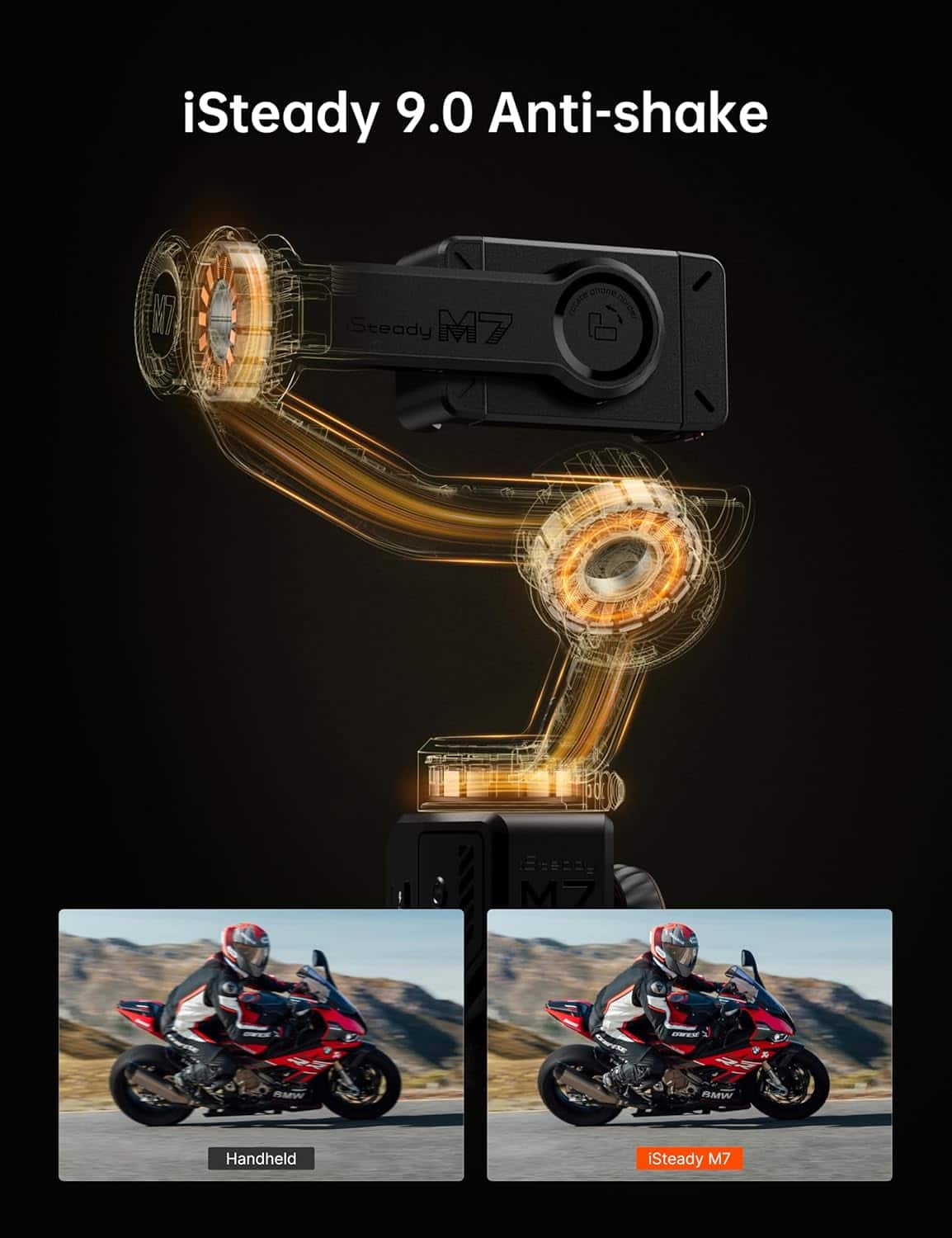
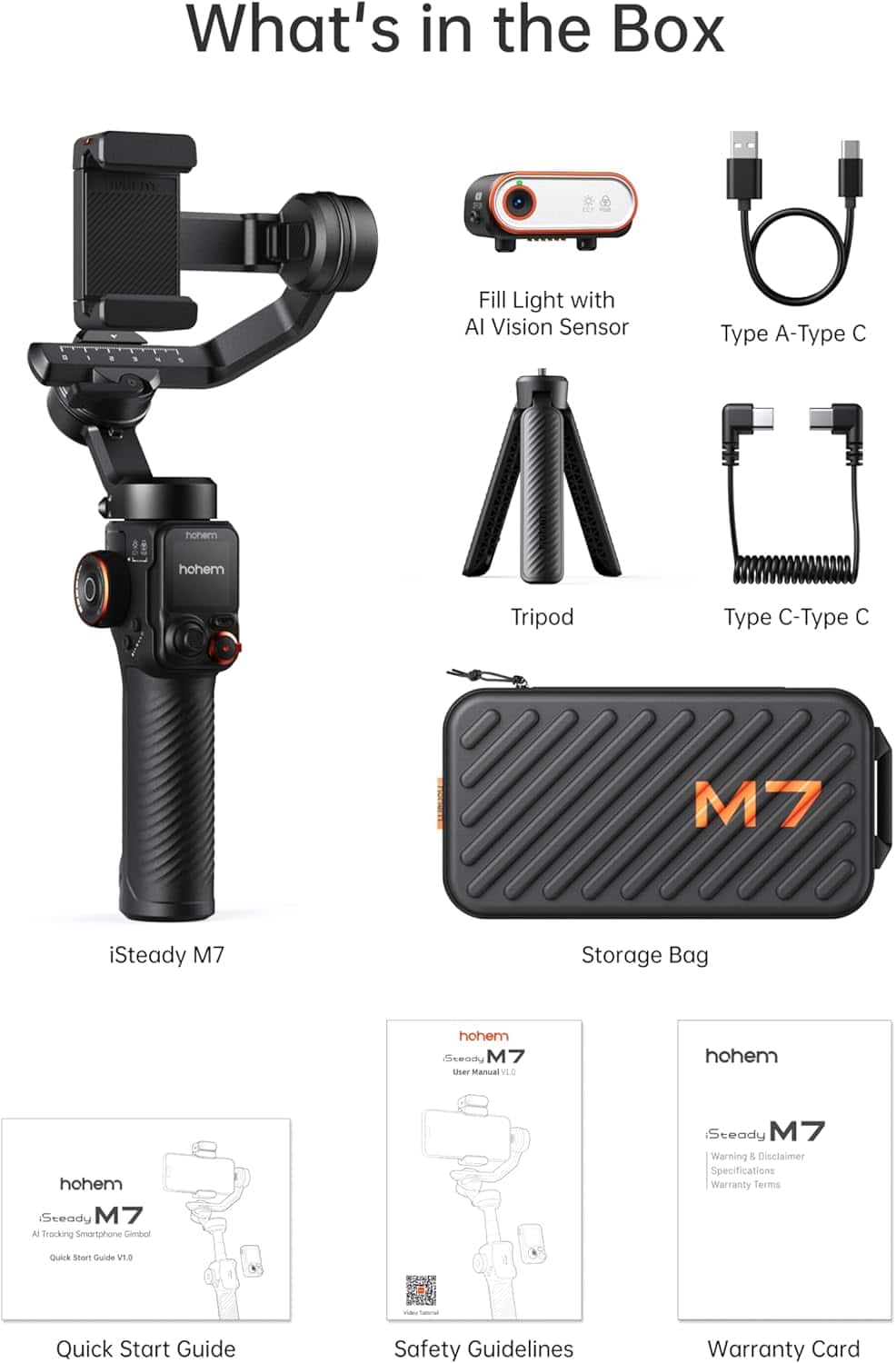
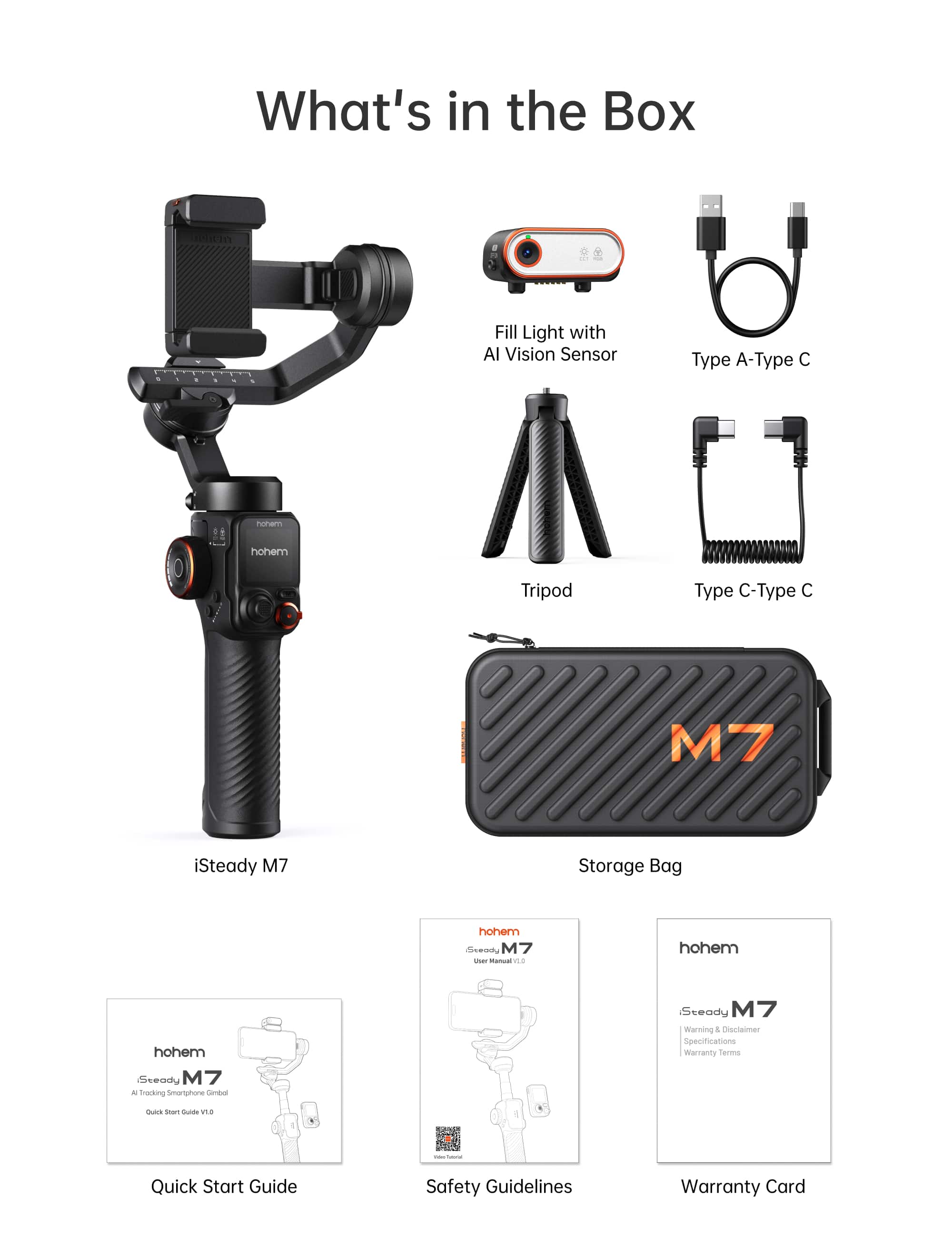
|Posted .This reviewer received promo considerations or sweepstakes entry for writing a review.In the box you’ll find the gimbal, AI tracker with fill light, detachable touchscreen remote, tripod, carrying case, USB-C cable & USB-C to USB-C cable. The iSteady M7 gives a premium impression. The device feels solid and the carrying case it comes in is also premium. To start you need to decide whether you’re going to use your phone in landscape or portrait mode. Once you have decided you’ll need to put your phone in the phone clamp, which accommodates smartphone widths of 58 mm–90 mm and thicknesses of 6.9–12.5 mm. Hohem advertises the “iSteady 9.0” algorithm—a claim of high-level anti-shake performance even under walking, running, or motions. Real world results showed the stabilization to be very good for typical mobile vlogging, travel scenes, and even moderate action-shots (think walking briskly, turning, panning). This is not going to replace a shoulder mounted stabilizer but it will definitely do the job for most vloggers. Especially with the build in telescopic phone holder, tripod, and touch screen remote. The M7 comes with a detachable 1.4-inch color touchscreen remote that shows real-time preview and allows you to change settings decently quick. In order to track a target you double tap or drag to select the tracking target. I placed the M7 on a table on it’s tripod and had it tracking my son running around the living room. It lost my son twice because he was moving too fast and the other times the gimbal kept rocking up and down trying to track my son which rendered the video useless. When I did the same thing outdoors with more distance from the gimbal there were no issues. For reference, my son was running a diagonal path ranging from 1-3 meters away from the gimbal. I will give the gimbal a break since he was running in a crazy unpredictable way. Battery life is rated at approx. 12 hours but if you use the AI tracking feature you’ll only get 8hrs. The M7 includes a side roller for motor rotation, focus or fill-light adjustment, A/B button for timelapse start/end path setting, and a trigger for sport mode/recapture/centre. The responsiveness of these controls was good. However you definitely should look at the instructional videos Hohem has before using the product because you’ll most likely overlook features if you do not. If you are going to use this for solo videos/vlogging you might use the tripod and be far from your camera. In these instances you’ll want the remote with you or, if you went through the videos you’ll know how to use hand gestures which the AI camera will then read and start recording. The biggest con by far is the learning curve, once you have figured this gimbal out, you’re golden.
I would recommend this to a friend - Pros mentioned:Build qualityCons mentioned:Tracking performance
Learning Curve with Amazing Payoff
|Posted .This reviewer received promo considerations or sweepstakes entry for writing a review.Everything today seems to be about what you can put on social media: Influencers, vloggers, media personalities, etc. All of them are constantly juggling mics, cameras, selfie sticks, and mode while trying to get the shot. This Hohem iSteady M7 is your extra set of hands! Immediately after unboxing this gimbal I could feel the quality. Solid construction, smooth movements, and even a sturdy fitted carrying case to keep your stabilizer safe. I have never owned a Hohem product before, however this product leads me to believe that they care about quality and I will be looking into more of their products in the future. I am not an instruction reading kind of guy, but ladies and gentlemen, give them a glance before trying to use this piece of equipment. There are so many features and shortcuts built into the iSteady M7 that you will not have any idea exist unless you do. For those of us that prefer visual learning, Hohem has a very useful video that outlines setup and features for this gimbal and will save you a lot of time. Pro Tip. download the Hohem Joy app and pair your phone with the iSteady. This gimbal can be used without the app, however it makes your life a lot easier. By pairing your phone, you can allow the detachable remote to control camera functions on your phone like zoom, record, etc. My favorite feature is the auto tracking function. You can use the detachable remote, however using your phone, you can literally just draw a box around what you want to track and let it cook! I will say its not perfect. It will start tracking a running subject, however speed and direction changes will fool it. Walking back and forth in a normal gait has no problems, but you can definitely fool the tracking if you try. Cliff Notes: This gimbal is so much more than just a stabilizer, its an extra set of hands! When paired with the app and given ample time to acquaint yourself with the product, the Hohen iSteady M7 will make your project so much easier to achieve and give it a far more professional and polished feel. Battery powered, quality built, and versatile piece of equipment with auto tracking, gesture recognition, and an app that expands and captures your horizons! Definitely worth the money if you want to create quality videos.
I would recommend this to a friend - Pros mentioned:Battery life, Stabilization
Great fun with my kids!
|Posted .This reviewer received promo considerations or sweepstakes entry for writing a review.The Hohem iSteady M7 has been such a blast to use. Setup took just a few minutes, and we were out in the driveway filming my kids biking and playing lacrosse like pros. The stabilization is seriously impressive even when I’m jogging next to them or following fast action, the video stays smooth and steady. The app and controls are easy to figure out, and it really feels like holding a mini movie rig. My kids love it too and keep asking to make “action shots” with it. Battery life’s solid, and it handles my phone with no problem, even with a case. We’ve been using it every weekend now to capture highlights, replays, and just everyday moments. It’s turned simple family videos into something that looks straight out of a sports reel. I am looking forward to continuing trying out different uses for this, including taking it on nature hikes, bike rides and even on the boat next summer with my family to get great stable video of our ongoing adventures. It is quickly becoming an essential item for my family vacations and weekend excursions.
I would recommend this to a friend