Customer Ratings & Reviews
- Model:
- T3M74AA#ABA
- SKU:
- 5029700
Rating by feature
- Ease of Use
Rating 4.8 out of 5 stars
- Value
Rating 4.7 out of 5 stars
- Quality
Rating 4.7 out of 5 stars
Customers are saying
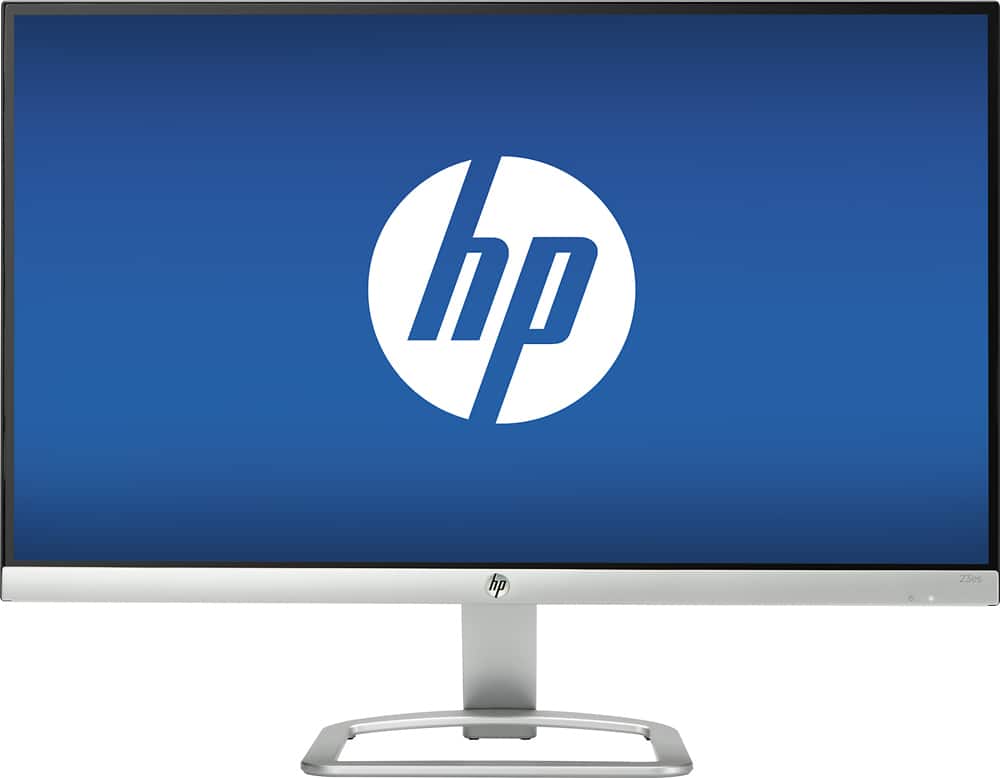
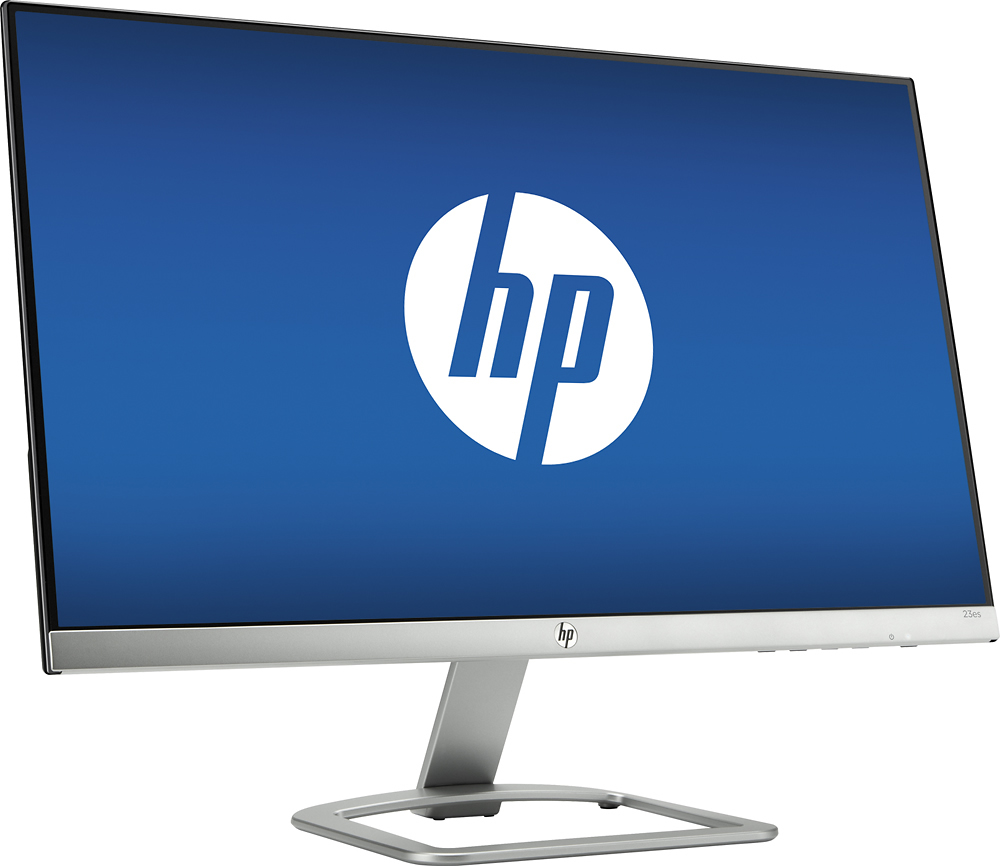
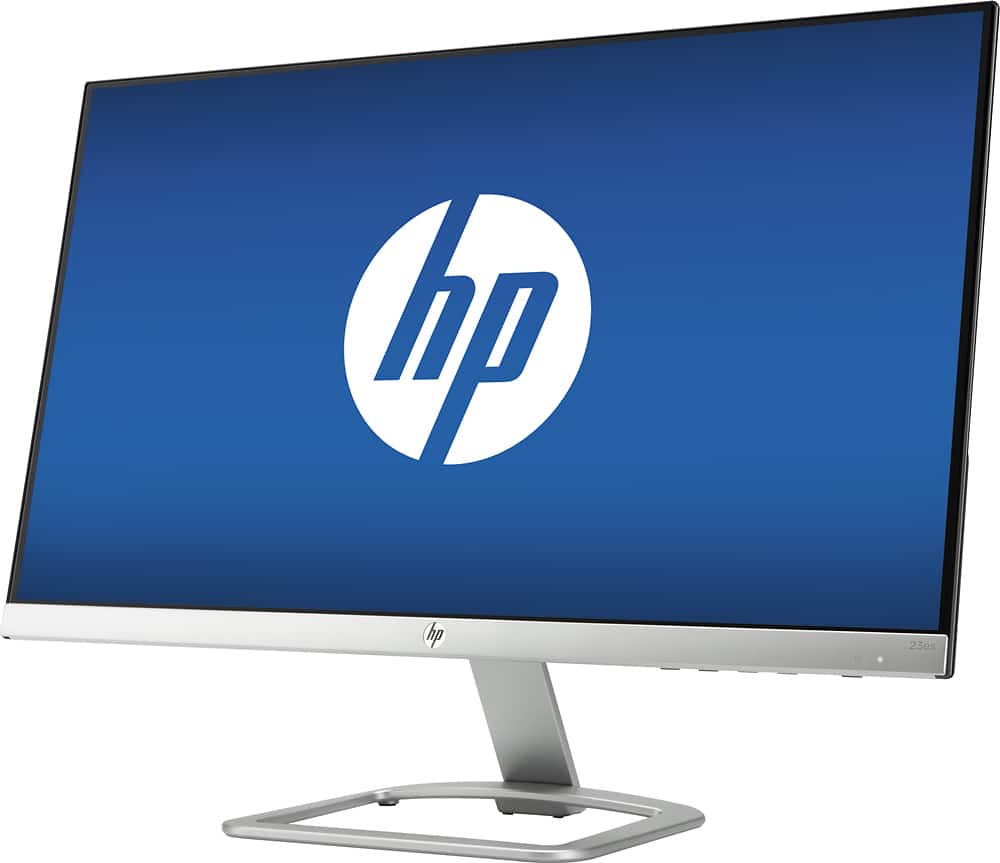
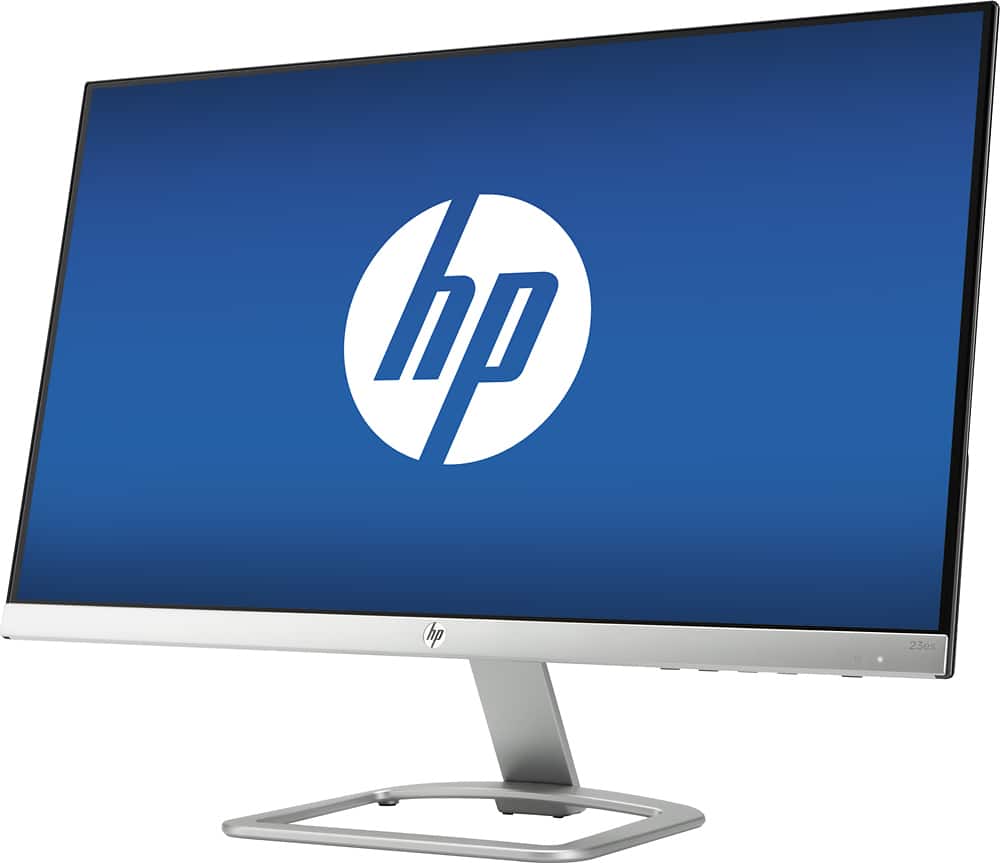
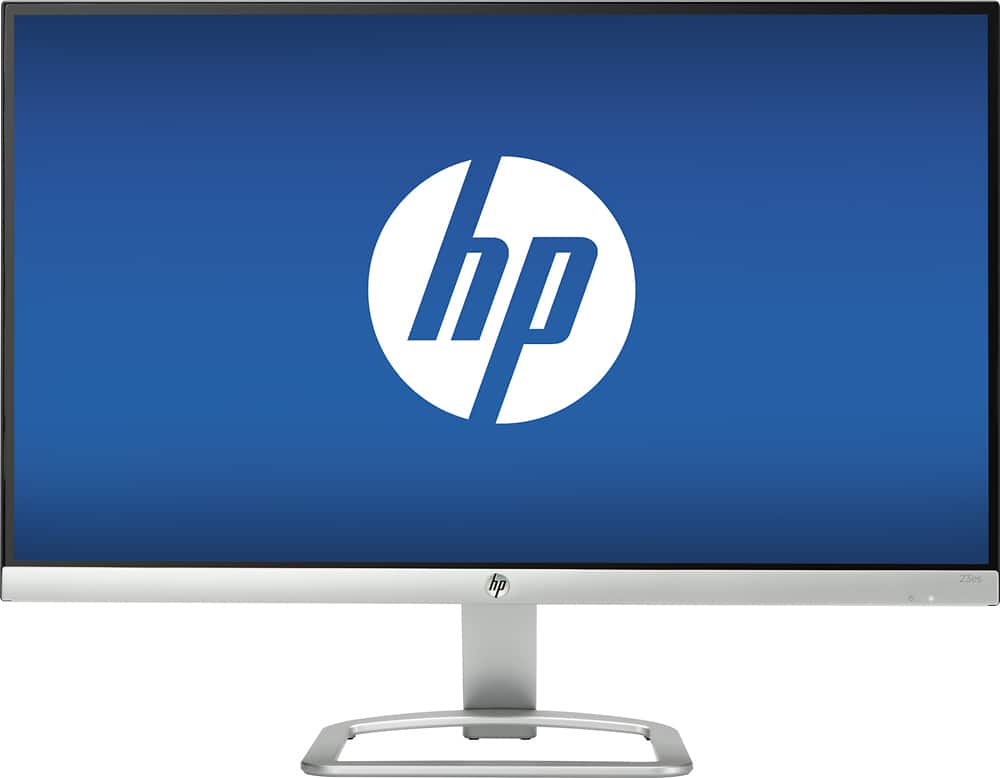
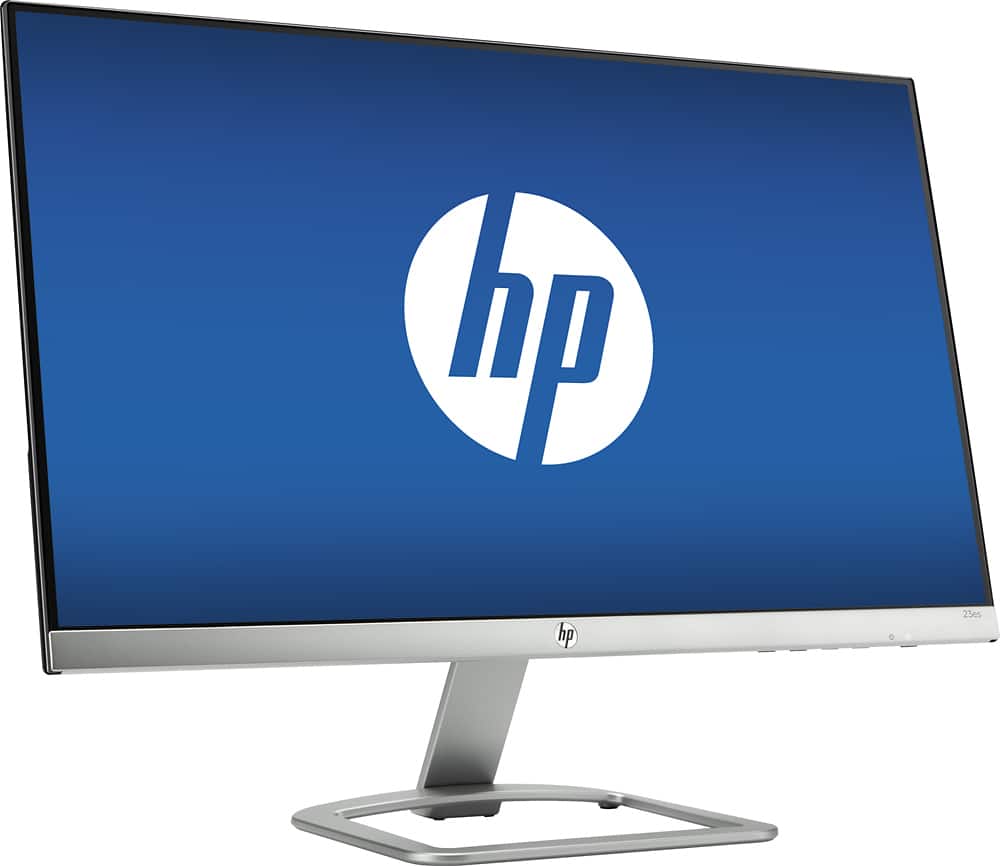
Customers are satisfied with the 23es 23" IPS LED FHD Monitor's picture quality, ease of use, and price. Many appreciate its lightweight design and find the size to be just right. While some noted the lack of built-in speakers and potential glare, positive feedback on the color reproduction and HDMI connectivity was also prevalent.
This summary was generated by AI based on customer reviews.
Junk monitor
||Posted .This reviewer received promo considerations or sweepstakes entry for writing a review.Died piece of crap. Should have lasted longer!!!!!
No, I would not recommend this to a friendNice but too heavy
||Posted .This reviewer received promo considerations or sweepstakes entry for writing a review.The size is nice but the pitcher part is way too heavy
No, I would not recommend this to a friendHD Monitor kept cutting off every 5 seconds
||Posted .This reviewer received promo considerations or sweepstakes entry for writing a review.HD monitor had a real problem and I returned it.!!
No, I would not recommend this to a friend- Pros mentioned:Picture quality
Mac Friendly
Posted .This reviewer received promo considerations or sweepstakes entry for writing a review.I was looking around for a basic monitor to use with my MacBook Pro. This monitor met most of the features I was looking for. Visually, it is almost a perfect match. The MBP has a Retina display and I was expecting this monitor would be a step down. But, honestly the color and resolution is quite good and I don't feel like I'm missing much and enjoy the additional screen real estate. Yes, when you get up close you will know it isn't a Retina, but at normal viewing distances, the display is just fine. I calibrated with a ColorMunki. As usual, the default settings were a bit too bright and over saturated. After calibrating the screen matches most of what i see on the MBP. Set up was extremely easy. Assemble, plug in power and monitor cables, turn the monitor on and it just worked. I did buy a displayport to HDMI C cable. Since the monitor was on sale the cable and monitor was about $20.00 less than the regular price of the monitor alone. Recommended.
I would recommend this to a friend - Pros mentioned:Design, Picture quality, Price
I Love It!
Posted .This reviewer received promo considerations or sweepstakes entry for writing a review.I can't get over how much I love this monitor! I feel like I am in a dream while using my desktop! Videos are sharp and the look of the monitor is sleek and simple. It is like my HD TV! The price was great for the quality, I feel.
I would recommend this to a friend - Pros mentioned:Picture quality

Very crisp display
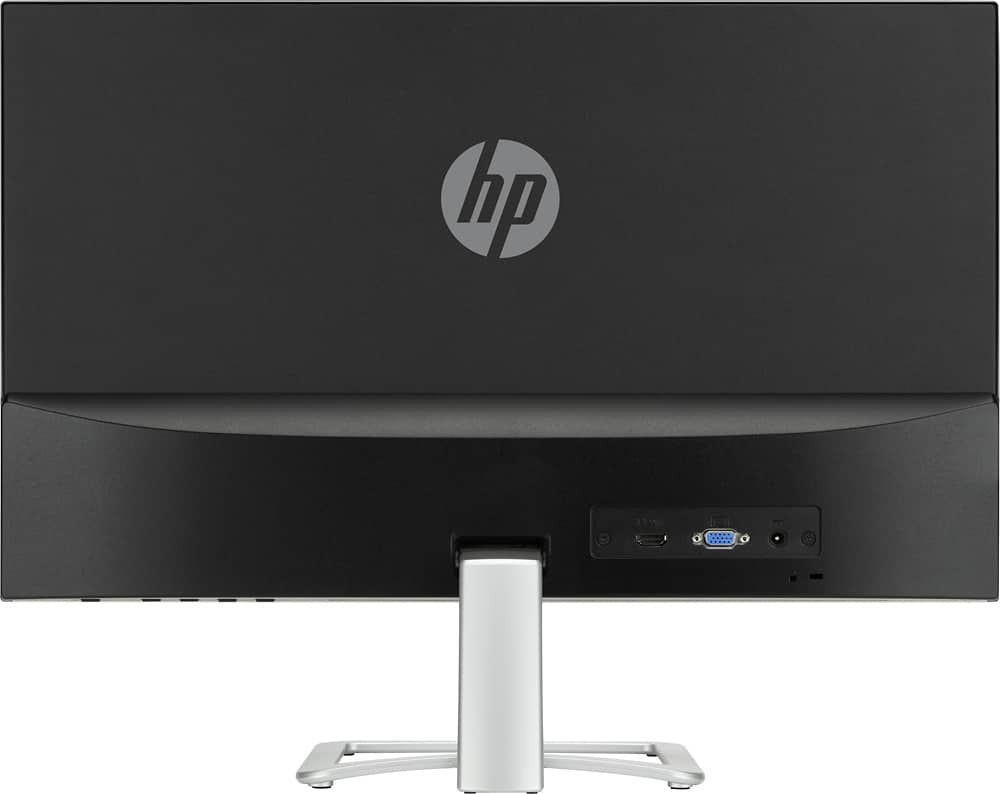
|Posted .This reviewer received promo considerations or sweepstakes entry for writing a review.The HD display is very crisp and sharp and 2/3rds of the screen is ultra thin. It took me a few minutes to realize the screen does rotate up and down. I thought it was stationary because of the way the stand connects to the monitor. The only downside to this monitor is your connection options. You have a VGA connection (the old blue 9 pin connector) or HDMI. There is no DVI connection so if you need to connect it to a PC that has DVI you will need to buy an adapter.
I would recommend this to a friend - Pros mentioned:Picture quality
Super clean, clear image
|Posted .This reviewer received promo considerations or sweepstakes entry for writing a review.Unlike many other monitors with a frame around the display, the IPS monitor is frameless, so every bit of the 23 inch diagonal is used. The image is crystal-clear, with even color and good response rendering video. I've used (literally) hundreds of monitors over three decades, and this one is the best I've used. The only reason I didn't give it five stars is that the height isn't adjustable like many lesser models have sported for ten years.
I would recommend this to a friend Nice, but button config is hidden.
|Posted .This reviewer received promo considerations or sweepstakes entry for writing a review.This monitor is extremely simple to setup and assembled in minutes. You don't need tools to assemble it which I liked. There is an HDMI port and a VGA port in the back of the monitor. Unfortunately, there is no DVI, so if you wish to use that, you'll have to get an HDMI to DVI Convertor. If there is any feedback I'd like to give on this monitor, it would be the monitors ability to adjust options such as brightness etc. You have to feel your way at the bottom right hand side of the monitor to trigger buttons that will show you what does what. There are no printed indicators on the monitor itself, only arrows as a guide on the picture itself. This is very confusing to setup and may drive someone crazy if they are not technologically savvy.
I would recommend this to a friendAn Excellent, Affordable Monitor
|Posted .This reviewer received promo considerations or sweepstakes entry for writing a review.The HP 23es Monitor serves all of my needs. It came with an HDMI cable, so setup was quick and easy. All it required was plugging in the power supply, then connecting the HDMI cable and it was up and working. The 7ms response time allowed for pleasant viewing experience for both panning wide shots and action packed scenes. I did not experience any level of noticeable blurring or ghosting. The 178 degree viewing angle combined with the pivoting base ensures that you experience comfortable viewing regardless of your setup. For this reason, this monitor is especially good for stand-up desks. I found the brightness of the monitor to be more than adequate. The 1920 x 1080 resolution won't display 4K videos at full resolution, but did provide crisp images and text.
I would recommend this to a friend- Pros mentioned:Ease of use, Picture quality
HP Monitor
Posted .This reviewer received promo considerations or sweepstakes entry for writing a review.My last monitor got wet when one of my cats knocked over a glass of water onto it, so had to buy another. I picked it out online and ordered this one, then picked it up. I like it very much because the screen is nice and wide and I can see everything well on it. The colors are very accurate and bright. It was plug and play, so easy to get it up and running right away. I would buy this one again if I had to. And the sale price was great, saved about $100 at the time of purchase.
I would recommend this to a friend - Pros mentioned:Picture quality
Apple iMac User Likes This as Second Monitor
Posted .This reviewer received promo considerations or sweepstakes entry for writing a review.Went online and did a search for good alternative to Macintosh displays and HP came up. I saw this 23" IPS LED HD option on sale at bestbuy.com for under $100.00. The Apple 27" Thunderbolt is $999.00. This monitor is 86% the size at 10% the price... easy decision. Out of the box it was instantly mirroring... a few settings changes and a quick Color calibration – that took 5 minutes – and it is 5-by-5. Easy choice.
I would recommend this to a friend Solid, thin monitor
|Posted .This reviewer received promo considerations or sweepstakes entry for writing a review.A very decent 23" monitor by HP. I am currently using it with a HP Wave desktop via HDMI. This specific monitor is a 1080P monitor that also works with anything that accepts HDMI or VGA. Also a 7ms response time is great for when I plug my XB1s or PS4 (soon to be PS4 Pro) into it as well. I believe the resolution can go higher however. Not needed, but I wish monitors would come with 2 HDMI ports for option desktop/gaming set up. To use the VGA port however, I will need to get an adapter for around $10 on Amazon if the need becomes too much as the Wave does not have a VGA port (wish HP would of thought ahead since this is meant for a PC then anything else, right?) Overall, a very good monitor, only marked down for not being advertised as a 1440P monitor for more gaming, and for having a VGA port instead of 2 HDMI for modern needs. Very thin, and good screen image. Very pleased.
I would recommend this to a friend- Pros mentioned:Picture quality
Great Monitor
Posted .This reviewer received promo considerations or sweepstakes entry for writing a review.I got this with my macbook pro so I could use it at my desk and have a bigger screen. I absolutely love this monitor, its the right size, and its crystal clear.
I would recommend this to a friend - Pros mentioned:Picture quality
Very Slim
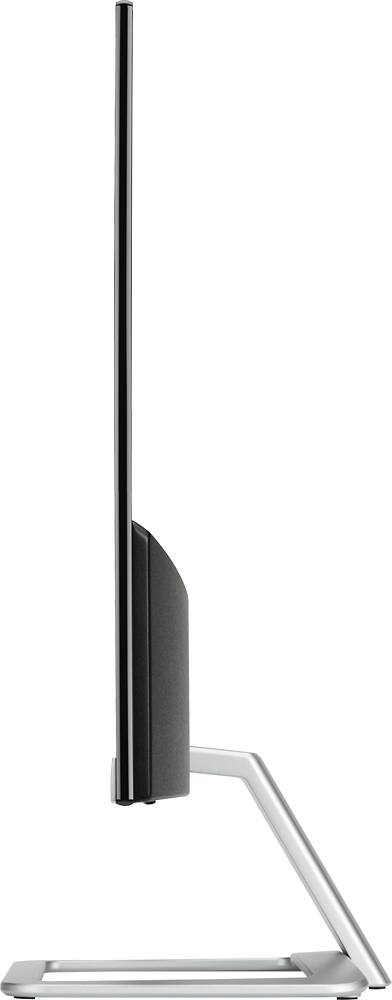
|Posted .This reviewer received promo considerations or sweepstakes entry for writing a review.This monitor has a great picture but the thing I am most impressed about is how thin it is. However, one thing that my past HP monitors have had is a tilt mechanism. This one you will need to raise or lower to change the viewing angle. All in all good product for the price.
I would recommend this to a friend - Pros mentioned:Picture quality
Great Monitor
|Posted .This reviewer received promo considerations or sweepstakes entry for writing a review.This monitor has a great picture, even when hooked up to the VGA port. I have zero complaints and really love the look of it on my desk. Would highly recommend!
I would recommend this to a friend - Pros mentioned:Ease of use, Picture quality
Love it
Posted .This reviewer received promo considerations or sweepstakes entry for writing a review.Easy setup, image is clear. Also love how light it is.
I would recommend this to a friend Outstanding monitor
Posted .This reviewer received promo considerations or sweepstakes entry for writing a review.I bought this new IPS monitor to replace an older HP monitor of the TN variety. With that old monitor, I only had to be slightly off-axis to have the colors appear to change or brightness appear to dim. This wasn't good for doing photographic editing. I spotted this HP 23es monitor on a Best Buy ad in my email. The price was so good, I had to try it. It was a cinch to set up. I was all ready with screwdrivers and pliers and hammers and didn't need any of them. The base is simply two pieces that fit well together with a locking thumb screw. That was it. Ready to roll - well almost. The cable included is an HDMI to HDMI, and the catch here is that my desktop has choices of either VGA or DVI. So I needed to purchase a specialty DVI to HDMI cable to make it work. But work it does. Beautiful images, with lots of menu choices for adjustments. With some online fine-tuning sites, I've got this monitor looking its very best, and I feel the colors are more accurate than what I was using before.
I would recommend this to a friend- Pros mentioned:Size
Excellent buy for under $120
Posted .This reviewer received promo considerations or sweepstakes entry for writing a review.Good built. Nice resolution. Serves as my secondary monitor at home. Very light weight and doesn't occupy much space. Highly recommend this product. Doesn't have speakers. Anyways I don't listen to anything as I have my laptop always hooked up.
I would recommend this to a friend Louise
Posted .This reviewer received promo considerations or sweepstakes entry for writing a review.This monitor has been great, I would high recommend this and would buy it again if I need one.
I would recommend this to a friendGreat display for everyday use
|Posted .This reviewer received promo considerations or sweepstakes entry for writing a review.This display is interesting and not exactly what you might expect just looking at pictures online. First off, the display is VERY thin. It seems they pushed all of the electronics to the bottom area of the display, since there is a thick part there. The power supply is more of a laptop style with a DC adapter, rather than the standard plug. This has positives such as the small cord and the ability to hide the cord. But there is a negative side that you have a power brick that you have to deal with. The matte finish on the screen is very nice for scenarios in which glare might be an issue. Overall this display has served very well as a general use computer display.
I would recommend this to a friend