Customer Ratings & Reviews
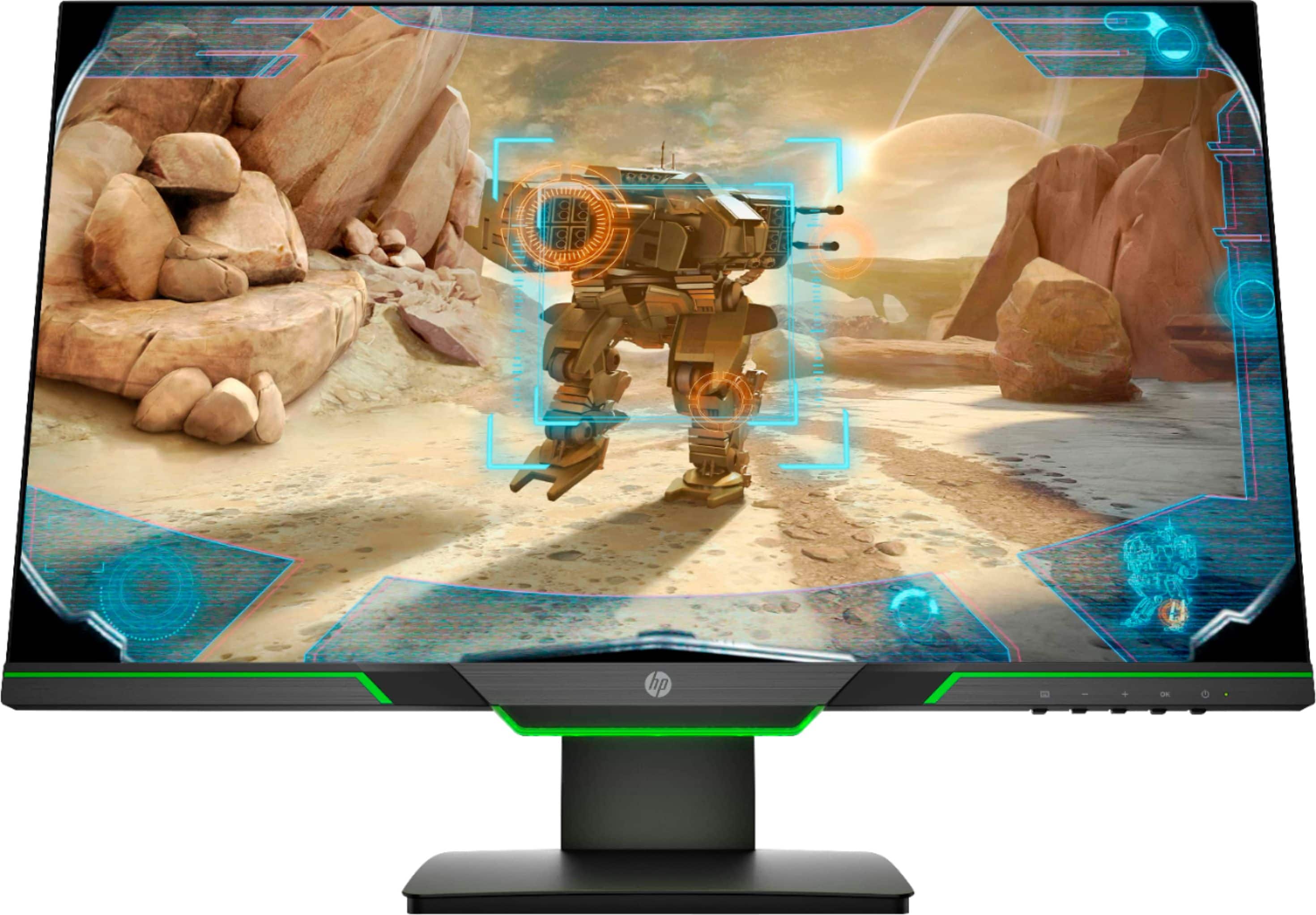
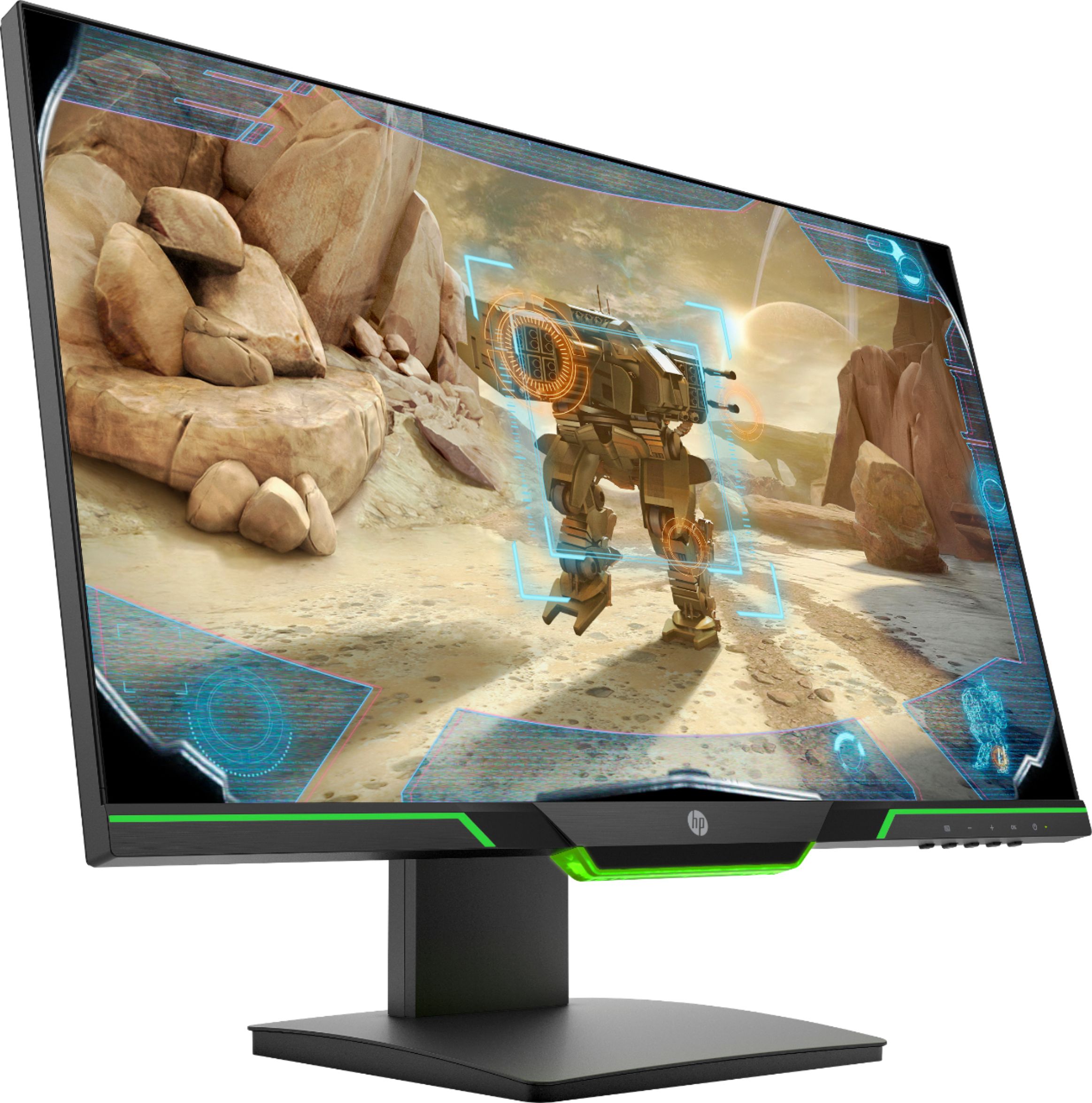
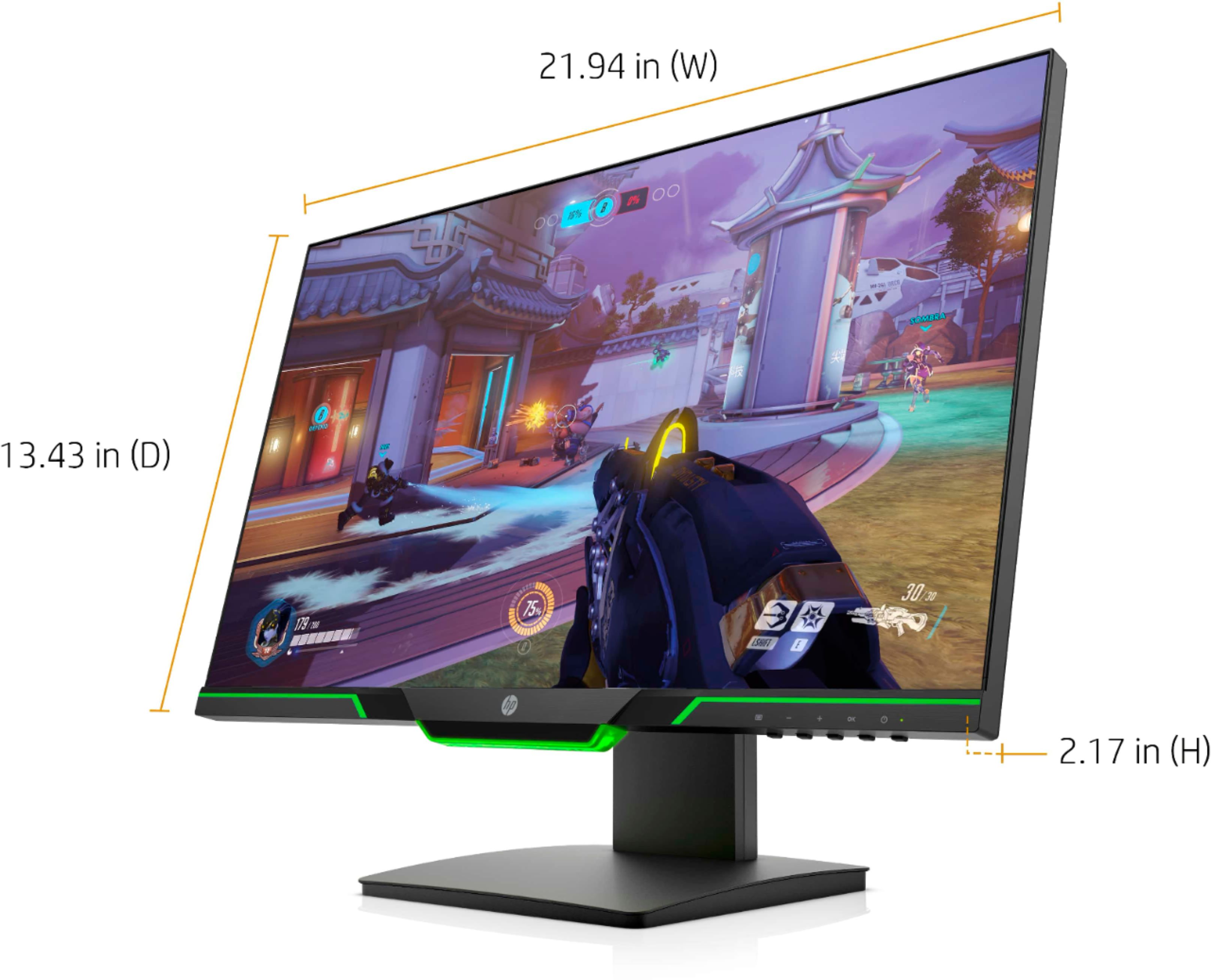

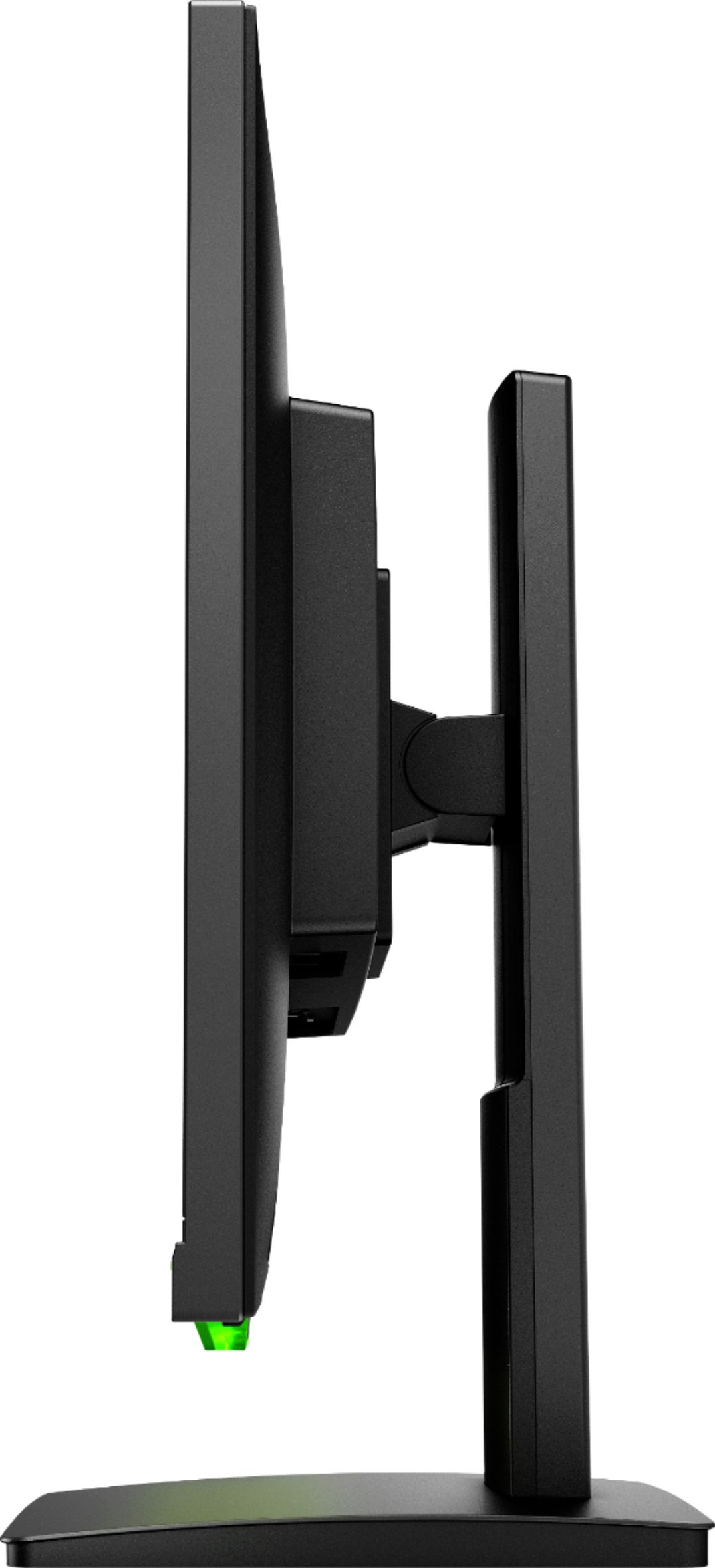

- Model:
- HP 25X
- SKU:
- 6280605
Rating by feature
- Ease of Use
Rating 4.8 out of 5 stars
- Value
Rating 4.6 out of 5 stars
- Quality
Rating 4.7 out of 5 stars
Customers are saying
Customers frequently mention the excellent picture quality and smooth refresh rate, making it ideal for gaming. Many appreciate the monitor's affordability and ease of setup. However, some users wish it included speakers, and a few have noted issues with viewing angles and the LED indicator light. The absence of built-in speakers is a recurring negative comment.
This summary was generated by AI based on customer reviews.

Nice AMD Freesync compatible gaming monitor
|Posted .This reviewer received promo considerations or sweepstakes entry for writing a review.This is a 1920x1080p (FHD is what they call it nowadays for marketing) monitor that can be used with AMD video cards up to a 144 hertz (times a second) refresh rate. You have to select this mode in your display properties, and this is called AMD Freesync. If you are wanting to do something similar with a Nvidia video card, you need to get a G-Sync enabled monitor, which are generally more expensive since they have specific licensed hardware in them to work with Nvidia cards. The display is vibrant, has built in display modes for night time viewing to make it less stimulating for your body so you might be able to sleep easier after you stop using the monitor. It is great with games, is bright enough that I rarely have it set above 80 percent in any application, and it is also fairly viewable at most normal angles for this standing near the monitor. There is a headset jack underneath where the video connections are. You can leave headphones plugged in there and then choose HP 25X for your audio output and use them, then just switch back to your default speakers as needed. Remember its not a combo headset jack like most computers come with these days, so not for a gaming headset with microphone built in. All in All, this is a great monitor and goes well with the HP Pavilion desktop.
I would recommend this to a friend- Pros mentioned:Picture quality
Best Monitor
Posted .This reviewer received promo considerations or sweepstakes entry for writing a review.Awesome monitor. Still have it 4 years later. Clear picture.
I would recommend this to a friend Very Nice gaming or general use monitor
|Posted .This reviewer received promo considerations or sweepstakes entry for writing a review.Once this arrived I couldn't wait to pair it with the HP gaming tower I recently received. First off, set up is a breeze, it is plug and play, power it up and you are ready right out of the box. There are control buttons an the lower right side of the monitor, but for me, it was perfect right out of the box. I use this monitor set for basic gaming, video and photo editing, and streaming movies, sports etc. So a monitor that can keep up is important. Well the HP LED monitor does not disappoint. A fast 144x refersh rate is fast enough for most any gaming and video streaming. The picture is sharp and clear on this monitor, which makes for a very nice experience when editing video and photos. Of course Ive only used the monitor for just a few days, but so far it has been excellent and I would recommend it to anyone looking for a gaming or just general purpose monitor. This will not disappoint.
I would recommend this to a friend- Pros mentioned:Picture quality
Games
Posted .This reviewer received promo considerations or sweepstakes entry for writing a review.High quality for good price! Definitely recommend 10/10
I would recommend this to a friend Good for gaming
|Posted .This reviewer received promo considerations or sweepstakes entry for writing a review.First off guys and gals, put some hours on it ( lots of hours) then make your adjustments in the settings to dial it in. Like a TV it's not 100% out of the box. The monitor has a nice build and feel and its wall/bracket mountable. Has a green accent light that only lights up partially, pretty annoying. The monitor itself looks great and is fast enough to do the job. No blur, no bleeding and nice blacks.
I would recommend this to a friendGreat monitor for dedicated PC gamers
|Posted .This reviewer received promo considerations or sweepstakes entry for writing a review.This hp gaming monitor is almost amazing. 1ms response time is amazing. 144 refresh rate is crazy fast. So smooth while playing any game on the PC. Technology on pc is way ahead of consoles in many areas. The 1080p screen is very sharp and smooth. But the viewing angles are not great. Poor in my opinion. I noticed while using the articulating arm/mount. Which is awesome by the way. Although I won’t use it much. I know the hard core gamers might. I also love the led lighting under the monitor. Nice added touch. I like a great deal. Minus the minor issues. Very higher end product. Well worth the price.
I would recommend this to a friendStill Good
Posted .This reviewer received promo considerations or sweepstakes entry for writing a review.Still using this almost 5 years later. Viewing angles can be a little awkward if it isn't your main monitor/directly in front. Otherwise a very good monitor!
I would recommend this to a friendG-SYNC Compatible
Posted .This reviewer received promo considerations or sweepstakes entry for writing a review.For anyone wondering, although not certified by Nvidia, this monitor will run in G-Sync mode at 1080p / 144hz. I notice a significant difference in Nvidia's G-Sync demo Pendulum. When turning on G-Sync with a varying refresh rate it noticeably reduces both tearing and especially stuttering. I've had no problem enabling G-Sync in Apex Legends as well. To enable you simply need to: 1. Connect your display with a Displayport cable (NOT INCLUDED) The G-Sync option will not show up when connected with an HDMI cable. 2. Set the display to Freesync mode by pressing menu > viewing modes (RGB icon) > and selecting "Gaming - Freesync" 3. Having the latest graphics drivers installed. I got them directly from Nvidia's website. Going into Nvidia control panel and going to the "Set up G-SYNC" option on the left. As for everything else. The colors look great and vibrant even in 1ms mode and 144hz. Very thin bezels that look great. The ambient lighting is green only and can't change colors but does have 3 brightness settings, a breathing mode, and off mode. I'm very happy with this monitor.
I would recommend this to a friendGreat Monitor
Posted .This reviewer received promo considerations or sweepstakes entry for writing a review.I have had this monitor since 2017 and it still works great. I even accidently have had water spill around it and it is somehow still alive. Def reccomend!
I would recommend this to a friendGreat Monitor
Posted .This reviewer received promo considerations or sweepstakes entry for writing a review.Very clear and high quality screen. Colors are vibrant and the screen height is adjustable. However, the green lights on either sides of the screen don’t light up, only the middle one does.
I would recommend this to a friendNot my favorite
|Posted .This reviewer received promo considerations or sweepstakes entry for writing a review.I put off writing this review as I had initially hooked it up with HDMI and it was just horrible. I could see the pixels and it was a step down from my previous monitor(still had the 2nd for direct comparison). I did get a new PC that had DisplayPort. I got the drivers updated on WIN10 and set the frequency to 144HZ. This did clear up the picture a good bit and upped the resolution to 4K output. While the monitor does state 1080P it took the 4K resolution fine. I do use this as a work PC so lettering and email were first. I still have a very slight screen door effect but overall its usable. After calibrating the color its been working nicely since. I do like the video playback, gaming is crisp as well. I don't mind the green LED on the front but the Green Power light is over bearing and if you are sitting direct in front of it, it can be blinding. I ended up putting a piece of tape over it. Overall, I had to know this down to 3 starts due to calibration was way off, needed to have Display Port for output and frequency(had to download and install manually). Good Monitor but better is available at this MSRP price point
No, I would not recommend this to a friendWorth it
Posted .This reviewer received promo considerations or sweepstakes entry for writing a review.This has to be the best monitor I ever had. Hard to come by but definitely worth it
I would recommend this to a friendI like the size.
Posted .This reviewer received promo considerations or sweepstakes entry for writing a review.I like the overall size of the monitor. I like how its adjustable also. The specs are pretty good too for the price.
I would recommend this to a friendAwesome
Posted .This reviewer received promo considerations or sweepstakes entry for writing a review.Aweome value if you catch it discounted. Doesnt match other monitors too well though.
I would recommend this to a friend- Pros mentioned:Refresh rate
Excellent gaming at 144hz
Posted .This reviewer received promo considerations or sweepstakes entry for writing a review.I got this monitor because my Samsung 4k monitor broke. I must say that I'm glad with this purchase because of the refresh rate and the vivid colors and AMD freesync. I don't mind sacrificing a little bit of resolution for speed and accuracy. Plus at 24.5" the images look great. Playing Call of duty on this feels much quicker and smoother when which means more accurate gaming.
I would recommend this to a friend - Pros mentioned:Refresh rate
Its a good 144hz mintor with a 1ms response time
Posted .This reviewer received promo considerations or sweepstakes entry for writing a review.The monitor is great to use for my xbox and my pc the only problem is in the monitors settings there is a response time setting and it is used for overdrive as to where the monitor is always a 1ms monitor which confused me
I would recommend this to a friend - Pros mentioned:144hz
Great deal
Posted .This reviewer received promo considerations or sweepstakes entry for writing a review.I bought this earlier today on sale because it is freesync at 144 mhz with 1ms response time. If you purchase a displayport cable with it since only hdmi is included then you can sync it with an nvidia gsync card. For less than 200 bucks... it delivers. This wasn't possible last year but is now. Jump on it.
I would recommend this to a friend - Pros mentioned:Refresh rate
Amazing 1080p 144hz monitor!
Posted .This reviewer received promo considerations or sweepstakes entry for writing a review.I bought this monitor when it was $40 off and I do not regret it. This monitor is amazing for PC gaming, with its 144hz refresh rate. This is my first 144hz, and now using 144hz, I can never go back to 60hz. Definitely recommend if you can pick it up on discount.
I would recommend this to a friend Great monitor
Posted .This reviewer received promo considerations or sweepstakes entry for writing a review.I had this monitor for about a week now and it is working great! I would recommend this for anyone who is looking for a new monitor, but I was just wondering, can you use a hdmi input and still get 144hz?
I would recommend this to a friend- Pros mentioned:144hz
Amazing monitor!
Posted .This reviewer received promo considerations or sweepstakes entry for writing a review.I got this for a computer setup I created and so far, no defects, great quality and easy to use, I found The FreeSync works best for me and it has one of those stands that allow you to make the display vertical for vertical content.
I would recommend this to a friend