Customer Ratings & Reviews
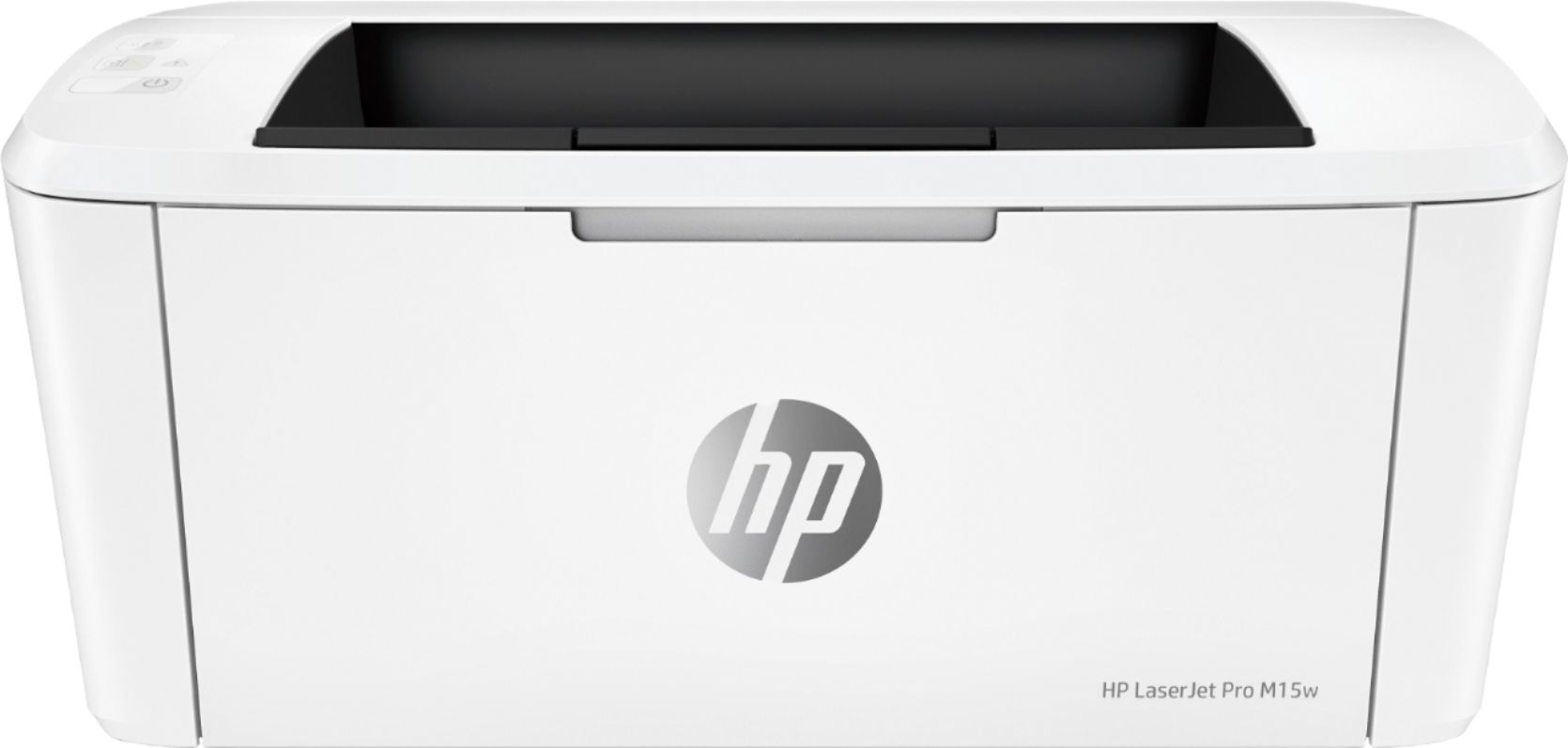
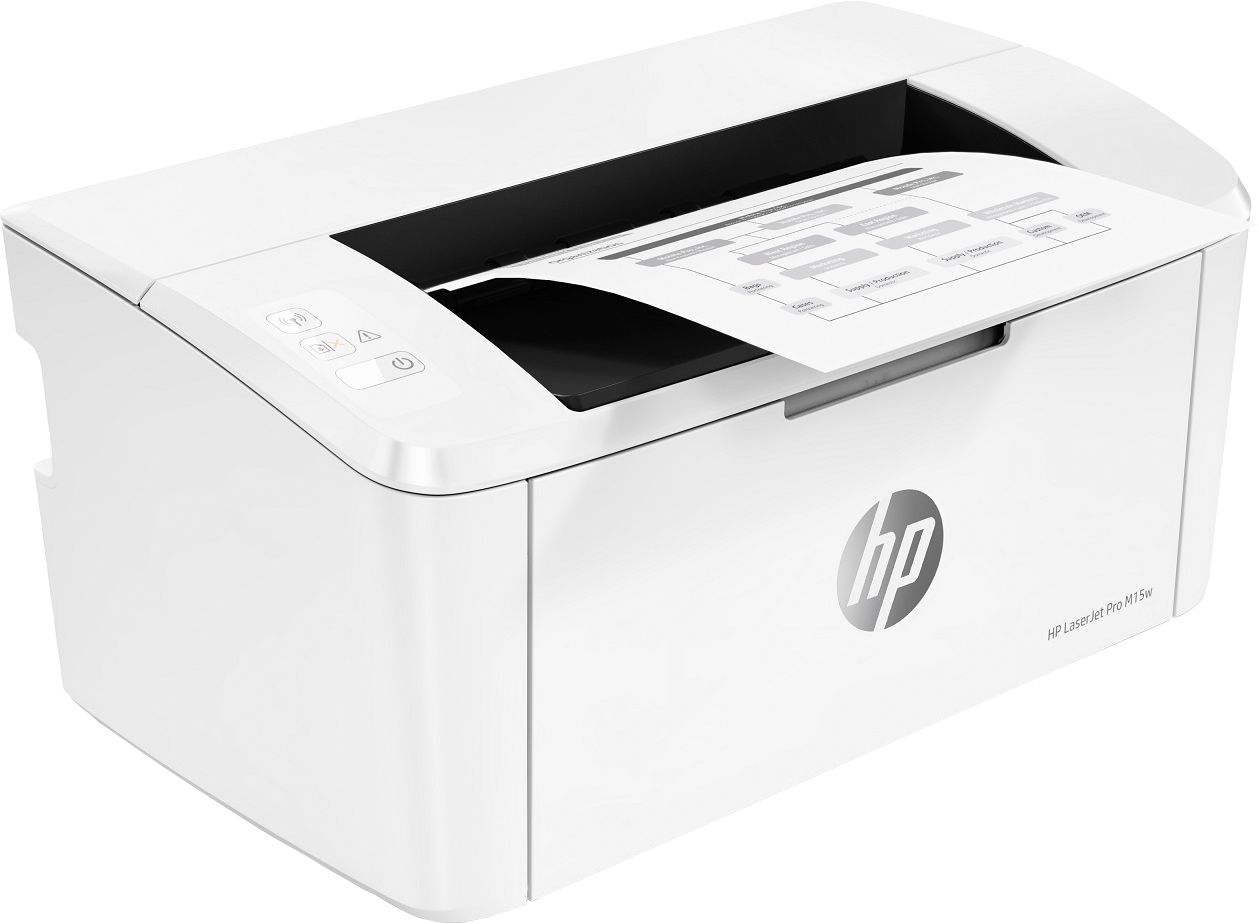
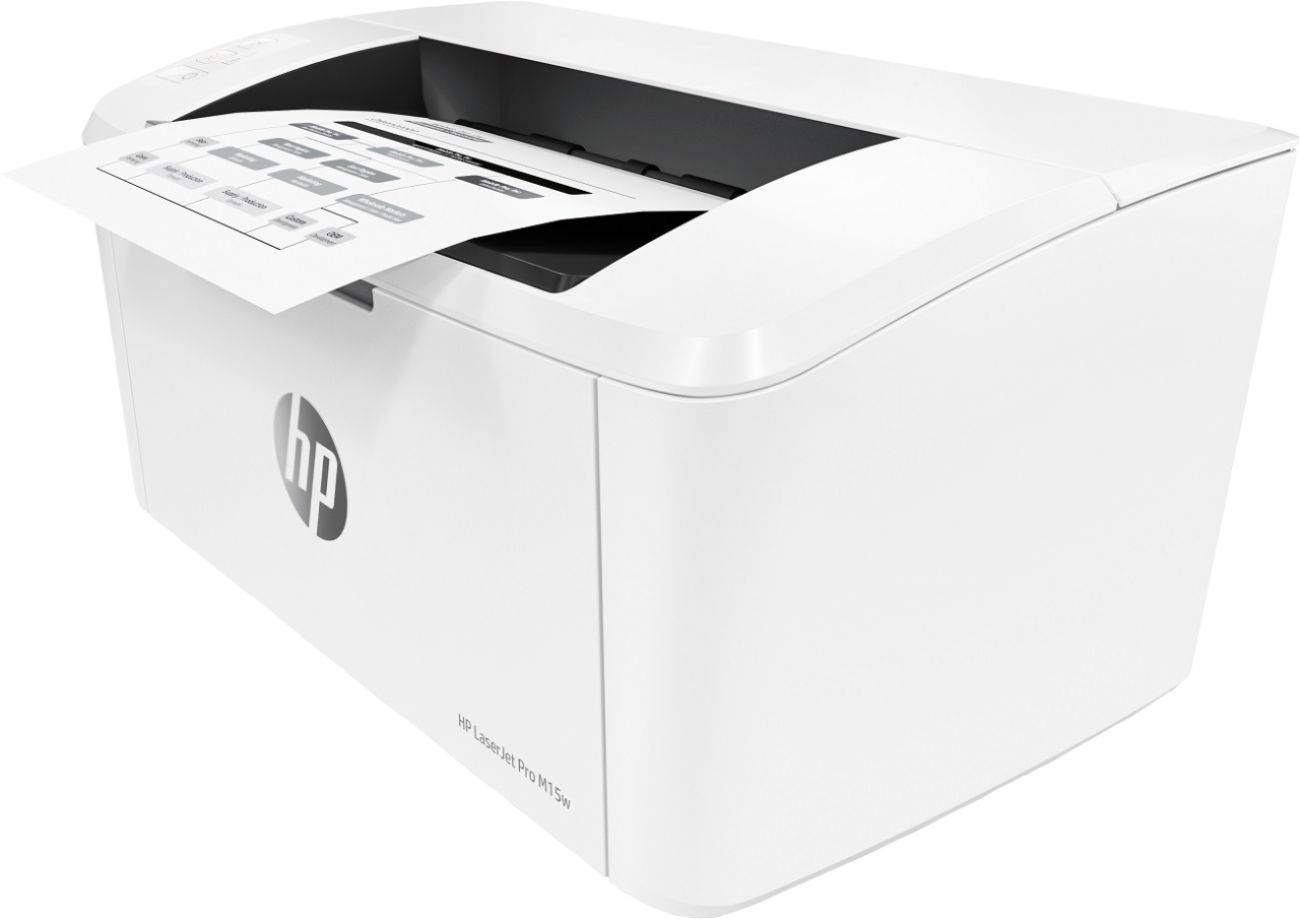
- Model:
- W2G51A#BGJ
- SKU:
- 6199701
Rating by feature
- Value
Rating 4.6 out of 5 stars
- Quality
Rating 4.5 out of 5 stars
- Ease of Use
Rating 4.5 out of 5 stars
Customers are saying
Customers frequently mention the excellent print quality, compact size, and ease of use of the LaserJet Pro M15w Laser Printer. Many appreciate its wireless functionality and affordable price. Positive feedback also highlights the printer's quiet operation and reliable performance. While some users experienced occasional paper jams, the overall sentiment towards this printer is overwhelmingly positive.
This summary was generated by AI based on customer reviews.
Not happy
||Posted . Owned for 1 month when reviewed.This reviewer received promo considerations or sweepstakes entry for writing a review.When i took it out the box it worked fine. A dsy after, I went to print and there was no response from the printer. Come to find out, theres a short in the power cord. I opened the box a week after the 15day return. Now, I'm stuck with a $100 printer that has a faulty cord.
No, I would not recommend this to a friend- Cons mentioned:Paper jam
Not worth it
||Posted . Owned for 8 months when reviewed.This reviewer received promo considerations or sweepstakes entry for writing a review.Stopped working after 8 months. Computer says it has a paper jam but I can not locate one. And I’m past my return allowance window. Now it’s a paper weight.
No, I would not recommend this to a friendBrand response from HP Team
Posted .Hi there.
I’m sorry to hear that your printer has displayed a paper jam error even though no jam exists. I can certainly understand why that would be an alarming surprise, especially considering you cannot clear the error and you’re past the retailer’s return period for the device. I want to help you remedy this situation, so I’ll guide you to some resources and information I hope will make that happen.
First, regarding paper jam messages, as you’ve discovered, sometimes these can be real or false, meaning the printer might report an error when there is no jammed paper. I recommend referencing the steps in this document to troubleshoot real as well as false paper jams:
- support.hp.com/us-en/document/c05862548
If the problem persists, I suggest that you contact us directly at +1 800-474-6836 so we can help you assess the situation and find a solution. (Please note that because of restrictions on personal movement and workplace attendance associated with the COVID-19 pandemic, wait times for agents are longer than normal. Thanks in advance for your understanding.) To expedite the process, I recommend gathering the following information before the call:
- Model number
- Serial number
- Your location
- Case number (from any previous contact with HP support)
I'll also mention that HP printers have a one-year warranty from their purchase date that covers hardware as well as ink supplies, so if it comes to that, you might consider making use of it. You can verify the warranty using the following link:
- support.hp.com/us-en/checkwarranty
Keith
HP Care
hp.com/support
Not worth it
||Posted . Owned for 8 months when reviewed.This reviewer received promo considerations or sweepstakes entry for writing a review.It gets stuck, I have to unplug to reset. I’ve had better printers. I wouldn’t buy again.
No, I would not recommend this to a friendRegular Degular Printer
||Posted . Owned for 2 weeks when reviewed.This reviewer received promo considerations or sweepstakes entry for writing a review.Not the printer I wanted to buy, but for the budget I have this gets the job done.
I would recommend this to a friendGo laser printer scanner
||Posted .This reviewer received promo considerations or sweepstakes entry for writing a review.It was great and compact printer scanner. Was not compatible with our computer
I would recommend this to a friendNo color
||Posted . Owned for 1 month when reviewed.This reviewer received promo considerations or sweepstakes entry for writing a review.I was disappointed it didn't print in color. Other than that it's a good printer.
I would recommend this to a friend- Cons mentioned:Paper jam
A bad buy from best buy
||Posted .This reviewer received promo considerations or sweepstakes entry for writing a review.It worked OK for about 2 months then quit working, claiming it had a paper jam. I tried contacting HP support, but their website is a nightmare of malfunctioning computer assistants. Don't buy HP printers.
No, I would not recommend this to a friend Doesn't work
||Posted .This reviewer received promo considerations or sweepstakes entry for writing a review.The only time this printer has worked was immediately after I set it up. After that, it doesn't recognize my wireless network, doesn't recognize a USB cable, my computer doesn't recognize it, etc etc etc. HP Troubleshooting is useless and keeps sending me in circles. I've given up out of frustration numerous time and now I have a bulky, expensive paperweight.
No, I would not recommend this to a friendBrand response from HP Team
Posted .Hi there.
I’m sorry to hear that your printer has not performed like it should since setup and installation. I can understand why that would be quite frustrating indeed, so I’ll offer some information and resources that I hope will help.
I can’t tell from your review why your printer does not connect like it should, so I recommend that you contact us directly at +1 800-474-6836 so we can help guide you through the proper troubleshooting. (Please note that because of restrictions on personal movement and workplace attendance associated with the COVID-19 pandemic, wait times for agents are longer than normal. Thanks in advance for your understanding.) To expedite the process, I recommend gathering the following information before the call:
- Model number
- Serial number
- Your location
- Case number (from any previous contact with HP support)
I'll also mention that HP printers have a one-year warranty from their purchase date that covers hardware as well as ink supplies, so if it comes to that, you might consider making use of it. You can verify the warranty using the following link: support.hp.com/us-en/checkwarranty
Keith
HP Care
hp.com/support
Printer fine, toner is a joke
||Posted . Owned for 1 month when reviewed.This reviewer received promo considerations or sweepstakes entry for writing a review.Printer was just fine. Toner was pathetic. Bought new toner and the quality went down the tube after only 50 copies. I took it out, shook it around and then reinstalled. Worked for another 10 copies. Now going to throw away the printer, and buy another brand that I can actually use.
No, I would not recommend this to a friendPrinter
||Posted . Owned for 3 weeks when reviewed.This reviewer received promo considerations or sweepstakes entry for writing a review.Can't get it to connect to my home network.so I guess it's ok
I would recommend this to a friendA headache
||Posted . Owned for 2 months when reviewed.This reviewer received promo considerations or sweepstakes entry for writing a review.Not even a month old and its losing connectivity frequently and almost every day I get " paper jam' message. Of course there is no paper jam, I unplug and plug it back in and the message goes away. HP printer quality wen downhill
No, I would not recommend this to a friendOverheats/ Stops printing after 2 sheets
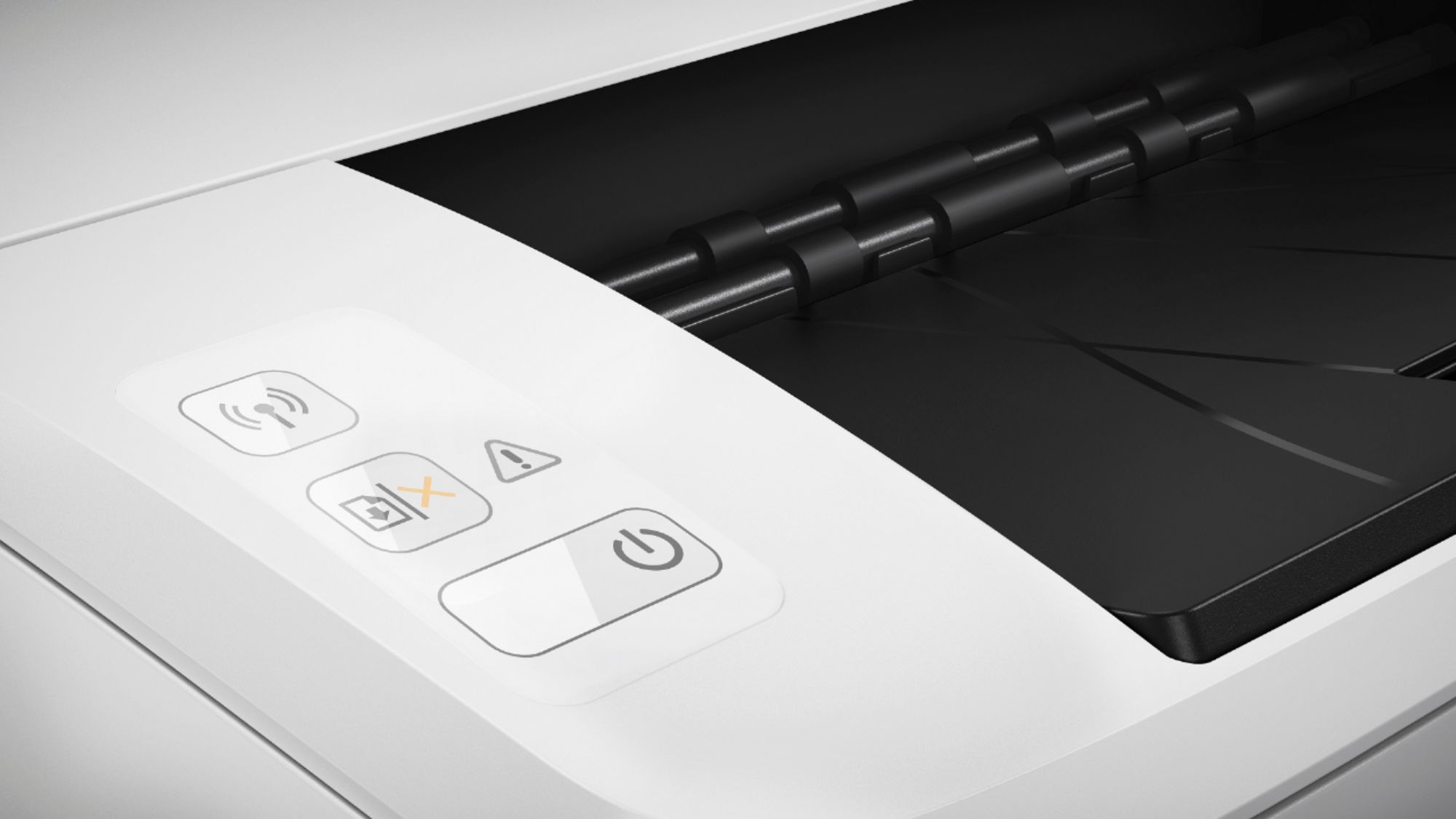
||Posted . Owned for less than 1 week when reviewed.This reviewer received promo considerations or sweepstakes entry for writing a review.Horrible! I thought, HP! Can’t go wrong. Well I was wrong. I bought to print some labels and literally after setting up , printed one then over heated. The power light and attention light flashed. Couldn’t figure out why. After reading up on it on the HP page, they said it means it’s over heating. Really? After 2 pages? I’m not the only one. Several have complained about this.HP has not fixed this issue. If you want to print 5-10 small word documents you MIGHT be ok. But I would not recommend this printer.
No, I would not recommend this to a friendBrand response from HP Team
Posted .Hi, Jason.
I’m sorry to hear that your printer has overheated after printing only two pages. I can certainly understand your dismay after this occurred. I want to help you remedy this situation, so I’ll offer a resource and some information aimed at achieving that goal.
I can’t tell from your review why your printer has performed like this. Thus, I recommend that you contact us directly at +1 800-474-6836 so we can help you assess what’s happening and find a solution. (Please note that because of restrictions on personal movement and workplace attendance associated with the COVID-19 pandemic, wait times for agents are longer than normal. Thanks in advance for your understanding.) To expedite the process, I recommend gathering the following information before the call:
- Model number
- Serial number
- Your location
- Case number (from any previous contact with HP support)
I'll also mention that HP printers have a one-year warranty from their purchase date that covers hardware as well as ink supplies, so if it comes to that, you might consider making use of it. You can verify the warranty using the following link:
- support.hp.com/us-en/checkwarranty
Keith
HP Care
hp.com/support
Printer does not connect to wifi
||Posted . Owned for 1 month when reviewed.This reviewer received promo considerations or sweepstakes entry for writing a review.Several attempts and I am unable to link to bluetooth to print wirelessly.
No, I would not recommend this to a friendDon't Buy it!
||Posted .This reviewer received promo considerations or sweepstakes entry for writing a review.This printer has successfully produced about 3 documents without an issue. Every subsequent document has had an issue. It prints about 1 inch of the document and that's anout it. You get what you pay for with this POS! Don't buy it.
No, I would not recommend this to a friendBrand response from HP Team
Posted .Hi there,
I'm so sorry that you haven't been able to print more than about 3 documents successfully. This is very upsetting to hear, especially since we always intend on delivering a much more reliable printing experience. I can fully understand your frustration and want to make sure that this gets resolved, so let's see how I can help.
The first thing I recommend is taking the steps in this troubleshooting guide for incomplete prints:
support.hp.com/document/c0117791
Following this, please remember that you can always contact us for support as well. We would be more than happy to explore some other solutions with you, so you can get in touch anytime via your preferred method: hp.com/contactHP
Chelsea
HP Care
hp.com/support
- Pros mentioned:Print quality
Some Timey Printer
||Posted . Owned for 1 month when reviewed.This reviewer received promo considerations or sweepstakes entry for writing a review.This printer will print once you get it started. If you need something printed right away (say for example income verification), start 2 days early. Once you get the printer to print, it is a good quality print.
No, I would not recommend this to a friend Ok, but expensive to use.
||Posted . Owned for 2 months when reviewed.This reviewer received promo considerations or sweepstakes entry for writing a review.It's an ok printer, but it goes through ink way too fast.
No, I would not recommend this to a friendNot worth the cost
||Posted .This reviewer received promo considerations or sweepstakes entry for writing a review.There are much better printers out there. This ones overpriced and kinda slow.
No, I would not recommend this to a friendIt is an okay product
||Posted .This reviewer received promo considerations or sweepstakes entry for writing a review.My issue is I can't get the Bluetooth wireless printing function to work.
I would recommend this to a friendOk printer
||Posted .This reviewer received promo considerations or sweepstakes entry for writing a review.Printer works for the most part ok. A little trouble with paper feeding.
I would recommend this to a friendPrinter issues
||Posted . Owned for 1.5 years when reviewed.This reviewer received promo considerations or sweepstakes entry for writing a review.Have had some printing issues. It is okay printing through wi-fi but a few times when I tried to print directly from my chrome book it would not print. Also sometimes the paper jams or prints 1/2 page over itself, had to print one page at a time
No, I would not recommend this to a friend