Customer Ratings & Reviews
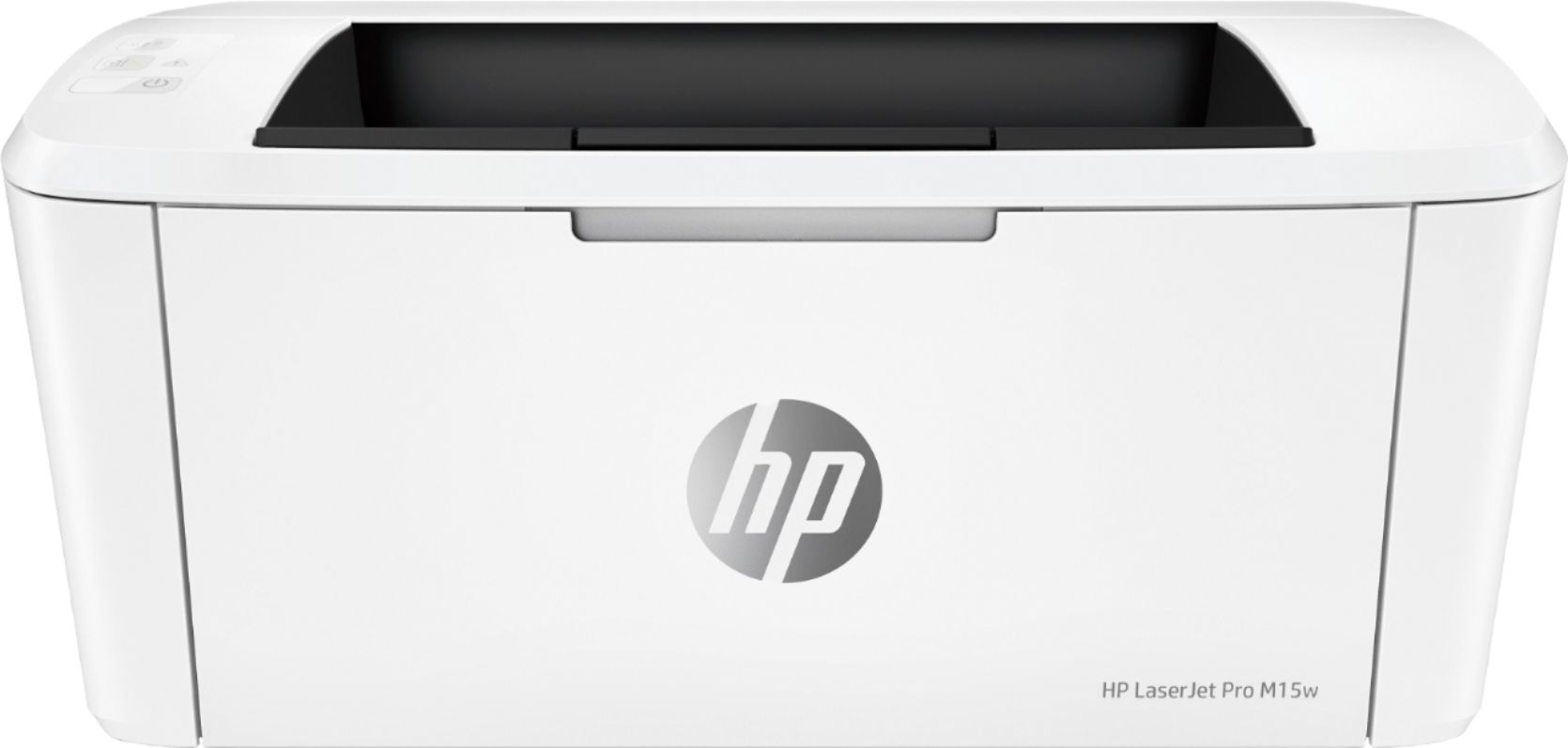
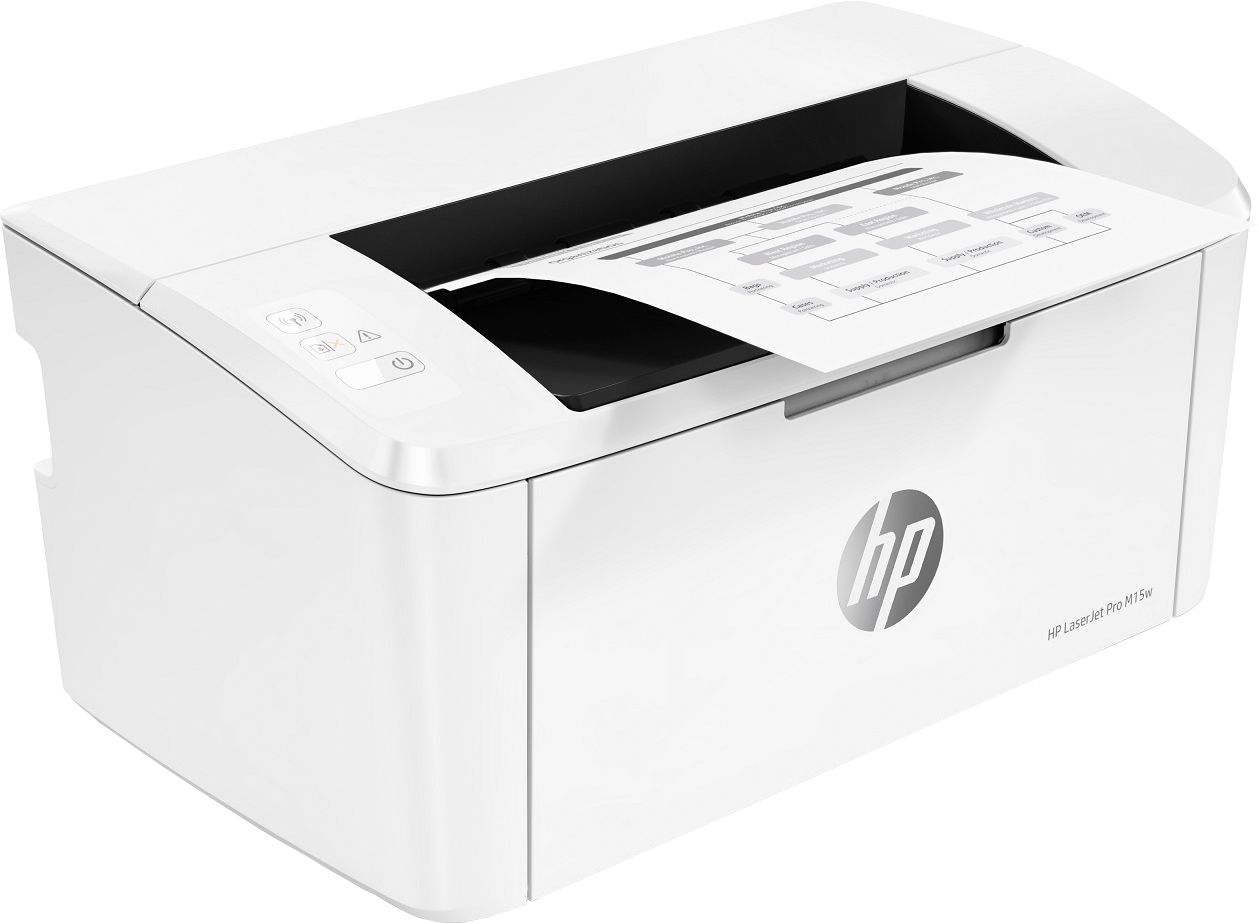
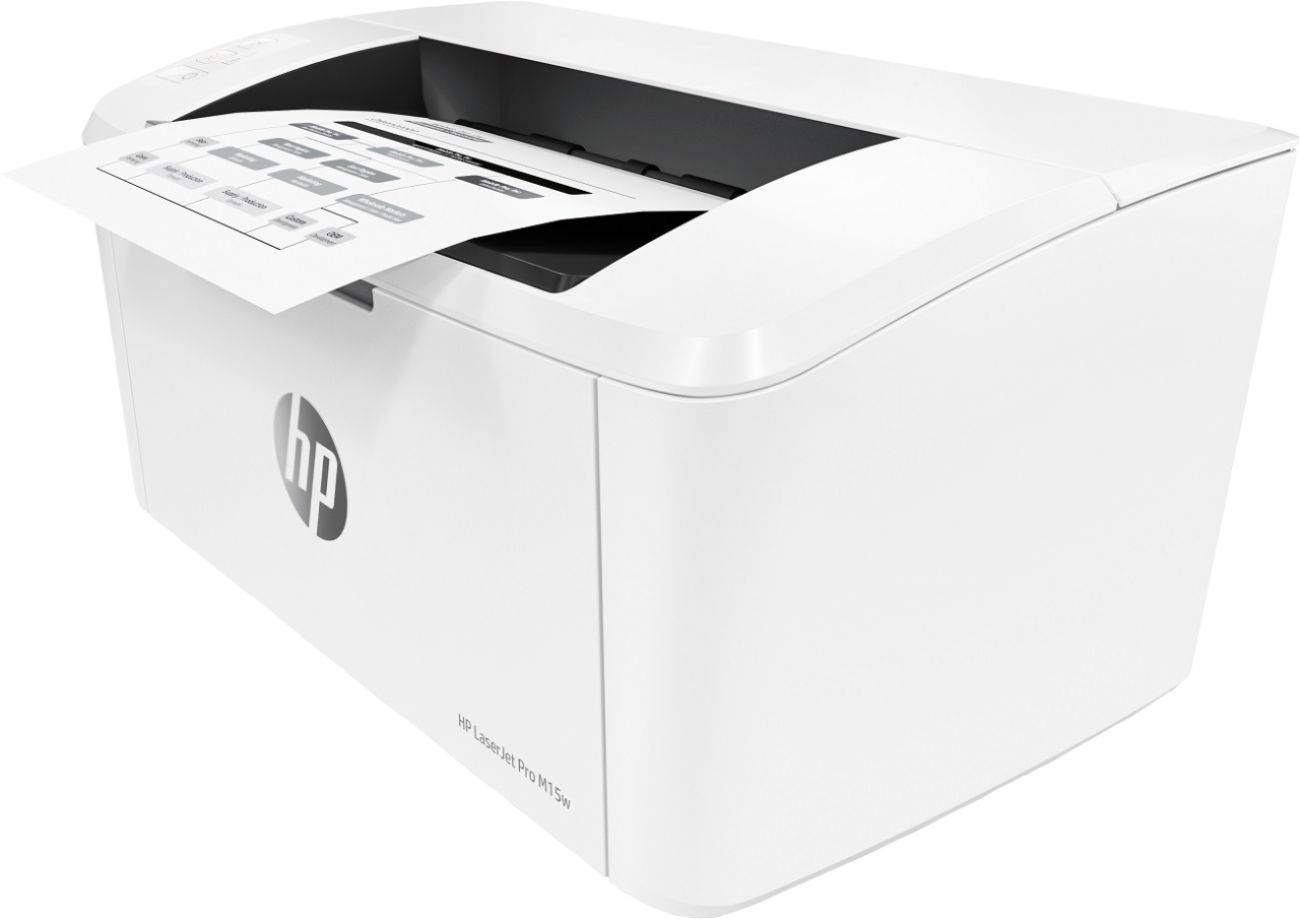
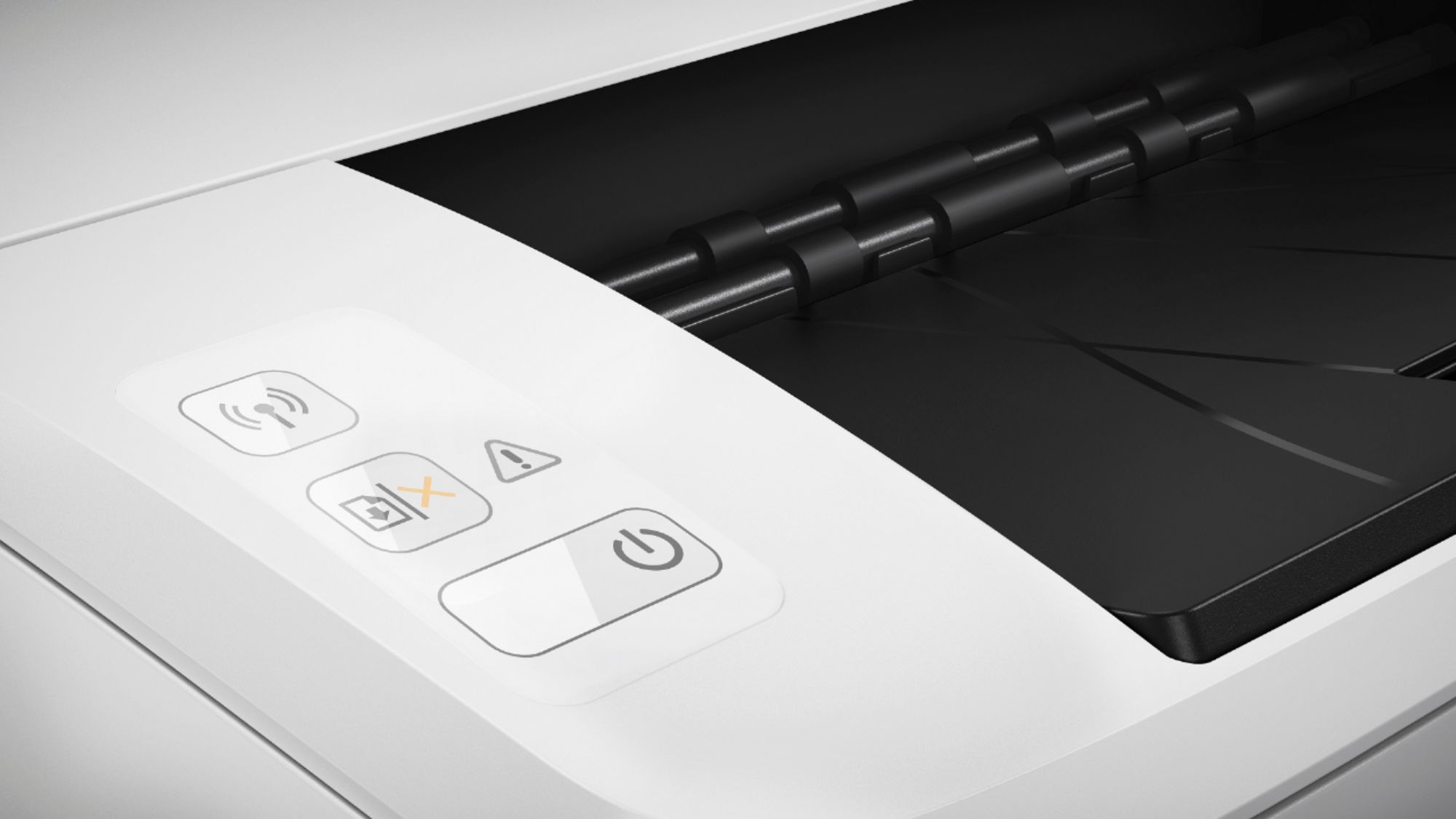
- Model:
- W2G51A#BGJ
- SKU:
- 6199701
Rating by feature
- Value
Rating 4.6 out of 5 stars
- Quality
Rating 4.5 out of 5 stars
- Ease of Use
Rating 4.5 out of 5 stars
Customers are saying
Customers frequently mention the excellent print quality, compact size, and ease of use of the LaserJet Pro M15w Laser Printer. Many appreciate its wireless functionality and affordable price. Positive feedback also highlights the printer's quiet operation and reliable performance. While some users experienced occasional paper jams, the overall sentiment towards this printer is overwhelmingly positive.
This summary was generated by AI based on customer reviews.
Relatively easy to connect
||Posted .This reviewer received promo considerations or sweepstakes entry for writing a review.Instructions could be clearer. Paper gets stuck easily, even with only,a few pieces of paper.
No, I would not recommend this to a friendBrand response from HP Team
Posted .Hi Mickey,
I'm sorry to hear that the instructions weren't as straightforward as they could've been. I also can understand how inconvenient the paper jams must be, so let's see what I can do to help resolve them.
The first thing I recommend is having a look at this paper jam troubleshooting guide: support.hp.com/document/c05862548
A few other tips for ensuring smooth paper feeding are as follows:
- Make sure to set the paper guides very precisely, giving attention to the paper height guide
- Clean your printer's rollers via the steps provided in this guide: support.hp.com/document/c05856801
- Store and handle paper as detailed in this guide: support.hp.com/document/c04518237
If this fails to remedy the issue, please don't hesitate to contact us for support. We'd be more than happy to help you, so you can reach us via this link: hp.com/contactHP
Chelsea
HP Care
hp.com/support
Set up is awful
||Posted . Owned for less than 1 week when reviewed.This reviewer received promo considerations or sweepstakes entry for writing a review.It is taking me almost 3 day to try and figure this printer out and I still have. I know I not tge most technical person, but my God this is to much hassle to use a printer.
No, I would not recommend this to a friendf=== off
||Posted .This reviewer received promo considerations or sweepstakes entry for writing a review.I did not order this item. I do not want this item. After two weeks of hassle, I finally returned the un-ordered and un-wanted item to your store. I will not again visit your online store or your regular store. I don't need the unnecessary hassle. PLEASE JUST GO AWAY!!!!!
No, I would not recommend this to a friendBad power cord
||Posted . Owned for 1 month when reviewed.This reviewer received promo considerations or sweepstakes entry for writing a review.The power cord keeps coming loose and the printer shuts off!
No, I would not recommend this to a friendPRINTER WITHOUT TONNER
||Posted . Owned for 3 weeks when reviewed.This reviewer received promo considerations or sweepstakes entry for writing a review.This product was supposed to come with a new tonner inside, because I already bought another of this printer in Office Depot. However, this printer came with a used tonner, so I had to buy the tonner at the next day I received the printer from Best Buy. Printer is working ok
I would recommend this to a friendWaste of money
||Posted . Owned for 1 year when reviewed.This reviewer received promo considerations or sweepstakes entry for writing a review.Not so good printer, slow in printing. Not Satisfied
No, I would not recommend this to a friendBad
||Posted .This reviewer received promo considerations or sweepstakes entry for writing a review.This is one of hps worst products. I bought the brother laser and love it.
No, I would not recommend this to a friendBrand response from HP Team
Posted .Hey Dani,
I'm really sorry that you feel this way about the printer. We certainly aim to provide reliability and ease with our printers, so this is quite unfortunate to hear about.
Despite this printer not working out, I do hope that in the future you'll allow us another opportunity to provide you with a more seamless experience. We would love to make this right.
Chelsea
HP Care
hp.com/support
Wrong printer
||Posted .This reviewer received promo considerations or sweepstakes entry for writing a review.I was looking for a wireless printer that worked with iPads. This one was suggested and does not work with an iPad. I’d like to return it but I’ve had it past 15 days and cannot return but never used. Won’t be shopping at Best Buy anymore
No, I would not recommend this to a friendNot recommend
||Posted .This reviewer received promo considerations or sweepstakes entry for writing a review.Never even started . I dumped. No assistance or instructions where found when looking for help. Not recommend from my parr.
No, I would not recommend this to a friendBrand response from HP Team
Posted .Hi, Pedro.
I’m sorry to hear that your printer has not worked and that you didn’t get the support you needed. Your review is brief, but your dilemma and frustration are clear – and wholly understandable. I want to help you resolve this situation, so I’ll suggest a resource and provide some information I hope will make that happen.
I recommend that you contact us directly at +1 800-474-6836 so we can help you assess the situation and find a solution. (Please note that because of restrictions on personal movement and workplace attendance associated with the COVID-19 pandemic, wait times for agents can be longer than normal. Thanks in advance for your understanding.) To expedite the process, I recommend gathering the following information before the call:
- Model number
- Serial number
- Your location
- Case number (from any previous contact with HP support)
I'll also mention that HP printers have a one-year warranty from their purchase date that covers hardware as well as ink supplies, so if it comes to that, you might consider making use of it. You can verify the warranty using the following link:
- support.hp.com/us-en/checkwarranty
Keith
HP Care
hp.com/support
Hard to set up without home wifi and black ink onl
||Posted . Owned for less than 1 week when reviewed.This reviewer received promo considerations or sweepstakes entry for writing a review.Small printer but it is not a color printer. Also could never get it set up to work with a phone not using a home wifi. I will be seeing if I can exchange this tomorrow
No, I would not recommend this to a friendNot My Best Idea
||Posted . Owned for 9 months when reviewed.This reviewer received promo considerations or sweepstakes entry for writing a review.So light and cute, but I have yet to get this printer to set up on my WiFi network. Any support hasn't helped. Total waste of money for me.
No, I would not recommend this to a friendPrinter would not work after 1 werk. $99 to fix.
||Posted . Owned for 1 month when reviewed.This reviewer received promo considerations or sweepstakes entry for writing a review.Terrible customer service experience with Best Buy
No, I would not recommend this to a friendBrand response from HP Team
Posted .Hello there,
I’m so sorry to hear that your printer is already not working after one week of usage. This is far from the reliable and satisfying experience we want to guarantee our customers with our products, and I can understand how disappointing this must have been for you. That said, please let me see if I can help you.
I would suggest you first check the warranty status of this printer. All our products have a one- year warranty included and if your printer is only one week old, the warranty should still be valid. Make sure to check your status here anyway: support.hp.com/checkwarranty
Then I would recommend contacting us directly about the next steps you need to take. We are always there for you and would love to help you further in this issue. You can chose your preferred method of contact here: hp.com/contactHP
Denise
HP Care
hp.com/support
Not as Good as the HP predesssor.
||Posted .This reviewer received promo considerations or sweepstakes entry for writing a review.The printer keeps shutting off and hast to be manually restarted before printing. It keeps getting lost on the my local wifi. I am glad I still have my HP P1102 Laser. I will use up the ink and thin to the dump.
No, I would not recommend this to a friendBrand response from HP Team
Posted .Hi there,
I'm so sorry for the inconveniences this printer has caused you. I can definitely imagine how frustrating this is, especially when you need to print something with urgency.
Regarding the printer shutting off, it sounds like it's just entering sleep mode. Sleep mode is a feature that was designed to save power, but automatically wake your printer up while idle to initiate a print job. While this feature can't be disabled, you can change the inactive time before your printer enters sleep mode. To do so, you can review the steps provided on page 41 of your printer's user guide: hp.com/ctg/Manual/c05646631.pdf
If this falls short, I highly recommend getting in touch with support so we can help you further with this. You can contact us via your preferred method at this link: hp.com/contactHP
Chelsea
HP Care
hp.com/support
Not work
||Posted .This reviewer received promo considerations or sweepstakes entry for writing a review.It doesn’t work. It’s so hard to print in Wi-Fi. I tried many times and it doesn’t work
No, I would not recommend this to a friendPrinter
||Posted . Owned for 2 months when reviewed.This reviewer received promo considerations or sweepstakes entry for writing a review.Very unhappy with this printer. I would not recommend this to anyone. There are other printers available that are roughly $20 more for a better printer.
No, I would not recommend this to a friendBeware of wireless problems
||Posted . Owned for 1 week when reviewed.This reviewer received promo considerations or sweepstakes entry for writing a review.Does not work with Verizon MiFi Jetpack for Apple Print. Second party tech support is poor and tries to up sell paid tech support.
No, I would not recommend this to a friendBrand response from HP Team
Posted .Hi there.
I’m sorry to hear that your printer has not connected wirelessly like it should with your system, and about the experience you had when reaching out to support. Unfortunately, support feedback of that nature is often linked to fraudulent companies or individuals.
There is no charge for standard support during your one-year warranty period. Just in case, you can double-check the warranty status of your printer at: support.hp.com/checkwarranty
I can’t tell from your review why your printer will not connect, so I recommend that you contact us directly at +1 800-474-6836 so we can guide you through the proper troubleshooting. (Please note that because of restrictions on personal movement and workplace attendance associated with the COVID-19 pandemic, wait times for agents are longer than normal. Thanks in advance for your understanding.) To expedite the process, I recommend gathering the following information before the call:
- Model number
- Serial number
- Your location
- Case number (from any previous contact with HP support)
Keith
HP Care
hp.com/support
- Pros mentioned:Ease of use, Print quality
HP M15W
Posted .This reviewer received promo considerations or sweepstakes entry for writing a review.i LOVE MY LITTLE PRINTER. IT PRINTS FAST. SO EASY TO SET UP. i HAVE SEVERAL LARGER PRINTERS THAT KEEP MESSING UP, BUT THIS HP NEVER LETS ME DOWN.
I would recommend this to a friend Will be replacing soon
||Posted . Owned for 1 month when reviewed.This reviewer received promo considerations or sweepstakes entry for writing a review.Has been very difficult to connect to my computer to print. I’ve had it for over a month and still can’t connect.
No, I would not recommend this to a friendLaserje pro m15w
||Posted . Owned for 1 year when reviewed.This reviewer received promo considerations or sweepstakes entry for writing a review.Machine has broken down multiple times and still has performance issues.
No, I would not recommend this to a friendGoes through cartridge in less than a month.
||Posted . Owned for 3 months when reviewed.This reviewer received promo considerations or sweepstakes entry for writing a review.Not a good choice for anyone who prints on a regular basis.
No, I would not recommend this to a friend