Customer Ratings & Reviews
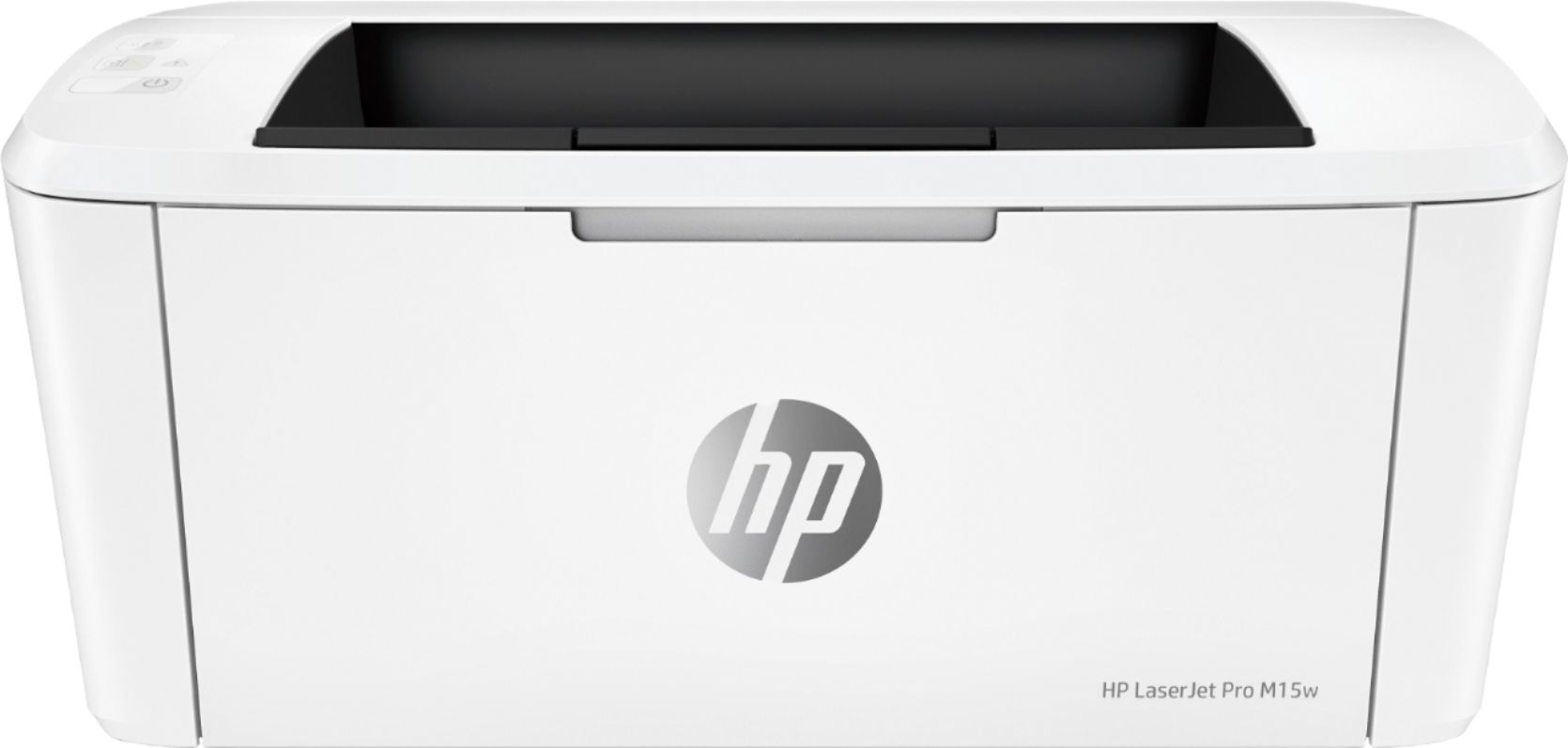
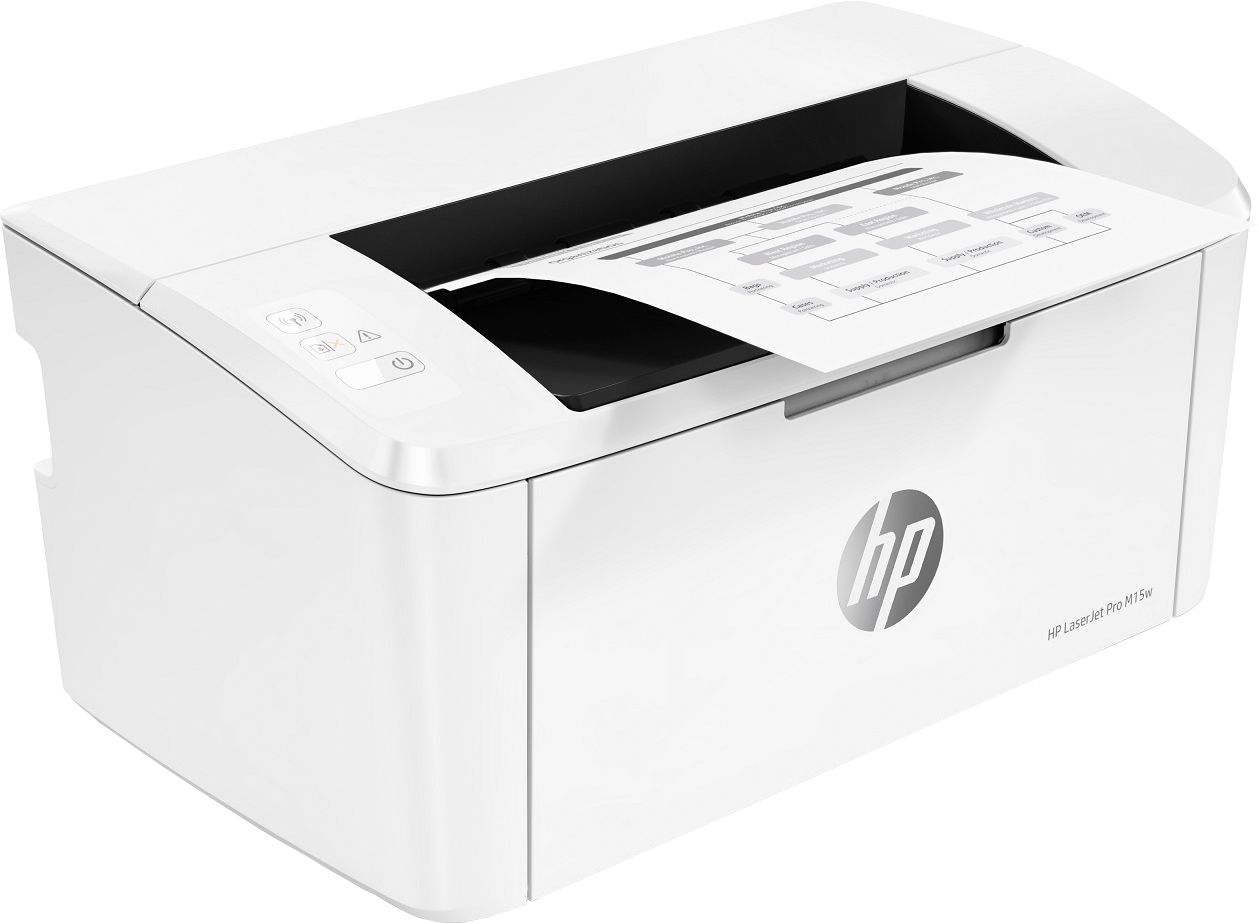
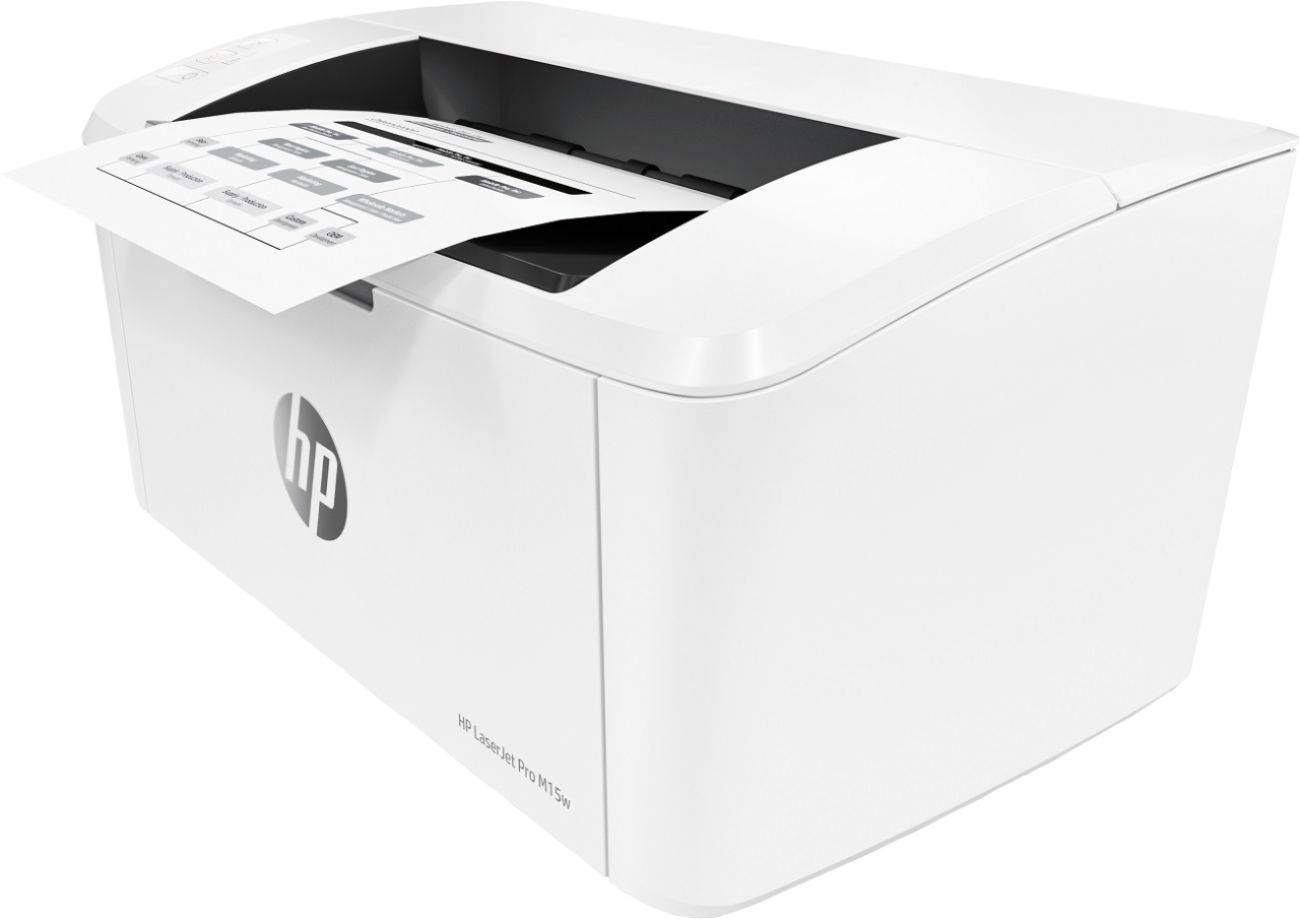
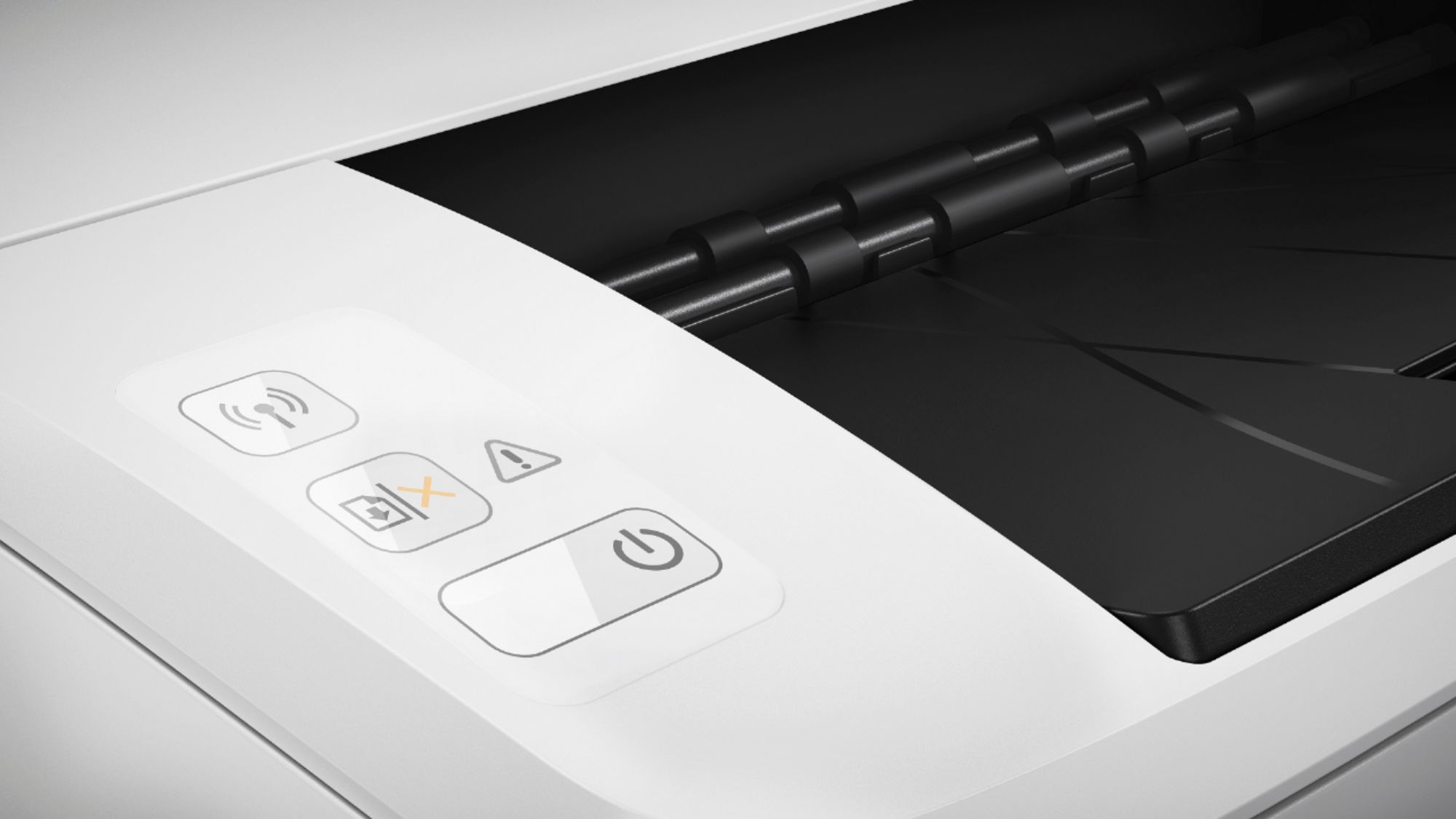
- Model:
- W2G51A#BGJ
- SKU:
- 6199701
Rating by feature
- Value
Rating 4.6 out of 5 stars
- Quality
Rating 4.5 out of 5 stars
- Ease of Use
Rating 4.5 out of 5 stars
Customers are saying
Customers frequently mention the excellent print quality, compact size, and ease of use of the LaserJet Pro M15w Laser Printer. Many appreciate its wireless functionality and affordable price. Positive feedback also highlights the printer's quiet operation and reliable performance. While some users experienced occasional paper jams, the overall sentiment towards this printer is overwhelmingly positive.
This summary was generated by AI based on customer reviews.
- Pros mentioned:Ease of use, Price
Good
Posted .This reviewer received promo considerations or sweepstakes entry for writing a review.Easy set up for personal and low print and affordable
I would recommend this to a friend - Cons mentioned:Paper jam
i changed my WiFi and it’s useless and no support
Posted .This reviewer received promo considerations or sweepstakes entry for writing a review.The first time set up is pretty simple but if you change your WiFi it’s not so simple. The HP smart app doesn’t recognize my printer now. I’ve gone thru all the steps in my paperwork to try an reset the printer on my new WiFi. I’ve used the online instructions and I can’t get it to recognize my new WiFi.nit thinks I still have my old WiFi. I’ve tried using the chat help but it’s all automated and tells me to go Thur the steps I’ve already done. I’ve tried messaging and only get automated responses. Internet searches provide same info. My printer is useless! Can’t return it. When it was working it would constantly say there was a paper jamb when there wasn’t and I had to open everything up and it still thought there was a jamb.
No, I would not recommend this to a friendBrand response from HP Team
Posted .Hi, Sue.
Thanks for the review and the feedback. While I’m glad to hear your printer was easy to set up, I ‘m sorry you’ve since had connectivity issues, paper jam errors and trouble with our online support system. With that in mind, I’ll offer some resources and information that I hope will help.
First, I recommend you visit the following section of our support site where you’ll find numerous diagnostic tools, including ones on connectivity issues:
- support.hp.com/us-en/topic/diagnostics
Regarding the paper jams, you might find useful information in this guide to effectively clearing them in your printer:
- support.hp.com/us-en/document/c05893188
You can find various troubleshooting guides as well as user manuals, how-to documents, video tutorials and software updates for your printer here:
- support.hp.com/us-en/product/hp-laserjet-pro-m14-m17-printer-series/16647043/model/16647063
If the problems persist, I recommend that you contact us directly at +1 800-474-6836 so we can guide you through the proper troubleshooting. (Please note that because of restrictions on personal movement and workplace attendance associated with the COVID-19 pandemic, wait times for agents are longer than normal. Thanks in advance for your understanding.) To expedite the process, I recommend gathering the following information before the call:
- Model number
- Serial number
- Your location
- Case number (from any previous contact with HP support)
Keith
HP Care
hp.com/support
- Pros mentioned:Print quality
retired
Posted . Owned for 1 month when reviewed.This reviewer received promo considerations or sweepstakes entry for writing a review.It's a great little printer for fast short jobs. Although it's wi fi connected, I still have to oversee the printing because the newly printed page rolls out and falls on to the tray of new paper and is reused.
I would recommend this to a friend - Pros mentioned:Ease of use
Outstanding printer
Posted .This reviewer received promo considerations or sweepstakes entry for writing a review.It's very user friendly device. Easy to instal and use.
I would recommend this to a friend - Pros mentioned:Price
Raz
Posted .This reviewer received promo considerations or sweepstakes entry for writing a review.Great printer for the price. Highly recommend this product
I would recommend this to a friend Great little printer for home use.
Posted .This reviewer received promo considerations or sweepstakes entry for writing a review.This a fine little printer for the home. Setting up on our wifi network was easy and quick. We wanted a network printer so that we could seamlessly print from our phones or Chromebooks, and that's what we got. And the small size is great. It takes up less desk space than the ink jet printer it replaced.
I would recommend this to a friendGreat for the money
Posted .This reviewer received promo considerations or sweepstakes entry for writing a review.Compact and versatile. I bought this because the ink cartridges on my HP all in one we’re too expensive and inefficient.
I would recommend this to a friendDoes not work with Alexa
Posted .This reviewer received promo considerations or sweepstakes entry for writing a review.The description on the site reads this "Works with Amazon Alexa Ask your compatible device (separate device required) to print custom shopping lists, to-do lists, as well as a variety of coloring activities and crossword puzzles." But when you attempt to install it it wants a printer email address and there is none per the hp website: If a Web Services tab is not available, your printer does not support printing with HP Printer skill. well guess what, the tab is not there so the description is a lie or the hp support page is a lie, either way waste of money to me when trying to get household set up on amazon alexa.
No, I would not recommend this to a friendBrand response from HP Team
Posted .Hi there,
Thank you so much for reaching out about this. I'm so sorry for the miscommunication regarding the printer's compatibility with Alexa. I can fully imagine how disappointing this has been, so I'd love to provide some clarification for you that I hope will help.
First, I do want to confirm that this printer does not support use with Alexa or any other voice activated device. That said, I sincerely apologize for the improper specs listed on this product page. Our product team is currently working with Best Buy to amend the product feature list.
For any other questions or concerns, please don't hesitate to contact us for support. We're always more than happy to help, so you can get in touch anytime via call or chat at this link: hp.com/contactHP
Chelsea
HP Care
hp.com/support
Absolute Garbage
Posted . Owned for 11 months when reviewed.This reviewer received promo considerations or sweepstakes entry for writing a review.I have never left a review before and created a best buy account just to let everyone know how big of piece of garbage this printer is. I was able to print twice with this printer then it could no longer communicate with my computer through USB nor wi-fi. So I purchased a 100 dollar printer for two printing jobs. The year long warranty also expired because for some reason HP decided to backdate my purchase date 4 months and obviously I no longer have the receipt to challenge this because I made the purchase 11 months ago. I was unable to contact customer support for months because apparently HP doesn't want to spread covid through the phone. I am never purchasing another HP product again. In short this is a horrible product that is combined with horrible customer service. I'm amazed Best Buy continues to carry HP products.
No, I would not recommend this to a friendCan't print Legal size
Posted .This reviewer received promo considerations or sweepstakes entry for writing a review.I purposely bought a laser printer for printing documents, but it can not print Legal size paper. Sales rep didn't tell us that even though I said it was for business use. Very disjointed in the limitation.
No, I would not recommend this to a friendBAD, HASSLE
Posted .This reviewer received promo considerations or sweepstakes entry for writing a review.Printer does not connect to wifi in a reasonably practical way. No good option for wired printing. Difficult to use. Disappointing.
No, I would not recommend this to a friend- Pros mentioned:Price
Don’t bother
Posted .This reviewer received promo considerations or sweepstakes entry for writing a review.This printer was inexpensive and supposedly contained air print. Have not been able to connect this printer since day to my IPhone. If you just want to connect to a laptop with the usb cable, it’s fine. Spend the extra money and buy a better printer.
No, I would not recommend this to a friend Printer
Posted .This reviewer received promo considerations or sweepstakes entry for writing a review.This printer is small when saw at Best Buy but heard the toner is not that great so no deal for me to buy
No, I would not recommend this to a friendCopy problem
Posted .This reviewer received promo considerations or sweepstakes entry for writing a review.Purchased printer 1/2020. Best Buy replaced with a new one because first one would not copy. It copied the top half the page twice. The replacement had to go back to store for geek squad to fix the same problem. Now it is doing the same thing again. Guess I will give up and purchase a different printer. I will give the geek squad one more chance to remedy situation. Think this HP is a piece of junk.
No, I would not recommend this to a friendDon’t buy for Chromebook
Posted .This reviewer received promo considerations or sweepstakes entry for writing a review.Purchased this to wirelessly print from chromebook. But it doesn’t work. Chromebook forums say an update will come one day but no one seems to be in a rush. Some Chromebooks work with it and others do not. In the meantime, any other printer would have worked so not happy. Took me many hours to discover the issue. If you’re into wired printing or from your iPhone it should work. Or any laptop. Just not (all) chromebooks. Return policy seems burdensome or I would have returned.
No, I would not recommend this to a friendReal nightmare
Posted .This reviewer received promo considerations or sweepstakes entry for writing a review.Took 5 hours to get it connected, printed for 2 days, then it decided it was offline, was told to turn it on (it was), other strange comments popped up. Customer service was useless. I am taking it back, hope never to see it again!
No, I would not recommend this to a friendBrand response from HP Team
Posted .Hi there,
I'm so sorry to hear that the printer isn't maintaining a steady connection to your network. I can certainly understand how inconvenient this must be and I assure you that it’s far from the seamless experience that we intend on providing. With that said, let's try a few things to remedy this.
First, I suggest taking the recommended steps in this 'Offline Printer' document:
- Windows: support.hp.com/us-en/document/c04249080
- Mac: support.hp.com/us-en/document/c04249334
As a supplement to that, this link will guide you through solutions for a wide range of other wireless issues: hp.dezide.com/ts/start.jsp?guide=Printer_Does_Not_Maintain_Wireless_Connection.net
If this falls short, I hope you'll consider contacting us again so we can make this right. We would be more than happy to work with you on troubleshooting this further. You can get in touch via your preferred method at this link: hp.com/contactHP
Chelsea
HP Care
hp.com/support
Uneven printing
Posted .This reviewer received promo considerations or sweepstakes entry for writing a review.Everything is good until I print my first paper. The word not even on the row. I really need to know did I installed wrong or that the printer problem with MAC.
No, I would not recommend this to a friendBrand response from HP Team
Posted .Hi there,
I'm so sorry that the printer has been printing unevenly! I can certainly understand how inconvenient this must be, so I'd like to make sure we get this resolved. Let's see how I can help.
What I’d first recommend is cleaning your printer’s rollers, as this often remedies any inconsistencies with improper paper feeding. You can find the steps for how to do so in this document: support.hp.com/us-en/document/c05856801
Another suggestion I have is to ensure that you've set the paper guides very precisely, giving specific attention to the paper height guide
If this doesn't resolve the issue, please contact us for support. We're always more than happy to help, so feel free to reach out anytime at this link: hp.com/contactHP
Chelsea
HP Care
hp.com/support
useless
Posted .This reviewer received promo considerations or sweepstakes entry for writing a review.It worked great at first on 2 windows and 1 mac computers and even our iPhones. Then it started losing its settings. After 2 re-installs and several hours of frustration it went to the trash can. I can't afford the hassle of getting a global corporation to right this mess. I am just buying a Canon. They've never let me down.
No, I would not recommend this to a friendBrand response from HP Team
Posted .Hello,
It's so disappointing to hear that the printer wasn't working as it should've been. I can certainly imagine how frustrating the troubleshooting was. Despite this, I assure you that it's always our intention to build printers that last, so I regret that we missed the mark this time.
Despite these complications, I do hope that in the future you'll allow us another opportunity to stand by the quality that we pride ourselves on. We'd love a chance to make things right with the reliable experience we intended on providing from the start.
Chelsea
HP Care
hp.com/support