Customer Ratings & Reviews





- Model:
- Omen 27qs
- SKU:
- 6536814
Rating by feature
- Display Quality
Rating 4.8 out of 5 stars
- Ease of Use
Rating 4.8 out of 5 stars
- Features
Rating 4.7 out of 5 stars
Customers are saying
Customers commend the 27" IPS LED QHD Gaming Monitor for its top-notch picture quality, fast refresh rate, vibrant colors, good performance, and HDR, especially considering its price. However, some customers have expressed concerns about the quality of the internal speakers and the design of the stand. While a few users mentioned ghosting, the majority did not observe this issue. Overall, the monitor seems to be well-received for its visual performance and value.
This summary was generated by AI based on customer reviews.
Great Monitor, Great Price
||Posted . Owned for 1 week when reviewed.This reviewer received promo considerations or sweepstakes entry for writing a review.Amazing monitor, Such a clear smooth display. Definitely would recommend this one.
I would recommend this to a friendGreat product
||Posted . Owned for 2 weeks when reviewed.This reviewer received promo considerations or sweepstakes entry for writing a review.Such a good product, love the led lights just wish it was 4k.
I would recommend this to a friendPerfectly Paired
||Posted . Owned for 1 month when reviewed.This reviewer received promo considerations or sweepstakes entry for writing a review.Works perfectly with the HP Omen Gaming PC. Easy setup. Gorgeous graphics.
I would recommend this to a friendMONITOR REVIEW
||Posted . Owned for 1 week when reviewed.This reviewer received promo considerations or sweepstakes entry for writing a review.Awesome monitor. Way better than my previous monitor.
I would recommend this to a friendExcellent
||Posted . Owned for 3 weeks when reviewed.This reviewer received promo considerations or sweepstakes entry for writing a review.Huge upgrade from 1080p 240hz. It’s a lot smoother.
I would recommend this to a friendGreat monitor
||Posted . Owned for less than 1 week when reviewed.This reviewer received promo considerations or sweepstakes entry for writing a review.Great monitor, looks smooth and is clear from any angle.
I would recommend this to a friendBest monitor I've ever purchased
||Posted . Owned for 2 months when reviewed.This reviewer received promo considerations or sweepstakes entry for writing a review.Great Monitor with amazing colors and insane clarity!
I would recommend this to a friendJust what you need
||Posted . Owned for 2 weeks when reviewed.This reviewer received promo considerations or sweepstakes entry for writing a review.This monitor is awesome, I’m playing R6, it is very smooth
I would recommend this to a friendPackaging issues
||Posted . Owned for less than 1 week when reviewed.This reviewer received promo considerations or sweepstakes entry for writing a review.Love the monitor itself but the first time it was ordered, I kept having an issue where the monitor would show static every 5 minutes, requiring a power cycling to resolve the issue. I returned the monitor and had an exchange arranged as an in-store pickup, and this is the box that it came in… absolutely thrashed. For something as fragile as a monitor you would think Best Buy would take some care in ensuring the packaging doesn’t get to the point where it’s as damaged as this.
I would recommend this to a friend- Pros mentioned:Color, Refresh rateCons mentioned:Speakers

Awesome panel in a very plain wrapper
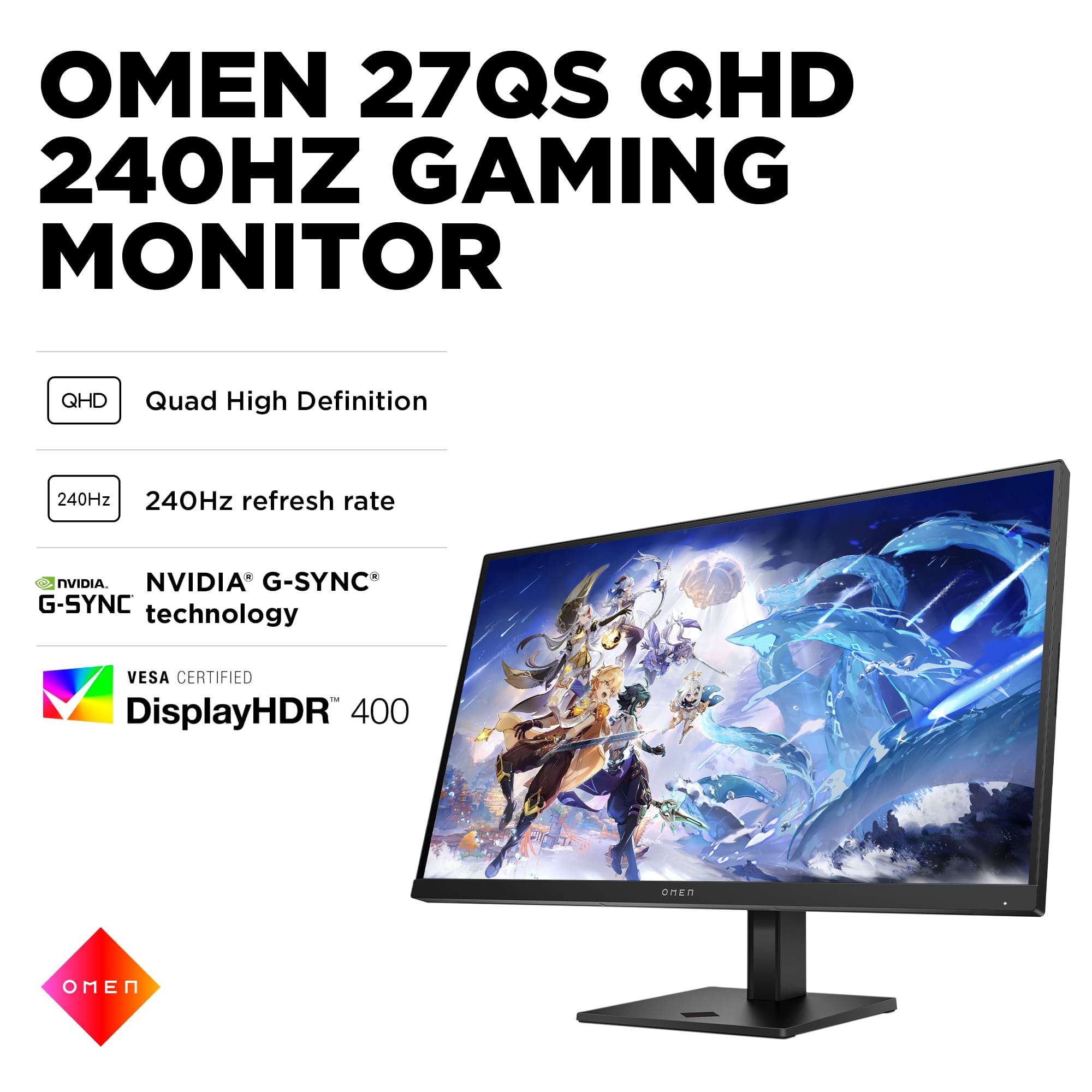
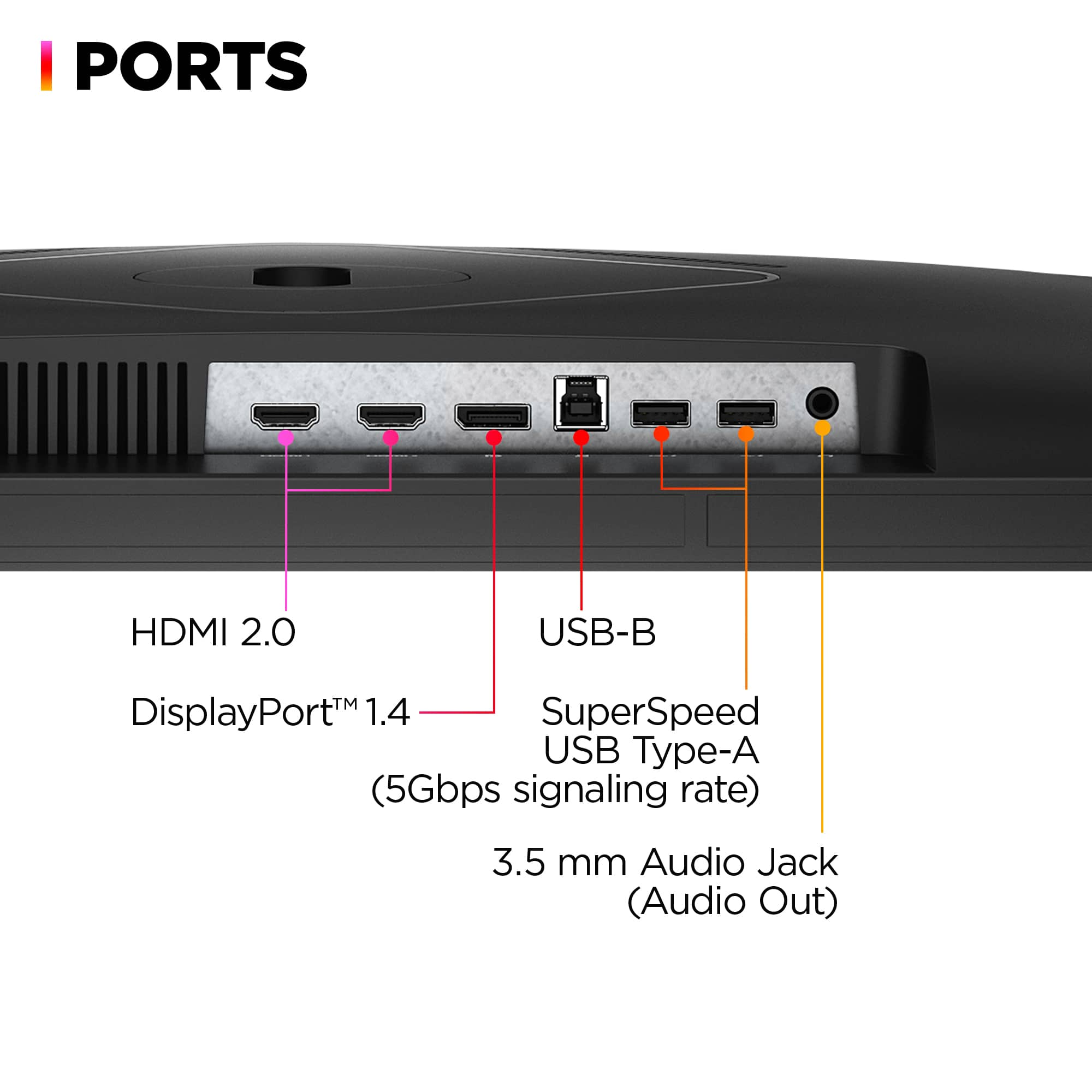
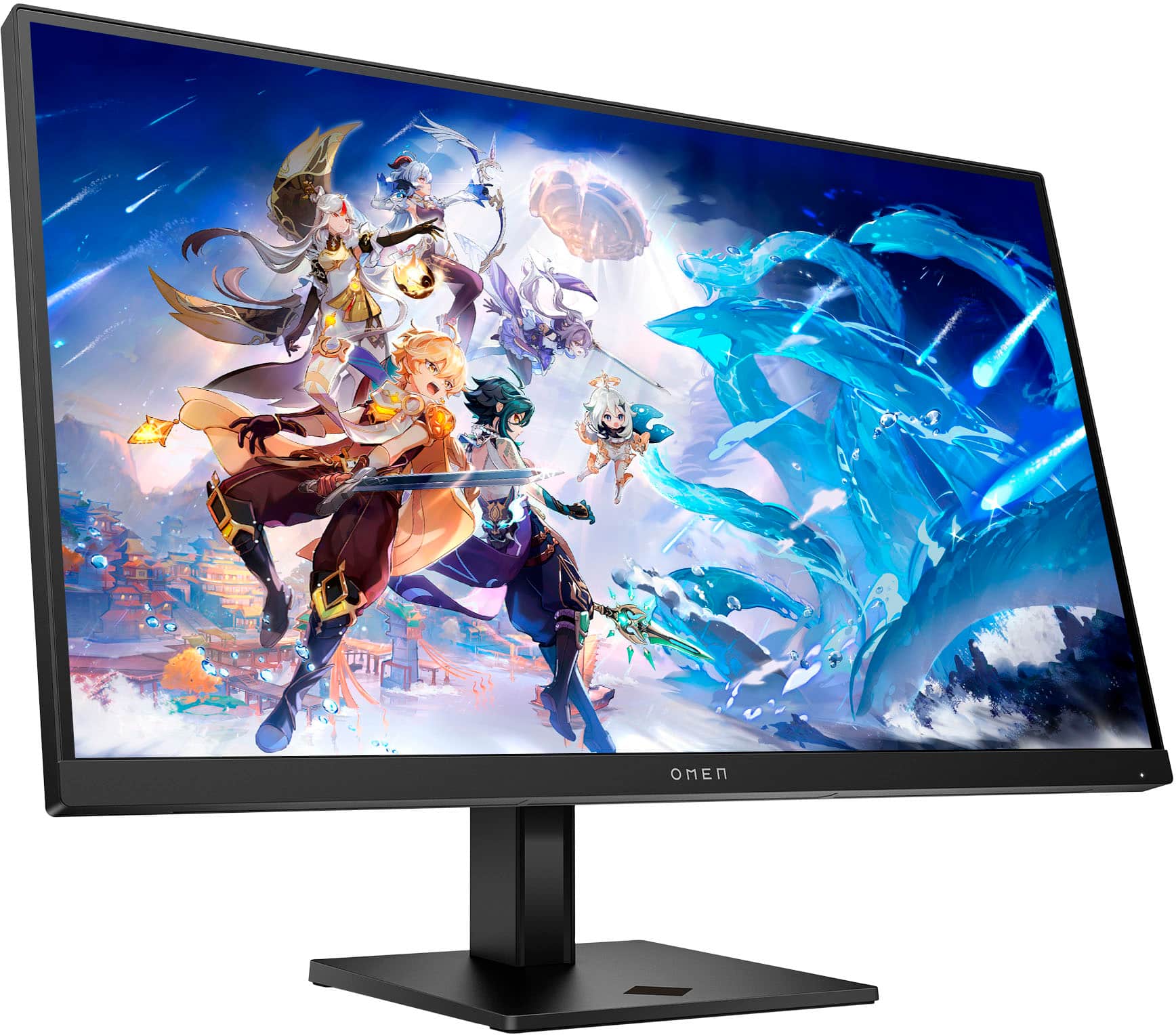
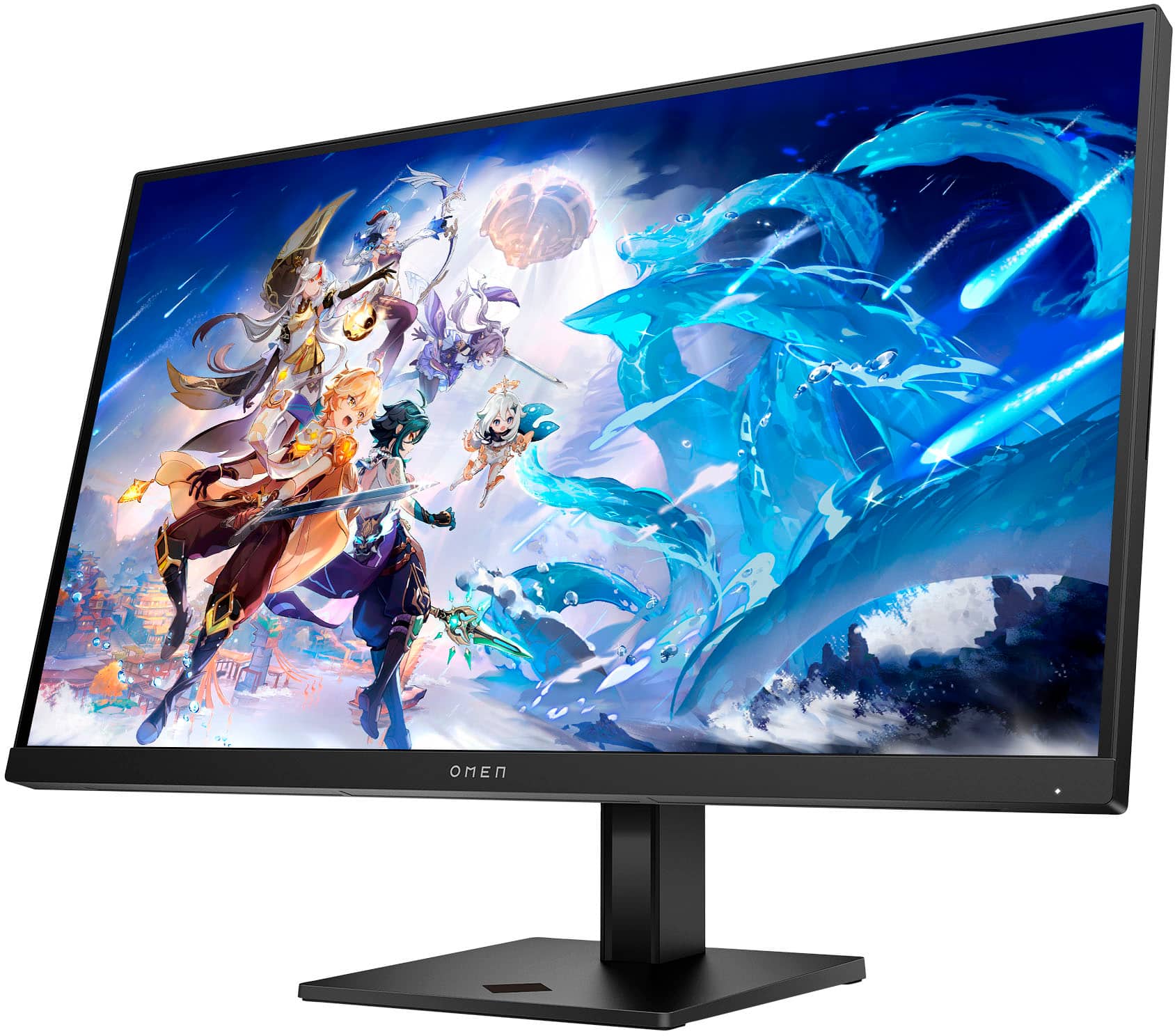
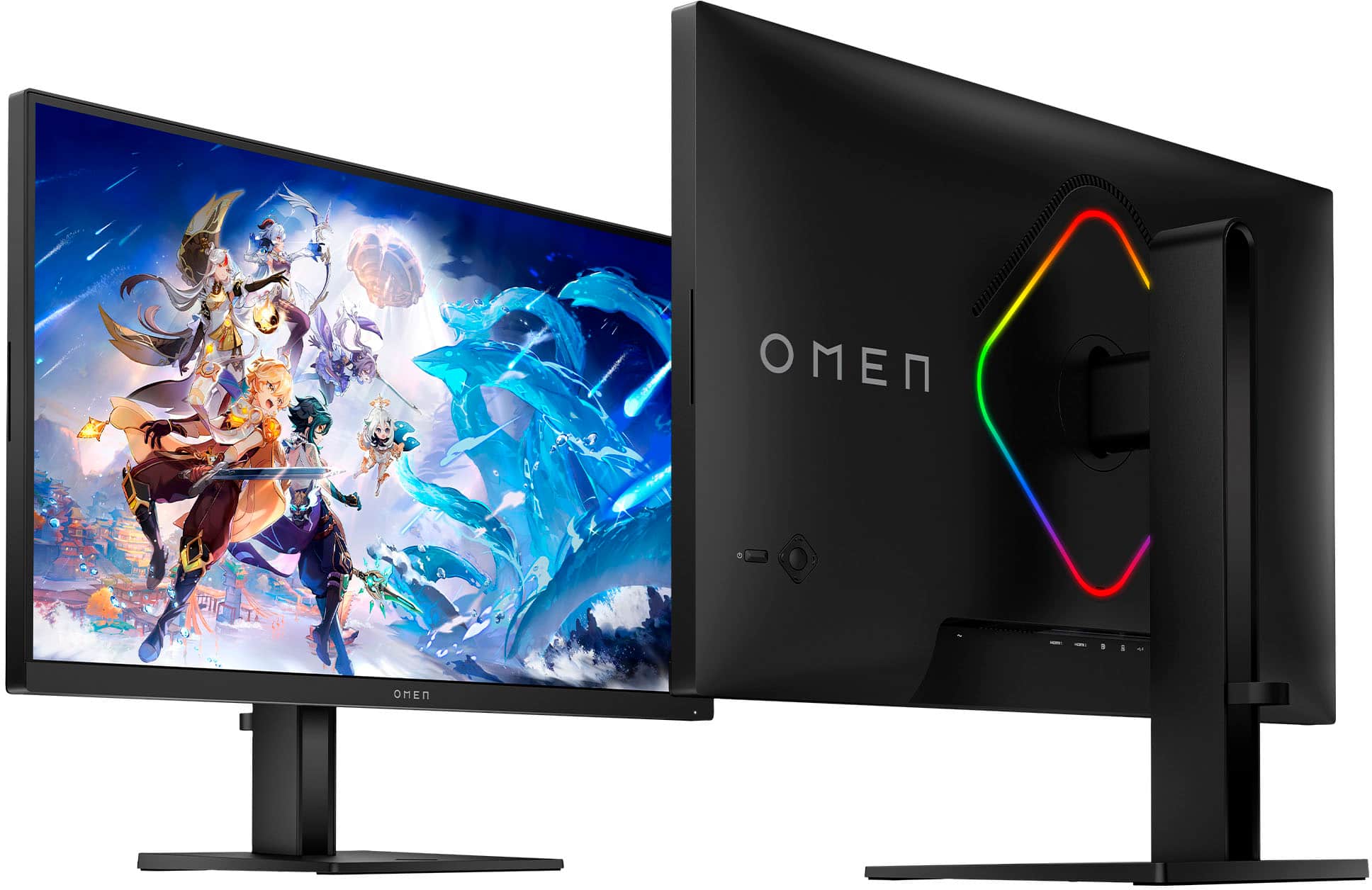
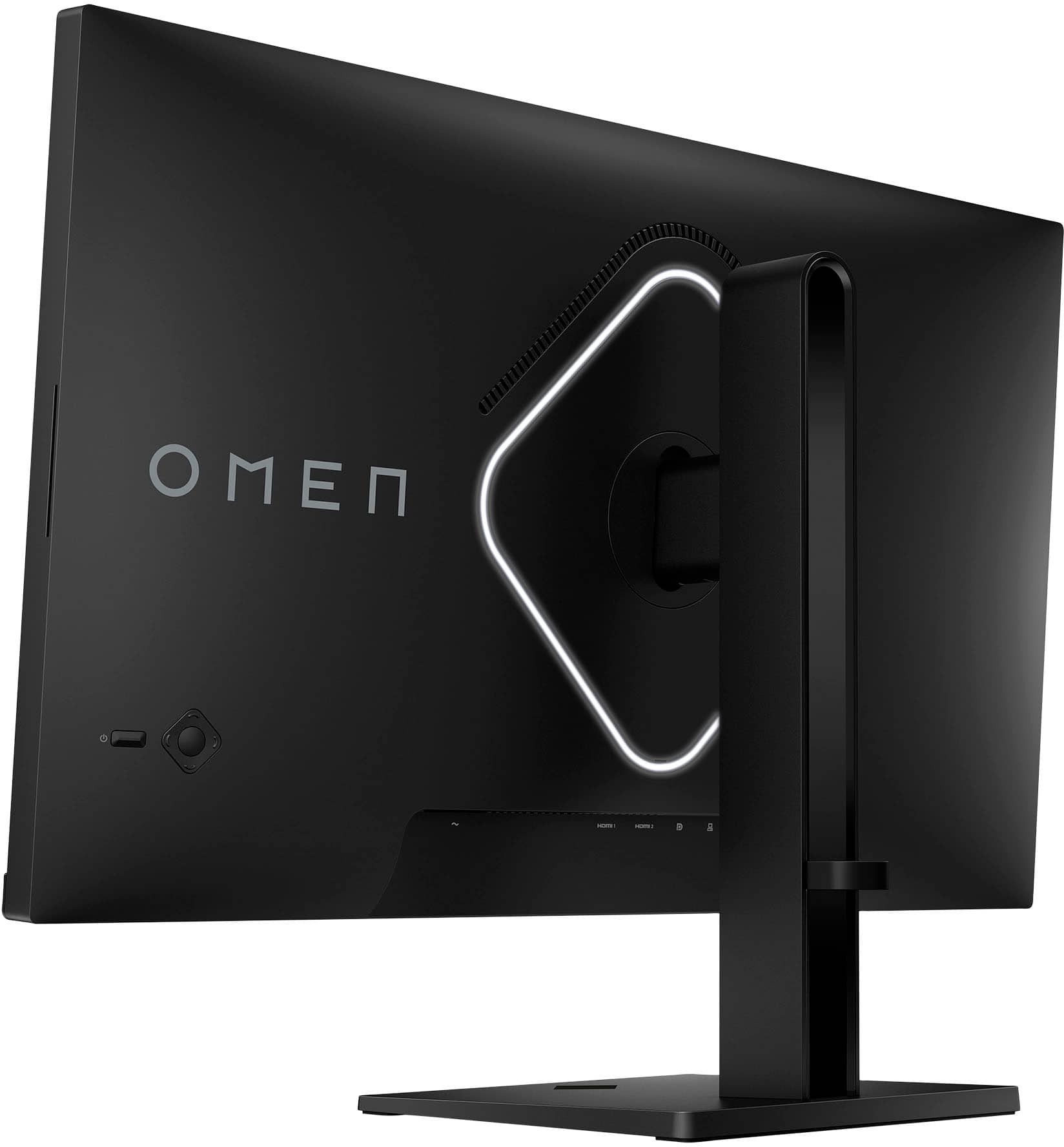
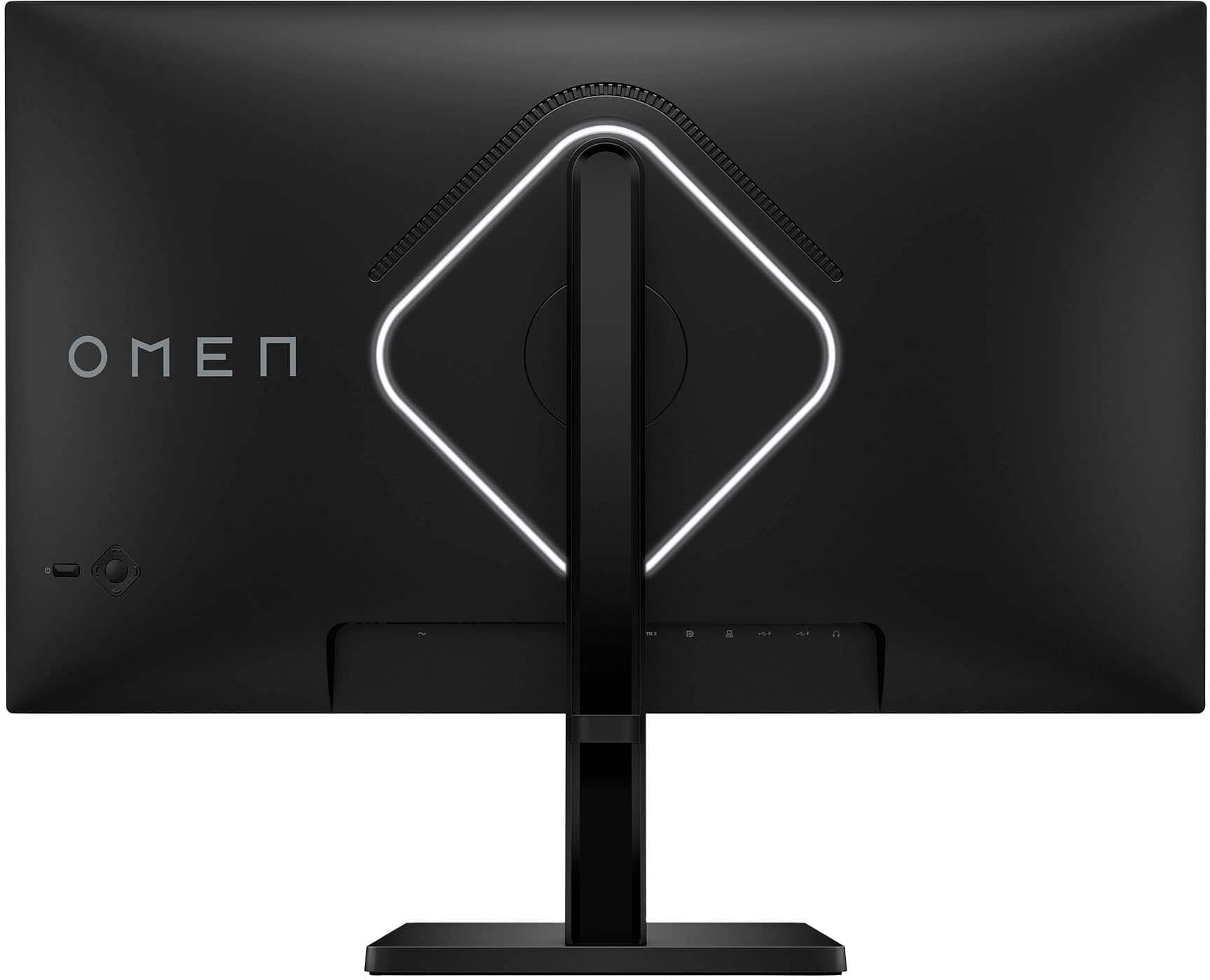
|Posted .This reviewer received promo considerations or sweepstakes entry for writing a review.The 2023 revision of the HP OMEN 27” monitor is a decent addition to HP’s line of OMEN gaming monitors. With a crisp QHD (2560x1440) display supporting HDR, a 240hz refresh rate with AMD FreeSync, and a 1ms response time, this OMEN is a powerhouse for gaming. Sporting two HDMI 2.0 ports, one DisplayPort v1.4 port, and two USB 3.1 Type A ports, this monitor is likely to support most I/O solutions for desktops and laptops alike. Those who frequent games where fractions of a second make the difference will find the performance of the panel quite pleasing. As far as the picture quality is concerned (i.e., brightness, contrast, color accuracy, etc.), this monitor performs as well as any other HDR-supported IPS panel I’ve ever had experience with. Its contrast is compelling and sharp, the colors are bright and vibrant, and the QHD resolution continues to be the best quality-to-performance option for 27” panels, offering an undeniably impressive level of detail, even with mid-range hardware. My only complaint with the performance of the panel is that it came with one dead pixel in the top-left quadrant of the display. I’m not sure if this was something caused by jostling during shipping, or if the panel was malfunctioning from the factory, but at any rate, it arrived with one dead pixel. The monitor sports a pair of speakers that offer performance typical of monitor speakers (i.e., not very loud, very little low-frequency response, etc.). While I’d recommend pretty much any other audio solution over the monitor speakers, they are there if you need them. Overall, the panel itself performs wonderfully, but I do have a few issues with the materials used and construction quality. For starters, the entire monitor and the stand are clad with an exceedingly generic black textured plastic reminiscent of mid-‘00s corporate-standard PC towers. It is clear to the most casual observer that the plastic is affixed to an unfinished metal frame underneath. This construction method leads to a gap between the metal and the plastic that feels cheap and unpleasant when manipulated. In the same vein, the I/O panel on the bottom of the monitor is a simple cutout to the aforementioned unfinished metal frame. I’d expect something like this on the back of a PC tower where one might mount a GPU or a motherboard, but for a monitor, and especially a premium one such as this, this is a rather unwelcome solution. Additionally, cable management is virtually impossible with the provided cable clip at the back of the stand; the cable clip is mounted too high, and the I/O panel is mounted too low to effectively feed any of the wires through without putting a 90-degree kink in each one. Furthermore, and rather confusingly, HP has made the decision to forego a power brick in favor of a direct outlet connection in the bottom of the panel. Even more confusingly, the included power cable is only five feet in length, so your power outlet better be directly under your monitor, otherwise you will be reaching for the extension cords. Continuing with the construction confusion, the control buttons on the back of this OMEN are thin and unsatisfying buttons made from the exact same flimsy plastic as the rest of the monitor’s cladding – not only are they more difficult to locate, but they also feel rather unsatisfying to use. Moving inward towards the center of the rear, there is a genuinely sleek rhombus accent light surrounding the point where the stand mounts to the monitor. This accent light provides a nice customizable RGB glow behind the monitor. Overall, this monitor is a decent choice for those seeking a 27” panel with all the performance gaming features many have come to expect. The panel itself provides an outstanding performance in gaming with awesome picture quality and blisteringly quick response and refresh rates. The construction of the stand and the monitor, however, leaves quite a bit to be desired. Between the lackluster finishes, flimsy and somewhat unsightly plastic cladding, the ugly I/O panel, the inability to manage cables effectively, and the confusing direct outlet connection paired with the included five-foot power cable, the build-quality will likely be brought into question by users at one point or another. In conclusion, the panel itself performs wonderfully, but the construction and build-quality may leave a bit to be desired.
I would recommend this to a friend Two days after purchase it broke
||Posted . Owned for less than 1 week when reviewed.This reviewer received promo considerations or sweepstakes entry for writing a review.Turned the PC on, maybe ten minutes of it being on and idle i saw the screen flash and then just died. Im coming from the older OMEN 27i, which survived three years until the power supply randomly died, and since it was no longer in production I had to get this. Very disappointed.
No, I would not recommend this to a friendNot worth $500
||Posted . Owned for 1 month when reviewed.This reviewer received promo considerations or sweepstakes entry for writing a review.It does what it claims but it’s not worth it unless you don’t care about color and like a dark monitor. It’s super dim and everything is way to red. The monitor is fast but just get an Oled if you can handle this kind of brightness
No, I would not recommend this to a friend- Pros mentioned:Picture quality, Refresh rate
Checks all the boxes for he gaming crowd
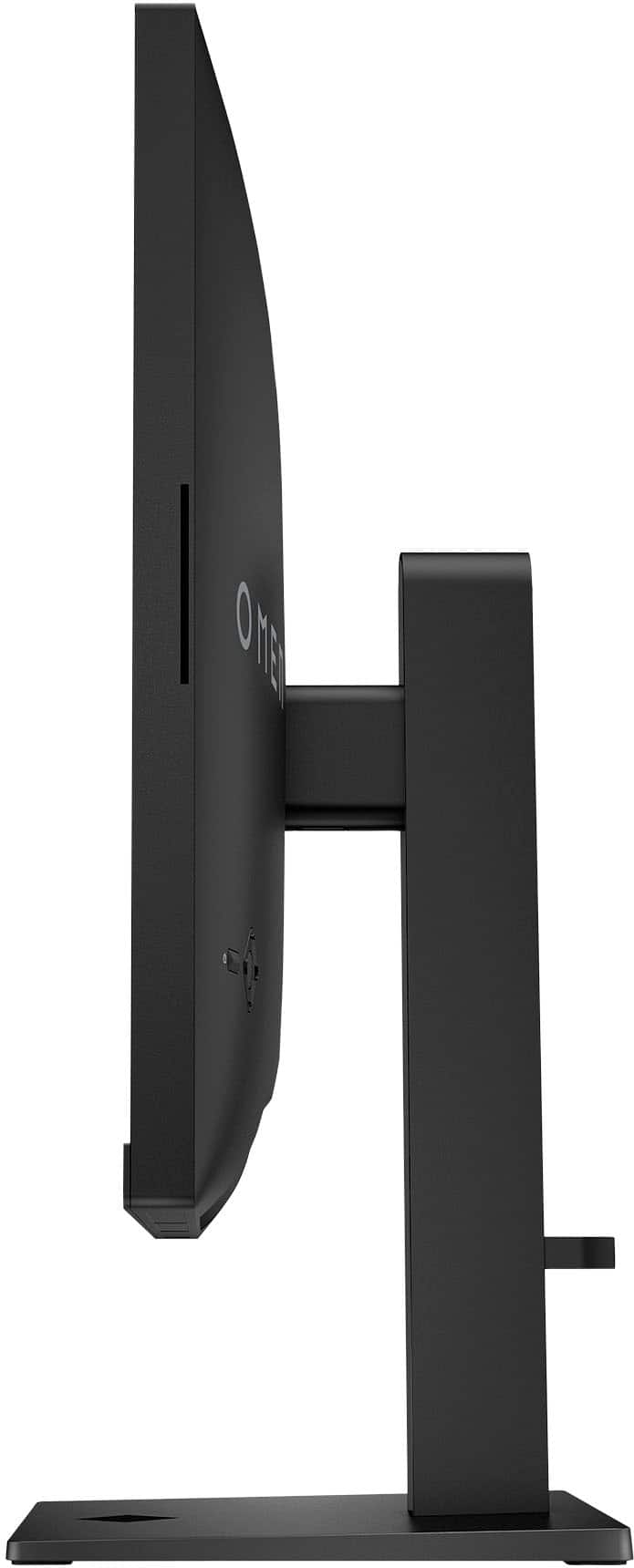
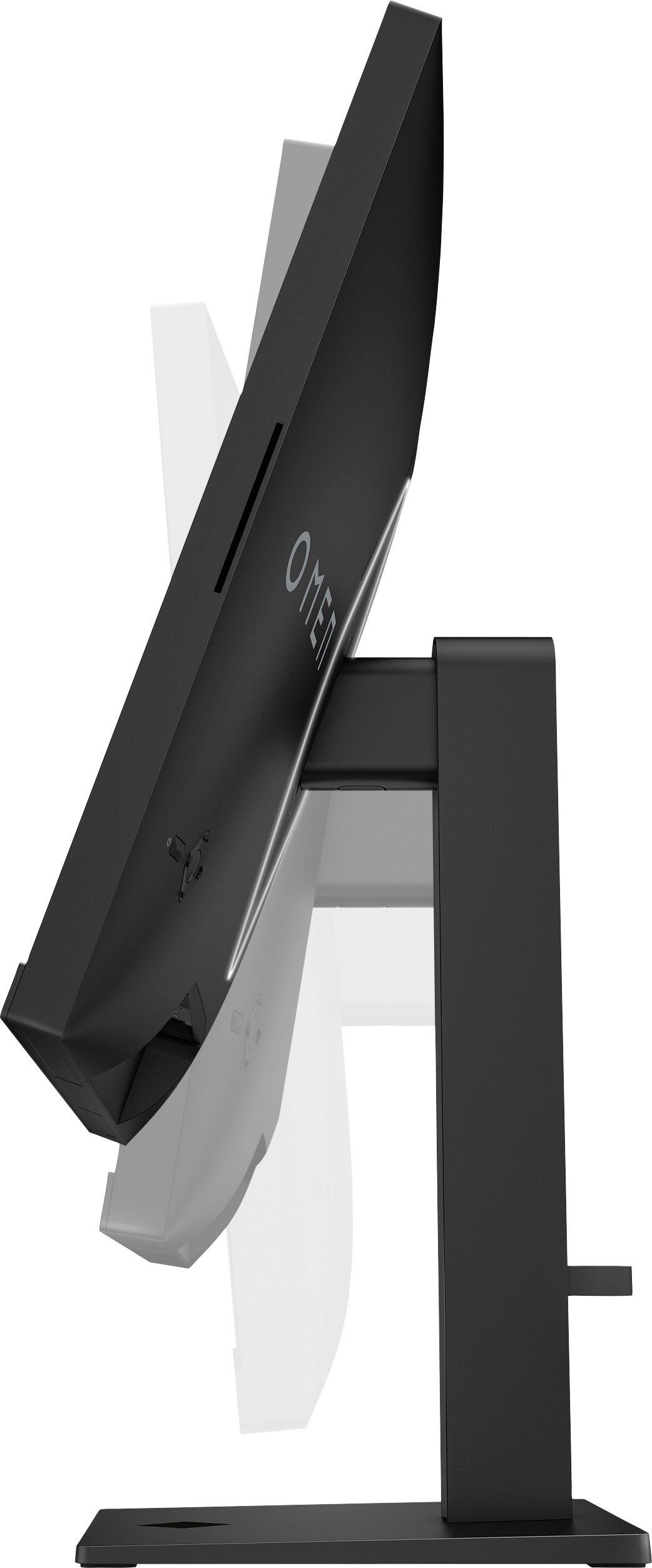
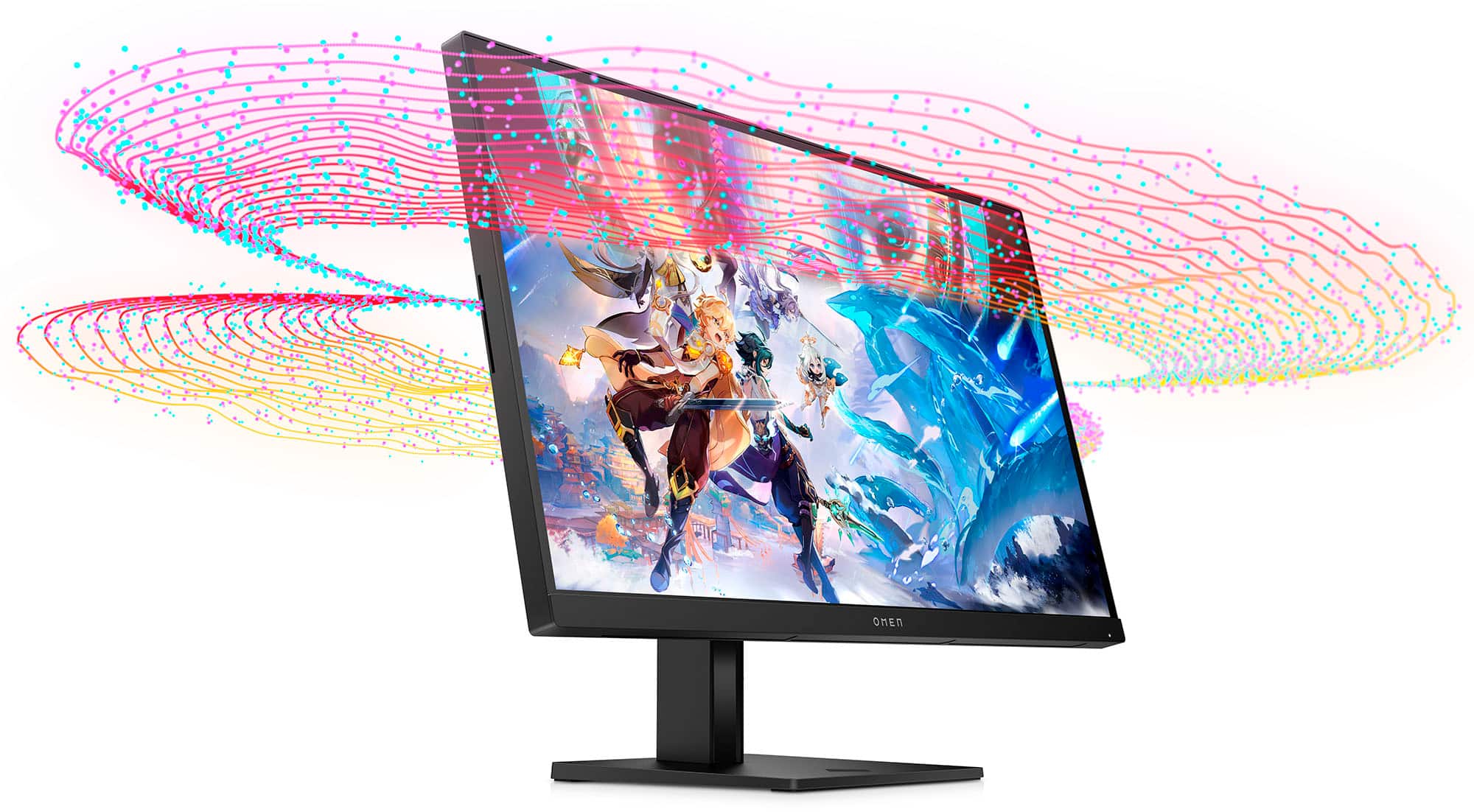
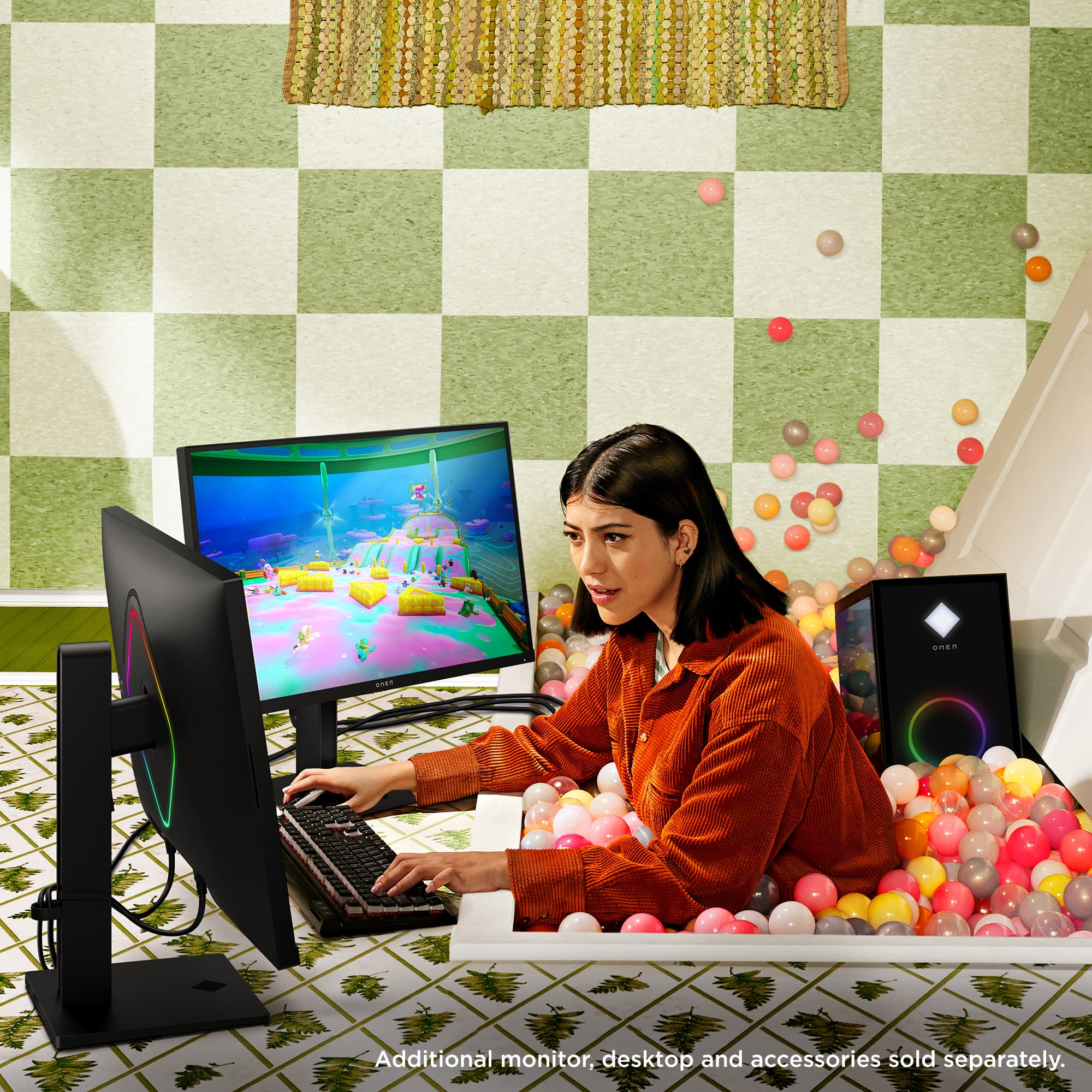
|Posted .This reviewer received promo considerations or sweepstakes entry for writing a review.Most people regard PC monitors as very utilitarian devices -- used mostly just to show text, simple graphics and perhaps some videos. Not gamers. Their gaming rig PCs are all about performance and style. And that's probably why HP makes the Omen 27qs -- a tricked out hot rod of a PC monitor if there ever was one. On the performance side, the specs are all pretty impressive. Like a 240Hz max refresh rate and 1ms response time, with nVidia G-sync support for the fastest and lag free gameplay. Also helping out on that front is a QHD screen, which has about double the resolution of most PC monitors. Overall picture quality is top notch too, thanks in part to full VESA HDR 400 certification and a very bright IPS screen, which provides a wider viewing angle. (So your friends standing around you during gameplay can better appreciate your gaming prowess.) Colors are vivid as well since this is a DCI-PC3 monitor (a spec that promises more colors and and better color saturation than lesser monitors) But this monitor is not just about pretty pictures and fast gameplay. The hardware built into it also goes far beyond what you see in a typical PC monitor. Like two HDMI 2.0 ports and one 1.4 DisplayPort for a top quality connection to any graphic card. And two super speed USB ports, which turn the monitor into a USB hub. (A USB to PC cable and DisplayPort cable are included) Of course, gamers want lots of glitz on their PC components too, even the monitor. So the HP Omen 27 qs features special lighting effects on the back: A rope light that wraps around the mounting bracke. It defaults to bright white but can be any color and intensity you want, or can cycle between multiple colors. That's controlled by HP's Gaming Hub software, which downloaded automatically on my Windows 11 computer after I attached the monitor. The same software includes Lighting Studio, which allows you to apply uniform lighting effects to the monitor and all other lighting-capable components attached to the PC. The Gaming HUB is actually a collection of many gamer-oriented programs that do a lot more than just control the monitor. It can also give your PC and provide a quick performance tuneup and even rid it of junk files taking up valuable SSD space. All to make the games run at peak efficiency. The Hub program also makes it easier to find, download and launch PC games, a nice touch for the gaming crowd. As if that were not enough, the monitor also features decent sounding dual 3-watt speakers, a rarity on most computer monitors. Most gamers probably have a high-end audio system attached to their rigs, but built-in speakers are good in a pinch, or for normal PC chores. The HP Omen 27 qs is a surprisingly sturdy piece of hardware, weighing far more than you would expect for a monitor of this size -- about 20 pounds. That's mostly due to the very heavy base, which provides a rock solid foundation for the monitor. You won't see any wobble during heavy game play with this monitor. Even better is an internal spring-assisted slide mechanism that makes changing the height of the monitor a breeze. And yes, it tilts too. (There is a sutrdy built in 100x100mm VESA mounting plate in the back, for those with wall mounts or multi-moniter setups) Unlike most new PC monitors, this one is NOT wafer thin. It's quite chubby, in fact, and bulges out about 2 inches at its thickest point. That's probably mostly because of the hefty rear mounting plate built into the Omen 27qs So sure, it's pretty sweet gaming monitor. But what about routine PC chores? Overall, it is very good on that front too but there are a few issues you need to be aware of. The first is the result of the QHD screen, which makes everything in Windows look very small in native resolution. The easy solution to that problem is to go into Windows display settings and scale it up to 150 percent. That gets you back to something approaching a normal Windows display size, with readable text and normal looking web pages. The other option is to change the resolution to a standard HD format, which is norm on most PC monitors. Image purists might also have a few issues with fact this is an IPS screen . The advantage of IPS is provides a wide field of vision but but the downside is it can have trouble producing uniform dark blacks. They can sometimes appear dark gray, instead, depending on the source material. I could see that in some content but found the overall picture quality quite good. Excellent for standard PC chores (text, web graphics) , very good on video clips and movies. HDR, which this monitor supports, may make it better or worse, depending on content. Just be aware HDR is off by default in Windows and must be turned on in display settings. All this fancy hardware does not come cheap. But if performance and glitz are your game, you could do worse than the Omen 27qs
I would recommend this to a friend - Pros mentioned:Refresh rateCons mentioned:Speakers
Great Gaming Monitor!
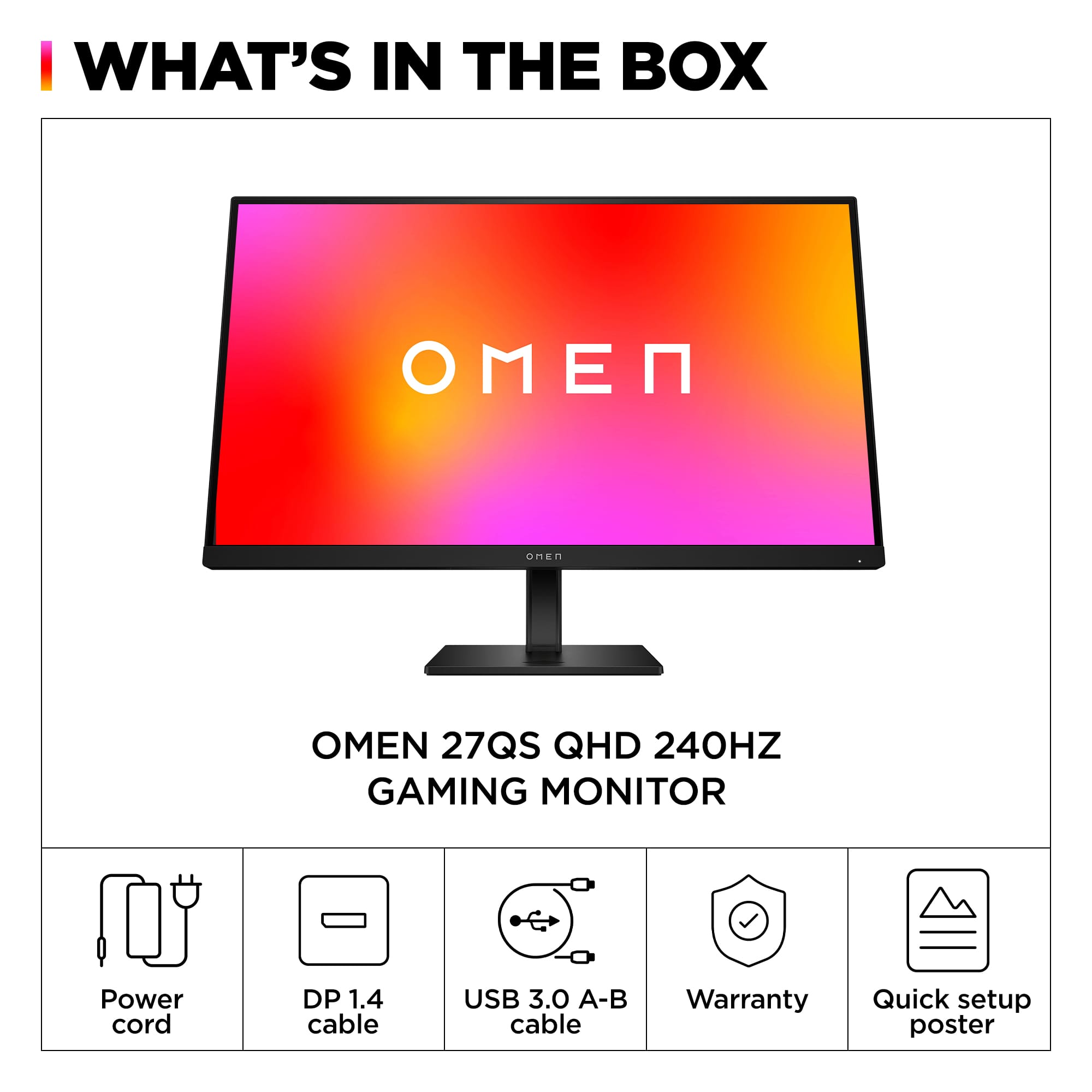
|Posted .This reviewer received promo considerations or sweepstakes entry for writing a review.The HP Omen 27qs Gaming Monitor is an attractive and well built monitor that comes with the following items in the box The HP Omen 27qs monitor Tilt and height adjustable monitor stand DisplayPort cable USB Type-A to Type-B cable AC power cord Quick Setup Pamphlet Brief Specs for the monitor 27 inch IPS QHD (2560 x 1440 @ 240Hz) display Brightness: 400 nits Static Contrast Ratio: 1000:1 Dynamic Contrast Ratio: 10,000,000:1 Color Gamut: 99% sRGB, 95% DCI-P3 2 HDMI 2.0 connector 1 DisplayPort 1.4 connector 1 upstream USB-B 2.0 port (for connecting to computer) 2 downstream USB-A 2.0 port (for connecting to peripherals) There are controls on the back to turn ON/OFF the monitor as well as to access the OSD menu ARGB effects Connecting the stand to the monitor was very easy as it did not require any tools. The included stand feels very sturdy and stable while making it easy to adjust the tilt and height of the monitor. Overall build quality seems excellent and it was a bit heavier than I expected. Having a built-in USB hub is very convenient. Technically, the monitor has very good specs and my personal experience matches the expectation from the specification. I found the display to be excellent. The display produces bright, vibrant, and rich colors that make videos and games shine. High refresh rates with support for variable refresh rates makes games run very smoothly. I did not experience any tearing when turning and moving quickly in games. Marvel’s Midnight Suns and Marvel’s Guardians of the Galaxy looked and played great with this monitor. This is my first gaming monitor so I wasn’t sure how to enable technology such as AMD’s FreeSync. I connected this monitor to my AMD based laptop running with 6700M discrete graphics using the HDMI port. After installing the Catalyst drivers, I was informed that AMD FreeSync was automatically detected and enabled. This was also verified by the OSD menu. I also downloaded the latest HP monitor driver which allowed Windows to report that the monitor has VESA DisplayHDR 400 certification. The highest refresh rate that was available to me was 144 Hz. I didn’t see any option to set it for 240 Hz. I only saw options for 60 Hz, 75 Hz, 120 Hz, and 144 Hz so I’m not sure what I’m doing wrong. Maybe 240 Hz is only available using DisplayPort? Or maybe I need better HDMI cables? Anyway, this didn’t really bother me since I couldn’t really tell much difference between 120 Hz and 144 Hz refresh rates. In fact, no matter which refresh rate I selected, everything appeared buttery smooth to me with no flickering so I’m very happy with this monitor. Text also appears very sharp and readable making this monitor an excellent choice for productivity as well as entertainment. Built-in speakers can get loud but are just okay. I’ll probably end up connecting some external speakers with it. Having ARGB is nice but I don’t really see them since they are behind the monitor. Overall, I think the HP Omen 27qs Gaming Monitor is an excellent choice for anyone looking for a gaming monitor. It’s also great for productivity too!
I would recommend this to a friend Complete Junk
||Posted . Owned for less than 1 week when reviewed.This reviewer received promo considerations or sweepstakes entry for writing a review.Excited to play on the new monitor. However, the screen goes black starting any app up, not a fan. I think it's for the HDR. However, after less than an hour of playing on it, the scree went all whitenoise on me. Returning it and going to get the Asus Tuf. I did not spend merely $400 for trash or a name. Will be acquiring the Asus in leu of this junk.
No, I would not recommend this to a friend- Pros mentioned:Performance, Price, Refresh rate
bought for ps5 with the idea of building a game pc
||Posted . Owned for less than 1 week when reviewed.This reviewer received promo considerations or sweepstakes entry for writing a review.4.5 stars! i bought this onsale at 300$ with the idea of growing into building a game pc and also being on the road. the stand breaks down easy and fits into my pelican 1615 travel case or any other big double sides suitcase. the price point/performance is why i chose this monitor. it was also the brightest, smoothest monitor i seen in the price point. i use it mostly for call of duty online. i play it mainly at 1080 at 120hz. i believe it will do 1440 but im normally only hotspot or hotel wifi so im trying to minimize what i can, and honestly it looks really good even for 1080p. the colors are bright, and the hdr does a great job. i havent noticed and sort of tearing or anything funky, like ive heard you needed the 2.1 for vrr, which honestly doesnt seem necessary especially at 1080p, the ps5 paired with this monitor at the 300$ price point should be an option. only 4 starts because it doesnt have hdmi 2.1 ports, but again some might miss the point of this monitor at it’s price. it performs very well for online shooters and still leaves room to grow to possibly build a game pc that can run up to 240 hz. note, the 120 hz is only active when you open a ps5 game that supports it, other wise it will remain in 60 hz. if you are looking for a 4k experience i suggest looking at the sing inzone m9 as it was designed for the ps5 and will truly display the ps5 titles as intended, but the 900$ price tag definitely made me explore options for quantum dot/oled gaming montitors like that arent much more. if yours ok with not needing 4k, hdmi 2.1, this is a great bang for buck monitor to get you 120hz. i can honestly see everything better on this than my sony 4k 65” tv full array which was also made for the ps5 in mind. the 4k is reslly just for cinematics imo. fast pace gaming though, the 1080 or 1440 is all i needed. i do think this monitor would pair better with an xbox series x or s over the ps5, but it does pretty well and feels like a solid product.
I would recommend this to a friend - Pros mentioned:Color, Picture quality, Refresh rate
5/5 – Absolutely Incredible 2K 240Hz Monitor
||Posted .This reviewer received promo considerations or sweepstakes entry for writing a review.I’ve been using this 2K 240Hz monitor for a while now, and I can confidently say it’s one of the best tech upgrades I’ve ever made. The combination of 1440p resolution and a blazing-fast 240Hz refresh rate is outstanding. Everything looks razor-sharp, and the motion clarity is on another level—perfect for competitive gaming, fast-paced shooters, or just enjoying smooth everyday use. What I love most: Insanely Smooth Gameplay: Going from a lower refresh rate to 240Hz feels like night and day. Fast movements are crystal clear with no ghosting, tearing, or blurring. Beautiful 2K Resolution: The perfect middle ground between Full HD and 4K. Text, graphics, and games look crisp without straining your GPU. Great Color and Brightness: Colors are vibrant, and the contrast makes everything pop—ideal for gaming and content creation. Premium Build Quality: Sturdy stand, slim bezels, and a clean design. It looks as good as it performs. Excellent Responsiveness: Low input lag and fast response times make it a fantastic choice for competitive players. Overall, this monitor is a powerhouse. If you want top-tier performance, stunning visuals, and ultra-smooth gameplay, this 2K 240Hz display is worth every penny. Highly recommended.
I would recommend this to a friend - Pros mentioned:Picture quality, Refresh rate
240Hz is the way to go!
|Posted .This reviewer received promo considerations or sweepstakes entry for writing a review.I’m absolutely in love with this monitor. Going from 165Hz to 240Hz is very noticeable and completely worth it. I will say this, it would be very difficult to go back now that I have made the switch to 240Hz. HP did an excellent job on the design of this monitor. It’s very sleek and attractive and the RGB lighting in the back is a wonderful touch. The number of display ports included in this monitor is perfect for me. I typically only have a single display port uplink and a single HDMI port uplink, so for me, it’s perfect. The additional USB ports on the monitor are very convenient and prevent me from having to plug in my on the fly peripherals in to the back of my desktop. The user interface controls for this monitor are very intuitive and allow for easy adjustments very quickly. I switch inputs often and I like that I can do this quickly and easily on this monitor. Out of the box I had to tweak the colors, brightness, and contrast to my liking but I do that with every monitor. There really isn’t much more to set. The 1ms response time is great and super fast. QHD is what I prefer to game with so this monitor checks that box as well. I have this paired to an Nvidia 3080 GPU and gaming is such a next level experience with a 240Hz refresh rate. The picture is gorgeous, clear and sharp, I’m very impressed. I typically play FPS style games and this monitor has taken my gaming to another level. The smoothness while navigating is such an advantage. If you are looking to upgrade your monitor, go with one that has a 240Hz refresh rate and a 1ms response time. You will not be disappointed. This monitor is an excellent choice!
I would recommend this to a friend - Cons mentioned:Speakers
A solid gaming monitor
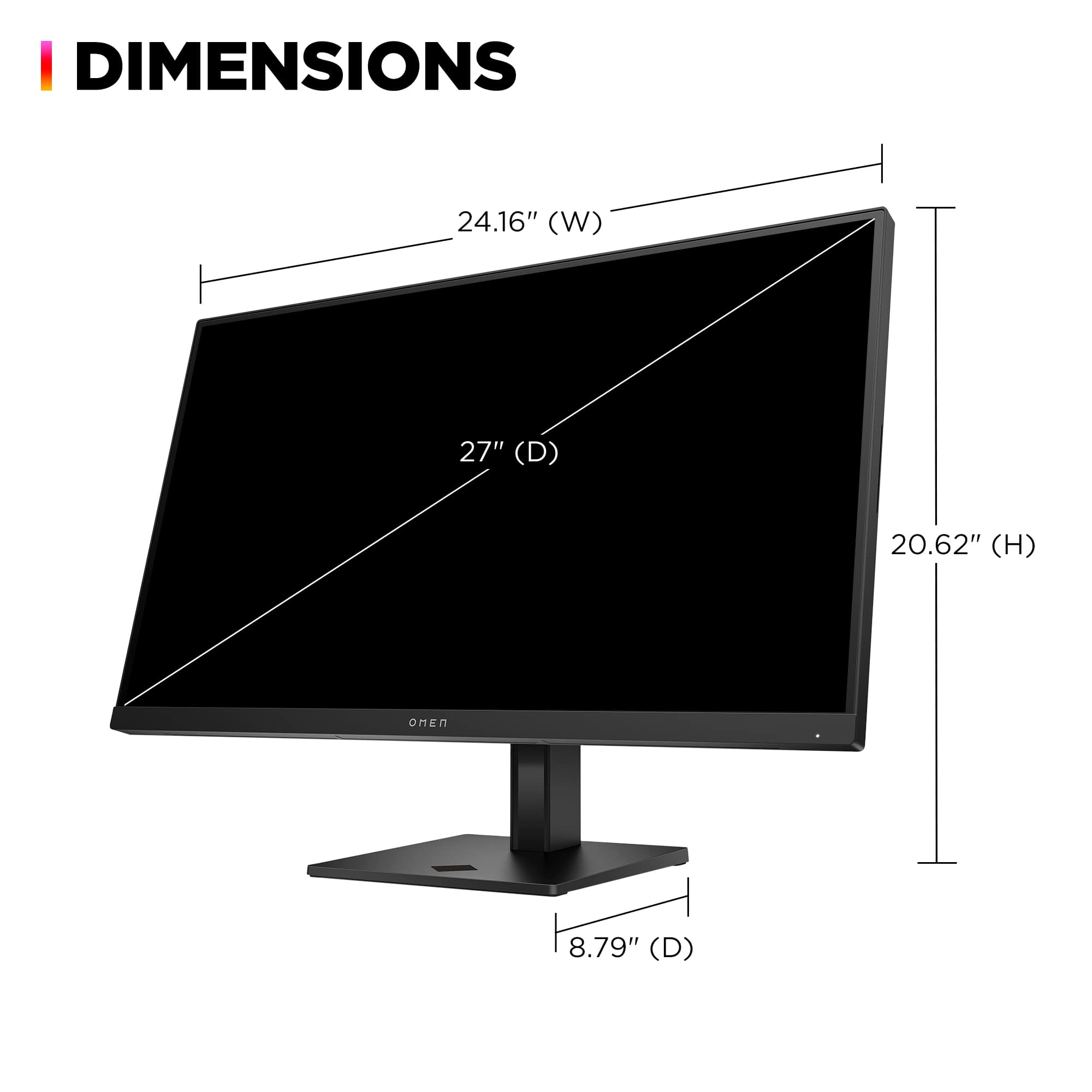
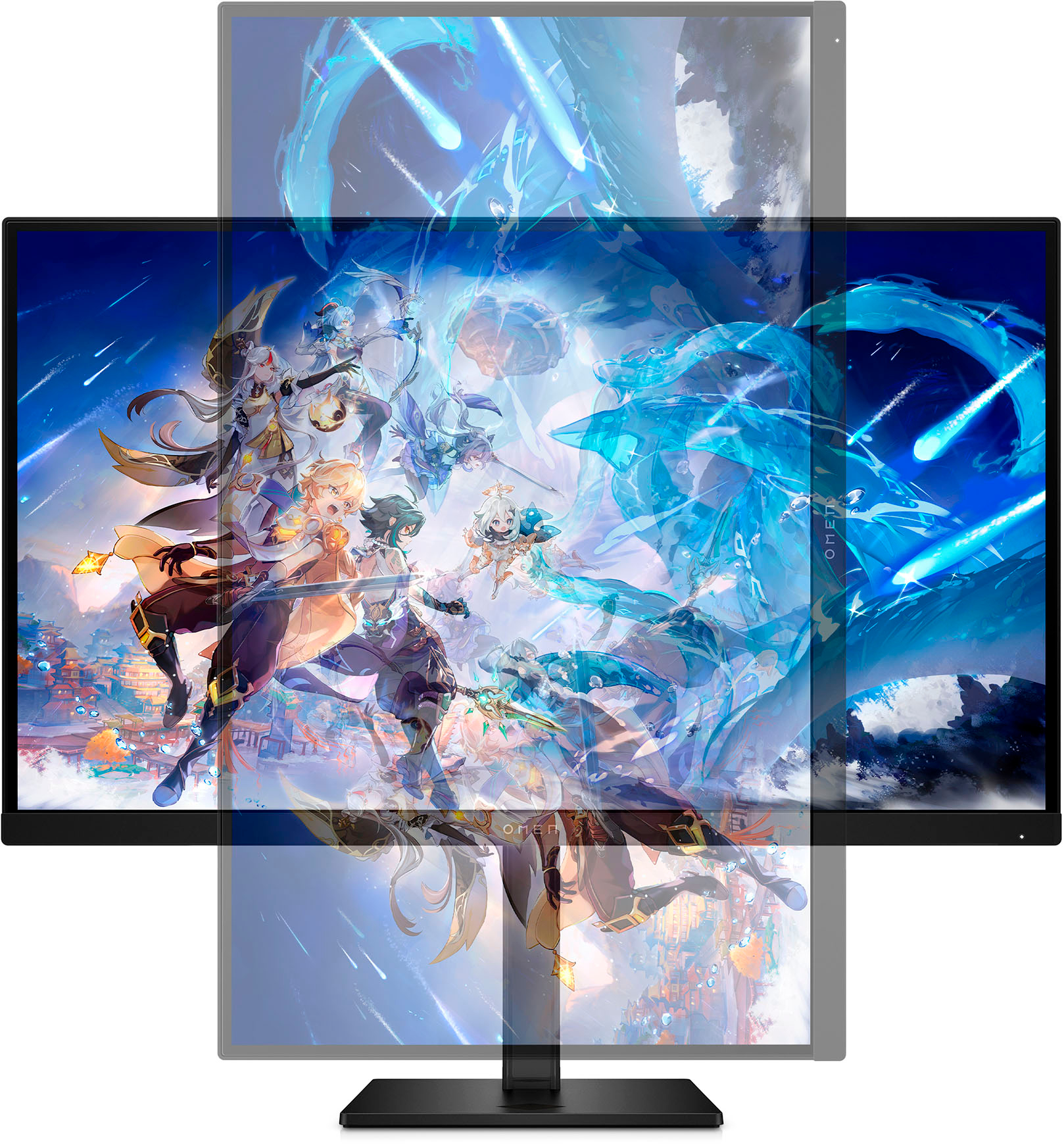
|Posted .This reviewer received promo considerations or sweepstakes entry for writing a review.There is nothing exceptionally groundbreaking about this display, but I find that HP does tend towards having a more understated appeal in general. Nobody looks to HP and thinks sexy, suave gamer gear and I suspect that's why HP doesn't go out of its way to attach its name to the OMEN brand, much like Dell doesn't go out of its way to make sure you know Alienware is, in fact, a Dell brand. Their associations with those brands aren't well-kept secrets by any means, but anyone even tangentially familiar with tech is aware that HP is moreso known for its desktop towers for offices and businesses, and that design ethos ripples out in this monitor. The black plastic is functional and practical, but although the combo of black with RGB lighting may be in vogue with gamers, the chunkiness of the monitor itself combined with the unoriginal stand design makes it look more like a jazzed up uninspired office monitor than the latest and greatest in gaming monitors, which seem to be trending moreso towards a sci-fi, space-age-y look in 2023. None of this is to say that this isn't a good gaming monitor, but rather to set the expectations at the right level: this isn't going to be breaking any world records or changing the industry, and even HP seems to acknowledge that in their marketing, instead targeting "fun" ("Speedrun through the fun," "Fun is a choice," etc.) which is honesty I can appreciate. With that in mind, this is honestly a great monitor and one that I enjoyed for the most part. I was initially pretty skeptical as the box came with a bit of a bulge (see the attached picture). Luckily, the monitor wasn't even near the front of the box where the bulge was and seemed to be completely unharmed, though it does worry me that it seems box damage was a recurring issue in other reviews. Shipping damage is never fun for anybody involved, so fingers crossed they sort that out sooner rather than later. I was pleased to see that HP opted for more use of cardboard than styrofoam in the packaging, as eco-friendly packaging should be more of a consideration as we head forward in 2023 and beyond, though of course there were still plenty of single-use foam baggies. Assembling the stand was very trivial and took less than ten minutes from opening the box to getting it plugged in. I did find that the power cord was shorter than I'd have preferred, especially for something that would need to be cable managed and off the floor, but I appreciated that there were HDMI and DP cables included (this should be a given, but I know from experience with cheaper monitors that it isn't always so). Outside of the plain, frankly boring aesthetic of the monitor, the RGB ring is a nice touch and adds a bit of flair that this monitor desperately needs. The stand is easily adjustable and tilts and rotates smoothly, going from landscape to portrait with no trouble at all. It's also VESA-compatible, though I expect that from most monitors. The display itself is rich, vibrant, and smooth. I would say that it doesn't quite compare to an OLED, especially when looking at deep blacks, but for an IPS panel, the colors are lively and brilliant. Brightness was adequate and being an IPS panel there is some backlight bleed, but again there was nothing obscenely drastic here. This monitor also does have HDR certification, but the HDR setting was very hit or miss for me and I felt that it detracted from overall image quality. You may find you prefer it. As for display issues, I didn't notice any issues with inconsistent refresh rates or even screen tearing while watching content, reading, or gaming, even when setting the in-game graphics settings to their highest. That said, I still don't see much benefit going above 120Hz anyways, and although this monitor boasts going up to 240Hz, I strongly believe that past 120-140Hz one is rapidly approaching the realm of diminishing returns by pushing for an ever-increasing refresh rate, especially if it is at the cost of performance. The speakers on the monitor are passable, though I would strongly suggest getting a set of external speakers or using the included 3.5mm headphone jack or a pair of headphones. No gamer would be happy using the onboard speakers over even a gas station set of Skullcandy's, but I don't think most people expect to be able to use a set of onboard monitor speakers as their main output. To nitpick, although I do love the vibrancy of the display, the color accuracy isn't always there. The colors are boosted to be more vibrant/saturated than they are, which is nice to look at but can be detrimental if you may want to use this monitor for color-accurate work as well as play. The display also renders text more sharply than I would personally prefer, which makes it hard to use, again, for work purposes over play purposes (or for more text-heavy play sessions in games that have a lot of dialogue or menus). Even after tuning ClearType and adjusting the monitor's overall sharpness, the text still looked overly sharp. I also felt frustrated, perhaps unfairly, by the "Omen Gaming Hub" which is required to be installed to control the RGB light ring on the back of the monitor. The HP website states that the ring can be controlled using the Omen Light Studio, which seems to be a downloadable module within the Omen Gaming Hub, which itself is an app downloadable from the Microsoft Store. I don't mind downloading specialized software to control specialized hardware. I do mind being forced to manually disable permissions for app analytics, personalized suggestions, and advertising just to be able to gain access to the software that lets me download the software that lets me control an RGB light ring. If I wanted the Gaming Hub, then I might have been more amenable to signing away my privacy. But I just wanted to control the funky little RGB ring on the back of the monitor! It feels like everybody and their mother wants in on my browsing habits and personalized advertising permissions, and it bothered me that I had to install a clunky "Gaming Hub" to change the RGB light from white to blue or what have you. Keep in mind that for most PC gamers, there are probably a half dozen "Gaming Hubs" or software they've already had to download just to use whatever gamer hardware they've bought — Logitech G Hub, Nvidia GeForce, Alienware Command Center, Razer Synapse/Chroma, Corsair iCue, and the list goes on. It all becomes so tiresome and frustrating. Even without the constraints of disk space and memory, having to constantly be on the lookout for what permissions are being asked from whom and for what reasons becomes exhausting. I will give credit where it's due and say that the Omen Gaming Hub is at least somewhat unique from the rest in that it lets you look at your "system vitals", but if all you wanted was to check your PC stats, there are other dedicated options that do it better, like HWMonitor (or if you prefer open source ones, Open Hardware Monitor). The Hub is also a bit bloated and laggy in my opinion, and I would have preferred if the Light Studio module came separately so that I had the option of just controlling the light ring and deciding if I wanted the Hub software (likely not, but at least I'd have the choice). Some weird quirks bothered me but may not bother others, like the placement of the power button next to the monitor's adjustment buttons, which meant I was constantly powering it off while trying to adjust the settings, as well as that I could never seem to get it to wake with my PC like my other monitors. Lastly, this monitor is a good deal heavier than others I've experienced in roughly this size category, making it difficult to adjust on a desk. Granted, I'm fairly certain this is in large part due to the stand and would be (most likely) fixed by using a third-party mount, but I was still a bit shocked at how heavy this monitor was. The HP Omen 27qs is, in all, a great monitor. It looks great, functions well, and — though it may not be the Belle of the Ball — it manages to have its sense of flair. This monitor would do well for gamers open to IPS panels and would make a wonderful gift, in my opinion, for younger gamers in particular thanks to the wow factor of the RGB lighting. This monitor does not seem to be geared at all toward professionals, and that's genuinely pretty cool to see! It's nice to see a product aimed at gamers that isn't just repurposed office hardware with LEDs hot-glued on top, especially from a company so known for its office hardware. This being my first hands-on experience with HP gaming merchandise, I'm pleasantly surprised. I'll have to check my bias the next time I see HP-branded gear!
I would recommend this to a friend - Pros mentioned:Picture quality, Refresh rateCons mentioned:Ghosting, Speakers
INCREDIBLE For Gaming and Okay for TV/Movies
||Posted . Owned for 1 month when reviewed.This reviewer received promo considerations or sweepstakes entry for writing a review.I am absolutely in love with this monitor. The colors are beautiful! The response time is incredible! There is absolutely ZERO ghosting! There is absolutely ZERO black/gray smearing! For gaming, this is a fantastic deal especially on sale! 240hz is the icing on the cake. I really cannot complain when it comes to gaming. The experience for viewing movies and shows is good enough for me, but be aware that deep blacks appear gray. This monitor is a 10/10 when it comes to gaming and a 8/10 when it comes to watching TV/Movies. I don't recommend relying on the speakers because they aren't great out of the box.
I would recommend this to a friend