Customer Ratings & Reviews
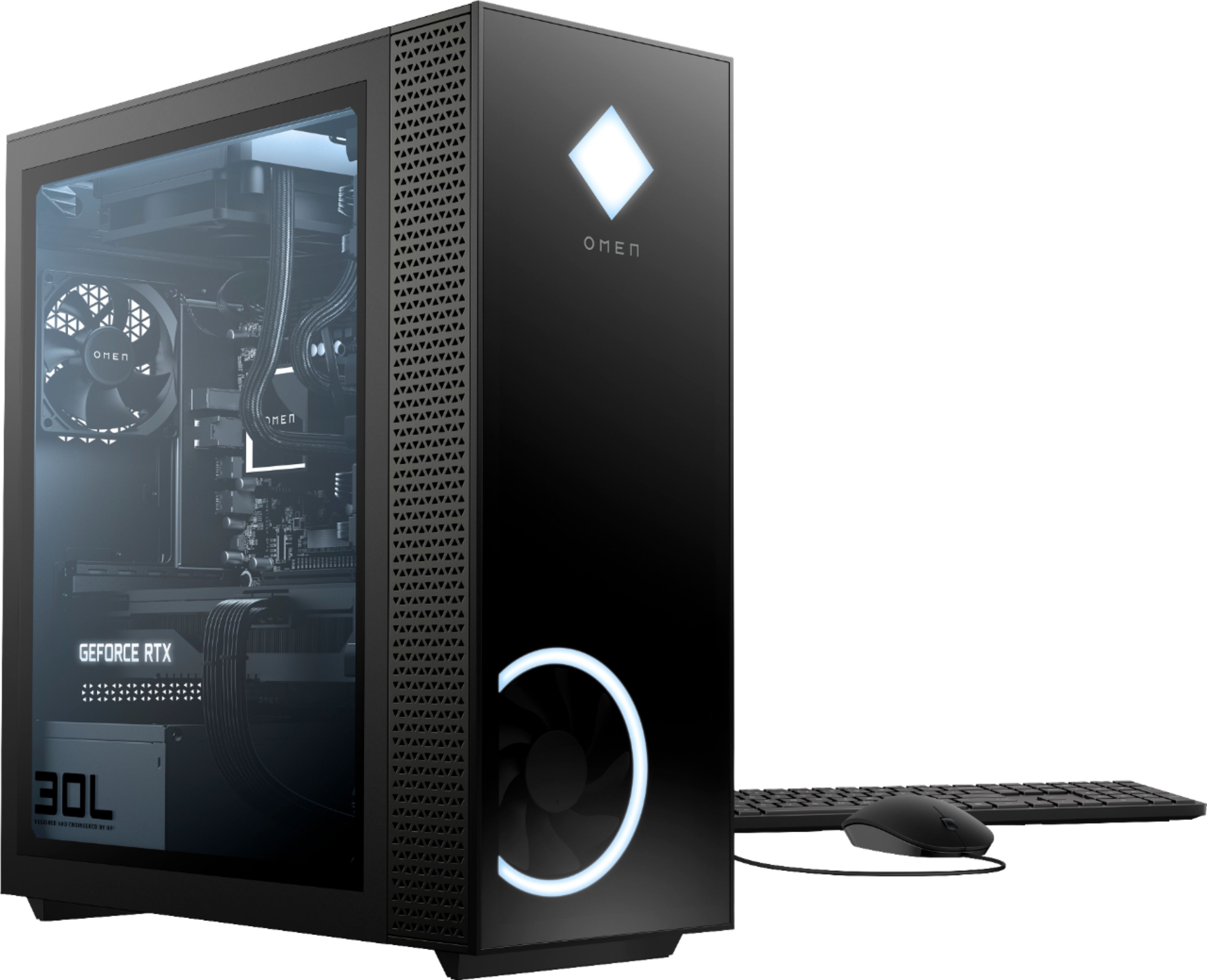
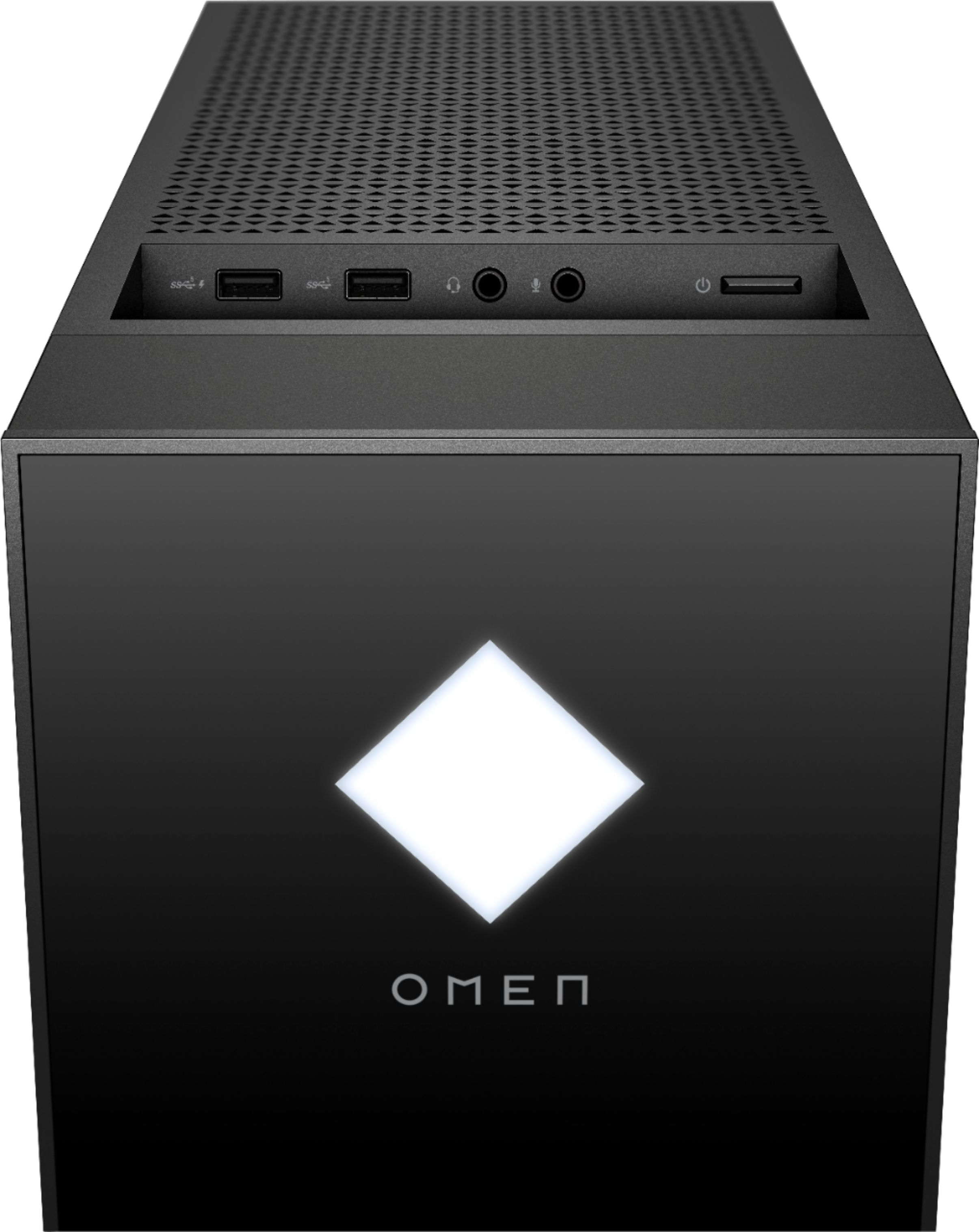
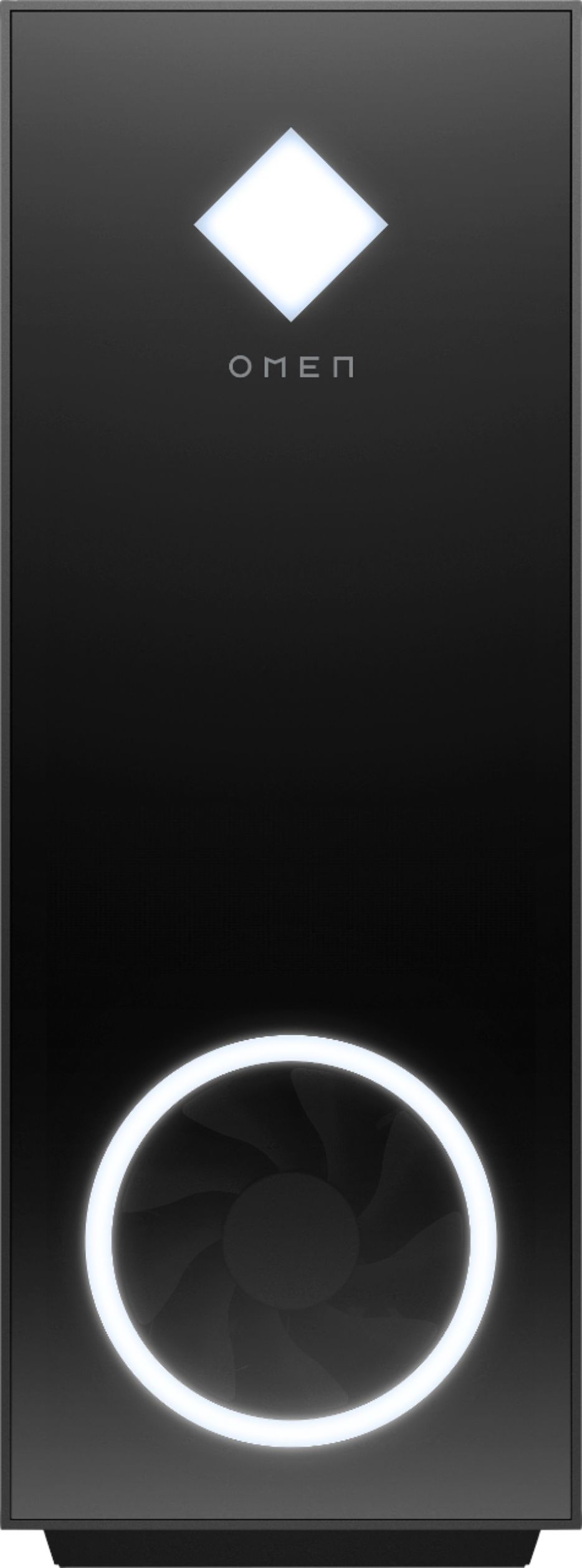
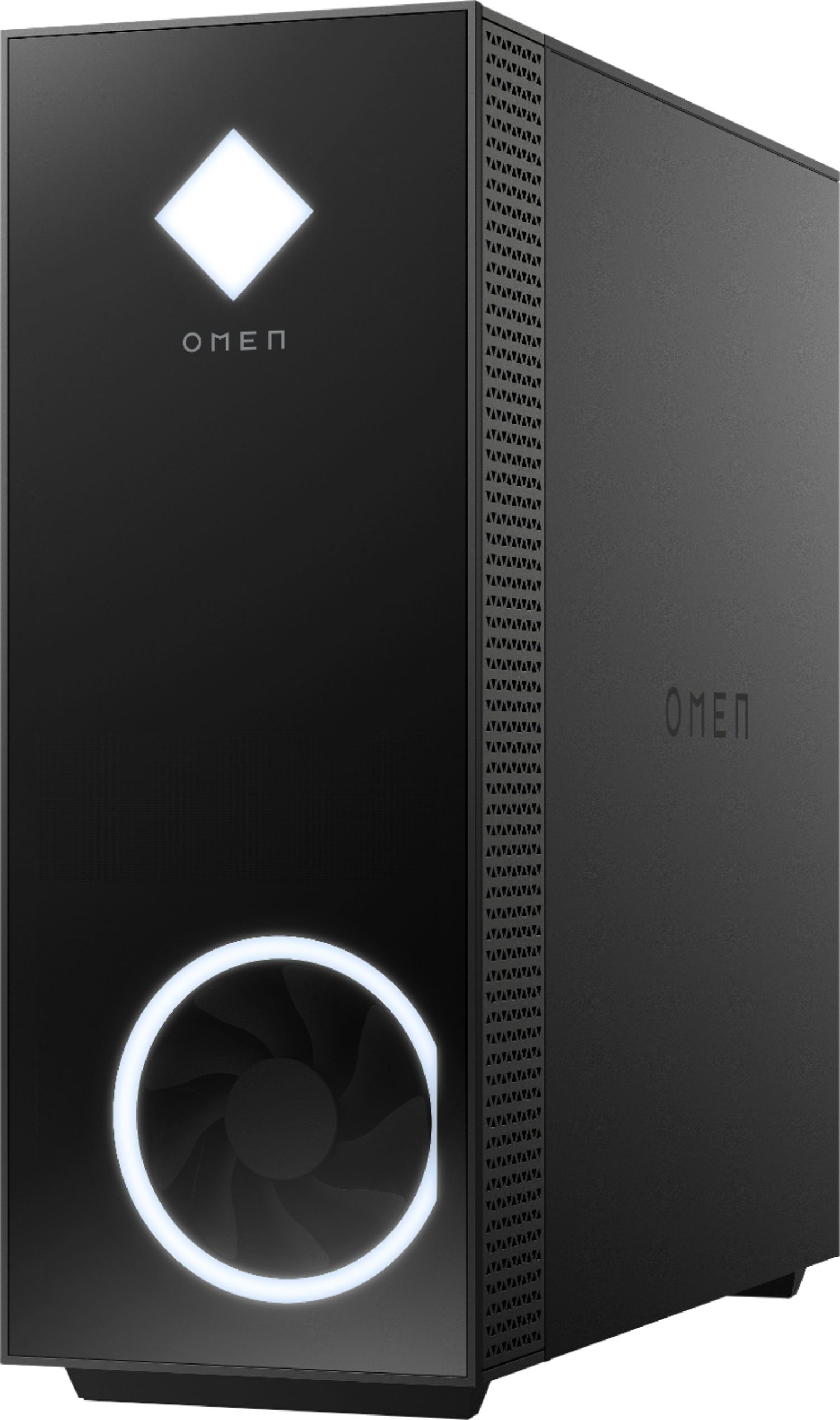



- Model:
- GT13-1094
- |
- SKU:
- 6454567
Customer reviews
Rating 4.2 out of 5 stars with 418 reviews
(418 customer reviews)Rating by feature
- Value4.3
Rating 4.3 out of 5 stars
- Quality4.3
Rating 4.3 out of 5 stars
- Ease of Use4.4
Rating 4.4 out of 5 stars
Customers are saying
Customers admire the Gaming Desktop's performance and the quality of its NVIDIA GeForce RTX 3060 Ti GPU, frequently praising its value and suitability for gaming at 1080p/1440p resolution. However, some users express concerns regarding the system's cooling capabilities and the noise level produced by the fans, particularly in sleep mode. The compact case size is also noted as a potential limitation by some customers.
This summary was generated by AI based on customer reviews.
- Cons mentioned:Cooling
Rated 1 out of 5 stars
LOW HASH RATE CARDS
||Posted . Owned for 1 month when reviewed.This reviewer received promo considerations or sweepstakes entry for writing a review.Cheaply built. Horrible airflow. Low hash rate card.
No, I would not recommend this to a friend Rated 1 out of 5 stars
Don’t bother.
||Posted . Owned for 3 weeks when reviewed.This reviewer received promo considerations or sweepstakes entry for writing a review.Nearly everything about this unit is proprietary. Wiped the hard drive to do a clean install of Windows and It would not boot to usb, another hard drive with a clean install - nothing. BIOS is extremely crippled. Parted out what I could and built another PC from scratch like I should have done in the first place.
No, I would not recommend this to a friendRated 1 out of 5 stars
Shuts off randomly
||Posted . Owned for 1 month when reviewed.This reviewer received promo considerations or sweepstakes entry for writing a review.Less than a month into ownership and the PC shuts off randomly. I bought a prebuilt due to the graphic card shortage, but that was clearly a mistake. Now I have to dissect what’s causing the issue and fix myself. Do not buy, piece and put together yourself, I will never trust Best Buy or HP again.
No, I would not recommend this to a friendRated 2 out of 5 stars
Different Price
||Posted . Owned for 1 month when reviewed.This reviewer received promo considerations or sweepstakes entry for writing a review.The price announce in the bestbuy flyer was different to the store
I would recommend this to a friendRated 1 out of 5 stars
Frustrated.
||Posted .This reviewer received promo considerations or sweepstakes entry for writing a review.In the last week, this is the second computer that I bought. I returned the iBUYPOWER - Gaming Desktop - Intel i7-10700F - 16GB Memory - NVIDIA GeForce RTX 2060 6GB - 1TB HDD + 480GB SSD. The HP Omen does not turn on. Best Buy is selling garbage and I'm frustrated.
No, I would not recommend this to a friendRated 1 out of 5 stars
Awful PC and had very high hopes
||Posted . Owned for 3 months when reviewed.This reviewer received promo considerations or sweepstakes entry for writing a review.Out of box it seemed too good to be true. But after two months it has so many problems to even count. Power problems. Gpu glitches, and random blue screens. Honestly go with what everyone says and dont purchase prebuilt not worth it at all.
No, I would not recommend this to a friendRated 1 out of 5 stars
Very disappointing
||Posted .This reviewer received promo considerations or sweepstakes entry for writing a review.Same problem mentioned in another review. Out of the box it randomly shuts off while gaming. Temps don't show they're an issue, just won't stay on. Waited for this for a few weeks, sounded great, but prob too good to be true.
No, I would not recommend this to a friendRated 1 out of 5 stars
Gpu fan doesnt work
||Posted . Owned for 5 months when reviewed.This reviewer received promo considerations or sweepstakes entry for writing a review.Was really excited when i first purchased. Didnt know much about gaming pcs but ive notcied one of the gpu fans doesnt work and it gets pretty hot when playing. Very disappointed
No, I would not recommend this to a friend- Pros mentioned:Performance, Price
Rated 4 out of 5 stars
Good Machine
Posted .This reviewer received promo considerations or sweepstakes entry for writing a review.Great PC for the price at the time. Still kicking 4 years later and can run most games on medium-high settings.
I would recommend this to a friend Rated 1 out of 5 stars
Dead GPU
||Posted . Owned for less than 1 week when reviewed.This reviewer received promo considerations or sweepstakes entry for writing a review.Could not run any games (Valorant, Sea of Thieves, Vermintide, Cyberpunk etc). All crashed and restarted the PC, could not get a benchmark to complete.
No, I would not recommend this to a friend- Pros mentioned:Performance, Price
Rated 5 out of 5 stars
Great PC
Posted .This reviewer received promo considerations or sweepstakes entry for writing a review.Great for the price at the time. Honestly have no complaints with this PC been great for me for the past 4years and can play all the latest games on high settings.
I would recommend this to a friend Rated 1 out of 5 stars
fail
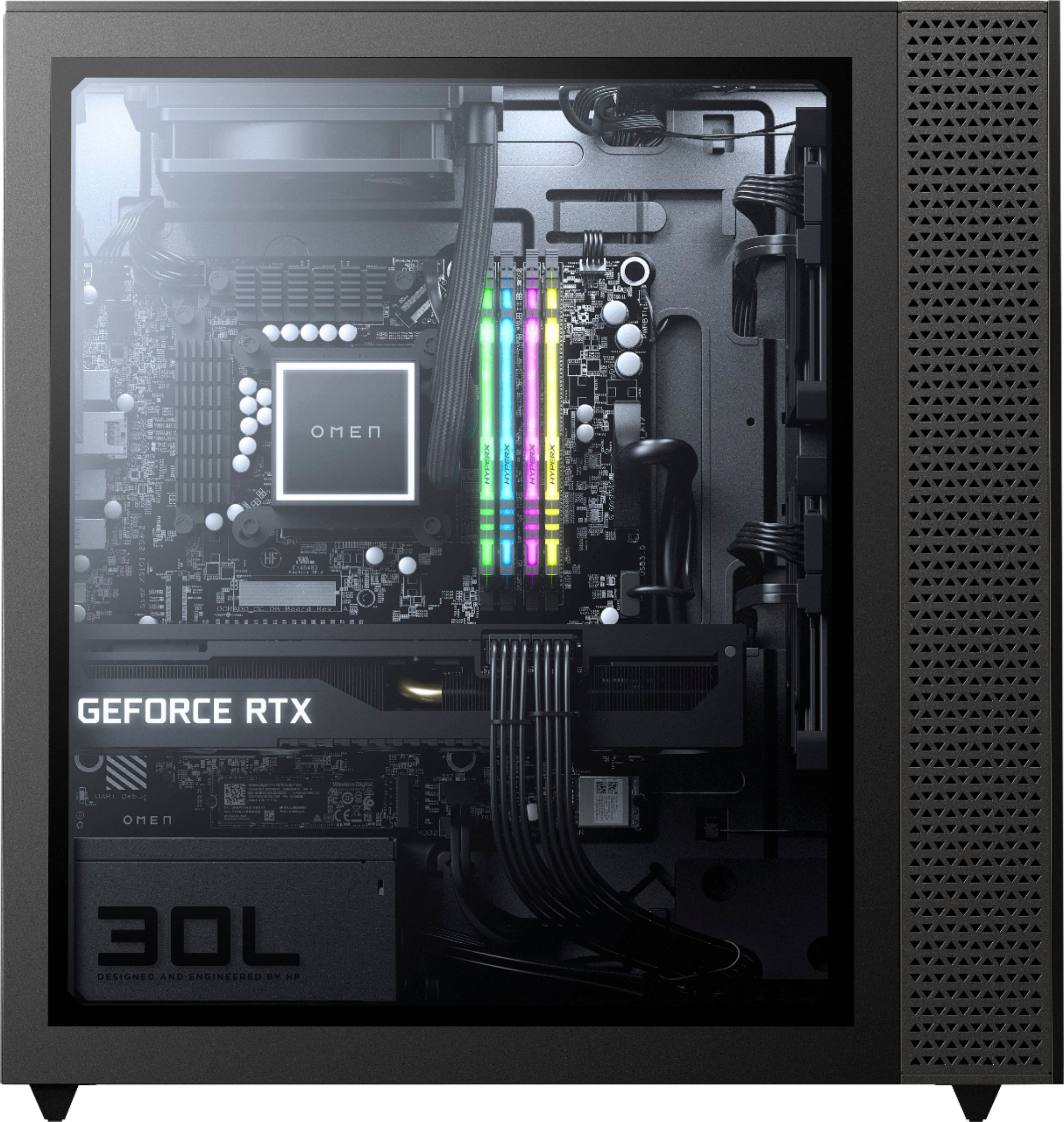
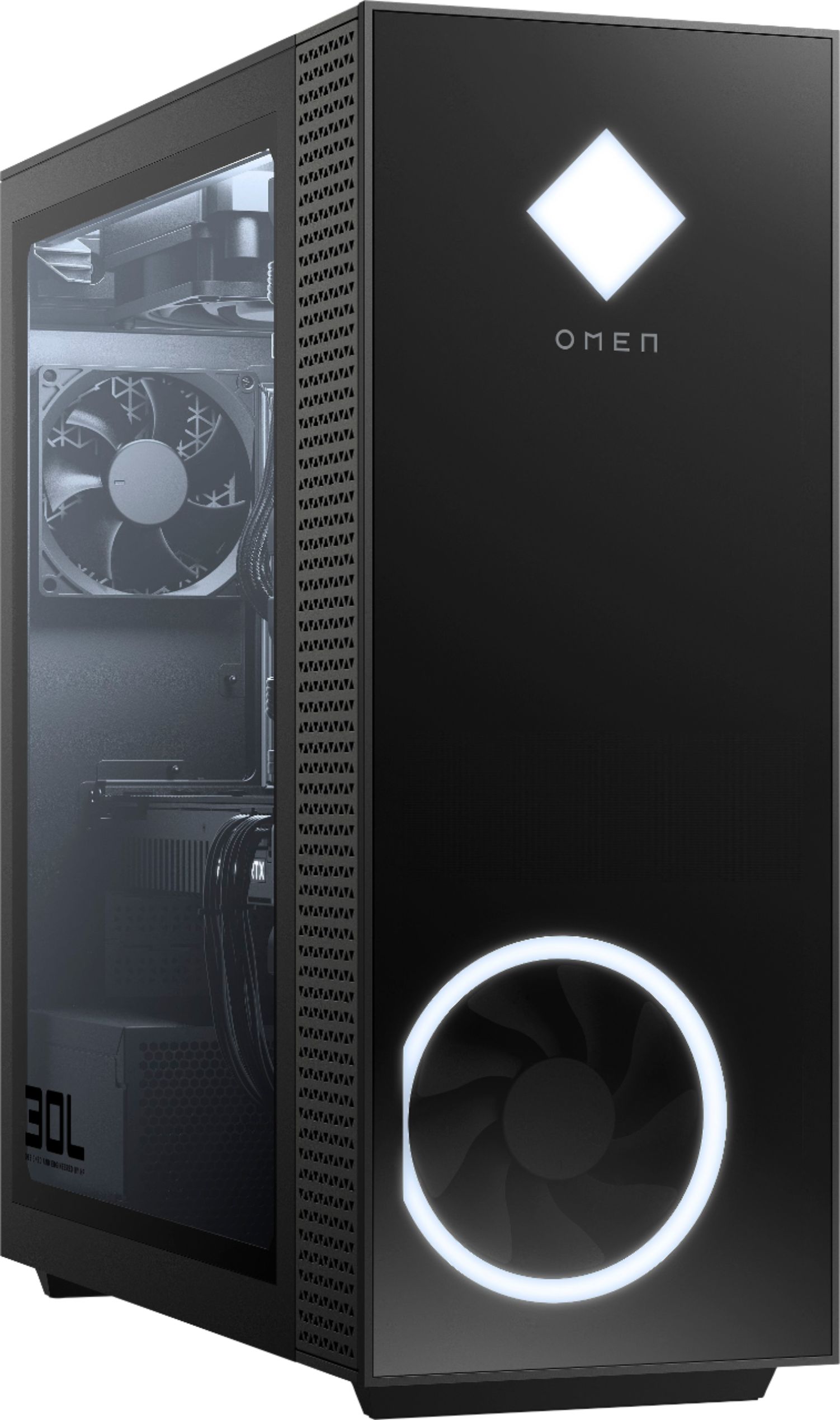
||Posted . Owned for 1 week when reviewed.This reviewer received promo considerations or sweepstakes entry for writing a review.doesn't come with rgb water cooler as shown in the pictures, BEST BUY FAILED TO MENTION THAT IN THE ITEM DESCRIPTION
No, I would not recommend this to a friendRated 1 out of 5 stars
Overpriced, locked bios
||Posted . Owned for 1 week when reviewed.This reviewer received promo considerations or sweepstakes entry for writing a review.Its overpriced obviously with the state of gpus...but hp still has the bios locked an therefore this item gets hit twice
No, I would not recommend this to a friendRated 1 out of 5 stars
Faulty Hardware
||Posted .This reviewer received promo considerations or sweepstakes entry for writing a review.Came in with a faulty CPU and GPU, had to send it in for repair.
No, I would not recommend this to a friendRated 1 out of 5 stars
Don't Bother
||Posted . Owned for 3 weeks when reviewed.This reviewer received promo considerations or sweepstakes entry for writing a review.Dead on arrival. Sent it back for a replacement. Replacement was also dead on arrival. [Sigh]
No, I would not recommend this to a friendRated 1 out of 5 stars
Hp Omen30L Sucks
||Posted . Owned for 1 week when reviewed.This reviewer received promo considerations or sweepstakes entry for writing a review.It cant run a few Aaa games! It keeps crashed.. frame drops and freezes several times a day.
No, I would not recommend this to a friendRated 1 out of 5 stars
Poor quality
||Posted . Owned for 2 weeks when reviewed.This reviewer received promo considerations or sweepstakes entry for writing a review.Didn’t have it a month and it won't boot up. The beeps i get say its the graphics card.
No, I would not recommend this to a friend- Cons mentioned:Cooling, Sleep mode
Rated 4 out of 5 stars
UNINSTALL OMEN GAMING HUB TO FIX SLEEP PROBLEM
Posted .This reviewer received promo considerations or sweepstakes entry for writing a review.Great machine with some problems out of the box. The first problem that had me very close to returning it, was the sleep issue. During sleep mode, it would lock up and I'd have to unplug. After about a week of troubleshooting, then having HP customer support do the exact same things I did (power management settings, driver updates, resetting windows). I finally realized the problem had to do with the Omen Gaming Hub. After I uninstalled it, the problem was fixed. The only downside is I've lost control of the RGB settings so it defaults back to white, which is fine. I use Ryzen Master and Afterburner to underclock, and undervolt. This leads me to my next problem with this computer. My temps reached 95C within 1 minute of my first round of Warzone. That is absolutely ridiculous. I'm going to be updating the case and AIO asap. After undervolting, the CPU temps are mid 70's during gameplay. The GPU was running fairly hot as well at 84C, so I had to put in a custom fan curve which fixed the problem. For the price of this computer, I still think its a win. You just have to be ready to make some adjustments to it.
I would recommend this to a friend Rated 4 out of 5 stars
Amazing pre-built PC w/ slight modifications
Posted .This reviewer received promo considerations or sweepstakes entry for writing a review.First of all, I have the HP Omen 30L with Ryzen 7 5800X + Nvidia Geforce RTX 3060 Ti. The RTX 3060 Ti is an amazing graphics card that offers a lot of bang for your buck and getting this system at this price ($1700) is pretty worth it if you consider current GPU prices and the ease of not having to build one yourself. Out of the box, as of 10/2021 I would give this PC a 4/5 due to some small issues with it. However, once you make some small adjustments, I believe that this PC is a 5/5. Some adjustments are very easy software updates; other adjustments may require some tinkering. The first main "issue" this PC has that is discussed in the reviews and online is okay cooling and the CPU reaching "high temperatures". First off, it is important to note that the Ryzen 7 5800X series does run a little hotter than Intel CPUs, and they are DESIGNED to be this way. However, if the CPU is still running a hotter than you would like, there are MANY fixes to this issue, and I list them down below in order of ease (how easy it is to implement the change). 1. Make sure Omen Gaming Hub is up to date. Then open Omen Gaming Hub. Click on Omen Desktop > Fan Control > Set your Fan speed to Turbo. 2. The desktop tower has short legs which can cause ventilation issues. Raise your tower with a stand or some wood, and this should help with the temperatures. 3. Undervolt your CPU with Ryzen Master or MSI Afterburner. I used Ryzen Master (haven't tried MSI Afterburner yet), and all I did was manually lower the Peak Core Voltage from 1.375V to 1.20625V. This dropped my idle and gaming temps about 10*C (idle: 50*C >40*C) (moderate gaming: 60*C > 50*C) THIS WAS THE MOST EFFECTIVE WAY TO REDUCE CPU TEMP FOR ME. Note that I have not done these further steps yet, but they are options for further increasing cooling and ventilation. 4. Change the stock fans for the Omen. Replace the rear exhaust fan with a 92mm. You can also replace the top CPU fan (120mm) and the front facing fan as well. 5. Install a bottom intake fan (120mm) 6. Get a new case for the PC. The second main issue in the reviews and online seems to be a sleep function issue where you put your HP Omen to sleep and it does not wake later on with input from keyboard/mouse/power button. People were having to unplug and replug the tower which is a horrible fix. A fix I found online requires you to install some optional updates. 1. Open Windows Settings > Updates and Security. 2. Click on Advanced Options. 3. Turn on "Get updates for other Microsoft products when I update Windows" 4. Go back one page and search for updates. Optional updates should appear including one called HP Inc. Firmware. This is the firmware that will fix the sleeping issue. 5. Install all updates including the HP Inc. Firmware one and restart computer. 6. This should fix the sleep / not waking error. The third issue people are having in the reviews and online is that when using non HP RAM, the speed was being throttled to 2600 mHz and the only way to get the advertised speeds on RAM (usually 3200 mHz) was to buy HP-proprietary RAM from HP support which was usually 3-4 times more expensive. However, HP released an update for this issue. If you enabled optional updates and installed the HP Inc. Firmware through Windows updates as detailed in the previous issue, this should fix the RAM issue and allow you to use and brand of HyperX RAM sticks. The fourth issue people are having in the reviews and online are the HyperX RGB Ram sticks not being customizable in the HP Omen Gaming Hub. You may get an error that states "Unfortunately we had to temporarily disable the HyperX memory lighting function. Please note that we are working on fix and will provide an update as soon as possible." There is a fix for this for Windows 10 it seems. 1. Goto: https://support.hp.com/us-en/drivers/selfservice/omen-30l-desktop-pc-gt13-1000a/2100404772/model/2100404775?sku=399X9AA 2. Automatically detect for missing/needed drivers for your PC 3. Make sure to download the BIOS update that pops up. Also download the "Omen Gaming Hub SDK Package" under software. 3. After restarting your PC after updating the BIOS / Omen gaming hub, you should be able to change the RGB settings for your HyperX RAM sticks. (Unfortunately on my PC I have upgraded to Windows 11 and this fix does not seem to work. However, I am fine with the RGB sticks as they are for now and this is a very low-importance issue to me. Lastly, what really convinced me to get this PC is the fact that there are so many reviews / questions answered for this PC on Best Buy. There is also a lot of help online especially on reddit and the subreddit r/hpomen. Even though out of the box this PC can have sleep/cooling/other issues, none of them are major, and the fact there is such a "community" around this PC makes it really easy to search online for solutions. I am also looking forward to getting advice on any future upgrades I may want to make to the tower. Overall, if you're considering a pre-built PC, I believe this is one of the better options out there for its specs/price.
I would recommend this to a friend- Pros mentioned:Performance
Rated 4 out of 5 stars
HP Omen 30L
Posted .This reviewer received promo considerations or sweepstakes entry for writing a review.I was happy to uograde to this PC. Solid gaming console and room for upgrades, I've been using it as a stock PC for 4 years no problem.
I would recommend this to a friend