Customer Ratings & Reviews

- Model:
- 1AS91A#B1H
- SKU:
- 6287619
Rating by feature
- Value
Rating 4.4 out of 5 stars
- Quality
Rating 4.5 out of 5 stars
- Ease of Use
Rating 4.7 out of 5 stars
Customers are saying
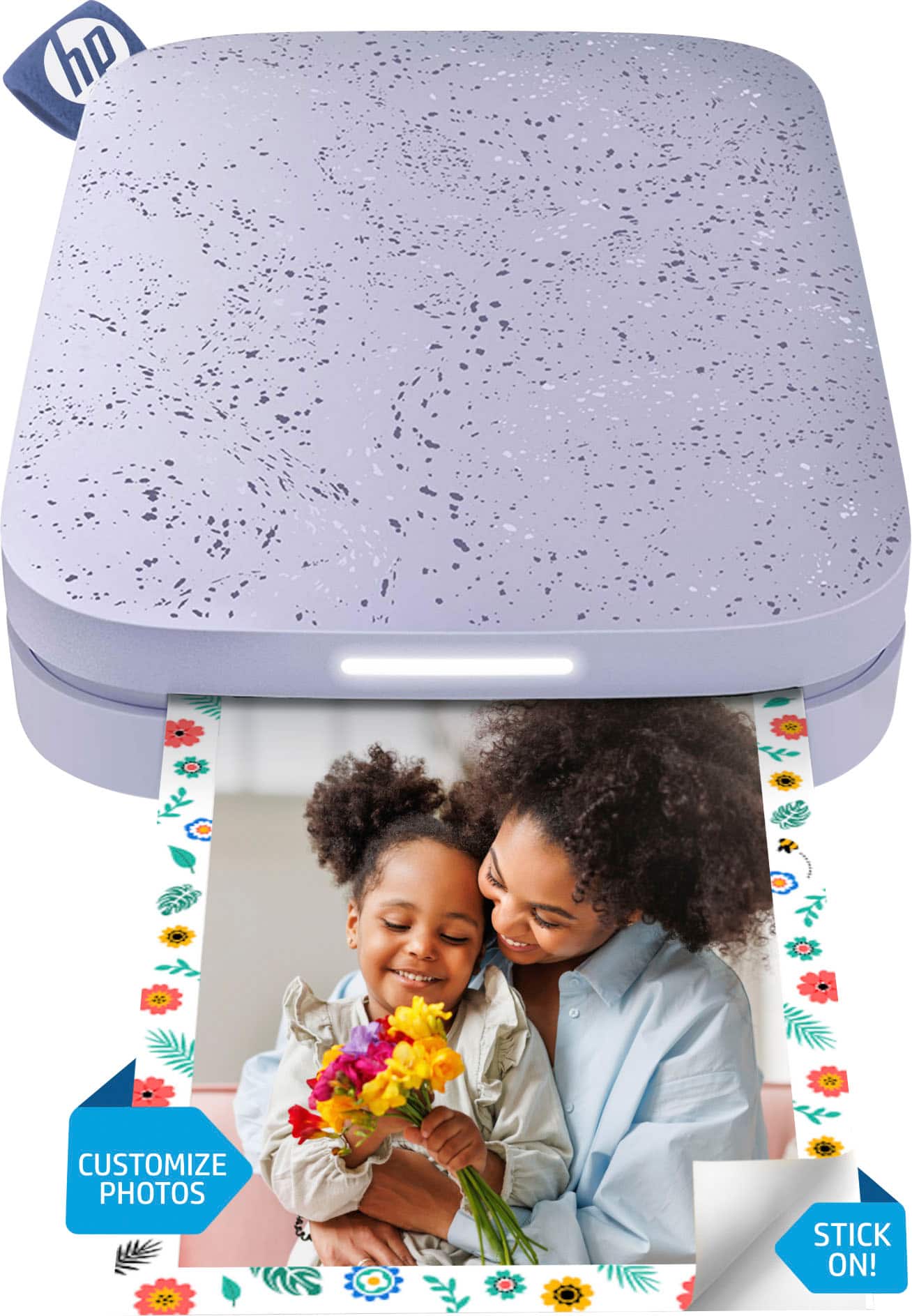
Customers consistently note the Sprocket Portable Printer's excellent print quality and ease of use. Its compact size and reasonable price are also frequently praised, with many appreciating the convenience of printing directly from their smartphones. While some users experienced minor difficulties with the app, the overall user experience is largely positive.
This summary was generated by AI based on customer reviews.
Fun for journaling
Posted .This reviewer received promo considerations or sweepstakes entry for writing a review.This portable printer is great for bujo, scrapbooking and journaling. I'm very happy with it so far. Only complaint is I've had some trouble with the AR feature on my android device.
I would recommend this to a friend- Pros mentioned:Ease of use
Bad print quality
Posted .This reviewer received promo considerations or sweepstakes entry for writing a review.I bought my printer in March, and the first few pictures that I printed came out great. After those first few that I had printed, they started to come out with a blueish-grey color filter over the top, which I did not put on the image. I updated, reset, followed and completed all the steps in the print quality troubleshooting guide, and the pictures still are coming out bad. However, I love the purple lilac color and the app is simple and easy to use.
No, I would not recommend this to a friendBrand response from HP Team
Posted .Hey Rachel,
I'm very sorry to hear that the printer's photo quality wasn’t as exceptional as it should’ve been. I can imagine how disappointing this is, so I'd really like to get everything resolved for you. Let's see if these suggestions help provide some improvements.
First, updating your printer's firmware should help resolve the issue, as we actively work to improve photo and color quality through these updates. The following link will also provide some additional tips for photo quality improvement: support.hp.com/en-en/document/c05660842
Next, you might find taking these steps helpful:
- Disable the Embedded Experience option from within the app (if enabled)
- Always use the Blue Smartsheet with your paper pack
- Apply the Photofix feature by editing the photo and tapping the wand
If any of this falls short, please remember that you can always reach out to us for support as well. We're here to help in any way we can! You can get in touch anytime via your preferred method at this link: hp.com/contactHP
Chelsea
HP Care
hp.com/support
junker- no customer service
Posted .This reviewer received promo considerations or sweepstakes entry for writing a review.we purchased this about a month ago, have printed maybe 25 pictures on different days for projects with kids, then it just stopped working. We gave it a day to charge, tried installing and reinstalling the app. the picture just sits in the que and never prints. It app won't let us access our printer settings, it just keeps telling us to check and see if we are connected, which we already are: it is displaying out pinter name, the correct color LED for our phone, and in the settings of the phone it shows it is connected via bluetooth. We tried both the chat feature of costumer service, and the phone call feature, after four days of trouble shooting and reading online advice. After thirty minutes of waiting customer service disconnected us when the tried to "transfer" us to the right department and never called us back.
No, I would not recommend this to a friendBrand response from HP Team
Posted .Hi Chester,
I'm tremendously sorry that support didn't follow up with you after you called in originally. I can also fully understand how inconvenient those printer difficulties must have been.
We always hold ourselves to a high standard of reliability with both our printers and support, so I regret that we missed the mark this time. To that end, I'm really glad to hear that you were able to resolve the issues after a factory reset.
Despite this experience, I do hope that you'll allow us another opportunity in the future to stand by the reliability we pride ourselves on. We would love a chance to make things right.
Chelsea
HP Care
hp.com/support