Customer Ratings & Reviews
- Model:
- HD28C-GRAY
- |
- SKU:
- 6402923
Customer reviews
Rating 4.3 out of 5 stars with 1766 reviews
(1,766 customer reviews)Rating by feature
- Value4.1
Rating 4.1 out of 5 stars
- Quality4.4
Rating 4.4 out of 5 stars
- Ease of Use4.4
Rating 4.4 out of 5 stars
Customers are saying
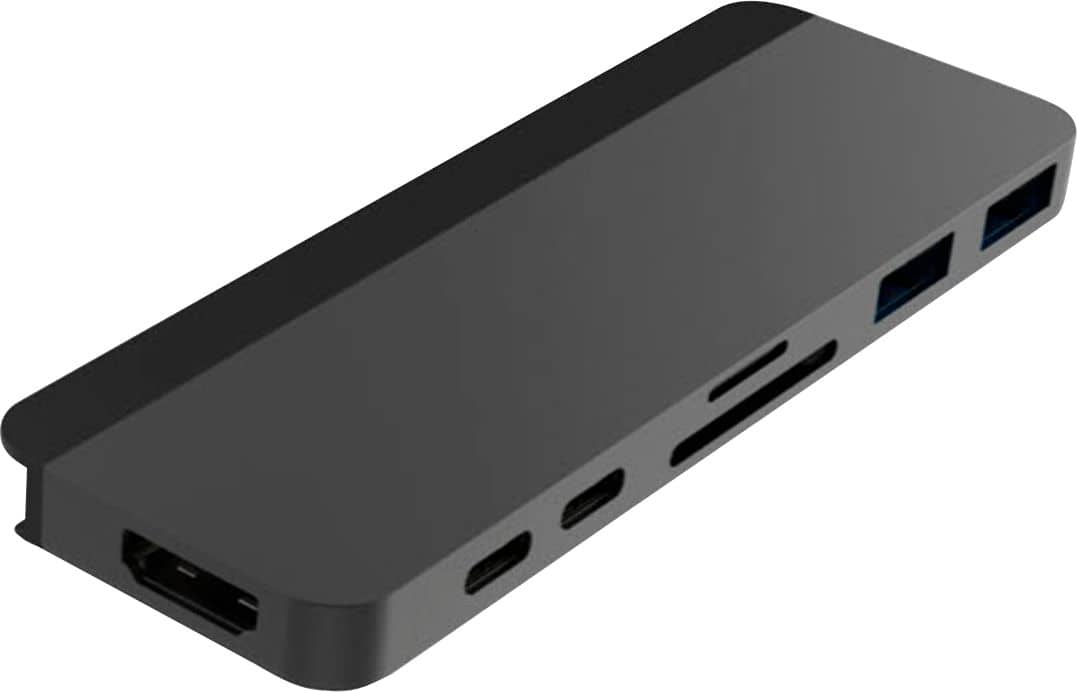
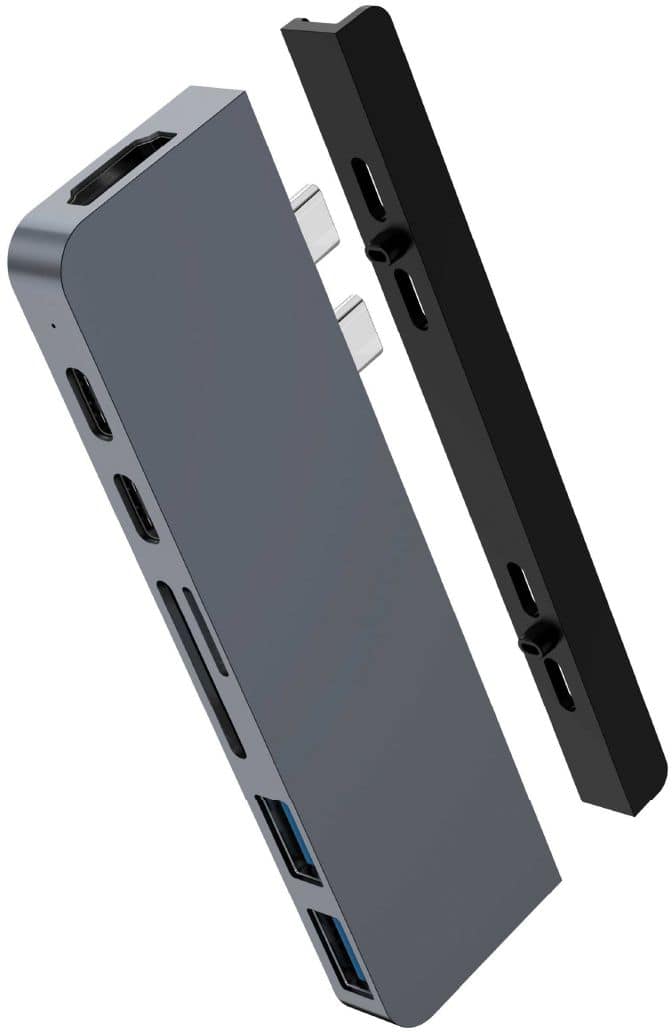
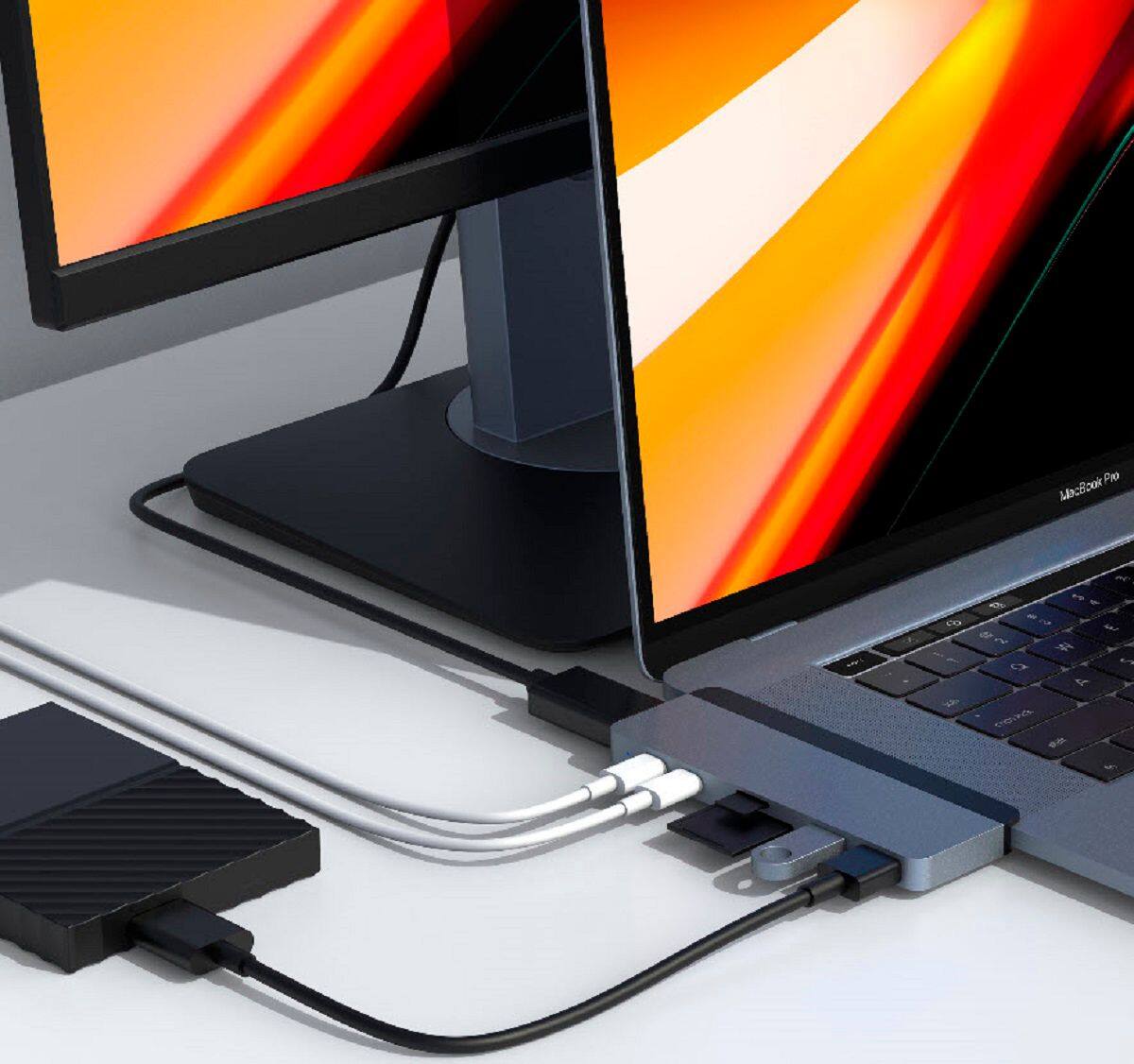
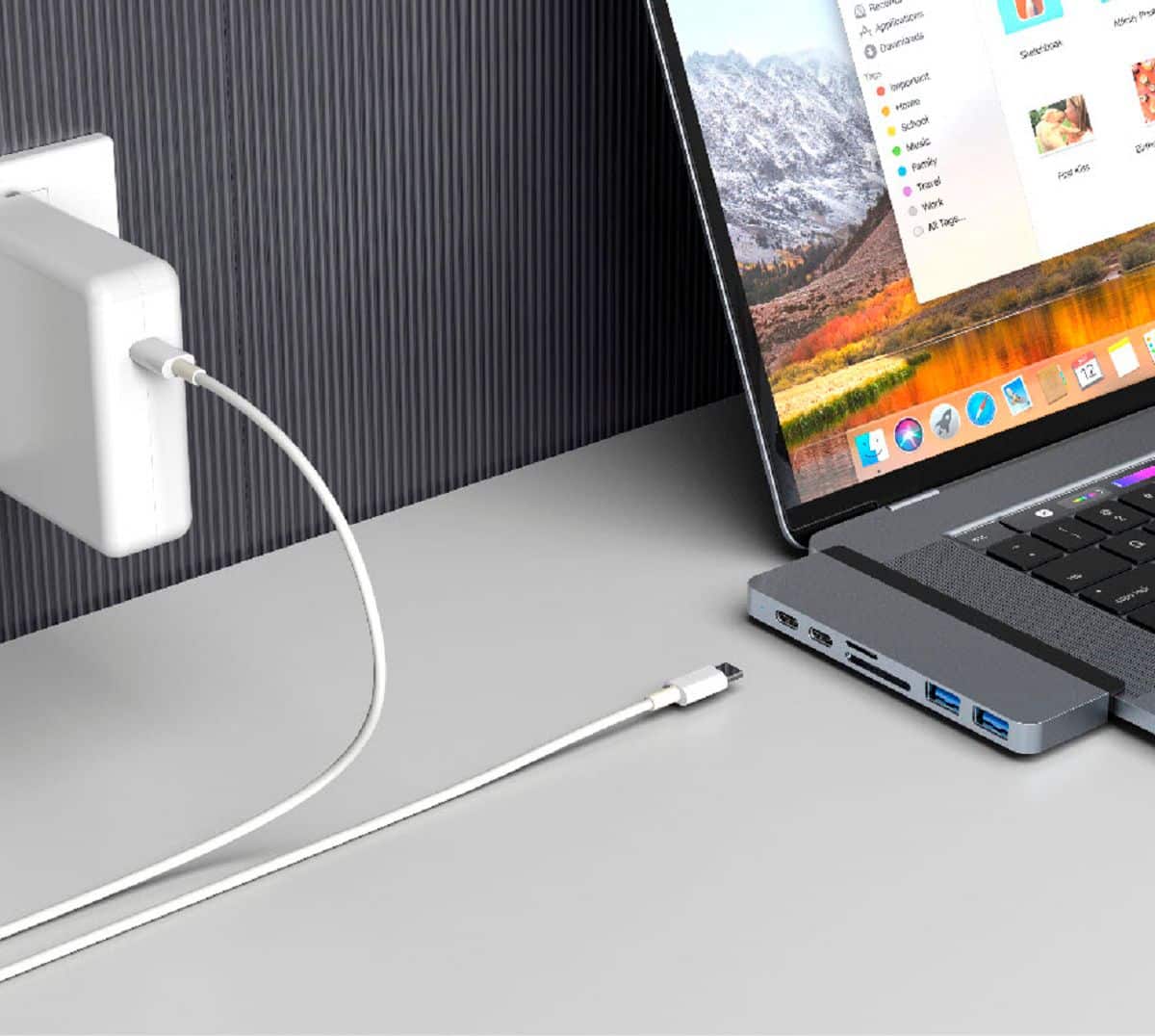
Customers regard the DUO 7-Port USB-C Hub favorably for its USB-C and other ports, compatibility with various devices, and ease of use due to its magnetic design. Many appreciate its quality and the additional ports it provides, along with its thoughtful design. However, some customers experienced issues with the fit and connection stability, and some reported that the device gets warm during use. The overall user experience appears to be positive, despite some reported drawbacks.
This summary was generated by AI based on customer reviews.
- Pros mentioned:Compatibility
Rated 5 out of 5 stars
Great
||Posted . Owned for more than 2 years when reviewed.This reviewer received promo considerations or sweepstakes entry for writing a review.It works great and does what it’s intended to do. Thumbs up
I would recommend this to a friend - Pros mentioned:Usb-c
Rated 5 out of 5 stars
Perfect
||Posted . Owned for 3 months when reviewed.This reviewer received promo considerations or sweepstakes entry for writing a review.Perfect I use it for the hdmi port and the SD port. It’s perfect for file transfers.
I would recommend this to a friend - Pros mentioned:Usb-c
Rated 5 out of 5 stars
Love this Hub
||Posted . Owned for 1 month when reviewed.This reviewer received promo considerations or sweepstakes entry for writing a review.This is a great accessory that works wonderfully to make an easy expansion of various outlets on my MacBook and also looks great hooked up to my MacBook. Looks like it came with it. Wish it had a VGA plug but otherwise it is awesome.
I would recommend this to a friend - Pros mentioned:Usb-c
Rated 4 out of 5 stars
Good hub for MacBook Pro 16
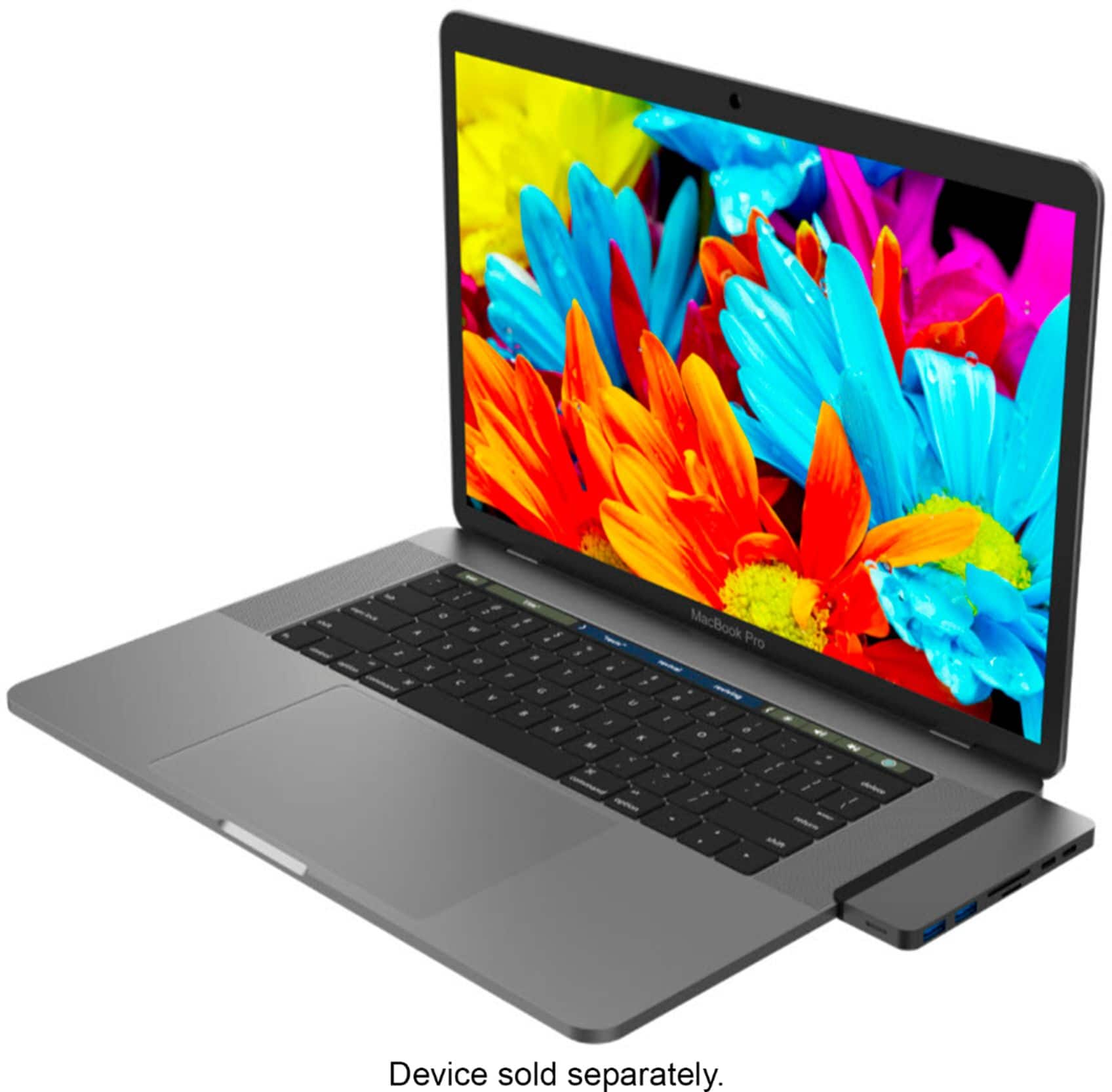
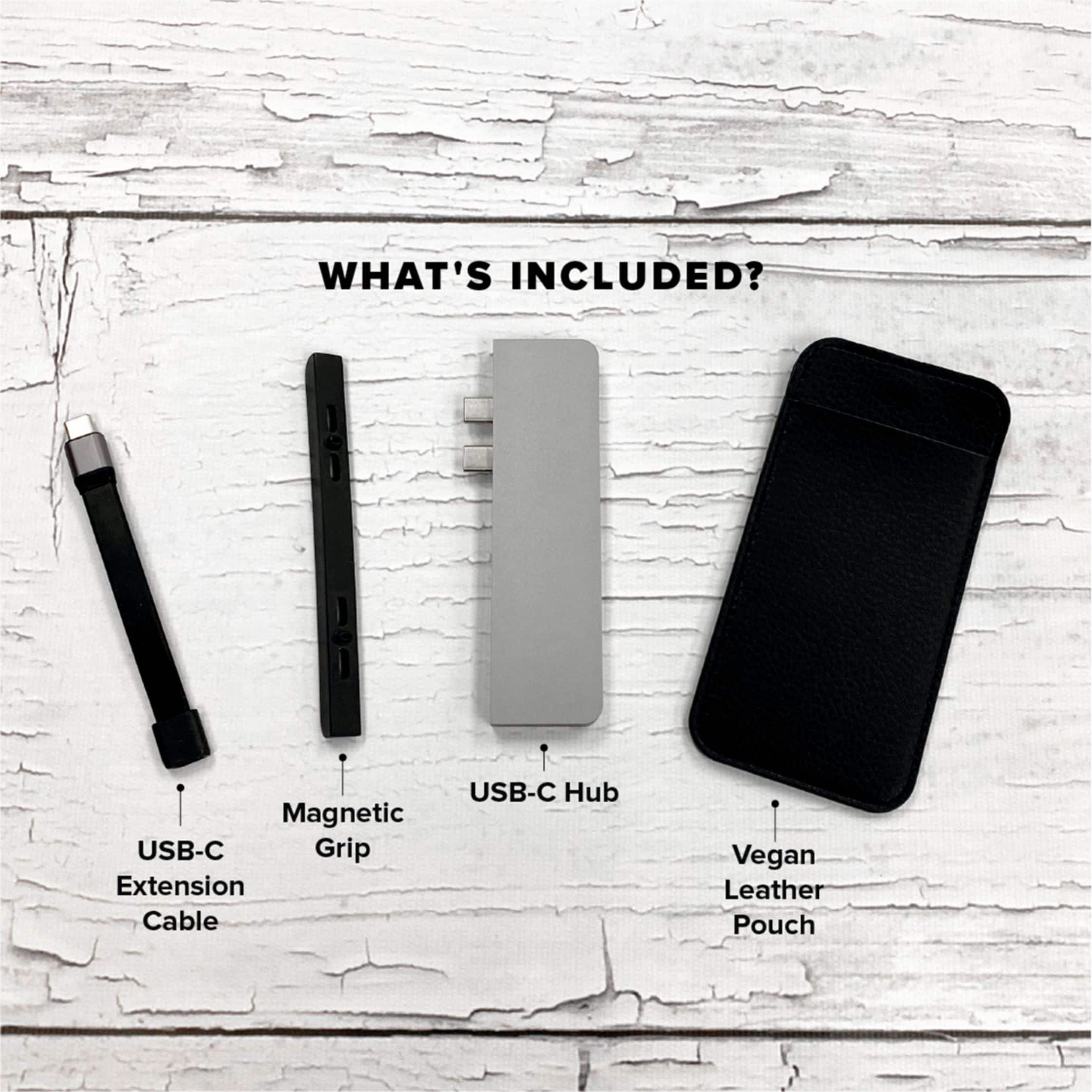
||Posted . Owned for 3 weeks when reviewed.This reviewer received promo considerations or sweepstakes entry for writing a review.This is a decent hub option for MacBook Pro 16. The color blends well with the MacBook. It comes with a pouch for storage.
I would recommend this to a friend - Pros mentioned:Compatibility
Rated 5 out of 5 stars
a must for Macbook Pro users
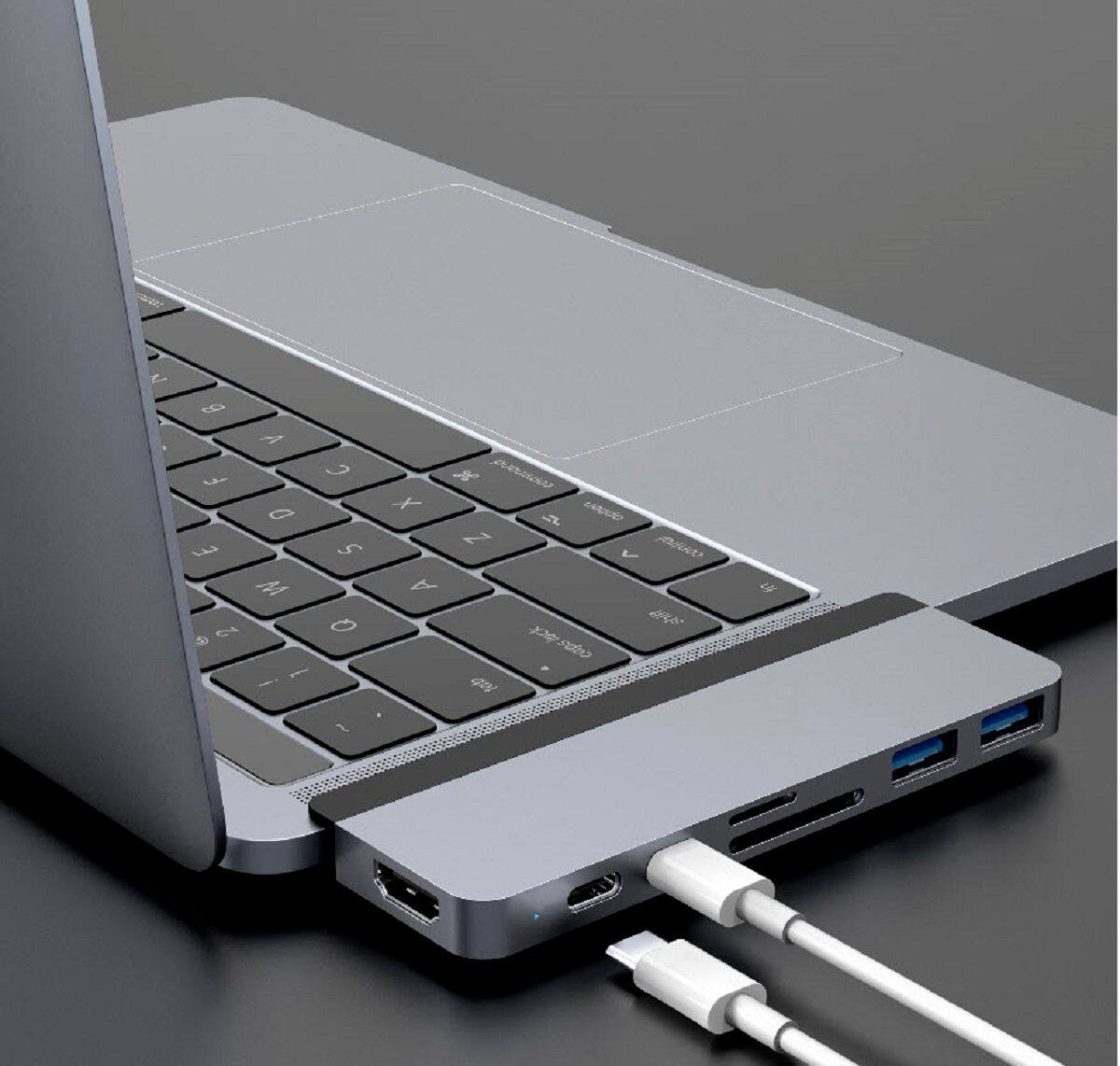
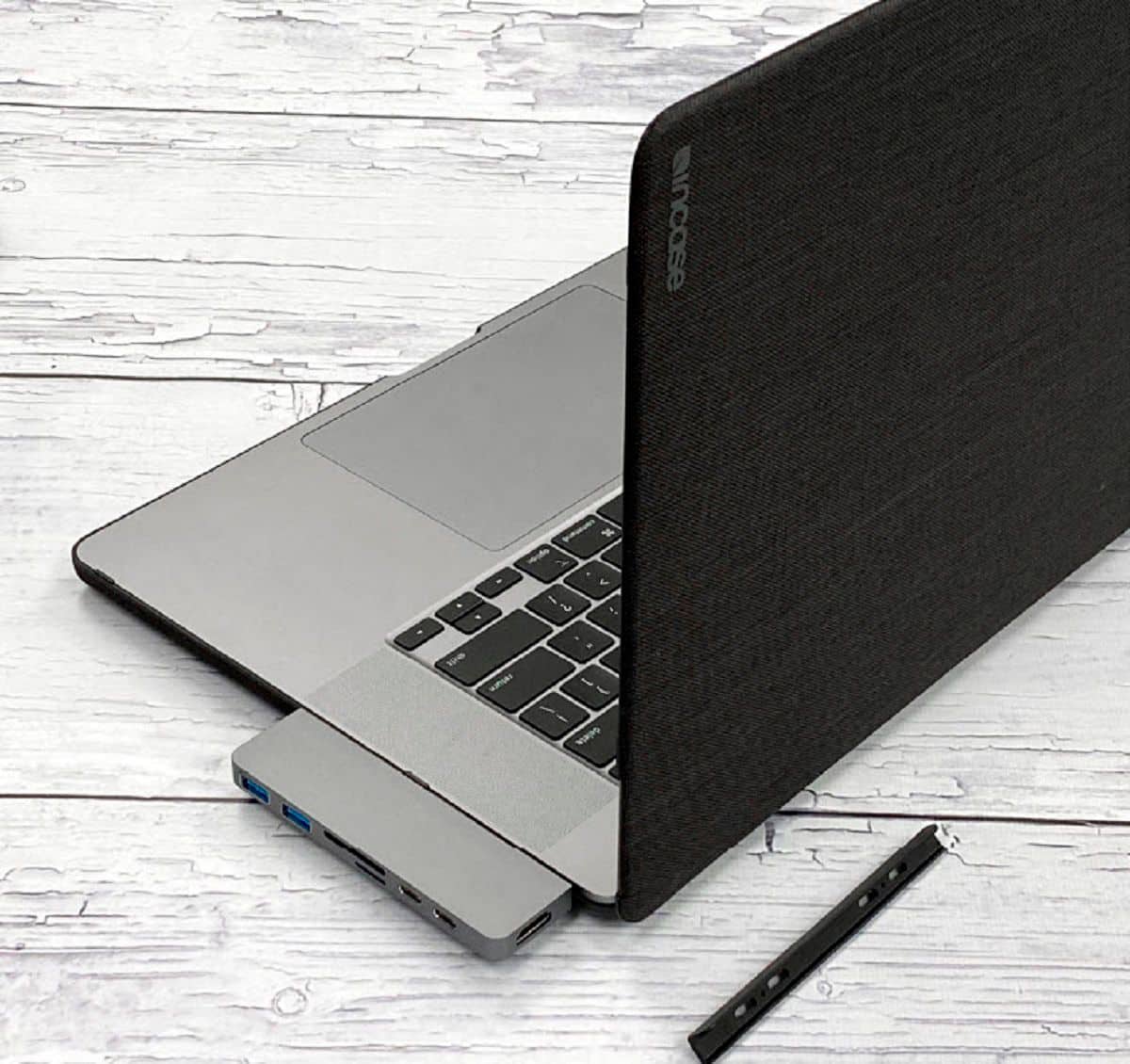
||Posted . Owned for 3 weeks when reviewed.This reviewer received promo considerations or sweepstakes entry for writing a review.I am a big fan of this hub. The new Macbook Pro doesn't have any USB-C options. This fits the Macbook well if you don't have a hard-shell cover. The grey color of this matches the space grey of the Macbook perfectly.
I would recommend this to a friend - Pros mentioned:Usb-c
Rated 4 out of 5 stars
Great little add on!
||Posted . Owned for less than 1 week when reviewed.This reviewer received promo considerations or sweepstakes entry for writing a review.Great device for my M1 MacBook Pro. I needed regular usb to transfer from my 2012 mini and this was perfect.
I would recommend this to a friend - Pros mentioned:Ports
Rated 5 out of 5 stars
If you’ve got a new MacBook this is a necessity!
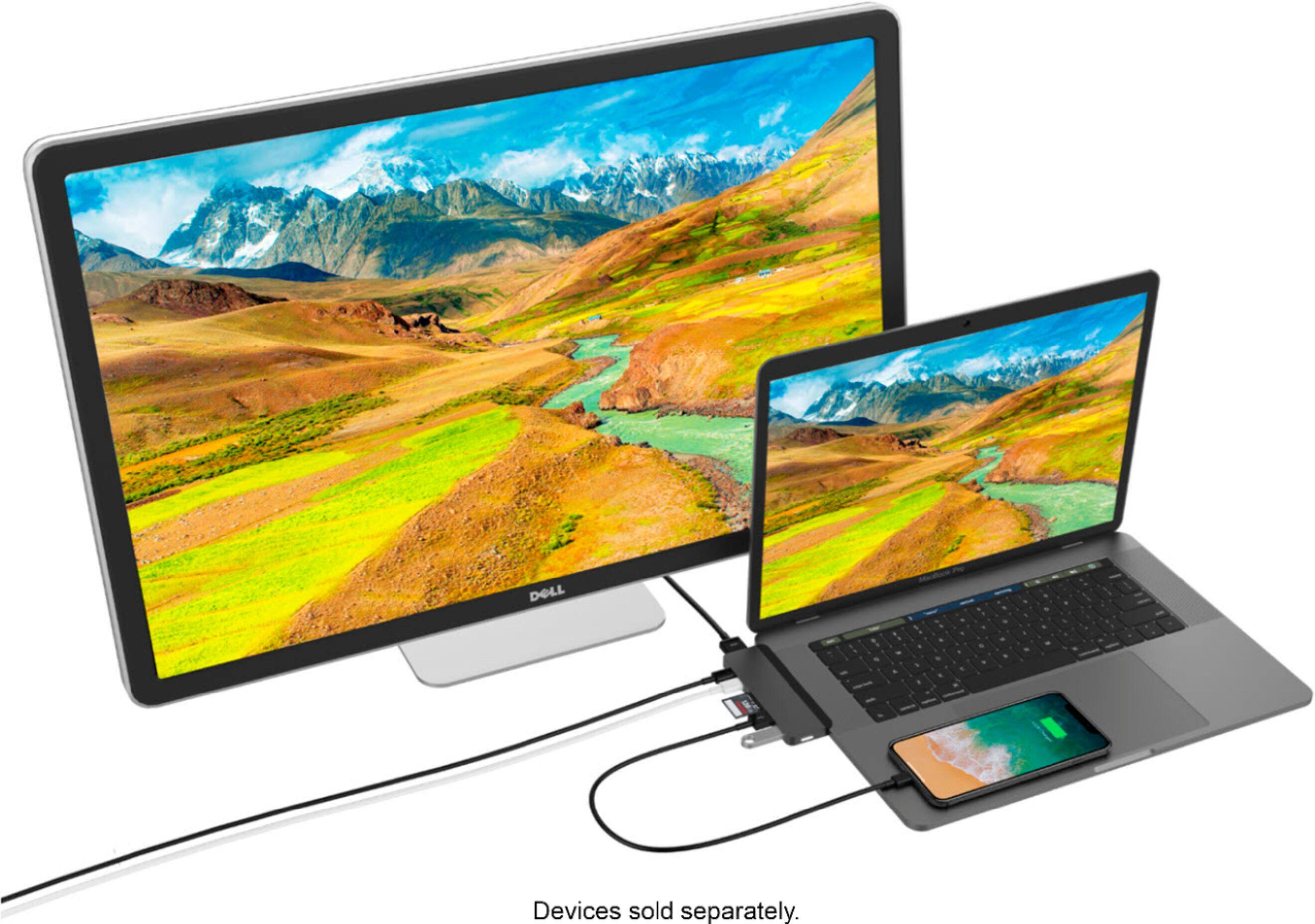
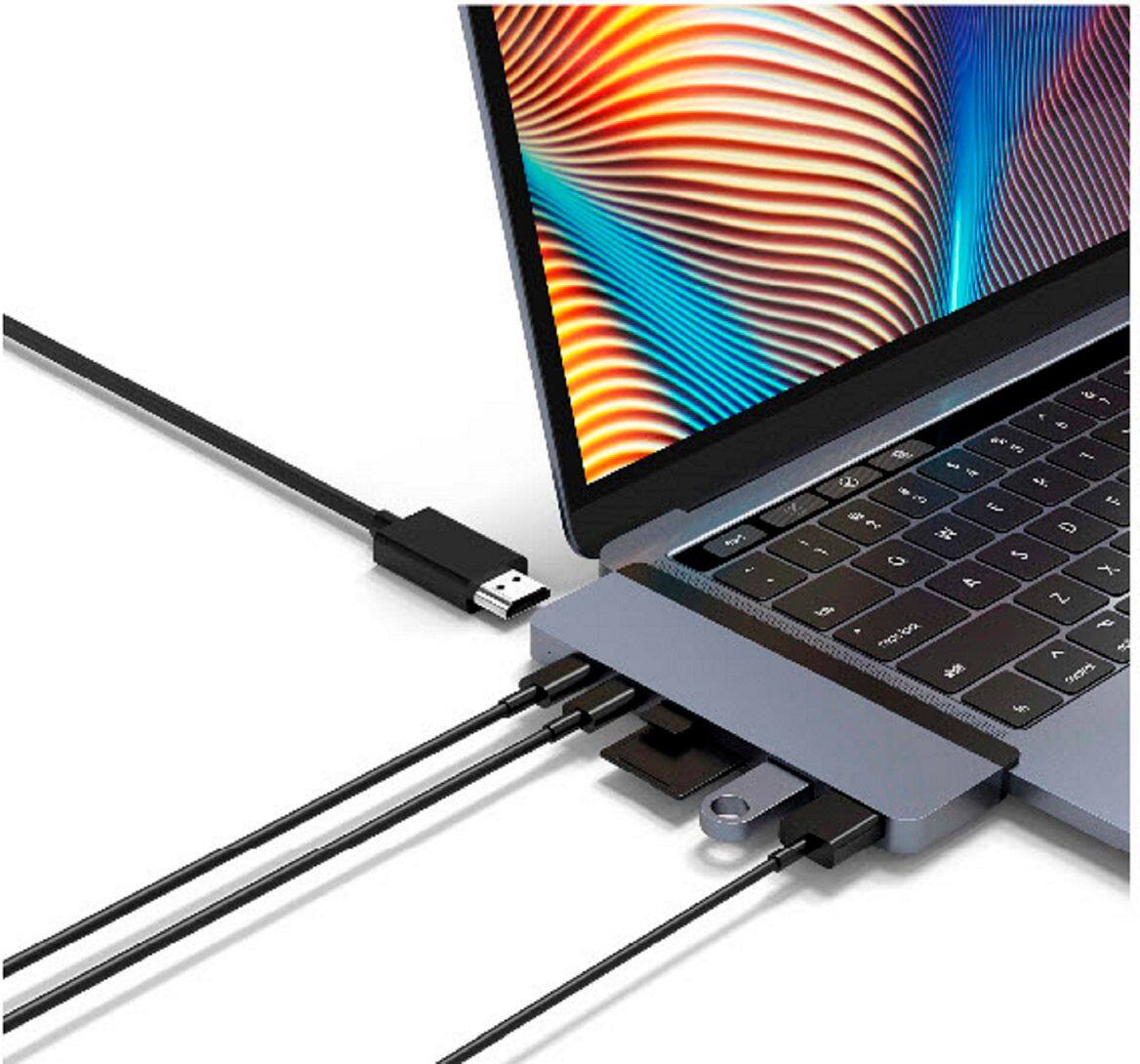
||Posted . Owned for 1 month when reviewed.This reviewer received promo considerations or sweepstakes entry for writing a review.If you’ve got a new MacBook this is a necessity! It lets you charge while also having all the necessary ports so you can look at SD card files, or plug in multiple USBs. And on top of everything, it looks great!
I would recommend this to a friend - Pros mentioned:Ease of use
Rated 5 out of 5 stars
Adapter review
||Posted . Owned for 11 months when reviewed.This reviewer received promo considerations or sweepstakes entry for writing a review.This product was unfortunately born from apples greediness, but it is incredibly useful and makes carrying around a MacBook much more practical
I would recommend this to a friend - Pros mentioned:Overall performance
Rated 5 out of 5 stars
Perfect dongle for Mac users
||Posted . Owned for more than 2 years when reviewed.This reviewer received promo considerations or sweepstakes entry for writing a review.Love this dongle works perfectly with my MacBook. Like all tech it has to be handled with care
I would recommend this to a friend - Pros mentioned:Compatibility
Rated 4 out of 5 stars
Works as advertised
||Posted . Owned for 3 weeks when reviewed.This reviewer received promo considerations or sweepstakes entry for writing a review.Works seamlessly with my MacBook Pro. Doesn’t fit quite as snuggly as I would mike but no issues with it whatsoever.
I would recommend this to a friend - Pros mentioned:Compatibility
Rated 5 out of 5 stars
adapter
||Posted . Owned for 11 months when reviewed.This reviewer received promo considerations or sweepstakes entry for writing a review.Forgot this adapter when I go my new Mac and this works great with my printer and outdoor trail cam.
I would recommend this to a friend - Pros mentioned:Compatibility
Rated 5 out of 5 stars
review for DUO port
||Posted . Owned for 1 month when reviewed.This reviewer received promo considerations or sweepstakes entry for writing a review.thank you This is a nifty item has helped me be able to hook up my laptop to a larger browser I am grateful for this item
I would recommend this to a friend - Pros mentioned:Overall performance
Rated 5 out of 5 stars
Best ever
||Posted . Owned for 2 weeks when reviewed.This reviewer received promo considerations or sweepstakes entry for writing a review.I really love this, i use it for my apple ipad pro and my macbook pro and its a life saver. Best ever product
I would recommend this to a friend - Cons mentioned:Connectivity
Rated 4 out of 5 stars
Great product
||Posted . Owned for 3 weeks when reviewed.This reviewer received promo considerations or sweepstakes entry for writing a review.Great product. A bit loose but it works. The extension is great for solid connection and to use with the iPad.
I would recommend this to a friend - Pros mentioned:Usb-c
Rated 4 out of 5 stars
Good but not great
||Posted . Owned for 3 weeks when reviewed.This reviewer received promo considerations or sweepstakes entry for writing a review.Worked as expected. Through it had to be removed to close the case. Overall very happy with my purchase.
I would recommend this to a friend - Pros mentioned:Usb-c
Rated 5 out of 5 stars
Recommended for usbs/memory cards
||Posted . Owned for 2 weeks when reviewed.This reviewer received promo considerations or sweepstakes entry for writing a review.I recommend purchasing this product. At one point or another you are going to need to insert usbs/memory cards and this really comes in handy. This allows you to also charge your laptop while using the usbs and etc.
I would recommend this to a friend - Pros mentioned:Compatibility
Rated 5 out of 5 stars
best thing ever
||Posted . Owned for 1 year when reviewed.This reviewer received promo considerations or sweepstakes entry for writing a review.such a great thing to invest in, i love it for my digital camera
I would recommend this to a friend - Pros mentioned:Overall performance
Rated 5 out of 5 stars
Works great!
||Posted . Owned for 3 weeks when reviewed.This reviewer received promo considerations or sweepstakes entry for writing a review.I needed to be able to use USB mouse and USB drive on my new 13" MacBook Air. It fit the bill!
I would recommend this to a friend - Pros mentioned:Overall performance
Rated 5 out of 5 stars
Just what I needed!
||Posted . Owned for 2 weeks when reviewed.This reviewer received promo considerations or sweepstakes entry for writing a review.Works really well! I am happy with my purchase and would highly recommend!
I would recommend this to a friend - Pros mentioned:Ports
Rated 5 out of 5 stars
Perfect
||Posted . Owned for 4 months when reviewed.This reviewer received promo considerations or sweepstakes entry for writing a review.Had every port you could possibly need and quite frankly you can use youre back without it. I would buy it again! Worth every penny
I would recommend this to a friend