Customer Ratings & Reviews
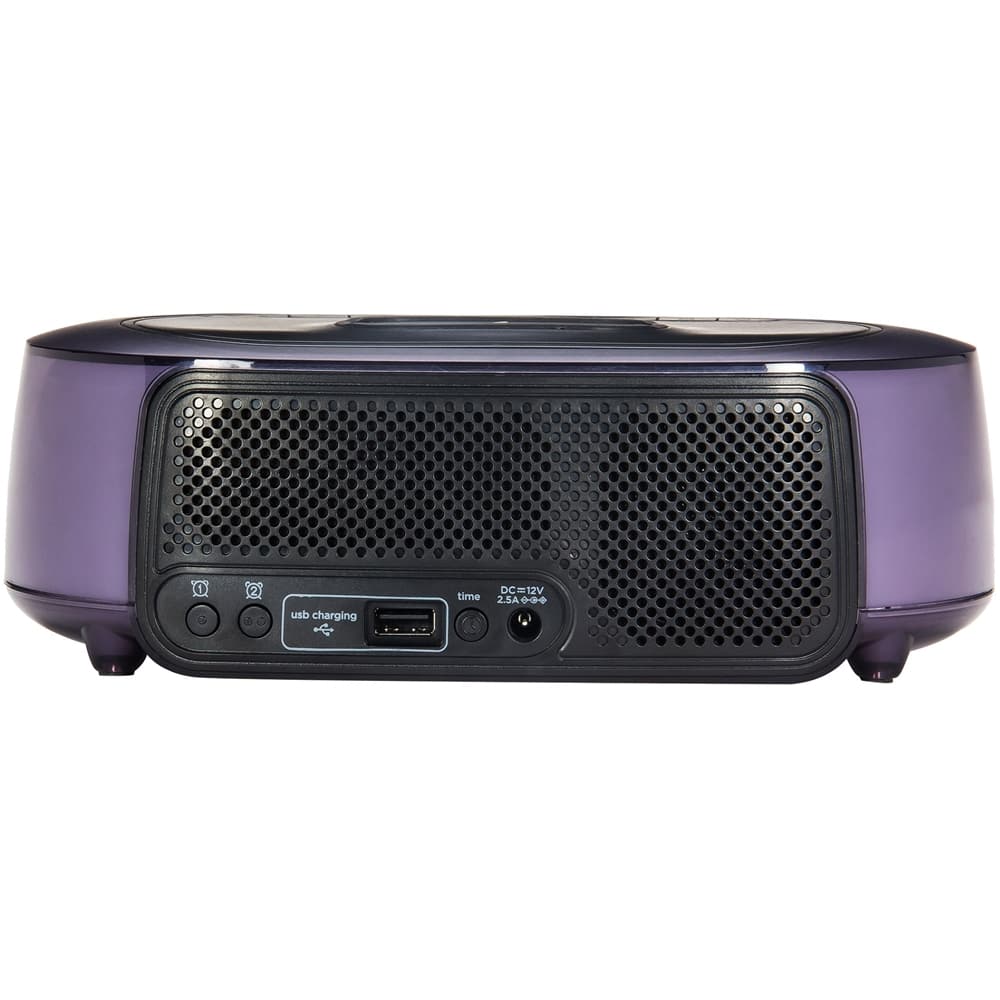

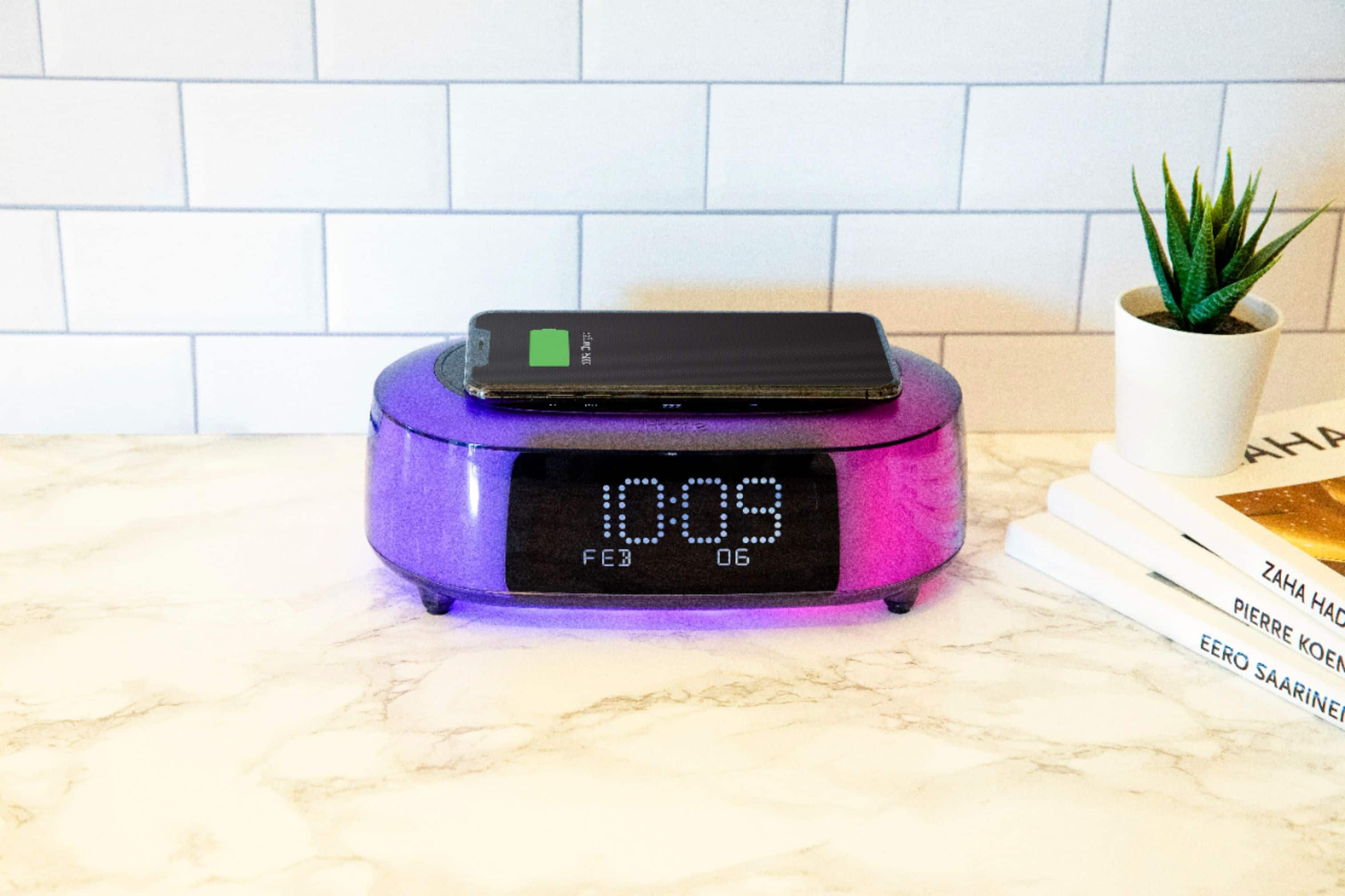
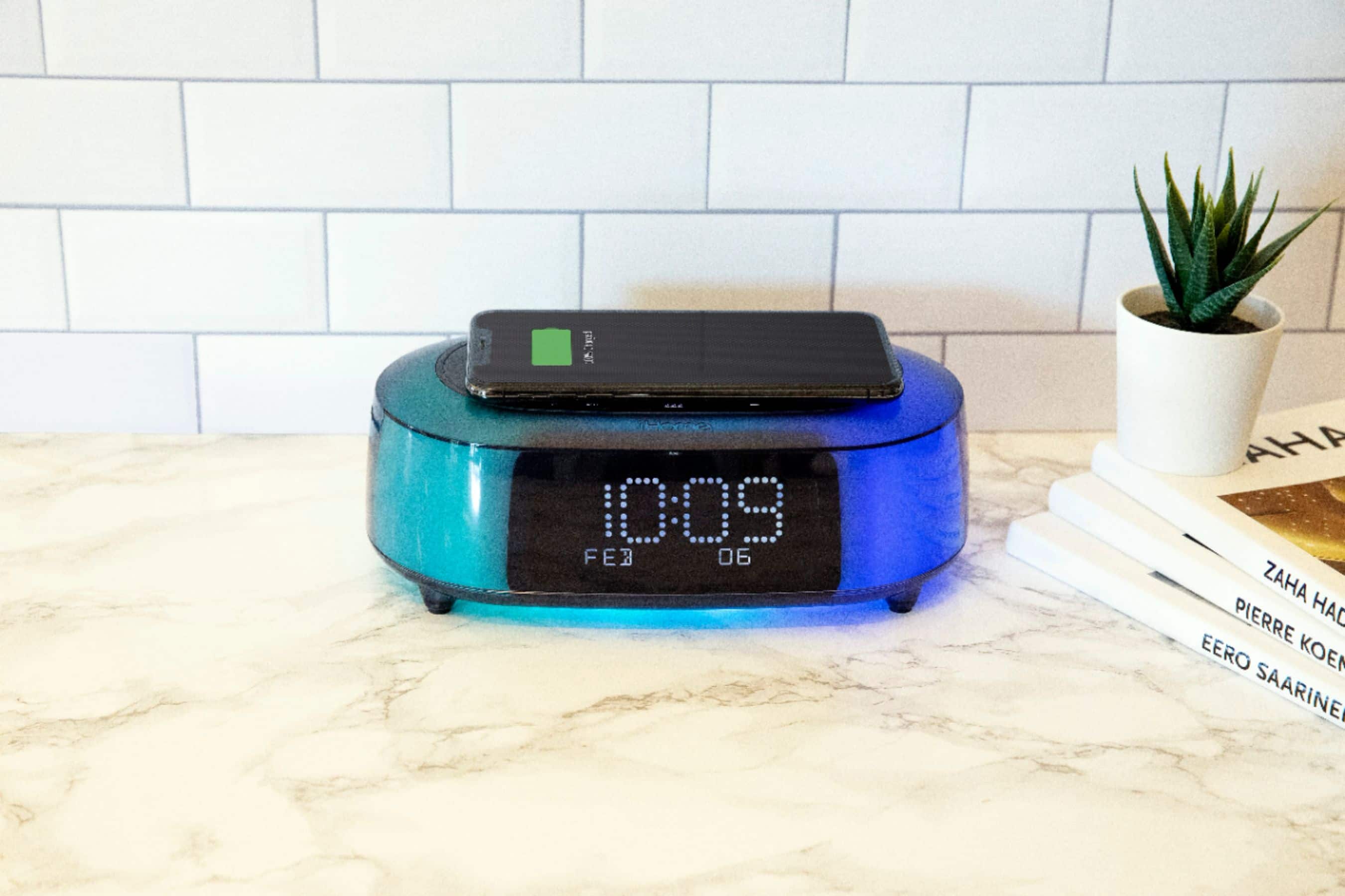
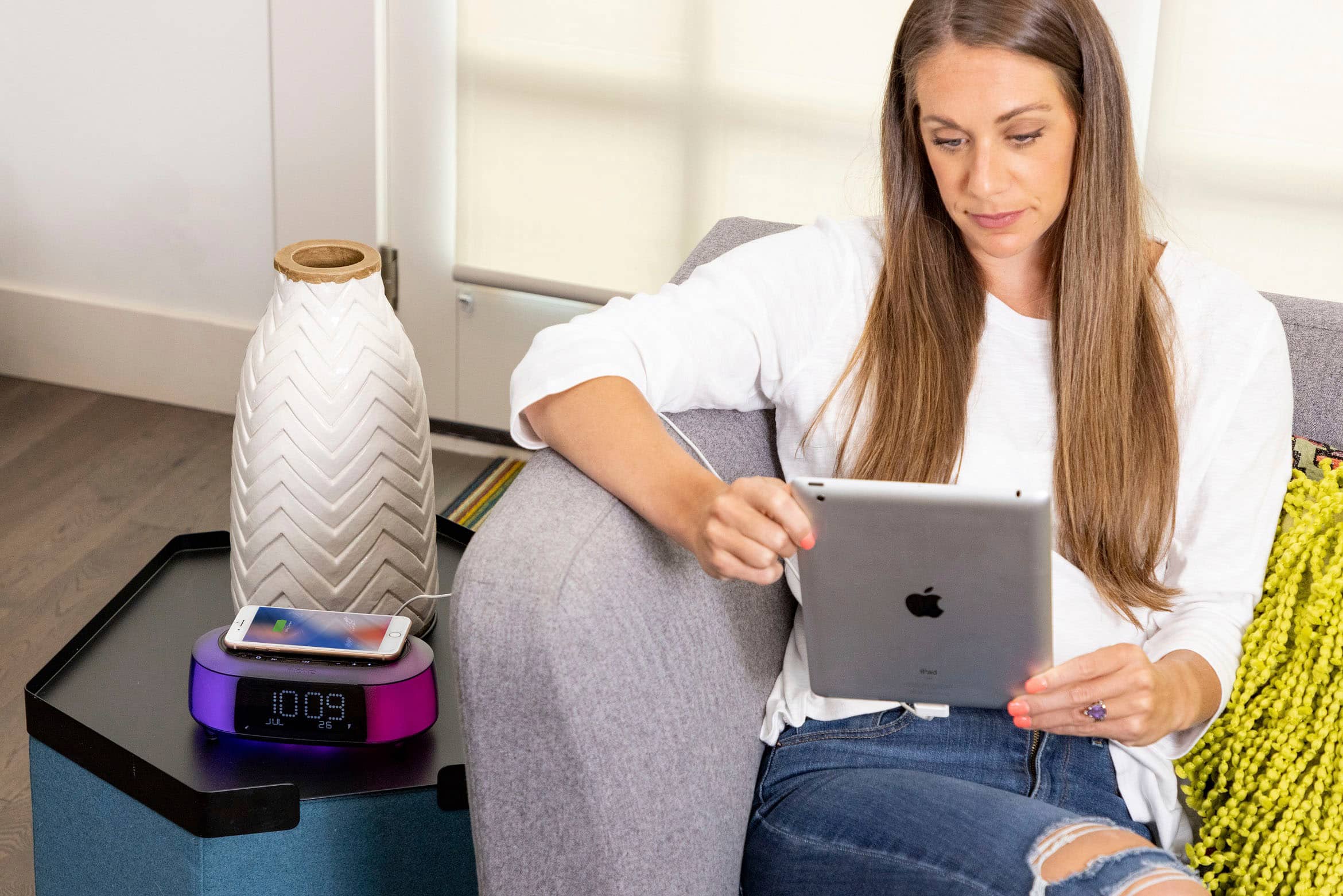
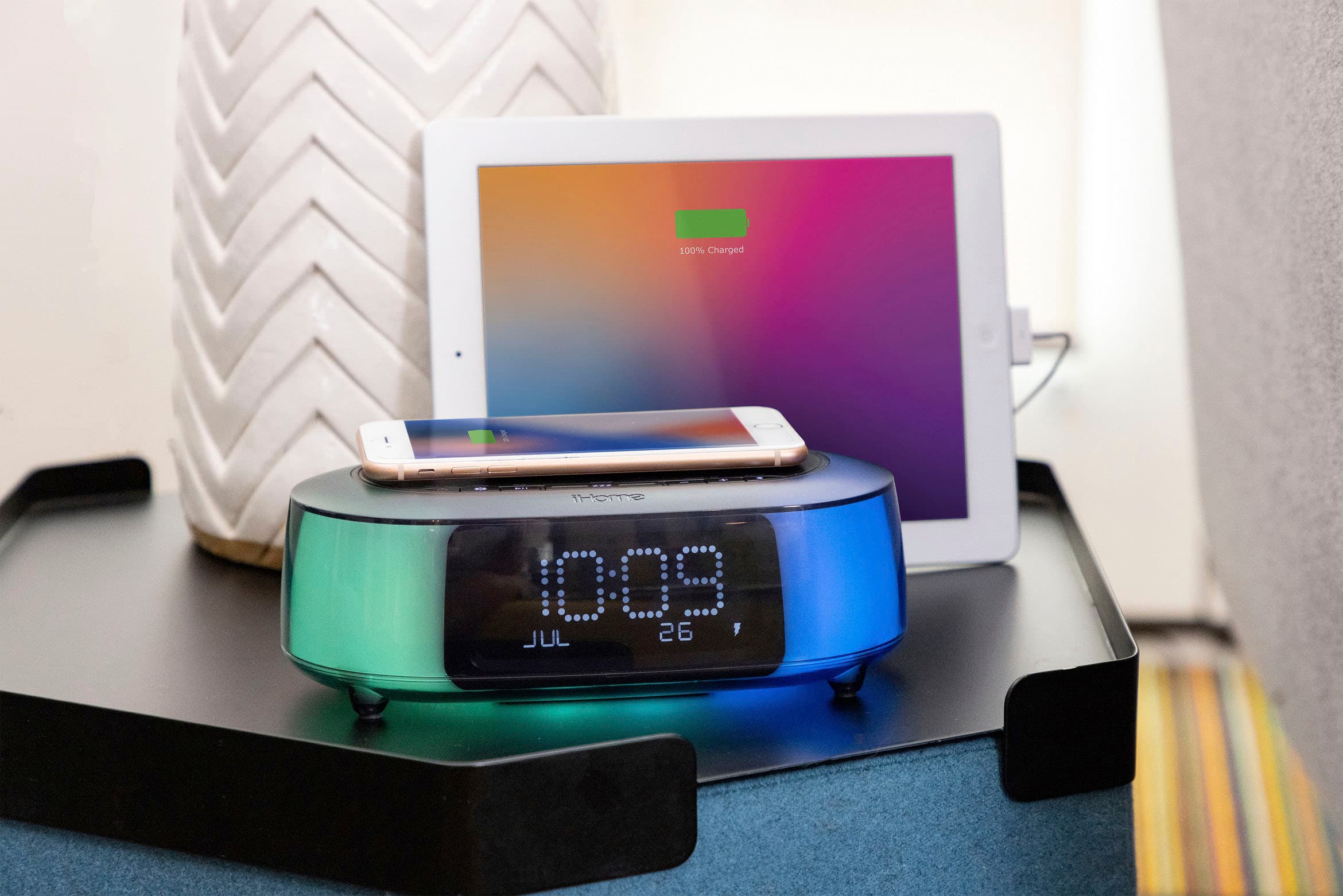
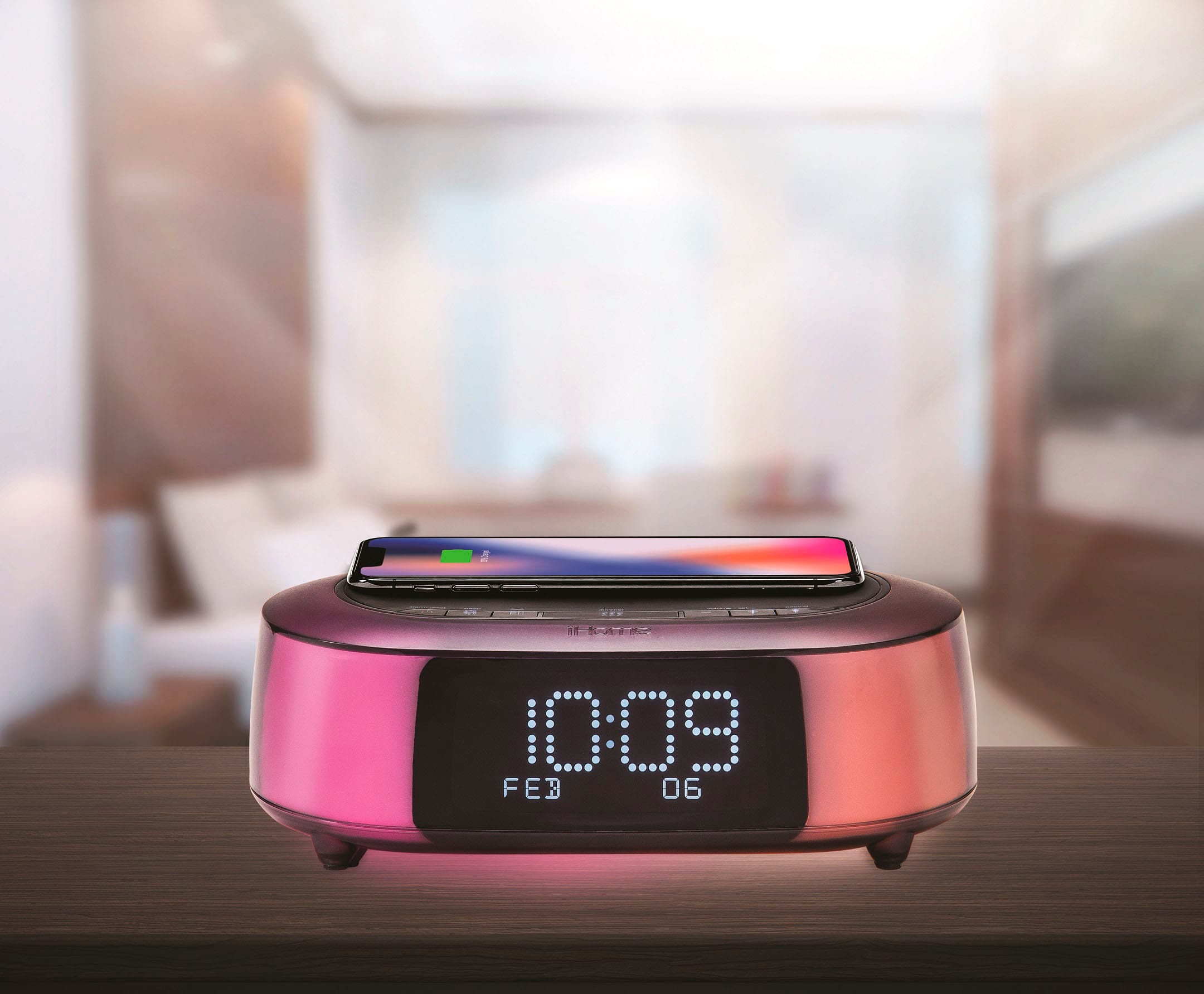
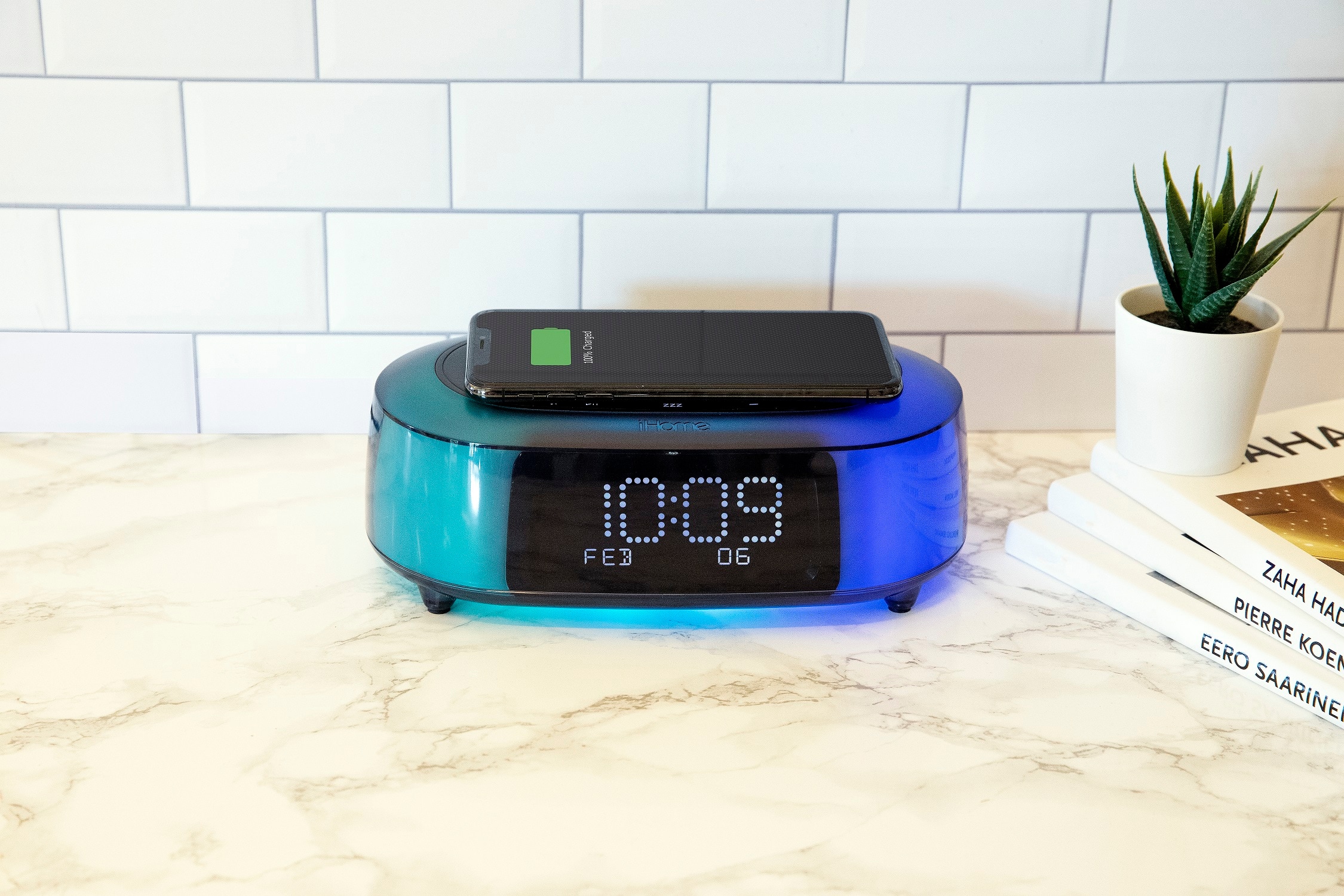
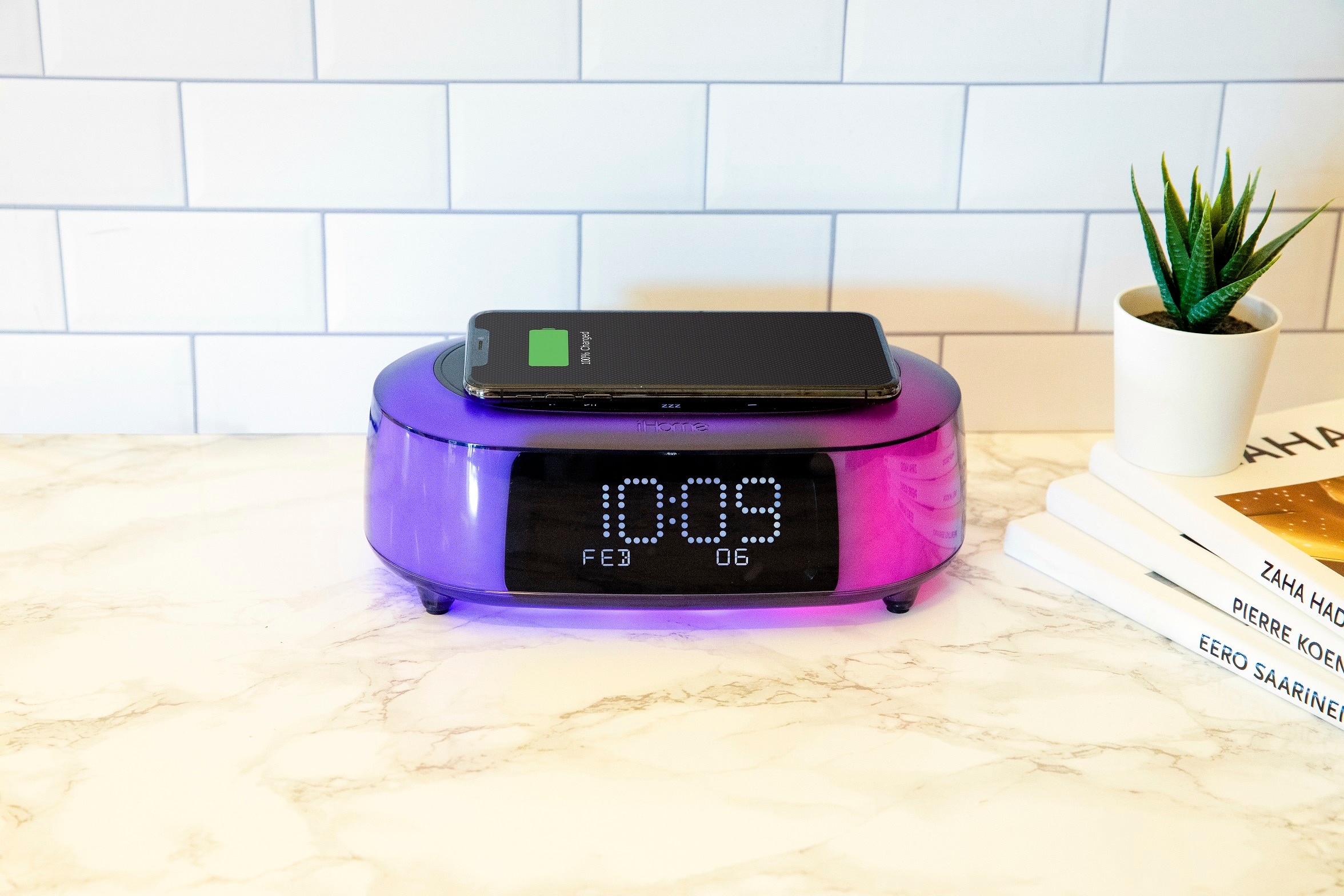
- Model:
- iBTW281V2
- SKU:
- 6359314
Rating by feature
- Value
Rating 4.1 out of 5 stars
- Quality
Rating 4.3 out of 5 stars
- Ease of Use
Rating 4.2 out of 5 stars
Customers are saying
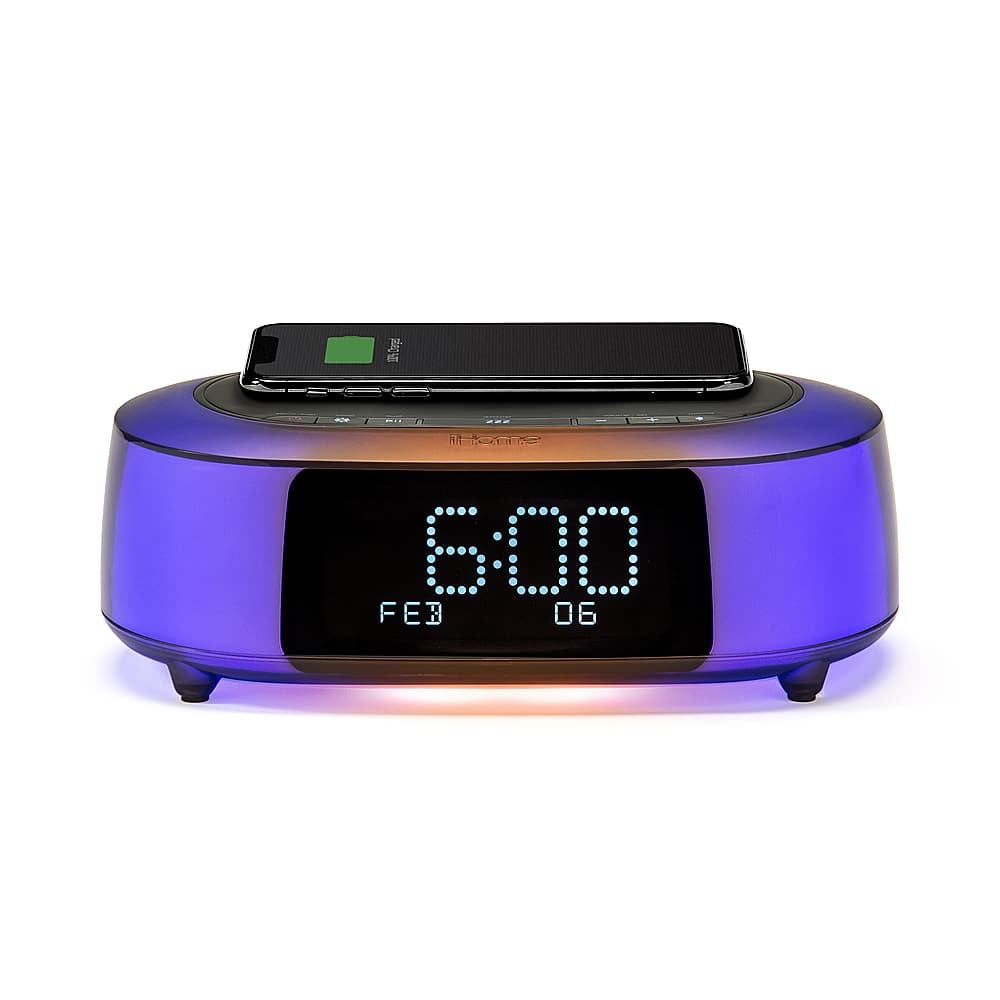
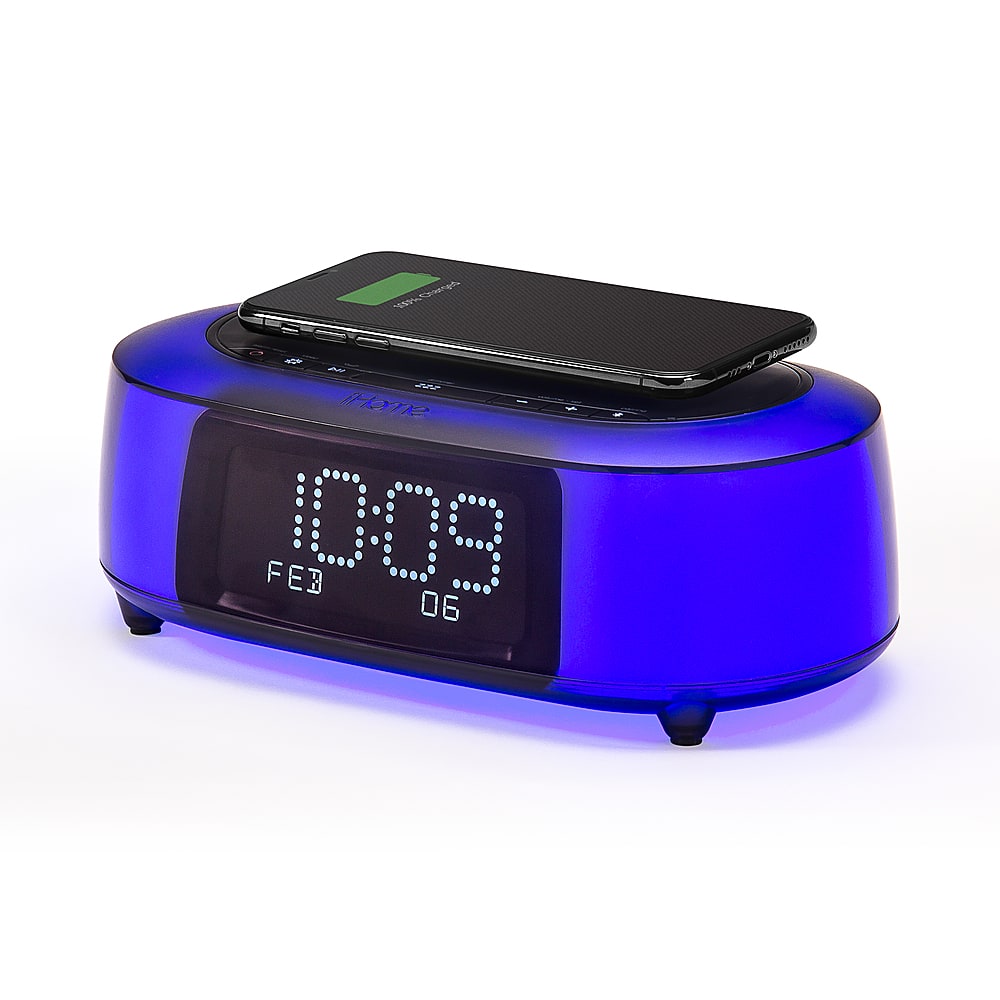
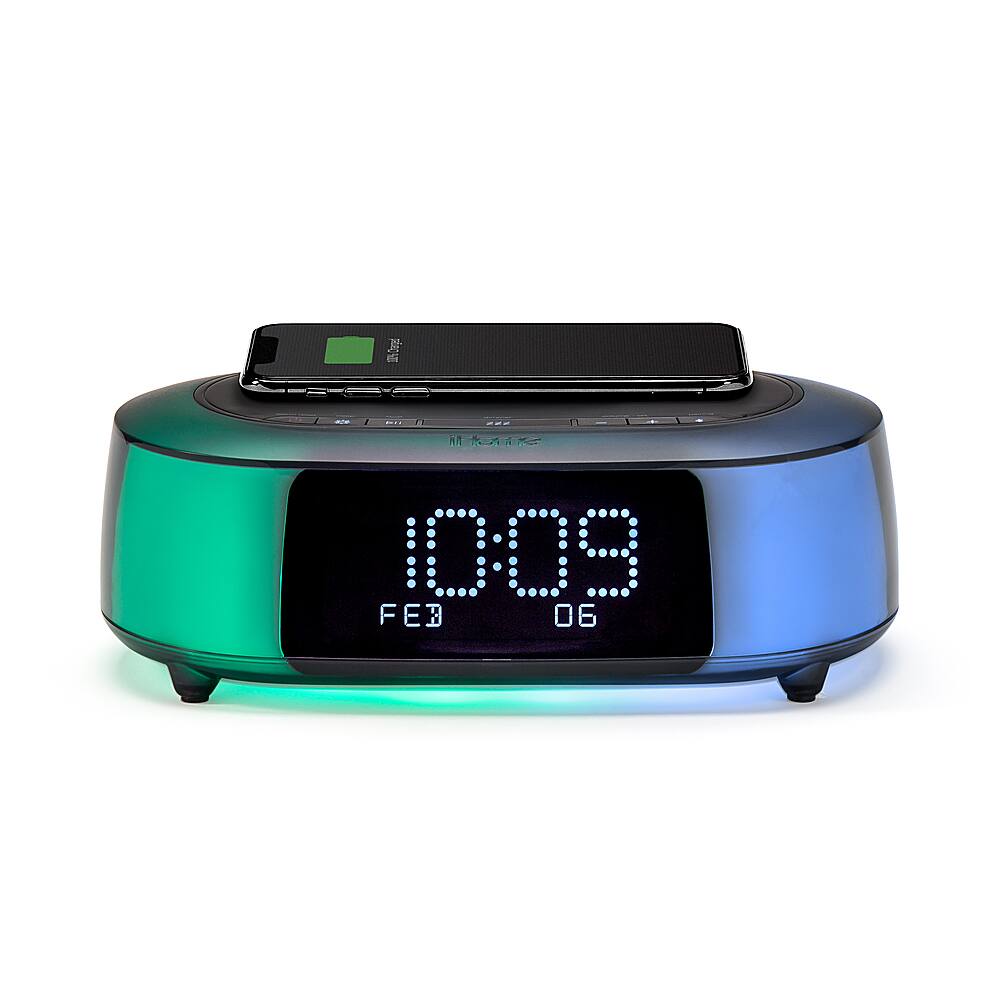
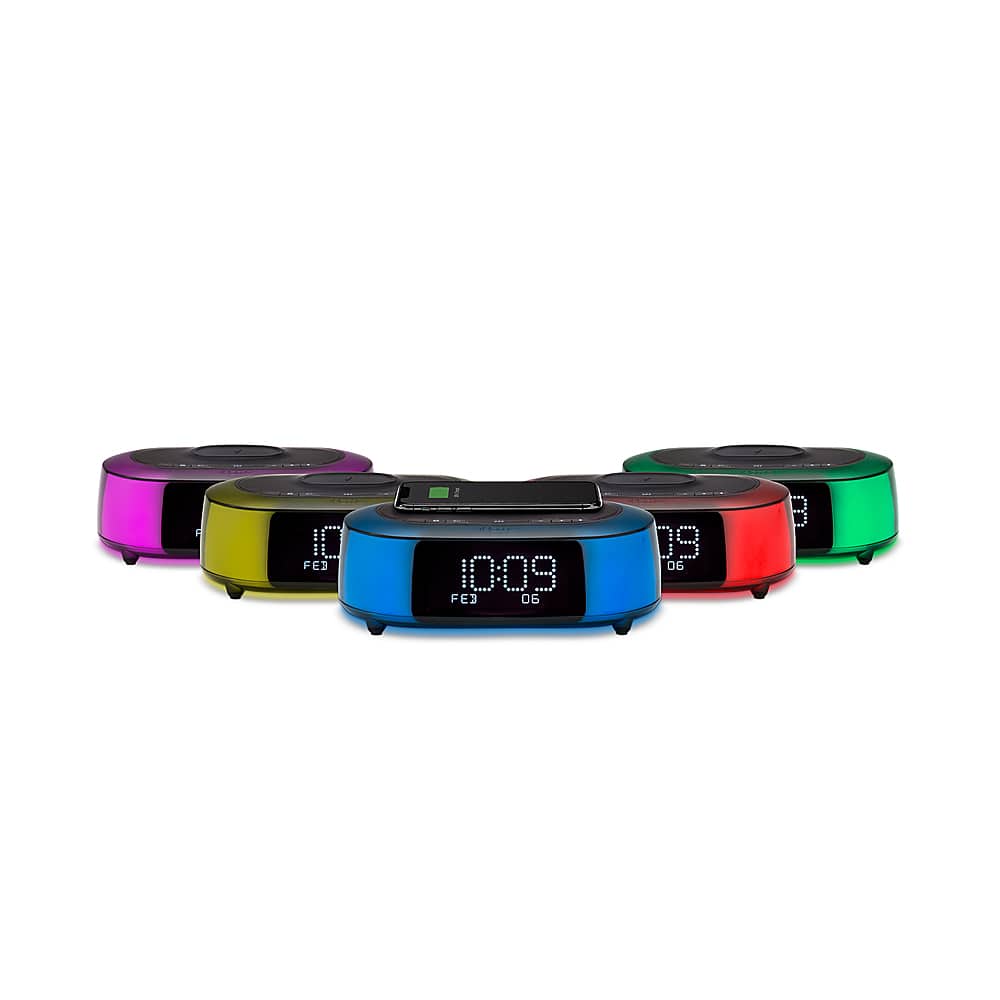
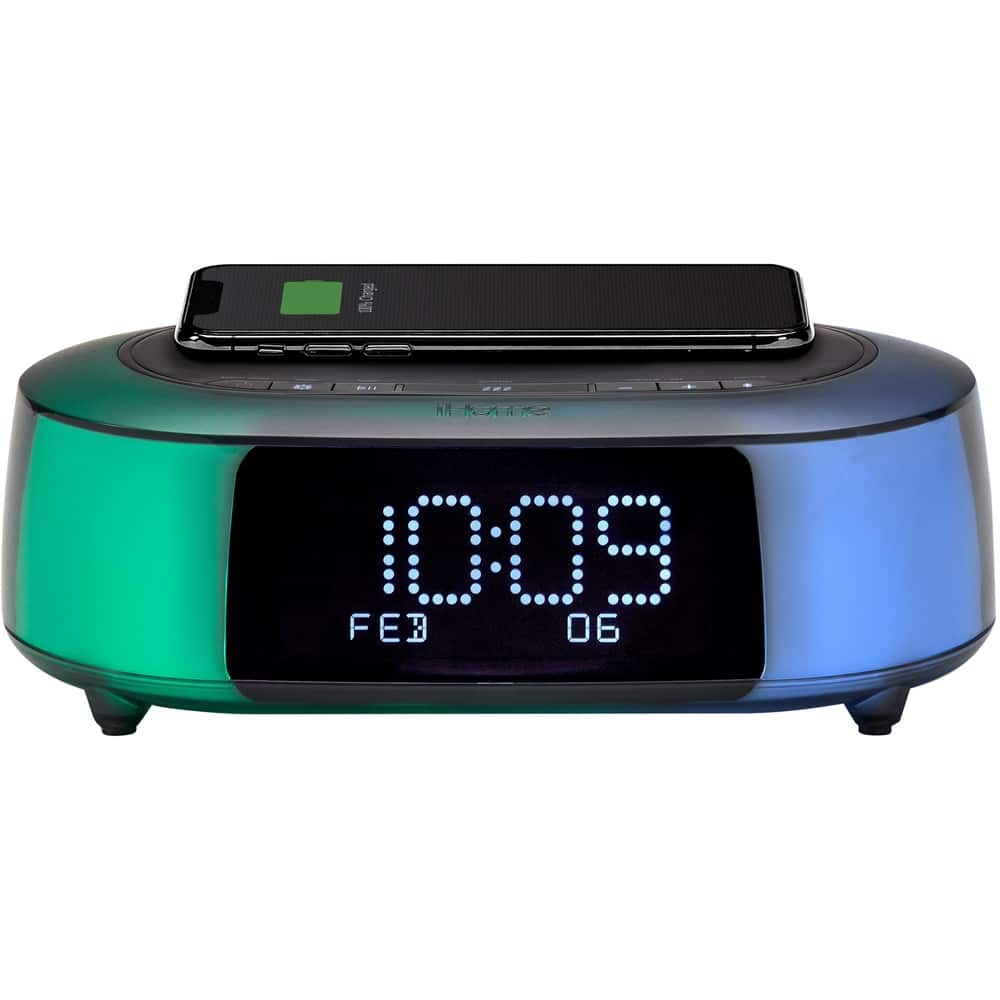
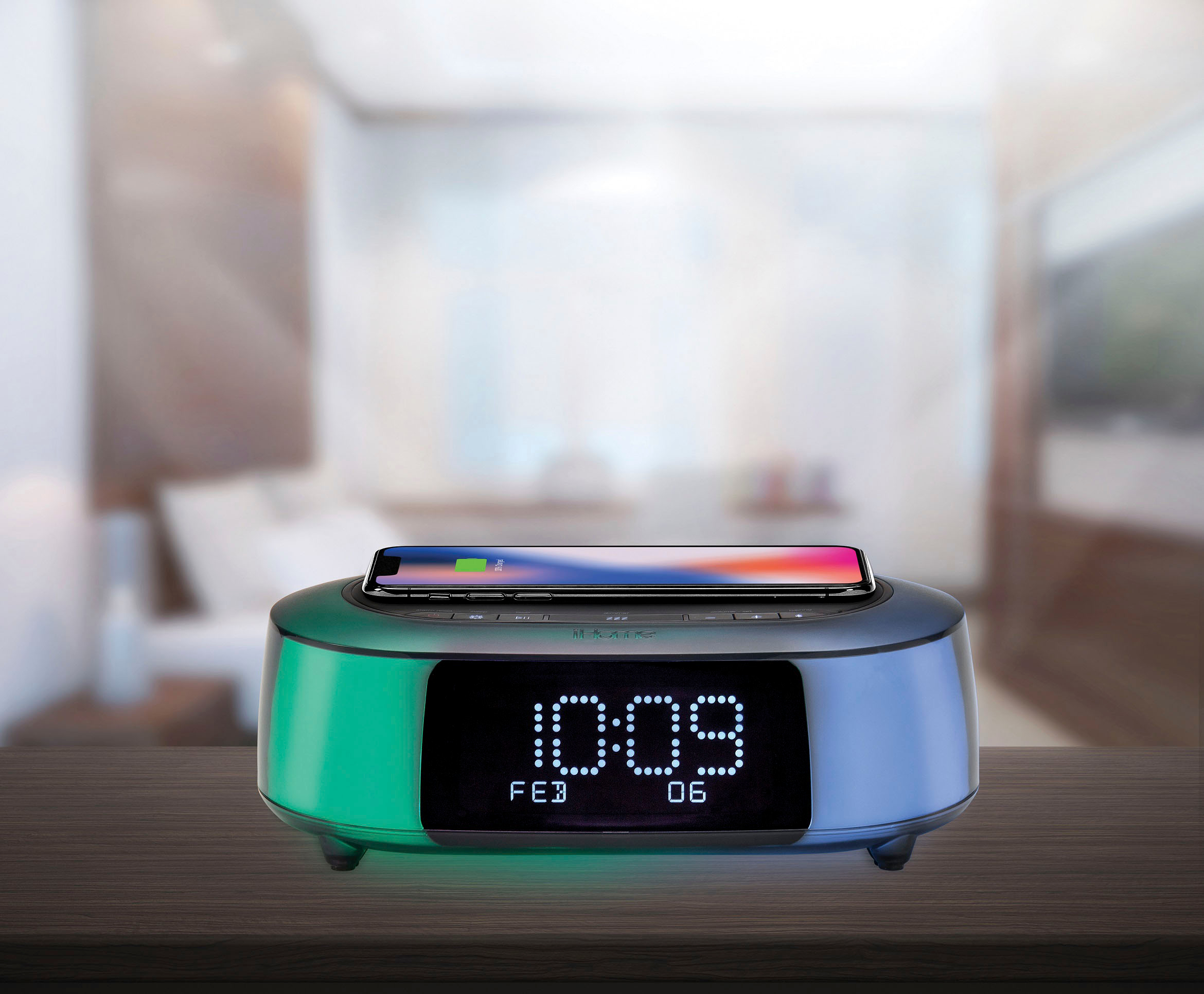
Customers commend the TimeBoost Glow alarm clock for its wireless charging capabilities, color-changing features, and ease of use. Many appreciate the sound quality and the attractive display, although some find the volume could be improved. A few users mentioned challenges with setup, and some felt the price was a bit high. Overall, the positive feedback on the convenient features outweighs the negative comments.
This summary was generated by AI based on customer reviews.
Tina
Posted .This reviewer received promo considerations or sweepstakes entry for writing a review.Product was supposed to be sent t a pick up place near my home, got notices that it was delayed, went to store instead to pick up, was not a problem, quick and easy pick up was available at Best Buy, very happy with my product, great price
I would recommend this to a friendNot worth it
Posted .This reviewer received promo considerations or sweepstakes entry for writing a review.Pretty colorful clock. Cons Bluetooth is sometimey. Wireless charging is horrible. The sounds for the alarms would put me back to sleep. Overall this is really just good for the lights and the possible Bluetooth connection.
No, I would not recommend this to a friendWireless charging stopped working
Posted .This reviewer received promo considerations or sweepstakes entry for writing a review.Got this IHome device for Christmas. The wireless charging stopped working after only a few days of setting it up. My wife was using it to charge her iPhone 12 pro max.
No, I would not recommend this to a friendBrand response from iHome
Posted .Dear Customer,
There are several reasons why your phone may not be charging:
- Not charging or charging slowly - your case is too thick, metal case, or battery case, try removing the case.
- You phone vibrates when receiving notifications - phone might shift position and charging stops. Consider turning off vibration, turning on Do Not Disturb, or using a case to prevent movement.
- Your Phone won't charge wireless when connected to USB. If your Phone is connected to your computer with USB, or if it's connected to a USB power adapter, your Phone will charge using the USB connection.
If you have tried the above and it still doesn't work please reach out using the link below for further troubleshooting assistance. ihome.com/support/contact