Customer Ratings & Reviews
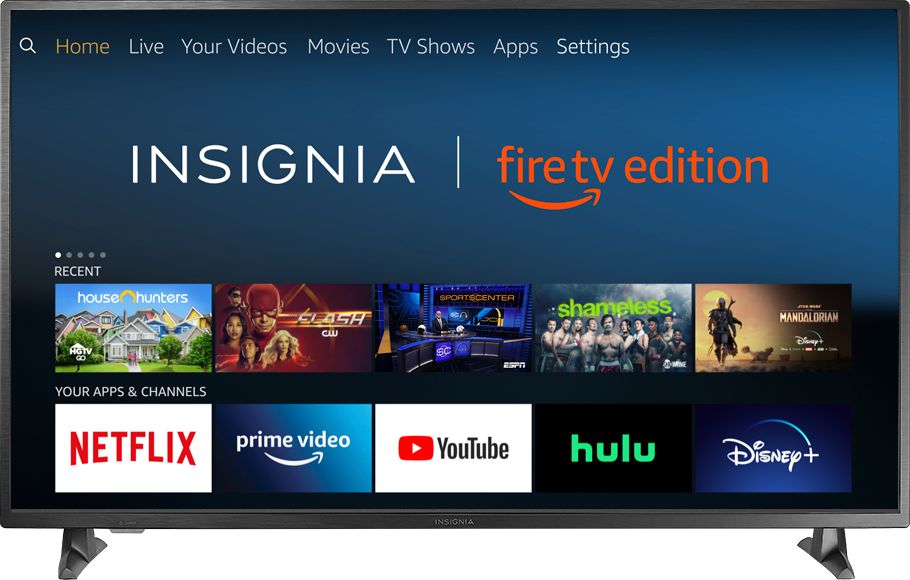
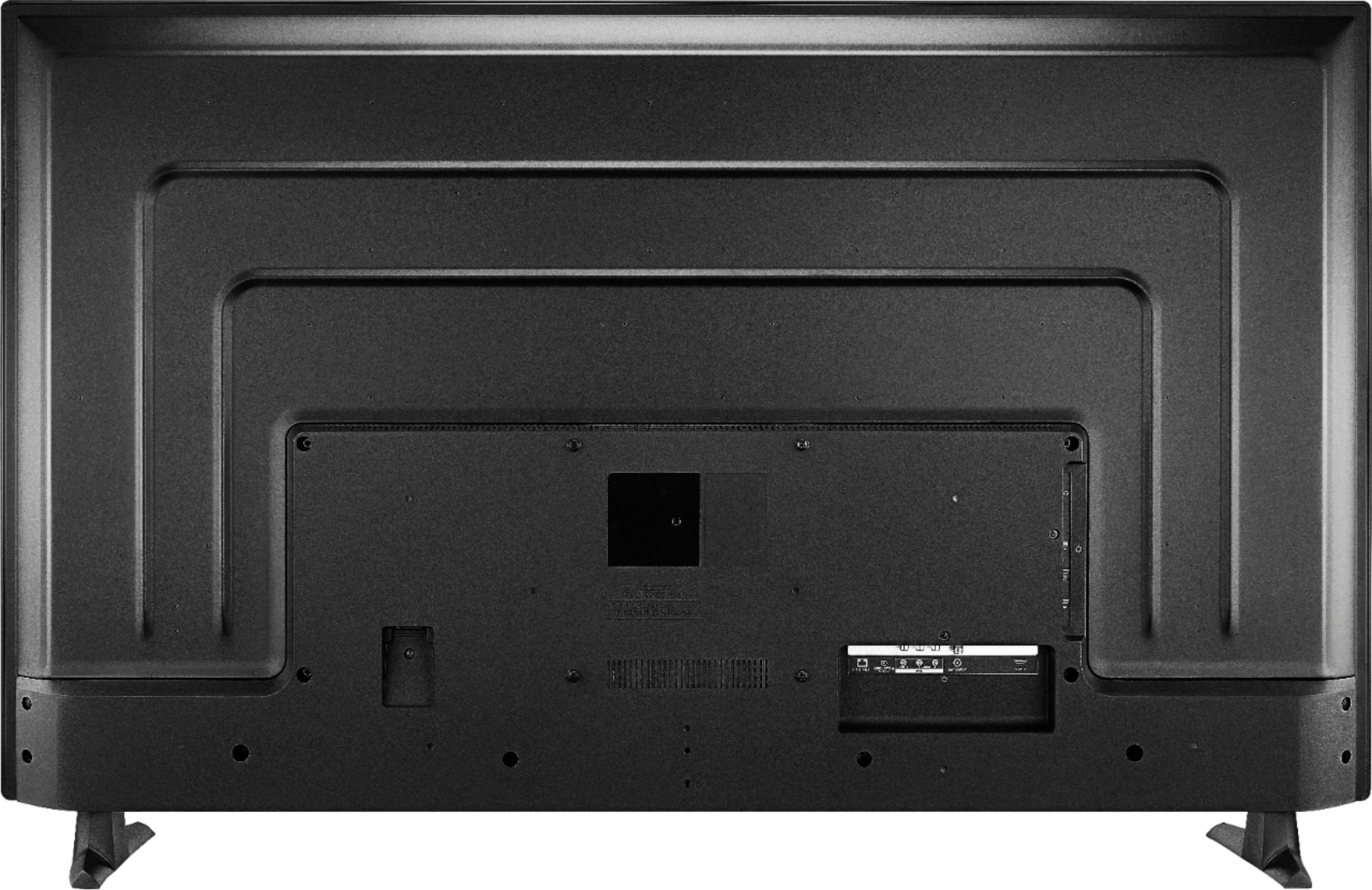

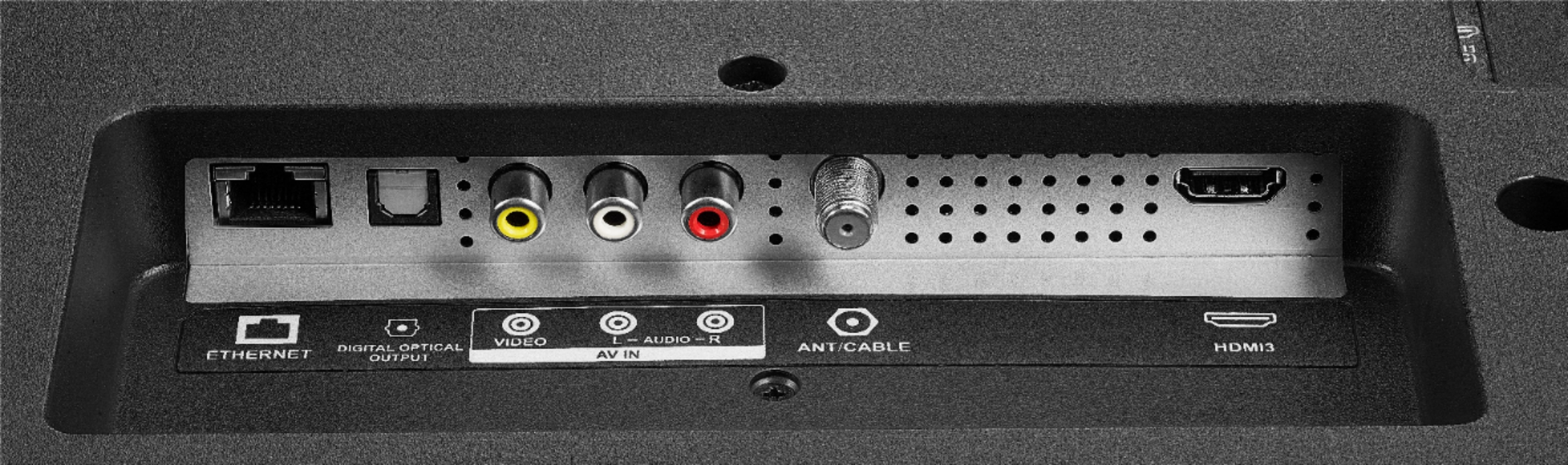
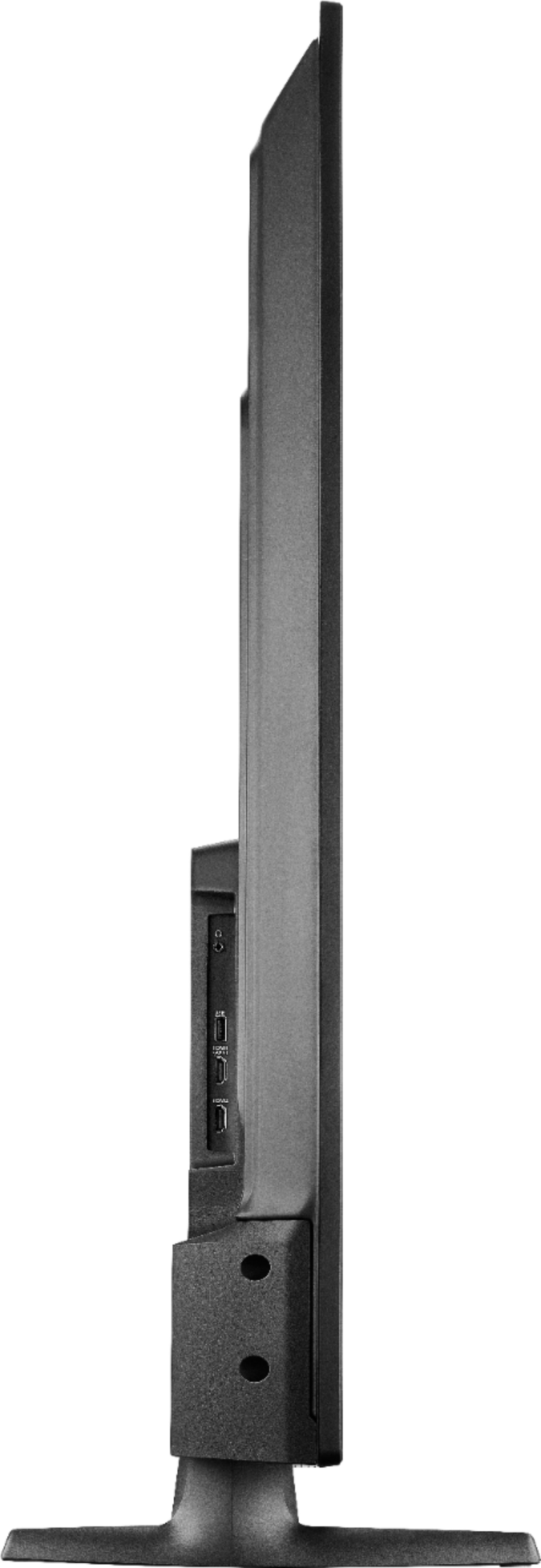
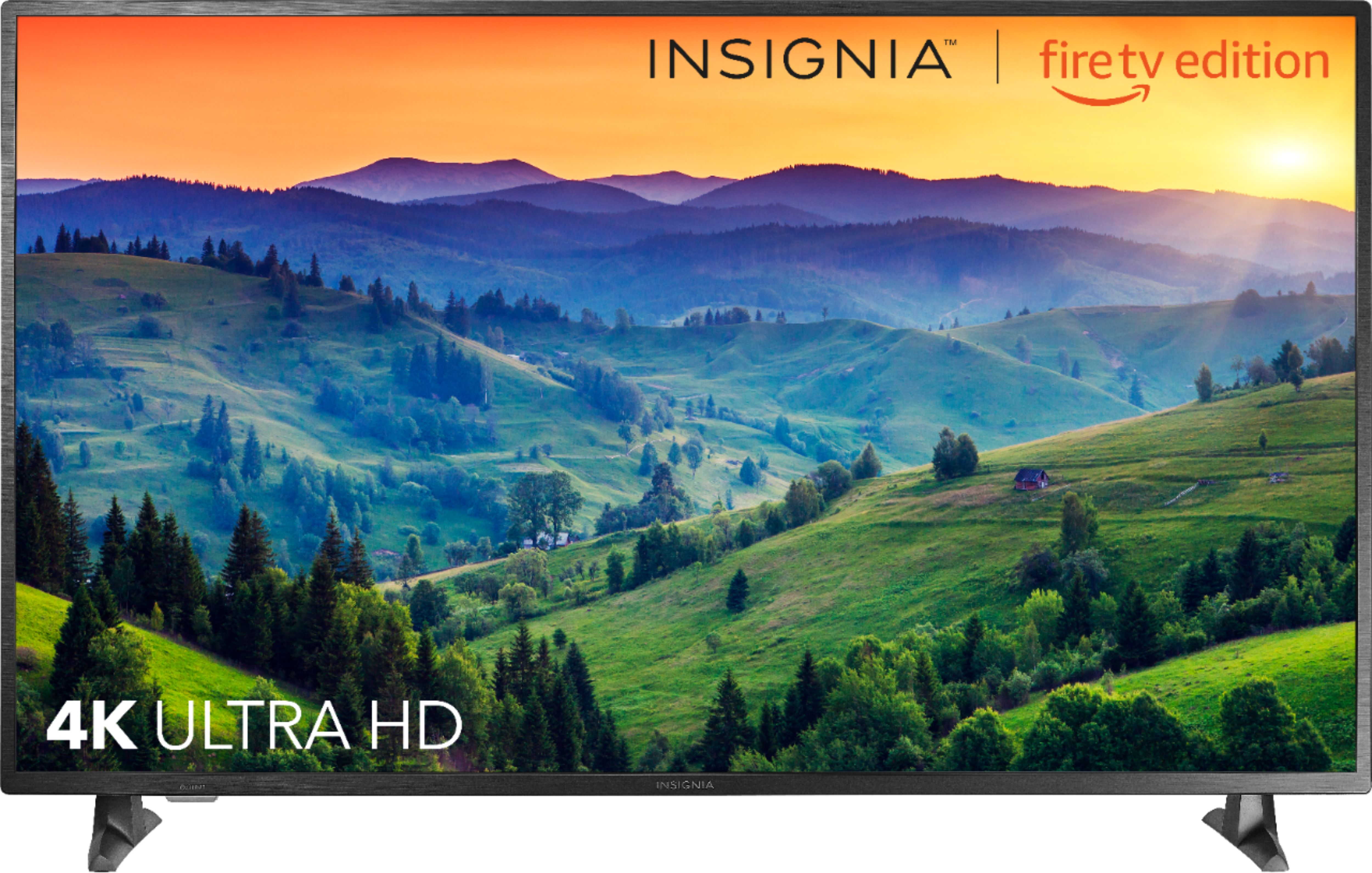



- Model:
- NS-55DF710NA19
- SKU:
- 6245800
Rating by feature
- Picture Quality
Rating 3.6 out of 5 stars
- Sound Quality
Rating 3.7 out of 5 stars
- Brightness
Rating 3.7 out of 5 stars
Customers are saying
Customers appreciate the 55” Class LED 4K UHD Smart Fire TV Edition TV for its exceptional picture quality, affordable price, and simple setup process. Many customers rave about the TV's stunning visuals and crystal-clear audio, while others highlight its great value for money. The convenience of the Fire TV platform is also widely praised, with users enjoying access to a wide range of streaming apps right out of the box.
This summary was generated by AI based on customer reviews.
Screen went out and bought last year
||Posted . Owned for 11 months when reviewed.This reviewer received promo considerations or sweepstakes entry for writing a review.Screen went out and bought last year please lmk how to fix
No, I would not recommend this to a friend2 year limit
||Posted . Owned for 1 year when reviewed.This reviewer received promo considerations or sweepstakes entry for writing a review.It worked good for 2 years,then lost it's picture.
No, I would not recommend this to a friendInsignia tv junk
||Posted . Owned for 10 months when reviewed.This reviewer received promo considerations or sweepstakes entry for writing a review.Lose sound randomly. Less than a year old. Don't recommend Insignia.
No, I would not recommend this to a friendBrand response from InsigniaCustomerSupport
Posted .Hi! We understand that having sound issues with you TV can be really annoying and so, please know that you can contact us on the link below and we will gladly assist you.
Viri E.
Insignia Support.
https://www.insigniaproducts.com/contact-us
Poor quality
||Posted .This reviewer received promo considerations or sweepstakes entry for writing a review.Two years later the tv screen started blacking out.
No, I would not recommend this to a friendDon’t do it!
||Posted .This reviewer received promo considerations or sweepstakes entry for writing a review.Within a year says low storage when nothing is stored on it
No, I would not recommend this to a friendQuality is horrible
||Posted . Owned for 1 month when reviewed.This reviewer received promo considerations or sweepstakes entry for writing a review.Quality is horrible, I do regret buying this TV. Plus I cant return it.
No, I would not recommend this to a friendBad TVs
||Posted .This reviewer received promo considerations or sweepstakes entry for writing a review.Had the tv for 32 days and the screen just went out do not waste your money
No, I would not recommend this to a friendLove the TV but Best Buy has a return policy that
||Posted .This reviewer received promo considerations or sweepstakes entry for writing a review.I am complaing about Best Buy as a Company the TV is great!!
I would recommend this to a friendTerrible
||Posted . Owned for 1 month when reviewed.This reviewer received promo considerations or sweepstakes entry for writing a review.Died in 45 days and discontinued !!!!!!!!!!!!!!!!
No, I would not recommend this to a friendBrand response from InsigniaCustomerSupport
Posted .Hello Jay,
Thank you for sending us your review about our 55" Fire TV. I know how upsetting it is when our products stop working so quickly, so I will like to ensure this gets solved by contacting us at the link below so we can review your case a bit further.
Itzel I. - Insignia Support.
https://www.insigniaproducts.com/contact-us
Great TV if you’ve never had a TV!
||Posted . Owned for less than 1 week when reviewed.This reviewer received promo considerations or sweepstakes entry for writing a review.Don’t buy. Please. Please, please do not buy. Really.
No, I would not recommend this to a friendBrand response from InsigniaCustomerSupport
Posted .Hi Hutch14,
Thank you for taking the time to leave your review on our Fire TV. We certainly appreciate your comment and feedback regarding this set. If you currently have this unit and you are experiencing difficulties, we kindly invite you to contact us so we can assist you. We value your opinion and we certainly want to help you out. Please feel free to reach out at any time.
- Janína G. | Insignia Support | https://www.insigniaproducts.com/contact-us
- Pros mentioned:Ease of use, Picture quality
Very nice while it lasted.
Posted .This reviewer received promo considerations or sweepstakes entry for writing a review.This won't be much of a review as I didn't own mine long enough to fully appreciate it. I purchased mine on Amazon but it was sold by Best Buy and arrived at my front door (where it was left outside) on March 12, 2019. My wife and I got the TV and managed it through the front door and down five stairs to our garden apartment. We got it set up on March 13, 2019. It was simple to set up and to begin streaming and enjoying it straight out of the box We got the COAX cable attached to the back the following morning once we had some better light to be able to see better. And then it happened. On March 14, 2019 our autistic son hurled a computer mouse at it in a fit of anger and broke it, it was the second TV he broke within a week, this being a replacement for the first on, another Insignia 55 inch which was not a 4K TV. Now I know that this isn't going to be replaced and that repair is out of the question due to cost but I really was impressed with the picture quality and ease of use. I will purchase another one eventually as finances allow but I have already mentioned to a few of our friends how impressed we were with it.
I would recommend this to a friend - Pros mentioned:Picture qualityCons mentioned:Remote control
Just WOW!
Posted .This reviewer received promo considerations or sweepstakes entry for writing a review.Can't begin to say how impressed I am with this TV. I recently returned 2 Hisense TVs for a number of reasons and then I noticed this one and figured lets give it a go. The picture quality is on a whole other level and firetv brings everything you could need in apps. I barley had to spend any time tweaking the picture settings for each mode and HDR works perfect with my PS4 pro. The voice control is pretty sweet which is kind of niche, but even so it works really well. One thing that caught me by surprised is that the TV also has comes with bluetooth which isn't mentioned in the spec area and is something I was ready to be without. The only minor thing I could complain about is using the tiny remote to navigate through menus. It can get a little annoying lol. Overall this TV is a great buy at a price you can't beat for such incredible quality.
I would recommend this to a friend - Pros mentioned:Picture quality, Smart tv

Can’t go wrong here.
|Posted .This reviewer received promo considerations or sweepstakes entry for writing a review.If you are in the market for a budget friendly 4K tv this one will not let you down. What I was most surprised with was the built-in fire tv. Looks just like any other fire stick/box but operates much smoother and faster. With almost no delay like I have on my other devices. So on the amazon fire tv side witch I have on all my other TVs with a stick or box, this tv wins by far. And for this price point the picture is good. From gaming,movies or watching live tv the picture is sharp and clear. The tv is self is fairly light and I was able to hang it my self. If your not use to a fire tv remote it may take you a little to get use to it. They are not like a regular TV remote with buttons zero through nine. They have a lot less buttons and use on screen menus more. The built-in speakers are better than most. And I feel would work good for a bedroom tv. I think most will want a sound bar with sub for a main room though.
I would recommend this to a friend - Pros mentioned:Picture qualityCons mentioned:Remote control
Can't program remote for a sound bar
Posted .This reviewer received promo considerations or sweepstakes entry for writing a review.I purchased this TV for my living room to replace a 50" Vizio which, still works fine. This TV has a great picture and I like that it has Amazon Fire in it. But, would,'t you think, with today's technology that they would make a remote that could also control a sound bar? You can't use a different remote for the TV. So, here goes another remote to add to the pile that is needed (cable box, TV and now the sound bar). Not very well thought out on the engineers part. Just about everyone I know uses a sound Bar... The only reason that I'm keeping the TV is because it has Amazon Fire in and the fact that I got it when it was a "Deal of the day" for the unbelievable price of $249.99....Otherwise it would be going back
No, I would not recommend this to a friend - Pros mentioned:Picture quality
Good TV for the price, poor Echo Dot connection
Posted .This reviewer received promo considerations or sweepstakes entry for writing a review.The good: I can't complain about the picture or sound quality. For the television alone, I would give it 5 stars. The bad: Poor connection with Echo Dot devices. Even though this Fire TV Edition television is advertised to be able to support voice commands using compatible Echo devices without the use of a remote control, the connection between them is terrible! I am only able to use my Echo Dot devices immediately after I link it with my television, but in less than half a day, the connection is lost. Once the connection is lost, I cannot use my Echo Dot to control my television until I unlink and then re-link the two devices in the Alexa app. This is is incredibly frustrating because I specifically purchased this television so I wouldn't not have to rely on a physical remote control to perform basic tasks (turn off tv, increase volume, etc). I performed all of the possible troubleshooting steps to resolve my issue including: 1. Unregistered and re-registered my Fire TV Edition television 2. Restarted my Fire TV Edition television 3. Updated my Fire TV Edition television and updated my Alexa app 4. Unlinked and re-linked my Echo Dot devices with my Fire TV Edition television 5. Purchased and linked a brand new Echo Dot (3rd gen) 6. Upgraded my internet service from 300 mbps to 400 mbps 7. Used both of my internet’s 2 GHz and 5 GHz network 8. Moved my Echo Dot device physically closer to the television without obstruction (2 feet away) 9. Used a brand new modem and router 10. Checked the television for network connectivity issues None of these steps have improved the quality of the connection between the Echo devices and the television. I have received very little support from Insignia and "determined" that the issue is with the Echo product and that I should reach out to Amazon. They also recommended that I take this television back to Best Buy to get a new one, without considering the time it took me to mount and set the television up, only to have to bring it down and transport it without the original box, risking physically damaging the television. Yet, they are not able to guarantee that the new television will work. However, my troubleshooting steps indicate the issue is probably with the television itself. Furthermore, if you have a Hulu or Netflix account with multiple profiles, the television will always stop at the profile selection screen, even if you frequently use only 1 profile. The television does not function like a smartphone that retains the profile from the previous use. Finally, if you ask the television to "Play This is Us on Hulu" or other shows on Hulu, it will only offer to play it on Prime or Fire TV. The integration with Hulu could not be worst! For a TV that advertised to support voice commands on the Echo platforms, and advertised to support playing shows in other applications by voice command (i.e. Hulu), I would give it a 1 star.
No, I would not recommend this to a friend Great inexpensive television
Posted .This reviewer received promo considerations or sweepstakes entry for writing a review.So I saw this on the one day sale and decided to try it out. I am pleasantly pleased since I got it delivered to my home for only two fiddy plus tax...a great deal! It's only 30 pounds so it's easy to move around for a 55 inch screen. I unboxed and set it up by myself. This set is great for me because I can easily use Netflix, Amazon Prime Video, Hulu, and other things all built in and easy to set up. Out of the box the picture was pretty funky, just like many sets, so I made the following settings which vastly improved the look of movies: General settings--- 'Custom' picture mode **Contrast at '100' **Brightness to 0 **Backlight to 70 (lower for darker room around 30, higher for brighter room--set as you like) **Color value of '-5' **Sharpness decrease it to '-25' for high quality content, you can raise it if you have low quality signal going in Advanced Settings--- **Mid Luminance Gamma to '5' **Disable all of the image processing such as Dynamic Backlight, Dynamic Contrast, MPEG Noise Reduction and Dynamic Noise Reduction & Edge Enhancer White Balance and Color Space Settings--- **'Warm' color temperature **Red/Green/Blue Intensity:: This is the weak point of the set since adjustment is limited. I have not found optimal settings yet but with the settings above the default looks fine for now. Another thing is it doesn't seem you can adjust image settings while a video is on screen like old school sets....unless I am just doing it wrong. Oh, and it must be said sound is not great but it IS competent. I don't think anyone should expect amazing sound at this price point, nor the deepest blacks etc etc... All in all it's quite good! I have only had the set for a few hours as of this review but so far so good.....I like it and I recommend it....It's a deal even at $450 or less.
I would recommend this to a friend- Pros mentioned:Picture quality
Great TV and does support USB video playback
Posted .This reviewer received promo considerations or sweepstakes entry for writing a review.I purchased this TV mid-November 2018 when it was only $250. Wow, what a steal. The Fire TV works flawlessly and the picture itself is great and comparable to other UHD 4k TVs that sell for hundreds more. I was disappointed, though, that the USB port was advertised to not support video playback of MP4 files, but only JPG files were viewable from the USB port. I did not verify myself that USB playback was not an option and just took the manual and everyone else at their word when they said it was not possible. Well, everyone, including the manufacturer was wrong. YES, THIS TV DOES SUPPORT VIDEO PLAYBACK FROM USB!!! I had seen this question asked before and always the response has been, that you can only view JPG files from the USB port on a thumb drive. Virtually every other smart TV with a USB port allows video playback, so it struck me as odd, but I never checked myself. Even the manual states it only supports JPG files via the USB port. I happened to read a negative review in which the poster mentioned that he had been told by Insignia customer support that the USB port could playback video provided he/she download ES Explorer as well as VLC media player as apps onto the Insignia NS-55DF710NA19. I was skeptical that this would work, because I haven't read ANYWHERE else that video playback is possible through the USB port. I can definitely verify, though, that video playback of MP4 files works flawlessly with the Insignia NS-55DF710NA19. Download ES Explorer and VLC media player. The thumb drive used must be formatted in FAT32 file format. Insert the USB drive into the USB port. Initially, once you open ES Explorer, you will need to scroll down and select the USB drive and then select mount. ES Explorer will do nothing at first but eventually the screen will close. Once it does, open ES Explorer again and the USB drive should then be a viewable source underneath "Internal Media." Click on the USB drive and you will see your media files or folders. Select your MP4 file, select play, and enjoy!
I would recommend this to a friend - Pros mentioned:Picture quality
Good Budget Friendly 4K TV, Not Great For Sports.
|Posted .This reviewer received promo considerations or sweepstakes entry for writing a review.Before I begin, it is important I mention that I received this TV for review as a member of Best Buy's Tech Insider Network. The first TV I received was the 55-inch model, but I returned it due to delamination of the display that somehow got past inspection prior to shipment. I contacted Best Buy, returned that unit, and was supplied a 50-inch TV for review. The two models appear to be functionally identical, except for the difference in screen size. I did not deduct any stars because, in my experience, Best Buy always handles these issues with immediate replacement of the faulty product, just as they did in this case. If you are looking for a good 4K TV that doesn't break the bank, this might be the one for you. This is a good looking TV, with a relatively thin black bezel. The guided setup was quick and it immediately connected to my wired network connection. I also connected to wifi as well, and that was straight-forward and seamless as well. The sign in for various apps via Fire TV was exactly as one would expect. The FireTV menus and operating system are intuitive and easy to use, and the voice remote make searching for content across services very easy as compared to the tedious act of typing on-screen. Integration with the various Echo devices in my home wa a little more challenging, as one must sign in to the Alexa App on a smart phone or tablet and activate Alexa voice control. Once that’s done, all the search power of Alexa is available as well as providing the ability to turn the TV on and off and control the volume via the Echo device. Picture quality with still images is incredible, and 4K programming from Netflix and DirecTV looks great. I state in the title that this TV isn’t great for sports because the display blurs the fast motiion of the players. The background skips along as cameras pan rapidly when following the action, indicating a slower than optimal response time. Overall, this is a great, feature rich 4K TV, especially when one considers the price. Any 4K TV for under $400 is an incredible deal.
I would recommend this to a friend - Pros mentioned:Picture quality
Great TV - more about Harmony setup
Posted .This reviewer received promo considerations or sweepstakes entry for writing a review.Purchased this TV last week to replace a 42" I had been using for about 6 years now. For the price, the picture quality and sound are great. Having the built in Fire TV was a benefit as well. I was able to use my existing Fire TV on another device. I did run into one struggle however, my Logitech Harmony hub with companion remote that I previously used. My TV setup also includes a Tivo device hooked up to it for OTA DVR capabilities. Having one remote for both was key and keeping functions similar to our previous one is critical to other family members that don't like change. When entering in the model number in the Harmony app it does create the device as a Fire TV, but even after pairing the hub as a Bluetooth keyboard in the FireTV, the only functions that worked were NetFlix, PlaystionVue, and Amazon Prime. The power, volume, menu, d-pad, etc functions did not. After many hours of testing and playing around I was able to get it working and thought I would share in the event anyone else runs into problems like this. First, you can access the power, volume, and input functions by adding an Insignia TV model NS-55E480A13A. You can then add an Amazon Firestick device to get access to the menu, back, home and d-pad. Create you activities using the Insignia TV for power, volume and input changes, and then use the Firestick device for navigation of the FireTV interface. I set the Tivo and Firestick devices to never power off in the Harmony config (select my remote doesn't have a power button in power settings) and turn off HDMI-CEC on the TV, to get everything to power off properly. I also change inputs during every activity. I switch to a non used HDMI port followed by a Home command when I run my Watch FireTV activity. Because I stream my TV using PSVue, I also had to add and Exit command followed by a 1 second delay when ending the Watch FireTV activity as well, otherwise it went to the Fire TV interface and stopped. Now everything functions just like it used to and I have voice access to all routines and command for my TV and Tivo through my Echo/Google home device via Logitech Harmony integration. Before I figured all this out I was actually getting frustrated and wanted to return the TV, but now that it is working I wouldn't think of it.
I would recommend this to a friendBrand response from InsigniaCustomerSupport
Posted .Hello,
Best review I have ever read today! Thank you for your feedback. We hope to keep enjoying your TV and thank you again for the loyalty. I am joyful to see that our product has accomplished your satisfaction, we are working to better our products.
-Arin. A
Insignia Support
Contact us: https://www.insigniaproducts.com/contact-us
- Pros mentioned:Picture quality
Great value for this price point
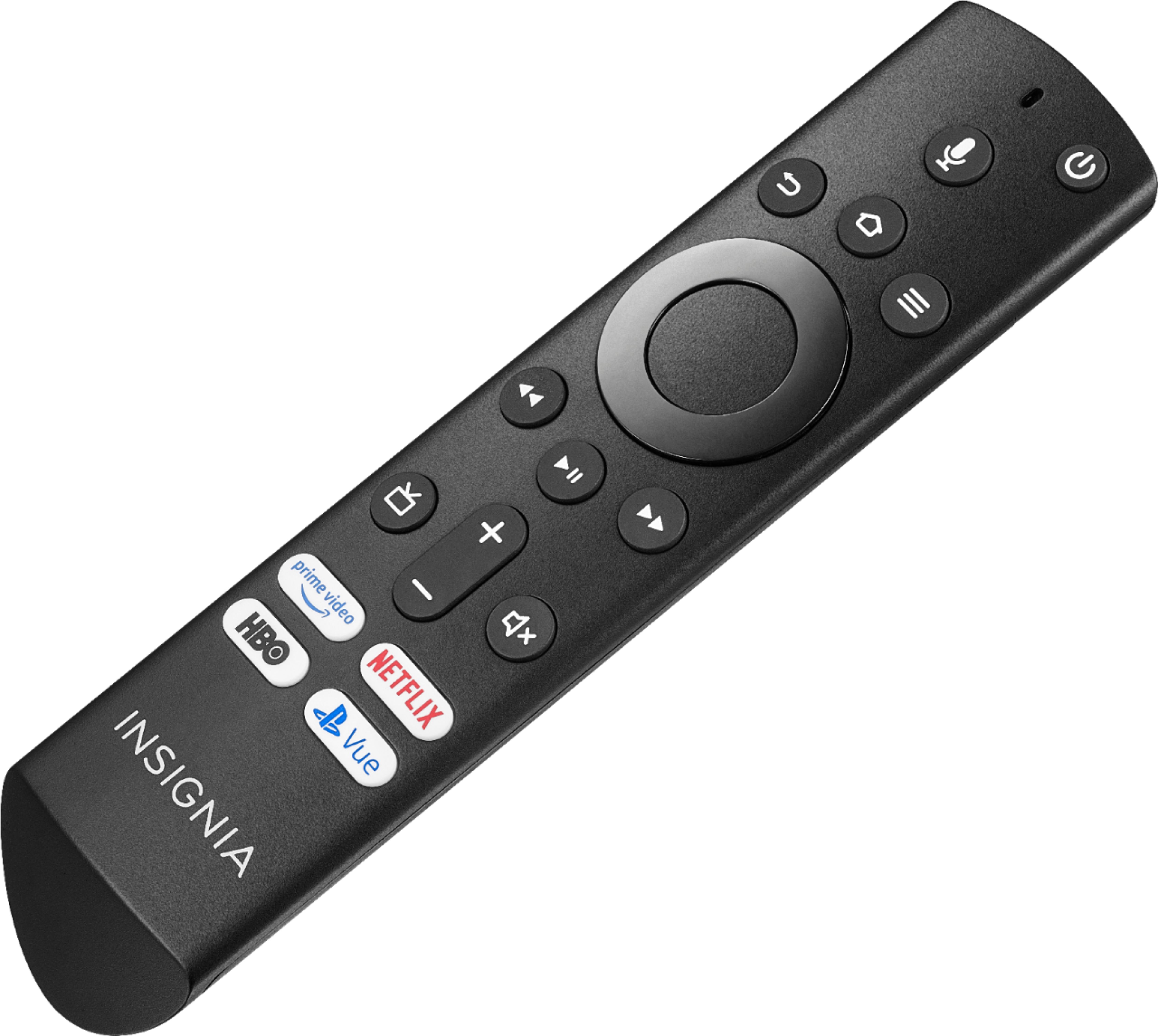
|Posted .This reviewer received promo considerations or sweepstakes entry for writing a review.This TV was definitely a surprise for the price point it was at along with all the features it has. The TV came well package and was delivered without any damage. I was able to have it out of the box and up on the wall in about 10 mins (replaced existing TV that was on the wall before this one so just had to swap the mounting brackets from the back of my old TV to this one). Out of the box it has a real nice picture, exceeding what i was expecting. I watched a 4K version of Spectre and the quality was phenomenal! No lag or ghosting was noticeable and the faster WIFI is also a plus. If you have an Amazon Fire Stick or Fire TV you will find the interface very familiar. I have a cable box and XBOX One X hooked up and have also watched multiple Football Games and played multiple 4K games and was blown away by both!!! When I hooked up the XBOX it recognized the TV was HDR and had me adjust the settings in the game I was playing. The remote is very intuitive and also very familiar if you have a Fire TV or Fire Stick. The voice control is nice which after assigning names to the inputs allows you to change inputs by talking into the remote after holding down the voice button. There are also a few dedicated buttons for Netflix and Amazon Video to jump right into those apps. You can also download other apps and video services. Overall I am very impressed with my first Inaignia TV and my first leap into the 4K arena.
I would recommend this to a friend