Customer Ratings & Reviews
- Model:
- NS-PM3NK3B24
- |
- SKU:
- 6554649
Customer reviews
Rating 4.7 out of 5 stars with 296 reviews
(296 customer reviews)Rating by feature
- Value4.7
Rating 4.7 out of 5 stars
- Quality4.6
Rating 4.6 out of 5 stars
- Ease of Use4.7
Rating 4.7 out of 5 stars
Customers are saying
Customers recognize the Bluetooth 3-Button Mouse for its ease of use, overall performance, and reliable Bluetooth connectivity. Its compact size, lightweight design, and long battery life are also appreciated. Many users find it to be a good value for the price, with comfortable ergonomics and compatibility across devices.
This summary was generated by AI based on customer reviews.
Rated 1 out of 5 stars
Low quality expensive price
||Posted . Owned for 1 week when reviewed.This reviewer received promo considerations or sweepstakes entry for writing a review.I don't recommend. Low quality expensive price.You can check out Logitech.
No, I would not recommend this to a friendRated 2 out of 5 stars
You get what you pay for
||Posted . Owned for 1 month when reviewed.This reviewer received promo considerations or sweepstakes entry for writing a review.Biggest issue with the device is it constantly loses connection to my laptop, usually in the middle of working.
No, I would not recommend this to a friendBrand response from InsigniaCustomerSupport
Posted .Thank you for reaching out to us regarding your Insignia™ Bluetooth 3-Button Mouse. I’m sorry to hear that you’re experiencing connectivity issues with your device. This can be frustrating, especially when you're in the middle of important tasks.
Here are a few troubleshooting steps you can try to improve the connection:
1. Ensure that the batteries in your mouse are fully charged or replaced if they are low.
2. Make sure Bluetooth is enabled on your laptop and that the mouse is properly paired. You can try unpairing and then re-pairing the mouse.
3. If you are using a USB Bluetooth dongle, try plugging it into a different port on your laptop. Sometimes, interference from other devices can cause connectivity issues.
4. Ensure that there are no obstacles between your mouse and laptop, and try to keep them within a reasonable distance from each other.
5. Check if there are any updates available for your laptop's Bluetooth drivers and install them if necessary.
If the issue persists after trying these steps, please let us know, and we can explore further options, including warranty service or replacement if needed.
Thank you for choosing Insignia, and we appreciate your patience as we work to resolve this issue!
Rated 1 out of 5 stars
Why does BestBuy sell this???
||Posted . Owned for 9 months when reviewed.This reviewer received promo considerations or sweepstakes entry for writing a review.Tried a couple of these on my Samsung Chromebook. Bluetooth connection was always problematic. Logitect 100x better!
No, I would not recommend this to a friendBrand response from InsigniaCustomerSupport
Posted .Thank you for sharing your experience, Battery. We’re sorry to hear that the Insignia Bluetooth 3-Button Mouse had connectivity issues with your Samsung Chromebook. Some users have reported similar concerns, and troubleshooting steps may include:
Ensuring the mouse is in pairing mode—press the connect button on the bottom of the mouse.
Checking Chromebook Bluetooth settings—make sure Bluetooth is enabled and the mouse is listed as an available device.
Restarting your Chromebook—this can help reset Bluetooth connections.
Trying a different Bluetooth device—if other devices connect successfully, the issue may be specific to the mouse.
If the connection remains unstable despite troubleshooting, considering an alternative Bluetooth mouse may be the best option. We appreciate your feedback and understand your frustration.Tine | Insignia Support
Rated 1 out of 5 stars
Disappointed
||Posted . Owned for 2 weeks when reviewed.This reviewer received promo considerations or sweepstakes entry for writing a review.Very difficult to get battery compartment open. Then when it did the unit didn't work with any computer in the house.
No, I would not recommend this to a friendBrand response from InsigniaCustomerSupport
Posted .I'm very sorry to hear you're experiencing difficulties with the battery compartment and that the unit isn't working on any of your computers. That sounds incredibly frustrating.
We recommend contacting our customer support hotline at 1-877-467-4289 for direct assistance with this issue. - Carl | Insignia Support
- Pros mentioned:Bluetooth, Ease of use
Rated 4 out of 5 stars
Nifty Mouse with Bluetooth Only
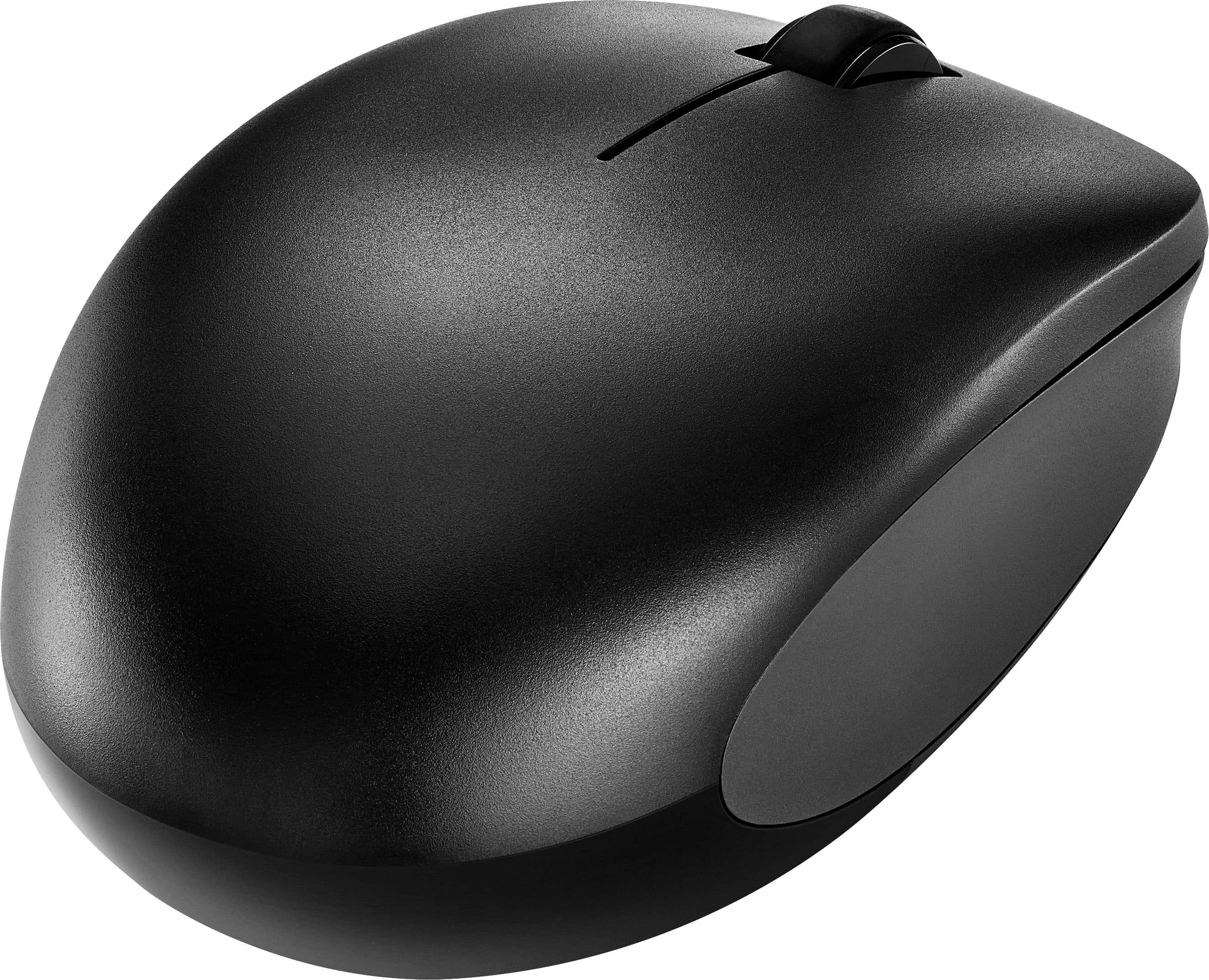
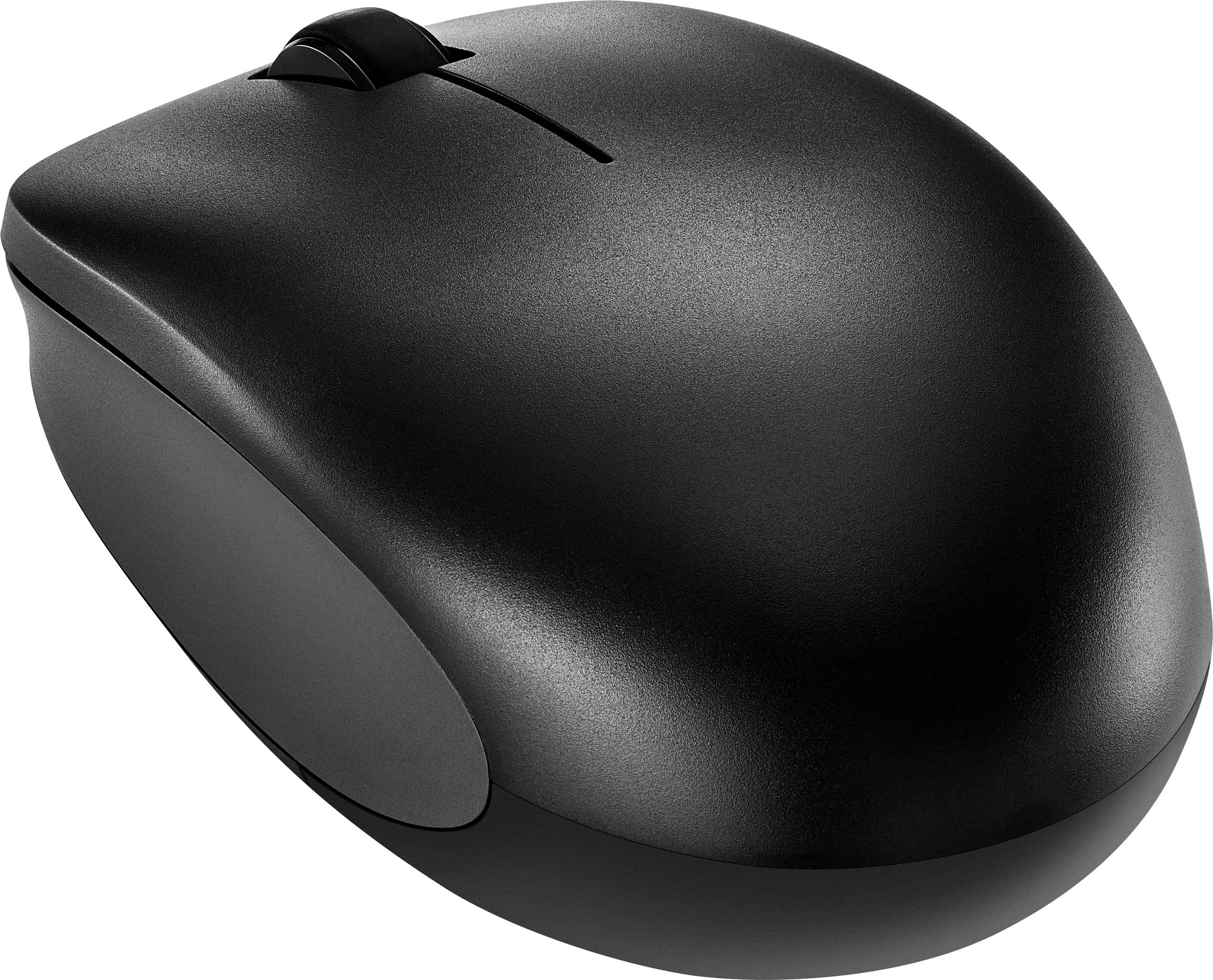
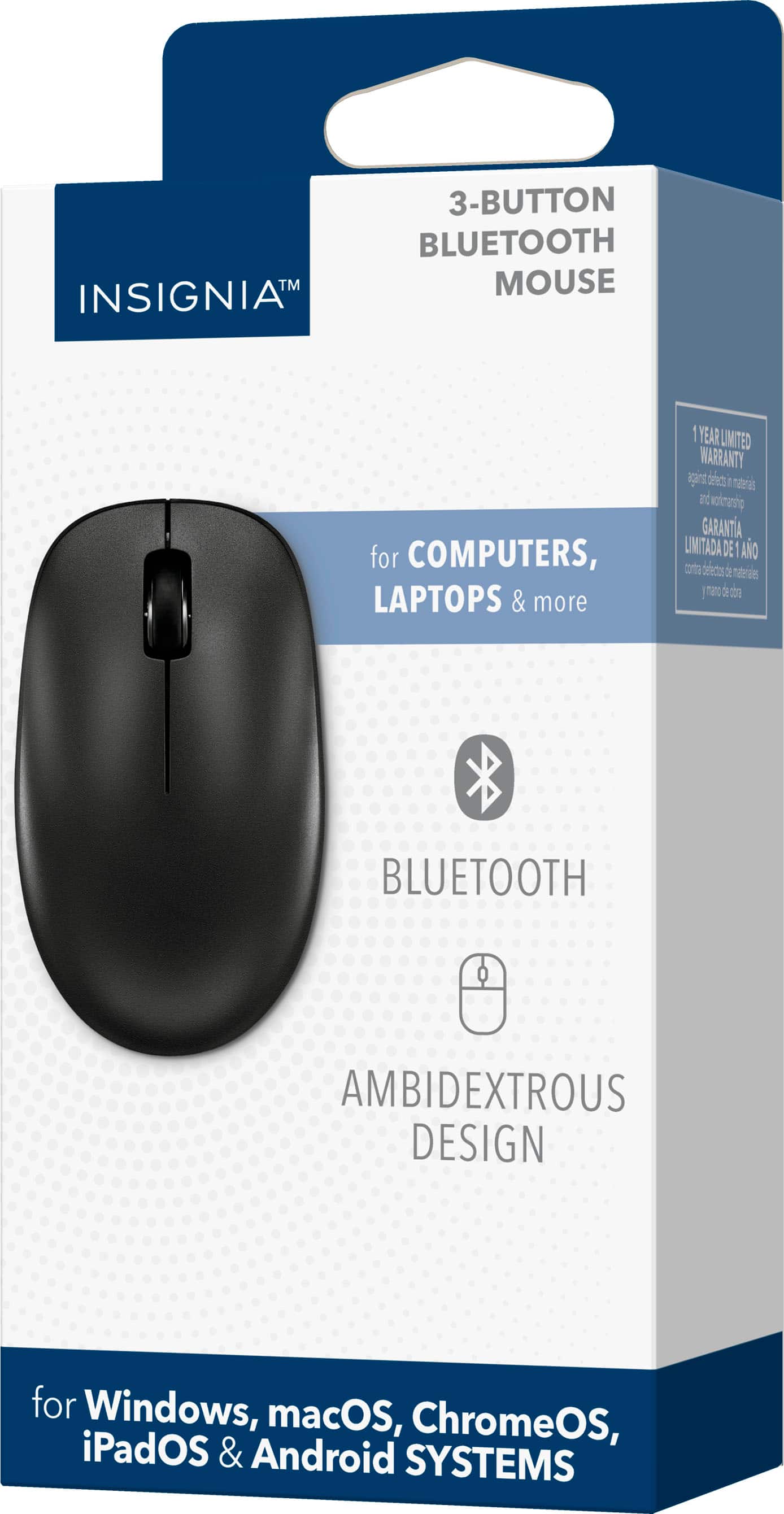
|Posted .This reviewer received promo considerations or sweepstakes entry for writing a review.If you are looking for a standard, comfortable, and light mouse this is the one for you. Easy to setup and use. It is equipped with Bluetooth only so make sure your desktop, PC or Mac has Bluetooth. There is no usb transmitter which is the only reason why I gave this mouse 4 stars. I know I wouldn’t use it but you never know if you’re going to need to plug it in to another device etc. Mouse is extremely light. Will be great for throwing in a bag or taking along with you. Seems to be built well with no complaints about noises or creaks and cracks from the plastic moving. It’s actually very silent even when you click the mouse it makes essentially no noise. Middle scrolling wheel does what it needs to. Bluetooth is just simple search and connect through your device. If you have connected a Bluetooth device before, or I have disconnected and reconnected one, you’ll have no trouble with insignia mouse. This mouse is designed to be used for right or left handed individuals. All you have to do is change the standard built in properties for the mouse within your PC or Mac.
I would recommend this to a friend Rated 1 out of 5 stars
Bad Customer Service
||Posted . Owned for 1 week when reviewed.This reviewer received promo considerations or sweepstakes entry for writing a review.The person that greeted me when entering the store, was rude. A was making fun, of me when I was asking a q question. There are too many options to have to put up with bad customer service.
I would recommend this to a friendBrand response from InsigniaCustomerSupport
Posted .Hi Joes,
Thanks for taking the time to connect with us about your concern with your Insignia™ - Bluetooth 3-Button Mouse - Black. Your feedback is appreciated and important in helping us to identify practices that drive customer satisfaction.
Dina || Insignia Support || https://www.bestbuy.com/insignia
- Pros mentioned:Bluetooth, Size
Rated 5 out of 5 stars
Great Bluetooth mouse
|Posted .This reviewer received promo considerations or sweepstakes entry for writing a review.For the last few years pretty much every computer has come equipped with Bluetooth capabilities. This makes it really easy to use a wireless mouse without taking up a precious USB port with a communications dongle for an old-style wireless mouse. Just use Bluetooth instead, and get performance that is at least as good or more likely, better, than the old dongle-style setup. This Insignia Bluetooth mouse works with older Bluetooth devices as well as the latest Bluetooth 5 devices. It also has selectable resolution/sensitivity to dial it in however you prefer. The resolution is selected by pressing a little button on the bottom of the mouse. The size and shape of the mouse should work for almost everyone. I have pretty large hands and it is comfortable for me to use. It's also a good size to drop into your laptop bag. Overall a good mouse to have around.
I would recommend this to a friend - Pros mentioned:Battery life, Bluetooth
Rated 4 out of 5 stars
All computer mice should be Bluetooth!
|Posted .This reviewer received promo considerations or sweepstakes entry for writing a review.This Insignia Bluetooth 3-button mouse works great with my windows laptop. Why aren't all mice Bluetooth? I say that because by using Bluetooth technology the mouse does not need the easily misplaced receiver and does not use up a USB port on the laptop, leaving it available for other important connections. In the early days of wireless mice, the receiver were large in length (approximately 2 inches long) and had to be packed away when placing the laptop in a carry bag. Today, the mouse receivers are very small and easily lost when unplugged from the USB port they occupy. By using Bluetooth, the receiver is no more, therefore obviating the risk of rendering the mouse useless if the mouse receiver is lost. This Insignia mouse connected to my Windows 10 laptop in about 15 seconds and is working great. It actually took longer to cut open the box it was shipped in than it took to electronically connect to the laptop. My laptop also shows the battery level in the mouse. It uses a single AA alkaline battery which is rated to last about 3 months per the teeny tiny users' setup and user guide included in the package. The click and right click buttons work well and the scroll wheel is also very controllable. The price is not too expensive and an AA battery is supplied. It is good.
I would recommend this to a friend Rated 5 out of 5 stars
Very Nice 3-Button Mouse
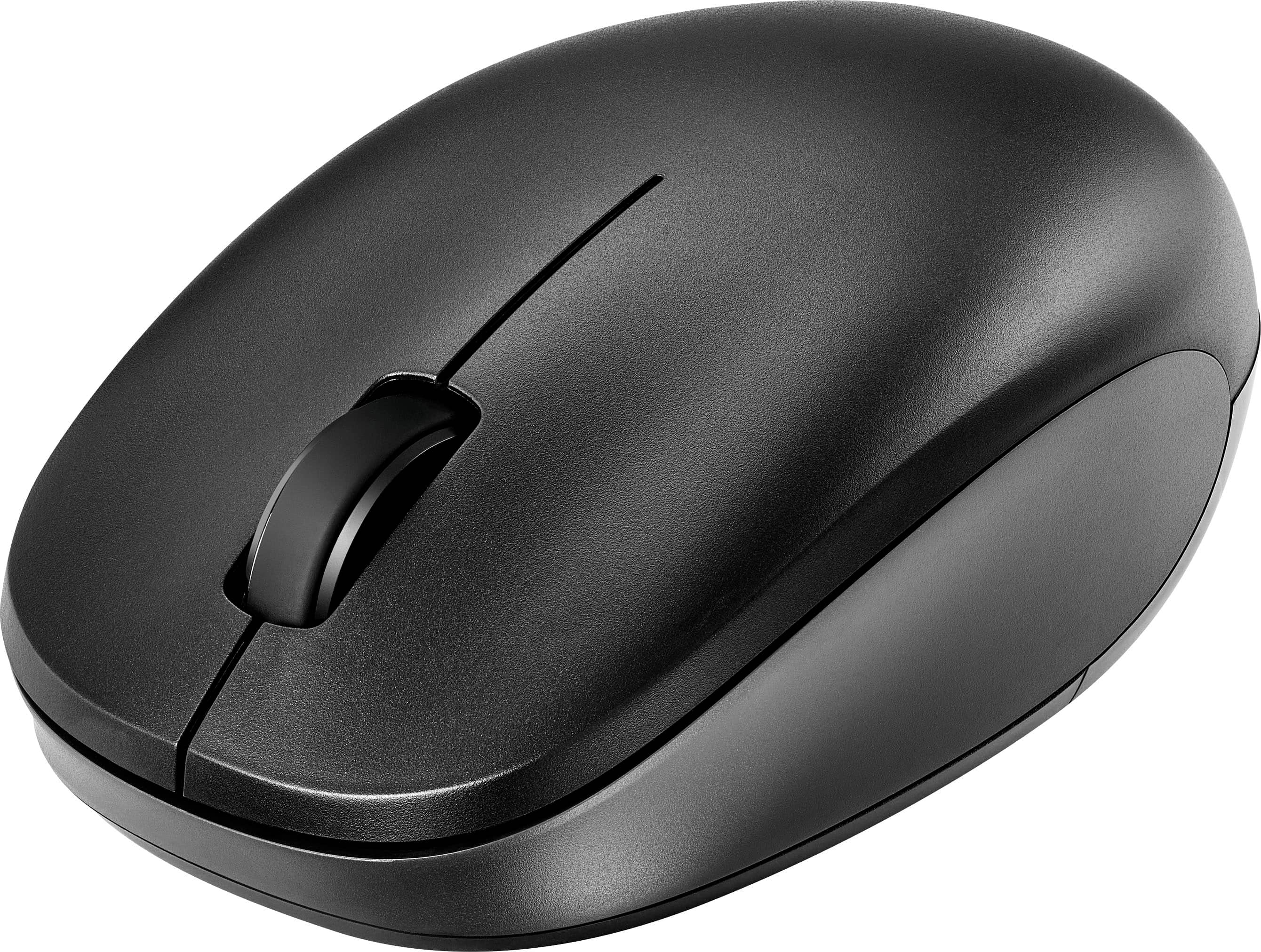
|Posted .This reviewer received promo considerations or sweepstakes entry for writing a review.The Insignia Bluetooth 3-Button Mouse is exactly that: an inexpensive,3-button Bluetooth mouse that just works. Quiet, comfortable, well made. And of course, inexpensive. Just a very appealing add-on mouse. Setup was trivial. Pop the battery in, turn on the (on/off) switch and hold the DPI/Pairing button for four or five seconds until the blue led blinks rapidly. Pair it with your computer, all the computers recognized and installed it appropriately. Done. I find it much more convenient to use a laptop with a mouse than fat-fingering my way across a touchpad and have several mice scattered around the house the way some people scatter reading glasses. I can bring one of my three laptops (Win11 general, Win 11 gaming, and ChromeOS) into a room, pair if not already paired, and I'm up and running. The Insignia Bluetooth Mouse is a standard 3-button configuration (left, right, and center roller) with a nice arched top and contoured sides. It fits my hands (size large gloves) and my wife's hands (small) very nicely. It has a nice heft to it, partly due to the AA battery that powers it. There is no configuration utility other than the native OS utility, but you can change the dpi on the mouse to 800, 1200, or 1600 dpi by pressing the (again DPI/Pairing) button quickly. The blue light blinks once for 800, twice for 1200, and three times for 1600 DPI. The range should cover all but the most ardent gamer's needs. The mouse appears to be well made, with nice slider strips running the width of the mouse. Much better that the four little dots common on inexpensive mice. Also, it's worked well on a variety of surfaces. One other nice thing, the buttons have nice tactile feedback, but are almost completely silent, important while sharing a living room with a significant other. Highly recommended!
I would recommend this to a friendRated 4 out of 5 stars
Good value for a basic Bluetooth mouse
|Posted .This reviewer received promo considerations or sweepstakes entry for writing a review.This is a good basic mouse. The mouse is comfortable to hold, and has just enough weight so that it feels planted, but not heavy. The soft-touch surface is molded plastic that should last "forever" as opposed to the coating that will scratch off and eventually become gooey. It also makes it much easier to keep clean. There only 5 functions: Left click, right click, center click, scroll up and scroll down. There are no buttons for left/right scrolling or backward/forward paging. The only reason I gave this 4 out of 5 stars is because of it only having basic buttons. I now at this price point, that doesn't seem out of line, except that there is an Insignia 6-button mouse for about the same price. I wills ay that the few buttons are still very "supple". They click and scroll nearly silently. They have a very high-quality, rich feel about them Setup and connection are easy. Insert the included AA battery, switch the mouse on, tap its pairing button, and then tell your computer to find it. Note that this does use a "visible wavelength" laser, so you probably should not look directly not the "eye" when it's on. I do like this mouse and would recommend it if all you need is basic functionality, and especially if easy cleaning and "goo-free" surfaces are desired.
I would recommend this to a friendRated 5 out of 5 stars
new computer accessories
Posted .This reviewer received promo considerations or sweepstakes entry for writing a review.New computer has only 4 USB ports but will support Bluetooth. So this will free up one of the USB ports.
I would recommend this to a friendRated 4 out of 5 stars
Very Nice Mouse
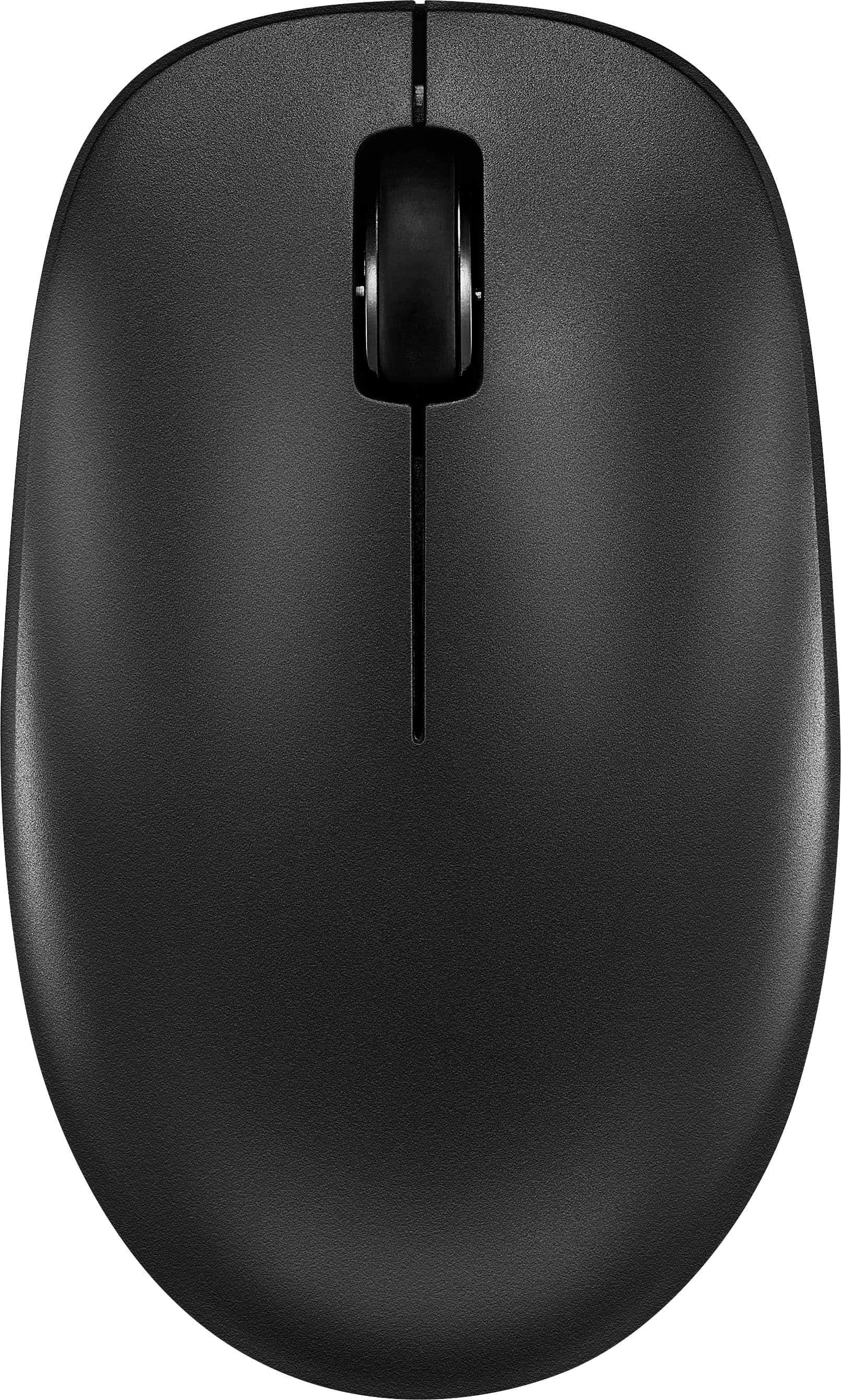
|Posted .This reviewer received promo considerations or sweepstakes entry for writing a review.This is a very basic, but very nice, mouse. There are no great bells and whistles. Three buttons, black, and as basic as it gets. It uses 1 AA battery. I have no clue on life expectancy of the battery. It seems like it should last a while, but I am basing this off using it for a week as a spare mouse/using with my Chromebook. It connects over Bluetooth and has two switches on the bottom. One is the power switch, the other is the BT/DPI button. Long press to go into BT pairing mode. I have not found what the DPI settings are, but it works well with Chrome OS and Windows. Briefly tested with Android. All the OS's I have tried it worked well with. It has normal BT range, about 30 feet and still accurate. It is ambidextrous, depending on your operating system, changing hands is a OS configuration, just like any other mouse you attempt to use with either hand. This one is molded to actually feel the same in lefty or right hand. The wheel gives good feedback without being clicky or resistant. It gives a nice smooth scroll without the boomerang scroll that many mice run into today. This is an excellent emergency mouse, spare mouse to throw in your bag or just a random use mouse on a second machine. You could use this as a daily driver, it is comfortable enough for that. But the reason I call it a spare mouse, I like the extra navigation buttons of a 5 button mouse. This was acquired to be a spare mouse and to use with a Chromebook.
I would recommend this to a friendRated 4 out of 5 stars
Serviceable mouse, solid connection, not the best
|Posted .This reviewer received promo considerations or sweepstakes entry for writing a review.This is a nice, usable little mouse. It's a fairly standard 3-button mouse, but definitely not the best. The operation of this device cannot be any simpler. You have the standard 3 buttons, left-click, right-click, and center wheel that can scroll. ADVANTAGES - Idiot-proof use. There are no options, so you cannot really mess anything up or be surprised by a function. DISADVANTAGES - - You can only connect by Bluetooth. If your work computer is seriously locked down by your IT department, this might not work for you. There is no USB adapter/receiver to allow for another option. - Most 3-button mice allow the center wheel to press to switch from a notched scrolling to free-wheeling for faster scrolling. That is not an option with this device. - Not quite as smooth of movement as you might find on other mice. My normal mouse at my desk is a Logitech MX Anywhere 2S. The Logitech moves more smoothly, with less resistance on my mouse pad. The Insignia definitely offers more resistance. Overall, this is the laptop keyboard of mice. It functions and is quiet, but is not going to be the optimal experience.
I would recommend this to a friendRated 5 out of 5 stars
Lightweight and comfortable
Posted .This reviewer received promo considerations or sweepstakes entry for writing a review.I bought this mouse because my computer doesn't have a USB port and I prefer a mouse instead of the roller pad. It works perfectly. It's light weight and is comfortable to use. Is as described.
I would recommend this to a friend- Pros mentioned:Ease of use
Rated 5 out of 5 stars
Good mouse
Posted .This reviewer received promo considerations or sweepstakes entry for writing a review.Easy to use and very reliable for my needs. I would recommend this one.
I would recommend this to a friend Rated 2 out of 5 stars
Disconnects a lot
Posted .This reviewer received promo considerations or sweepstakes entry for writing a review.Disconnects frequently. The takes forever to reconnect, Spend a few a few more bucks to get something better.
No, I would not recommend this to a friendBrand response from InsigniaCustomerSupport
Posted .We apologize for the inconvenience you've experienced with frequent disconnections and slow reconnection times. Providing reliable and seamless connectivity is important to us, and we're sorry to hear that our product fell short of your expectations. Your feedback is valuable, and we'll use it to improve the performance and reliability of our products in the future. We understand that investing in a higher-quality product may be a better option for you, and we appreciate your suggestion. If you need assistance with finding a more suitable solution or if there's anything else we can do to help, please don't hesitate to reach out to us. We apologize for any inconvenience this has caused and thank you for your feedback. Keith | Insignia Support https://www.bestbuy.com/site/insignia-bluetooth-3-button-mouse-black/6554649.p?skuId=6554649