Customer Ratings & Reviews

- Model:
- NS-PMMD22
- SKU:
- 6505882
Rating by feature
- Value
Rating 4.5 out of 5 stars
- Quality
Rating 4.5 out of 5 stars
- Ease of Use
Rating 4.4 out of 5 stars
to a friend
Customers are saying
Customers are satisfied with the sturdiness, desk space freed up, reasonable price, and cable management of the Dual Screen Desktop Mount for Monitors up to 30". Many customers find that the mount fits their monitor size well. However, some customers have experienced difficulty with the installation and compatibility with their monitors. A few customers mentioned the weight and design as potential drawbacks.
This summary was generated by AI based on customer reviews.
Monitors leans down
||Posted . Owned for 5 months when reviewed.This reviewer received promo considerations or sweepstakes entry for writing a review.Suddenly the monitor started tilting down. The part of the monitor stand that keeps the monitor steady gets loose and the monitor leans down.
No, I would not recommend this to a friendBrand response from InsigniaCustomerSupport
Posted .Thank you for your feedback, KetankumarG. We understand your concern about the stability of the Insignia™ - Dual Screen Desktop Mount. We apologize for any inconvenience this may have caused. For assistance with this issue, please contact our Insignia customer support team (877-467-4289) for further support. - Mae | Insignia Support

Mount was manufactured incorrectly
||Posted . Owned for less than 1 week when reviewed.This reviewer received promo considerations or sweepstakes entry for writing a review.Like a lot of the other 1 star reviews, the mount I received was manufactured incorrectly (the mount faceplates were facing the ground and ceiling). I exchanged the mount for a new one as it does seem to a sturdy mount. However, I had similar manufacturing issues with the new mount received. So I ended up just returning the mount and getting a refund.
No, I would not recommend this to a friendBrand response from InsigniaCustomerSupport
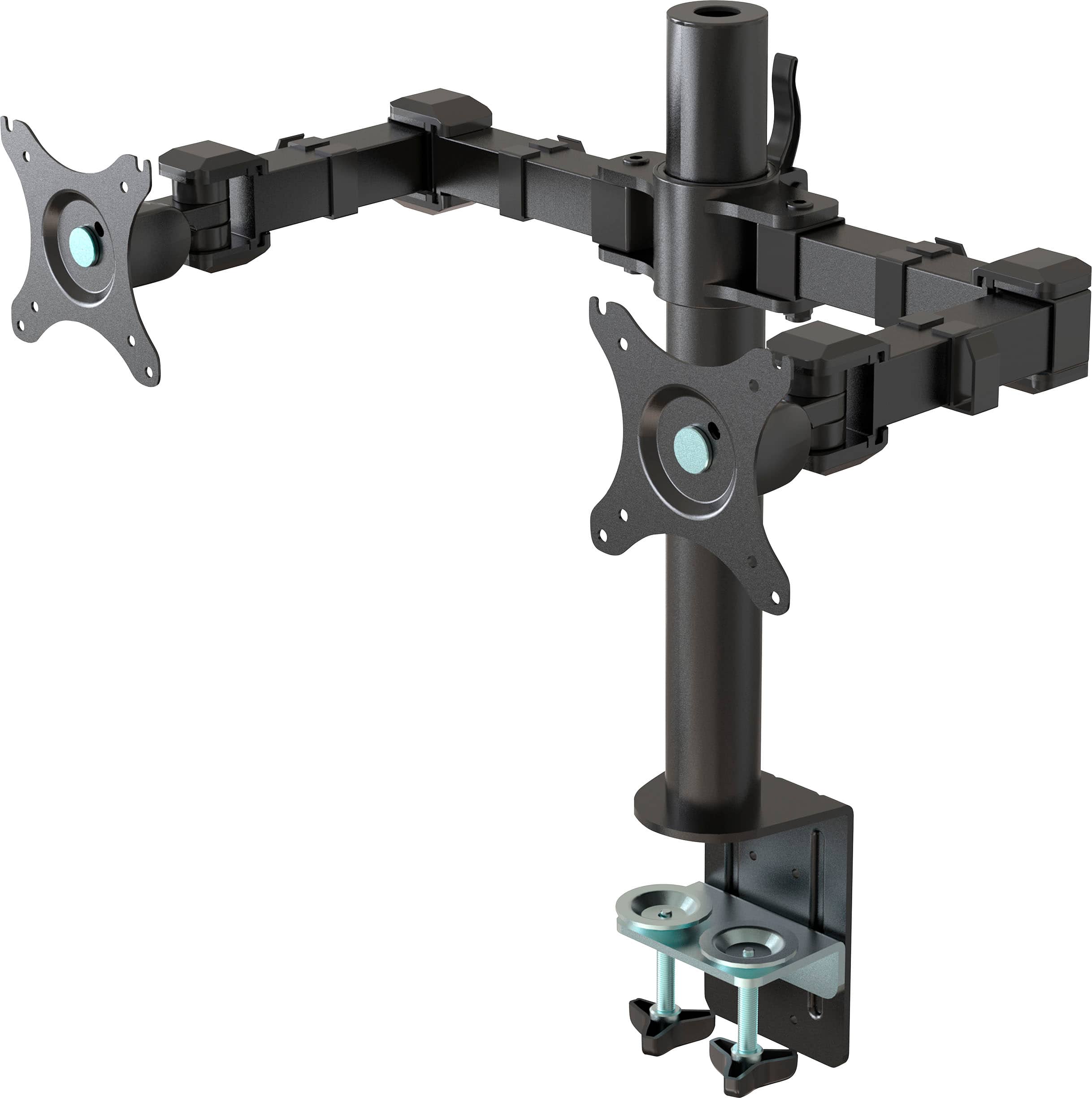
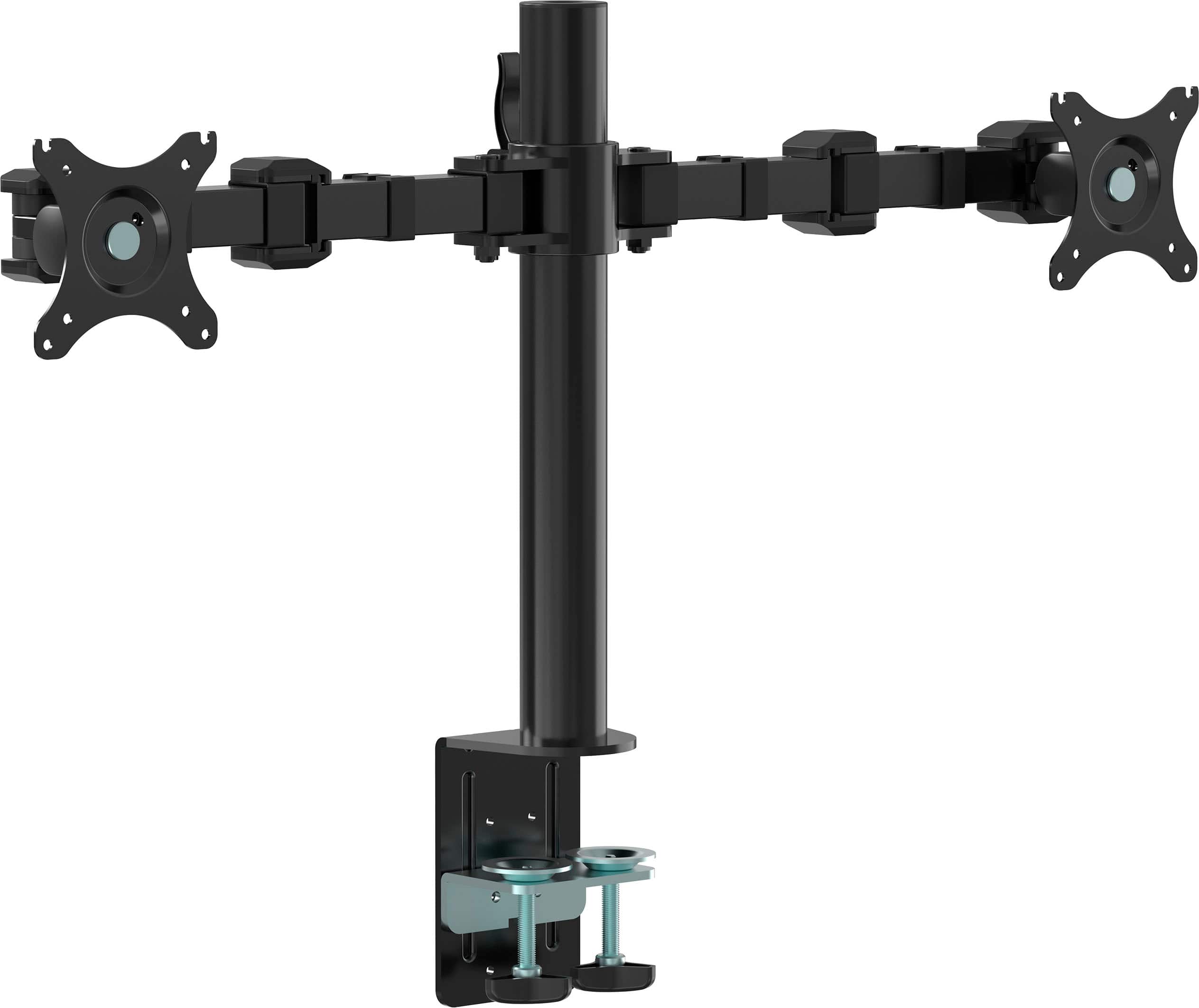
Posted .Hi, thanks for your review. Since the packaging structure design, the folding state of the monitor arm is one monitor plate upwards and one downwards. The user needs to adjust the direction of the plate to the same horizontal line during the assembly process. And the installation steps can be referred to the below, you can also find more detailed steps in the user manual. 1. Remove the monitor support arm from the box and unfold the right and left arms; 2. Slide the monitor arm over the top of the support tube and tighten the monitor support lock; 3. Filp the monitor attachment plates on both ends of the monitor support arm to the same horizontal line in front.
Dual monitor stand
||Posted . Owned for 3 weeks when reviewed.This reviewer received promo considerations or sweepstakes entry for writing a review.I thought it went up high in length but it doesn't. Its really short
No, I would not recommend this to a friendBrand response from InsigniaCustomerSupport
Posted .We apologize for any misunderstanding regarding the length of the product. Your feedback is important to us, and we're sorry for any inconvenience caused by the discrepancy between your expectations and the actual dimensions of the item. We strive to provide accurate product information to ensure our customers make informed purchasing decisions. If the product doesn't meet your needs, please don't hesitate to reach out to our customer support team for assistance with returns or exchanges. We appreciate your understanding and thank you for bringing this to our attention. Keith | Insignia Support https://www.bestbuy.com/site/insignia-dual-screen-desktop-mount-for-monitors-up-to-30-black/6505882.p?skuId=6505882
Monitor Stand
||Posted . Owned for 1 month when reviewed.This reviewer received promo considerations or sweepstakes entry for writing a review.Found it a bit difficult to assemble... instructions that were included were not clear
I would recommend this to a friendBrand response from InsigniaCustomerSupport
Posted .Hi there!
Thank you for taking the time to review our Insignia™ - Dual Screen Desktop Mount for Monitors up to 30" - Black, we're very sorry to read you are experiencing this issue with one of our products, please contact our customer service at 1 (877) 467-4289 Daily 8am - 9pm CT, we'll be more than happy to assist you regarding this matter.
Insignia Support
Angela
www.insigniaproducts.com/support
Works
||Posted . Owned for 4 months when reviewed.This reviewer received promo considerations or sweepstakes entry for writing a review.It worked for what I needed but honestly save your money and buy a gas powered one.
No, I would not recommend this to a friendBrand response from InsigniaCustomerSupport
Posted .Hi there!
Thank you very much for sharing your feedback, I am glad you are enjoying this Insignia™ - Dual Screen Desktop Mount for Monitors up to 30" - Black this much. I hope you enjoy it for a long time, but do not hesitate to let us know if you ever need any help with it, remember that we are here for you and we are going to do always our best to assist you.
Insignia Support
Shella
www.insigniaproducts.com/support
its aight
||Posted . Owned for 2 weeks when reviewed.This reviewer received promo considerations or sweepstakes entry for writing a review.its aight, two 27 inch screens fit but not very erginomical unless you have one vertical
No, I would not recommend this to a friendNo the best quallity out there.
||Posted . Owned for 1 month when reviewed.This reviewer received promo considerations or sweepstakes entry for writing a review.Not a good quality it started to sagging after 1 day of use.
No, I would not recommend this to a friend
The
|Posted . Owned for 6 months when reviewed.This reviewer received promo considerations or sweepstakes entry for writing a review.[Employee of bestbuy] The first time you see the new logo on your website you
No, I would not recommend this to a friendComplicated and missing the central rod
||Posted . Owned for less than 1 week when reviewed.This reviewer received promo considerations or sweepstakes entry for writing a review.Should of never been open boxed. Missing a critical part.
No, I would not recommend this to a friendBrand response from InsigniaCustomerSupport
Posted .Thank you for sharing your experience with the Insignia™ Dual Screen Desktop Mount for Monitors up to 30". We apologize for the inconvenience caused by the missing central rod and the complications with the open-box item.
We understand how frustrating it can be when a product is missing critical parts. Your feedback is invaluable, and we will review our processes to ensure this doesn't happen in the future. In the meantime, we recommend exploring alternative solutions to address this issue. Our customer support team is available to assist you in finding the best option.
We appreciate your patience and understanding. Thank you for choosing Insignia™. -Rolf | Insignia Support https://www.bestbuy.com/site/insignia-dual-screen-desktop-mount-for-monitors-up-to-30-black/6505882.p?skuId=6505882
Manufacturers Defect
||Posted . Owned for 1 week when reviewed.This reviewer received promo considerations or sweepstakes entry for writing a review.Good quality dual mount except is comes defective. One mounting plate facing down and one facing up just like other reviews have said. Fix it insignia!
No, I would not recommend this to a friendBrand response from InsigniaCustomerSupport
Posted .Hi, thanks for your review. Since the packaging structure design, the folding state of the monitor arm is one monitor plate upwards and one downwards. The user needs to adjust the direction of the plate to the same horizontal line during the assembly process. And the installation steps can be referred to the below, you can also find more detailed steps in the user manual. 1. Remove the monitor support arm from the box and unfold the right and left arms; 2. Slide the monitor arm over the top of the support tube and tighten the monitor support lock; 3. Filp the monitor attachment plates on both ends of the monitor support arm to the same horizontal line in front.
Mounts facing wrong way
||Posted . Owned for less than 1 week when reviewed.This reviewer received promo considerations or sweepstakes entry for writing a review.I purchased this in hopes of getting a stable monitor mount but it was disappointing how the mounts were facing up and down. Had to return the same day.
No, I would not recommend this to a friendBrand response from InsigniaCustomerSupport
Posted .Hi, thanks for your review. Since the packaging structure design, the folding state of the monitor arm is one monitor plate upwards and one downwards. The user needs to adjust the direction of the plate to the same horizontal line during the assembly process. And the installation steps can be referred to the below, you can also find more detailed steps in the user manual. 1. Remove the monitor support arm from the box and unfold the right and left arms; 2. Slide the monitor arm over the top of the support tube and tighten the monitor support lock; 3. Filp the monitor attachment plates on both ends of the monitor support arm to the same horizontal line in front.
Defective
||Posted . Owned for less than 1 week when reviewed.This reviewer received promo considerations or sweepstakes entry for writing a review.Returned once for the mounts not facing the right way, ordered again. Same issue. I really wanted these to work for me. :(
No, I would not recommend this to a friendHELP
||Posted . Owned for 2 weeks when reviewed.This reviewer received promo considerations or sweepstakes entry for writing a review.It broke on me and some of the screwed weren’t in there
No, I would not recommend this to a friendBrand response from InsigniaCustomerSupport
Posted .Hi JonathanS,
Thank you for writing a review about our Insignia™ - Dual Screen Desktop Mount for Monitors up to 30" - Black. We understand that you are having issue with the product. We would love to check this situation further with you. Please feel free to contact us at the link below to get assistance with your unit.
Insignia Products
Marites
www.bestbuy.com/site/brands/best-buy-brands/pcmcat1596746025285.c?id=pcmcat1596746025285
Dual Screen
||Posted . Owned for 3 weeks when reviewed.This reviewer received promo considerations or sweepstakes entry for writing a review.Not good material, besides it doesn't hold well. very disappointed.
No, I would not recommend this to a friendBrand response from InsigniaCustomerSupport
Posted .Hi AbderrahmenA,
Thank you for taking time to write a review our Insignia™ - Dual Screen Desktop Mount for Monitors up to 30" - Black. We are working on improving our products and designs. We appreciate your feedback.
Dina || Insignia Support || https://www.bestbuy.com/site/brands/best-buy-brands/pcmcat1596746025285.c?id=pcmcat1596746025285
Dual monitor setup for Vo work
Posted .This reviewer received promo considerations or sweepstakes entry for writing a review.Its been about 2 months since my purchase and its been holding up great. Now I don't move my monitors much but its freed up a bunch of space on my desk and given that I do most of my work from that I've been really happy with this purchase!!
I would recommend this to a friendIgnore bad reviews
Posted .This reviewer received promo considerations or sweepstakes entry for writing a review.Those that complained about the arms being the wrong way do not understand how anything works. They are adjustable and just need allen keys. The monitor mount is average and works well within its guidelines. Just ...do a little research people and learn how to think critically. Its not that complicated. Its just a mount.
I would recommend this to a friendBrand response from InsigniaCustomerSupport
Posted .Thank you for your feedback, Matthew! We're glad to hear that the Insignia™ Dual Screen Desktop Mount is working well for you and that you found the adjustability feature useful. Your insights are valuable, and we appreciate you sharing your experience. If you have any other comments or need further assistance, feel free to reach out. Have a great day! Jeth | Insignia Support. https://www.bestbuy.com/site/insignia-dual-screen-desktop-mount-for-monitors-up-to-30-black/6505882.p?skuId=6505882
Dual monitors work great
Posted .This reviewer received promo considerations or sweepstakes entry for writing a review.Worked great to hold two large monitors. Nice adjustment, as well the arm is very stable.
I would recommend this to a friendGreat budget monitor mount.
Posted .This reviewer received promo considerations or sweepstakes entry for writing a review.I got this to mount my two 27" monitors, I must say I like it. I just wish I could adjust one monitor's height instead of both if it came with more adjustable joints I'd make this 5 stars. Other than that it's a really great dual monitor mount and I recommend it. (P.S if you see one mount facing down and one is facing up you can fix it, don't be dumb.)
I would recommend this to a friendPractical and sturdy
Posted .This reviewer received promo considerations or sweepstakes entry for writing a review.Very easy to assemble. Holds two 27” curved monitors pretty well. Only issue I have is with instructions being not too clear when it comes to what specific screw is the one to adjust height, so to level up both monitors. If anyone knows, it would be good to get feedback.
I would recommend this to a friendThe Arms are Fine, come on, you can figure it out.
Posted .This reviewer received promo considerations or sweepstakes entry for writing a review.I'm sorry I'm not reviewing but seeing people get upset about "the arms not being attached correctly" are cracking me up. We are doomed as a species. come ON guys lol.
I would recommend this to a friend