Customer Ratings & Reviews
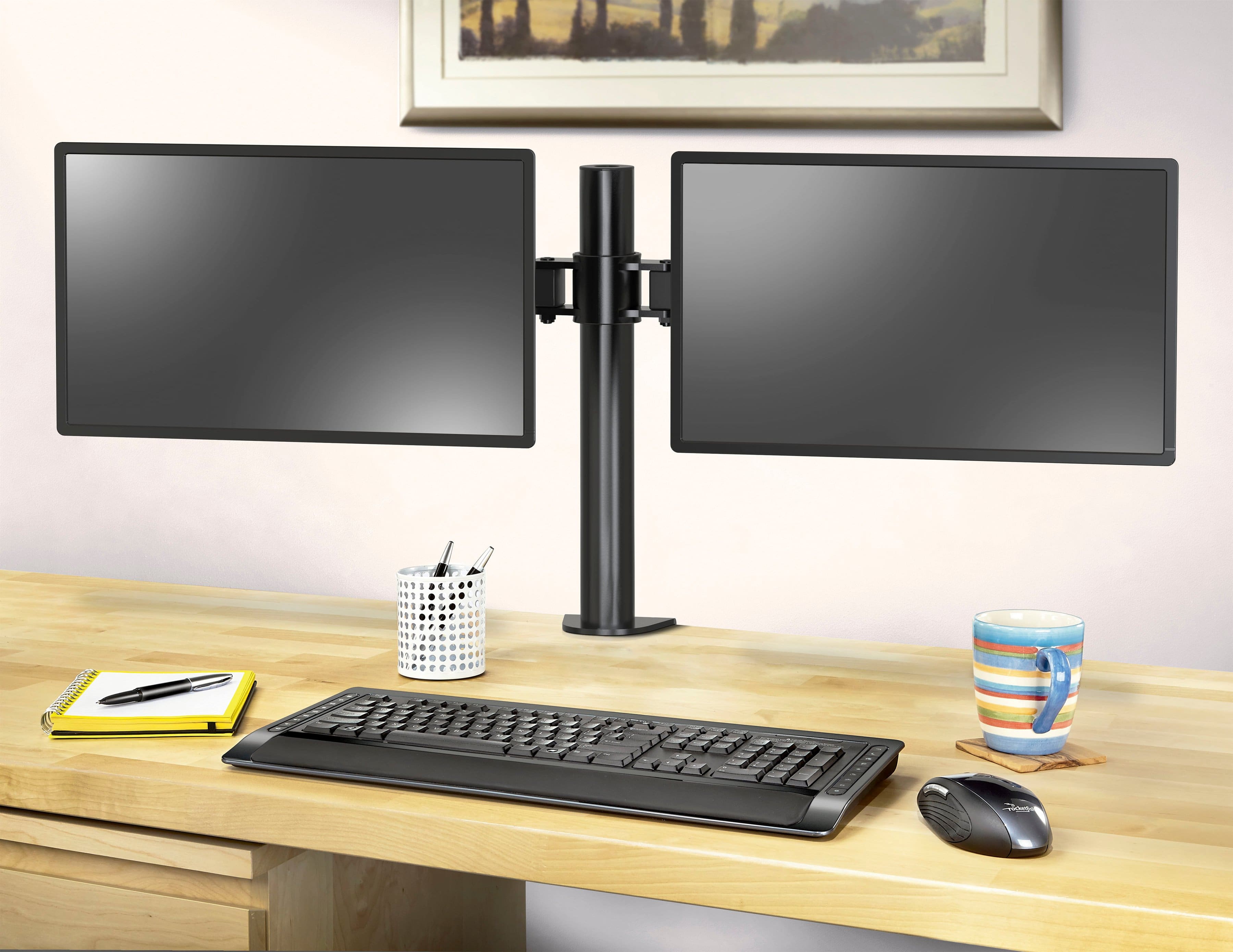
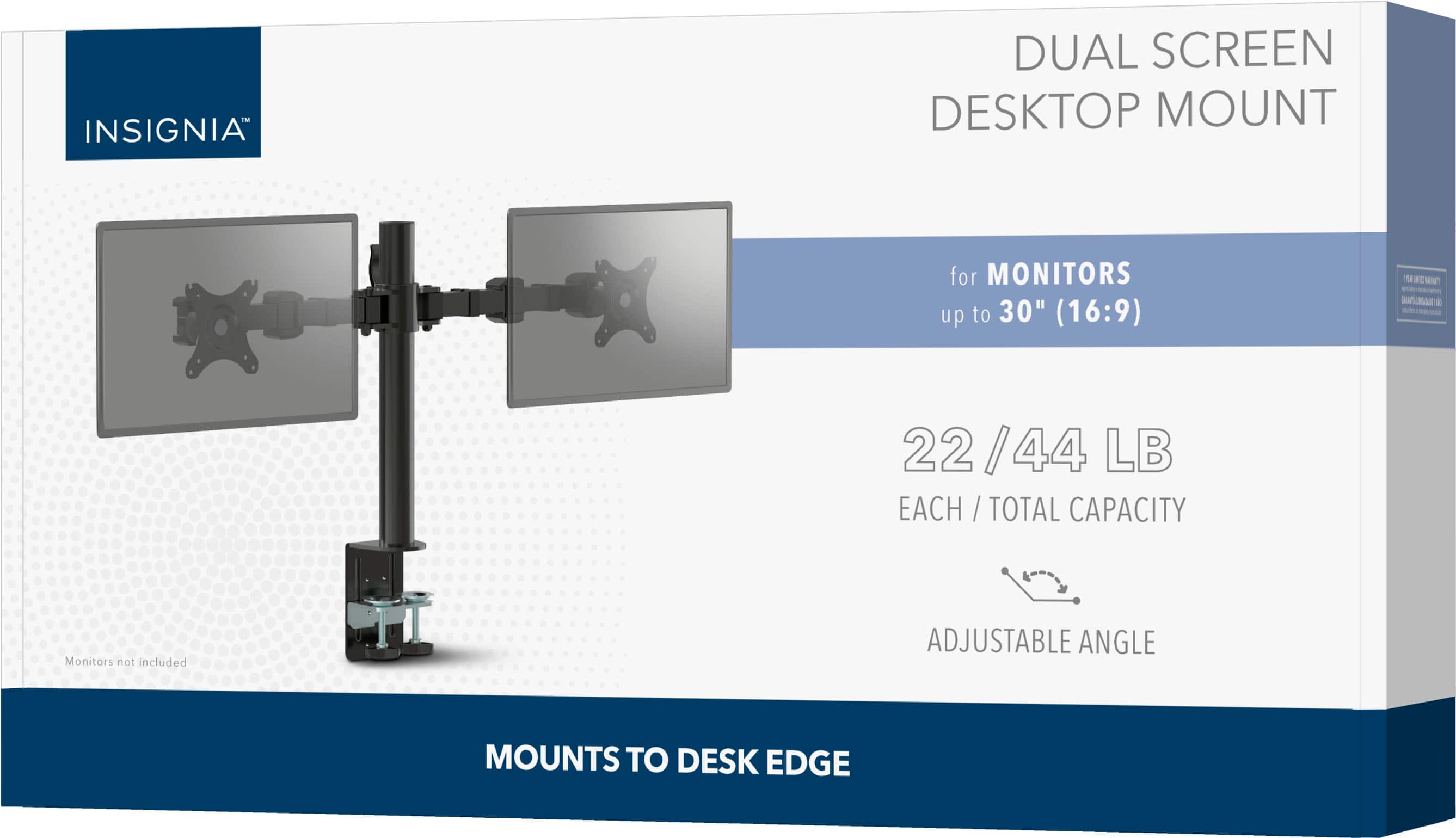
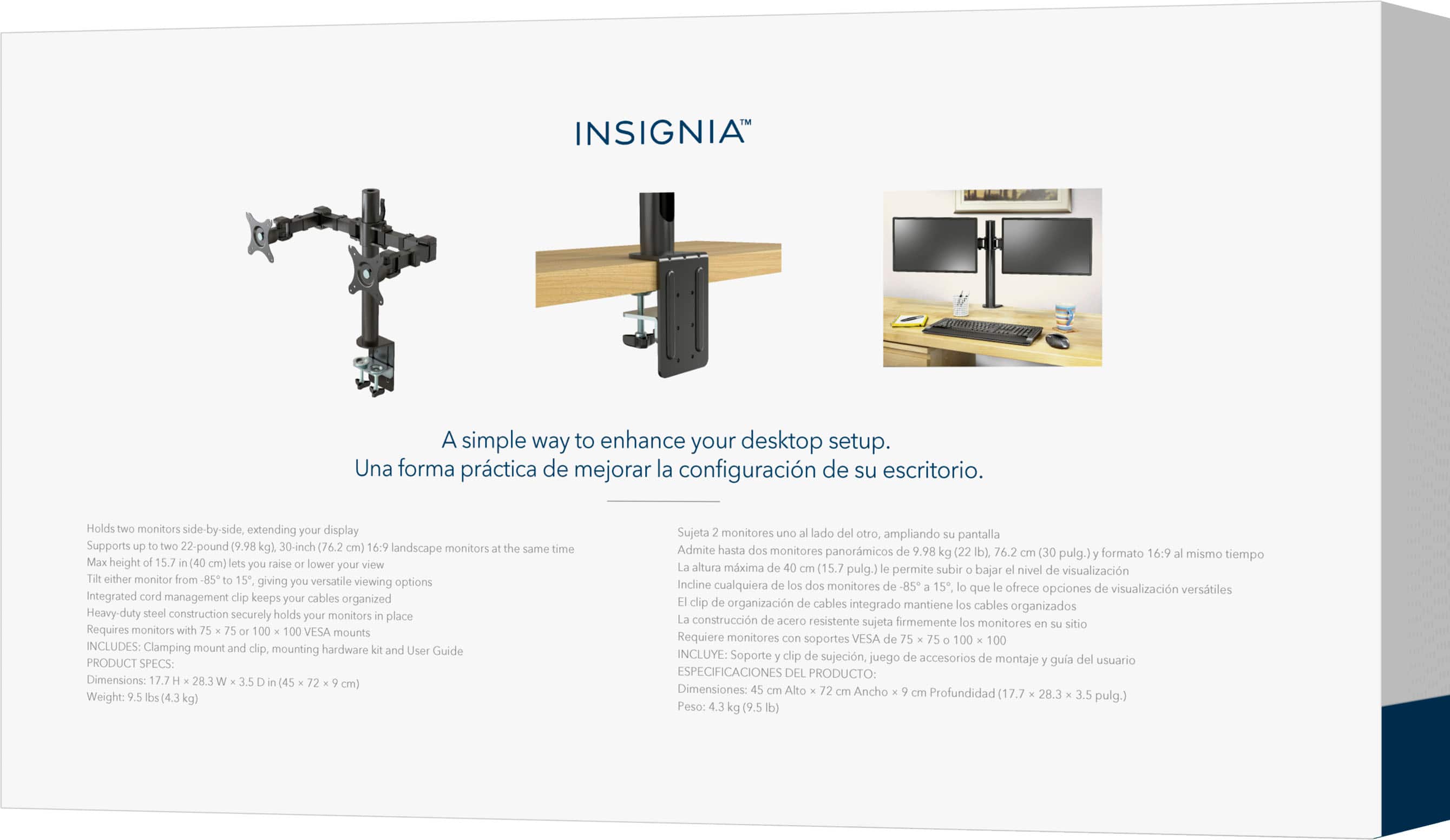

- Model:
- NS-PMMD22
- SKU:
- 6505882
Rating by feature
- Value
Rating 4.5 out of 5 stars
- Quality
Rating 4.5 out of 5 stars
- Ease of Use
Rating 4.4 out of 5 stars
to a friend
Customers are saying
Customers are satisfied with the sturdiness, desk space freed up, reasonable price, and cable management of the Dual Screen Desktop Mount for Monitors up to 30". Many customers find that the mount fits their monitor size well. However, some customers have experienced difficulty with the installation and compatibility with their monitors. A few customers mentioned the weight and design as potential drawbacks.
This summary was generated by AI based on customer reviews.
Solid desk mount
Posted .This reviewer received promo considerations or sweepstakes entry for writing a review.Decently easy to set up, unobtrusive. The only things that would make it better for me is if i could get the monitors up higher (but that's probably a matter of changing my setup rather than a limitation the mount)
I would recommend this to a friendBrand response from InsigniaCustomerSupport
Posted .Hi, thank you for sharing your feedback on the Insignia™ Dual Screen Desktop Mount. It's great to hear that you found the setup to be decently easy and that the mount is unobtrusive. Thank you for choosing us and have a great day! Patricia | Insignia Support https://www.bestbuy.com/site/insignia-dual-screen-desktop-mount-for-monitors-up-to-30-black/6505882.p?skuId=6505882

Monitor mount
Posted .This reviewer received promo considerations or sweepstakes entry for writing a review.When I bought the product it was very easy to pickup. The product was in excellent condition. But sadly it didn’t fit on one monitors. So I had to send it back and get a refund. The refund process was very easy!
I would recommend this to a friendmany problems with the stand
Posted .This reviewer received promo considerations or sweepstakes entry for writing a review.Im having numerous issues with this mount. Firstly, it doesnt lock to the desk and ends up tilting forward no matter how much i tighten it down. Maybe my monitors are too big/heavy but i made sure to get a mount that said it could support them so. Secondly, the arms wont lock for me either! I can tighten them down with an allen wrench but they will still swing as though i havent touched it at all. Its extremely obnoxious to deal with tbh. I dont think i would ever reccomend this to anyone tbh.
No, I would not recommend this to a friendGood quality build
Posted .This reviewer received promo considerations or sweepstakes entry for writing a review.Great at customability and displaying everything I need for my studio !!
I would recommend this to a friendExcellent Product
Posted .This reviewer received promo considerations or sweepstakes entry for writing a review.Excellent, just as described and easy to read instructions.
I would recommend this to a friendPerfect
Posted .This reviewer received promo considerations or sweepstakes entry for writing a review.I bought this as a gift for my daughter-in-law and she said it's perfect for her use.
I would recommend this to a friendWorks well!
Posted .This reviewer received promo considerations or sweepstakes entry for writing a review.Works well for my 2 monitors and is very flexible.
I would recommend this to a friendAnnoyed
Posted .This reviewer received promo considerations or sweepstakes entry for writing a review.Purchased this Friday and just received it via FedEx. However, I’m unable to use it due to the monitor arms being installed incorrectly. One is facing towards the ceiling and the other is facing the floor. Disappointed and annoyed.
No, I would not recommend this to a friendBrand response from InsigniaCustomerSupport
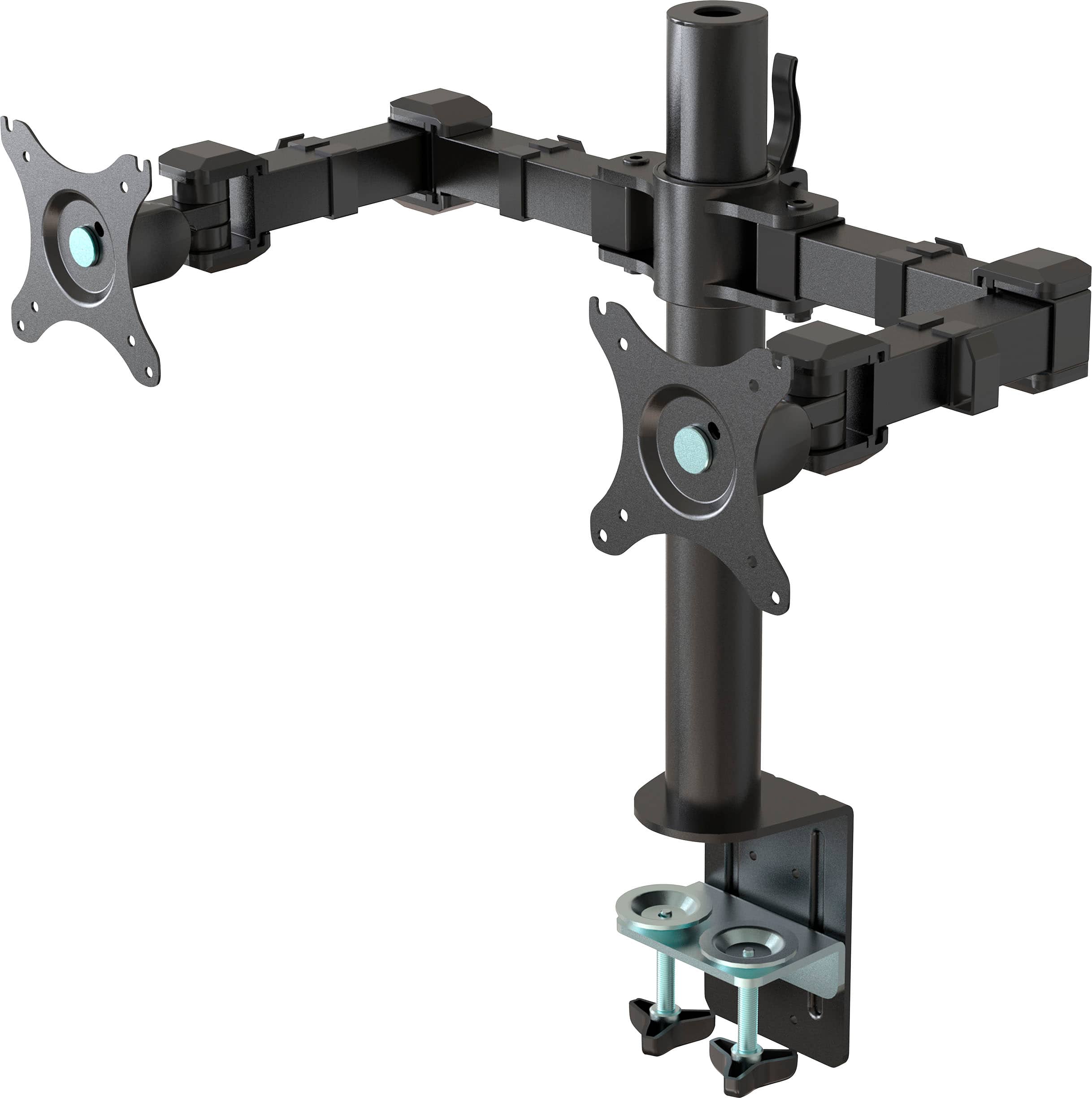
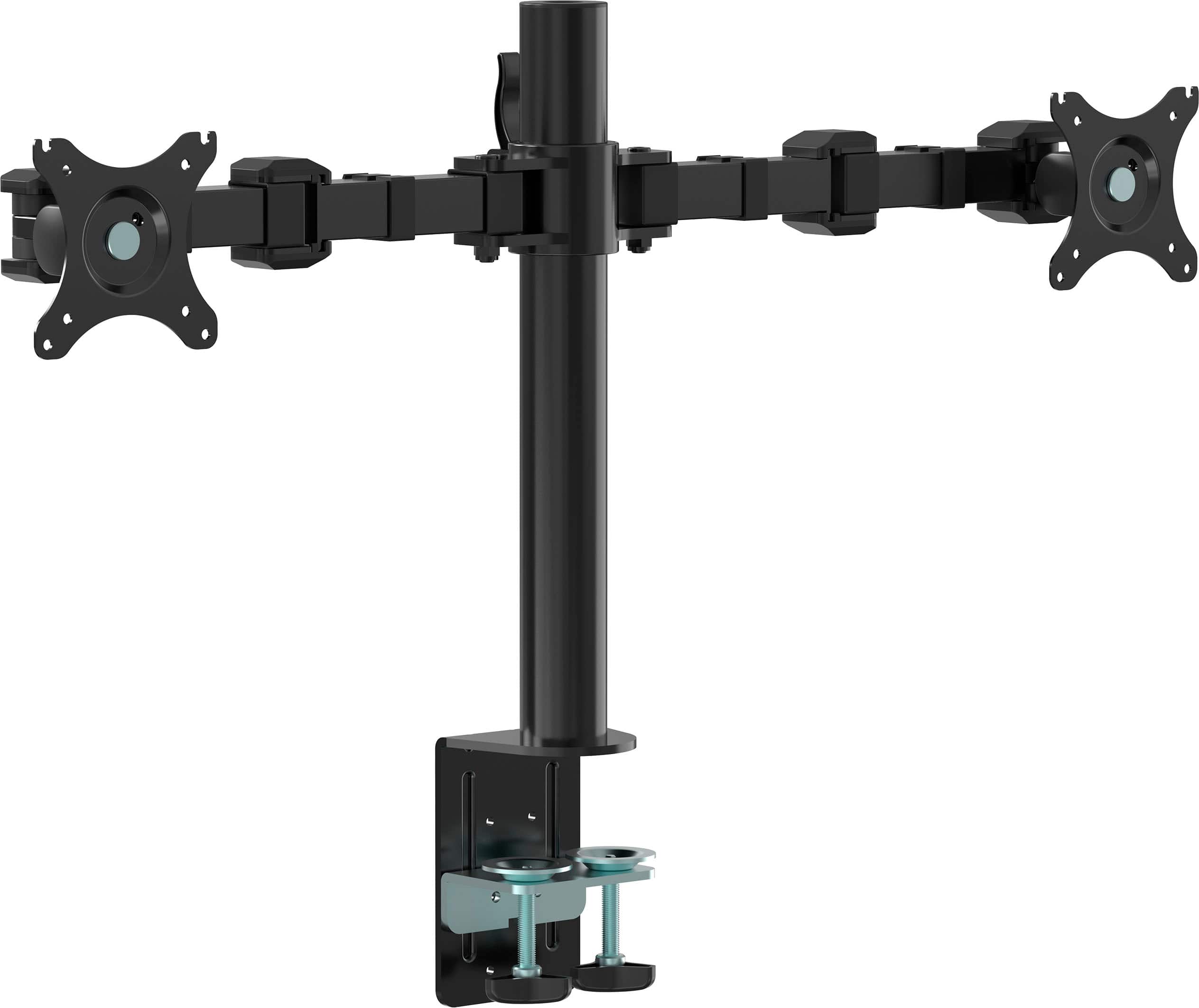
Posted .Hi, thanks for your review. Since the packaging structure design, the folding state of the monitor arm is one monitor plate upwards and one downwards. The user needs to adjust the direction of the plate to the same horizontal line during the assembly process. And the installation steps can be referred to the below, you can also find more detailed steps in the user manual. 1. Remove the monitor support arm from the box and unfold the right and left arms; 2. Slide the monitor arm over the top of the support tube and tighten the monitor support lock; 3. Filp the monitor attachment plates on both ends of the monitor support arm to the same horizontal line in front.
Mounting plates facing the wrong way
Posted .This reviewer received promo considerations or sweepstakes entry for writing a review.It came in with the mounting plates facing the wrong way so completley unusable, cant adjust them the right way. Im not even sure how that happens and that many times.
No, I would not recommend this to a friendBrand response from InsigniaCustomerSupport
Posted .Hi, thanks for your review. Since the packaging structure design, the folding state of the monitor arm is one monitor plate upwards and one downwards. The user needs to adjust the direction of the plate to the same horizontal line during the assembly process. And the installation steps can be referred to the below, you can also find more detailed steps in the user manual. 1. Remove the monitor support arm from the box and unfold the right and left arms; 2. Slide the monitor arm over the top of the support tube and tighten the monitor support lock; 3. Filp the monitor attachment plates on both ends of the monitor support arm to the same horizontal line in front.
HORRIBLE
Posted .This reviewer received promo considerations or sweepstakes entry for writing a review.Bought this without looking at the reviews. when i was setting it up one was facing up the other was facing down, waste of time.. dont buy
No, I would not recommend this to a friendBrand response from InsigniaCustomerSupport
Posted .Hi, thanks for your review. Since the packaging structure design, the folding state of the monitor arm is one monitor plate upwards and one downwards. The user needs to adjust the direction of the plate to the same horizontal line during the assembly process. And the installation steps can be referred to the below, you can also find more detailed steps in the user manual. 1.Remove the monitor support arm from the box and unfold the right and left arms; 2.Slide the monitor arm over the top of the support tube and tighten the monitor support lock; 3.Filp the monitor attachment plates on both ends of the monitor support arm to the same horizontal line in front.
Dumb
Posted .This reviewer received promo considerations or sweepstakes entry for writing a review.This was built by someone who does not know how to drill holes the right way one is facing up and the other is facing down
No, I would not recommend this to a friendBrand response from InsigniaCustomerSupport
Posted .Hi, thanks for your review. Since the packaging structure design, the folding state of the monitor arm is one monitor plate upwards and one downwards. The user needs to adjust the direction of the plate to the same horizontal line during the assembly process. And the installation steps can be referred to the below, you can also find more detailed steps in the user manual. 1. Remove the monitor support arm from the box and unfold the right and left arms; 2. Slide the monitor arm over the top of the support tube and tighten the monitor support lock; 3. Filp the monitor attachment plates on both ends of the monitor support arm to the same horizontal line in front.
No lanscape/portrait rotation!
Posted .This reviewer received promo considerations or sweepstakes entry for writing a review.Do not buy this monitor if you need landscape/portrait rotation. I have been building flight sims for 20 years. I can't believe they did this. This makes it very difficult to level monitors of different weights due to sag. Notice the round metal rivet in center of vesa mount. Had to return my purchase. Best buy has a single monitor mount that rotates landscape/portrait, if you want to compare.
No, I would not recommend this to a friendPoorly Designed
Posted .This reviewer received promo considerations or sweepstakes entry for writing a review.This is literally the stupidest design I've EVER seen for a monitor mount. The vesa plate is fixed to the arm and not removable so you get to play circus while putting your monitors on. I've lite6never seen a mount this poorly designed...
No, I would not recommend this to a friendBrand response from InsigniaCustomerSupport
Posted .Thank you for your feedback. We’re sorry to hear about your frustration with the monitor mount design. It’s important to us that our products are user-friendly, and we regret that this one did not meet your expectations. Your comments about the fixed VESA plate and the difficulties in mounting are valuable to us, and we will use them to improve our designs. If you need further assistance or would like to discuss this issue, please contact our customer service team. We appreciate your input and hope to provide you with a better experience in the future. Keith | Insignia Support
Hated it.
Posted .This reviewer received promo considerations or sweepstakes entry for writing a review.Horrible. Too big. Too heavy. Extremely hard to maneuver.
No, I would not recommend this to a friend