Customer Ratings & Reviews


- Model:
- NS-PCNVMEHDE
- SKU:
- 6500317
Rating by feature
- Value
Rating 4.5 out of 5 stars
- Quality
Rating 4.4 out of 5 stars
- Ease of Use
Rating 4.5 out of 5 stars
Customers are saying
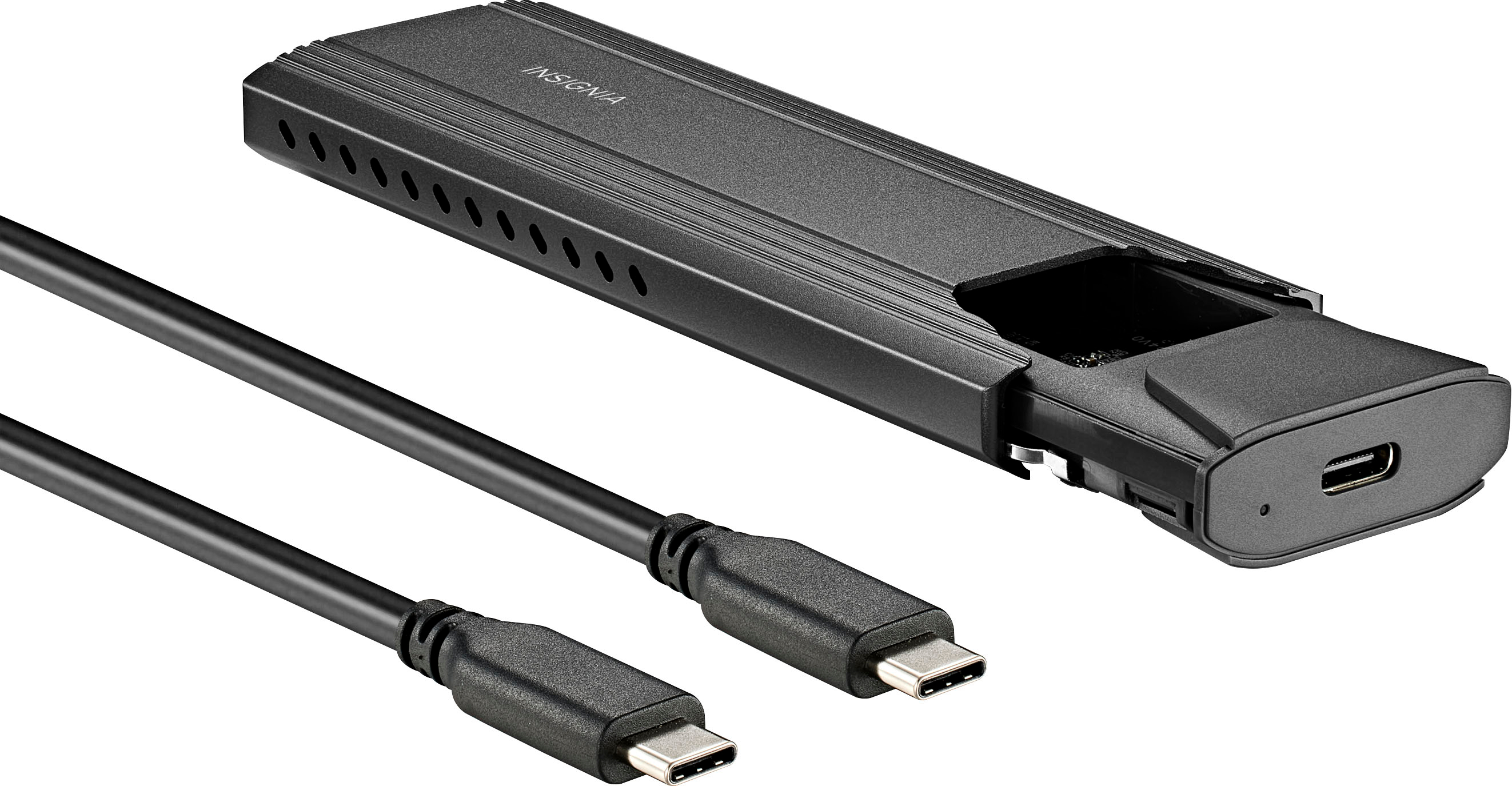
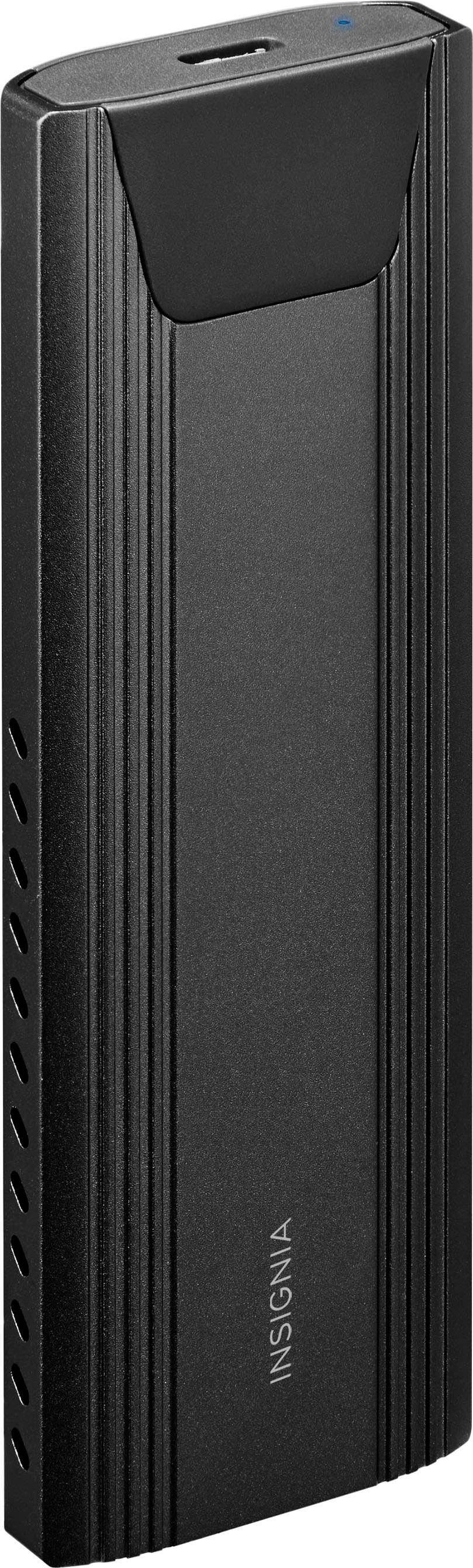
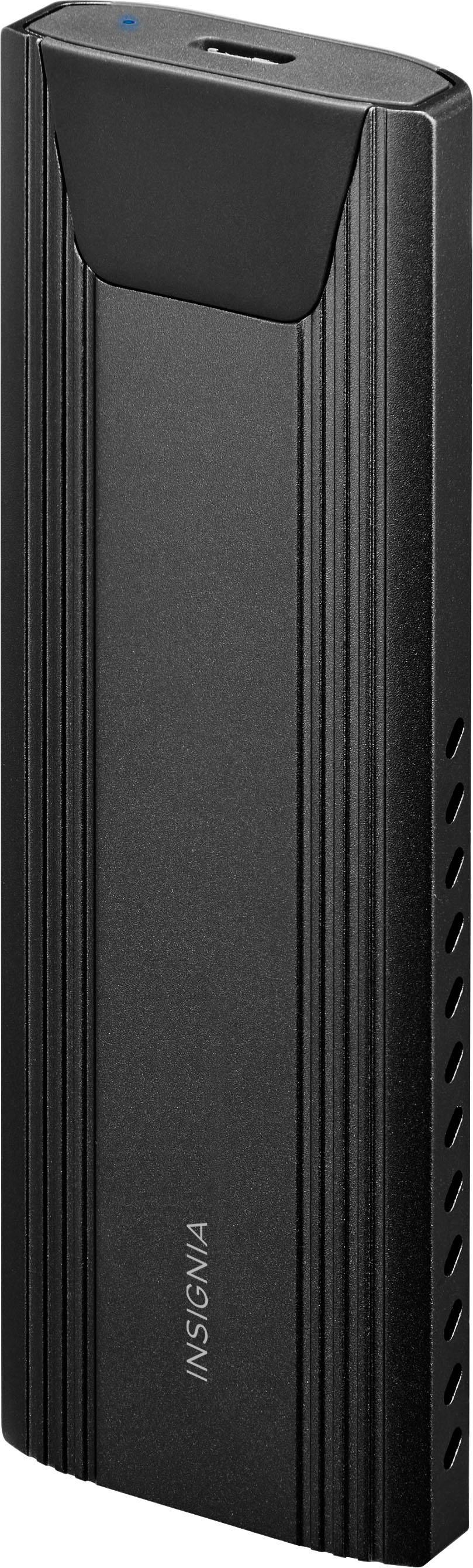
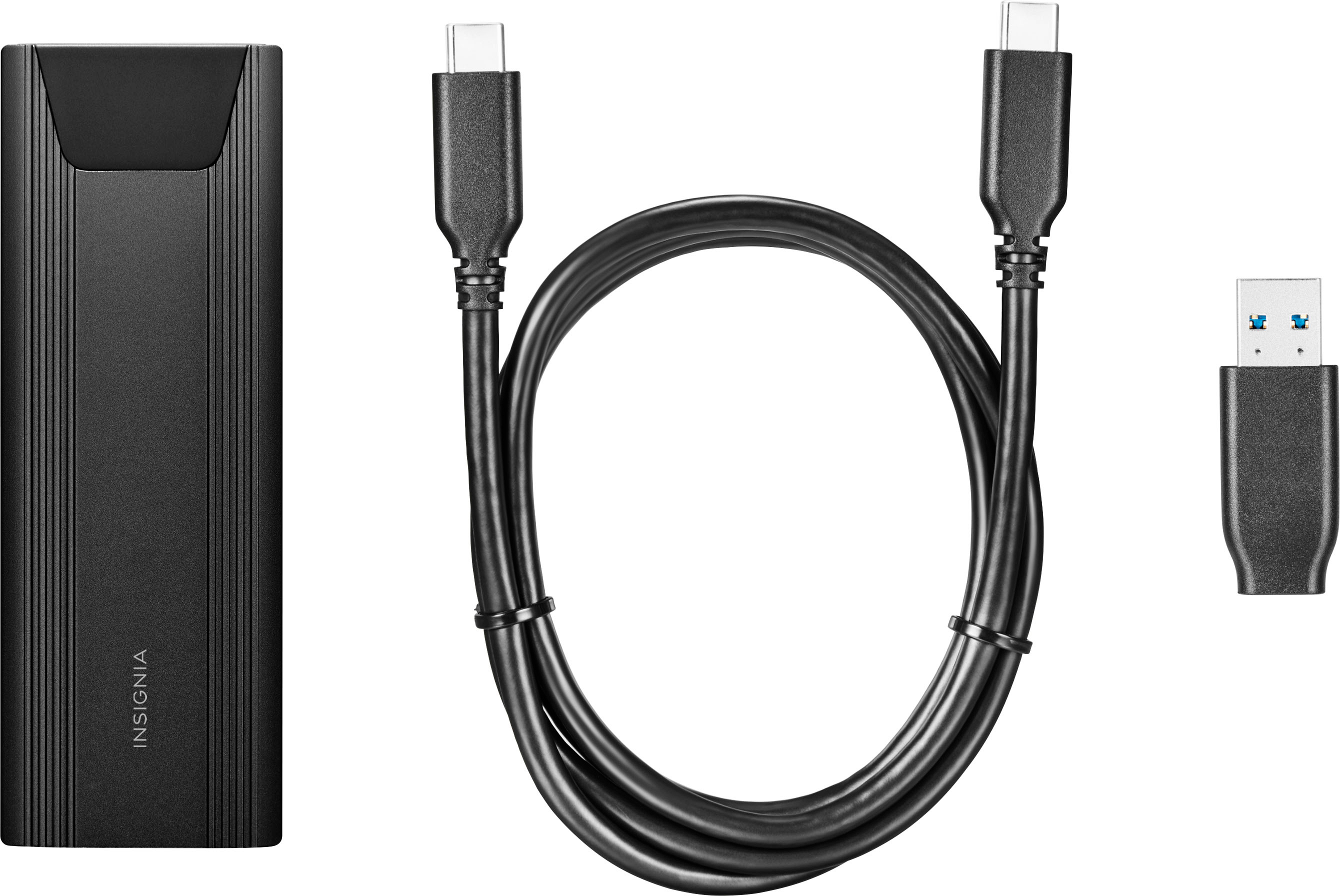
Customers are satisfied with the M.2 NVMe to USB-C SSD Enclosure, particularly its ease of use, overall performance, and fast speeds. The USB-C connection, price, and size are also appreciated features. However, some customers have expressed concerns about heat, compatibility issues, and the locking mechanism.
This summary was generated by AI based on customer reviews.
- Pros mentioned:Speed
Good product
||Posted . Owned for 1 month when reviewed.This reviewer received promo considerations or sweepstakes entry for writing a review.Works excellent as described I put an ssd m.2 by Sk Hynix 256gb because I installed other more bigger in my laptop. Also the speed that accept is good Just I think it’s a little bit expensive.
I would recommend this to a friend Cheap and easy
||Posted . Owned for 2 weeks when reviewed.This reviewer received promo considerations or sweepstakes entry for writing a review.Does exactly what it says. Very simple to figure out.
I would recommend this to a friend- Pros mentioned:Overall performance
Works Great
||Posted .This reviewer received promo considerations or sweepstakes entry for writing a review.worked like a charm, no problems on it. Took 5 minutes to set up.
I would recommend this to a friendBrand response from InsigniaCustomerSupport
Posted .Hi Chris32! Thank you for your review! We're delighted to hear that the Insignia™ M.2 NVMe to USB-C SSD Enclosure worked flawlessly for you. A quick and hassle-free setup in just five minutes—that's always a win! We truly appreciate your support and hope it continues to serve you well. |Angelica| Insignia Products|

- Pros mentioned:Overall performance
Data saver without hassle!
||Posted . Owned for 3 weeks when reviewed.This reviewer received promo considerations or sweepstakes entry for writing a review.Excellent fast and reliable, ai did transfer data from an old disc to my laptop.
I would recommend this to a friend - Pros mentioned:Overall performance
Works Great
||Posted . Owned for 3 weeks when reviewed.This reviewer received promo considerations or sweepstakes entry for writing a review.Works well out of the box. I used it to clone my W11 512MB to a new 1 TB NVME drive.
I would recommend this to a friend - Pros mentioned:Ease of use
Best ssd reader
||Posted . Owned for 3 weeks when reviewed.This reviewer received promo considerations or sweepstakes entry for writing a review.Very good item comes in handy. Instead of opening my pc to put someone’s ssd in it to format it I can use this device connect it Tj my laptop and format it their
I would recommend this to a friendBrand response from InsigniaCustomerSupport
Posted .Hi Russel,
Thank you for your review! We’re glad to hear that the Insignia™ M.2 NVMe to USB-C SSD Enclosure is coming in handy for you. It’s great to know that it simplifies the process of formatting SSDs by allowing you to connect them to your laptop instead of opening your PC. If you have any other questions or need further assistance, feel free to reach out. Patricia | Insignia Support https://www.bestbuy.com/site/insignia-m-2-nvme-to-usb-c-ssd-enclosure/6500317.p?skuId=6500317
- Pros mentioned:Ease of use, Speed
Needed Tool
||Posted . Owned for 1 week when reviewed.This reviewer received promo considerations or sweepstakes entry for writing a review.Easy to use, excellent transfer speed. Good design.
I would recommend this to a friend - Pros mentioned:Overall performance
Just Works as advertised
||Posted .This reviewer received promo considerations or sweepstakes entry for writing a review.No issues using this at all. Works as advertised. Would buy again.
I would recommend this to a friendBrand response from InsigniaCustomerSupport
Posted .Thanks, ThomasC! Glad to hear the enclosure is working flawlessly for you. Reliable and hassle-free—just the way it should be!
- Shiela | Insignia Support
- Pros mentioned:Overall performance
Good device
||Posted . Owned for 1 month when reviewed.This reviewer received promo considerations or sweepstakes entry for writing a review.Product worked as described with no issues. Will use in the future
I would recommend this to a friendBrand response from InsigniaCustomerSupport
Posted .Thank you for your feedback. We are pleased to hear that the product worked as described and met your expectations. Your satisfaction is important to us, and we are glad to know that you plan to use it in the future. We appreciate your support and look forward to continuing to serve you.
Keith | Insignia Support
hard drive capture
||Posted . Owned for 2 weeks when reviewed.This reviewer received promo considerations or sweepstakes entry for writing a review.It works as it's supposed to. My puter blew its lid, this saved my hard drive.
I would recommend this to a friend- Pros mentioned:Ease of use
External M.2 Disk Enclosure
||Posted . Owned for 1 year when reviewed.This reviewer received promo considerations or sweepstakes entry for writing a review.This device is easy to use and is useful when extra disk space is needed. It's good for backups transferring data to other computers or devices like TVs , or using it as a remote access disk attached to a home wifi router.
I would recommend this to a friend - Pros mentioned:Ease of use
Gets the job done
||Posted . Owned for 3 weeks when reviewed.This reviewer received promo considerations or sweepstakes entry for writing a review.Worked great for what I needed it for. Easy to use. Only issue, and reason for the 4 star, was the little screw to keep the drive in place. It was a bit difficult to get it to lock in place. Otherwise it was great!
I would recommend this to a friend - Pros mentioned:Overall performance
It worked as advertised.
||Posted . Owned for 1 month when reviewed.This reviewer received promo considerations or sweepstakes entry for writing a review.Purchased to clone my system drive on my laptop. It works fine for intended task.
I would recommend this to a friendBrand response from InsigniaCustomerSupport
Posted .Thank you for your review! We're glad to hear that the Insignia SSD enclosure worked perfectly for cloning your system drive. It's great to know it met your expectations. Enjoy the convenience!
- Shiela | Insignia Support
- Pros mentioned:Overall performance
Great for cloning
||Posted . Owned for 3 weeks when reviewed.This reviewer received promo considerations or sweepstakes entry for writing a review.Good for cloning to nvme ssds if you want to upgrade the main storage device.
I would recommend this to a friendBrand response from InsigniaCustomerSupport
Posted .Thank you for your feedback. We are pleased to hear that you find the product useful for cloning to NVMe SSDs when upgrading your main storage device. Your satisfaction is important to us, and we appreciate your positive review. Keith | Insignia Support
- Cons mentioned:Compatibility
Doesn't support PCIe Gen4 drives.
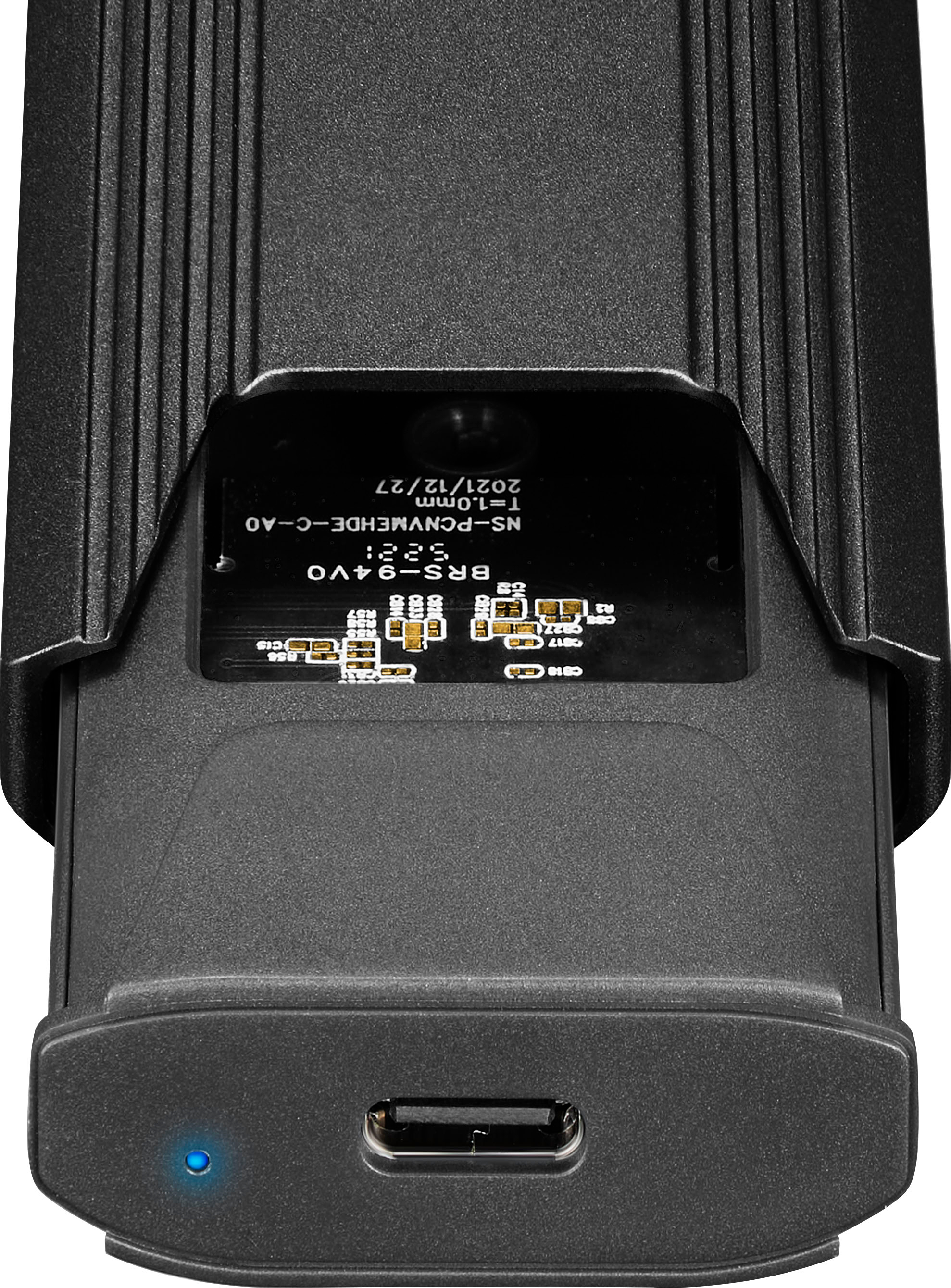
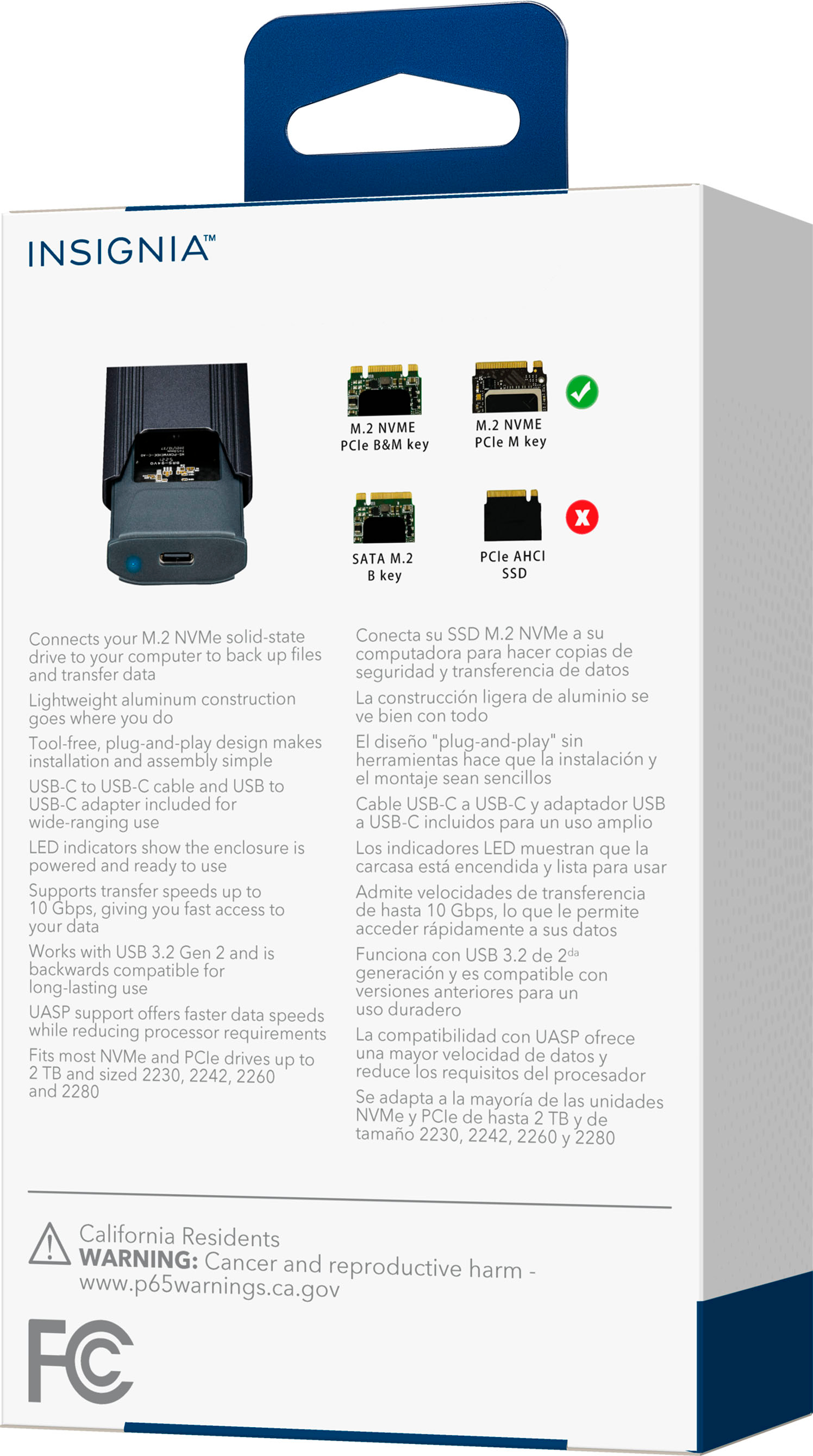
||Posted . Owned for 1 month when reviewed.This reviewer received promo considerations or sweepstakes entry for writing a review.Bought this for a one time use cloning a drive. Doesn't support newer model nvme SSDs (i.e. WD black sn850x) The information listed here and on the product packaging doesn't clearly indicate what interface modes it supports, just that it fits certain physical sizes and is "backwards compatible" with USB 3.2 Gen 2. If you are planning to use anything PCIe Gen4, skip this and find something reviewed to work with those drives, rather than rolling the dice on both the drive and the enclosure finding a compatible mode to work in. Several different computers were able to detect the enclosure itself, so it may work with older drives, but I don't have one to test it with. As others have mentioned, the plug to secure the drive in the enclosure is a bit tricky to figure out, especially if there are no instructions in the box, as was my case. Don't force anything, remove the plug from the enclosure, align the semi-circular cutout in the drive PCB with the notch in the plug, carefully insert the drive into the enclosure (you need to be at a slight angle, like 10 degrees), then gently push the drive down until the plug seats in the hole it came from. Finally, turn the bar on the plug to tighten the drive in and close the enclosure.
No, I would not recommend this to a friendBrand response from InsigniaCustomerSupport
Posted .Hi RichP,
Thanks for taking the time to connect with us about your concern with your Insignia™ - M.2 NVMe to USB-C SSD Enclosure. We do have a variety of models so I am sure you can find one that works out for you.
Dina || Insignia Support || https://www.bestbuy.com/insignia
- Pros mentioned:Speed
Life saver
||Posted . Owned for 1 month when reviewed.This reviewer received promo considerations or sweepstakes entry for writing a review.I needed a way to clone an old, slow 5400 RPM hard disk so I could upgrade to a new motherboard and use an M.2 NVMe card as my main system disk. Did the job well, quickly, and error-free, and with no hassles.
I would recommend this to a friend - Pros mentioned:Overall performance
Work as it should
||Posted .This reviewer received promo considerations or sweepstakes entry for writing a review.It was a great device. Definitely recommend. It worked super fast.
I would recommend this to a friendBrand response from InsigniaCustomerSupport
Posted .Hi there! Thank you for your feedback on the Insignia™ M.2 NVMe to USB-C SSD Enclosure! We're delighted to hear that you found it to be a great device and that it worked super fast. Your recommendation means a lot to us. If you have any other comments or questions, feel free to share. Enjoy your speedy setup! |Angelica| Insignia Products|
- Pros mentioned:Overall performance
It works great
||Posted . Owned for 1 year when reviewed.This reviewer received promo considerations or sweepstakes entry for writing a review.It performed the task I needed it to do. The enclosure quality is so so. I just need a quick way to clone an m.2
I would recommend this to a friendBrand response from InsigniaCustomerSupport
Posted .Thank you for sharing your experience! We’re glad to hear that the product performed the task you needed it to do. We appreciate your feedback on the enclosure quality and understand the importance of having a quick and efficient way to clone an M.2. Your insights are valuable and help us improve our products. Keith | Insignia Support
- Pros mentioned:Ease of use
Good so far
||Posted . Owned for 1 year when reviewed.This reviewer received promo considerations or sweepstakes entry for writing a review.Its pretty good to handle at all, easy to use and install too
I would recommend this to a friendBrand response from InsigniaCustomerSupport
Posted .Thank you for your feedback! We are pleased to hear that you find the product easy to handle, use, and install. Your satisfaction is very important to us, and we are committed to providing products that meet your needs.
Keith | Insignia Support
Lovely little device
||Posted . Owned for 1 week when reviewed.This reviewer received promo considerations or sweepstakes entry for writing a review.Amazing for any repair person or PC enthusiasts. Works perfectly as intended and the included heatsink is luxurious.
I would recommend this to a friend