Customer Ratings & Reviews


- Model:
- NS-PCNVMEHDE
- SKU:
- 6500317
Rating by feature
- Value
Rating 4.5 out of 5 stars
- Quality
Rating 4.4 out of 5 stars
- Ease of Use
Rating 4.5 out of 5 stars
Customers are saying
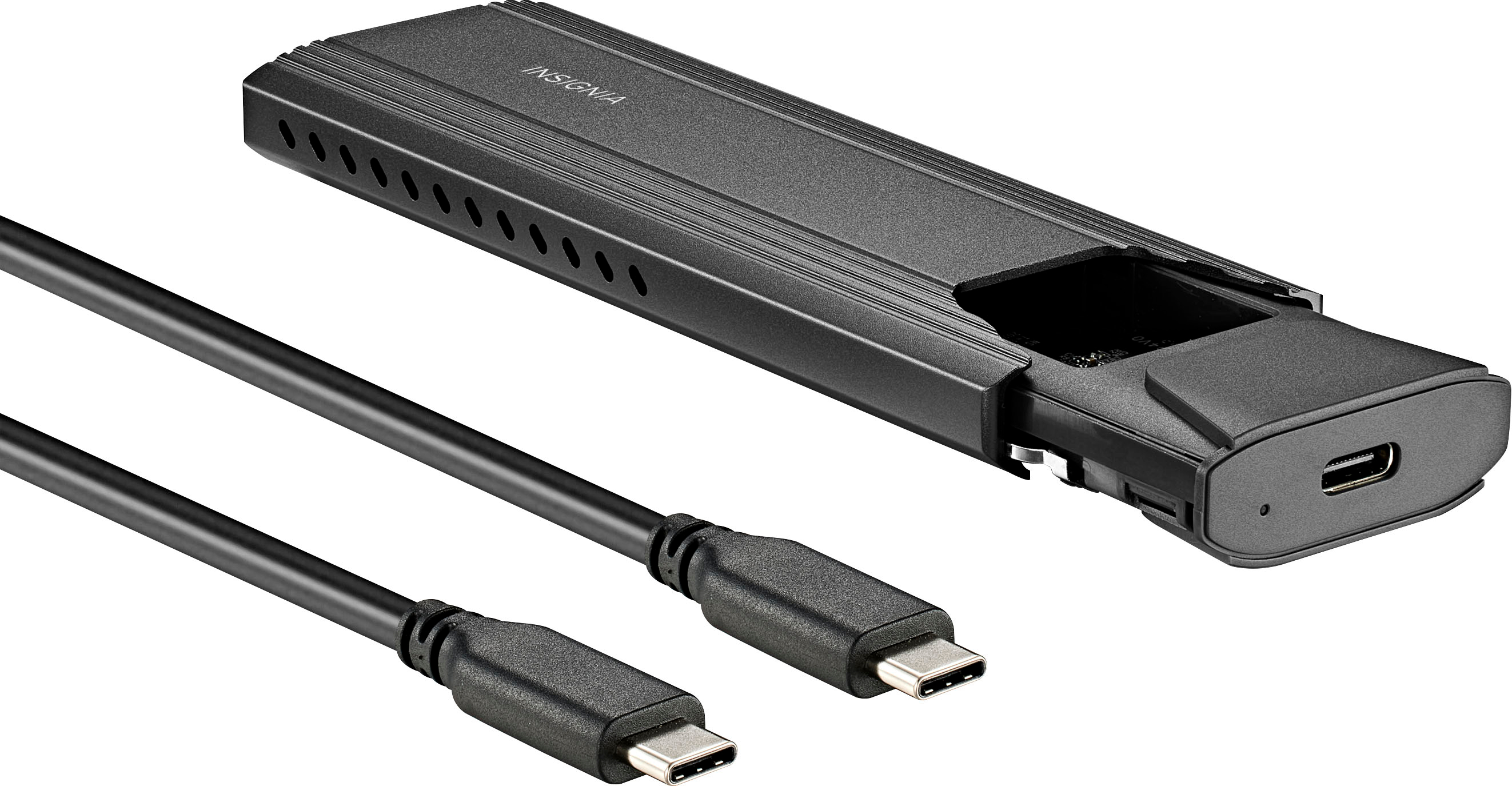
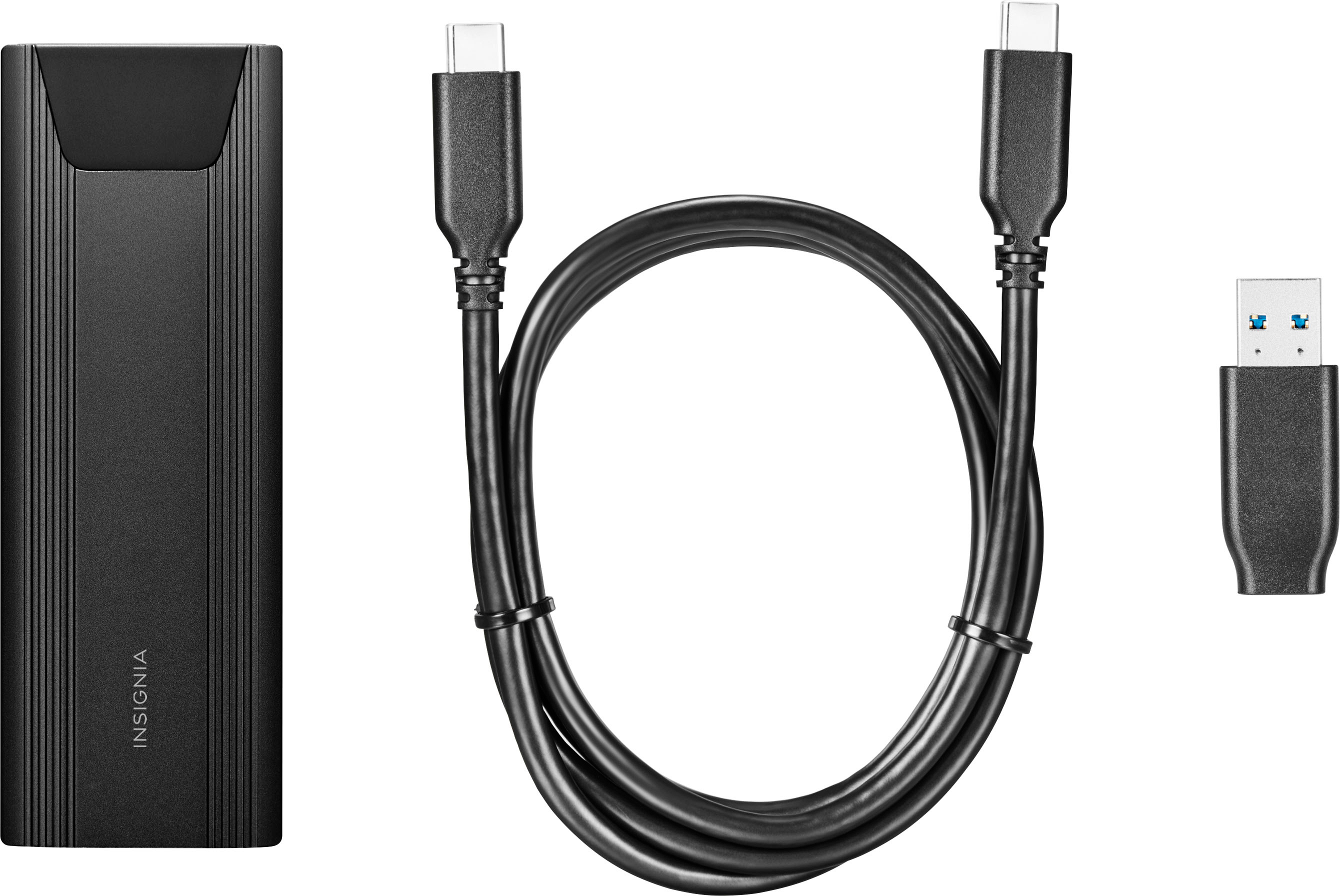
Customers are satisfied with the M.2 NVMe to USB-C SSD Enclosure, particularly its ease of use, overall performance, and fast speeds. The USB-C connection, price, and size are also appreciated features. However, some customers have expressed concerns about heat, compatibility issues, and the locking mechanism.
This summary was generated by AI based on customer reviews.
I'd rather buy a different
||Posted . Owned for 1 week when reviewed.This reviewer received promo considerations or sweepstakes entry for writing a review.The holder for the key is really small and fragile and I couldn't get the key to hold the NVME before it sheared off. Thankfully Best Buy took the return and refunded the cost.
No, I would not recommend this to a friendWorks but cheap construction
||Posted . Owned for 3 weeks when reviewed.This reviewer received promo considerations or sweepstakes entry for writing a review.Works ok but cheaply made. Used it to clone a laptop worked fine, but don't know if it will last long if being used daily.
No, I would not recommend this to a friendSSD reader
||Posted . Owned for 6 months when reviewed.This reviewer received promo considerations or sweepstakes entry for writing a review.Didn’t work as intended unreadable in my MSI gaming laptop
No, I would not recommend this to a friendMemory
||Posted . Owned for 1 week when reviewed.This reviewer received promo considerations or sweepstakes entry for writing a review.Purchased for my upgraded PS5 memory and it didn’t fit. Liked the concept but I just wasn’t able to use it.
I would recommend this to a friendBrand response from InsigniaCustomerSupport
Posted .Sorry for your bad experience. this product doesn't worked on Game System.

- Cons mentioned:Compatibility
MIne does not work. best buy wont take it back
||Posted . Owned for 5 months when reviewed.This reviewer received promo considerations or sweepstakes entry for writing a review.tried using this with a crucial 1tb drive. i get fatal hard drive error. if there is compatabilty for certain drives that would be nice to know up front. I cannot retun this. Keep all your packaging & cables in case this happens to you
No, I would not recommend this to a friendBrand response from InsigniaCustomerSupport
Posted .Hi Trevor. Thank you for writing a review about our Insignia SSD Enclosure. We know how frustrating it is that you are experiencing fatal error in installing the hard drive. We would love to check this situation further with you. Please feel free to contact us at the link below to get assistance with your unit.
Mariepel C.| Insignia Products
https://www.insigniaproducts.com

Works… Most of the time
|Posted . Owned for 1 month when reviewed.This reviewer received promo considerations or sweepstakes entry for writing a review.[Employee of bestbuy] Item didnt work in a couple of my usb 3.0 slots but once it did, it was fine.
I would recommend this to a friendUseless
||Posted . Owned for 1 month when reviewed.This reviewer received promo considerations or sweepstakes entry for writing a review.The drives don’t fit properly inside the one I got. I had a pair of NVMe drives, and the drives seated to the connector well, but were about 2mm too long for the screw to hold it seated properly. I was also worried about breaking the crap plastic screw in the case to force the drive down in it.
No, I would not recommend this to a friend?
||Posted . Owned for 1 month when reviewed.This reviewer received promo considerations or sweepstakes entry for writing a review.Instructions are not the discriptive on what platforms and programs work with the device.
I would recommend this to a friendUsless
||Posted . Owned for 1 week when reviewed.This reviewer received promo considerations or sweepstakes entry for writing a review.The Insignia M.2 NVMe to USB SSD Enclosure is total trash. I purchased two units, the SSD retaining clip broke in the first, thinking it was my bad (physical handicap) I purchased a replacement and asked the Geek Squad to install my SSD. It did not work. Inspection shows the SSD was installed improperly (over not under the retainer). I took the unit to another store, showed the Geek Squad the instructions and asked that they reinstall the SSD. Still no function. I purchased a (cheaper) unit online, SSD install was easy and the unit worked perfectly. Do not waste your time and money on this unit.
No, I would not recommend this to a friendBrand response from InsigniaCustomerSupport
Posted .Hi HClay,
Thanks for taking the time and effort to leave a review. Hearing your feedback is important so we can continue to improve our products. Please contact us if there is anything that we can assist you with the # is 888-237-8289.
Renee,
Insignia Support
https://www.bestbuy.com/site/brands/best-buy-brands/pcmcat1596746025285.c?id=pcmcat1596746
Expensive potatoe
||Posted . Owned for 2 months when reviewed.This reviewer received promo considerations or sweepstakes entry for writing a review.Bought this thinking I could clone mv2 drives..... lol Lesson learned. I now have a very expensive usb drive
No, I would not recommend this to a friendIt's alright.
||Posted . Owned for 3 months when reviewed.This reviewer received promo considerations or sweepstakes entry for writing a review.I was quite surprised it worked with my 2230 drive.
I would recommend this to a friendPoorly made
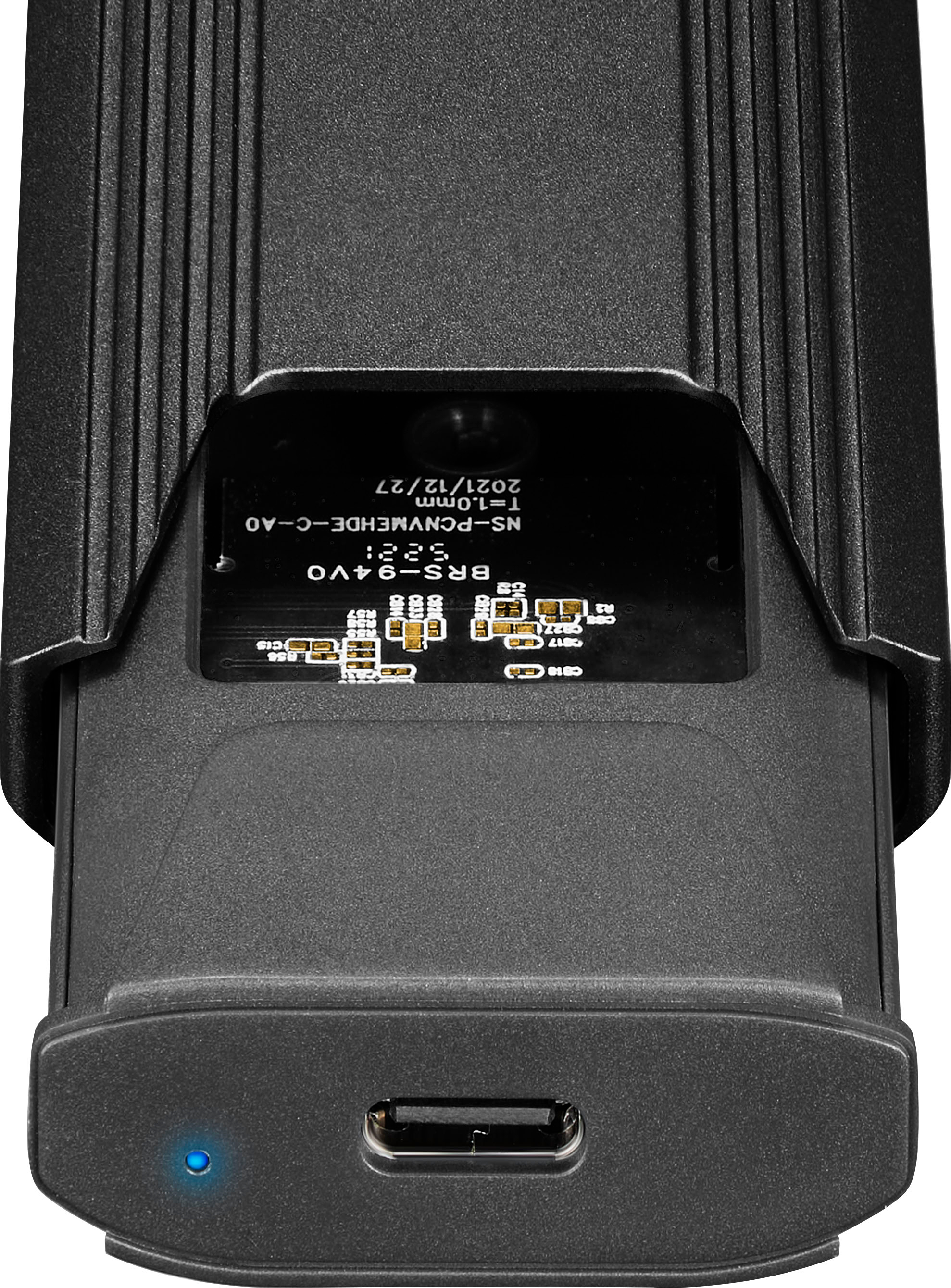
||Posted . Owned for less than 1 week when reviewed.This reviewer received promo considerations or sweepstakes entry for writing a review.It claims to fit a 2280 m.2, but it does not. The plastic piece that holds the ssd in place is ever so slightly too big, and doesn't allow you to actually hold the ssd down enough for you to put the housing over it. If you allow the m.2 drive to just stick up without the housing in place, your computer can read data from it, so I guess there's that. Removing the plastic piece prevents the drive from being held down, preventing installation of the metal housing.
No, I would not recommend this to a friendBrand response from InsigniaCustomerSupport
Posted .Thank you for sharing your experience. We’re sorry to hear about the issues you’re facing with fitting the 2280 m.2 SSD. We understand how frustrating it can be when the plastic piece doesn’t hold the SSD securely, preventing proper installation of the housing. Your feedback is valuable to us, and we will use it to improve our product design. If there’s anything we can do to assist you further, please don’t hesitate to reach out. Keith | Insignia Support
- Pros mentioned:Speed
Slow do not buy!
||Posted . Owned for more than 2 years when reviewed.This reviewer received promo considerations or sweepstakes entry for writing a review.Slow slow slow. Must be usb 3.0 or below speeds on a 9880 were sub 400 put it in Acasis enclosure and was getting near 4000
No, I would not recommend this to a friend Careful its delicate.
||Posted . Owned for 2 weeks when reviewed.This reviewer received promo considerations or sweepstakes entry for writing a review.Opening it was a drag and the lock for the m2 ssd almost gets broken, but it works well.
I would recommend this to a friendDissapointing
||Posted . Owned for 3 weeks when reviewed.This reviewer received promo considerations or sweepstakes entry for writing a review.I bought this to act as a backup device for my new install. I installed two different working NVME drives in it and tried it on two different computers where it refused to initialize. (one of them is currently installed inside my computer and I am downloading games to it as I write this.) I also deleted a half a terabyte of programs from my "E" drive so i could rename it as "H" drive and reinstall the programs . The thinking was to have drive letters "E" and "F" open for the device. Nothing worked. I tried Computer management/Disk Manager and Minitool with no results. I bought this on December 22nd and today is Jan 16th, apparently Best Buy does not have a 30 day return since my account shows it is no longer returnable (Since Jan 14th). This item was recommended in store for what I was doing. Don't wait long if you buy something to try it if you buy it from Best Buy. I have had good luck with my 75" LG TV I bought from them a year ago and the two 2tb ssd hard drives I bought recently.
No, I would not recommend this to a friendBrand response from InsigniaCustomerSupport
Posted .Hi StevenG,
Thank you for the review. We do apologize if the product did not work. For us to fix the issue please give us a call at 888-237-8289.
Insignia Support,
Renee
Cheap plastic clip to secure SSD is prone to break
||Posted . Owned for 1 week when reviewed.This reviewer received promo considerations or sweepstakes entry for writing a review.The case and cables are of good overall quality, but rather than using a screw to secure the SSD into the case, it uses a little plastic tab that you have to twist a bit to get out and then put back in. If you have to remove it for some reason, it's difficult to twist it back out without snapping it in half. It's a cheap bit of plastic that isn't very strong. I had to remove the SSD I originally installed in this and replace it, and that clip just tore in two! And because the hole it goes into is larger in diameter than common short screws, you can just use a screw to secure the SSD into the case. Stupid design.
No, I would not recommend this to a friendBrand response from InsigniaCustomerSupport
Posted .Hi there!
Thank you for taking the time to review our Insignia™ - M.2 NVMe to USB-C SSD Enclosure, we're very sorry to read you are experiencing this issue with one of our products, please contact us using the link below, we'll be more than happy to assist you regarding this matter.
Insignia Support
Shella
www.insigniaproducts.com/support
limit usage
||Posted . Owned for 3 weeks when reviewed.This reviewer received promo considerations or sweepstakes entry for writing a review.The enclosure has limited usage, did not fit my needs. Was forced to return
No, I would not recommend this to a friendNonfunctional across 4 computers and 3 drives
||Posted .This reviewer received promo considerations or sweepstakes entry for writing a review.I originally purchased this to move some files from an old mSATA drive I had used to boot from, primarily some builds of a game I play. Windows was capable of recognizing that there was, in fact, a device plugged in, but would constantly claim there was a "fatal hardware error". Plugging this back into the old computer would prove otherwise, as I could easily see the drive and access the files with no problem. Testing this with other M.2 drives would yield the same results regardless of which port I used on the computer, which computer I used, and which drive I used. I am greatly disappointed in this product.
No, I would not recommend this to a friendBrand response from InsigniaCustomerSupport
Posted .Hi there!
Sorry for your bad experience.this product didn't support mSATA interface. as user said he tried other drive and it didn't work on other PC. this situation suppose is the drive didn't do the format process.
Insignia Support
Rick
www.insigniaproducts.com/support
Didn't work
||Posted . Owned for 3 weeks when reviewed.This reviewer received promo considerations or sweepstakes entry for writing a review.Didn't work looks like a nice little device though
No, I would not recommend this to a friend- Pros mentioned:Usb-c
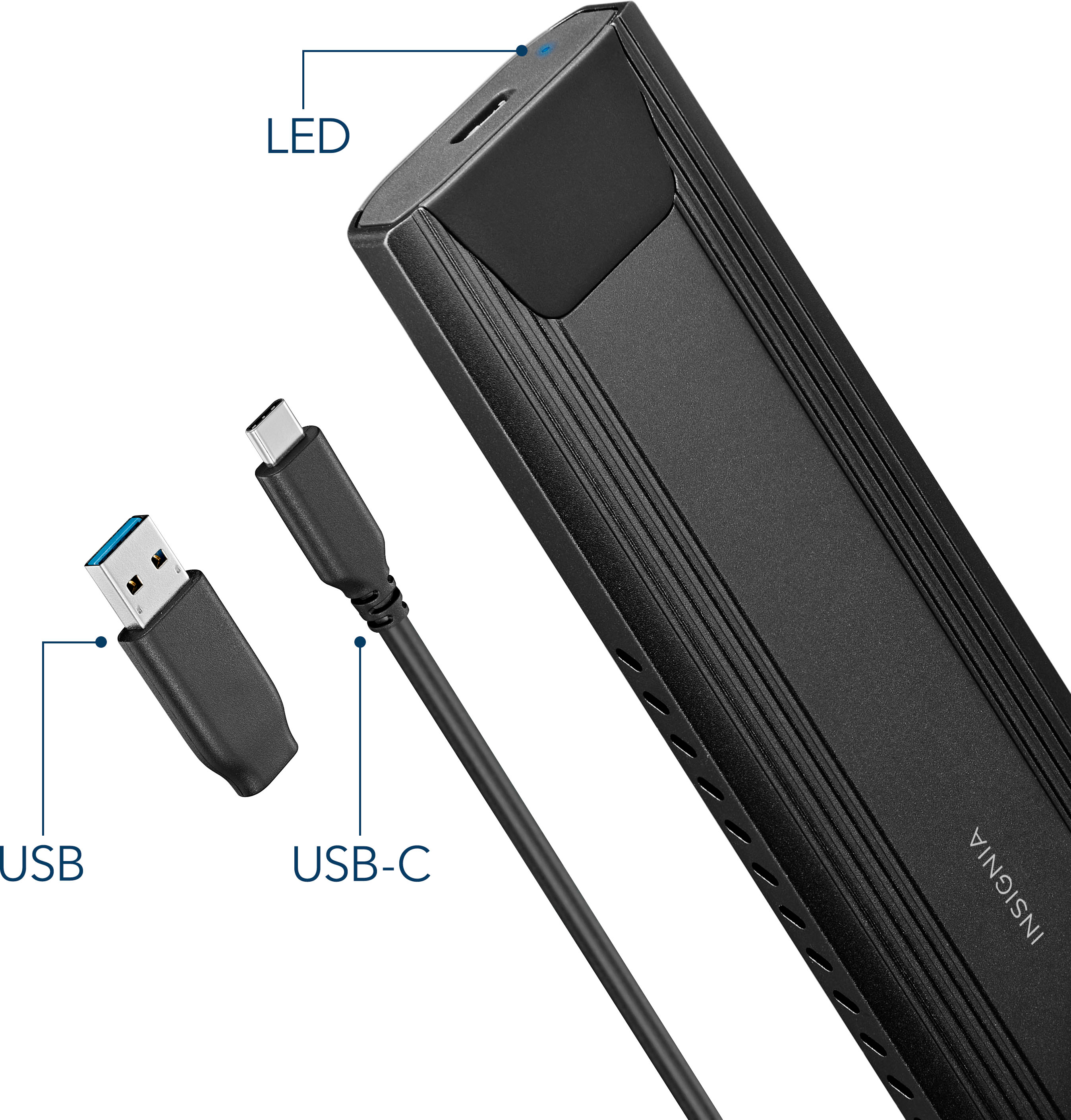
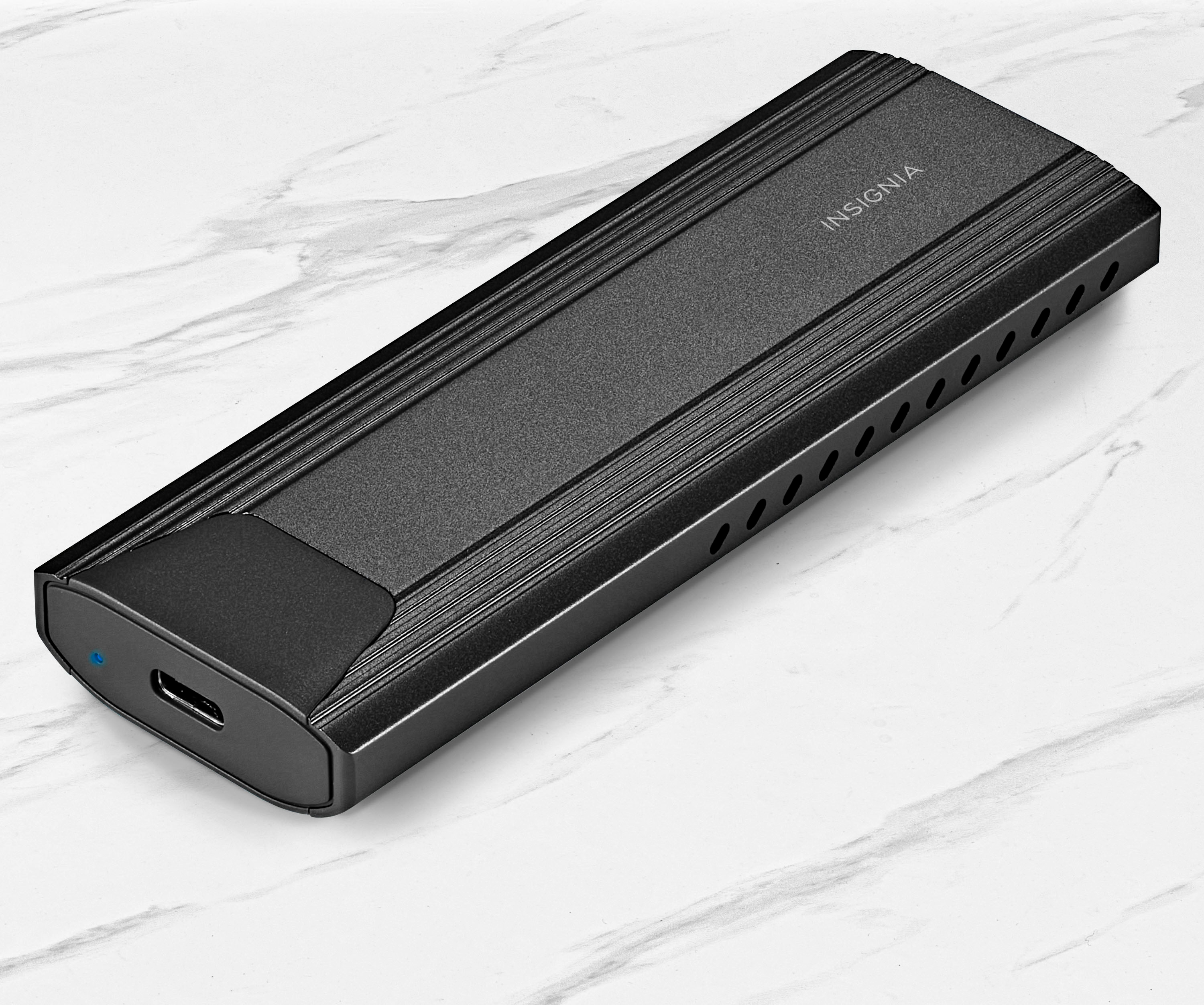
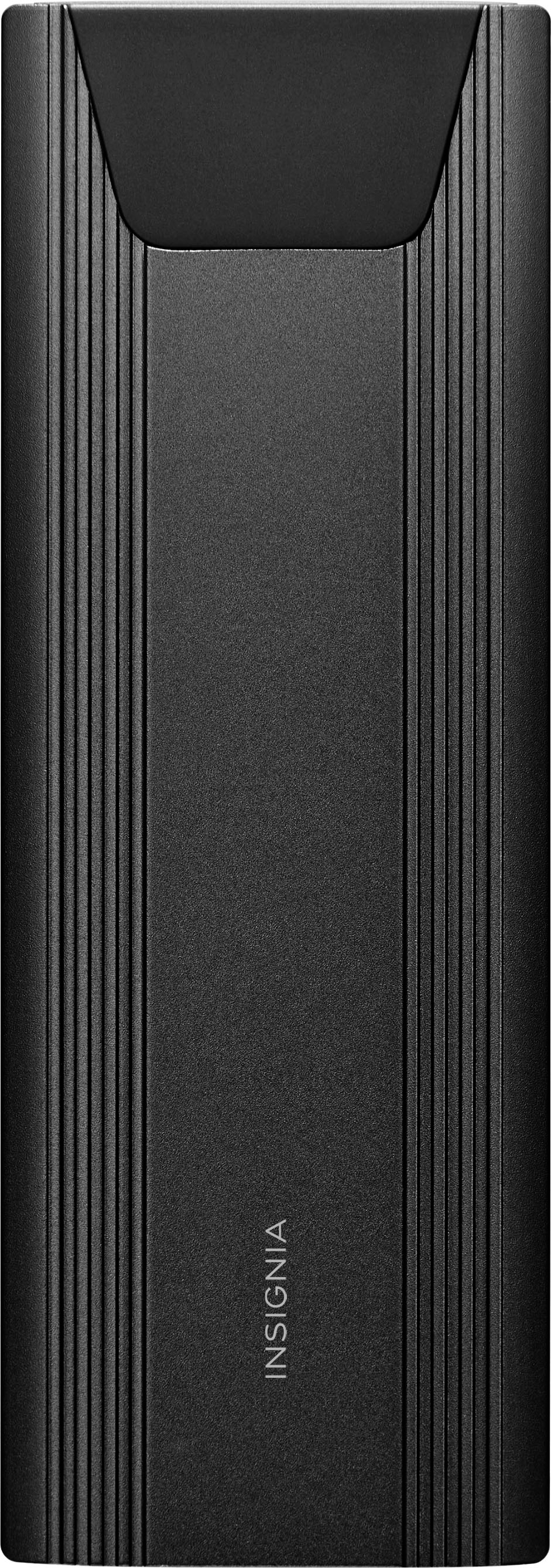
Insignia™ - M.2 NVMe to USB-C SSD Enclosure
||Posted . Owned for 1 month when reviewed.This reviewer received promo considerations or sweepstakes entry for writing a review.While I was discussing a computer problem with a Geek Squad representative, he suggested that I needed this item. Not sure why. He did not explain what its use was and how it worked.
No, I would not recommend this to a friend