Customer Ratings & Reviews
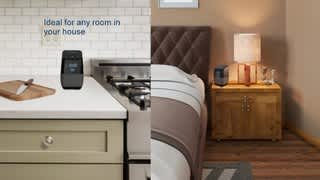
- Model:
- NS-CSPGASP-B
- SKU:
- 5865801
Rating by feature
- Value
Rating 4.5 out of 5 stars
- Quality
Rating 4.3 out of 5 stars
- Ease of Use
Rating 4.3 out of 5 stars
Customers are saying
Customers are delighted by the Voice™ Smart Bluetooth Speaker and Alarm Clock with Google Assistant's superb sound quality and the convenience of its built-in Google Assistant. Many appreciate its ease of use, compact size, and the fact that it functions well as an alarm clock. While some users wish for improvements to the temperature display feature, the overall experience is overwhelmingly positive. The speaker's Bluetooth connectivity, volume, and price point are also frequently praised.
This summary was generated by AI based on customer reviews.
- Pros mentioned:Google assistant, Sound quality
better than I expected
Posted .This reviewer received promo considerations or sweepstakes entry for writing a review.I picked one of these up when it was on that crazy 75% off sale last week. The sound quality is very good. I like that it integrates with Iheartradio and tunein. So I can just tell it "set an alarm for X:XX AM to play <radio station>" it does. Very simple. Given that I am basically just using it as an alarm clock I think the price I paid was a good value. But I wouldn't pay a lot more for it. All of these digital assistant speaker things seem like toys basically to me. I can flip a light switch myself in less time than telling the device to do it, but I have asked it some questions on my phone from time to time. Google Assitant/Home does have integration with a huge range of IoT systems though if that's your thing.
I would recommend this to a friend - Pros mentioned:Alarm clock, Sound quality
Needs Snooze Bar
Posted .This reviewer received promo considerations or sweepstakes entry for writing a review.I got this on sale for $25. For what it is, it is an excellent value. The sound is much better than the Google Assistant Mini's that I have purchased in the past. The visible clock is a nice feature. It is being marketed as an alarm clock. The big thing it is missing is a snooze button. My wife doesn't want to hear me to telling it to snooze. And then she doesn't want to hear it talking back to me saying it will snooze for 10 more minutes. I will be switching back to my old alarm clock just because I can't get used to yelling at it in the morning. However since I got it at such a good deal, I am sure that I will use it for something. As a google assistant, it is excellent.
I would recommend this to a friend - Pros mentioned:Sound quality
Great Alternative for Google Home and Home Mini
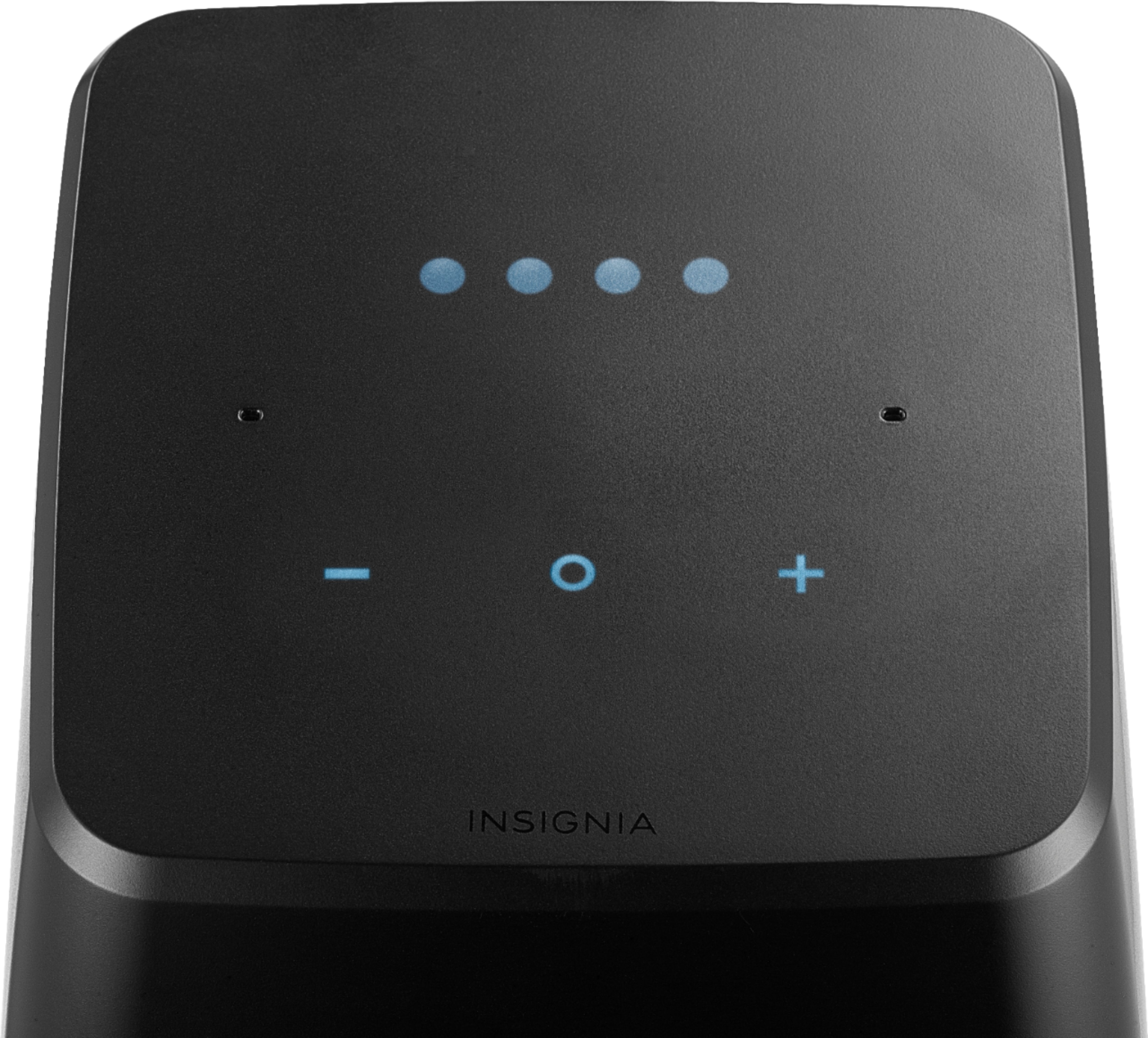
Posted .This reviewer received promo considerations or sweepstakes entry for writing a review.I have been using this device for a couple months now, and so far I am pleased. Compared to my Google Home Minis, this has much better microphone sensitivity. I can talk to it in a soft voice, and it can hear me from the other side of my bedroom. It also does a very good job at recognizing my voice over the top of loud music. In terms of sound quality, it seems to be better than the Google Home Mini. I can't say how it is compared to the standard Google Home, but from what I know, I would assume that it is as good, maybe a little bit worse... maybe. The build quality is where this thing might be lacking. I would say it is pretty okay. It feels like it is made of somewhat cheap plastic. On the bright side, it seems to have a bit of weight to it, at least compared to the Home Mini. The proximity sensors at the top of the device does a very good job at sensing when I am about to tap the sensors to interact with the device. Speaking of device interaction, it is very clear that most of what you do should be done with voice. On the other hand, they still give you some other very intuitive ways of interacting. If you move your hand over the top of the device you will see that the touch sensitive buttons light up. After that you just press the plus, minus and circles buttons to interact. Plus and minus controls the volume, and the circle controls things like alarms. My only big gripe with the device is that it many times will take Insignia a while to update the device. When I first got the device, I was missing the routines feature for around two months. There is also not an easy way of checking for updates and/or seeing if one has been installed. For me the routines feature just showed up one day. Overall, I would definitely recommend this device over the Google Home, especially because it is on sale a lot. The standard price for the device is $100 where as the current sale price is $50, and has been for a while.
I would recommend this to a friend - Pros mentioned:Sound quality

Great smart speaker with some weird caveats.
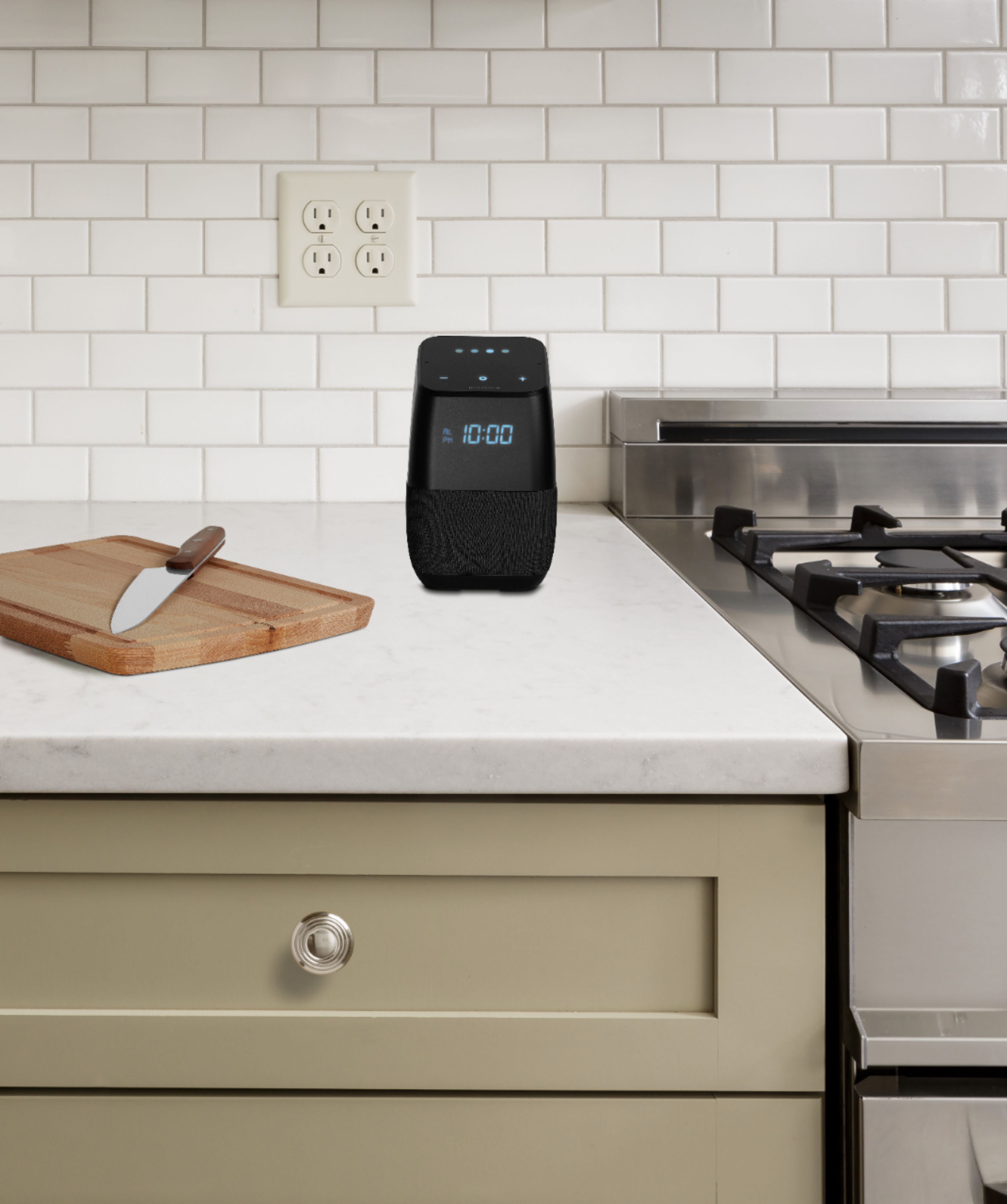
|Posted .This reviewer received promo considerations or sweepstakes entry for writing a review.The Insignia Smart Speaker is an awesome speaker. Music playback is loud and clear, it's aesthetically pleasing in a nice black color, and the microphone is nice and responsive. It comes with Google's Assistant and allows you to voice control compatible devices. You can ask it questions and have it do conversions (ex. "Hey Google, how many teaspoons are in a 1/4 cup?). And finally, you can use it to set reminders and calendar events for yourself. On top of all this, it has a digital clock on the front. Now for the not so great. First, it can't make phone calls. This feature seems to be limited to Google's own devices for right now. It WAS able to ring my phone when I misplaced it. But when I tried calling my parents to check in on them, the speaker informed me that it wasn't able to make calls yet. Second, the alarm is super quiet. It doesn't matter how loud or soft you set the assistant to be, the alarm volume (and only the alarm volume) remains crazy quiet. I haven't stumbled across any voice commands or anything to adjust this. I wouldn't recommend using this as a bedroom alarm clock in light of this. Third, for a little more than a week, the microphone was being scary sensitive. I don't know if it got some kind of buggy firmware update or what, but it could hear me from just about ANYWHERE in my home no matter how loudly or softly I was talking. I have multiple smart speakers (including one next to my bed that I use as an alarm clock), and the Insignia was responding to EVERY voice command (even when I was two rooms away). Given how quiet the alarm is, that proved to be a major problem when setting my morning alarm (overslept by half an hour) and when trying to use my kitchen speaker as an oven timer (burnt my chicken to a crisp). This problem seemed to resolve itself after about a week and a half. I find it a little disturbing that the hardware is even capable of this degree of sensitivity though. I would not recommend this speaker as an alarm clock. On the surface, it looks perfect for this type of use. That being said, it's not. I WOULD recommend this speaker for the kitchen or living room though. If you want to control smart devices, or set quick little alarms to remind yourself to take something out of the oven, this device is great.
I would recommend this to a friend - Pros mentioned:Bluetooth, Sound quality
Insignia BT speaker w/Google Assistant
|Posted .This reviewer received promo considerations or sweepstakes entry for writing a review.I was impressed when this little speaker arrived, smartly & securely packaged. It looks a lot like the Google Home and has indicator lights along the top and an LED clock on the front that is dimmable and shows am/pm! Yay! It also shows the temperature briefly when it is asked for weather information. I don't have any Smart accessories hooked up with it yet, but that will come some day. For now it is my assistant and music player. You need to set it up with the Google Home app and works best if you tell it about yourself - name, work and home address, etc. It finds your WiFi network and you're ready to go. I have a few Google assistants throughout my home: Google Home, Google mini, Sony speaker with Google, JBL BT speaker with Google (my favorite - excellent sound!) and now Insignia BT speaker with Google. Unfortunately, I find the Insignia speaker lacking in sound quality - not just missing the highs and lows, but everything in between. As an assistant, it works great to answer those standard questions: what's the weather, set a timer, give me a recipe, how is the traffic to work, etc. It's lightweight and compact and bluetooth - and it can play my iPhone playlists, Pandora, Spotify, etc. A positive, it picks up my voice from across the room and responds quickly. It's cute and I like it but there are many out there with much better sound quality. I think Apple's version with the Siri assistant came out recently. There's more competition everyday. I think Insignia needs to step up their game. I would recommend this only if you are looking for a relatively inexpensive bluetooth Google assistant speaker but KNOW GOING IN that sound quality is lacking.
I would recommend this to a friend - Pros mentioned:Sound quality
Great Buy When on Sale
Posted .This reviewer received promo considerations or sweepstakes entry for writing a review.Before Thanksgiving Best Buy had a tremendous sale on these speakers, and I bought a pair for half the price of my Google Home, which I purchased when they first hit the market. Why replace the Google Home? A new feature since Google introduced their first speakers is the ability to pair for stereo. A pair of Insignia speakers sound much better than either alone, slightly better than the original Google Home. Also, I wanted a speaker in the bedroom with a time display that I could read from across the room, and use as an alarm clock. The display is dimmable, which is greatly appreciated. Set up was straightforward, and it found and holds a Wi-Fi signal without interruption. The only glitch that I ran into was that I did initial setup in a different location, on a different network, and both Insignias had to be reset to out of the box state (press and hold the microphone button at back for ~15 seconds) in order to set them up on my home network. Pairing was easy, with one exception: when two Insignias are paired for stereo, the time appears ONLY on the left speaker; the display on the right speaker changes to sET. This is definitely a Google software bug, as I spent over an hour setting and resetting using every variation I could think of, always with the same. When two speakers are unpaired, the right speaker MUST be set up again. For me, covering the display on the right speaker with a piece of black vinyl tape provided an acceptable work-around to the clock issue. My other complaint is not with the speaker but with Google's Assistant software, which in summer 2018 introduced the ability to run "routines" (a series of actions) at a set time. At this time (December 2018), timed routines rarely run at all, and if they do, rarely at the set time, which means that Assistant routines are unreliable for controlling the Insignia as an alarm clock. This issue is widely documented on Google's product support forum for Assistant, and affects ALL devices, not just Insignia speakers. Until Google fixes this issue, the Google Assistant is useless for controlling devices on a fixed schedule.
I would recommend this to a friend - Pros mentioned:Alarm clock, Google assistant
Great alternative
Posted .This reviewer received promo considerations or sweepstakes entry for writing a review.I had been using a Google Home in my bedroom and it was working well, but I wanted a smart speaker with alarm clock functions, and this fit my needs very well. The sound quality doesn't quite match that of the Google Home, but for just having the Google Assistant nearby and showing the time with alarm and temperature functions, it works perfectly for me. I do wish it had a few physical buttons for the alarms, but you can make changes by voice or the Home app. Hopefully there will be an update to allow making calls like a proper Google Home can do, and I would also like for the temperature to stay displayed, but I suppose those are fairly minor quibbles.
I would recommend this to a friend - Pros mentioned:Sound quality
I love it!
Posted .This reviewer received promo considerations or sweepstakes entry for writing a review.I own a Google Home and a mini. I grabbed this on sale to have an extra assistant device. Wasn't expecting much from it honestly, but I got to say, after using it a few months, I think it is just as good as my Google Home. The sound quality might be just a bit less than the Home, but it is in the same ballpark. Nice bass, and very good volume output. Works great at streaming my music, alarm clock, sleep sounds, and taking all of my commands. Serves me well! I've bought another one on another sale recently. Can't beat the sale price...cheaper than a home mini, much better sound quality.
I would recommend this to a friend - Pros mentioned:Bluetooth
Complicated but good
Posted .This reviewer received promo considerations or sweepstakes entry for writing a review.Ok...before you decide to pitch this out the window, stop and breathe. Yes the clock is off and appears to be set to Eastern Time. This can be fixed but you won't find out easily unless you do this before you set it up. First, before you connect it to Google Home, turn off your auto time zone feature on your phone and set it to where you located. Once that is done, proceed with setting it up with Google Home. You can turn the Auto Time Zone after you have finished. This is a stupid glitch that they don't seem to be in any hurry to fix but doing what I outlined above will do the trick. Once you have completed the set up it responds just like it should. I bought mine for an alarm replacement. I have Amazon Echo's all over my house but I wanted to give Google a shot. Google Home has some perks like turning on Bluetooth is just a matter of saying turn on Bluetooth and it connects to my phone or external speaker. I use mine to connect my phone so I can play YouTube for it's 10 hour sleep noise. Sometimes when I connect it to the BlueTooth the Google Assistant Dots glow. I found the easiest way to get them to turn off is just ask it the weather for tomorrow. Turns off afterwards. You can dim the clock so that it isn't blasting your eyes when you are trying to sleep. The volume buttons can be a little tricky. I found that if you just ask Google to set the volume to the level it is a lot easier. BTW...1-100 is your level. 60 is usually loud enough for sleep but not to loud that it becomes annoying. For what I want it for it works great. I don't think i am taking full advantage of the device. I have Alexa doing all the home automation so I didn't need to tie Google into it as well. If you want something simple in the Google Home then this works. If you want to outfit your house I would go to the Google Home instead. This is just to get your whistle wet.
I would recommend this to a friend - Pros mentioned:Google assistant, Sound quality
Good sound
Posted .This reviewer received promo considerations or sweepstakes entry for writing a review.I picked up this speaker this past weekend. It sounds a lot better than my Google Home. Still it works just the same as the Google Home does, and cost less.
I would recommend this to a friend - Pros mentioned:Sound quality
Better than Google MIni
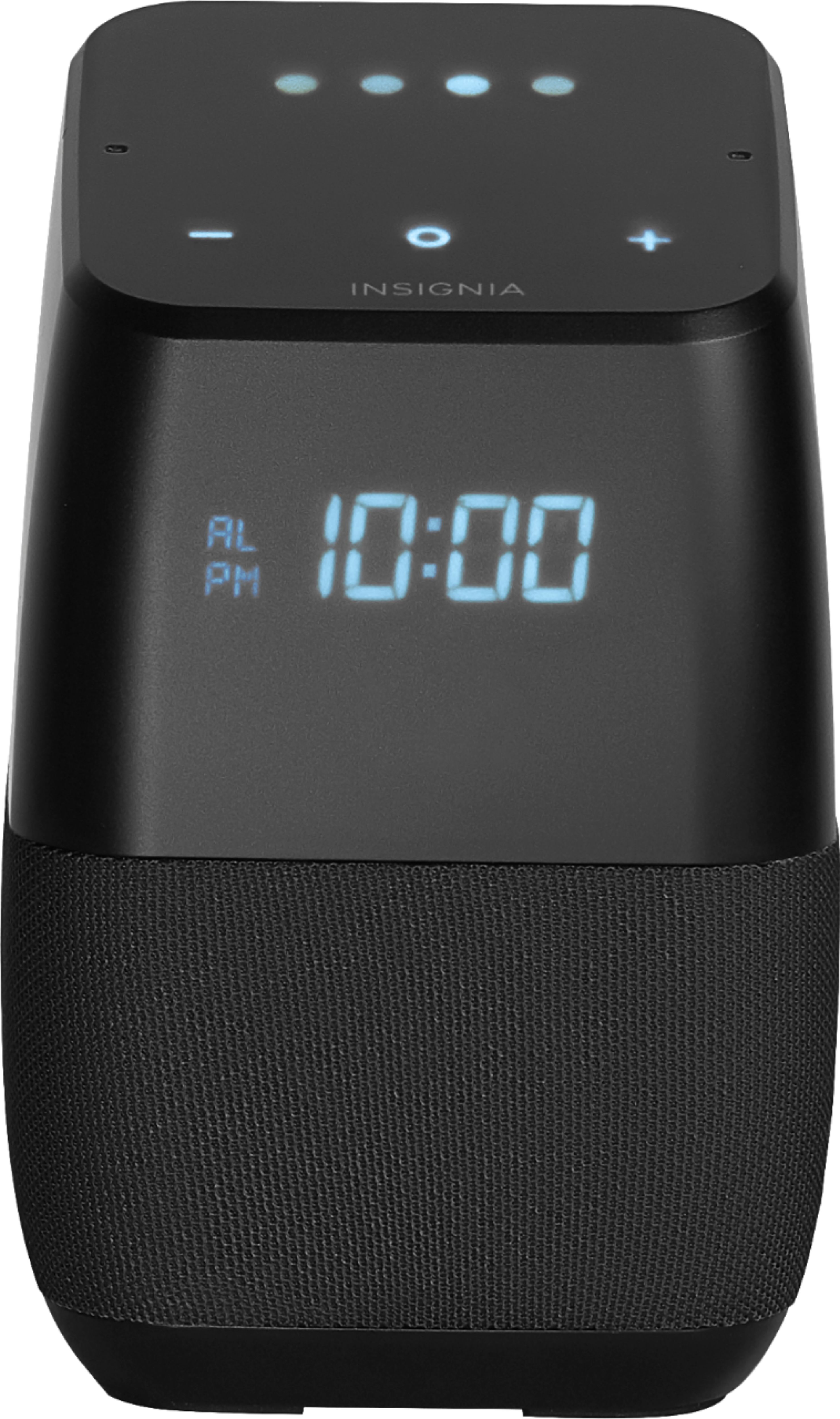
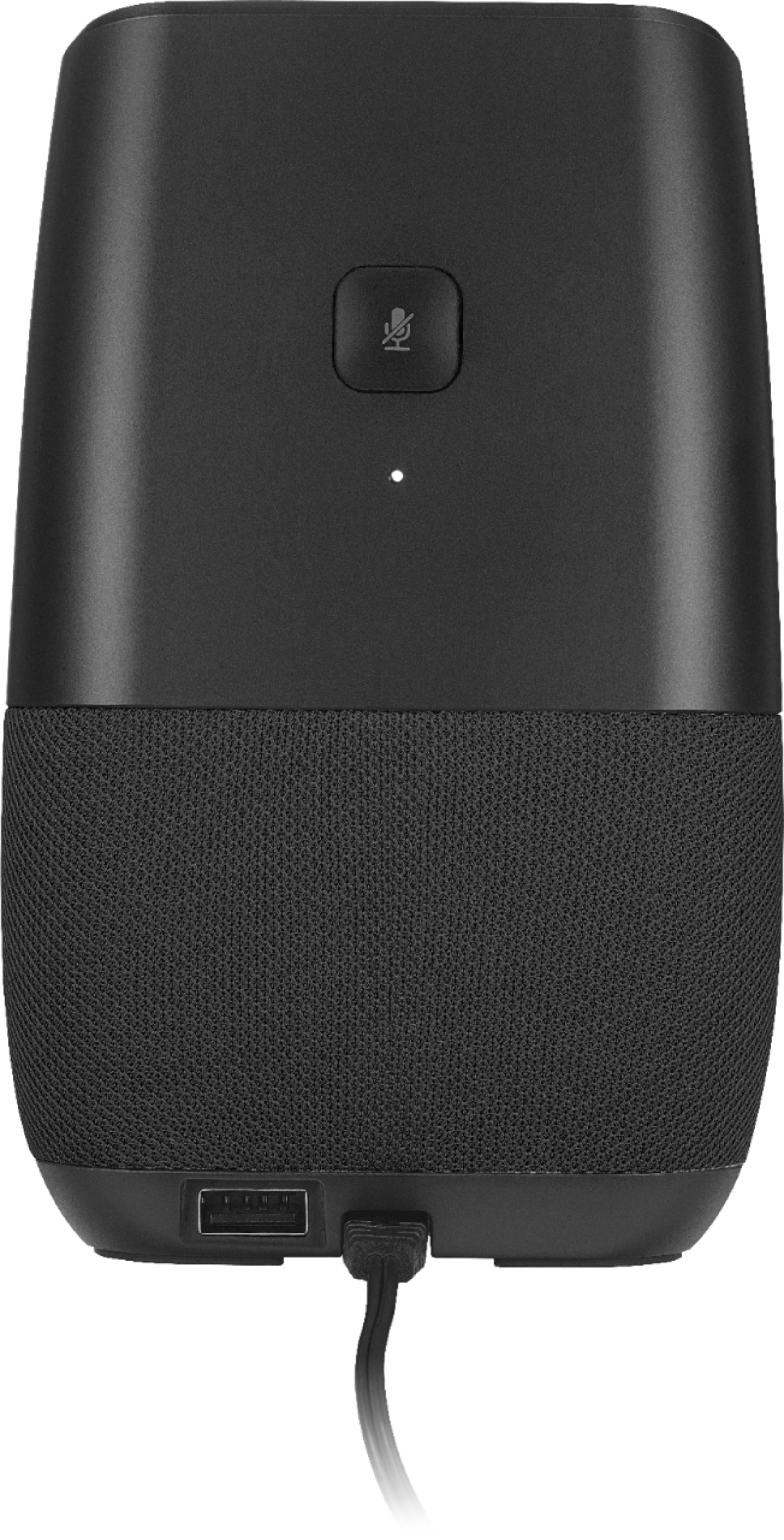
|Posted .This reviewer received promo considerations or sweepstakes entry for writing a review.This one looks pretty similar to the google home mini but with a better display and much bigger in size. It has a similar fabric like the google home mini but it has 3 capacitative speakers which can control the volume , brightness and launch assitant. There is alao a microphone mute button at the back. This has now become my bedroom alarm clock & the fact that it is bigger puts out music with outstanding quality. this is a keeper
I would recommend this to a friend - Pros mentioned:Sound quality
A solid 4 stars.
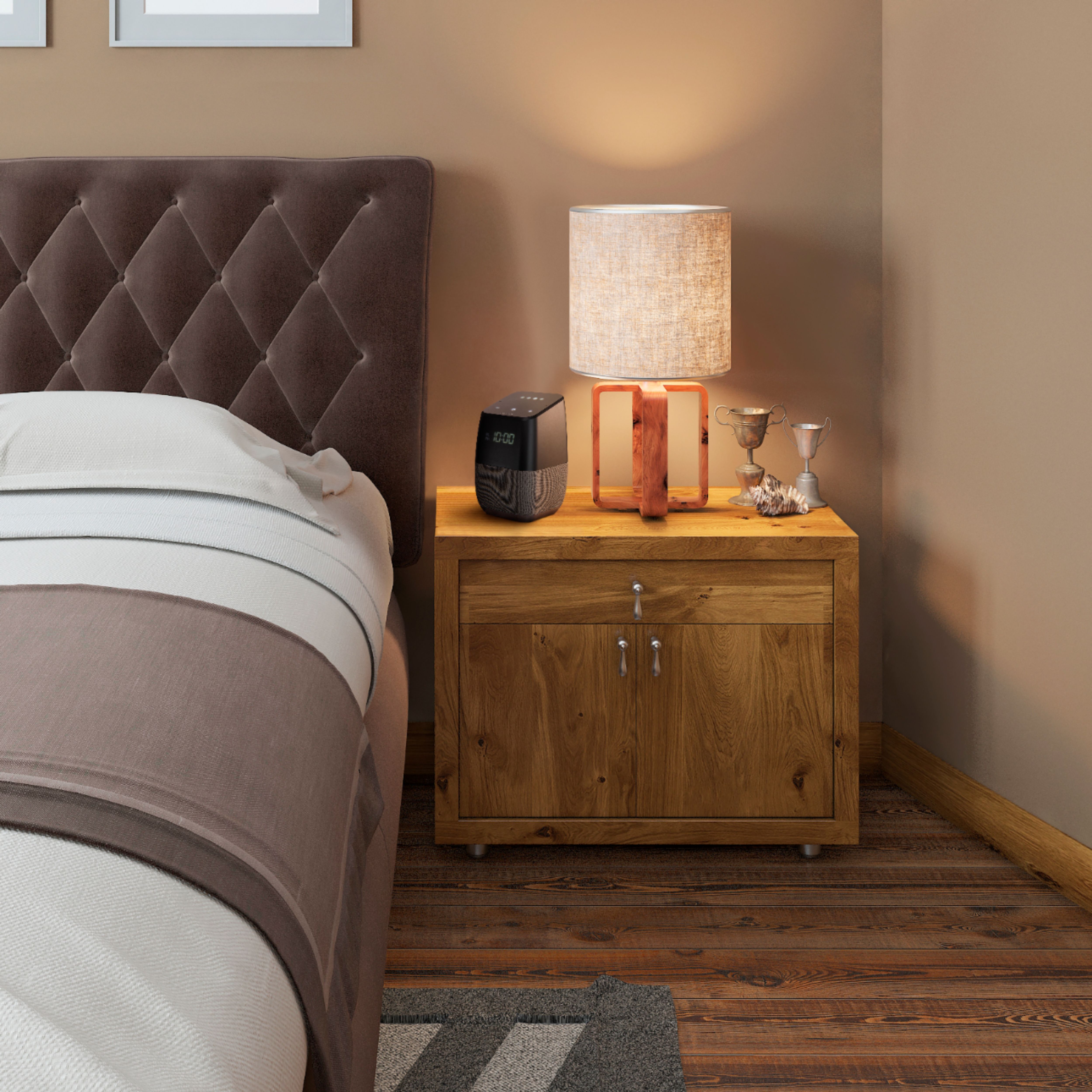
Posted .This reviewer received promo considerations or sweepstakes entry for writing a review.This is a nice little product and a very good value at the price Best Buy is currently selling it at. (Now 39.99). As mentioned, it serves as a standing alarm clock, speaker, and Google assistant. I found setup to be very simple using the Google Home app available for Android and iOS. I was also able to connect some other smart devices to it (via the Google Home app) and can now enable/disable them by voice. The speaker sound quality is decent. It probably isn't going to satisfy high-end audiophiles but you are not paying for that sort of quality either. I also like the form factor of this device. It looks modern, isn't too large or too small, and sits comfortably on my nightstand. Truly, it has replaced my old alarm clock I have had for years! I also like the ability to play soothing ocean sounds or white noise on command. Some areas for improvement (and hence my 4 star rating, rather than 5): 1) You can't set your own time. Once online, the clock sets it for you. This is a little disappointing as I like to set my alarm clock ahead 10 minutes to encourage myself to get out of bed! This seems fixable with a firmware upgrade but doesn't exist today. 2) The clock digits could be a little larger. This probably isn't fixable and is a small nitpick. 3) The alarm tone isn't changeable. Again, this seems like something that could eventually be fixed with a firmware upgrade. I would prefer some sort of tone that starts quiet and gradually increases in volume as it is less jarring than being hit with a full-on tone first thing in the morning. Note that you can have the alarm wake you to music.
I would recommend this to a friend A Great Addition to a Smart Home
|Posted .This reviewer received promo considerations or sweepstakes entry for writing a review.This is the Insignia version of the Google Home device in what I think is a more attractive package. Anything Google Home can do, this device can do. If all you do is purchase this "Personal Assistant" and set it on your counter or bedside alone, then you are missing out on the features that make it a powerful part of a home automation system. Most of the home automation devices that use the common "Zigbee" protocol, have Apps that you initially configure this device to use, via your smart phone. Once you've used your phone to integrate this device to your home network, you don't need the phone to control them. For example, I control many of my lights to any percentage of brightness or even colors by saying "Hey Google, light "X" 50%". I can start and stop my Robot Vacuum Cleaner by saying "Hey Google, start Vacuum". I'll shortly be installing a home security that I will be able to arm and disarm as I leave or arrive home without touching any key-pad. I fully expect that in a few years our digital assistant will recognize who has just entered the house and by itself will decide if an alarm is necessary. The future is at least partly here now!
I would recommend this to a friend- Pros mentioned:Sound quality
2018 Late October Review
Posted .This reviewer received promo considerations or sweepstakes entry for writing a review.I can understand the criticism of this product when it was released. However, it has had time to mature and insignia has definitely proven to care about this product. With that said, this is a near perfect product. Build quality is solid, well put together, and definitely feels premium. Everything is smooth and well finished. No complaints so far. Speaker quality is very surprising. I was pleasantly surprised when comparing this to my google home mini. I now wish I had gotten this instead of the home mini. Raise the treble in the google home app and then this will sound perfect for most use cases. From an audio enthusiast perspective, the quality is very good for the price. 7/10 for that. Now on to the main function. The google assistant is as useful as ever. With constant updates, this speaker is a good google assistant speaker. As of todays date, you CAN make phone calls, and many of the features that were missing early this year are finally utilized in the product. As for mic pickup? Well, its decent. In any quiet scenario, it will hear you loud and clear even if you speak softly. If you are playing music at a modest, middle volume (50-60), then it will struggle to hear you when you are a bit further away. With that said, moving closer and raising voice solves that, but its still a little inconvenience. 6.5/10 for this. Overall, Im very happy with this and can happily recommend this anyone!
I would recommend this to a friend - Pros mentioned:Alarm clock, Sound quality
Bdtter than the Google mini
Posted .This reviewer received promo considerations or sweepstakes entry for writing a review.I have 3 Google minis and one of these. The sound from this is better than the minis and it has a clock. Watch the price because it fluctuates several times a month. I picked mine up at 29 bucks. I would have gave it 5 stars but it does not get updates as quick as the minis and it does not make phone calls. But it does everything else and that is what I use it for 00.0 percnt of the time
I would recommend this to a friend - Pros mentioned:Sound qualityCons mentioned:Temperature display
Great upgrade from an standard alarm clock
|Posted .This reviewer received promo considerations or sweepstakes entry for writing a review.This unit is a great smart alarm clock. Set up was fast and easy with my iphone and google home app. So much more than just a alarm clock. Now i easily get the weather by voice command and play background music from the google assistant. Looks good on the night stand also. The sound quality is good not great. But perfect for a bedroom. I do wish I could turn the display off completely as I like to sleep in total darkness. I would and have recommend this to friends and family.
I would recommend this to a friend - Cons mentioned:Temperature display
Couldn't be happier!
|Posted .This reviewer received promo considerations or sweepstakes entry for writing a review.I already had a Google Home at one end of the house, I've been playing around with automated lighting and controlling the TV. I was thinking of getting a Mini to put at the other end of the house and happened to get this Insignia Voice. I figured for the price, it might be worth it to have the extra features with the clock and temperature screen. Setup was a breeze, Google Home saw the new device and almost instantly set it up with very little interaction from me. Once set up, it is just as easy to use as the regular Google Home with the added advantage of having the time displayed. I dimmed it down since it was pretty bright to start with. It is nice to get weather and news updates without having to turn on the TV at just the right time. The only thing I wish it would do is leave the current temperature displayed on the screen, but it goes off automatically after about a minute. The temperature is fairly accurate, but it does differ a bit from my actual area since the local weather station is at a different elevation and a few miles away. Other than the display, I am very happy with the function and appearance of the device. I thought the black would be odd, but it actually looks pretty good in person and the controls and voice response seem to be every bit as good as the real Google product.
I would recommend this to a friend - Pros mentioned:Sound quality
Great speakers
Posted .This reviewer received promo considerations or sweepstakes entry for writing a review.These speakers are so great that I own four. The sound is much better than the Google Home mini or echo dot, and i love that it shows the time. Only minor complain would be that Insignia and Google need to work together more to keep the features up to date, but for the price and quality it's worth waiting a little longer for new features. All in all these speakers are great. This is probably one of the best developed products that Insignia has ever released.
I would recommend this to a friend - Pros mentioned:Sound quality
A lot of function and descent sound
Posted .This reviewer received promo considerations or sweepstakes entry for writing a review.All of my 7 units had firmware updates in October and are running System firmware version - 314 and Cast firmware version 1.32.129357. I can make calls, broadcast to all google devices, group devices to stream music throughout the house with individual volume controls, operate my smart plugs, call up my calendar for my agenda on a given day, create a calendar event (just event name and datestamp info), set reminders, set mulible timers, set multiple alarms, connect using bluetooth, set it up to send texts to selected people using If This Then That (IFTT), see the time (dimmable but not to black ), see the temperature (displays for about a minute). The sound on the unit is better than the Google mini. Granted it is not made by Google and the devices are delayed in getting the latest firmware updates. My Google Mini is System firmware version 139856 and Cast firmware version 1.36.139856. My Google Home Hub is System firmware version 139849 and Cast firmware version 1.36.139849 as of 12/11/18.
I would recommend this to a friend - Pros mentioned:Google assistant
Great Deal with Occasional Software Updates
Posted .This reviewer received promo considerations or sweepstakes entry for writing a review.These little speakers are a great value, especially when they are on sale or the "Deal of The Day", as BB would call it. So it is what it is: a speaker with dedicated Google Assistant. But what's really cool about this speaker is if you buy two of them, you can run them as stereo speakers. This is different than setting a Group in the Google Home App. I really mean stereo, as in a dedicated left and right channel. This is all done through the Google Home App via a walk-through setup, not some proprietary Insignia app. I tried doing the same setup with the Google Home Minis and this option was not accessible. I've never owned the standard Google Home Speaker, so I'm not sure if you can do that with those. The downside of making two of these speakers stereo is that they become one unit and one of the two speakers will only respond to Google Assistant commands. At least that's what I'm experiencing right now. I'd say give it a try.
I would recommend this to a friend