Customer Ratings & Reviews
- Model:
- JCA374
- SKU:
- 5602501
Rating by feature
- Value
Rating 4.2 out of 5 stars
- Quality
Rating 4.3 out of 5 stars
- Ease of Use
Rating 4.5 out of 5 stars
Customers are saying
Customers appreciate the product's excellent HDMI capabilities for voice and video, its plug-and-play ease of use, and its strong overall performance. They also value its reliable connectivity, compact size, and broad compatibility across different operating systems, noting that all ports function well. However, some customers find the product to be overpriced, with a few experiencing issues related to power delivery and the device heating up.
This summary was generated by AI based on customer reviews.
- Pros mentioned:Ease of use, Hdmi
Great USB C Adapter
||Posted .This reviewer received promo considerations or sweepstakes entry for writing a review.Very portable & provides ample ports for productivity.
I would recommend this to a friend - Cons mentioned:Heat
Works as advertised
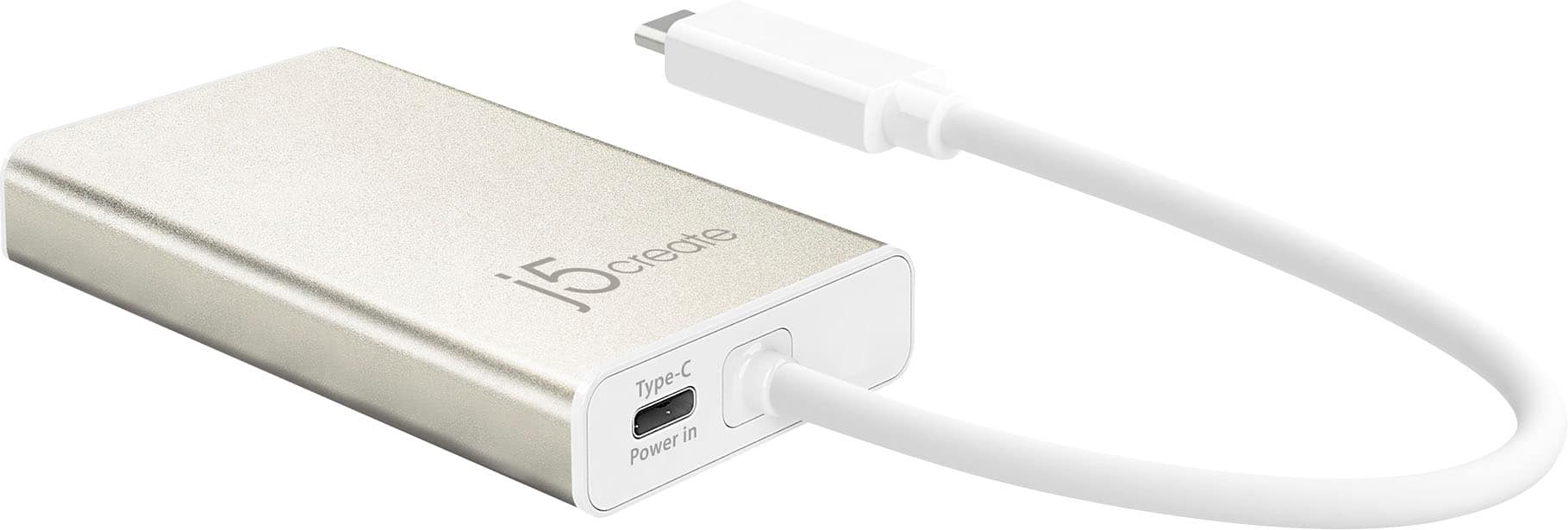
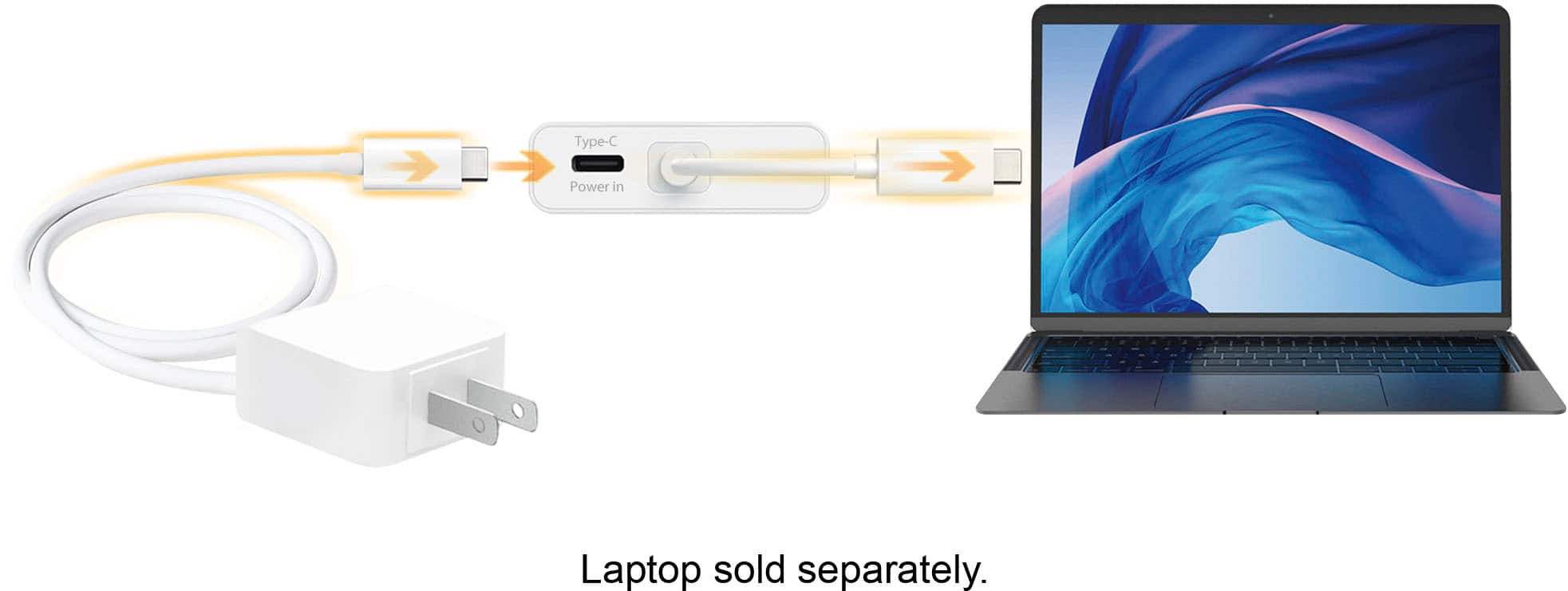
||Posted . Owned for less than 1 week when reviewed.This reviewer received promo considerations or sweepstakes entry for writing a review.This unit is convenient and not very expensive. It does run warm because there is a power supply inside. To lessen the power draw from your computer, there is port which accepts power from a USB-C adaptor. I plan to get the power adaptor when I use more features.
I would recommend this to a friendBrand response from J5create Team
Posted .Hello,
We are happy to hear that the hub is working well for you. The USB C port on the hub will charge your laptop, but it will only pass through 65 Watts of power. Thank you for sharing your product review.
Have a nice day,
j5create
- Pros mentioned:Overall performance, Size
Does the job
||Posted .This reviewer received promo considerations or sweepstakes entry for writing a review.The USB hub for my MacBook is an ideal size and functions well. The price was good, too. Happy with my purchase.
I would recommend this to a friendBrand response from J5create Team
Posted .Happy customers with their purchase is what we work hard towards and we're glad to hear about your experience with the JCA374!
Cheers,
j5create
- Pros mentioned:Hdmi
Just what I needed to hardwire my laptop to web
||Posted .This reviewer received promo considerations or sweepstakes entry for writing a review.I could have just bought a less expensive USBc to RJ45 adaptor to connect my laptop to the internet. I prefer hardwire connection when I can. It's more secure, and less EMFs floating around. This device also had a couple of USB ports and an HDMI port. Since I already used the two USB ports on my new laptop for mouse and external keyboard, I occasional need an extra USB port for jump drive. I don't know if I'll ever use the HDMI port, since I'm not plugging in my TV or a big monitor.
I would recommend this to a friendBrand response from J5create Team
Posted .Transmits both audio and video from a USB-C computer or tablet to a 4K Display
- Pros mentioned:Hdmi, Size
Works perfectly
||Posted . Owned for 1 month when reviewed.This reviewer received promo considerations or sweepstakes entry for writing a review.Small for factor and light weight. Works perfectly on my X1 carbon to add a standard Ethernet port.
I would recommend this to a friendBrand response from J5create Team
Posted .Computers lacking Ethernet connectivity can count on the JCA374 to provide a faster, more stable internet connection and we appreciate you taking the time to let us know.
Gratefully,
j5create
- Pros mentioned:Hdmi
Extra Display for Laptop
||Posted . Owned for less than 1 week when reviewed.This reviewer received promo considerations or sweepstakes entry for writing a review.Used to get HDMI connection for laptop. USB and ethernet connections a plus. Works for me.
I would recommend this to a friendBrand response from J5create Team
Posted .Hello,
It is really great to add another display to a laptop. More desktop real estate is always welcome. Great to hear that it works for you.
Thanks,
j5create
- Pros mentioned:Overall performance
GE dishwasher
||Posted . Owned for 1 month when reviewed.This reviewer received promo considerations or sweepstakes entry for writing a review.GE dishwasher works good. But I can’t figure out what the 2 extra pieces of racks are for. There seems to be no purpose for them and no directions on how or where to attach them. The installers did a quick and good job.
I would recommend this to a friendBrand response from J5create Team
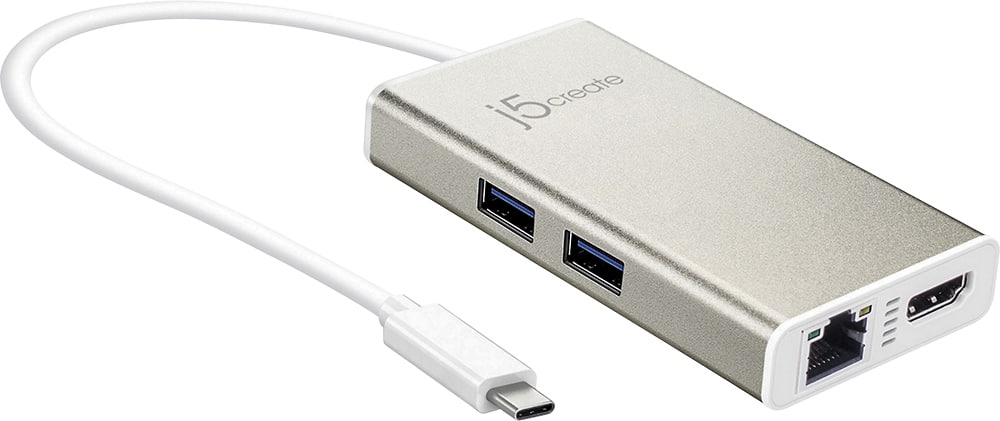
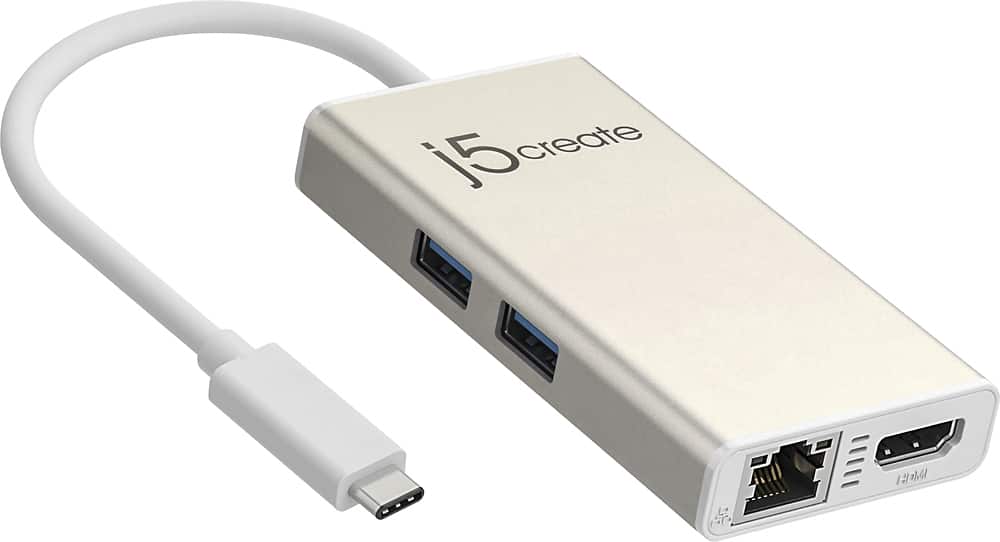
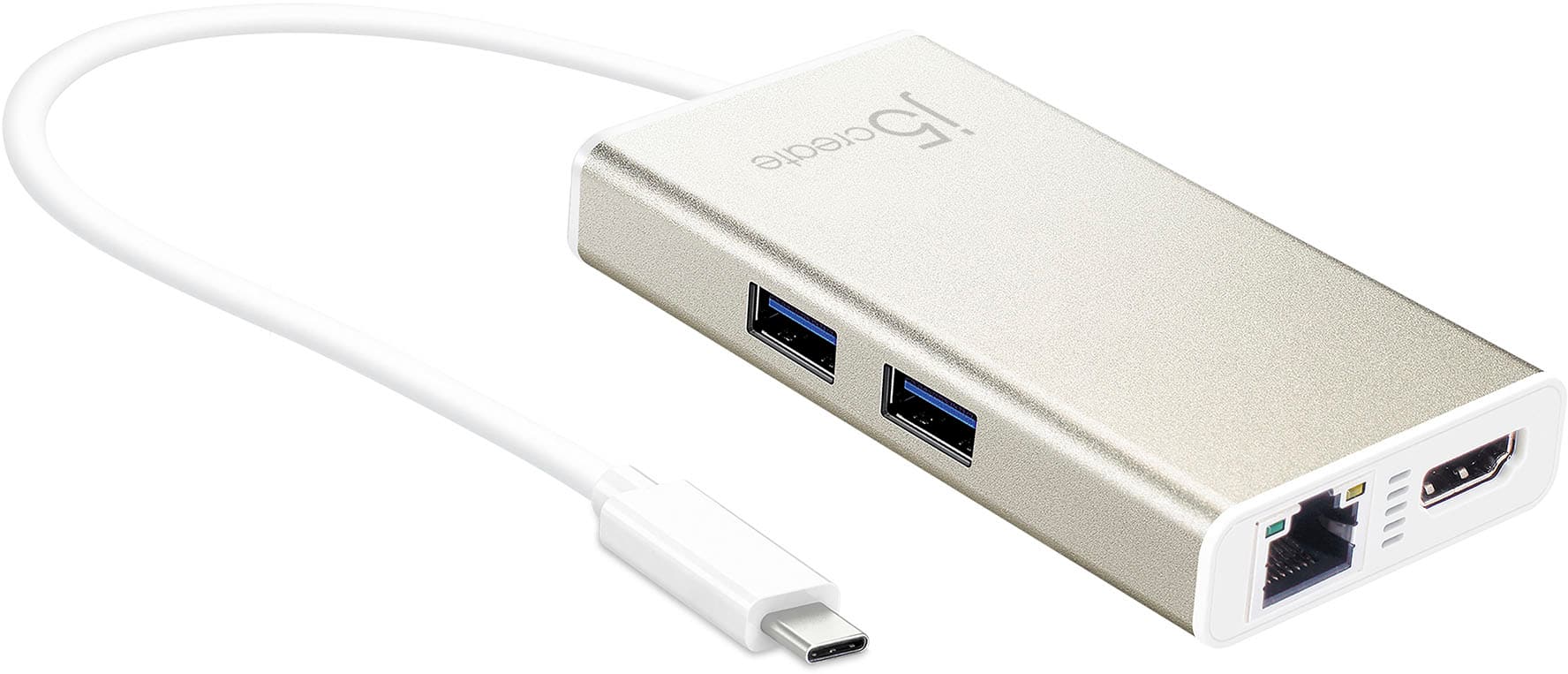
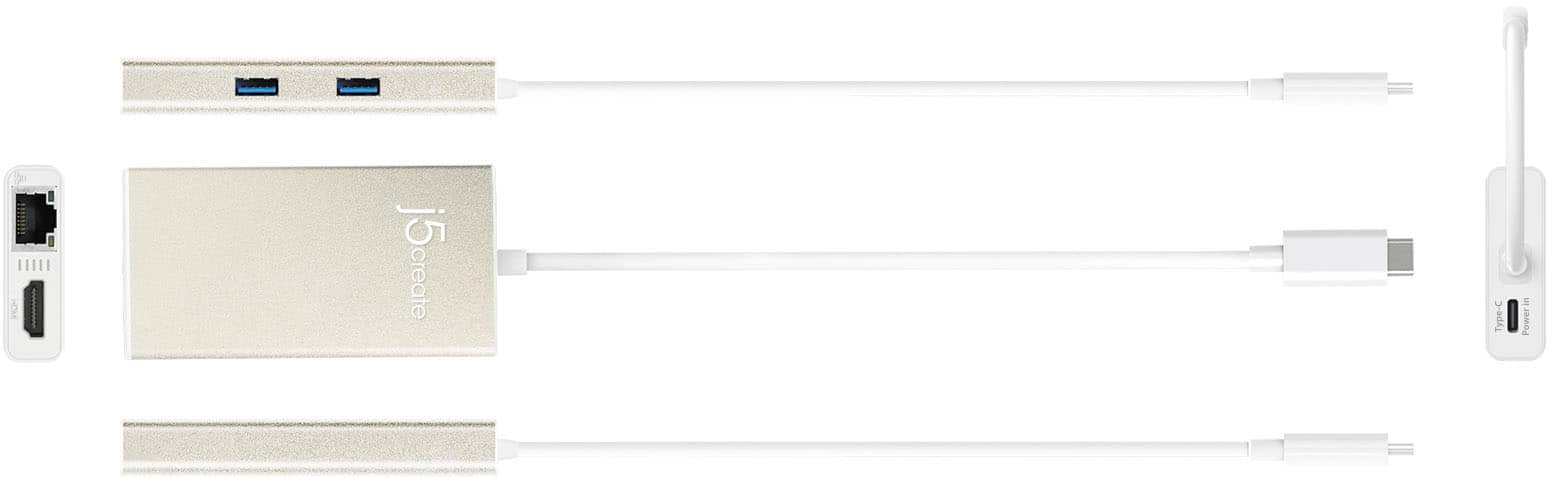
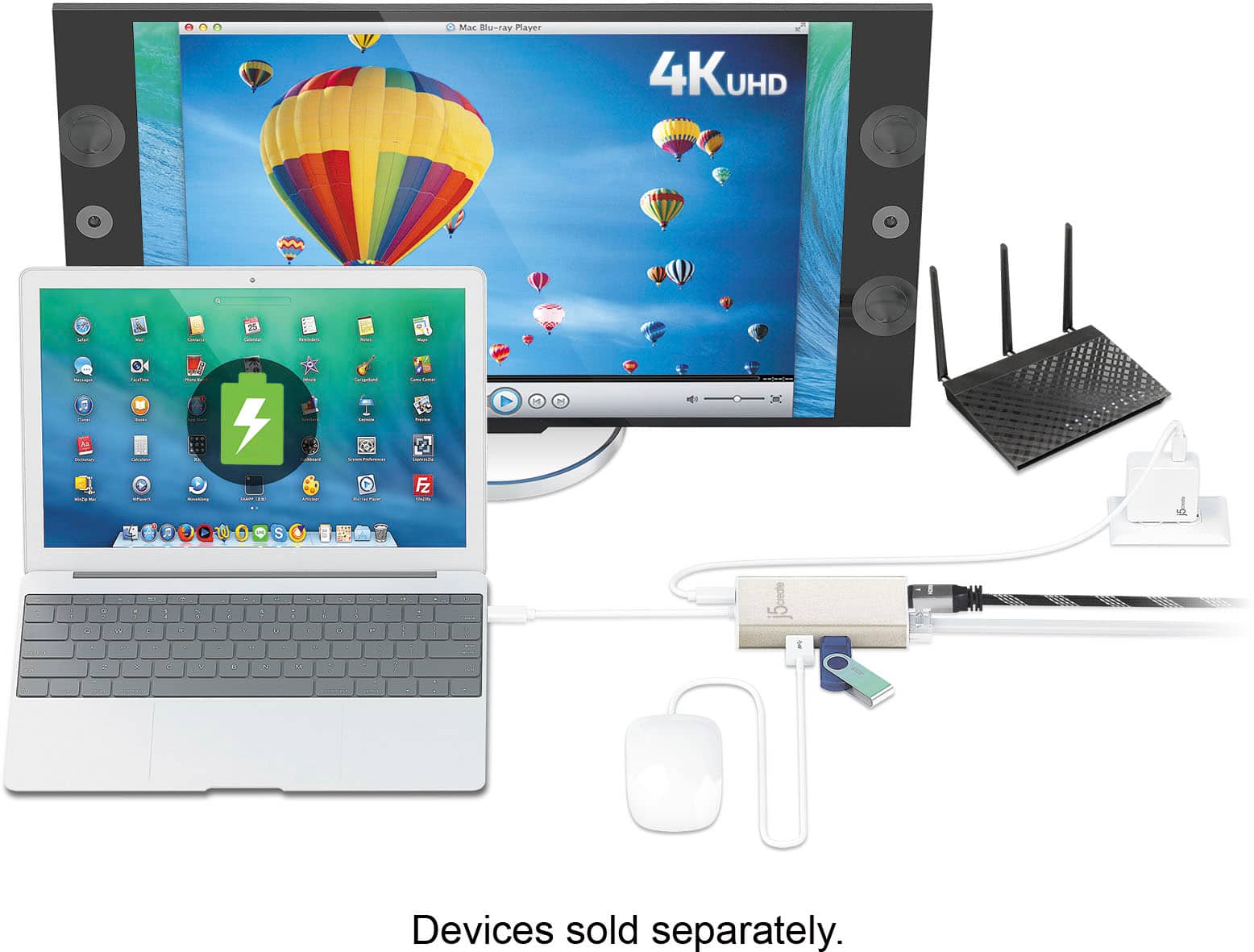
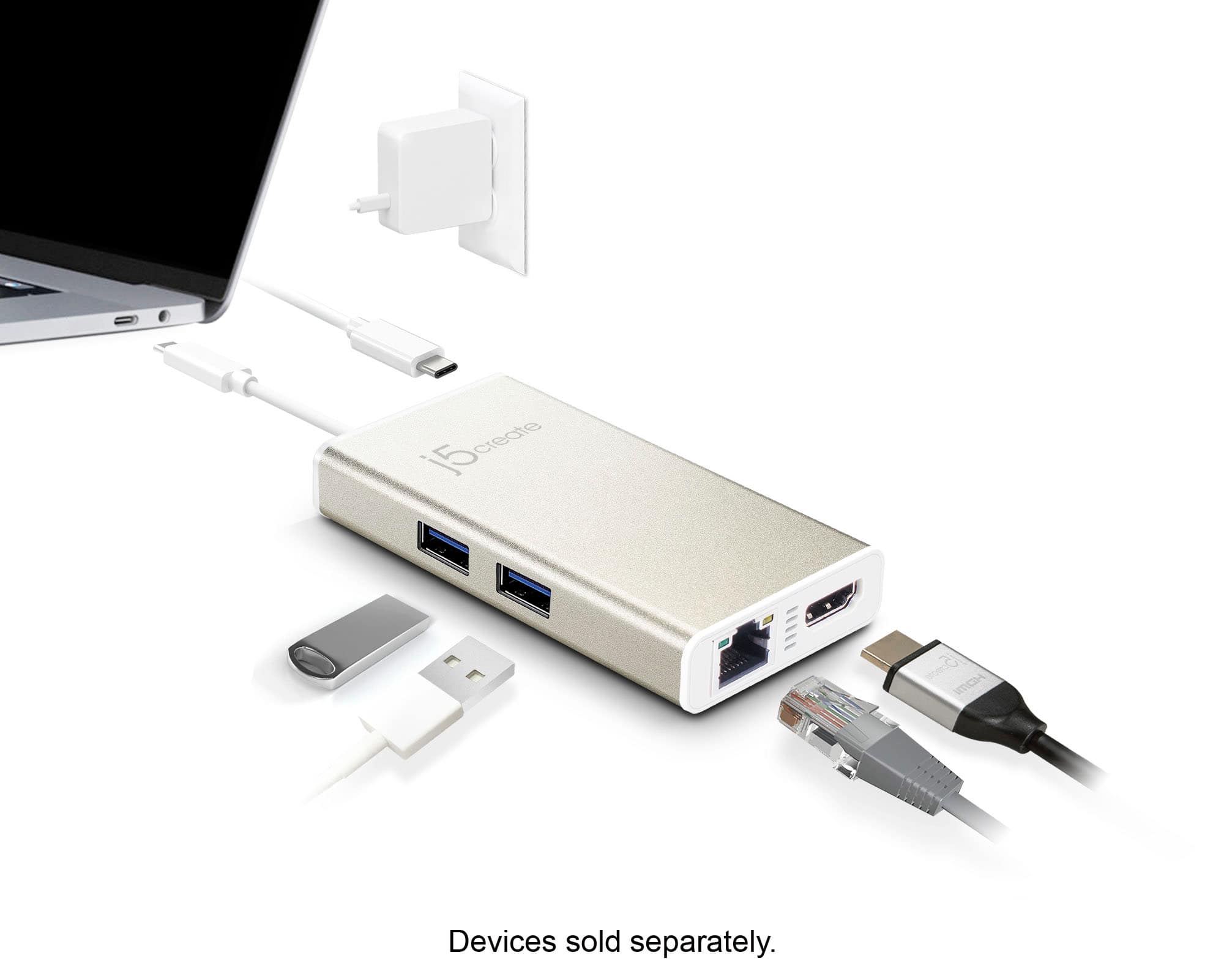
Posted .The JCA374 device allows you to add two additional USB peripherals, a 4K or 1080p HDMI display, and Gigabit Ethernet through your USB-C port.
- Pros mentioned:Ease of useCons mentioned:Price
Nice multi purpose
||Posted .This reviewer received promo considerations or sweepstakes entry for writing a review.Very user-friendly and I like the different types of items that can be plugged into it. A little pricey, but I like it
I would recommend this to a friendBrand response from J5create Team
Posted .Add extra functionality to your laptop with the JCA374 Multi-Adapter.
- Pros mentioned:Hdmi
Great MacBook Accessory!
||Posted .This reviewer received promo considerations or sweepstakes entry for writing a review.The j5create - 2-Port USB 3.0 Hub with HDMI and Gigabit Ethernet USB Type-C Adapter allows the owner of a new MacBook, which lacks older USB ports 2.0 ports and has no Ethernet jack, to connect to a home or office network without using WiFi and to use existing USB accessories. It also provides a Thunderbolt / USB-C port and an HDMI port as well as a SD camera-card slot. It's an absolute must for anyone switching from an older computer to one of the new MacBooks.
I would recommend this to a friendBrand response from J5create Team
Posted .Ethernet, HDMI and USB ports for peripherals make the JCA374 highly sought and we appreciate you taking the time to leave a review, Tony.
Regards,
j5create
- Pros mentioned:Ease of use, Hdmi
Works great.
||Posted .This reviewer received promo considerations or sweepstakes entry for writing a review.My new Lenovo Yoga 920 has no direct hookups for HDMI or ethernet. This adapter works well, and is easy to use.
I would recommend this to a friendBrand response from J5create Team
Posted .Augmenting HDMI, Ethernet, USB ports for accessories has never been easier and we're excited to hear it is working with your Lenovo Yoga 920, J1212.
Appreciatively,
j5create
- Pros mentioned:Overall performance
Very needed
||Posted . Owned for 1 week when reviewed.This reviewer received promo considerations or sweepstakes entry for writing a review.I woild purchase this again it came right in time for my new job
I would recommend this to a friend - Pros mentioned:Hdmi
Just What I needed
||Posted . Owned for 3 weeks when reviewed.This reviewer received promo considerations or sweepstakes entry for writing a review.Works as described. My laptop did not have a NIC connection and limited USB ports. Everything works as described. Lan speed is exceptional, but I already have 1-gig throughput.
I would recommend this to a friendBrand response from J5create Team
Posted .Hi!
That's fantastic! I'm glad to hear that this product has helped you out so much. :)
Thanks,
j5create
- Pros mentioned:Connectivity, Overall performance
Just What i needed
||Posted .This reviewer received promo considerations or sweepstakes entry for writing a review.Product works great, just as described. Fixes the problem we all have with the lack of ports in the Macbook Pro :)
I would recommend this to a friendBrand response from J5create Team
Posted .Compact and lightweight design for maximum portability
- Pros mentioned:Overall performance
Very handy
||Posted . Owned for 1 month when reviewed.This reviewer received promo considerations or sweepstakes entry for writing a review.Works great fits nice on a desk and everything you need goes in the hub
I would recommend this to a friend - Pros mentioned:Hdmi, Size
A must have for the MacBook Pro
||Posted .This reviewer received promo considerations or sweepstakes entry for writing a review.I purchased my son a MacBook Pro for graduation. This hub is slim and added the one thing the MacBook was lacking.
I would recommend this to a friendBrand response from J5create Team
Posted .Compact and lightweight design for maximum portability
- Cons mentioned:Heat
Does exactly what you want it to!
||Posted . Owned for 1 month when reviewed.This reviewer received promo considerations or sweepstakes entry for writing a review.I've been using this device as a usb hub/ethernet port for the past month and it works as you'd expect it to. The only thing I would say is that if you are using more than one device that requires power from the usb ports, definitely use the onboard usb-c power port and feed it some power. Very durable, with high levels of usage, it does get a little bit hot, but nothing extreme. Great product!
I would recommend this to a friendBrand response from J5create Team
Posted .Hi Zahel!
I'm happy to hear that this has done what you needed it to! I'll pass your information onto my team so that we can continue to improve our devices and make things better in the long run.
Thanks,
j5create
- Pros mentioned:Ease of use
Easy to install and gets the job done
||Posted . Owned for 5 months when reviewed.This reviewer received promo considerations or sweepstakes entry for writing a review.Got fir my HP laptop. Just plug in and good to go - very simple to use. Make sure you pay attention to the ports available because there’s so many different kinds nowadays, don’t want to get home and realize you needed a bunch of lightning ports rather than USB. Haven’t had any issues with performance or reading items plugged into it.
I would recommend this to a friendBrand response from J5create Team
Posted .Supports two additional USB peripherals, a 4K or 1080p HDMI display, and Gigabit Ethernet through your USB-C port, including a USB-C power-in port for pass-through charge.
Useful for Apple Notebooks - Great Price
||Posted .This reviewer received promo considerations or sweepstakes entry for writing a review.Got this for a new MacBook Air and it was cheaper and offered more options for ports than the Apple versions and other models. It required a firmware download and installation which was annoying but after that it was smooth sailing. So far, so good. Recommended.
I would recommend this to a friendBrand response from J5create Team
Posted .Apple users looking to annex monitors, Ethernet connectivity for a more secure, reliable web surfing experience, charging capabilities and USB ports for peripherals - the JCA374 provides it all - it's sturdy build guarantees satisfaction.
Sincerely,
j5create
A must have item
||Posted . Owned for 1 month when reviewed.This reviewer received promo considerations or sweepstakes entry for writing a review.Now that laptops have fewer ports for additional devices. A hub is a must have item. I usually connect a wired mouse and external SSD both requiring USB type C connection. My current laptop has only 2 C ports but one is for the power cord. This hub does the job.
I would recommend this to a friend- Pros mentioned:Hdmi, Size
Perfect
||Posted .This reviewer received promo considerations or sweepstakes entry for writing a review.Very small. I use it with my laptop and larger monitor. Type C connectability for newer machines. No latency.
I would recommend this to a friendBrand response from J5create Team
Posted .Transmits both audio and video from a USB-C computer or tablet to a 4K Display