Customer Ratings & Reviews
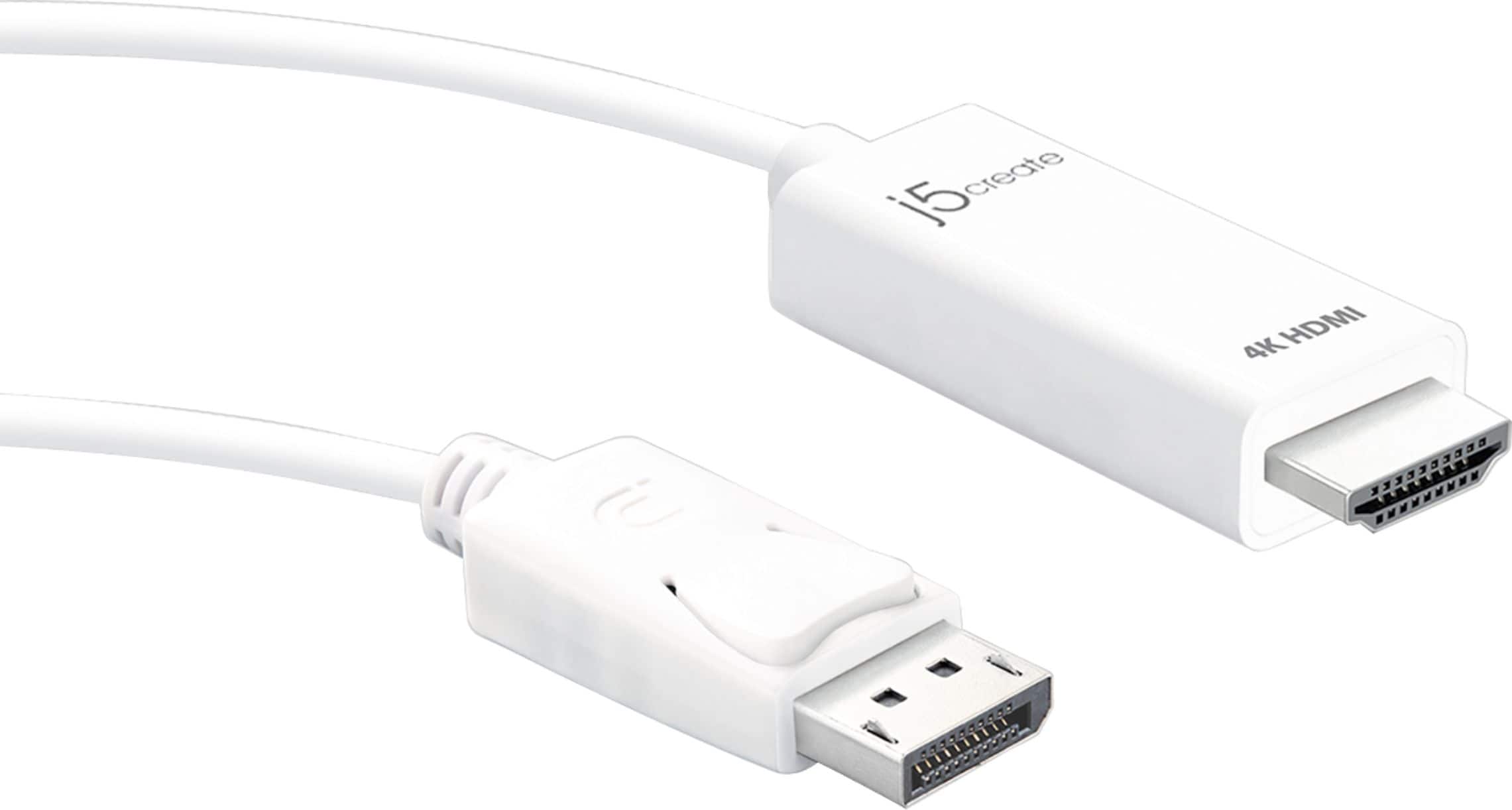
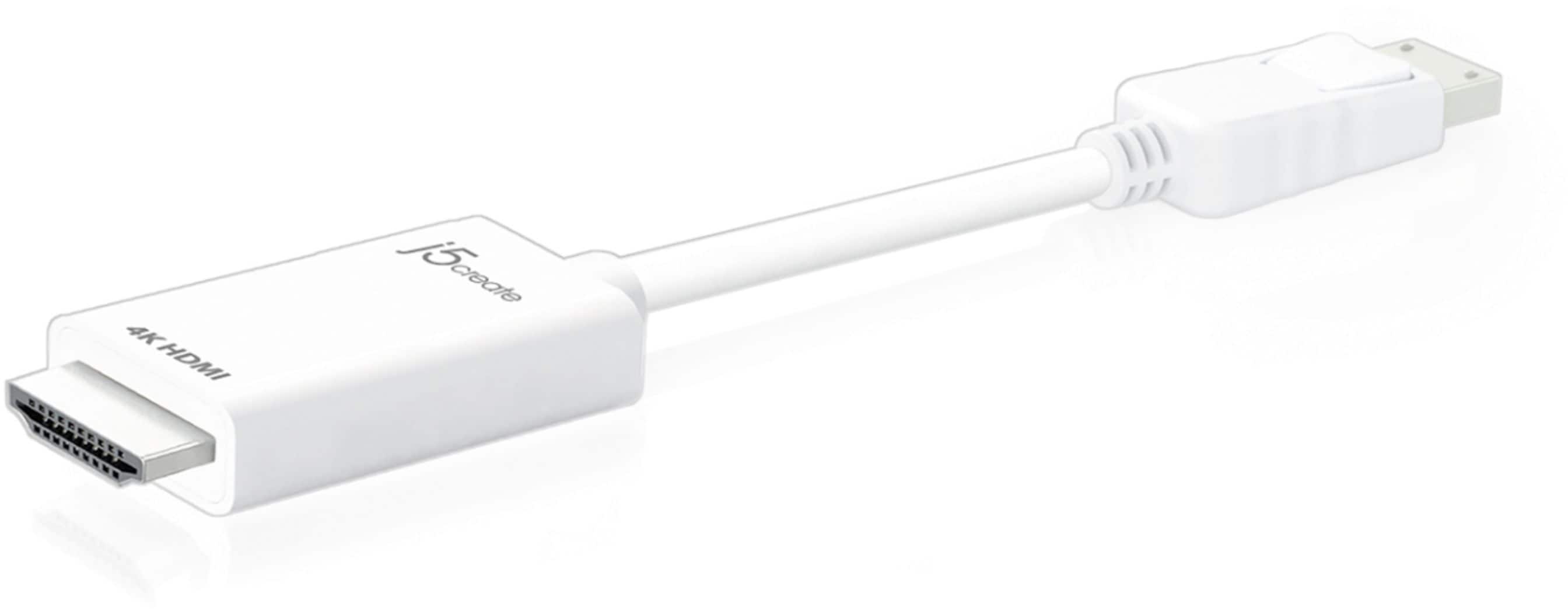
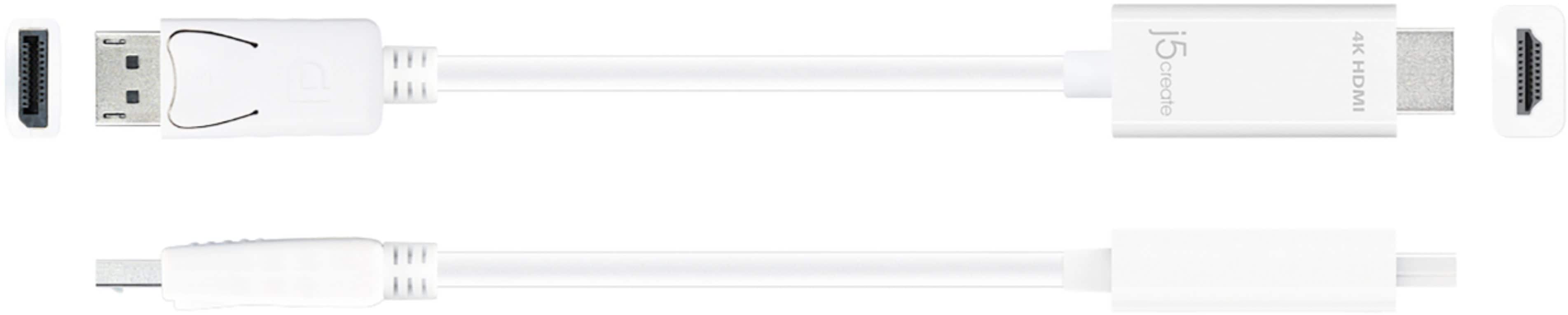
- Model:
- JDC158
- SKU:
- 6343710
Rating by feature
- Value
Rating 4.3 out of 5 stars
- Quality
Rating 4.5 out of 5 stars
- Ease of Use
Rating 4.7 out of 5 stars
Customers are saying
Customers love the 4K HDMI DisplayPort Cable for its overall performance, HDMI connectivity, and broad compatibility, making it easy to use with various displays. Many appreciate the convenient cable length. Some customers feel the price is a bit high, and a few have noted the refresh rate may only be 30fps.
This summary was generated by AI based on customer reviews.
Didn’t work properly
||Posted . Owned for 1 month when reviewed.This reviewer received promo considerations or sweepstakes entry for writing a review.Was recommended from management and I ended up using a cheaper version because this one either didn’t work or wasn’t the right chord to plug monitor to the computer. Always have great experience with Best Buy with exception to this one time.
No, I would not recommend this to a friendBrand response from J5create Team
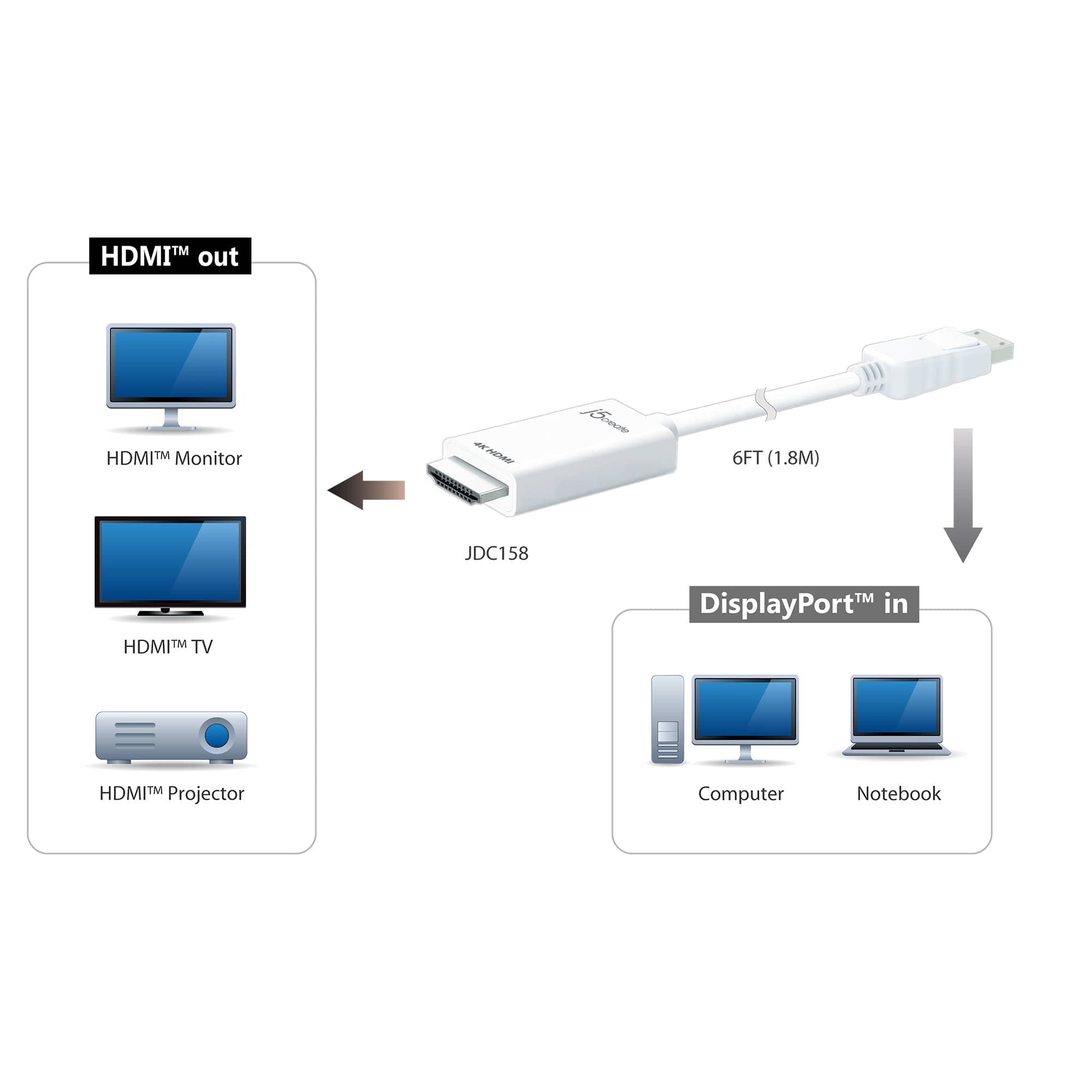
Posted .The 4K HDMI DisplayPort Cable is intended to connect to an available computer that supports a DisplayPort connection and connect the HDMI end to an available HDMI display.

Cord
||Posted . Owned for 11 months when reviewed.This reviewer received promo considerations or sweepstakes entry for writing a review.Did not like this product. Awful display especially for the price.
No, I would not recommend this to a friendBrand response from J5create Team
Posted .The 4K HDMI DisplayPort Cable supports Ultra HD video resolution up to 4096 x 2160.
Garbage wire
||Posted . Owned for 1 week when reviewed.This reviewer received promo considerations or sweepstakes entry for writing a review.If I could give this 0 stars I would. Wasted my time and money on this 30 dollar garbage wire. It's 4k at 30 frames per second, not 60. Windows H settings will not turn on with this wire at 60 hz. Be warned, J create is running a false advertisement. Shakes my head.
No, I would not recommend this to a friendBrand response from J5create Team
Posted .Hello Motherknows, the JDC158 supports 4k at 60hz. I recommend calling in and our representative will be able to assist you on why you weren't getting 60hz on your device. Respectfully, j5create.
Stay Away!
||Posted . Owned for 2 months when reviewed.This reviewer received promo considerations or sweepstakes entry for writing a review.Product did not work. Had to wait on other components of system to come in and ended up missing my return window by the time I found out it was defective. Best Buy would not allow me to return. Now I'm stuck with a $30 piece of rope.
No, I would not recommend this to a friendBrand response from J5create Team
Posted .Hello Mike, we're sorry to hear the cable was defective. Please contact our representatives and they'll be glad to help with troubleshooting with you or replace the unit if it comes out to being defective. Sorry for the inconvenience this has caused. Kindly, j5create.
False advertisement
||Posted . Owned for 3 weeks when reviewed.This reviewer received promo considerations or sweepstakes entry for writing a review.Chord was supposed yo be capable of supporting 4K. Did not do the job. Waste of money
No, I would not recommend this to a friendBrand response from J5create Team
Posted .The 4K HDMI DisplayPort Cable supports 4K x 2K & 3D video formats over HDMI. Verify that both the source device (e.g., computer) and the display device (e.g., monitor, TV) support 4K resolution. Check the technical specifications for both devices. Check the display settings on your source device. Ensure that it is set to output at 4K resolution. Feel free to contact j5create Technical Support if you require further assistance. Their information can be found on our website under the Support tab. Thank you.
Bad cable
||Posted . Owned for 1 month when reviewed.This reviewer received promo considerations or sweepstakes entry for writing a review.Wasn't working was broken and really bad experience.
No, I would not recommend this to a friendBrand response from J5create Team
Posted .I apologize for the experience you have had with your 4K HDMI DisplayPort Cable. The most important thing to keep in mind is that the DisplayPort end of the cable must be connected to a device such as a computer and the HDMI end of the device must connect to a display such as a monitor or TV. If you have any questions please reach out to our customer support team by visiting the j5create website then click on the "SUPPORT" tab at the top right of the webpage. Thank you.
Only DP TO HDMI
||Posted .This reviewer received promo considerations or sweepstakes entry for writing a review.Waste of money, who goes from dp to hdmi, and make it more obvious that’s all it does.
No, I would not recommend this to a friendBrand response from J5create Team
Posted .Please contact our Technical Support Team, so that they can get more information from you; in order to properly understand the issue regarding the DisplayPort-to-HDMI Cable. Their information can be found on our website under the "Support" tab. Thank you.
Hdmi
||Posted . Owned for 1 week when reviewed.This reviewer received promo considerations or sweepstakes entry for writing a review.This didn’t work for my laptop.and I don’t know what to do
No, I would not recommend this to a friendBrand response from J5create Team
Posted .The 4K HDMI DisplayPort Cable will need to connect to an available laptop equipped with a DisplayPort output port and a display with an HDMI input. If you have any question regarding this video cable, please contact our Technical Support Team, Their information can be found on our website under the "Support" tab. Thank you.
Cable Not Working.
||Posted . Owned for less than 1 week when reviewed.This reviewer received promo considerations or sweepstakes entry for writing a review.Using a dell monitor with digital display port to dell laptop with HDMI port. Not working. Still trying to trouble shoot, but I may have to return to store.
No, I would not recommend this to a friendBrand response from J5create Team
Posted .Hi!
I'm so sorry to hear that you've had some trouble with our device! If you would contact us at either the information on the back of your product box or on our support page for our website, we'd be happy to get you up and running!
Thanks!
j5create
Cheap Crap
||Posted . Owned for 1 month when reviewed.This reviewer received promo considerations or sweepstakes entry for writing a review.Cheap construction. Busted HDMI end removing cable from monitor within 15 minutes of installing.
No, I would not recommend this to a friendBrand response from J5create Team
Posted .Hello FGRII, thank you for your feedback. I apologize for the faulty cable and I recommend calling in so we can do a replacement on the unit. Our contact information can be found on our website. Again, sorry for the inconvenience this has caused you. Sincerely, j5create..
Didnt Work
||Posted . Owned for less than 1 week when reviewed.This reviewer received promo considerations or sweepstakes entry for writing a review.It didnt work. Bedt Buy has a lot of returned cables for dome reason
No, I would not recommend this to a friendBrand response from J5create Team
Posted .This video cable requires a computer to support DisplayPort Alt Mode for video out over USB-C when using PnP cables, adapters and docks. Please refer to the manufacturer of your hardware for more information on your device. ** Feel free to contact j5create Technical Support if you require further assistance. Cordially, j5.
Bad technical advice
||Posted . Owned for 1 month when reviewed.This reviewer received promo considerations or sweepstakes entry for writing a review.Wrong product , not bidirectional , bad sales recommendation by sale staff. Non compatible
No, I would not recommend this to a friendBrand response from J5create Team
Posted .Hello Firestick and thank you for your input on the JDC158. Due to the unidirectional nature of the JDC158, you will not be able to use the cable in either direction. We do have converter models that are available for video signal change and if interested in learning more about those options, please feel free to reach out to the technical support team printed on the packaging and a specialist will be glad to help answer any questions you may have.
Respectfully,
j5create
Sucky cord
||Posted .This reviewer received promo considerations or sweepstakes entry for writing a review.Lasted five minutes dont waste your time or money....
No, I would not recommend this to a friendBrand response from J5create Team
Posted .This Plug n Play video cable requires a computer to support DP Alt Mode for video out over USB-C. Please refer to the manufacturer of your hardware for more information on your device. Feel free to contact j5create Technical Support if you require further assistance. Their information can be found on our website under the "Support" tab. Cordially, j5.
Very poor quality
||Posted . Owned for less than 1 week when reviewed.This reviewer received promo considerations or sweepstakes entry for writing a review.This is a very low quality cable, poor connections and virtually unusable.
No, I would not recommend this to a friendBrand response from J5create Team
Posted .Hi!
I'm so sorry to hear this! It sounds like you might have a defective unit. If you would contact us, we can see about getting you set up with a working unit and getting you up and running.
Thanks,
j5create
- Pros mentioned:Overall performance
Worked Great for Ultrawide
Posted .This reviewer received promo considerations or sweepstakes entry for writing a review.Recently got a Virtual Reality headset that stole the only HDMI port on my graphics card. My cheapo DP to HDMI adapter I had for my second monitor only displayed 1920x1080 60hz on my 21:9 display. This cable is well priced compared to similar products on Amazon. Works flawlessly at 2560x1080 75z.
I would recommend this to a friendBrand response from J5create Team
Posted .Feddler, I appreciate you letting us know the JDC158 has met your expectations and you are enjoying the great quality image.
Cordially,
j5create
Good converter
Posted .This reviewer received promo considerations or sweepstakes entry for writing a review.Got this to connect to a KVM switch because the display port wouldn't work.
I would recommend this to a friend- Pros mentioned:Hdmi
It’s an HDMI converter
Posted .This reviewer received promo considerations or sweepstakes entry for writing a review.It’s an hdmi converter, it does what it needs to do.
I would recommend this to a friend - Pros mentioned:Compatibility
Review
Posted .This reviewer received promo considerations or sweepstakes entry for writing a review.Was exactly what I needed so that I could use two monitors.
I would recommend this to a friendBrand response from J5create Team
Posted .Simple plug n play video cable, no drivers needed. Enjoy!
2 year life
Posted .This reviewer received promo considerations or sweepstakes entry for writing a review.The cable broke after two years of constant use. Before that, it worked great, but when I changed my desk recently, I had to unplug it from my computer, and now it no longer works. The monitor's ports all still work, it's just the cable that doesn't.
I would recommend this to a friendBrand response from J5create Team
Posted .- Frequent plugging, unplugging, and bending over two years can cause internal wires to weaken or break.
- The HDMI or DisplayPort connectors might have suffered damage during unplugging, such as bent pins or loosened connections.
After two years of regular use, it's reasonable for a cable to show signs of wear.
*When unplugging cables, gently grip the connector (not the cable) and avoid bending it sharply. This minimizes stress on internal components and can significantly extend the life of your cables.
Worth it!! Going to get another for second monitor
Posted .This reviewer received promo considerations or sweepstakes entry for writing a review.Works great fits great!! My display looks great with this! Recommended
I would recommend this to a friend