Customer Ratings & Reviews
- Model:
- JDC158
- SKU:
- 6343710
Rating by feature
- Value
Rating 4.3 out of 5 stars
- Quality
Rating 4.5 out of 5 stars
- Ease of Use
Rating 4.7 out of 5 stars
Customers are saying
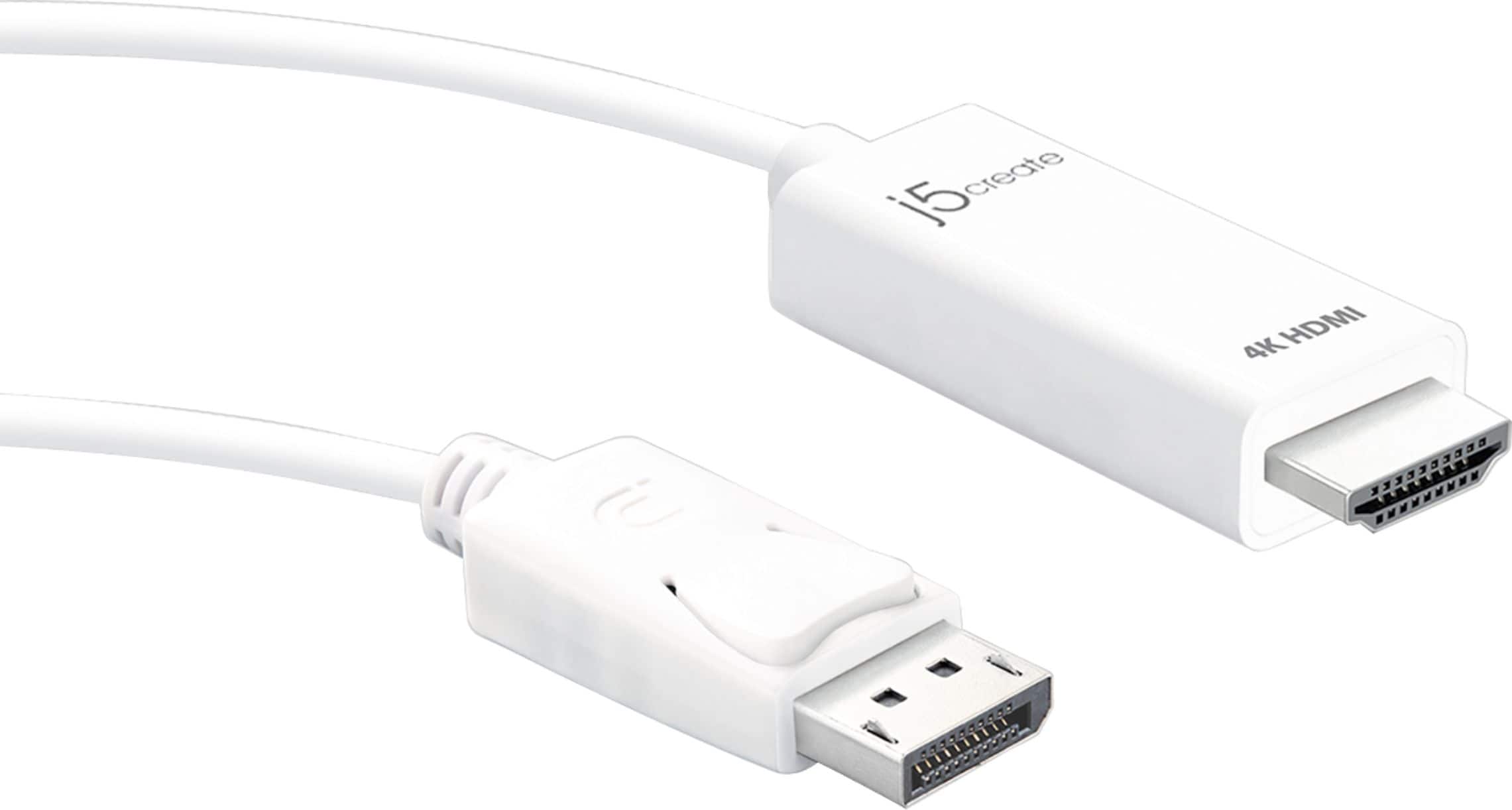
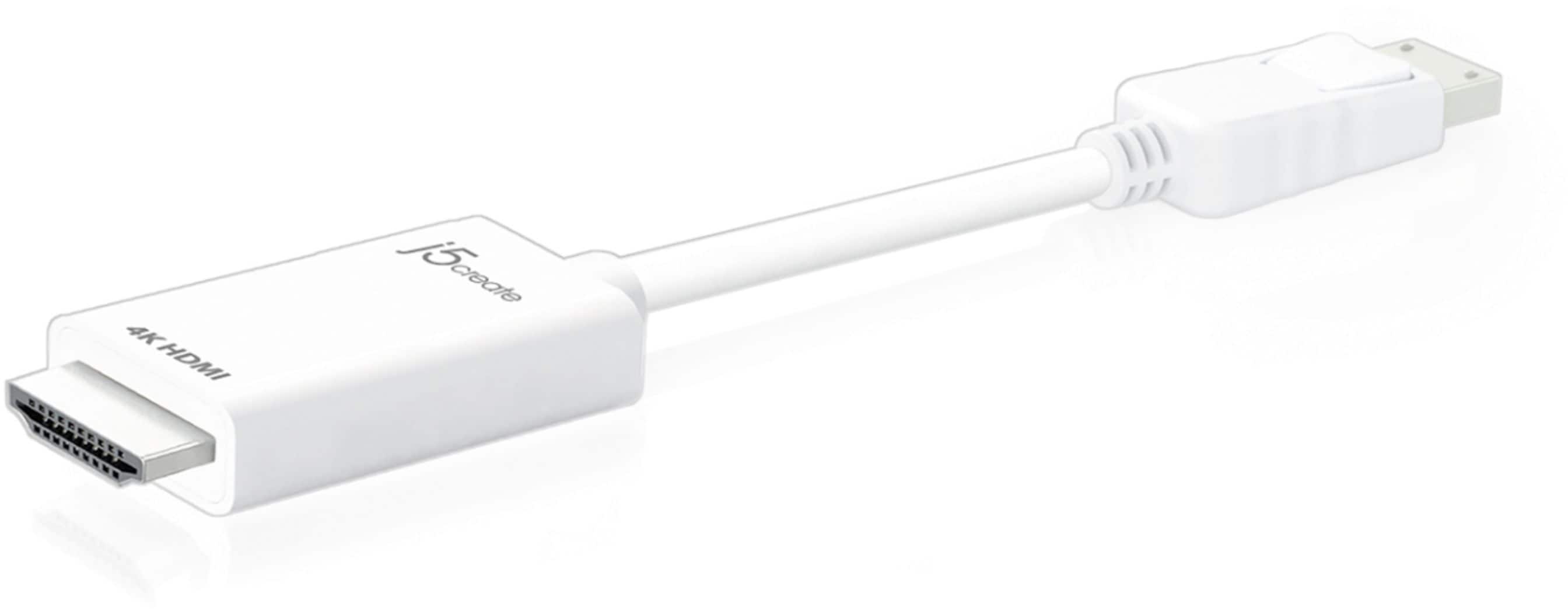
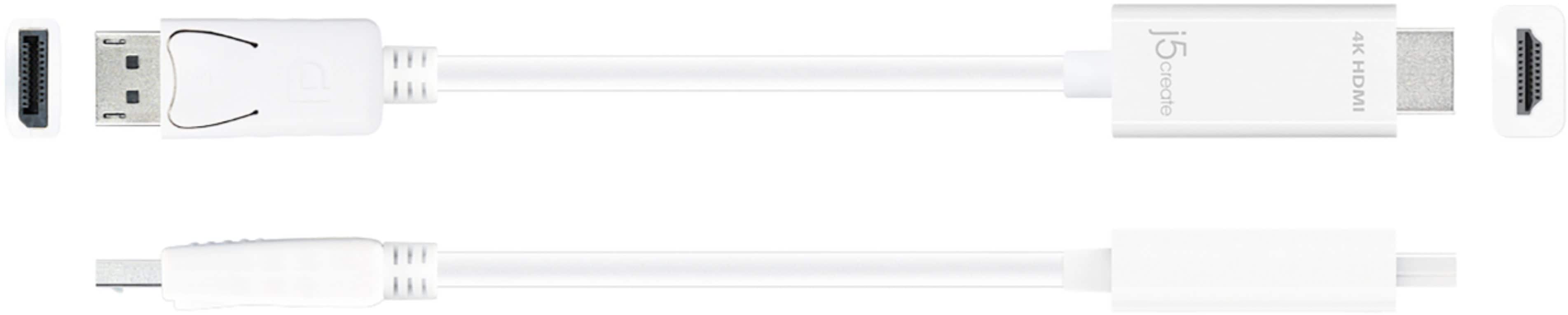
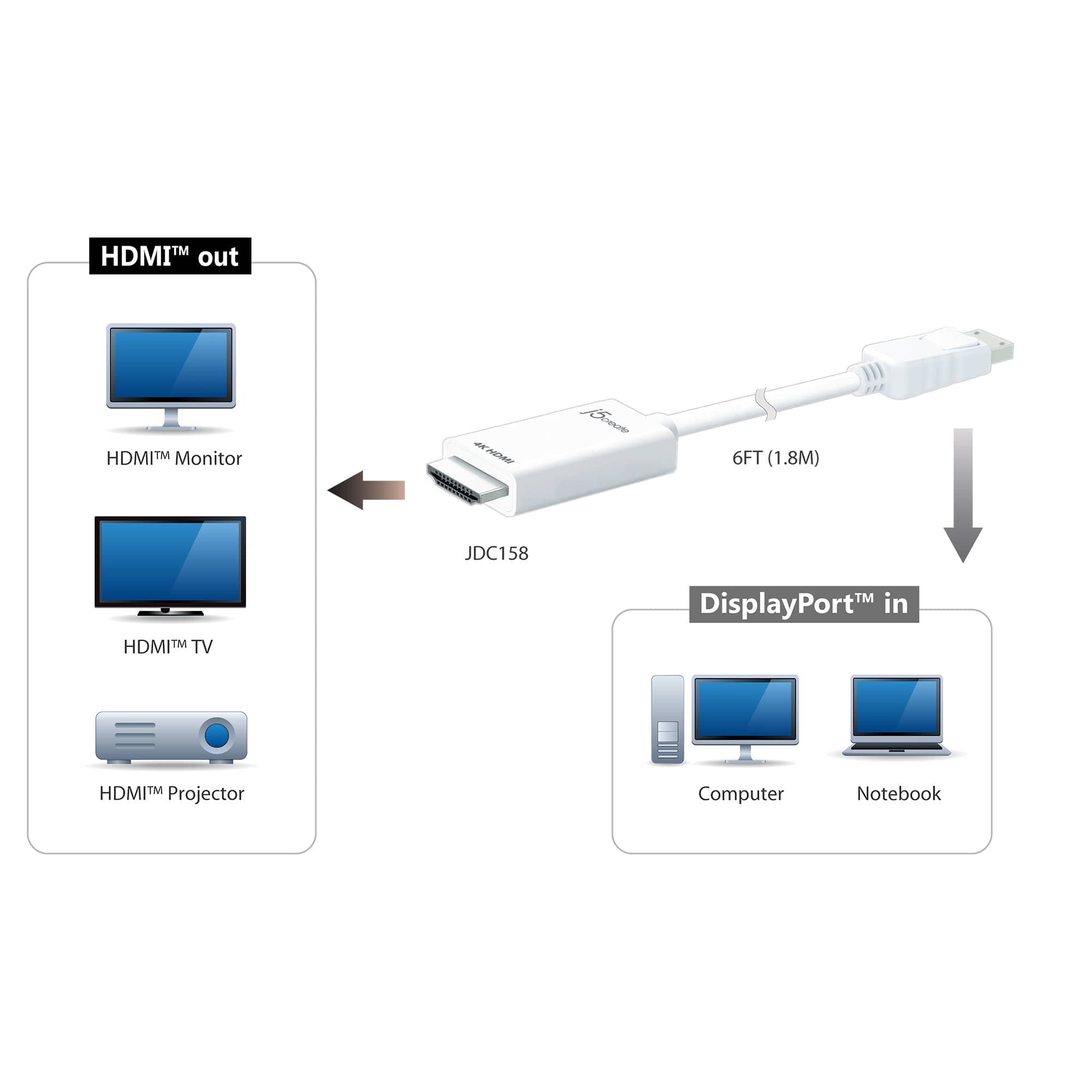
Customers love the 4K HDMI DisplayPort Cable for its overall performance, HDMI connectivity, and broad compatibility, making it easy to use with various displays. Many appreciate the convenient cable length. Some customers feel the price is a bit high, and a few have noted the refresh rate may only be 30fps.
This summary was generated by AI based on customer reviews.
Poor Quality.
Posted .This reviewer received promo considerations or sweepstakes entry for writing a review.This Item broke within a week of use. Not even moving it or anything just removed it from the tv once and the entire outer piece of the HDMI came apart.
No, I would not recommend this to a friendBrand response from J5create Team
Posted .I apologize for the experience you have had with your 4K HDMI DisplayPort Cable. The cable comes with a 1 year warranty that allows you to replace a defective cable for a working one. For assistance with the warranty process please reach out to our customer support team by visiting the j5create website then click on the "SUPPORT" tab at the top right of the webpage. Thank you.

Does not work
Posted .This reviewer received promo considerations or sweepstakes entry for writing a review.Purchased in store in January or February. Worked fine for a couple months, then had intermittent connection problems. It is June, it no longer works at all and is outside of return window.
No, I would not recommend this to a friendBrand response from J5create Team
Posted .I'm sorry to hear about the issues you're experiencing with your 4K HDMI DisplayPort cable. Intermittent connection problems and subsequent complete failure can be frustrating. Here are a few steps you can take to troubleshoot the cable: Ensure that both ends of the cable are securely plugged into the appropriate ports. Sometimes, loose connections can cause intermittent or no signal issues. Connect the cable to different devices (such as a different computer or monitor) to determine if the issue persists across multiple devices. Examine the cable for any signs of physical damage, such as frayed wires or bent connectors. If you notice any damage, it could explain the connection issues. ** If you require further assistance; please contact the j5create Technical Support team and they will be glad to further assist if necessary. Their information can be found on our website under the "Support" tab. Thank you.