Customer Ratings & Reviews
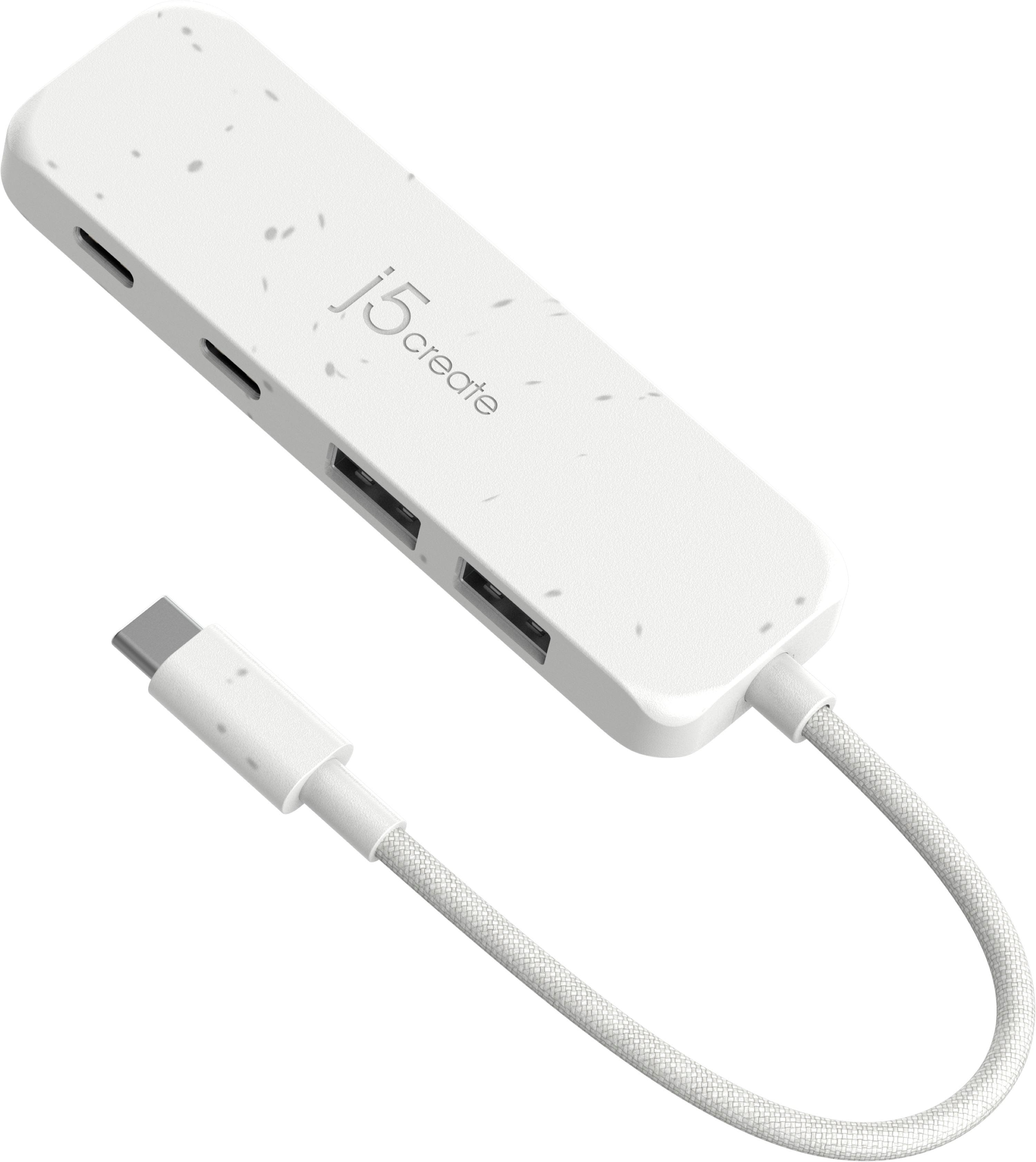

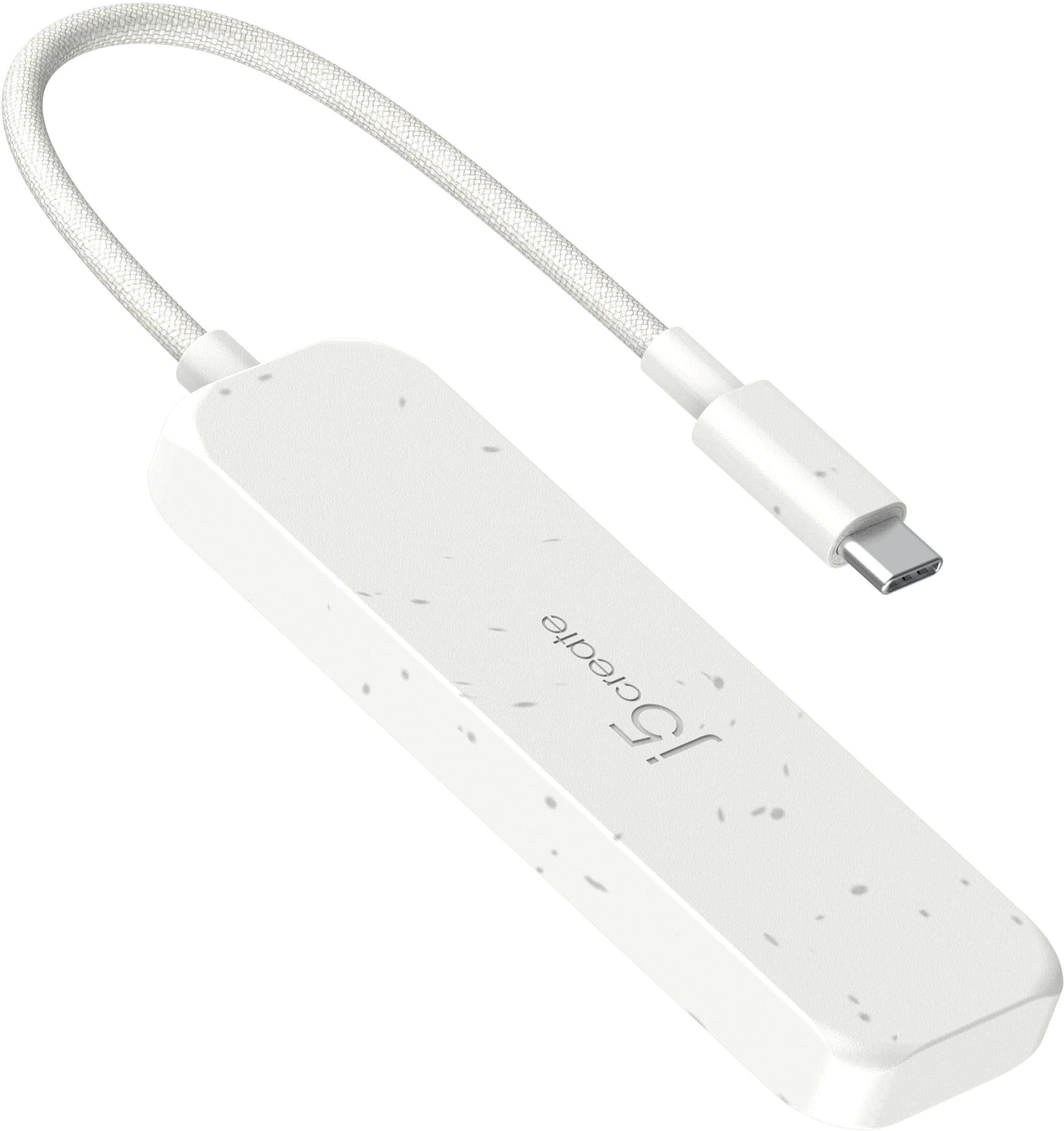
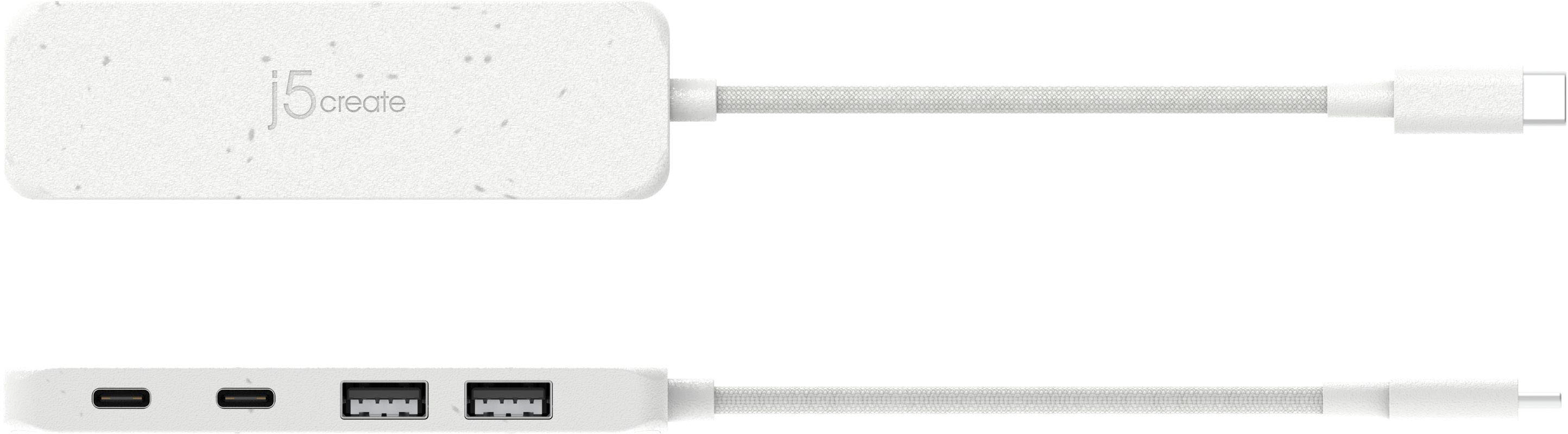
- Model:
- JCH342EW
- SKU:
- 11920833
Rating by feature
- Value
Rating 4.7 out of 5 stars
- Quality
Rating 4.7 out of 5 stars
- Ease of Use
Rating 4.8 out of 5 stars
requires improvement
||Posted . Owned for 1 month when reviewed.This reviewer received promo considerations or sweepstakes entry for writing a review.my USB-C SSD blinks at windows with this hub. I already try everything at windows setting. No new drives at J5 website to solve this problem.
No, I would not recommend this to a friendBrand response from J5create Team
Posted .This bus-powered USB hub only draw power from the computer's USB port. If you are connecting high-powered devices like solid state hard drives (SSD), please limit the number of USB devices connected to where the power draw total power draw of all connected devices is less than 3A. Most SSDs power consumption is around 1~1.2A, so we recommend connecting no more than 2 or 3 SSDs at time depending on the power usage of the SSD.

- Pros mentioned:Overall performance
comes in handy
Posted .This reviewer received promo considerations or sweepstakes entry for writing a review.does what is supposed to do, unobtrusive, good value
I would recommend this to a friend Mac
Posted .This reviewer received promo considerations or sweepstakes entry for writing a review.Good. Works well. Pricey but needed it to work for my needs.
I would recommend this to a friendDisappointed
Posted .This reviewer received promo considerations or sweepstakes entry for writing a review.Just bought this hub (j5create JCH342EW). I was hoping to extend the two measly USB-C ports on my MacBook Air. The info on Best Buy's page said this device would support up to two monitors. Unfortunately I couldn't get it to work even with one HDMI monitor. I'll be returning it. Otherwise the device seems to work.
No, I would not recommend this to a friendBrand response from J5create Team
Posted .It sounds like you were hoping to add multiple monitors with the j5create JCH342EW, but unfortunately, this hub doesn't support video output on a MacBook Air. The Hub is designed to expand the connectivity of a USB-C-enabled device, allowing users to attach multiple peripherals such as flash drives, keyboards, and other USB accessories simultaneously..