Customer Ratings & Reviews

- Model:
- JCH342EW
- |
- SKU:
- 6557484
Customer reviews
Rating 4.7 out of 5 stars with 166 reviews
(166 customer reviews)Rating by feature
- Value4.7
Rating 4.7 out of 5 stars
- Quality4.7
Rating 4.7 out of 5 stars
- Ease of Use4.8
Rating 4.8 out of 5 stars
Customers are saying
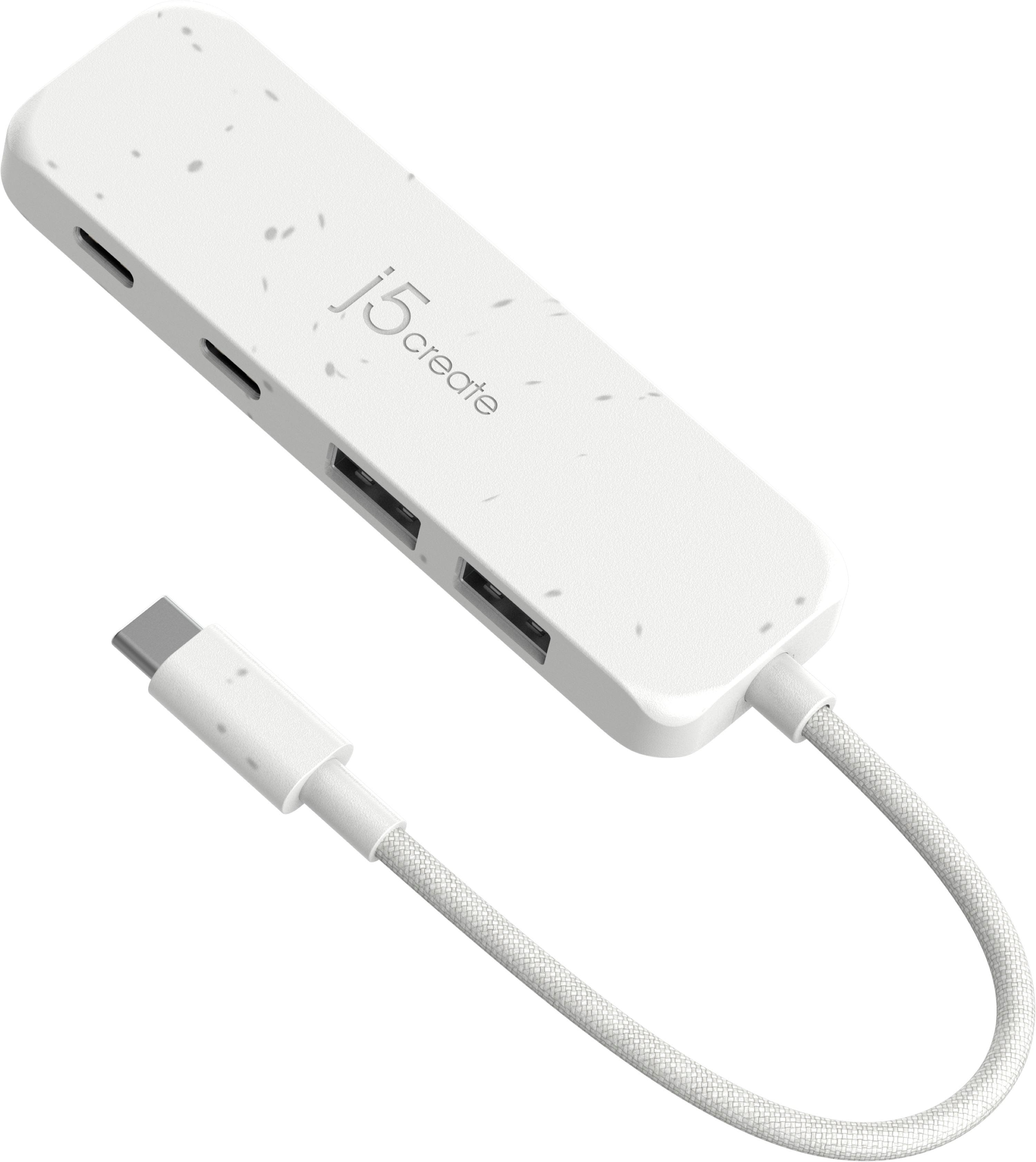
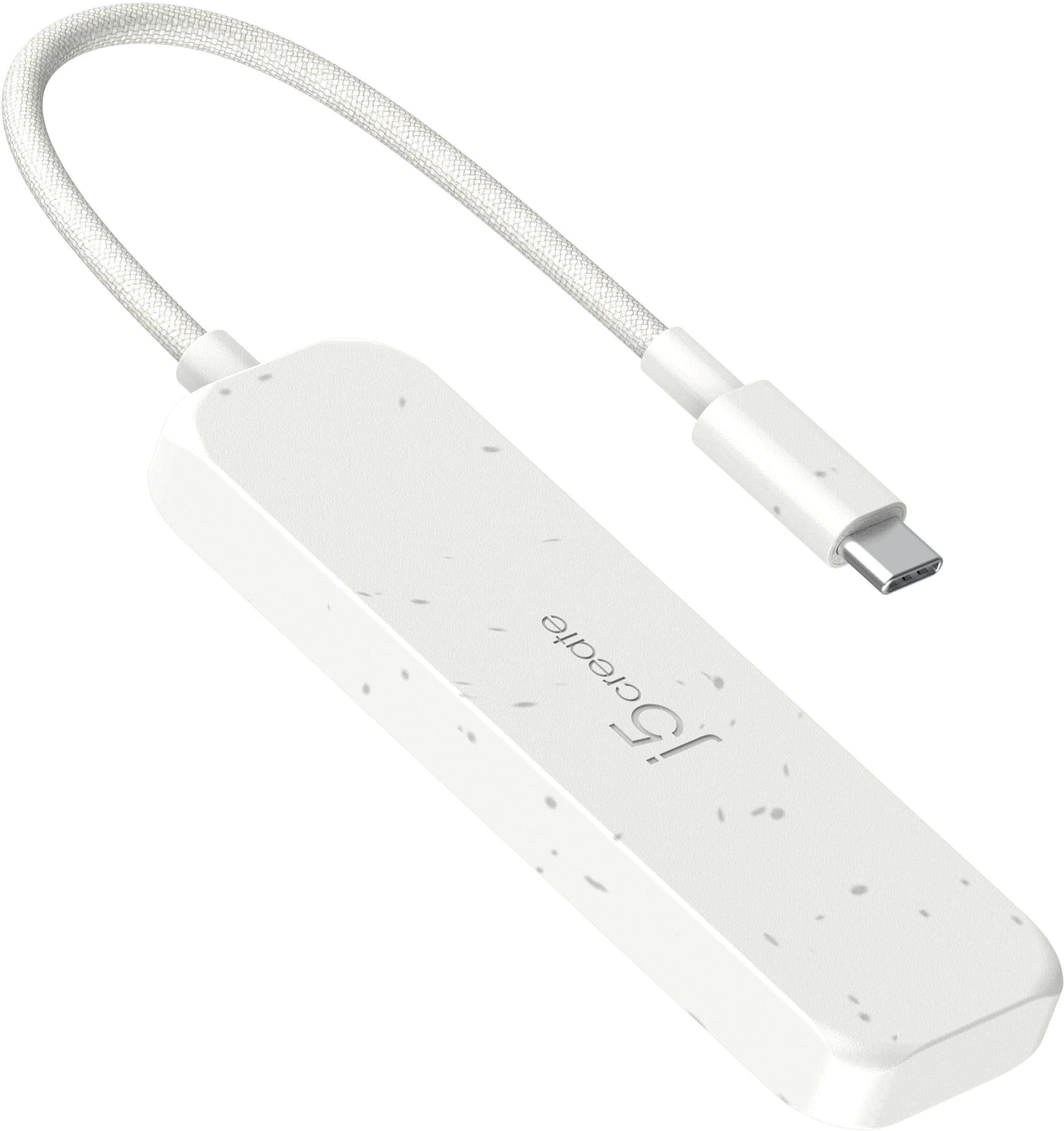
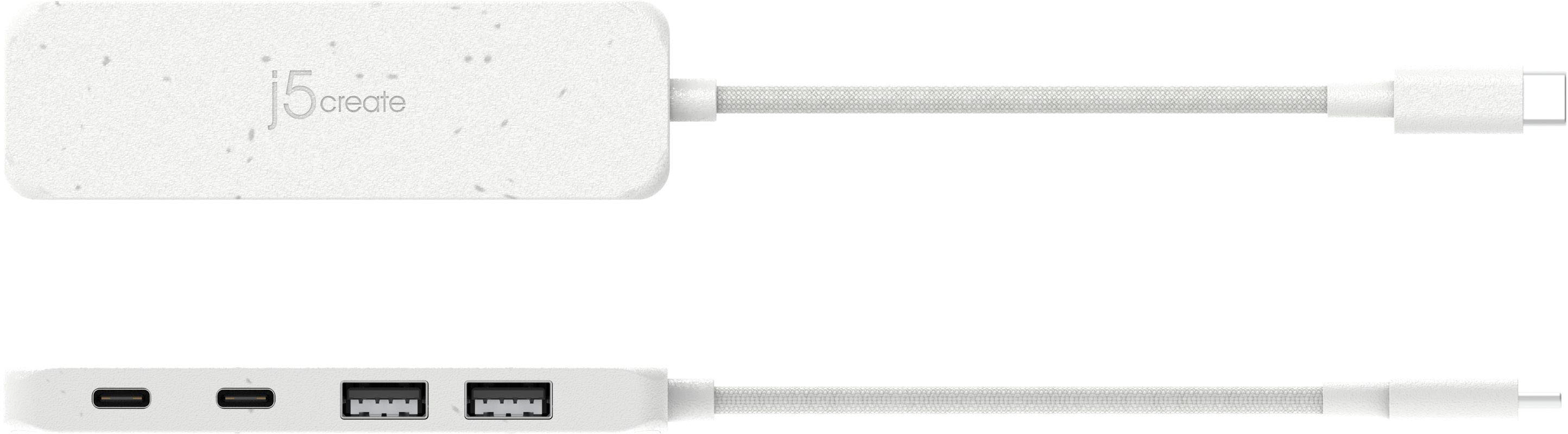
Customers love the Eco-Friendly USB-C to Type-C & Type-A Gen2 4 Port Hub for its overall performance and USB-C capabilities. Users appreciate its portability, compact size, and connectivity, making it a convenient accessory. The hub's compatibility and modern design are also well-received.
This summary was generated by AI based on customer reviews.
- Pros mentioned:Usb-c
Rated 5 out of 5 stars
This hub gives you 2 standard sized USB ports.
||Posted . Owned for 1 month when reviewed.This reviewer received promo considerations or sweepstakes entry for writing a review.I purchased this to go with my new Dell laptop. That way i have standard size USB connections.
I would recommend this to a friend Rated 5 out of 5 stars
Solid
||Posted . Owned for 1 month when reviewed.This reviewer received promo considerations or sweepstakes entry for writing a review.Works great since I can't use a USB anymore on my new Macbook
I would recommend this to a friend- Pros mentioned:Usb-c
Rated 5 out of 5 stars
USB c port extender
||Posted . Owned for 6 months when reviewed.This reviewer received promo considerations or sweepstakes entry for writing a review.Very good to attach more than 1 to a usb c port. It works well
I would recommend this to a friend - Pros mentioned:Usb-c
Rated 5 out of 5 stars
Works perfect
||Posted . Owned for 2 months when reviewed.This reviewer received promo considerations or sweepstakes entry for writing a review.I use a keyboard headset and mic connected to this dongle and it works perfect!
I would recommend this to a friend - Pros mentioned:Usb-c
Rated 5 out of 5 stars
J5 Create USB-C to Type-A
||Posted . Owned for 3 weeks when reviewed.This reviewer received promo considerations or sweepstakes entry for writing a review.This device works great for charging and any USB-A and USB-C connections
I would recommend this to a friend Rated 5 out of 5 stars
UCB-C
||Posted . Owned for 2 weeks when reviewed.This reviewer received promo considerations or sweepstakes entry for writing a review.Made it easy to set up my printer. Good value for price.
I would recommend this to a friend- Pros mentioned:Overall performance
Rated 5 out of 5 stars
Simple device. Works well as intended.
||Posted . Owned for 1 month when reviewed.This reviewer received promo considerations or sweepstakes entry for writing a review.Simple device. Works well as intended. What more could I want? I'm satisfied.
I would recommend this to a friend Rated 5 out of 5 stars
Working as advertised
||Posted . Owned for 2 months when reviewed.This reviewer received promo considerations or sweepstakes entry for writing a review.This USB-C hub works as expected. I’m using it to connect the keyboard/mouse USB stick and an external enclosure which has a NVME disk and the reported speeds align with the advertised max speeds.
I would recommend this to a friend- Pros mentioned:Overall performance
Rated 5 out of 5 stars
Good product
||Posted . Owned for 1 month when reviewed.This reviewer received promo considerations or sweepstakes entry for writing a review.Very good product. Quality is very good. Does exactly what it’s supposed to.
I would recommend this to a friend - Pros mentioned:Usb-c
Rated 5 out of 5 stars
Comes in clutch for Chromebook
||Posted . Owned for 1 month when reviewed.This reviewer received promo considerations or sweepstakes entry for writing a review.Great product. Chromebook only has a few ports but only 1 usb this came in handy
I would recommend this to a friend - Pros mentioned:Portability
Rated 4 out of 5 stars
2 USB-C Ports
||Posted . Owned for 3 weeks when reviewed.This reviewer received promo considerations or sweepstakes entry for writing a review.I thought it would solve my problem. I've discovered it's great for one the go, not solving my at home needs. It works as it said it would
I would recommend this to a friend Rated 5 out of 5 stars
So far so good!
||Posted . Owned for 3 weeks when reviewed.This reviewer received promo considerations or sweepstakes entry for writing a review.Replaced another j5create hub I had, this one is more modern and slick.
I would recommend this to a friendRated 4 out of 5 stars
USB-hub works well
||Posted . Owned for 1 month when reviewed.This reviewer received promo considerations or sweepstakes entry for writing a review.It works and is taking all of the inputs that are needed to operate efficiently when I have need of USB-C.
I would recommend this to a friend- Pros mentioned:Overall performance
Rated 5 out of 5 stars
Docking station for the new computer
||Posted . Owned for 3 weeks when reviewed.This reviewer received promo considerations or sweepstakes entry for writing a review.Great, solved my problem, just what I needed! Thank you Best Buy!
I would recommend this to a friend Rated 4 out of 5 stars
Good for what it does.
||Posted . Owned for less than 1 week when reviewed.This reviewer received promo considerations or sweepstakes entry for writing a review.For what it does, it does well. I did not read everything about the Hub, so i purchased it hoping I would be able to connect my usb display port monitor to my laptop with it. But unfortunately this hub does not have that capability. But for those wanting more ports for other peripherals (i.e. mice, keyboards, etc.) Then this is for you.
I would recommend this to a friend- Pros mentioned:Size
Rated 5 out of 5 stars
Perfect USB hub
||Posted . Owned for 3 weeks when reviewed.This reviewer received promo considerations or sweepstakes entry for writing a review.This hub works exactly as i need it to. Small size is convenient.
I would recommend this to a friend - Pros mentioned:Usb-c
Rated 5 out of 5 stars
Earplug
||Posted . Owned for 3 weeks when reviewed.This reviewer received promo considerations or sweepstakes entry for writing a review.Great product i would recommend this product to anyone
I would recommend this to a friend - Pros mentioned:Overall performance
Rated 5 out of 5 stars
Outlet
||Posted . Owned for 1 month when reviewed.This reviewer received promo considerations or sweepstakes entry for writing a review.Works great! Does what it's made to do! Great buy!
I would recommend this to a friend Rated 5 out of 5 stars
USB Adapter.
||Posted . Owned for 3 weeks when reviewed.This reviewer received promo considerations or sweepstakes entry for writing a review.Great Product. A little expensive but it does the job.
I would recommend this to a friendRated 5 out of 5 stars
excellent device
||Posted . Owned for 3 weeks when reviewed.This reviewer received promo considerations or sweepstakes entry for writing a review.excellent device. send and recieving speed is awesome
I would recommend this to a friend