Customer Ratings & Reviews
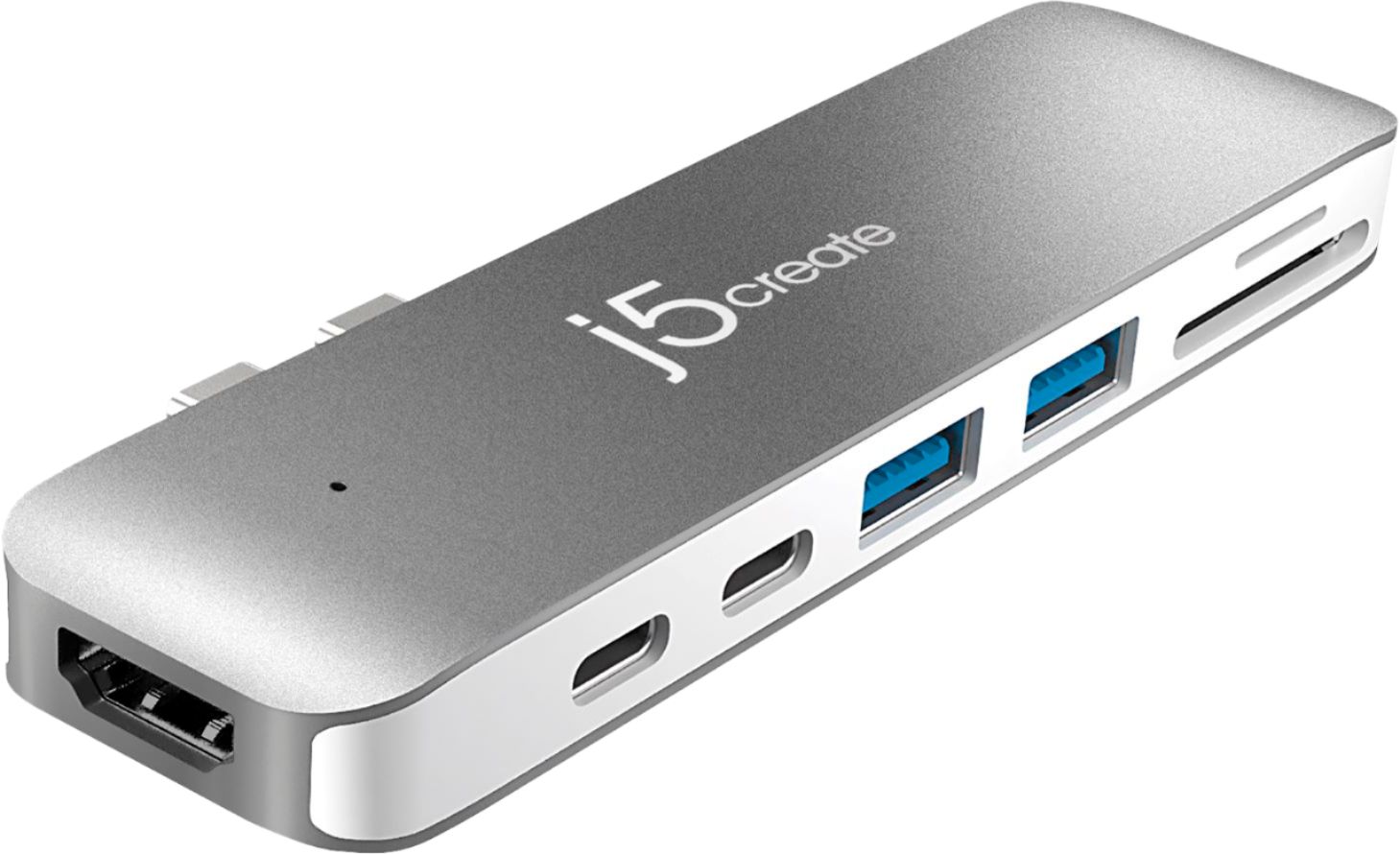


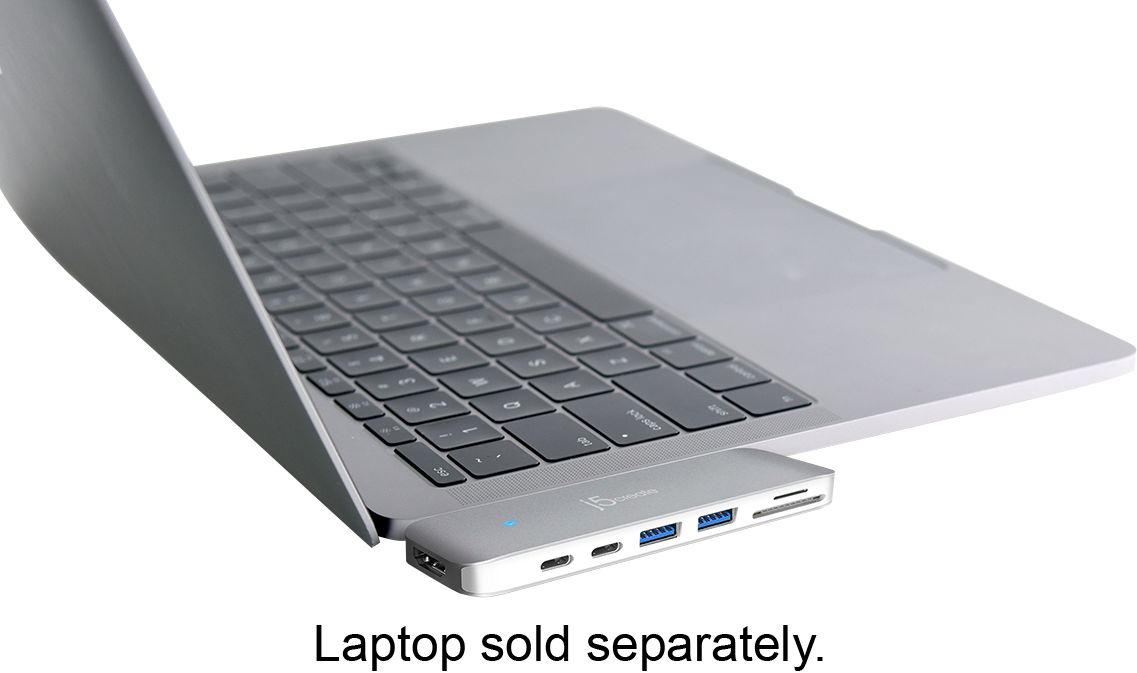
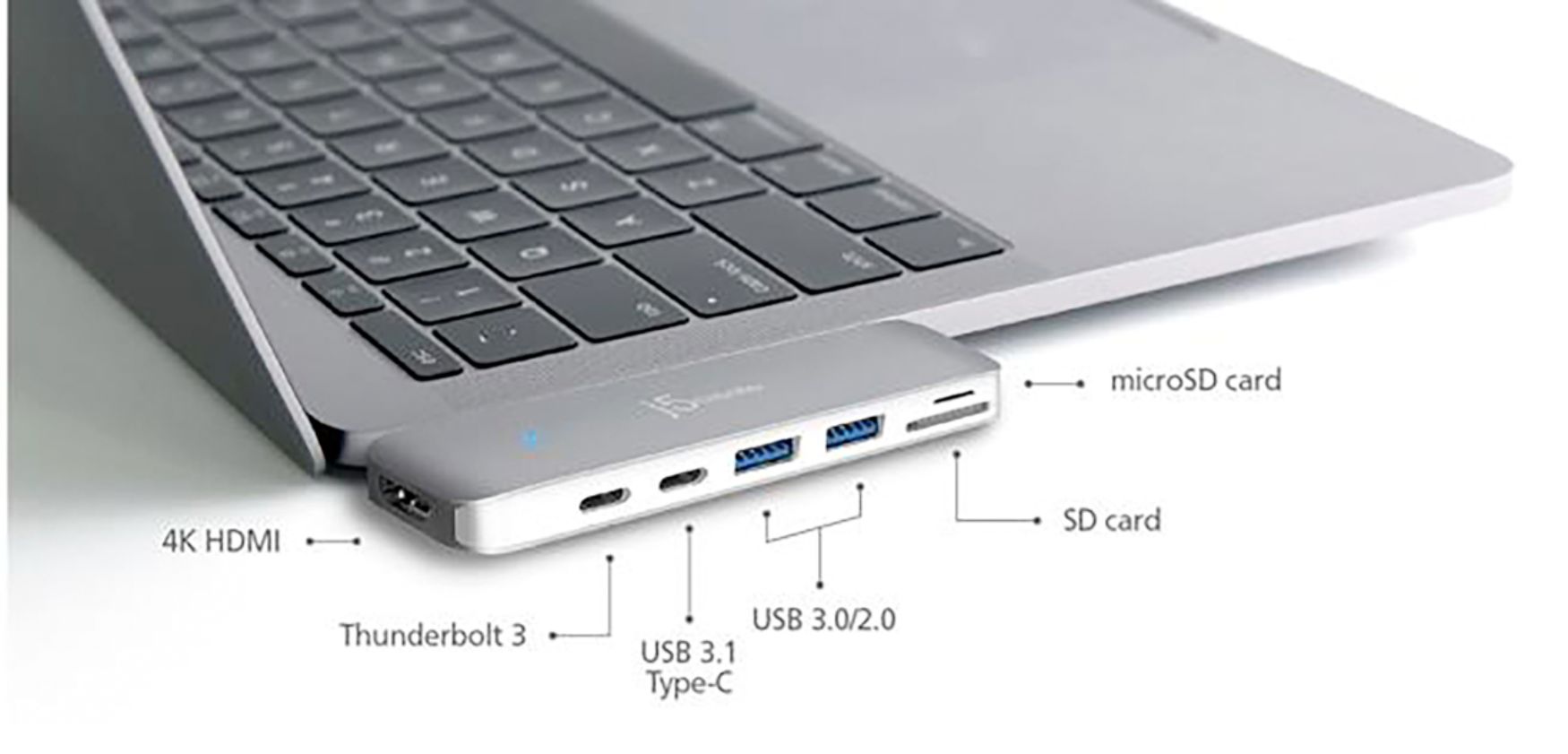
- Model:
- JCD382
- SKU:
- 6115810
Rating by feature
- Value
Rating 4.1 out of 5 stars
- Quality
Rating 4.3 out of 5 stars
- Ease of Use
Rating 4.4 out of 5 stars
Customers are saying
Customers have good things to say about the Ultra Drive Mini Dock's ease of use, plentiful ports, compact size, and generally good performance. Many appreciate the additional USB ports it provides for their MacBooks. However, some customers experienced issues with compatibility, connection stability, and the device's tendency to overheat. A few also felt the price was a bit high.
This summary was generated by AI based on customer reviews.
- Cons mentioned:Compatibility
DO NOT BUY THIS! BUYER BEWARE!
Posted .This reviewer received promo considerations or sweepstakes entry for writing a review.This makeshift and flimsy dongle ruined two of my $300 external drives. The connection is extremely flimsy and will kill your drives in a matter of a month. Just get the apple dongle and avoid paying the 70 dollars for a terribly made device that's never going to work properly. This device should have ZERO stars. If you care about your external devices do not get this.
No, I would not recommend this to a friendBrand response from J5create Team
Posted .Anb08642, we are terribly sorry to hear the JCD382 caused issues with your external drives. Due to the mini dock obtaining it's power from the Mac, less and less power is available and therefore peripherals such as external drives may or may not work. We recommend connecting them directly to the computer instead. The USB ports are mostly for mice, keyboards, flash drives and web cameras. We apologize for the inconvenience and hope we can turn things around.
Respectfully,
j5create
- Cons mentioned:Connection
Goes Back Today
Posted .This reviewer received promo considerations or sweepstakes entry for writing a review.I purchased this device along with a new MacBook Pro. The computer is great, the dongle goes back. It will not stay connected, no matter what. I've tried both sides of the computer, viewed the instructional video on YouTube, nothing works permanently. I keep getting messages about proper ejection of the disk, back up failed, etc. So back it goes...
No, I would not recommend this to a friend Never guaranteed to work
Posted .This reviewer received promo considerations or sweepstakes entry for writing a review.I purchased this product after being told by an employee that this was the best product in the store for the C ports on a MacBook Pro. I left the store feeling very confident about this product. However, after having it for two weeks, this product is very fickle and is a hassle to get to power on. I'm worried that I am going to damage my C ports by continuing to gently bend or wiggle the device trying to get it to power on. I'm also worried about damaging the side of my MacBook Pro in an attempt to see if the device has been inserted deep enough. I've gotten in touch with j5create about this and I hope to hear back from them. For the price of this product, I was expecting a much better experience.
No, I would not recommend this to a friendBrand response from J5create Team
Posted .Hi Gryff!
I'm so sorry to hear that this happened to you! In the time since your review our devices have continued to improve and all of our drivers have been updated to work with the latest OS. We'd be happy to have you back as a customer so we can show you the difference. Thanks, j5create
Inconsistent and frustrating.
Posted .This reviewer received promo considerations or sweepstakes entry for writing a review.Bought a new MacBook Pro and was told this was the best hub on the market. I’ve had it for 2 months and I can verify what all the other reviews are saying; this thing only works about 20% of the time, and it’s very finicky when it does. I mainly use it to mount SD cards to transfer photos, and most of the time the drive will not mount and doesn’t show up in disk utility either, though all connections are solid and the blue light is on. Sometimes if I reboot, the drive will be mounted on reset, most times not. Very frustrating, this is an expensive piece of garbage and I’m done with it.
No, I would not recommend this to a friendBrand response from J5create Team
Posted .Hi!
I'm so sorry to hear about this! I'm going to pass your feedback onto my team do that we can continue to improve our products.
Thanks,
j5create
Problems with MacBook Air M1
Posted .This reviewer received promo considerations or sweepstakes entry for writing a review.This is the first time I have written a review for anything. I am dissatisfied with this product. The SD Card reader has corrupted my SD cards. I have lost 2 rounds of photos in the reader. Now the USB drives keep disconnecting themselves and I am afraid I might loose my backups. The laptop has not been moved or jiggled. This morning, as soon as I logged in one of the USB drives disconnected again, while sitting overnight. To add insult to injury, the time to return it has expired and the price dropped from the $90 I paid to $62. Maybe they realized they have a problem with device. I remain unhappy.
No, I would not recommend this to a friendBrand response from J5create Team
Posted .Keitha60, I'm terribly sorry to hear about your SD cards and USB drives. In order to better understand the situation, we would value the opportunity to discuss this with you. Our contact information can be found on the device packaging and website, we are available Monday-Friday from 9:00am-6:00pm EST and a specialist will be ready to listen and assist. Thank you for your time and we hope to hear from you.
Respectfully,
j5create
Poor design
Posted .This reviewer received promo considerations or sweepstakes entry for writing a review.I loved the small look and feel of this item. However, it needs to be inserted very hard and opposite of the picture (upside down) to work. I contacted the manufacturer and they told me I didn’t have it pushed in far enough. There was no gap left to push in. I turned it around and did get to work, occasionally. When I suggested to the manufacturer that this didn’t seem right they said it was my macs port problems and they built their device to specifications of USB-if. That may be true but if it’s designed to work on a device, it should work on the device regardless of specs. I have a number of other usb-c devices that work fine. I truely wanted to like this item and felt for $99 it should have been better. It basically didn’t work.
No, I would not recommend this to a friendBrand response from J5create Team
Posted .Fred, We apologize for the inconvenience you experienced with your JCD382. Due to the design of the mini dock, having covers on or simply not inserting the dock far enough may cause it to not function as intended. Models such as the JCD383 for example, connect via a cable and issues like this may not occur. If you would like more information on this alternative, please reach out to support and a rep will gladly provide any information you require.
Respectfully,
j5create
Does not charge your laptop
Posted .This reviewer received promo considerations or sweepstakes entry for writing a review.Like many of the other one-star reviewers, the employee in the Best Buy store told me this was the "best" port for a Macbook Air. I said I was specifically looking for something that would allow me to charge my laptop while connecting to a monitor and a keyboard. Well, I drove all the way home, opened it, and installed it, and guess what? It won't conduct any power at all from the outlet to the laptop. I spent a lot of time testing the outlet, trying different power cords, etc, before finding all the 1-star reviews on this product that mention this problem. It's clearly a design flaw with the product. Returning it.
No, I would not recommend this to a friendBrand response from J5create Team
Posted .Hi Sarah123, I'm terribly sorry to hear about your troubles with the JCD382. Because the mini dock has two USB-C ports, confusion may occur in regards to how it works. In order to better understand the situation, we recommend calling in to speak with a rep and they will diagnose, troubleshoot and offer solutions. We apologize for the troubles you experienced and hope we may still earn your trust.
Respectfully,
j5create
- Cons mentioned:Compatibility
Not Recommendable Product
Posted .This reviewer received promo considerations or sweepstakes entry for writing a review.Was able to use few times then no matter how i connect it to my MAC laptop, my hard drive can no longer be read. So i return it & asked for another brand.
No, I would not recommend this to a friend Does not work with 2017 MacBook Pro
Posted .This reviewer received promo considerations or sweepstakes entry for writing a review.Don't know why the sales associate recommended this for a 2017 MacBook. Even if it worked I would be nervous about leaving it attached to the side of the MacBook - just seems highly likely to take a knock and damage the thunderbolt ports.
No, I would not recommend this to a friendBrand response from J5create Team
Posted .Hi! I'm sorry to hear about this! In the time since your review, my devices have been greatly improved and we continue to make improvements to prevent things like this happening. I hope that you would consider giving us a second chance so that we can show you the difference. Thanks, j5create
Skip
Posted .This reviewer received promo considerations or sweepstakes entry for writing a review.I recently about a MacBook for the first time and I knew I needed to buy this separately but I didn't realize it was so much. Also the worst part is that it doesn't work at all. The blue light will be on but when I connect my charger it won't work. Will be returning ASAP!!!
No, I would not recommend this to a friendBrand response from J5create Team
Posted .Purchasing a device that is not working to your expectations is ungrateful - we understand and apologize for the experience you had. It sounds like the charger may have been plugged into the USB-C port that is intended for data transfer only instead of the Thunderbolt 3 on the JCD382. In order to determine the exact issue and offer a solution, we would value the chance to troubleshoot and discuss it. Our support information can be found on the casing and an agent will be happy to help.
Respectfully,
j5create
Didn't work
Posted .This reviewer received promo considerations or sweepstakes entry for writing a review.It should just plug in and work, but it didn't. Tried HDMI and USB and got no response. Tried wiggling it in the ports. Went instead with an Apple version and it just plugged in and worked.
No, I would not recommend this to a friendBrand response from J5create Team
Posted .Hi Jeffret, We regret to hear the JCD382 did not work for you. In such cases, we recommend contacting the support team for assistance as this may be due to defective cables or other. Our contact information can be found on the casing and a specialist will be more than happy to help.
Respectfully,
j5create
Pure Junk
Posted .This reviewer received promo considerations or sweepstakes entry for writing a review.This is pure junk. Worked one time, now not at all. Hope I can return. This product is a joke.
No, I would not recommend this to a friendBrand response from J5create Team
Posted .We're sorry to hear the mini dock stopped working as intended after one use; technical support can be obtained with it's information on the packaging and a representative can go through some troubleshooting to see if we can turn this around and if necessary, offer an exchange.
Thank you,
j5create