Customer Ratings & Reviews
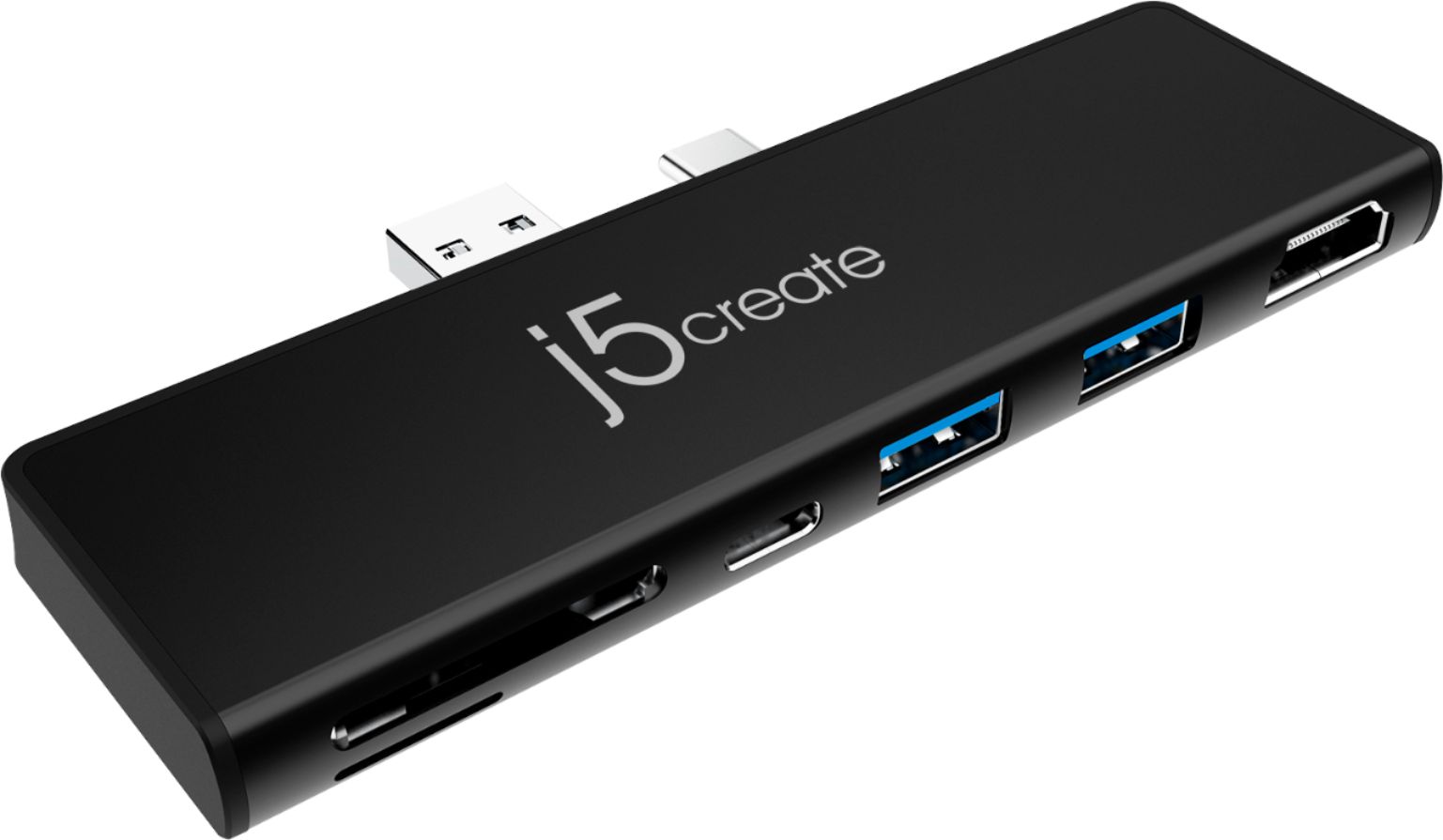
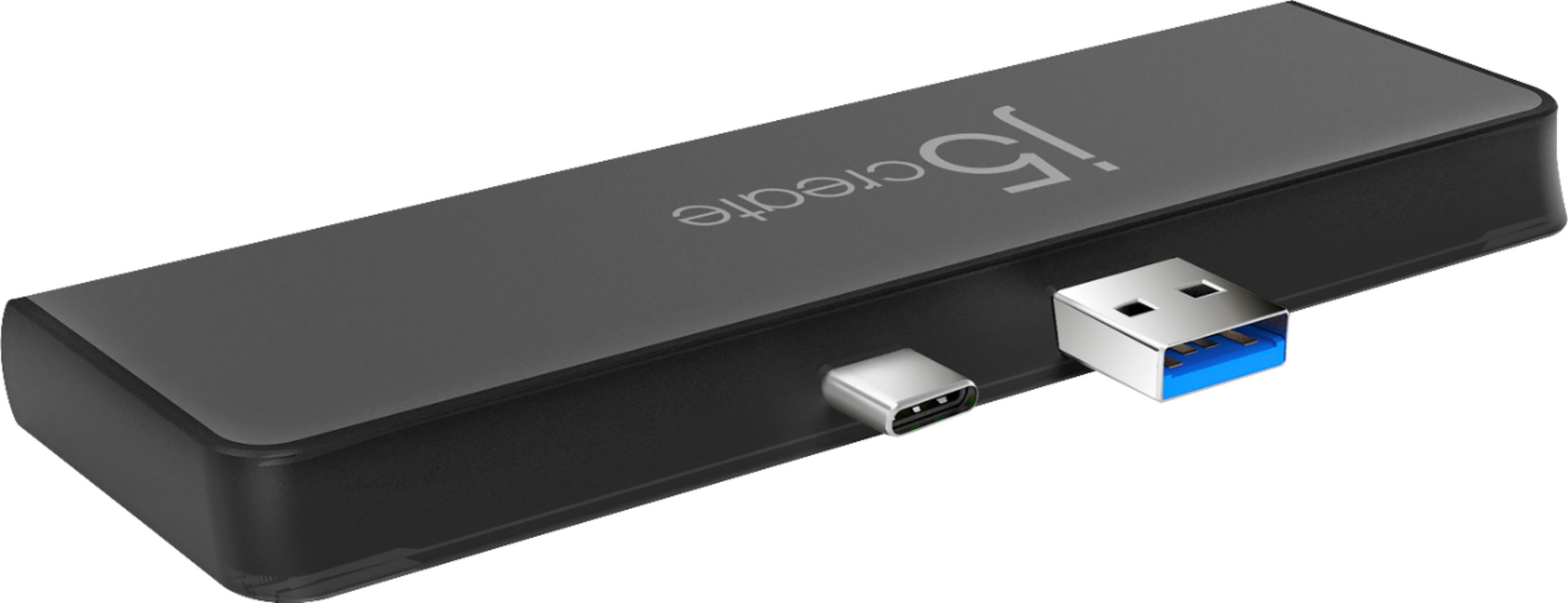
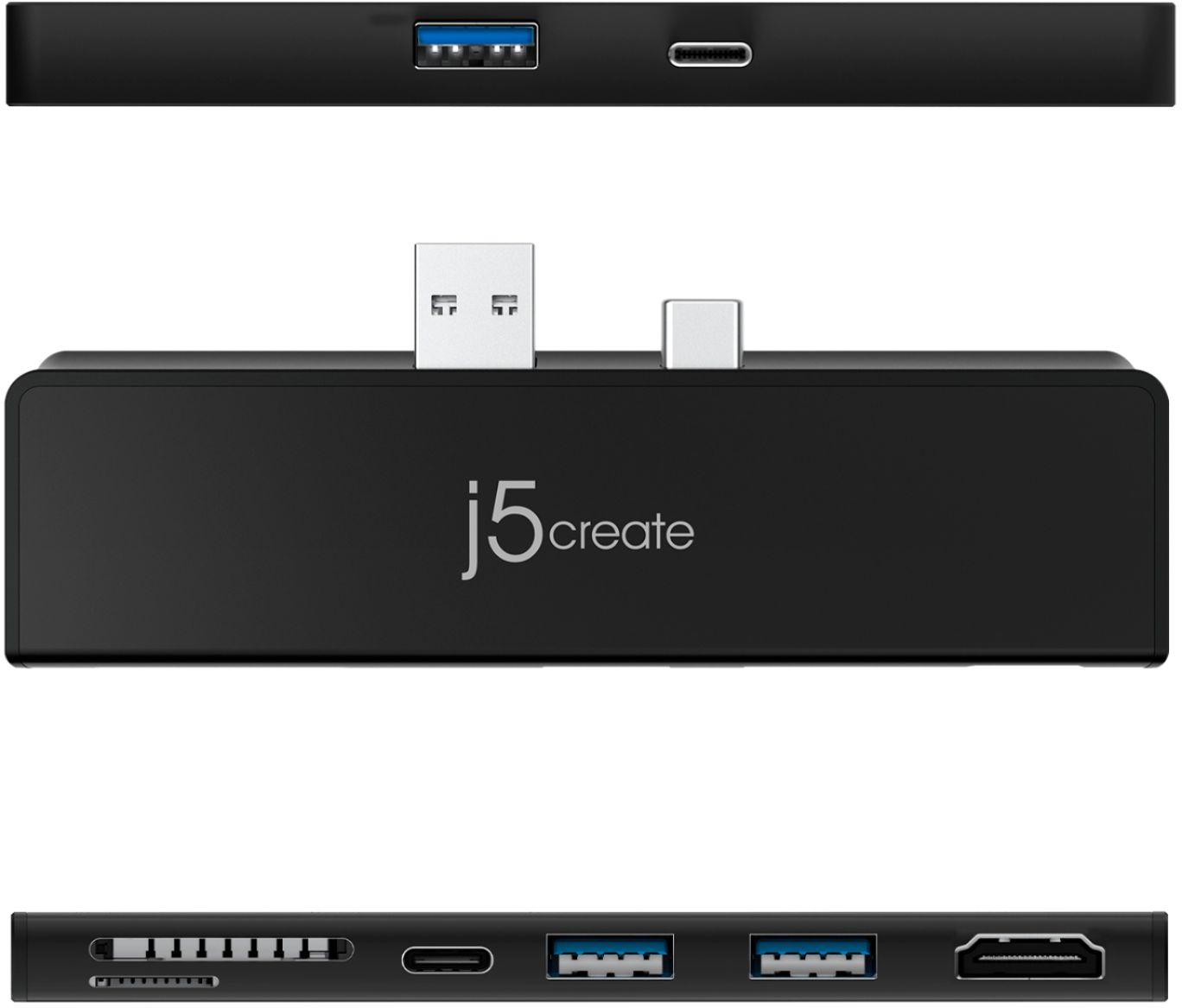
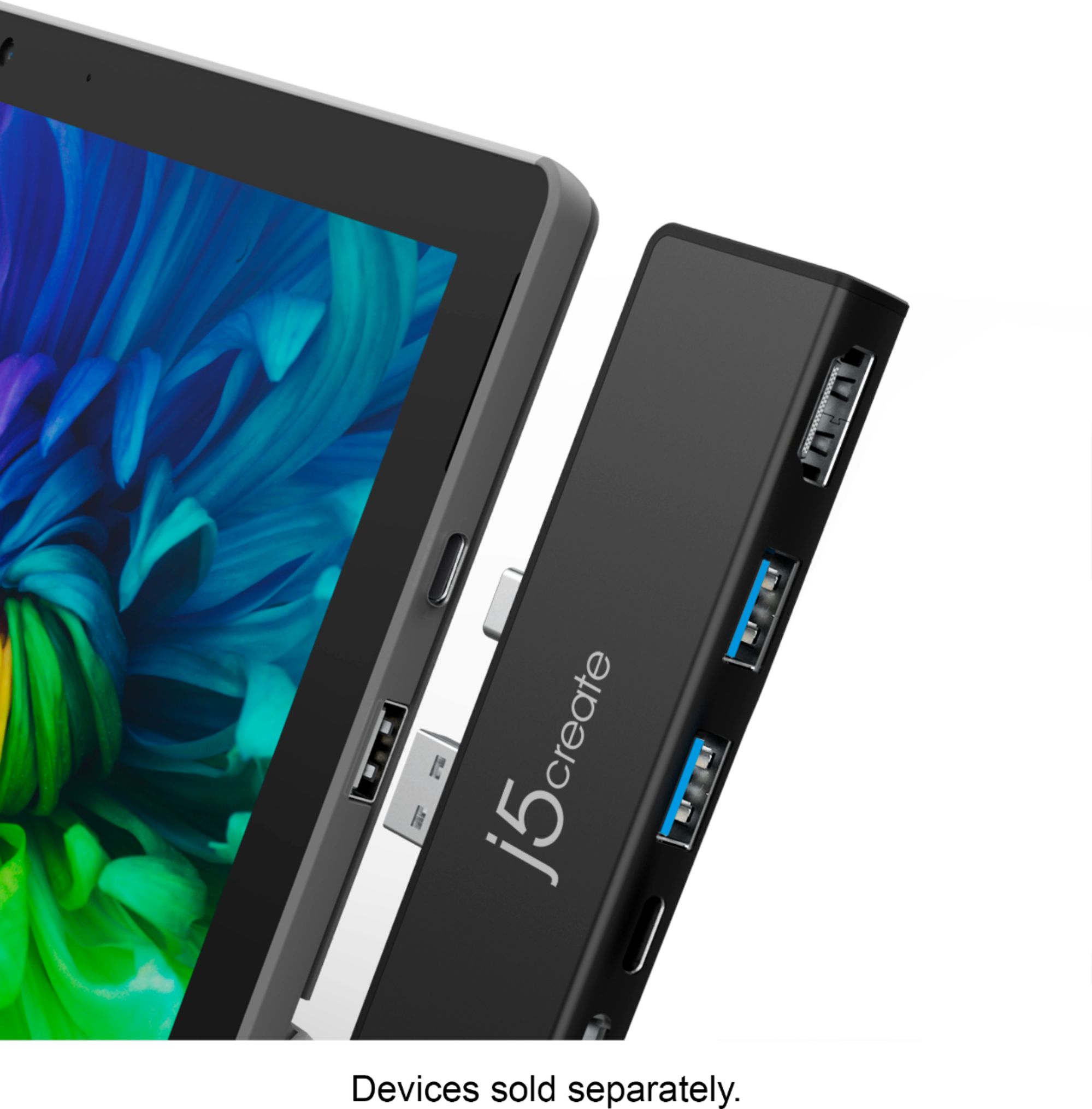

- Model:
- JCD324B
- SKU:
- 6402117
Rating by feature
- Value
Rating 4.3 out of 5 stars
- Quality
Rating 4.4 out of 5 stars
- Ease of Use
Rating 4.4 out of 5 stars
Customers are saying
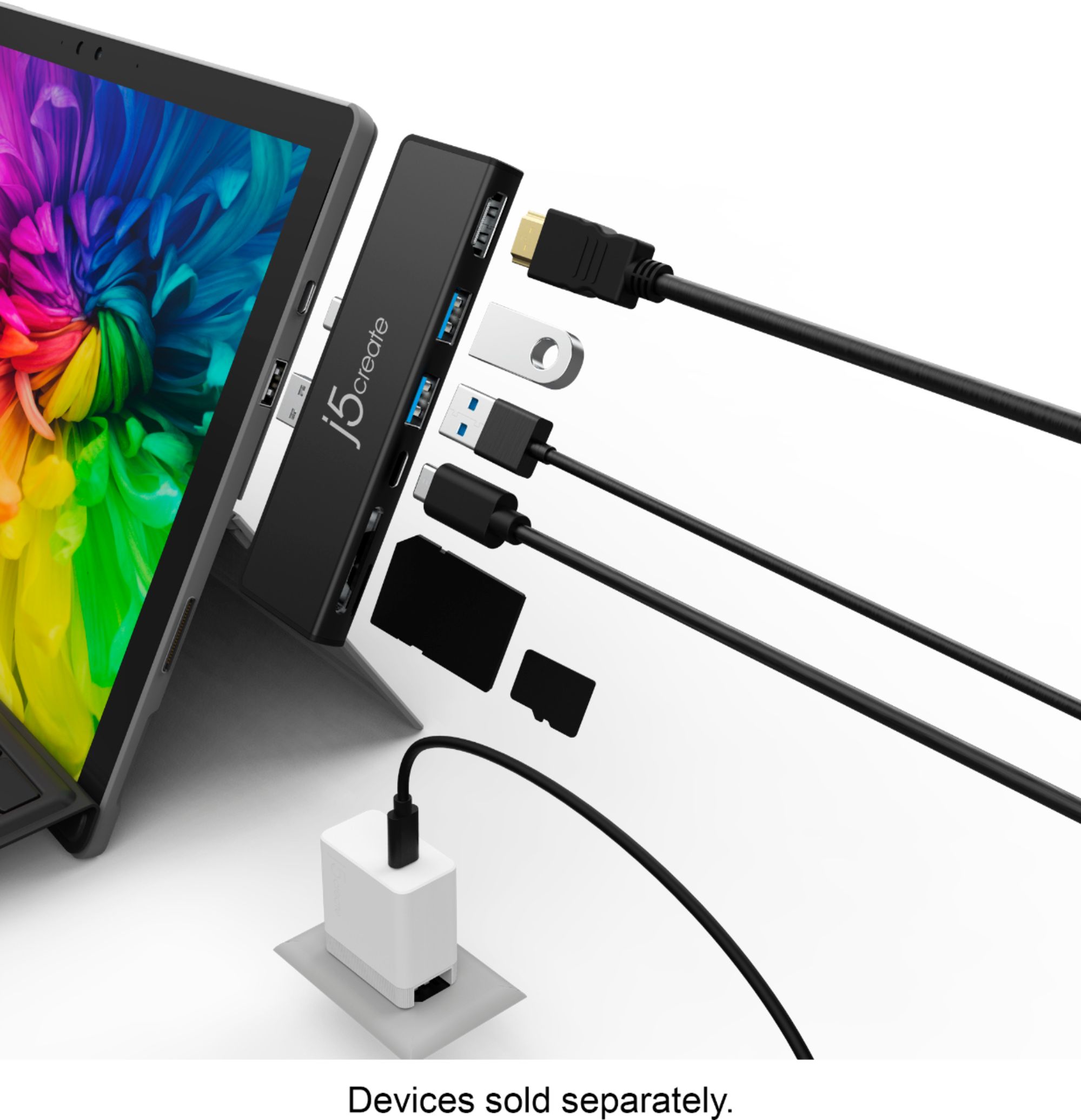
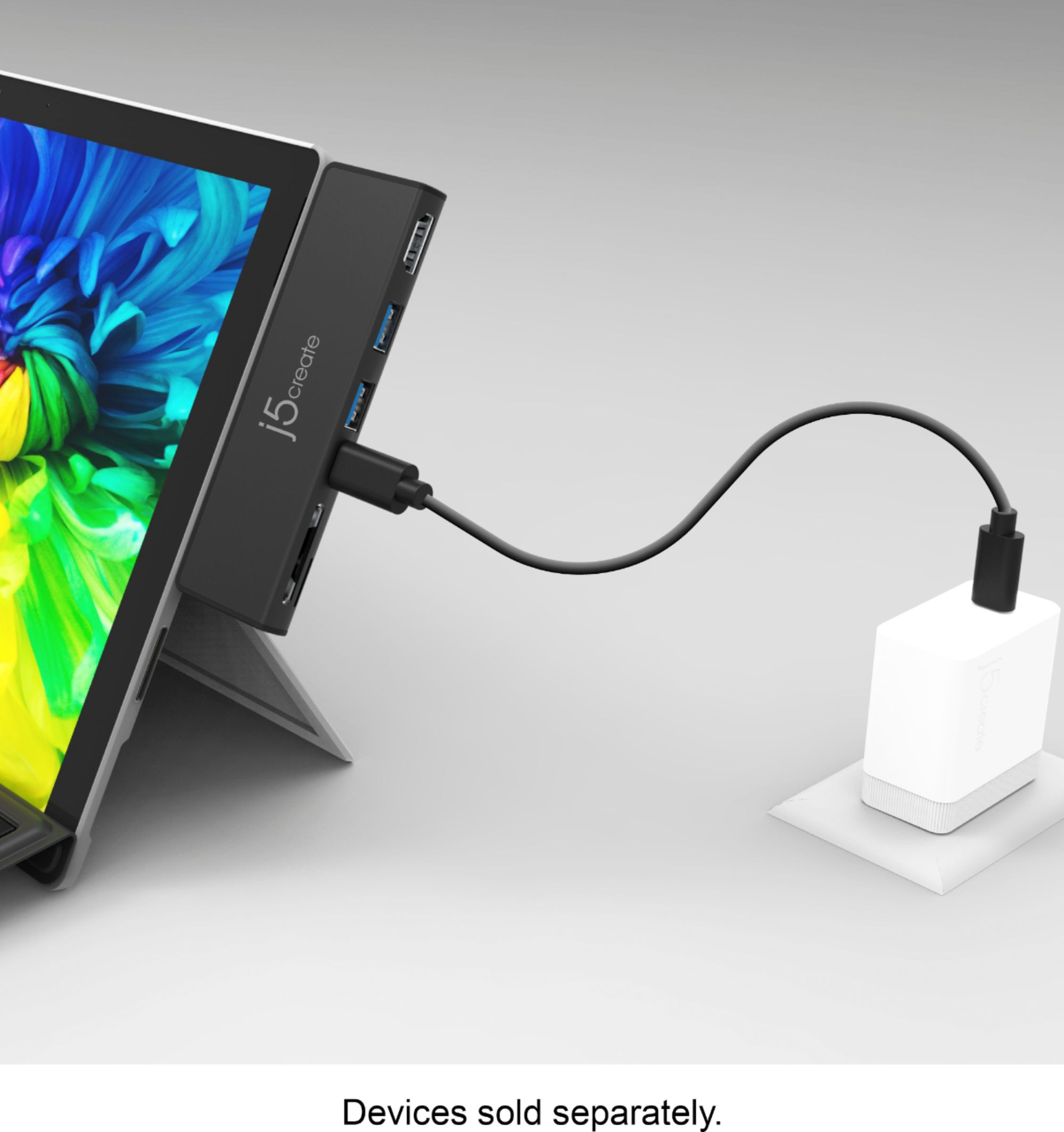
Customers are enthusiastic about the ULTRADRIVEMINIDOCK's HDMI port, ease of use, and the additional ports it provides for their Surface Pro 7. Many appreciate its snug fit and reliable performance, enabling convenient connectivity for various devices. However, some users experienced compatibility issues with certain cases and reported the device getting warm during use. A few also felt the price point was a bit high.
This summary was generated by AI based on customer reviews.
Needs more explanation
||Posted . Owned for 1 month when reviewed.This reviewer received promo considerations or sweepstakes entry for writing a review.This was not adequately described and would not work with my computer.
No, I would not recommend this to a friendBrand response from J5create Team
Posted .The ULTRADRIVEMINIDOCK device is specially designed for Surface Pro 7 computer's. In order to narrow down the exact issue you are experiencing, we recommend contacting the Technical Support Team and a specialist will be ready to assist you. Their information can be found on our website under the "Support" tab. Thank you.

Doesn’t work
||Posted . Owned for 2 months when reviewed.This reviewer received promo considerations or sweepstakes entry for writing a review.Did not work. I had to return for credit. Nonissue with credit.
No, I would not recommend this to a friendBrand response from J5create Team
Posted .The Mini Dock is designed for Surface Pro 7 only. If you have any questions regrading this device,
feel free to contact j5create Technical Support. Their information can be found on our website under the "Support" tab. Thank you.
Not compatible
||Posted . Owned for 1 month when reviewed.This reviewer received promo considerations or sweepstakes entry for writing a review.Did not work with my Lenovo laptop so I had to return it.
No, I would not recommend this to a friendBrand response from J5create Team
Posted .Hello MikeB, Thank you for your review on the JCD324B. Unfortunately the JCD324B is designed specifically for Surface Pro 7 users and therefore the physical specifications will make it incompatible. Instead, we recommend models such as the JCD381, JCD383, JCD384 that are a mix of driver based and plug-and-play. If interested in learning more about them, please feel free to reach out to the support team mentioned on the packaging and a specialist will be ready to help.
Thank you,
j5create
Disappointed
||Posted . Owned for 1 month when reviewed.This reviewer received promo considerations or sweepstakes entry for writing a review.Plugging in to a brand new surface pro 7+. Never really did what it claims to do. I could only ever get one extra display to work. I was already able to do that without this. HDMI port has never functioned at all.
No, I would not recommend this to a friendBrand response from J5create Team
Posted .Please contact our Customer Service Department, so that they can get more information from you: regarding the issue you are experiencing. Their information can be found on our website under the "Support" tab. Cordially, j5.
Waste of money. Not Reliable.
||Posted . Owned for 7 months when reviewed.This reviewer received promo considerations or sweepstakes entry for writing a review.Constantly "disconnects" when attached to my Surface Pro 7. I have to un-attach and re-attach it for Windows to recognize it again.
No, I would not recommend this to a friendBrand response from J5create Team
Posted .Javaman, We regret to hear the mini dock constantly disconnected. If you have a cover on your Surface Pro 7, this could be the culprit of the issue. In order to diagnose, troubleshoot and offer solutions, we recommend reaching out to the support team and a rep will gladly lend a helping hand to get this resolved.
Respectfully,
j5create
- Pros mentioned:Fit
Great budget companion for attaching peripherals
Posted .This reviewer received promo considerations or sweepstakes entry for writing a review.A great alternative to the surface dock. I needed a card reader for photography and found the additional connections to be a welcome bonus. It fits the SP7 perfectly and snugly. It actually requires a slight effort to push in but I think that's a good thing as it will not accidentally pull away. One problem I found though, when using the USB-C port to connect my Galaxy Note 10 via Samsung usb-c to usb-c cable, the computer thinks I am trying to charge it and registers a message about not enough power to charge. It will still transfer files via USB-C but it may also significantly draw on the battery of the phone (have not tested this)
I would recommend this to a friendBrand response from J5create Team
Posted .Hello Rocnbol, thank you for taking the time to write us a review. The USB-C port is mainly for pass-through power to charge you Surface with a power-brick connected to a wall outlet and 10 Gbps data transfer. If you have any questions, feel free to contact our support team and they'll be glad to assist you. Best regards, j5create.
Looking Great
Posted .This reviewer received promo considerations or sweepstakes entry for writing a review.working great! I did have to play around with display settings (changed resolution AND refresh rate). Even so the fonts were not as clear and smooth as I would have liked. So I decided to check my monitor's settings and there was an setting for "HDMI compatibility mode"! Looks perfect now.
I would recommend this to a friendBrand response from J5create Team
Posted .Hello,
I am happy to hear that you were able to get your external display up and running on your Surface Pro. We appreciate you sharing your experience. I hope that you have a good day.
Thanks,
j5create
- Cons mentioned:Compatibility
Sleep disconnects HDMI audio passthrough
Posted .This reviewer received promo considerations or sweepstakes entry for writing a review.Worked good for a few days or so, now whenever the surface pro is woken up from sleep it disconnects the audio HDMI passthrough to the monitor so sound ends up playing on the surface audio hardware. I have to disconnect the dock and reconnect it again to fix it (inconvenient and not a good look if you use it professionally).
No, I would not recommend this to a friendBrand response from J5create Team
Posted .Hello, we're sorry to hear the issue with the Mini Dock. In order to have the audio output through the device that you would prefer, it will require that you change the "Default playback device" for your computer. If you have any questions, please contact our agents and they'll be glad to assist you. Respectfully, j5