Customer Ratings & Reviews
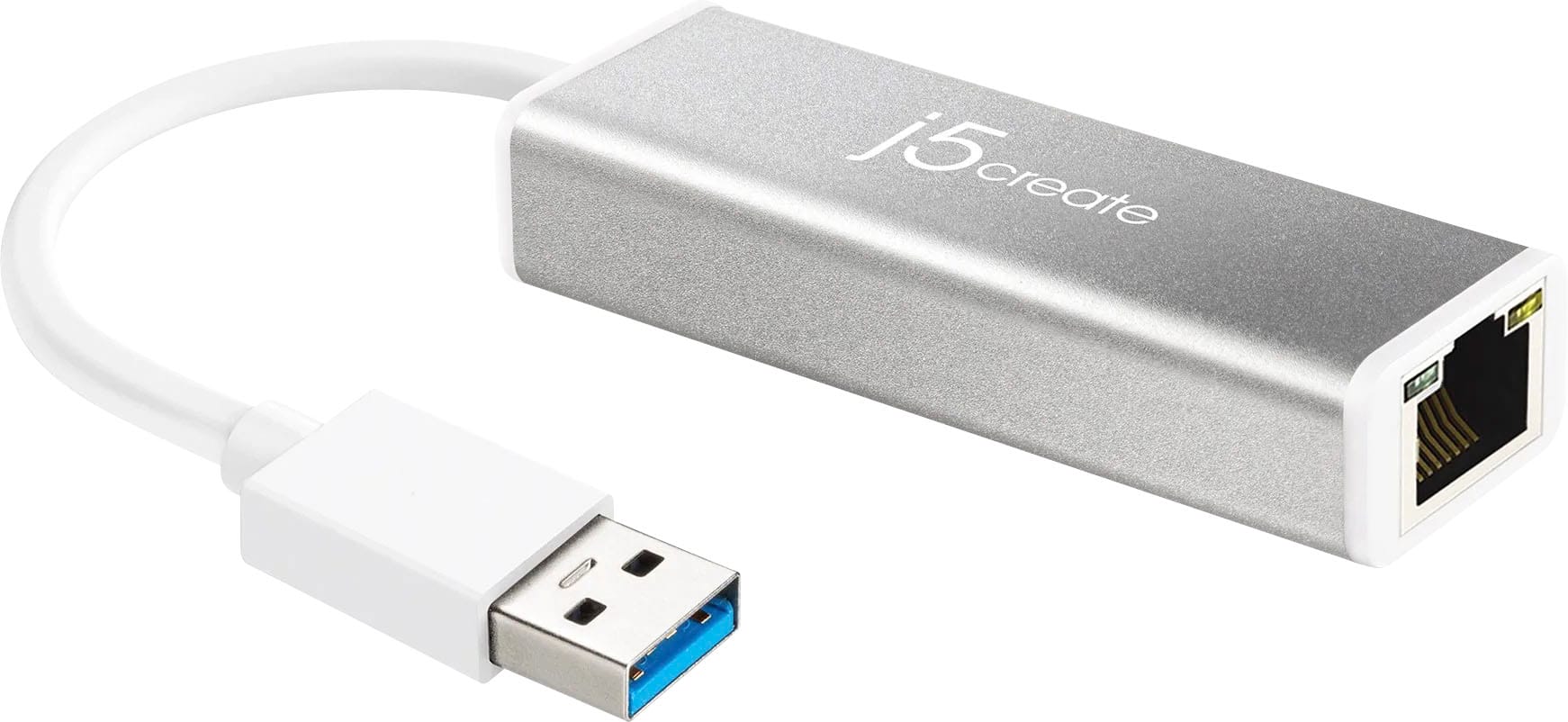
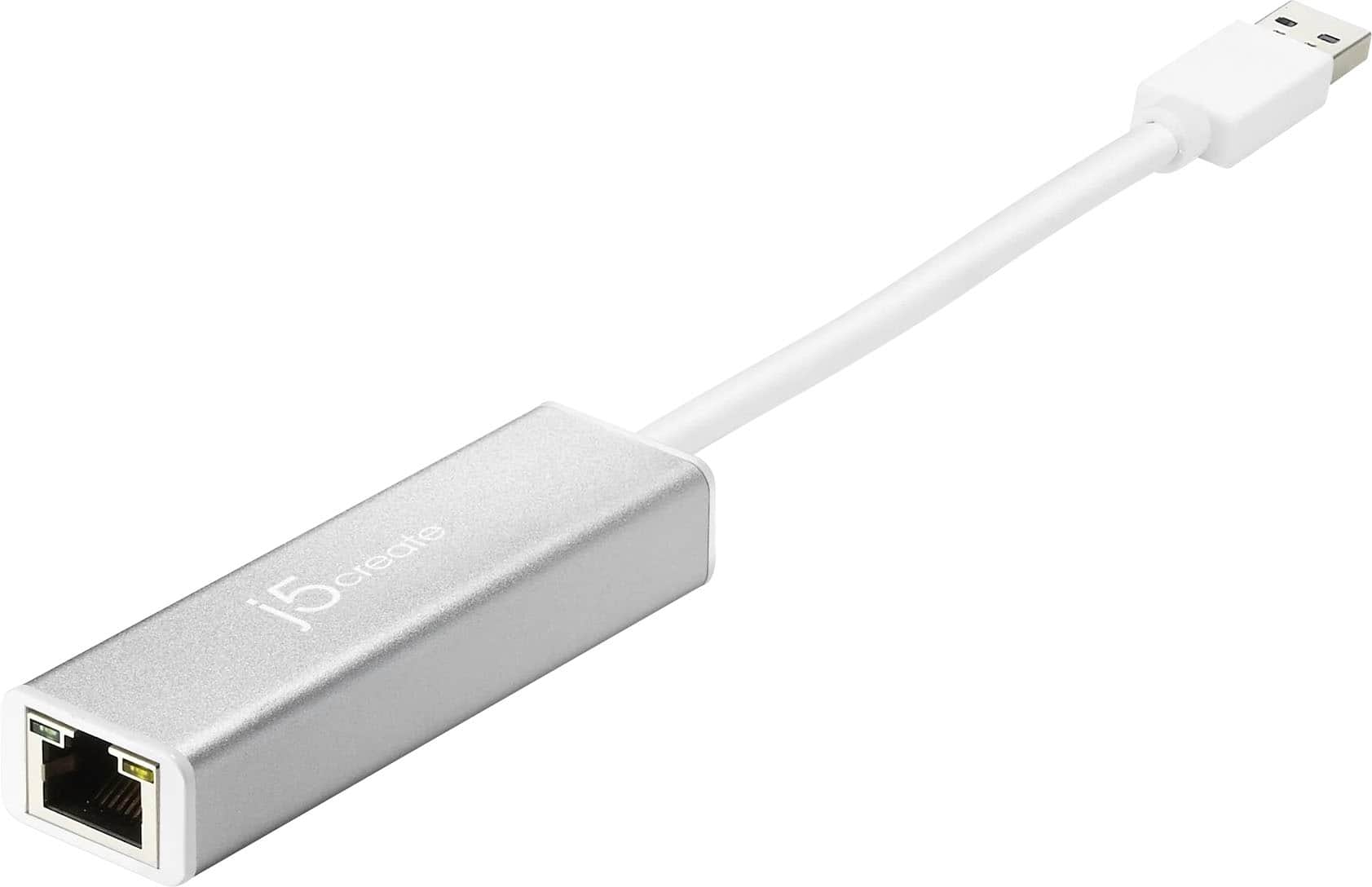
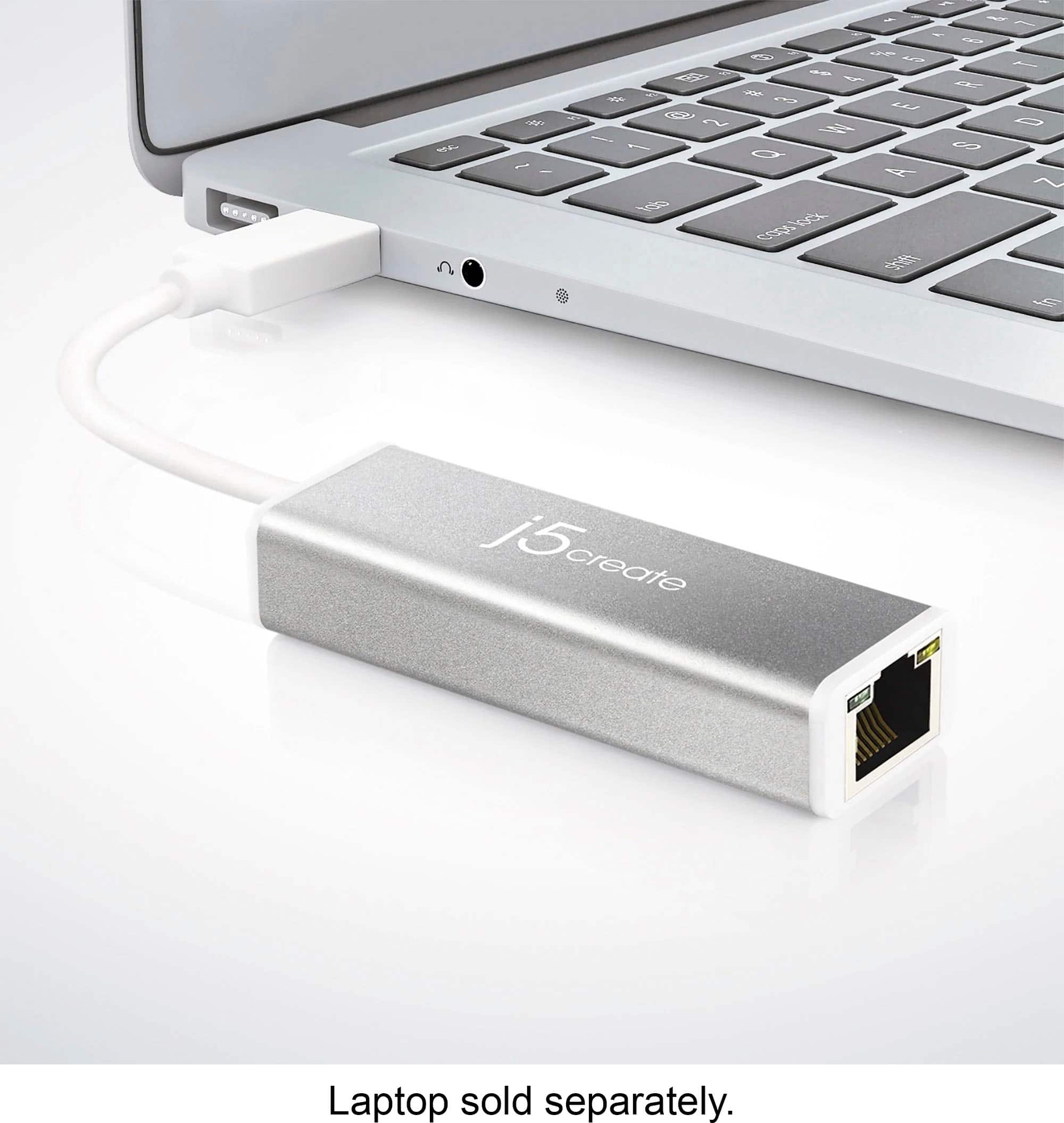

- Model:
- JUE130
- SKU:
- 2001047
Rating by feature
- Value
Rating 4.6 out of 5 stars
- Quality
Rating 4.7 out of 5 stars
- Ease of Use
Rating 4.8 out of 5 stars
Customers are saying
Customers often highlight the USB 3.0 Gigabit Ethernet Adapter for its ease of use, performance, USB functionality, and speed, with many appreciating its compatibility and connectivity. The adapter is also praised for its price and size. While driver installation can sometimes be a concern, it appears to be a minor issue for most users.
This summary was generated by AI based on customer reviews.
It’ll do
||Posted . Owned for 1 month when reviewed.This reviewer received promo considerations or sweepstakes entry for writing a review.Not the best of adapters but it gets the job done. I find it to not be an effective speed demon
No, I would not recommend this to a friendBrand response from J5create Team
Posted .Hello,
Thank you for taking the time to review the j5create Ethernet adapter. There are many factors that will influence your connection speed. These include the cables that you are using, your router or modem, as well as your Internet service provider. This specific adapter will support up to Gigabit speeds.
Have a good day,
j5create
Not for TV
||Posted .This reviewer received promo considerations or sweepstakes entry for writing a review.Not for TV. I Can't speak on how it works for other.
No, I would not recommend this to a friendBrand response from J5create Team
Posted .The USB 3.0 Gigabit Ethernet Adapter is intended to connect to a computer with an available USB Type-A port and connect an Ethernet cable to the adapter and the other end to a modem or router. The Ethernet Adapter will also require an installation of a driver for proper functionality. Will not work if the adapter is connected to a TV and Ethernet cable to a modem or router.
I can't recommend it
||Posted . Owned for 1 month when reviewed.This reviewer received promo considerations or sweepstakes entry for writing a review.Not quite worth it in my opinion. Unfortunatly it is past the return date.
No, I would not recommend this to a friendBrand response from J5create Team
Posted .Hello, if you are experiencing issues with the Ethernet adapter, please contact our agents and they'll be glad to assist in trouble shooting the device with you, Contact info is available through j5create website under the "Support" tab. Thank you!
This did not workout for me
||Posted . Owned for 3 weeks when reviewed.This reviewer received promo considerations or sweepstakes entry for writing a review.I am sure this is a decent products, but did not work well for me
No, I would not recommend this to a friendBrand response from J5create Team
Posted .Please contact our Customer Service Department, so that they can get more information from you regarding the Ethernet Adapter. Their information can be found on our website under the "Support" tab. Thank you.
- Pros mentioned:Speed
Junk
||Posted .This reviewer received promo considerations or sweepstakes entry for writing a review.It broke after minimal usage.if you want wired speed you need one like it though.
No, I would not recommend this to a friendBrand response from J5create Team
Posted .Hello Alpha, Thank you for taking the time to leave a review on the JUE130. The Ethernet adapter is covered under a manufacturer's two year warranty and if still within this time frame, please reach out to support and seek assistance, if necessary, an exchange will be offered.
Respectfully,
j5create
Doesn't work for me
||Posted . Owned for 2 weeks when reviewed.This reviewer received promo considerations or sweepstakes entry for writing a review.Mine does not work I have to adjust it for 30 minutes to get it to work every time I turn on my laptop it's ridiculous it seems sturdy metal and thick cable but it doesn't work as it should. And it's been 15 days and I can't return or exchange it for the same thing should have waited for the walmart one instead.
No, I would not recommend this to a friendBrand response from J5create Team
Posted .Hello blancaarreguin95 and thank you for your input. I am sorry to hear the JUE130 has been giving you a hard time just to use the internet and would love the opportunity to make things right. Our products are covered under a manufacturer's 2 year warranty and in the case the JUE130 is deemed to be defective, we would happily exchange it for you if interested. Please feel free to contact the support team on the packaging to speak with an agent and they will be glad to lend a helping hand. We sincerely apologize for the inconvenience and hope we're not too late.
Respectfully,
j5create
Warning! Not Big Sur compatible
||Posted .This reviewer received promo considerations or sweepstakes entry for writing a review.Do not purchase any of the following J5create products if you are running Big Sur 11 or higher on a Mac. Their current drivers will not support these items. Very disappointing. JCA374 JCD376 / 381 JCE131 JCH471 JUA370 / 375 JUD380 / 480 / 481 / 530SE / 531 JUE120 / 125 / 130 / 230 JUH470
No, I would not recommend this to a friendBrand response from J5create Team
Posted .Unfortunately, we are waiting on an updated Ethernet driver fro Big Sur. Please check our website for the latest updates. Sincerely, j5.
Basic with Odd internals
||Posted . Owned for 1 week when reviewed.This reviewer received promo considerations or sweepstakes entry for writing a review.Purchased this because it was the only usb to ethernet adapter the store stocked that wasn't usb-c. Yes, it "works" but not well and not for the purpose I had intended: adding GB wired ethernet to a new TV purchase (TV ethernet ports are 10/100 MB not GB). Uses an obscure/uncommon chipset not recognize by android/android TV (intel, realtek, broadcom , etc chip-based adapters do work). Also shipped with no drives, so many users needing it for network access wouldn't be able to get driver if it is not recognized. Would not buy again, would instead wait a couple days for online delivery of a better product for the same price.
No, I would not recommend this to a friendBrand response from J5create Team
Posted .The USB 3.0 Gigabit Ethernet Adapter is intended to connect to a computer with an available USB Type-A port (USB 3.0 is recommended) and an Ethernet cable to a modem or router. This Adapter requires an installation of a driver for Windows or Mac platform. Will not work if wanting to connect directly to a TV via Ethernet port.
Okay
||Posted . Owned for 1 year when reviewed.This reviewer received promo considerations or sweepstakes entry for writing a review.Worked well while it lasted, but did not last within a year of normal use.
No, I would not recommend this to a friendBrand response from J5create Team
Posted .Hello,
If you have had the adapter for less than a year it will still be covered under the manufacturer’s warranty. For assistance with this you can contact j5create’s customer support team. You can find our contact information at the link below:
https://en.j5create.com/pages/contact-us
Thank you,
j5create
Earthnet Adapter
||Posted . Owned for 3 weeks when reviewed.This reviewer received promo considerations or sweepstakes entry for writing a review.I have an IMAC and it would not work on a Mac computer. The program kept asking for a Microsoft PC, which I do not have. Borrowed a usable adapter from a friend. I still have the adapter and the package it came in. If anyone needs one, just let me know. You pay the postage and it's yours. Max Stevens.
No, I would not recommend this to a friendBrand response from J5create Team
Posted .Hello Max,
Below is the direct download link for the Mac software driver for the JUE130. This should get the adapter up and running for you.
https://download.j5create.com/driver/USB_3.0_Ethernet_Mac_10.15_Driver/download.php
If this does not work you can contact j5create customer support. You can find our contact information printed on the box.
Thank you,
j5create
There was not an option for less than one star
||Posted .This reviewer received promo considerations or sweepstakes entry for writing a review.This item is misleading.. It stated you would download upto 1gbm which it doesnt even download or upload greater than ten mbs.. I did send in a ticket to the customer service who sent me to a link to update drivers which didnt change anything.. Would of returned it, but my time is more valuable than $20 of aggravation.. I would not recommend this item to my enemies..
No, I would not recommend this to a friendBrand response from J5create Team
Posted .RKBA101, We regret to hear about the slow speeds you experienced with the JUE130. This could be due to different factors such as the incorrect Ethernet cable, being behind on updates, and more. In order to narrow down the root of the issue, we recommend contacting the support team mentioned on the casing, a rep will be more than happy to lend helping hand and offer solutions. We apologize for the inconvenience and hope we can still turn things around.
Respectfully,
j5create
Didn't help me
||Posted . Owned for 4 months when reviewed.This reviewer received promo considerations or sweepstakes entry for writing a review.Didn't help my issue with having slow internet. I had to return it.
No, I would not recommend this to a friendBrand response from J5create Team
Posted .Hello,
The JUA130 will support up to gigabit speeds. Each device and cable between your internet service provided and your computer will have an effect on your connection speed. I regret to hear that it didn’t work for you.
Have a good day,
j5create
Don’t buy.
||Posted . Owned for 2 weeks when reviewed.This reviewer received promo considerations or sweepstakes entry for writing a review.Complete trash I wouldn’t buy this at all. I was on hold with customer service for days and still nothing worked. I downloaded a bunch of drives and still no work. I bought a different brand and it worked instantly.
No, I would not recommend this to a friendBrand response from J5create Team
Posted .Hello Alex, we are sorry to hear that the JUE130 wasn't working as intended. If the device was for a Mac with Big Sur, unfortunately we do not have a driver as of yet. If it was for a Mac not running Big Sur or a Windows platform, it could have been a defective unit. Please call in and a representative will gladly do an exchange process with you. We apologize for the inconvenience and hope to hear from you, j5create
Don't Buy This Adapter
||Posted . Owned for 3 weeks when reviewed.This reviewer received promo considerations or sweepstakes entry for writing a review.The product stinks. What adapter todays comes with software on a DVD disk. The disk is useless on a laptop and considering that the adapter would only be used on a laptop, why did Bestbuy even sell this adapter.
No, I would not recommend this to a friendBrand response from J5create Team
Posted .Hello and thank you for your input. Subject to the operating system you have, the JUE130 may be a plug-and-play. If you are wishing to use the JUE130 with a Mac, we advise you to contact the support team and a specialist will be glad to talk you through the whole process. I apologize for the frustration this caused. The CD is actually an older driver version and it can be misleading - we sincerely apologize for the confusion there. Please feel free to reach to us via email, chat, or phone and we'll gladly assist.
Respectfully,
j5create
Not to happy
||Posted .This reviewer received promo considerations or sweepstakes entry for writing a review.I have a Mac and this one was not that great to plug in and play. If you have a Mac I recommend the apple one
No, I would not recommend this to a friendWas good, but then it wasn't
||Posted . Owned for 9 months when reviewed.This reviewer received promo considerations or sweepstakes entry for writing a review.Worked great for 8 months and then stopped working.
No, I would not recommend this to a friendBrand response from J5create Team
Posted .CML11, Thank you for reviewing the JUE130 as it helps us uncover flaws. It is possible that if updates were made to the computer, the JUE130 may lose proper functionality. In such situations, we recommend reaching out to the technical support team printed on the casing to speak with a rep and they will be glad to lend a helping hand in assisting you getting setup again. The JUE130 is covered under a manufacturer's 2 year warranty and in the case where it is deemed to be defective, we will be glad to exchange it for you. We sincerely apologize for the troubles and look forward to working with you.
Respectfully,
j5create
- Pros mentioned:Ease of use
Did not increase speed
||Posted .This reviewer received promo considerations or sweepstakes entry for writing a review.Ease to use however minimal change in internet speed.
No, I would not recommend this to a friendBrand response from J5create Team
Posted .Please check your Full Duplex setting. Go to Device Manager > Network Adapters > locate AX88179 > Right-click and select properties > Select the Advanced tab and select on Speed & Duplex. Please make sure the Ethernet cable to connected to a modem or router, no adapters in between. Thank you
had to for my new computer
||Posted .This reviewer received promo considerations or sweepstakes entry for writing a review.almost 6 month old hp computer nothing but trouble microsoft work on twice, greek squad i don't know how many times , now hp wants me to send it to them don't know how long - geek squad wants two weeks to fix and you ask me about a small part i had to buy cause my dsl port went bad go figure; no i am not a happy customer
No, I would not recommend this to a friendBrand response from J5create Team
Posted .The USB Ethernet Adapter gives you access to the internet if your Ethernet port is not working on your computer. It supports 10/100/1000 Gigabit connections. This device also requires an installation of a driver for proper functionality. Please make sure you have full Admin rights to complete the process. Thank you.
To slow
||Posted . Owned for 1 week when reviewed.This reviewer received promo considerations or sweepstakes entry for writing a review.Couldnt get over 25 mbs after updating. It was really slow
No, I would not recommend this to a friendBrand response from J5create Team
Posted .The Ethernet speeds can vary depending on the processing speed of your computer, the amount of traffic on the connected network, and quality of Ethernet cabling. I recommend reaching out to our customer support team who can help with finding the problem and solution. To contact our customer support team please visit the j5ceate website then click on the "SUPPORT" tab at the top right of the webpage. Thank you.
Seems well made
||Posted .This reviewer received promo considerations or sweepstakes entry for writing a review.Didn't work for connecting my series 2 Tivo to network. Returned item.
No, I would not recommend this to a friend