Customer Ratings & Reviews
- Model:
- JUE130
- SKU:
- 2001047
Rating by feature
- Value
Rating 4.6 out of 5 stars
- Quality
Rating 4.7 out of 5 stars
- Ease of Use
Rating 4.8 out of 5 stars
to a friend
Customers are saying
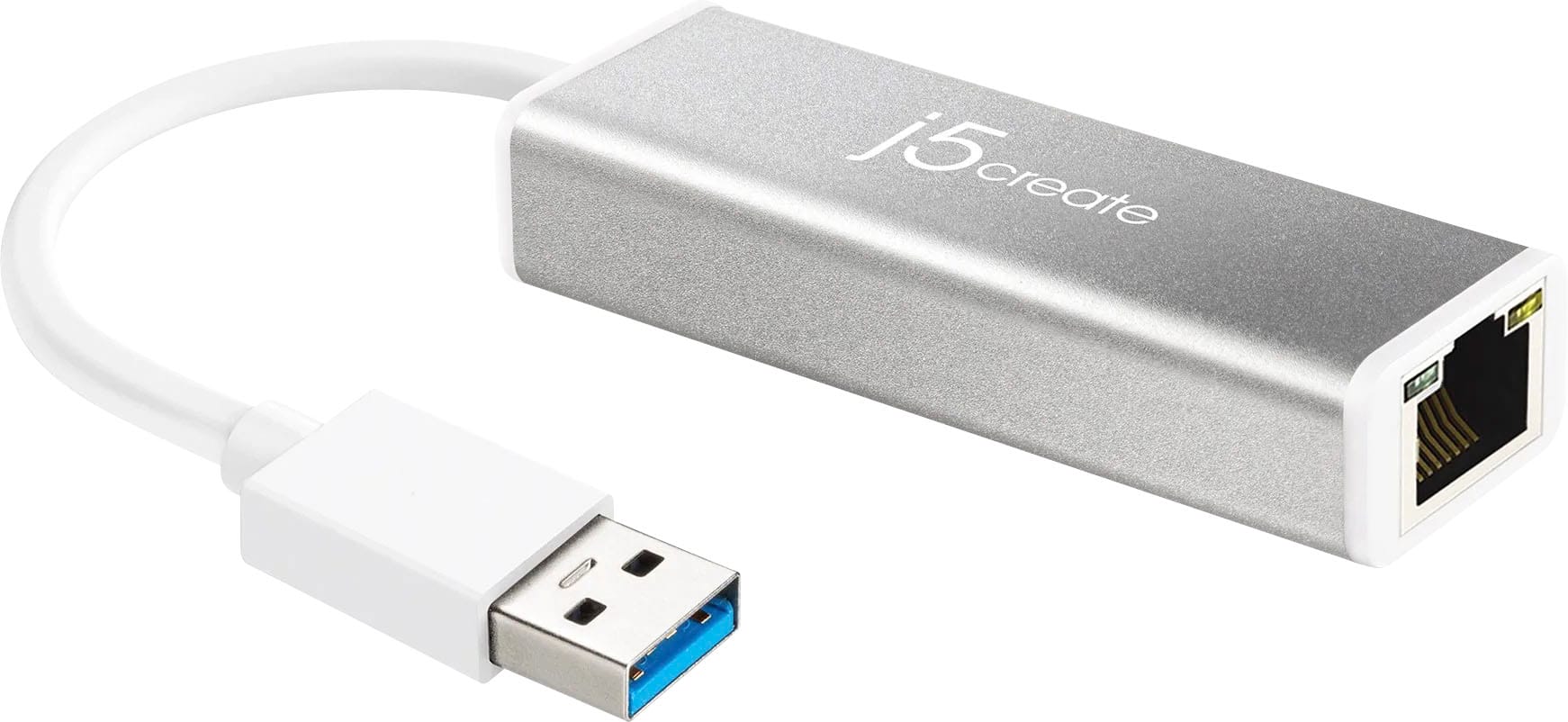
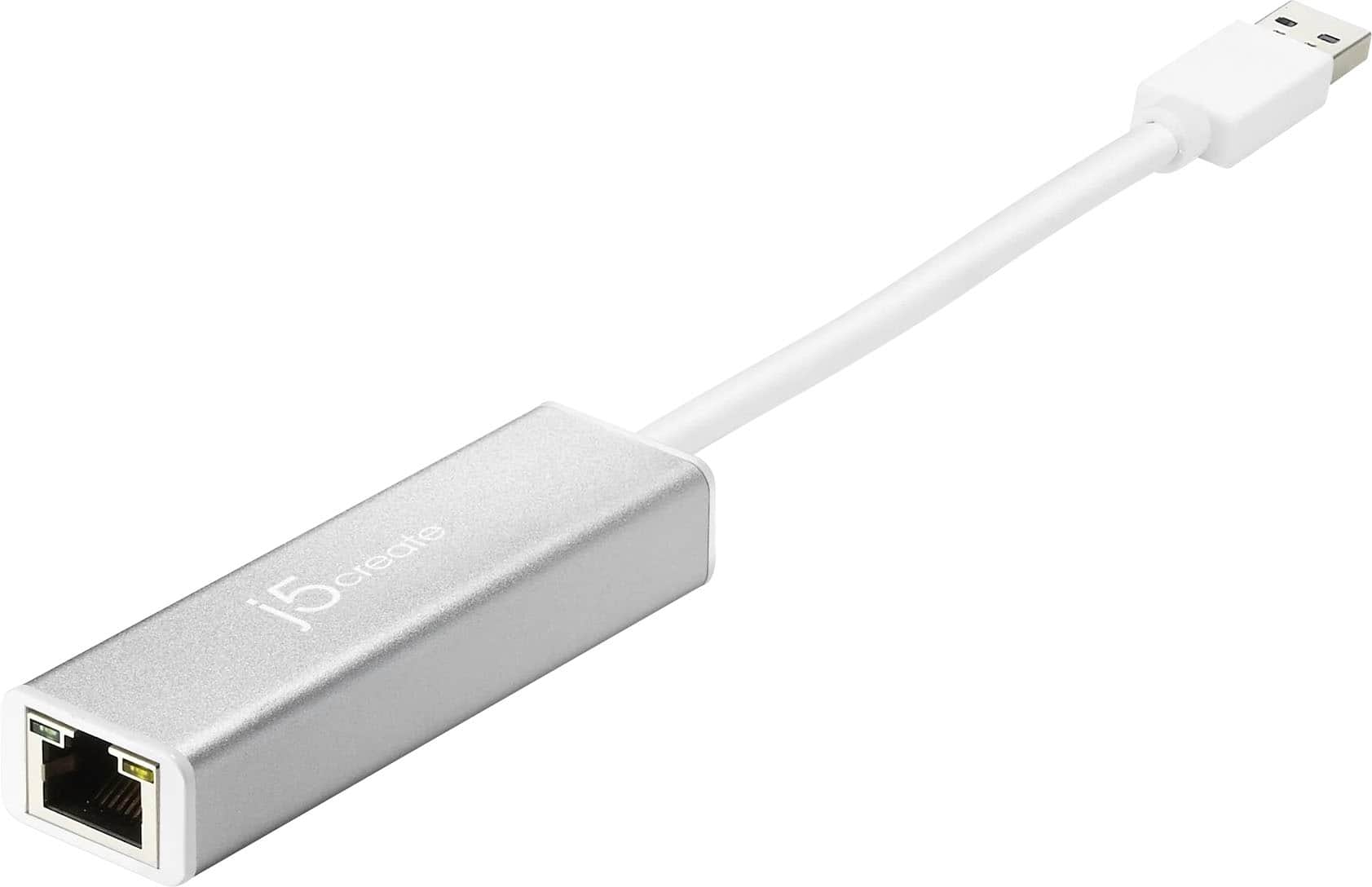
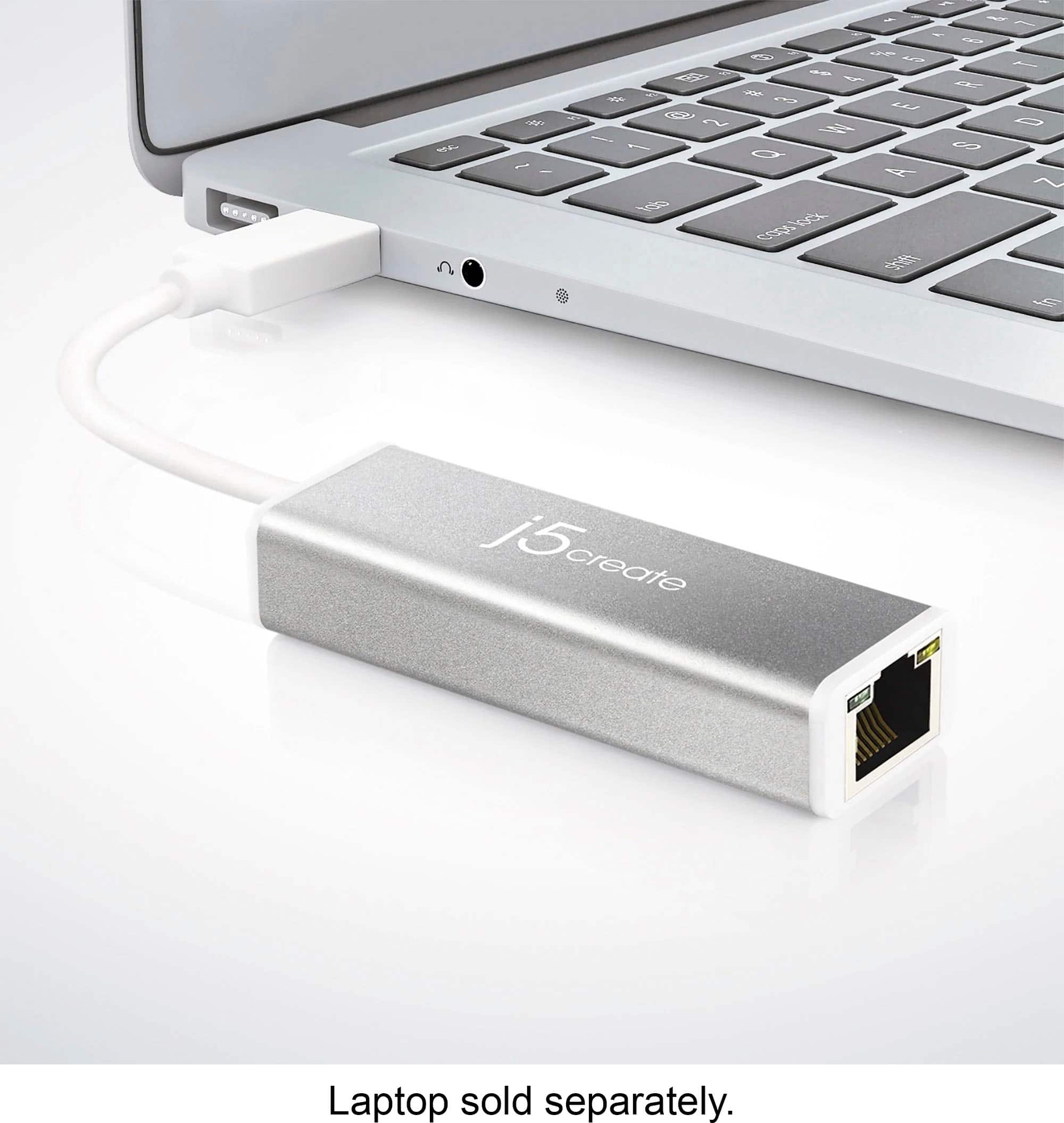
Customers often highlight the USB 3.0 Gigabit Ethernet Adapter for its ease of use, performance, USB functionality, and speed, with many appreciating its compatibility and connectivity. The adapter is also praised for its price and size. While driver installation can sometimes be a concern, it appears to be a minor issue for most users.
This summary was generated by AI based on customer reviews.
Ethernet adapter
||Posted . Owned for 1 month when reviewed.This reviewer received promo considerations or sweepstakes entry for writing a review.It has helped a great deal. It connects to the internet quickly and we have not had any issues while in use.
I would recommend this to a friendBrand response from J5create Team
Posted .Glad to hear that the JUE130 has helped you out. A wired Ethernet connection will give you better stability and faster speeds over WiFi. Thanks for taking the time to post a review.
Cheers,
j5create
Easy Peasey
||Posted . Owned for 1 month when reviewed.This reviewer received promo considerations or sweepstakes entry for writing a review.This was a great buy. Needed Ethernet hookup for my laptop for work. Work perfectly.
I would recommend this to a friendGreat USB Ethernet adaptor
||Posted .This reviewer received promo considerations or sweepstakes entry for writing a review.Exelent for computers without Ethernet port Recommended
I would recommend this to a friendGreat thing in a small package
||Posted . Owned for 1 week when reviewed.This reviewer received promo considerations or sweepstakes entry for writing a review.Really nice and it is very small and portable to go on trips
I would recommend this to a friendDisappointed getting only 25% of internet speed
||Posted . Owned for 3 weeks when reviewed.This reviewer received promo considerations or sweepstakes entry for writing a review.Only getting about 300Mbps on my PC while modem is getting over 1.2Gbps. Have to reset adapter almost daily as it consistently drops internet connection from modem.
No, I would not recommend this to a friendBrand response from J5create Team
Posted .If you're experiencing issues with your USB 3.0 Gigabit Ethernet Adapter, such as low speeds and frequent disconnections, there are several potential causes and troubleshooting steps you can try: Try using a different USB port on your PC for the adapter. Some USB ports may provide better power delivery or have better compatibility, which can impact the performance of the adapter. Additionally, avoid using USB hubs or extensions, as they may introduce additional latency or signal degradation. Disable any power-saving features that may be affecting the USB port or the adapter itself. In the Device Manager, locate the USB Root Hub or the specific USB controller for the adapter, go to its Properties, and disable any power-saving options. Double-check your network settings on your PC. Ensure that the adapter is set to use full-duplex mode and that it is not set to a lower speed or half-duplex mode, as this can limit performance. Ensure that there are no sources of interference near the adapter or Ethernet cable, such as other electronic devices or power cables. Interference can degrade the signal quality and impact performance. ** Feel free to contact j5create Technical Support if you require further assistance. Their information can be found on our website under the "Support" tab. Thank you.
USB to Ethernet
||Posted . Owned for 1 month when reviewed.This reviewer received promo considerations or sweepstakes entry for writing a review.This adapter works perfectly to connect the USB end on the Nintendo Switch direct to the Ethernet cable connecting my Router. No fuss, worked instantly, no more wireless lag, and download speed for updates has tripled.
I would recommend this to a friendWell built and works as expected. Great quality!
||Posted . Owned for 3 weeks when reviewed.This reviewer received promo considerations or sweepstakes entry for writing a review.This have been a good buy, even though I haven't used it very often yet. I needed something for work occasionally as well as my personal laptop which does not have a standard Ethernet port. I had another device like this one that I bought online, but my work laptop was not able to even detect that adapter was plugged in. This adapter is detected and works very well once the drivers are installed. It would not function without the drivers from the manufacturer however. The few times I have used it, the adapter has been reliable with no dropouts and functions at the full speed of the network it is connected to. It is seems very rugged and durable compared to my older adapter. I found it to be very simple to use as well. I took off a star (but would have taken off only half a star if I could) because on both of my laptops this adapter would only work if I installed the manufacturer driver. My old adapter worked natively right out of the box on my personal laptop. The driver requirement could have been an issue for my work laptop because out IT has a standard policy of locking down any driver installs. I was able to get it resolved, but it could be a problem under certain circumstances. Overall I am very happy with the adapter and would buy it again.
I would recommend this to a friendBrand response from J5create Team
Posted .Ravenant211, we greatly appreciate your review on the JUE130. If in the future you experience any issues with your adapter, please feel free to contact the support team mentioned on the casing and a specialist will be happy to help.
Thank you,
j5create
Loved it so much, bought 2 more for family members
||Posted . Owned for 1 week when reviewed.This reviewer received promo considerations or sweepstakes entry for writing a review.I bought this same one a couple of years ago to use with my Surface Pro. It works beautifully. It's small and compact and doesn't require a driver. We have one spot in the house where WiFi isn't so great and a laptop with a WiFi adapter that it too, isn't so great. Instead of buying an expensive WiFi extender, I got this to plug into the existing network port. Everyone loves using that computer to surf the net now! * Works on Mac and Windows computers. Used on MacBook Air, MacBook Pro, iMac, Surface Pro, Dell Latitude and Precision workstation. Didn't have a problem with any of them! * No driver needed for macOS (El Capitan, Mojave, and Catalina), Windows 10, or FreeBSD. I think a driver will be needed for Windows 7, or 8. * USB 3.0 gives you true Gigabit Ethernet speed * Hardly, if any, effect on battery life * Downward compatible with USB 2.0 ports. though you won't get Gigabit speeds (that's an issue with USB 2.0 not having enough bandwidth, not the adapter) * Excellent longevity. Still have and using my original one for 3+ years now. 5 stars because this device just works with no problems and hasn't failed with almost daily (10+ hours per day) use. Especially at this price point!
I would recommend this to a friendBrand response from J5create Team
Posted .Hello,
Thank you for coming back to j5create to purchase additional Ethernet adapters for your family. I'm glad to hear that your original adapter has lasted over two years with no problems. This adapter is compatible with both Windows and Apple computers. We appreciate you sharing your experience with the j5create Ethernet adapter.
I hope you have a great day,
j5create
iMac
||Posted . Owned for 3 weeks when reviewed.This reviewer received promo considerations or sweepstakes entry for writing a review.The Ethernet port on my 2009 iMac decided to stop working after an upgrade and I’ve been using the WiFi on it for years. I prefer a hard connection on this machine, thought I’d give this a try. I was concerned it touted USB 3, but reading the instructions it says USB 3 or 2, so I thought I’d give it a try. Followed the instructions plugged it all in and it just works. Faster speeds than over my WiFi and when my WiFi AP burped for a bit, I still had connection with this device. Why I like at least one computer hard connected. Very much worth the money.
I would recommend this to a friendBrand response from J5create Team
Posted .SoloScuba, thank you so much for the positive input on the JUE130. If in the future you experience any difficulties with your adapter, please feel free to reach out to support. Our contact info. can be found on the manufacturer's website or packaging.
Gratefully,
j5create
Did the job
||Posted . Owned for 1 month when reviewed.This reviewer received promo considerations or sweepstakes entry for writing a review.My laptop wifi stopped working. I didn't have an Ethernet port and only had two USB ports still working. This adapter was available nearby, was not too bulky, fit perfectly, and did make the connection. I had some interference, while it was plugged in, with devices attached to the USB hub plugged into my other port, but I can't say for sure that this caused that interference. The laptop had obviously been acting poorly overall and I just needed this temporary solution. The dongle did what it was supposed to for as long as I used it. I'm keeping it on hand if I ever need it again.
I would recommend this to a friendGreat Problem Solver!
||Posted . Owned for 3 weeks when reviewed.This reviewer received promo considerations or sweepstakes entry for writing a review.This adapter is a necessary item, with newer laptops that no longer come with Ethernet ports! One of the only ways to take advantage of Gigabit internet service is to use a hardwire connection and this dongle works great! setup and install was smooth and quick. And it provides the seamless Zoom/Teams/Go-to-meeting experience you want and need. Great product!
I would recommend this to a friendBrand response from J5create Team
Posted .Hard wired internet connectivity supporting up to 1 gigabyte speeds is the highlight of the JUE130, compatible with Chrome, Windows and Mac make it a popular choice - thanks for the thumbs up!
Cordially,
j5create
Works on the Nintendo Switch
Posted .This reviewer received promo considerations or sweepstakes entry for writing a review.I bought this adapter to use with the Nintendo Switch's dock. Works out of the box with no issues.
I would recommend this to a friendBrand response from J5create Team
Posted .The easiest way to add a 10/100/1000 Gigabit Ethernet connection over USB
Great ethernet adapter for a hardwired connection
||Posted . Owned for 7 months when reviewed.This reviewer received promo considerations or sweepstakes entry for writing a review.Bought this so I could connect my daughters Switch to a hardwired ethernet connection. It has worked great and no issues. Pretty easy plug and play. Allows for a solid consistent connection and fast internet speeds since it's "wired" and not using wi-fi which never gives you your full bandwidth.
I would recommend this to a friendHappy!
||Posted . Owned for 1 week when reviewed.This reviewer received promo considerations or sweepstakes entry for writing a review.Works as intended! Nothing much else to say, just make sure your internet can actually support the maximum capacity (mbps) these dongles provide.
I would recommend this to a friendj5create USB 3.0 to Gigabit Ethernet Adapter
||Posted . Owned for 1 month when reviewed.This reviewer received promo considerations or sweepstakes entry for writing a review.I needed a wired Ethernet adaptor for my laptop. The laptop didn't have one built-on, and as an IT contractor I need one to troubleshoot client networks. This worked wonderfully. That laptop has since been retired, but I've re-purposed this adaptor to a tiny Linux box that I've turned into a dedicated firewall, and it works perfectly there, too. If you're not an IT guy, that's OK - this thing is truly plug and play. Just plug it into a USB 3.0 port, attach your network cable, and you're running within moments. Your OS will simply find it and start using it. The amount of time that takes will depend on how fast your computer is, but it really is that easy, at least on Windows and Linux. I've never tried it on a Mac, so check the compatibility list before buying it if you have a Mac. If all you have are USB 2.0 ports, that's OK, too. It works on USB 2.0, but you won't get the full benefit of the Gigabit network because of the speed limitation of USB 2.0. This also works with 10/100 Megabit networks, and a USB 2.0 port will give you the full speed of those.
I would recommend this to a friendBrand response from J5create Team
Posted .Hello Sean,
Thank you for your detailed review of this j5create Ethernet adapter. We really appreciate you looking at it from the point of view as an IT professional and as a standard computer user. We are glad to hear that the adapter is working well for you. I hope that you have a good day.
Cheers,
The j5create team
Great product and effective
||Posted . Owned for 3 months when reviewed.This reviewer received promo considerations or sweepstakes entry for writing a review.Works pretty great and is pretty easy to use. Connects the internet right away with no issues.
I would recommend this to a friendWorks as expected.
||Posted .This reviewer received promo considerations or sweepstakes entry for writing a review.Getting 1gbit on my older MacBook Pro now which would not connect over Wireless N speeds.
I would recommend this to a friendUseful item
||Posted . Owned for 1 month when reviewed.This reviewer received promo considerations or sweepstakes entry for writing a review.Great to connect your device to wired internet for faster and staple speed!
I would recommend this to a friendGood solution
||Posted .This reviewer received promo considerations or sweepstakes entry for writing a review.This was a perfect solution to connect to Ethernet with a laptop that has no Ethernet port. Apparently Ethernet ports are optional on laptops anymore.
I would recommend this to a friendGreat Adapter
||Posted . Owned for 2 weeks when reviewed.This reviewer received promo considerations or sweepstakes entry for writing a review.Reasonably priced. Worked as expected and helped complete my project.
I would recommend this to a friend