Customer Ratings & Reviews





- Model:
- JCD533
- SKU:
- 6464951
Rating by feature
- Value
Rating 4.2 out of 5 stars
- Quality
Rating 4.3 out of 5 stars
- Ease of Use
Rating 4.5 out of 5 stars
Customers are saying
Customers are pleased with the ease of use, reliable HDMI port, and broad compatibility of this USB-C 4K HDMI docking station. Many appreciate the ample ports and enhanced connectivity it provides, finding it a valuable addition for their workspace. The compact size and design also receive positive feedback. While some users experienced challenges with power delivery, requiring an additional power source, the overall experience is largely positive.
This summary was generated by AI based on customer reviews.
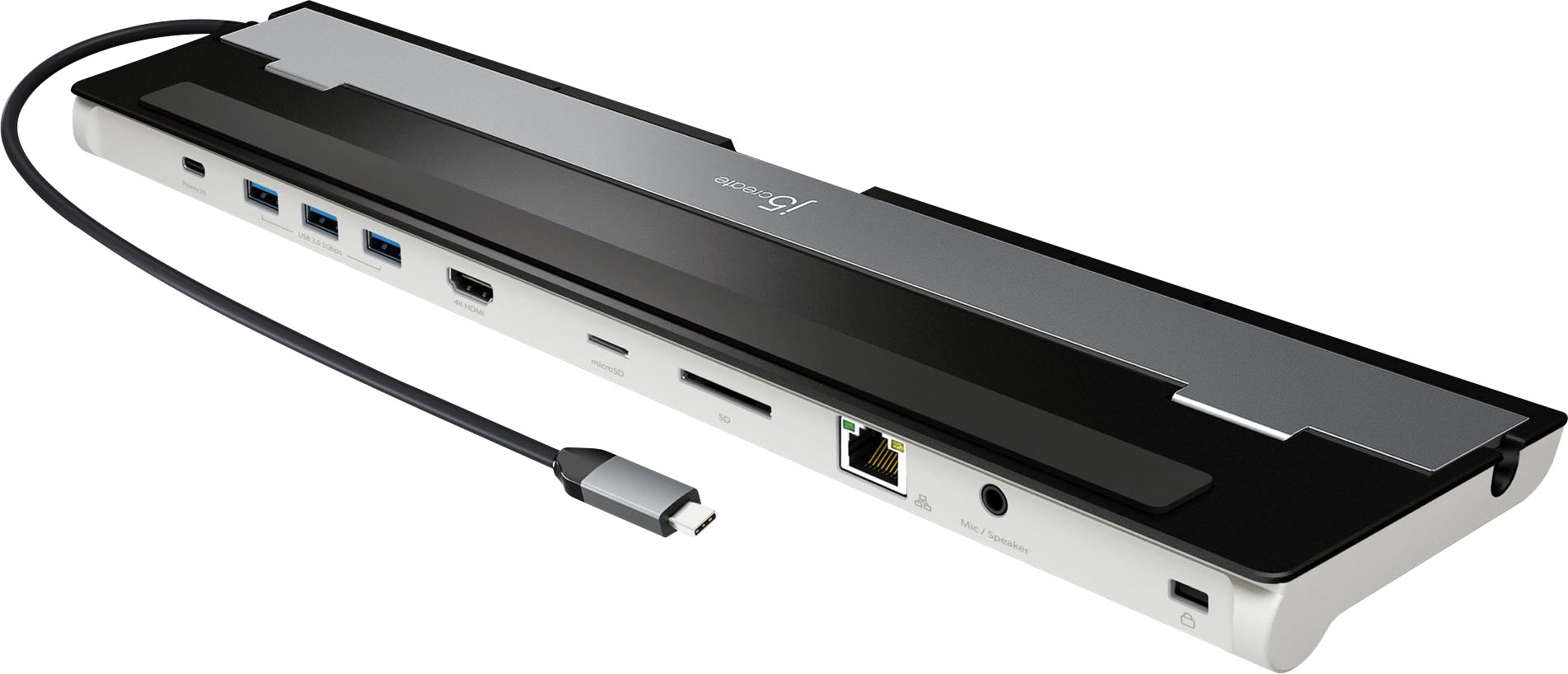
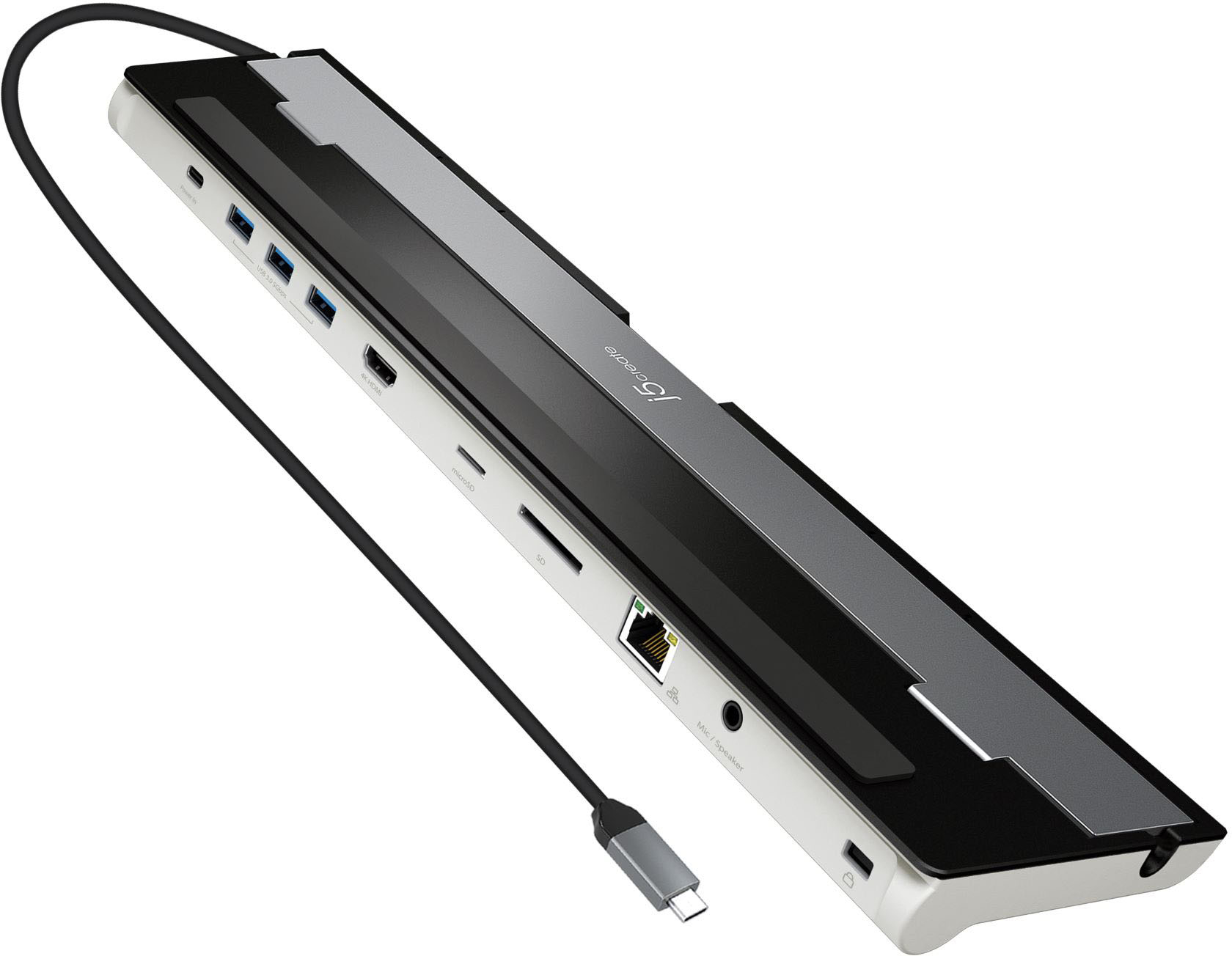
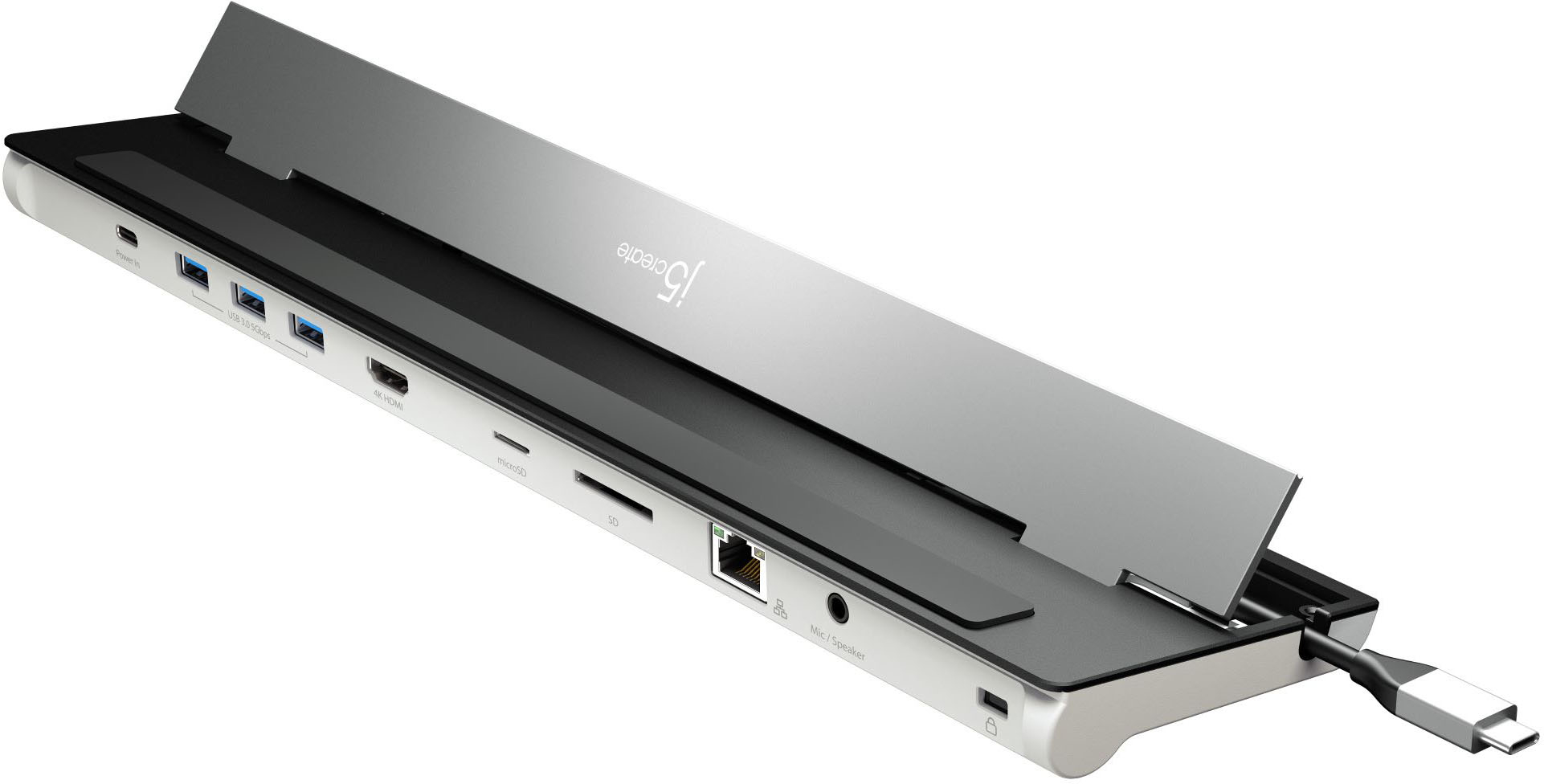
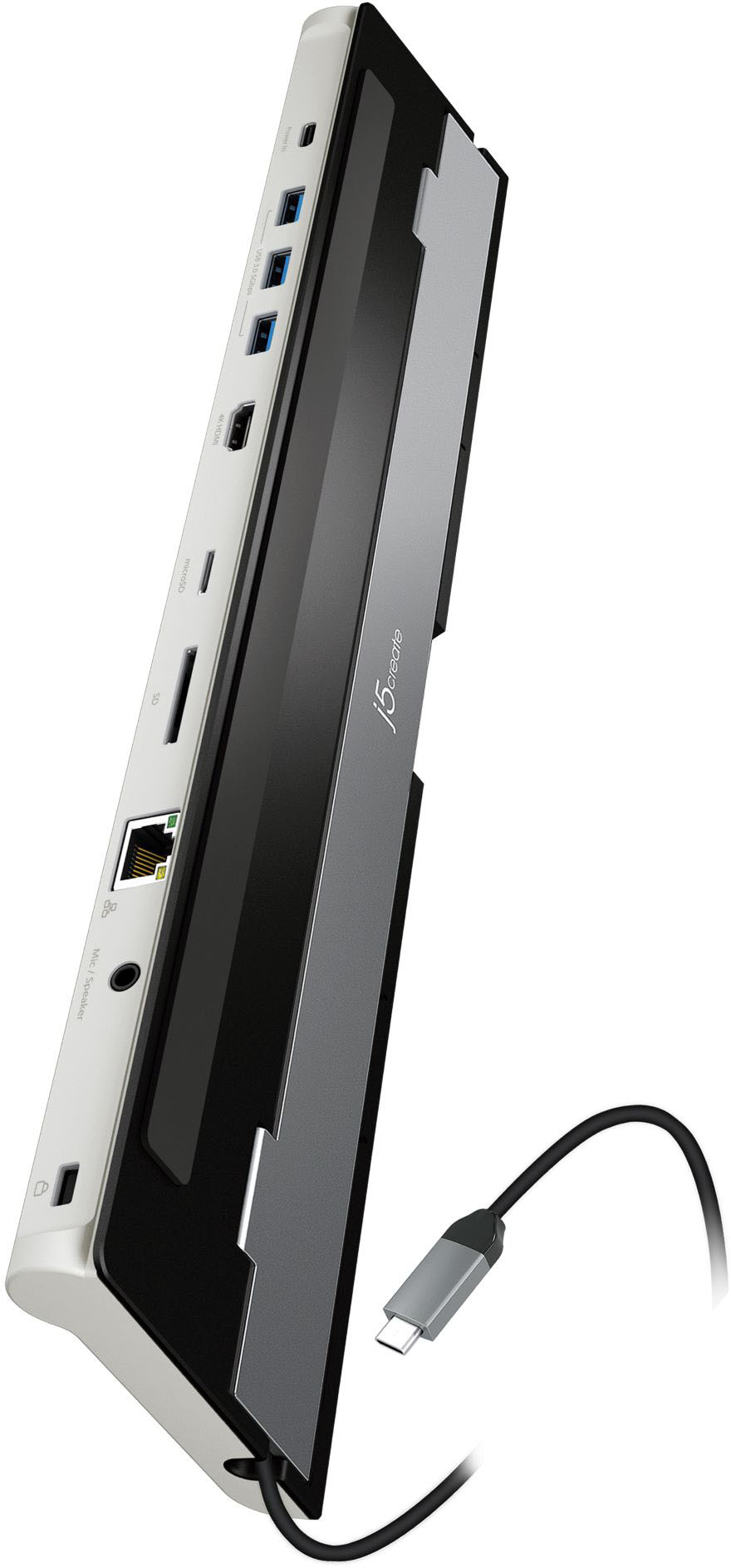
j5create-USB-C 4K HDMI Docking Station- Grey/Black
||Posted . Owned for 1 month when reviewed.This reviewer received promo considerations or sweepstakes entry for writing a review.Speeds up enternet, lots of plug ends. Like it much
I would recommend this to a friendGreat Dock
||Posted . Owned for 1 month when reviewed.This reviewer received promo considerations or sweepstakes entry for writing a review.Very flexible and adaptable device. It's a solidly made device.
I would recommend this to a friendWorks as expected.
||Posted . Owned for 3 weeks when reviewed.This reviewer received promo considerations or sweepstakes entry for writing a review.Works as expected, needs more usb ports for latest hardware.
I would recommend this to a friendLike it
||Posted . Owned for 3 weeks when reviewed.This reviewer received promo considerations or sweepstakes entry for writing a review.Great docking station for my needs. Small and efficient
I would recommend this to a friendPorts challenged.
||Posted . Owned for 3 weeks when reviewed.This reviewer received promo considerations or sweepstakes entry for writing a review.Necessary addition since the new Macs are ports challenged.
I would recommend this to a friendPerfect
||Posted .This reviewer received promo considerations or sweepstakes entry for writing a review...................................................
No, I would not recommend this to a friendEasy set up.
||Posted . Owned for 3 weeks when reviewed.This reviewer received promo considerations or sweepstakes entry for writing a review.Works great to connect all of my devices. Just what I needed.
I would recommend this to a friendBrand response from J5create Team
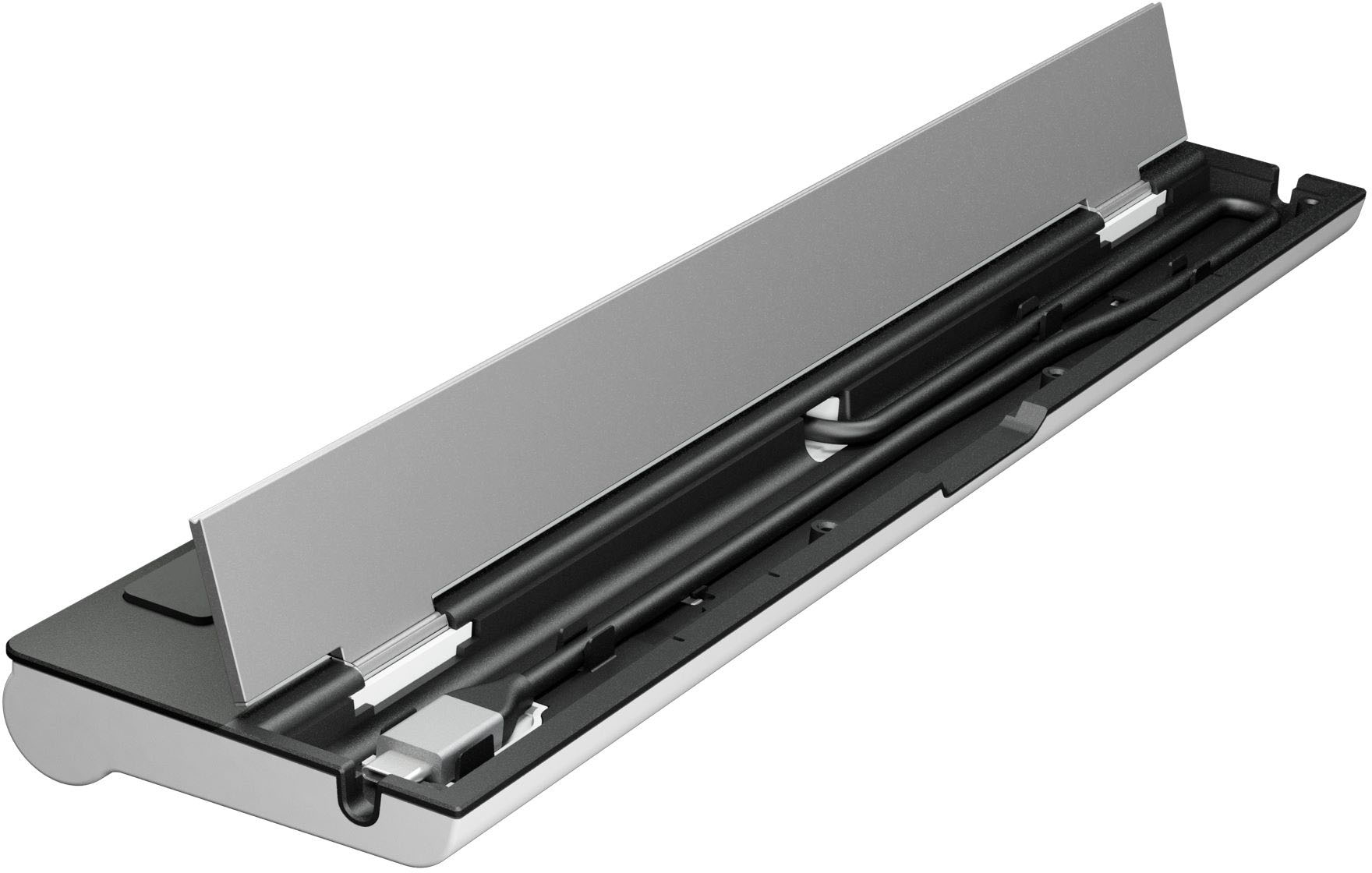
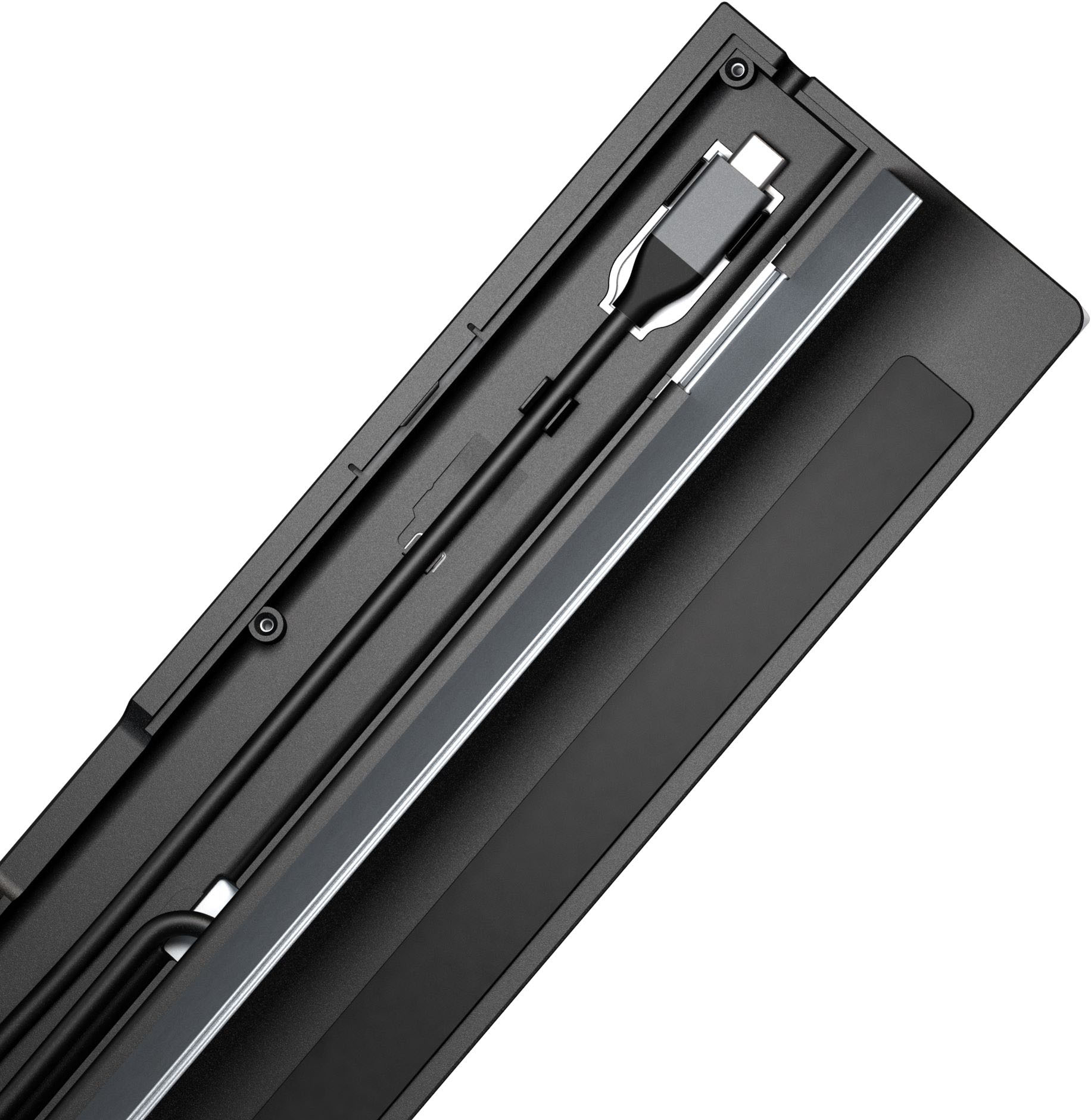
Posted .9 ports in one sleek design for all your needs

Docking station
||Posted . Owned for 1 week when reviewed.This reviewer received promo considerations or sweepstakes entry for writing a review.Anxious to see how well this docking station works out.
I would recommend this to a friendBrand response from J5create Team
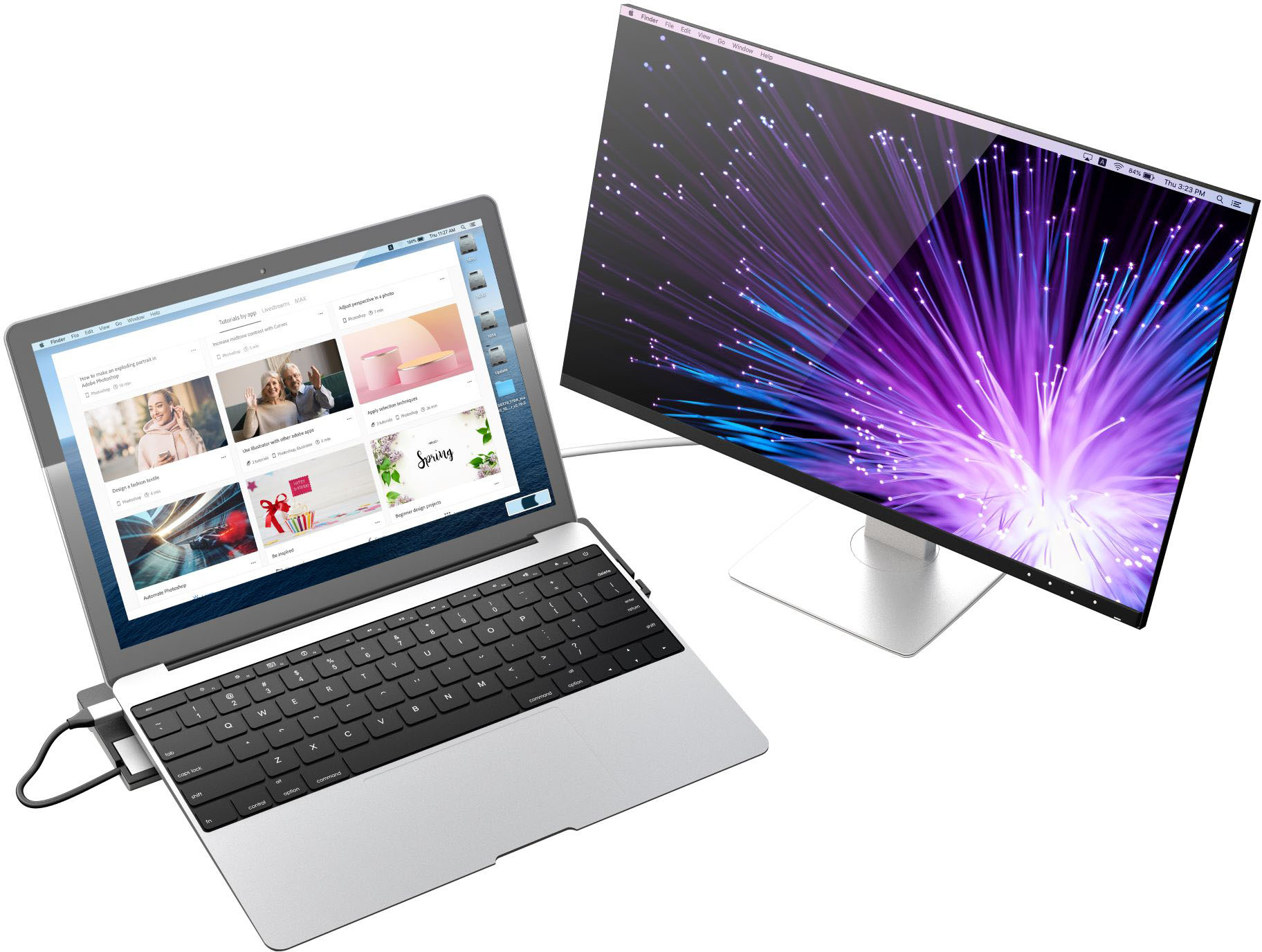
Posted .Easily connect to a 4K HDMI display with DisplayPort Alt Mode support over USB-C
Ok but not worth it.
||Posted . Owned for 2 months when reviewed.This reviewer received promo considerations or sweepstakes entry for writing a review.Doesn't include a power cable which is just odd. The dock only has one hdmi port. Would be great if it had usb-c ports but it doesn't.
No, I would not recommend this to a friendBrand response from J5create Team
Posted .The Docking Station is powered by your computer via USB-C or Thunderbolt 3, 4. If your computer came with a USB-C power-brick (65W or higher), you can use that towards the Dock to add additional power to the USB ports for high-powered USB devices. The JCD542 has dual HDMI port, that is another option or JCD543P, triple displays with power adapter 100W. ** Feel free to contact j5create Technical Support if you require further assistance. Their information can be found on our website under the "Support" tab. Thank you.
Would have been a good item 10 years ago.
||Posted . Owned for 1 month when reviewed.This reviewer received promo considerations or sweepstakes entry for writing a review.Cant do 4K at more than 30FPS. In this day of age, useless.
No, I would not recommend this to a friendBrand response from J5create Team
Posted .The USB-C 4K HDMI Docking Station with Power Delivery supports 3840 x 2160 @ 30 Hz. For more information on other Docking Stations, please visit j5create website. Thank you.
Too big
||Posted . Owned for 3 weeks when reviewed.This reviewer received promo considerations or sweepstakes entry for writing a review.Too big for traveling. Only good in a stand-a-lone office
No, I would not recommend this to a friend- Cons mentioned:Power delivery
Misfunctioning dock station
||Posted . Owned for 3 weeks when reviewed.This reviewer received promo considerations or sweepstakes entry for writing a review.Had to return this product since it just stopped working and wasn't supplying power at all.
No, I would not recommend this to a friendBrand response from J5create Team
Posted .The USB-C 4K HDMI Docking Station with Power Delivery requires an available USB-C port that supports DisplayPort Alt Mode and USB Power Delivery 2.0 or 3.0. This Dock is a PnP device and uses a computers hardware to function. Please check to see if their are any available updates for your computer. Being behind on updates could cause the j5 device to not function as intended and in order to rule everything out we recommend contacting the Manufacture (of your computer) Support in order to have them assist you in properly updating your computer. Thank you.
Docking station
||Posted . Owned for 1 week when reviewed.This reviewer received promo considerations or sweepstakes entry for writing a review.I returned this Universal docking station after I went to install it and found out that it didn't come with a power supply, when I looked into it I found out it was sold separately.
No, I would not recommend this to a friendBrand response from J5create Team
Posted .The USB-C 4K HDMI Docking Station with Power Delivery will work without a power-supply. The USB-C power-in port on the Dock allows pass-through charge and additional power to the USB ports when using a high-powered USB device. You can use your own USB-C power-brick (65W or higher) or JUP2290 100W PD USB-C, JUP34108 108W PD USB-C. The Dock will also require DisplayPort Alt Mode and USB Power Delivery 2.0 or 3.0. Please refer to the manufacturer of your computer for more information about your device. Thank you.
Hrm...not sure if this is worth the money?
||Posted . Owned for 2 weeks when reviewed.This reviewer received promo considerations or sweepstakes entry for writing a review.Maybe bad luck, but my ports were not functioning properly. Not even sure if the value was there. There were lots of cool ports...but the docking station doesn't seem to connect to my laptops well.
No, I would not recommend this to a friendBrand response from J5create Team
Posted .Computers must support "DisplayPort Alt Mode" for video out and "Power Delivery" for pass-through charge through the USB-C port on the computer. This Docking Station is PnP (Plug n Play), no driver are required but must have those features for the Dock to work. Please refer to the manufacturer of your hardware for more information on your device. If you have any questions, please contact our agents through Live Chat or an Email. Their information can be found on our website under the "Support" tab. Thank you.
- Cons mentioned:Power delivery
Returned
||Posted . Owned for less than 1 week when reviewed.This reviewer received promo considerations or sweepstakes entry for writing a review.This did not come with a power supply. It might just be me, but I really think you need a power supply to make something work.
No, I would not recommend this to a friendBrand response from J5create Team
Posted .The USB-C 4K HDMI Docking Station with Power Delivery requires a computer with an available USB-C port that supports DisplayPort Alt Mode and USB Power Delivery 2.0 or 3.0. This Dock is a PnP device, no drivers needed. However, it requires those features for the Dock to work on a computer. Please refer to the manufacturer of your computer for more information about your device. The USB-C power-in port on the Dock provides pass-through charge when it's connected to a power-brick 65W or higher. The Dock is powered on when it's connected to a computer. ** Feel free to contact j5create Technical Support if you require further assistance. Their information can be found on our website under the "Support" tab. Thank you.
Affects external monitor refresh rate
||Posted . Owned for less than 1 week when reviewed.This reviewer received promo considerations or sweepstakes entry for writing a review.Product has excellent finish and build quality but has a devastating Achilles heel. Somewhere in the power pass thru it deteriorates the signal to my 4 monitor. It goes from 60Hz refresh rate to 30Hz. Not a problem when it is being used for watching movies or word processing, a HUGE problem when running Autocad and there is a split second screen lag. Will be returning this item.
No, I would not recommend this to a friendBrand response from J5create Team
Posted .The USB-C 4K HDMI Docking Station with Power Delivery supports (i) HDMI port with up
3840 x 2160 @ 30 Hz. Please contact our Technical Support Team, so that they can get more information from you. Their information can be found on our website under the "Support" tab and a specialist will be ready to assist you if necessary. Thank you.
Do not work with Steam Deck
||Posted . Owned for less than 1 week when reviewed.This reviewer received promo considerations or sweepstakes entry for writing a review.I dont know why this product was recommended by the staff at best buy and I even ask him 3 time if he was sure it works with my Vavle Steam Deck and he said that he guarantees it… Dont waste your time or gas like I did cause it clearly did not work…
No, I would not recommend this to a friendBrand response from J5create Team
Posted .The USB-C 4K HDMI Docking Station with Power Delivery is compatible with a computer that supports DisplayPort Alt Mode and USB Power Delivery 2.0 or 3.0 over USB-C. Will not work towards a Steam Deck device. Cordially, j5create Team.
Expensive for mostly plastic
||Posted . Owned for 1 month when reviewed.This reviewer received promo considerations or sweepstakes entry for writing a review.Quality felt really cheap for the cost of the item. Functioned fine. Returned due to poor quality for the price.
No, I would not recommend this to a friendBrand response from J5create Team
Posted .We're sorry to hear the Docking Station did not meet your expectations. We apologize for the inconvenience. Cordially, j5.
Cable too short
||Posted . Owned for 3 weeks when reviewed.This reviewer received promo considerations or sweepstakes entry for writing a review.Cable too short. H
No, I would not recommend this to a friendBrand response from J5create Team
Posted .Thank you for your feedback. Unfortunately, to avoid signal degradation, we keep our cable at a reasonable length to avoid that issue.
Good but not for me
||Posted . Owned for 5 months when reviewed.This reviewer received promo considerations or sweepstakes entry for writing a review.Had to return it as it wasn’t going to work for my setup running multiple monitors into it.
No, I would not recommend this to a friendBrand response from J5create Team
Posted .We're sorry to hear the Dock wasn't the right setup for your computer. If you have any questions regarding our devices or need assistants on which device will support multiple displays, please contact our Customer Service Team and a specialist will be ready to assist you. Their information can be found on our website under the "Support" tab. Thank you.