Customer Ratings & Reviews





- Model:
- JCD533
- SKU:
- 6464951
Rating by feature
- Value
Rating 4.2 out of 5 stars
- Quality
Rating 4.3 out of 5 stars
- Ease of Use
Rating 4.5 out of 5 stars
Customers are saying
Customers are pleased with the ease of use, reliable HDMI port, and broad compatibility of this USB-C 4K HDMI docking station. Many appreciate the ample ports and enhanced connectivity it provides, finding it a valuable addition for their workspace. The compact size and design also receive positive feedback. While some users experienced challenges with power delivery, requiring an additional power source, the overall experience is largely positive.
This summary was generated by AI based on customer reviews.
- Pros mentioned:Connectivity
J5 create
||Posted . Owned for 9 months when reviewed.This reviewer received promo considerations or sweepstakes entry for writing a review.This docking station has included in everything. I bought this just for the internet connection via cable because new laptop has no such internet socket, only wifi, which can not meet the speed requirements. Although the price is a little higher but it can use to connect most all equipments.
No, I would not recommend this to a friend - Pros mentioned:Hdmi
Love it
||Posted . Owned for less than 1 week when reviewed.This reviewer received promo considerations or sweepstakes entry for writing a review.This is a very nice docking station I can plug my Microsoft Surface go 3 and have an HDMI port and use three USB ports and the micro SD card no problem
I would recommend this to a friend - Pros mentioned:Compatibility
Works as it should
||Posted . Owned for 3 months when reviewed.This reviewer received promo considerations or sweepstakes entry for writing a review.Nice dock to complete my little work from home setup for my MacBook
I would recommend this to a friend - Pros mentioned:Hdmi
works great, no lags
||Posted . Owned for 1 month when reviewed.This reviewer received promo considerations or sweepstakes entry for writing a review.Works like advertised. I have two external monitors, a wired keyboard, ethernet connection, and wireless mouse connected to it. No lags whatsoever.
I would recommend this to a friend - Pros mentioned:Compatibility
MacBook Compatible
||Posted .This reviewer received promo considerations or sweepstakes entry for writing a review.Not many docking stations that work well with MacBook Pros, however this one does and I highly recommend it.
I would recommend this to a friendBrand response from J5create Team
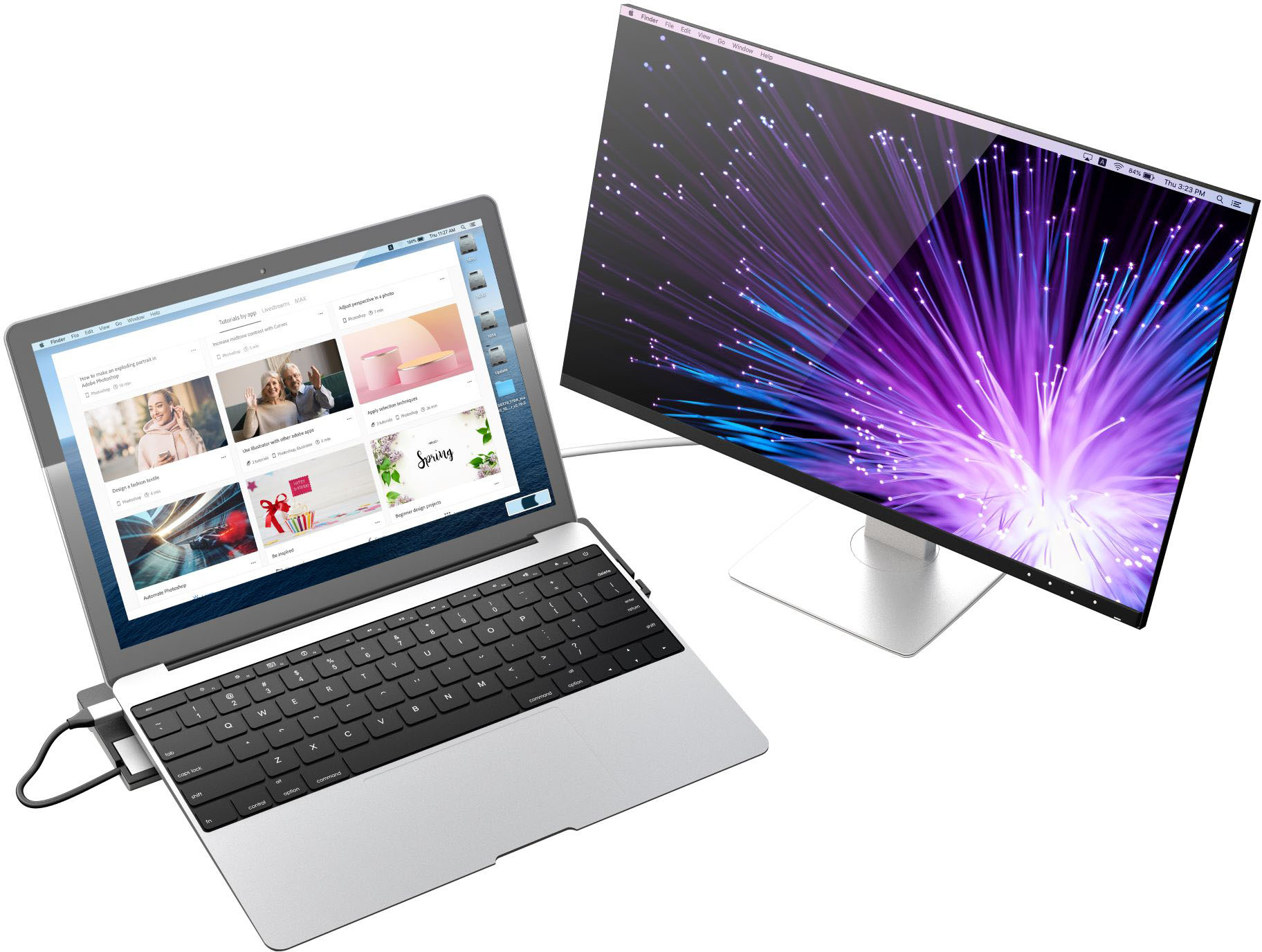
Posted .Easily connect to a 4K HDMI display with DisplayPort Alt Mode support over USB-C

- Pros mentioned:Compatibility
Good dock
||Posted . Owned for 3 weeks when reviewed.This reviewer received promo considerations or sweepstakes entry for writing a review.Easy to use and works with my MacBook Air M2 with ease. Very portable. The only thing I wish it could of came with it a power cable.
I would recommend this to a friend - Pros mentioned:Ease of use
Great Docking Station
||Posted . Owned for 1 month when reviewed.This reviewer received promo considerations or sweepstakes entry for writing a review.Adding thei Docking stateion helped me get the double monitor system I want. It make s it so easy for me to add devices to use with my laptop
I would recommend this to a friendBrand response from J5create Team
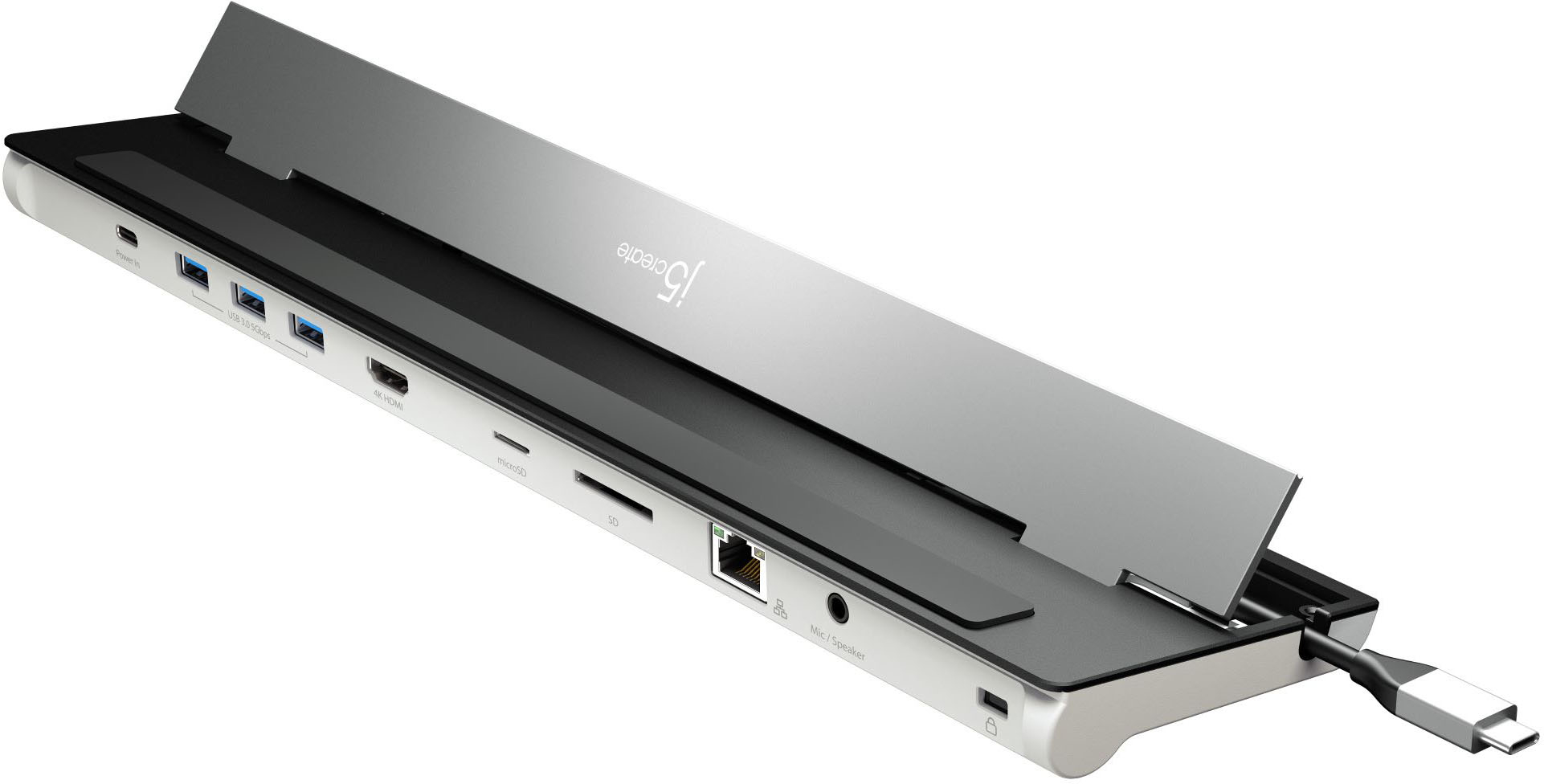
Posted .Extend your screen to a large monitor set up and boost your productivity.
- Pros mentioned:Connectivity
Great product
||Posted . Owned for 1 month when reviewed.This reviewer received promo considerations or sweepstakes entry for writing a review.This has plenty of connections needed for daily usage.
I would recommend this to a friend - Pros mentioned:Hdmi
Great docking interface.
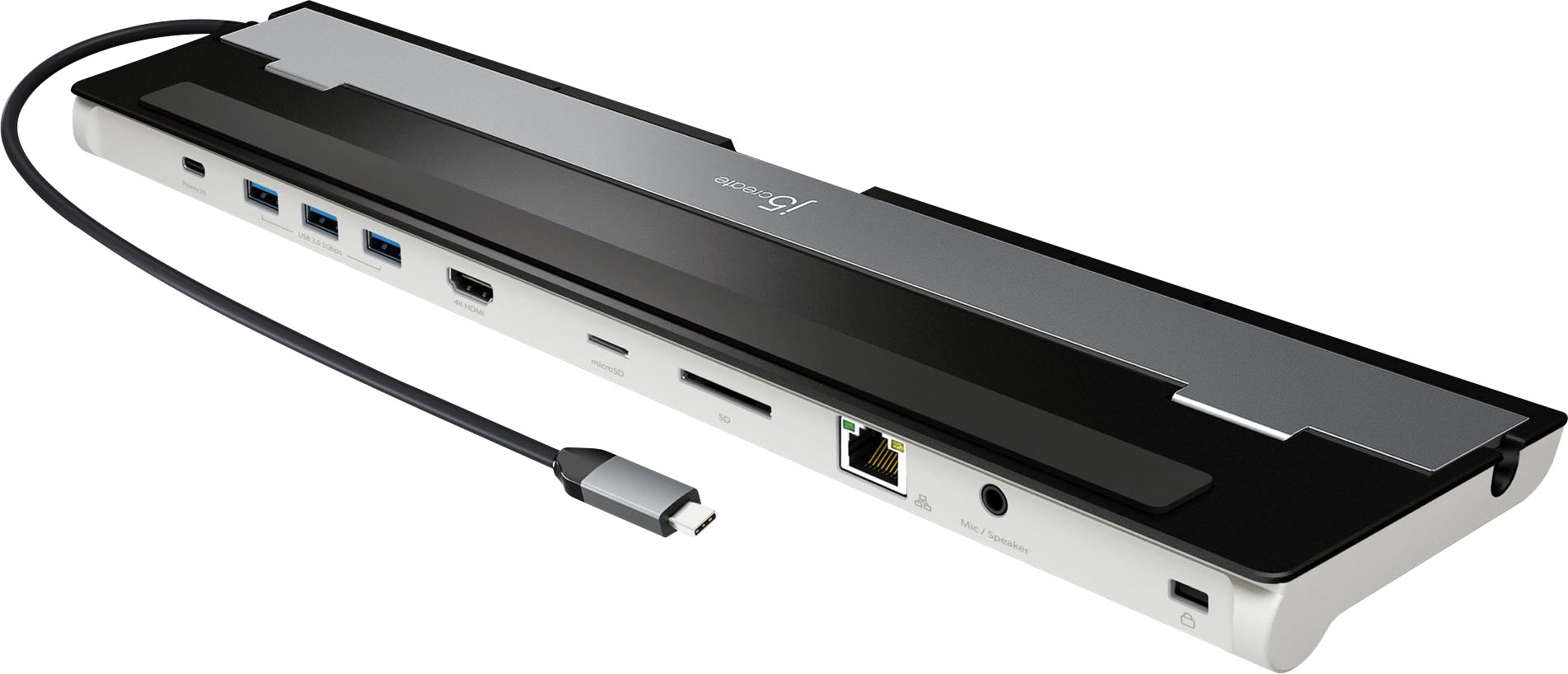
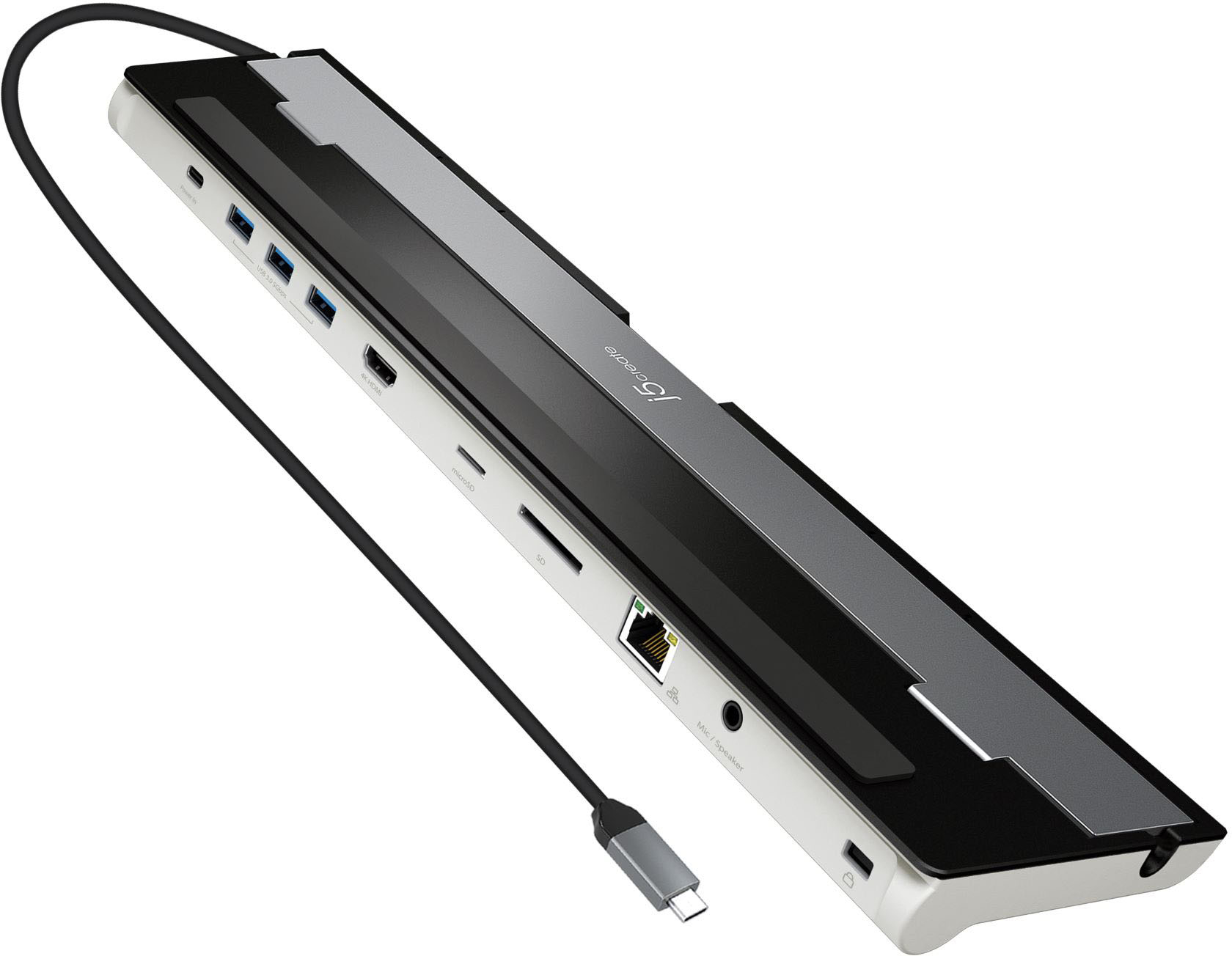
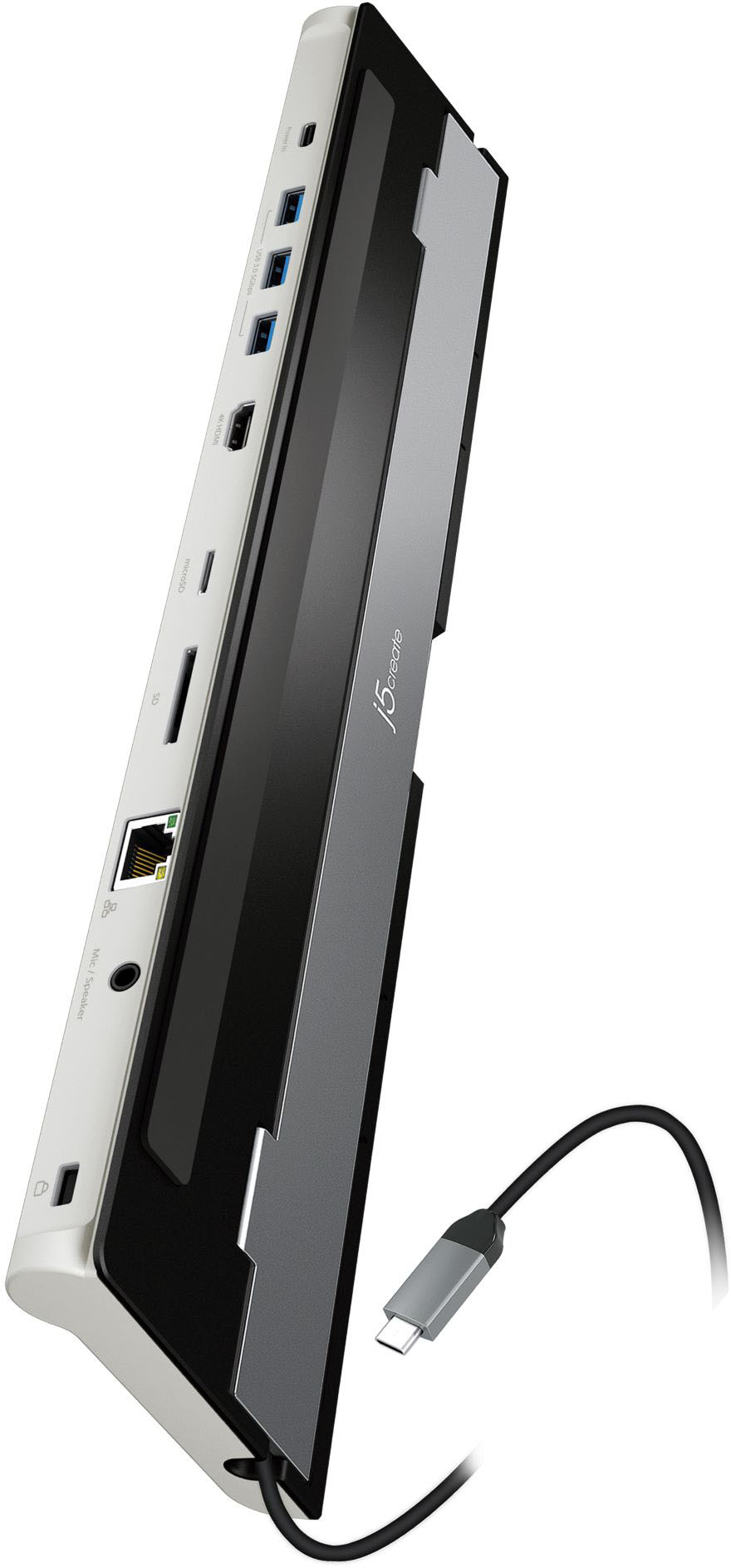
||Posted . Owned for 1 week when reviewed.This reviewer received promo considerations or sweepstakes entry for writing a review.One USBC connects to my laptop and provides USB ports, Ethernet port, SD card port, power port, HDMI port, Audio port.
I would recommend this to a friend - Pros mentioned:Ease of use
All in one !!!
||Posted . Owned for 3 weeks when reviewed.This reviewer received promo considerations or sweepstakes entry for writing a review.This is the absolute best! I thought I would need cables and adapters and much more but this is just all in one for me ! Perfect
I would recommend this to a friend HDMI port has no problem. Other ports do
||Posted .This reviewer received promo considerations or sweepstakes entry for writing a review.The HDMI port works flawlessly. USB ports work fine when connected with the mouse, keyboard, and the flash drive. However they do not work with the external SSD which is a big deal to me. When the SSD is connected to the USB port, it does not appear at all plus it also forces other connected devices to disconnected. I tried it on both of my Samsung SSD and my SanDisk SSD. They are both like new. They both work on my laptop bilt-in USB C port, but I thought I would use it for my audio interface. This means the three USB ports don't save me from this. Also, what is the purpose for the "power in" port? I thought it can be use to charge the phone?? It didn't do anything when I connected my phone to it. Is it supposed to be something else? I don't have any comment on the other ports because I've only tried the ones that are important to me for now. I don't want to return it, but if I can't find any solution to those isues, I might.
No, I would not recommend this to a friendBrand response from J5create Team
Posted .The USB-C power-in port allows a device that supports Power Delivery over USB-C for pass-through charge. Please refer to the manufacturer of your hardware for more information on your device. We advise no more than one (1) bus-powered/portable external HDD/SDD to be connected to the USB hub at a time with a power adapter connected to the power-in port for additional power to the USB ports. ** Feel free to contact j5create Technical Support if you require further assistance.
Not bad
||Posted . Owned for 3 weeks when reviewed.This reviewer received promo considerations or sweepstakes entry for writing a review.Not a bad purchase for the price. It works really well.
I would recommend this to a friendBrand response from J5create Team
Posted .Extend your screen to a large monitor set up and boost your productivity.
- Pros mentioned:Compatibility
Perfect for home office
||Posted . Owned for 3 weeks when reviewed.This reviewer received promo considerations or sweepstakes entry for writing a review.It actually works where many, many others fail. Be sure to use your laptop’s power supply so that it gives power to everything.
I would recommend this to a friendBrand response from J5create Team
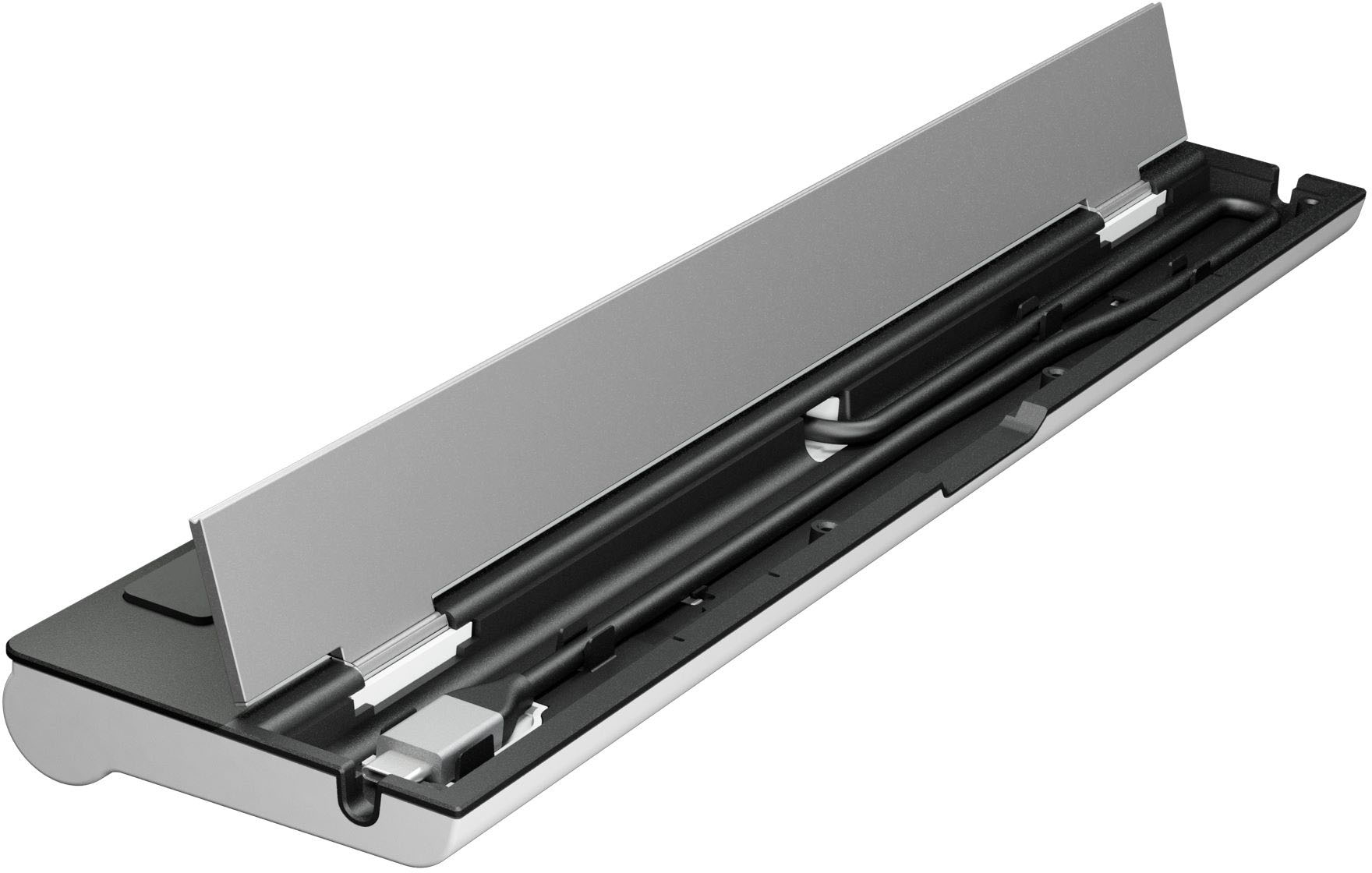
Posted .9 ports in one sleek design for all your needs.
Works great if you need it
||Posted . Owned for 1 month when reviewed.This reviewer received promo considerations or sweepstakes entry for writing a review.Quality build with all the features you’d need if the ports are there. Bought this for my mother so we could overhaul her office properly. Unfortunately I did little research and found it had a single hdmi when we needed two. No complaints as it wasn’t utilized very long.
I would recommend this to a friendDont waste your money...
||Posted . Owned for more than 2 years when reviewed.This reviewer received promo considerations or sweepstakes entry for writing a review.Worked amazing for the first few months but the problem was not all the ports worked. the hdmi port didnt even work on my laptop. After a few months it wouldnt connect to my laptop when plugged in.
No, I would not recommend this to a friend- Pros mentioned:Ports
Great Docking station.
||Posted . Owned for 1 month when reviewed.This reviewer received promo considerations or sweepstakes entry for writing a review.Great docking station, has enough ports for connecting anything you need to your computer.
I would recommend this to a friend - Pros mentioned:Ports
Easy to use Docking Station
||Posted . Owned for 1 week when reviewed.This reviewer received promo considerations or sweepstakes entry for writing a review.Great dociking for a few bucks. Does the job and hast multiple ports including the option for power
I would recommend this to a friendBrand response from J5create Team
Posted .Simple Plug n Play Docking Station, no drivers needed. Thanks for your review.
- Pros mentioned:Hdmi
Recommend
||Posted . Owned for 3 weeks when reviewed.This reviewer received promo considerations or sweepstakes entry for writing a review.Works great! I needed this for my WFH position and it did what I needed it to do.
I would recommend this to a friend - Pros mentioned:Ease of use
Best simple docking station
||Posted . Owned for 3 weeks when reviewed.This reviewer received promo considerations or sweepstakes entry for writing a review.Super easy and works great. Love being able to unplug one cord and take off with my laptop.
I would recommend this to a friend - Pros mentioned:Compatibility
Docking station makes connecting east
||Posted . Owned for 1 month when reviewed.This reviewer received promo considerations or sweepstakes entry for writing a review.Able to connect video, printer, keyboard & mouse by plugging in my laptop.
I would recommend this to a friend