Customer Ratings & Reviews





- Model:
- JCD533
- SKU:
- 6464951
Rating by feature
- Value
Rating 4.2 out of 5 stars
- Quality
Rating 4.3 out of 5 stars
- Ease of Use
Rating 4.5 out of 5 stars
Customers are saying
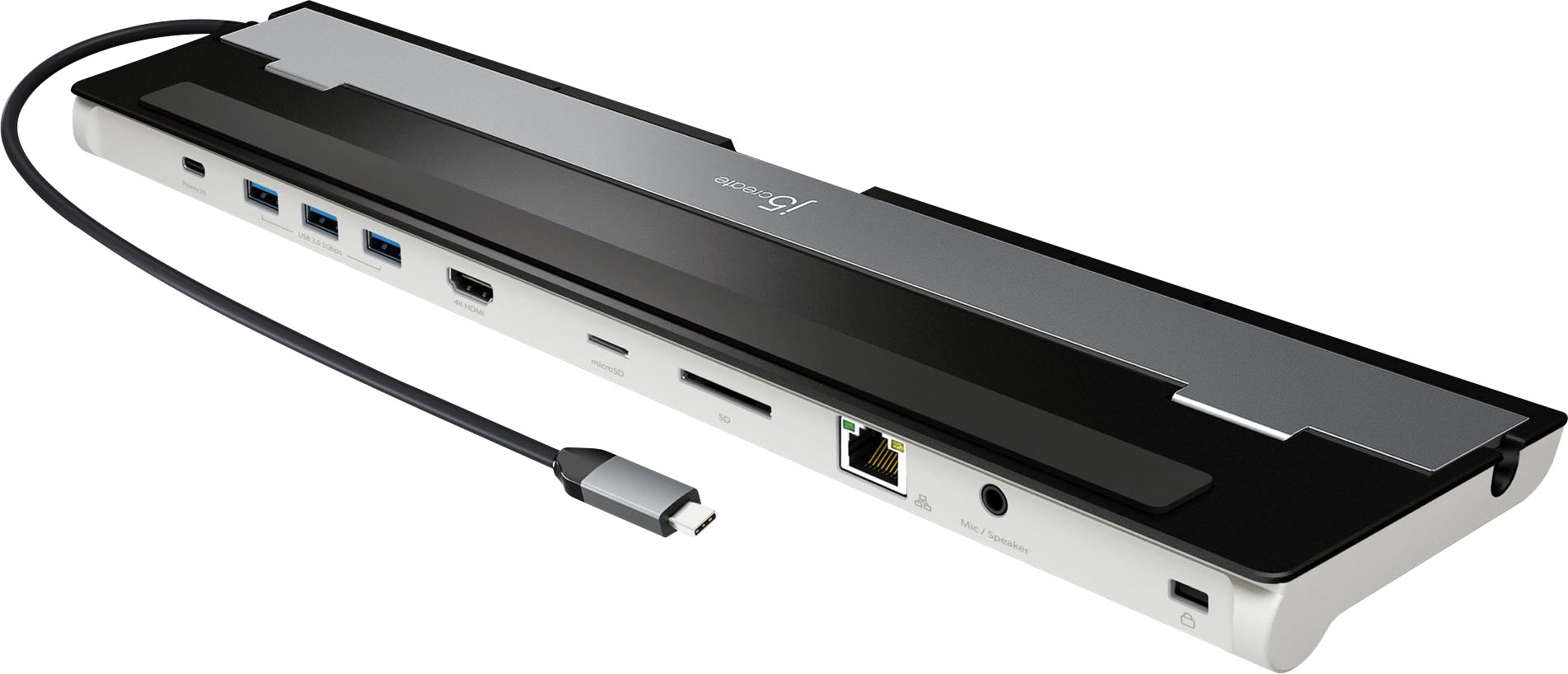
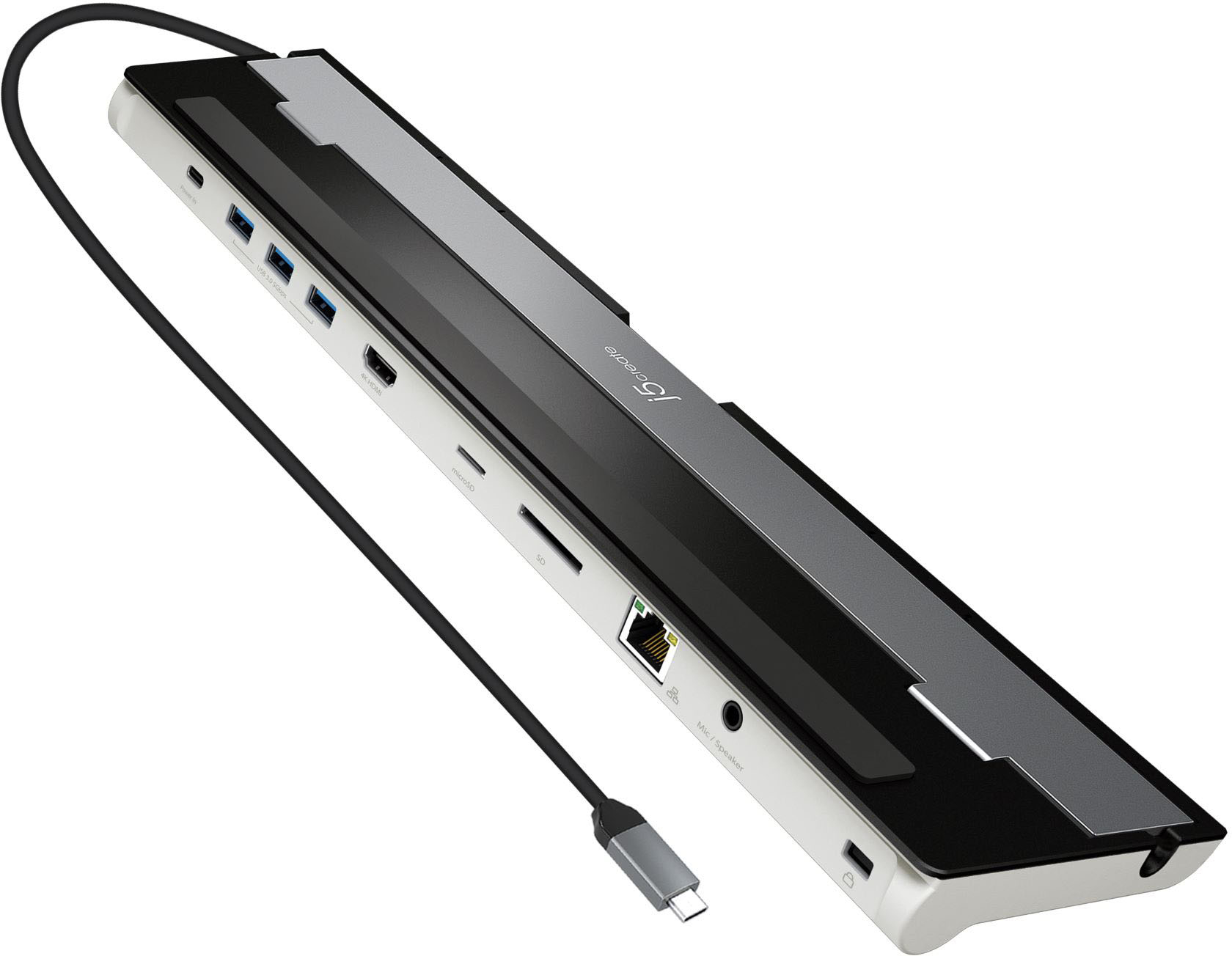
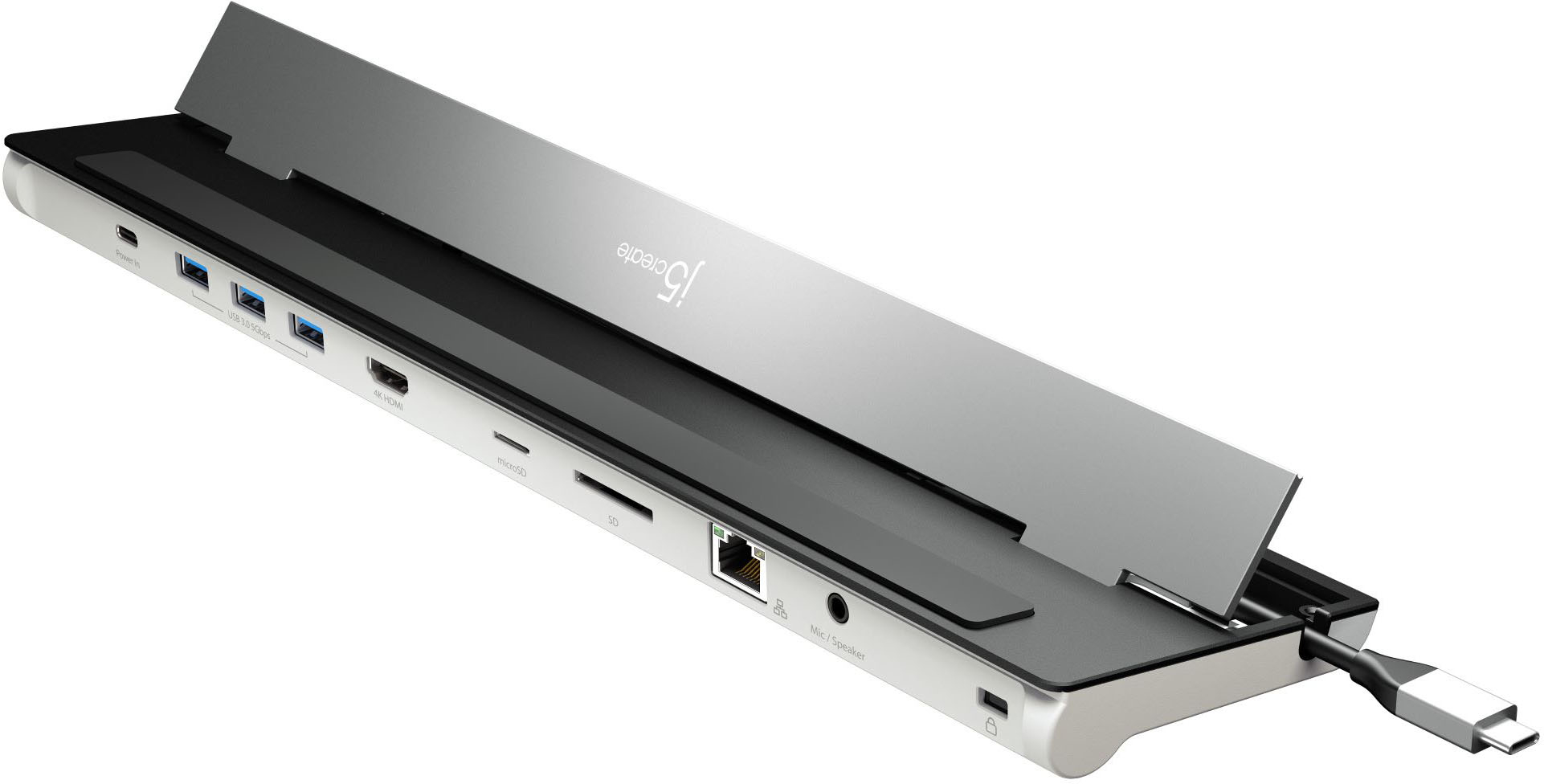
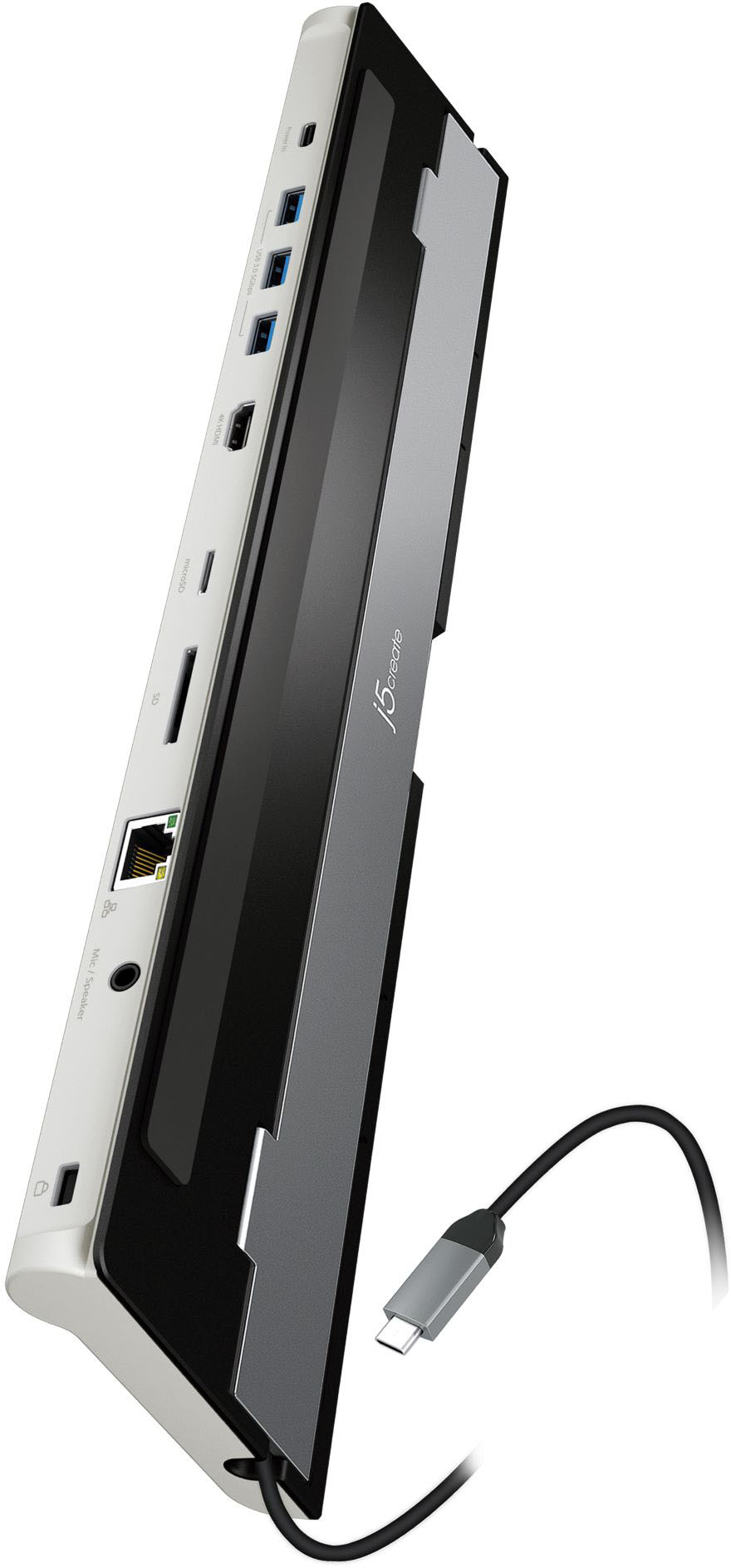
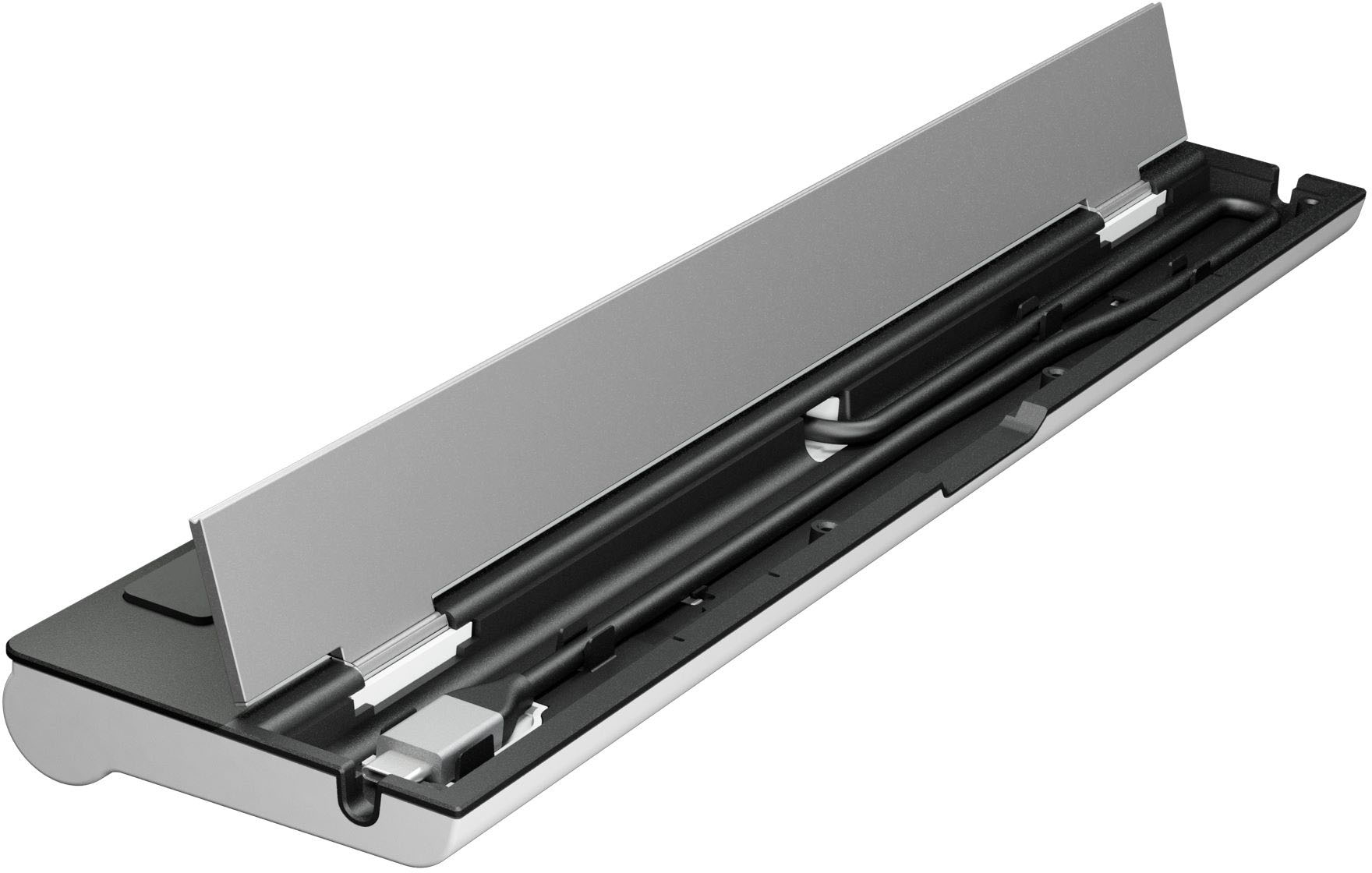
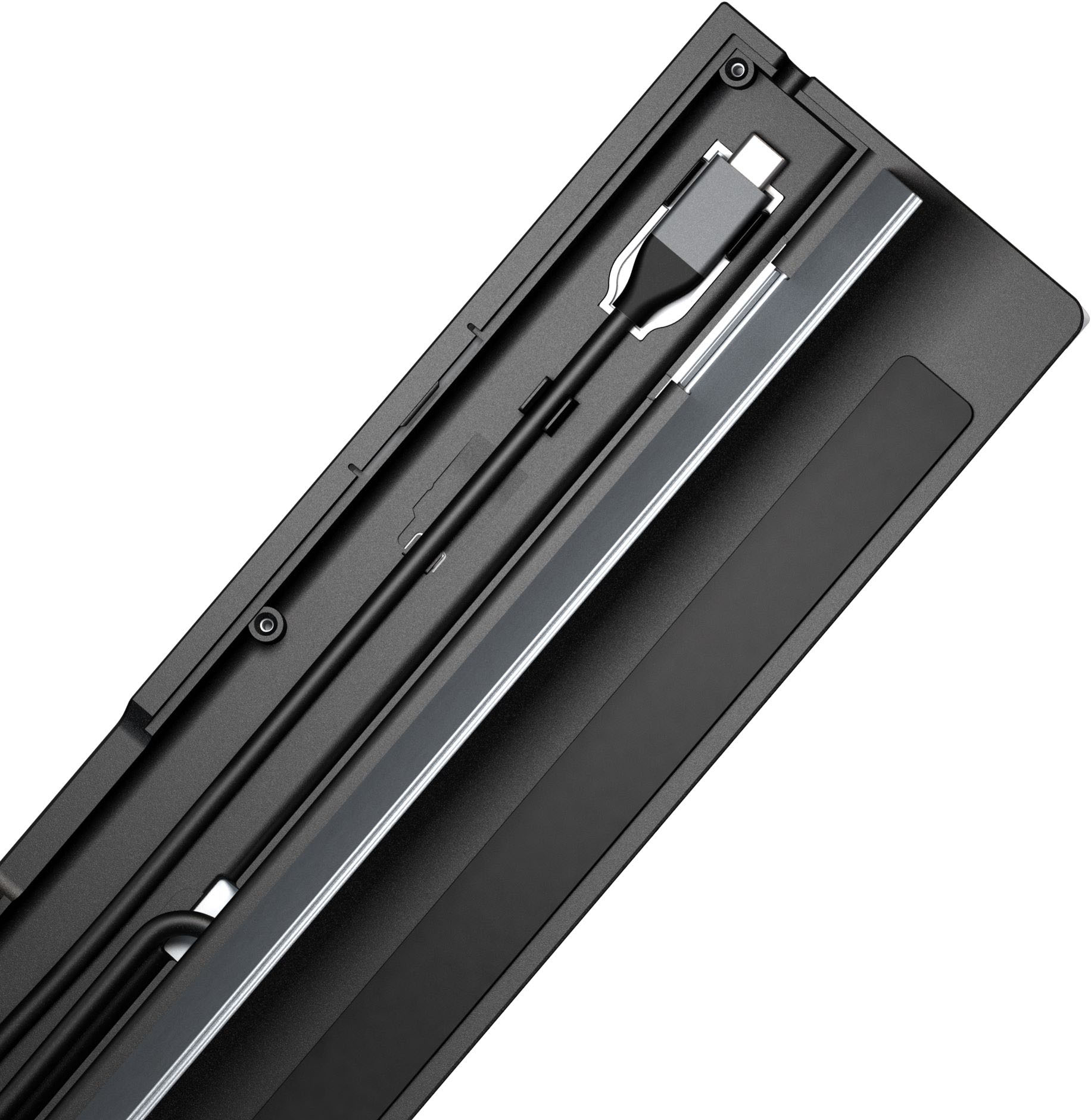
Customers are pleased with the ease of use, reliable HDMI port, and broad compatibility of this USB-C 4K HDMI docking station. Many appreciate the ample ports and enhanced connectivity it provides, finding it a valuable addition for their workspace. The compact size and design also receive positive feedback. While some users experienced challenges with power delivery, requiring an additional power source, the overall experience is largely positive.
This summary was generated by AI based on customer reviews.
Great Dock
||Posted . Owned for 1 month when reviewed.This reviewer received promo considerations or sweepstakes entry for writing a review.Good dock, well built. Ensures you don’t wear out your laptop slots. Could use 2 more usb-c slots for future added memory.p
I would recommend this to a friendWorks well
||Posted . Owned for 1 month when reviewed.This reviewer received promo considerations or sweepstakes entry for writing a review.It works well so far. It is a bit big, so not suited for carrying around with you. So, I bought two. One for my office and one for desk at home. It allows me to easily connect my laptop to power and peripherals.
I would recommend this to a friendNot Bad
||Posted . Owned for 1 month when reviewed.This reviewer received promo considerations or sweepstakes entry for writing a review.It does the job for a docking station. Not the fast transfer rate if you are trying to transfer file from hd to another.
I would recommend this to a friendAlmost perfect
||Posted . Owned for 1 month when reviewed.This reviewer received promo considerations or sweepstakes entry for writing a review.Good quality but have a issue with scanner working through usb. Using usb on laptop until I can figure it out.
I would recommend this to a friendBrand response from J5create Team
Posted .It's possible the scanner may need additional power to function. Try connecting a USB-C power-brick (100W) to the power-in port on the Dock to see if that will help or connect the scanner to a computer. Cordially, j5.

My new j5create-USB-C 4K Docking Station
||Posted . Owned for 3 weeks when reviewed.This reviewer received promo considerations or sweepstakes entry for writing a review.My new j5create-USB-C 4K Docking Station is a great addition to my travelling computer package. I am still getting used to being a road warrior and this docking station is compact yet complete.
I would recommend this to a friendBrand response from J5create Team
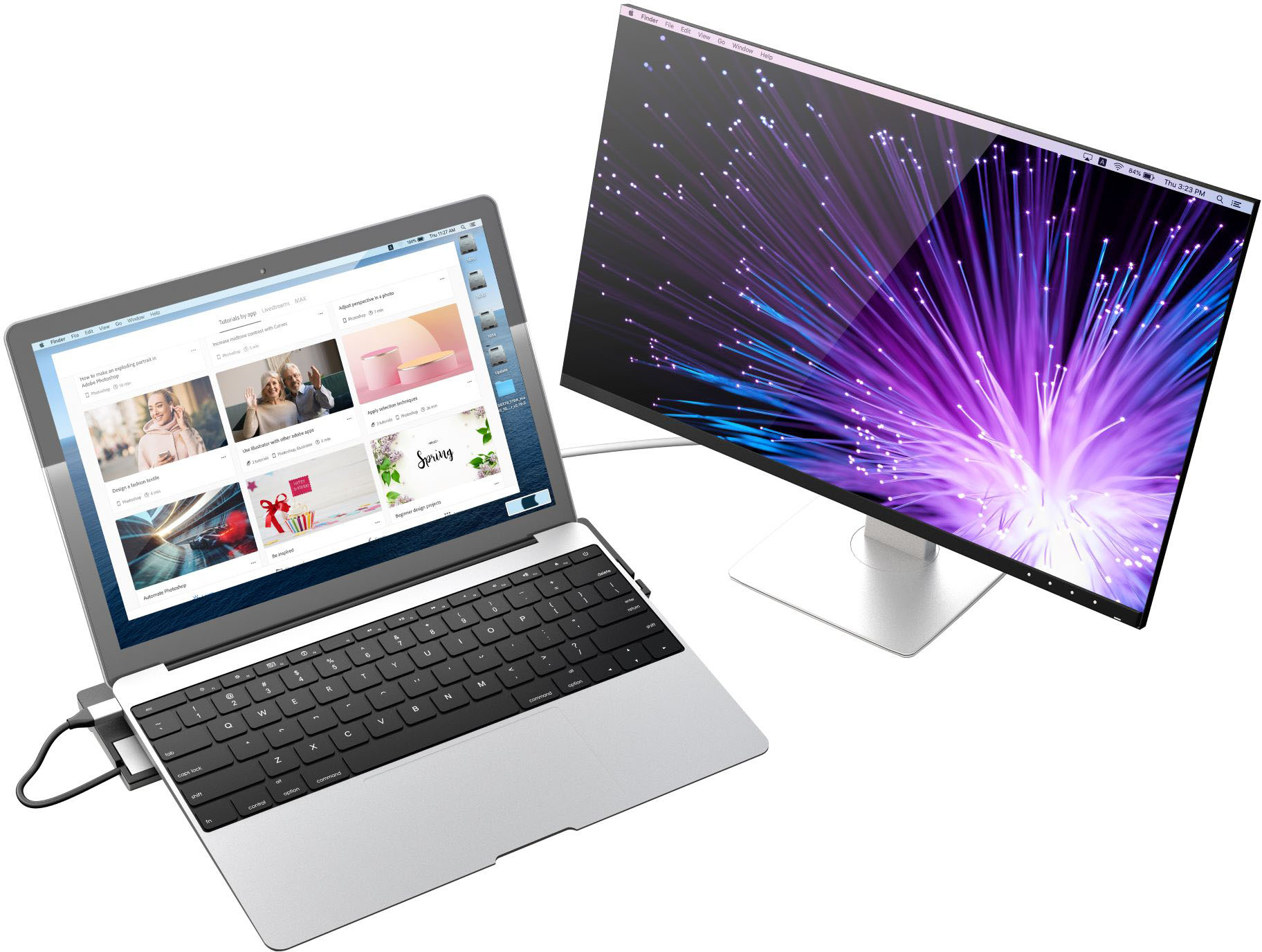
Posted .Extend your screen to a large monitor set up and boost your productivity.
Does the job as expected
||Posted . Owned for 1 month when reviewed.This reviewer received promo considerations or sweepstakes entry for writing a review.Docking station does just what I purchased it for. My laptop has only 2 ports
I would recommend this to a friendhappy with it
||Posted .This reviewer received promo considerations or sweepstakes entry for writing a review.Works well - wish it had arrived when best buy siad it was supposed to
I would recommend this to a friendDidn't last an hour.
||Posted . Owned for 1 month when reviewed.This reviewer received promo considerations or sweepstakes entry for writing a review.Did not last an hour. Support asked me to do a few which i already had. Finally they said to mail it in and they would replace it. Any other vendor would have paid for shipping. I'll return it and see what happens.
No, I would not recommend this to a friendBrand response from J5create Team
Posted .Thank you for reaching out regarding your Docking Station. We understand your concerns and apologize for any inconvenience you've experienced. As per our warranty policy, while the product is under warranty, we are committed to addressing any issues or defects to ensure your satisfaction. However, our policy does require customers to cover the cost of shipping the product to our service center for inspection and repair or replacement. If you have any questions or require further assistance with the warranty claim process, please do not hesitate to contact our customer support team. Thank you.
Works well for WFH
||Posted . Owned for 1 month when reviewed.This reviewer received promo considerations or sweepstakes entry for writing a review.Works well overall. Would like to see at least one more HDMI port.
I would recommend this to a friendj5create docking station is a great product
||Posted . Owned for 1 month when reviewed.This reviewer received promo considerations or sweepstakes entry for writing a review.Needed a doc for my MacBook and this one fit the bill. So far it's performed flawlessly and I couldn't be happier with my purchase. Solid product.
I would recommend this to a friendGreat docking station!!
||Posted . Owned for 1 month when reviewed.This reviewer received promo considerations or sweepstakes entry for writing a review.I purchased this docking station because I wanted to used a larger monitor rather than using the laptop while working from home. It works great!!
I would recommend this to a friendJ5creat
||Posted . Owned for 1 week when reviewed.This reviewer received promo considerations or sweepstakes entry for writing a review.Purchased planning to use laptop as home computer.
I would recommend this to a friendDocking station
||Posted . Owned for 3 months when reviewed.This reviewer received promo considerations or sweepstakes entry for writing a review.Needed a docking station for my new laptop. Never tried this brand before and I am very pleased with the j5create docking station.
I would recommend this to a friendGood BUT....
||Posted . Owned for less than 1 week when reviewed.This reviewer received promo considerations or sweepstakes entry for writing a review.Great for connecting peripheral devices like webcams and mics, but the HDMI port can only handle a refresh rate of 30 Hz. My external monitor has a 60 Hz refresh rate which is pretty standard. Not sure why it doesn't support higher refresh rates, but it's a major downside of this product.
No, I would not recommend this to a friendBrand response from J5create Team
Posted .Unfortunately, the HDMI will only support up to 3840 x 2160 @ 30 Hz. You may be able get 60 Hz but at a lower resolution through your display settings. Cordially, j5.
excellent
||Posted . Owned for 1 month when reviewed.This reviewer received promo considerations or sweepstakes entry for writing a review.does exactly what i need it do, and its thin so doesnt take up a lot of space! has the perfect amount of ports for my usage
I would recommend this to a friendNice MacBook dock for the price!
||Posted . Owned for 3 months when reviewed.This reviewer received promo considerations or sweepstakes entry for writing a review.One of the most cost effective and reliable docks for MacBook Pro. Also elevates laptop to create comfortable typing angle.
I would recommend this to a friendDocking Station
||Posted .This reviewer received promo considerations or sweepstakes entry for writing a review.Your employee knew exactly what I wanted right away. I am enjoying the product right now.
I would recommend this to a friendBrand response from J5create Team
Posted .9 ports In one sleek design for all your needs. Thanks for your review.
Best docking station!
||Posted . Owned for 3 months when reviewed.This reviewer received promo considerations or sweepstakes entry for writing a review.This is best docking station I could find for my MacBook bro! I love all The connections and how easy it is to use!!
I would recommend this to a friendDocking station issue
||Posted . Owned for 2 weeks when reviewed.This reviewer received promo considerations or sweepstakes entry for writing a review.This product did not work properly. It would not allow the computer to hook up to the computer monitor. Drivers and everything were installed.
No, I would not recommend this to a friendBrand response from J5create Team
Posted .The USB-C 4K HDMI Docking Station with Power Delivery requires that a computer supports DisplayPort Alt Mode and USB Power Delivery 2.0 or 3.0 features. Please refer to the manufacturer of your computer for more information about your device. This Docking Station is a Plug n Play, no drivers are available. Not sure which drivers were installed for this device. ** Feel free to contact j5create Technical Support if you require further assistance. Their information can be found on our website under the "Support" tab. Thank you.
Did not perform as expected.
||Posted . Owned for 2 months when reviewed.This reviewer received promo considerations or sweepstakes entry for writing a review.Used on brand new laptop. Kept connecting and disconnecting randomly. Verified the proper drivers were installed. Power cycled laptop, issues were still persistent.
No, I would not recommend this to a friendBrand response from J5create Team
Posted .Confirm that the USB-C port on your laptop supports the features provided by the docking station, such as USB Power Delivery and DisplayPort Alt Mode.
If your laptop has multiple USB-C ports, try connecting the docking station to a different port.
Ensure that the docking station is receiving sufficient power. Check your laptop's power settings and adjust as needed.
If possible, test the docking station with another compatible device to see if the issue persists. This can help determine if the problem is specific to your laptop.
If the issue persists, reach out to j5create technical support team for further assistance. Their information can be found on j5create website under the Support tab. Thank you.