Customer Ratings & Reviews
- Model:
- JCD3199
- SKU:
- 10757504
Rating by feature
- Value
Rating 3.6 out of 5 stars
- Quality
Rating 3.7 out of 5 stars
- Ease of Use
Rating 3.8 out of 5 stars
- Pros mentioned:Ports
Very good but needs software install
||Posted . Owned for 3 weeks when reviewed.This reviewer received promo considerations or sweepstakes entry for writing a review.It works well and has lots of different ports. I hadn't realized until I set it up that it requires a software install on my computer - personal computer and work computer (which then needed approval and a system administrator to install).
I would recommend this to a friend Great quality & convenience
||Posted . Owned for 2 weeks when reviewed.This reviewer received promo considerations or sweepstakes entry for writing a review.Primarily bought for my Mac to extend dual HDMI displays but works well with wireless charging for my iphone and great speed on internet. Definitely worth the money
I would recommend this to a friendBeware: Does not charge laptop!
||Posted . Owned for 6 months when reviewed.This reviewer received promo considerations or sweepstakes entry for writing a review.I bought this product instead of the HP docking station because it appeared to offer more features (SD card reader, iPhone charging) in addition to charging my laptop and being able to display to two monitors in addition to the laptop screen. This has been a disappointment. First, I had to buy the extra power cable for this. I bought a power cable with the exact specs on the packaging of this item (PD 3.1 140W Power In). With the highest rated power cord, it still only provides passthrough power, it will NOT charge your laptop. I have now learned the expensive way what "passthrough" power means. The result is that, if I leave the laptop plugged into the docking station using just the docking station power, my laptop leaks a little power overtime. If I start with a full charge in the morning, work all day, and don't shut it down overnight, the laptop will be dead by the morning. This is extremely frustrating. Do not buy this if you expect it to be able to charge your laptop. You will still need to simultaneously plug in your laptop using its own power cord and plug into the hub if you need to charge your laptop while working.
No, I would not recommend this to a friendBrand response from J5create Team
Posted .The USB-C Dock Dual 4K HDMI does support USB-C Power Delivery (PD) passthrough up to 140W. (Does not include its own power supply). The JCD3199P includes a 140W GaN PD 3.1 Power Adapter
The dock’s USB-C output port to your laptop’s USB-C port (must support charging and video, aka "USB-C with DP Alt Mode + PD").
The dock will now pass power from the wall charger through the dock to your laptop, while also enabling HDMI display and other functions.
Works but the 4k60Hz is not working
||Posted . Owned for 1 week when reviewed.This reviewer received promo considerations or sweepstakes entry for writing a review.I'm currently using this product, and all ports except the 4k60hz port are working. I have a g16 Strix which BOTH usb ports supports Displayport-Alt, and I have downloaded the driver which is the j5 USB Display Adapter 22.01.0602.3179. Even after downloading this driver, only the 4k30hz port works. I've been attempting to find solutions but to no avail since j5create does not have any solutions posted online or on their website. I would suggest that you look for another product that has a properly working driver to support dual displays
No, I would not recommend this to a friendBrand response from J5create Team
Posted .I apologize for the experience you have had with your USB-C Dual 4K HDMI Docking Station. Our customer support team can help with finding the issue and solution. To contact our customer support team please visit the j5create website then click on the "SUPPORT" tab at the top right of the webpage. Thank you.
Great Dock
||Posted . Owned for 3 weeks when reviewed.This reviewer received promo considerations or sweepstakes entry for writing a review.Works well, if using with Mac you need to buy the dock with dedicated 50w plug in or still use the Mac mag charger
I would recommend this to a friend- Pros mentioned:Ports
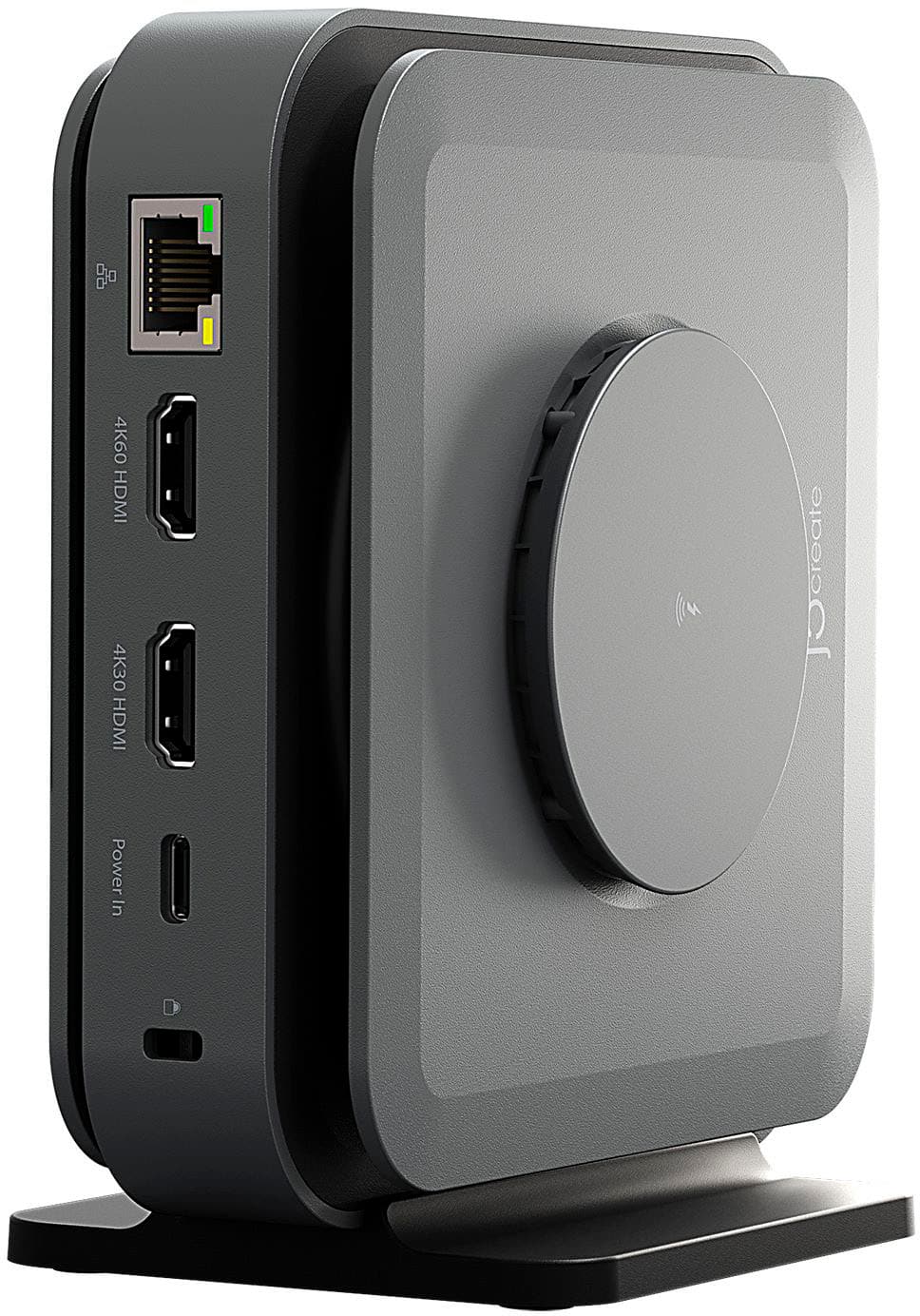
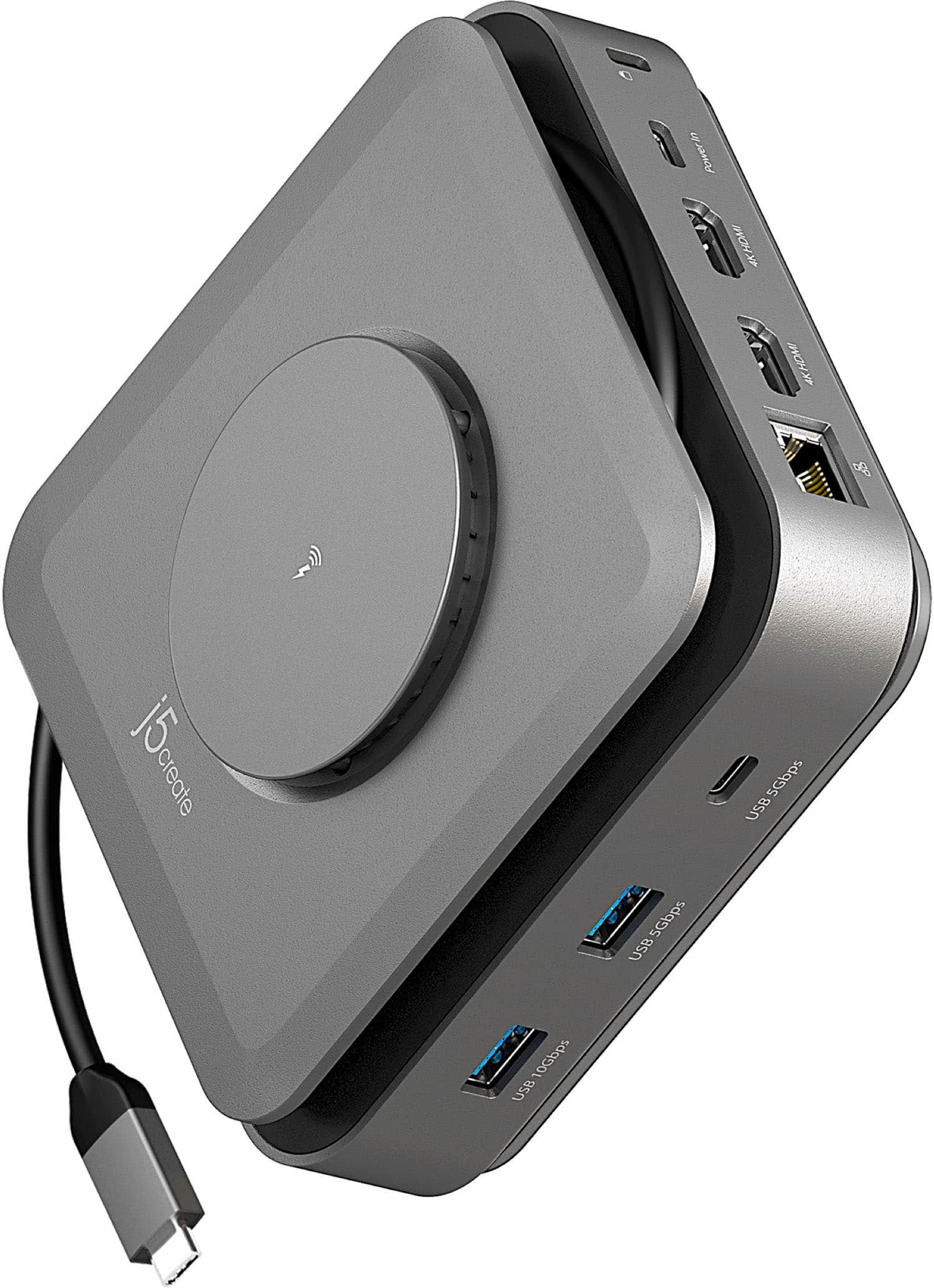
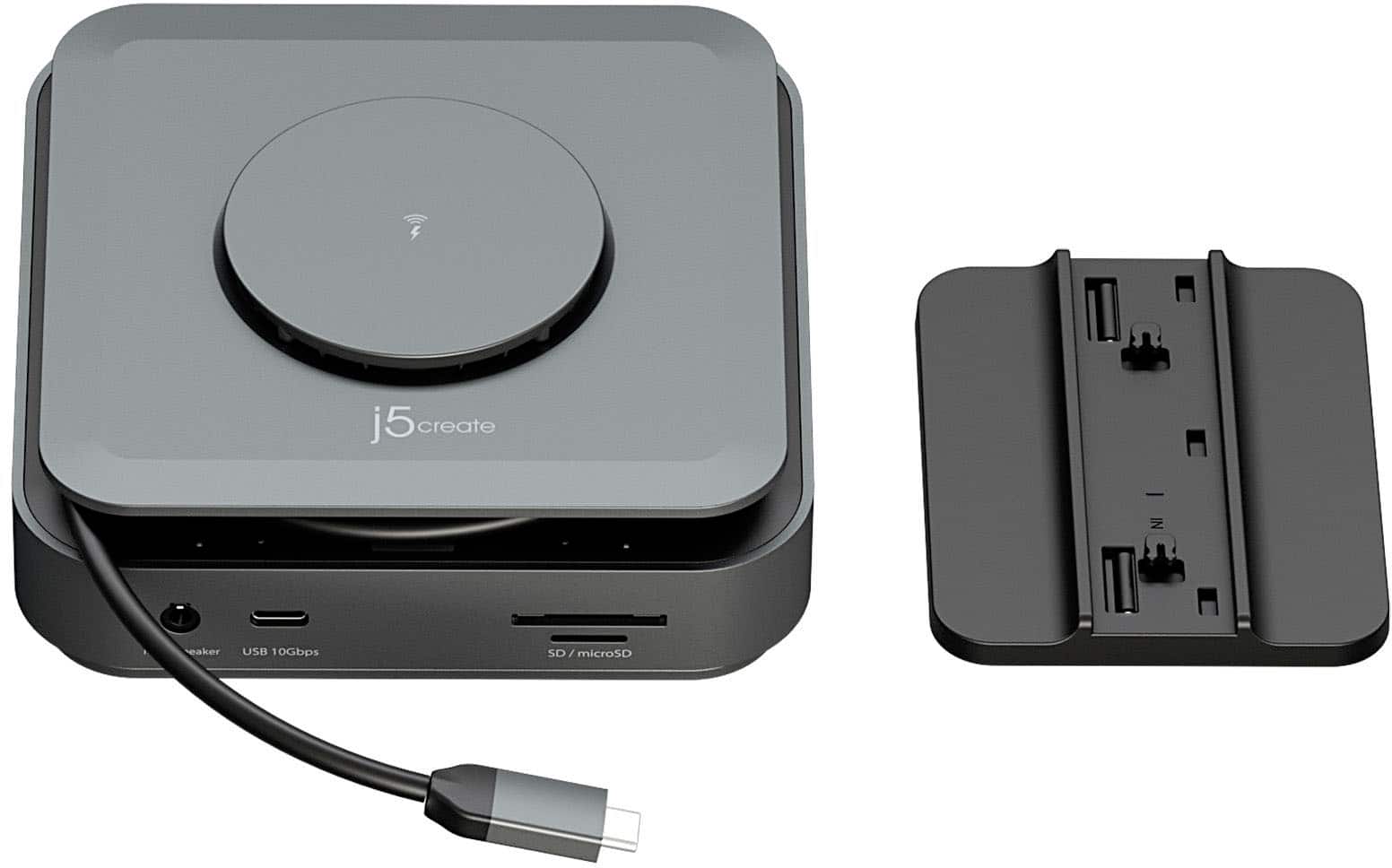
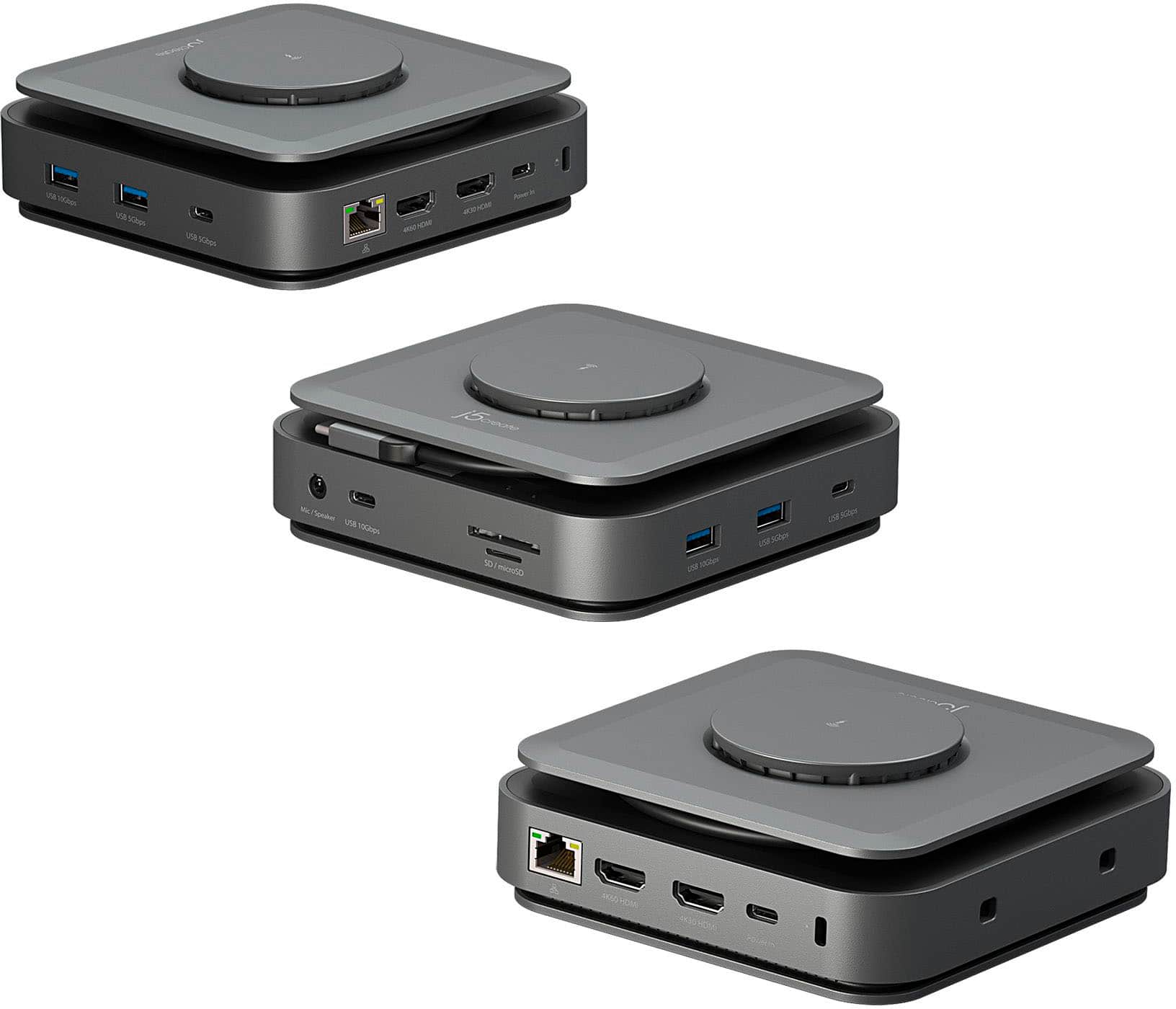
j5create - USB-C Dual 4K HDMI Docking Station
||Posted . Owned for 1 month when reviewed.This reviewer received promo considerations or sweepstakes entry for writing a review.This product is great if you are needing to connect multiple TV screens. It also has additional USB-A and USB-C connections which come in handy. It works with both MAC and Windows. I'm using this docking station to connect two HDMI Monitors and for the additional USB connections.
I would recommend this to a friend - Pros mentioned:Overall performance
Docking Station
||Posted . Owned for 1 month when reviewed.This reviewer received promo considerations or sweepstakes entry for writing a review.works as i wanted it to. Good option so I did not have to buy another computer.
I would recommend this to a friend Great Device- 2nd hdmi installed by driver
||Posted . Owned for 3 weeks when reviewed.This reviewer received promo considerations or sweepstakes entry for writing a review.Had to install driver to make 2nd hdmi port work, it should say this on the front of the box , but apart from that great product
I would recommend this to a friend- Cons mentioned:Noise level
Hissing Noise and Dual Monitor Issues
||Posted . Owned for 11 months when reviewed.This reviewer received promo considerations or sweepstakes entry for writing a review.After several months the device now makes a slight hissing noise and the second monitor hdmi port no longer works. Very disappointed that I now have to go a purchase another solution for my Macbook. Not enough USB/C ports. Stand was not very sturdy and constantly came off. Cant really support the purchase of this to others and I am on the fence about purchasing another product from this company.
No, I would not recommend this to a friendBrand response from J5create Team
Posted .If you have more specific details about the issue, please reach out to j5create customer support team for troubleshooting. Thank you.
- Pros mentioned:Hdmi
just okay
||Posted . Owned for 1 month when reviewed.This reviewer received promo considerations or sweepstakes entry for writing a review.I have a M1 24in iMac and this worked to have two extended displays with no problems. 3 stars bc the wireless charger never worked, despite powering it up as instructed. Could be a defect - but returning and will be purchasing something different.
No, I would not recommend this to a friend - Pros mentioned:Wireless charging
US-C and HDMI Docking Station
||Posted . Owned for 1 month when reviewed.This reviewer received promo considerations or sweepstakes entry for writing a review.Outstanding multi-faceted device that accomodates for several types of electronic adapters
I would recommend this to a friend - Pros mentioned:Ease of use
Perfect Dock for the Job
||Posted .This reviewer received promo considerations or sweepstakes entry for writing a review.I normally dislike the quality of product put out by J5, especially at the price point they put it at. However, they've really stepped up their game. This dock was perfect and intuitive to use. Love the cable, space saving wrapping knob of the side.
I would recommend this to a friend Mostly good
||Posted . Owned for 1 month when reviewed.This reviewer received promo considerations or sweepstakes entry for writing a review.Works well as a hub but the wireless charger does not work with my iphone.
I would recommend this to a friend- Pros mentioned:Hdmi, Wireless charging
Adapter for mac book.
||Posted . Owned for 3 weeks when reviewed.This reviewer received promo considerations or sweepstakes entry for writing a review.Works great with dual HDMI out puts. I would recommend for anyone desiring to use a laptop in a desk application. Wireless charging is a plus too.
I would recommend this to a friend - Pros mentioned:Hdmi
Mini Mac hub
||Posted . Owned for 1 month when reviewed.This reviewer received promo considerations or sweepstakes entry for writing a review.The hub work exactly as advertised. There could be a few more usb-c ports as my use for this product involves peripheral hardware, but overall I am pleased with this product.
I would recommend this to a friend - Cons mentioned:Compatibility
Stay Away: Just a waste of time.
||Posted . Owned for 2 weeks when reviewed.This reviewer received promo considerations or sweepstakes entry for writing a review.I tried various way to work it on two separate monitors and it wouldn't. I already have the same set of monitors working with the same laptop using type c. I stalled drivers as they requested and nothing happened. Only one monitor will work. I ended up just using a dell docking station
No, I would not recommend this to a friendBrand response from J5create Team
Posted .If you have more specific details about the issue, please reach out to j5create customer support team for troubleshooting. Thank you
- Pros mentioned:Hdmi, Wireless charging
Monitor adopter
||Posted . Owned for 1 month when reviewed.This reviewer received promo considerations or sweepstakes entry for writing a review.I really like this product it was great to add to my setup. It help me connect my two monitors to my Mac.
I would recommend this to a friend J5create
||Posted . Owned for 2 weeks when reviewed.This reviewer received promo considerations or sweepstakes entry for writing a review.Great product easy to install additional programs for your set up
I would recommend this to a friend- Pros mentioned:Wireless charging
Sd hub and more
||Posted . Owned for 2 weeks when reviewed.This reviewer received promo considerations or sweepstakes entry for writing a review.Works exactly as needed and at very high speed. Easy addition to my Mac.
I would recommend this to a friend - Cons mentioned:Compatibility
Screen Records???
||Posted . Owned for 1 week when reviewed.This reviewer received promo considerations or sweepstakes entry for writing a review.Not as compatible with Mac as I would like it to be. For whatever reason after installation the software is screen recording which I do not like nor understand. Personal data can be breached.
No, I would not recommend this to a friendBrand response from J5create Team
Posted .When you install software that enables external displays or provides screen-sharing functionality, it will request Screen Recording permissions on your Mac. This is because the software needs the ability to capture and display the contents of your screen in order to extend or mirror it onto an external monitor or perform other related functions.