Customer Ratings & Reviews
- Model:
- JCD3199
- SKU:
- 10757504
Rating by feature
- Value
Rating 3.6 out of 5 stars
- Quality
Rating 3.7 out of 5 stars
- Ease of Use
Rating 3.8 out of 5 stars
- Cons mentioned:Power supply
Charges inconsistently
||Posted .This reviewer received promo considerations or sweepstakes entry for writing a review.It’s a great idea it just doesn’t work consistently. Sometimes it stops charging my laptop although the monitors still work. I have had my brand new laptop die while plugged into the docking station? I have a 135w charger plugged into the docking station as required but still have issues.
No, I would not recommend this to a friendBrand response from J5create Team
Posted .Ensure your laptop’s USB-C port supports both Power Delivery (PD) and DisplayPort Alt Mode. If the port is data-only or display-only, charging may fail intermittently.
Check for battery/charging settings in BIOS/UEFI – some laptops have USB-C charging controls.
Quality and Affordable
||Posted . Owned for 1 month when reviewed.This reviewer received promo considerations or sweepstakes entry for writing a review.This is a really good product was very easy to set up and utilize and has more features than most others
I would recommend this to a friendIt is very Docky
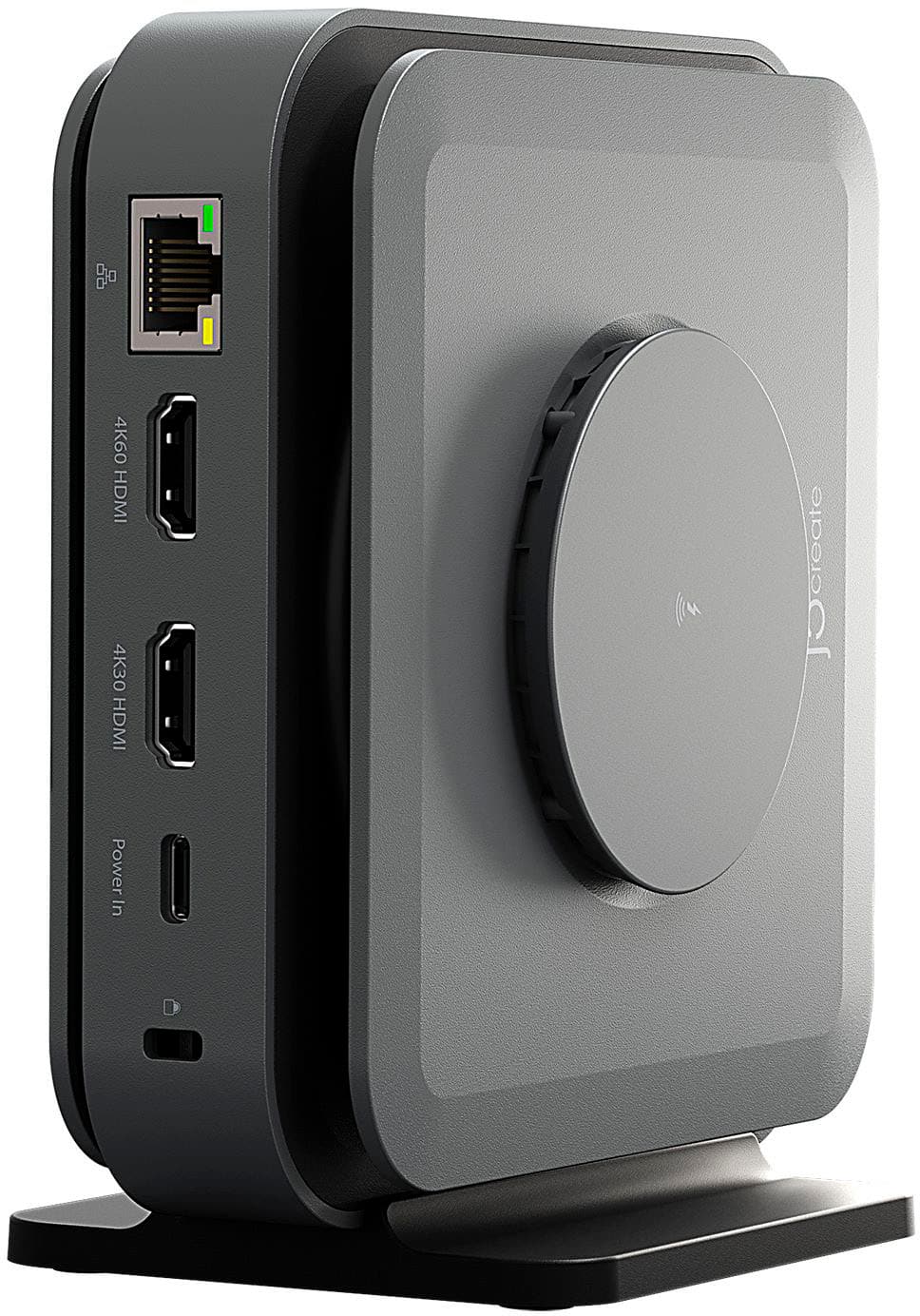
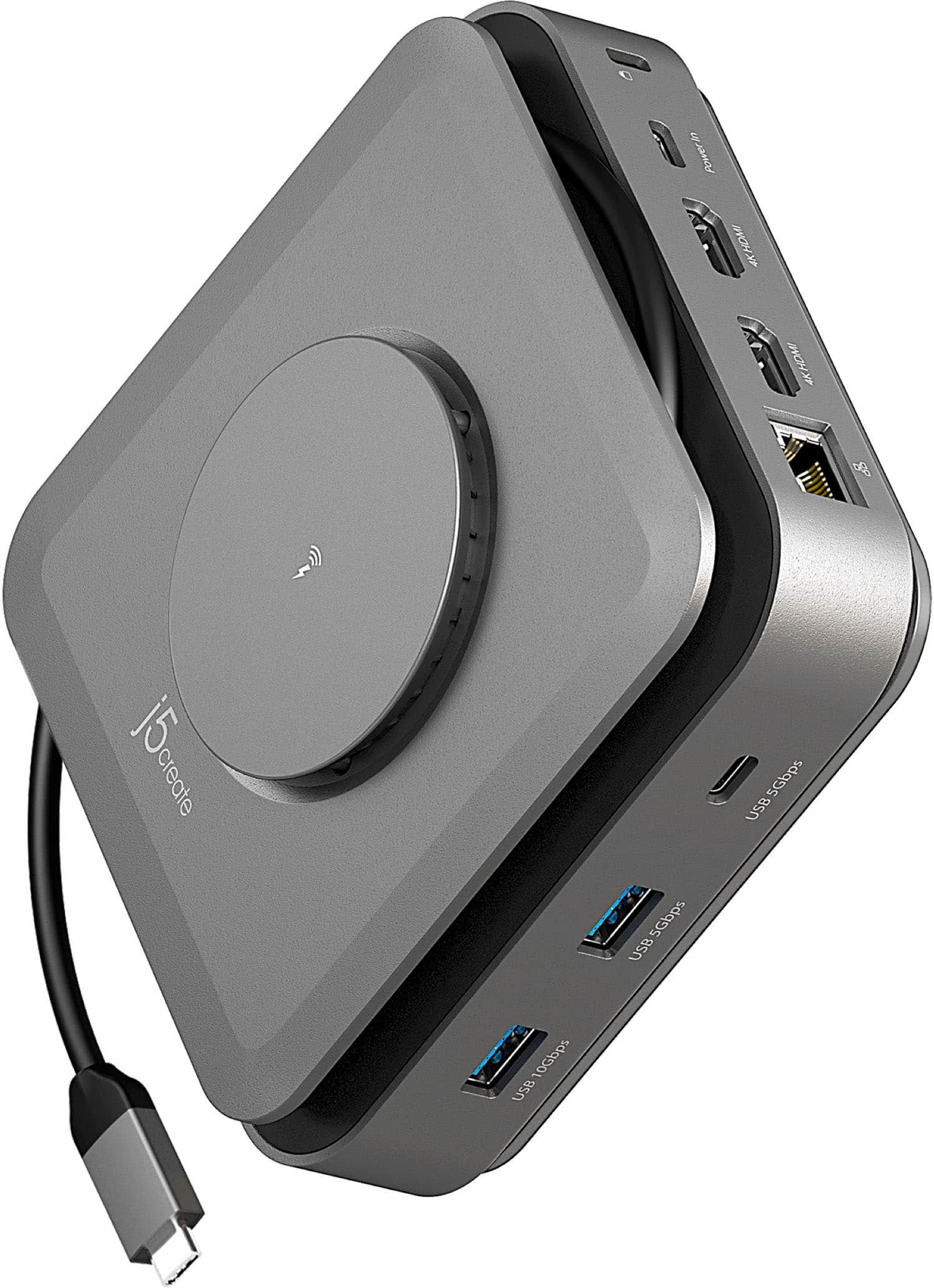
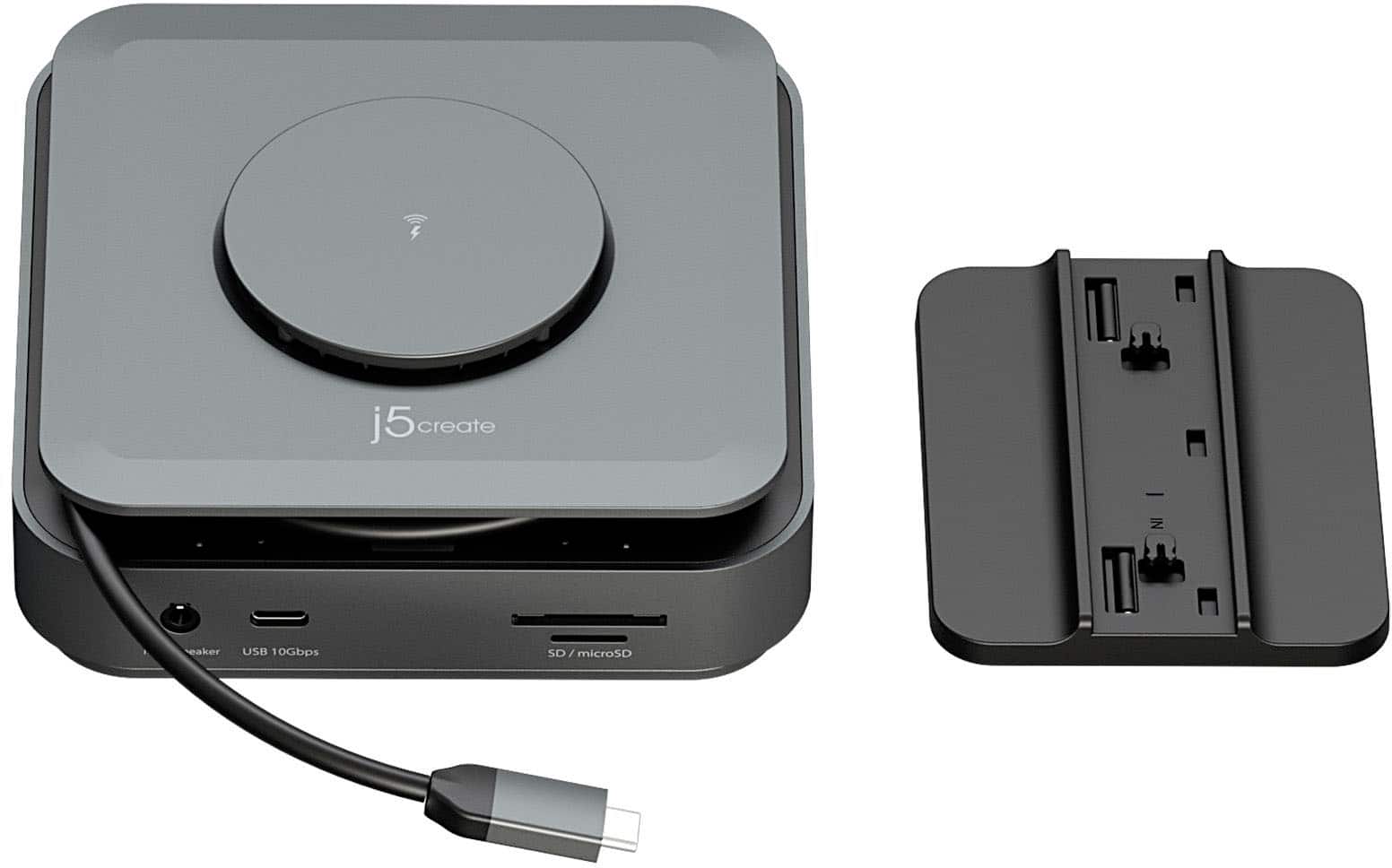
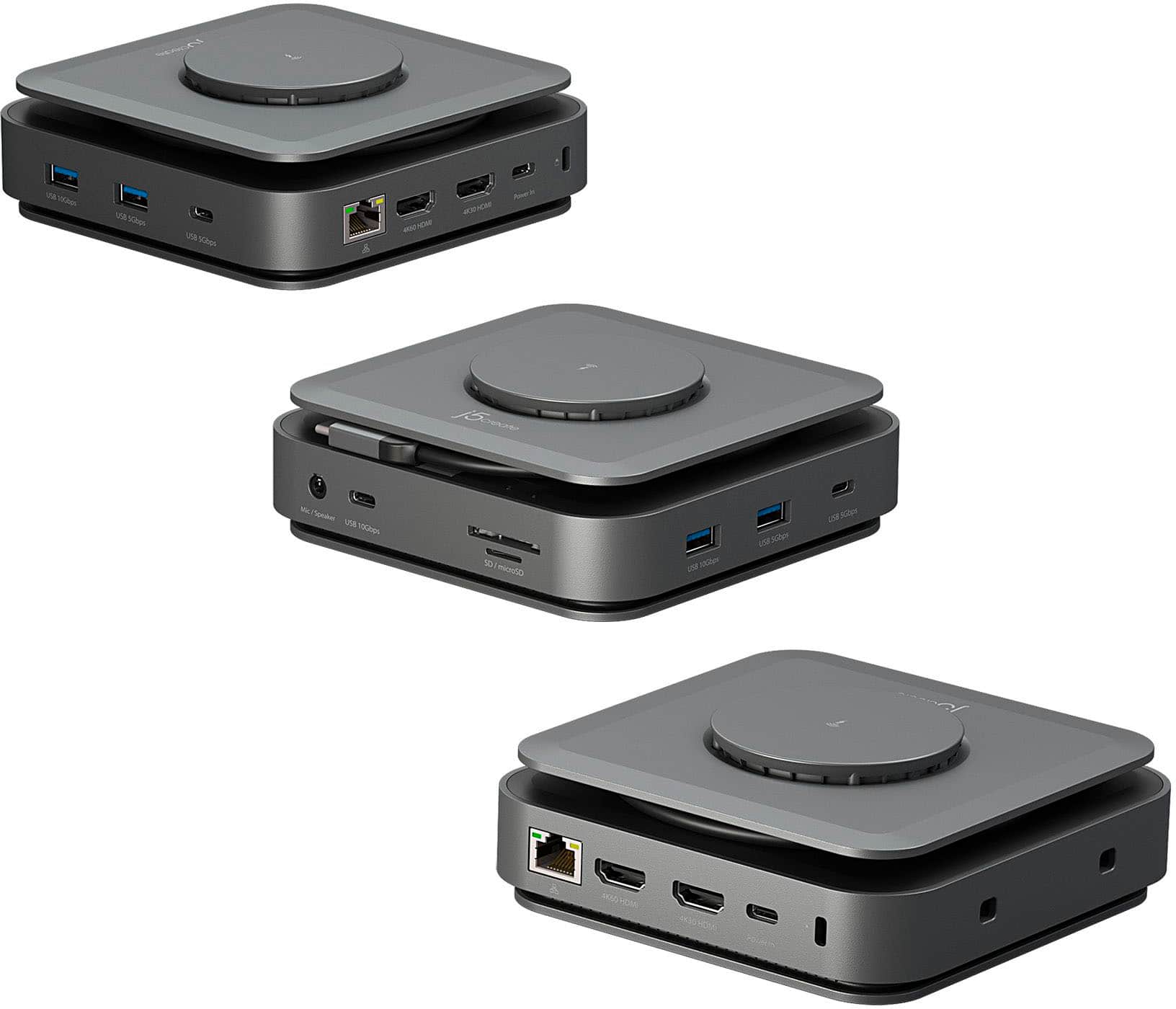
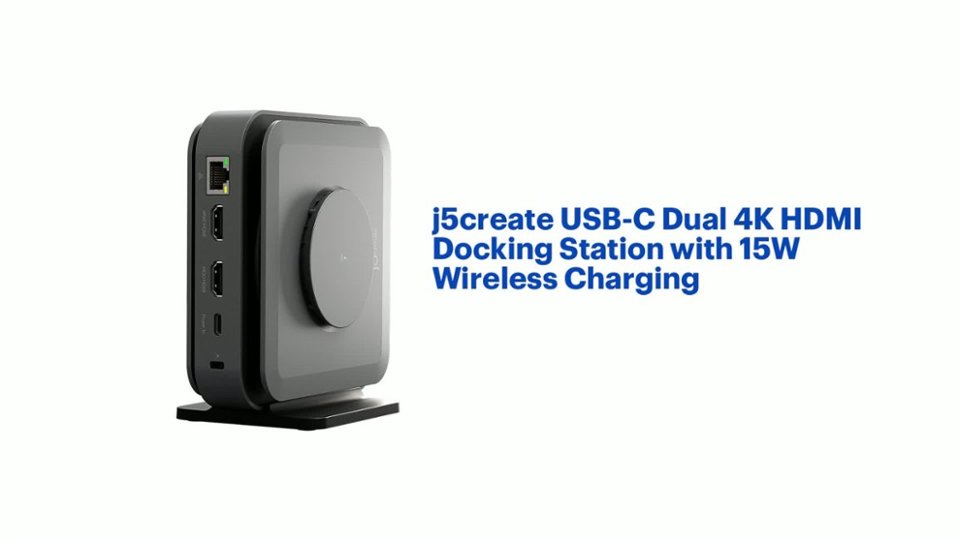
||Posted . Owned for 3 weeks when reviewed.This reviewer received promo considerations or sweepstakes entry for writing a review.I just picked up the j5create USB-C Dual 4K HDMI Docking Station with 15W Wireless Charging in Space Grey, and it’s been a game changer for my setup. With two 4K HDMI outputs, I’m able to run dual displays without lag or loss in clarity—images and video are crisp. The USB-C passthrough keeps my laptop powered with no fuss. The wireless charging pad is a nice bonus—it tops off my phone while I work so I’m not scrambling for cords. The dock is solid, well-built, and the color matches my other gear. If you want a clean, multi-monitor, clutter-free workstation, this dock delivers.
I would recommend this to a friendCompact but powerful
||Posted . Owned for 1 month when reviewed.This reviewer received promo considerations or sweepstakes entry for writing a review.Wow this “station” is great fir home use when you want everything to come from 1 power source. Makes it easier to manage your cords. BUT also excellent for travel. Just small enough to fit in your backpack or briefcase so that you don’t have to compete for “plugs” in public spaces. One of the best items I’ve bought in a while, my spouse even bought one.
I would recommend this to a friendWorks as intended, but not for me
||Posted . Owned for 1 week when reviewed.This reviewer received promo considerations or sweepstakes entry for writing a review.It does what it’s supposed to do, but I found it awkward and a bit limiting because of its configuration. I’m sure it could work for others, but didn’t work for me so I traded it in for a product made by Belkin.
No, I would not recommend this to a friendAVOID / CAUTION: MAY DESTROY LAPTOP
||Posted . Owned for 7 months when reviewed.This reviewer received promo considerations or sweepstakes entry for writing a review.DO NOT RECOMMEND -- THIS DOCK KILLED MY LAPTOP. I followed the instructions to update firmware for the dock when it would not detect my additional monitor. As soon as the update started there was a "pop" and now my laptop is fried. The dock also doesn't include the charger so you have to buy it separately. There is really no "pro" to list for this device. Instead of this I recommend a dell dock even though it costs more it includes the power supply, and I trust it not to destroy my other electronics.
No, I would not recommend this to a friendBrand response from J5create Team
Posted .Please contact our Technical Support Team, so that they can get more information from you. Their information can be found on j5create website under the Support tab. Thank you.
- Pros mentioned:Wireless charging
Easy file transfer with multiple drives
||Posted . Owned for 1 month when reviewed.This reviewer received promo considerations or sweepstakes entry for writing a review.So far no issues. It runs of the Apple mini pc…..with no power cord. I have 3 harddrives comnected to it and the pc recognizes them all. File trans is easy from drive to drive.
I would recommend this to a friend - Cons mentioned:Compatibility
Powers off
Posted .This reviewer received promo considerations or sweepstakes entry for writing a review.I used it for a couple of months and now it stops working after a minute or so. Unplug it and will work for another minute or less.
No, I would not recommend this to a friendBrand response from J5create Team
Posted .I apologize for the experience your docking station. The dock comes with a 2 year warranty that allows you to replace a defective product for a working one. For assistance with the warranty process please reach out to our customer support team by visiting the j5create website then click on the "SUPPORT" tab at the top right of the webpage. Thank you.
- Cons mentioned:Power supply
Great product, after purchasing a power supply
||Posted . Owned for 1 month when reviewed.This reviewer received promo considerations or sweepstakes entry for writing a review.Nice doc, but didn't come with a power supply. Works great after buying a power supply large enough to drive power to my laptop.
I would recommend this to a friend - Pros mentioned:Ports
Laptop docking station
||Posted . Owned for 3 weeks when reviewed.This reviewer received promo considerations or sweepstakes entry for writing a review.I had some problems with my previous docking stations. This one was easy to work with, GREAT number of ports, and the good upright stature makes it easy to connect all of my devices and keep the cords out of the way. Wonderful product, I highly recommend it.
I would recommend this to a friend - Pros mentioned:Wireless charging
handy item for Mac book air
||Posted . Owned for 9 months when reviewed.This reviewer received promo considerations or sweepstakes entry for writing a review.very good docking station for iMac. Has everything I need to connect to my Mac. I like it because I can connect a big screen monitor and a larger wireless key board to my Mac book as well as external storage.
I would recommend this to a friend - Pros mentioned:Ease of use, Wireless charging
Just what I wanted
||Posted . Owned for 3 months when reviewed.This reviewer received promo considerations or sweepstakes entry for writing a review.Works amazingly for my home office on my Mac. Easy to set up and I love that it charges my phone too.
I would recommend this to a friend - Pros mentioned:Ports
Great hub
||Posted . Owned for 1 month when reviewed.This reviewer received promo considerations or sweepstakes entry for writing a review.Lots of ports, small enough to stay out of the way. Doesn’t overheat. Using it for a M2 Macbook Pro- works well.
I would recommend this to a friend - Pros mentioned:Ease of use
j5 create USB-c docking station
||Posted . Owned for 3 months when reviewed.This reviewer received promo considerations or sweepstakes entry for writing a review.I love this j5 create USBc docking station. It is easy to use. It took me a little longer to install the software but that’s because I’m not familiar with the Mac. Once installed it’s been easy sailing. I’m able to project using an hdmi from my laptop while also opening documents from a usb
I would recommend this to a friend - Pros mentioned:Wireless charging
Superb dock
||Posted . Owned for 1 month when reviewed.This reviewer received promo considerations or sweepstakes entry for writing a review.Great product , wireless charging, support multiple desktop, easier installation
I would recommend this to a friend Adapter
||Posted . Owned for 1 month when reviewed.This reviewer received promo considerations or sweepstakes entry for writing a review.This is a really good product. I love it. I wished I would have purchased it when I first bought my apple mini. I literally hate that thing. I wished I would have taken it back
I would recommend this to a friendDifficult product to connect
||Posted . Owned for less than 1 week when reviewed.This reviewer received promo considerations or sweepstakes entry for writing a review.Had problems with the first one and had to return it. Luckily the Geek Squad was able to get the second one to work on my MacBook. It was complicated and took them about 45 minutes to get this device to work.
No, I would not recommend this to a friendBrand response from J5create Team
Posted .If you have more specific details about the issue, please reach out to j5create customer support team for troubleshooting. Thank you.
Great Product
||Posted . Owned for 1 month when reviewed.This reviewer received promo considerations or sweepstakes entry for writing a review.This is a great product, I didn't realize how productive and useful it has been for me until I bought one. I highly recommend to everyone, especially people that work from home.
I would recommend this to a friend- Pros mentioned:Ease of use
Get buy
||Posted . Owned for 1 year when reviewed.This reviewer received promo considerations or sweepstakes entry for writing a review.Let's me do have a multi screen setup for my laptop with ease.
I would recommend this to a friend - Pros mentioned:Overall performance, Wireless charging
Lovely
||Posted . Owned for 1 week when reviewed.This reviewer received promo considerations or sweepstakes entry for writing a review.It works so well and I love it. Amazing quality and overall provides good performance
I would recommend this to a friend